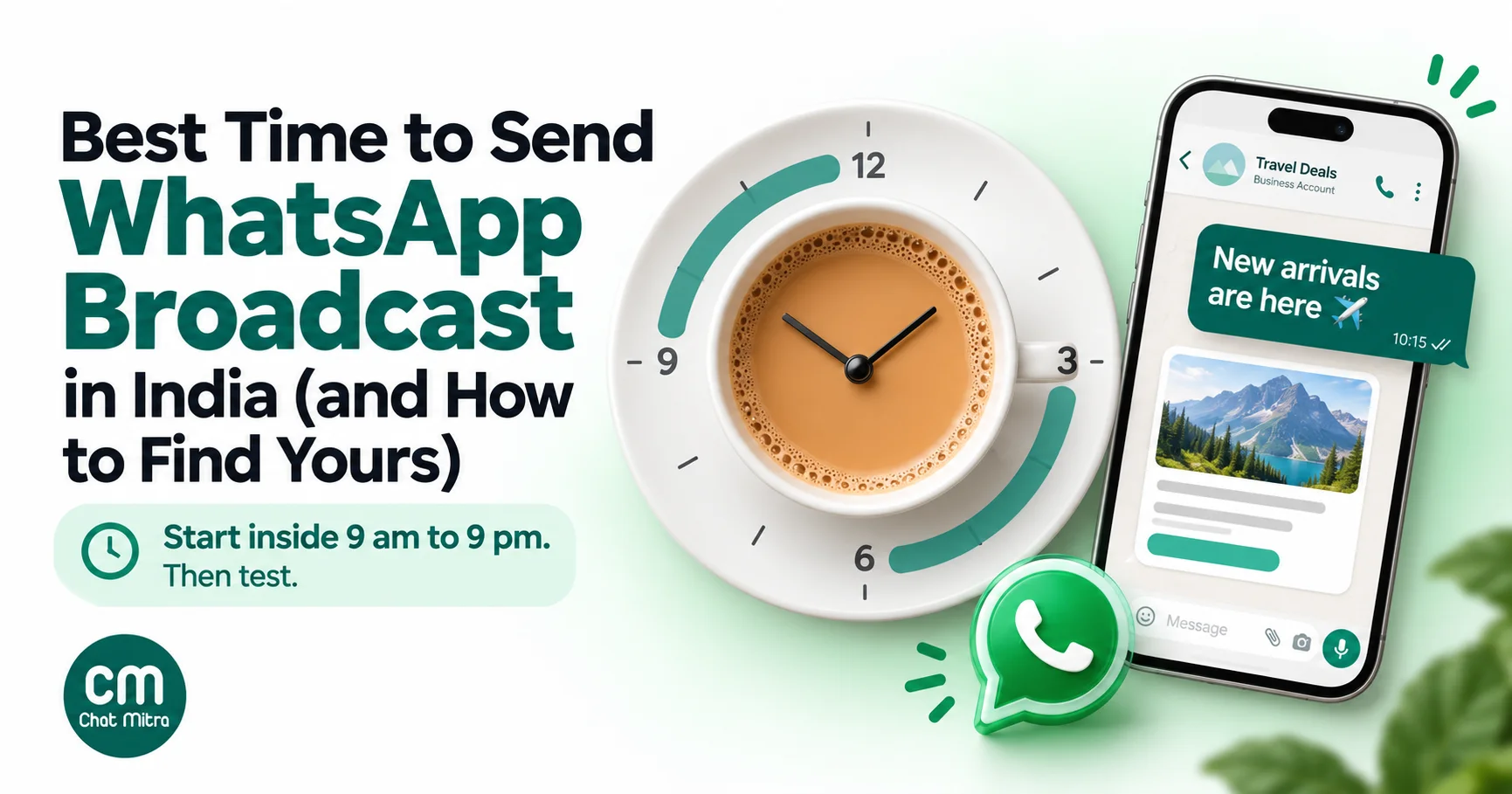
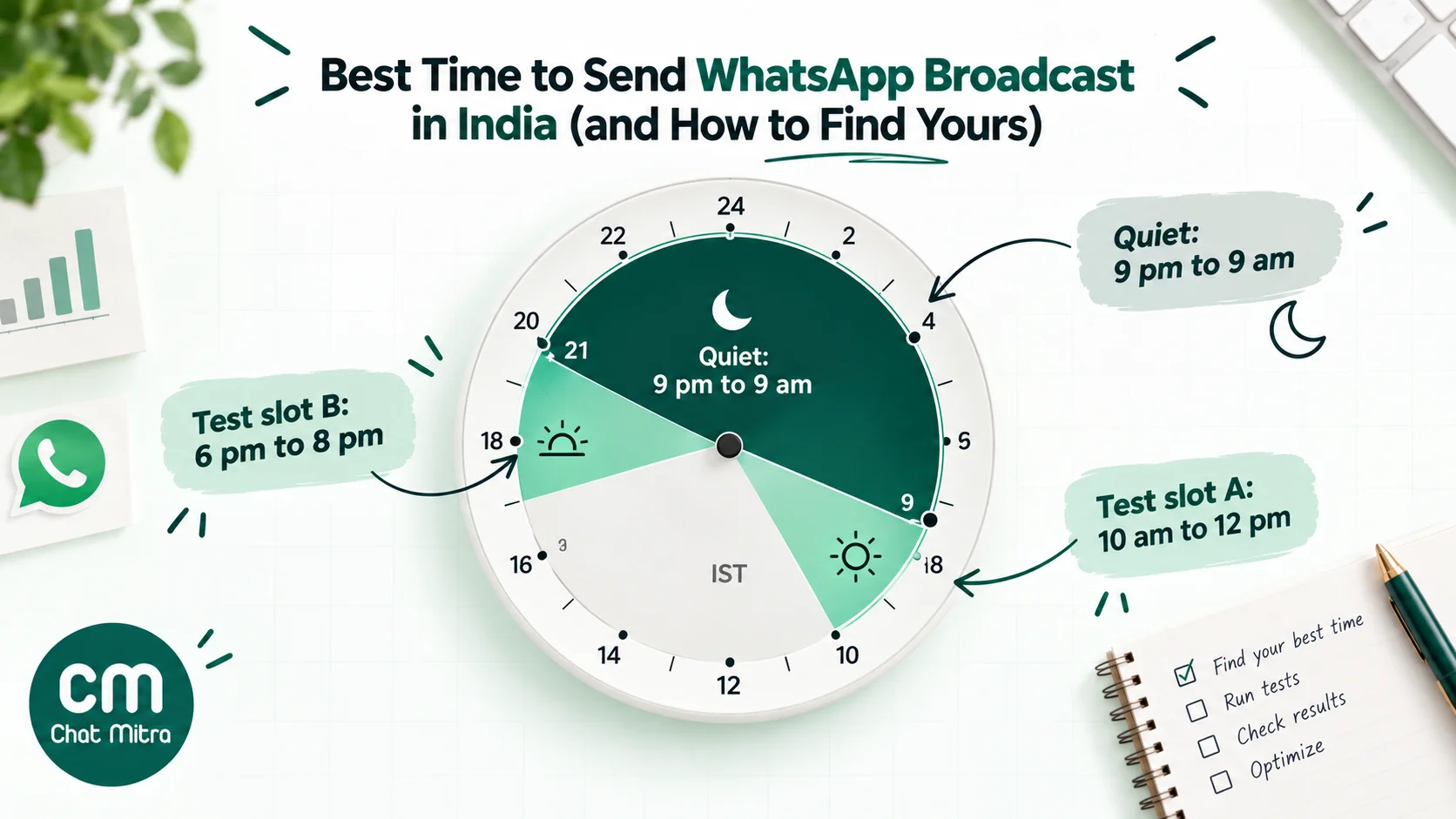
There’s no single best time to send a WhatsApp broadcast in India, and anyone quoting one to the hour hasn’t shown you the data. A good starting point for most consumer lists is a weekday late morning (about 10 am to 12 pm IST) or an early evening (about 6 pm to 8 pm), inside 9 am to 9 pm, at an hour when your team can answer the replies and the customer can act on the offer. From there, how often you send and who you send to matter more than the hour, because WhatsApp itself decides how many marketing messages each person receives. The rest of this guide gives you starting windows by business type, the limits that change when messages actually arrive, India’s calendar effects, and a simple slot test to find your own answer.
Using ChatMitra?
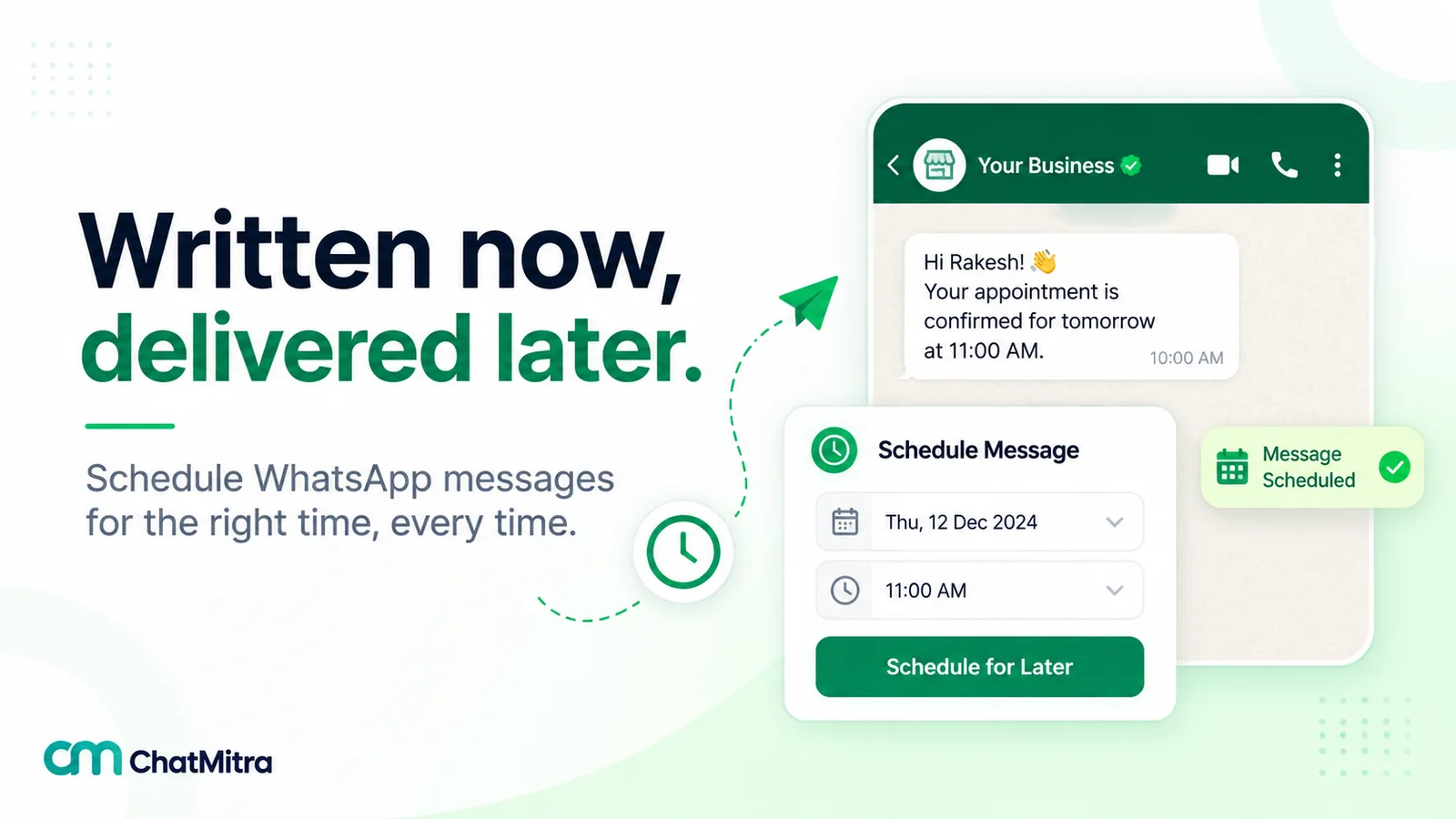
Schedule each test slot as its own campaign to a random tagged group: in the campaign wizard, switch on Schedule Time and pick the slot. The time picker uses your computer's time zone, so set it on a device on IST. The campaign report shows sent, delivered, read and failed for each slot, and you can retarget any of those groups later. The full ChatMitra walkthrough is further down.
Key takeaways
- Start inside 9 am to 9 pm IST. India's promotional SMS and call rules use that window, and customers expect the same of WhatsApp.
- Send when you can reply. A broadcast creates conversations. Replies that wait overnight cost sales.
- Send when they can act. Before the meal for food, during store hours for walk-ins, early in the month for bigger purchases.
- Frequency beats the hour. WhatsApp limits marketing messages per person based on how much they read.
- Test two slots, judge on clicks or orders. Read rates alone can pick the wrong winner.
Why every “best time” list says the same thing
Search for the best time to send a WhatsApp broadcast and most guides give the same two windows: mid-morning and early evening, often with “Tuesday to Thursday” and a warning about Mondays. Some add read-rate or open-rate percentages for each day of the week. Look for the dataset behind them and you usually won’t find one: no sample size, no list of businesses, no date range, no definition of “open”.
That doesn’t make the windows wrong. They follow daily routines that are easy to reason about: people check their phones before work gets busy, at lunch and on the way home. But it does mean they’re a hypothesis, not a measurement. Meta, which sees every message, publishes no recommended send time. What it does publish is how it rations marketing messages, and that tells you what matters more than the clock (see frequency below).
So treat any window, including ours, as the first slot to test.
The five things that decide your send time
Before picking an hour, check these five. They rule out more slots than any statistic.
- Can the customer act right now? A lunch offer that lands at 3 pm is a dinner offer at best. A “visit the store today” message needs to arrive while the store is open. A payment-link campaign does better when money has just come in.
- Can your team answer? A good broadcast produces replies within minutes: questions about sizes, stock, prices and delivery. Replies sent within the customer’s 24-hour window are free up to Meta’s 1,000-a-month allowance, but the sale goes to whoever answers first. Don’t schedule a campaign for 7 pm if your agents log off at 6.
- Is it a reasonable hour? India’s Telecom Commercial Communications Customer Preference Regulations (TCCCPR, 2018) allow promotional SMS and calls only between 9 am and 9 pm IST, as Exotel’s developer documentation summarises for its customers. Those rules govern telecom networks, not WhatsApp, but they set what Indian customers consider acceptable. A late-night promotion is more likely to be blocked or reported, and blocks lower your quality rating.
- How long will the list take to reach everyone? Sending speed is rarely the problem; your messaging limit can be. More in how long a broadcast takes.
- What else is arriving at that moment? Festival mornings, the first hour of a big online sale and the evening of a major match are crowded. A slightly earlier slot can stand out.
Starting windows by business type
These are the slots we’d test first, with the reasoning, for audiences in India. They’re starting points built from routines and the factors above, not measured averages. Two slots per row give you a ready-made test.
| Business | Slot A to test | Slot B to test | Why these |
|---|---|---|---|
| Fashion, beauty and lifestyle ecommerce | 11 am to 1 pm | 7 pm to 9 pm | Browsing at lunch and after dinner; keep agents on until 10 pm on test day |
| Electronics and higher-value ecommerce | 7 pm to 9 pm, first week of the month | Saturday 11 am to 1 pm | Big purchases get discussed at home and after payday |
| Restaurants and cloud kitchens | 11 am to 12 noon | 5:30 pm to 7 pm | Before the lunch and dinner decisions, not during them |
| Grocery and quick commerce | 8 am to 10 am | 5 pm to 7 pm | Morning restock and evening cooking |
| Salons, clinics and services by appointment | 10 am to 12 noon | 4 pm to 6 pm | Inside reception hours, so booking replies get answered at once |
| Education and coaching (students and parents) | 7 am to 8:30 am | 7 pm to 9 pm | Before school or college, and when parents are home |
| Real estate and automobiles | Saturday 10 am to 12 noon | Weekday 7 pm to 9 pm | Site visits and test drives are planned at weekends |
| B2B and professional services | Tuesday to Thursday, 10 am to 12 noon | Tuesday to Thursday, 3 pm to 5 pm | Working hours, avoiding Monday catch-up and Friday wind-down |
| Finance and insurance | 10 am to 12 noon, around the 1st to 10th | 6 pm to 8 pm | Salary credit and EMI dates drive decisions |
Hypotheses to test, not benchmarks. Times are IST. If your list spans several countries, see “Sending outside India” below.
Days of the week and the month
Paydays move money. Under India’s Code on Wages, 2019, monthly wages are due before the end of the 7th day of the following month, so most salaries land between the last days of one month and the first week of the next. Higher-value offers, EMIs and subscriptions have a natural slot in the first week. Mid-month and the last week suit low-cost items, reminders and content.
Weekends behave differently by category. Food, leisure, real estate and automobiles tend to suit Saturday and Sunday. Workplace products and B2B services don’t. Saturday and Sunday mornings start later for many people, so a 7 am weekend message is a 7 am weekday message to someone who wanted to sleep in.
Mondays and Fridays aren’t banned. The “never Monday” advice is a habit carried over from email. If your offer solves a Monday problem (a lunch delivery deal, a weekly planner), send it on Monday. Test it rather than ruling it out.
Adjust for who is on your list
The same city can hold very different routines. Before you test, look at who your customers actually are:
- Shift workers and night-time professionals (hospital staff, call-centre teams, delivery partners) are awake when the 9-to-5 crowd isn’t. If your list is built around them, test a late-morning slot against a mid-afternoon one rather than the evening.
- Students check their phones before classes and late in the evening. Coaching institutes often get better replies from parents than from students, so send fee and admission messages when parents are home.
- Ramadan changes the day for Muslim customers. Evenings around iftar and the late night become the active hours, and the morning is quieter. Segment by a stored preference, not by guessing from a name, and keep promotions respectful of fasting hours.
- Customers in the Gulf and elsewhere abroad (a common slice of Indian lists) live in other time zones; see “Sending outside India” below.
- Language segments often map to regions. A Malayalam or Tamil list tracks Kerala’s or Tamil Nadu’s calendar more closely than Delhi’s.
If you don’t know your customers’ routines, the replies tell you. Look at when customers start chats with you in your inbox over a normal week; those hours are when they’re free to message.
India’s calendar: festivals and sale seasons
Festivals change the whole day’s rhythm. People are online more but also busier, and every brand is sending. Three timing rules hold for most festivals:
- Lead, don’t land on the day. Offers do better in the days before a festival, when people are planning and buying. On the day itself, greetings and short reminders fit better than discounts.
- Avoid the busiest hours of the day itself. On Diwali evening or during an Eid morning, your message competes with family messages. Earlier in the day or the day before is calmer.
- Get templates approved early. Submit seasonal templates at least two weeks before. A rejection on launch day costs the whole campaign.
The central government’s 2027 holiday lists (DoPT, 16 July 2026) put these dates in the second half of the year. Regional dates can differ by a day, so check your own state’s list.
| Occasion (2027) | Date | Timing idea |
|---|---|---|
| Independence Day | Sunday 15 August | Long-weekend sales: send on the Thursday or Friday before |
| Raksha Bandhan | Tuesday 17 August | Gifting and shipping cut-offs: a week and three days before |
| Janmashtami | Wednesday 25 August | Sweets and puja items: the two days before |
| Ganesh Chaturthi | Saturday 4 September | Strongest in Maharashtra, Karnataka, Goa and Telangana; segment by state |
| Onam | Sunday 12 September | Kerala and Malayali customers elsewhere; segment by language or state |
| Dussehra | Saturday 9 October | Navratri runs in the nine days before; start fashion offers early |
| Karwa Chauth | Monday 18 October | Beauty, jewellery and gifting, mainly in north India |
| Diwali | Friday 29 October | Main offers from about two weeks before; Dhanteras days for gold and electronics |
| Bhai Duj | Sunday 31 October | Gifting reminders the two days before |
| Chhath Puja | Thursday 4 November | Bihar, Jharkhand and eastern Uttar Pradesh; segment by state |
Big online sale events (the marketplaces’ festive sales) are announced by the marketplaces themselves, usually a few weeks ahead, so add them to your calendar once dates are public. For greetings copy, see our Diwali and Navratri wishes and campaign ideas.
Utility messages follow the event, not the clock
Everything above is about marketing broadcasts. Transactional messages work differently:
- Order, payment and delivery updates: send them the moment the event happens, at any hour. A late-night “your order has shipped” is expected; a late-night discount is not.
- One-time passwords: instantly, always.
- Reminders: timed to the appointment or due date, typically a day before and an hour or two before. Our reminder messages guide covers the timing for each type.
- Abandoned cart messages: the first within an hour or so of the cart being left, while intent is fresh. See abandoned cart recovery.
Keep promotions out of these. A dispatch update with a discount code becomes a marketing message, which costs more and counts toward the customer’s marketing limit.
How long a broadcast actually takes
People sometimes stagger a campaign because they assume it will take hours to send. It rarely does. Meta’s Cloud API allows each business number up to 80 messages per second by default (1,000 for the largest senders), so 10,000 messages take about two minutes at full speed. A number that’s also in use on the WhatsApp Business app (coexistence) is fixed at 20 a second: about eight minutes for the same list.
The real delay is your messaging limit. Meta caps how many unique people a business portfolio can message outside an open chat in any moving 24 hours: 250 for a new portfolio, then 2,000, 10,000, 100,000 and unlimited. If your list is bigger than your limit, part of it can’t go out in that window. So:
- Know your tier before you schedule. It’s shown in WhatsApp Manager, and our messaging limits guide explains how to move up.
- Send your most valuable segment first. Recent buyers and engaged contacts should get the good slot.
- Split a big list across days on purpose, at the same clock time, rather than letting it spill over.
One more delay is outside your control: a customer whose phone is off receives the message when it reconnects, possibly hours later. Write “until Sunday 31 October”, not “until tomorrow”.
Frequency matters more than the hour
WhatsApp limits how many marketing template messages a person receives from all businesses combined when they’re “less likely to be receptive”. Meta says the limit uses a dynamic view of each person’s recent marketing read rate and adjusts with their engagement. When it applies, the message fails with error 131049, and Meta asks businesses to wait at least 24 hours before trying that person again; retrying sooner can block further attempts for up to a day. (The limit isn’t currently active for messages to or from the EU, UK, Japan or South Korea, and marketing templates aren’t delivered to US numbers at all.)
In practice, that means:
- The perfect hour can’t rescue a tired list. If people stop reading your messages, fewer of your messages get delivered, at any time of day.
- Segment instead of blasting. A message to the 3,000 people who bought shoes is read more than the same message to all 30,000 contacts, and that protects deliverability for the next campaign.
- Watch read rate, blocks and 131050. Error 131050 means the person has chosen to stop receiving marketing messages from you. Remove them from marketing segments. Our error codes guide lists the rest.
Our WhatsApp marketing strategy guide covers building a campaign calendar that doesn’t wear out the list.
Find your own best time: a slot test
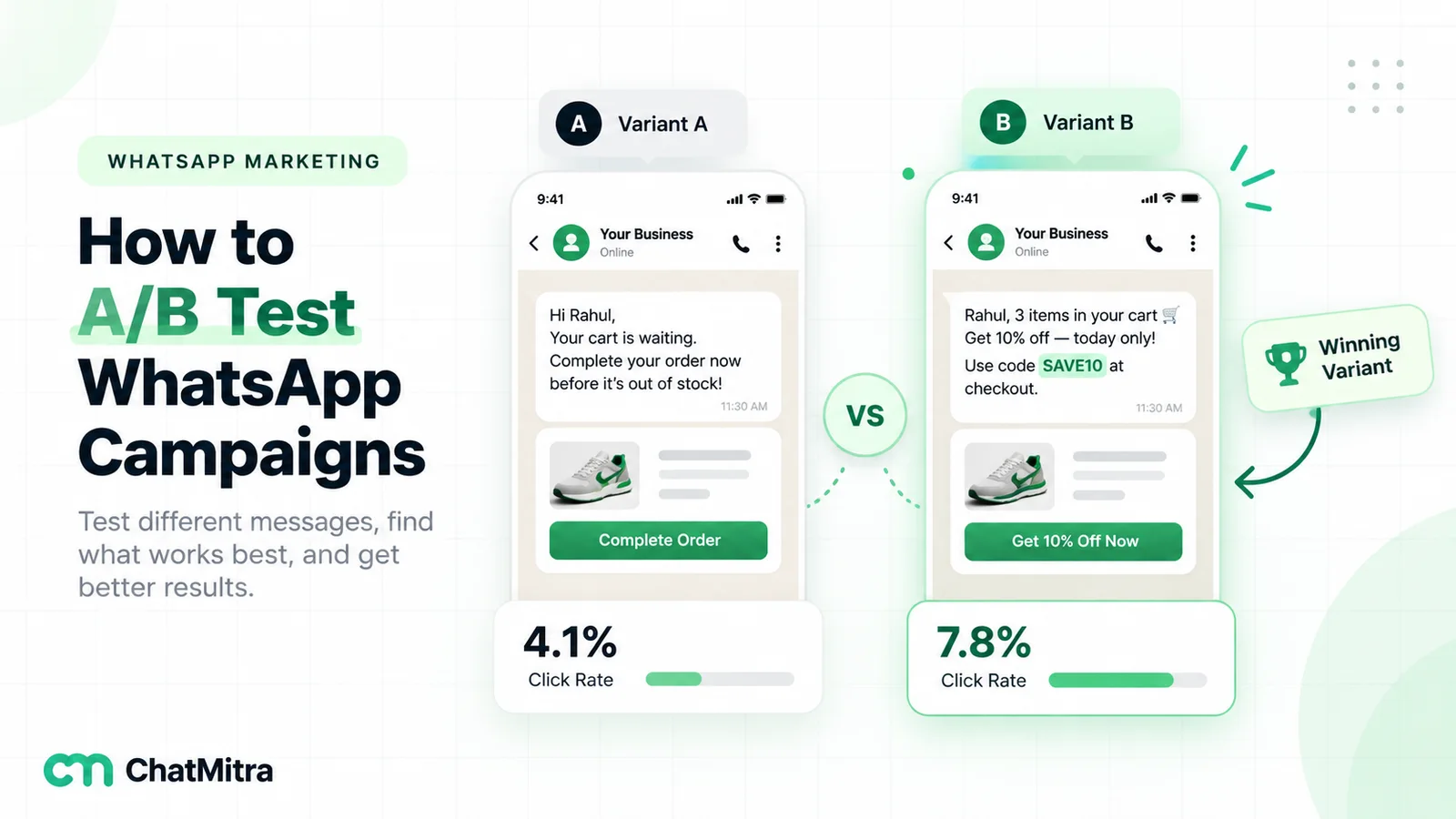
Run a slot test once and you’ll have a default for every later campaign. The method is the same as any WhatsApp A/B test, with time as the only thing that changes.
- Pick one segment and one template. Use a regular campaign, not a festival one, so the result carries over to normal weeks.
- Split the segment at random into two groups. Shuffle in a spreadsheet and tag each half. Don’t split by name, city or sign-up date, which would bias the result.
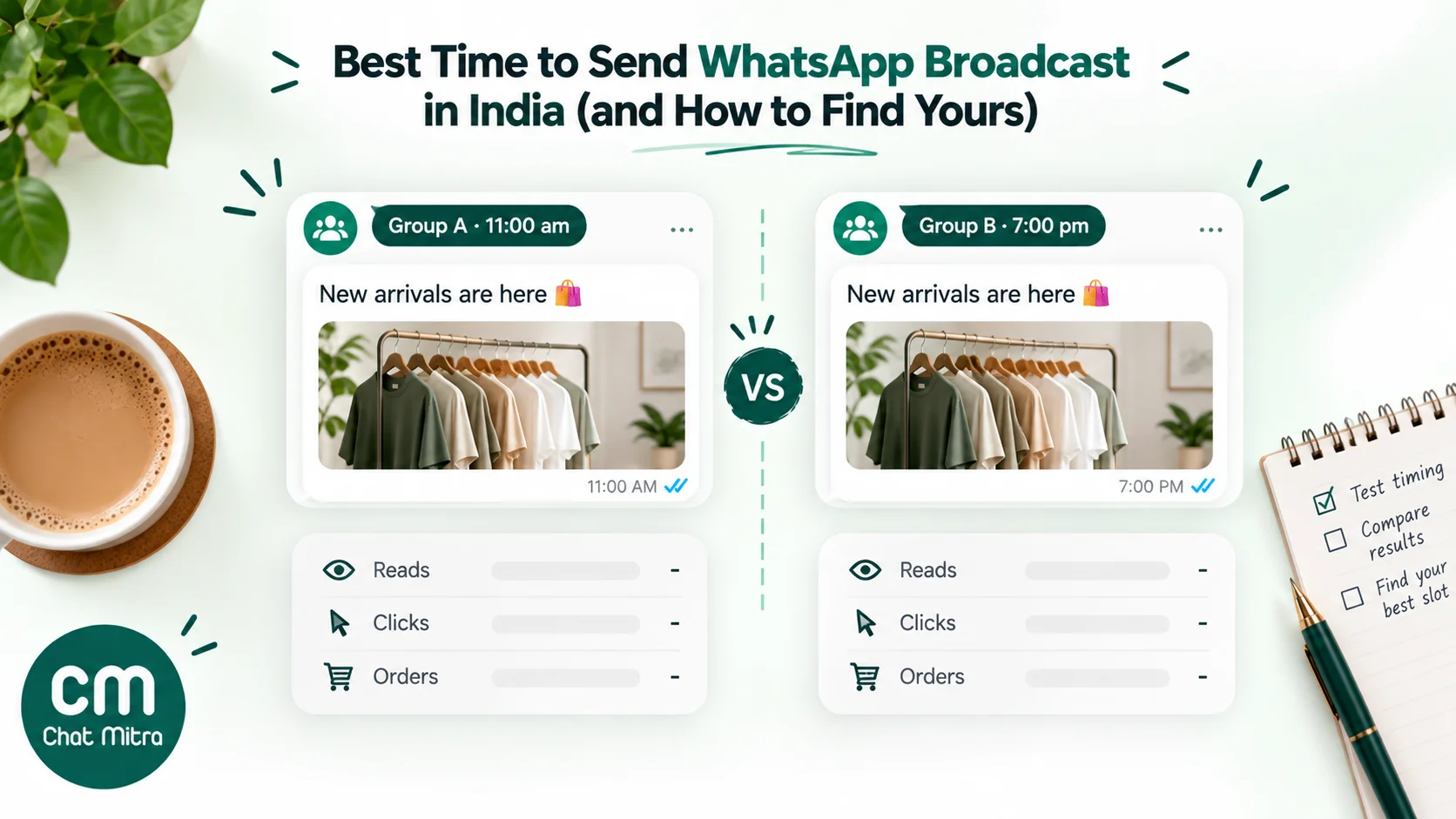
- Choose two slots on the same day, for example 11 am and 7 pm. Keep everything else identical.
- Decide the metric in advance. Clicks or orders per delivered message are best. Read rate is a useful second check, but customers read at any time, so a later slot can catch up within the day.
- Wait 48 hours, then compare. Check that the failure counts are similar in both groups, and compare per delivered message, not per contact.
- Check significance, then repeat once. A one-off win can be luck or a quiet day. If the same slot wins twice, make it your default.
A worked example
A clothing store splits 4,000 opted-in customers into two random groups and sends the same new-arrivals template at 11 am to one group and 7 pm to the other. Both groups have 2,000 delivered messages.
| Metric (per delivered message) | 7 pm group | 11 am group | Difference | Two-sided p-value | Verdict |
|---|---|---|---|---|---|
| Read within 48 hours | 1,160 (58.0%) | 1,260 (63.0%) | +5.0 points | 0.001 | Real difference |
| Button clicks | 140 (7.0%) | 152 (7.6%) | +0.6 points | 0.47 | Could be chance |
| Orders | 38 (1.9%) | 41 (2.05%) | +0.15 points | 0.73 | Could be chance |
Illustrative numbers, not data from a real campaign. p-values from a two-proportion z-test; below 0.05 is the usual threshold for “significant”.
The 11 am slot clearly got more reads, but clicks and orders barely moved. If the store had judged on read rate alone, it would have switched its whole calendar for no proven gain in sales. The right reading: 11 am is “promising”, the store should repeat the test with a larger segment, and until then either slot is fine. The A/B testing guide shows how to work out the sample size you need and how to do the significance check in a spreadsheet.
Run the test in ChatMitra
ChatMitra’s campaign scheduler sends one template to a chosen audience at one scheduled time, so a slot test is two campaigns. We checked each step against ChatMitra’s code in October 2026.
- Tag the two halves. Export the segment, shuffle it, mark each row
slot-aorslot-b, and re-import with those tags. - Create campaign A. Pick the template, include the tag
slot-a, switch on Schedule Time and choose the first slot. The picker uses your computer’s time zone. - Create campaign B the same way with
slot-band the second slot. Use the same retry settings in both. - Compare the reports. Each campaign report shows recipients, sent, delivered, read and failed, and you can have an XLSX export emailed to you. Clicks per template come from Meta’s template analytics in WhatsApp Manager, and orders from UTM tags on your button links.
- Follow up by group. From a campaign’s report you can retarget the sent, delivered, read or failed group with a new template.
A few behaviours that affect timing:
- The audience and credits are fixed when you schedule. Contacts tagged afterwards aren’t included, and ChatMitra’s ₹0.20 conversation credits (charged once per customer per 24 hours on Starter and Pro) are deducted at scheduling.
- You can stop a scheduled campaign but not edit it. To change the time, stop it and create a new one.
- Auto-retry rounds count from when you created the campaign, not from the scheduled send time, in steps of 24 to 168 hours. If you create a campaign at 10 am for a 7 pm send, a “24 hours” retry runs at about 10 am the next day. Create the campaign close to the hour you’d want retries to land, or retry manually from the report.
- Reports show each contact’s final status, not the time they read it. ChatMitra doesn’t build a read-time-of-day chart; the slot test is how you compare times.
- After-hours replies: on Pro, an Auto Reply Away message can tell customers who reply after your team logs off when you’ll answer.
- Per-customer dates: for birthdays, renewals and due dates, the Google Sheets automation sends on each contact’s own date at a “Run at” time in IST (9 am by default).
The full scheduling walkthrough, including time-zone traps, is in how to schedule WhatsApp messages.
Sending outside India
If part of your list lives abroad, split it by country and schedule each group for its own local time. India doesn’t change its clocks, but the UK, Europe and most of North America do, so recheck any campaign scheduled across a clock change. Gulf customers start their week differently: the UAE’s working week runs Monday to Friday, while Saudi Arabia’s runs Sunday to Thursday. And leave US numbers out of marketing sends, since WhatsApp doesn’t deliver marketing templates to them.
Common mistakes
- Copying a “best time” from a blog without testing. Including this one.
- Scheduling a campaign for after your team logs off. The replies arrive while nobody is there to answer.
- Judging a time test on reads alone. Reads catch up during the day; clicks and orders are what pay.
- Changing the template and the time in the same test. You won’t know which one made the difference.
- Retrying 131049 failures too soon. Wait at least 24 hours.
- Blasting the whole list for every offer. Low read rates reduce how many of your messages get delivered next time.
- Putting “today” in a message that may arrive tomorrow. Use the date.
Summary
There’s no verified best hour for WhatsApp in India, so start with a sensible slot and test it: a weekday late morning or an early evening, inside 9 am to 9 pm IST, when your team can reply and the customer can act. Respect the calendar (paydays, weekends, festivals), time utility messages to the event, and remember that how often you send, and to whom, shapes delivery more than the hour does. Run a slot test on two random halves of one segment, judge it on clicks or orders, and repeat it once before you change your default. Schedule both slots in ChatMitra’s campaign scheduler, starting on the free plan.