Click-to-WhatsApp ads for travel are Facebook, Instagram and WhatsApp Status ads that open a chat with your travel agency, tour company or hotel instead of a booking page. They work because a trip is a conversation: dates, room types, visas and who is travelling. Run one ad per trip, give each its own prefilled question, answer within minutes, and use Meta’s free window of up to 7 days to quote and confirm the booking.
This guide is for travel agencies, tour operators, destination companies, hotels and homestays that want bookings, not just chats. It covers how to plan campaigns around trips, the first message, the 7-day booking sprint, what NRI and foreign leads cost to message, and how to measure cost per booking. For the general mechanics of every WhatsApp ad format, see our WhatsApp ads guide. For the full trip journey after the booking, see WhatsApp for travel businesses.
Using ChatMitra? You create the ads in Meta Ads Manager. ChatMitra runs the chat side on an official WhatsApp Business API number: a shared inbox for your team, a welcome sequence that tags every new lead, keyword replies matched to each ad’s prefilled question (Pro), an AI chatbot for visa and inclusion questions at night (Pro), and templates for follow-ups after the free window. On Pro and above, your webhook receives each ad chat’s referral data. Jump to running travel ads with ChatMitra.
Why Click-to-WhatsApp ads fit travel
A traveller rarely books a ₹60,000 package from an ad. They have questions first: does the price include flights, is the hotel near the beach, what if the visa is late, can the kids share a room, can we move the dates by a week. A landing page answers the questions you expected. A chat answers the ones they actually have.
Three things make WhatsApp ads a particularly good match for travel:
- The decision is shared. Couples, families and friend groups decide together. A quote sent on WhatsApp gets forwarded to the spouse or the group chat in one tap; a quote buried on a website doesn’t.
- The sale needs a person. Most packages need a little tailoring: a different hotel, an extra night, a cheaper flight. That is a conversation, not a form.
- Every later message lives in the same thread. The quote, the confirmation, the vouchers and the pickup details all arrive where the traveller already is. Our travel business guide maps those later stages.
What Click-to-WhatsApp ads don’t do well is sell a fixed product at scale with no questions asked. If you sell flights or rooms that people book straight from a price grid, Meta’s travel catalogue ads (below) send them to your booking engine more directly. Many hotels use both: catalogue ads for people ready to book, WhatsApp ads for people who want to ask first.
What Meta’s travel catalogue ads can’t do
Meta has a dedicated travel ads product for hotel, flight and destination ads, built on a travel catalogue and your website or app events (Meta: travel ads). Its documentation sends people to a website or app booking page. It doesn’t list WhatsApp as a destination.
So a Click-to-WhatsApp travel campaign is built by hand: one ad per package, room type or offer, with its own image or video and its own first message. That sounds like more work, and it is, but it also gives you the cleanest tracking you can get (more on that below).
What a travel CTWA campaign really costs
There are two bills. The hub guide explains both in detail (what WhatsApp ads cost), and our short Click-to-WhatsApp ads explainer covers the basics; here is what changes for travel.
Bill 1: the ad. Auction-priced, with no rate card. Travel demand is strongly seasonal in India: summer school holidays, the Diwali break, the December to January peak, the wedding and honeymoon months and long weekends. Competition for the same audiences rises with it, so expect your cost per conversation to move with the calendar. The only reliable number is the one Ads Manager shows for your own campaign.
Bill 2: the messages. Meta’s pricing page sets the rule (Meta: pricing):
- A traveller taps your ad on the WhatsApp Android or iOS app and sends the first message. Meta says its “desktop and web apps are not supported”.
- A 24-hour customer service window opens.
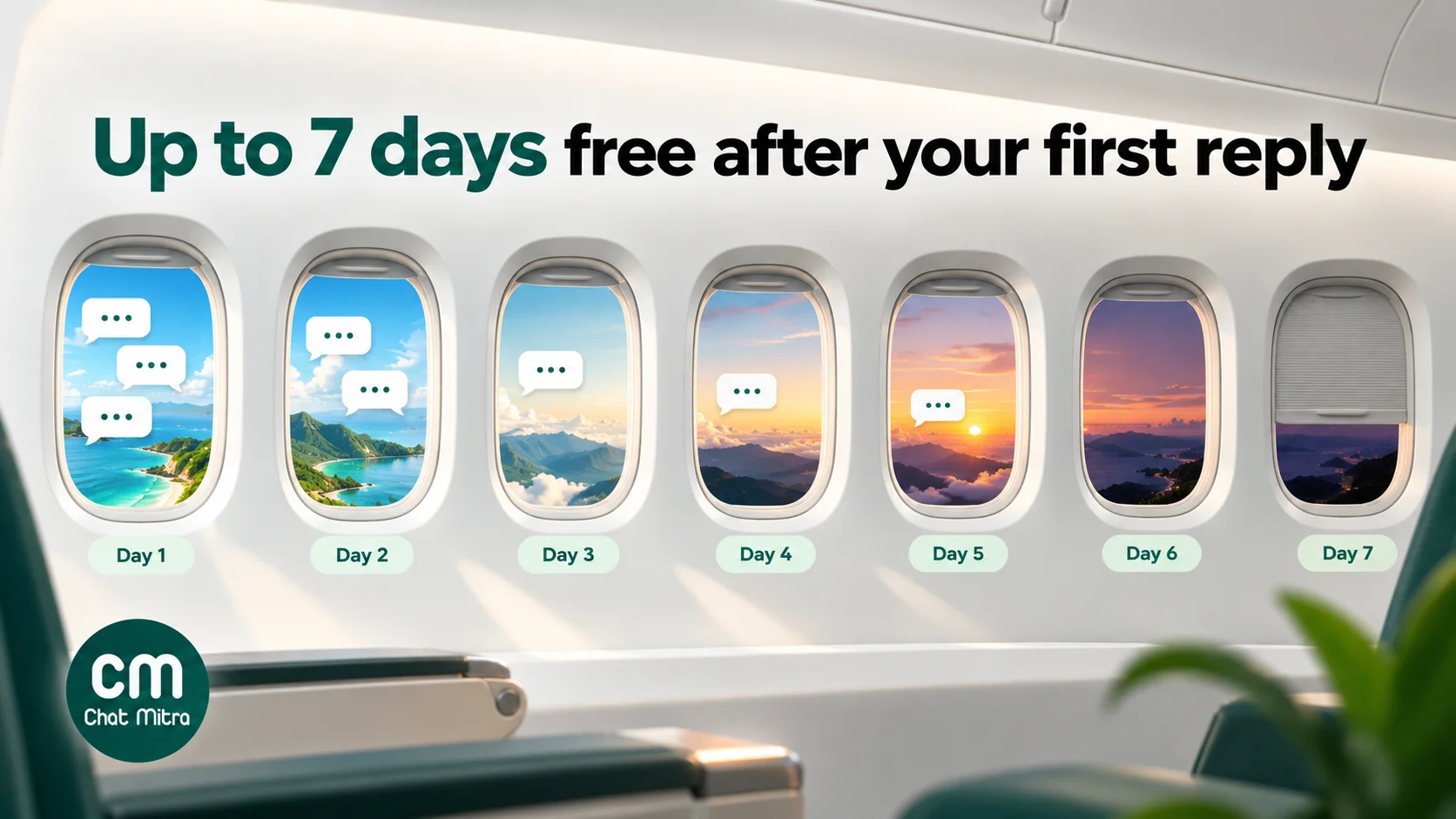
- If you reply inside it, that reply isn’t charged, and it opens a free entry point (FEP) window. Meta says the window “may remain open for up to 7 days”.
- While it’s open, Meta doesn’t charge for any message category: marketing, utility, authentication or service. (It still charges for Meta Business Agent messages.)
Many travel and hotel pages still say 72 hours. That was the earlier rule. “Up to 7 days” also means it can close sooner, so plan the important messages for the first few days.
Your WhatsApp provider’s fee isn’t covered by Meta’s window. On ChatMitra that’s ₹0.20 per conversation (once per customer per 24 hours) on Starter and Pro, including chats that start from ads; Enterprise has no ChatMitra fee.
Plan campaigns around trips, not around your brand
“Book your dream holiday with us” ads collect vague chats. Ads about a specific trip collect specific questions you can answer in one message.
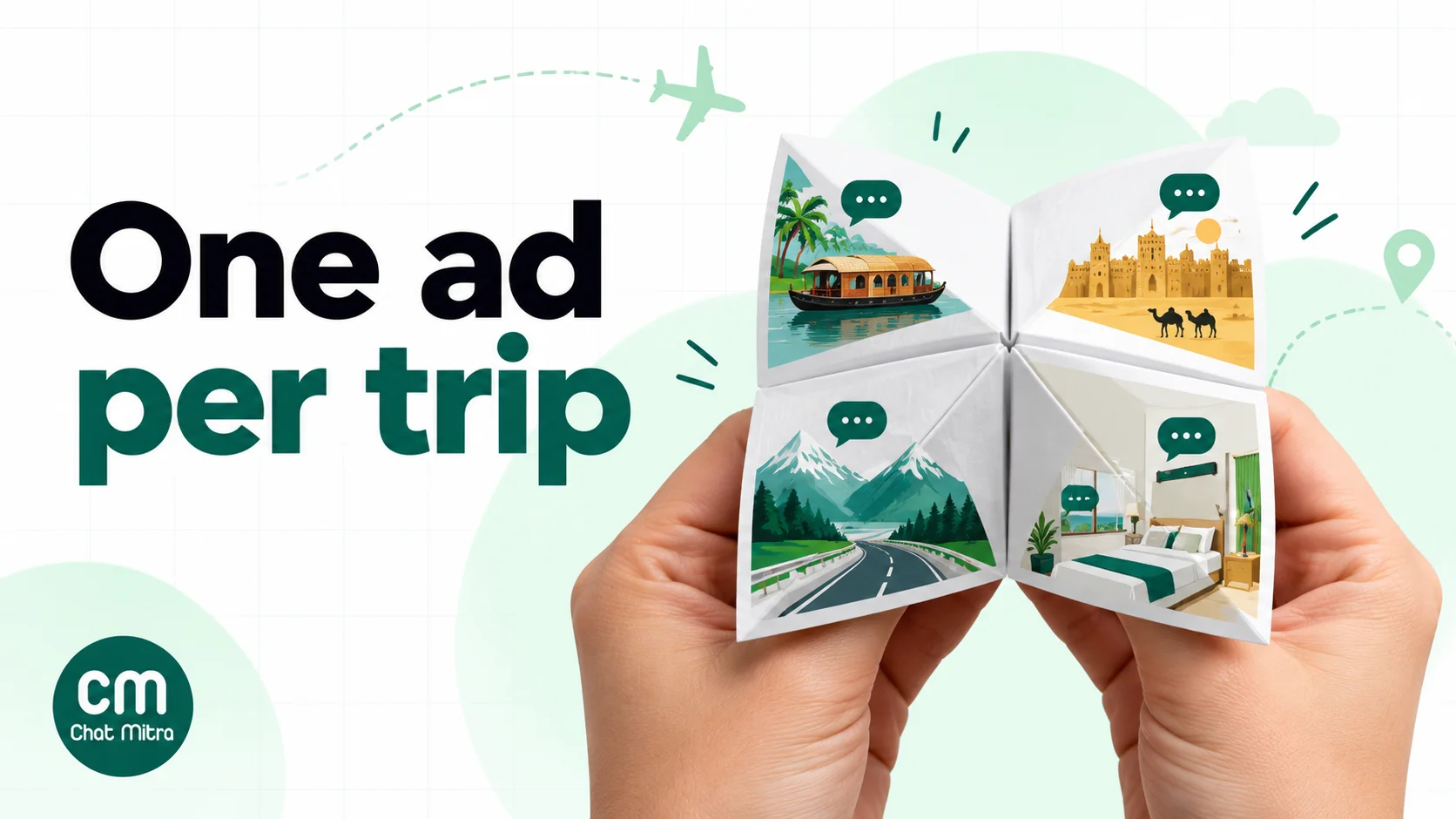
One ad set per trip or product. A Kerala houseboat package, a Dubai long-weekend package and a weekend staycation at your resort each get their own ad, creative, prefilled question and budget. You can then see which trip produces bookings and move money accordingly.
Choose trips people ask about before buying. Packages with options (hotel category, number of nights, add-ons), visa-dependent destinations, group departures and premium rooms work best. A ₹2,500 budget room that sells itself probably doesn’t need a conversation.
Match the lead time. International trips are planned weeks or months ahead; weekend getaways are decided days before. Start the Dubai or Europe campaign well before the season, and run the staycation campaign in the week before the long weekend. Short, date-bound pushes follow the same pattern as a sale week; our Black Friday Click-to-WhatsApp playbook shows how to stage one.
Pick the objective. Meta’s Click-to-WhatsApp documentation lists Engagement, Leads, Sales and Traffic as objectives that can use WhatsApp (Meta: Click-to-WhatsApp ads):
| Objective | Use it when | Note |
|---|---|---|
| Engagement (maximise conversations) | Your first travel campaign | Simplest setup; required for ads with call prompts |
| Leads (conversion location WhatsApp) | You qualify travellers in the chat and care about serious enquiries | Optimises for conversations by default |
| Sales | You can report bookings back to Meta | Needs the Conversions API for Business Messaging, usually through a developer or partner |
| Traffic | Rarely for WhatsApp | Better kept for website campaigns |
Target where the traveller lives, not where the trip goes. A Goa package for Mumbai and Pune families targets Mumbai and Pune. An inbound tour of Rajasthan targets the countries your guests fly from. For Indians living abroad who come home for weddings and festivals, target the cities they live in, and plan for the messaging costs covered below.
Respect Meta’s placement rules. Travel isn’t a special ad category, and Meta doesn’t exclude travel or hotels from WhatsApp Status. But Status ads aren’t available in the EU or the UK, and the Status placement only runs when Instagram Stories is also selected (Meta: ads in WhatsApp Status). A UK-facing campaign will deliver on Facebook and Instagram only.
Creative that sells a conversation about a trip
Travel ads sell a feeling, but a Click-to-WhatsApp ad also has to make the next step obvious.
- Show the experience, not the logo. A family on a houseboat at sunset, a room’s balcony view, the first evening of a desert safari. Vertical versions (9:16) for Stories, Reels and Status; square or 4:5 for feeds.
- Use carousels for itineraries. Meta supports image, video, carousel and slideshow creative for these ads. A five-card carousel (“Day 1 Kochi, Day 2 Munnar …”) answers “what’s included” before anyone asks.
- Say what the price includes. “4 nights from ₹38,500 per person, twin sharing, hotel and transfers, flights extra” is a price the chat can honour. “Starting ₹9,999!” that turns into ₹19,999 in the quote loses the traveller, and can breach the rules covered in Rules travel advertisers must follow.
- Make the button’s promise specific. “Ask for dates and the full itinerary on WhatsApp” tells people what they’ll get. “Learn more” doesn’t.
- Name the departure date or season. Group departures and festival packages with a real date create honest urgency. Invented scarcity doesn’t.
The first message: one prefilled question per trip
The first message is the most underused part of a travel ad. Meta’s default text is “Hello! Can I get more info on this?” (Meta: Click-to-WhatsApp ads). That tells your team nothing about which of your six packages the traveller saw. Change it for every ad.
Meta lets you set a greeting, a prefilled (autofill) message or ice breakers, which are tappable starter questions, plus buttons such as View Catalog, Website or Call Now. Here’s how that maps to travel ads:
| Ad | Prefilled message | Or ice breakers | First reply should carry |
|---|---|---|---|
| Kerala 5N package | ”Hi, please share dates and price for the Kerala 5-night package” | — | Next departures, per-person price, what’s included, the PDF itinerary |
| Dubai long weekend | ”Hi, I want the Dubai long-weekend package. Is the visa included?” | — | Visa answer first, then price and dates |
| Resort staycation | ”Hi, is a room free this weekend for 2 adults?” | — | Availability question back: which dates, how many rooms |
| Honeymoon collection | — | “Bali packages” · “Maldives packages” · “Help me choose” | A short list for the chosen destination |
| Group departure | ”Hi, I want to join the 14 December Rajasthan group tour” | — | Seats left (only if true), price, booking amount |
| Visa assistance | ”Hi, I need help with a Schengen visa” | — | Documents list and appointment timing |
Use a prefilled message when the ad sells one trip, and ice breakers when the ad invites browsing. Either way, each ad’s opening words become its label. A keyword rule that matches the start of the message can reply with the right package details and tag the chat with the trip name, which is what makes the campaign measurable later.
Meta also lets some advertisers attach a short WhatsApp Flow (a form inside the chat) to these ads, but the help centre says the feature “may not be available to you yet”, and the Flow must be a simple single-screen form (Meta Business Help Centre). Most travel businesses will qualify travellers with buttons and questions instead.
The first five minutes: qualify the traveller
Someone who taps a travel ad is at peak interest for a short time. Then they open a competitor’s ad. The aim of the first five minutes is to get the four facts every quote needs.
- Destination or package. Already known if the prefilled message did its job.
- Dates. Exact dates, or a month if they’re flexible.
- Who is travelling. Adults, children (with ages, because child pricing depends on them) and rooms.
- Departure city and budget. These decide flights and hotel category.
How to collect them without sounding like a form:
- Ask at most two questions per message. “Lovely choice! Which dates are you looking at, and how many adults and children?” works. A list of eight questions doesn’t.
- Use reply buttons where answers are fixed. “This month / Next month / Later” or “2 adults / Family with kids / Group” are taps, not typing.
- Answer their question before asking yours. If they asked about the visa, answer the visa first.
- Let the chatbot handle the facts, and a person handle the quote. An AI assistant can answer inclusions, visa basics and cancellation terms at 11 pm; a travel consultant should send the actual price. Our guide to qualifying WhatsApp leads with an AI agent covers the hand-off.
- Tell night-time enquirers when you’ll reply. An away message such as “Our travel team replies from 10 am. Meanwhile, here’s the full itinerary” keeps the lead warm, and you still reply within 24 hours so the free window opens.
Record what you learn. Dates, party size and budget belong on the contact record, not only in the chat history, so anyone in the team can pick up the conversation and so your follow-up messages can be specific.
Use the free window as a 7-day booking sprint
The free entry point window is the cheapest time in the whole relationship to send messages, and it lines up neatly with how long most travellers take to decide. Plan your follow-up as a sprint.
| When | Message | Why then |
|---|---|---|
| Minute 0 | Instant reply that answers the ad’s promise and asks the first questions | Opens the free window; the traveller is still on their phone |
| Within the hour | The quote: one-line summary, per-person price, inclusions, PDF itinerary | Speed wins against agencies that reply tomorrow |
| Day 1 | One follow-up: “Did the itinerary work for you? I can change the hotel or the dates.” | Most questions come after the traveller shows the quote to someone else |
| Day 2–3 | An option to hold: “I can hold these rates until Friday with a booking amount.” | A specific, true deadline helps the decision |
| On booking | Confirmation with booking reference and the next steps | Free while the window is open |
| Before day 7 | Ask whether they’d like to hear about future departures on WhatsApp | Opt-in for marketing after the window |
Two rules keep the sprint effective. First, don’t send more than one unanswered follow-up in a row. A traveller who goes quiet after the quote needs one helpful nudge, not three. Second, don’t count on day 7. Meta says the window may remain open up to 7 days, so the quote and the hold offer belong in the first three days.
Collecting the booking amount. Most agencies send a payment link from their gateway (Razorpay, PayU, Cashfree or a bank link) as a message in the chat. Our WhatsApp payment link guide covers how to send one and confirm the payment.
After the window closes, every message is a paid template again. A booking confirmation, voucher or pre-departure reminder is utility (our booking confirmation message examples have wording you can adapt). “Are you still interested in the Kerala trip?” is marketing, because it tries to win the sale, and it needs the traveller’s opt-in. Our opt-in guide has the wording.
Hotels and homestays: direct bookings from ads
Hotels use Click-to-WhatsApp ads a little differently from tour companies. The traveller often knows where they’re going; the question is where they’ll stay.
- Advertise rooms and occasions, not the property in general. “Pool villa for a weekend for two”, “Family suite for the Diwali break” and “Wedding block of 20 rooms” each bring a different, answerable chat.
- Target nearby cities for weekend stays. Staycations and short breaks sell to people within driving distance. Set the location radius to match.
- Ask for dates and guests in the first reply. “Which dates, and how many adults and children?” gets you to an availability check in one step.
- Quote the full price in the chat. Room rate, taxes and any mandatory charges in one line. Indian rules on service charges and drip pricing (below) apply to hotels too.
- Send the pre-arrival details inside the window when you can. If a guest books for next weekend, the confirmation, directions and check-in time can all go out while Meta’s charges are waived.
Our WhatsApp for hotels guide covers what happens after the booking: pre-arrival messages, the stay and reviews.
NRI and foreign leads: what they cost to message
Travel is one of the few businesses where a large share of leads may have foreign numbers: Indians living abroad booking a trip home, inbound tourists, and families in the Gulf planning a holiday. Meta charges WhatsApp messages by the recipient’s country code, and the gap between countries is large.
Meta’s INR rate card, effective 1 October 2026 (per template message, from the pricing page):
| Recipient’s number | Marketing | Utility | Marketing vs India |
|---|---|---|---|
| India | ₹0.8631 | ₹0.115 | 1× |
| United Arab Emirates | ₹4.2114 | ₹1.1509 | about 4.9× |
| United Kingdom | ₹4.6496 | ₹1.6122 | about 5.4× |
| North America | ₹1.8313 | ₹0.2491 | about 2.1× |
| Rest of Middle East | ₹2.8742 | ₹0.6665 | about 3.3× |
| Rest of Asia Pacific | ₹6.1714 | ₹0.8282 | about 7.2× |
Service messages are priced at the utility rate after the first 1,000 free service messages a month.
What this means for a travel campaign:
- The free window is worth more for foreign leads. Inside it, a follow-up, a hold offer and a booking confirmation to a Dubai number cost Meta nothing. Sent as templates after it closes, the same three messages cost ₹9.57 (two marketing templates at ₹4.2114 plus one utility template at ₹1.1509), against ₹1.84 for an Indian number.
- Finish the sale inside the windows for US numbers. Meta “does not currently deliver marketing template messages to WhatsApp users with United States phone numbers” (Meta: per-user limits). Replies and utility templates still work; a “new departures” broadcast to US numbers won’t arrive.
- Segment re-engagement offers by country. A ₹4–6 marketing message makes sense for a past guest who books every year, not for every lead that ever chatted.
Use the pricing calculator with your own mix of countries before you plan a big re-engagement campaign.
Worked example: a tour operator’s month
These figures are assumptions to show the arithmetic, not benchmarks. A tour operator runs two Click-to-WhatsApp campaigns, a Kerala package and a Dubai package, with ₹40,000 of ad spend in a month. Ads Manager reports 800 conversations started, all answered within minutes from ChatMitra Starter. 60 travellers book.
| Item | Calculation | Cost (₹) |
|---|---|---|
| Ad spend | Set by the operator | 40,000.00 |
| First replies and quotes | 800 chats inside the free window: Meta ₹0; ChatMitra 800 × ₹0.20 | 160.00 |
| Follow-ups on later days, still inside the window | 400 travellers, 1 new 24-hour conversation each: Meta ₹0; ChatMitra 400 × ₹0.20 | 80.00 |
| Confirmations | 60 bookings confirmed inside the window: Meta ₹0; same conversations | 0.00 |
| Pre-departure messages after the window | 60 travellers × 2 utility templates = 120 × (₹0.115 + ₹0.20) | 37.80 |
| Next-season offer to 300 opted-in Indian contacts | 300 × (₹0.8631 + ₹0.20) | 318.93 |
| Same offer to 50 opted-in UAE contacts | 50 × (₹4.2114 + ₹0.20) | 220.57 |
| Total | 40,817.30 |
Three things stand out:
- The messaging side is about 2% of the month (₹817.30). The ad is the cost that matters.
- Cost per booking is ₹680.29 (₹40,817.30 ÷ 60), against ₹50 per conversation. The second number looks better in a report, but the first decides whether the campaign pays.
- 50 UAE contacts cost about 70% as much as 300 Indian ones. Foreign-number offers need tighter targeting.
The example assumes every pre-departure template opens its own 24-hour ChatMitra conversation; on Enterprise the ₹0.20 lines disappear.
How to measure bookings, not just chats
Ads Manager reports messaging conversations started and cost per messaging conversation. Those tell you what the ads cost. To know what they sold, connect each chat to its ad and its outcome.
1. Unique prefilled messages and tags. This is the simplest method and needs no developer. Each ad’s opening words identify it; a keyword rule tags the chat (“kerala-5n-oct”); your team adds an outcome tag (booked, lost, follow up). Count bookings per tag every week.
2. The ad’s referral data. Through the WhatsApp Business API, the first message from an ad carries a referral object with the ad’s source URL, source ID, headline, body, media type and a click ID called ctwa_clid (Meta webhook reference). Meta omits ctwa_clid for chats from ads in WhatsApp Status. A developer can store this in your CRM or booking sheet.
3. Reporting bookings back to Meta. Meta’s Conversions API for Business Messaging accepts outcomes such as leads and purchases from WhatsApp chats, matched with the ctwa_clid (Meta: Conversions API for Business Messaging). That lets a Sales campaign optimise for travellers who book. It needs a developer or partner integration.
What to look at each week:
| Metric | Where | What it tells you |
|---|---|---|
| Cost per conversation, per ad | Ads Manager | Which creative starts chats cheaply |
| Reply time to new ad chats | Your inbox | Whether the team can handle the volume |
| Quotes sent ÷ chats | Inbox tags | Whether the first message collects what you need |
| Bookings ÷ chats, per ad | Inbox tags or CRM | Which trips actually sell |
| Cost per booking, per ad | Ad spend ÷ bookings | Where next week’s budget should go |
Give each campaign at least a week before changing it. Meta recommends running ads for more than six days so delivery can settle (Meta ad pricing).
Rules travel advertisers must follow
- Meta’s advertising standards apply to the ad (Meta Advertising Standards), and WhatsApp’s business and commerce policies apply to the chat (WhatsApp Business policy).
- No false urgency. India’s Guidelines for Prevention and Regulation of Dark Patterns, 2023 list false urgency as a dark pattern, with the example “Only 2 rooms left! 30 others are looking at this right now” (CCPA guidelines). Say “6 seats left on the 14 December departure” only when it’s true.
- No drip pricing. The same guidelines define drip pricing as not revealing elements of the price upfront, and use a flight booking whose price rises at payment as the illustration. Quote the full price in the chat, and make the ad’s “from” price honest about what it includes.
- No bait ads. India’s 2022 guidelines on misleading advertisements say an ad shouldn’t entice people to buy “without a reasonable prospect of selling” at the price offered (CCPA guidelines). If the ₹38,500 price exists for one date only, say so.
- Hotels: no automatic service charge. CCPA’s July 2022 guidelines say no hotel or restaurant shall add a service charge automatically or by default in the bill.
- Opt-in before broadcasts. A chat from an ad lets you reply. It isn’t permission to add the traveller to every future offer. Ask in the chat.
Mistakes that waste travel ad budget
- Leaving Meta’s default first message. Every chat arrives as “Hello! Can I get more info on this?” and you can’t tell the Kerala lead from the Dubai lead.
- Running ads at night with nobody answering. Ads keep delivering after hours. Use an away message or a chatbot, and reply properly within 24 hours so the free window opens.
- Sending the full brochure first. Answer the question the ad raised, then send the itinerary.
- Wasting the window. Quotes sent on day 6 may arrive after the window has closed. Front-load the sprint.
- Treating every lead the same. A UAE number costs about five times as much to market to as an Indian one. Prioritise re-engagement by value.
- Judging by cost per chat. A ₹90 chat from a honeymoon ad that books beats a ₹25 chat from a generic ad that doesn’t.
- Changing ads daily. Delivery needs time to settle; edit weekly.
- Promising what the chat can’t deliver. If the ad says “price in 2 minutes”, the price has to arrive in 2 minutes.
Running travel CTWA ads with ChatMitra
ChatMitra doesn’t create or buy ads; that stays in Meta Ads Manager. It runs the WhatsApp side, where the ad’s chats turn into bookings. Checked against the product in October 2026:
| Need | ChatMitra | Notes |
|---|---|---|
| Official API number as the ad’s WhatsApp destination | Yes | Connect it to your Facebook Page and choose it in Ads Manager |
| Shared inbox for the travel team | Yes | Every consultant sees the same chats on one number, on web and the Android app |
| Instant welcome sequence for new contacts | Yes | Text, templates, buttons, lists, images or PDFs; auto-tags every new lead |
| A different reply per ad | Yes, on Pro | Auto Reply rules match the start of each ad’s prefilled message (exact, starts-with or regex, not case-sensitive), reply with the package details and add a trip tag |
| Out-of-hours answers | Yes, on Pro | An away message for one daily time window, or the AI chatbot trained on your FAQs using your own AI provider key |
| Traveller details on the contact | Yes | Tags plus custom fields for dates, party size or budget |
| Follow-ups after the free window | Yes | Approved utility and marketing templates, including to international numbers |
| Which ad started the chat | Through webhooks, on Pro | The message.received webhook carries the ad’s referral data, including ctwa_clid. It isn’t shown in the inbox yet, and chats aren’t tagged by ad automatically, so use prefilled messages and keyword tags day to day |
| Conversions API events to Meta | No | Use the webhook data with a separate integration |
| Hotel or flight catalogue ads to WhatsApp | No | Meta doesn’t support it either |
ChatMitra plans:
- Starter: free, with ₹0.20 per conversation plus Meta’s rates.
- Pro: ₹999 a month, with a 15-day trial and no card. It adds Auto Reply, away messages, the AI chatbot and webhooks.
- Enterprise: ₹2,499 a month, with no ₹0.20 conversation fee.
- Meta’s rates pass through at cost on every plan.
See the pricing page for details.
A first travel campaign, step by step:
- Connect your ChatMitra number to your Facebook Page and pick it as the ad’s WhatsApp destination.
- Write one prefilled message per ad, each starting with words unique to that trip (“Hi, please share dates and price for the Kerala 5-night package”).
- In Auto Reply, add one “Starts” rule per ad that sends that trip’s price summary and PDF itinerary, asks for dates and party size, and adds the trip tag.
- Turn on the Welcome Message for new contacts so every lead is tagged even if no rule matches.
- Set the away message for the hours your team is offline, or train the AI chatbot on visa, inclusions and cancellation questions.
- Prepare approved utility templates for confirmations and pre-departure messages, and one marketing template for opted-in past enquirers.
- After a week, count bookings per trip tag and move the budget.
Good to know:
- ChatMitra doesn’t build WhatsApp Flows forms; qualification uses buttons, lists and questions.
- It doesn’t create in-chat payments, so send your gateway’s payment link as a message.
- It has no ready-made connection to booking engines, channel managers or OTAs. Automation runs through the developer API, webhooks or a tool like WorkflowMitra.
Where to start
Pick the one trip your team gets asked about most. Build one Click-to-WhatsApp ad for it with a vertical video or a carousel itinerary, an honest price that says what’s included, and a prefilled question unique to that ad. Make sure someone, or a chatbot, replies within minutes, and send the quote within the hour. Run it for a week, count bookings rather than chats, and only then add a second trip.
If you already sell through the WhatsApp Business app and the ads bring more chats than one phone can handle, move the ad’s destination to a shared API inbox. ChatMitra’s Pro plan includes a 15-day free trial with the inbox, keyword replies and AI chatbot used in this guide. For a commercial overview, see WhatsApp Business API for travel agencies.