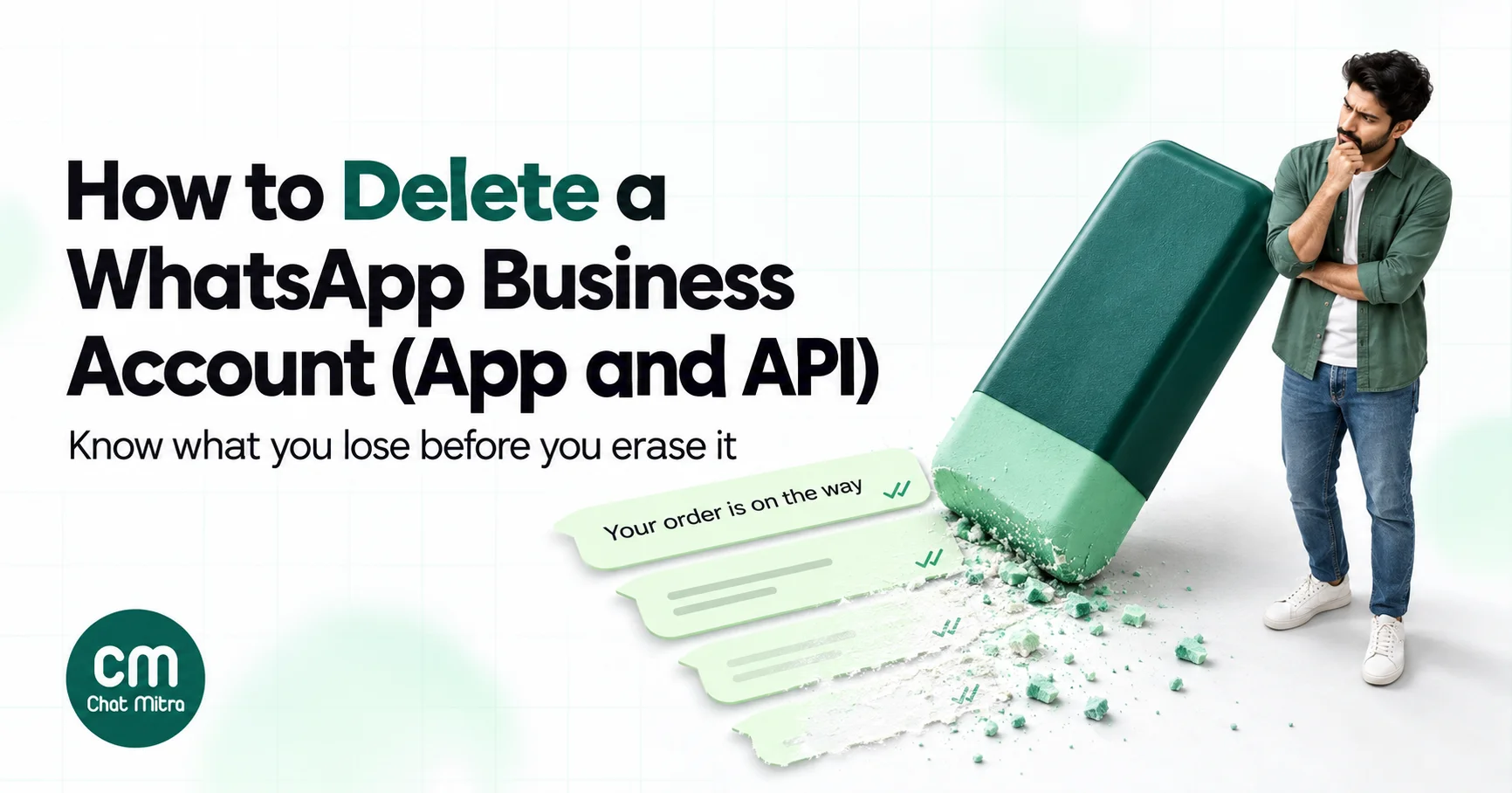
To delete a WhatsApp Business account, first decide which account you mean. In the WhatsApp Business app, go to Settings > Account > Delete my account, and know that WhatsApp says the deletion can’t be reversed. On the WhatsApp Business Platform (API), a business portfolio admin deletes the phone number in WhatsApp Manager under Account tools > Phone numbers, but only 30 days after its last paid message, and never through the API. If you’re simply leaving a provider, you may not need to delete anything at all.
“Delete my WhatsApp Business account” is one of the most confusing jobs in WhatsApp, because the words cover four different things that live in four different places. Delete the wrong one and you can lose years of chats, a verified number, or a set of approved templates you didn’t mean to touch.
This guide separates the four, walks through each deletion step by step with Meta’s current rules, explains what you lose, and shows the alternatives. Since September 2026, switching providers no longer means moving or deleting your number.
Using ChatMitra?
You don't need to delete anything in Meta to stop using ChatMitra. Cancel your plan from Billing at any time; you keep access until the end of the paid period. Export your contacts to CSV first. To disconnect your WhatsApp number from ChatMitra, or to have your ChatMitra account and data deleted, write to [email protected]. Details are in If you use ChatMitra below.
Key takeaways
- There are four "accounts": the Business app account, the API phone number, the accounts in Meta Business Suite that hold the number, templates and billing, and your account with a provider. Each is deleted somewhere different.
- Deleting the Business app account is permanent: message history, groups and your Google backup go, and WhatsApp can't restore them.
- API numbers are deleted only in WhatsApp Manager, by a business portfolio admin, 30 days after the last paid message, with the two-step verification PIN if the number is Connected.
- Deregistering is not deleting. It switches the number off on Cloud API but keeps the number and its history.
- To change providers, share your WhatsApp account with the new partner and remove the old one. Templates don't follow automatically.
First, which “WhatsApp Business account” do you want to delete?
| What you mean | Where it lives | How it's deleted | Reversible? |
|---|---|---|---|
| The WhatsApp Business app account on your phone | The WhatsApp Business app | Settings > Account > Delete my account | No |
| A phone number on the API (WhatsApp Business Platform) | WhatsApp Manager | Account tools > Phone numbers > bin icon, by an admin, 30+ days after the last paid message | You can register the number again later, but its history is gone |
| The accounts behind the API: WhatsApp account and Messaging account (once called the WABA) | Meta Business Suite > Settings > Accounts | Remove the number and partner access; see below | Depends on the step |
| Your account with a provider such as ChatMitra | The provider's own system | The provider's cancellation and data-deletion process | Depends on the provider |
Most people searching for this want one of three outcomes: stop using WhatsApp for business entirely, move the number from the app to the API, or leave an API provider. Only the first needs a real deletion.
Before you delete: do you need to?
Deletion is the right answer less often than it looks. Match your goal to the action:
| Your goal | Do this instead of deleting |
|---|---|
| Move your Business app number to the API and keep using the app | Connect it through coexistence. No deletion needed. |
| Move your Business app number to the API only | Deleting the app account is the standard route; see app vs API for the trade-offs |
| Leave one API provider for another | Share your WhatsApp account with the new partner, then remove the old one (explained below) |
| Pause WhatsApp for a few months | Stop campaigns and set an away message. An unused API number costs nothing in Meta charges. |
| Use a different phone number for the business | Use the app's Change number feature (Settings > Account > Change number) instead of deleting |
| Your number was banned | Appeal first; see how to unban a WhatsApp number. Deleting doesn't clear a ban. |
| Stop being a business on WhatsApp but keep chatting | Keep the Business app and simply stop using the business tools; there's no need to delete |
If one of these fits, stop here. If you really want the account gone, the next sections show how.
When deleting is the right call
There are good reasons to delete, and they’re usually about the number rather than the business:
- You’re closing the business and don’t want customers to keep messaging a number nobody reads.
- The number is leaving your control, for example a SIM you’re giving up or a number that belonged to a former employee or partner.
- Old test or duplicate numbers are cluttering your portfolio. Meta’s documentation says business portfolios start with a limit of 2 registered business phone numbers per WhatsApp account hierarchy, which can rise to 20. Deleting a number you’ll never use again keeps the portfolio tidy and frees a slot.
- You want the number on regular WhatsApp or a fresh Business app account, and you accept that the old chats go.
If none of these apply, one of the alternatives above is almost always safer.
Selling or handing over the business
When a business changes hands, deleting the WhatsApp account throws away the customer relationships the buyer is paying for. On the API, the better route is an ownership change in Meta Business Suite: add the new owner’s people as admins of the business portfolio, or share the WhatsApp account with them, then remove your own access once they’re set up. On the WhatsApp Business app, the account lives with the SIM and phone, so the handover is the number itself. Either way, agree in writing who keeps the chat history and customer list, because those are personal data your customers shared with you.
A short notice to send before you go
Customers who message a number that has disappeared just think you’ve stopped replying. A week before deleting, post a status or send a note to your regular customers. Something like:
“Hi! From 1 December we’re moving our WhatsApp support to +91 90000 00000 / our website chat. This number will stop working after 30 November. Save the new number to keep getting order updates. Thank you!”
On the API, a message like this to people outside an open 24-hour window has to be an approved template, so submit it early. Keep it factual: a notice about a change to your service is the kind of message customers expect.
How to delete the WhatsApp Business app account
This is the account on your phone in the green-and-white WhatsApp Business app. WhatsApp’s Help Center gives the steps:
- Open the WhatsApp Business app on your primary phone. Deletion can’t be done from a linked device such as WhatsApp Web.
- Go to Settings > Account > Delete my account.
- Enter your phone number in full international format, for example +91 98765 43210.
- Choose a reason from the dropdown.
- Tap Delete account.
What deletion does
According to WhatsApp’s Help Center, deleting your account will:
- delete your account from WhatsApp and all your devices
- erase your message history
- remove you from all your WhatsApp groups
- delete your Google Account backup
- remove you as a channel admin or follower, and delete channels you created if there are no other admins
It can’t be undone
WhatsApp is unusually blunt about this: “Deleting your account is irreversible”, and WhatsApp “can’t restore or transfer chats, documents, media files, backups, or call history from deleted accounts”.
Several guides online say you can cancel a deletion by logging back in within 90 days. WhatsApp’s own page doesn’t say that. The 90 days in WhatsApp’s text is how long it “may take up to” to delete your information from its systems, with copies possibly remaining longer in disaster-recovery backups. Treat the deletion as final the moment you tap the button.
Two things deletion doesn’t touch: messages other people already have on their phones, and groups you created (the groups stay; you’re simply removed).
What happens to the number
After deletion, the number is free. You can register it on regular WhatsApp, on a new Business app account, or on the WhatsApp Business Platform. Meta’s developer documentation says numbers “already in use with WhatsApp cannot be registered unless they are deleted first”, which is why deleting the app account is one of the two ways to move a number to the API. The other, coexistence, keeps the app running alongside the API.
If you lose the phone instead
If you can’t reach the phone or number, you can’t delete the account yourself. WhatsApp says the account will still be removed automatically: deactivated accounts are deleted 30 days after deactivation, and inactive accounts are generally deleted after 120 days (365 days in the US).
How to delete a phone number from the WhatsApp Business Platform (API)
On the API there’s no “delete my account” button. What you delete is the business phone number, and Meta sets four conditions in its phone number documentation:
- Only business portfolio admins can delete business phone numbers.
- The 30-day rule. A number “can’t be deleted if [it has] been used to send paid messages within the last 30 days”. Paid messages are templates and, since 1 October 2026, service messages after the monthly free tier.
- The PIN. If the number’s status is Connected, you need its two-step verification PIN.
- WhatsApp Manager only. “You can’t delete a business phone number via the API.”
Steps in WhatsApp Manager
- Sign in to Meta Business Suite and open WhatsApp Manager for your business portfolio.
- If the Phone numbers panel doesn’t open by itself, go to Account tools (the toolbox icon) > Phone numbers.
- Click the bin icon next to the number and complete the flow, entering the PIN if asked.
- If the number sent a paid message in the last 30 days, WhatsApp Manager sends you to the Insights panel with the date of the last paid message. Come back 30 days after that date.
So if you plan to close a number, send your last template or campaign at least a month before the date you want it gone, and keep answering customers who write in, since replies inside the customer service window may also be paid after the free tier. For a tour of the rest of WhatsApp Manager, see our WhatsApp Manager guide.
Don’t know the PIN?
API numbers have a six-digit two-step verification PIN, set when the number was registered. If your provider set it, ask them for it. A portfolio admin can also set a new PIN in WhatsApp Manager under the number’s Two-step verification settings. We explain the PIN in two-step verification.
Deregister vs delete
Developers sometimes “deregister” a number and assume it’s deleted. It isn’t. Meta’s registration documentation says deregistering “makes it unusable with Cloud API” until it’s registered again, and that deregistration “does not delete a number or its message history”. Two practical limits:
- Deregister and register calls are each limited to 10 requests per number in a 72-hour moving window. Exceed it and the number is locked out of that action for 72 hours (error 133016).
- You can’t use the deregister endpoint on a number that’s on both Cloud API and the WhatsApp Business app.
Numbers on coexistence
If your number runs in the WhatsApp Business app and through a provider at the same time, the API link is removed from the app, not from WhatsApp Manager. Meta’s coexistence documentation says the business goes to Settings > Account > Business Platform in the WhatsApp Business app and taps Disconnect Account. That removes the API connection only; it doesn’t delete your WhatsApp Business app account.
Messaging accounts, WhatsApp accounts and the end of “the WABA”
For years, everything on the API sat in one container, the WhatsApp Business Account or WABA: phone numbers, templates, billing and partner access. Meta is replacing it. Its developer documentation says the new account model became generally available on 23 September 2026 and reaches all businesses by mid-October 2026, migrated in stages:
- A WhatsApp account holds one business phone number. You always own it, and you can share it with up to five Solution Partners.
- A Messaging account holds your templates, billing details and webhooks. Each partner you work with gets its own. Your old WABA ID now identifies your Messaging account.
Meta says the migration preserves “phone numbers, templates, business profiles, and payment methods”, and after it Meta Business Suite shows WhatsApp accounts and Messaging accounts as separate tabs under Settings > Accounts.
What this means for deletion:
- Deleting a number doesn’t delete your templates. They live in the Messaging account.
- Messaging accounts can’t change owner. Meta says “You cannot migrate a Messaging account from one business to another.”
- Removing a provider is a sharing change. Open the account in Meta Business Suite > Settings > Accounts, go to its Partners tab and remove the partner. If the old partner’s credit line pays for your messages, have the new partner’s credit line or your own payment method in place before you remove it.
Meta’s documentation describes how to create and share these accounts but not a single “delete account” action for them. In practice, once the number is deleted and partner access removed, nothing can send from them.
Switching provider instead of deleting
Under the old model, changing providers meant a phone number migration, which often meant downtime and paperwork. Meta’s documentation now says clients “can add or change partners without migrating their phone number”, and that the old migration process “no longer applies”. Meta’s migration page also states that phone number migration isn’t supported on the new account model at all.
The switch now looks like this:
- Get the new partner’s business portfolio ID.
- Share both accounts. In Meta Business Suite > Settings > Accounts, share your WhatsApp account (the number) and give the partner a Messaging account for its templates and billing. Meta’s note is explicit: messaging works only when the partner has access to both.
- Recreate your templates. Templates belong to the Messaging account they were created in and aren’t shared across Messaging accounts. Recreate them, or ask the new partner whether it uses Meta’s Template Migration API to copy them.
- Test, then move traffic. Send a test template, check replies arrive in the new inbox, and move your campaigns.
- Remove the old partner from the account’s Partners tab, and cancel its subscription.
Two things are shared by everyone on the number: throughput stays at the phone number level, and messaging limits (unique users per 24 hours) stay at the business portfolio level. Both partners draw from the same limits while you overlap.
What you lose when you delete
| Item | Delete the Business app account | Delete an API number |
|---|---|---|
| Chat history | Erased, including the Google backup | Deleted with the number on Meta's side; copies held by your provider follow its own policy |
| Groups and channels | Removed from groups; your channels deleted if no other admin | Not applicable |
| The phone number | Free to register again | Free to register again |
| Templates | Not applicable | Kept in the Messaging account |
| Contacts' copies of your messages | Kept on their phones | Kept on their phones |
A checklist before you delete anything
Work through this a week or more before the deletion date:
- Export your contacts. Download them from your provider as CSV, or note the ones in your phone.
- Save the conversations you need. On the app, export individual chats from the chat menu. On the API, check what your provider can export; many export contacts and reports but not chat transcripts.
- Tell your regular customers. Post a short notice and give them the new way to reach you.
- Stop campaigns and sequences. Cancel scheduled broadcasts and automations so nothing is sent at the last minute.
- Pause click-to-WhatsApp ads. An ad pointing at a deleted number wastes money.
- Replace links and QR codes. Update wa.me links on your website, Google Business Profile, packaging and invoices.
- Check the 30-day date. For API numbers, find the last paid message date in WhatsApp Manager > Insights.
- Find the PIN for any Connected API number.
- Cancel subscriptions with your provider, and note what happens to unused credits under its refund policy.
- Remove partner access in Meta Business Suite once nothing depends on it.
Troubleshooting: when the delete doesn’t work
| Problem | Likely cause | Fix |
|---|---|---|
| WhatsApp Manager sends you to Insights instead of deleting | A paid message in the last 30 days | Note the date shown and delete 30 days after it |
| No bin icon, or the flow is blocked | You may not be a business portfolio admin | Ask an admin, or get admin access in Meta Business Suite |
| Asked for a PIN you don't have | The number is Connected with two-step verification | Ask your provider, or set a new PIN under the number's Two-step verification settings |
| The deregister API call fails | The number is also on the Business app, or you've hit 10 calls in 72 hours | Disconnect in the app under Business Platform, or wait out the 72-hour window |
| "Number already registered" when moving to the API | The number is still active on WhatsApp or the Business app | Delete the app account, or connect through coexistence |
| Can't delete in the app | You're on a linked device | Use the primary phone |
If you use ChatMitra
If your number is connected to ChatMitra, here’s what leaving or closing looks like today:
- Cancel any time. Cancel your plan from Billing. If AutoPay is on, future debits stop and you keep access until the end of the paid period.
- Export contacts first. The Contacts page exports names, numbers, email, tags, notes and custom fields to CSV, sent to your email. Campaign reports can be exported too. Chat transcripts can’t be exported, so save any conversation you need before you go.
- Disconnecting the number. There’s no self-service disconnect button in ChatMitra. Write to [email protected] and the team will disconnect the number from ChatMitra. If you’re moving to another provider, you can also add the new partner in Meta Business Suite first, as described above. For a coexistence number, you can disconnect it yourself in the WhatsApp Business app under Settings > Account > Business Platform.
- Deleting your ChatMitra data. Request it at [email protected]. ChatMitra’s privacy policy says it deletes or anonymises your profile, login, conversations, media, contacts, templates and campaigns within 90 days, keeps billing records for 7 years, and that deleting your ChatMitra account doesn’t delete your WhatsApp Business account at Meta.
- Templates you delete in ChatMitra are deleted at Meta too, so their names can’t be reused for 30 days.
- Credits and refunds. ChatMitra’s refund policy says cancellation takes effect at the end of the billing cycle without a refund for the remaining period.
If you’re leaving because something isn’t working, tell the team first. Many problems people solve by deleting, such as a rejected template, a low quality rating or a messaging limit, have a fix that keeps the number. See WhatsApp Manager for where those settings live.
Summary
- Decide which of the four accounts you mean before you delete anything.
- The Business app account is deleted in the app (Settings > Account > Delete my account), and it’s permanent.
- An API number is deleted only in WhatsApp Manager, by an admin, 30 days after its last paid message, with the PIN if Connected. Deregistering doesn’t delete it.
- Since Meta’s new account model (from 23 September 2026), you change providers by sharing your WhatsApp account with the new partner, not by migrating or deleting the number. Templates need recreating or copying.
- Export contacts and chats, stop campaigns and ads, and replace links and QR codes before the deletion date.
Sources: WhatsApp Help Center, How to delete your account; Meta for Developers: Business phone numbers (deleting and migrating numbers), Registration and deregistration, Onboarding WhatsApp Business app users (coexistence), WhatsApp accounts and Messaging accounts, Updates to WhatsApp Business accounts, Migrate a phone number via Embedded Signup. ChatMitra privacy policy, refund policy and product code. All read 22 October 2026.