An ecommerce chatbot is an automated chat that serves online shoppers: it answers product and delivery questions, recommends products, reminds people about carts they left, confirms orders, shares tracking updates and starts returns or exchanges. The best ones are mapped to the stages of a store’s journey, read real order and stock data, and hand anything unusual to a person.
This guide is for founders, ecommerce managers and support leads at online stores, especially Indian D2C brands and Shopify sellers. It goes through what a chatbot should do at each stage of your store, with sample conversations, WhatsApp’s rules for each message type, what it costs in India and how to measure it. Rules and prices are checked against Meta’s documentation as of October 2026.
Using ChatMitra? Connect Shopify to send abandoned-cart reminders (up to three), COD confirmations, order confirmations, cancellation, shipping and feedback messages automatically, and answer shoppers’ questions with Auto Reply buttons and the AI chatbot on Pro. ChatMitra’s ₹0.20 fee is per conversation, and Enterprise removes it. Jump to Ecommerce chatbot on ChatMitra.
What an ecommerce chatbot does, and where it lives
A store gets the same questions every day: Is this in stock? Will it fit? When will it arrive? Can I pay cash? Where’s my order? Can I exchange it? An ecommerce chatbot answers these in seconds, at any hour, and handles the routine order messages that follow a purchase. Its job isn’t to replace your team. It’s to take the repetitive half of the work so people can handle the conversations that need judgement.
Chatbots for stores live in three places:
| Website chat widget | Instagram DMs | ||
|---|---|---|---|
| Best moment | While the shopper browses your site | After checkout, and whenever the shopper messages you | Discovery from posts, reels and stories |
| After they leave | Gone, unless the bot captured a contact | You can reach them with approved templates if they opted in | Only inside Meta’s messaging windows |
| Order updates and COD confirmation | No | Yes, with utility templates | No |
| Shopping in the chat | Links to your site | Catalog, product and multi-product messages, shopper-built carts | Product links in replies |
For Indian stores, the post-checkout part matters most: confirming cash-on-delivery orders, sending tracking updates and handling returns. Shoppers already use WhatsApp for this, which is why most Indian stores put their chatbot there. For the wider picture of selling on WhatsApp, see WhatsApp for ecommerce.
Rule-based, AI or hybrid? Rule-based bots run on buttons, lists and keywords, and they’re right for anything with a correct answer: order status, return windows, delivery charges. AI bots understand typed questions (“will the M fit if I’m usually an L in Zara?”). Hybrids use buttons for the main paths and AI for the rest. The comparison in our chatbot marketing guide covers the trade-offs; for stores, the rule is simple: never let AI invent a price, a stock level or a delivery date.
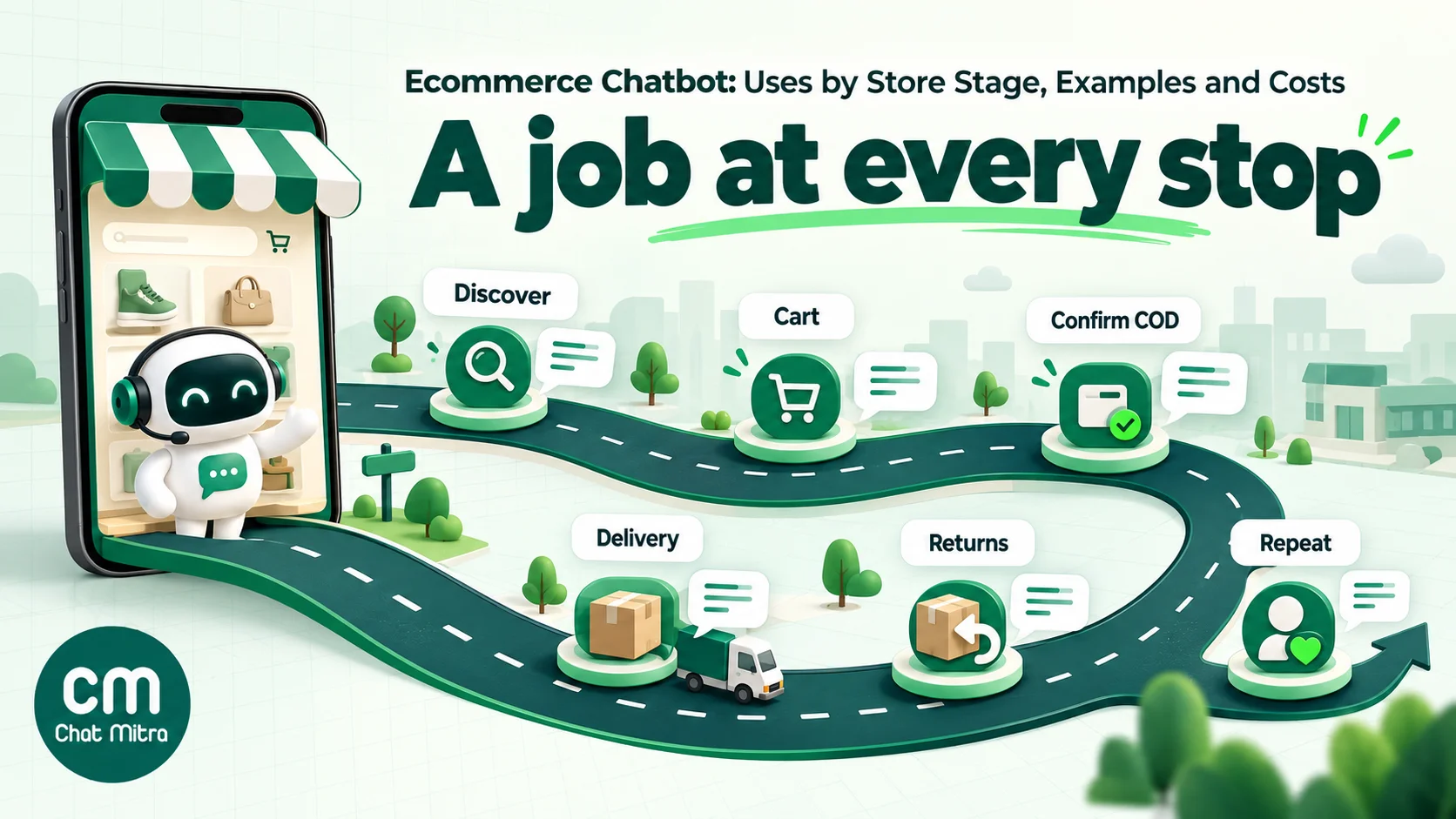
What an ecommerce chatbot should do at each stage
This is the core of a good ecommerce bot: one clear job per stage, the right message type for WhatsApp, and a point where a person takes over.
| Stage | What the shopper wants | What the bot does | WhatsApp message type | Hand to a person when |
|---|---|---|---|---|
| Discovery | ”Show me options” | Asks 2–3 questions, sends products | Service reply with product links, or catalog messages | They ask for styling or bulk orders |
| Product questions | Size, material, stock, pincode | Answers from your size chart, product data and delivery rules | Service reply | The answer isn’t in your data |
| Checkout help | Payment methods, COD, coupons | Explains options, sends a payment link | Service reply | Payment failed twice |
| Abandoned cart | Nothing yet; they left | Reminds once or twice with a link back | Marketing template (opt-in needed) | They reply with a question |
| Order and COD confirmation | Reassurance | Confirms the order; asks COD buyers to confirm or cancel | Utility template with buttons | They want to change the address or item |
| Shipping and tracking | ”Where is my order?” | Sends updates and the tracking link; answers status questions | Utility templates, service replies | The parcel is stuck or late |
| Delivery problems | A missed delivery or wrong address | Collects a new slot or address, passes it to the courier | Utility template, service replies | Refused, damaged or lost parcels |
| Returns and exchanges | ”This doesn’t fit” | Checks eligibility, collects a reason and photos, offers an exchange first | Service replies | Damaged items, refunds outside policy |
| Reviews | Nothing | Asks about the specific order, routes happy buyers to a review | Utility (order-specific) or marketing | Any complaint |
| Repeat purchase | A refill, a new launch | Reminds and recommends | Marketing template | Rarely |
Discovery and product recommendations
When a shopper messages “show me cotton kurtas under ₹1,500”, the bot can ask one or two narrowing questions (size, occasion, colour) and reply with three products and links. On WhatsApp you can also send catalog messages if your catalog is connected to your WhatsApp account: Meta’s multi-product messages show up to 30 products, organised into sections, and shoppers can add items to a cart and send you the order inside WhatsApp. Two limits to know: only the customer can build and send a cart (Meta says you can’t send carts to customers), and outside an open conversation you need an approved catalog or multi-product template instead of a free-form product message.
Keep recommendations short. Three good options beat a scrolling list, and every product should come with the reason it was picked (“cotton, under ₹1,500, available in M”).
Product and delivery questions
These are the questions that stop a purchase: Will it fit? Is it washable? Can you deliver to 680001 by Friday? A bot answers them well only when it has the facts: your size chart, product attributes, serviceable pincodes and delivery times by zone. Give it those as structured data, not as a paragraph of marketing copy.
Two rules keep the bot honest. If it doesn’t know, it says so and offers a person. And it never promises a delivery date it can’t check; “usually 3–5 days to Kerala” is a fact from your courier data, “it’ll reach you Friday” is a guess.
Abandoned carts
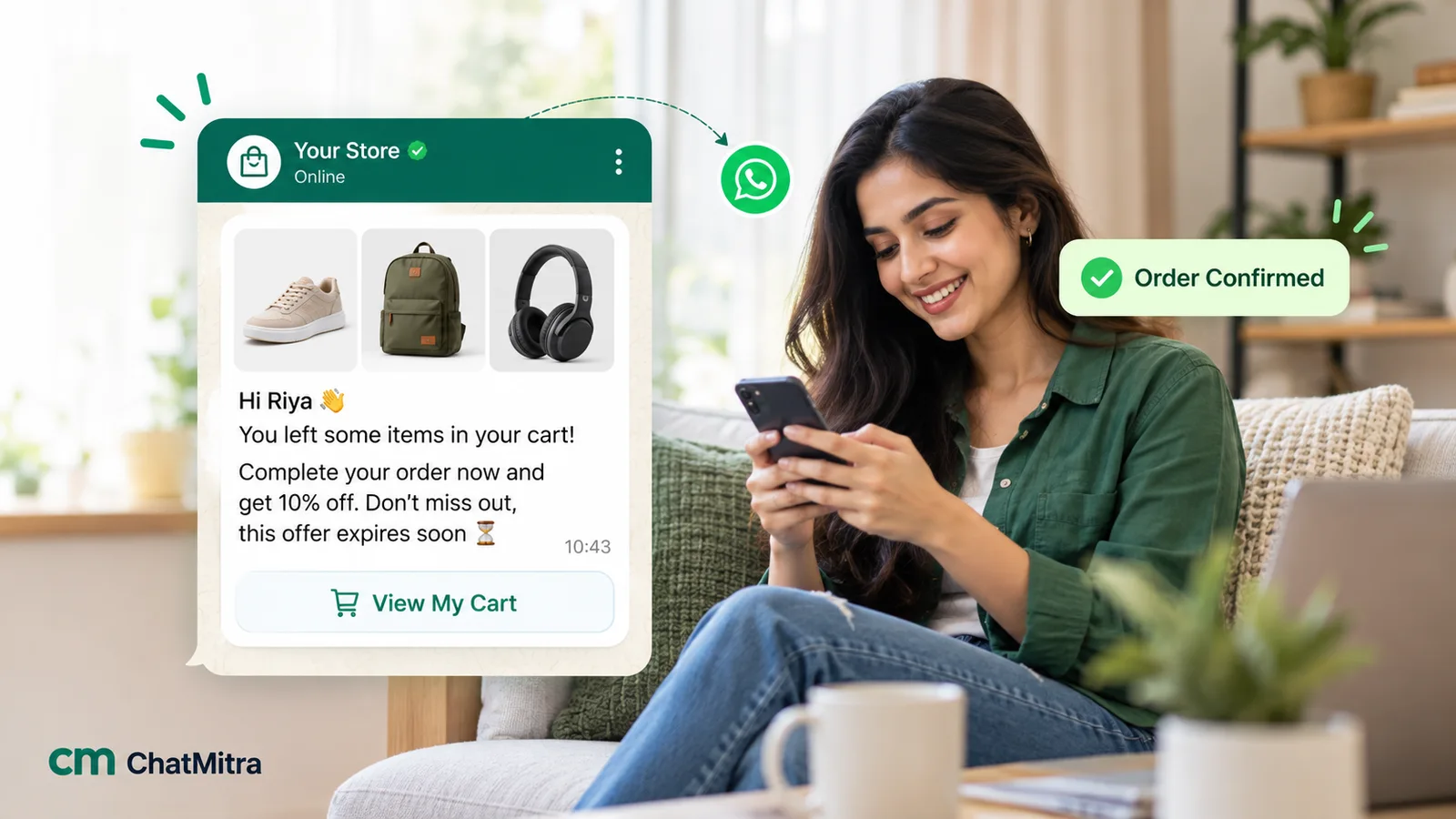
A cart reminder works because it reaches the shopper on the app they check most, with a link straight back to their cart. On WhatsApp it’s a marketing template: Meta’s categorization guide gives “You left items in your cart” as a marketing example and says such messages are marketing even if the user requested them. So you need marketing opt-in, usually a checkbox at checkout that names your store. The first reminder usually goes out within an hour or two, with at most one follow-up. Our abandoned cart recovery guide covers timing, copy and discounts in detail.
The chatbot’s part comes after the reminder: when the shopper replies “is there a coupon?” or “does this come in black?”, the bot answers inside the conversation instead of letting the reply sit unread.
COD confirmation and returned parcels
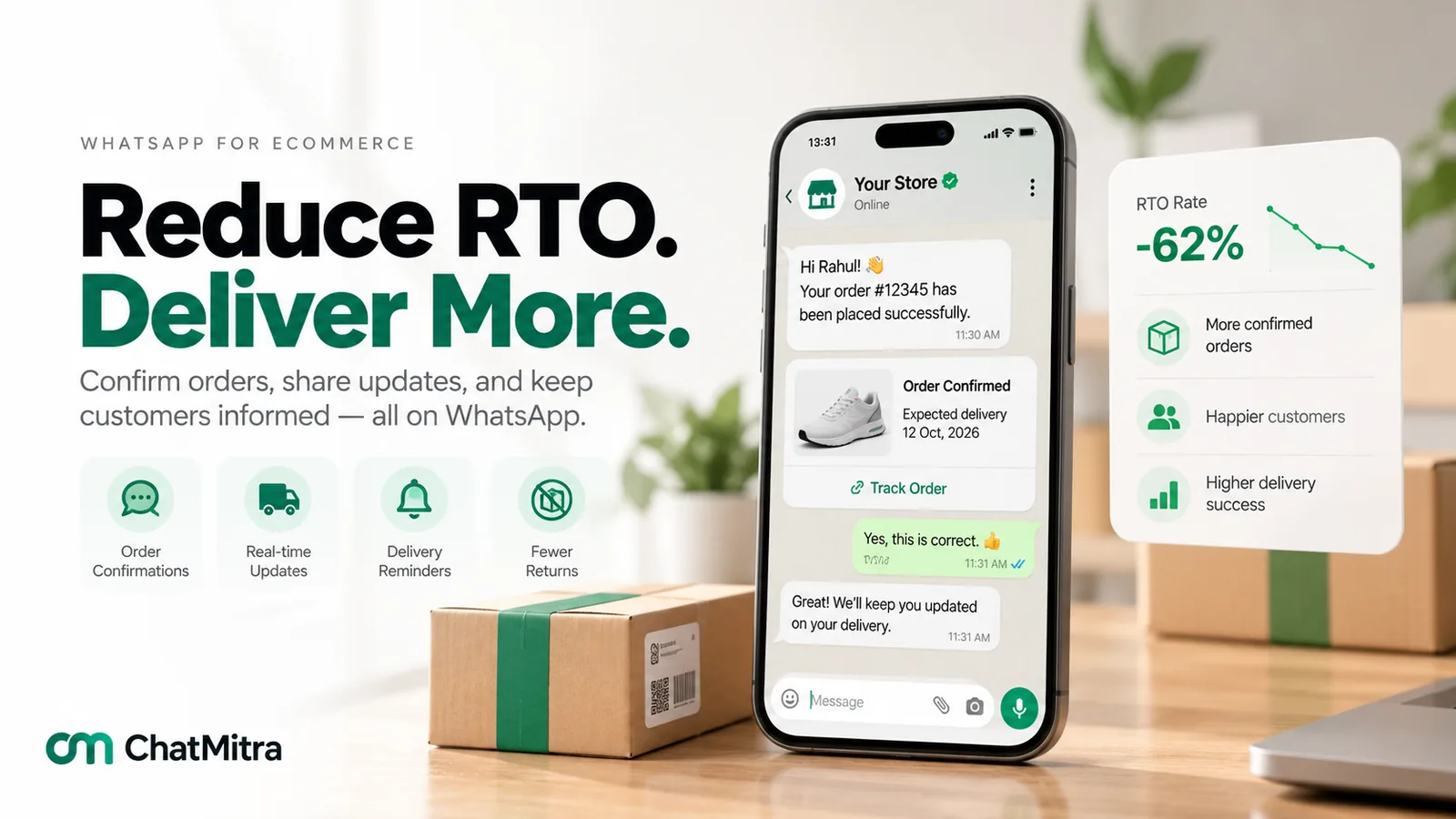
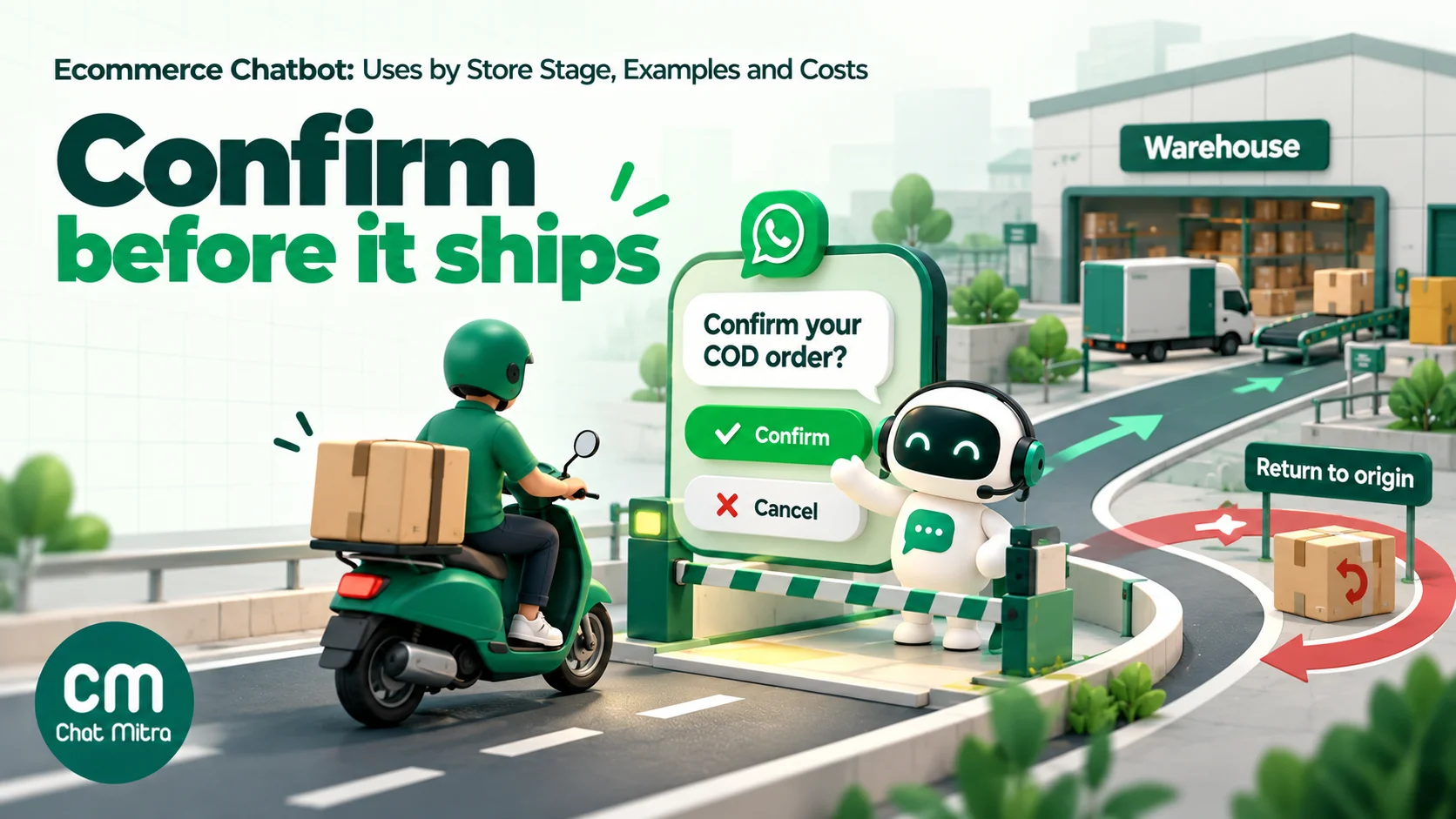
In India, cash-on-delivery orders that are refused or undeliverable come back to you as RTO (return to origin), and you pay shipping both ways. A COD confirmation is one of the simplest ways to cut them:
Hi Ananya, thanks for your order #4821 from Kesari Home: 2 cotton bedsheets, ₹1,348, cash on delivery to Kakkanad, Kochi. Please confirm so we can ship it today. Confirm order · Cancel order · Change address
This is a utility template, because it confirms a specific order and contains no offer. What the bot does with each answer is what saves money:
- Confirm order marks the order confirmed and releases it for shipping.
- Cancel order stops it before a courier ever picks it up.
- Change address collects the correction, or hands the chat to your team.
- No reply in a few hours triggers one reminder; if there’s still no answer, call or hold the order according to your policy.
Many stores also offer an incentive to switch to prepaid at this point. Keep that in a separate message: an order confirmation that includes an offer becomes marketing. See converting COD orders to prepaid and our guide to RTO in ecommerce for the full picture.
Order tracking (“where is my order?”)
“Where is my order?” is the most common question most stores get. There are two ways to handle it, and the best stores do both:
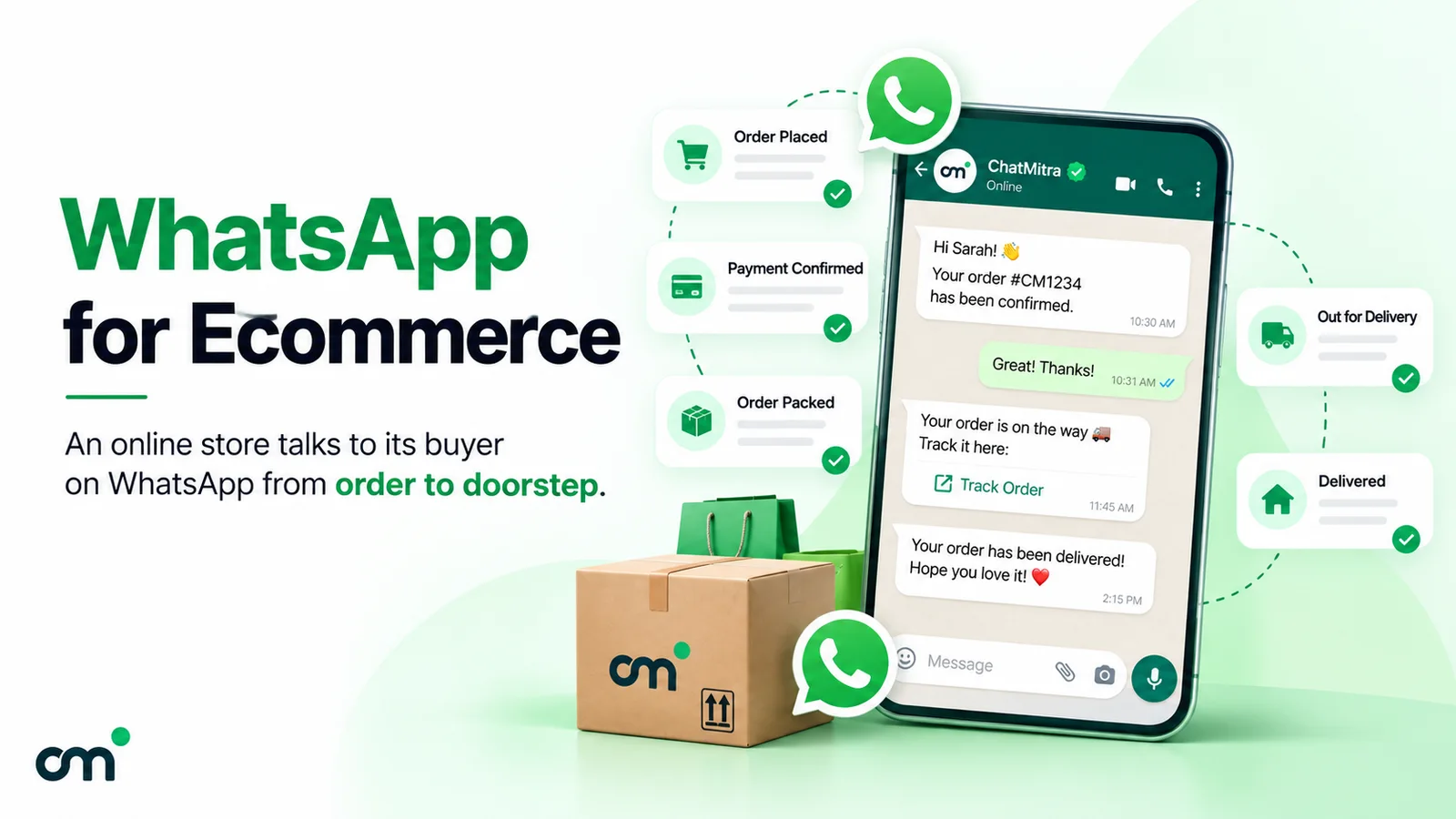
- Proactive updates. Send utility templates at the moments that matter: shipped (with the tracking link), out for delivery, delivered. Most customers stop asking once they know.
- Reactive lookup. When someone asks anyway, the bot looks up the order by their phone number or order ID and replies with the status. This needs a connection to your store or courier data. Only share details when the phone number matches the order; anyone can type an order number.
Customer: where is my order Bot: Your order #4821 (2 bedsheets) left our Bengaluru warehouse on Tuesday and is with the courier in Kochi. Expected delivery: Thursday. Track it here: [link] Track order · Talk to us
If the bot can’t read live order data, don’t fake it. Send the tracking link in every shipping update and route “where is my order” messages straight to your team with the order number already asked for.
Returns and exchanges
A return conversation is a chance to keep the sale. Ask for the order number (or recognise the phone), then the reason with buttons: Doesn’t fit, Damaged, Not as shown, Changed my mind. For “doesn’t fit”, offer the exchange first with the next size, because it keeps the revenue and saves a refund. For “damaged” or “not as shown”, ask for a photo and hand over to a person straight away.
Spell out your policy in the chat: the return window, what’s excluded, how pickup works and when refunds arrive. In India, the Consumer Protection (E-Commerce) Rules, 2020 require online stores and marketplaces to show return, refund, exchange, warranty and guarantee information prominently, bar sellers from refusing to take back defective, deficient or spurious goods, and require a grievance officer who acknowledges a complaint within 48 hours and resolves it within one month. A bot can capture the complaint immediately, but people must own the resolution.
Reviews and repeat purchases
After delivery, a short message about that specific order (“How are the bedsheets? Love them · Not happy”) can be a utility template, because Meta allows feedback requests tied to a specific order; a generic survey isn’t utility. Route “Love them” to your review link and “Not happy” to a person immediately.
Refill reminders, new launches and “you may also like” messages are marketing. Send them only to opted-in shoppers, and use what you know: a 60-day refill reminder for a face wash bought 55 days ago is relevant; a weekly sale blast isn’t.
Example conversations to copy
These are illustrative scripts for a hypothetical home-linen store. Adapt the wording and keep each button label to 20 characters or fewer, which is WhatsApp’s limit.
Pre-sale question (service reply):
Customer: do you deliver to 682030? need it before Saturday Bot: Yes, we deliver to 682030 (Kochi). Orders placed before 2 pm usually reach Kochi in 3–4 working days, so Saturday is likely but not guaranteed. Want me to send the express option? Show express · Order normally · Ask a person
Exchange (service replies):
Bot: Sorry the bedsheet doesn’t fit. Your order #4821 is within the 7-day exchange window. What would you like? Exchange size · Return for refund · Talk to us Customer: taps Exchange size Bot: Which size do you need? Single · Double · King
Review request after delivery (utility template, order-specific):
Hi Ananya, your Kesari Home order #4821 was delivered yesterday. How are the bedsheets? Love them · Not happy
How to set up an ecommerce chatbot
- List your top questions. Export a month of chats, emails and call notes, and count the 15 most common questions. These are your first bot answers, in order.
- Connect your store data. The bot needs orders, products and delivery data to be useful after checkout. Check what your platform can connect: Shopify, your courier, a sheet, or an API.
- Get opt-in at checkout. Add a WhatsApp opt-in that names your store and says what you’ll send (order updates, and separately, offers). Utility messages need the shopper’s opt-in to WhatsApp messages; marketing needs consent to marketing.
- Write and submit templates. Order confirmation, COD confirmation, shipped, out for delivery, delivered and review request as utility; cart reminder and refill reminder as marketing. Keep offers out of utility templates.
- Build the main paths with buttons. Tracking, returns, delivery questions, talk to a person. Add AI for typed product questions only once the button paths work.
- Set the handover rules. Damaged items, payment failures, angry messages and anything the bot can’t answer go to a person, with the order details already collected. Put your support hours in the bot’s reply.
- Test every path, then launch on one stage. Start with COD confirmation or shipping updates, where the value is easiest to measure, then add stages one at a time.
How to choose an ecommerce chatbot
Most store chatbots look alike in a demo. The differences show up after launch, in what the bot can read, what it can change and what each conversation costs. Ask these questions before you commit:
| Question | Why it matters | A good answer |
|---|---|---|
| Which store events does it react to? | Order, COD, cancellation, shipping and cart flows should run from your store’s own events | Named events for your platform (for example Shopify’s order created, cancelled and fulfilled), with delays you set |
| Can it read your order and product data? | Tracking and stock answers depend on live data | A native lookup, or an API call to your store with the customer’s number |
| Does a customer’s tap change anything? | A COD “Cancel” that nobody acts on still ships | The tap updates the order, or at least tags it so your team can act the same day |
| How are templates categorised? | A cart reminder filed as utility can be reclassified, and misuse can affect your other utility templates | Cart and refill reminders as marketing; order messages as utility with no offers |
| How does handover work? | Damaged items and payment failures need a person fast | One tap to a person, with the order details already collected, and a way to pause the bot |
| What do you pay per conversation? | Per-message fees grow with every bot reply | A flat fee per conversation or none, and Meta’s rates passed through at cost |
| Which languages can it handle? | Shoppers outside the metros often type in Hindi or Hinglish | Templates in each language you sell in, and an AI that answers in the shopper’s language |
| What do the reports show? | You need to see COD confirmations, recoveries and RTO | Per-flow sends, deliveries and reads, plus tags or webhooks you can count |
Two warning signs: a vendor that promises “zero Meta charges” on business-started messages (Meta charges every template outside its free windows), and recovery or conversion figures with no method behind them. Ask how a number was measured before you plan around it.
What an ecommerce chatbot costs on WhatsApp in India
Meta charges per template in India, by category, and charges service replies only after a monthly free allowance. These are the rates effective 1 October 2026:
| Message | Category | Meta’s charge (India) |
|---|---|---|
| Order confirmation, COD confirmation, shipping update, order-specific review request | Utility template | ₹0.115 |
| Cart reminder, refill reminder, launch announcement | Marketing template | ₹0.8631 |
| Bot replies inside the 24-hour window (answers, buttons, lists) | Service message | First 1,000 a month per number free, then ₹0.115 |
| Replies after a shopper messages you from a click-to-WhatsApp ad | Free entry point window | ₹0 for up to 7 days from your first reply |
Worked example: a store with 3,000 orders a month, 60% COD. Assume one conversation per customer per day and that the order-day, shipped-day and feedback messages land on different days. Every row is a message ChatMitra’s Shopify flows can send.
| Item | Volume | Meta | Conversations |
|---|---|---|---|
| COD confirmation (also confirms the order) | 1,800 | 1,800 × ₹0.115 = ₹207.00 | 1,800 |
| Prepaid order confirmation | 1,200 | 1,200 × ₹0.115 = ₹138.00 | 1,200 |
| Shipped update with tracking link | 3,000 | ₹345.00 | 3,000 |
| Feedback request about the order | 3,000 | ₹345.00 | 3,000 |
| Cart reminders (opted-in shoppers) | 1,500 | 1,500 × ₹0.8631 = ₹1,294.65 | 1,500 |
| ”Where is my order?” and other chats, 3 bot replies each | 900 chats, 2,700 replies | (2,700 − 1,000) × ₹0.115 = ₹195.50 | 900 |
| Total | ₹2,525.15 | 11,400 |
On ChatMitra, Pro would cost ₹999 plus (11,400 − 1,000) × ₹0.20 = ₹2,080, so ₹3,079 in platform charges. Enterprise is a flat ₹2,499 with no fee per conversation, so at this volume it’s the cheaper plan: ₹2,499 + ₹2,525.15 = ₹5,024.15 a month, about ₹1.67 per order. That compares with the cost of a single returned COD parcel, which a confirmation message may prevent.
Two levers bring the bill down. Cart reminders are the most expensive line, so send them only to opted-in shoppers and stop after the second one. And proactive tracking updates reduce “where is my order?” chats, which keeps you inside the free service allowance.
How to measure an ecommerce chatbot
| Metric | What it shows | Good practice |
|---|---|---|
| COD confirmation rate | Share of COD orders confirmed before shipping | Track cancellations separately; they’re money saved |
| RTO rate for confirmed vs unconfirmed orders | Whether confirmation actually cuts returns | Compare like for like, by pincode and order value |
| Cart recovery rate | Orders from reminded carts | Keep a small holdout group that gets no reminder, to see the real lift |
| Containment rate | Chats resolved without a person | Read the transcripts; “resolved” shouldn’t mean “gave up” |
| First reply time after handover | How fast your team picks up | Measure separately inside and outside support hours |
| Return-to-exchange rate | Refunds turned into exchanges | A direct revenue number for the returns flow |
| Opt-outs and blocks | Whether messages annoy people | Watch after every new marketing message |
Common mistakes with ecommerce chatbots
- Guessing delivery dates or stock. One wrong promise costs more than the chat saved.
- Putting offers in order messages. An order update with a coupon is marketing, and repeated miscategorisation can affect your utility templates.
- Cart reminders to people who didn’t opt in. It’s against WhatsApp’s rules and leads to blocks.
- No way out. Every path needs a “talk to us” option; WhatsApp’s policy requires a clear escalation path.
- Sharing order details on an order number alone. Match the phone number first.
- A returns flow that only refunds. Offer the exchange first when the reason allows it.
- Launching everything at once. Start with one stage, measure it, then add the next.
Rules to know before you launch
- Opt-in. Required before you message people on WhatsApp. Meta says it must state that the person is opting in and name your business.
- Utility vs marketing. Order and shipping messages are utility only if they contain no offers, upsells or cross-sells; Meta’s guide says such messages “should not promote, recommend, upsell, or cross-sell products”.
- Per-user marketing limits. WhatsApp may limit how many marketing templates a person receives from businesses, so not every cart reminder will be delivered.
- Commerce policy. Some products can’t be sold through WhatsApp at all. Check Meta’s commerce policy before you list a product.
- Consumer law in India. The Consumer Protection (E-Commerce) Rules, 2020 cover return and refund policy disclosure and grievance timelines; the CCPA’s dark-pattern guidelines cover tricks like false urgency and drip pricing.
- Data protection. Under India’s DPDP Rules, notified in November 2025, most duties apply from May 2027. Collect only what each conversation needs.
Ecommerce chatbot on ChatMitra
ChatMitra runs on the official WhatsApp Business API and connects to Shopify, so the post-checkout stages in this guide run automatically from your store’s events, and you pay its fee per conversation, not per message.
| ChatMitra advantage | What it means for your store |
|---|---|
| Shopify flows built in | Three abandoned-cart reminders with their own delays, COD confirmation, prepaid order confirmation, cancellation, shipped-with-tracking and feedback messages, each with the template you choose. |
| COD orders handled separately | Cash-on-delivery orders get the COD confirmation; prepaid orders get the order confirmation. |
| Reminders stop when they buy | Pending cart reminders are cancelled as soon as the order is placed. |
| Order data in every message | Variables for the customer’s name, order ID, amount, items, shipping address, tracking link and checkout link. |
| ₹0.20 per conversation, never per message | A COD confirmation and the chat that follows count as one conversation for 24 hours. |
| Enterprise (₹2,499/month) removes the fee | At about 8,500 conversations a month or more, it costs less than Pro, which suits busy stores. |
| Meta’s rates at cost | You pay the India rates in the table above to Meta, nothing added. |
How to set it up on ChatMitra:
- Connect Shopify and turn on the flows you need. Start with COD confirmation and order fulfilled (shipped), the two with the clearest payback.
- Choose templates. Submit cart reminders as marketing templates, with the checkout link as a button. Submit order, COD, shipping and order-specific feedback messages as utility, with no offers in them.
- Set the cart delays. For example, the first reminder an hour after the checkout and the second the next day. Each delay is counted from the abandoned checkout.
- Handle the COD taps. Create Auto Reply rules on Pro for the button titles in your COD template (“Confirm my order”, “Cancel my order”). Each rule replies to the shopper and tags the contact, so your team can filter the inbox by “cod-cancel” and cancel those orders in Shopify before they ship.
- Answer pre-sale and return questions. Use Auto Reply rules with buttons and lists for delivery areas, size charts, return reasons and “talk to us”, and the AI chatbot for typed product questions.
- Look up orders, if you have an API. An Auto Reply rule can call your own store or order API with the customer’s number and put the answer into the reply, and the AI chatbot can call API Actions you define. Without one, rely on the tracking link in your shipped message.
- Show products. Auto Reply and Welcome messages can send catalog, single-product and multi-product messages using your catalog and product IDs, and carts that customers send appear in the inbox.
Good to know:
- A tap on Confirm or Cancel doesn’t update the Shopify order by itself; your team or your own API does that.
- Shopify flows cover order confirmed, cancelled and fulfilled. There’s no out-for-delivery or delivered event from Shopify, and no courier tracking integration, so delivery updates need your shipping platform’s webhook and a ChatMitra automation, or the shipped message’s tracking link.
- The feedback message is scheduled after fulfilment, not after delivery, so set its delay to your usual delivery time.
- There’s no built-in returns flow, payment-link button, address form or catalog sync; build returns with Auto Reply buttons and tags, and send your store’s payment link as a URL.
- WooCommerce stores need a cart plugin and a webhook.
Starter is free and includes Shopify; Pro adds Auto Reply and the AI chatbot, with a 15-day trial and no card. Compare plans.
Sources
- Meta for Developers: Template categorization (updated 15 September 2026), Pricing on the WhatsApp Business Platform (updated 30 September 2026), Catalogs overview (updated 18 June 2026), Multi-product messages (updated 26 June 2026), Get opt-in for WhatsApp (updated 16 June 2026), per-user marketing template limits (updated 17 June 2026), interactive reply buttons (updated 21 May 2026).
- WhatsApp Business Messaging Policy (updated 23 September 2026).
- India: Department of Consumer Affairs, Consumer Protection (E-Commerce) Rules, 2020 (rules 4(5), 5(3), 6(3), 7(1)); Central Consumer Protection Authority, Guidelines for Prevention and Regulation of Dark Patterns, 2023; PIB, DPDP Rules notified (14 November 2025).