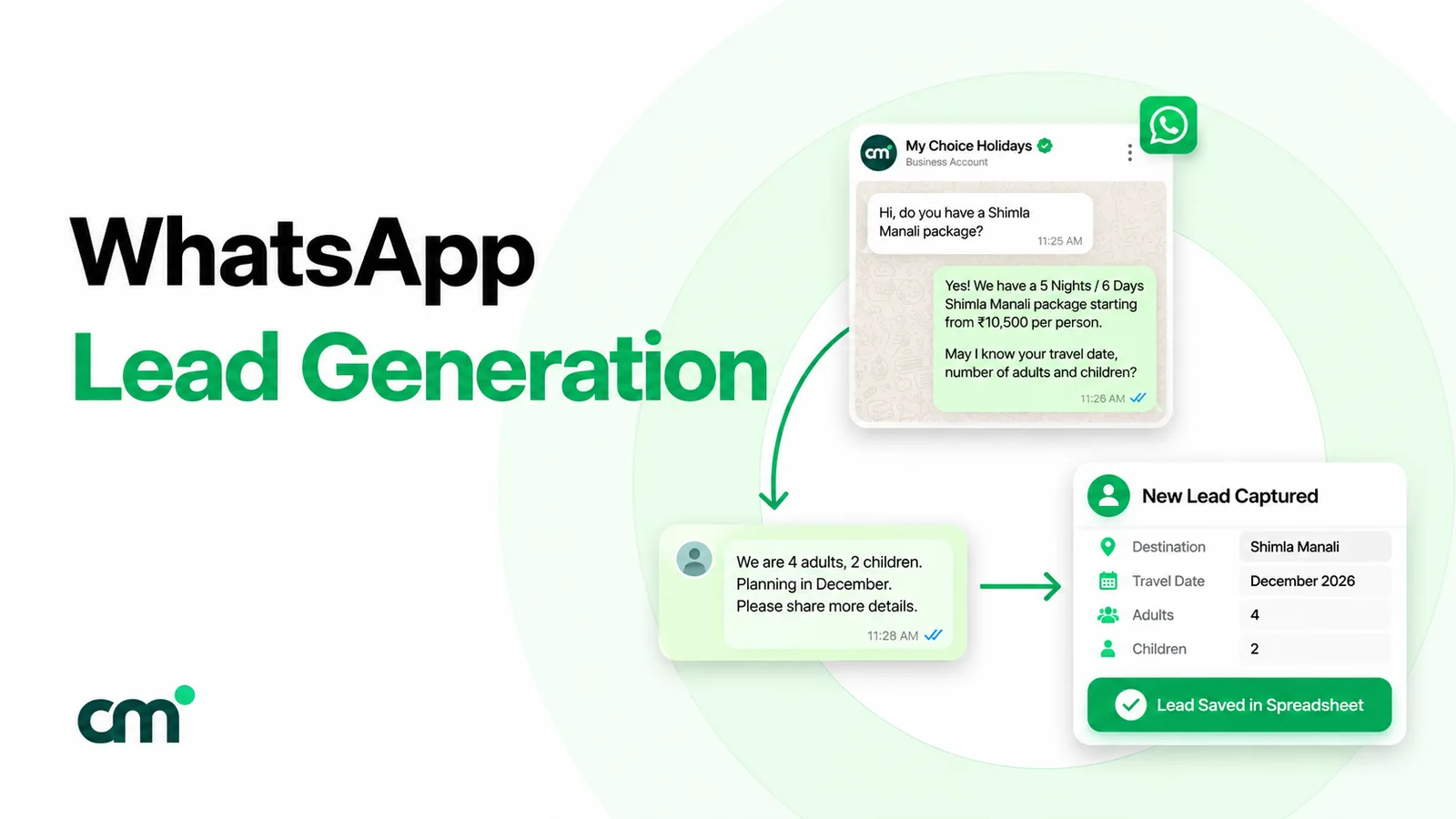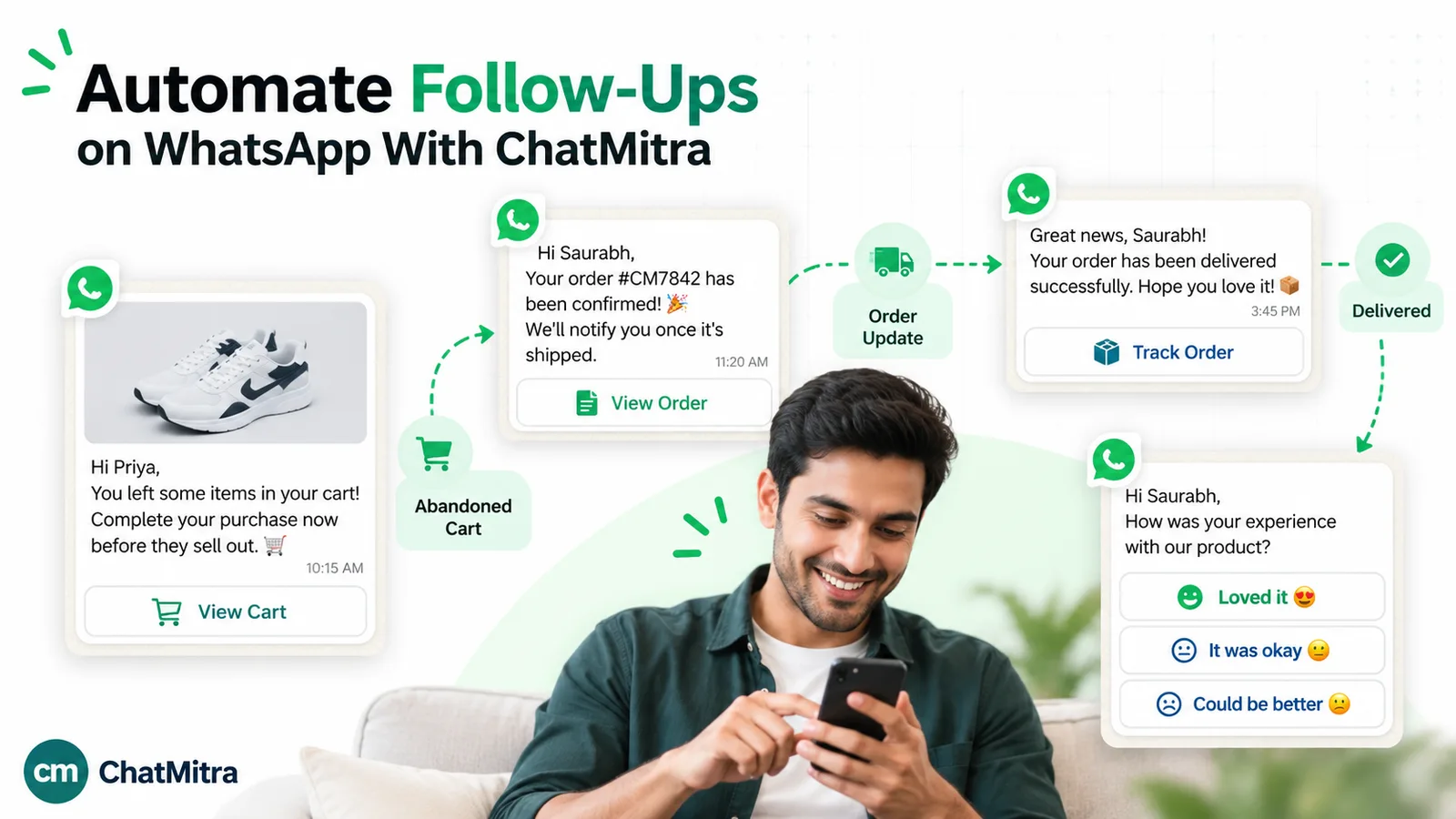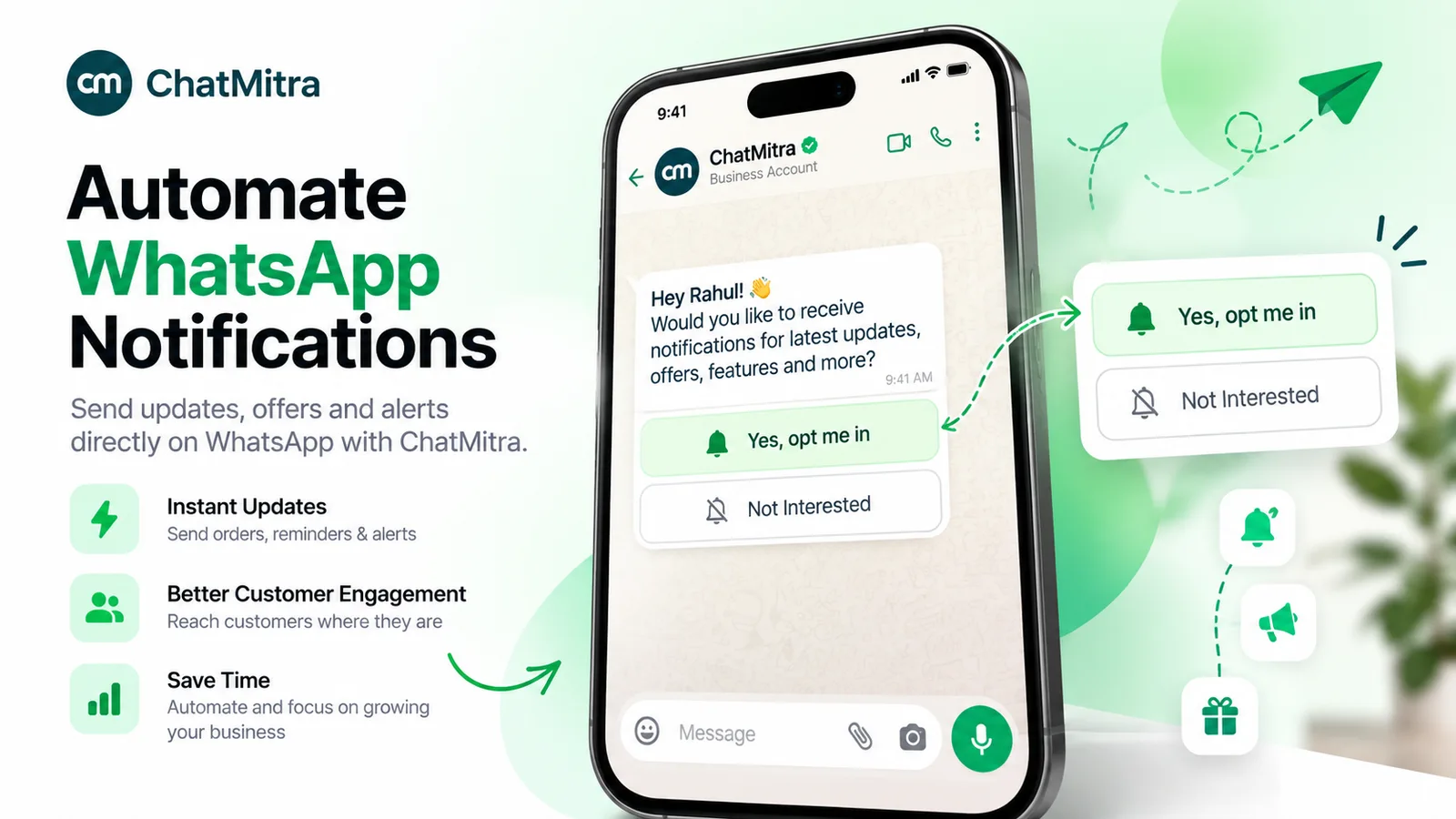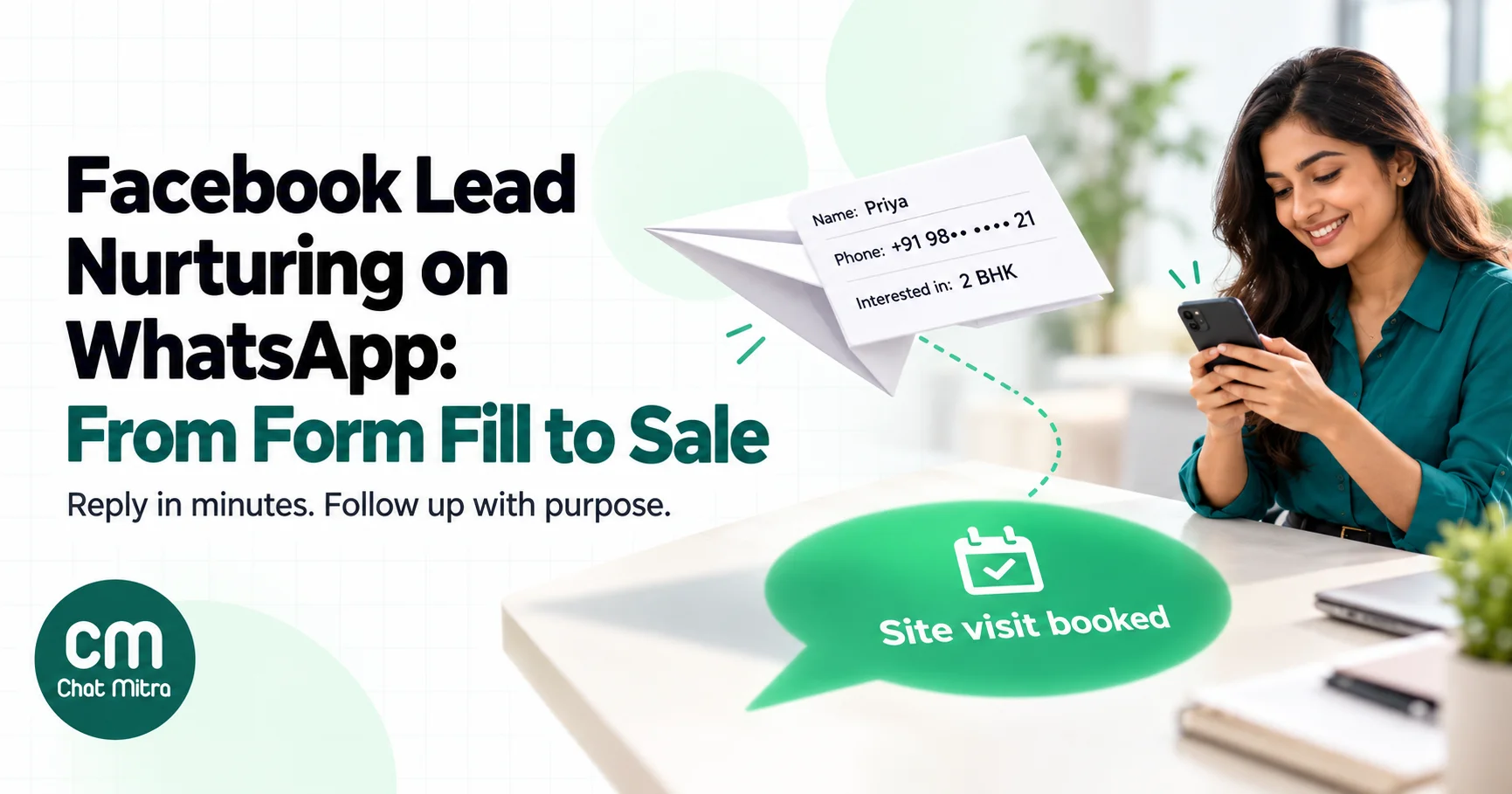
Facebook lead nurturing is everything that happens after someone taps Submit on your Meta instant form: the first contact, the questions you answer, the reminders you send and the moment you either close the sale or let the lead go. The form fill is the cheap part. Whether it turns into revenue depends on how fast and how well you follow up, and for most businesses in India that follow-up now happens on WhatsApp.
This guide covers the whole path for Lead Ads leads specifically: the consent wording to put on the form, how leads physically get from Meta into WhatsApp (there’s no button that does it for you), what the first message should say and which template category it falls into, a 14-day nurture sequence, how to deal with junk leads, what it all costs in rupees, and what to measure.
Using ChatMitra? Send each new Lead Ads lead into a ChatMitra Automation through its Incoming Webhook or a Google Sheet, and the workflow sends your approved template within minutes, tags the contact and waits between follow-ups with Delay steps. ChatMitra’s fee is ₹0.20 per conversation, not per message. Jump to Facebook lead nurturing on ChatMitra.
What Facebook lead nurturing is, and why form leads need it
Meta’s Lead Ads let people send you their details through an instant form without leaving Facebook or Instagram. Their name, email and phone number are usually filled in from their profile, so submitting takes a couple of taps. That’s why Lead Ads produce leads cheaply, and it’s also why many of those leads are lukewarm. Someone scrolling at night taps “Get quote”, submits, and has forgotten your brand by the next afternoon.
Nurturing closes that gap. It has four jobs:
- Reconnect fast, while the person still remembers the ad.
- Qualify, so your sales team spends time on people who can actually buy.
- Answer and reassure, with the details the form promised: prices, brochures, slots, eligibility.
- Ask for the next step, a call, a visit, a demo, a booking or a payment, and keep asking politely until the lead says yes or no.
Lead generation is about getting the form filled; we cover the wider version of that in our WhatsApp lead generation guide. This post starts at the moment the lead exists.
Why WhatsApp works for Lead Ads follow-up, and where it doesn’t
For Indian businesses, WhatsApp is usually the channel a lead will actually check. A follow-up email competes with promotions and spam folders, and an unknown number calling at work is easy to ignore. A WhatsApp message from a named business, answering the exact enquiry the person made, is easy to read and easy to answer with a tap.
But WhatsApp has rules that change how you nurture:
- You speak first, so you need a template. The lead submitted a form; they didn’t message you. Every business-initiated message outside a 24-hour customer service window has to be a pre-approved template, and it’s charged per delivered message.
- You need opt-in. Meta’s opt-in policy applies to any conversation you start, including utility messages, not just promotions (more on wording below).
- Not every number is on WhatsApp. The phone number on a form might be a landline, an office number or simply mistyped. Those messages fail, so you need a fallback.
- Marketing messages can be held back. WhatsApp limits how many marketing templates a person receives from all businesses combined when they’re less likely to engage, so a long chain of promotional nudges reaches fewer people than you’d expect.
- Once the lead replies, the rules relax. A reply opens a 24-hour customer service window in which you can send free-form text, media and buttons. That’s why the first message should be designed to earn a reply.
Lead Ads or Click-to-WhatsApp ads: which one to run
Before building a nurture flow for form leads, check that a form is the right entry point. Meta also lets an ad open a WhatsApp chat directly, and the two behave very differently once the lead arrives.
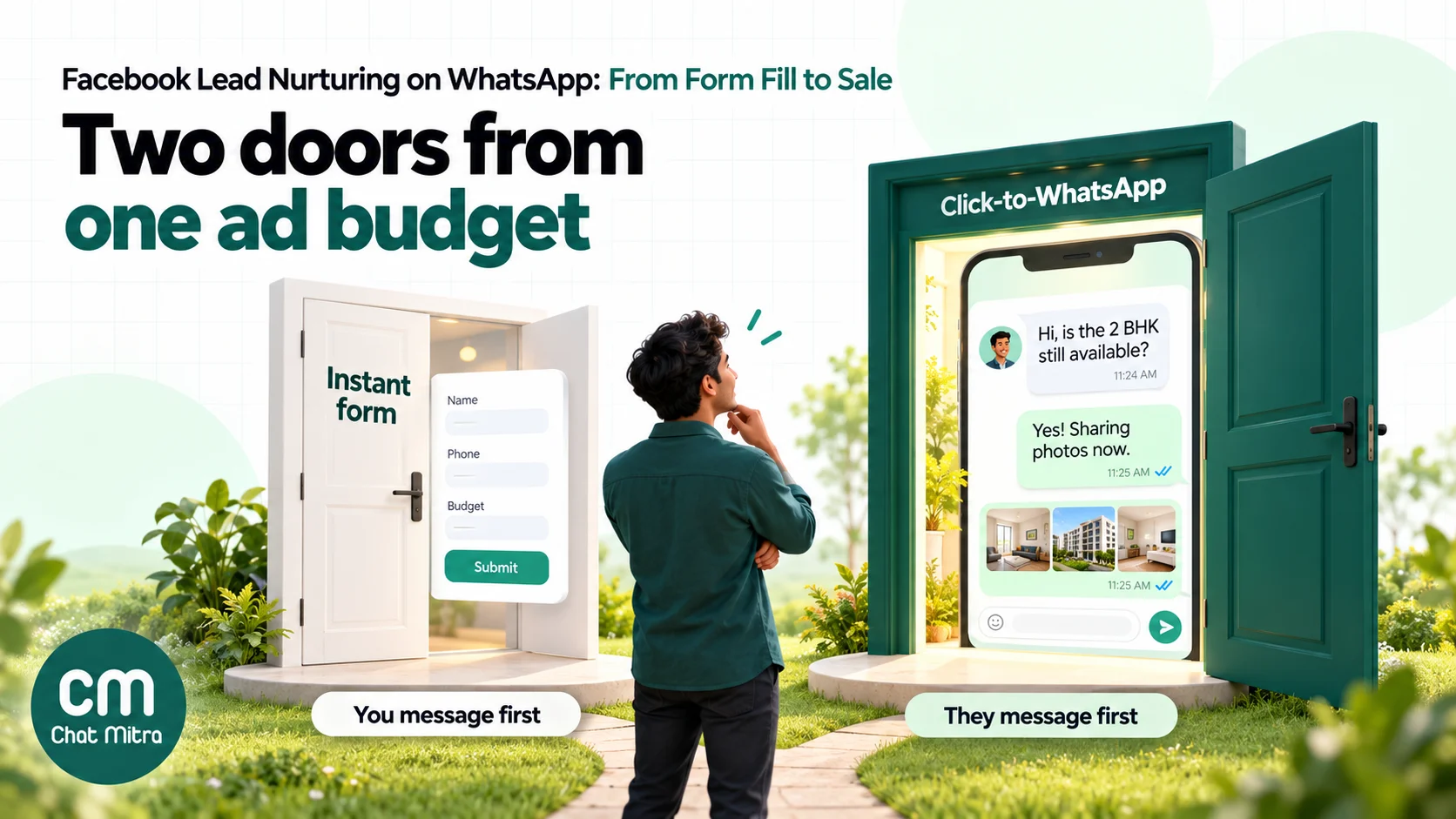
| Lead Ads (instant form) | Click-to-WhatsApp ads | |
|---|---|---|
| Who sends the first message | You, with an approved template | The customer, with your pre-filled opening line |
| Cost of your first replies | Charged per template | Free entry point window of up to 7 days, if you reply within 24 hours and the chat started in WhatsApp’s Android or iOS app |
| Data you get before talking | Form answers you chose (budget, city, course, timeline) | Only what the customer types |
| Lead’s effort | Very low, so more leads of mixed quality | Higher: they must start a chat, so fewer but warmer leads |
| Works when you’re offline | Yes, the lead waits in your system | Only if an auto-reply or bot answers at once |
| Best for | Sales teams that call, long decisions (property, education, insurance, B2B), audiences who won’t chat yet | Quick questions, ecommerce, bookings, businesses that can reply in minutes |
Meta’s free entry point rule comes from its pricing documentation: when a user messages you from a Click-to-WhatsApp ad and you respond within the customer service window, the window “may remain open for up to 7 days”, and messages of every category sent in it are free. Form leads never get that window, because they didn’t start a chat. That’s not a reason to drop Lead Ads. Form answers let you qualify before you spend a sales call, and plenty of buyers prefer a form to a chat. It’s a reason to make the WhatsApp follow-up of form leads short, relevant and fast.
Step 1: Set up the instant form for WhatsApp follow-up
Good nurturing starts on the form, because the form decides who you’re allowed to message and what you’ll know about them.
Add consent wording that names your business and WhatsApp
Meta’s opt-in policy has three requirements: you must clearly state that the person is opting in to receive messages from your business, clearly state your business name, and comply with local law. The opt-in can be general rather than WhatsApp-specific, but Meta recommends separate opt-ins by message category and clear instructions for opting out.
The instant form’s privacy section lets you link your privacy policy and add your own custom disclaimer text, which is the natural place for this. A wording that separates the enquiry follow-up from promotions:
By submitting, you agree that Sharma Home Interiors may contact you on WhatsApp, phone or email about this enquiry. Tick the box if you’d also like occasional offers on WhatsApp. You can stop messages at any time by replying STOP.
Replace the business name with yours, and only send offers to people who agreed to them. Keep a record of when and on which form each lead consented: the form name, ad and submission time that Meta provides are enough. In India, the Digital Personal Data Protection framework also expects consent to be specific and clearly given, so don’t hide it. Our WhatsApp opt-in guide covers opt-in wording across channels.
Choose the form type and questions with follow-up in mind
- More volume vs higher intent. Meta’s “higher intent” form type adds a review step where people check their details before submitting. It costs you some volume and usually removes accidental submissions. If your sales team complains about junk, test it.
- Keep the phone field. It’s pre-filled from the profile, so people rarely change it. Make sure it’s collected with the country code, because you need the full international number to message on WhatsApp.
- Add one or two qualifying questions, for example budget band, city, course start date or “When do you want to start?”. Multiple-choice answers are easier to route than free text.
- Ask for the preferred channel only if you’ll honour it. A “WhatsApp / call / email” question is useful if a call-only answer actually stops the WhatsApp sequence.
Use the completion screen to set expectations
The thank-you screen at the end of the form lets you add a headline, a short description and one extra action, such as a link or a phone number to call. Use the text to tell people what happens next: “We’ll message you on WhatsApp from Sharma Home Interiors within 10 minutes with the price list.” A lead who expects your message is far more likely to read it.
Step 2: Get each lead from Meta into WhatsApp within minutes
This is where most Lead Ads campaigns leak. Meta stores the lead; it doesn’t send WhatsApp messages for you. Something has to collect each new lead and hand it to your WhatsApp Business API provider.
| Route | How it works | Speed | Effort | Watch out for |
|---|---|---|---|---|
| Manual download | Export leads as CSV from Ads Manager, the Instant forms page or Leads Center in Meta Business Suite, then upload or broadcast | Hours or days | None to set up, daily work forever | Leads go cold; easy to skip a day |
| Meta’s CRM integrations | Connect a supported CRM through the CRM setup Meta offers for instant forms, then let the CRM trigger WhatsApp | Near real time | Low, if your CRM is supported | Your CRM still needs a WhatsApp connection |
| No-code connector | Zapier, Make or Pabbly Connect watch Facebook Lead Ads and pass each lead to your WhatsApp provider’s API or webhook (or to a Google Sheet) | Usually minutes | Low to medium | Connector plan limits; field mapping; test with Meta’s lead testing tool |
| Your own webhook | Subscribe your app to the Page’s leadgen webhook, fetch the lead’s answers with the Graph API, call your WhatsApp provider’s API | Seconds to a few minutes | High: developer work and Meta app permissions | Webhook payload contains IDs only, so you must fetch the answers |
Two details from Meta’s lead retrieval documentation matter if you build your own route. The leadgen webhook notification carries only metadata (lead ID, page, form, ad and created time), not the person’s answers; you fetch the field_data with a separate Graph API call using the lead ID. And notifications can arrive “with a delay of up to a few minutes”, so plan for minutes, not seconds.
Whichever route you choose, test it end to end with a real submission before you spend on the campaign, and check the phone number arrives with its country code.
Step 3: Send the first message while the lead is still warm
The first WhatsApp message is the most important one in the sequence. It has three jobs: prove you’re the business they just contacted, deliver what the form promised, and get a reply.
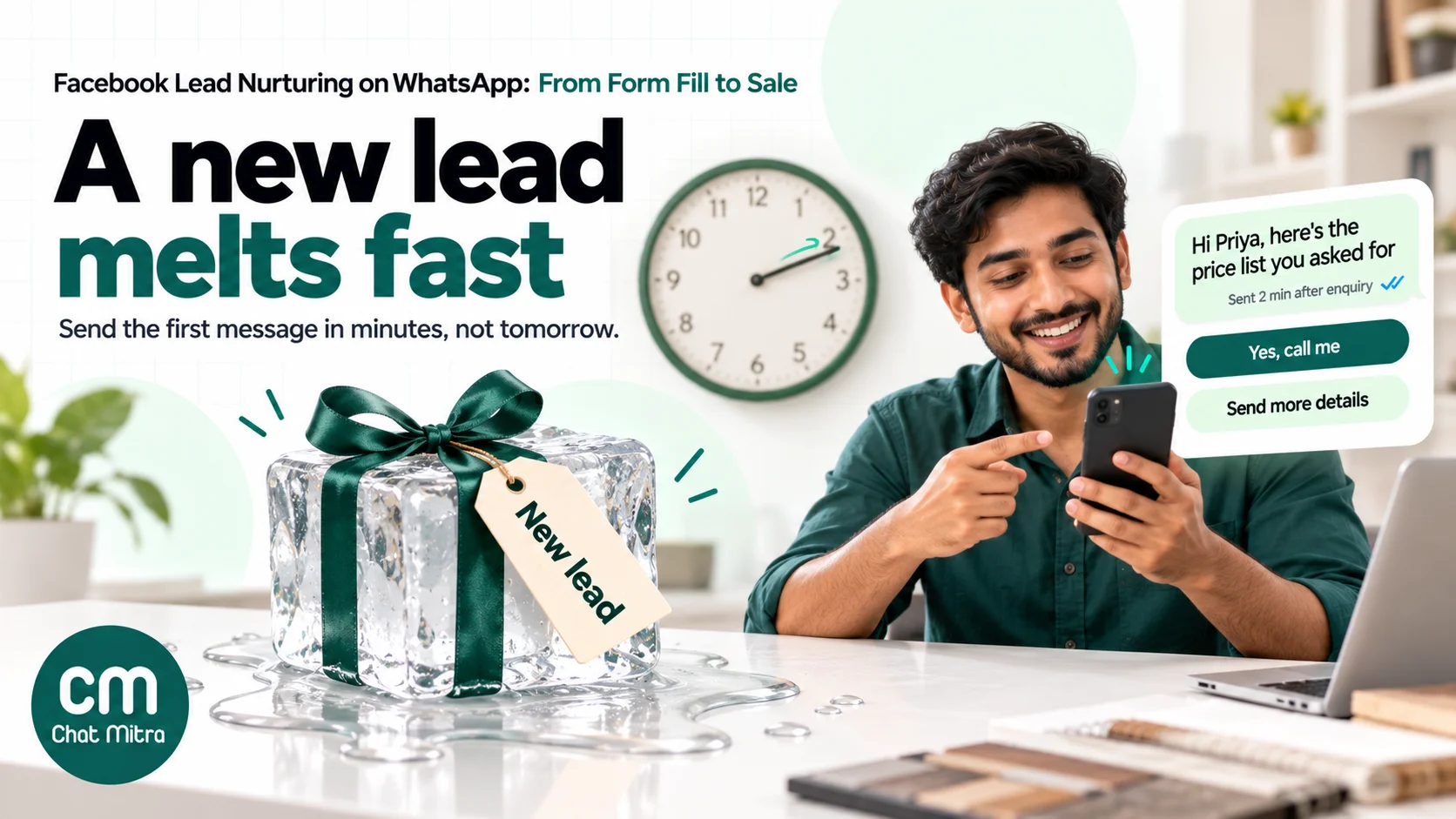
Why minutes matter
A widely cited Harvard Business Review study of online sales leads concluded that “most companies are not responding nearly fast enough” (HBR, 2011). With form leads the effect is sharper: the person gave you their number in a moment of interest, often late in the evening, and that interest fades quickly. Automating the first message removes the delay that office hours create. A person can call the promising ones afterwards.
What the first message should say
Write it for someone who has half-forgotten your ad:
- Name the business and the enquiry in the first line.
- Deliver the promised item: the price list, brochure, available slots or the answer to their form question.
- Ask one easy question with two or three quick-reply buttons, so replying takes a tap.
- Offer a person, with a button such as “Call me” for people who’d rather talk.
An example, written as a template with variables:
Hi {{1}}, thanks for your enquiry about {{2}} on our Facebook ad. Here’s the price list you asked for: {{3}}
Would you like a quick call to discuss your requirement?
[Yes, call me] [Send more details] [Not now]
Utility or marketing? Let the content decide
Meta’s template categorisation rules say utility templates are “typically triggered by a user action or request”, must be non-promotional, and must be specific to or requested by the user. A plain follow-up that delivers what the person asked for on the form fits that description better than a sales pitch, and one of Meta’s own utility examples is a business following up on a customer’s call with its service team. A first message with a discount, “limited seats” urgency or “book now and save” is marketing.
Practical rules:
- Write the first message as a service reply to the enquiry, with no offer, and submit it as utility. If Meta approves it as marketing, accept that; don’t try to disguise promotional copy.
- Put offers in later messages, sent as marketing templates and only to people who opted in to offers.
- Meta can move a utility template to marketing after approval. It gives one day’s notice, and the template stays approved, but your cost per message changes.
Our WhatsApp utility templates guide has more examples of what passes as utility.
Step 4: A 14-day nurture sequence for Lead Ads leads
After the first message, the lead falls into one of three groups: replied, didn’t reply, or couldn’t be reached. Each needs a different path. The schedule below is a starting point for considered purchases such as courses, home services, property visits or B2B demos; shorten it for impulse buys and lengthen it for big-ticket decisions.
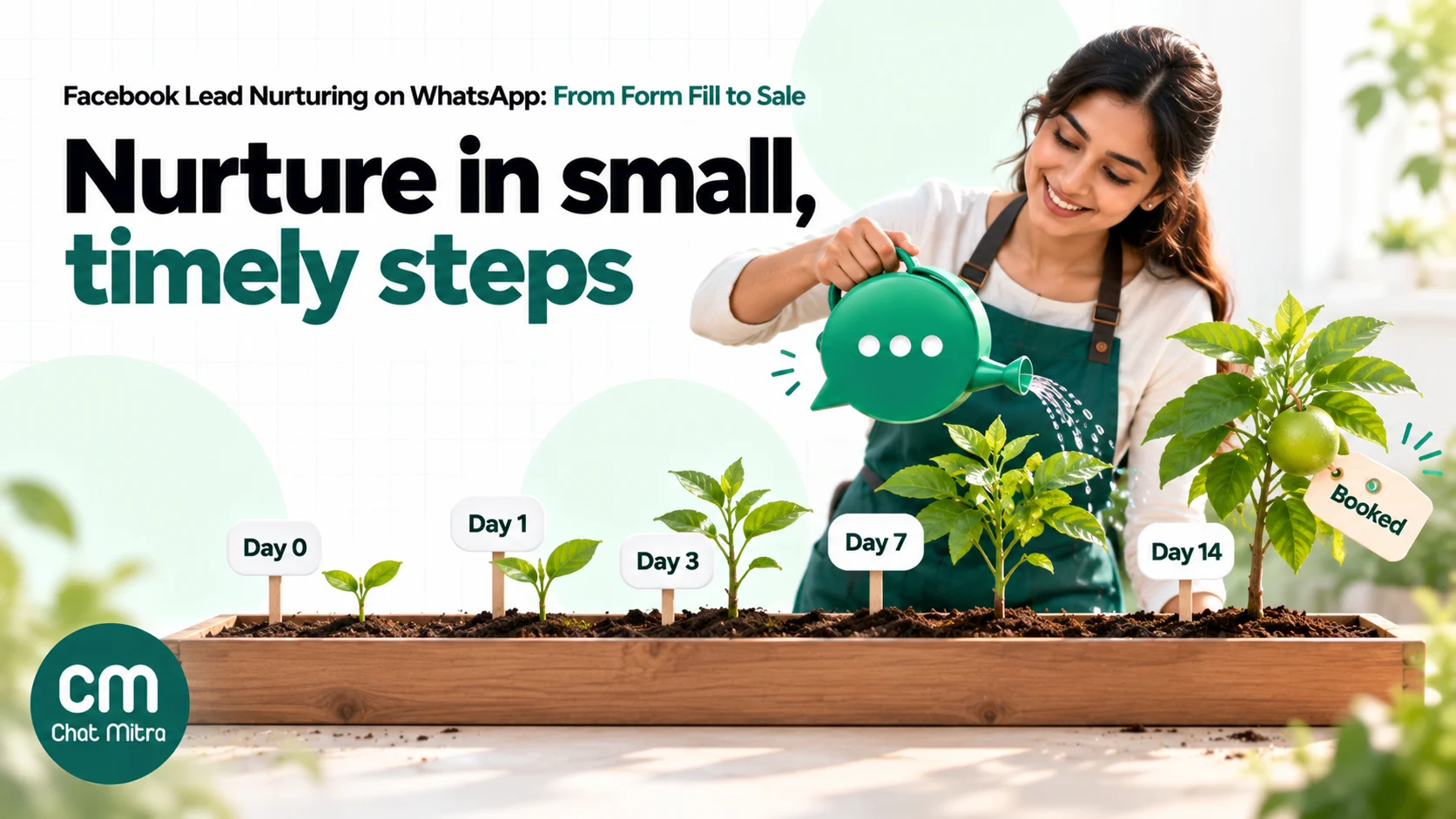
| When | Message | Likely category | Goal | Skip or stop if |
|---|---|---|---|---|
| Day 0, within minutes | Enquiry follow-up with the promised details and reply buttons | Utility, if non-promotional | Get a reply | Message fails: move to call or SMS |
| Day 0, after a reply | Free-form answers, qualifying questions, call booking | Service (inside the 24-hour window) | Qualify and book the next step | Lead says not interested |
| Day 1 | Short reminder: “Did the price list help? Reply with any question” plus a call button | Utility if it only follows up the request; marketing if it pushes an offer | Re-open the chat | They replied or booked on day 0 |
| Day 3 | Proof: a short customer story, project photo, demo video or FAQ answer | Marketing | Build trust | Replied, booked or opted out |
| Day 7 | Offer or deadline: site-visit slot, free consultation, early-bird fee | Marketing (opted-in leads only) | Ask for the decision | Replied, booked or opted out |
| Day 14 | Polite close: “Should we keep your enquiry open?” with Yes / No buttons | Marketing | Clean the list | Replied, booked or opted out |
How to make the sequence work:
- Every step needs a stop rule. A reply, a booking, a sale, an opt-out or a “Not interested” tap should end the automated messages for that lead. Sending day-3 proof to someone who booked a call on day 0 makes you look careless.
- Leads who reply move to people. Once someone answers, a salesperson or a well-briefed bot should handle the conversation inside the 24-hour window, where messages are service messages rather than templates.
- Fewer, better steps beat many weak ones. WhatsApp’s per-user marketing limits are adaptive: people who rarely read marketing messages get fewer of them from every business. Meta advises waiting at least 24 hours before resending to someone who hit the limit.
- Use the form answers. A lead who chose “start within 1 month” gets a shorter, faster sequence than one who chose “just researching”.
For more sequence patterns and timing, see our follow-up WhatsApp message templates.
Step 5: Qualify the lead and hand it to a person
Nurturing exists to put qualified people in front of your sales team, so design the hand-off as carefully as the messages.
- Qualify with taps, not essays. Ask one question per message with buttons: budget band, timeline, location, “call or WhatsApp?”. Each answer can tag the contact, and tags decide who calls whom.
- Let a bot answer the repetitive questions. An AI chatbot grounded in your price list and FAQs can answer “What’s the fee?”, “Do you deliver to Pune?” and “Is there EMI?” at 11 p.m. It should hand over to a person for negotiations, complaints and anything it doesn’t know. Our guide to AI lead qualification on WhatsApp shows how to set the questions and the hand-over rules.
- Give the salesperson the context. The form answers, the ad the lead came from and the WhatsApp replies should sit together, so nobody asks the same question twice.
- Call the ones who ask. “Yes, call me” is the strongest signal a form lead can give. Treat it like an inbound call request, not another message to reply to tomorrow.
Step 6: Filter out junk and unreachable leads
Every Lead Ads campaign brings in some leads you can’t use. Finding them quickly saves money and protects your WhatsApp number’s quality.
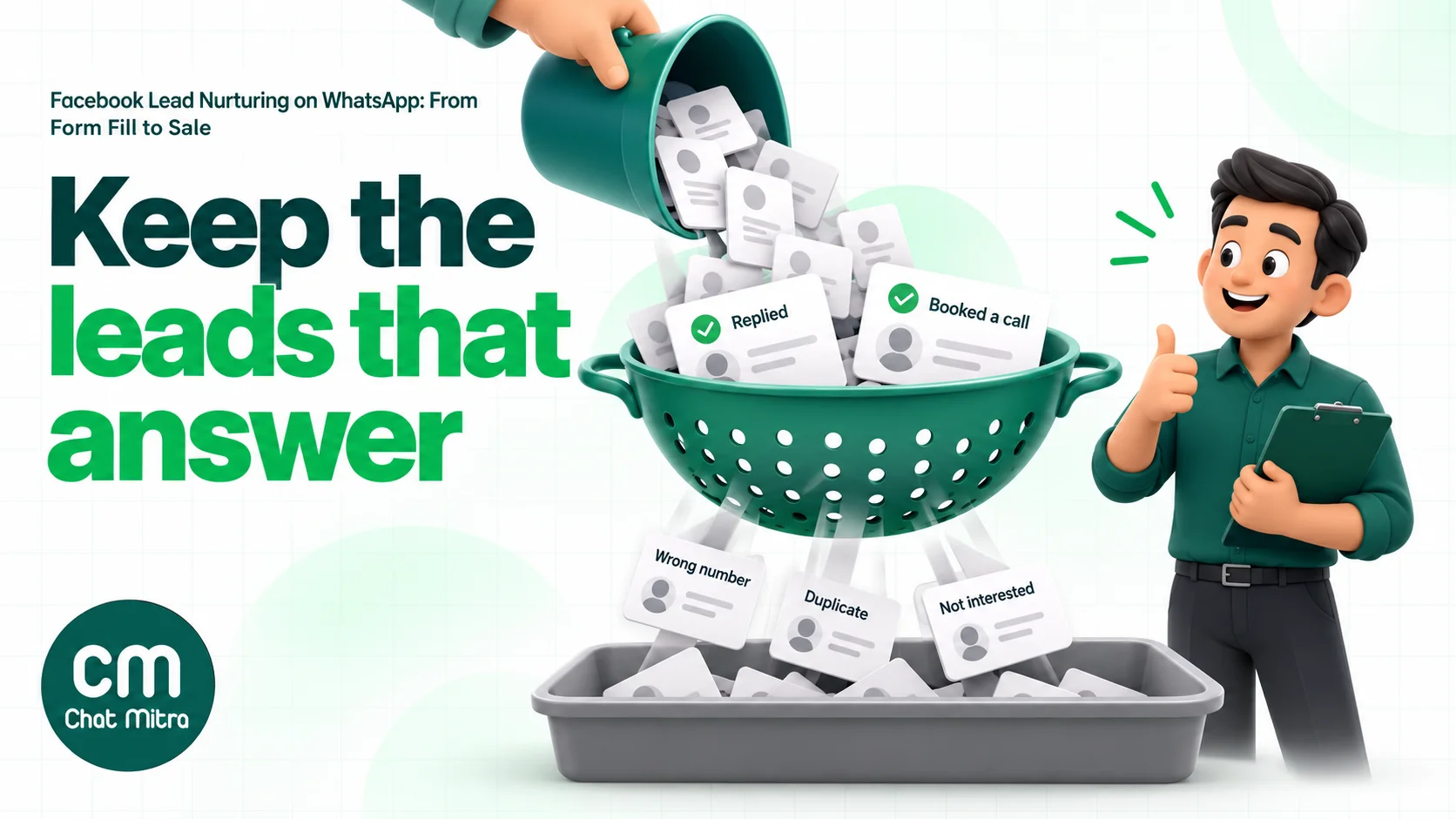
| Lead type | How you spot it | What to do |
|---|---|---|
| Number not on WhatsApp | The first template fails to deliver | Call or send an SMS instead; don’t retry the same WhatsApp template |
| Wrong or fake details | Failed delivery plus nonsense names or answers | Exclude from all sequences; check the ad and placement that produced them |
| Duplicate lead | Same phone number submits twice | Keep one record and one sequence; a second run doubles your cost and annoys the person |
| Accidental submission | ”Not now” or “I didn’t fill this” reply | Stop the sequence; consider the higher-intent form type |
| Not interested | ”Not interested” button or STOP reply | Stop marketing messages immediately and record the opt-out |
| Interested, not now | Chose a later timeline | Pause, then send one relevant message nearer their date |
Two habits help most. First, review lead quality by ad set every week: if one placement or audience produces mostly failed deliveries, fix the ad, not the follow-up. Second, tell Meta which leads became customers. Meta’s Conversions API for CRM lets you send lead outcomes, such as qualified or converted, back to Meta so the Conversion Leads goal can optimise for people more likely to buy (Zapier’s summary of Meta’s lead-quality guidance). That needs a CRM or a connector that supports it, but it’s the most direct way to stop paying for form fills that never answer.
What Facebook lead nurturing on WhatsApp costs in India
Meta charges per delivered template, by category and by the recipient’s country code. These are the India rates used across ChatMitra’s guides:
| Message | Meta charge (India) |
|---|---|
| Utility template (non-promotional follow-up) | ₹0.115 per delivered message |
| Marketing template (offers, reminders, proof) | ₹0.8631 per delivered message |
| Service messages (your replies inside the 24-hour window) | First 1,000 a month free per number, then ₹0.115 each |
Since 1 October 2026, Meta again charges for service messages after the free 1,000 each month, and utility templates sent inside an open customer service window are no longer free unless they fall in a free entry point window (Meta pricing). Failed messages aren’t charged, because Meta bills delivered messages.
Worked example: 1,000 Lead Ads leads in a month (illustrative assumptions, not benchmarks):
- 900 numbers are on WhatsApp and receive the day-0 utility follow-up.
- 700 of them don’t book on day 0 and get three marketing templates (days 3, 7 and 14).
- Replies stay within the free 1,000 service messages.
| Item | Calculation | Amount |
|---|---|---|
| Day-0 utility follow-up | 900 × ₹0.115 | ₹103.50 |
| Three marketing follow-ups | 2,100 × ₹0.8631 | ₹1,812.51 |
| Meta total | ₹1,916.01 | |
| ChatMitra conversations | 900 + 2,100 = 3,000 (each lead, once per 24 hours) | |
| ChatMitra on Pro | ₹999 plan (includes 1,000 conversations) + 2,000 × ₹0.20 | ₹1,399 |
| Total on ChatMitra Pro | ₹3,315.01, about ₹3.32 per lead |
ChatMitra’s ₹0.20 is charged once per customer per 24 hours, however many messages you exchange that day, so a lead who replies and chats for an hour still counts as one conversation. On Enterprise (₹2,499 a month) there’s no ₹0.20 fee. The bigger lever is in the table itself: each marketing step costs about 7.5 times a utility step, so cut marketing steps that don’t move people and stop sequences the moment a lead replies or books. Compare the per-lead nurture cost with what you pay Meta per lead, and the case for nurturing every lead usually makes itself. For more on Meta’s per-message pricing, read our WhatsApp cost per message guide.
How to measure Facebook lead nurturing
A low cost per lead on Ads Manager means little if nobody answers. Track the chain:
| Metric | How to calculate | What it tells you |
|---|---|---|
| Time to first message | Minutes from form submission to delivered WhatsApp template | Whether your routing is fast enough |
| WhatsApp reach rate | Delivered first messages ÷ leads | How many numbers are real and on WhatsApp |
| Reply rate | Leads who replied ÷ delivered first messages | Whether the first message is recognisable and easy to answer |
| Qualified rate | Leads meeting your criteria ÷ leads | Ad and form quality |
| Next-step rate | Calls, visits or demos booked ÷ qualified leads | Nurture and sales follow-up quality |
| Cost per qualified lead | (Ad spend + messaging cost) ÷ qualified leads | The number to optimise, instead of cost per lead |
| Revenue per lead | Revenue from the campaign’s leads ÷ leads | Whether the campaign pays back |
Compare these by ad, form and audience. A campaign with a higher cost per lead but double the reply and qualified rate is the better campaign.
Examples by industry
- Real estate. Form asks budget and preferred location. Day 0 sends the project brochure and a “Book a site visit” button; the sales team calls everyone who taps it. Weekend site-visit slots go out on day 3 to opted-in leads only.
- Coaching and education. Form asks course and batch timing. Day 0 shares the fee structure and the demo-class schedule. Parents and students who don’t reply get one demo-class reminder, then a seat-availability message close to the batch start.
- Clinics and diagnostics. Form asks the treatment or test. Day 0 confirms the enquiry with clinic timings and a “Book appointment” button. Keep health details out of marketing messages and limit offers to people who opted in.
- Insurance and financial services. Form asks age band and cover type. Day 0 sends a short explainer and asks whether they want a call; advisers handle everything after the reply.
- B2B services and software. Form asks company size and use case. Day 0 offers two demo slots; the day-3 message is a short case example, and day 14 asks whether to close the enquiry.
Common mistakes that waste Lead Ads leads
- Downloading leads once a day. By the time the CSV is uploaded, the lead has filled two competitors’ forms.
- No consent wording on the form. It puts your WhatsApp account at risk and leaves you without a record of opt-in.
- A first message that doesn’t say who you are. “Hi, are you interested?” from an unknown number gets blocked, and blocks hurt your quality rating.
- Offers in the very first message. It makes the template marketing, costs more, and reads like spam to someone who asked a question.
- No stop rules. Sending day-7 discounts to someone who already booked, or to someone who said no, wastes money and goodwill.
- Ignoring failed deliveries. Those leads didn’t refuse you; they never saw the message. Call them.
- Judging campaigns by cost per lead. Optimise for cost per qualified lead and revenue, and feed outcomes back to Meta where you can.
Facebook lead nurturing on ChatMitra
ChatMitra runs on the official WhatsApp Business API. It doesn’t have a native Facebook Lead Ads connector, so leads arrive through a connector, a Google Sheet or your own code. Once they’re in, ChatMitra’s Automation sends the follow-ups and its inbox handles the replies.
| ChatMitra advantage | What it means for your form leads | How it compares |
|---|---|---|
| ₹0.20 per conversation, never per message | A lead who chats with you all evening counts once for 24 hours | Platforms that add a fee to every message cost more when leads reply a lot |
| Meta’s rates passed through at cost | You pay Meta’s India rates shown above, nothing added | Check whether a provider marks up Meta’s per-message price |
| Incoming Webhook and Google Sheets triggers | Zapier, Make, Pabbly or your own code can start a workflow for each new lead | No developer needed if you use a connector or a sheet |
| Delay steps from 1 minute to 7 days | A day-0 to day-14 sequence runs in one workflow | Chain several Delay steps for longer waits |
| Tags, contact fields and lead stages | Each step can tag the lead and update its stage for your team | Your sales team filters the inbox by tag |
| AI chatbot on Pro, no add-on fee | Answers price and FAQ questions at night, using your own AI provider key | Agents can take over a chat and pause the bot |
| Enterprise (₹2,499/month) removes the ₹0.20 fee | Large lead volumes cost a flat platform fee plus Meta’s rates | Starter is free; Pro is ₹999 with a 15-day trial, no card |
How to set it up:
- Get templates approved. Submit the day-0 enquiry follow-up as utility (no offers) and the later steps as marketing, with quick-reply buttons such as “Yes, call me” and “Not now”.
- Bring leads in. Either send each lead from Zapier, Make or Pabbly Connect to an Automation’s Incoming Webhook (a secure URL with a secret header), or have the connector add a row to a Google Sheet and trigger the workflow on row added. Developers can instead call ChatMitra’s send-message API with an API key on a paid plan.
- Build the sequence. Send the utility template with the lead’s name and enquiry as variables, Add Tag (for example “fb-lead”), Update Lead Stage, then Delay steps followed by the marketing templates.
- Add stop checks. With the sheet pattern, add Get Row from Google Sheet and Check Conditions before every follow-up, so typing “Booked” or “Not interested” in the Status column stops the next step.
- Handle button taps. On Pro, Auto Reply rules can match the button titles (“Yes, call me”, “Not now”), reply, and tag the contact so your team can filter the people to call.
- Answer questions. Turn on the AI chatbot for typed questions, and take over the chat when the lead is ready to talk.
Good to know:
- There’s no native Lead Ads connector or Zapier app; the connector posts to the Incoming Webhook, so check that your connector plan allows custom webhook requests with headers.
- Sequences don’t stop by themselves when a lead replies or opts out. Use the Status column check, and tag people who tap “Not now” or reply STOP.
- Opted-out contacts aren’t skipped automatically by automations or campaigns, so exclude the opt-out tag yourself.
- Chats aren’t assigned to agents automatically (no round-robin); your team works the inbox by tag.
- Automation and API access depend on your plan; check the pricing page.
If your leads come from Click-to-WhatsApp ads instead of forms, the same inbox, auto replies and AI chatbot handle them, and the first replies fall inside Meta’s free entry point window. For the wider picture of choosing a WhatsApp CRM for leads, see our WhatsApp CRM software guide, and for sales follow-up after the hand-over, our guide to WhatsApp for sales.
Where to start
This week, add consent wording to your instant form’s custom disclaimer and a clear “We’ll message you on WhatsApp” line to the completion screen. Then connect the form to WhatsApp so the first message goes out within minutes, and submit one utility template that delivers what the form promises with three reply buttons. Run that for two weeks and measure reach, reply and qualified rates before you add any marketing steps. A fast, recognisable first message will do more for your cost per sale than any later offer.
Sources
- Meta for Developers: Get opt-in for WhatsApp, Template categorization, Pricing on the WhatsApp Business Platform, Per-user marketing template message limits, Retrieving leads (Lead Ads). All read on 22 October 2026.
- Harvard Business Review: The Short Life of Online Sales Leads (March 2011).
- Instant form features: Jon Loomer, A Guide to Instant Forms; PPC Hero, A walkthrough guide to Meta instant form ads.
- Zapier: Meta's guide to better lead quality (Conversions API for CRM).