To grow a WhatsApp subscriber list, ask for opt-in at the moments customers already want something from you: browsing, buying, waiting for a delivery, getting help. Give a clear reason to join, name your business and what you’ll send, and record the yes. Then protect the list by sending less often than you’re tempted to, and removing people who stop or can’t be reached.
A WhatsApp subscriber list is worth more than almost any other marketing list a small business owns. Messages land in the app people check all day, next to chats with family and friends. That position is also why the list is fragile. People who didn’t expect your message, or get too many, can stop your offers with two taps, and blocks and reports affect your ability to send at all.
This guide covers both halves: how to grow the list, and how to keep it. It assumes you’ll message subscribers through the WhatsApp Business Platform (the API), which is the practical way to send to more than a few hundred opted-in people. For the rules on consent, see our guide to WhatsApp opt-in. For turning chats into sales leads, see WhatsApp lead generation.
Key takeaways
- A subscriber has agreed to your marketing messages and hasn't stopped them. A phone number alone isn't a subscriber.
- The best opt-in moments are ones where the customer already wants something from you.
- What you send in the first week decides whether a new subscriber stays.
- Measure net growth and opt-outs per send, not sign-ups alone.
What is a WhatsApp subscriber list?
A WhatsApp subscriber list is the group of people who have given your business permission to send them marketing messages on WhatsApp, and who haven’t withdrawn it.
That definition rules out a lot of numbers you already hold. The WhatsApp Business Messaging Policy says you may contact people only if they have given you their number and you have “received opt-in permission from the recipient confirming that they wish to receive subsequent messages or calls from you”. A customer who gave you their number for a delivery has done the first part, not the second. Someone who messaged you once with a question has asked you something; they haven’t agreed to hear from you again.
The difference matters because your contact list and your subscriber list do different jobs:
| Who is on it | What you can send | Limits | |
|---|---|---|---|
| Contacts | Everyone whose number you hold | Replies within 24 hours of their last message; utility templates for things they asked for, such as order updates | No marketing without opt-in |
| Subscriber list | Contacts who opted in to marketing and haven't stopped | Marketing templates: offers, launches, restock alerts, content | Meta's messaging limits and per-person marketing limits |
| Broadcast list (Business app) | Up to 256 contacts per list | Anything, but only people who saved your number receive it | Monthly broadcast limits are rolling out in some countries |
| Channel | Anyone who chooses to follow | One-way updates; followers can only react or vote in polls | No private conversation unless followers message you separately |
A Channel is a useful top-of-funnel tool, but it isn’t a subscriber list. You can’t send a follower a personal message, and followers don’t see your phone number. Our guide to the WhatsApp broadcast list compares these options in detail.
Why build your list instead of buying a WhatsApp database
Search for “WhatsApp database” and you’ll find sellers offering lakhs of numbers sorted by city or industry. It’s the fastest-looking shortcut in WhatsApp marketing, and the most expensive one.
- It breaks Meta’s rules. The people on a bought list never gave your business opt-in permission. The policy requires it, whoever collected the numbers.
- Many numbers don’t work. Old lists are full of numbers that changed hands or were never on WhatsApp. They fail with error 131026 and give you nothing back.
- The rest complain. Strangers who get a promotion from a business they’ve never heard of block and report it. Meta’s systems rate-limit businesses whose quality stays low, and heavy blocking can restrict sending from your number (error 131048). A restricted number stops your order updates as well as your offers.
- It creates legal risk. In India, the Digital Personal Data Protection Act requires consent that is “free, specific, informed, unconditional and unambiguous” once its consent provisions apply. A list you bought can’t show that consent was given to you. Our opt-in guide sets out the timeline.
A list you build yourself grows more slowly. But every person on it expected to hear from you, and that’s what keeps your quality rating, and your number, healthy.
Start with the value exchange: why should anyone join?
“Join us on WhatsApp for updates” gives nobody a reason to join. People subscribe when they can see exactly what they’ll get and it’s worth a place in their chat list. Decide the offer before you design a single form.
| Incentive | Example | Works well for | Watch out for |
|---|---|---|---|
| Early or exclusive access | "New collection 24 hours before everyone else" | Fashion, D2C, events | Keep the promise every time |
| Alerts people ask for | Restock, price drop, back-in-season, slot opening | Retail, clinics, salons, coaching batches | Send only the alert they chose |
| Members-only price or first-order discount | "10% off your first order when you join" | E-commerce, restaurants | Attracts deal hunters; expect more opt-outs later |
| Useful content | A weekly tip, a recipe, a market update | B2B, education, finance, food | Must be genuinely useful, not a disguised ad |
| Faster service | "Get order and appointment updates on WhatsApp" | Every business | That's a utility opt-in; ask separately for offers |
| Contests and giveaways | "Win a festive hamper" | Launches, festivals, new stores | Keep the WhatsApp opt-in separate from entry |
| Referral rewards | "Invite a friend; you both get ₹100 off" | Subscriptions, services | The friend must opt in themselves |
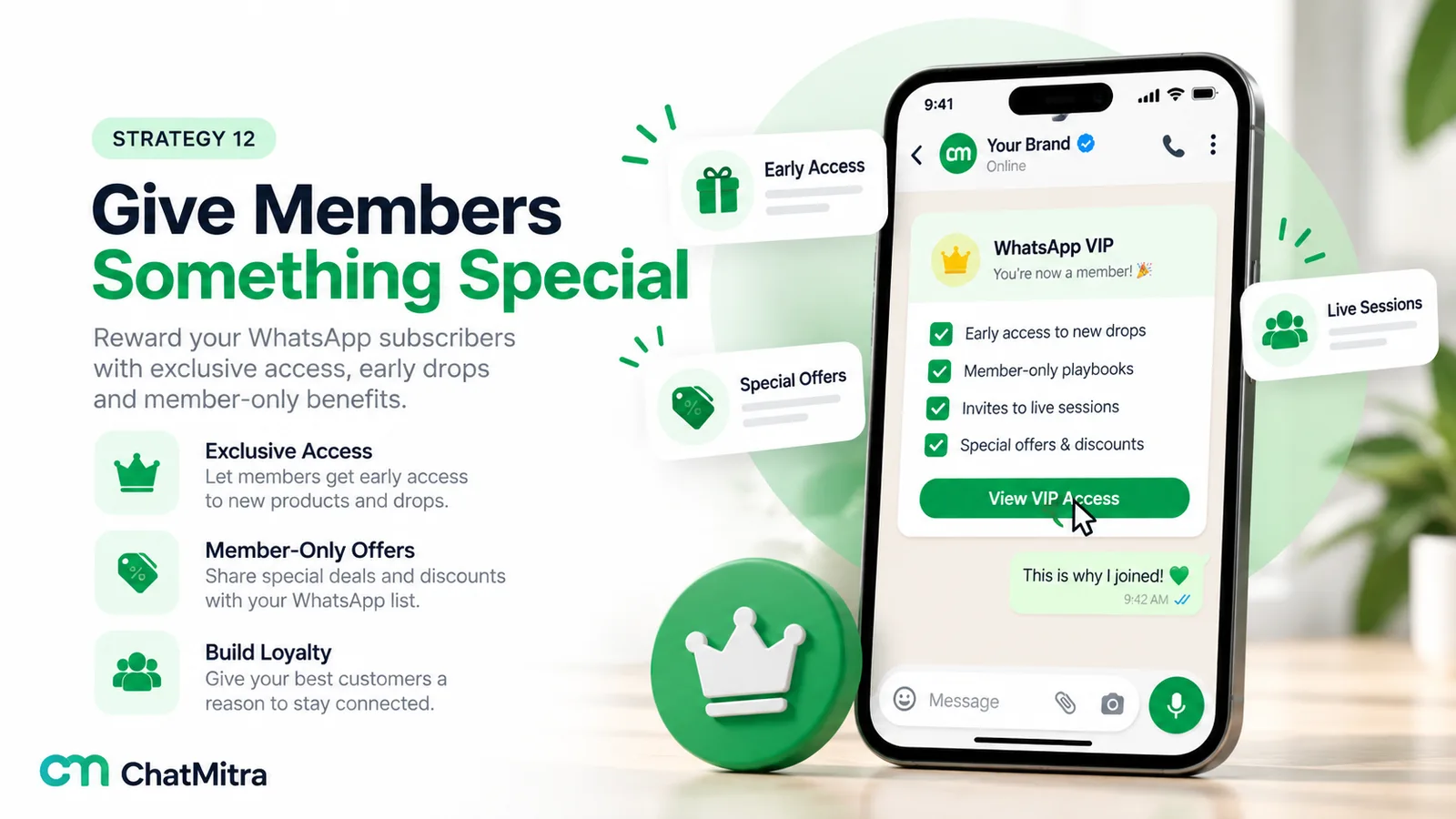
Two rules apply to every incentive. First, name the kind of messages people will get. “Offers and new arrivals, about once a week” tells them what they’re agreeing to and filters out people who’d opt out later. Second, don’t make the incentive depend on consent for something else. A checkout that only works if the marketing box is ticked isn’t a free choice, and a free choice is what India’s DPDP consent rules will require.
Where to ask: opt-in moments across the customer journey
The best time to ask for a subscription is when the customer already wants something from you. Here are the moments that work, grouped by where the customer is in their journey. For the technical setup of links, forms, ads and QR codes, see WhatsApp lead generation.
Before they buy
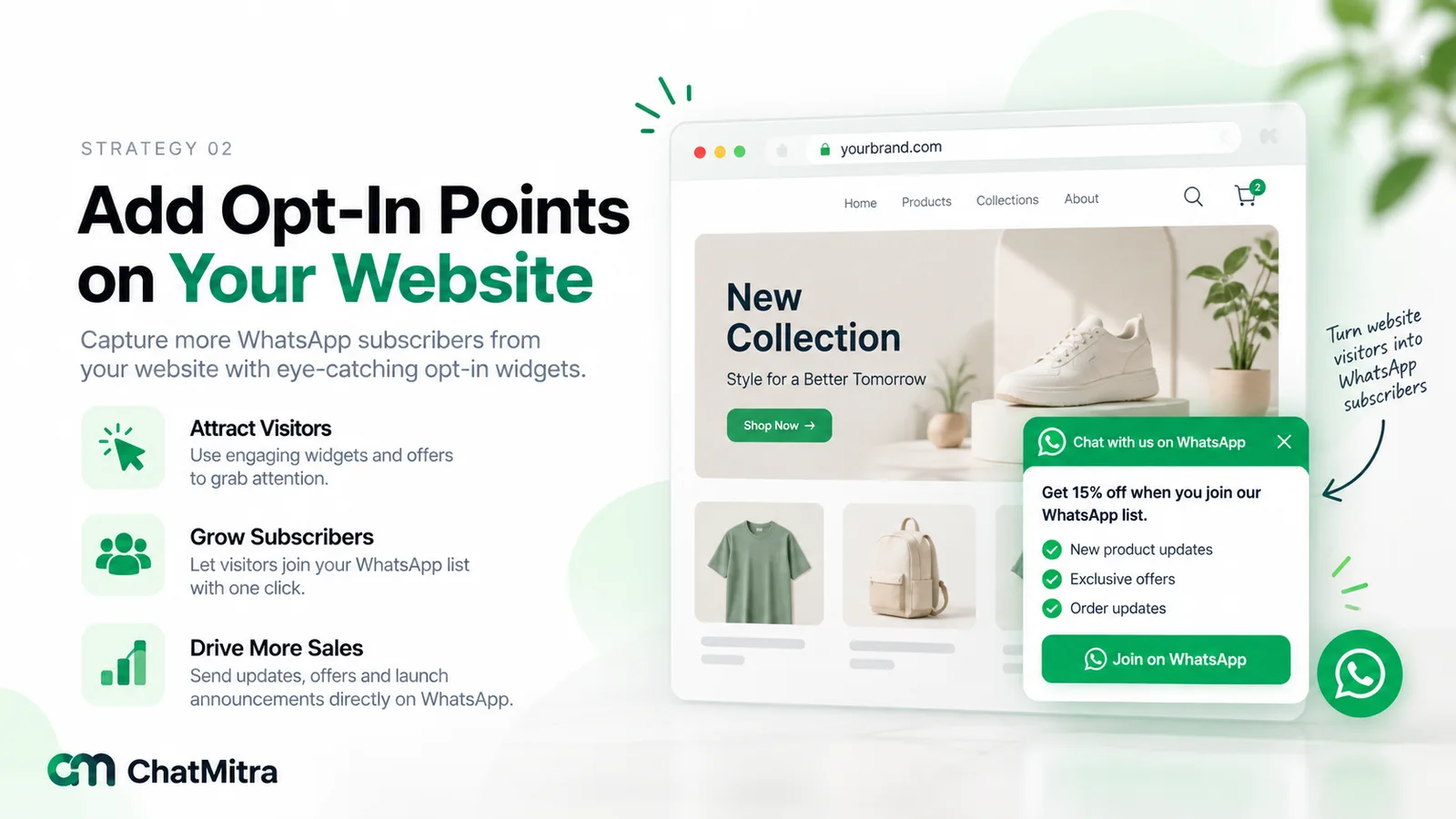
1. Your website. Add a WhatsApp option to the places people already give you details: newsletter sign-ups, “notify me” buttons on out-of-stock products, enquiry forms and pop-ups. A short form with a phone field and an unticked box (“Send me offers and new arrivals from [Business] on WhatsApp”) works better than a separate WhatsApp page nobody visits. Our guide to WhatsApp integration with your website shows the options.
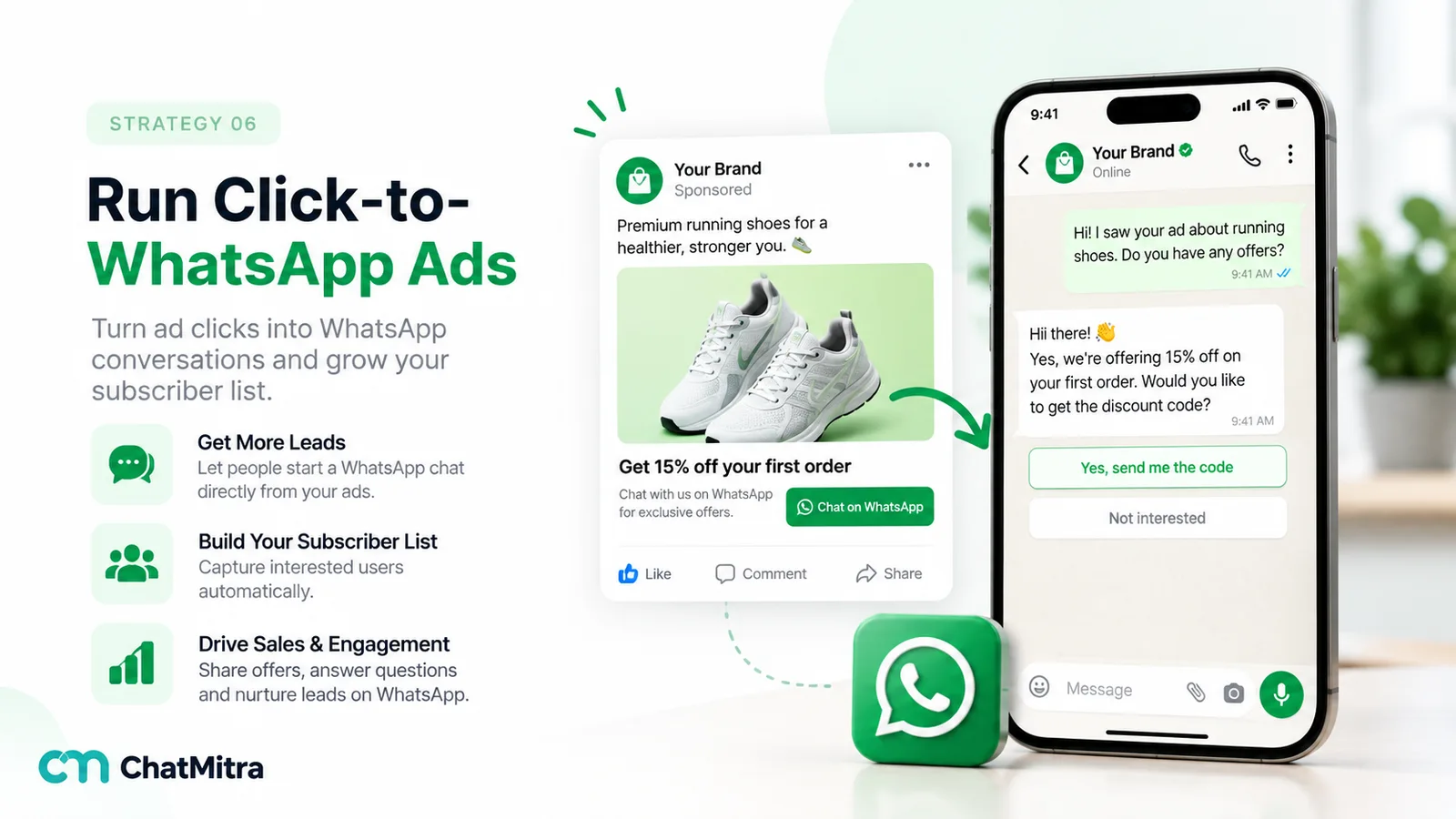
2. Click-to-WhatsApp ads. Ads on Facebook and Instagram can open a chat with you directly. When someone arrives from a click-to-WhatsApp ad on the WhatsApp mobile app and you reply within 24 hours, Meta opens a free entry point window: everything you send them for the next 72 hours is free, templates included. Use that window to answer their question first, then ask whether they’d like offers too.
3. Social profiles and stories. Put a WhatsApp chat link in your Instagram bio, YouTube description and Facebook page. A pre-filled first message such as “Hi, I’d like early access to new drops” tells you what they want. Build the link with our free WhatsApp chat link generator.
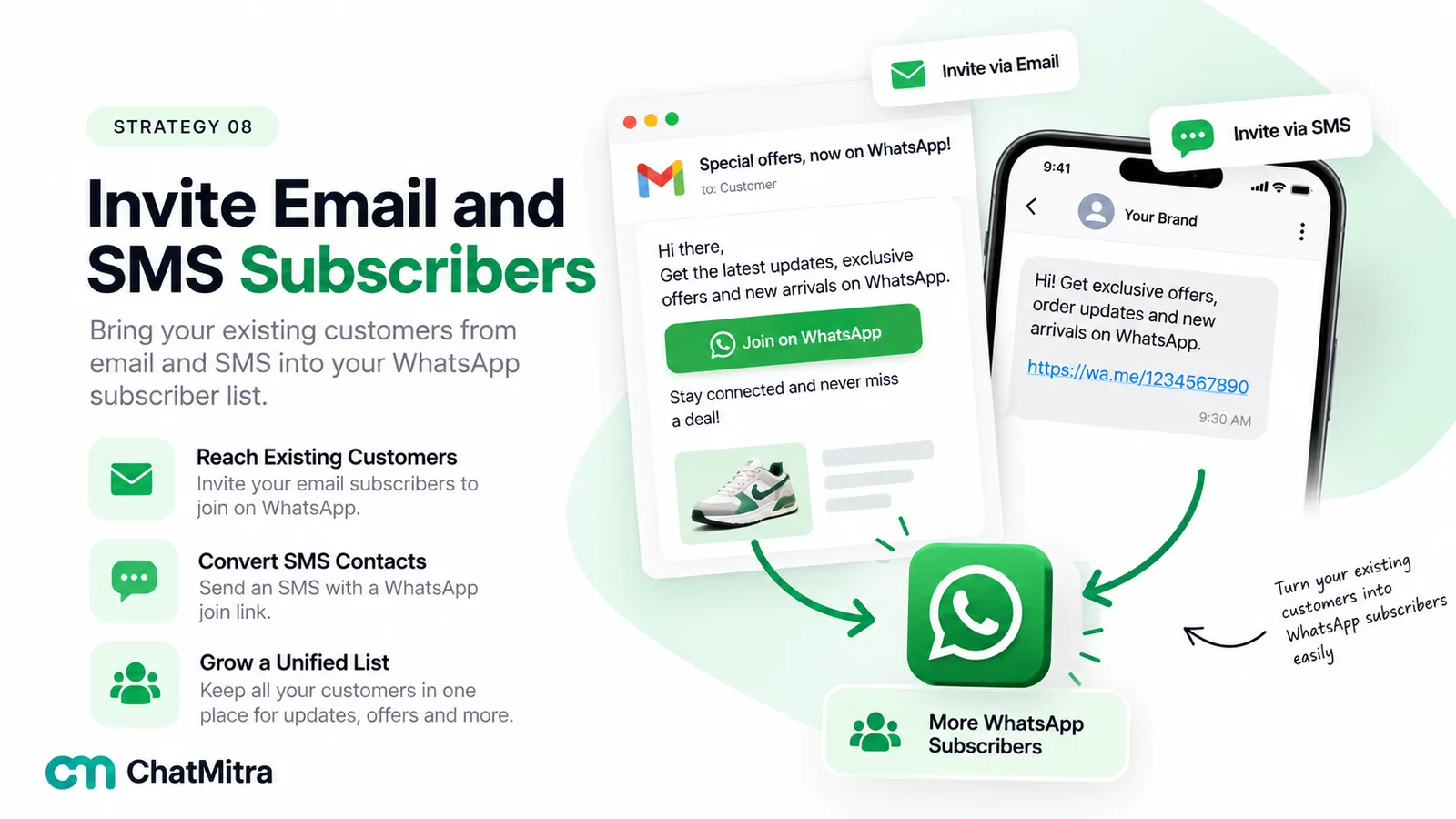
4. Your email and SMS lists. People who already read your emails are warm, but their email consent doesn’t automatically cover WhatsApp marketing. Send them an invitation with a link or QR code, explain what they’ll get on WhatsApp that email doesn’t give them, and let them opt in themselves.
While they buy
5. Checkout. Add an unticked checkbox under the phone number field: “Get order updates on WhatsApp” and, separately, “Also send me offers on WhatsApp”. Two boxes give you two honest answers, and many customers who want the updates won’t want offers.
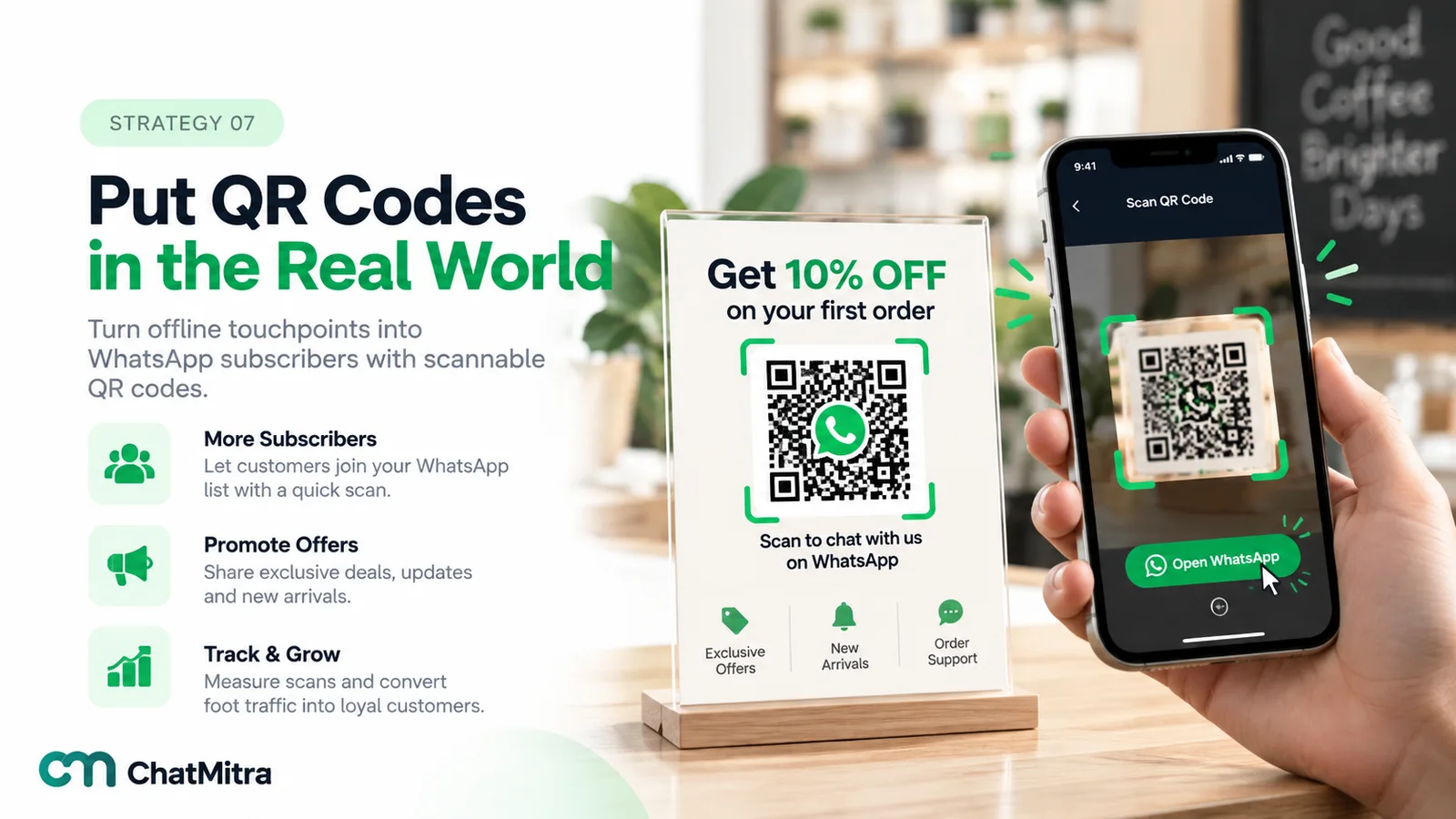
6. In-store and at the counter. A QR code next to the billing counter, on the menu or on the table tent with “Scan for member prices on WhatsApp” works because the customer is standing there with their phone. Our WhatsApp QR code generator creates one with a pre-filled message. Staff can ask too: “Would you like our offers on WhatsApp?” takes three seconds.
After they buy
7. Order confirmations and delivery updates. A customer who asked for order updates is already in a conversation with you. When they reply to an update, or message you about their order, the 24-hour window is open. That’s a natural moment to ask whether they’d like offers as well. Keep the offer out of the utility template itself: a utility message that carries promotion can be recategorised, and misclassified templates can lead to sending limits.
8. Packaging and invoices. An insert with a QR code, “Scan for reorder reminders and member prices”, reaches every customer at the moment they open the box.
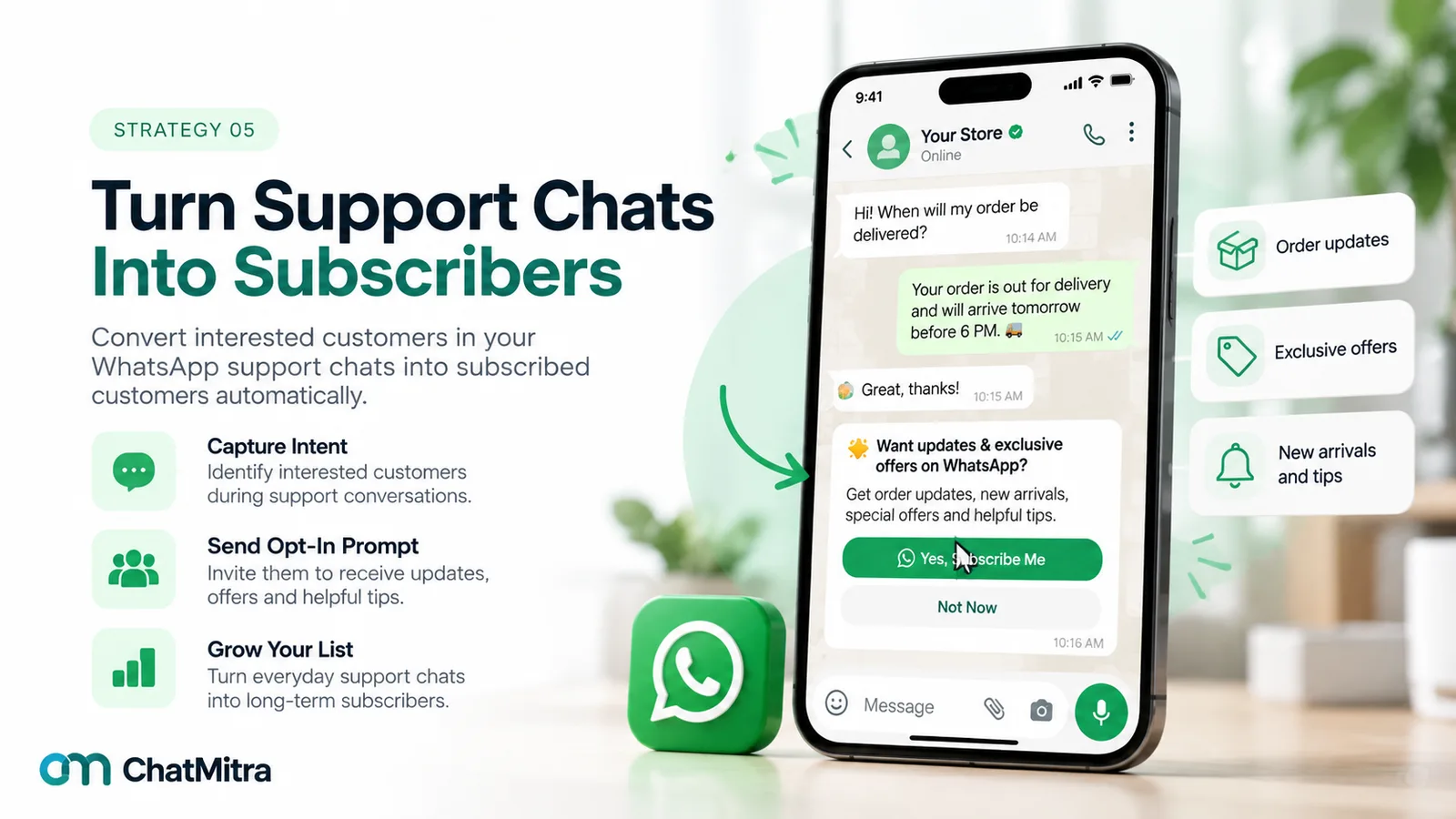
9. Support chats. A resolved support chat is one of the best moments to ask, because the customer has just seen you help. End with one line: “Glad that’s sorted. Would you like to hear about new arrivals and offers here too? Reply YES.” Don’t ask while the problem is still open.
10. Feedback requests. When you ask for a review or rating, add the subscription as a separate question once they’ve answered, while the experience is fresh.
Any time
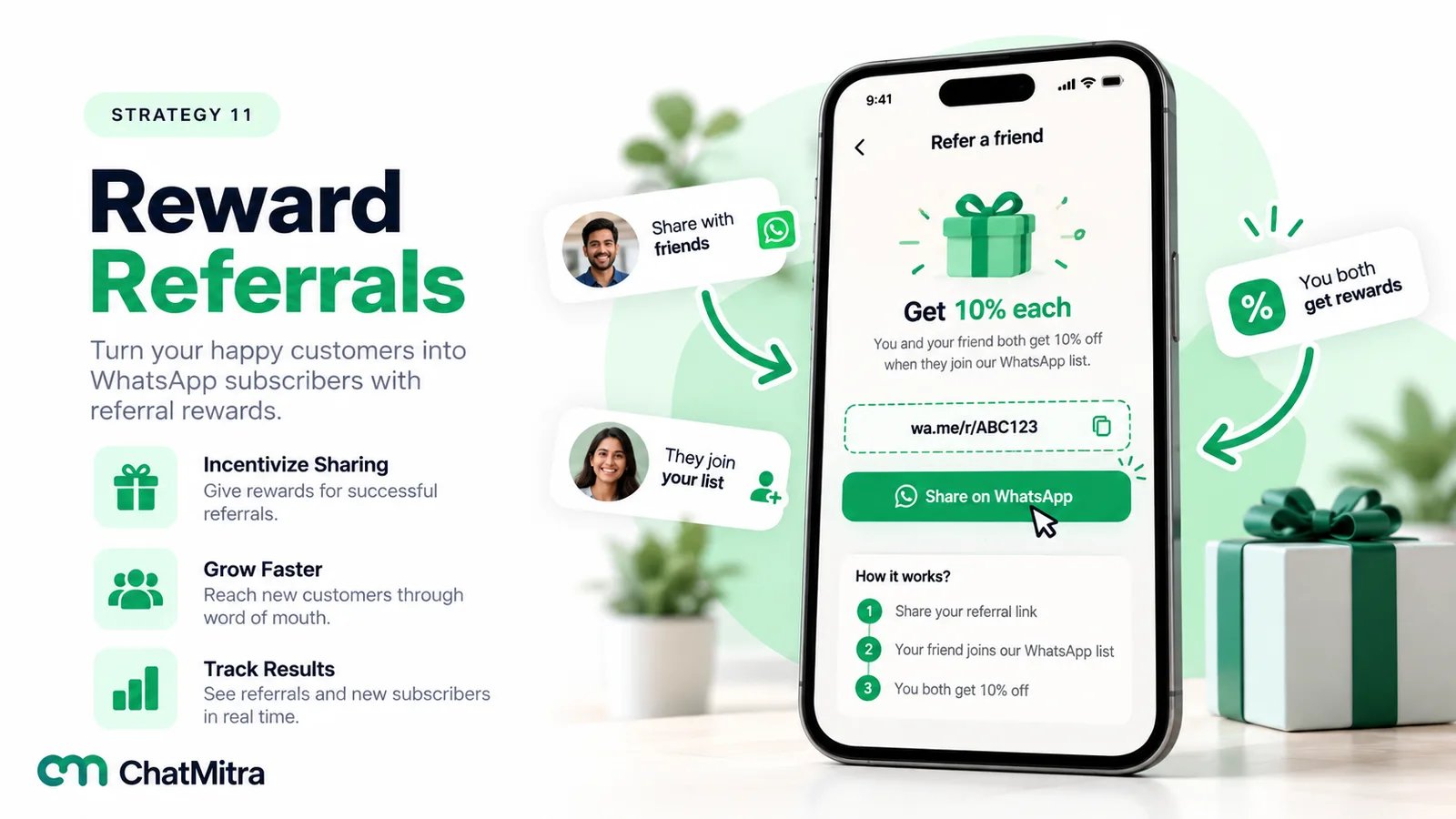
11. Referrals. Give subscribers a link to share. Their friends start a chat with you and then opt in themselves. The friend’s consent can’t come from the referrer.
12. Events, webinars and classes. Registration forms are a natural place for a WhatsApp opt-in: people want the reminder and the joining link anyway. Offer follow-up content as the reason to stay subscribed.
13. Contests. Contests bring spikes of sign-ups. Keep entry and subscription separate, and welcome contest subscribers with something useful. Otherwise they’ll leave as soon as the winner is announced.
Every one of these points must say who is asking and what they’ll send. Meta lists three requirements for an opt-in: state clearly that the person is opting in to receive messages from the business, state the business’s name, and comply with applicable law.
Subscriber plans for six types of business
The right mix of opt-in points depends on where your customers already meet you. Here’s how six different businesses might start. Each needs only two or three points, not all thirteen.
| Business | Where to ask | What to offer | What to send |
|---|---|---|---|
| Online fashion or D2C brand | Checkout checkbox, "notify me" on sold-out items, packaging QR | Early access to drops, restock alerts | New collections and restocks, the sizes they chose |
| Restaurant or café | Table QR, bill, delivery bag insert | Members-only dish of the week, festival pre-orders | A weekly special; festival menus early |
| Clinic or salon | Booking form, reception desk, after the appointment | First access to open slots, seasonal check-up reminders | Slot openings and health or care tips, sparingly |
| Coaching institute | Enquiry form, demo-class registration, admission desk | New batch dates, free study material | Batch openings, results and short study tips |
| B2B distributor or wholesaler | Sales visits, invoices, reorder chats | Price-list updates, stock arrivals | Weekly stock and price updates to buyers who asked |
| Real estate developer | Site visits, ad-driven enquiries, expo stands | Launch previews, price and possession updates | Project milestones and new launches in their budget |
Notice what these have in common. The offer matches something customers of that business already want, and the messages are narrow. A clinic that sends daily promotions will lose subscribers faster than it gains them. A clinic that sends open appointment slots will keep them.
If your customers are mostly in India, the moments that work best are often offline: the billing counter, the delivery packet, the reception desk. For local businesses with a lot of walk-in trade, a QR code and one sentence from a staff member are often the easiest place to start.
Opt-in wording you can adapt
Good opt-in copy is short, specific and names the business. Here are four versions for different surfaces. Replace the brackets.
| Surface | Wording |
|---|---|
| Website or checkout checkbox (unticked) | "Send me offers and new arrivals from [Business] on WhatsApp, about once a week. I can stop any time." |
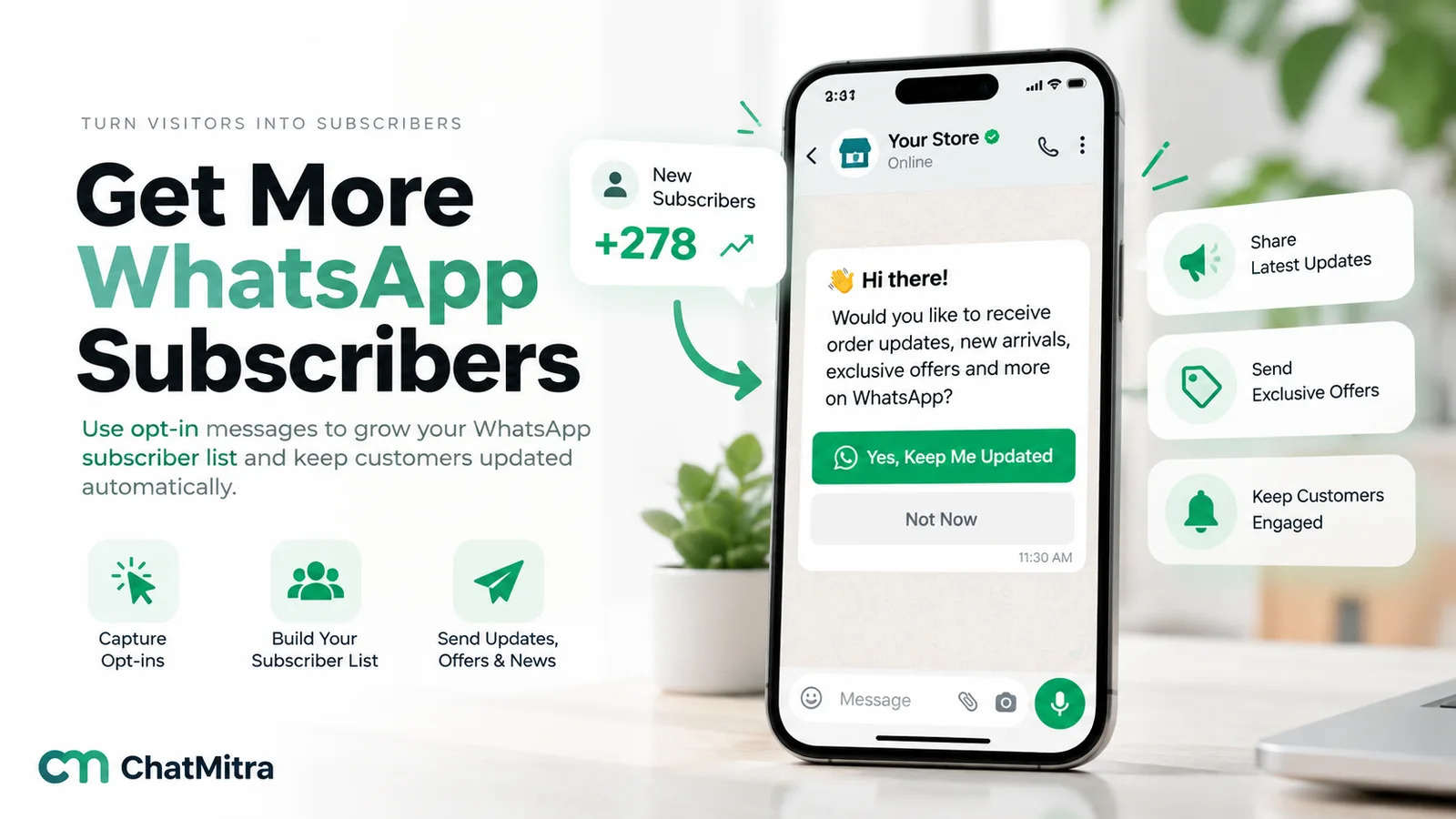
| Question inside a WhatsApp chat (quick-reply buttons) | "Would you like [Business] to send you early access to new collections and member offers on WhatsApp? You can stop any time." Buttons: Yes, send me offers / No thanks |
| Pre-filled message from a QR code or link | "Hi [Business], please send me restock alerts on WhatsApp." |
| In-store sign or table tent | "Member prices on WhatsApp. Scan to join [Business]'s offers list. Reply STOP any time." |
Record every yes: the date and time, the place it came from, the exact wording shown and, for in-chat opt-ins, the message ID. If a customer ever asks why you messaged them, you’ll have the answer.
What to send in a subscriber’s first week
The first few messages decide whether a new subscriber stays. Plan them before you launch the opt-in.
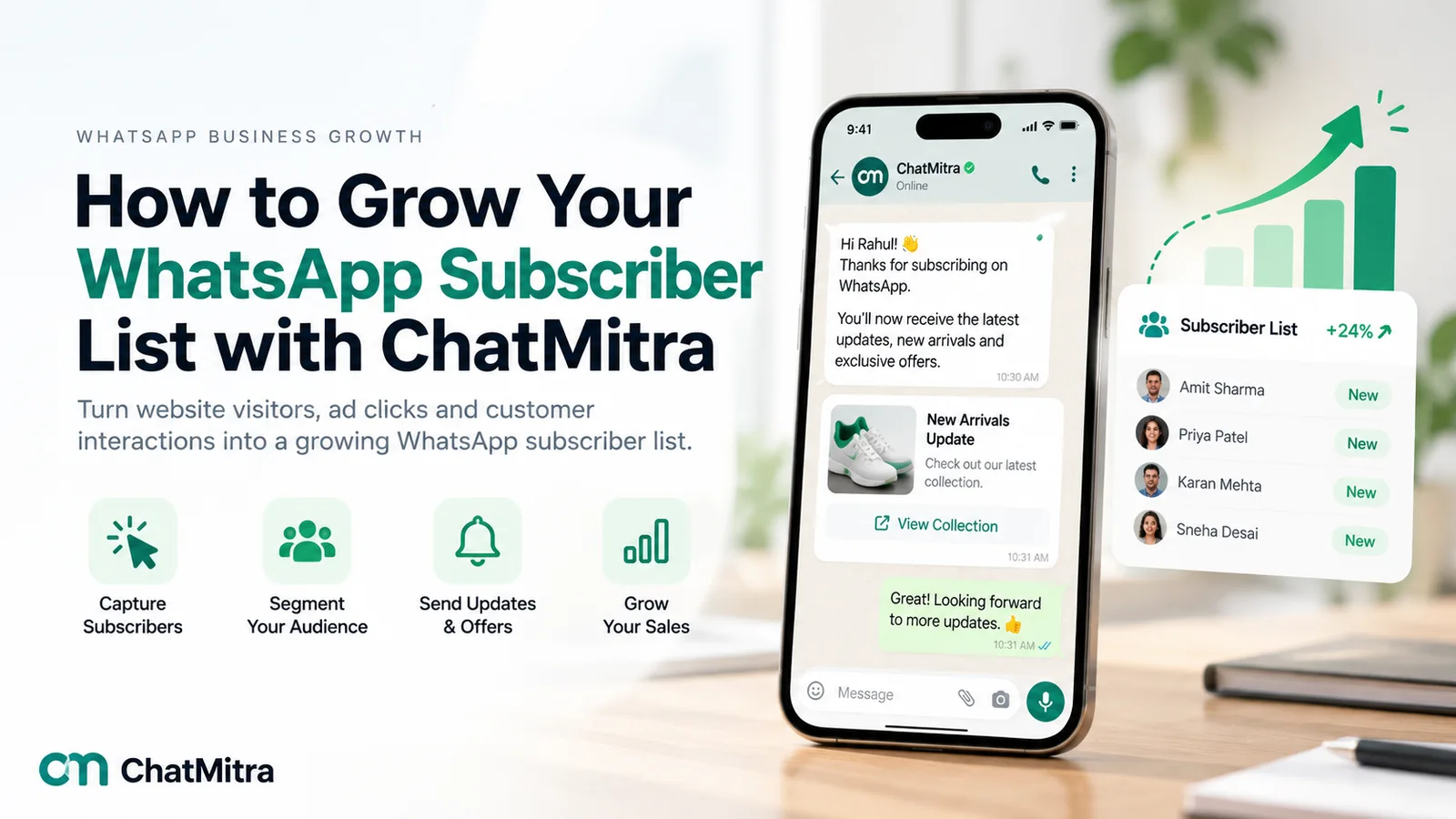
- Confirm straight away. Thank them, restate what they’ll receive and how often, and deliver anything you promised, such as the discount code. If they joined through a chat, the 24-hour window is open and this can be a normal reply.
- Deliver the promise early. If you promised early access or restock alerts, the first real message should be exactly that, not a generic sale.
- Let them choose. Offer a short choice: “Want new arrivals, offers, or both?” with reply buttons. Every choice becomes a tag, and every tag lets you send less to people who want less.
A welcome that turns into three promotions in the first week teaches people to press Stop. For message ideas, see our welcome messages for customers.
How often to message your subscribers
There’s no universal number, and Meta doesn’t publish one. Many businesses start at one message a week or less, then adjust with data, not instinct.
Meta also sets its own limits. It restricts how many marketing messages each person receives from businesses. When a message is held back for that reason, it fails with error 131049, and Meta advises waiting at least 24 hours before trying that person again. Meta counts marketing messages from all businesses, so a message can be held back even if you send rarely, and every extra send adds to the risk.
Three habits keep frequency healthy:
- Segment before you send. A campaign to everyone is almost always a campaign to too many people. Use the preferences and purchase history you’ve recorded.
- Watch opt-outs after each send. If one campaign’s opt-outs are well above your normal level, look at who received it and why.
- Give people a quieter option. “Just monthly highlights” keeps subscribers who would otherwise leave.
Our WhatsApp marketing strategy guide covers segmentation and campaign planning in more depth.
How to keep your subscriber list healthy
A list shrinks as well as grows. Keeping it clean protects your deliverability and your costs.
- Respect opt-outs immediately. Customers can stop your offers from inside the chat. WhatsApp’s own control lets them tap Stop to “no longer receive offers and announcements” while still getting things like delivery updates. Meta reports this to businesses through a
user_preferenceswebhook, and marketing templates to that person then fail with error 131050. Remove them from marketing segments the same day. Honour typed replies such as STOP too. - Remove unreachable numbers. A contact who fails with 131026 in several campaigns is probably no longer on WhatsApp with that number (Meta also lists outdated app versions as a cause). Stop paying to try.
- Re-confirm the quiet ones. People who haven’t read or replied in months may no longer want your messages. Send one message asking whether they still want to hear from you, and remove those who don’t answer from regular campaigns.
- Keep numbers in one format. Full international format with the country code prevents duplicates and delivery failures.
- Keep the consent record with the contact. When someone opts out and later opts back in, record both.
How to measure WhatsApp subscriber list growth
Sign-ups on their own flatter you. These are the numbers that show whether the list is really growing.
| Metric | How to calculate it | What it tells you |
|---|---|---|
| Net list growth | New opt-ins − opt-outs − numbers removed as unreachable, over a month | Whether the list is really getting bigger |
| Opt-in rate by source | Opt-ins ÷ people who saw the offer, per source | Which opt-in points deserve more effort |
| Opt-out rate per send | Opt-outs after a campaign ÷ messages delivered | Whether that campaign was wanted |
| Delivery rate | Delivered ÷ sent | List quality (131026) and per-user marketing limits (131049) |
| Reply or click rate | Replies or button clicks ÷ delivered | Whether subscribers are actually engaged |
| Revenue per subscriber | Revenue from WhatsApp campaigns ÷ subscribers | What the list is worth, and what you can spend to grow it |
A worked month (illustrative figures). A home-décor brand in India starts the month with 2,000 subscribers. It gains 450 new opt-ins: 250 at checkout, 120 from a QR card in its packaging and 80 from support chats. It loses 60 people who stopped its offers and removes 90 numbers that kept failing with 131026. Net growth is 450 − 60 − 90 = 300, so it ends the month with 2,300 subscribers, up 15%.
Messaging that list costs money, so growth should earn its keep. If the brand sends four marketing templates in the month to all 2,300 subscribers, Meta’s India marketing rate since 1 October 2026 is ₹0.8631 per delivered message: 9,200 × ₹0.8631 = ₹7,940.52. On ChatMitra’s Starter plan, the platform fee is ₹0.20 per contact per 24-hour conversation: 9,200 × ₹0.20 = ₹1,840. Both figures assume every message is delivered and the four sends go out on different days. That’s about ₹9,780 for the month, or roughly ₹4.25 per subscriber. Sending fewer, better-targeted campaigns reduces the cost as well as the opt-outs. The WhatsApp Business cost per message guide explains how each category is charged.
Growing and managing your list in ChatMitra
ChatMitra doesn’t collect opt-ins for you, but it gives you the pieces to capture them, organise them and send to the right people.
- Links and QR codes. Create a WhatsApp chat link or QR code with a pre-filled message from the dashboard, or with the free chat link and QR code generators on our site. Use a different pre-filled message for each place you put it, such as “Hi, packaging QR” or “Hi, Instagram bio”, so you can see where people came from.
- Contacts created automatically. Anyone who messages your number is added to Contacts, named with their WhatsApp profile name or number.
- Keyword replies that tag. With Auto Reply (Pro plan), a keyword such as JOIN can trigger a confirmation message and add a tag, for example “offers-subscriber”. Set up a STOP keyword the same way, so a typed opt-out gets a reply and an “opted-out” tag.
- Imports that keep the source. Import existing contacts from a CSV file. Tags go in a Tags column, and any extra column, such as “Source” or “Opt-in date”, is saved as a custom field. A number that’s already in your contacts is updated, not duplicated. Import only people who actually opted in.
- Tags for targeting. Tag each contact with where they joined and what they asked for. When you create a campaign, include the tags you want, and exclude your opted-out tag.
- Meta’s Stop and Resume. When a customer taps Stop in WhatsApp, ChatMitra records them as Opted Out, and you can filter your contacts by it. Campaigns don’t leave them out on their own, so keep them out of marketing sends with your tags.
- Shopify orders. If you connect Shopify, customers who place orders are added as contacts and tagged by order event, such as order_confirmed (abandoned checkouts get abandoned_cart). An order isn’t a marketing opt-in, so ask them separately before sending offers.
- Campaign reports. Every campaign shows sent, delivered, read and failed messages, with the error code for each failure, so you can spot unreachable numbers (131026) and opt-outs (131050) and clean them out.
One caution: if you delete a contact and they message you again, or you re-import them, they come back as a new contact without their old tags or opt-out status. Keep opted-out contacts in your list with their tag rather than deleting them.
ChatMitra doesn’t include a website pop-up or form builder, or tracking of which ad brought each contact. Use your website or form tool for the sign-up, and tag contacts by source as they arrive.
Common mistakes when growing a WhatsApp list
- Treating every contact as a subscriber. Customers who gave a number for delivery didn’t agree to offers.
- Buying or scraping numbers. It costs more in blocks and restrictions than it earns.
- Pre-ticked boxes and bundled consent. They don’t count as a clear yes, and they fill your list with people who’ll leave.
- A vague offer. “Updates” isn’t a reason to join. Name what people will get and how often.
- A sales flood after sign-up. The first week should deliver the promise, not three promotions.
- Ignoring opt-outs from other channels. A typed STOP is a no, even if the person didn’t use WhatsApp’s own button.
- Measuring sign-ups only. A list that grows by 500 and loses 400 isn’t growing.
A 30-day plan to grow your WhatsApp subscriber list
Week 1: set up. Decide your offer and how often you’ll send. Write the opt-in wording, the confirmation message and the first-week messages. Decide how you’ll record consent and opt-outs.
Week 2: open the easy doors. Add the checkout checkbox, a website form or “notify me” option, a chat link in your social bios and a QR code at the counter or in packaging.
Week 3: ask in conversations. Add the subscription question to the end of support chats and after order updates, inside the 24-hour window. Invite your email list.
Week 4: measure and prune. Count opt-ins by source, opt-outs per send and unreachable numbers. Put more effort into the two sources that work best, and drop the one that brings people who leave.
After a month you’ll know where your subscribers come from and what keeps them. That’s worth more than any list you could buy.
To see what messaging your subscribers would cost at your volume, compare ChatMitra’s plans.