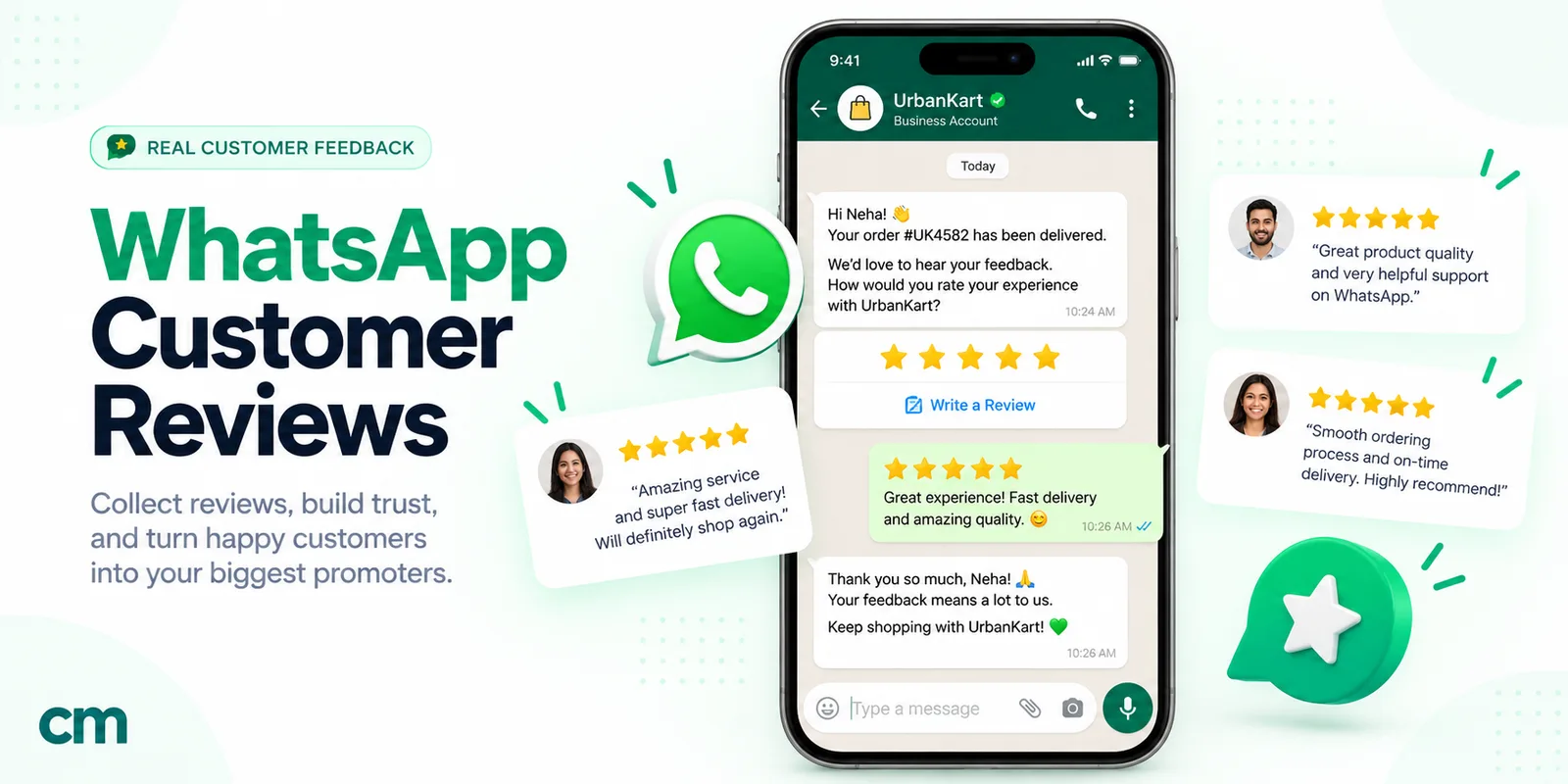
To ask customers for feedback that they actually answer, ask one short question straight after a specific moment they’ll remember, such as a closed support chat, a visit or a cancellation. Name that moment in the message, let them answer with a tap, and tell them who reads it. Then reply to every low score.
This guide covers which moments are worth a question, which method fits each (CSAT, NPS, CES or one open question), how to word questions without skewing answers, and copy-ready messages. It also covers the US and Google review-incentive rules and how to run it all on WhatsApp.
Key takeaways
- A question about a specific moment gets better answers than "How are we doing?", and on WhatsApp Meta requires that specificity before it approves a survey as a cheaper utility template.
- Three answer buttons beat five. With more than three, WhatsApp shows two and hides the rest behind "See all options".
- Your feedback system is only as good as your replies to the unhappy answers.
Facts checked against Meta's and WhatsApp's documentation, the US eCFR, FTC staff guidance and Google's Maps content policy on 25 September 2026. Rupee figures are Meta's India rates and exclude tax.
When should you ask customers for feedback?
Ask when the experience has just ended and the customer can still remember it. Each moment in the table below tells you something different, so each gets its own question.
| Moment | When to send | What you learn | Best method |
|---|---|---|---|
| Support request resolved | Within an hour or two of closing it | Whether the help worked, and how it felt | CSAT, 3 options |
| Appointment or service visit | Same day, after the customer has left | Staff, punctuality, the result | CSAT, or one open question |
| Onboarding | About a week in, after the first real task | Where setup is harder than it should be | CES |
| Product in use | After enough use to judge: days for a gadget, weeks for software | What to fix or build next | One open question |
| Relationship check | Every few months, or at the end of a project, stay or course | Loyalty and word of mouth | NPS |
| Cancellation | Right after the cancellation is confirmed | Why people leave | Reason buttons plus "something else" |
Timing is a judgement call, so test it: a salon learns most on the evening of the appointment, a laptop seller after a week of use.
Delivered orders are a separate case. The post-delivery review request for online stores is covered in our order confirmation message guide, together with the rest of the order lifecycle. This guide covers everything else.
When not to ask:
- While a problem is still open. A survey to someone still waiting for a refund reads as a joke.
- Too often. Set a rest period, for example one survey per customer per 30 days, across all teams.
- When nobody will act on the answer.
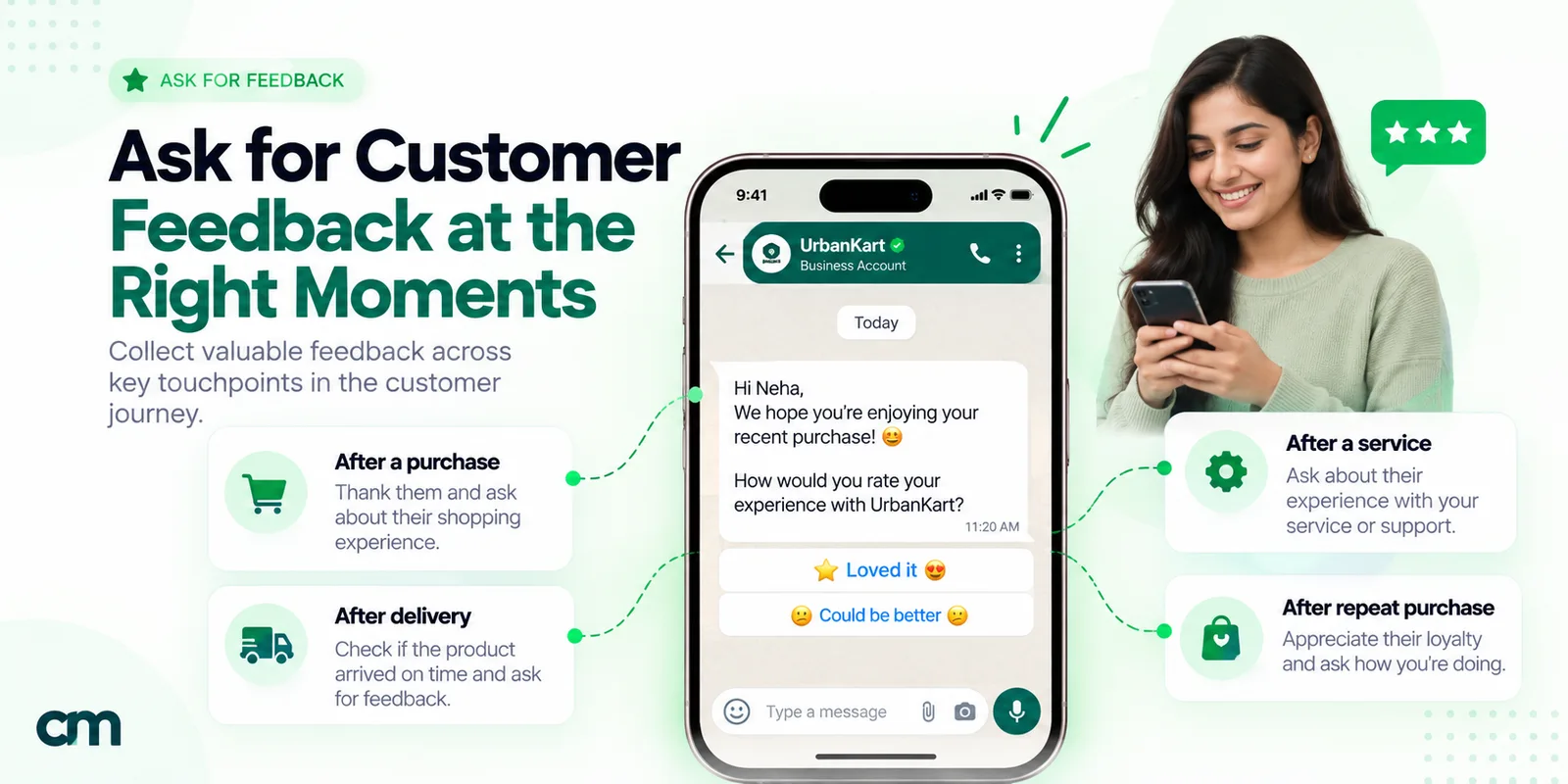
CSAT, NPS, CES or one open question: which method fits?
Most programmes use one of four question types, and they measure different things.
CSAT (customer satisfaction) asks how satisfied the customer was with one thing: a chat, a visit, a delivery. No single body owns the method or its scale; teams use 1 to 5, 1 to 3 or faces, and often report the share of answers in the top options. Keep the scale and calculation fixed month to month, or the trend means nothing.
NPS (Net Promoter Score) was created in 2003 by Fred Reichheld, then a partner at Bain & Company (Bain & Company), and set out in his Harvard Business Review article “The One Number You Need to Grow” (December 2003). Bain’s version asks “How likely are you to recommend us to a friend or colleague?” on a zero-to-ten scale. The score is “the percentage of customers who are promoters (those who scored 9 or 10) minus the percentage who are detractors (those who scored 0 to 6)” (Bain & Company). Scores of 7 and 8 are “passives”. NPS measures the relationship, not a single chat. Net Promoter and NPS are registered trademarks of Bain & Company, NICE Systems and Fred Reichheld.
CES (customer effort) asks how easy something was: fixing an issue, finishing setup, returning an item. Matthew Dixon, Karen Freeman and Nick Toman introduced the Customer Effort Score, and made the case for reducing effort rather than chasing delight, in “Stop Trying to Delight Your Customers” (HBR, July–August 2010). Effort questions work well for onboarding and self-service, where the right answer is “easy” and anything else points to a specific snag.
One open question (“What’s one thing we should change?”) gives you reasons rather than a number. It gets fewer replies, and the replies that come in are longer and more useful. It works well as a follow-up to a low score.
Thumbs up or down and a longer survey on a web form sit at the two extremes: one catches failures at high volume, the other is for research you’ll analyse properly. Don’t send a five-question form after a routine support chat.
| Method | Question shape | Answers | Use it for | Watch out for |
|---|---|---|---|---|
| CSAT | "How was [specific thing]?" | 3 or 5 levels | One interaction or purchase | Changing the scale between months |
| NPS | "How likely are you to recommend us to a friend or colleague?" | 0 to 10 | The overall relationship | Sending it after every chat |
| CES | "How easy was it to [task]?" | 3 to 7 levels | Onboarding, self-service, returns | Asking before the task is done |
| Open question | "What's one thing we should change?" | Free text | Reasons, product ideas | Nobody reading the replies |
| Thumbs | "Did this help?" | Yes / No | High-volume, low-stakes moments | Missing the "why" |
| Long survey | Several questions on a form | Mixed | Research you will analyse | Response fatigue |
How to word feedback questions so the answers mean something
Five wording rules cover most problems.
- Don’t lead. “How much did you enjoy your visit?” assumes the visit was enjoyable. Ask “How was your visit?”
- One thing per question. “Was our agent quick and helpful?” is double-barrelled: someone who got a quick, useless answer can’t reply honestly. Split it, or pick the one that matters.
- Label the scale. With emoji or numbers, say what the ends mean (“1 = poor, 5 = excellent”), and keep the direction the same in every survey.
- Keep the options balanced. “Excellent / Very good / Good / Poor” has three positive options and one negative. “Good / Okay / Poor” is balanced.
- Name the moment. “How was your chat with Priya on Tuesday about your refund?” gets a sharper answer than “How was our service?”, and on WhatsApp it is also what Meta looks for (more on that below).
| Instead of | Ask | Why |
|---|---|---|
| "We hope you loved our service! Rate us" | "How was your service visit on Monday?" | Neutral, and names the moment |
| "Was delivery fast and the packaging good?" | "Did everything arrive in good condition?" | One question |
| "Rate us 1–10" | "How likely are you to recommend us to a friend or colleague? 0 = not at all, 10 = extremely" | Standard NPS wording, labelled ends |
Feedback request messages you can copy
Each message is written as a WhatsApp template, with numbered variables such as {{1}} filled in at send time. They adapt to SMS or email with small edits. Every one starts and ends with plain text, because Meta’s review guidance says “The message template cannot start or end with a parameter” (Meta, template review). Keep button labels to 25 characters, the template limit.
1. After a support request is resolved (CSAT)
Hi {{1}}, your request about {{2}} was closed today by {{3}} from our support team. How was the help you got this time?
Buttons: Good · Okay · Poor
2. After an appointment or service visit
Hello {{1}}, thank you for coming to {{2}} on {{3}}. How was your appointment with {{4}}? One tap is enough, and you can add a comment afterwards if you like.
Buttons: Very good · It was fine · Not happy
For the reminders that come before the visit, see our WhatsApp reminder messages guide.
3. Onboarding check-in, day 7 (CES)
Hi {{1}}, your team has been using {{2}} for a week now. How easy has the setup been so far?
Buttons: Easy · Some effort · Hard going
4. Product in use (one open question)
Hi {{1}}, you’ve had {{2}} for about {{3}} weeks now. If you could change one thing about it, what would it be? Just reply here in your own words; our product team reads every answer.
5. End of a project, stay or course (NPS)
Hi {{1}}, your {{2}} with us finished on {{3}}. How likely are you to recommend us to a friend or colleague? Reply with a number from 0 (not at all likely) to 10 (extremely likely).
6. After a cancellation
Hi {{1}}, your {{2}} plan is now cancelled, as you asked, and there will be no further charges. Could you tell us the main reason you left?
Buttons: Too expensive · Not using it enough · Something else
No win-back offer here: an offer turns a question into a pitch.
7. A longer survey behind a link
Hi {{1}}, thank you for attending {{2}} on {{3}}. We have five short questions about the session, which take about two minutes. Only the organising team sees the answers.
Button: Open the survey (URL)
8. The one reminder
Hi {{1}}, a quick nudge about our question on your {{2}}. If now isn’t a good time, that’s fine, and this is the last time we’ll ask about it.
Buttons: Good · Okay · Poor
Replies after the customer answers
The customer’s tap opens a 24-hour window, so these can be ordinary messages, not templates.
To a low score:
Sorry we got this wrong. What happened? Pick the closest reason below or type a line, and [a named person or team] will get back to you by [a time you can keep].
List: Took too long · Didn’t solve it · Staff behaviour · Other reason
To a middle score:
Thanks for the honest answer. What’s one thing that would have made it a “Good”?
To a high score:
Thank you, that’s good to hear, and we’ll pass it on to [the staff member or team].
For thank-you wording beyond this, see our thank-you messages for customers. Public review links don’t belong in only one of these three replies; the rules section below explains why.
How to follow up without annoying people
- One reminder, then stop. Send it a day or two after the first message and say it is the last one (message 8 above).
- Send at sensible local hours. A feedback request at 11 pm is a good way to get blocked.
- Offer a way out. Tell people they can reply STOP (a fourth “No more surveys” button would push your answer options behind “See all options”), then honour it for every future survey. WhatsApp’s Business Messaging Policy says businesses “must respect all requests (either on or off WhatsApp) by a person to block, discontinue, or otherwise opt out of communications” (WhatsApp Business Messaging Policy).
- Watch your quality. The same policy warns that “Users can block or report businesses” and that WhatsApp “may limit the amount of messages a business can send” based on that feedback.
- Only message opted-in customers. The policy lets you contact people only if they have given you their number and “you have received opt-in permission from the recipient”. Our WhatsApp opt-in guide covers how to collect it.
Closing the loop: what to do with the answers
Feedback that disappears into a spreadsheet teaches customers to stop answering. Set these rules first:
- Low scores get a human reply. Decide who owns them and by when (the same working day is a sensible target). The reply should acknowledge the problem, say what you’ll do, and follow up when it’s done.
- High scores get a thank-you and go to the team. Pass named praise on to the person it’s about.
- Middle scores are your best source of fixes. Their “one thing” answers are specific.
- Tell people what changed. A later “you told us X, so we changed Y” note shows the survey was worth answering. On WhatsApp that general update is likely a marketing template, so send it only to people who agreed to hear from you.
- Review the reasons monthly. Count the low-score reasons and fix the top one first.
If a customer leaves a negative public review, you can contact them to resolve it. FTC staff guidance confirms the US rule doesn’t prohibit a business “contacting customers who post negative reviews to resolve the reported issues” (FTC, rule Q&A). What it does ban, in section 465.7, is using “an unfounded or groundless legal threat, a physical threat, intimidation, or a public false accusation” to stop or remove a review.
Asking for public reviews without breaking the rules
Private feedback and public reviews follow different rules. For most businesses two sets matter: the US Federal Trade Commission’s rule and Google’s Maps review policy. This is a summary, not legal advice.
The US rule. The FTC’s Rule on the Use of Consumer Reviews and Testimonials (16 CFR Part 465) “went into effect on October 21, 2024”, according to FTC staff. Section 465.4 makes it unlawful “for a business to provide compensation or other incentives in exchange for, or conditioned expressly or by implication on, the writing or creation of consumer reviews expressing a particular sentiment, whether positive or negative” (16 CFR 465.4, eCFR). FTC staff add that the rule “does not prohibit giving incentives for reviews” that don’t depend on sentiment, “But remember that failing to disclose incentives could be a violation of the FTC Act.” Their example of an implied condition: “Tell us how much you loved your visit to John’s Steakhouse and get a $5 coupon”.
Google’s rules are stricter. Google’s Maps user-contributed content policy says merchants may not “Offer incentives – such as payment, discounts, free goods and/or services - in exchange for posting any review”, and may not “Discourage or prohibit negative reviews, or selectively solicit positive reviews from customers”. Merchants also “should not require or pressure users to leave ratings or write reviews while on the premises, nor should they request that specific content be included” (Google Maps content policy).
That second rule matters for feedback flows. A common setup sends the Google review link only to people who tapped “Good” and a private form to everyone else. That is selective solicitation of positive reviews, which Google’s policy doesn’t allow. FTC staff add that the US rule has no specific ban on asking only customers you think are happy, “But this practice could violate the FTC Act.” The compliant version:
- Ask the private question first, and deal with problems quickly.
- Send the review link to everyone you ask, whatever they answered. Either add the same optional line to every reply, or send a separate review request to all recent customers.
- No discount, points or prize draw for a Google review.
- Don’t ask customers to mention a staff member, a product name or a star rating.
| Practice | FTC rule (US) | Google Maps policy |
|---|---|---|
| Asking every customer for an honest review | Allowed | Allowed |
| Review link only for customers who rated you highly | No specific ban in the rule; FTC staff say it could violate the FTC Act | Not allowed ("selectively solicit positive reviews") |
| Coupon for any review, whatever it says | Not banned by the rule; FTC staff warn that undisclosed incentives could violate the FTC Act | Not allowed |
| Reward for a 5-star or "loved it" review | Not allowed (465.4) | Not allowed |
| Legal threats to remove a negative review | Not allowed if unfounded (465.7) | Not addressed in this policy |
Other review sites and marketplaces set their own rules, so read them before you link to one.
How to run customer feedback surveys on WhatsApp
On WhatsApp the answer is one tap in a chat the customer already has open. A few rules shape the design.
Template or free-form message? The 24-hour window decides
Meta: “When a WhatsApp user messages you or calls you, a 24-hour timer called a customer service window starts”, and when it closes “you can only send pre-approved template messages” (Meta, send messages). A support chat that ended an hour ago is still inside the window, so a free-form question with reply buttons works. A survey the day after a visit needs a template.
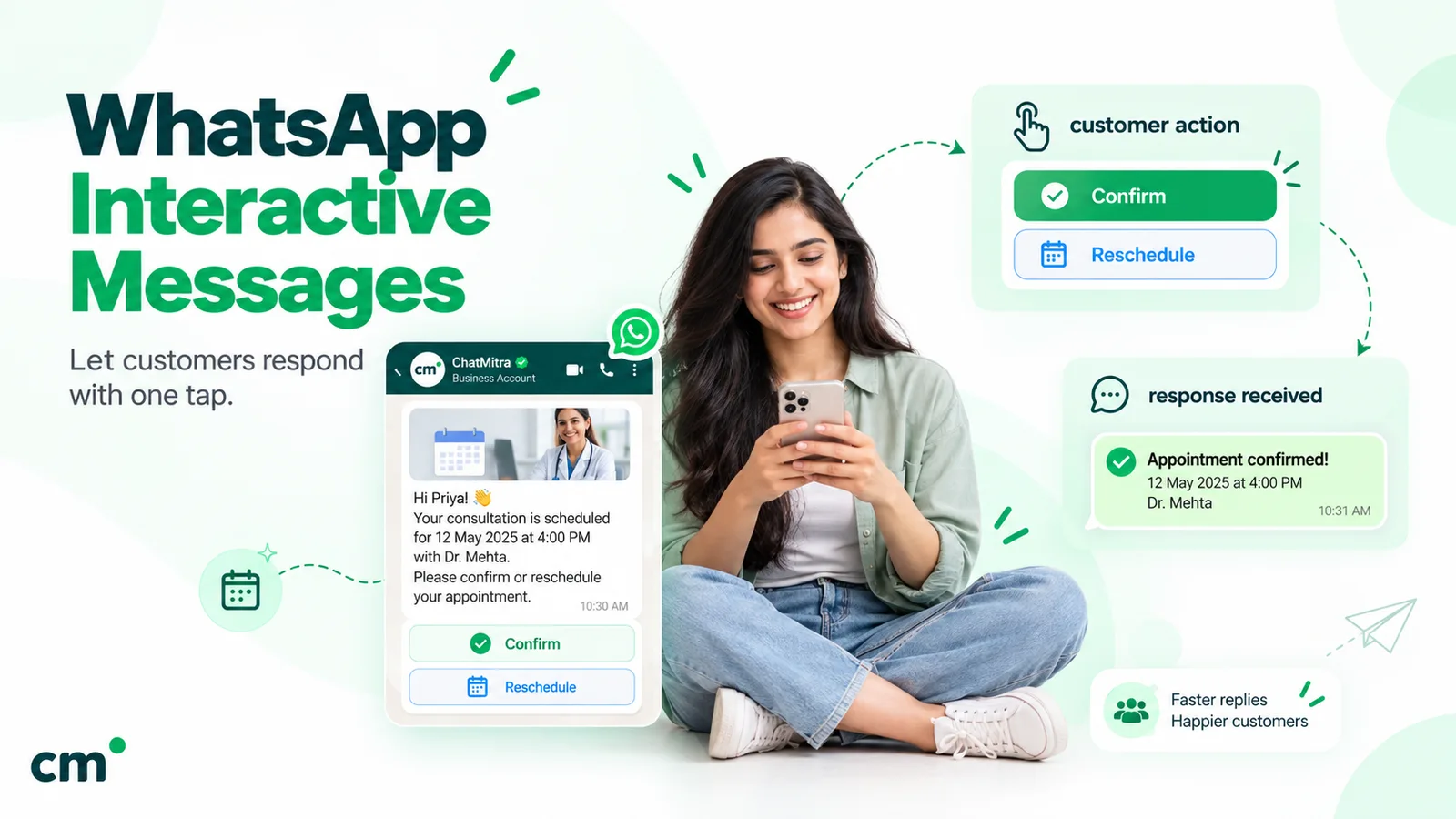
A tap on a template’s quick-reply button counts as a message from the customer. Meta says these buttons “immediately message you with the specified text string when tapped” (Meta, template components). So the tap opens a new window, and your follow-up questions can be ordinary messages.
Buttons and lists: the limits that shape your scale
| Format | When | Options | Label length |
|---|---|---|---|
| Template quick-reply buttons | Any time, to opted-in customers | Up to 10 quick replies; more than 3 buttons shows 2 plus "See all options" | 25 characters |
| Interactive reply buttons | Inside the 24-hour window | Up to 3 | 20 characters |
| List message | Inside the 24-hour window | Up to 10 rows across up to 10 sections | Row title 24, description 72 |
Sources: Meta’s pages on template components, reply buttons and list messages. Meta also notes that templates with “4 or more buttons, or a quick reply button and one or more buttons of another type, cannot be viewed on WhatsApp desktop clients”.
What that means for your survey:
- Use a three-point CSAT scale in templates. A five-button scale puts two options on screen and hides three behind “See all options”, which skews answers towards the visible ones.
- Keep five-level scales for inside the window, as a list message.
- NPS doesn’t fit a button or list. 0 to 10 is 11 answers, one more than the 10-button and 10-row limits. Ask for a typed number, as in message 5, or use a Flow.
- Don’t mix a quick reply with a URL button if many customers use WhatsApp on desktop.
Our guide to WhatsApp interactive messages covers each format and its webhook in detail, and the template elements guide explains button grouping.
WhatsApp Flows for longer surveys
Meta describes Flows as “a way to build structured interactions for business messaging” (Meta, WhatsApp Flows). A Flow can show a real 0 to 10 scale, several questions and a comment box on separate screens. Outside the window you attach it to a template with a FLOW button, and Meta says “You will need to verify your business and maintain a high message quality” (Meta, sending a Flow). You need a tool that builds Flows; ChatMitra doesn’t have a Flow builder.
Is a feedback request utility or marketing?
This decides both the price and who receives the template. Meta’s categorisation guidelines list feedback surveys under utility, for templates that “Collect feedback on previous orders, transactions, or engagements with customers”, with a condition: “Specificity of the order or interaction to which these relate is necessary. A general/generic survey or request for feedback will not be approved as utility.” They also list “a feedback survey with promotional content” as marketing (Meta, template categorization).
| Template wording | Likely category |
|---|---|
| "How was your appointment on {{3}} with {{4}}?" | Utility (specific interaction) |
| "Your request about {{2}} was closed today. How was the help?" | Utility (specific interaction) |
| "How are we doing? Rate our brand" | Marketing risk (generic survey) |
| "Rate your visit and get 10% off your next one" | Marketing (promotional content) |
That’s our reading; Meta decides at review and can recategorise approved templates. Its pricing page adds: “Whenever a template is used, a business accepts the charges associated with the category applied to the template at time of use” (Meta, pricing).
Why the category matters:
- Price. On Meta’s rate cards effective 1 October 2026, a utility template to an Indian number costs ₹0.1150 and a marketing template ₹0.8631. For North American numbers the USD card lists $0.0034 and $0.025.
- Reach in the US. Meta’s per-user limits page says “WhatsApp does not currently deliver marketing template messages to WhatsApp users with United States phone numbers” (Meta, per-user limits). A general relationship NPS that Meta treats as marketing won’t reach your US customers at all. Tie it to a specific project, stay or course, as in message 5.
- Replies aren’t free either. Since 1 October 2026 Meta charges free-form service messages after “one shared free tier of 1,000 delivered service messages per month” per business number (₹0.1150 each in India), and utility templates sent inside an open window are charged too. The WhatsApp cost-per-message guide has the full breakdown.
Running feedback requests with ChatMitra
ChatMitra has no survey product. It doesn’t calculate CSAT, NPS or CES, and has no Flow builder, no ticket status to trigger a survey on “resolved”, and no “replied” figure in campaign reports. Its other parts combine into a working feedback loop.
| Step | In ChatMitra | Limits |
|---|---|---|
| Build the request | Template builder with quick-reply and URL buttons | No Flow button |
| Send it | Broadcast to contacts filtered by tag, REST API from your helpdesk or booking system, or a Google Sheets automation | Broadcasts send templates only |
| Send it on schedule | Sheets automation: "Specific Column Changed" (for example Status, with a "Check Conditions" step so only "Resolved" continues) or "N Days After a Date", then "Delay / Wait", then "Send WhatsApp Template" | Date triggers match day and month only, so remove old rows |
| React to the tap | Keyword auto-reply matching the button's text (exact, starts-with or regex) that sends the next message and adds a tag such as "csat-poor" | A label can trigger only one rule, so keep labels unique across surveys |
| Record the answer | Sheets automation "WhatsApp Message Received" trigger with an "Add Row to Sheet" action | You calculate the score in the sheet |
| Follow up by hand | Team inbox shows the tapped answer in the chat; filter contacts by tag | No assignment or SLA timer |
A support CSAT set-up looks like this:
- Create a utility template like message 1 with quick replies Good, Okay and Poor.
- Send it through ChatMitra’s API when your helpdesk closes a ticket. If tickets live in a Google Sheet, use the “Google Sheet — Specific Column Changed” trigger on the status column, a “Check Conditions” step for “Resolved” (the trigger fires on any change to that column), a one-hour “Delay / Wait”, then “Send WhatsApp Template”.
- Add one keyword auto-reply per label. “Poor” sends the low-score reply with its list of reasons and adds the tag “csat-poor”; the other two send their replies and tags.
- Add a “WhatsApp Message Received” automation on the same keywords with an “Add Row to Sheet” action, so every answer lands in a sheet.
- Each morning, filter contacts by “csat-poor” and reply from the inbox.
For NPS, a regex keyword rule such as ^([0-6])$ can tag detractors. Keyword rules apply to every incoming message, so a customer typing “5” in another conversation triggers it too; switch number rules off between surveys. Keyword rules also stay silent while a Fixed Reply is on or during Away Message hours, so a tap at night gets the away message instead.
Auto Reply and API access come with the Pro plan, per ChatMitra’s pricing page. On top of Meta’s rates, ChatMitra charges ₹0.20 once per contact per 24-hour conversation. If you need survey dashboards, Flows or ticket-triggered surveys out of the box, a survey or helpdesk tool with a WhatsApp channel will suit you better. See the Google Sheets automation overview and our WhatsApp automation guide for more.
Where to start
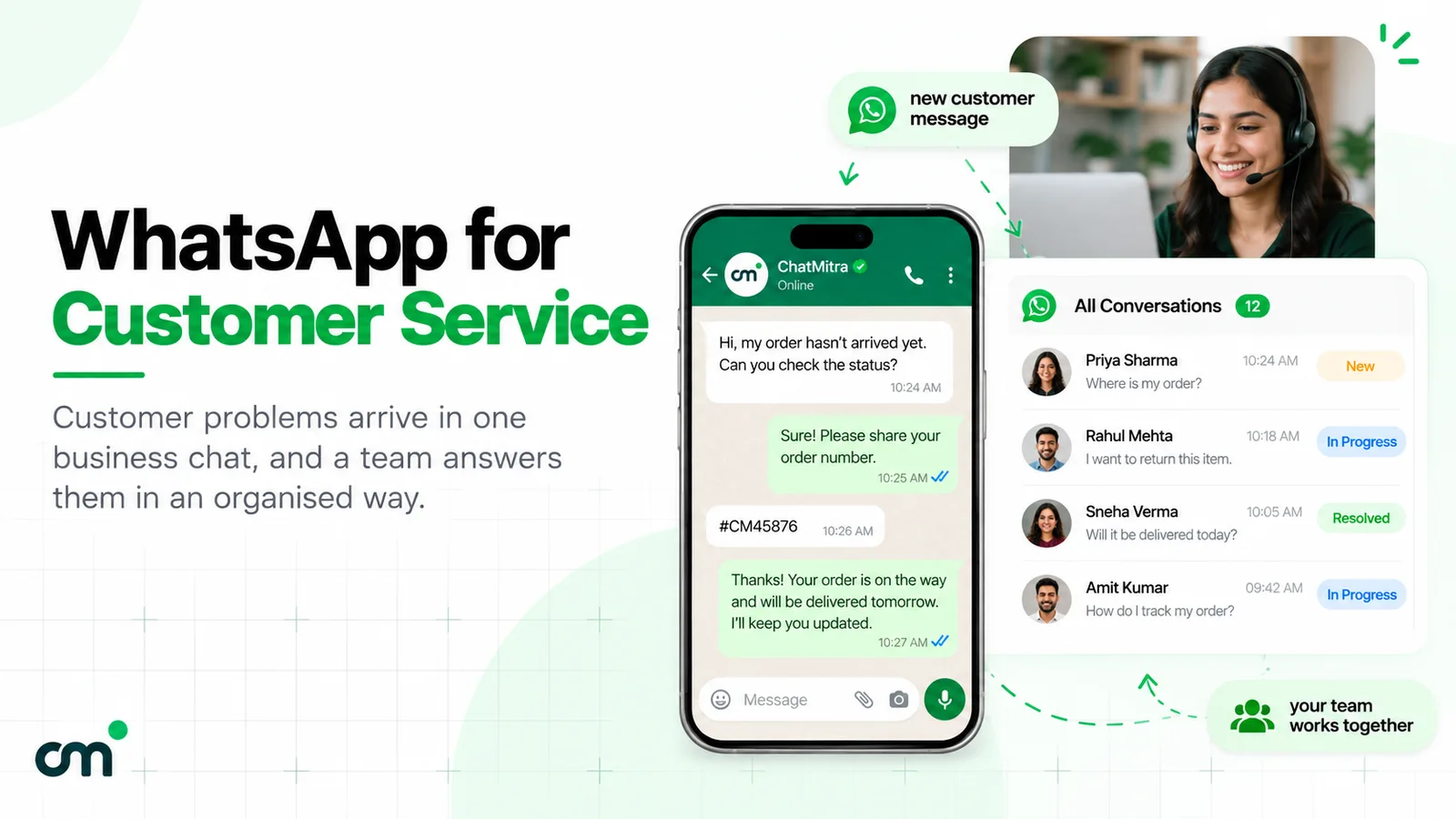
Pick one moment, usually the resolved support request, and run one three-button question for a month. Reply to every “Poor” within a day, note the reasons, fix the most common one, then add the next moment. The WhatsApp customer service guide covers the support routine around it, and you can compare ChatMitra’s plans if you want to run the loop on WhatsApp.
Sources: Meta for Developers (template categorization, components and review; reply buttons; list messages; send messages; Flows; pricing and the rate cards effective 1 October 2026; per-user limits); WhatsApp Business Messaging Policy; 16 CFR Part 465 and FTC staff Q&A; Google Maps content policy; Bain & Company; Harvard Business Review. ChatMitra behaviour verified in its code on 25 September 2026.
Facts checked against Meta's and WhatsApp's documentation, the US eCFR, FTC staff guidance and Google's Maps content policy on 25 September 2026.