To sell on WhatsApp, set up the free WhatsApp Business app with a complete profile and a product catalog, bring buyers into the chat with a link, QR code or Status, take each order in the conversation, collect payment by UPI, payment link or cash on delivery, then send delivery updates and a reason to come back. That loop works on one phone for a seller handling a few dozen orders a week. When orders come from a website, several people need to answer, or you want to message customers who haven’t saved your number, the WhatsApp Business API takes over the same loop.
This guide walks through each step in order, with the rules that trip sellers up, what each method of payment risks, and what every message costs in rupees.
Key takeaways
- Check your product against WhatsApp's prohibited list before anything else. Regulated categories can't be sold through the Business app at all.
- A catalog holds up to 500 items. Each needs a unique title, at least one photo and its country of origin, and is reviewed before buyers can see it.
- WhatsApp takes the order, not the money. Use UPI, a gateway link or COD, and check every payment in your bank or gateway app.
- The Business app is free. On the API in India, a marketing message costs ₹0.8631 and a utility message ₹0.115; your first 1,000 replies a month per number are free.
- Get opt-in before you message anyone, and send offers only to people who agreed to receive them.
How selling on WhatsApp works
A WhatsApp sale is a conversation that ends in an order. Unlike a marketplace, nobody finds your shop by browsing WhatsApp: you bring every buyer into the chat yourself, and the chat does the selling.
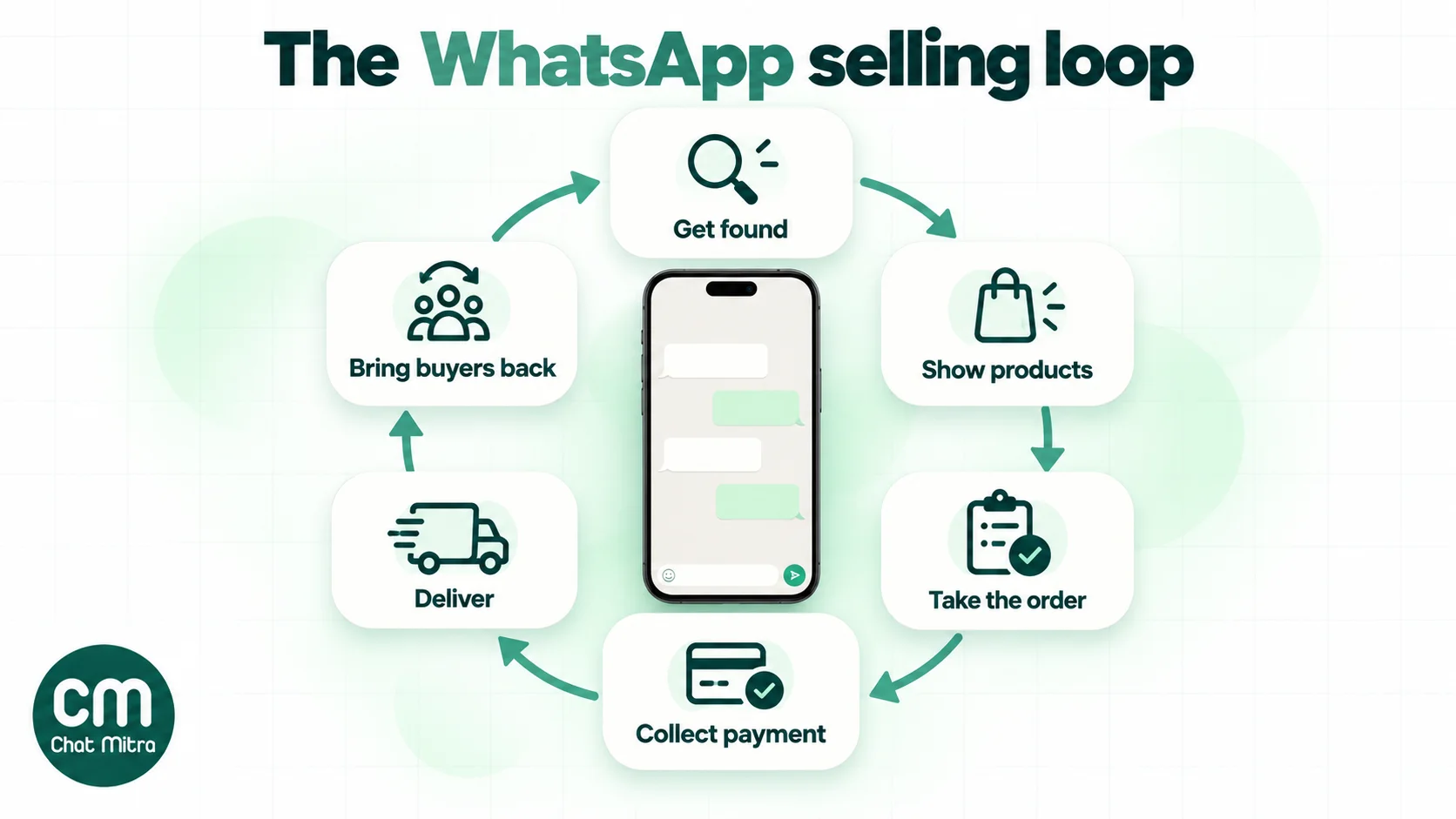
Six jobs make up every sale. Each has a WhatsApp tool, and each has a limit you should know before you depend on it:
| Job | WhatsApp tool | Limit to know |
|---|---|---|
| Get found | Short link, QR code, Status, click-to-WhatsApp ads | Status reaches only your contacts; ads cost money |
| Show products | Catalog and collections | 500 items; every item is reviewed before it shows |
| Take the order | Cart, quick replies, labels | The cart arrives as a message: you confirm it by hand |
| Collect payment | UPI ID or QR, payment link, payment request (some accounts) | WhatsApp doesn't hold the money or verify that it arrived |
| Deliver | Messages with tracking links, documents | Order details are not an invoice |
| Bring buyers back | Status, broadcast lists, business broadcasts | Broadcast lists reach only people who saved your number |
The steps below follow that order. If you already have a Business account, skip to the step you’re stuck on.
Step 0: Check that you’re allowed to sell it
Do this before you photograph a single product. WhatsApp’s Business Messaging Policy (updated 23 September 2026) lists goods and services businesses may not offer. They include:
- Firearms, alcohol and tobacco.
- Drugs, whether prescription, recreational or otherwise, and medical and healthcare products.
- Endangered species, and live animals other than livestock.
- Hazardous goods, and real, virtual or fake currency.
- Adult products and services, and dating.
- Real-money gambling and gaming.
- Multi-level marketing, payday loans, peer-to-peer lending, debt collection and bail bonds.
- Anything fraudulent or deceptive.
Two further rules matter for small sellers:
- Regulated categories are off the Business app. The policy says you may not message about any regulated vertical on the WhatsApp Business app. A few regulated products are allowed only on the API, in named countries and with conditions. If your product sits near a regulated line, such as supplements, cosmetics with medical claims or anything age-restricted, read the policy’s list before you build a catalog.
- You carry the responsibility. Catalog sellers must also follow Meta’s Commerce Policy. Meta says it is not responsible for processing, paying for or fulfilling any sale, and that sellers alone handle the taxes on what they sell.
Catalog items that break these rules get rejected in review, and repeated breaches can get the account restricted. That’s a lot worse than a rejected item when your whole order book lives on one number.
Step 1: Set up a Business account that looks like a shop
Selling from a personal WhatsApp account mixes your family chats with your orders and gives you none of the selling tools. Install the WhatsApp Business app and register it with a number you’ll keep for years, because the number is what customers save. Our guide to creating a WhatsApp Business account covers registration screen by screen. If you’re still deciding between the two apps, see WhatsApp vs WhatsApp Business.
For selling, these profile fields do the most work:
- Business name and profile photo. Use the name on your packaging and Instagram so buyers recognise you, and a logo that’s legible as a small circle.
- Category and description. Say what you sell and where you deliver in the first line: “Handmade soy candles. Delivery across India in 3 to 6 days.”
- Hours. Buyers judge you by response time. Published hours tell them when to expect an answer.
- Address and website, if you have them. A real address adds trust; a website gives buyers a second way to check you exist.
Indian sellers will also see a business details form when they use the catalog. WhatsApp’s help centre says that “to comply with the commerce laws in India” it asks for:
- your legal name and business type;
- an address;
- a customer care email and at least one phone number;
- a grievance officer’s name and one way to contact them;
- importer details for imported goods.
Fill it in completely: the details appear to buyers and are part of what makes a WhatsApp shop credible.
Finally, set a greeting message for first-time chats and an away message for nights and holidays, so nobody’s first message to you goes unanswered. The away message is where you say when you’ll reply, not a place for a sales pitch.
Step 2: Build a catalog buyers can order from
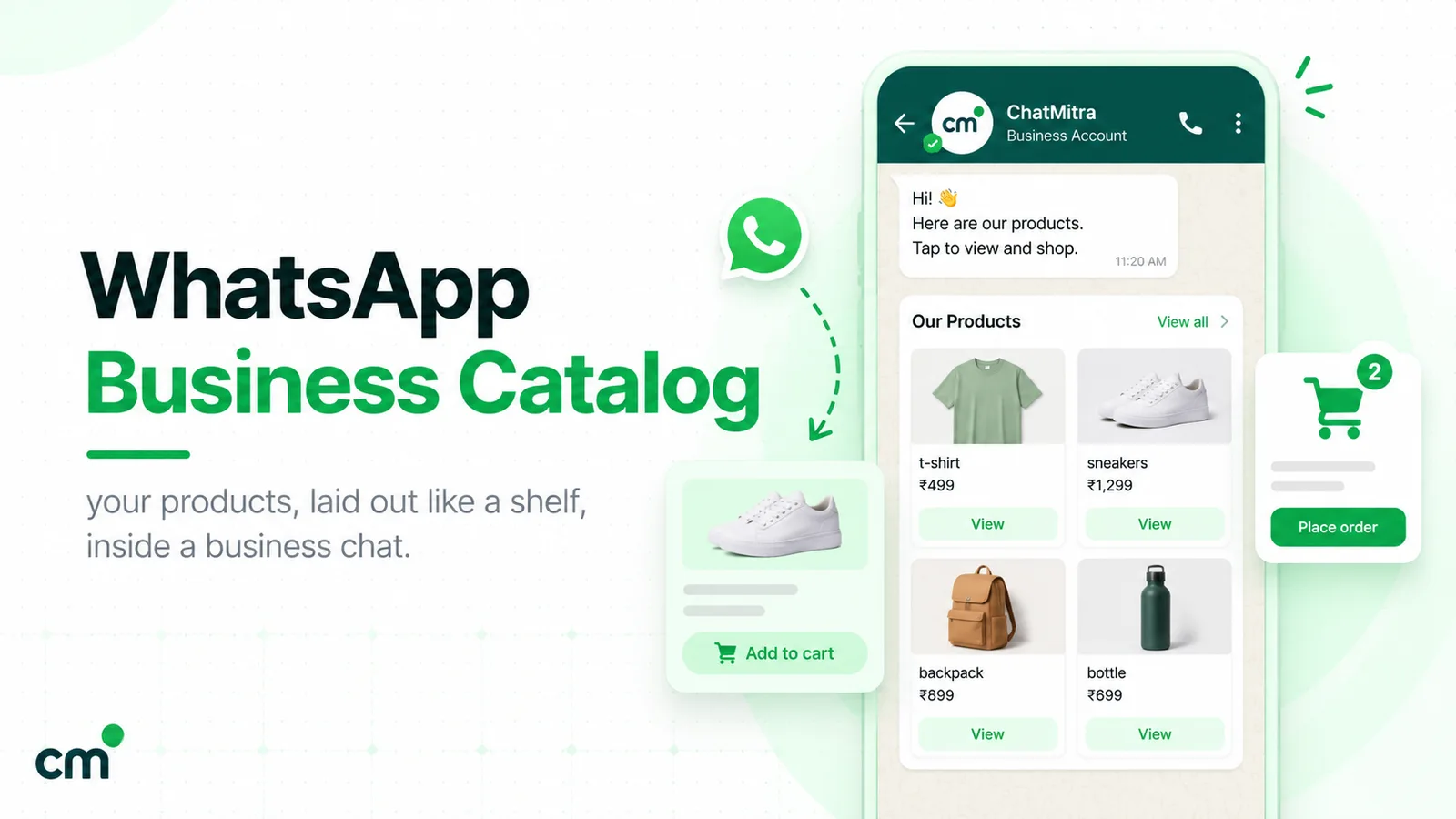
The catalog is your shop window inside WhatsApp. WhatsApp’s rules for it:
- Size: up to 500 items.
- Every item needs: a unique title, at least one image, and its country of origin.
- Optional extras: more images or videos (up to 10 per item, videos up to 50 MB), a price and sale price where your country supports prices, a description, a website link and a product code.
- Review: every item is reviewed and shows only once approved. Collections, which group items into sections such as “Bestsellers” or “Diwali gifts”, go through a review that WhatsApp says should take no more than 24 hours.
So build the catalog a day before you promote it, not an hour before.
A catalog that sells, rather than one that only exists, gets these details right:
- Photos taken against one plain background, in daylight, with the product filling the frame. Add a second photo that shows scale: the candle beside a coffee mug, the kurta on a person.
- Titles that match how buyers ask. “Lavender soy candle, 200 g” beats “Calm Vibes No. 3”. The title is what shows in chat when you share the item.
- The price shown, if you can. “DM for price” pulls a buyer into a conversation, and some won’t bother.
- A product code on every item. When a buyer sends a cart, the code tells you exactly which variant they chose.
- Stock kept current. Hide or remove sold-out items the same day. A buyer who orders something you can’t deliver rarely asks twice. For messages to send when something does run out, see our out-of-stock message examples.
You can share a link to a single item or to the whole catalog: in a chat, on your Status, or copied into Instagram or a website. WhatsApp says collections can’t be shared as a link on their own, so to point a buyer at one section, send the catalog link and name the collection, or send the items individually.
If you already manage products in Meta Commerce Manager for Facebook and Instagram, you can connect that catalog to the Business app instead of building a second one. The phone app is where you connect or disconnect it. Our full WhatsApp Business catalog guide covers setup screen by screen, plus how catalogs work on the API.
Step 3: Bring buyers into the chat
WhatsApp has no shop search. Every buyer arrives because you sent them, so put your WhatsApp link wherever your buyers already are:
| Entry point | Who it reaches | Cost | Make it work |
|---|---|---|---|
| Short link or wa.me link | Anyone who taps it | Free | Pre-fill the first message so you know where the buyer came from |
| QR code | Offline buyers: stalls, packaging, shop counters | Free | Print it with one line on what happens when they scan |
| Instagram and Facebook profile links | Your followers | Free | Use a pre-filled message per platform |
| Status | Your contacts | Free | Post stock and proof, not just offers |
| Website or marketplace store page | Visitors with questions | Free | Put the button next to the price, where doubts arise |
| Click-to-WhatsApp ads | New audiences on Facebook and Instagram | Ad spend | Ad chats open a free messaging window of up to 7 days on the API |
Use pre-filled messages. A link such as https://wa.me/919800000000?text=Hi%2C%20I%20saw%20your%20candles%20on%20Instagram opens the chat with that sentence already typed, so you know the buyer came from Instagram without asking. In the Business app, the short link and its QR code live under More > Short link. You can also make one with ChatMitra’s free WhatsApp chat link generator or QR code generator. For each platform’s settings, see our guide to adding a WhatsApp link to Instagram, LinkedIn and YouTube.
Status is your free daily shop window. By default your Status goes to your contacts and disappears after 24 hours. Post what a buyer would want to see: today’s stock, a packed order, a customer’s photo shared with permission. Replies arrive as private chats. Our WhatsApp Status marketing guide explains who actually sees a Status and how ads in Status work.
Ads bring strangers, the rest bring people who already know you. Click-to-WhatsApp ads, bought in Meta Ads Manager, are the only entry point here that reaches buyers who’ve never heard of you. They’re covered in our WhatsApp ads guide.

A word on groups: adding buyers to a group shows every member’s number to everyone else, and people who didn’t ask to join will report you. If you want a one-to-many feed, a broadcast list or a Channel keeps numbers private. Our guide to WhatsApp groups for business explains when a group still makes sense.
Step 4: Turn a chat into an order
Most WhatsApp sales are won or lost in the first few replies. A buyer who asks “price?” at 9 pm and hears back at noon has usually bought somewhere else. Three Business app tools keep you fast:
- Quick replies. Save up to 50 answers, such as prices, delivery times or your return policy, and insert them by typing
/. Our 60 quick-reply templates cover the questions sellers get most. - Labels. You can create up to 20; WhatsApp is renaming them “lists”. Use them as an order pipeline: New enquiry, Awaiting payment, Paid, Shipped, Delivered. At the end of the day, filter Awaiting payment and follow up.
- The cart. Buyers who browse your catalog can add items, change quantities and send the cart to you as a message. You still have to reply to it: the cart is a request, not a confirmed order.
A sales conversation that closes
Here’s how a typical exchange should go for a hypothetical candle seller. The structure matters more than the words:
- Buyer: “Hi, I saw your candles on Instagram. Do you have lavender?”
- You answer the question and show it. Share the catalog item rather than describing it: “Yes, here it is. ₹450 for 200 g, about 40 hours of burn time.” Then attach the item.
- Ask one question that moves the sale forward. “Is it for you or a gift? I can add a gift note at no extra cost.” One question, not a list of options.
- Buyer sends a cart or says “I’ll take two.”
- Confirm the order in one message with everything the buyer needs to check: items, quantities, total including delivery, delivery address, expected dispatch date, and how to pay. “Order: 2 × Lavender candle 200 g = ₹900 + ₹60 delivery = ₹960. Ships Thursday to the Pune address you shared. Pay by UPI to the QR below, or choose cash on delivery (₹40 extra).”
- Label the chat Awaiting payment.
The confirmation is where most informal sellers lose money. A message that lists the address and total settles disputes before they start, and it’s the message you’ll scroll back to if a parcel goes astray.
Step 5: Collect payment safely
WhatsApp doesn’t hold your money or verify that a payment arrived. You choose how buyers pay, and each method shifts risk differently:
| Method | How it works | Good for | Watch out for |
|---|---|---|---|
| UPI ID or QR code | You share your UPI ID or a QR image; the buyer pays from any UPI app | Most small orders in India | Fake payment screenshots; buyers paying the wrong amount |
| UPI payment request in chat | The buyer taps Pay with UPI in the chat and enters their UPI PIN | Sellers whose Business app shows payments | Not available on every account; still check your bank app |
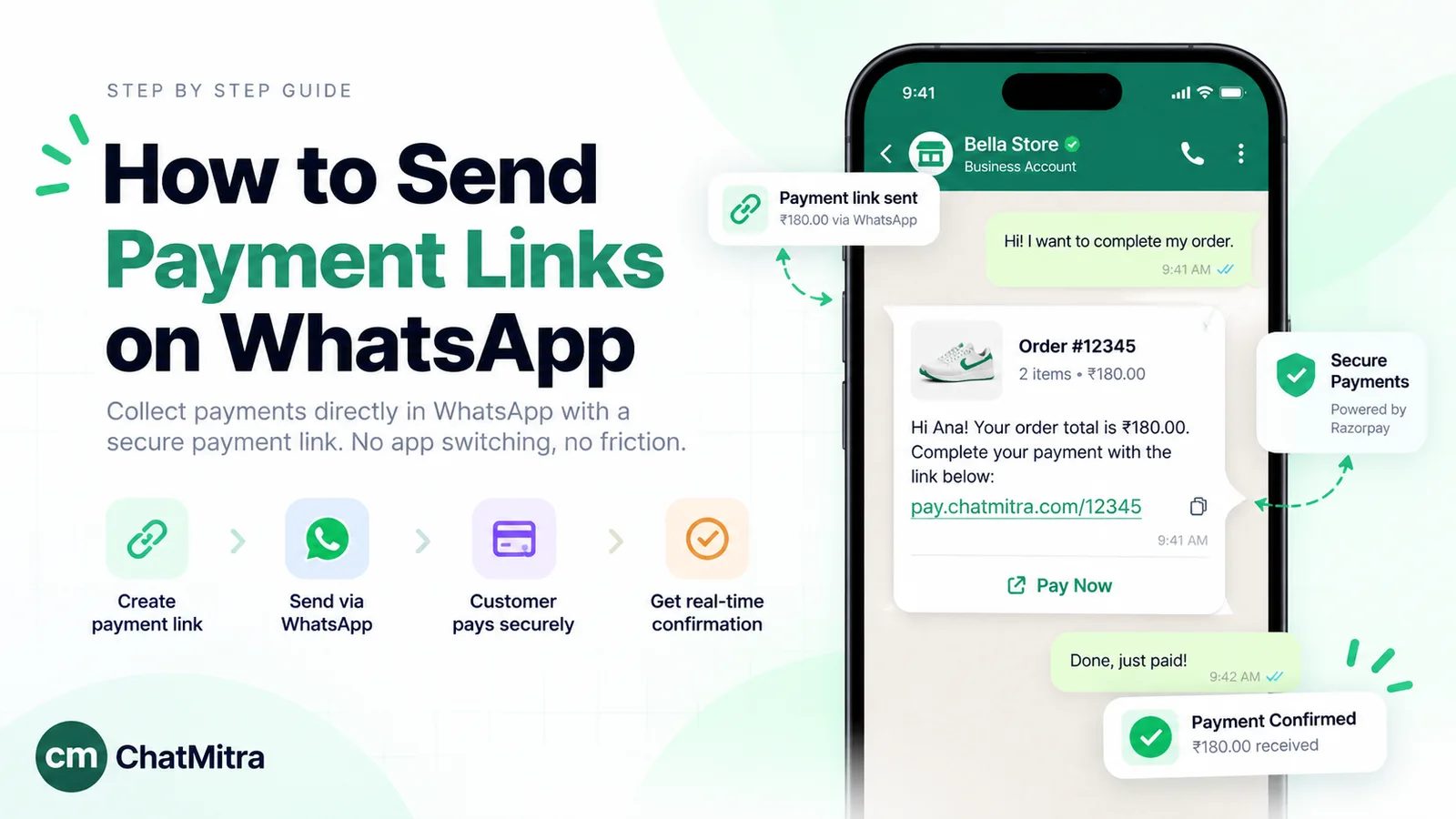
| Payment-gateway link | A Razorpay, Cashfree, PayU or similar link with the exact amount | Card and wallet buyers, international buyers, proper receipts | Gateway fees; links that expire |
| Cash on delivery | The courier collects cash or UPI at the door | First-time buyers who don't trust you yet | Refused parcels returned to you at your cost |
Rules that apply whichever you pick:
- Confirm every payment at the source. Check your bank, UPI or gateway app for the credit, with the amount and reference, before you mark an order paid. A screenshot is not a payment. Edited screenshots are a common scam on small sellers.
- Never ask for card numbers, bank account numbers or ID numbers in chat. WhatsApp’s policy prohibits asking people to share them, and no legitimate payment method needs them.
- Use the exact amount. A gateway link or UPI request for ₹960 is easier to match to an order than an open “pay me on this number”.
- Send a receipt in the chat once the money lands, and move the label to Paid.
Meta has also announced UPI payments run by Business AI, its assistant for Indian businesses, but describes them as coming soon, so don’t plan around them yet.
If you offer COD, confirm before you ship. Cash-on-delivery buyers who never meant to buy cost you two shipping legs and a blocked parcel. A short “Please reply YES to confirm your order of ₹960, cash on delivery” message weeds out most of them. A small discount for paying online also works, as our guide to converting COD orders to prepaid explains with the numbers. For links that carry the amount and a reference, see how to send a payment link on WhatsApp.
Step 6: Deliver and keep the buyer informed
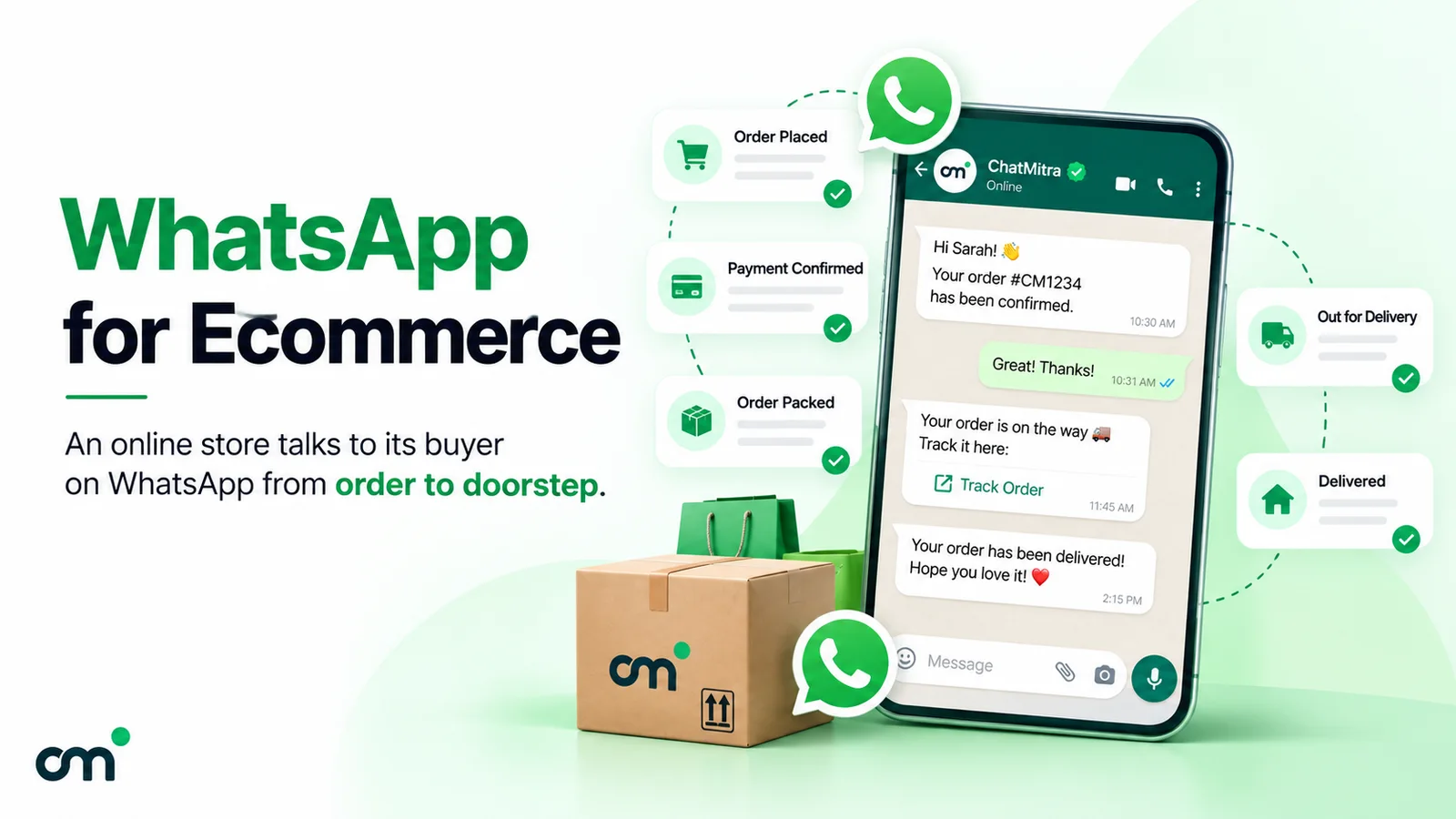
Once you’ve been paid, the buyer’s question changes from “is this real?” to “where is it?”. Answer it before they ask:
- Dispatch message with the courier name and tracking link, sent the day the parcel leaves.
- A note if something slips: a delay, a substitution, a courier problem. Bad news sent first reads as honesty; bad news discovered by the buyer reads as a scam.
- Delivery check-in a day after the expected delivery: “Did your candles arrive safely?” It catches damaged parcels early and opens the door to a review.
Send a real invoice. WhatsApp’s help centre says order details “are not a substitute for invoices, cash memo, bill, receipt”. Create the invoice in your billing or accounting tool and send the PDF in the chat. It’s what a buyer needs for a return, a warranty claim or their own accounts.
State your return and refund terms in the catalog description or a quick reply, before the sale, not after a complaint. India’s Consumer Protection (E-Commerce) Rules, 2020 expect online sellers to display return, refund, exchange, warranty and delivery terms, and a grievance contact. How those rules apply to a seller who sells only through WhatsApp isn’t settled, so take advice if you’re growing. Being clear costs nothing either way.
For message wording you can reuse at each stage, see our order confirmation message templates and order tracking notifications.
Step 7: Get repeat orders without becoming spam
A buyer who has already paid you once is the cheapest sale you’ll ever make. Bring them back like this, in rough order of cost:
- Status, daily. Free, and it reaches every contact who saved your number. New stock, a restock alert, a behind-the-scenes photo.
- Broadcast lists, for saved contacts. A broadcast list sends one message to up to 256 contacts, each receiving it as a private chat with you. It only reaches people who saved your number, and you can create lists only on your phone. Our broadcast list guide covers setup, limits and the newer free-broadcast caps.
- Business broadcasts, for opted-in buyers who haven’t saved you. In some countries the Business app now sells paid broadcasts. You pay per delivered message, and the price shows before you send. If recipients flag them as spam, WhatsApp can suspend your business broadcasts for three days, with no appeal. It also recommends separate opt-in for each type of message you send.
- Review requests. Ask once, after delivery, with a direct link. Our guide to asking for Google reviews has wording that doesn’t feel pushy.
- Reorder reminders, where the product runs out: candles, coffee, pet food, skincare. A reminder timed to when the last order should be running out reads as service, not spam.
Underneath all of it is opt-in. WhatsApp’s policy says you may contact someone only if they gave you their number and agreed to receive messages from you, and you must honour every request to stop. A buyer who messaged you about one order has agreed to hear about that order, not to a weekly offer. Ask clearly (“Want a message when new scents drop? Reply YES”), and keep the replies. India’s Digital Personal Data Protection Rules, notified in November 2025 and phasing in over 18 months, add a legal reason to get this right. Our WhatsApp opt-in guide covers both.
What does it cost to sell on WhatsApp?
On the WhatsApp Business app, selling is free. The app, catalog, cart, labels, quick replies, short link, Status and broadcast lists cost nothing. The optional extras that cost money:
- Paid business broadcasts, where your country has them, at a per-message price shown in the app.
- Ads, for click-to-WhatsApp and Status ads.
- Meta Verified for Business or a Meta One plan, paid subscriptions that, among other things, raise the linked-device limit from four to 10.
On the WhatsApp Business API, Meta charges per delivered template message, by category. India’s rates from 1 October 2026:
| Message | Example | Meta's rate (India) |
|---|---|---|
| Marketing template | New collection, sale, restock offer | ₹0.8631 |
| Utility template | Order shipped, payment due, delivery update | ₹0.115 |
| Authentication template | Login or checkout code | ₹0.115 |
| Service message | Your free-form reply in an open chat | First 1,000 a month per number free, then ₹0.115 |
Two rules change the arithmetic:
- A reply inside an open chat is a service message. When a buyer messages you, a 24-hour customer service window opens. Free-form replies you send in it are service messages, and the first 1,000 each month are free. A template sent in that window is still charged at its category rate. Utility templates in an open window became chargeable on 1 October 2026.
- Ad chats open a free window. When a buyer arrives from a click-to-WhatsApp ad on the WhatsApp phone app and you reply within 24 hours, Meta opens a free entry point window of up to 7 days in which no marketing, utility or service message is charged.
A worked month for a small seller on the API
Assumptions (illustrative, except Meta’s rates):
- 300 orders a month, all from buyers who messaged first.
- You confirm each order by replying in the chat.
- 900 service replies in total, all within the 1,000 free.
- One shipping-update template per order, sent after the chat window has closed.
- One promotional broadcast to 1,500 opted-in past buyers.
- No ad-driven chats.
| Line | Messages | Category | Meta charge |
|---|---|---|---|
| Order confirmations and support replies | 900 | Service (within the free 1,000) | ₹0 |
| Shipping updates | 300 | Utility at ₹0.115 | ₹34.50 |
| Promotional broadcast | 1,500 | Marketing at ₹0.8631 | ₹1,294.65 |
| Total | 2,700 | ₹1,329.15 |
That’s about ₹4.43 per order. The order-handling messages cost ₹34.50 and the one broadcast is about 97% of the bill. Selling on WhatsApp is cheap; marketing on it is where the money goes, and the cost is yours to control.
Provider fees come on top and vary by vendor. On ChatMitra’s Starter plan there’s no subscription: a ₹0.20 platform fee applies once per contact per 24-hour conversation. In this example that’s at most ₹540, if every message started a separate conversation. It’s less in practice, because a confirmation and its replies share one. Pro is ₹999 a month, and Enterprise is ₹2,499 a month with no per-conversation fee; see ChatMitra pricing. To model your own volumes, use the WhatsApp pricing calculator, and for every category in detail see WhatsApp Business cost per message.
When to move from the app to the API
The Business app is the right place to start, and many sellers never need more. These are the signs you’ve outgrown it:
- Chats wait hours because one phone can’t keep up, and the four linked devices aren’t enough for your team.
- Orders come from a website. Typing a confirmation for every Shopify order by hand doesn’t scale, and it’s where mistakes creep in.
- You need to reach buyers who haven’t saved your number, at volume, with scheduling and delivery reports.
- You need a record that doesn’t live on one phone, so a lost or broken phone doesn’t take your order history with it.
| What you need | WhatsApp Business app | WhatsApp Business API (through a provider) |
|---|---|---|
| Who can answer | One phone plus four linked devices (10 with Meta Verified) | As many agents as your software allows |
| Messaging customers first | Broadcast lists to saved contacts; paid broadcasts where available | Approved templates to opted-in customers, within Meta's messaging limits |
| Automatic order messages | No | Yes, triggered by your store or tools |
| Status | Yes | Not supported |
| Cost | Free app | Meta's per-message rates plus provider fees |
You don’t have to give up the app to get the API. Meta’s coexistence option connects the same number to the API through a provider while you keep using the Business app, with some trade-offs, such as broadcast lists becoming read-only in the app. Meta also limits how many people a business can message first each day. New businesses start at 250 unique users in a rolling 24 hours, and the limit rises as you send quality messages.
One date to note if you plan to stay on the API for marketing: Meta has announced that the Cloud API stops supporting marketing messages on 13 October 2027, moving them to its Marketing Messages API. Ask your provider how they’ll handle the move. Our WhatsApp Business app vs API comparison has a full side-by-side with a worked bill, and how to get the WhatsApp API covers the setup.
Where ChatMitra fits, and where it doesn’t
ChatMitra is a WhatsApp Business API platform, so this section describes one side of the choice above. Here’s what it does for a seller today, checked against the product rather than feature pages:
| Need | ChatMitra | Detail |
|---|---|---|
| Shared inbox for one number | Yes | Several team members answer the same number from the web |
| Keep using the Business app | Yes | Through coexistence; new messages from both appear in the inbox, older chats aren't imported |
| Orders from Shopify | Yes | Order, COD-confirmation, fulfilment and feedback templates, plus up to three cart reminders |
| Broadcasts to opted-in buyers | Yes | Approved templates, contacts imported from CSV, scheduled sends |
| Carts sent from your catalog | Yes | They appear in the inbox with SKU, quantity, price and total |
| Send catalog and product messages | Partly | From a welcome message or keyword auto-reply, using your Meta catalog ID and product codes |
| Host or sync your catalog | No | Build it in the Business app or Meta Commerce Manager |
| Payments inside WhatsApp | No | Send your UPI details or a gateway link |
| COD replies update your store | No | Replies land in the inbox and your team updates the order |
| Post to Status | No | Status isn't available on the API; keep posting from the app |
If you sell through Shopify and your team has outgrown one phone, ChatMitra covers the order messages and the inbox; see the Shopify integration. If your selling happens entirely in chats you answer yourself, the free Business app is enough. Our WhatsApp for ecommerce guide goes further on running a full online store on WhatsApp.
Common mistakes sellers make on WhatsApp
- Selling something on the prohibited list and losing the number along with the catalog.
- “DM for price” on every item. It adds a round trip to every sale.
- Marking orders paid from screenshots. Check the bank or gateway app every time.
- Asking buyers for card or account numbers. The policy forbids it, and buyers rightly read it as a scam.
- Adding buyers to groups without asking. Their numbers become visible to strangers.
- Messaging past buyers who never opted in to offers. Blocks and reports follow, and with business broadcasts, a suspension.
- Shipping COD orders nobody confirmed. Each refused parcel costs two shipping legs.
- Treating the WhatsApp order summary as an invoice. WhatsApp says it isn’t one.
- Using unofficial bulk-sending apps. WhatsApp’s Terms of Service forbid “bulk messaging, auto-messaging, auto-dialing, and the like”, and a banned number takes every customer chat with it.
Summary
Selling on WhatsApp starts free and stays simple for a long time:
- Check that your product is allowed.
- Set up the Business app with a complete profile and an honest catalog.
- Put your link and QR code wherever buyers already are.
- Answer fast, and confirm every order in one message with the total and address.
- Take payment by UPI, a gateway link or confirmed COD, and verify it in your bank or gateway app.
- Send dispatch updates and a real invoice.
- Bring buyers back with Status, broadcasts to people who opted in, and well-timed reorder reminders.
When one phone can’t keep up or orders arrive from a website, move to the API. Order messages there cost paise, while marketing is where the bill grows.
If you’re ready to move a growing shop to the API, start with ChatMitra or read how to get the WhatsApp API first.
Sources: WhatsApp Business Messaging Policy (updated 23 September 2026) and Terms of Service; WhatsApp Help Center on adding catalog items, item media and review, collections, sharing catalog links, carts, order details, connecting a Meta catalog, business details in India, broadcast lists, business broadcasts, broadcast restrictions, Status privacy, quick replies, labels, short links and QR codes, linked devices, multi-agent devices and paying with UPI; WhatsApp, WhatsApp Business catalog; Meta, pricing and INR rate card (effective 1 October 2026), messaging limits and Marketing Messages API overview; Meta Newsroom, Business AI on WhatsApp for small businesses in India (May 2026); Consumer Protection (E-Commerce) Rules, 2020 (G.S.R. 462(E)); PIB, DPDP Rules, 2025 notified (14 November 2025). ChatMitra product behaviour as verified in ChatMitra's code and product documentation (October 2026).