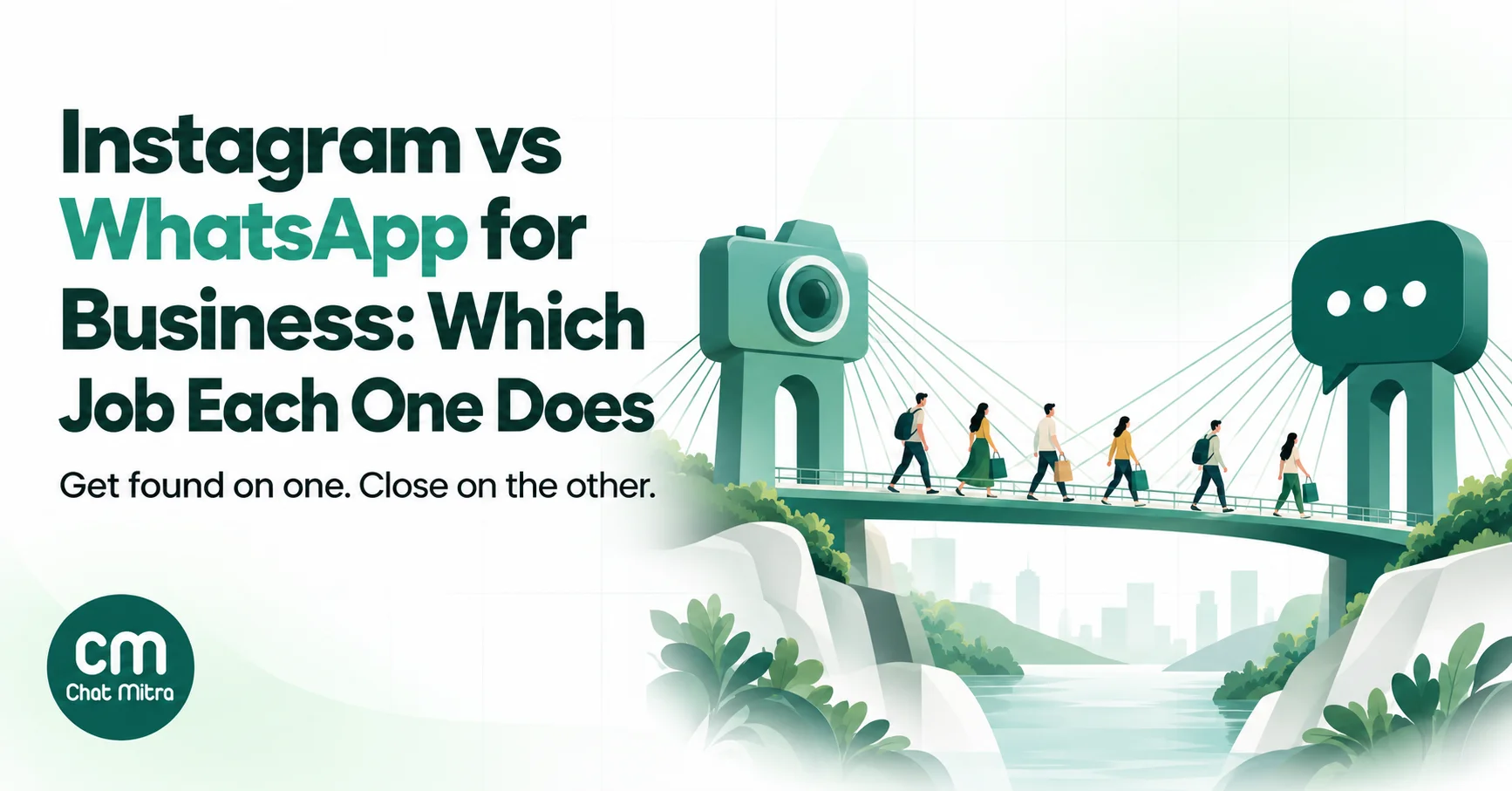
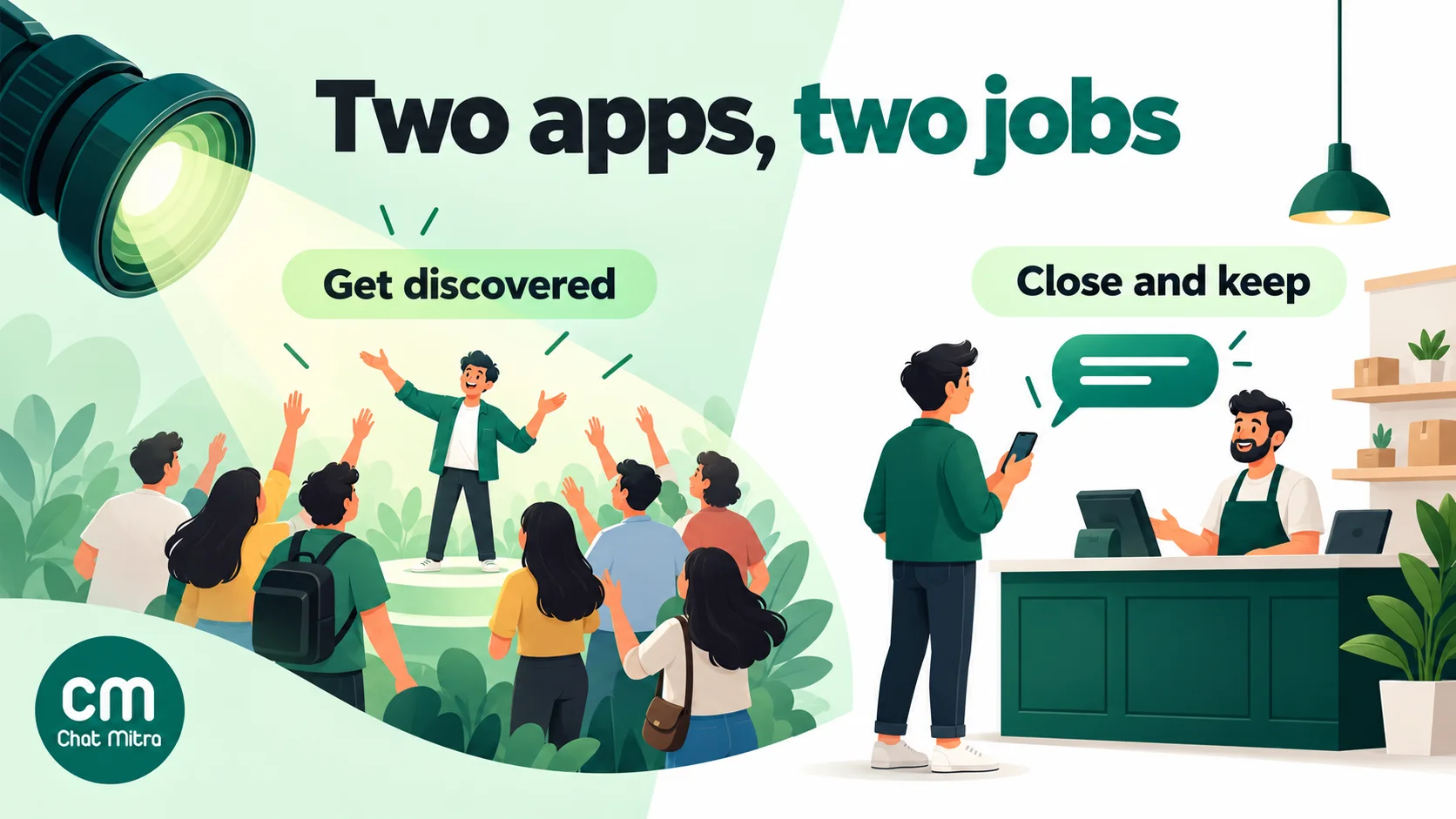
Instagram vs WhatsApp for business isn’t really a contest. Instagram is where people discover you: Reels, Explore and posts put your work in front of strangers. WhatsApp is where they decide: the chat where they ask the price, pay, get the delivery update and come back to order again. The real question is which job each one should do for you, and how to move a customer from one to the other without losing them.
This guide compares the two on the things that actually change your results: who can start a conversation, how long you can reply, how you reach people again, what it costs in India, how much you can automate and what data you keep. Then it shows how to use them together, with a few examples by business type.
Using ChatMitra? ChatMitra runs the WhatsApp side: shared inbox, broadcasts, automation and order updates on the official WhatsApp Business Platform. It doesn’t manage Instagram DMs. Bring Instagram buyers into WhatsApp with links, the WhatsApp button on your profile and Click-to-WhatsApp ads. Jump to using Instagram and WhatsApp with ChatMitra.
The short answer
Both apps are owned by Meta, and both are huge. Meta CEO Mark Zuckerberg said WhatsApp passed 3 billion monthly users during Meta’s first-quarter 2025 earnings call (TechCrunch), and announced in September 2025 that Instagram had reached 3 billion monthly active users (Storyboard18). In India, WhatsApp’s largest market, TechCrunch put WhatsApp at more than 500 million users in June 2026 (TechCrunch).
So audience size won’t decide this. How each app lets a business behave will.
| Main job | Being discovered: showing your products to people who don't know you | Converting and keeping customers: one-to-one chats, orders, updates, repeat sales |
| How people find you | Feed, Reels, Explore, hashtags, shares, ads | Mostly they don't: they arrive from your website, Instagram, ads, packaging or a QR code |
| Who starts a conversation | Only the customer (plus one private reply to a comment) | Either side: the customer, or you with an approved template to someone who opted in |
| Reply window | 24 hours; up to 7 days after a Click-to-Direct ad; 7-day human agent window | 24 hours of free-form replies; after that, approved templates only |
| One-to-many messages | Broadcast channels that followers choose to join (public accounts with more than 1,000 followers) | Template campaigns to opted-in contacts on the Business Platform; broadcast lists in the Business app |
| Meta's messaging cost | No published per-message price for DMs | Per delivered template; service replies beyond 1,000 a month per number |
| What you keep | Followers, which live inside Instagram | A phone-number relationship with each customer, with their consent |
| Best at | Visual products, launches, social proof, creators and influencers | Questions before buying, COD confirmation, order and delivery updates, reminders, support |
The real difference: who can start the conversation
Everything else follows from one rule.
On Instagram, the customer always goes first. Meta’s Instagram messaging documentation (updated 28 September 2026) is blunt: “Conversations only begin when an Instagram user sends a message” to the business, through its feed, posts, story mentions or other channels. A business can’t open a DM with someone who hasn’t written first, however many times that person liked your posts. The one opening Meta allows is a private reply to a commenter: “Only one message can be sent to the commenter”, within 7 days of the comment, and follow-ups only if they respond.
On WhatsApp, you can go first, with permission. A business on the WhatsApp Business Platform can send an approved template to anyone who gave it their number and opted in to messages, as the WhatsApp Business Messaging Policy requires. That’s what makes order confirmations, delivery updates, payment reminders and “your size is back” messages possible.
In practice, Instagram is a stage and WhatsApp is a phone line. On a stage you perform and wait for the audience to come to you. On a phone line, once someone has given you their number and said you may call, you can call them back.
Reach: how your message gets seen
Instagram reach is earned, rented or borrowed
On Instagram you reach people three ways:
- Earned: posts and Reels shown to followers and, through recommendations, to people who don’t follow you yet. Nobody controls this but the algorithm.
- Rented: ads, including ads that open an Instagram DM or a WhatsApp chat.
- Borrowed: creators and customers who share or tag you.
Even messages land unevenly. Meta’s documentation says new conversations from people who don’t follow the business arrive in the Requests folder, not the main inbox, and that Requests messages inactive for 30 days aren’t returned by the API.
Instagram also has broadcast channels: one-to-many chats that followers can join. Instagram’s help centre says channels “can be started by a public account with more than 1,000 followers”, members can react, reply and vote in polls but can’t send messages, and channels “are slowly being released” and “aren’t available to everyone”. Useful for creators and brands with an engaged following; not a way to reach people who haven’t chosen to join.
WhatsApp reach is permission-based
WhatsApp has no feed, no Explore and no algorithm. A message reaches someone only if they messaged you, or opted in to hear from you and you send them a template. That makes WhatsApp useless for being discovered by strangers, and very good at reaching people who already said yes.
There are limits on that reach too. WhatsApp may cap how many marketing templates a person receives from businesses when they’re “less likely to be receptive”, judged partly by their recent marketing read rate (per-user marketing limits), and people can turn off your offers in one tap. Permission-based reach stays valuable only if you don’t overuse it. Our guide to WhatsApp retargeting covers how to follow up without burning it.
Messaging windows: how long you can reply
Both apps use a 24-hour window, and both make exceptions for ads.
| Situation | ||
|---|---|---|
| Customer sends a message | Reply within the 24-hour standard window | Reply freely within the 24-hour customer service window |
| Customer came from an ad | Up to 7 days after their first message from a Click-to-Direct ad | A free entry point window that "may remain open for up to 7 days" after a Click-to-WhatsApp ad, with no Meta charges while open |
| Your team needs longer | A separate 7-day human agent window for replies sent by a person | After 24 hours, send an approved template; a reply from the customer reopens the window |
| You want to contact them days later | Not possible unless they message again | Possible with an approved template, if they opted in |
Sources: Meta’s Instagram messaging docs and WhatsApp pricing page.
The last row is the one that matters for sales. A customer who asks “price?” on Instagram on Monday and goes quiet is gone unless they come back. The same customer on WhatsApp, if they agreed to hear from you, can get a follow-up on Thursday.
What each one costs in India
Instagram. Running a professional account is free, and Meta doesn’t publish a per-message price for Instagram DMs; its developer documentation sets rate limits instead. Your real costs are ads (if you run them), content production and any third-party tool you use to manage DMs or automate comment replies.
WhatsApp. The WhatsApp Business app is free. The WhatsApp Business Platform, which you need for templates, automation, integrations and a shared team inbox, charges per delivered message (Meta pricing):
- Marketing template: ₹0.8631 per delivered message in India on the rate card effective 1 October 2026.
- Utility template (order, delivery, payment updates): ₹0.115.
- Service messages (your replies inside the 24-hour window): the first 1,000 a month are free for each business phone number; Meta charges from the 1,001st.
- Your provider’s fee on top. On ChatMitra’s Starter and Pro plans that’s ₹0.20 once per customer per 24-hour conversation; Enterprise has no per-conversation fee.
Our WhatsApp cost per message guide has the full rate card.
A worked month for a small boutique (illustrative numbers):
| Activity | WhatsApp (ChatMitra Starter) | |
|---|---|---|
| 300 customer enquiries answered | ₹0 from Meta | ₹0 from Meta (within 1,000 free service messages) + 300 × ₹0.20 = ₹60 |
| Order and dispatch updates for 120 orders (2 utility templates each) | Not possible unless the customer writes first | 240 × ₹0.115 = ₹27.60 + fee ₹24 (one per order, if both updates fall in one day; up to ₹48 if not) |
| One new-collection message to 1,900 opted-in customers | Post, Reel or channel message: ₹0, reach decided by the algorithm or who joined | 1,900 × ₹0.8631 = ₹1,640 + fee ₹380 = ₹2,020 |
Instagram is cheaper per message because it doesn’t let you reach people on your terms. WhatsApp charges because it does. The useful comparison isn’t cost per message; it’s cost per order from each.
Automation and integrations
Instagram. Through Meta’s Instagram API, tools can answer DMs, reply privately to comments (Meta allows up to 750 private-reply calls per hour per professional account for posts and reels) and hand conversations to a person. The common pattern is “comment a keyword, get a DM”: someone comments “PRICE” on a Reel and receives the details privately. Group messaging isn’t supported through the API, and messages can include only media and posts the account owns.
WhatsApp. The Business Platform supports chatbots, AI replies, approved templates for updates and offers, catalog messages, and integrations with your store, CRM or Google Sheets. Because you can message first, WhatsApp automation reaches beyond replying: abandoned-cart reminders, COD confirmations, delivery updates, appointment reminders and re-order nudges.
If your business mostly answers questions, both can be automated well. If it needs to notify customers about orders, bookings or payments, only WhatsApp can.
Which one suits your business
| Business | Lean on Instagram for | Lean on WhatsApp for |
|---|---|---|
| Fashion, jewellery, home décor | New drops, styling Reels, creator collaborations | Size and stock questions, COD confirmation, dispatch updates, restock alerts |
| Restaurants and cloud kitchens | Food Reels, offers, location tags | Orders and bookings in chat, "your order is on the way", repeat-order offers |
| Salons, clinics, gyms, coaching | Before-and-after posts, trainer and expert content | Appointment booking, reminders, renewals, feedback |
| Real estate, education, high-ticket services | Walkthrough videos, testimonials, lead ads | Brochures, site-visit and demo scheduling, follow-ups over weeks |
| B2B, distributors, manufacturers | Brand credibility (often optional) | Catalogs, order booking, dispatch and payment reminders |
| Creators and personal brands | Audience building, broadcast channels | Paid communities, course updates, one-to-one coaching |
A simple rule: if a sale needs more than one conversation, or anything happens after the payment, the sale belongs on WhatsApp, wherever the customer first found you.
Which WhatsApp to pair with Instagram: the app or the Business Platform?
“WhatsApp” means two different products for a business, and the comparison with Instagram changes depending on which one you use.
| WhatsApp Business app | WhatsApp Business Platform (API) | |
|---|---|---|
| Cost | Free | Meta's per-message charges plus a provider's fee or plan |
| Who replies | One primary phone and up to four linked devices (ten on a paid Meta Verified or Meta One plan) | A shared inbox for the whole team |
| Messaging many customers | Broadcast lists of up to 256 contacts, received only by people who saved your number | Approved templates to any customer who opted in |
| Automation | Greeting, away and quick replies | Chatbots, AI replies, store and CRM integrations, automatic order updates |
The app is a fine start for a one-person shop that gets a few Instagram enquiries a day. It runs out when the bridge from Instagram starts working: when DMs and chats arrive faster than one phone can answer, when several people need to reply, or when you want order updates to go out on their own. The broadcast-list rule is the usual breaking point. Customers who tap your Instagram link to chat rarely save your number, so app broadcasts never reach them, while Business Platform templates can, if they opted in. Our comparison of the WhatsApp Business app and API covers the switch in detail.
Three Instagram-to-WhatsApp journeys
These examples show the hand-off in practice. The businesses are hypothetical; the mechanics are real.
A saree boutique in Surat. A Reel showing a new Banarasi collection ends with “Tap the link in bio to see prices on WhatsApp”. The bio link opens a WhatsApp chat with “Hi, I saw the Banarasi Reel” already typed. An auto-reply sends the price list and asks which colour they liked; a team member takes over for blouse sizes and confirms the order. A utility template confirms the order and another sends the courier tracking link. Three weeks later, customers who agreed to offers get a message about the wedding-season collection. Instagram did the showing; WhatsApp did the selling and the follow-up.
A salon in Pune. The salon posts before-and-after Reels and runs a small Click-to-WhatsApp ad on Instagram for a bridal package. Each ad lead lands in WhatsApp, where the team answers questions, shares slot options and books a trial. Because the chat started from a Click-to-WhatsApp ad, Meta’s free entry point window can keep these messages free for up to 7 days. A reminder template goes out the day before the appointment, and after the visit a short feedback message asks how it went.
An online coaching institute. Instagram carries short explainer videos and student results. Comments asking “fees?” get an automatic private reply with a link to WhatsApp. On WhatsApp, a counsellor shares the brochure, answers questions over several days and sends the payment link when the parent decides. After enrolment, class schedules and fee reminders go out on WhatsApp as utility templates. None of that follow-up would be possible from Instagram, because the institute can’t message a parent there unless the parent writes first.
The pattern is the same each time: Instagram earns the first tap, a pre-filled WhatsApp link captures it, and WhatsApp carries everything that comes after.
How to use Instagram and WhatsApp together
The strongest setup treats Instagram and WhatsApp as two halves of one funnel, with a deliberate bridge between them.
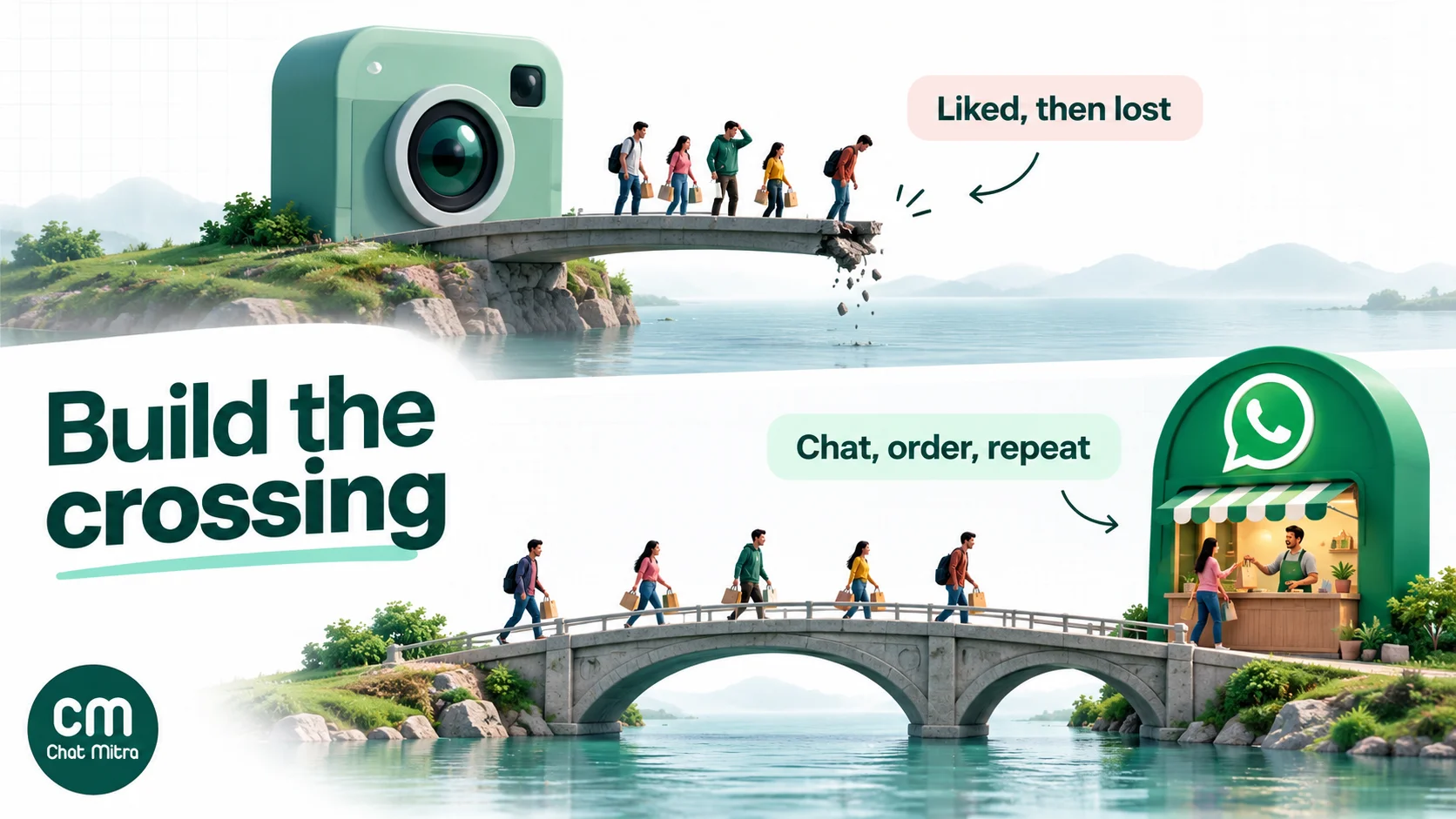
1. Put a WhatsApp door everywhere on Instagram
Your bio links, the WhatsApp contact button on a professional profile, link stickers in Stories, and pinned comments can all open a chat with you. Use a wa.me link with a pre-filled message, so you know which post or Story sent each person (“Hi, I saw the Diwali collection Reel”). Our guide to adding a WhatsApp link to your Instagram bio covers each spot step by step.
2. Answer on Instagram, close on WhatsApp
When a DM turns into a real purchase question (sizes, delivery to a pincode, a custom order), offer to continue on WhatsApp: “Happy to help. Tap here to get the details on WhatsApp, and we’ll send your order updates there too.” Send the wa.me link. They start the chat, so you’re replying, not cold-messaging.
Don’t ask people to post their phone number in comments, and don’t add a number to marketing lists just because someone shared it in a DM. Ask clearly whether they’d like offers on WhatsApp, and record the yes. Our WhatsApp opt-in guide has wording that works.
3. Turn comments into conversations
Use keyword comment replies (“Comment SIZE and we’ll DM you the size chart”) to start DMs, and include your WhatsApp link in that private reply for people ready to buy. Meta allows one private reply per comment, within 7 days, so make it count.
4. Run Click-to-WhatsApp ads on Instagram
Ads shown on Instagram can open a WhatsApp chat instead of a DM. For businesses where the sale happens in conversation, that skips a step. When the person messages you and you reply within the window, Meta’s free entry point window can keep your WhatsApp messages free for up to 7 days (Meta pricing). Our WhatsApp ads guide explains the formats and setup.
5. Keep the relationship on WhatsApp
After the first order, WhatsApp does what Instagram can’t: order and delivery updates as utility templates, a feedback request, a restock alert for the size they wanted, and a re-order message weeks later, all to a customer who opted in. Instagram goes back to its job: giving them reasons to stay interested.
6. Measure the bridge
Track how many chats each Instagram surface starts. Give every link its own pre-filled message or code (bio, Story, Reel, ad), and count them in your inbox. Then look at orders from WhatsApp chats that started on Instagram, not just likes and follows.
Mistakes businesses make with Instagram and WhatsApp
- Treating them as rivals and picking one. Most consumer businesses lose either discovery (WhatsApp only) or follow-up (Instagram only).
- Leaving sales in Instagram DMs. Every DM-only buyer is one you can’t update about their order or contact again unless they write first.
- Asking for phone numbers in public comments. It looks spammy and exposes customers’ numbers. Use a link that lets them start the chat.
- Assuming a DM or a comment means marketing consent. It doesn’t. Ask before sending offers on WhatsApp.
- Copying Instagram captions into WhatsApp messages. Hashtags, ten emojis and “link in bio” don’t belong in a WhatsApp message. Keep it short, with one clear action.
- Broadcasting the same message on both. Instagram followers chose to follow; WhatsApp contacts gave you their number. The WhatsApp message should be more personal and more useful.
- Not tracking which Instagram content starts chats. Without pre-filled messages or codes, you can’t tell which Reels actually produce customers.
Using Instagram and WhatsApp with ChatMitra
ChatMitra is a WhatsApp Business Platform tool. Here’s how it fits an Instagram-plus-WhatsApp setup, checked against the product in October 2026.
| Need | How ChatMitra helps |
|---|---|
| Handle chats that start from Instagram | A shared inbox for your WhatsApp number, so the whole team can answer chats from bio links, Stories and ads |
| Reply instantly, any hour | Welcome messages, keyword auto-replies and an AI chatbot on WhatsApp |
| Send order and delivery updates | Approved utility templates, plus Shopify order, dispatch, COD confirmation and abandoned-cart messages |
| Reach opted-in customers again | Template campaigns with tags, scheduling, and follow-ups to the people who were sent, delivered, read or failed an earlier campaign |
| Know which chats came from ads | Ad referral details from Click-to-WhatsApp ads are included in ChatMitra's message webhook for developers |
Good to know:
- No Instagram inbox. ChatMitra doesn’t read or send Instagram DMs or comments. Keep using Instagram’s own inbox for DMs, and use links and ads to bring buyers into WhatsApp.
- Ad referral data isn’t shown in the inbox. It reaches your systems through the webhook. To see which Instagram post started a chat, use a different pre-filled message for each link.
- Opt-outs: ChatMitra doesn’t skip opted-out contacts on its own. Tag people who ask to stop and exclude that tag from campaigns.
- Plan availability: features such as campaigns and automation are switched on per plan. Check the pricing page.
Why Instagram-led brands run their WhatsApp on ChatMitra
| ChatMitra advantage | What it means for Instagram-driven sales | How it compares |
|---|---|---|
| Meta’s rates with no markup, plus ₹0.20 per 24-hour conversation | Enquiries from Instagram cost ₹0.20 each in a month within Meta’s 1,000 free service messages | Check whether a provider adds a margin on every message |
| Free Starter plan with the official WhatsApp Business Platform | Test the Instagram-to-WhatsApp bridge on real customers before you pay a subscription | Many tools start at a monthly fee |
| Shopify updates built in: order, dispatch, COD confirmation, abandoned cart | The orders your Reels create get updates without manual work | Check which store events another tool covers on your plan |
| AI chatbot and keyword auto-replies on WhatsApp | ”Price?” and “Is this available?” answered at midnight, not the next morning | Some tools charge extra for AI |
| Pro at ₹999 a month with a 15-day free trial; Enterprise at ₹2,499 removes the ₹0.20 fee | Grow from a few chats a day to thousands without switching tools | Compare total monthly cost, not just the plan price |
If you’re also weighing Messenger, Telegram or SMS, our comparison of business messaging apps covers all of them side by side.
The bottom line
Use Instagram to be found and WhatsApp to be chosen, and again and again after that. Put a WhatsApp door on every Instagram surface, move real purchase conversations into WhatsApp with the customer’s agreement, and let WhatsApp carry the order updates and repeat sales that Instagram can’t. Start by adding a pre-filled WhatsApp link to your bio and your next three Reels, and count the chats each one starts.