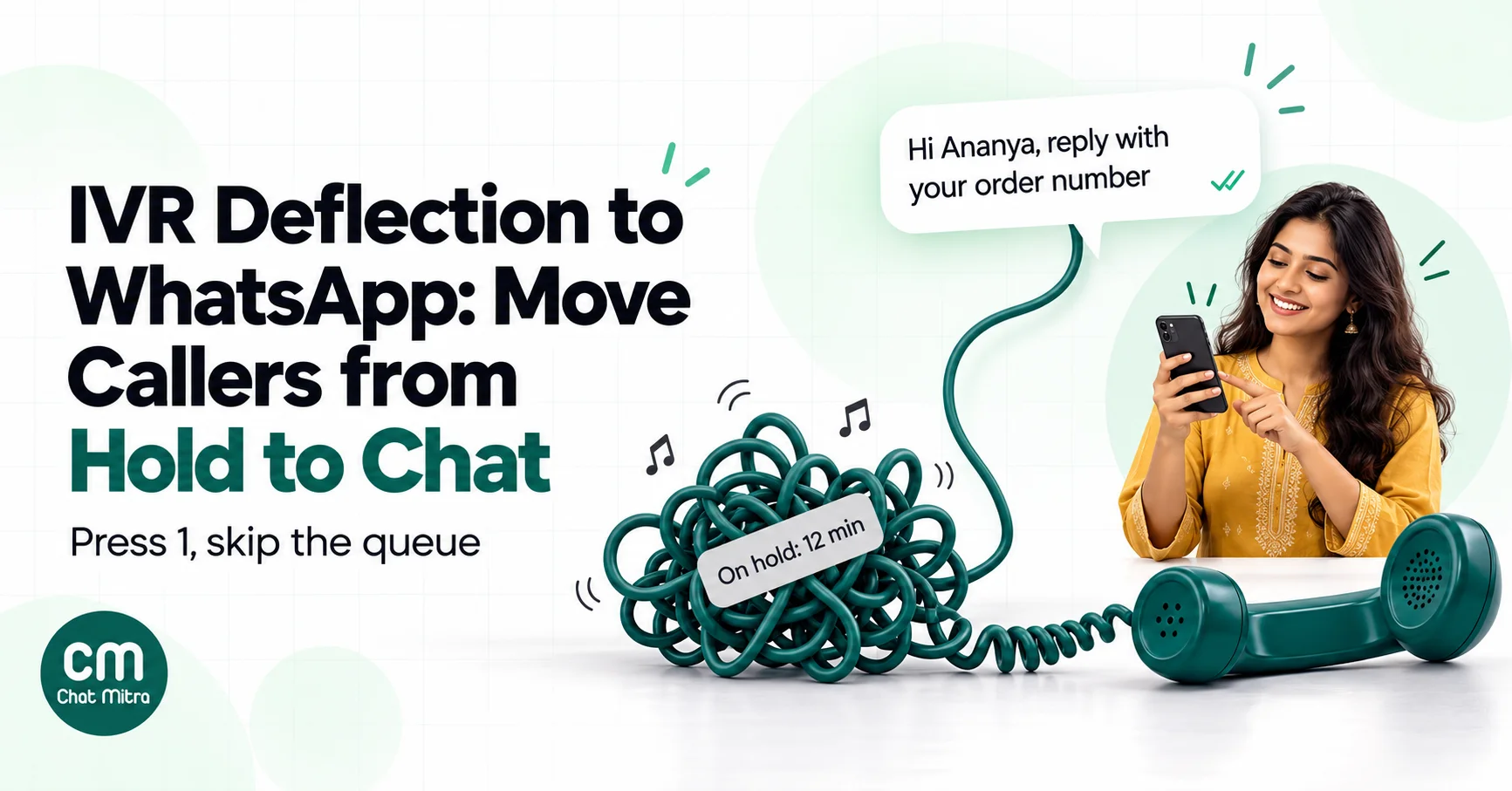
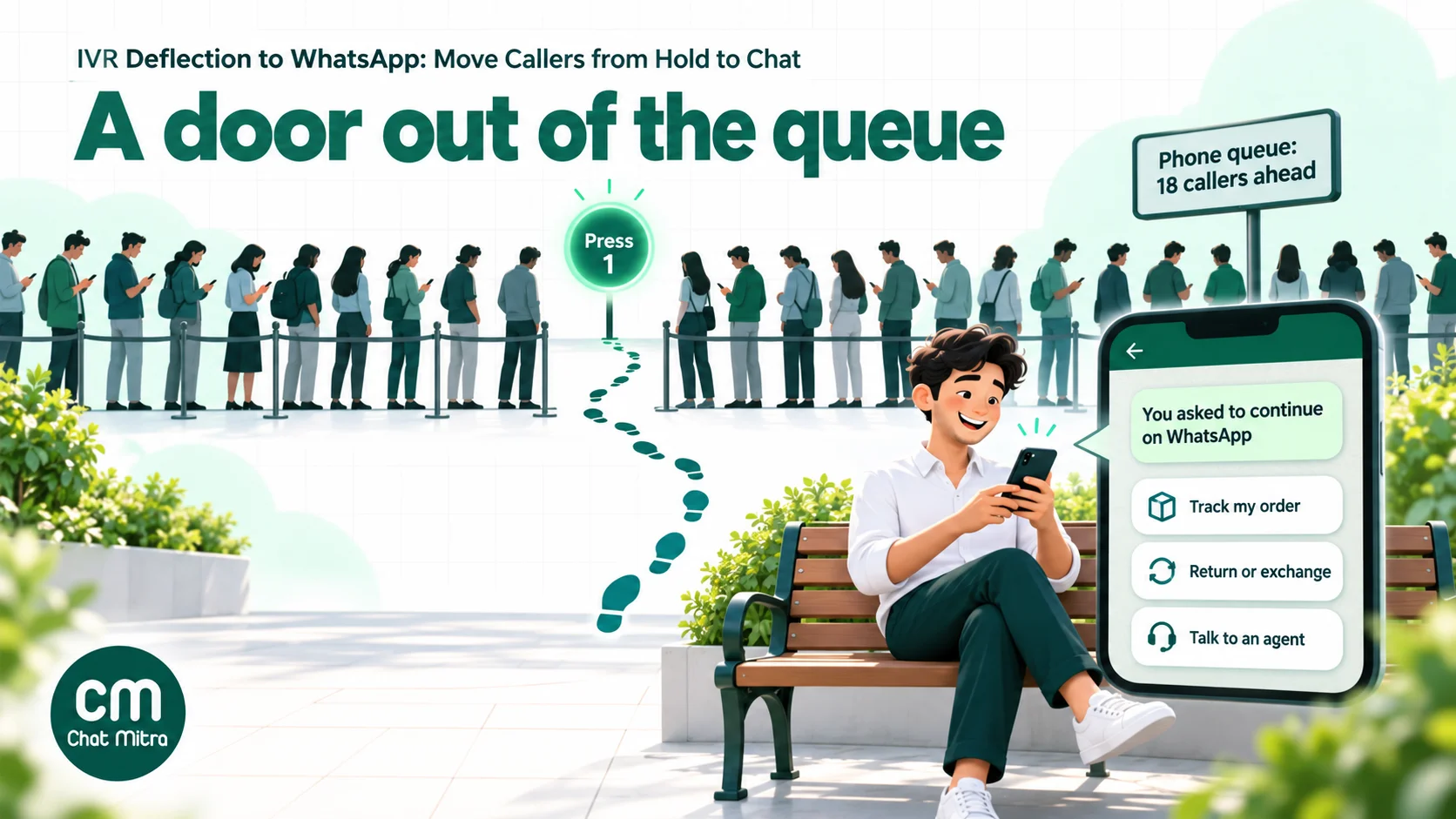
IVR deflection to WhatsApp lets a caller leave the phone queue and continue on WhatsApp. They press a key, your phone system triggers an approved WhatsApp template to the number they’re calling from, and an agent or bot picks up the chat. It works well for status, tracking, returns and document requests. Meta’s rules shape it: an ordinary phone call doesn’t open WhatsApp’s 24-hour service window, so the first message must be a template, and the keypress must be a clear opt-in.
Phone support has a hard ceiling: one agent, one caller, one call at a time. When volume spikes, after a sale, a delivery delay or a payment gateway problem, the queue grows faster than you can hire. Many of those callers only want an answer they could read in ten seconds: “Where is my order?”, “Has my refund gone through?”, “Can I change the address?”
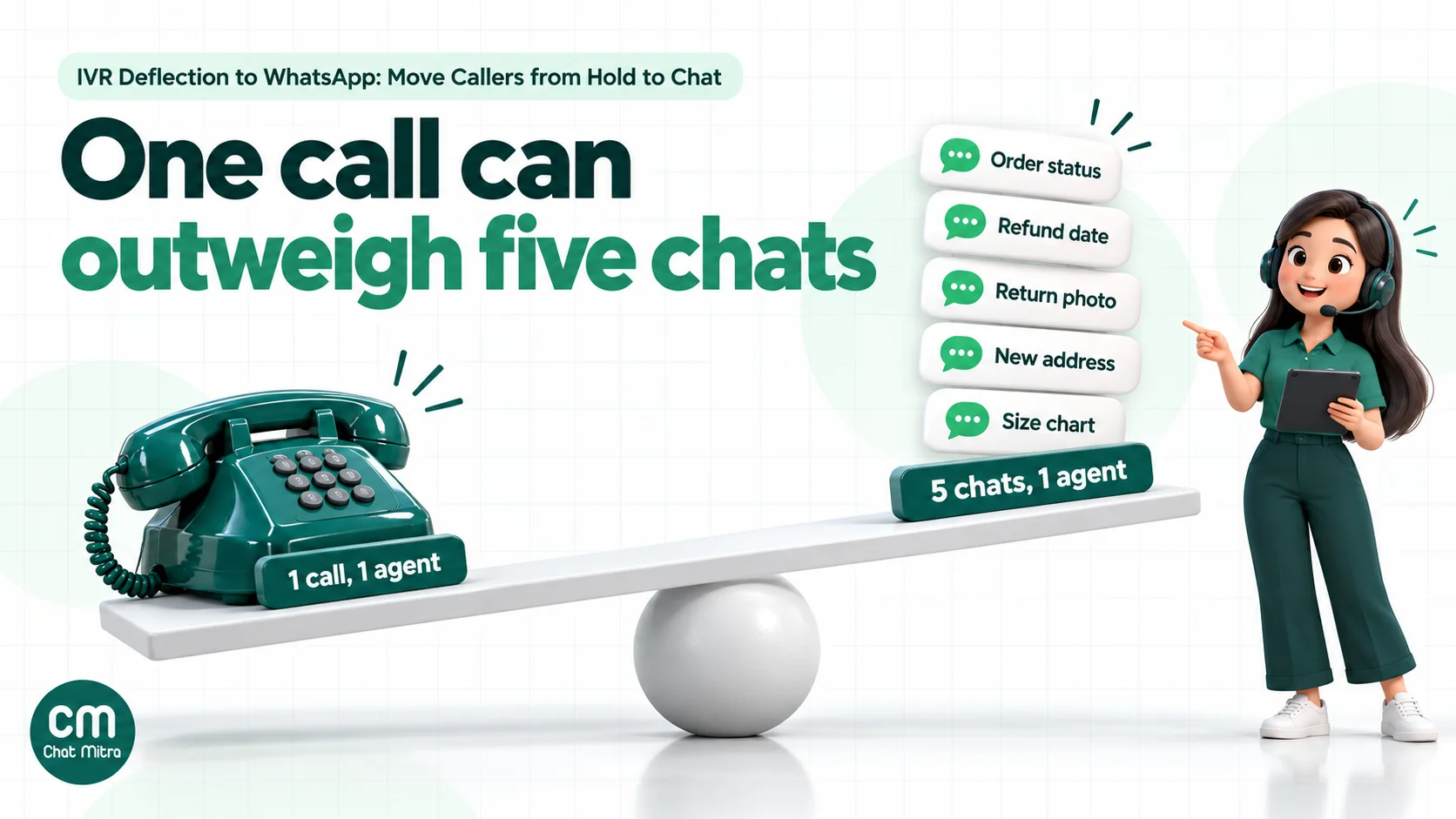
WhatsApp doesn’t have that ceiling. One agent can handle several chats at once, a bot can answer the simple ones outright, and the customer can do something else while they wait. IVR deflection connects the two: it catches people in the queue and offers them the faster channel.
This guide explains how deflection works, which calls to move and which to keep, the Meta rules that decide the design, what a deflected call costs in India, how to wire it up step by step, and how to tell whether it’s working.
Using ChatMitra?
ChatMitra doesn't include an IVR, but your IVR can trigger it. When a caller presses 1, your telephony platform calls a ChatMitra Automation Incoming Webhook, which sends your approved template to the caller's number and tags the contact ivr. The reply lands in your shared team inbox, where keyword auto-replies, chatbot flows and your agents take over. See How ChatMitra fits.
What IVR deflection to WhatsApp means
An IVR (interactive voice response) is the recorded menu callers hear before they reach a person: “Press 1 for orders, press 2 for returns.” Deflection adds an option to that menu, or to the hold message, that moves the caller to another channel. When the other channel is WhatsApp, there are two basic designs:
- You send first. The caller presses a key. Your phone system tells your WhatsApp platform to send a message to the caller’s number. The caller sees it, replies, and the chat begins.
- The customer sends first. The IVR reads out your WhatsApp number, or sends a link by SMS, and the caller opens WhatsApp and messages you.
The first design is smoother, because nothing depends on the caller remembering a number or opening a link while still holding the phone. The second is cheaper on WhatsApp’s side and needs no integration at all. Most businesses that run deflection seriously use the first design inside business hours and add the second as a fallback in after-hours messages.
Deflection is not the same as an AI voice agent or a “visual IVR” inside an app. Nothing here answers the call by voice. The point is to move the conversation to text, where it’s cheaper and easier to handle in parallel.
Which calls to deflect, and which to keep on the phone
Deflection works when the question has a clear answer that can be written down, and fails when the caller needs to be heard. Sort your top call reasons before you write a single prompt. Your IVR reports or a week of agent call notes will show them.
| Call reason | Deflect to WhatsApp? | Why |
|---|---|---|
| Where is my order / delivery date | Yes | A tracking link or status line answers it; a bot can often reply without an agent |
| Return or exchange request | Yes | Photos of the product and the invoice are easier to send in chat than to describe |
| Refund status | Yes | The answer is a date and a reference number the customer can keep |
| Change of address or phone before dispatch | Yes, with checks | Confirm the order and identity in chat; written records help if there’s a dispute |
| Product questions before buying | Yes | Catalogue links, size charts and photos work better in chat |
| COD confirmation or failed delivery reschedule | Yes | The customer can reply with a time or a new address |
| Payment debited but order not confirmed | Offer, don’t push | Some callers are anxious and want a voice; let them choose |
| Angry complaint or escalation | No | Pushing an angry caller to a bot makes it worse |
| Account security, fraud or “someone used my account” | No | Needs identity checks and urgency; keep it on a verified channel |
| Elderly or vulnerable callers, or anyone who asks for a person | No | Always honour a request to speak to someone |
Two rules apply to every row. Always offer deflection as a choice, never as the only route, and never disconnect a caller who doesn’t press anything. A caller who says no should keep their place in the queue.
Three ways to move a caller to WhatsApp
Each method below fits a different moment in the call. Most businesses start with one and add the others later.
| Method | What the caller does | First message | Integration needed |
|---|---|---|---|
| Press 1 for WhatsApp | Presses a key in the menu or during hold music | Your approved template, sent to the caller ID | Telephony platform calls a webhook or API |
| Read out or text a chat link | Opens WhatsApp and messages you, using a number read out by the IVR or a link sent by SMS | The customer’s own message, which opens the 24-hour window | None for a spoken number; an SMS provider for links |
| After hours or queue overflow | Hears “we’re closed” or “all agents are busy” with a WhatsApp option | Template (press 1) or customer-started (link) | As above |
Press 1 is the one people mean by deflection. The keypress gives you the caller’s number from caller ID and a clear moment of consent. The cost is a template message per accepted offer.
Read out or text a link suits small teams without a programmable IVR. A short spoken number (“Message us on WhatsApp at 98XXX XXXXX”) works if it’s the same number the customer just dialled. A link built with WhatsApp’s click-to-chat format (wa.me/<number>?text=<message>) can carry pre-filled text such as “Order status”, which helps the bot route the chat. Our WhatsApp chat link generator builds one, and the message links guide explains the format. In India, a business SMS has to go through your SMS provider’s registered sender and template setup, so check that before relying on it.
After hours and overflow is where deflection pays off fastest, because the alternative is a missed call. Callers who reach a closed line can leave with a WhatsApp conversation already started instead of nothing. Keep the message honest: say when an agent will reply, and set an away message on WhatsApp that says the same.
The WhatsApp rules that shape the design
Four of Meta’s rules decide how a deflection flow has to work. They’re easy to miss because most WhatsApp guides assume the conversation starts on WhatsApp.
A phone call doesn’t open the service window
Meta’s pricing documentation says a 24-hour customer service window starts “when a WhatsApp user messages you or calls you”. That means a call made on WhatsApp, through WhatsApp Business Calling. A call to your landline, mobile or toll-free number doesn’t count, however long it lasts.
So after a press-1 keypress, the window is closed and you can only send a template message. Once the customer replies on WhatsApp, the window opens and your agents or bot can send normal messages for 24 hours. If you use WhatsApp Business Calling as well, a WhatsApp call does open the window; our Calling API guide explains how that works.
The keypress is your opt-in, so make the prompt say so
Meta’s opt-in guidance lists “by phone (using an interactive voice response (IVR) flow)” among supported opt-in methods. Whatever the method, Meta says businesses “must clearly state that a person is opting in to receive communication from the business” and must state the business’s name.
A prompt like “Press 1 to continue this conversation with Sunrise Home on WhatsApp. We’ll send a WhatsApp message to the number you’re calling from” does that. “Press 1 for faster service” doesn’t, because it never mentions WhatsApp.
Keep a record of each opt-in: the caller’s number, the date and time, the prompt version and the key pressed. Your telephony platform’s call logs may already hold most of it. The consent covers this support conversation. Using it to add callers to marketing broadcasts would stretch it beyond what they agreed to; our opt-in guide covers the difference.
The first template should qualify as utility
Meta’s template categorization rules say a utility template must be non-promotional and “either specific to or requested by the user”. A message that follows up on the caller’s own request to continue on WhatsApp fits that description, as long as it contains nothing promotional.
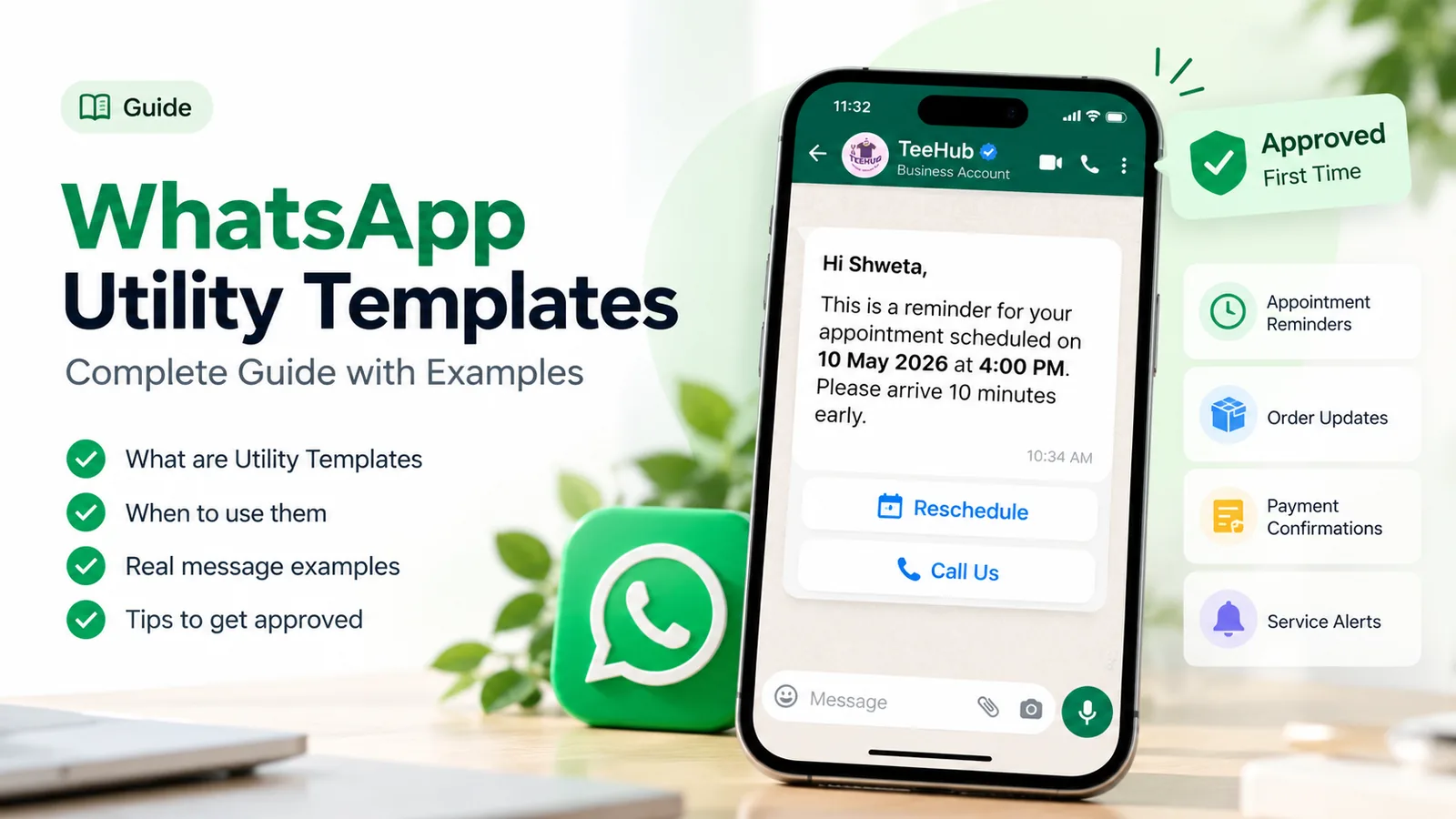
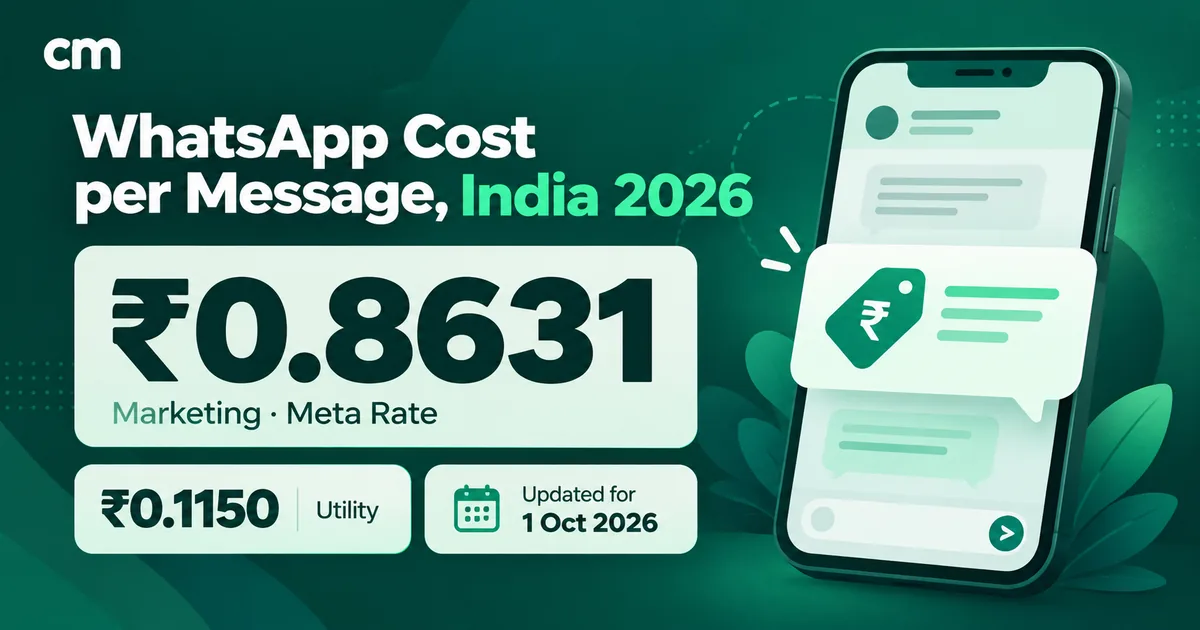
Meta reviews the template and makes the final decision. In India the difference is large: since 1 October 2026, a delivered utility template costs ₹0.115 and a marketing template ₹0.8631. Leave out “while you’re here, check our sale”, product suggestions and discount codes. The utility templates guide has more examples of the line between the two categories.
Templates outside the window count towards your messaging limit
Meta’s messaging limits cap how many unique customers your business can message outside a service window in a moving 24-hour period. Newly created business portfolios start at 250. Completing a scaling path, such as business verification, raises the limit to 2,000, and it rises further automatically with good quality.
Every deflection template counts. A call centre that deflects 400 callers on a busy day from a new portfolio will hit the 250 limit by lunchtime, after which templates stop going out. Check your limit in WhatsApp Manager before launch, and plan the pilot volume around it.
What a deflected call costs
On the WhatsApp side, a deflected call has three possible charges in India. Rates are Meta’s from 1 October 2026 and ChatMitra’s current fee.
| Charge | When it applies | Amount |
|---|---|---|
| Deflection template | Once per accepted offer, if delivered | ₹0.115 utility (₹0.8631 if Meta classes it as marketing) |
| ChatMitra platform fee | Once per customer per 24 hours | ₹0.20 per conversation |
| Replies from your agents or bot (service messages) | Each delivered reply | First 1,000 per number each month free, then ₹0.115 each |
| Customer’s messages to you | Never | Free |
Worked example. Say 1,000 callers a month accept the WhatsApp offer, each conversation needs four replies from your side, and the template is approved as utility.
- Templates: 1,000 × ₹0.115 = ₹115
- ChatMitra fee: 1,000 conversations × ₹0.20 = ₹200
- Replies: 4,000 service messages. If your number’s 1,000 free service messages are still available, 3,000 are charged: 3,000 × ₹0.115 = ₹345. If other chats have already used the free tier, all 4,000 are: ₹460.
That’s ₹660 to ₹775 a month, or roughly ₹0.66 to ₹0.78 per deflected call. If the template were classed as marketing, the template line alone would rise from ₹115 to ₹863.10.
Compare that with what a phone call costs you. Take your own figures: an agent’s monthly cost divided by the minutes they spend on calls, plus telephony charges per minute. Multiply by the average handle time for the call reasons you plan to deflect. The saving isn’t the whole call cost, because a WhatsApp chat still needs an agent for part of the time. But that agent can run several chats at once, and a bot can close the simplest ones with no agent time at all.
The calculation that matters isn’t the WhatsApp cost. It’s whether the cases you move actually get resolved on WhatsApp, rather than bouncing back as a second phone call. The measurement section covers how to check.
For a fuller breakdown of Meta’s rates, see our guide to WhatsApp business cost per message or the pricing calculator.
How to set up IVR deflection to WhatsApp, step by step
The steps below assume you already have a WhatsApp Business Platform (API) number and a telephony platform whose IVR can call a URL. If you don’t have the first, start with our guide to getting WhatsApp API access.
1. Choose the number customers will see
The smoothest setup sends the WhatsApp message from the same number customers dialled. They recognise it, and they can save it. Meta’s phone number documentation explains how to register a 1-800 or toll-free number that sits behind an IVR. WhatsApp’s registration call “cannot navigate an IVR”, so you allow-list the one or two numbers the registration call comes from and redirect that call to a person or a mailbox to capture the code.
If you can’t register the support number, use a separate WhatsApp number and say it plainly in the IVR prompt and the first message.
2. Write and submit the template
Write one short template that confirms the request and tells the customer what to do next. For example:
Hi {{1}}, you asked to continue your call with Sunrise Home on WhatsApp. Reply with your order number, or tap a button below, and we’ll help you here.
Buttons: Track my order · Return or exchange · Talk to an agent
Quick-reply buttons do two jobs. They save the customer typing, and their text can trigger an automatic answer, so “Track my order” goes straight to a bot reply while “Talk to an agent” goes to a person. Submit the template under the utility category and wait for approval before you change the IVR.
If your IVR collects an order number by keypad before the offer, pass it into a variable (“about order {{2}}”). The agent then starts with the context instead of asking again.
3. Connect the IVR keypress to WhatsApp
When the caller presses 1, the IVR has to send an HTTP request containing at least the caller’s number to your WhatsApp platform. Most cloud telephony platforms have a step for this, called something like “webhook”, “HTTP request” or “API node”. Twilio Studio, for example, has a Make HTTP Request widget that supports GET or POST with form-encoded or JSON bodies, and follows a Fail path when the response is an error or takes longer than 10 seconds (Twilio docs).
A typical request looks like this:
POST https://<your-whatsapp-platform>/webhook/<id>?secret=<secret>
Content-Type: application/x-www-form-urlencoded

mobile=919876543210&order=SH10482&lang=en&reason=order_status
Three details cause most launch problems:
- Number format. IVRs often pass a 10-digit number, a number with a leading 0, or a number with a + sign. Send the full international format: for India, 91 followed by the 10-digit mobile number.
- Withheld or landline caller ID. If there’s no caller ID, or the number is a landline, don’t offer WhatsApp. Most IVRs can branch on the caller ID’s length or type.
- Calls from someone else’s phone. A customer calling from a shop or a relative’s phone gets the message on that phone. Say “on the number you’re calling from” in the prompt so nobody is surprised.
4. Decide what happens when the customer replies
The customer’s reply opens the 24-hour window, so from here on your team and bot can send normal messages. Plan three layers:
- Instant answer. A keyword or button reply returns the tracking link, return steps or refund status.
- Bot questions. If the question needs details, a short flow collects the order number and the issue.
- Agent. Anything the bot can’t close goes to a person, with the conversation history visible.
The handoff section below covers how to make the third layer work without making customers repeat themselves.
5. Handle the failures
Some sends will fail, and the caller is often still on the line when they do.
- Not on WhatsApp. Meta’s error codes page lists 131026, “Unable to deliver message”, whose reasons include “The recipient phone number is not a WhatsApp phone number”. It usually arrives as a delivery status shortly after the send, not as an instant rejection.
- Messaging limit reached. Templates stop being delivered until the 24-hour window rolls over.
- Your platform is slow or down. The IVR’s request times out.
The safe IVR design copes with all three the same way: after the keypress, say “We’ve sent you a WhatsApp message. If it hasn’t arrived in a minute, press 2 to stay in the queue.” Never disconnect automatically on a successful request: a successful request only means your platform accepted the job, not that the customer received the message.
6. Test with real phones before you go live
Call your own IVR from an Indian mobile with WhatsApp, a mobile without WhatsApp, a landline and a withheld number. Check that each gets the right prompt, that the template arrives within seconds, that the buttons trigger the right replies and that “talk to an agent” reaches a person. Then launch to a slice of callers, such as one call reason or one time of day, before you put the offer in front of everyone.
Writing the IVR prompt and the first message
The words matter more than the plumbing. A good deflection prompt is short, says exactly what will happen, and leaves the caller in control.
| Weak | Better | |
|---|---|---|
| IVR offer | ”For faster service, press 1." | "To get help from Sunrise Home on WhatsApp instead of waiting, press 1. We’ll send a WhatsApp message to the number you’re calling from. To stay in the queue, just hold.” |
| Hold-music interruption | ”Did you know you can chat with us?” (no action) | “The wait is about 8 minutes. To continue on WhatsApp now, press 1.” |
| After hours | ”We are closed. Goodbye." | "We’re closed until 9 am. Press 1 and we’ll send you a WhatsApp message now, and an agent will reply when we open.” |
| First template | ”Thank you for contacting us!" | "Hi Ananya, you asked to continue your call with us on WhatsApp. Reply with your order number or tap a button below.” |
Only quote a wait time your phone system actually calculates. A made-up “less than a minute” that turns into ten minutes does more damage than saying nothing.
In India, offer the prompt in the languages your IVR already supports, and send the template in the same language the caller chose. Meta lets you add several language versions of one template, so a caller who picked Hindi in the IVR gets the Hindi version. Pass the IVR’s language choice in the webhook request (the lang field in the example above) and use it to pick the template language.
Bot first, then a person: the handoff
The biggest risk in deflection is a loop: the customer leaves the phone queue, a bot can’t help, and they call back angrier than before. Three habits prevent it.
- Give an exit on the first message. A “Talk to an agent” button in the template itself means nobody is trapped in a menu.
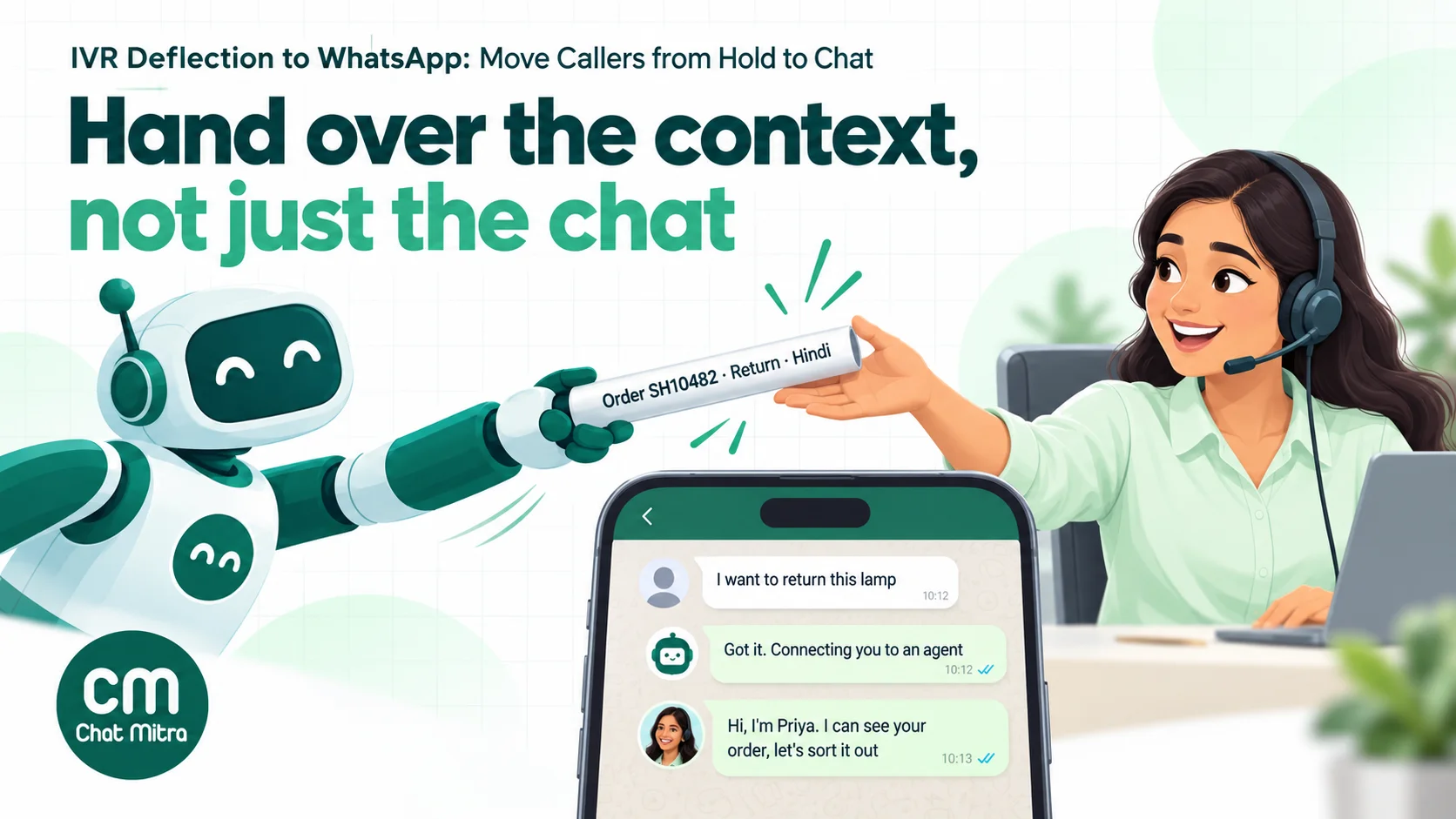
- Hand over the context. Whatever the IVR collected (order number, call reason, language) should be visible to the agent, as a tag, a contact field or the first lines of the chat. The customer shouldn’t type their order number twice.
- Set expectations for the wait. If agents are busy, tell the customer roughly when someone will reply, and keep the promise. A chat that waits 20 minutes with an honest message is fine; one that waits 20 minutes in silence feels like being on hold again.
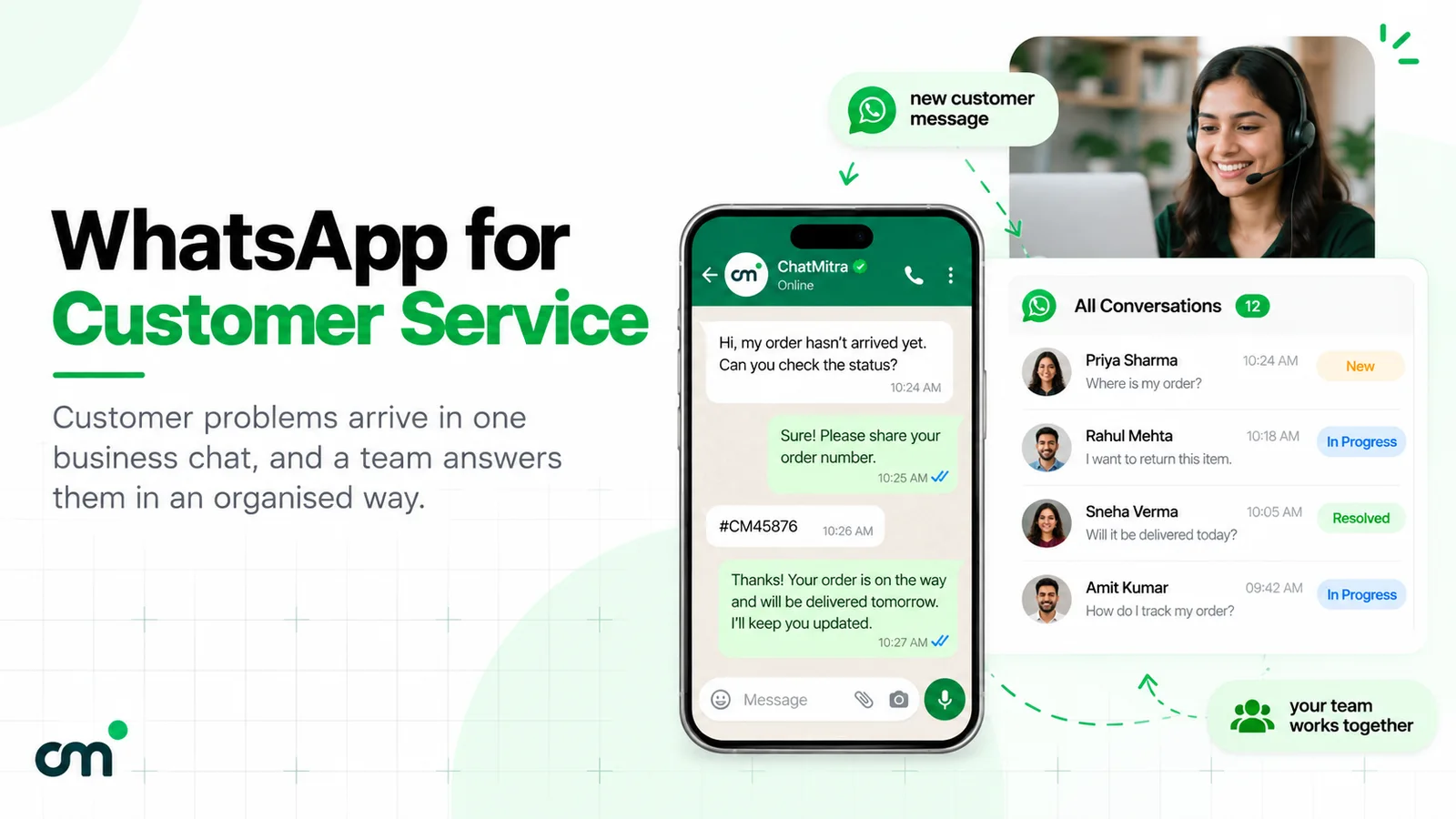
For bot design, our guides to WhatsApp FAQ chatbots and AI agents vs chatbots go further. For the agent side, see WhatsApp for customer service.
Measuring whether deflection works
“Calls went down” isn’t proof. Calls can fall because customers gave up. Track the full chain from offer to resolution, using your IVR logs for the first steps and your WhatsApp inbox for the rest.
| Metric | How to calculate it | What it tells you |
|---|---|---|
| Offer rate | Calls that heard the WhatsApp option ÷ eligible calls | Whether the option is placed where callers hear it |
| Acceptance rate | Keypresses ÷ offers | Whether the prompt is clear and appealing |
| Delivery rate | Templates delivered ÷ keypresses | How many callers aren’t on WhatsApp, or are blocked by your limit |
| Reply rate | Customers who replied ÷ templates delivered | Whether the first message makes sense |
| WhatsApp resolution rate | Chats closed without a later call ÷ chats started | Whether you’re solving the problem or just moving it |
| Repeat-call rate | Deflected customers who call again within 48 hours ÷ deflected customers | The clearest sign of a broken flow |
| Customer satisfaction | A one-question rating at the end of the chat | Whether customers prefer it |
Review the numbers by call reason. Deflection that resolves 80% of tracking questions but sends most refund disputes straight back to the phone tells you which option to remove from the WhatsApp menu.
Ecommerce examples
Ecommerce is where deflection is most common, because a handful of questions make up most calls. Here’s how four of them look in practice.
Delivery status during a sale. A fashion brand’s call volume triples in the week after a sale. The IVR asks, “Is this about an order you’ve already placed? Press 1.” Callers who press 1 get the deflection template with a “Track my order” button. The button returns the tracking link and the expected delivery date. Agents only see the chats where the shipment is stuck.
Returns and exchanges. A home-goods store asks callers who choose “returns” to continue on WhatsApp. The first reply asks for a photo of the product and the order number. The agent checks the photo while handling other chats, and the customer gets the pickup date in writing instead of noting it down during a call.
COD confirmation and failed deliveries. Customers who call because a courier couldn’t deliver can reply with a new time or address on WhatsApp. That’s easier than reading it out to an agent and less likely to be misheard. Our guides on converting COD to prepaid and reducing RTO cover the wider order-confirmation flow.
Refund status. A refund question usually has one answer: a date and a reference number. On WhatsApp the customer keeps that answer in the chat and doesn’t need to call again to ask for it.
The same pattern works outside ecommerce: appointment changes for clinics, policy documents for insurers, bill copies for utilities, and admission queries for colleges.
Common mistakes
- Ending the call after the keypress. If the message doesn’t arrive, the caller has lost their place and their patience. Keep the queue option open.
- A vague prompt. “Press 1 for faster service” doesn’t tell the caller they’ll get a WhatsApp message, so it’s weak consent and confusing.
- Adding offers to the first message. A discount line turns a utility template into a marketing one, costs about 7.5 times as much in India, and makes a support moment feel like a sales push.
- Forgetting the messaging limit. A new portfolio’s limit of 250 unique customers a day is easy to exceed with a busy phone line.
- Deflecting every call reason. Angry, urgent and security calls belong on the phone. Moving them makes the experience worse and drives repeat calls.
- No agent cover on WhatsApp. Deflection moves the workload; it doesn’t remove it. Staff the inbox for the hours the IVR offers WhatsApp.
- Counting only fewer calls. Measure repeat calls and resolution, or you won’t know whether customers were helped or just gave up.
- Treating the opt-in as marketing permission. Callers agreed to a support conversation. Ask separately before adding them to broadcasts.
How ChatMitra fits
ChatMitra is a WhatsApp platform built on the official WhatsApp Business API. It has no telephony or IVR of its own, so it sits behind your phone system: your IVR handles the call, and ChatMitra handles everything after the keypress.
| ChatMitra feature | Role in IVR deflection | Why it matters |
|---|---|---|
| Automation with an Incoming Webhook trigger | Your IVR calls the workflow’s URL on a keypress; the workflow sends your approved template to the caller’s number | Works with IVRs that can only make a simple POST: the secret can be passed in the URL and form-encoded bodies are accepted |
| Webhook data in templates | Fields the IVR sends, such as an order number, can fill template variables | The first message mentions the caller’s own order |
| Add tag and update field actions | Tag every deflected contact ivr and store the call reason | Agents see where the chat came from, and you can filter the inbox by tag |
| Developer API (paid plans) | Send a template directly from your own middleware with an API key | For teams that already have a backend between the IVR and WhatsApp |
| Keyword auto-replies | A tap on “Track my order” can return an instant answer | Simple questions close without an agent |
| Chatbot flows | Ask for the order number and the issue before an agent joins | Agents start with context |
| Shared team inbox with roles | Every agent works from one inbox with their own login | Several agents share the deflected chats |
| Pause auto-replies per customer | An agent can pause the bot for a customer while they handle the chat | Stops the bot replying over the agent |
| ₹0.20 per conversation, never per message | One fee per customer per 24 hours, however long the chat runs | A long return or refund chat doesn’t multiply the platform bill |
Setting it up:
- Create and approve the template. Write the deflection message with quick-reply buttons and submit it as utility.
- Build the workflow. In Automation, create a workflow with the Incoming Webhook trigger. Add a Send Template action whose recipient is the caller’s number from the webhook, then add a tag (
ivr) and, if you like, a field for the call reason. - Point the IVR at it. In your telephony platform, add an HTTP step after the “press 1” option that POSTs the caller’s number (and optionally order number, reason and language) to the workflow’s webhook URL, with the secret in the
x-webhook-secretheader or as?secret=in the URL. Naming the number fieldmobileorphonelets ChatMitra pick it up automatically. - Set up the replies. Add keyword auto-replies for each button’s exact text, and a chatbot flow for anything that needs details.
- Test and launch. Call from the four phone types described above, then switch on one call reason first.
Good to know:
- ChatMitra doesn’t route or assign chats to individual agents or teams automatically, and the bot doesn’t escalate to a person by itself. Agents pick up chats from the shared inbox and can pause the bot for a customer.
- The webhook returns success as soon as the job is accepted. Delivery happens a moment later, and a failed delivery (such as error 131026) shows as a failed message in the chat. Your IVR can’t wait for it, which is why the “press 2 to stay in the queue” fallback matters.
- The away message works on one daily time window; per-weekday business hours aren’t supported.
- ChatMitra doesn’t offer WhatsApp Business Calling.
- The developer API and some automation features depend on your plan. Check the pricing page.
A launch checklist
- List your top ten call reasons and mark each one deflect, offer or keep.
- Check your messaging limit in WhatsApp Manager and plan pilot volume around it.
- Get a utility deflection template approved, with buttons and the language versions you need.
- Write the IVR prompt so it names WhatsApp, says which number gets the message and keeps the queue option.
- Connect the keypress to your WhatsApp platform and normalise numbers to international format.
- Prepare instant replies for each button and a bot flow for details.
- Staff the WhatsApp inbox for every hour the IVR offers it.
- Test from WhatsApp, non-WhatsApp, landline and withheld numbers.
- Pilot one call reason, then measure delivery, reply, resolution and repeat-call rates before you expand.
Deflection isn’t about pushing customers away from your phone line. It’s about giving the people who only need an answer a faster way to get one, so the people who need to talk can get through.
Sources
- Meta for Developers: Pricing on the WhatsApp Business Platform (updated 30 September 2026), Get opt-in for WhatsApp, Template categorization, Messaging limits, Business phone numbers, Error codes.
- Twilio: Studio Make HTTP Request widget.
- India rates (utility ₹0.115, marketing ₹0.8631, service after the free 1,000 at ₹0.115) are Meta's rates from 1 October 2026 as listed on ChatMitra's pricing page. All sources read on 22 October 2026.