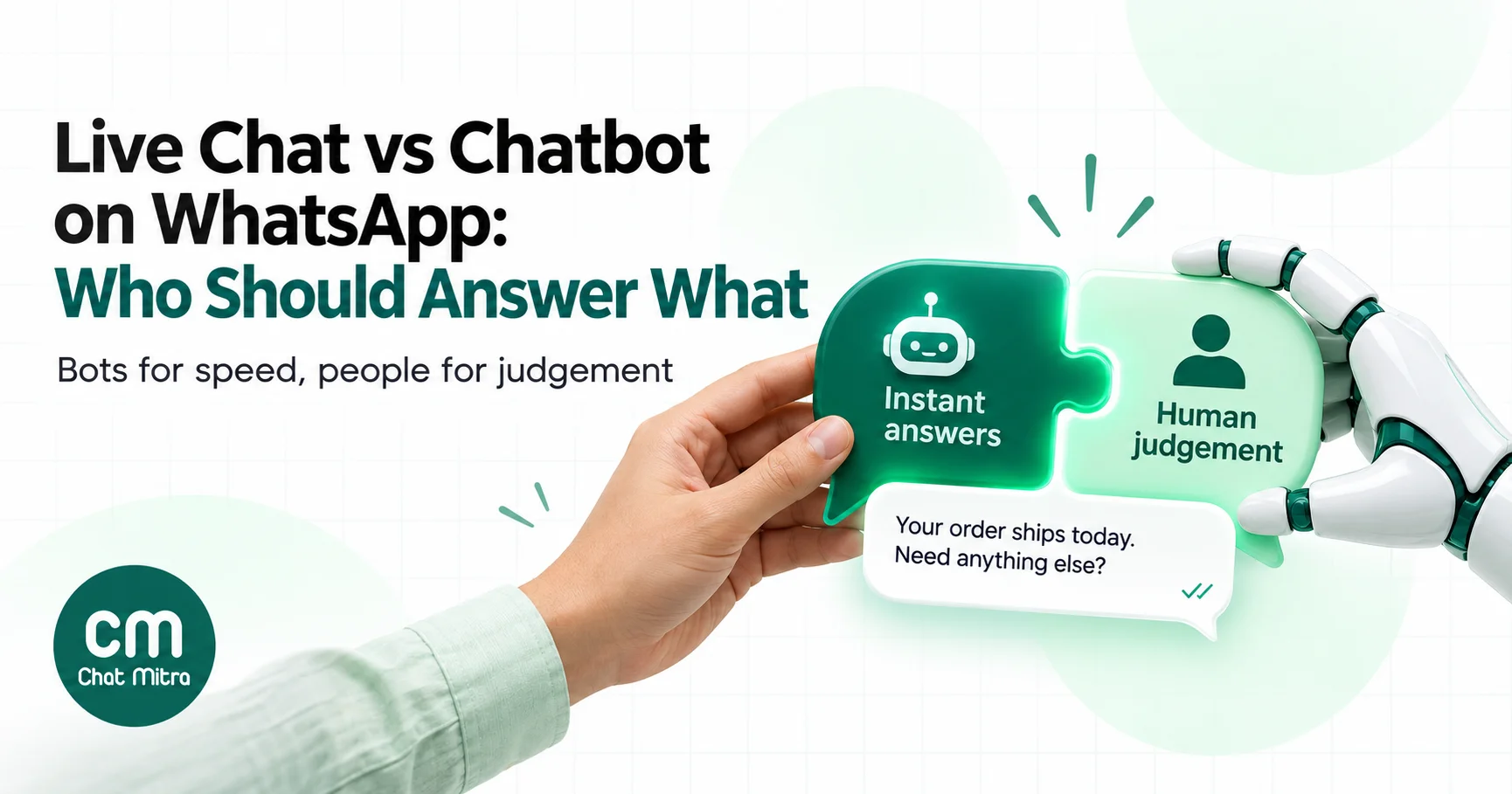
Live chat or chatbot? On a website that’s a real choice between two widgets. On WhatsApp it isn’t. A customer writes to one number, and whoever replies, a person or a bot, appears in the same chat thread with the same name and photo. The customer can’t tell which one they’re getting until it goes wrong.
So the useful question is which messages each should handle, and how to move a conversation from the bot to a person without the customer noticing the seam. This guide compares the two on what matters on WhatsApp in 2026: speed, cost per chat since Meta’s October 2026 pricing change, the 24-hour window and Meta’s escalation rule. Then it shows how to split the work by business size and design a handover that doesn’t lose the customer.
Using ChatMitra? Live chat runs in the shared team inbox on every plan. Pro adds auto-reply rules, away messages and an AI chatbot, and you can pause all automation for one customer from the chat header, with an automatic resume time. ChatMitra’s fee is ₹0.20 per conversation, not per message. Jump to Running both in ChatMitra.
Live chat vs chatbot at a glance
| Live chat (a person) | Chatbot (rules or AI) | |
|---|---|---|
| Who replies | Someone on your team, from a shared inbox | Software: keyword rules, button menus, or an AI model |
| Speed | Minutes to hours, depending on staffing | Seconds |
| Hours | Your working hours | Around the clock |
| Best at | Exceptions, complaints, refunds, negotiation, reading photos and voice notes | Repeated questions, menus, collecting details, order and booking lookups |
| Typical failure | Slow replies at peak times; silence after hours | Wrong or looping answers; no way out to a person |
| Cost driver | Agent time | Setup and upkeep; Meta charges per message sent |
| Scales by | Hiring | Better answers and more coverage |
| What WhatsApp adds | The 24-hour window limits when an agent can reply freely | Replies are limited to text, media, 3 buttons or a 10-row list per message |
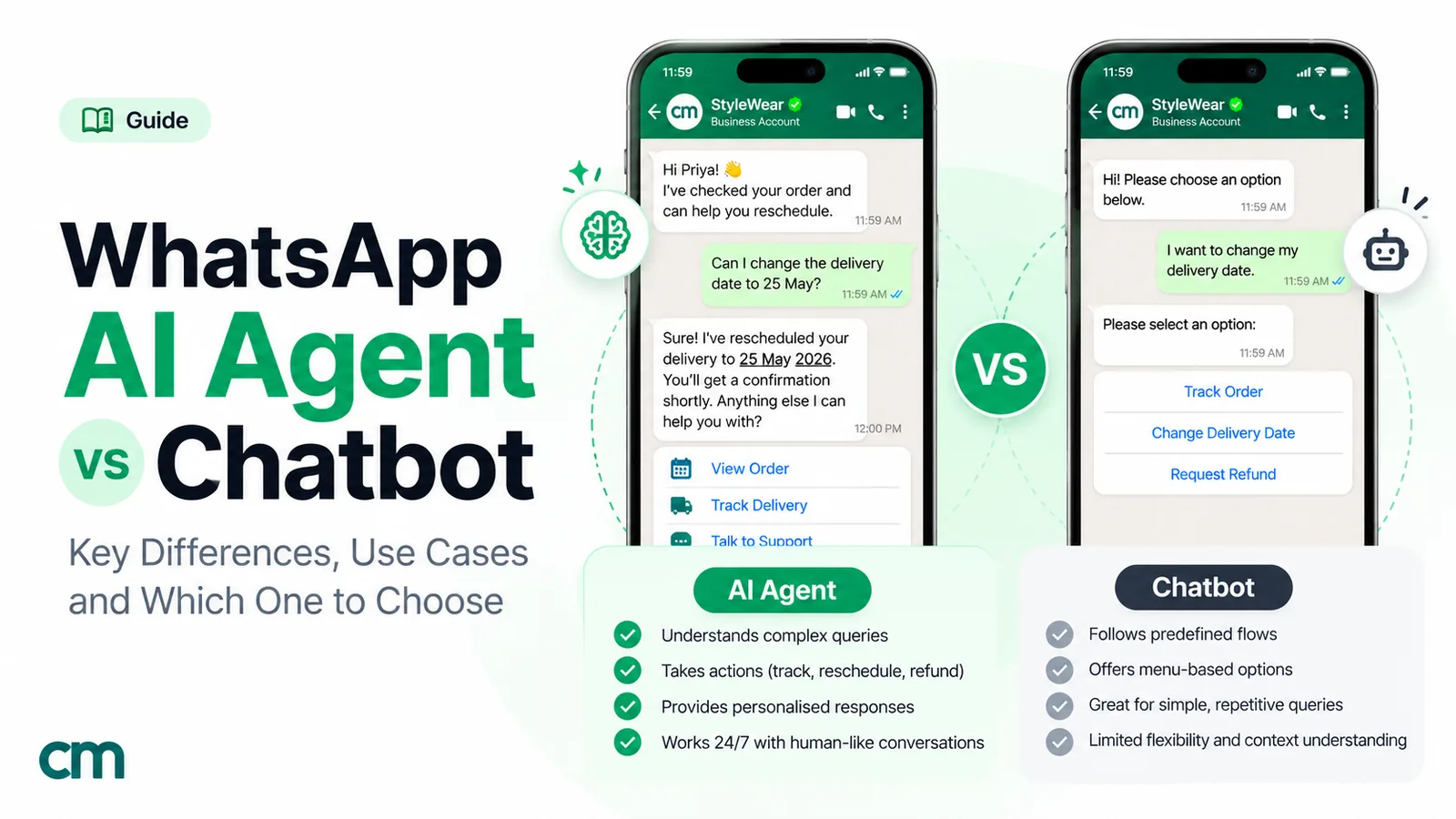
There’s also a middle option: AI that writes replies in free text. Our guide to AI agents vs chatbots covers the difference between rule-based bots and AI. This post is about the bigger split, machine or person. For setting up an AI that answers in free text, see our WhatsApp AI agent guide.
Why WhatsApp changes the comparison
Most “live chat vs chatbot” advice was written for website chat. Five things work differently on WhatsApp.
1. One thread, one identity. Bot and agent replies come from the same business number, so the customer sees one continuous conversation. That’s good for continuity, and it means a clumsy handover is very visible: a bot reply arriving after an agent has started typing looks like your business isn’t listening.
2. Conversations are slow and long. People answer on WhatsApp when they can, sometimes hours later. A website visitor who leaves is gone; a WhatsApp customer comes back to the same thread tomorrow. Your handover has to survive gaps.
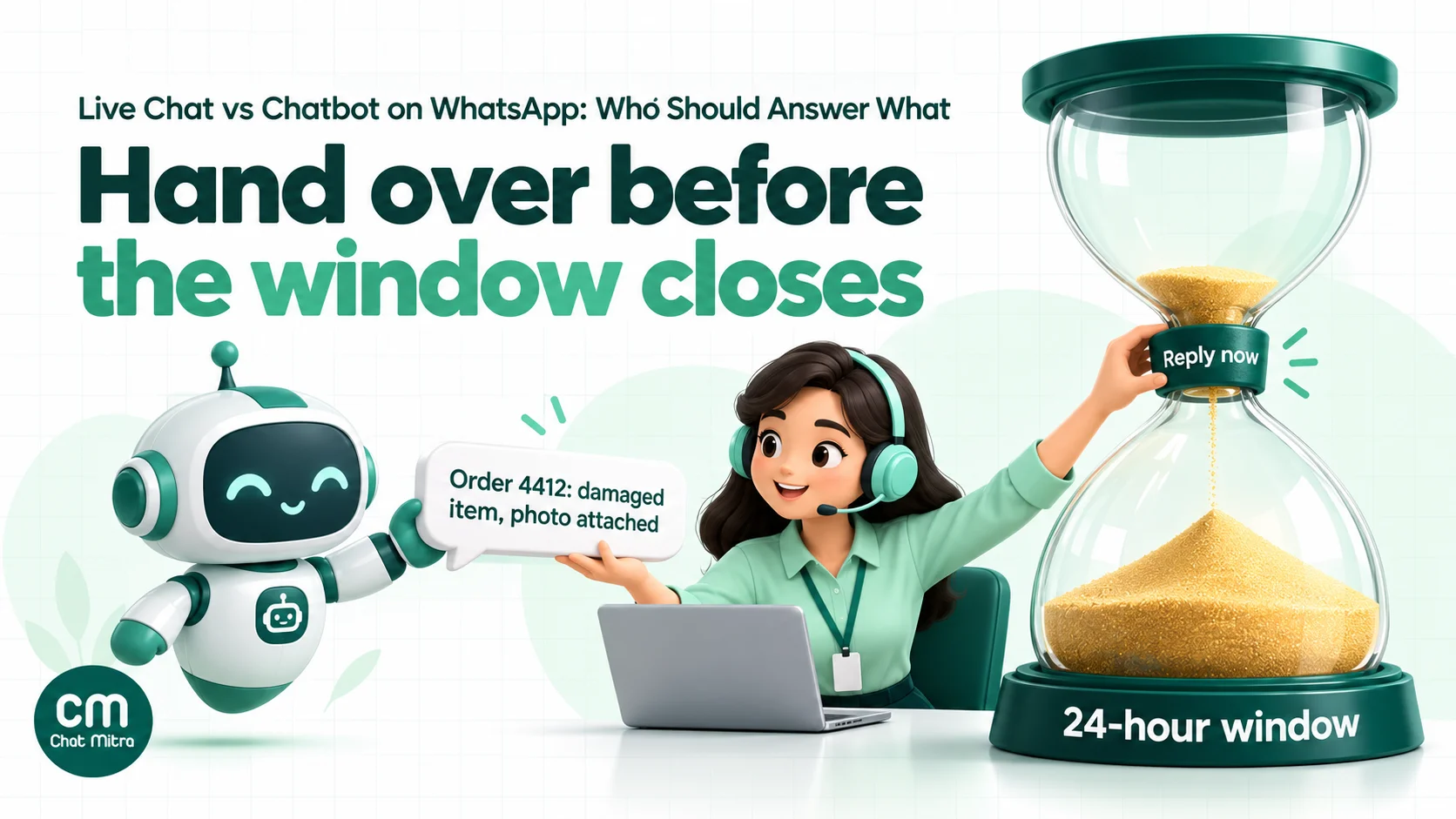
3. The 24-hour window. When a customer messages or calls you, a 24-hour customer service window opens, and it resets each time they get in touch. Inside it, your bot or agent can send anything. After it, you can only send approved templates. Unlike Messenger, which has a separate 7-day human agent tag, WhatsApp offers no extra time for a person to reply. If an agent picks up a handover 23 hours later, they have one hour left to reply freely.
4. Every reply is billed per message. Since 1 October 2026, Meta’s pricing charges for service messages after 1,000 free per business phone number per month, ₹0.115 each in India. A bot reply and a human reply cost the same. More on what that means below.
5. Meta’s rules on automation. WhatsApp’s Business Messaging Policy says: “You may use automation when responding during the 24-hour window, but must also have available prompt, clear, and direct escalation paths.” It lists in-chat transfer to a human agent, a phone number, email, web support, an in-store visit or a support form. Separately, Meta’s WhatsApp Business Platform terms bar AI providers from the platform where AI is the “primary (rather than incidental or ancillary) functionality”. That rule is aimed at general-purpose AI assistants. A bot that answers questions about your own products and orders is a support tool for your business, though the terms leave the call to Meta.
What a chatbot should answer
A bot earns its place on questions that are frequent, predictable and checkable. On WhatsApp it has a few useful tools: reply buttons (up to 3, each label up to 20 characters), list messages (up to 10 rows, each title up to 24 characters), media and, if your platform supports them, Flows for forms.
Good bot jobs:
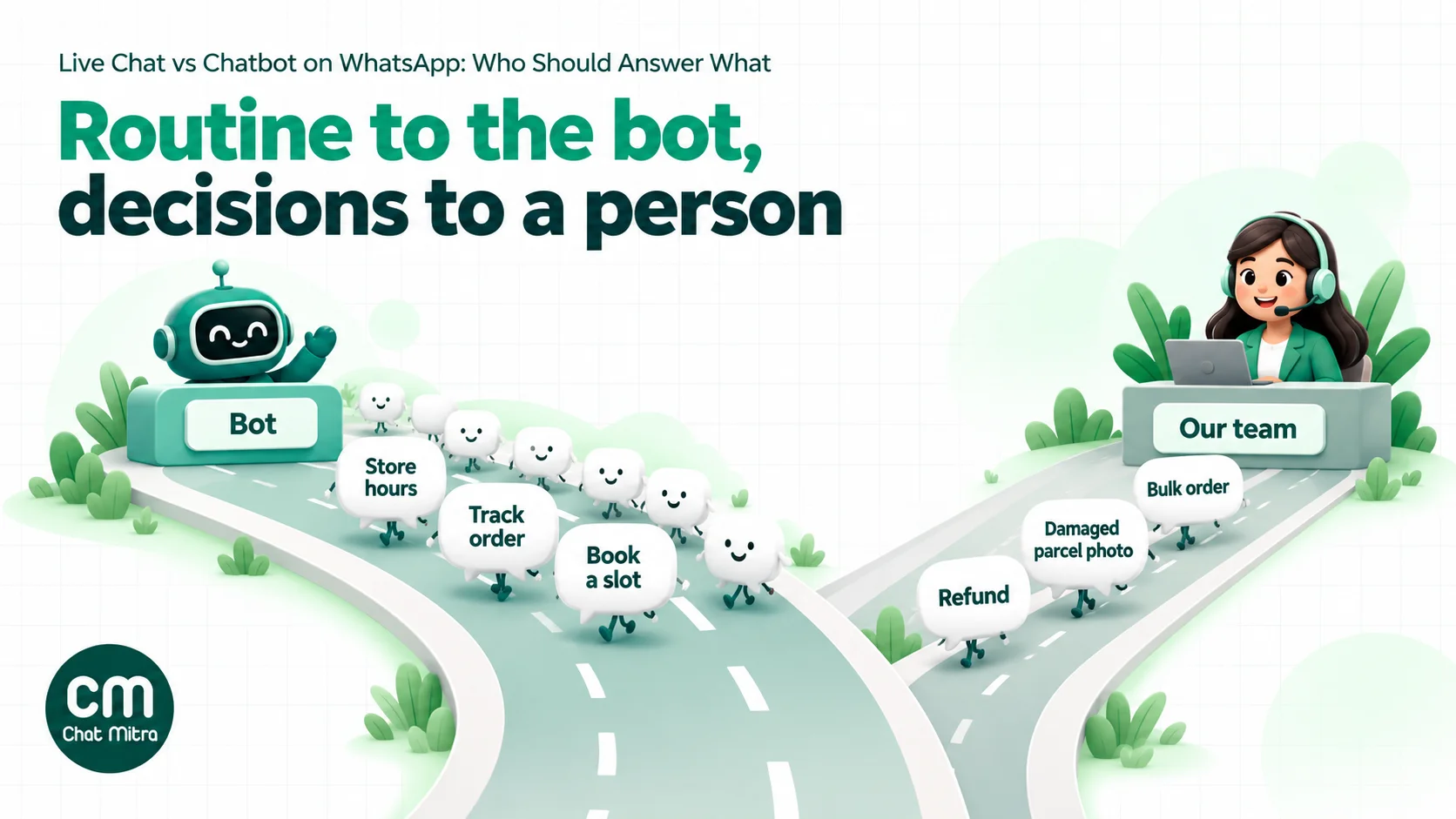
- The front door. A greeting with three buttons for your top reasons people message, such as “Track my order”, “Book a visit” and “Talk to us”.
- Fixed answers. Opening hours, delivery areas, prices, return windows and how to pay. The wording you approve is the wording customers get.
- Collecting details. The order number, the date they want, the product name or their city, before a person sees the chat. This alone saves every agent a message per chat.
- Lookups. Order status or available slots, but only when the bot reads your live data. A bot that guesses creates a second complaint.
- After-hours cover. Saying when your team is back and answering what it can in the meantime.
If you’re building a bot around common questions, our WhatsApp FAQ chatbot guide walks through finding the questions and writing the answers, and our auto-reply examples give ready wording for small businesses. You can also set up to 4 ice breakers, suggested questions shown when someone opens a chat with you for the first time; our guide to conversational components explains them.
What people should handle
People are worth their cost wherever a wrong answer is expensive or the customer needs to feel heard:
- Money. Refunds, failed payments, price matching, discounts outside your rules and anything about a charge.
- Exceptions. A late delivery for a wedding, an order change after dispatch, a booking outside normal hours.
- Complaints and upset customers. A menu in reply to “This is the third time I’m asking” makes it worse.
- Photos, documents and voice notes. A picture of a damaged parcel, a prescription or a voice message in Tamil. Many bots can only read text, so these need a person.
- High-value sales. A bulk order, a B2B enquiry or a customer comparing you with a competitor. These deserve a person even if a bot could quote the price.
- Sensitive topics. Health, legal and financial questions, and anything where a customer shares personal details.
Our WhatsApp customer service guide has a fuller task-by-task list of what to automate and what to keep human.
What each chat really costs
Cost is usually the reason businesses add a bot, so it’s worth doing the maths properly. On WhatsApp three things add up:
- Meta’s charges. Since 1 October 2026, service messages (free-form replies inside the window) are free for the first 1,000 per business phone number each month, then ₹0.115 each in India. Utility templates sent inside the window are also charged, at ₹0.115. Messages inside a Click-to-WhatsApp ad’s free entry point, which can stay open for up to 7 days, are free.
- Your platform fee. On ChatMitra’s Starter and Pro plans it’s ₹0.20 per conversation, once per customer per 24 hours, however many messages you exchange. Enterprise (₹2,499 a month) has no ChatMitra fee.
- Agent time. Usually the biggest number, and the only one a bot reduces.
Here’s what that looks like for a business handling 3,000 support chats a month on one number. The agent cost and handling times are example figures to replace with your own.
| Line | People only | Bot first, people for the rest |
|---|---|---|
| Chats | 3,000 | 3,000; the bot resolves 1,500 |
| Business messages per chat (example) | 4 from an agent | 6 per bot-only chat; 3 bot + 4 agent per handed-over chat |
| Total service messages | 12,000 | 9,000 + 10,500 = 19,500 |
| Meta charge (first 1,000 free, then ₹0.115) | 11,000 × ₹0.115 = ₹1,265 | 18,500 × ₹0.115 = ₹2,127.50 |
| ChatMitra fee (₹0.20 × 3,000 conversations, Starter or Pro) | ₹600 | ₹600 |
| Agent time at ₹2 a minute, 6 minutes a chat (example) | 3,000 × ₹12 = ₹36,000 | 1,500 × ₹12 = ₹18,000 |
| Total | ₹37,865 | ₹20,727.50 |
The ₹2 a minute assumes an agent costing about ₹25,000 a month for roughly 208 working hours.
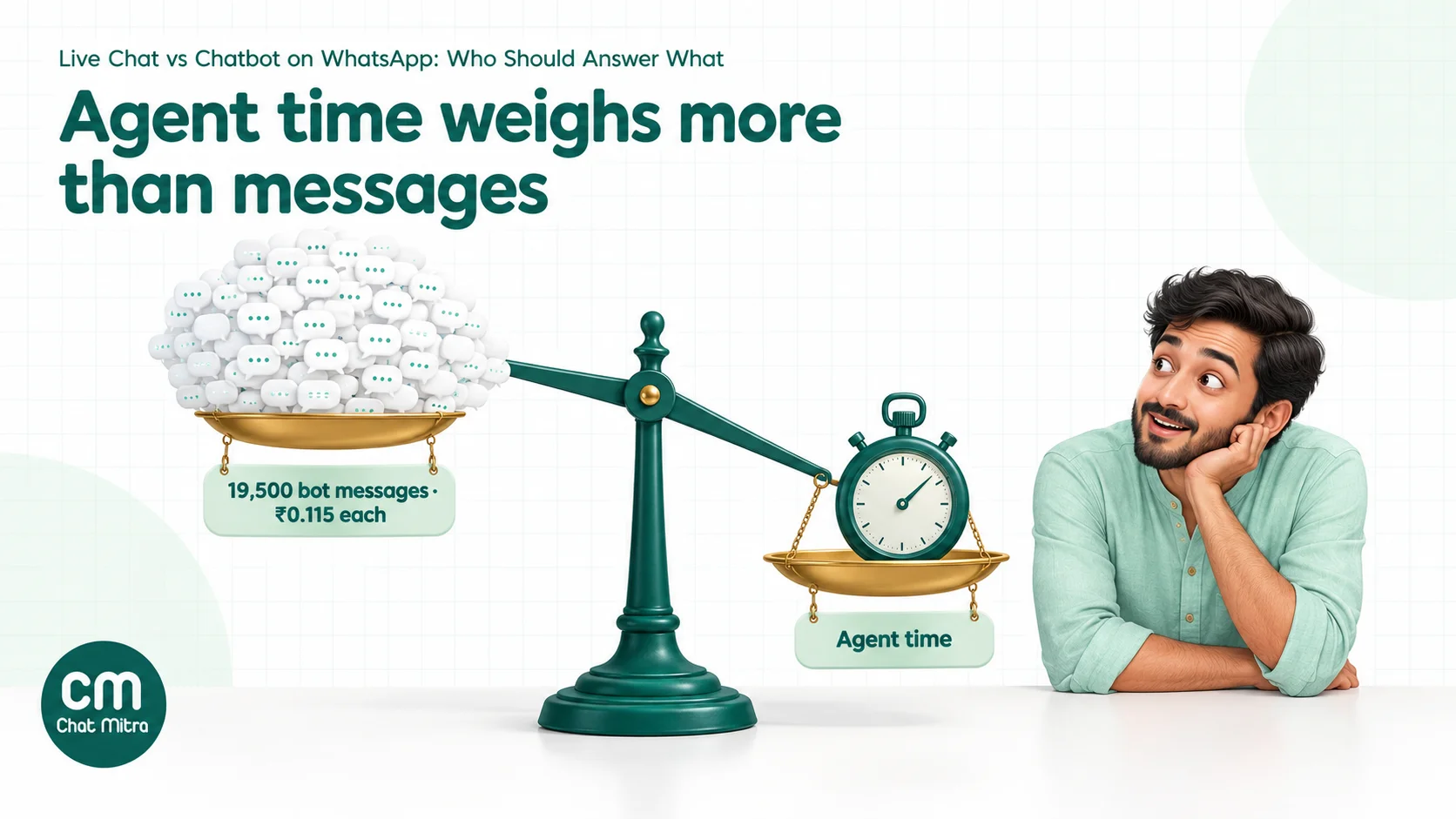
Two things stand out. First, the bot raises Meta’s bill: menus and multi-step flows send more messages than an agent’s short reply, and each one is now billed. Design bots to resolve in as few messages as possible: one answer instead of three menus. Second, the saving comes entirely from agent time, so a bot that hands over most chats after five messages costs more than no bot at all. Containment, the share of chats a bot fully resolves, is the number that decides whether it pays. For rates by message category, see our guide to WhatsApp Business cost per message.
If you’re considering Meta’s own AI, the Meta Business Agent, note that its messages are a separate category since 1 July 2026, charged by tokens at roughly 4 to 5 US cents per message. Meta charges them even inside the free entry point.
What live chat needs to work on WhatsApp
Live chat isn’t just “someone answers”. Without a few basics it turns into slow replies and missed messages, and then a bot looks like the fix when the real problem is staffing.
- A reply-time promise you can keep. Decide what you’ll commit to during open hours, such as a first reply within 15 minutes, and put it in your welcome message. Customers forgive a wait they were told about.
- Clear hours, stated everywhere. Your WhatsApp business profile, your welcome message and your away message should all say the same hours. Our away message examples cover after-hours, weekend and festival wording.
- A rota, not “whoever’s free”. With several people on one number, decide who watches the inbox when, including lunch and the first hour after opening, when the overnight queue lands.
- Saved answers. Agents shouldn’t type the return policy fifty times a day. Approved, saved replies keep answers consistent and fast, and they’re the first step towards a bot: the saved replies used most are your bot’s first rules.
- A way to see who’s waiting. Unread filters and tags such as
waiting-on-usstop chats from falling through the gaps when several people share one number.
If a business can’t staff live chat well during its own opening hours, a bot will hide the problem for a while but won’t fix it: the handovers will wait just as long.
The right split by business size
There’s no single right answer, but your chat volume narrows it down. These are rough guides, not rules.
| Daily chats | Recommended split | Why |
|---|---|---|
| Under about 20 | Mostly live chat. A welcome message, an away message for closed hours, saved replies for common answers, and a 3-button menu | One person can keep up; a full bot isn’t worth building yet |
| About 20 to 150 | A bot front door that answers fixed questions and collects details, with people for everything after that | Routing and detail collection save the most time at this volume |
| Over about 150, or customers in many time zones | A bot or AI that resolves the top questions end to end, a staff rota for handovers, and weekly reviews of what gets handed over | Containment becomes the main lever on cost and wait times |
Whatever the size, keep one person responsible for the bot’s answers. Bots go wrong slowly: a price changes, a policy changes, and the bot keeps saying the old thing.
When the bot should hand over
A handover is the moment the customer judges your whole setup. These are the triggers worth building in.
| Trigger | How to spot it | Example |
|---|---|---|
| The customer asks for a person | Words such as “agent”, “human”, “person”, “call me”, in any language you serve | ”Can I talk to someone?” |
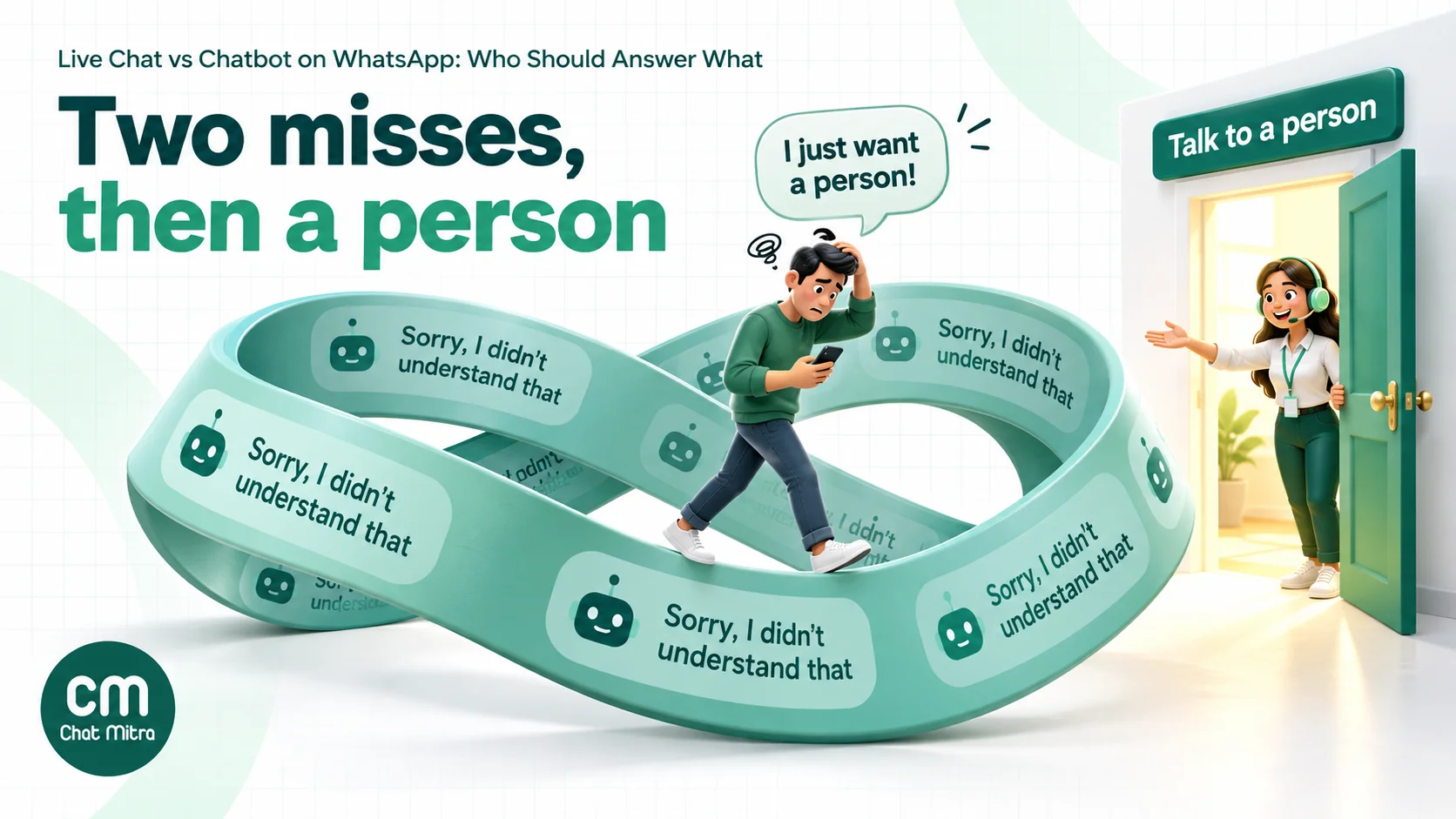
| The bot misses twice | Two fallback replies in a row, or the same question repeated | The customer types the same question in different words |
| Money is involved | Refund, payment failed, charged twice, discount | ”I was charged twice for order 4412” |
| The customer is upset | Complaint words, capital letters, “third time”, “worst" | "Still no delivery, this is ridiculous” |
| Media the bot can’t read | A photo, document or voice note arrives | A photo of a broken product |
| High-value intent | Bulk quantities, business enquiries, comparing quotes | ”Need 200 units for a corporate event” |
| An exception to your rules | Requests outside your stated policy | ”Can you deliver on Sunday?” when you don’t |
| The window is closing | A handover still open many hours later | An agent sees the chat 20 hours after it was handed over |
The cost of getting this wrong is well documented. The US Consumer Financial Protection Bureau’s research on chatbots describes customers stuck in “doom loops” of repetitive, unhelpful replies “without an offramp to a human customer service representative”. On WhatsApp, the customer’s next move is often to block you or post a screenshot.
How to hand over without losing the customer
1. Tell the customer what happens next
The handover message does more than “Transferring you to an agent”. It says who, when and what to do meanwhile:
“I’ll pass this to our support team now. Someone will reply here within 30 minutes (we’re open 9 am to 8 pm). You don’t need to send anything else; they’ll see your order number and photo.”
Out of hours, be honest:
“Our team is offline until 9 am tomorrow. I’ve noted your order number and the problem, and the first person in will reply here.”
2. Stop the bot
Once a person owns the chat, the bot must stay quiet. A bot that answers “Did you know we deliver in 2 hours?” while an agent is handling a refund undoes the agent’s work. Check whether your platform pauses automation automatically when an agent replies, or whether someone has to pause it.
3. Give the agent the context
The agent should never ask for something the bot already collected. Before replying, they should be able to see:
- the whole chat, including button taps;
- the details the bot collected (order number, date, product);
- the reason for the handover (asked for a person, missed twice, refund, photo);
- anything known about the customer: past orders, tags, notes.
4. Reply inside the window
Treat handovers as a queue with a deadline. If an agent can’t resolve the issue straight away, they should ask for anything else they need while the window is open, because each customer reply resets it. If the window does close, follow up with an approved utility template about their request, then continue once they reply.
5. Hand back to the bot
When the issue is resolved, switch automation back on for that customer, so their next “What time do you open?” gets an instant answer. Some platforms do this on a timer; others need a person to remember.
Common mistakes when mixing bots and live chat
- No visible way out. The escalation path is buried, or “agent” isn’t recognised. Put it in the first message and in every fallback reply.
- Bots that pretend to be people. A bot called “Priya” that says “let me check with my manager” will be found out the first time it misunderstands something. Name it as an assistant and keep your team’s names for your team.
- Two systems answering at once. A keyword rule and an AI both reply, or a bot replies while an agent is mid-conversation. Customers see two answers and trust neither.
- Long menus. Four levels of buttons before a customer reaches an answer is slower than asking a person, and every step is a billed message. Keep menus to one or two levels.
- Handover to an empty room. A handover at 11 pm that says “an agent will be with you shortly” sets an expectation nobody meets. Say when the team is back.
- Never reviewing the bot. Prices, policies and stock change. A bot that’s right on launch day and wrong a month later does more damage than no bot.
- Measuring only bot volume. “The bot handled 80% of chats” means little if half of those customers came back the next day. Look at repeat contacts and blocks too.
How to tell whether the split is working
Track a handful of numbers each week. You can do this with tags and a spreadsheet if your platform doesn’t report them.
- Containment rate: chats the bot resolved with no person ÷ all chats the bot started. Tag chats
bot-resolvedorhanded-overat the end. - Handover rate by reason: which trigger fired. If “missed twice” is high for one topic, add that answer to the bot.
- Time to first human reply after handover: the wait customers feel. Long waits here undo the bot’s speed.
- Repeat contacts: the same customer back with the same problem within 7 days, a sign the bot’s answer didn’t work.
- Blocks and complaints: a rising block rate after you add automation is the clearest sign something feels wrong to customers.
Review the handed-over chats every week. They’re the best list of what to add to the bot and what to stop it trying.
Examples by industry
| Business | Bot handles | Person handles | Handover trigger to add |
|---|---|---|---|
| Online store | Order status, return window, sizes, delivery areas | Damaged items, refunds, COD disputes | Any photo; “refund”; “charged” |
| Clinic | Timings, doctor availability, booking a slot | Symptoms, reports, prescriptions | Any medical question; any document |
| Coaching institute | Batch timings, fees, syllabus, demo-class booking | Fee instalments, scholarship requests, parent concerns | ”instalment”; “discount”; a parent asking about a student |
| Real estate | Project details, price ranges, site-visit slots | Negotiation, loan questions, booking amount | Budget above a set figure; “visit today” |
| Travel agency | Package details, visa checklists, departure dates | Custom itineraries, cancellations, refunds | Dates changed; group of 10 or more |
| Restaurant | Menu, timings, table booking, delivery areas | Large party bookings, complaints about orders | ”party”; any complaint words |
Running both in ChatMitra
ChatMitra puts live chat and automation in the same inbox. Here’s what’s available and how it maps to the setup above.
| ChatMitra feature | What it does | Plan |
|---|---|---|
| Shared team inbox | Everyone on the team works from one WhatsApp number, with the full chat history | All plans |
| Unlimited team members with permissions | Add agents and set view, create, edit and delete rights per section, per project | All plans |
| Saved replies | Type ”/” in the message box to insert an approved answer | All plans |
| Welcome message | Greets new chats automatically | All plans |
| Auto-reply rules | Keyword rules (exact, starts with or pattern) that send text, buttons, lists or media | Pro and above |
| Away and fixed replies | Automatic replies outside your set hours, with a timezone | Pro and above |
| AI chatbot | Writes replies from your instructions using your own AI provider key; remembers the last 20 messages of a chat | Pro and above |
| Pause automation per chat | Stops the AI, rules, away and fixed replies for one customer, and switches back on after 30 minutes, 1, 4, 8 or 24 hours, or when you choose | Use it with any Pro automation |
| 24-hour window guard | Blocks free-form replies once the window has closed and offers a template instead | All plans |
| Customer tags and notes | Record the handover reason, past issues or VIP status on the customer | All plans |
| ₹0.20 per conversation | One fee per customer per 24 hours, however many messages the bot and agents send | Starter and Pro; none on Enterprise |
How to set up the split in ChatMitra:
- Write your welcome message with how to reach a person, for example “Reply agent at any time to talk to our team.”
- Add auto-reply rules for your top questions, and one rule for “agent”, “human” and “person” that sends your handover message.
- If you use the AI chatbot, give it a narrow job (your products, hours and policies) and tell it to point people to “agent” when it can’t help. Avoid keywords that overlap with what the AI answers, because a typed message that matches a rule gets a reply from both.
- Set away hours and an honest away message.
- Agree a handover routine: when a handover message goes out, the agent who picks up the chat pauses automation for that customer from the chat header, choosing a resume time such as 4 or 24 hours.
- Tag the outcome (
bot-resolvedorhanded-over, plus a reason tag) so you can count containment each week.
Good to know:
- There’s no automatic handover. The handover message tells the customer a person is coming; someone on your team still has to pick up the chat and pause automation.
- An agent’s reply doesn’t pause the bot. Pause automation for that chat before or right after replying.
- With both auto-reply rules and the AI chatbot on, a typed message that matches a rule gets two replies. Button and list taps go only to the rules.
- The AI chatbot reads text only. Photos, documents and voice notes need a person, which is also a good handover trigger.
- There’s no chat assignment or per-agent reporting. Agree who covers which hours, and use tags to show who’s handling what.
- Mobile app notifications go to the account owner’s devices; agents see new messages in the web inbox.
- Away hours use one daily time range and a timezone, with no separate weekend setting.
- The welcome message isn’t covered by the per-chat pause, so keep it short and general.
- Check the pricing page for what each plan includes.
Where to start
Read your last 100 WhatsApp chats and sort them into three piles: questions with one right answer, questions that needed a decision, and complaints. The first pile is your bot’s job list. The second and third are your team’s, and the triggers for handing over. Build the bot for the top five questions only, add the “agent” exit on day one, and review the handed-over chats every week. That gets most businesses to a split their customers barely notice.
Sources
- WhatsApp: WhatsApp Business Messaging Policy (updated 23 September 2026). Meta: Meta Terms for WhatsApp Business Platform, section 4.7 (last modified 23 September 2026).
- Meta for Developers: Send messages (customer service window), Pricing (updated 30 September 2026; India rates from Meta's INR rate card effective 1 October 2026), Interactive reply buttons, Interactive list messages. Messenger Platform policy (human agent tag). All read on 22 October 2026.
- Consumer Financial Protection Bureau: Chatbots in consumer finance (June 2023).