A multilingual WhatsApp chatbot is an automated assistant that talks to each customer in the language they prefer, on the same WhatsApp number. It greets a Tamil speaker in Tamil, answers a Hindi speaker in Hindi, and sends a Gujarati speaker their order update as a Gujarati template. Building one well is less about translation software and more about three decisions: how the bot learns a customer’s language, where that choice is stored, and who writes and checks every version of every message.
This guide walks through those decisions for the WhatsApp Business Platform (the API), with examples from India, where a single business can easily serve customers in four or five languages. It covers language menus versus detection, the Hinglish problem, Meta’s rules for templates in multiple languages, testing, human handover, and what it all costs.
Key takeaways
- Translate three layers, not one: bot replies, approved templates and the human handover.
- Ask for the language once with a button menu, save the answer on the contact, and use AI only where customers type freely.
- Every language of a template is a separate template with its own approval. Missing languages fail; they never fall back.
- Meta's template list covers 10 of India's 22 scheduled languages plus English. Check yours before you promise it.
- Language doesn't change Meta's price. Translation, review and an extra menu message do.
What a multilingual WhatsApp chatbot has to translate
Most articles on this topic describe a bot that detects a language and translates its answer. That’s one layer. On WhatsApp, a business talks to a customer through three different kinds of message, and each needs its own language plan.
| Layer | When it's used | Who writes the text | Language rule |
|---|---|---|---|
| Bot replies | Inside the 24-hour customer service window, after the customer messages you | Your rules or your AI model, live | Free-form: any language and script WhatsApp can show |
| Templates | Outside the window: reminders, order updates, offers, follow-ups | You, in advance, approved by Meta | Only Meta's supported language codes, one approval per language |
| Human handover | When the bot can't help or the customer asks for a person | Your staff | Depends on who is on shift and what they speak |
The 24-hour rule is what splits the first two layers. Meta’s documentation says that when a customer messages you, a customer service window opens for 24 hours and resets each time they message again. Inside it, you can send ordinary messages: text, buttons, lists and media. Once it closes, you can only send approved templates. So a bot that speaks perfect Gujarati in the chat but sends the next day’s delivery reminder in English hasn’t really gone multilingual.
The third layer is the one that breaks most often. A customer who chose Tamil in your menu and then asks for a person expects a person who reads Tamil, or at least an honest message about when one will be available.
Which languages should your bot support?
Start with your own data, not India’s language map. Count the languages customers used in your last few hundred chats, or in call-centre and store data if WhatsApp is new for you. Two or three languages usually cover a regional business; a national brand might need five or six.
The wider picture helps you sanity-check that count. In the 2011 Census, Hindi was the mother tongue of 43.63% of India’s population, followed by Bengali (8.03%), Marathi (6.86%), Telugu (6.70%) and Tamil (5.70%). The Census groups about 50 mother tongues, including Bhojpuri, under Hindi, so the real picture is more varied than one big number suggests. Online behaviour points the same way: the KPMG–Google study Indian Languages – Defining India’s Internet (2017) estimated that nine out of every ten new internet users in India were likely to be Indian-language users, and found that over 90% of Indian-language internet users used chat apps.
Then check what WhatsApp templates allow. Meta’s supported-languages list (updated 21 May 2026) covers ten of India’s 22 scheduled languages, plus English.
| Language | Meta template code | Mother tongue share, Census 2011 |
|---|---|---|
| Hindi | hi | 43.63% |
| Bengali | bn, bn_IN | 8.03% |
| Marathi | mr | 6.86% |
| Telugu | te | 6.70% |
| Tamil | ta | 5.70% |
| Gujarati | gu | 4.58% |
| Urdu | ur | 4.19% |
| Kannada | kn | 3.61% |
| Malayalam | ml | 2.88% |
| Punjabi | pa | 2.74% |
| English | en, en_US, en_GB, en_IN | (widely used as a second language) |
Together, those ten languages are the mother tongue of roughly 89% of the population in the 2011 figures. The largest language missing from the template list is Odia (3.10%), followed by Assamese, Maithili, Santali, Kashmiri, Nepali, Sindhi, Dogri, Konkani, Manipuri, Bodo and Sanskrit.
Missing from the list doesn’t mean you can’t serve those customers. Inside the 24-hour window, a bot can still reply in Odia, because free-form messages aren’t tied to a language code. You just can’t send an approved Odia template, so reminders outside the window must go in another language the customer reads. Ask them which; don’t assume.
Two details trip people up here. Punjabi’s code is pa, not pa_IN. And the code you send must match the approved template exactly: a template approved as en_US won’t go out if your system asks for en.
Three ways a bot can know the customer’s language
Every multilingual bot needs an answer to “which language do I use with this person right now?” There are three ways to get it, and the best setups combine them.
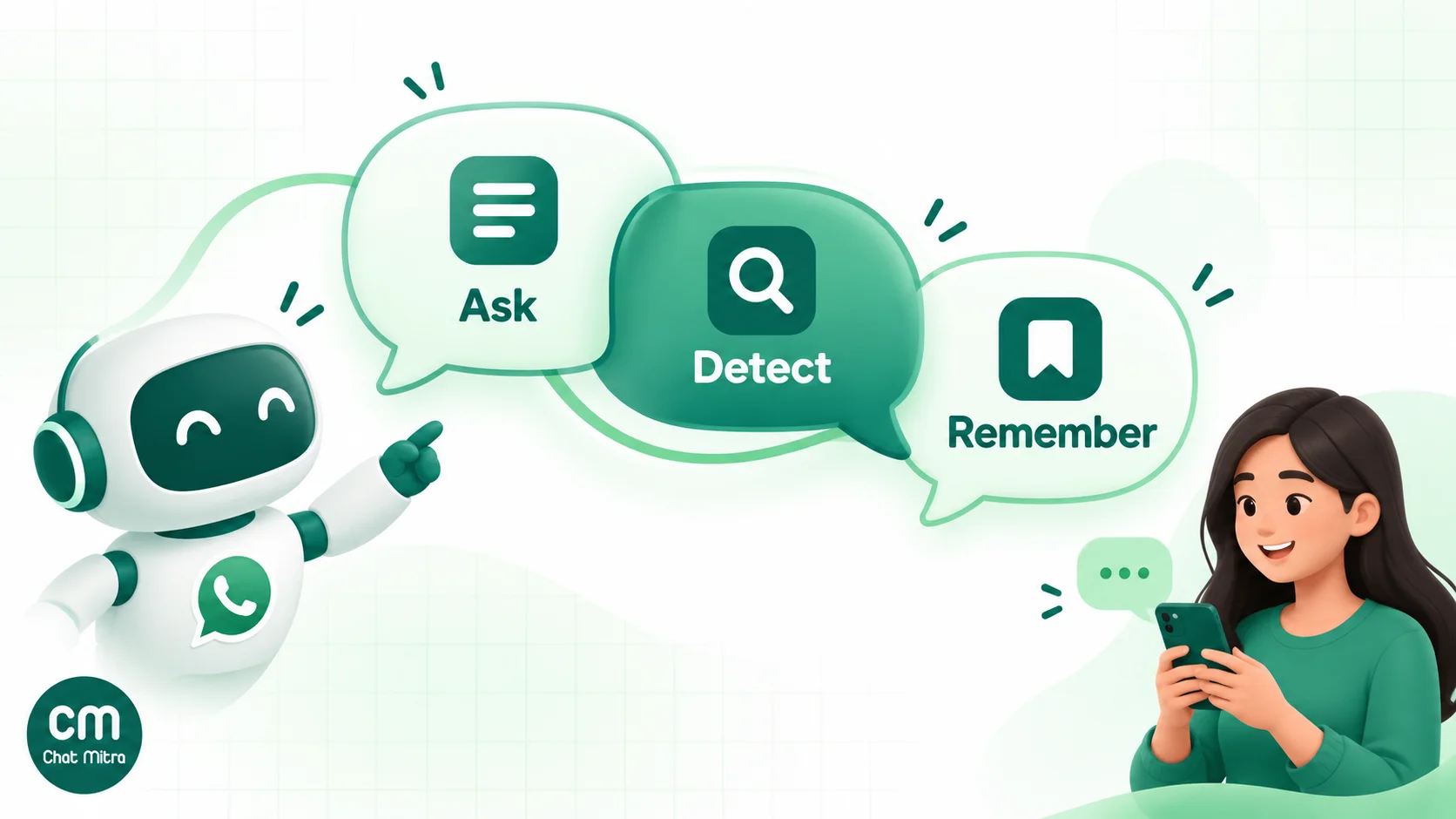
| Method | How it works | Strengths | Weak spots |
|---|---|---|---|
| Ask | First reply is a button or list menu: English, हिंदी, தமிழ்… | Accurate, cheap, works with simple rule-based bots | Adds a step; a customer who ignores the menu stays unidentified |
| Detect | An AI model reads the message and answers in the same language | No extra step; handles Hinglish and mixed messages | Guesses on short messages like "ok", "hi" or "1"; needs an AI model |
| Remember | The choice is saved on the contact (a tag or field) and reused | Next conversation starts in the right language; lets you route templates and campaigns | Only works after one of the other two has produced an answer |
Asking: the language menu
A menu is the most reliable method, and it’s easy to build because WhatsApp has two native formats for it. A reply-button message can carry up to three buttons, each with a label of up to 20 characters. A list message can hold up to ten rows in total, each with a title of up to 24 characters. So three languages fit on buttons; four to ten need a list.
Write each option in its own script: “English”, “हिंदी”, “தமிழ்”, “ગુજરાતી”. A Tamil speaker scanning a menu recognises “தமிழ்” faster than “Tamil”, and it signals that the bot really speaks the language. Meta doesn’t say how it counts characters in Indic scripts, where one visible letter can be several Unicode code points, so test long labels on a real phone before launch.
Ask only once. If the customer has a saved language, skip the menu and add a small “Change language” option to the main menu instead.
Detecting: letting AI read the message
Large language models are good at answering in the language they were addressed in, including Hinglish, without any special setup. That makes detection the natural choice for an AI agent that handles open questions.
Detection has two weak spots. Short messages like “ok”, “hi” or “1” look the same in every language, so a model may default to English. And a customer who writes in English to be safe may prefer Marathi but never be offered it. Combine methods: reply in the language of the message, but use the saved preference when the message is too short to tell.
Remembering: saving the choice
Whichever method produces the answer, save it on the contact. A tag such as lang_hi or lang_ta is enough. It starts the next conversation in the right language, tells your team what to expect, and lets you send each campaign or reminder in the right language.
Hinglish and romanised input: the part most guides skip
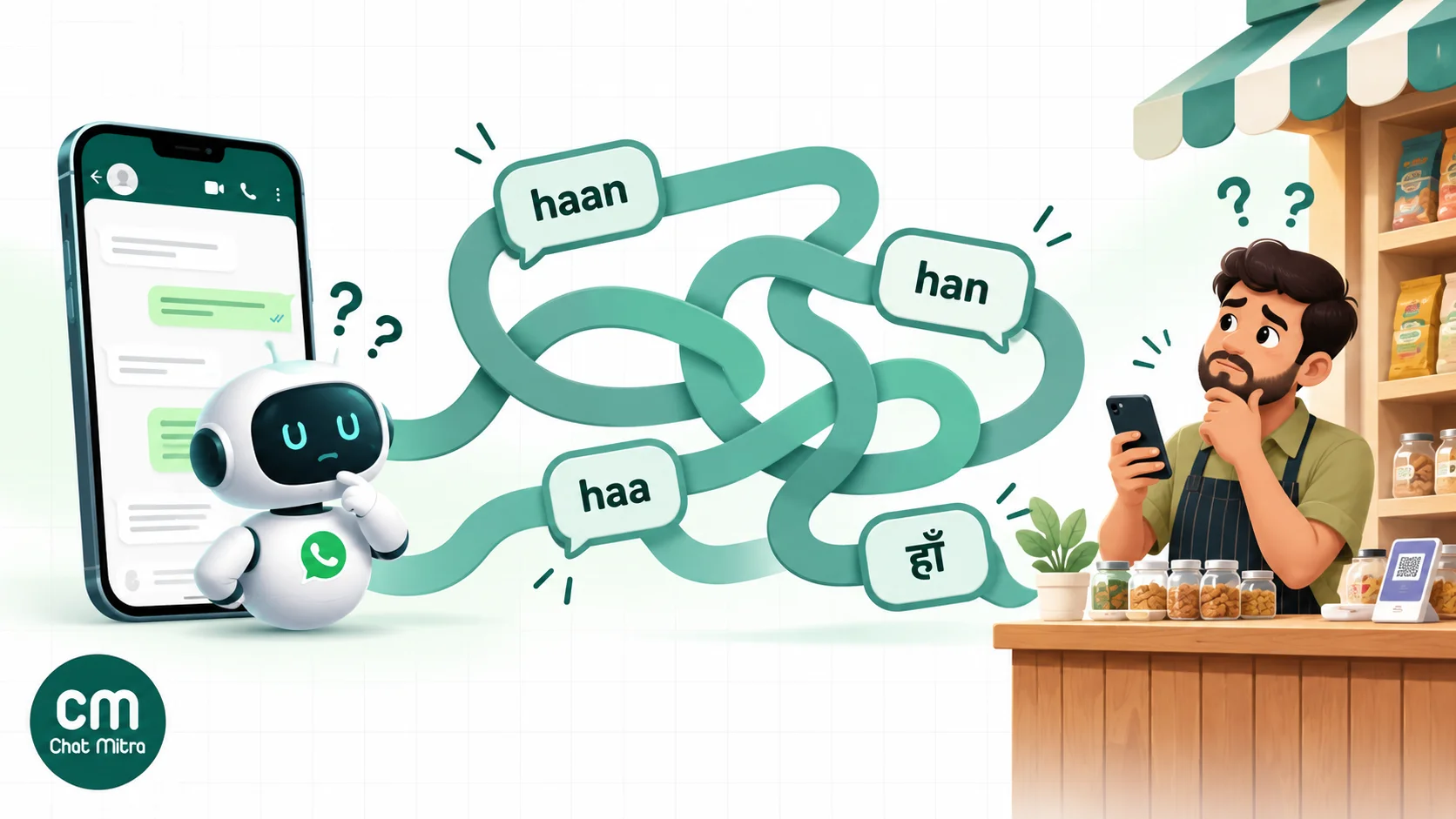
Many Indian customers don’t type Hindi in Devanagari. They write it in Latin letters, often mixed with English: “mera order kab aayega”, “price kya hai”, “haan, confirm karo”. The same habit exists for Tamil, Marathi, Gujarati and other languages. A bot that only understands Devanagari Hindi and formal English will miss a large share of real messages.
How you handle it depends on the kind of bot.
Keyword and rule-based bots match text exactly, or by the start of the message, or by a pattern. “haan” won’t match “han”, “haa” or “हाँ”. Either list every common spelling as a keyword or use a pattern (a regular expression) such as ^(haan|han|haa|ha)$ alongside the Devanagari form. Better still, avoid typed answers where you can: a button labelled “हाँ” or “Yes” sends the same text every time, however the customer spells things.
AI agents usually understand Hinglish well, because their training data is full of it. The question is how they should reply. A good default is to mirror the customer’s script: answer romanised Hindi in romanised Hindi, Devanagari in Devanagari. If the customer chose “हिंदी” in your menu, use Devanagari for the bot’s fixed texts and templates, and let the AI mirror what they type.
Templates are the exception. Meta has no separate code for Hinglish. A Hindi template is approved under hi, and you decide whether its text is in Devanagari or Latin script. Some businesses write their hi templates in Devanagari and keep their English templates conversational; test what your customers respond to.
Templates in several languages: one name, many approvals
Templates are where multilingual WhatsApp gets administrative. Meta’s rules, from its template documentation:
- Same name, different languages. “Names are not unique,” Meta says, so you can create
order_updatein Hindi, Gujarati and English. Each is a separate template with its own language code. - Every language is reviewed separately. One version can be approved while another is rejected or still pending. Plan for that before a launch date.
- Meta doesn’t translate anything. Its documentation says template strings and variables are not translated, so you supply every version, including the example values for each variable.
- Each language counts against your limit. A business portfolio that isn’t verified can hold 250 templates per WhatsApp Business Account. Ten templates in four languages is already 40.
- There is no fallback. If you send
order_updatewith the codetaand no Tamil version is approved, the message fails with error 132001: “The template does not exist in the specified language or the template has not been approved.” Meta’s current Cloud API documentation has no language fallback option.
That last point shapes your sending logic. Before you send a template in a customer’s saved language, check that the language version is approved, and fall back yourself, usually to English or Hindi, if it isn’t. Don’t let a missing translation silently drop a delivery update.
A simple naming plan keeps this manageable:
| Template name | Category | Languages | Owner of each translation |
|---|---|---|---|
order_confirmed | Utility | en_US, hi, gu | Ops lead writes English; two named staff review Hindi and Gujarati |
delivery_today | Utility | en_US, hi, gu | Same reviewers |
festive_offer_diwali | Marketing | en_US, hi, gu | Marketing writes all three, reviewer signs off |
Keep the meaning, variables and buttons identical across languages. If the English version has {{1}} for the name and {{2}} for the order number, every translation must use the same variables in a natural position for that language. Hindi and Tamil word order differs from English, so the order number may need to move within the sentence. The variable number stays the same.
Category doesn’t change with language. A delivery update is utility in every language, and an offer is marketing in every language. If a translation drifts promotional (“Order again and save!”), Meta can treat it as marketing.
For the codes themselves, our WhatsApp template language codes reference lists the common ones and the matching rules.
How to build a multilingual WhatsApp chatbot, step by step
This sequence works for most businesses, whatever platform they use.
- Choose your languages from your data. Two to four usually cover most customers. Note which are on Meta’s template list.
- Write the master version in one language. Finalise the welcome, menus, answers and templates before translating anything. Translating a moving draft multiplies the edits.
- Build a glossary. List your product names, brand terms, units and the words you never translate, such as order IDs, “COD” or your app’s name. Decide how formal to be: in Hindi, a business usually writes “आप”, not “तुम”.
- Translate, then have a native speaker review. Machine translation is a fine first draft. A person who speaks the language and knows your business checks every line, especially prices, dates, money and health.
- Build the language menu. Buttons for up to three languages, a list for more, each label in its own script.
- Save the choice on the contact. A tag per language is enough. Make “Change language” reachable from the main menu.
- Branch the conversation. Each language gets its own main menu and answers, with an identical structure so reports compare like with like.
- Set the AI’s language rule if you use an AI agent. Write it into the instructions explicitly (see the next section).
- Create every template in every language and wait for all approvals before switching on reminders.
- Plan the handover by language. Decide who answers Hindi, Tamil or Gujarati chats, during which hours, and what the bot says when nobody who speaks the language is available.
A worked example: a diagnostics lab in Pune
Picture a hypothetical lab with three collection centres. It gets WhatsApp messages in Marathi, Hindi and English. Its bot does four jobs: test prices, home-collection requests, report status and centre timings.
- The first reply is a three-button menu: “English”, “मराठी”, “हिंदी”. The customer’s tap is saved as a tag.
- Each language has the same four-item main menu, translated by two staff members who speak Marathi and Hindi at home.
- Report-ready alerts go out as a utility template,
report_ready, approved inen_US,mrandhi. The sending system checks the customer’s tag and uses English if the tag is missing. - Home-collection requests go to a person. The bot says, in the customer’s language, that a colleague will confirm the slot, and staff reply in the same language.
One detail is easy to miss. Marathi and Hindi both use Devanagari script, and some words look the same in both. If both menus have a button labelled the same way, a rule-based bot can’t tell which language the tap came from. The lab words its Marathi and Hindi buttons differently, so every label is unique.
Writing a language rule for an AI agent
An AI agent’s instructions (its system prompt) should say exactly how to choose a language. Left alone, most models do reasonably well but drift: they switch to English mid-conversation, translate brand names, or answer a Hinglish message in formal Hindi.
A language block you can adapt:
Reply in the language and script the customer used in their latest message. If their message is too short to tell (for example “ok”, “hi” or a number), use their saved language: Marathi, Hindi or English. Never translate product names, test names, order IDs or prices. Write prices with digits and the ₹ sign. If you aren’t sure what the customer means, ask a short question in their language rather than guessing. If the customer asks for a person, or the question is about a medical result, tell them a colleague will reply and stop answering.
Three habits make this work in practice:
- Give facts in one language. Keep your price list, timings and policies in one master language in the agent’s instructions. Models translate facts well; four hand-kept copies of a price list drift apart.
- Test with the messages people really send. Use short Hinglish, voice-to-text with odd spellings, emojis and English words dropped into Tamil sentences, not neat textbook sentences.
- Keep it business-specific. Meta’s terms for the WhatsApp Business Platform prohibit AI providers whose general-purpose AI is the “primary (rather than incidental or ancillary)” functionality offered. A support or sales bot for your own business, in any language, is incidental to your business and isn’t what that rule targets.
For prompt patterns beyond language, see our AI prompts for WhatsApp chatbots.
Translation quality: where multilingual bots usually fail
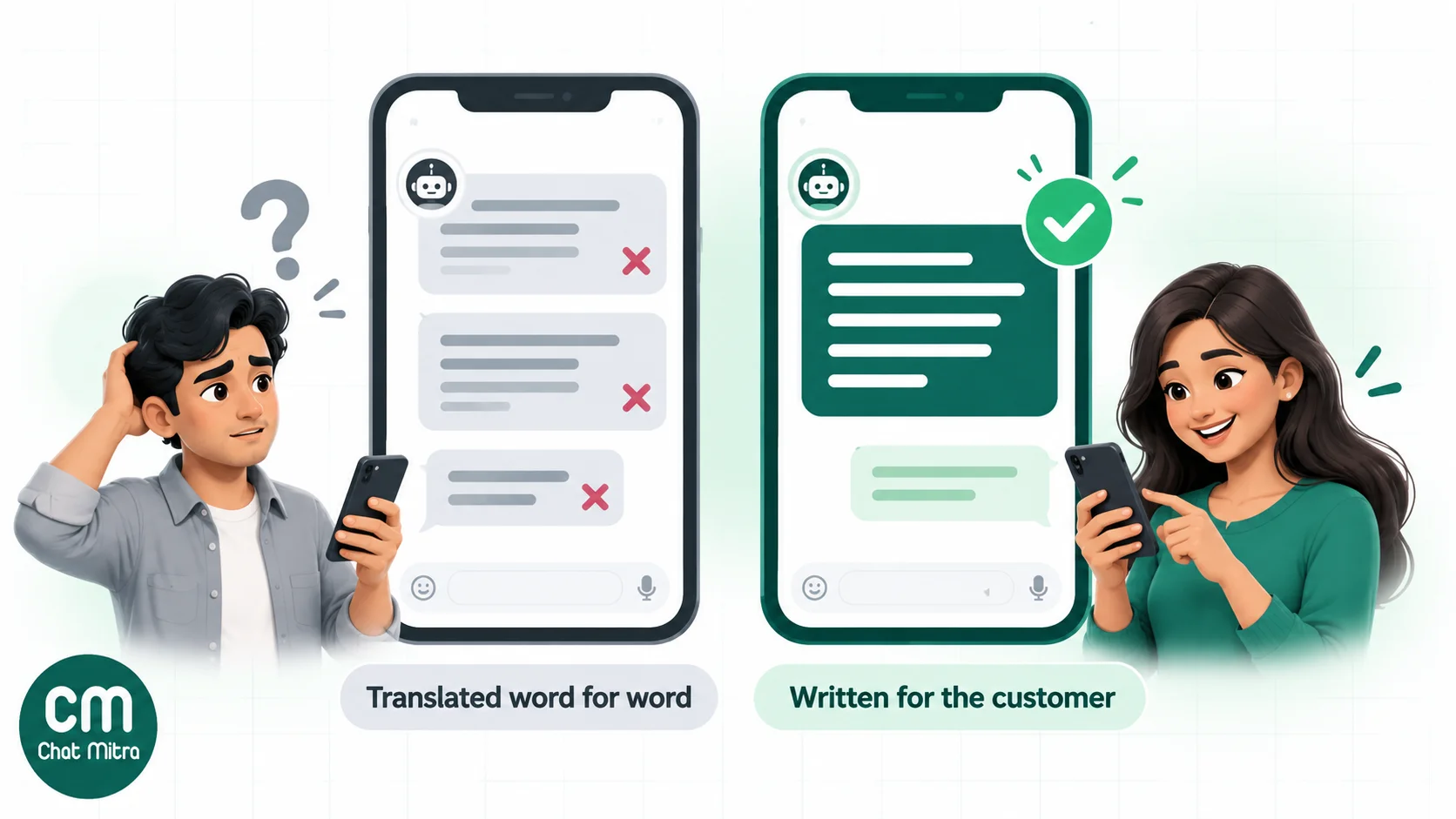
Customers forgive a bot that’s simple. They’re less forgiving of one that sounds like a bad translation, because it signals that the business doesn’t really speak their language.
The usual problems, and their fixes:
- Literal translation of idioms. “We’ll get back to you shortly” translated word for word can read oddly. Ask the reviewer to rewrite, not just correct.
- The wrong register. Overly formal Hindi or Tamil feels like a government notice. Match how your staff speak to customers at the counter.
- Numbers, dates and money. Decide whether you use Western digits (1, 2, 3) or native numerals, and stick to it. Most Indian businesses use Western digits in every language because customers type them that way. Write dates in a way that can’t be misread: “15 Oct” is safer than “10/15”.
- Right-to-left scripts. Urdu and Arabic run right to left. A Latin order number or a URL inside an Urdu sentence can display in a confusing order. Preview every RTL message on a real phone.
- Label length. A 20-character button that fits “Track my order” may not fit the Tamil or Malayalam equivalent. Shorten the wording, not the meaning.
- Inconsistent terms. If the Hindi menu says “ऑर्डर” and the Hindi template says “आदेश”, customers wonder whether those are different things. The glossary prevents this.
WhatsApp can now translate some messages itself: it introduced on-device translation in September 2025, with six languages on Android at launch (English, Spanish, Hindi, Portuguese, Russian and Arabic) and more on iPhone. It depends on the customer’s device, and WhatsApp’s Help Center says it isn’t available in the WhatsApp Business app. It’s a convenience, not a substitute for writing in the customer’s language.
What a multilingual WhatsApp chatbot costs
Language doesn’t change Meta’s price. Meta charges per delivered message by category (marketing, utility, authentication, service) and by the recipient’s country. A Hindi reply costs the same as an English one, and a Gujarati utility template costs the same as an English utility template.
What does change:
- One extra message per new conversation. The language menu is a service message, and it counts towards your free tier.
- Translation and review time. This is the biggest real cost, and it recurs every time you change a template or answer.
- Template admin. More versions to approve, track and keep in sync.
- AI usage, if an agent writes the replies. Your model provider bills you for it, and the language you write in can change how many tokens a reply takes.
Meta’s current rules for India, from its pricing page: since 1 October 2026, each business phone number gets 1,000 free service messages a month, and Meta charges from the 1,001st. After the free tier, service messages and utility templates are charged ₹0.115 each, and marketing templates ₹0.8631.
A worked month for the Pune lab
Assume 2,000 customer-started chats a month. The bot uses about four service messages per chat, one of which is the language menu, so it sends 8,000 service messages. The lab also sends 1,500 report-ready utility templates, a day or more after the test, when the window has closed. It’s on ChatMitra Pro.
| Item | Calculation | Monthly cost |
|---|---|---|
| Meta: service messages | 8,000 − 1,000 free = 7,000 × ₹0.115 | ₹805.00 |
| Meta: report-ready templates (utility) | 1,500 × ₹0.115 | ₹172.50 |
| ChatMitra Pro plan | Monthly fee, includes 1,000 credits | ₹999.00 |
| ChatMitra conversation fee | 3,500 conversations − 1,000 included = 2,500 × ₹0.20 | ₹500.00 |
| Total | ₹2,476.50 |
The language menu accounts for 2,000 of those 8,000 service messages, or ₹230 of Meta’s charge. Remembering each customer’s language and skipping the menu for repeat customers recovers part of that. ChatMitra’s ₹0.20 is a conversation fee, charged once per customer per 24 hours however many messages are exchanged, so the menu doesn’t add to it. The 3,500 conversations are the 2,000 chats plus the 1,500 report alerts, each on a separate day. The cost the table doesn’t show is a native speaker’s review time, at launch and after every content change.
To run your own numbers, use the WhatsApp pricing calculator or read our guide to WhatsApp Business cost per message.
Handing over to a human who speaks the language
WhatsApp’s Business Messaging Policy says you may use automation in the 24-hour window, but you must have “prompt, clear, and direct escalation paths”, such as a transfer to a human agent in the chat, a phone number, an email address, a support page, a store or a support form. For a multilingual bot, the escalation path has to work in the customer’s language too.
Practical rules:
- Know who speaks what. Keep a simple roster of which team members read and write each language, and during which hours.
- Be honest when nobody is available. “Our Tamil-speaking team replies between 10 am and 6 pm. You can also write in English and we’ll answer now” is better than silence.
- Pass the context. The person taking over should see the language tag and the bot conversation, so the customer doesn’t repeat themselves.
- Don’t switch languages silently. If a person must reply in English after a Gujarati bot conversation, say why.
Testing before you launch
Run every check in every language, on real phones.
- Every menu option leads where it should, in each language.
- The language choice is saved, and the next conversation starts in that language.
- “Change language” works from every menu.
- Short replies (“ok”, “1”, “haan”, a thumbs-up) don’t break the flow.
- Every template is approved in every language you’ll send, and your sender falls back correctly when one isn’t.
- Button and list labels fit without being cut off.
- RTL messages display in the right order.
- A native speaker has read every message in context, inside the chat, not in a spreadsheet.
- The handover reaches a person, or an honest message, in each language.
How to tell whether it’s working
Track a few numbers per language, not just overall:
- Language mix: the share of chats in each language. A language under 5% may not be worth maintaining.
- Menu drop-off: customers who receive the language menu but never tap it. A high rate suggests the menu is in the way. Try detection for first messages.
- Fallback rate: how often the bot fails to understand and repeats its menu or hands over. Compare languages: a high rate in one usually means missing keywords or weak translations.
- Handover rate and wait time by language. If Tamil chats wait twice as long for a person, the bot isn’t the problem.
- Template failures by language, especially error 132001, which points to a missing or unapproved translation.
Building it in ChatMitra
ChatMitra can run each layer of a multilingual bot, with some manual setup. Here’s what the product does today, and what it doesn’t.
Language menu and branching (Auto Reply, Pro plan). A rule can answer a greeting with a button or list message. A tapped option arrives as text the next rule matches, so you chain rules: “हिंदी” sends the Hindi main menu, each Hindi item sends its answer. Keywords match exactly, by how the message starts, or by a pattern, ignoring capitals and extra spaces. Devanagari, Tamil and Gujarati keywords work as written. There is no “contains” match, so cover Hinglish spellings with a pattern, and keep button titles unique across languages, as in the Pune example.
Remembering the language. A rule can add a tag to the contact when it fires, so the “हिंदी” rule can tag the customer lang_hi. ChatMitra has no dedicated language field; tags do that job.
AI Chatbot (Pro plan). You connect your own key for one of 18 AI providers and write the instructions, including a language rule like the one above. It sees recent conversation history, so it can stay in the customer’s language, but it doesn’t detect or force a language itself: your instructions decide. It reads typed text only, not button taps, voice notes or photos. With Auto Reply also on, a typed message that matches a rule gets two answers, so decide which one owns which messages.
Templates and campaigns. Templates can be created in 71 languages, including all ten Indian languages on Meta’s list, with several language versions under one name. A campaign sends one template in one language, so a three-language reminder is three campaigns, each targeting one language tag, plus an English one for untagged customers. Through ChatMitra’s developer API, each request names its template language, so your system can choose per customer.
What ChatMitra doesn’t do:
- Detect a customer’s language automatically.
- Translate messages in the inbox or translate your templates for you.
- Provide a visual drag-and-drop flow builder for chatbot menus. Menus are built from chained Auto Reply rules.
- Send Odia, Assamese or any other language Meta doesn’t support for templates.
Pro is ₹999 a month and includes Auto Reply and the AI Chatbot; see pricing for current plans. For the build basics, our guide to WhatsApp interactive messages covers buttons and lists, and how to build a WhatsApp chatbot covers the rest.
Summary
A multilingual WhatsApp chatbot works when every layer speaks the customer’s language: the bot’s replies, the templates you send outside the 24-hour window, and the person who takes over. Pick your languages from your own chats, check them against Meta’s template list, ask once with a menu written in each script, save the answer on the contact, and let an AI agent handle free-form and Hinglish messages with a clear language rule. Create every template in every language and handle missing translations yourself, because WhatsApp won’t. Language doesn’t change Meta’s price, so the real investment is a native speaker’s review time, and that’s what makes customers feel the business really speaks their language.
To see how an AI agent fits into this, read our guides to the WhatsApp AI agent and AI agents versus chatbots.
Sources: Meta for Developers: Supported languages, Templates overview, Error codes, Send messages, Interactive reply buttons, Interactive list messages, Pricing. Meta: Meta Terms for WhatsApp Business Platform. WhatsApp: Business Messaging Policy, Introducing message translations, Help Center: translate messages. Office of the Registrar General, India: Census 2011, Language (C-16). KPMG and Google: Indian Languages – Defining India's Internet.