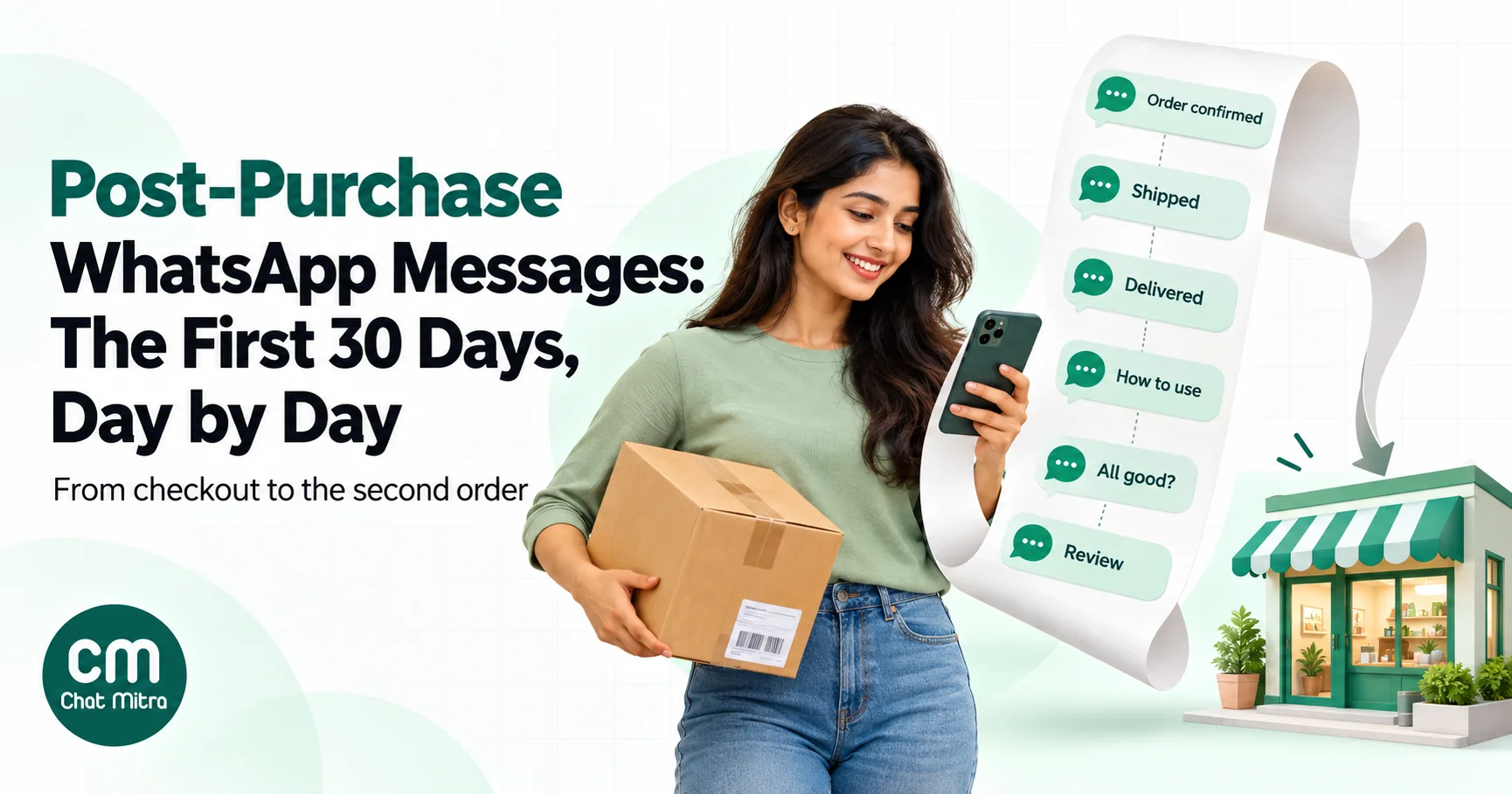
Post-purchase WhatsApp messages are the messages a store sends between checkout and the next order: the order confirmation, shipping and delivery updates, help using the product, a check-in, a review request and, once the customer is happy, a relevant cross-sell. Done well, most of the first 30 days can be cheap utility messages that customers actually want. Done badly, the same sequence becomes a stream of promotions that gets your number blocked.
The checkout isn’t the end of the sale. It’s where the customer starts deciding whether to trust you again. On WhatsApp, the first month after an order decides a lot: whether a COD parcel gets accepted, whether the customer sets up the product properly, whether they tell you about a problem or tell their friends, and whether they ever buy a second time. This guide maps that month day by day: what to send and when, which messages Meta treats as utility or marketing, how to personalise by product and buyer, how many messages is too many, what the whole journey costs per order in India, and how to measure it.
Using ChatMitra? The Shopify integration sends order confirmation, COD confirmation, shipped-with-tracking, cancellation and feedback messages automatically, each with a delay you set. Automation can add later steps, such as a check-in a set number of days after a date stored on the contact. ChatMitra’s fee is ₹0.20 per conversation, not per message. Jump to A post-purchase journey on ChatMitra.
What the post-purchase journey covers
Every post-purchase message should do one job the customer cares about at that moment. Over the first 30 days, those jobs fall into four stages:
- Reassure (day 0): the order is real, paid or confirmed, and here’s the order number.
- Deliver (days 1–7): where the parcel is, when it arrives, and what to do if delivery fails.
- Help (the first week after delivery): how to use, set up, wash, store or register the product, and a check that everything is fine.
- Grow (weeks 2–4): a review request after first use, then one well-chosen suggestion for what goes with what they bought.
Repeat orders, reorder reminders, loyalty and win-back come after this window. They’re a retention programme of their own and need different data.
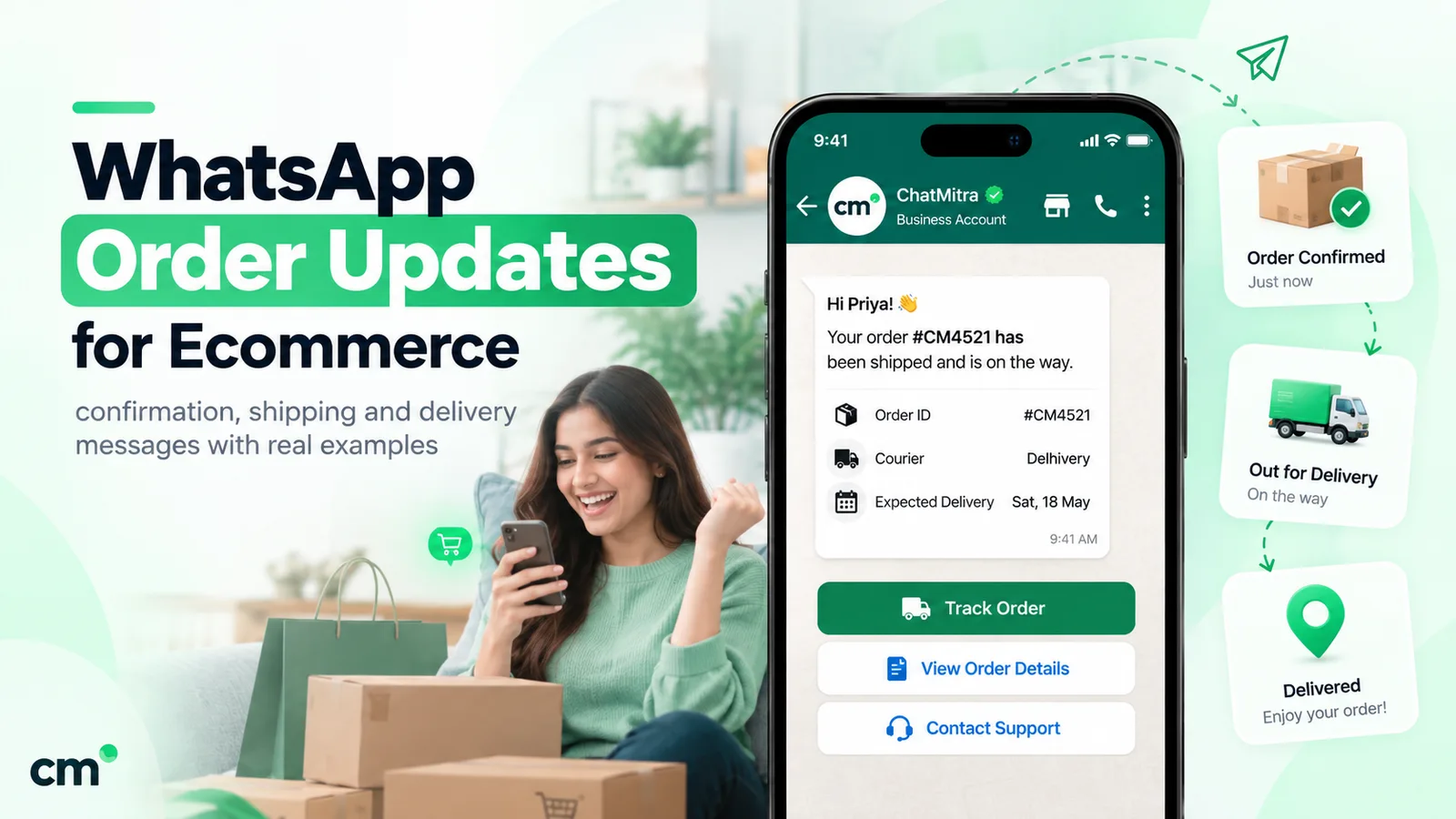
For the exact wording of order, COD and shipping messages, see our order confirmation message guide, which has templates for every order event. This article is about the sequence: what follows what, and why.
The first 30 days, day by day
This map assumes a typical Indian D2C order delivered in three to five days. Shift the later steps to your own delivery times and product.
| When | Message | Triggered by | Usual category | Its one job |
|---|---|---|---|---|
| Day 0, minutes after checkout | Order confirmed (prepaid) | Order created | Utility | Reassure; share the order number |
| Day 0, minutes after checkout | COD confirmation | COD order created | Utility | Get a yes before you pack and ship |
| Day 1–2 | Shipped, with tracking link | Fulfilment with tracking number | Utility | Hand over tracking; cut “where is my order?” chats |
| Delivery day | Out for delivery or delivered | Courier scan | Utility | Make sure someone is home; close the loop |
| Only if needed | Failed delivery | Courier exception | Utility | Save the parcel before it returns |
| Delivery + 1 day | How to use, care or set up | Delivery (or shipping + transit days) | Utility, if only about the purchased item | Help them get value from it |
| Delivery + 3–5 days | ”Is everything OK?” check-in | Time after delivery | Utility, if specific to the order | Catch problems before they become refunds or bad reviews |
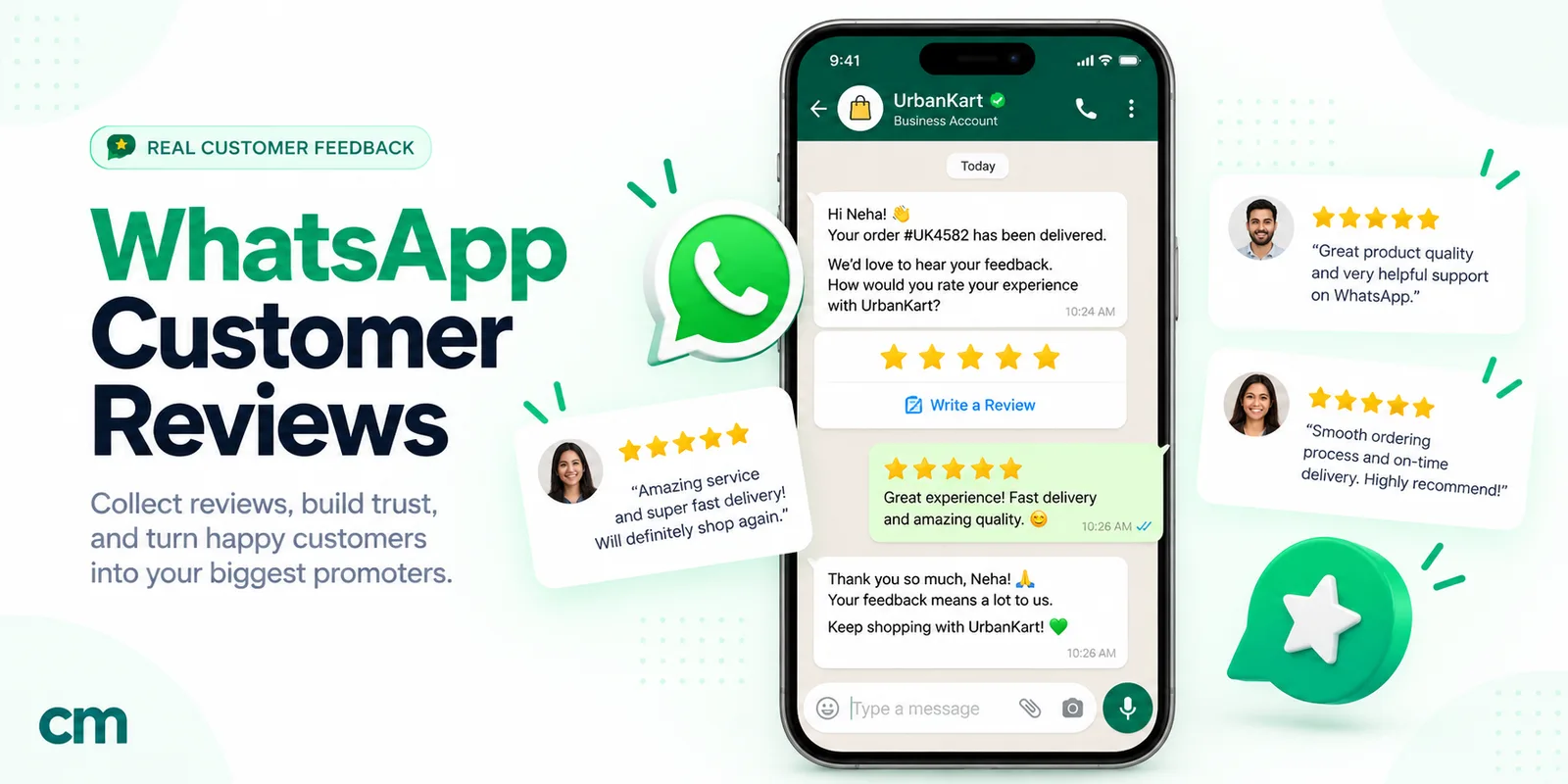
| Delivery + 5–14 days | Review request | Time after delivery, no open complaint | Utility if order-specific with no incentive; marketing with an incentive | Turn happy customers into public proof |
| Delivery + 10–21 days | One relevant cross-sell | Category bought, no open complaint | Marketing | Suggest the thing that completes the purchase |
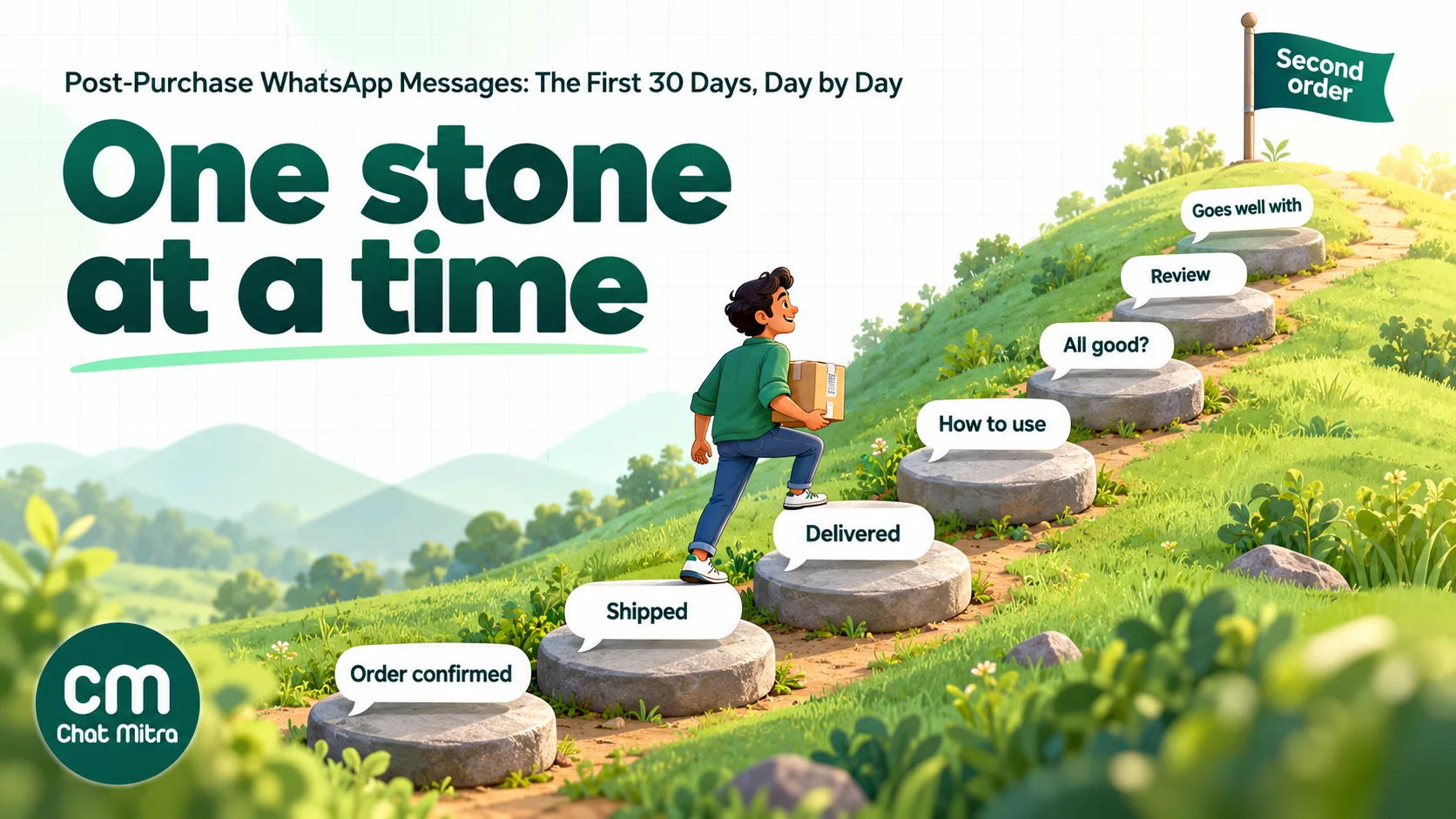
A few notes on the map:
- You don’t need every row. A store with fast metro delivery can merge “shipped” and “out for delivery”. A store without courier delivery scans can time the how-to message from the shipping date plus typical transit days.
- The check-in is the most underrated message. “Has your order arrived in good condition?” gives unhappy customers a private place to complain. Meta’s own utility example for feedback surveys is close to it: “We have delivered your order {{order_number}}! Please let us know if there was any issue by reaching out below.”
- Order and timing are deliberate. Help comes before the review request, and the review request before any promotion. Asking a customer to buy more before they’ve even used the product feels pushy, and it’s when complaints spike.
Sample messages for the “help” and “grow” steps
The order and shipping templates are covered elsewhere. These are the steps most stores skip. Brand names are made up. Replace {{1}}, {{2}} and so on with your variables.
How to use (utility if it’s only about the item bought):
Hi {{1}}, your {{2}} from order {{3}} has been delivered. Here’s how to get the best from it: {{4}}. The full care guide and warranty details are at the link below. [Care guide]
Check-in (utility, order-specific):
Hi {{1}}, did order {{2}} arrive in good condition? If anything’s missing, damaged or not right, reply here and our team will sort it out. [All good] [Something’s wrong]
Review request (utility if order-specific and with no reward):
Hi {{1}}, you’ve had your {{2}} for a week now. How is it working for you? Your review helps other customers choose. [Rate it]
Cross-sell (marketing):
Hi {{1}}, customers who bought the Kesari cotton kurta often pair it with our hand-block-printed dupattas. Here are three that match the colour you chose. [See the dupattas]
The how-to step mirrors one of Meta’s own utility examples, a warranty message: “Thank you for your purchase of {{product}}. Your warranty is active as of {{date}}. Our {{product manuals}} are below, for your reference.” Adding “and check out our new range” to it would make it marketing.
One order, start to finish
Here’s how the map plays out for one made-up order. Ananya in Indore buys a ₹1,150 vitamin C serum and sunscreen from a skincare brand, paying cash on delivery. She ticked “Send my order updates on WhatsApp” at checkout, but not the box for offers.
- Day 0, 9:42 pm. A COD confirmation arrives a minute after checkout: order number, items, total and two buttons. She taps Confirm. The brand packs the order the next morning instead of shipping an unconfirmed COD parcel.
- Day 1. “Your order has shipped” with the courier’s tracking link. She doesn’t need to ask where it is.
- Day 4. “Out for delivery today, please keep ₹1,150 ready.” She’s home, pays and receives it.
- Day 5. A how-to message: patch test on the inner arm first, two drops at night, sunscreen every morning, and a link to the full routine. Nothing to buy.
- Day 9. “Did order 48213 arrive in good condition?” She taps Something’s wrong: the sunscreen cap was cracked. An agent replies within the hour, apologises and ships a replacement. Her contact is tagged
open_issue, so the review request waits. - Day 14. The replacement arrived; the agent removes the tag. A review request follows two days later: “You’ve had your serum for two weeks now. How is it working for you?” She leaves four stars and a comment about the quick replacement.
- Day 21. No cross-sell. She didn’t opt in to offers, so her journey ends with the review. A customer who did opt in would get one message about the brand’s niacinamide toner, which pairs with the serum.
Every message Ananya received was about her own order, so all of them could be approved as utility: six templates at ₹0.115, about ₹0.69 in Meta charges. The one that mattered most was the check-in. Without it, the cracked cap would most likely have become a one-star review or a return.
Utility or marketing: the line that sets your cost
In India, a utility template costs ₹0.115 per delivered message and a marketing template ₹0.8631, about 7.5 times as much. So which side of the line each post-purchase message falls on matters more to your bill than how many messages you send.
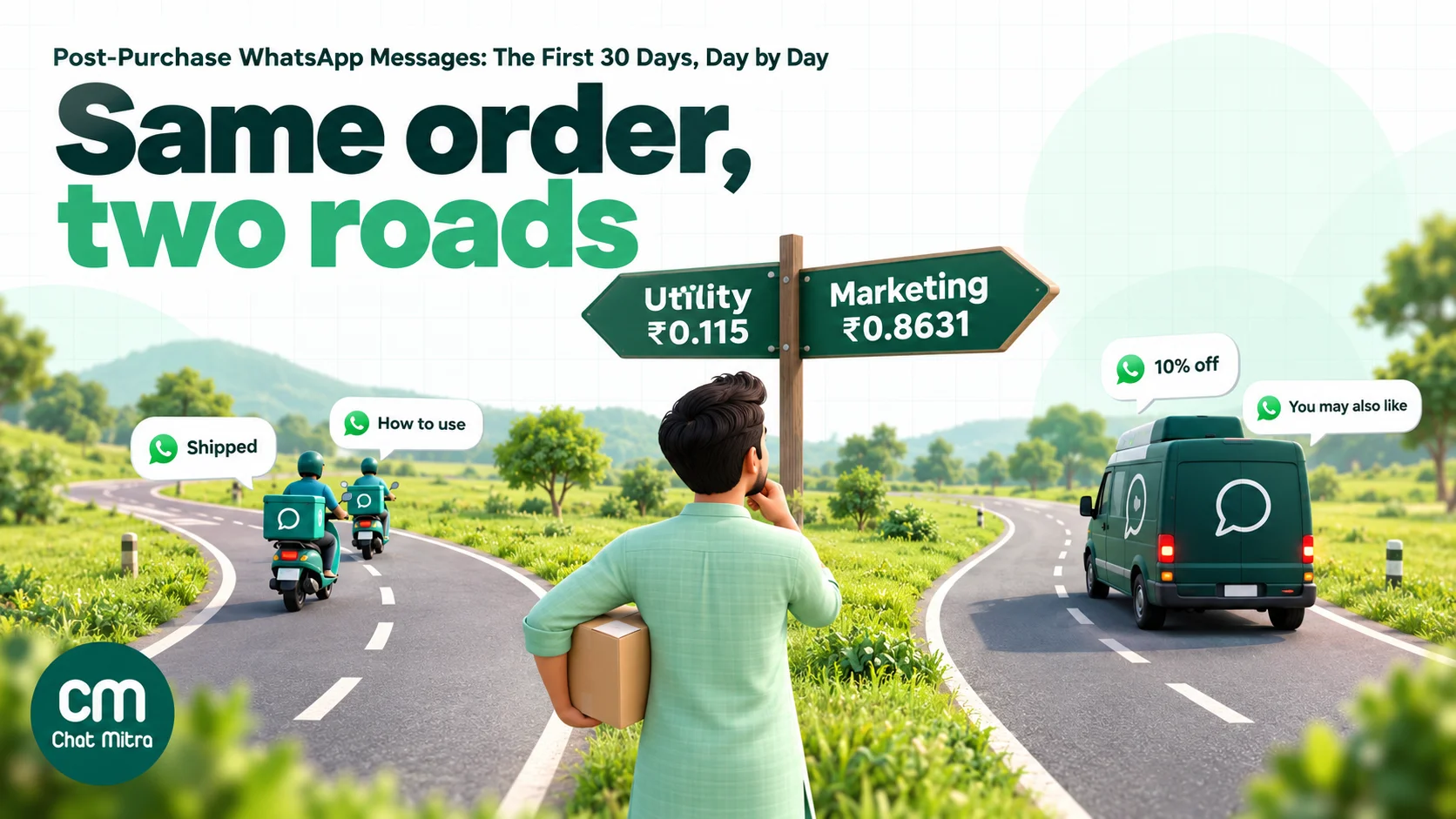
Meta’s template categorization rules say utility templates must be non-promotional and specific to, or requested by, the user. For order management and account updates, Meta adds that they “should not promote, recommend, upsell, or cross-sell products; include offers; or attempt to secure renewals”. For feedback surveys, “a general/generic survey or request for feedback will not be approved as utility”. And a template that mixes utility and marketing, “such as an order update with a promo”, is marketing.
In practice:
| Post-purchase message | Likely category | What would change it |
|---|---|---|
| ”Your order {{1}} is confirmed” | Utility | A coupon or “shop more” button makes it marketing |
| ”Your order has shipped, track it here” | Utility | ”While you wait, see our new arrivals” makes it marketing |
| ”Here’s how to use your {{product}}“ | Utility | Recommending other products makes it marketing |
| ”Did order {{1}} arrive in good condition?” | Utility | A generic “rate our brand” survey risks marketing |
| ”How is your {{product}}? Rate it” | Utility | ”Review and get 10% off” makes it marketing |
| ”Goes well with what you bought” | Marketing | Always marketing |
| ”Time to restock?” | Marketing | Always marketing, even if the customer asked to be reminded |
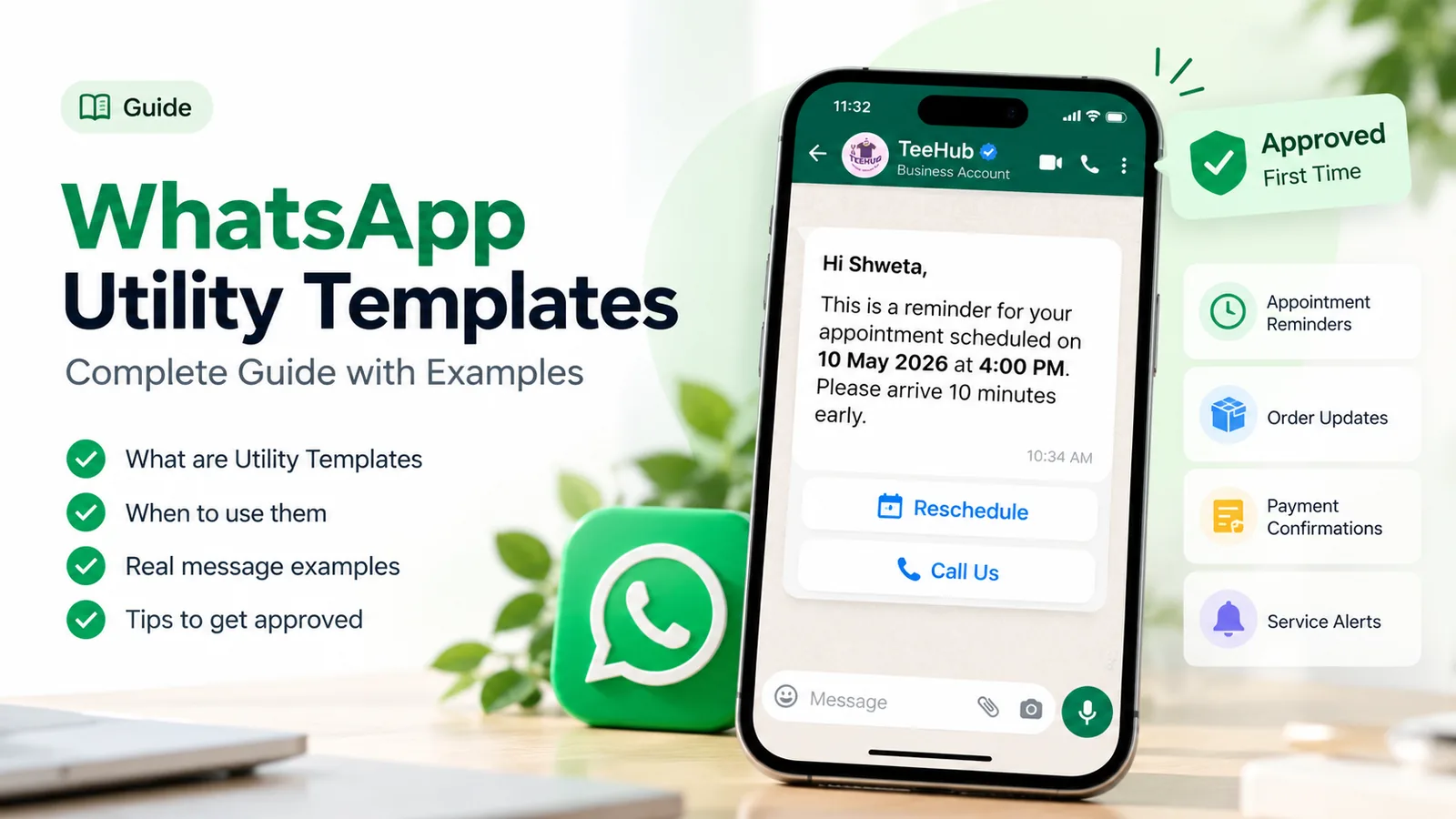
Two cost details changed recently. Since 1 October 2026, Meta again charges for utility templates sent while the customer’s 24-hour service window is open, and for service messages beyond a free 1,000 per number each month. So “send it while they’re chatting, it’s free” no longer applies to utility templates. Our guide to WhatsApp utility templates covers writing them so they’re approved in the right category.
Personalising the journey
The same seven messages shouldn’t go to every customer. The useful differences are about what was bought and how, not just the customer’s first name.
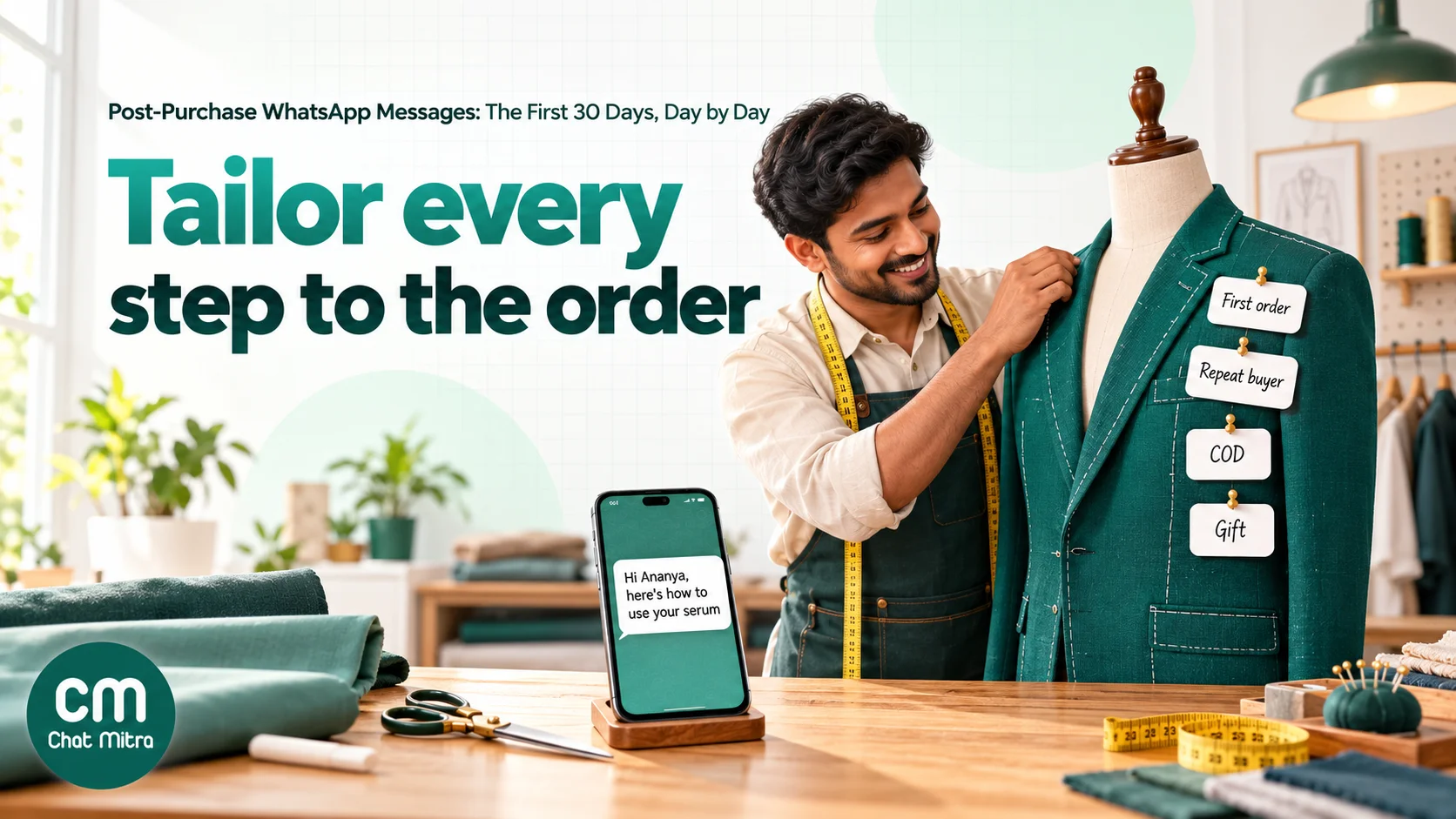
- By product category. Each category has its own help message and its own review timing. A skincare buyer needs “patch test first, apply at night”; an appliance buyer needs installation booking and warranty registration; a clothing buyer needs size-exchange rules.
- First order or repeat order. First-time buyers need reassurance and onboarding. Repeat buyers already know the product, so skip the how-to, thank them for coming back and don’t ask them to review the same item again.
- COD or prepaid. COD orders need confirmation before dispatch and a reminder to keep cash ready on delivery day; failed deliveries are costlier for COD. Our guide to converting COD orders to prepaid and our explainer on RTO in ecommerce cover both.
- Gift orders. If the delivery address differs from the buyer, the “delivered” and how-to messages may belong to the recipient, but you can only message people who opted in. Tell the buyer when the gift is delivered instead.
- Delivery problems. If the customer reported damage, a delay or a missing item, pause the review request and the cross-sell until the issue is closed, and send a short message when it’s fixed.
- Language. If you sell across states, send templates in the language the customer used at checkout or in chat. Get each language version approved separately.
The data has to exist somewhere: the order (category, payment method, gift flag), the customer record (order count, language) and the support inbox (open complaint). The simplest stores keep it as contact tags and fields; larger ones pass it from their order system with each event.
Timing by product type
Review and cross-sell timing should follow first use, not the calendar. These are starting points to test, not rules:
| Product type | How-to or care message | Check-in | Review request | First cross-sell |
|---|---|---|---|---|
| Clothing and footwear | Delivery + 1 day: fit, wash care, exchange window | Delivery + 2–3 days | Delivery + 5–7 days (after first wear) | Delivery + 10–14 days |
| Skincare and haircare | Delivery + 1 day: patch test, routine | Delivery + 4–5 days | Delivery + 10–14 days (results take time) | Delivery + 14–21 days |
| Food, snacks, tea | Delivery + 1 day: storage, recipes | Optional | Delivery + 3–5 days | Delivery + 7–10 days |
| Electronics and gadgets | Delivery + 1 day: setup, warranty registration | Delivery + 3 days | Delivery + 14–21 days | Accessories, delivery + 14–21 days |
| Appliances and furniture | Installation booking, before delivery | After installation | Two to three weeks after installation | Service plans later, as marketing |
| Supplements | Delivery + 1 day: dosage, timing | Delivery + 7 days | Delivery + 14 days | Near the end of the pack, as a reorder |
For durable goods, installation, warranty registration and annual maintenance belong to after-sales service, which our WhatsApp after-sales service guide covers in detail.
How many messages is too many
Utility messages that answer real questions are rarely the problem. The trouble starts when promotions pile up on top of them. Customers who feel spammed block or report the number, and blocks lower your quality rating, which can slow your messaging limit growth or get templates paused.
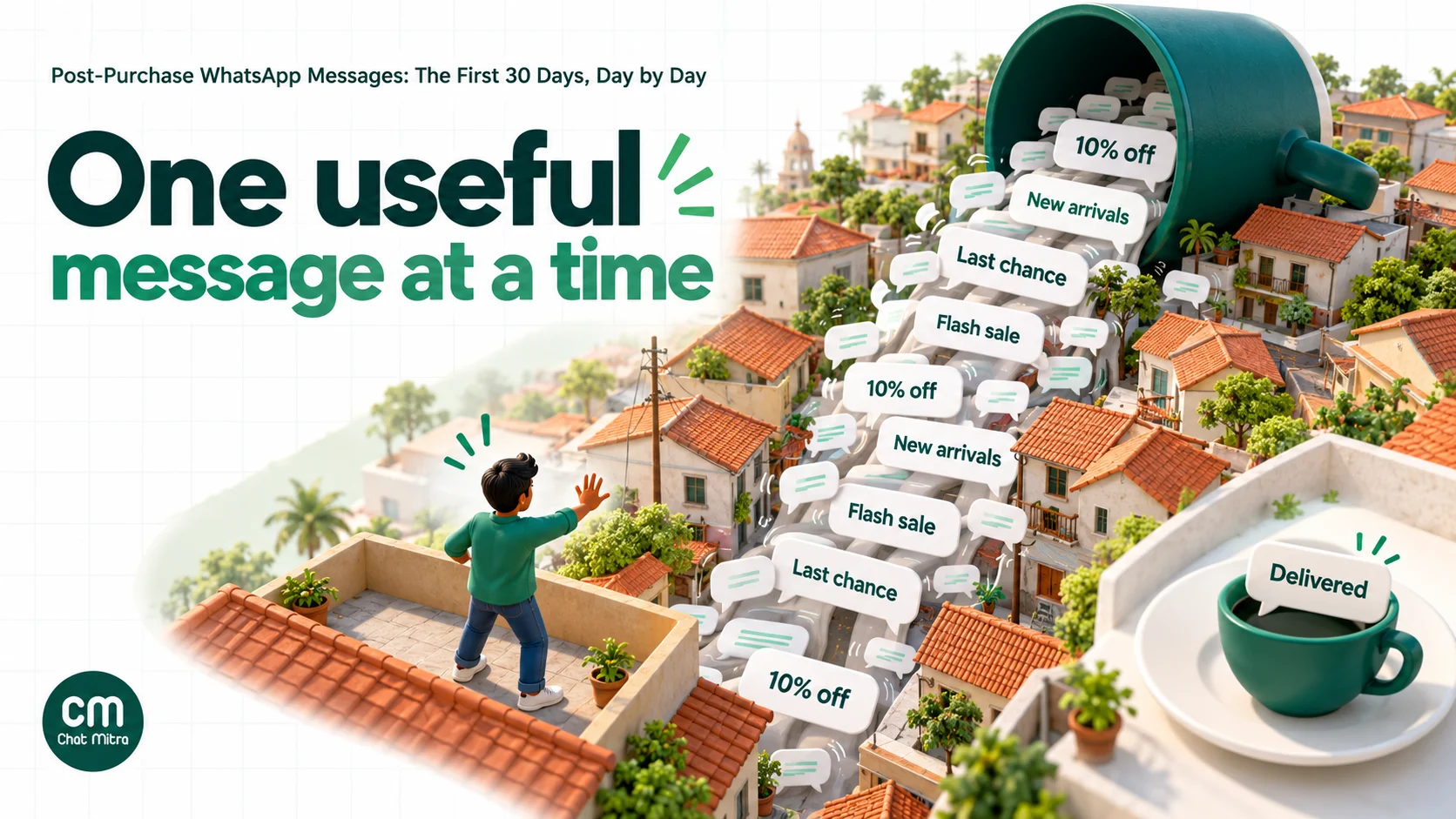
Guardrails worth writing down:
- One job per message, and one message per event. Don’t send “packed”, “shipped”, “in transit” and “reached hub” as four messages. Pick the ones customers act on.
- Cap marketing in the first month. One cross-sell, maybe two. Meta also limits how many marketing messages each person receives from all businesses, based on their engagement; messages held back fail with error 131049 and aren’t charged, but they don’t reach the customer either.
- Suppress during problems. No review requests or promotions while a complaint, return or refund is open.
- Respect opt-outs. A customer who tapped Stop on your marketing messages can still receive order updates, but not cross-sells. Meta returns error 131050 if you try.
- Quiet hours. Send help and promotional messages in daytime. Order confirmations can go immediately, at any hour.
- Get consent for each kind. Opt-in at checkout covers order updates if it says so; ask separately for offers. Our WhatsApp opt-in guide explains Meta’s rules and India’s DPDP Act.
What the first 30 days cost per order
Meta charges per delivered template, by category and the customer’s country. For a prepaid order in India that gets the full sequence:
| Message | Category | Meta charge (India) |
|---|---|---|
| Order confirmed | Utility | ₹0.115 |
| Shipped with tracking | Utility | ₹0.115 |
| Delivered | Utility | ₹0.115 |
| How to use | Utility | ₹0.115 |
| Check-in | Utility | ₹0.115 |
| Review request (no reward) | Utility | ₹0.115 |
| One cross-sell | Marketing | ₹0.8631 |
| Meta total per order | ₹1.553 |
Leave out the check-in and it’s ₹1.438, about ₹1.44. If the customer replies to the check-in, your replies are service messages, and the first 1,000 each month per number are free.
ChatMitra’s fee is ₹0.20 per conversation, charged once per customer per 24 hours, including chats the customer starts. If each message above goes on a different day, that’s seven conversations, or ₹1.40 on Starter. On Pro (₹999 a month), the first 1,000 conversations each month are included. On Enterprise (₹2,499 a month), the ₹0.20 fee doesn’t apply.
So the full journey costs roughly ₹3 per order on Starter, including Meta’s charges. For a ₹1,200 order, that’s a quarter of one percent. The bigger risk isn’t the bill; it’s sending the wrong message at the wrong moment. For Meta’s full rate table, see our WhatsApp cost per message guide.
How to measure the post-purchase journey
Read rates tell you little: order updates are read because people want their parcel. Measure what each stage is supposed to change.
| Stage | Metric | How to read it |
|---|---|---|
| Reassure | COD confirmation rate; cancellations before dispatch | Fewer unconfirmed COD orders shipped means fewer returns |
| Deliver | ”Where is my order?” chats per 100 orders; failed-delivery rate; RTO rate | Should fall after tracking and failed-delivery messages go live |
| Help | Return and refund rate; product-question chats in week one | A good how-to message reduces “it doesn’t work” returns |
| Check-in | Share of problems reported privately vs in public reviews | More private reports, fewer one-star surprises |
| Review | Reviews per 100 delivered orders; average rating | Compare with your rate before WhatsApp requests |
| Grow | Second-order rate within 30, 60 or 90 days | The number the whole journey exists to move |
| All stages | Blocks and marketing opt-outs per 1,000 messages | Rising numbers mean too many or badly timed messages |
To know whether the journey causes second orders, keep a holdout: send the help, check-in and cross-sell steps to most customers but not to a random 10%, and compare their second-order rates after 60 or 90 days. Our WhatsApp A/B testing guide explains how to split a list and read the result. For feedback questions that get honest answers, see how to ask customers for feedback, and for turning happy customers into public ratings, how to ask for Google reviews.
Common mistakes
- Promotions inside order updates. One “use code THANKS10” line turns a ₹0.115 message into a ₹0.8631 one, and Meta can recategorise the template.
- Asking for a review on delivery day. The customer hasn’t used the product yet. Wait for first use.
- Sending the same sequence to everyone. A repeat buyer doesn’t need the how-to again.
- Ignoring the reply. A check-in that nobody reads is worse than none. Make sure “Something’s wrong” reaches a person the same day.
- Cross-selling to unhappy customers. Suppress marketing while a complaint is open.
- Counting reads as success. Measure second orders, returns and blocks.
A post-purchase journey on ChatMitra
ChatMitra runs on the official WhatsApp Business API. It sends the order messages from Shopify automatically and lets you add later steps with Automation.
| ChatMitra advantage | What it means for your journey | How it compares |
|---|---|---|
| ₹0.20 per conversation, never per message | A customer who replies to the check-in and chats about an exchange counts once in 24 hours | Per-message platform fees grow with every reply |
| Eight ready Shopify flows | Order confirmed (prepaid), COD confirmation, shipped with tracking, cancellation, feedback, and three abandoned-cart reminders, each with your approved template | No developer needed for the order stage |
| A delay on every flow | Send shipping messages after a short delay, and feedback anywhere from 2 to 40 days after fulfilment | Time the review request to first use |
| Pending messages cancelled automatically | Cancelling an order cancels its pending shipping and feedback messages; placing an order stops cart reminders | No “how was your order?” after a cancellation |
| Date-based Automation | ”N Days After a Date” on a contact date field, Delay steps and Check Conditions build later steps such as a check-in or cross-sell | Your own sequence beyond the built-in flows |
| Replies land in one team inbox | ”Something’s wrong” replies reach your agents in live chat inside the 24-hour window | One place for order questions |
| Meta’s rates at cost | You pay Meta’s India rates shown above, with nothing added | Check whether a provider marks up Meta’s price |
How to set it up:
- Connect Shopify and get your order templates approved as utility: order confirmed, COD confirmation, shipped with
$OrderTrackingUrl, cancelled and a feedback request. - Turn on the flows and choose a template for each. Set the feedback delay to your product’s first-use time, for example 7 days for clothing or 14 for skincare.
- Add the help and check-in steps with Automation. Store a date on each contact, such as
last_order_date, from an import or your order system, then use the “N Days After a Date” trigger with a Send Template step. Add Check Conditions so customers tagged with an open complaint are skipped. - Send the cross-sell as a campaign to customers tagged by what they bought, excluding the tags for open complaints and marketing opt-outs.
- Answer replies from the live chat inbox, and tag customers who report a problem so later steps skip them.
Good to know:
- There’s no “delivered” event from Shopify; the shipped message goes on fulfilment. Time the how-to and check-in steps from the fulfilment date.
- The feedback flow runs from fulfilment, not delivery, so add your typical transit days to the delay.
- Shopify flows tag contacts by event (for example
order_confirmed), but don’t store order count, last order date or products on the contact. First-time vs repeat logic needs that data imported or sent by webhook. - Button replies on the COD confirmation reach your inbox; confirm or cancel the order in Shopify yourself.
- Reorder reminders aren’t a built-in Shopify flow yet; build them with Automation and a date field.
- Contacts who opted out of marketing aren’t skipped automatically; tag them and exclude the tag from campaigns.
- WooCommerce isn’t connected directly; use the Automation Incoming Webhook from your store or a connector. Automation and webhooks depend on your plan; check the pricing page.
For the setup steps, see our Shopify integration page.
Where to start
Don’t build all nine steps at once. Start with the three messages customers already expect: order confirmed (or COD confirmation), shipped with tracking, and a feedback request timed to first use. Get them approved as utility with no offers. After a month, add the check-in, then a single cross-sell to customers who were happy, with 10% held back. Compare second-order rates after 60 days. Keep what moves the number, and drop what only adds messages.
Sources: Meta for Developers: Template categorization, Pricing, Per-user marketing limits, Error codes, Messaging limits. All checked 22 October 2026.