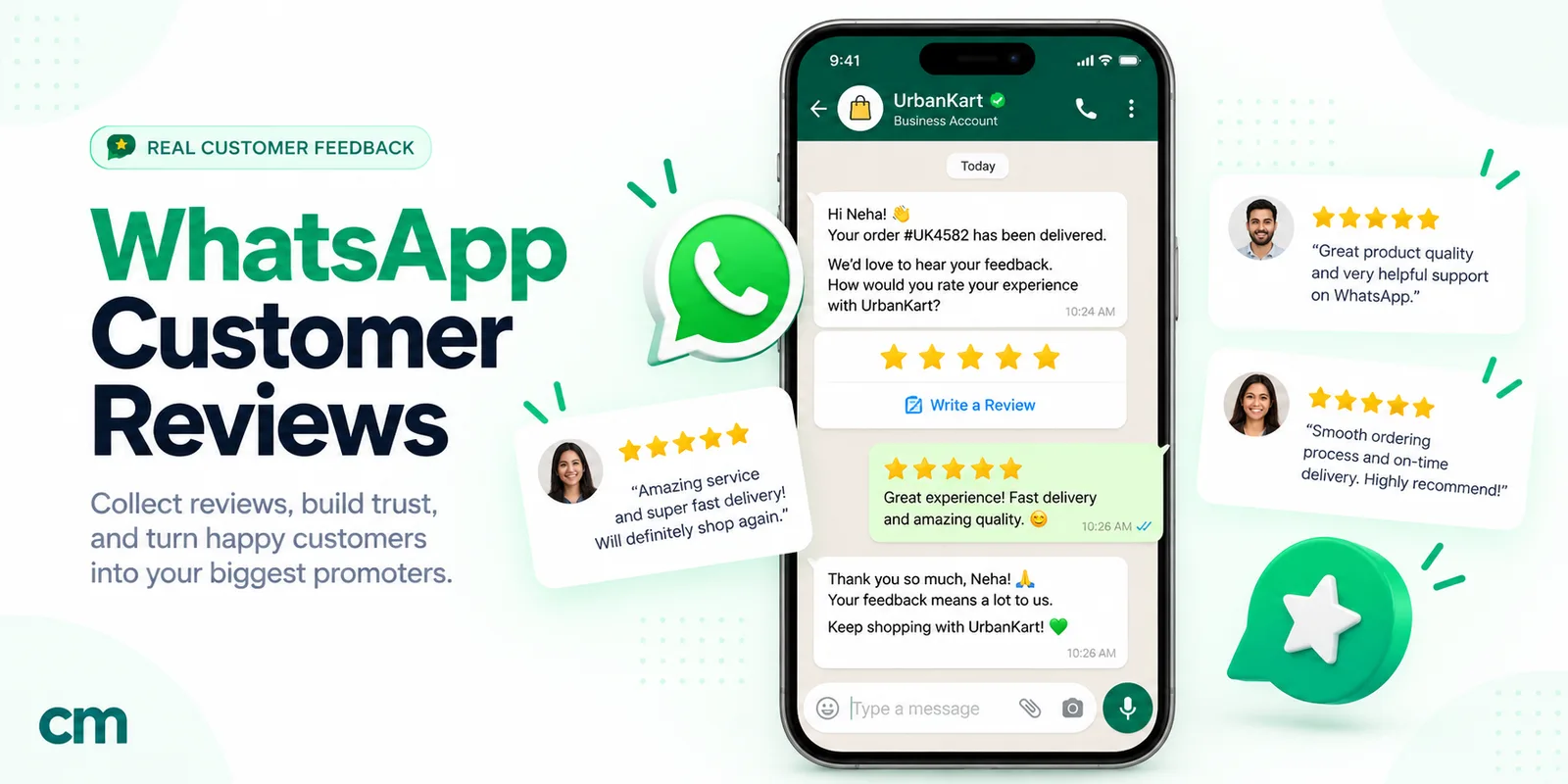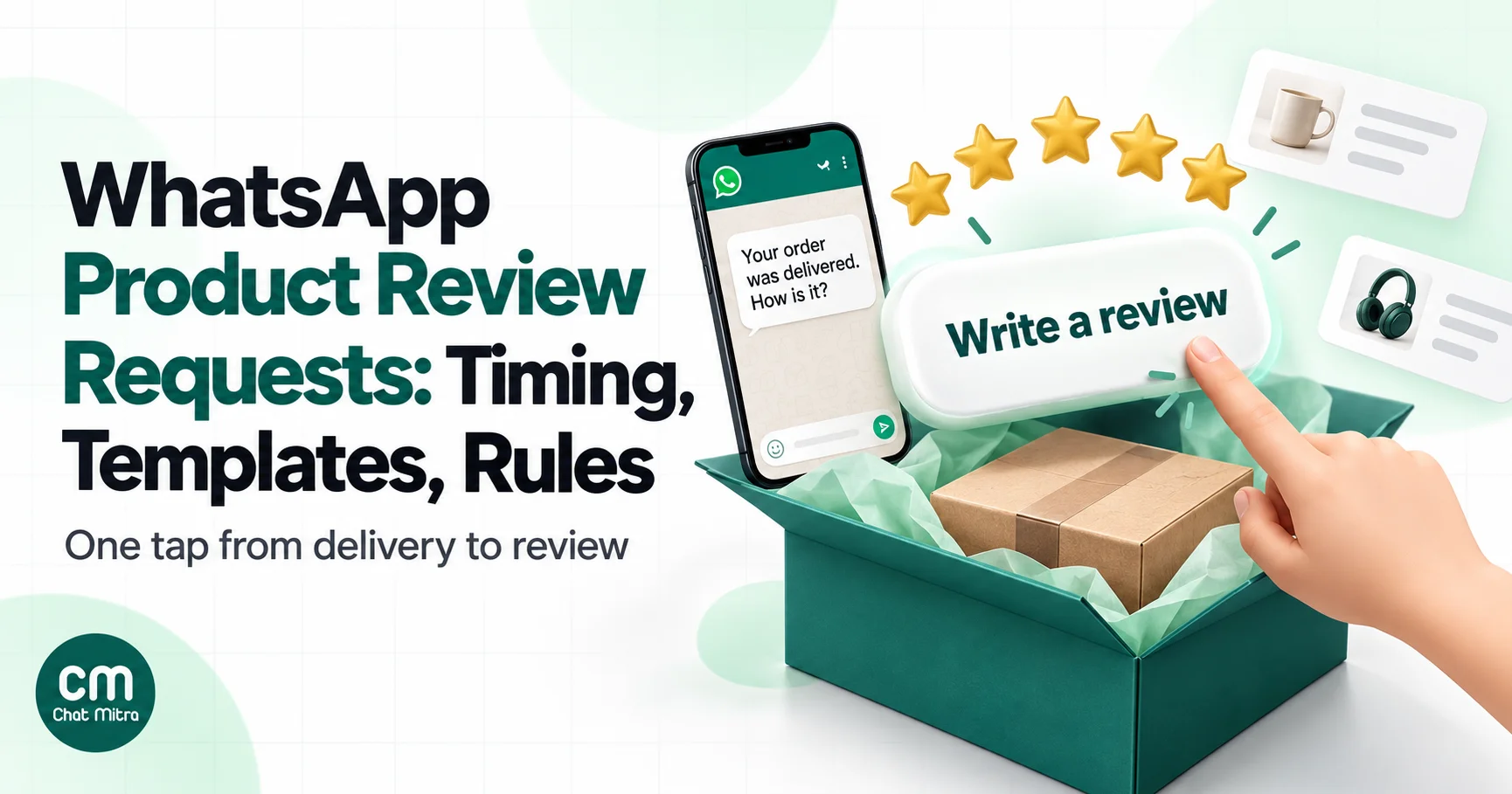
A WhatsApp product review request is a message sent after an order arrives that asks the customer to rate and review what they bought. It usually carries a button that opens the product’s review form. Done well, it gets more reviews than email because people read WhatsApp. Done badly, it annoys customers, costs more than it should and can break review rules.
This guide is for online stores selling physical products, especially on Shopify. It covers when to ask for each type of product, how to word the request so Meta treats it as a cheaper utility message, the three ways to get a WhatsApp-collected review into your review app, photo reviews, complaints, the rules on incentives, and what a month of requests costs. For Google Business reviews of a shop, clinic or restaurant, see our guide to asking for Google reviews; for private satisfaction surveys, our guide to asking customers for feedback.
Using ChatMitra? The Shopify app sends a feedback message 2 to 40 days after an order is fulfilled, with the customer’s name and order number and a URL button. For per-product review links, call ChatMitra’s API from your review app or store automation with a dynamic URL button. ChatMitra’s fee is ₹0.20 per conversation, not per message. Jump to Review requests on ChatMitra.
Why ask for product reviews on WhatsApp
Most stores already send review requests by email, and most review apps do this automatically. WhatsApp adds three things:
- It gets read. The request arrives in the same app as the customer’s order updates, not in a promotions folder.
- It’s two-way. A customer who had a problem can reply to the same message, and you can fix it before it turns into a one-star review.
- Photos are easy. Customers already send photos on WhatsApp every day, so asking “send us a picture of it in use” feels natural.
It also adds limits that email doesn’t have. Each WhatsApp request to a customer who hasn’t messaged you recently must be an approved template, Meta charges for each delivered template, and you need the customer’s opt-in to message them on WhatsApp at all. For most stores the right setup is both channels: WhatsApp first for customers who opted in, email as the fallback and reminder.
The pattern that works: one message, two paths
The cleanest review request does two jobs at once, and it treats every customer the same way:
- It checks the order went well. A quick-reply button such as “Had a problem” lets anyone who isn’t happy reach your team privately.
- It offers the review link to everyone. A URL button such as “Write a review” opens the product’s review form, whether the customer is delighted or not.
What you must not do is send the review link only to customers who tapped “Loved it”. That’s review gating. Google’s content policy forbids selectively asking satisfied customers for reviews, and US FTC staff say the practice could violate the FTC Act (our Google reviews guide covers both rules in detail). It also leaves you with a rating that doesn’t predict the product’s quality, which hurts conversion once shoppers notice that every review is five stars.
A template like this does both jobs:
Hi Priya, your order #5127 was delivered on 12 May. How is the linen kurta working out? You can review it here, or tap “Had a problem” if something isn’t right and we’ll fix it. [Write a review] [Had a problem]
When to ask: timing by product type
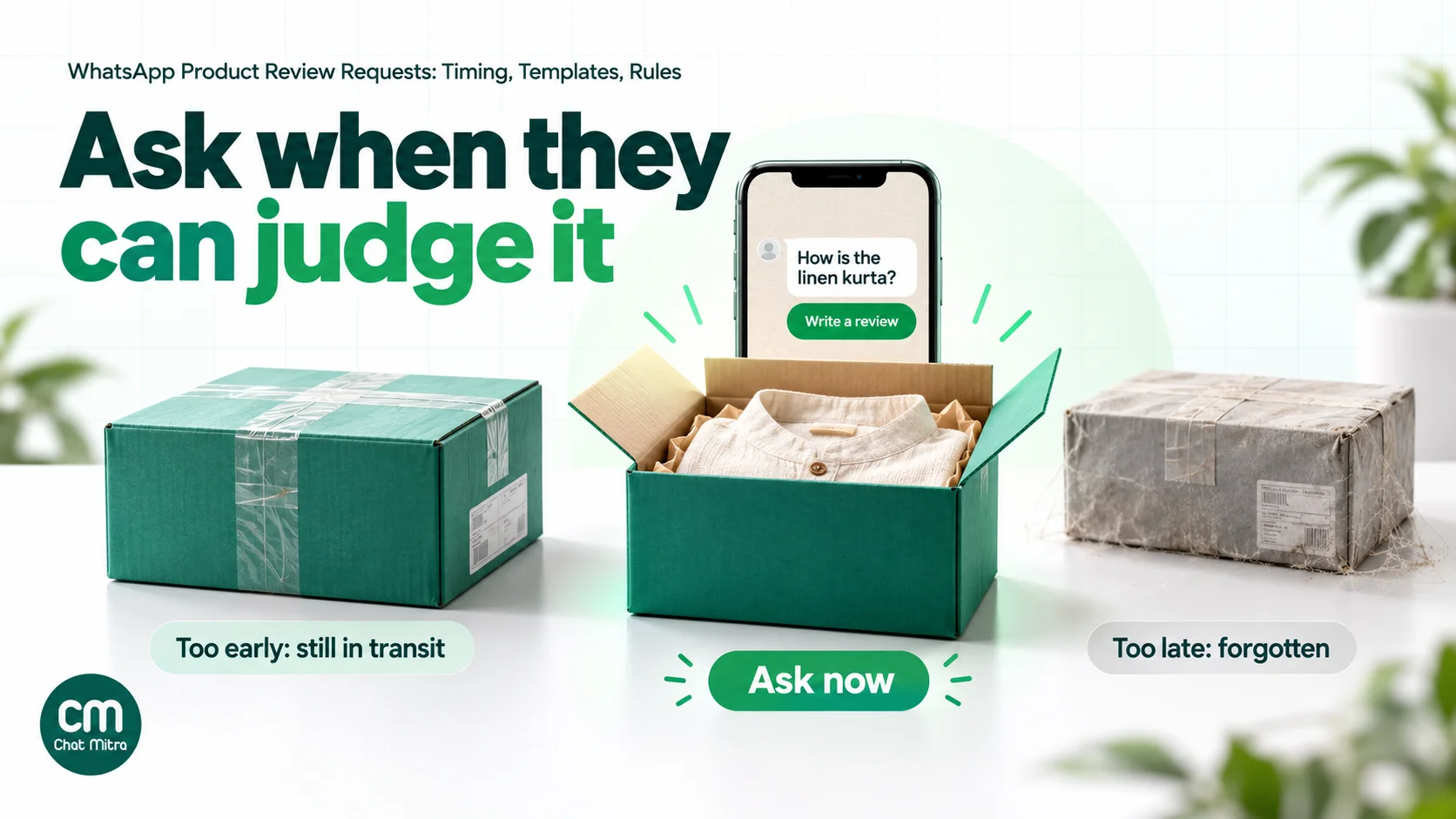
The best moment to ask is just after the customer has formed an opinion of the product and before they’ve forgotten about the order. That depends on how long the product takes to judge.
| Product type | Judged by | Ask after delivery | Reminder (once) |
|---|---|---|---|
| Clothing, shoes, bags | Fit and look on arrival | 3–7 days | 5 days later |
| Accessories, phone cases | Look and fit | 3–5 days | 5 days later |
| Packaged food, coffee, snacks | Taste on first use | 3–7 days | 4 days later |
| Gadgets, small appliances | A week or two of use | 10–14 days | 7 days later |
| Furniture, home goods | Assembly and use | 7–14 days | 7 days later |
| Skincare, haircare | Visible results | 14–28 days | 7 days later |
| Supplements, wellness | Results over weeks | 21–30 days | 7 days later |
These windows are reasoning from how each product is used, not measured benchmarks. Judge.me, a widely used Shopify review app, starts review requests on fulfilment by default and lets merchants set separate timing schedules for different products, which is the right idea. Test two timings for your biggest product line and keep the one that gets more reviews.
Time from delivery, not dispatch. A request that arrives while the parcel is still in transit asks the customer to review something they haven’t seen. If your platform only knows the fulfilment (dispatch) date, add your typical delivery time for the destination to the delay. For a store shipping across India, that might mean adding 3 to 6 days for metro deliveries and more for remote pin codes.
Skip orders that went wrong. Cancel the request if the order was cancelled, returned or refunded, or if the customer has an open complaint.
Ask once, remind once. One reminder to customers who didn’t respond is reasonable. More than that turns a helpful request into nagging.
Utility or marketing: word it so it stays cheap
Meta charges per delivered template, by category. In India a utility template costs ₹0.115 and a marketing template ₹0.8631. Meta’s template categorization guidelines put feedback surveys in the utility category when they collect feedback “on previous orders, transactions, or engagements”, and they add that “a general/generic survey or request for feedback will not be approved as utility”. Mixed content, such as a feedback request with promotional content, counts as marketing.
For a review request, that means:
| Wording | Likely category | Why |
|---|---|---|
| ”Your order #5127 was delivered on 12 May. How is the linen kurta? [Write a review]“ | Utility | Specific order, no offer |
| ”How was your recent order #5127? Tell us here.” | Utility | Specific order |
| ”We’d love your review! [Review us]” sent to all customers | Not utility | Generic request |
| ”Review your order and get 10% off your next one” | Marketing | Offer attached |
| ”Loved it? Leave a review and see our new arrivals [Shop]“ | Marketing | Promotion and a shop button |
| ”Review your order to earn 50 loyalty points” | Marketing | Incentive is promotional content |
Since 9 April 2025, if you submit a template as utility and Meta decides it’s marketing, Meta approves it as marketing instead of rejecting it, so check the category the template ends up with before you rely on the lower price. Our WhatsApp utility templates guide explains the wording rules more broadly.
Getting the review into your review app
This is where most WhatsApp review guides stop, and where most of the work is. A review only helps sales if it appears on your product page, which means it has to reach your review app (Judge.me, Loox, Yotpo, Okendo, Shopify’s own review blocks or your theme’s review system). There are three routes.
| Route | How it works | Strengths | Watch out for |
|---|---|---|---|
| 1. Link to the review form | The URL button opens the product page’s review section or the review app’s “write a review” page | Simple; the review goes straight into the app | A generic link makes customers find the product themselves; reviews may not be marked as verified unless the app can match the customer |
| 2. The review app’s WhatsApp integration | The review app (or a WhatsApp tool it integrates with) sends the request and collects the rating inside the chat, then pushes it to the app | Fewest taps; reviews stay tied to the order | You’re tied to the tools on your review app’s integration list; check the plan each tool requires |
| 3. Your WhatsApp tool’s API with a per-product link | Your review app or store automation calls your WhatsApp provider’s API and fills a dynamic URL button with the product’s review link | Per-product links from any review app that exposes them | Needs a developer or an automation tool that can make HTTP requests |
A few practical notes:
- Per-product links matter. A button that lands on the right product’s review form gets far more reviews than a link to your home page. WhatsApp templates allow URL buttons with a variable at the end (for example
https://yourstore.com/products/{{1}}, where the variable is the product’s handle), so one approved template can point every customer to their own product. If your review app has its own per-product review links, use those instead. - Multi-item orders. Ask about the main item, or the most expensive one, rather than listing every product. One clear question beats five.
- Verified badges. Most review apps mark a review as verified when it comes from their own request flow or matches an order. Reviews typed into a WhatsApp chat and copied in later usually can’t carry that badge, which is a good reason to use route 1, 2 or 3 instead.
- Email still has a job. Review apps send their own email requests by default. Decide which channel goes first, and delay or turn off the email for customers who were already asked on WhatsApp so nobody gets two requests for the same order.
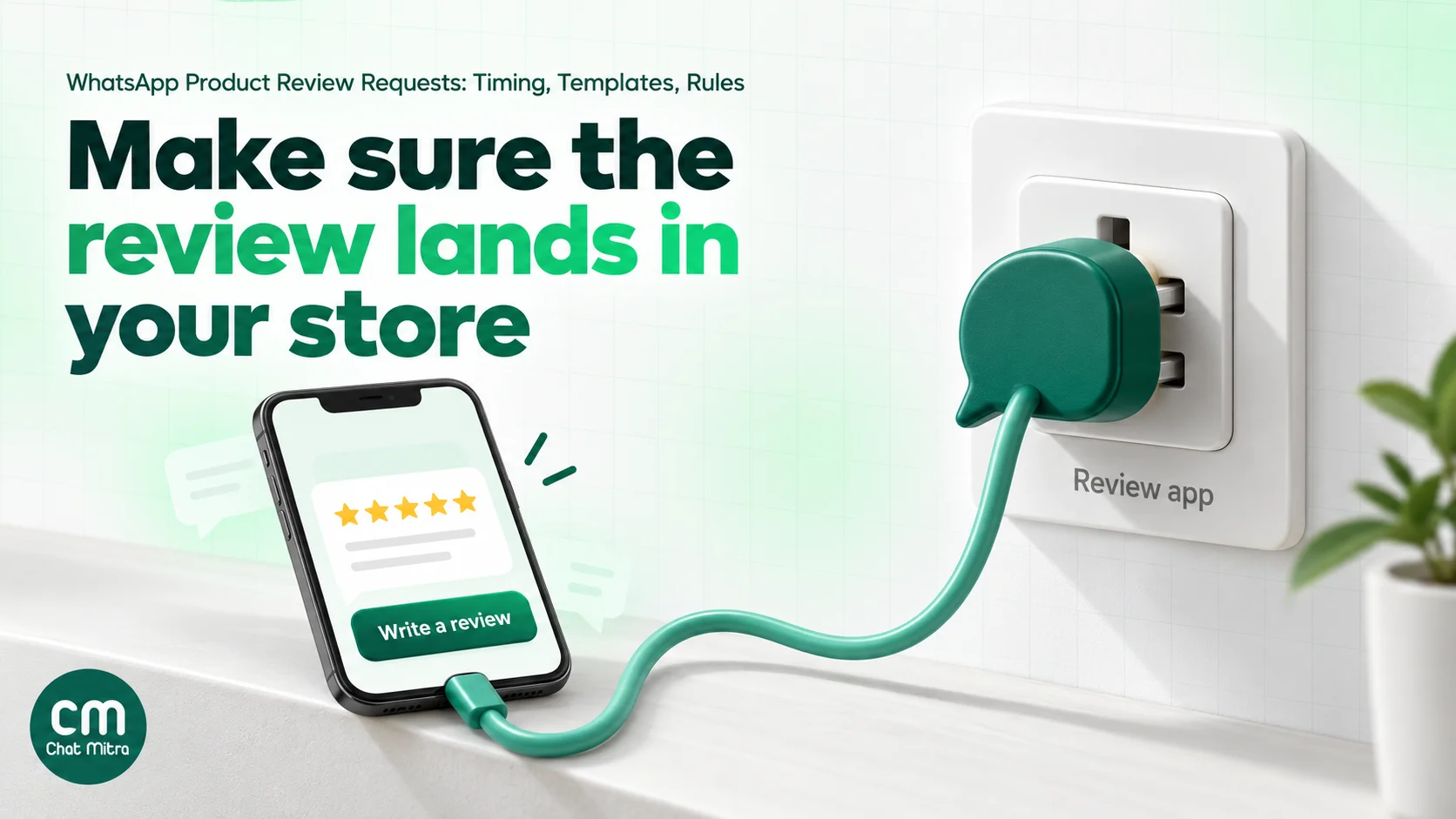
Photo and video reviews by WhatsApp reply
Photo reviews are where WhatsApp is strongest. Customers who would never upload an image through a web form will happily send one in a chat.
Two ways to collect them:
- Ask for the photo in the review form. If your review app supports photo uploads, the URL button already covers it. Add a line such as “Photos help other shoppers” to the template.
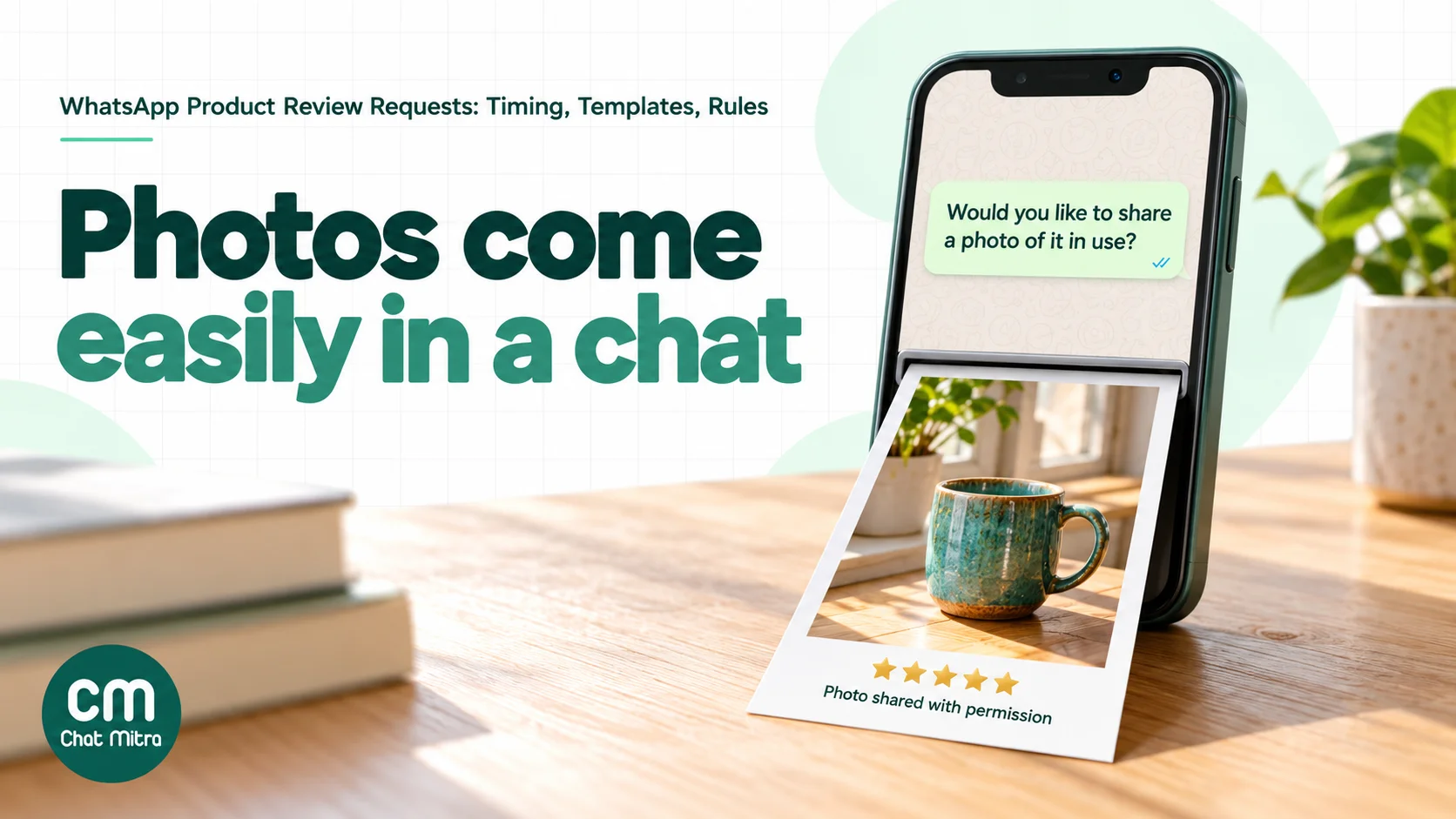
- Ask for a reply. After a customer has left a review or replied positively, send a free-form message inside the 24-hour customer service window: “Would you like to share a photo of it in use? Just send it here.” Messages inside that window are service messages, and Meta gives every business number 1,000 free service messages a month.
Before you publish a photo that came in by chat:
- Get permission in writing. “Can we show this photo with your review on our website?” and a clear “yes” in the chat.
- Check what’s in the frame. Faces, children, addresses on parcels and house numbers should be cropped or left out.
- Save the file promptly. Download photos you want to keep rather than relying on the chat history.
- Add it to the right review in your review app, following the app’s instructions for adding media.
Eight review request messages you can adapt
Each one names the order and, where possible, the product. Swap in your brand’s tone.
1. Standard request (utility)
Hi {{1}}, your order {{2}} was delivered on {{3}}. How is the {{4}}? Your review helps other shoppers choose. [Write a review] [Had a problem]
2. Results-based product (utility)
Hi {{1}}, it’s been about three weeks since your {{2}} arrived (order {{3}}). Have you noticed a difference? Tell other customers what you think. [Write a review]
3. Short version (utility)
{{1}}, how did we do with order {{2}}? Rate your {{3}} in under a minute. [Rate it]
4. One reminder (utility)
Hi {{1}}, a quick reminder about your order {{2}}. If you have a minute, other shoppers would value your review of the {{3}}. [Write a review]
5. Multi-item order (utility)
Hi {{1}}, your order {{2}} with the {{3}} and more arrived on {{4}}. Start with the {{3}}: how is it? [Write a review]
6. Photo request (service message, after a positive reply)
Thank you, Priya! Would you like to share a photo of the kurta? Just send it here, and tell us if we can show it with your review on our website.
7. Reply to “Had a problem” (service message)
Sorry to hear that, Priya. Can you tell us what went wrong, with a photo if it helps? A member of our team will reply within a few hours.
8. Thank-you after a review (service message)
Thanks for reviewing the kurta, Priya. We read every review and pass the comments on to our design team.
Templates 1 to 5 must be submitted for approval. Messages 6 to 8 are free-form replies inside the customer’s 24-hour window, so they don’t need a template.
When a customer reports a problem
A “Had a problem” tap is worth more than most five-star reviews: it’s a chance to fix an issue before it becomes a public complaint.
- Answer fast. The customer has just told you something went wrong, inside a chat where they expect a reply. Same-day answers matter.
- Fix first, ask later. Replace, refund or explain. Don’t ask for a review in the same breath as an apology.
- Don’t take the review link away. The customer already has it from the original message. Never ask them to delete or change a review, and never offer anything in exchange for doing so.
- Feed it back. Tag recurring issues (size runs small, packaging leaks, late delivery) and share them with whoever can fix them.
Incentives and the rules
Review rules exist because paid and filtered reviews mislead shoppers. A short summary for stores (not legal advice):
- India. The Consumer Protection (E-Commerce) Rules, 2020 prohibit sellers from falsely representing themselves as consumers or posting deceptive reviews about their own products. The Bureau of Indian Standards’ IS 19000:2022 standard on online consumer reviews, launched with the Department of Consumer Affairs in November 2022, sets principles for collecting, moderating and publishing reviews, including verifying the review author. It is voluntary for now; the government said that once made mandatory, violations may be treated as an unfair trade practice.
- United States. The FTC’s rule on consumer reviews bans rewards that depend on the review being positive or negative, and FTC staff warn that undisclosed incentives can violate the FTC Act.
- Google. For Google reviews, any incentive is banned. Product reviews on your own site aren’t Google reviews, but if you also ask for Google reviews, keep the two requests separate.
- Marketplaces. Amazon, Flipkart and other marketplaces have their own rules about contacting buyers and asking for reviews. Read them before messaging marketplace customers.
The practical rule for WhatsApp: ask everyone, don’t script what they say, and if you offer anything, offer it for any honest review, say so in the request, and accept that the template will be marketing.
What review requests cost: a worked example
A Shopify store with 2,000 delivered orders a month, all opted in, sends:
| Message | Category | Sent | Meta cost |
|---|---|---|---|
| Review request (template 1) | Utility | 2,000 | ₹230.00 |
| One reminder to non-responders | Utility | 1,200 | ₹138.00 |
| Photo requests and complaint replies | Service (in window) | about 700 | ₹0 within the 1,000 free service messages |
| Total | ₹368.00 |
Rates are Meta’s India rates (₹0.115 per utility template). If your other chats already use up the 1,000 free service messages, add ₹0.115 for each extra one.
Platform fee. On ChatMitra Pro (₹999 a month including 1,000 conversations), the 3,200 templates reach customers on different days, so that’s 3,200 conversations. Replies on the same day add nothing, because the fee is once per customer per 24 hours. Fee: ₹999 + 2,200 × ₹0.20 = ₹1,439.
Total: ₹368 + ₹1,439 = ₹1,807 a month, about ₹0.90 per order. If, say, 10% of those orders produce a published review, that’s 200 reviews at about ₹9 each. Your own response rate will differ; measure it for a month before deciding.
If Meta categorises the request as marketing instead, the 3,200 templates cost ₹2,761.92 at ₹0.8631, which is why the wording section above matters.
How to measure your review requests
| Metric | How to calculate | What it tells you |
|---|---|---|
| Review rate | Reviews published ÷ requests delivered | Overall effectiveness; compare with your email requests |
| Photo share | Reviews with photos ÷ reviews | Whether the photo ask works |
| Average rating, WhatsApp vs email | Compare by channel | A big gap can mean one channel is reaching a different set of customers |
| ”Had a problem” rate | Problem taps ÷ requests delivered | Early warning on product or delivery issues, by product |
| Time to review | Days from delivery to review | Whether your timing is right for each product |
| Blocks and “stop” replies | Per 1,000 requests | Whether customers find the request intrusive |
Review apps show reviews by source in their dashboards; your WhatsApp tool shows delivered, read and button replies. Put the two side by side each month.
Examples by store type
- Fashion and footwear: ask 3 to 5 days after delivery, and ask about fit (“true to size, runs small or runs large?”) in the review form. Fit comments are what the next shopper reads first, and they also reduce returns.
- Beauty and skincare: two requests make sense, both utility. A first-week check (“any irritation or questions about how to use it?”) goes to everyone, and the review request about three weeks later, when results are visible. Before-and-after photos need explicit consent and must not imply medical claims.
- Food and beverages: ask within a week, while the taste is fresh. Ask for a photo of the dish they made with it; these are often the most useful images on the product page.
- Electronics and appliances: wait 10 to 14 days. Ask the customer to mention how they use it (work, travel, gaming), which helps other buyers more than a star rating alone.
- Home and furniture: time it after assembly or installation. A “Had a problem” button is especially valuable here, because damaged or incomplete deliveries are common and fixable.
- Gifts: the buyer often isn’t the user. Ask whether the gift was well received rather than how the product performs, or skip the request for orders marked as gifts.
Troubleshooting: requests that get few reviews
Lots of reads, few reviews. The link probably lands on the wrong page or needs a login. Open it on a phone as a customer would: it should go straight to the review form for that product.
Requests arriving too early. Customers reply “haven’t received it yet”. Increase the delay, or base it on delivery data rather than dispatch.
Template keeps being categorised as marketing. Remove anything that sounds promotional: “shop again”, “new arrivals”, “exclusive”, discount codes or loyalty points. Name the order and the product.
Customers get two requests. Your review app’s emails and your WhatsApp requests are both running on the same trigger. Push the email back by several days or use it only as a reminder.
Mostly negative replies. That’s a product or delivery issue showing up early, not a messaging problem. Tag the replies by cause and fix the biggest one first.
Many failed sends. Check that phone numbers include the country code, that customers opted in to WhatsApp, and whether marketing-categorised requests are failing to US numbers, which don’t receive marketing templates.
Common mistakes
- Asking before the parcel arrives. Delay from delivery, not from order or dispatch.
- Linking to the home page. Every extra tap loses reviewers; link to the product’s review form.
- Gating the link. Give the review link to everyone, not just people who said they were happy.
- Adding a discount to a utility template. It becomes marketing at more than seven times the price.
- Double-asking. WhatsApp and email requests for the same order on the same day.
- Publishing chat photos without consent. Ask, and crop out faces and addresses.
- Ignoring the problem replies. An unanswered complaint in a review request is worse than no request.
- Asking too often. One request and one reminder per order, and none for customers with an open complaint.
Review requests on ChatMitra
ChatMitra runs on the official WhatsApp Business API and has a Shopify app. Here’s how it handles review requests, and where you’ll pair it with your review app.
| ChatMitra advantage | What it means for review requests | How it compares |
|---|---|---|
| ₹0.20 per conversation, never per message | A customer who reviews, sends a photo and chats about it counts once for 24 hours | Per-message fees grow with every photo and reply |
| Shopify feedback flow | Sends your feedback template 2 to 40 days after fulfilment (3 days by default) with the customer’s name and order number, and cancels it if the order is cancelled | No separate app needed for order-level requests |
| Templates with quick replies and URL buttons | Combine “Write a review” and “Had a problem” in one template; URL buttons can take a variable at the end for per-product links | One template for every product |
| Keyword triggers on button replies | An Automation can react to a “Had a problem” tap, for example by adding a “review-issue” tag | Problem replies don’t get lost |
| Photos in the team inbox | Customer photos and videos appear in the chat and can be downloaded | No separate upload tool |
| Developer API (paid plans) | Your review app, Shopify Flow or own code can send the request with a per-product link | Works with any review app that exposes review links |
| Unlimited team members | Everyone who answers complaints works from one inbox | Per-seat pricing gets expensive as support grows |
How to set it up:
- Create the template. In ChatMitra’s template builder, write a request like template 1, add a URL button (“Write a review”) and a quick-reply button (“Had a problem”), and submit it as utility with no offer.
- For order-level requests, use the Shopify flow. Turn on the feedback flow in the Shopify app, choose your template, map the customer name and order number, and set the delay to your typical delivery time plus the “ask after delivery” days for your main product type. The flow’s URL button is a fixed link, so point it at a page that lists recent purchases or your review page.
- For per-product links, use the API. Have your review app, Shopify Flow or a developer call ChatMitra’s API when a review request is due, passing the product’s review path as the URL button variable.
- Catch problems. Create an Automation with a keyword trigger on the button text “Had a problem” that adds a tag, and check that tag’s chats every day.
- Avoid double requests. Delay your review app’s email request by a few days for customers who were asked on WhatsApp, or send it only as a reminder.
- Collect photos. When a customer replies positively, ask for a photo in the chat; download the ones you have permission to use and add them in your review app.
Good to know:
- ChatMitra doesn’t integrate directly with Judge.me, Loox, Yotpo or other review apps, and it doesn’t store ratings. Reviews live in your review app.
- The Shopify feedback flow starts from fulfilment, not delivery, and its variables are the customer’s name, order number, amount and order date; product names and per-product links aren’t available in that flow.
- Refunds don’t cancel a scheduled feedback message; cancellations do.
- There’s no automatic chat assignment. Use tags and a daily check for “Had a problem” replies.
- Shopify, templates and broadcasts are on every plan; Auto Reply, API and webhooks need Pro. See the pricing page and the Shopify integration page.
Where to start
- Write one utility review template with “Write a review” and “Had a problem” buttons, and get it approved.
- Pick your best-selling product type and set its delay from the timing table.
- Turn it on for customers who opted in to WhatsApp, and push your review app’s email request back by a few days.
- After a month, compare review rate, photo share and rating with your email requests, then extend it to the next product type.
For keeping those reviewers coming back, see our WhatsApp customer retention playbook.
Sources
- Meta for Developers: Template categorization, Pricing on the WhatsApp Business Platform, Get opt-in for WhatsApp. All read on 22 October 2026.
- Judge.me Help Center: Collecting reviews using the review request emails (order triggers and per-product timing schedules, read 22 October 2026).
- Vikaspedia (Government of India portal, source PIB): Centre launches framework for safeguarding consumer interest from fake and deceptive reviews (IS 19000:2022).
- Consumer Action Group (CAG): Regulating trust: India's legal response to fake online reviews (Consumer Protection (E-Commerce) Rules, 2020).
- US Federal Trade Commission: Consumer Reviews and Testimonials Rule: Questions and Answers.