To reduce WhatsApp opt-outs, close the gap between what people expected when they signed up and what you send them: state the content and frequency at sign-up, send fewer and more relevant messages, segment by behaviour, and offer a lighter option, such as “Only big sales”, next to a clear way to stop. Then keep the list healthy: honour every opt-out across all your tools, remove numbers WhatsApp can’t reach, and ask long-silent contacts whether they still want to hear from you before you stop sending to them.
A WhatsApp list rarely collapses in one campaign. It wears down. A few people tap Stop after the third sale message in a week. A few more block the number without saying why. And a growing share simply stop reading, while you keep paying for every message delivered to them.
This guide is about that slow decline: why it happens, how to slow it, and how to tell whether your list is getting healthier or worse. It covers the causes of opt-outs, the habits that prevent them, a pruning routine, what a neglected list costs in rupees, and the numbers to track each month.
It doesn’t repeat the mechanics of recording consent and processing opt-out requests. Those are in our WhatsApp opt-in guide, which explains Meta’s opt-in rules, the user_preferences webhook, error 131050 and India’s DPDP Act in detail.
Using ChatMitra?
ChatMitra shows WhatsApp's Stop and Resume events on each contact as OPTED OUT or OPTED IN, and lets you exclude tags from any campaign. A keyword auto-reply rule can tag everyone who types STOP or taps a "Stop offers" or "Only big sales" button, so the next campaign respects their choice. ChatMitra charges ₹0.20 per conversation, never per message. See How ChatMitra helps.
Three ways people leave a WhatsApp list
When customers lose interest, they don’t all leave the same way. The way they leave decides what it costs you.
| How they leave | What you see | What it costs you |
|---|---|---|
| Opt-out: they tap Stop on "Offers and announcements", type STOP, or tap an opt-out button you provided | A Stop tap sends a user_preferences webhook, and later marketing sends fail with error 131050. A typed STOP or button tap is an ordinary message you must act on | One fewer person to market to. No damage to your number |
| Block or report: they block your number, often choosing a reason | No dedicated event. You may see your quality rating fall | Blocks, reports and the reasons given feed Meta's quality assessment of your number |
| Silence: they keep your chat but stop reading | Messages are delivered but never read. Over time, more sends fail with error 131049 | The full marketing rate on every delivered message, plus a weaker read rate |
The order of that table is the order of preference. An opt-out is the polite exit, and it’s the one you should make easiest. WhatsApp’s help centre describes the built-in control: in a business chat, people “Tap Stop, then tap Stop again to confirm” that they no longer want offers and announcements, and they “still get other messages”, such as delivery updates and one-time passwords.
Blocks are different. Meta’s help article on quality rating says the rating is based on messages from the past seven days and “determined by feedback from your customers, such as the reason why they blocked your number”. The reasons a customer can pick are “No longer needed”, “Didn’t sign up”, “Spam”, “Offensive messages” or no reason. Meta’s developer documentation adds reports, mutes and archives to the signals it weighs. Every block that could have been an opt-out is a small loss you didn’t need to take.
Silence is the quietest and the most expensive. It doesn’t hurt your number the way blocks do, but you pay for every message it swallows, and it lowers your read rate, which Meta uses to decide how many marketing messages each person receives.
Why customers opt out
Opt-outs have causes, and most are within your control. When a campaign triggers a spike, it’s usually one of these.
The sign-up didn’t say what was coming. Someone shared their number to track an order, and three days later they’re getting sale announcements. Meta’s policy lets an opt-in be general and collected on another channel, but it must name your business and make clear the person will hear from you. “Get order updates on WhatsApp” is not the same promise as “Get offers on WhatsApp”, and customers notice the difference.
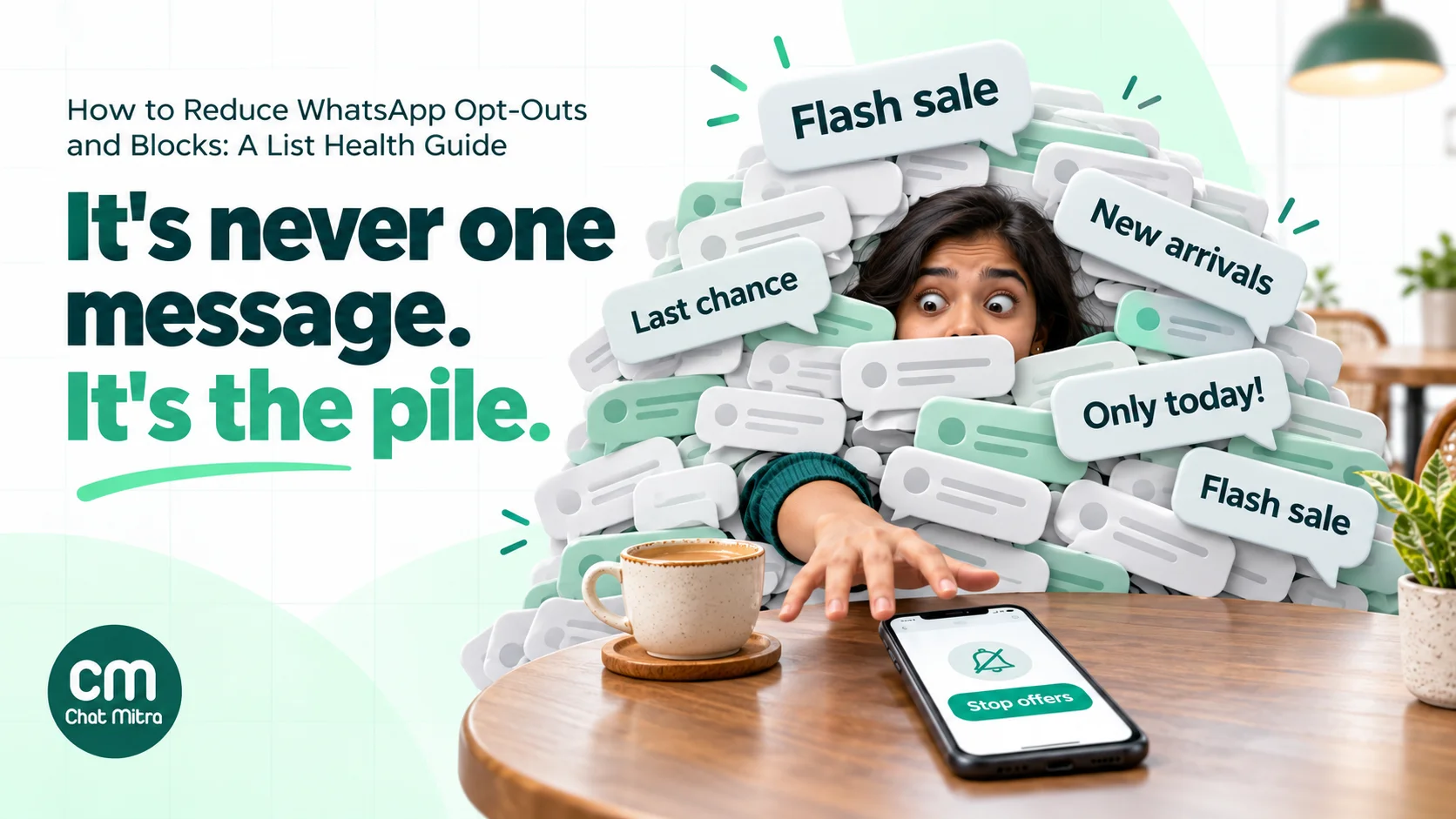
Too many messages. WhatsApp sits next to family groups and work chats. Three promotions in a week feels heavy there, even if the same three emails would go unnoticed. Meta’s per-user limits make the same point: WhatsApp caps how many marketing templates a person receives from all businesses, based on “an individual’s recent marketing message read rate and how many messages they currently have in their inbox”.
Messages that aren’t relevant. A customer who bought school shoes once doesn’t need every saree drop. Blasting the whole list is the quickest way to make relevant customers feel like strangers.
Bad timing. A promotion at 11 pm, or on the morning of a festival when people are with family, reads as intrusive even when the offer is good.
No middle option. If the only choices are “keep getting everything” or “stop”, people who wanted less pick stop. Some don’t find the stop option at all and block instead.
A broken promise in the message itself. A “last chance” that isn’t, a discount that doesn’t apply at checkout, or a template that looks like an order update but is a sale. These erode trust faster than frequency does.
No one answers. A customer replies “Is this available in Pune?” and hears nothing for two days. The next message from you gets a Stop.
How to prevent opt-outs before they happen
Prevention starts before the first campaign and continues in every message. These habits do most of the work.
Set expectations at sign-up
The wording of your sign-up is your first defence. Say what you’ll send and roughly how often, in the same place the person shares their number:
Get our new arrivals and member offers on WhatsApp from Sunrise Fragrances, about once a week. Reply STOP any time to opt out.
That one sentence filters out people who would have opted out later, and it gives everyone who joins a clear picture of what’s coming. For where and how to collect numbers, see our guide to growing a WhatsApp subscriber list.
Make the first message confirm, not sell
The first message after sign-up should confirm the choice, repeat what’s coming and show how to leave. Meta’s template guidelines treat opt-in management as utility content: confirming an opt-in collected on another channel is one of its examples, and so is confirming an opt-out. If the person messaged you to join, your reply is a service message inside the 24-hour customer service window, so no template is needed.
A welcome that sells hard on day one teaches people that every message will be a sale. Our welcome message guide has wording you can adapt.
Offer “fewer” before “stop”
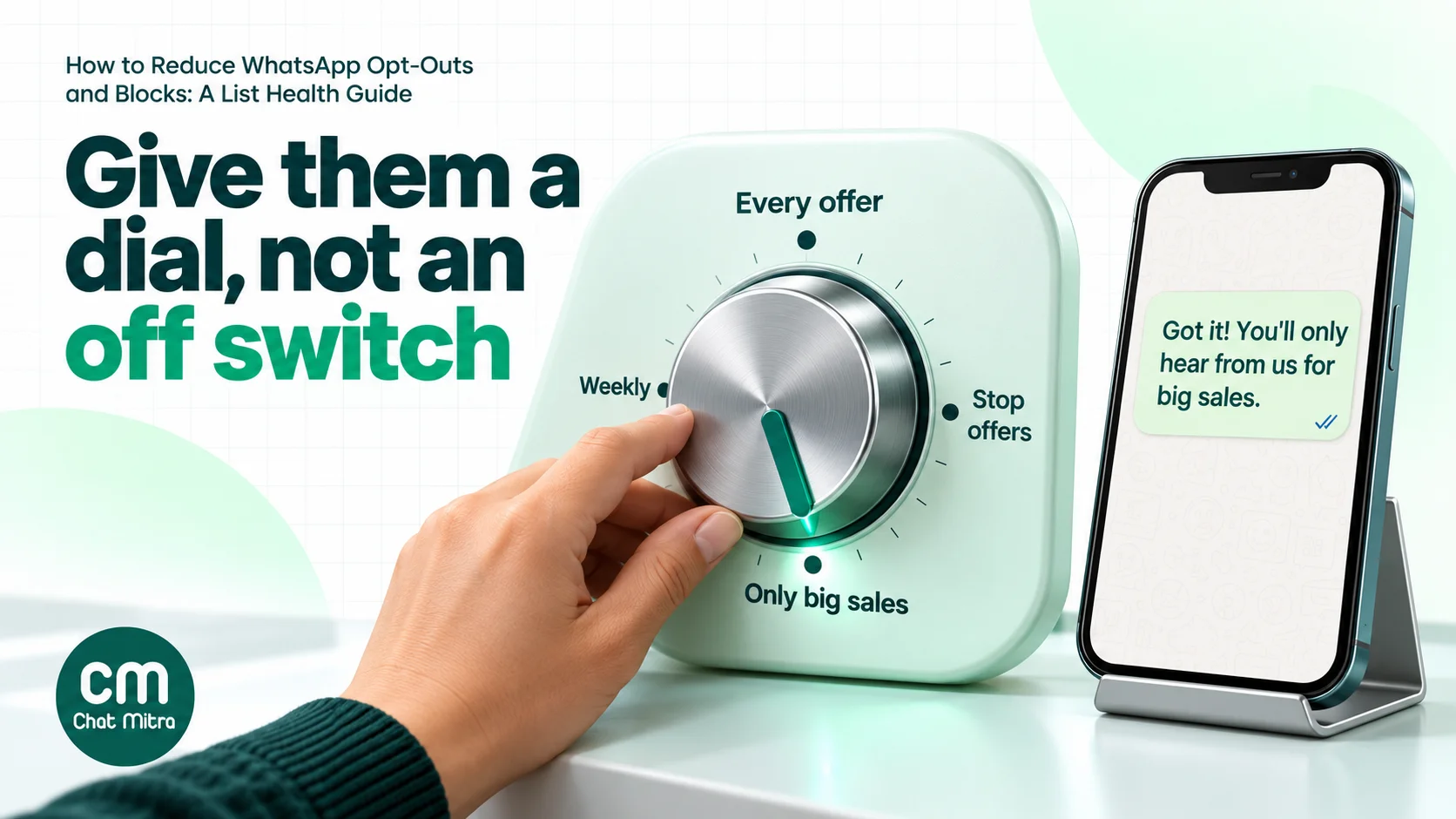
This is the most effective change most brands can make. Add quick-reply buttons to your marketing templates that let customers turn the volume down rather than off:
- Only big sales: they hear about major events, such as Diwali or an end-of-season sale.
- Monthly updates: one roundup a month.
- Stop offers: they leave marketing entirely.
Meta’s template documentation describes quick-reply buttons as sending you a fixed text when tapped, and names “a button that allows your customer to easily opt-out of any marketing messages” as a common use. The button tap is just a message: your system has to read it and act on it, by tagging the contact and filtering the next campaign.
A customer who taps “Only big sales” is still on your list, still reachable for the campaigns that matter most, and no longer likely to block you.
Put a visible exit in every marketing message
It sounds backwards, but making it easy to stop reduces the damage when someone wants to. Meta’s Business Messaging Policy recommends giving people “clear instructions for how people can opt out of receiving specific categories of messages”, and requires you to honour opt-out requests made “either on or off WhatsApp”.
A “Stop offers” button or a line such as “Reply STOP to opt out of offers” costs one line of space. Without it, a customer who wants out looks for the next-fastest option, and that is often Block.
Set a frequency budget per customer
Decide in advance how many marketing messages a customer may receive in a week and a month, across every campaign and automation, and stick to it. Count everything: broadcasts, drip sequences, abandoned-cart nudges and festival greetings.
| Business type | A cautious starting budget | What usually earns more |
|---|---|---|
| D2C fashion or beauty | 1 promotion a week; extra sends only in sale weeks | New arrivals in a category they bought before |
| Grocery or daily needs | 1–2 a week, tied to real stock or price changes | A weekly list the customer asked for |
| Restaurants and cafés | 1 a week, timed before meal hours | A dish they ordered before, or a local event |
| Education and coaching | 2–3 a month around batch dates | Course dates for the subject they enquired about |
| Real estate | 2 a month per project the person enquired about | Site visit slots and price changes for that project |
These are starting points, not Meta rules. Meta publishes no fixed frequency. Start cautious, watch the measures in how to measure list health, and increase only when opt-outs and read rates stay steady.
Segment by what people did, not who they are
Relevance is the cheapest way to cut opt-outs. Use what you already know: the category someone bought, the city they ordered to, the product they asked about, whether they bought in the last 90 days. A “back in stock” message to the 200 people who asked about an item is welcome. The same message to 20,000 people is noise.
Keep marketing out of utility templates
Order confirmations, delivery updates and appointment reminders are messages people want. Adding a promotion to them changes their category: Meta’s categorisation rules say a template mixing utility and marketing content is marketing. It also teaches customers that your “updates” are adverts, so they mute or block the ones they need. Keep the two apart; our guide to WhatsApp utility templates explains where the line sits.
Send at sensible hours
Send during waking hours in the customer’s time zone, avoid late nights, and think about the day. A sale message at 7 am on a weekday competes with family chats; the same message at 1 pm or 7 pm usually doesn’t. Test your own audience rather than trusting a universal “best time”.
Answer every reply
A marketing message that gets a question is working. Reply quickly, ideally within minutes during business hours. A customer’s reply opens a 24-hour customer service window, so your answer is a service message, and Meta says marketing messages sent inside that window don’t count towards the per-user marketing limit. Unanswered questions turn interested customers into opt-outs.
Mix in messages that aren’t sales
Not every message needs a discount. Care instructions for a product they bought, a size guide, a reminder that their warranty is about to end, or a thank-you after their first order all build the kind of relationship that survives the occasional sale. Some of these are utility messages, so they’re cheaper as well. Just don’t disguise promotions as service messages.
When someone opts out: handle it in one message
How you handle the opt-out decides whether the person leaves quietly or annoyed.
- Act on every route. A Stop tap, a typed STOP, a “Stop offers” button, an email or a request in your store all count. Meta’s policy requires you to respect requests “either on or off WhatsApp”.
- Confirm once, without selling. For example: “Done. You won’t get offers from Sunrise Fragrances on WhatsApp any more. Order updates will still reach you here.” Don’t add a discount; that’s the very thing they declined.
- Skip the “last chance” follow-up. Some guides suggest a follow-up message to win the person back. If they asked to stop, a second marketing message ignores that request.
- Keep service open. A marketing opt-out doesn’t stop you answering questions or sending the order updates they asked for. If they ask you to stop everything, stop everything.
- Make the way back easy. WhatsApp has a Resume control, and you can accept a START keyword or a fresh sign-up. Record it as a new opt-in.
- Apply it everywhere. The opt-out must reach every tool that sends marketing: your broadcast tool, your store’s abandoned-cart flows and any CRM automation.
The step-by-step procedure, including the webhook payload and the edge cases for typed keywords in Hindi and other languages, is in the opt-out section of our opt-in guide.
List hygiene: who to remove, and when
A healthy list isn’t the biggest list. It’s the one where nearly everyone you message can receive it, wants it and reads it. Clean it on a schedule, not only when something goes wrong.
Remove what WhatsApp tells you is dead
Your campaign errors tell you who can’t be reached:
- 131050: the person has stopped marketing messages from you. Meta says not to retry. Move them to your do-not-market list.
- 131026: Meta describes this as “Unable to deliver message”. The reasons include a number that isn’t on WhatsApp, a recipient who hasn’t accepted WhatsApp’s new terms, or an old app version. One failure can be temporary; the same number failing across several campaigns is usually a number to stop sending to.
- Invalid or badly formatted numbers: missing country codes, extra digits and duplicates. Fix the format at import (include the country code, 91 for India, and drop any leading zero) and merge duplicates so one person doesn’t receive the same campaign twice.
Treat 131049 as a warning, not a removal
Error 131049, “not delivered to maintain healthy ecosystem engagement”, means Meta held back a marketing message under its per-user limits. It doesn’t mean the person opted out. Meta advises waiting at least 24 hours before resending. A rising share of 131049 across your list usually means you’re sending more than people are reading, which points back to frequency and relevance. Don’t treat it as a reason to send more to make up the numbers.
A small number of users also fall into Meta’s experiment group and receive no marketing templates from any business (error 130472). Meta doesn’t bill these, and there’s nothing to fix.
Sunset contacts who’ve stopped reading
Some contacts receive every message and haven’t read one in months. Set a rule, such as no read in the last eight marketing campaigns or in 90 days, whichever is longer, and run a short sunset process:
- Find them. Contacts with delivered messages and no reads over the period.
- Ask once. Send one message: “We haven’t heard from you in a while. Do you still want offers from Sunrise Fragrances on WhatsApp?” with two buttons, “Yes, keep me” and “No thanks”.
- Keep the yeses. Move anyone who answers yes, or reads and replies, back to the active list.
- Pause the rest. Tag the others as do-not-market. Don’t delete them: their order history and opt-out record still matter.
Read status isn’t perfect, so treat this group as “probably not reading” rather than “definitely gone”, which is why the re-permission message comes first.
Stop re-adding people who left
The most common hygiene failure is an old spreadsheet. Someone opts out, and three months later a sales export or event list is imported and they’re back on the marketing list. Keep a suppression list of everyone who opted out, check every import against it, and never treat a re-import as a new opt-in.
What an unhealthy list costs
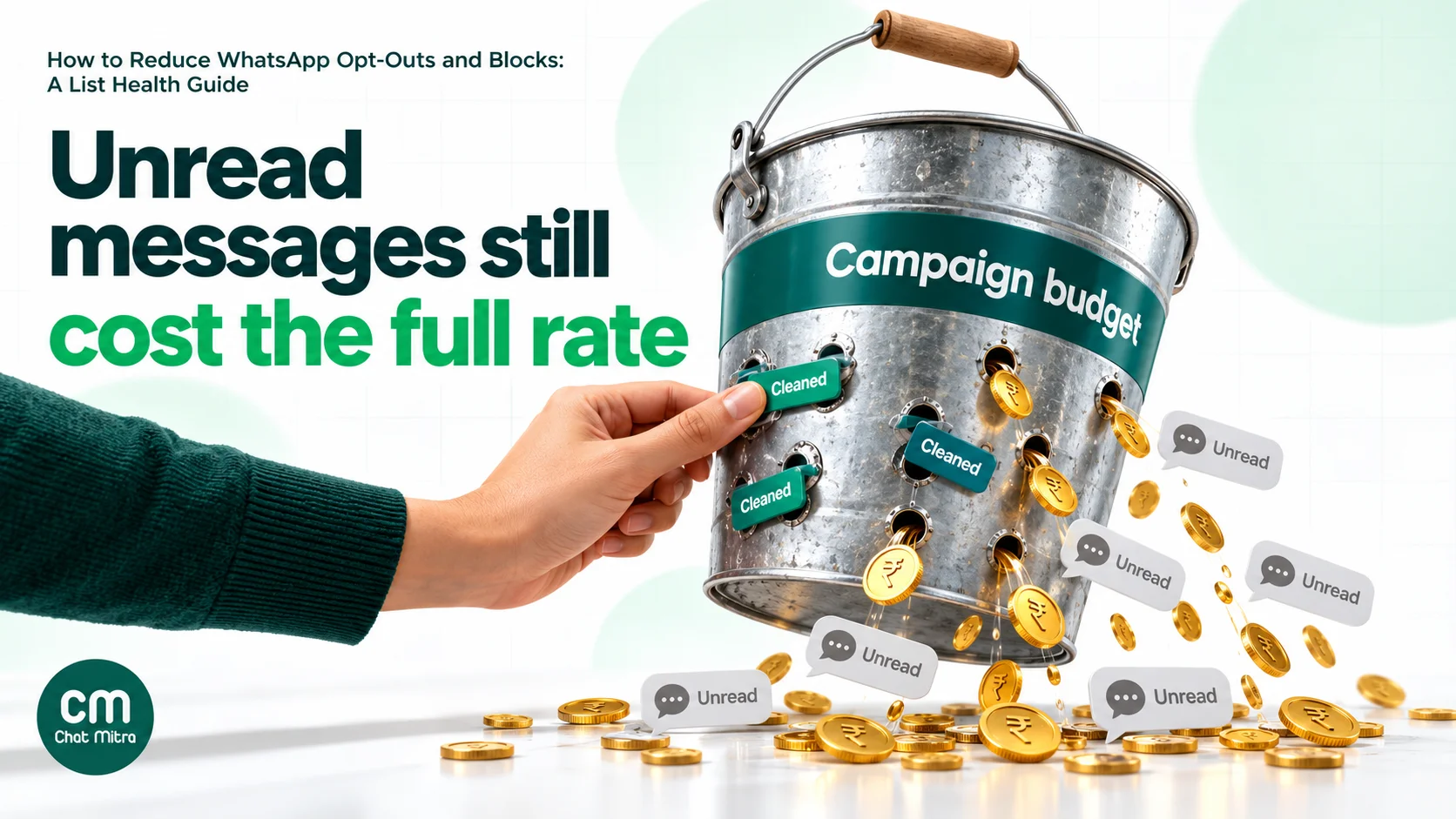
Meta’s pricing page is clear: “Businesses are only charged when a message is delivered.” That protects you from paying for numbers that aren’t on WhatsApp. It doesn’t protect you from paying for people who no longer read. A delivered marketing message costs the same whether it’s read in a minute or never opened.
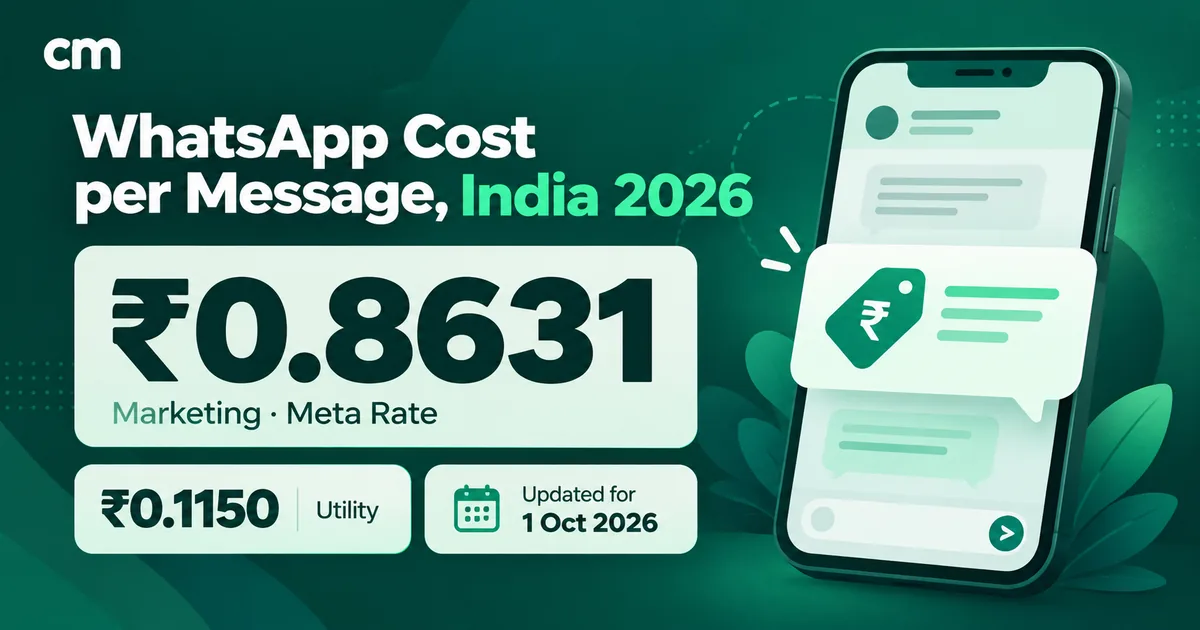
Here is a worked example for an Indian D2C brand. The list sizes are assumptions for illustration, not data. Meta’s India rate for marketing messages is ₹0.8631 per delivered message (rate card effective 1 October 2026), and ChatMitra charges ₹0.20 per conversation, once per customer per 24 hours.
| Group (4 campaigns a month, on different days) | Contacts | Meta cost a month | ChatMitra cost a month | Total a month |
|---|---|---|---|---|
| Delivered but never read for 90 days | 3,000 | 3,000 × 4 × ₹0.8631 = ₹10,357.20 | 3,000 × 4 × ₹0.20 = ₹2,400 | ₹12,757.20 |
| Fail every time (131026 or 131050) | 850 | ₹0 (not delivered) | 850 × 4 × ₹0.20 = ₹680 | ₹680 |
| Total spent on people you can't reach | 3,850 | ₹10,357.20 | ₹3,080 | ₹13,437.20 |
Over a year, that’s ₹1,61,246.40 spent on messages no one acts on. Two caveats keep the example honest. Some of those unread messages would fail with 131049 under Meta’s per-user limits and wouldn’t be charged by Meta, so the Meta figure is an upper bound. And ChatMitra’s credit is taken when the campaign is sent, for each recipient without an open conversation, so it applies even when Meta later refuses the message. That’s why removing failing numbers saves money with ChatMitra as well as with Meta.
Compare that with the sunset process: one re-permission message to the 3,000 silent contacts costs about ₹3,189.30 (3,000 × ₹0.8631 + 3,000 × ₹0.20), assuming it’s reviewed as a marketing template. It pays for itself within the first month if most of them don’t answer.
To estimate your own numbers, multiply your silent contacts by your monthly campaign count and your country’s marketing rate; our pricing calculator and the guide to WhatsApp business cost per message have the current rates.
Blocks, quality rating and what’s at stake
Opt-outs are a list problem. Blocks and reports are a number problem.
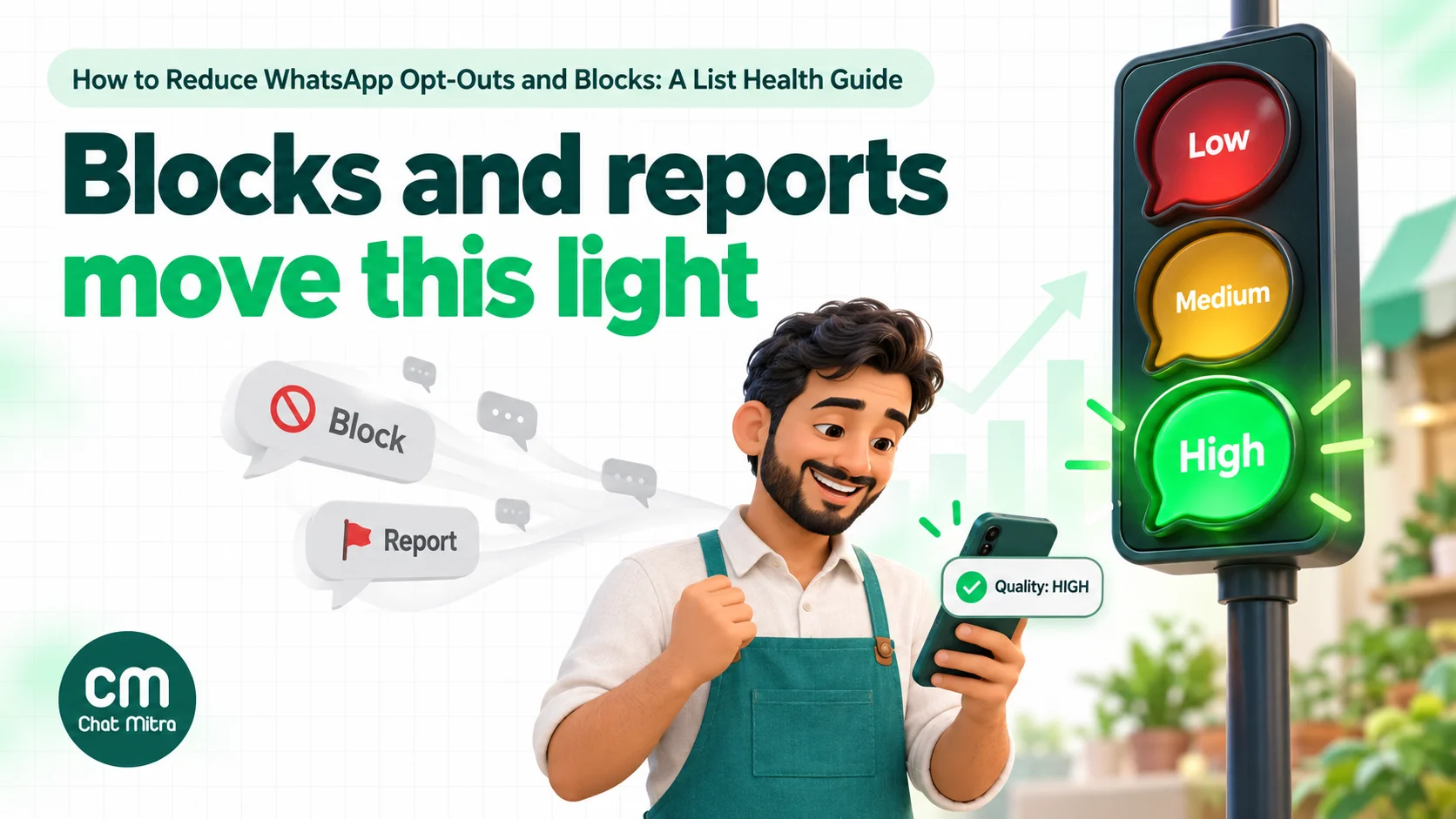
Meta’s developer documentation says your phone number’s quality rating uses the past seven days, weighted by recency, and looks at “blocks, reports, mutes, archives, and reasons users provide when they block you”. The rating shows as green, yellow or red (high, medium or low).
Two changes from October 2025 are worth knowing, because older articles still describe the previous rules:
- Low quality no longer cuts your limit. Meta says that if a number’s quality rating drops, “its messaging limit will not be downgraded”. The Flagged and Restricted number statuses were discontinued on 7 October 2025.
- Limits are shared across the business. Messaging limits are now set “at the business portfolio level” and shared by all your numbers, moving from 250 through 2,000, 10,000 and 100,000 to unlimited. Moving up needs “high-quality messages” and using at least half your current limit over seven days.
Quality still matters. Meta’s opt-in page says its “systems will rate limit businesses if the business’s quality is low for a sustained period of time”. Individual marketing templates have their own quality rating too. A template with poor feedback can be paused, first for 3 hours, then for 6 hours, and disabled on the third occasion. A paused template in the middle of a sale costs you far more than the opt-outs that caused it.
The Marketing Messages API, which Meta’s Cloud API is replacing for marketing from 13 October 2027, takes engagement into account when delivering messages; Meta says it delivers “up to 9% more messages versus Cloud API”. It doesn’t remove per-user limits. A list of people who read your messages is still the main route to better delivery. Our Marketing Messages API guide covers the change.
For the full picture of quality states and how to recover, see our quality rating guide and messaging limits explained. If a number has already been restricted or banned, how to unban a WhatsApp number covers the appeal.
How to measure list health
You can’t fix what you don’t measure. Track a handful of numbers for every marketing campaign and look at the trend each month.
| Measure | How to calculate it | What a bad trend tells you |
|---|---|---|
| Opt-out rate | New Stop taps plus STOP replies and "Stop offers" taps within 48 hours, divided by messages delivered | The audience, frequency or content didn't match what people expected |
| Read rate | Messages read ÷ messages delivered | Too many sends, weak relevance or a tired list |
| 131049 share | Failures with 131049 ÷ messages sent | People are getting more marketing than they read, from you and others |
| Unreachable share | Failures with 131026 or 131050 ÷ messages sent | Old or badly formatted numbers, or opt-outs not filtered out |
| Reply rate | Customers who replied ÷ messages delivered | Messages that don't invite a response |
| Number quality rating | Checked weekly, and the day after each large campaign | Blocks and reports are rising |
| Active share of list | Contacts who read at least one message in 90 days ÷ all marketable contacts | The list is decaying faster than you're growing it |
You’ll find opt-out “benchmarks” on vendor sites. They don’t come from Meta, and they disagree with each other, so don’t plan around them. Your own previous campaigns are the right baseline: a campaign with twice your usual opt-out rate deserves a look whatever an industry figure says.
When a campaign does spike, check the audience first, then the frequency in the days before, then the message. Our guide to A/B testing WhatsApp campaigns shows how to test one change at a time.
A note for businesses in India
India’s Digital Personal Data Protection Act, 2023 gives people the right to withdraw consent “at any time, with the ease of doing so being comparable to the ease with which such consent was given”, and requires businesses to stop processing within a reasonable time after withdrawal. If someone joined with one tap, leaving should take one tap or one word.
The DPDP Rules were notified on 13 November 2025, and most obligations for businesses apply 18 months later, from around 13 May 2027. A “Stop offers” button, a working STOP keyword and a suppression list that every tool respects put you in a good position before then. Our opt-in guide sets out the consent and record-keeping duties in full; check with your legal adviser for your own case.
How ChatMitra helps
ChatMitra gives you the pieces to run the routine above from one dashboard. Here is what each one does.
| Task | Where in ChatMitra |
|---|---|
| See who tapped Stop or Resume | Contacts: the opt-status column filter shows OPTED OUT or OPTED IN, recorded from Meta's events |
| Catch typed STOP or button taps | Auto Reply: a keyword rule (Exact, Starts or Regex, not case-sensitive) with Add Tag, plus an optional confirmation message. Template button taps are matched like typed text. See auto-reply |
| Respect preferences in campaigns | Contacts tag filter: "Exclude" tags such as opted-out or sunset; "Include only" tags such as big-sales-only. See WhatsApp broadcasting |
| Find people who read a campaign | Campaign report: the "Read" tab, where you can select recipients and use Manage Tags |
| See who failed and why | Campaign report: the "Failed" tab shows the Meta error, such as 131050 or 131026, in plain words |
| Watch quality and limit | The top bar shows "Quality" (HIGH, MEDIUM or LOW) and your "Conversations" tier |
Setting up a “fewer, not stop” routine:
- Add quick-reply buttons such as “Only big sales” and “Stop offers” to your marketing templates.
- Create a keyword auto-reply rule for each button text. For “Stop offers”, also match STOP, UNSUBSCRIBE and the phrases your customers use, add the tag
opted-outand send a short confirmation. For “Only big sales”, add the tagbig-sales-only. - Once a week, filter Contacts by OPTED OUT, select the contacts on the page and add the
opted-outtag, so Stop taps join the same list. - Build every marketing campaign with “Exclude” set to
opted-outandsunset. For routine promotions, excludebig-sales-onlyas well. - After each campaign, tag readers from the “Read” tab (for example
read-nov), and run the sunset process for contacts who haven’t read in 90 days.
Good to know:
- Opt-outs aren’t skipped automatically. Campaigns, retargeting, automations and API sends don’t check the OPTED OUT status on their own, so use the exclude tag every time. Meta refuses marketing messages after a Stop tap (131050), but a typed STOP is only honoured if you tag and exclude it.
- Retargeting needs the same exclusions. A retarget resends to the original campaign’s recipients by status, and it can include contacts you’ve deleted since. Apply your exclude tags again and check the list before you send.
- Keep your own suppression list. If a deleted contact is added again, through a CSV import, a manual add or a new message from them, ChatMitra treats it as a new contact and its previous opt-out status and tags are cleared. Keep opted-out numbers in a tagged list or your CRM, and check imports against it.
- The ChatMitra fee applies to failed sends. Campaign credits are taken when the campaign is sent, so removing numbers that always fail saves money.
- Block in the chat view isn’t an opt-out. It stops that number’s incoming messages and bot replies; it doesn’t remove the person from campaigns.
- There is no consent log or click tracking. Keep opt-in evidence in your website form, checkout or CRM, and measure clicks with UTM links in your own analytics.
Common mistakes that drive opt-outs
- Importing every customer ever. Order numbers, event registrations and old leads didn’t all agree to marketing. Start with people who did.
- Treating opt-outs as a number to hide. An opt-out is useful feedback. Removing the Stop option, or burying it, just turns opt-outs into blocks.
- Sending the same campaign to everyone. Segment by what people did, even if it’s only “bought in the last 90 days” and “didn’t”.
- Retrying 131049 immediately. Meta says to wait at least 24 hours. Repeated sends to people who aren’t reading make the problem worse.
- Disguising promotions as updates. It changes the template’s category, and customers learn to ignore the updates they need.
- Letting different tools keep different lists. An opt-out recorded in your inbox but not in your store’s automations still produces the message that leads to a block.
- Never pruning. A list that only grows is a list that costs more each month for the same results.
A monthly list-health checklist
- Opt-out rate, read rate and 131049 share compared with last month
- Quality rating checked after every large campaign
- Everyone who tapped Stop, typed STOP or tapped “Stop offers” is tagged and excluded
- Numbers failing with 131026 across several campaigns moved to do-not-market
- Contacts with no reads in 90 days sent one re-permission message
- New imports checked against the suppression list
- Frequency budget respected across broadcasts, drips and store automations
- Sign-up wording still matches what you actually send
Sources
- WhatsApp Business Messaging Policy (updated 23 September 2026)
- Meta: Get opt-in for WhatsApp
- Meta: Marketing templates (Offers and announcements controls)
- Meta: Template components (quick-reply buttons)
- Meta: Template categorisation
- Meta: Per-user marketing template limits
- Meta: Error codes
- Meta: Marketing message experiments
- Meta Business Help Centre: About your WhatsApp phone number's quality rating
- Meta: Send messages (quality rating signals)
- Meta: Messaging limits
- Meta: Messaging limits changes (October 2025)
- Meta: Template quality rating and template pausing
- Meta: Marketing Messages API features
- Meta: Pricing (India rate card effective 1 October 2026)
- WhatsApp Help Center: Controls when communicating with businesses
- Digital Personal Data Protection Act, 2023 and DPDP Rules, 2025 (MeitY)