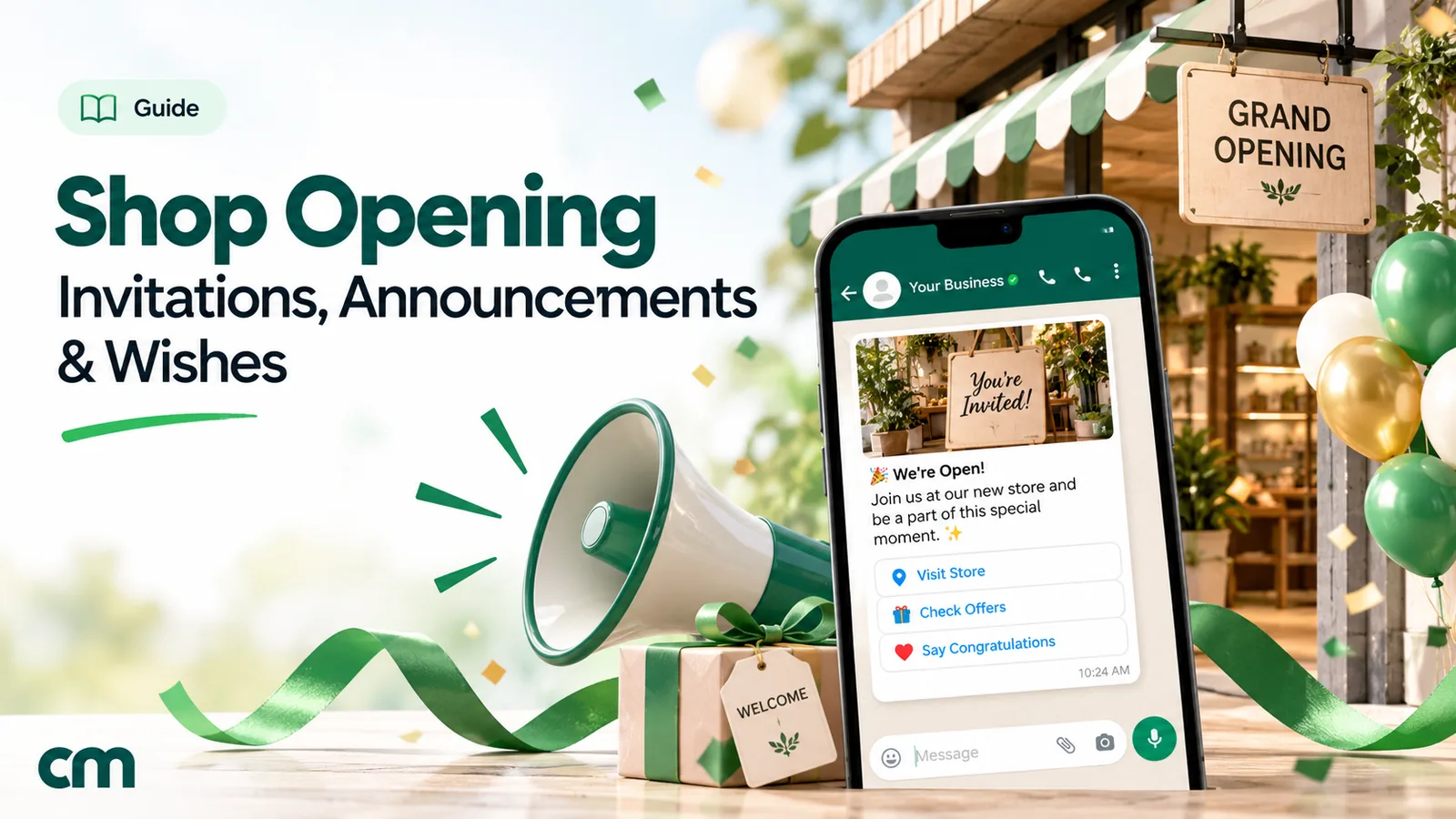
A shop opening message tells people that your shop is opening: what you sell, the date and time, the exact address with a landmark, and a reason to come on the day. Before the opening you send announcements and invitations; afterwards, you reply to the congratulation wishes that arrive from friends, customers and fellow shopkeepers.
Below are 35 messages to copy: invitations, announcements for different kinds of shops, new-branch and reopening messages, Status and social captions, congratulation wishes and replies. After them come a countdown plan, the WhatsApp rules and a few mistakes worth avoiding.
Key takeaways
- Put the date, time and address with a landmark in the first two lines.
- Send in stages: save the date, invitation, reminder, "we're open".
- Start collecting WhatsApp opt-ins before the shutters go up, not on the day.
The sending rules in this guide come from Meta's developer documentation for the WhatsApp Business Platform (categories, messaging limits, marketing limits per person, pricing and India rates), the WhatsApp Help Center and messaging policy, Google Business Profile Help and TRAI's page for message senders, all read on 27 September 2026. Rupee figures are Meta's India rates and exclude tax.
What is a shop opening message?
“Shop opening message” covers four different messages, and each has a different sender, reader and moment:
| Message | From → to | When | Its job |
|---|---|---|---|
| Announcement | Owner → the public, customers, followers | Two weeks before to the opening day | Make people aware and give them a reason to come |
| Invitation | Owner → specific people | About a week before | Ask them to attend the ceremony or first day, often with an RSVP |
| Wishes | Friends, family, customers, other shops → owner | On or just after the opening | Congratulate and wish the new shop well |
| Status or social caption | Owner → everyone who follows them | Countdown days and the opening day | Build a buzz where people already scroll |
Most owners need all four. The announcement reaches the neighbourhood, the invitation fills the ribbon-cutting with the right people, and a warm reply to each wish turns well-wishers into first customers.
When to send each message: an opening countdown
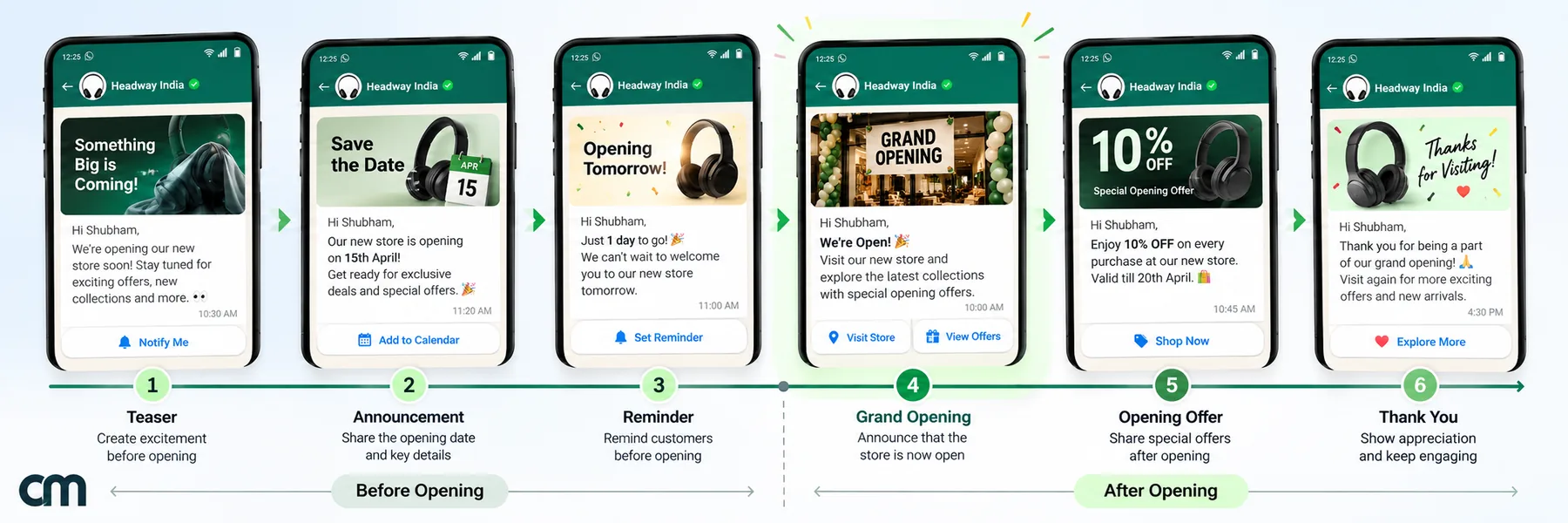
A single message on the opening day is too late for most people to change their plans. Spread it out:
| When | What to do or send |
|---|---|
| 3–4 weeks before | Set the opening date on your Google Business Profile; put a QR code on the shutter or hoarding so passers-by can message you and opt in |
| About 2 weeks before | Save the date on Status and social media; a short note to regular customers from any earlier shop |
| About 1 week before | Personal invitations, with an RSVP for the ceremony |
| 1 day before | Reminder with the time, a location pin and parking or landmark details |
| Opening day, morning | "We're open" message and Status; photos through the day |
| Week 1 after | Thank visitors, reply to every wish, remind people about any first-week offer |
If an auspicious date or muhurat decides your opening, fix the ceremony time first and build the countdown back from it.
What to include in a shop opening message
| Include | Why |
|---|---|
| Shop name and what you sell | "[Name] Stores" says nothing; "[Name] Stores, organic groceries and dairy" says why to come |
| Date, day and time | Write "Sunday, [date], 10 am" so nobody has to check a calendar |
| Address with a landmark and a map link | New shops aren't on anyone's mental map yet |
| What happens on the day | A ceremony, tasting, free trial or first-week offer gives people a reason to come now |
| How to reach you or RSVP | A phone number or "reply to this message" |
| Parking or access details | Useful for busy markets, malls and upper floors |
Offers are optional. If you promise one, state its limit (“first 50 customers”, “till Sunday”) so nobody arrives to disappointment.
How to write a shop opening invitation
An invitation is more personal than an announcement: it names the person, asks them to come, and wants an answer.
- Sort your list. Chief guest, family, close friends and key customers get a personal invitation. Everyone else gets the announcement.
- Open with the host and the occasion. “[Owner] and family invite you to the opening of [Shop]” tells the reader who is asking and why in one line.
- Give the date, day, time and place together, with a landmark and a map link.
- Say what will happen: a puja or ribbon-cutting, refreshments, a first-day offer. People plan around the programme.
- Ask for a reply by a date, to a named person or number, so you know how many to expect.
- Call the people who matter most. A message is fine for most guests, but a chief guest or an elder in the family expects a call as well.
Printed cards still carry weight for ceremonies. A typical Indian card runs in this order:
| Part of the card | Example wording |
|---|---|
| Blessing or invocation (optional) | A line such as "Shri Ganeshaya Namah", or your family's own |
| Hosts | "[Owner name] and family" |
| Request | "request the pleasure of your company at the opening of" |
| Shop and what it sells | "[Shop], [what you sell]" |
| Date, day and time | "Sunday, [date], at [time]" |
| Venue | Full address, landmark and a small QR code for the map |
| RSVP and compliments | "RSVP: [name, number]" and "With best compliments from [family or firm]" |
Send a photo of the card on WhatsApp too, but repeat the date, time and address in the message text, so people can copy them.
Shop opening invitation messages
Words in [brackets] are placeholders. Use a more formal tone for chief guests, elders and business contacts, and a warmer one for friends and neighbours.
- Formal invitation (card or letter): “With great joy, [Owner name] and family invite you to the opening of [Shop], [what you sell], on [day, date] at [time]. The ceremony will be followed by refreshments. Address: [address], near [landmark]. Kindly confirm your presence on [number].”
- WhatsApp invitation to customers: “Hi [Name], you’ve been one of our favourite customers, so you’re among the first to know: [Shop] opens on [date] at [time] at [address]. We’d love to see you there. Reply YES and we’ll keep a small welcome gift for you.”
- Family and friends: “Big day coming! Our shop, [Shop], opens on [date] with a small puja at [time]. It wouldn’t feel complete without you. Location: [map link]. Lunch after the ceremony, so come hungry.”
- Neighbours and nearby shopkeepers: “Namaste! We’re [Name] from [Shop], opening next door on [date]. Please join us for the opening at [time] and sweets afterwards. We look forward to being good neighbours.”
- Chief guest: “Respected [Name] ji, it would be an honour if you would inaugurate our new shop, [Shop], on [date] at [time]. [Address], near [landmark]. I will call you this week to confirm and share any details you need.”
- Suppliers and business partners: “Dear [Name], thank you for supporting us while we set up [Shop]. We’d be glad to have you at our opening on [date] at [time]. Please let us know if you can come, and whether a colleague will join you.”
- Customers from an earlier shop or job: “Hi [Name], it’s [Owner] from [old shop/role]. I’ve opened my own shop, [Shop], at [address], and my first day is [date]. It would mean a lot if you dropped by; I’d be happy to help you like before.”
- Hinglish invitation: “Namaste [Name] ji! Humari nayi dukaan [Shop] ka opening [date] ko [time] baje hai. Aap zaroor aaiye, aapka aana humare liye shubh hoga. Address: [address], [landmark] ke paas.”
- SMS invitation: “Invitation: [Shop] opening, [date], [time], [short address]. Please join us. Map: [link]. Call [number] for directions.”
- Reminder, the day before: “Tomorrow is the day! [Shop] opens at [time] at [address]. Parking is available [where]. Here’s the location pin so you don’t miss the turn. See you there.”
Shop opening announcement messages, by type of shop
These go to your followers and opted-in customers, or on posters and pamphlets.
- Clothing boutique: “Now open: [Boutique], with new ethnic and western wear for women at [address]. Opening week brings free alterations on every outfit. Come in, try things on, take your time.”
- Grocery or supermarket: “Your new neighbourhood store, [Store], opens on [date] at [address]. Fresh vegetables every morning, daily essentials and free home delivery within [distance]. Save this number to order on WhatsApp.”
- Bakery or café: “The ovens are on! [Bakery] opens on [date] at [time], near [landmark]. Drop in for free tastings of our breads and cakes all day, and a coffee on us with your first order.”
- Restaurant: “[Restaurant] opens its doors on [date]. [Cuisine], cooked the way it’s made at home, at [address]. Tables fill quickly on opening weekend, so reply here to book yours.”
- Pharmacy: “[Pharmacy] is now open at [address], [hours], every day. Send a photo of your prescription here and we’ll keep your medicines ready. Home delivery nearby.”
- Salon: “We’re open! [Salon] welcomes you at [address]. Book your first cut, facial or spa session this week and meet our team. Reply with a day and time to reserve a slot.”
- Mobile and electronics: “[Store] opens on [date] at [address] with phones, accessories and repairs under one roof. Bring your old phone for a free health check during opening week.”
- Jewellery: “With the blessings of our elders, [Jeweller] opens on [date] at [address]. We invite you to see our new collection and join us for the opening ceremony at [time].”
- Hardware or paint: “Contractors and homeowners: [Store] opens on [date] at [address]. Tools, paint, plumbing and electricals in stock, and delivery to site. Send your list on WhatsApp for a quote.”
- Books and stationery: “[Store] opens on [date] near [school/college]. Books, stationery and printing all under one roof, and a reading corner for anyone who wants to browse before buying.”
New branch, relocation and reopening messages
- Second branch: “Good news for [area]: [Shop] opens its second branch on [date] at [address]. Same products, same team training, closer to you. Our [first location] stays open as usual.”
- Moved to a new address: “We’ve moved! From [date], [Shop] is at [new address], near [landmark]. Our phone number stays the same. Here’s the new location pin.”
- Reopening after renovation: “We’re back, and bigger: [Shop] reopens on [date] after renovation, with more space and a wider range. Thank you for your patience while we were closed. Come and see the new look.”
- Preview for regulars: “Before we open to everyone on [date], we’d like our regular customers to see [Shop] first. Join us for a preview on [date] between [time] and [time]. Reply to reserve a slot.”
WhatsApp Status and social media captions
Keep captions short. Put the details in the image and the first line, and the hashtags or address at the end.
- WhatsApp Status, countdown: “[number] days to go! [Shop] opens on [date] at [address]. Save this number for opening-day updates.”
- WhatsApp Status, opening day: “Doors open! Come visit [Shop] today at [address]. Opening offer till [date].”
- Instagram or Facebook post: “It’s official: [Shop] is open! Thank you to every friend, family member and neighbour who helped us get here. Visit us at [address], [hours]. Tag someone who needs to see this.”
- Google Business Profile post: “We’re opening on [date]! Find [what you sell] at [address]. Opening day starts at [time]. See you there.”
Google Business Profile deserves more attention than it usually gets. According to Google’s Business Profile Help, you can set an opening date “up to one year in the future”, and after you verify, “your profile shows up on Google 90 days prior to your opening date”. Once you open, it “will show a ‘Recently opened’ tag on Google for 90 days”. Nobody can post reviews or photos on the profile until you’re officially open, so the early weeks are yours to shape.
For more on using Status, see our guide to WhatsApp Status marketing.
Shop opening wishes: congratulations messages
These are for people wishing someone else’s new shop well.
- To a friend: “Congratulations on opening [Shop]! I’ve watched you plan this for years and it’s wonderful to see it real. Wishing you a busy counter from day one. I’ll be your first customer this weekend.”
- To a relative: “Many congratulations on your new shop, [Name]. May it bring steady business, good health and happiness to the whole family. Proud of you.”
- To a client or business contact: “Warm congratulations on the opening of [Shop], [Name]. Wishing you success and loyal customers. It’s been a pleasure working with you, and we look forward to many more years.”
- To a neighbouring shop: “Welcome to the market, [Name]! Congratulations on opening [Shop]. Wishing you great business. If you need anything while you settle in, just ask next door.”
- Hinglish wish: “Nayi dukaan ki bahut bahut badhai, [Name]! Bhagwan kare aapka business din dugna raat chauguna badhe. Jaldi milte hain dukaan par.”
How to reply to shop opening wishes
Reply to every wish individually if you can. Many will become your first regular customers.
- Reply to a personal wish: “Thank you so much, [Name]! Your wishes mean a lot to us. Do visit when you’re nearby. The first chai is on us.”
- Group thank-you on Status or social media: “Thank you for the flood of love, calls and messages on our opening day! We couldn’t reply to everyone yet, but we read every one. See you at [Shop].”
Where to send your opening messages
| Channel | Best for | Keep in mind |
|---|---|---|
| WhatsApp chats | Personal invitations, reminders, location pins | Business messaging needs opt-in; broadcasts have limits (below) |
| WhatsApp Status | Countdown and opening-day updates for your contacts | Reaches contacts who saved your number and whom you saved |
| SMS | People who don't use WhatsApp | In India, business SMS needs a registered header and content template |
| Instagram and Facebook | Photos, reels, tagging the neighbourhood | Reach depends on followers you don't have yet |
| Google Business Profile | People searching nearby, on Maps | Set the opening date early |
| Printed cards, banner, pamphlets | Elders, chief guests, walk-by traffic | Add a QR code so print leads to a chat |
Business SMS in India runs through the telecom operators’ registration system. TRAI’s page for senders asks any sender, whether the message is an OTP, a service update or a promotion, to register as an entity, get a header and register each content template before sending in bulk.
Sending shop opening messages on WhatsApp
From the WhatsApp Business app
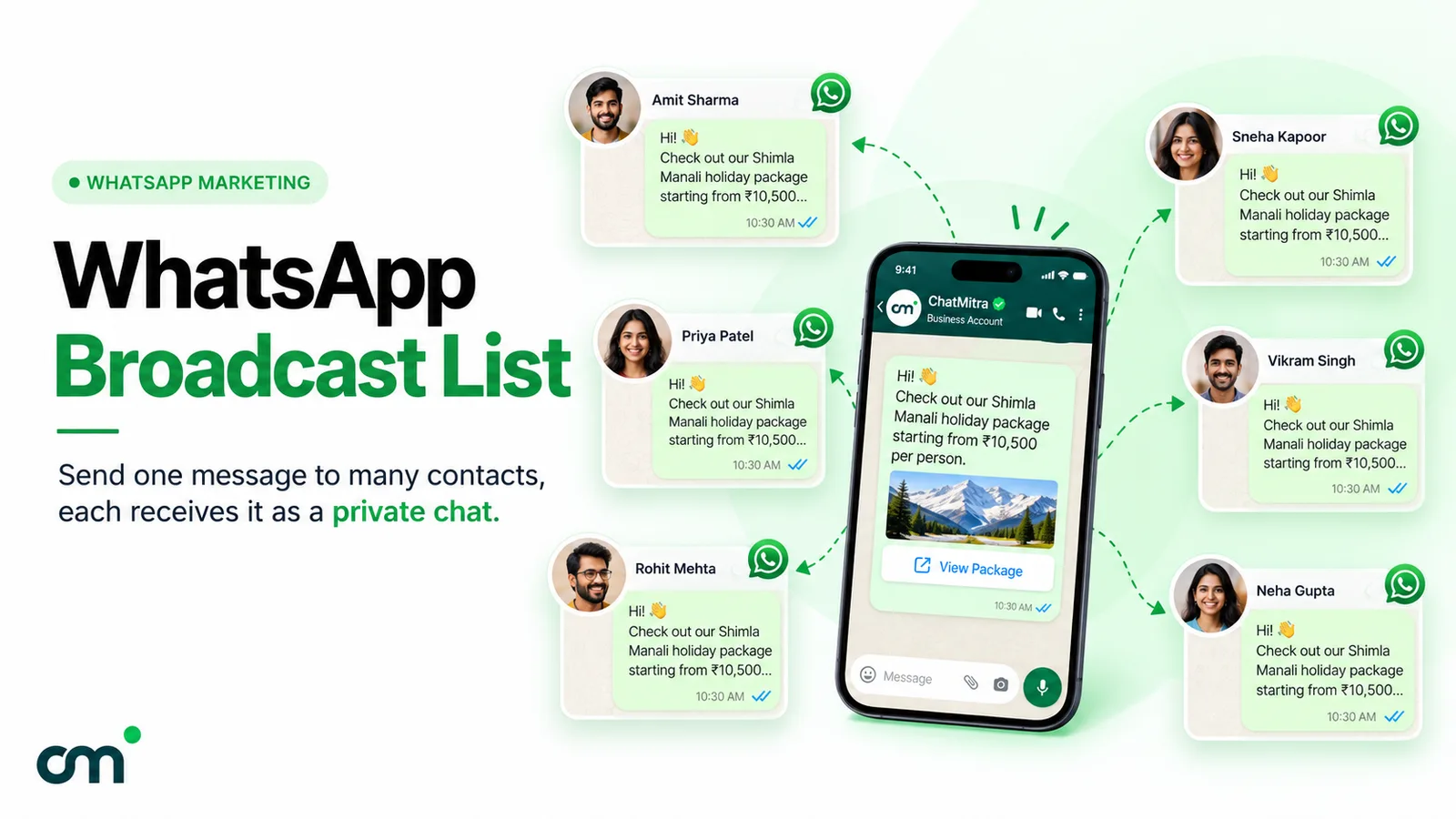
The app’s broadcast list is the natural tool for friends, family and past customers. WhatsApp’s Help Center page on broadcast lists sets two conditions: “Make sure all contacts in the broadcast list have saved your number in their address book”, and “You can include up to 256 contacts in each broadcast list”. A new shop’s number is often one nobody has saved yet, so ask people to save it when you invite them. Our WhatsApp broadcast list guide covers the details.
From the WhatsApp Business Platform
For larger lists, you send a Meta-approved template through a provider. Three rules shape an opening campaign:
- Opt-in first. WhatsApp’s messaging policy allows business messages only to people who shared their number with you and gave “opt-in permission” to hear from you. A phonebook full of numbers isn’t that. Collecting permission properly is covered in our opt-in guide.
- It’s a marketing message. Among its examples of awareness templates, Meta’s guidance on template categories includes “Our newest resort just opened in {{location}}”. Awareness is a marketing objective, so an opening announcement can’t be sent as a cheaper utility message.
- New accounts start small. Meta’s messaging limits cap how many unique people you can message outside a customer service window “within a moving 24-hour period”, and “Newly created business portfolios have a messaging limit of 250”. If your WhatsApp account is as new as your shop, you can’t message 2,000 people on opening morning.
Two more limits affect delivery. Meta’s page on marketing limits per person says marketing templates aren’t being delivered to people with US phone numbers at present, and that WhatsApp may hold back marketing messages from people who rarely read them. Relatives in the US will need a call or a personal message.
What it costs. Each delivered marketing template costs ₹0.8631 in India, according to the rate card linked from Meta’s pricing documentation. For an opening campaign that looks like this:
| Opening campaign | Delivered messages | Meta's charge |
|---|---|---|
| Invitation to 250 opted-in customers | 250 | ₹215.78 |
| Invitation + reminder to 250 | 500 | ₹431.55 |
| Invitation + reminder + "we're open" to 1,000 (an account with a higher limit) | 3,000 | ₹2,589.30 |
Providers charge on top of Meta: ChatMitra’s Starter plan adds ₹0.20 per contact for each 24-hour conversation. Our WhatsApp cost per message guide explains the rest of the pricing.
Build your list before you open
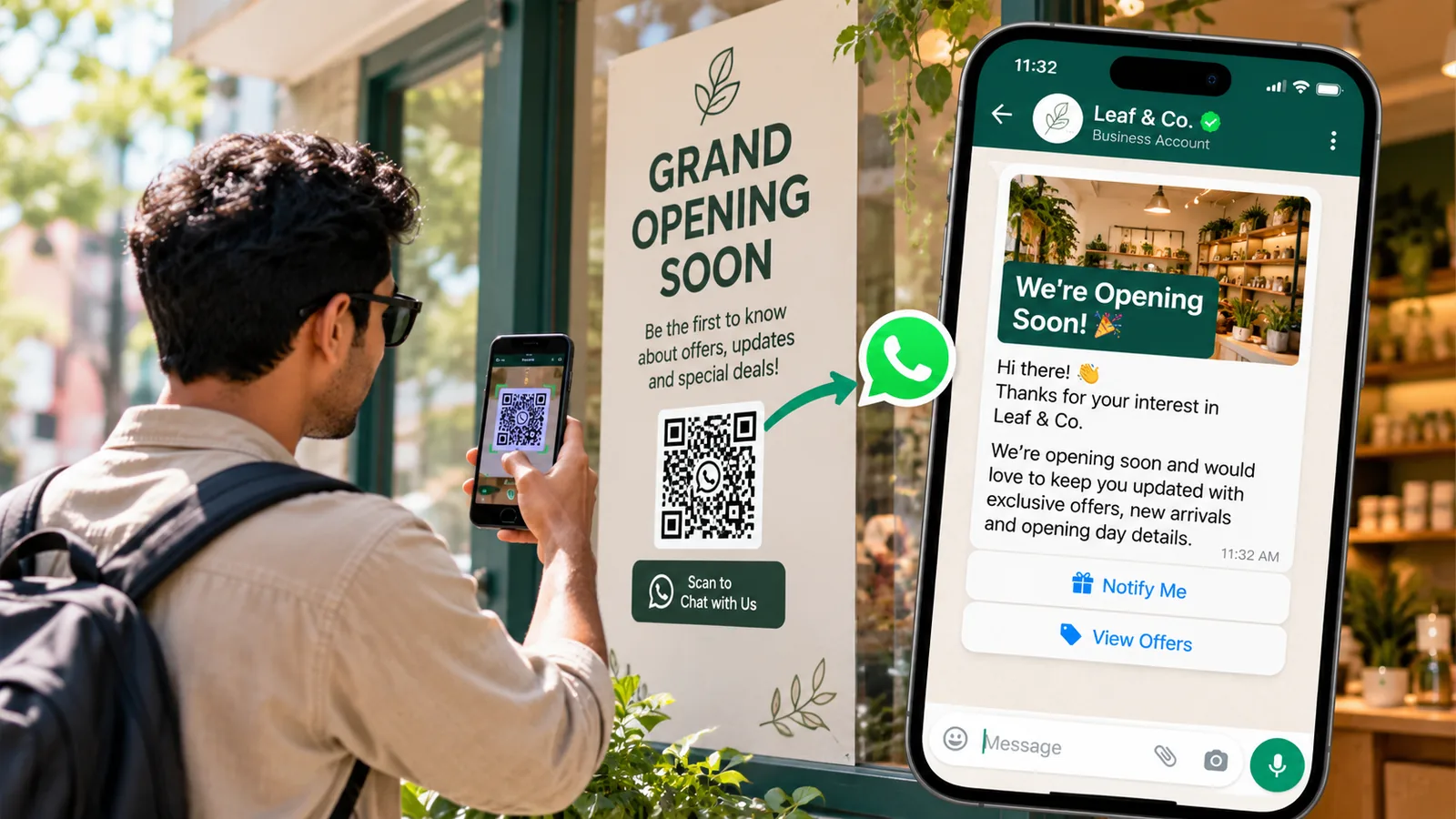
The simplest way to have people to invite is to let them come to you. Put a QR code on the shutter, the hoarding and your pamphlets. Make it with our WhatsApp QR code tool, or build a wa.me link that opens a chat with “Tell me when you open” already typed. When someone sends it, that chat opens a customer service window, and you can reply at once with the opening date. Ask in that reply whether they’d like updates on WhatsApp, and note who says yes. After the opening, our welcome message examples help you greet those first customers properly.
How to tell if your opening messages worked
You don’t need an analytics tool to learn from an opening. Keep a simple count:
- Replies and RSVPs against the number of invitations sent. A low reply rate usually means the invitation reached people who didn’t know you.
- Chats started from the QR code. Each one is a person who wanted to hear from you before you opened.
- Opening-day visitors. A rough tally at the counter is enough.
- “How did you hear about us?” Ask every customer in the first week and note the answer: WhatsApp, Instagram, Google, a friend, walking past. After a week, the tally tells you where to spend your next month’s effort.
For the WhatsApp Platform part, your provider’s campaign report shows how many messages were delivered and read, which tells you whether the list was healthy.
Mistakes to avoid
- No landmark. A new address means little. “Opposite [landmark]” gets people to the door.
- All the text inside a poster image. People can’t copy the address or tap the number. Put the key details in the message text too.
- Messaging your whole phonebook. People who never agreed to hear from your shop may block or report you, and it breaks WhatsApp’s Business Messaging Policy, which covers the Business app as well as the Platform.
- Too many reminders. Three or four messages across three weeks is plenty.
- An offer with no limit. Say how long it runs or how many are available.
- Ignoring wishes. Each unanswered congratulation is a lost first customer.
- Forgetting the day after. A thank-you with “we’re open [hours] every day” keeps the momentum.
What ChatMitra can do for your opening
ChatMitra sends WhatsApp Business Platform messages, so it covers the WhatsApp part of an opening. We verified each row against ChatMitra’s source code on 27 September 2026:
| You want to… | ChatMitra | How |
|---|---|---|
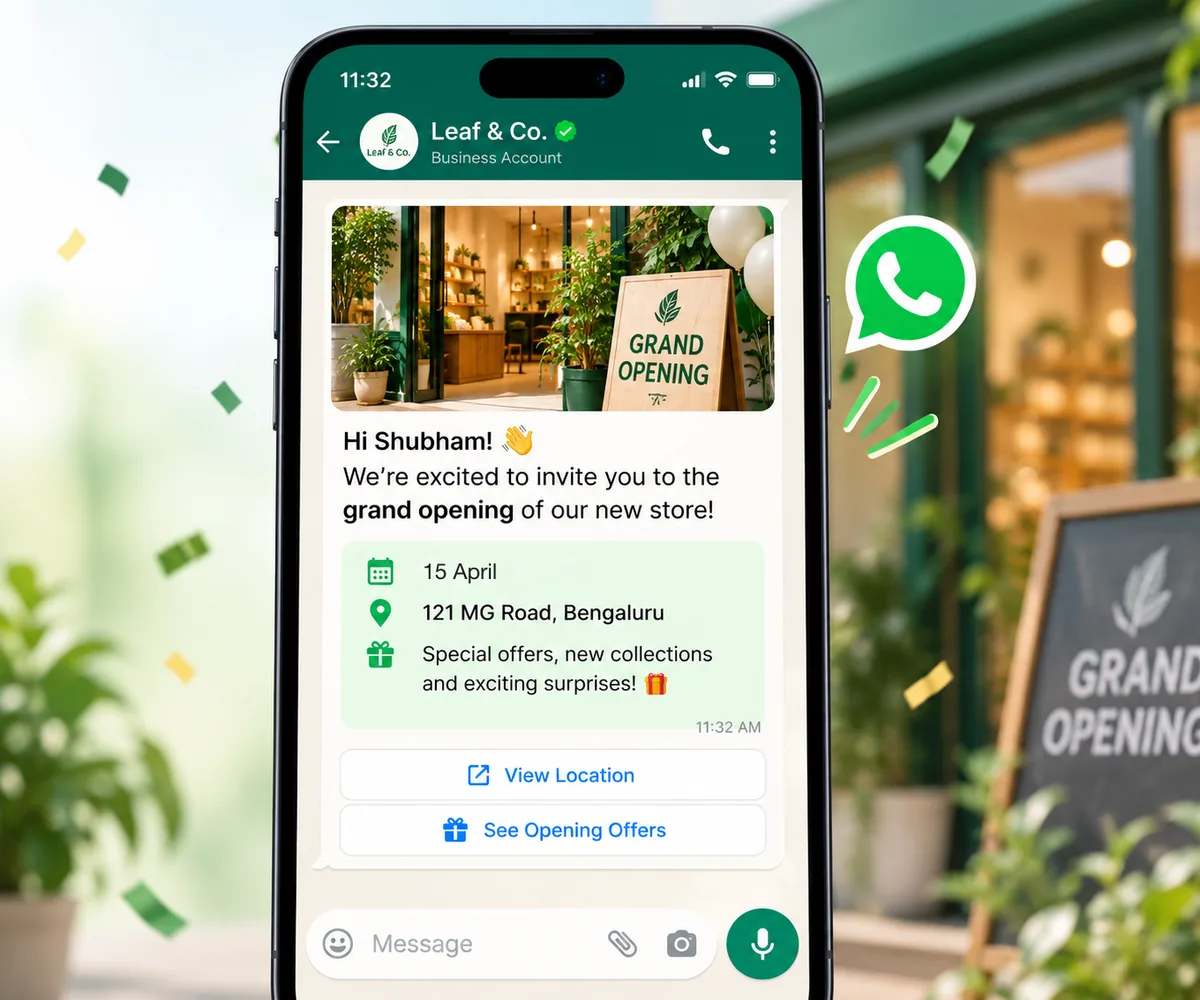
| Send an invitation template with a photo of your shop | Yes | The template builder supports image headers and URL buttons, such as a map link |
| Send it only to people who opted in | Yes | Tag opted-in contacts and broadcast to that tag |
| Schedule the invitation and reminder | Yes | The campaign scheduler; see how to schedule WhatsApp messages |
| Reply automatically when someone taps "I'll be there" | Yes | Create a keyword auto-reply for the button's words; a tap on a template's quick-reply button triggers it just like a typed reply. Auto Reply is on the Pro and Enterprise plans, per ChatMitra's pricing page |
| Welcome people who scan your shutter QR code | Yes | Turn on the Welcome Message, and anyone writing to you for the first time gets an instant reply |
| Post your WhatsApp Status | No | Status is posted from the WhatsApp app on your phone |
| Send SMS invitations | No | Use an SMS provider alongside |
Which plan includes what is set out on the pricing page.
Where to start
Today, set your opening date on your Google Business Profile and put a QR code on the shutter. Then pick invitation 2 or 3, add your date, landmark and map link, and send it to the people you most want to see on the first morning.