A Shopify chatbot is an app connected to your store that answers shoppers automatically: “is this in stock?”, “where is my order?”, “can I return this?”, and the messages that bring people back to a cart they left. The best Shopify chatbot for your store depends on two things more than on any feature list. The first is where it reaches the shopper: in a chat window on your site, on WhatsApp, or inside a helpdesk. The second is how much of your Shopify data it can read or change.
This guide compares nine options as they stood on 22 October 2026. Prices come from each app’s Shopify App Store listing unless we say otherwise. ChatMitra publishes this guide and puts its own product first; we state its limits in the same plain terms as everyone else’s.
Using ChatMitra? Install the free Shopify app and turn on the store flows: three cart reminders, COD confirmation, order confirmed, cancelled, shipped with the tracking link, and a feedback request. Then add Auto Reply rules and the AI chatbot on Pro (₹999 a month) to answer shoppers’ questions. Jump to Why ChatMitra comes first for WhatsApp.
The 9 best Shopify chatbots at a glance
| # | Chatbot | Type | Channels | Order status | Entry price (listing) | Best for |
|---|---|---|---|---|---|---|
| 1 | ChatMitra | WhatsApp bot + Shopify flows | WhatsApp (official API) | Pushed in order, COD and shipping messages; typed lookups through your own API | Free app; Starter has no subscription; Pro ₹999/mo; ₹0.20 per conversation | Indian stores that sell and support on WhatsApp |
| 2 | Shopify Inbox | Website chat + AI agent | Online store chat widget | Yes, after the customer signs in | Free | Any store that wants a free site chat |
| 3 | Tidio | Website chat + AI (Lyro) | Live chat, WhatsApp, Instagram, Messenger, email | Yes (Lyro) | Free; Lyro $39/mo for 200 AI conversations | Small stores wanting one AI inbox |
| 4 | Chatty | Website chat + AI | Live chat, WhatsApp, Instagram, Messenger, email | Yes, from Basic | Free; Basic $19.99/mo | Budget AI chat with order tracking |
| 5 | Zipchat AI | Website chat + AI sales agent | Live chat, WhatsApp, Instagram, email | Yes | Free tier listed; Starter $80/mo | Stores focused on AI-assisted selling |
| 6 | Gorgias | Helpdesk + AI Agent | Email, chat, SMS, voice, social | Yes; can also edit, cancel and refund orders | Starter $10/mo; AI billed per automated interaction | Support teams with high ticket volume |
| 7 | Rep AI | Website AI sales and support agent | Live chat, email | Yes | Free to install, then $12 per 1,000 visitors | High-traffic stores with hesitating shoppers |
| 8 | Wati | WhatsApp platform | WhatsApp, Instagram, Facebook and more | Order update notifications | Growth $69/mo, no free plan | Teams that want a WhatsApp inbox with AI on Pro |
| 9 | Interakt | WhatsApp platform | WhatsApp, Instagram | Order and shipping notifications | ₹3,499 per quarter (Starter) | Indian D2C brands already using its CRM |
Ratings and prices change often. Check each listing on the day you install.
Three kinds of Shopify chatbot, and why it matters
Most “best Shopify chatbot” lists put very different products in one ranking. The tools fall into three groups, and the group decides what the bot can do for you.
Website chat bots (Shopify Inbox, Tidio, Chatty, Zipchat, Rep AI) live in a bubble on your storefront. They are good at helping a shopper who is on the site right now: answering product questions, recommending items and adding them to the cart. Their weakness is that the conversation ends when the tab closes, unless the bot collects an email or phone number. Several of them now add WhatsApp and Instagram as extra channels.
WhatsApp bots (ChatMitra, Wati, Interakt) live on the customer’s phone. They can reach a shopper after they leave, with an abandoned-cart reminder, a COD confirmation, a shipping update or a feedback request, as long as the shopper has opted in to hear from you. On WhatsApp, every message you start has to be a Meta-approved template and costs a per-message charge. Free-form replies are possible only within 24 hours of the customer’s last message.
Helpdesk AI agents (Gorgias, Richpanel, eDesk) sit inside a ticketing system built for support teams. Their AI answers routine questions and can act on orders, and everything else lands in a shared queue with history and assignment.
A quick way to choose a group:
| If most of your questions come… | Start with | Because |
|---|---|---|
| While shoppers browse (“does this run small?”) | A website chat bot | The answer has to arrive before they leave the page |
| After the order (“where is my parcel?”, “confirm my COD order”) | A WhatsApp bot | The customer is no longer on your site, but is on WhatsApp |
| By email and from several channels, with a team behind them | A helpdesk AI agent | Tickets, assignment and history matter more than the widget |
In India, most of the work comes after checkout: confirming cash-on-delivery orders, answering “where is my order?” and handling returns. That’s why a WhatsApp bot is usually the first chatbot an Indian Shopify store needs, and a website widget is the second.
The 9 Shopify chatbots reviewed
1. ChatMitra: the WhatsApp chatbot built around your Shopify orders
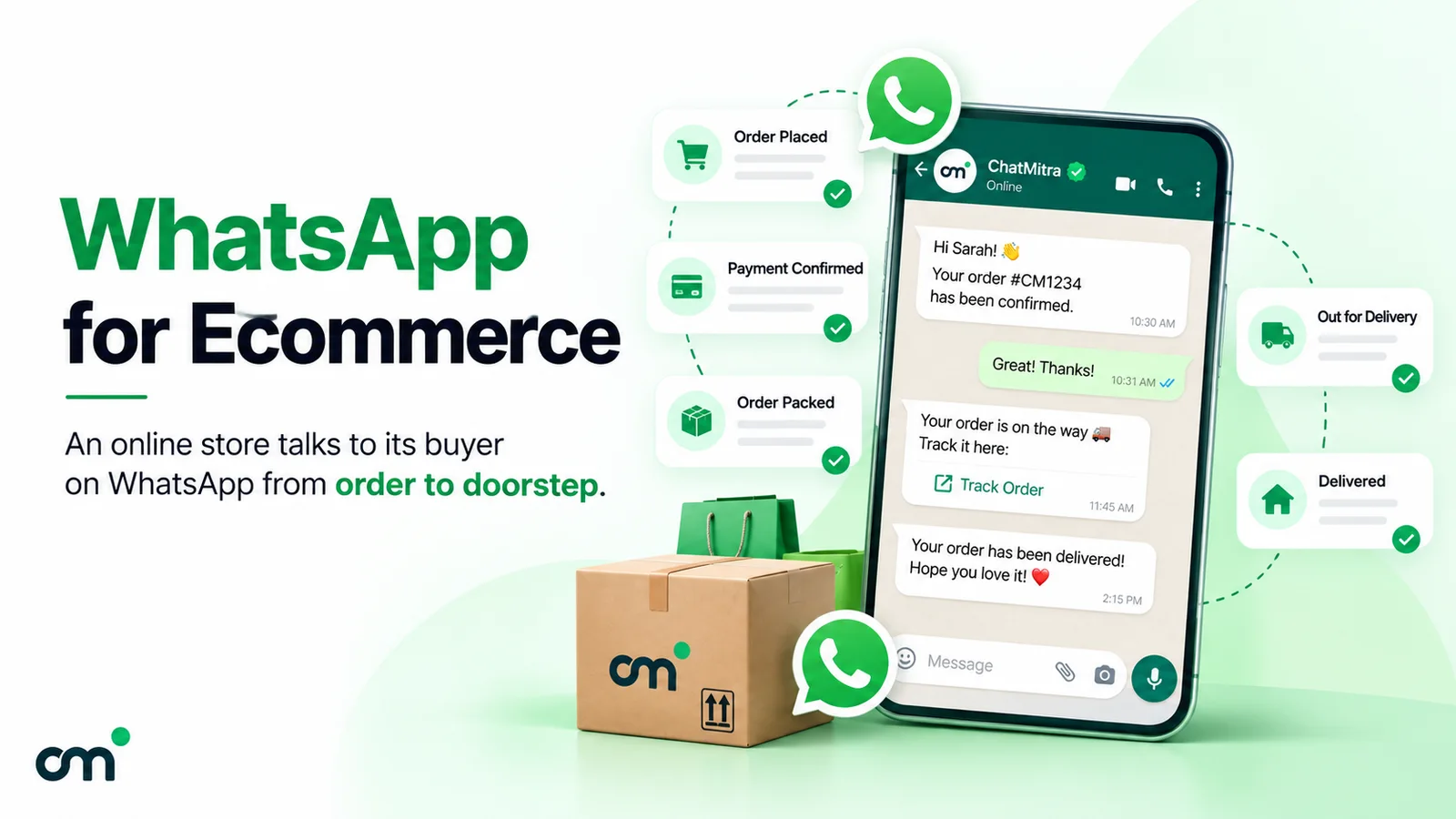
ChatMitra is an official WhatsApp Business API platform for Indian businesses, and its “Chat Mitra WhatsApp Marketing” app is on the Shopify App Store. Once connected, your store’s events trigger WhatsApp messages on your own number:
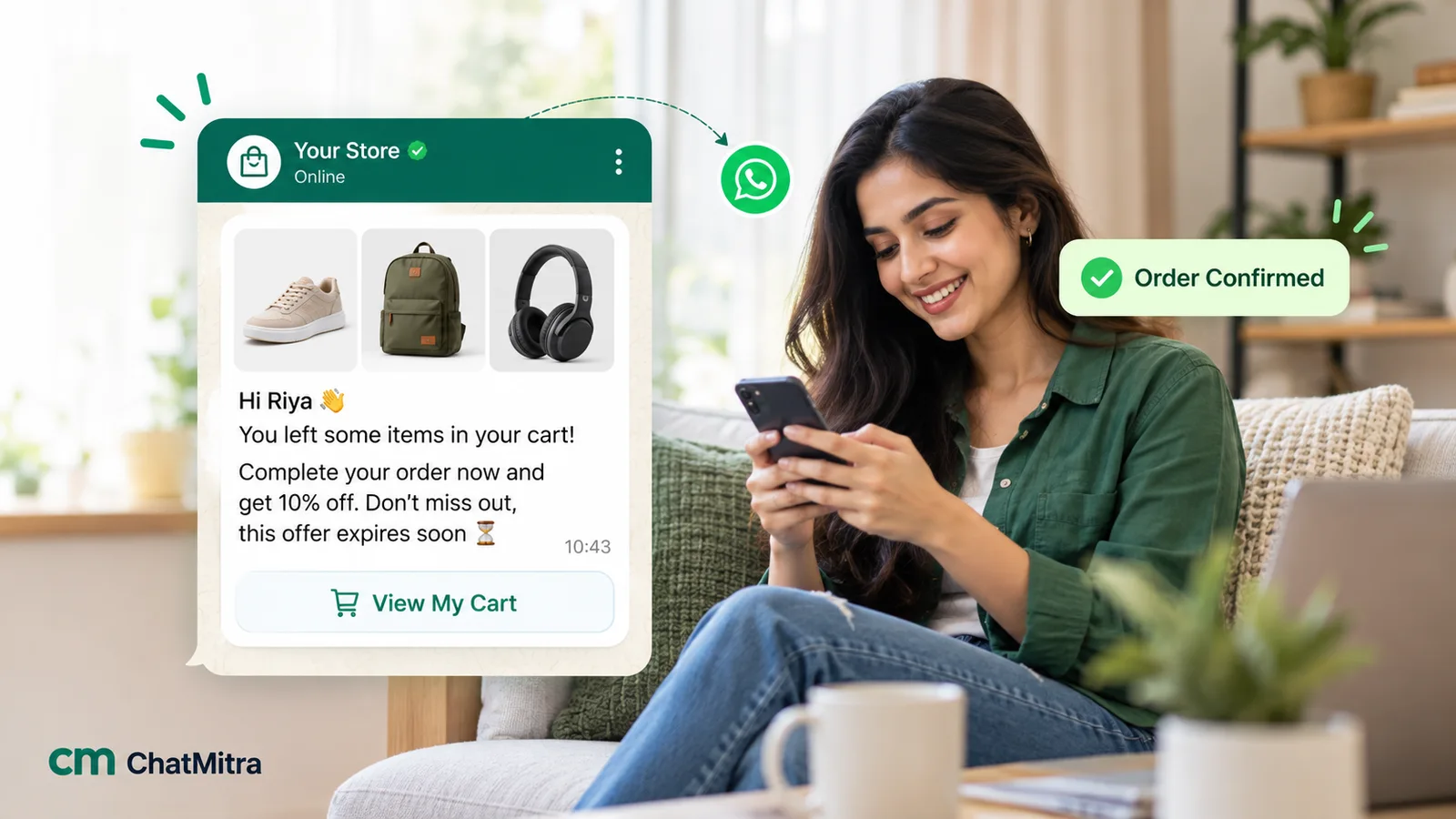
- up to three abandoned-cart reminders, each with its own delay counted from the abandoned checkout, cancelled automatically if the shopper places the order;
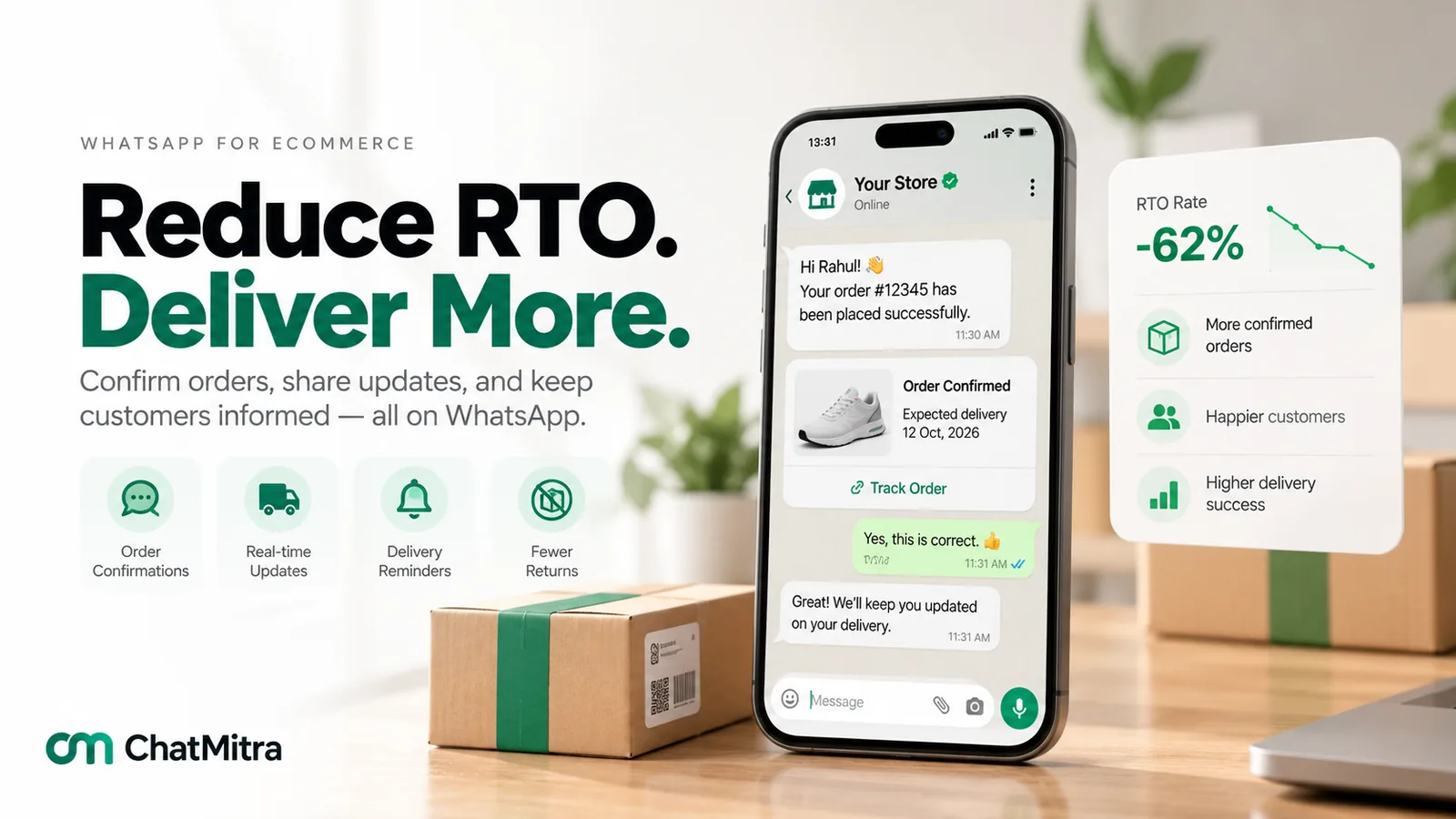
- a COD confirmation for cash-on-delivery orders and an order confirmation for prepaid ones;
- cancellation and “shipped” messages, the second with the tracking link;
- a feedback request scheduled after fulfilment.
Messages carry the customer’s name, order ID, amount, items, address, tracking link and checkout link as variables. For questions, Pro adds Auto Reply rules (buttons, lists, catalog and product messages, keyword replies) and the AI chatbot, which answers typed questions in the tone you set. An Auto Reply rule can call your own API, for example an order-status endpoint, and put the answer into the reply. The AI chatbot can call “API Actions” you connect, such as “Track order”.
- Pricing: the Shopify app is free to install. Starter has no subscription: you pay ₹0.20 per conversation (once per customer per 24 hours, not per message) from prepaid credits. Pro is ₹999 a month, adds Auto Reply, the AI chatbot, API access and webhooks, and includes 1,000 credits a month. Enterprise is ₹2,499 a month and removes the ₹0.20 fee. Meta’s charges are passed through at cost.
- Rating: 5.0 from one review (listing, 22 October 2026). The app launched on 17 October 2025, so it has a short track record.
- Good to know: the Shopify connection is read-only. A tap on “Confirm” or “Cancel” in a COD message lands in your inbox and can tag the contact, but it doesn’t change the Shopify order. The AI chatbot uses an API key from the AI provider you choose, and that provider bills its usage separately. It reads typed text only, not voice notes or photos. If an Auto Reply rule and the AI both match a message, the customer gets two replies, so give each its own job.
2. Shopify Inbox: free, built in, website only
Shopify Inbox is Shopify’s own chat app: free, rated 4.6 from 5,807 reviews. Its Inbox agent can answer product questions, recommend products, add items to the cart and reply in the customer’s language. It can also look up order status, but Shopify’s help centre says the customer is prompted to sign in first. The agent learns from your catalog, policies, knowledge base and published store content. You choose whether it handles all chats, only chats when your staff are away, or none.
- Pricing: free.
- Limits: the Inbox agent needs the Basic, Grow, Advanced or Shopify Plus plan and new customer accounts. It shows customers a notice that they’re chatting with AI, which you can’t remove. It “only operates within your online store’s chat widget”, so there’s no WhatsApp.
- Best for: every store as a baseline website chat, even if WhatsApp handles most of the conversations.
Don’t confuse it with Shopify Sidekick, an AI assistant for merchants inside the Shopify admin. Sidekick doesn’t talk to your customers.
3. Tidio: one inbox, AI on top
Tidio (4.8, 1,356 reviews) combines live chat, automated Flows and the Lyro AI agent. On the Shopify listing, Lyro answers FAQs and order-status questions in the shopper’s language, and an AI sales agent can add products to the cart. Channels include live chat, email, WhatsApp, Instagram and Messenger.
- Pricing (listing): Free (live chat for 50 users, Flows for up to 100 visitors a month); Customer Service $29 a month for 100 conversations; Lyro AI Chatbot $39 a month for up to 200 Lyro conversations. A 7-day trial applies to paid plans. Tidio’s own pricing page shows different plan names and numbers, so confirm at checkout.
- Watch for: a busy store can exceed 200 AI conversations quickly. Price the plan at your real monthly volume.
4. Chatty: low entry price, AI order tracking
Chatty (4.9, 1,885 reviews) is a live chat and AI chatbot app that also covers WhatsApp, Messenger, Instagram and email.
- Pricing (listing): Free (50 AI conversations a month, unlimited human chats); Basic $19.99 a month (100 AI conversations, AI order tracking, 5 members); Pro $68.99 (500 AI conversations, shopping assistant, cart recovery); Plus $199 (1,000). Extra AI conversations cost $0.40 each.
- Watch for: order tracking starts at Basic, not on Free.
5. Zipchat AI: an AI sales agent with store actions
Zipchat (4.9, 209 reviews) is aimed at selling as much as support. Its listing names AI actions for order tracking, returns, COD, discounts and stock checks, plus upsell and cart recovery, across live chat, WhatsApp, Instagram and email.
- Pricing (listing): a free tier with 120 AI replies (about 50 conversations); Starter $80 a month (750 replies); Pro $300; Scale $600. Zipchat’s website shows no free plan and says WhatsApp messages also incur Meta’s charges.
- Watch for: billing by AI reply, not conversation. A five-message chat uses five replies.
6. Gorgias: a helpdesk whose AI can act on orders
Gorgias (4.3, 706 reviews) is a Shopify-focused helpdesk. Its AI Agent handles order, shipping and return questions, and the listing says it can edit orders, refund and cancel inside tickets. It hands conversations to your team with context.
- Pricing (listing): Starter $10 a month (3 agents, 50 tickets); Basic $60 (300 tickets); Pro $360 (2,000 tickets); Advanced $900 (5,000 tickets). Gorgias’s pricing page charges the AI Agent per automated interaction ($0.90 on annual contracts, $1.00 monthly), and each one also counts as a helpdesk ticket.
- Watch for: costs grow with ticket volume and resolutions. WhatsApp isn’t among the channels on its Shopify listing.
7. Rep AI: behavioural triggers for browsing shoppers
Rep AI (4.6, 122 reviews) watches on-site behaviour and opens an AI chat when a shopper seems to hesitate. Its AI is trained on your catalog, policies and brand voice. It handles order tracking, returns, cancellations and FAQs, and hands off to live chat with a summary.
- Pricing (listing): Pay-as-you-Grow, free to install with 100 visitors, then $12 per 1,000 visitors; Starter $104 a month (10,000 visitors); Basic $209; Standard $368. A 14-day trial applies to paid plans.
- Watch for: it’s billed by visitors, not chats, so a traffic spike raises the bill even if few people talk to the bot.
8. Wati: WhatsApp inbox with an AI agent on Pro
Wati’s Shopify app (3.8, 120 reviews) covers WhatsApp cart recovery, order updates and a shared team inbox, with Instagram, Facebook and other channels.
- Pricing (listing): Growth $69 a month, Pro $149 (adds an AI agent for FAQs and product help), Business $349. There’s no free plan; a 7-day trial applies. Message charges are extra and vary by country. Wati’s pricing page lists the Shopify integration as a $4.99-a-month add-on.
- Watch for: the Shopify listing names the AI agent in Pro, while Wati’s website lists an AI agent with AI credits on Growth too, so confirm which applies to your plan. Its review score is the lowest in this list.
9. Interakt: an Indian WhatsApp CRM with per-message rates
Interakt (4.2, 232 reviews) is a Mumbai-based WhatsApp platform with Shopify notifications, campaigns and chatbots.
- Pricing (interakt.shop, India, quarterly billing): Starter ₹3,499 a quarter, Growth ₹7,699, Advanced ₹10,499. Each plan lists its own per-message rates for Indian numbers. On Growth: marketing ₹0.958, utility ₹0.150 and service ₹0.128 after the first 1,000 free service messages. WhatsApp AI Agents are an add-on for Growth and Advanced, listed at ₹3,000.
- Watch for: those per-message rates are above Meta’s own India rates (₹0.8631 marketing, ₹0.115 utility and service), so the gap grows with volume.
Also considered: Richpanel (a helpdesk with AI from $0.20 per conversation on a $89-a-month plan), Willdesk (free tier of 20 conversations, order tracking through TrackingMore) and eDesk (marketplace-focused helpdesk from $59 a month). We left them out of the top nine because they’re helpdesks first, like Gorgias, or because the store-chat use case is secondary.
What a Shopify chatbot can do with your order data
The most useful question to ask any vendor is “what can your bot see and do in my store?” The answer falls on a ladder, and each step needs more access:
| Level | What the bot can do | Store access it needs | Examples in this list |
|---|---|---|---|
| 0. FAQs only | Answer from a written FAQ or policy page | None | Any bot before you connect Shopify |
| 1. Catalog answers | Recommend products, check stock and prices | Products, policies | Shopify Inbox, Rep AI, Zipchat, Tidio |
| 2. Order lookups | Reply “your order shipped yesterday” when asked | Orders, read; plus a way to identify the customer | Shopify Inbox (after sign-in), Tidio Lyro, Chatty Basic+, Zipchat, Rep AI |
| 3. Event messages | Send cart, COD, order and shipping messages as things happen | Checkouts, orders, customers, read; WhatsApp templates | ChatMitra, Wati, Interakt |
| 4. Order actions | Edit, cancel or refund an order from the chat | Orders, write | Gorgias AI Agent |
Three practical points follow from the ladder:
- Identity comes before order data. A bot shouldn’t share order details with whoever asks. Shopify Inbox solves this with sign-in; WhatsApp solves it partly because the customer’s phone number is known. If someone else ordered on that number, though, you still need to match carefully.
- Proactive beats reactive for “where is my order?”. A shipped message with the tracking link answers the question before it’s asked. That’s level 3, and it’s why WhatsApp tools are strong after checkout even without typed lookups.
- Write access is a risk decision. A bot that can cancel or refund saves agent time but needs strict rules. Many stores keep those actions with people and let the bot collect the reason and the photos.
ChatMitra sits at level 3 natively. Its Shopify app requests read-only access to checkouts, customers, orders and products. It reaches level 2 when you connect your own order API through an Auto Reply rule or an AI API Action. It doesn’t do level 4.
What a Shopify chatbot really costs
The headline plan price is only the first of three layers:
- The app’s plan. A monthly subscription, sometimes free.
- The app’s usage fee. Per AI conversation (Tidio, Chatty), per AI reply (Zipchat), per automated interaction (Gorgias), per visitor (Rep AI), or per conversation (ChatMitra’s ₹0.20, once per customer per 24 hours).
- Meta’s charges, for WhatsApp. Meta charges per delivered template message by category and country. In India, from 1 October 2026: marketing ₹0.8631, utility ₹0.115, authentication ₹0.115. Service replies inside the 24-hour window are free for the first 1,000 a month per business phone number, then ₹0.115 each. Some WhatsApp apps pass these through at cost; others resell them at a higher rate.
A worked monthly bill for an Indian Shopify store
Take a store with 1,000 orders a month, 600 of them cash on delivery. On WhatsApp it sends:
- 600 COD confirmations and 400 prepaid order confirmations (utility);
- 1,000 shipped messages with tracking links (utility);
- 500 abandoned-cart reminders to opted-in shoppers (marketing);
- about 800 service replies to customers who message first (within Meta’s free 1,000).
Meta’s charges at cost come to ₹230 for 2,000 utility messages plus ₹431.55 for 500 marketing messages, so ₹661.55 in total. Service replies cost nothing at this volume.
For ChatMitra’s fee, count conversations, not messages. Each order typically opens two 24-hour conversations (confirmation day and shipping day), so 2,000. Add 500 for cart reminders and about 200 support chats that fall on other days, roughly 2,700 in all.
| Monthly cost | ChatMitra Pro | Interakt Growth |
|---|---|---|
| Plan | ₹999 | ₹2,566 (₹7,699 a quarter) |
| Platform usage fee | ₹340 (2,700 conversations − 1,000 included credits = 1,700 × ₹0.20) | No separate fee |
| Utility messages (2,000) | ₹230 (Meta’s ₹0.115) | ₹300 (Interakt’s ₹0.150) |
| Marketing messages (500) | ₹431.55 (Meta’s ₹0.8631) | ₹479 (Interakt’s ₹0.958) |
| Service replies (800) | ₹0 (within the free 1,000) | ₹0 (within the free 1,000) |
| AI chatbot | Included in Pro (AI provider bills its usage separately) | Add-on, listed at ₹3,000 |
| Total before AI usage | ≈ ₹2,001 | ≈ ₹3,345 |
At this volume, ChatMitra’s Starter plan would be cheaper still if you don’t need Auto Reply or the AI chatbot: 2,700 × ₹0.20 = ₹540 plus Meta’s ₹661.55. Enterprise (₹2,499, no ₹0.20 fee) beats Pro from about 8,500 conversations a month.
Website chat bots priced in dollars don’t map neatly onto this example, because their unit is the AI conversation or visitor. Estimate how many chats your bot would handle, multiply by the per-conversation price, and add WhatsApp message charges if the app sends on WhatsApp too.
Why ChatMitra comes first for WhatsApp
| ChatMitra advantage | What it means for your store | How others compare |
|---|---|---|
| Shopify app free to install | Connect your store without a new subscription | Wati has no free plan; Interakt starts at ₹3,499 a quarter |
| Store flows built in | Three cart reminders, COD and prepaid confirmations, cancellation, shipped-with-tracking and feedback, each on your chosen template | Website bots answer questions but don’t send event messages on WhatsApp |
| Meta’s rates at cost | ₹0.8631 marketing and ₹0.115 utility in India, nothing added | Interakt lists ₹0.958 and ₹0.150 on Growth |
| ₹0.20 per conversation, never per message | A COD confirmation and the chat that follows count as one conversation for 24 hours | Zipchat bills per AI reply; Chatty and Tidio per AI conversation |
| AI chatbot included in Pro | Auto Reply rules, the AI chatbot, API and webhooks for ₹999 a month | Wati’s Shopify listing names its AI agent in the $149 Pro plan; Interakt’s is an add-on |
| Order lookups through your API | Auto Reply rules and AI API Actions can fetch order status from your system | Only some bots read orders, and Shopify Inbox needs sign-in |
| Enterprise removes the fee | ₹2,499 a month, unlimited messaging, Meta’s charges only | Usage-billed bots get more expensive as you grow |
Good to know: ChatMitra is a WhatsApp tool, so it doesn’t add a chat widget to your website; pair it with Shopify Inbox or a WhatsApp chat button. Its Shopify access is read-only, so it can’t cancel or edit orders. Shopify sends no “delivered” event, so delivery updates need your shipping platform’s webhook or the tracking link. The AI chatbot handles typed text only, and you hand over to a person by pausing the AI for that chat.
How to choose a Shopify chatbot
Work through these questions in order:
- Where do your customers ask? Check your last month of messages. If most questions arrive after the order, prioritise WhatsApp. If they arrive on product pages, prioritise a website bot.
- What must it do with orders? Decide which ladder level you need. Order status only is level 2. Cart, COD and shipping messages are level 3. Cancellations or refunds are level 4.
- What’s the billing unit, and what’s your volume? Multiply your real monthly volume by the unit price, then add Meta’s charges for WhatsApp.
- How does handover work? Meta requires a clear route to a person whenever you automate WhatsApp replies. Check that the bot can pass a chat to a human, and that your team sees the history.
- Which languages? Hindi, Hinglish, Tamil or Gujarati support may matter more than any AI feature.
- Who owns the number and the data? WhatsApp tools on the official API send from your own number. Check that you can export contacts and move to another provider.
- What do reviews say about support? A 4.9 from 2,000 reviews and a 3.8 from 120 tell you different things. Read the recent one-star reviews too.
Setting up a Shopify chatbot without hurting your store
- Write the answers first. List your top 20 questions and write approved answers: delivery times by region, COD rules, return window, size guide. The bot is only as accurate as this page.
- Install and connect. Grant only the access the bot needs. A read-only app can’t damage orders.
- Start with one job. For WhatsApp, turn on COD confirmation and shipped messages first. They have the clearest payback because they cut returned parcels and “where is my order?” questions. For a website bot, start with product and delivery FAQs.
- Get the template categories right. Submit order, COD and shipping messages as utility, with no offers in them. Submit cart reminders as marketing, and send them only to shoppers who opted in. Meta’s own marketing example includes “You left items in your cart”.
- Set the handover. Decide which words or situations go to a person: refund disputes, damaged items, angry customers. Add “talk to a person” as a button.
- Test on your own phone and browser. Place a test COD order, abandon a test cart and ask the bot ten awkward questions.
- Review weekly for the first month. Read conversations the bot got wrong and fix the source answer, not just the reply.
Common Shopify chatbot mistakes
- Letting the bot guess order status. If it can’t read the order, it should send the tracking link or hand over, never invent a date.
- Sending cart reminders without opt-in. WhatsApp requires opt-in before you message someone, and Meta treats cart reminders as marketing.
- Running two bots on one channel. A website widget and a WhatsApp tool can coexist. Two automations answering the same WhatsApp message can’t: the customer gets both replies.
- Pricing at the free tier. Fifty AI conversations a month disappear in the first busy week. Price the plan you’ll actually use.
- Hiding the human. A bot with no way to reach a person frustrates customers, and on WhatsApp it breaks Meta’s policy.
- Putting offers in utility templates. An order confirmation with a discount code becomes marketing and costs more.
Sources
- Shopify App Store listings for Shopify Inbox, Tidio, Chatty, Zipchat, Gorgias, Rep AI, Wati, Interakt and Chat Mitra WhatsApp Marketing (read 22 October 2026).
- Shopify Help Center: Inbox agent, Shopify Inbox, Sidekick.
- Vendor pricing pages: Tidio, Gorgias, Zipchat, Wati, Interakt.
- Meta: WhatsApp Business Platform pricing (updated 30 September 2026) and its INR rate card effective 1 October 2026; WhatsApp Business Solution Terms, section 4.7; WhatsApp Business Messaging Policy.
- ChatMitra’s pricing page and Shopify integration (22 October 2026).
Start with the chatbot your customers will actually use
If your shoppers ask most of their questions on WhatsApp after they order, start there. Connect your store with the Shopify WhatsApp integration, switch on COD confirmation and shipping messages, and add Auto Reply and the AI chatbot when you’re ready. Compare plans on ChatMitra’s pricing page, or read how WhatsApp fits the rest of your store in our guide to WhatsApp for ecommerce, our abandoned cart recovery guide and how to reduce RTO.