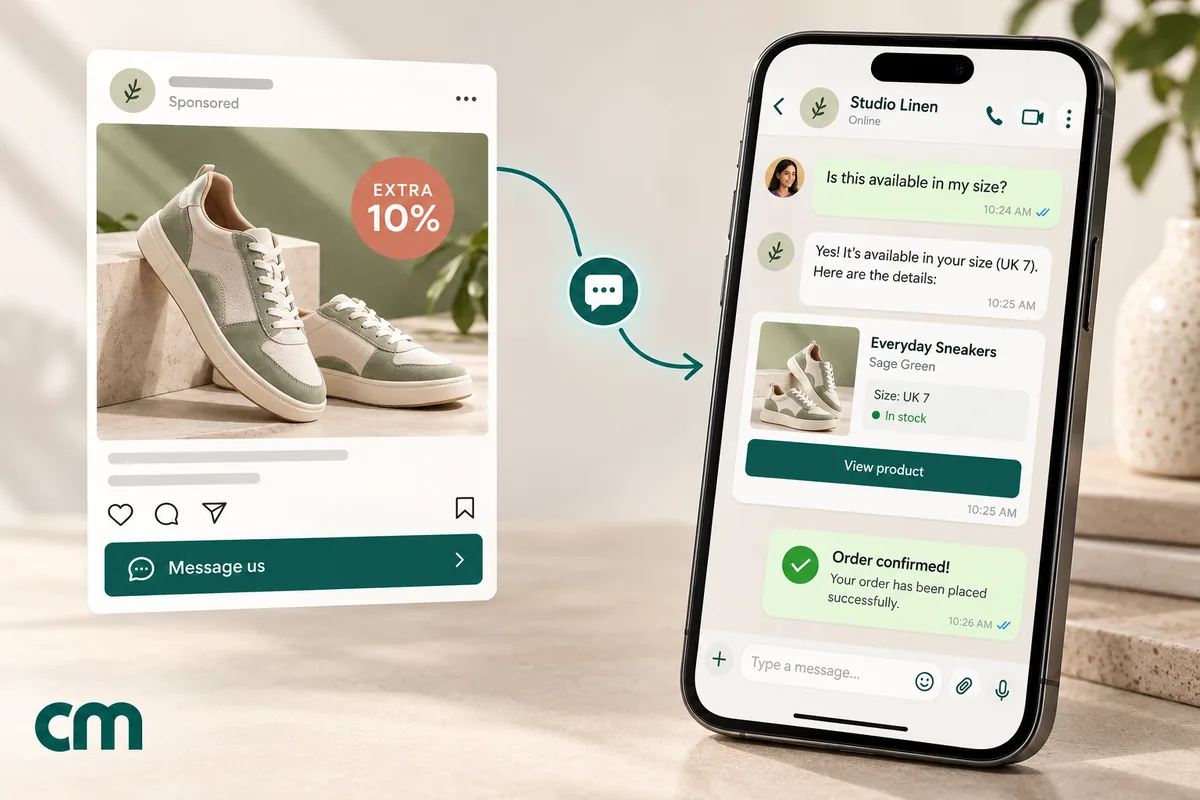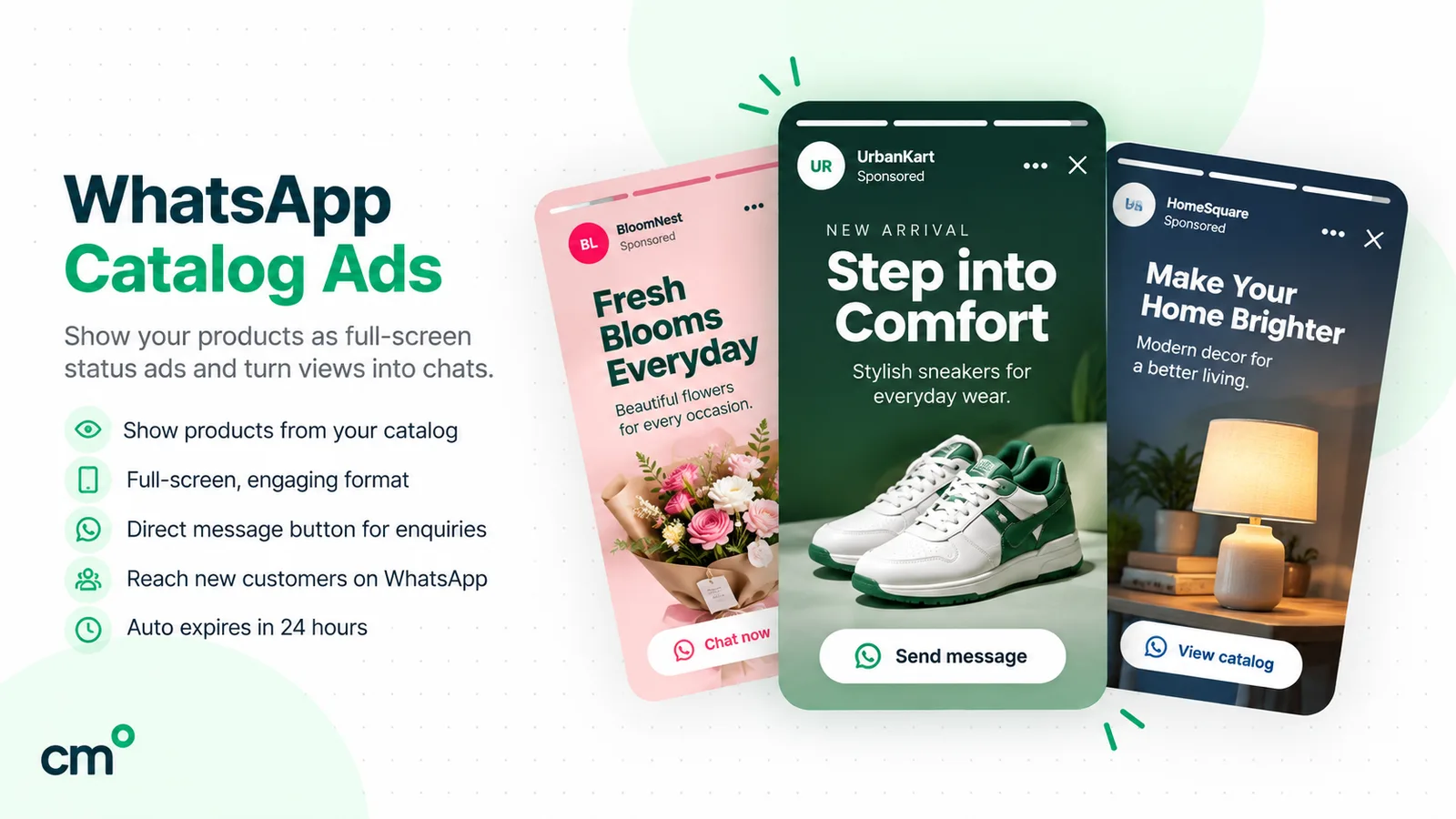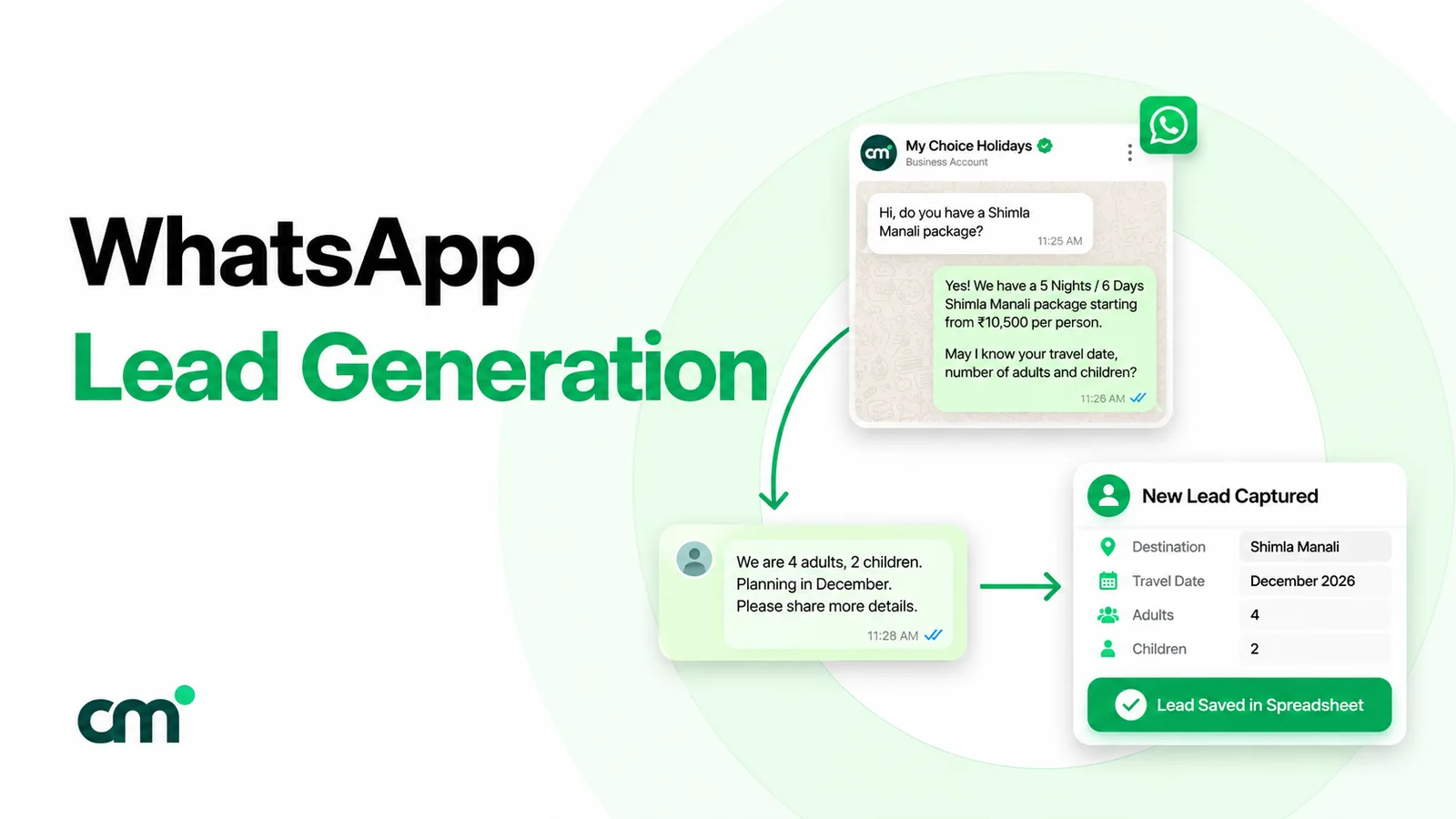
WhatsApp ads are paid ads that either open a WhatsApp chat with your business or appear inside WhatsApp itself. Click-to-WhatsApp ads run on Facebook, Instagram and WhatsApp Status. Ads in Status and promoted channels appear in WhatsApp’s Updates tab. You buy them in Meta Ads Manager, pay through Meta’s ad auction, and get a free messaging window from Meta for the chats they start.
This guide covers the whole family in one place: the formats and where each appears, what you actually pay (there are two bills, not one), how to set up a campaign, how to write the ad and the first message together, and how to measure what the chats produced. For a season-specific playbook, see our Black Friday Click-to-WhatsApp guide. For organic Status posting, see WhatsApp Status marketing.
Using ChatMitra? You create the ads in Meta Ads Manager. ChatMitra handles everything after the tap: the shared inbox where ad chats arrive, a welcome message for new contacts, keyword replies matched to each ad’s prefilled text, an AI chatbot for out-of-hours questions, and templates for follow-ups once the free window closes. On Pro and above, your webhook receives each ad chat’s referral details, including the ad ID and click ID. Jump to running WhatsApp ads with ChatMitra.
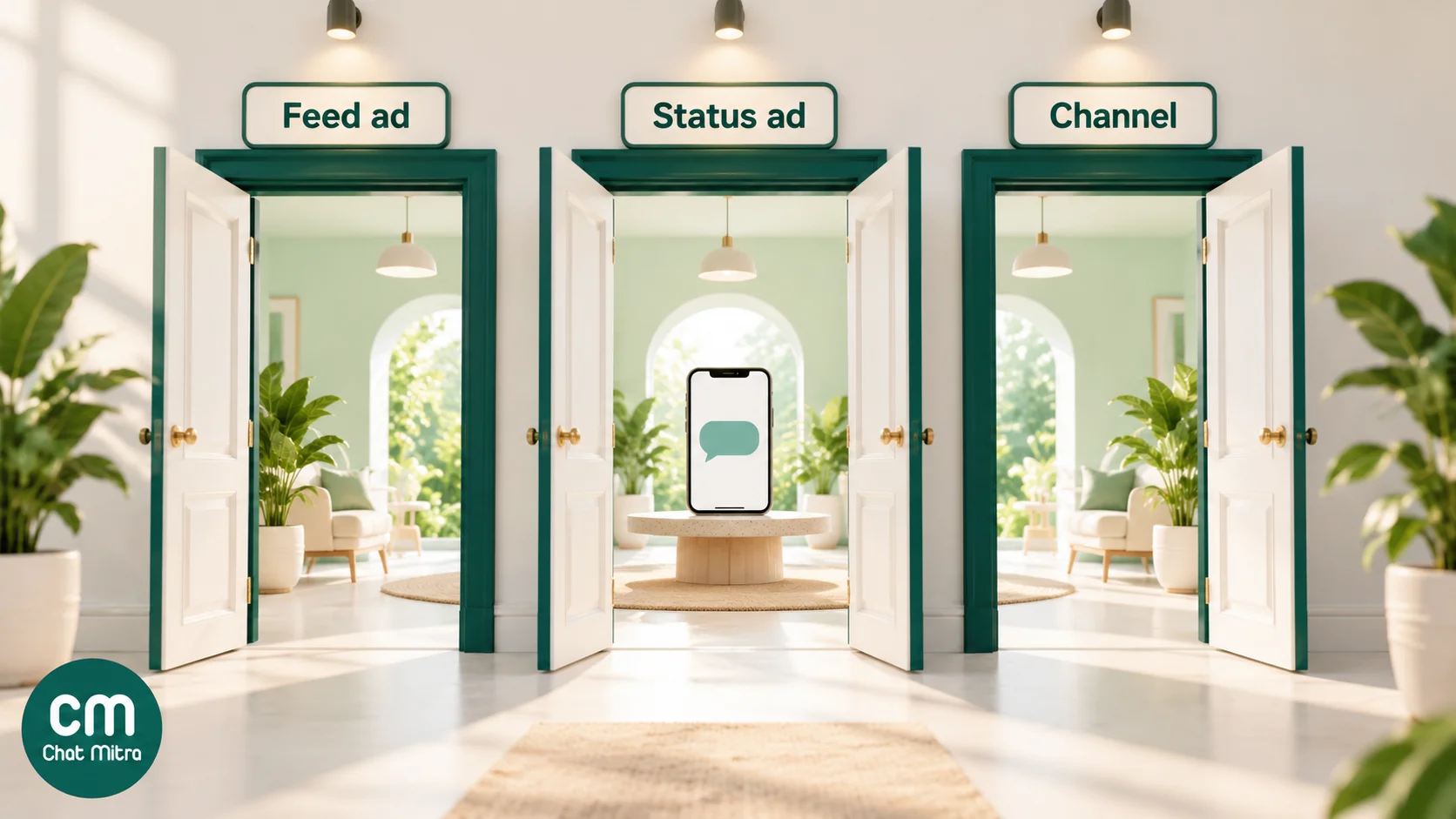
The four kinds of WhatsApp ads
| Format | Where people see it | What a tap does | How you buy it |
|---|---|---|---|
| Click-to-WhatsApp ads | Facebook and Instagram feeds, Stories and Reels, and WhatsApp Status when that placement is included | Opens a WhatsApp chat with your business, often with a message typed in for them | Meta Ads Manager, or the Advertise option in the WhatsApp Business app |
| Ads in Status | Between statuses in WhatsApp’s Updates tab, labelled “Ad” | Opens a chat with your business or your website | Ads Manager, as a placement alongside Instagram Stories |
| Promoted channels | Higher up in WhatsApp’s channel directory | Shows your channel so people can follow it | Meta’s channel promotion, rolling out gradually |
| Message assets on Google | Google Search and Performance Max ads | Opens a WhatsApp chat (or SMS) | Google Ads; in beta, for verified advertisers in eligible categories |
One rule applies to all of them: ads never appear in personal chats. When Meta announced ads in WhatsApp in June 2025, it limited them to the Updates tab, “away from your personal chats” (Meta Newsroom).
Click-to-WhatsApp ads
The oldest and most widely used format. The ad looks like any other Facebook or Instagram ad, but its button says Send WhatsApp message. A tap opens WhatsApp with a chat to your number, usually with a short message already typed in (“Hi, I’d like the price of the blue kurta”).
Meta’s developer documentation lists the details (Meta: Click-to-WhatsApp ads):
- Objectives: Engagement, Leads, Sales and Traffic campaigns can use WhatsApp as the destination.
- Creative: image, video, carousel or slideshow.
- The number: your Facebook Page must have a WhatsApp number connected. It can be a number on the Business app or on the API.
- The first message: you can set a greeting, a prefilled message, ice breakers (tappable starter questions) or a WhatsApp Flow.
Small businesses can skip Ads Manager. Since 2023, the WhatsApp Business app has let owners create and pay for Facebook and Instagram ads that click to WhatsApp from inside the app, with an email address and a payment method and no Facebook account (WhatsApp Business blog).
Ads in Status
Ads in Status appear between friends’ and channels’ statuses in the Updates tab. They’re bought in Ads Manager, and Meta’s documentation sets the rules (Meta: ads in WhatsApp Status):
- You can’t buy Status alone. The WhatsApp Status placement is available only when Instagram Stories is also selected.
- Formats: single image, single video or carousel (up to 10 cards). Statuses are vertical, so design for 9:16.
- Not eligible: special ad categories (finance, employment, housing, and social issues, elections or politics) aren’t delivered to Status. Neither are the pharma, healthcare and GSI verticals.
- Where: Meta’s documentation says ads in Status are available globally except in the EU, the UK, Iran, Cuba, Syria, Russia and North Korea. Rollouts are gradual, so trust the placement list in your own Ads Manager over any article.
Meta announced Status ads for India in September 2025, naming Maruti Suzuki, Air India and Flipkart as early advertisers (Meta Newsroom). Our Status marketing guide covers organic Status versus Status ads in depth.
Promoted channels
WhatsApp Channels are one-way broadcasts that people choose to follow. Promoted channels pay for a more visible spot in the channel directory, so that more people discover and follow you (Meta Newsroom). They build an audience rather than start conversations. They suit media brands, creators and businesses with a steady stream of updates more than a shop that wants enquiries today. Meta was still rolling out channel promotion gradually at the time of writing.
Message assets on Google
Not a Meta product, but worth knowing. Google Ads’ message assets add a chat option to Search and Performance Max ads, and a tap can open WhatsApp (Google Ads Help). The feature is in beta, needs advertiser verification and is limited to eligible business categories, so check your account before planning around it.
Which one should you use?
| Your goal | Start with | Why |
|---|---|---|
| Enquiries and sales this week | Click-to-WhatsApp ads on Facebook and Instagram | Largest reach; the free entry point window covers your replies |
| Reach people who use WhatsApp more than Facebook or Instagram | Add the WhatsApp Status placement to a Click-to-WhatsApp campaign | Same campaign, one more placement; compare its cost per conversation |
| Build an audience for regular updates | Promoted channels | Followers, not chats |
| Catch people searching for your service on Google | Google message assets (if eligible) | Search intent plus a chat button |
| Test with a small budget and no setup | The Advertise option in the WhatsApp Business app | Minutes to launch; fine for one or two products |
Most businesses should start with one Click-to-WhatsApp campaign, an Engagement or Leads objective and one clear offer. Add placements and formats only once you know what a conversation is worth to you.
What WhatsApp ads cost: two bills, not one
People asking “how much do WhatsApp ads cost” usually mean the ad. There are actually two bills: what Meta charges to show the ad, and what the chats cost once they start.
Bill 1: the ad itself
WhatsApp ads are priced like any other Meta ad.
- Auction pricing. Meta doesn’t publish a rate card. What you pay depends on your audience, creative quality, competition and budget, and you set the budget yourself.
- Daily budgets average out. Meta says it “may spend up to 75% over your daily promotional budget” on a given day, but this averages out over the week (Meta ad pricing).
- Start small, run long enough. Meta’s guidance is “to start with at least $5 for your budget and to choose a duration over six days”, so the system can find the right people (same page). In India, Ads Manager shows the minimum budget for your account and currency when you set up the campaign.
Several websites quote India figures such as “₹5–₹25 per click” or a cost per chat. These are third-party estimates, not Meta prices, and they vary widely by industry and city. The only number that matters is the one Ads Manager shows after a week of your own campaign: cost per messaging conversation started.
Bill 2: the conversations
This is where WhatsApp ads differ from ads that send people to a website. When someone messages you from a Click-to-WhatsApp ad, Meta’s pricing rules give you a free window (Meta: pricing):
- A 24-hour customer service window opens.
- If you reply within it, that reply isn’t charged, and a free entry point (FEP) window opens from the time you replied.
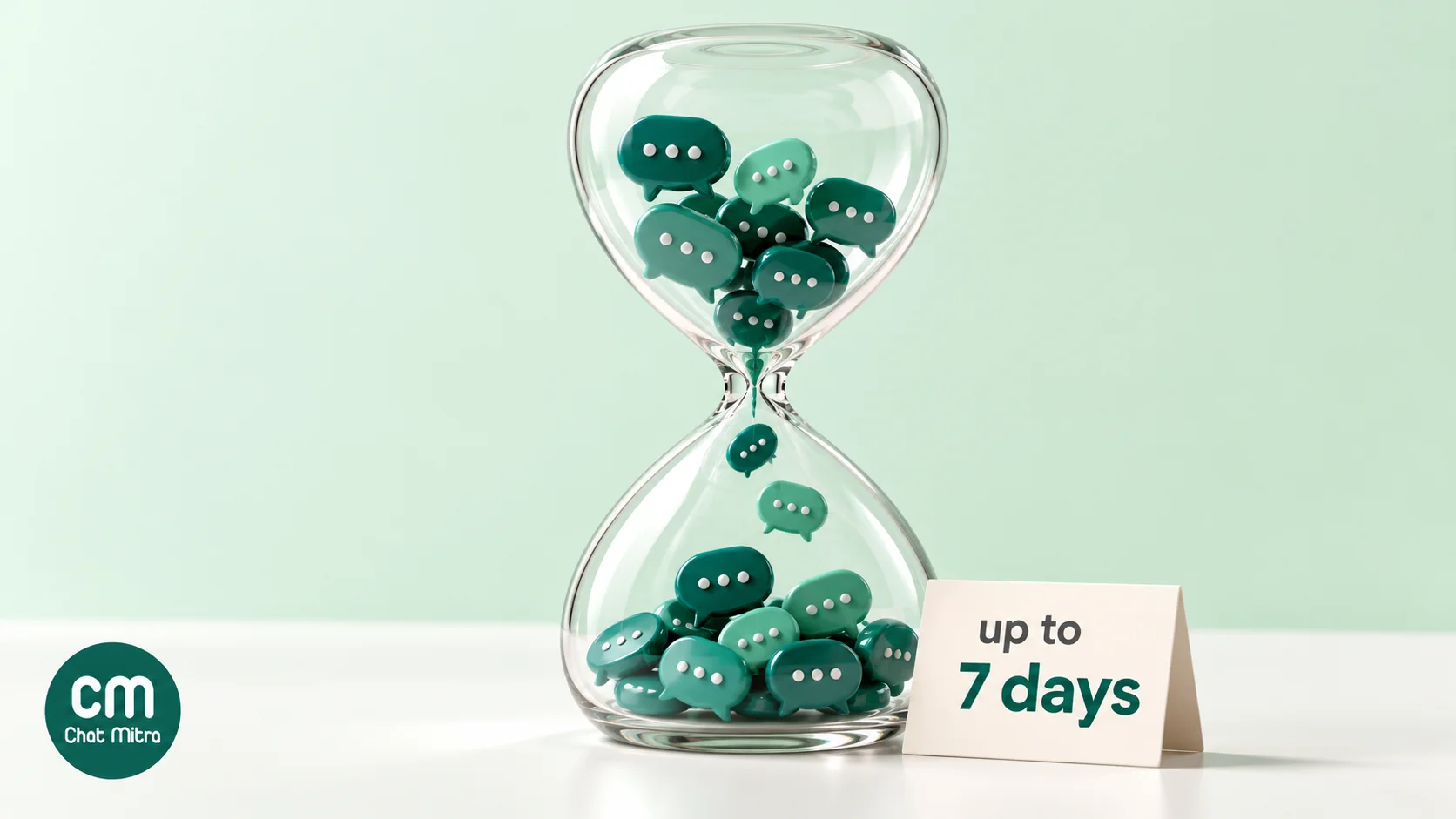
- “The FEP window may remain open for up to 7 days.” While it’s open, Meta doesn’t charge for marketing, utility, authentication or service messages. Meta does still charge for Meta Business Agent messages.
Three conditions apply:
- The phone app only. The customer must message from the WhatsApp Android or iOS app. Meta says its “desktop and web apps are not supported”.
- Reply within 24 hours, or no free window opens.
- Older figures. Many guides, and earlier versions of Meta’s own pages, say 72 hours. The current pricing page says “up to 7 days”, and “up to” means it can close sooner, so put your important follow-ups in the first few days.
The free window covers Meta’s message charges only. Your WhatsApp provider’s fees and your ad spend still apply. On ChatMitra, the ₹0.20 conversation fee (once per customer per 24 hours) applies on Starter and Pro, including ad chats; Enterprise removes it.
A worked month
These figures are assumptions to show the arithmetic, not benchmarks. A clothing store spends ₹15,000 on Click-to-WhatsApp ads in a month, and Ads Manager reports 600 messaging conversations started. That is ₹25 per conversation for this store; yours will differ.
| Item | Calculation | Cost |
|---|---|---|
| Ad spend | Set by the store | ₹15,000.00 |
| Replies on day one | 600 chats inside the free window: Meta ₹0; ChatMitra 600 × ₹0.20 | ₹120.00 |
| Follow-ups on later days, still inside the window | 300 customers, 1 new 24-hour conversation each: Meta ₹0; ChatMitra 300 × ₹0.20 | ₹60.00 |
| Offer two weeks later, to 200 who opted in | 200 × (₹0.8631 Meta marketing rate + ₹0.20) | ₹212.62 |
| Total | ₹15,392.62 |
The messaging side is under 3% of the total. That’s typical: with Click-to-WhatsApp, the ad is the main cost. What decides whether it pays is how many of those 600 chats you turn into orders, so measuring the chats matters more than the ad cost alone.
How to run a Click-to-WhatsApp ad in Ads Manager
These steps follow WhatsApp’s own guide to creating ads that click to WhatsApp (WhatsApp Business). Menu names in Ads Manager change often, so look for the closest match.
- Connect your WhatsApp number to your Facebook Page. You can do this in Page settings, or from Ads Manager when you choose the destination. Use the number your team actually answers, whether that’s the Business app or an API number on a provider such as ChatMitra.
- Create a campaign and choose an objective. Engagement (to maximise conversations) suits most first campaigns. Leads works when you’ll qualify people in the chat. Sales suits stores that can report purchases back to Meta.
- Set the conversion location to Messaging apps → WhatsApp.
- Set the budget and schedule. Follow Meta’s advice to run for more than six days. Meta also notes that ad sets with an audience of at least 2 million people often perform better, because the auction has more room to find good matches.
- Choose the audience and placements. Advantage+ placements let Meta choose. If you want WhatsApp Status, keep Instagram Stories switched on, because Status can’t run alone.
- Build the creative. Use one product or one offer per ad, a vertical version for Stories and Status, and a headline that says what happens next (“Ask us for today’s price on WhatsApp”).
- Write the message template. This is the greeting, the prefilled message and any ice breakers people see when the chat opens. Make each ad’s prefilled message different, so you can tell ads apart in the inbox (see the next section).
- Publish, then watch the inbox, not just the dashboard. The first hour shows whether your team can keep up.
From the WhatsApp Business app instead: on Android, open the Advertise option, pick a photo, catalogue item or status, choose the audience, budget and duration, and pay. It’s the fastest route for one-off promotions. Ads Manager gives you more control over objectives, placements and testing.
Write the ad and the first message together
A Click-to-WhatsApp ad has two pieces of copy: the ad people see and the message that appears in their chat box after the tap. Most advertisers polish the first and forget the second.
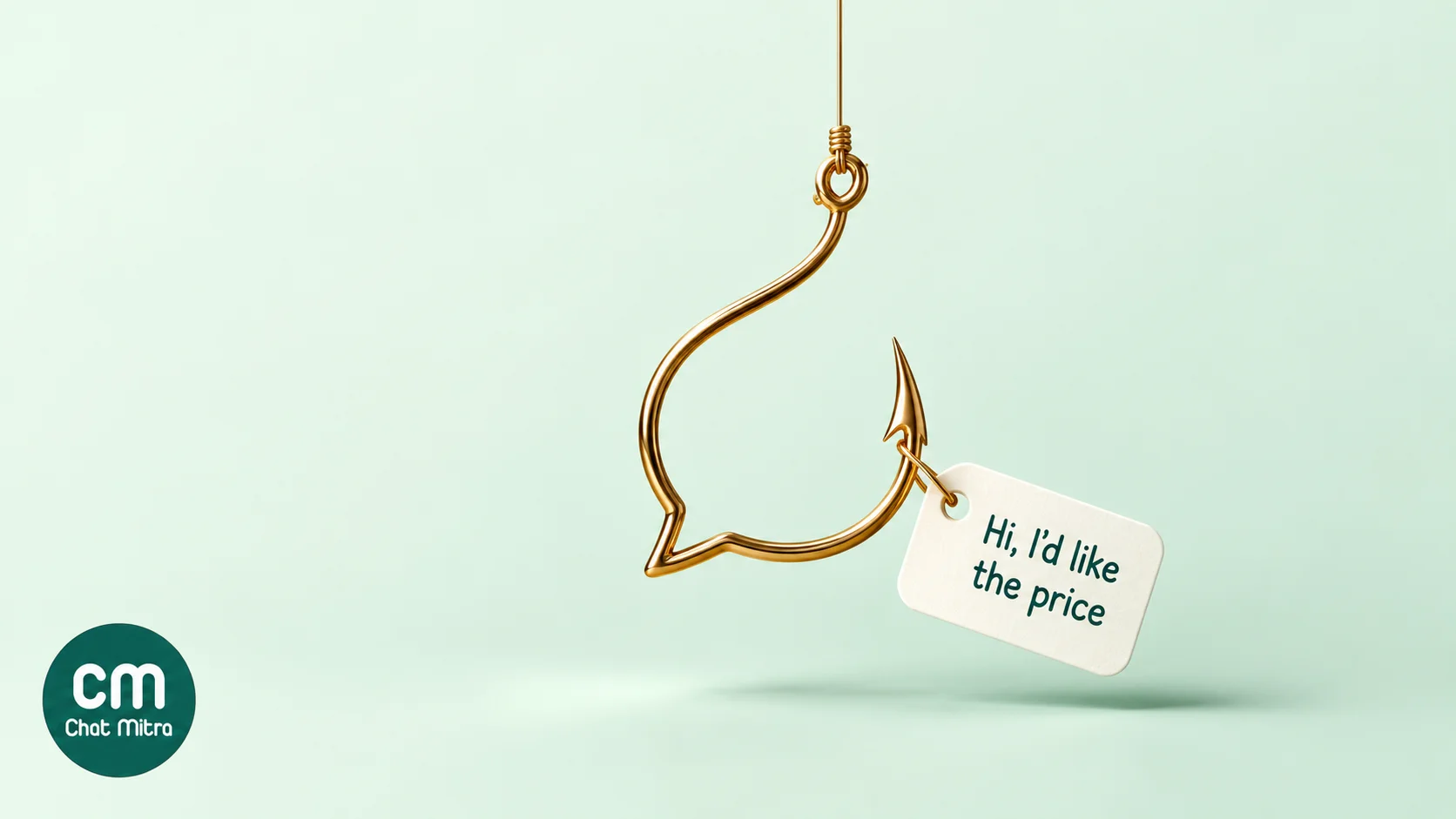
Make the prefilled message a question you can answer instantly. “Hi, I’d like the price and sizes for the blue kurta” tells your team (or your chatbot) exactly what to send. “Hi” tells them nothing.
Give every ad its own wording. If your Diwali ad pre-fills “Hi, Diwali offer please” and your new-arrivals ad pre-fills “Hi, show me new arrivals”, you can route, tag and count each one with simple keyword rules, with or without the API.
Match the ad’s promise in the first reply. If the ad says “price in 1 minute”, the reply has to carry the price. Sending a menu of options to someone who asked a specific question loses them.
Use ice breakers for browsing ads. When people might want different things, such as prices, delivery areas or a catalogue, Meta’s ice breakers let them tap a question instead of typing.
Ask for opt-in during the chat, not before it. A chat from an ad lets you reply. It isn’t permission for future broadcasts. Offer a button to join your offers list and record the answer; our opt-in guide has the wording.
What happens after the tap
The ad buys you a conversation. Whether it turns into a sale depends on the next few minutes.
- Answer fast. People who tap an ad are at their most interested in that moment. An automatic first reply buys you time, but a human (or a good chatbot) needs to follow it.
- Plan inbox capacity before you raise the budget. 600 chats a month is about 27 every weekday, before follow-ups. Measure how many chats one person on your team can handle well in a day, then size the team to the budget. Doubling the budget roughly doubles the chats, so either add people or let a chatbot take the routine questions.
- Cover the hours your ads run. Ads keep delivering at night. Either schedule them for staffed hours or set an away reply that promises a time and keeps that promise.
- Use the window. The free entry point window is the cheapest time to send the catalogue, a payment link, an order confirmation or a reminder. After it closes, each marketing template costs the full rate.
- Close the loop. Tag each chat with the ad it came from and the outcome (ordered, lost, follow up), so next week’s budget goes to the ads that sell, not just the ones that start chats.
How to measure WhatsApp ads
In Ads Manager: look at messaging conversations started and cost per messaging conversation started. Meta counts a conversation as started when someone messages you after at least seven days of inactivity, attributed to your ads. These metrics tell you what the ads cost, not what they sold.
In your WhatsApp inbox: count orders, bookings or qualified leads per ad. The cheapest way is the prefilled-message trick above: each ad’s opening words identify it. Add a different offer code per ad to catch customers who buy on your website later.
Through the WhatsApp Business API: the first message from an ad carries a referral object with the ad’s source URL, ID, headline and body, and a click ID called ctwa_clid (Meta webhook reference). Meta omits the click ID for ads in Status.
Back to Meta, for optimisation: Meta’s Conversions API for Business Messaging lets you report purchases, leads and other outcomes from WhatsApp chats, using the ctwa_clid (Meta: Conversions API for Business Messaging). That lets Sales campaigns optimise for buyers rather than chatters. It needs a developer or a partner integration.
Running WhatsApp ads with ChatMitra
ChatMitra doesn’t create or buy ads; that stays in Meta Ads Manager. It runs the WhatsApp side, where the ad money turns into orders. Checked against the product in October 2026:
| Need | ChatMitra | Notes |
|---|---|---|
| Shared inbox for ad chats | Yes | Every agent sees the same chats on one official API number, on web and mobile |
| Welcome message for first-time contacts | Yes | Sends text, a template or buttons, and can auto-tag the new lead |
| A different reply per ad | Yes, on Pro | Auto Reply keyword rules (exact, starts-with or regex; not case-sensitive) matched to each ad’s prefilled message |
| Out-of-hours answers | Yes, on Pro | Away replies, or the AI chatbot trained on your FAQs, using your own AI provider key |
| Follow-ups after the free window | Yes | Approved templates through campaigns or the API |
| Which ad started the chat | Through webhooks, on Pro | The message.received webhook includes the ad’s referral details, including ctwa_clid. They aren’t yet shown in the inbox, so use prefilled messages and tags for day-to-day tracking |
| Conversions API events to Meta | No | Use your webhook data with a separate integration |
| Posting to Status or Channels | No | Meta doesn’t offer this through the API |
What it costs on ChatMitra:
- Starter: free.
- Pro: ₹999 a month, with a 15-day trial and no card. It adds Auto Reply, the AI chatbot and webhooks.
- Enterprise: ₹2,499 a month, with no ₹0.20 conversation fee.
- Meta’s rates pass through at cost on every plan, and ad chats inside the free window cost nothing from Meta.
Details are on the pricing page.
A simple setup for your first campaign:
- Connect your ChatMitra number to your Facebook Page and use it as the ad’s WhatsApp destination.
- In Settings, turn on the Welcome Message for new contacts, with auto-tagging for leads.
- In Auto Reply, add one rule per ad, using that ad’s prefilled message as a “Starts” keyword. Have it reply with the answer the ad promised.
- Turn on the away message, or the AI chatbot, for the hours your ads run unstaffed.
- Prepare one or two approved marketing templates for follow-ups after the free window, and ask for opt-in in the chat.
Rules that catch advertisers out
- Meta’s advertising standards apply to the ad (Meta Advertising Standards). WhatsApp’s business and commerce policies apply to what you sell and send in the chat (WhatsApp Business policy).
- Some categories can’t use Status. Finance, employment, housing, politics, pharma and healthcare ads aren’t delivered to the WhatsApp Status placement. They can still use Click-to-WhatsApp on Facebook and Instagram, under those categories’ own rules.
- US numbers don’t receive marketing templates. Meta says it “does not currently deliver marketing template messages to WhatsApp users with United States phone numbers” (Meta: per-user limits). For US customers, Click-to-WhatsApp is how a conversation starts at all, and replying inside the windows works normally.
- Opt-in before broadcasts. Covered above. It’s also the quickest way to protect your number’s quality rating.
Mistakes that waste WhatsApp ad budget
- Running ads nobody answers. Unanswered chats cost the same as answered ones, and they’re the main reason WhatsApp ads “don’t work”.
- One prefilled message for every ad. You lose the cheapest attribution you have.
- Judging ads by cost per chat alone. A ₹40 chat that buys beats a ₹10 chat that doesn’t. Measure orders per ad.
- Letting the free window lapse. Send the catalogue, payment link or reminder while Meta’s charges are waived.
- Changing everything every day. Meta recommends running ads for more than six days so delivery can settle. Constant edits keep resetting it.
- Treating ad chats as a broadcast list. Ask for opt-in, or keep to replies.
- Assuming Status ads are live everywhere. Check your own Ads Manager first.
Where to start
Pick one product or offer that people usually ask about before buying. Run one Click-to-WhatsApp campaign for a week with a budget you’re comfortable losing, give the ad a specific prefilled question, and make sure someone (or a chatbot) answers within minutes. At the end of the week, compare orders per ad, not just chats per rupee. Then decide whether to add the Status placement, a second offer or a bigger budget.
If you want help with the WhatsApp side, ChatMitra’s Pro plan includes a 15-day free trial with the shared inbox, Auto Reply and AI chatbot used in this guide.