WhatsApp after-sales service is everything you do for a customer on WhatsApp once they’ve paid: confirming the warranty, booking installation, answering “how do I…” questions, taking complaints, sharing repair updates, reminding them about service and offering a maintenance plan when the warranty ends. It works because the customer can send a photo of the fault and get updates without calling. The parts that cost money, and the parts Meta polices, are the template messages you send first, so the key skill is knowing which ones are utility and which are marketing.
This guide is for businesses that sell things that need looking after: appliance and electronics dealers, brands with their own service network, vehicle dealers and workshops, and solar, water-purifier and security-system installers. It follows the customer from the invoice to the AMC renewal, gives the Meta category and price of each message, and ends with copy-ready templates. Prices and policies are checked against Meta’s documentation as of October 2026.
Using ChatMitra? Customers’ photos, videos and invoices land in a shared team inbox, contact fields hold the model, serial number and warranty date, and automations send reminders a set number of days before a date. Jump to running after-sales service on ChatMitra.
What after-sales service on WhatsApp covers
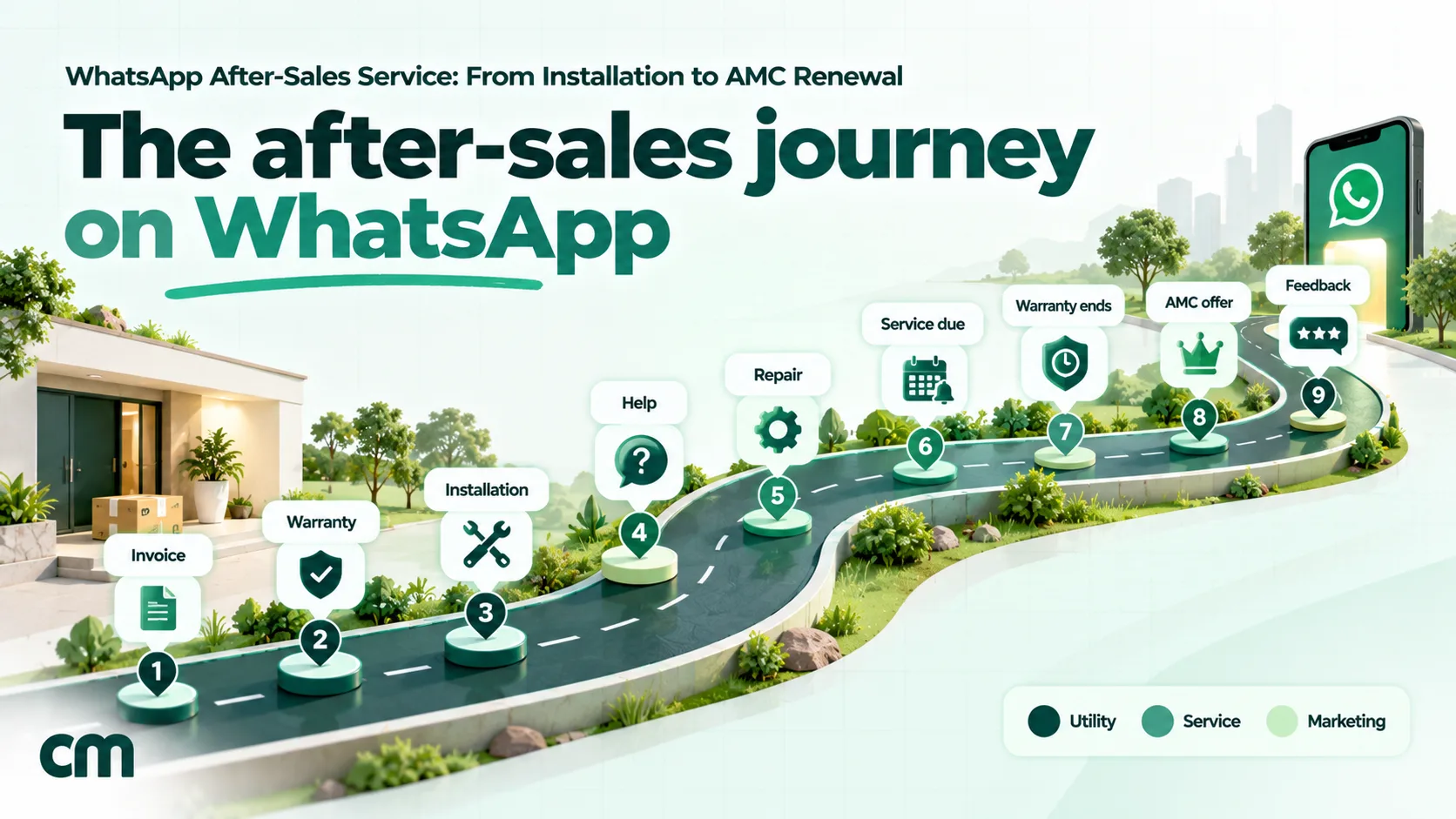
After-sales isn’t one message. It’s a series of moments, some started by you and some by the customer, spread over months or years. Each one needs a different kind of message.
| Moment | Who starts it | What you send | Likely Meta category |
|---|---|---|---|
| Invoice and handover | You | Thank-you note with invoice or warranty card (PDF) | Utility |
| Warranty registration | You or the customer | Confirmation that the warranty is active, with its end date | Utility |
| Installation or demo | You | Slot confirmation, technician details, a reminder the day before | Utility |
| First-use help | The customer | How-to answers, a manual or a short video | Service (free-form reply) |
| Complaint and repair | The customer | Ticket number, visit slot, estimate, status updates, job closure | Service, then utility for updates |
| Preventive service | You | Service-due reminder | Utility or marketing, by wording |
| Warranty expiry | You | Expiry notice | Utility only if neutral |
| AMC or extended warranty | You | Plan offer and renewal reminders | Marketing |
| Feedback | You | ”Was the problem fixed?” for a specific job | Utility if tied to that job |
The middle column matters more than it looks. When the customer messages first, a 24-hour customer service window opens, and inside it you can reply in normal chat. Every message you start, whether it’s a warranty card, a reminder or a renewal offer, has to be a pre-approved template, and Meta prices templates by category.
Why WhatsApp works for after-sales
Phone support is built for the business’s schedule. Service problems aren’t. A customer whose washing machine shows an error code at 9 pm can send a 10-second video, the model sticker and their address in one go, and your team can triage it in the morning without a callback. Three things make WhatsApp suit this work:
- Evidence comes with the complaint. A photo of the error display or a video of the noise often tells the technician which part to carry, which saves a second visit.
- Documents stay in the chat. The invoice, warranty card, estimate and job sheet live in one thread the customer can scroll back to years later.
- Updates don’t need anyone to pick up. “Technician assigned”, “part ordered” and “ready for pickup” reach the customer even when they’re at work.
Customers already use it this way. Meta, citing a 2025 Kantar study, says 91% of online adults in India chat with a business every week. Large brands have moved service onto WhatsApp too: Maruti Suzuki takes car service bookings on WhatsApp, Havells activates warranties when customers upload their invoice on WhatsApp, LG India offers WhatsApp support 24/7 except on national holidays, and Daikin India takes queries on WhatsApp. You don’t need their scale to do the same.
Utility or marketing: the rule that sets your cost
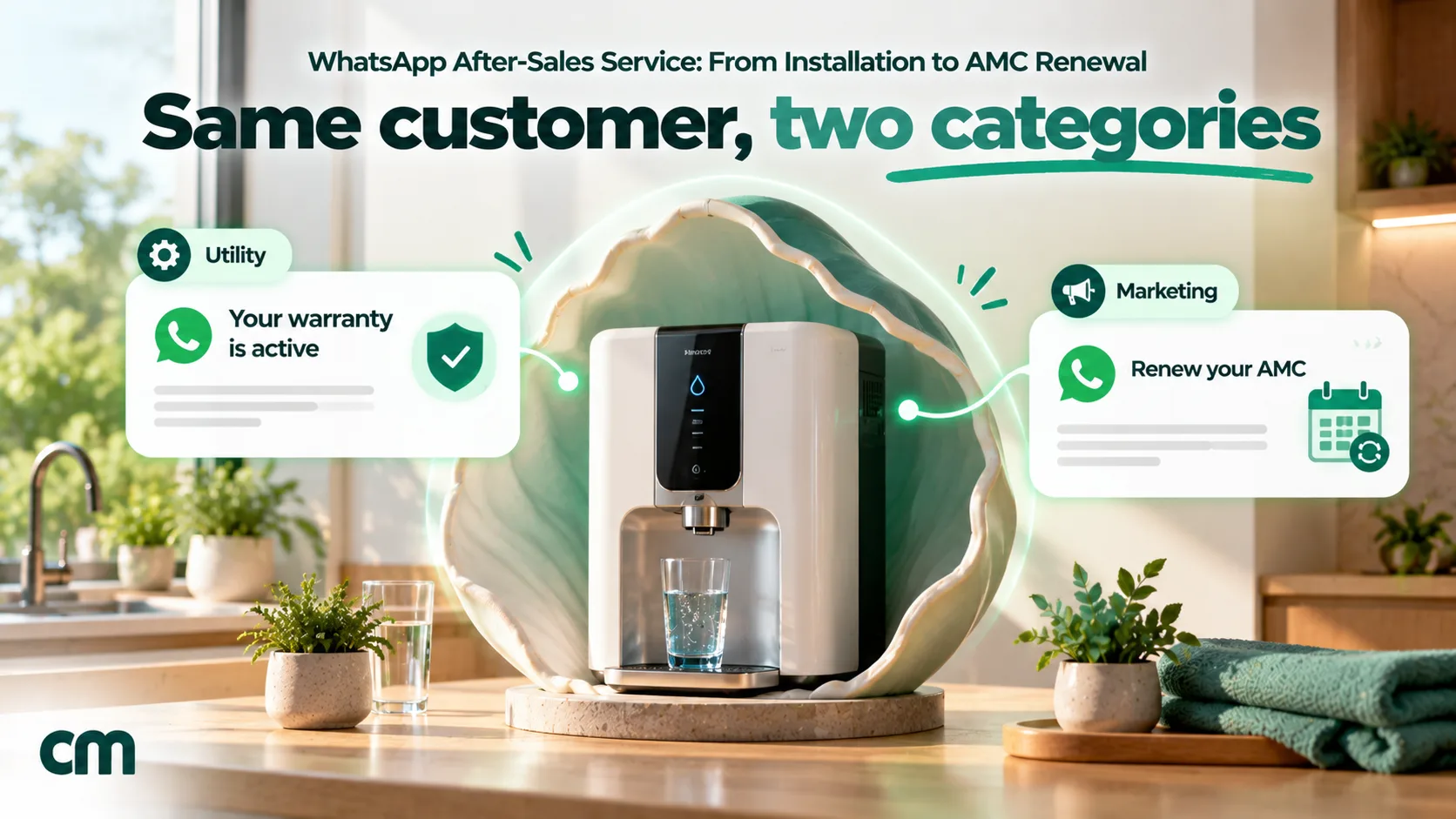
Meta decides the category of every template, and the category sets the price. Its template categorisation guidelines (updated 15 September 2026) say a utility template must meet two conditions:
- It must be non-promotional, with no promotional or persuasive intent.
- It must be specific to or requested by the user, clearly related to their order, account, services or transactions, or essential or critical to them.
Meta’s own examples include an after-sales case: “Thank you for your purchase of {{product}}. Your warranty is active as of {{date}}.” It also gives a product recall notice and a customer-service case update (“Your case has progressed to the next step”) as utility. On the other side, order and account messages “should not promote, recommend, upsell, or cross-sell products; include offers; or attempt to secure renewals.” Messages that try to renew subscriptions are marketing “even if requested by users.”
Here is how that plays out across after-sales:
| Message | Category | Why |
|---|---|---|
| Your warranty is active until 14 March 2029 | Utility | Specific to the purchase; Meta’s own example |
| Your installation is booked for Thursday, 10 am to 1 pm | Utility | Follows up on the customer’s order |
| Service request 4417: part ordered, expected Monday | Utility | Case update on the customer’s own request |
| Your free second service is due this month | Utility (likely) | About a service already included; no offer |
| Book your annual service now and get 15% off | Marketing | Contains an offer |
| Your warranty ends on 2 May. Renew with our AMC today | Marketing | Attempts to secure a renewal |
| How was your experience with us? | Not utility | Meta rejects generic feedback requests as utility |
| Was the fault on request 4417 fixed? | Utility | Tied to a specific job |
Two practical rules come out of this. First, write one template per job and keep offers out of service templates entirely; a single “also check our new range” line changes the category. Second, accept that AMC and extended-warranty renewals are marketing, and send them only to customers who agreed to hear offers.
Getting it wrong costs more than the price gap. Since April 2025, Meta approves a miscategorised template as marketing, re-checks approved templates and gives a day’s notice before switching one. Businesses that keep misusing utility face escalating penalties, up to every utility template being treated as marketing for 7 days, or 30 for repeat violations.
What after-sales messaging costs since October 2026
Meta charges per delivered template. These are the India rates from 1 October 2026, from Meta’s pricing page:
| Message type | Meta rate (India) | When it applies |
|---|---|---|
| Utility template | ₹0.115 | Every utility template, including inside an open 24-hour window (charged again since 1 October 2026) |
| Marketing template | ₹0.8631 | AMC offers, upgrade offers, discounts |
| Service message | First 1,000 a month per number free, then ₹0.115 | Your free-form replies inside the 24-hour window |
Your provider adds its own fee on top. On ChatMitra it’s ₹0.20 per conversation, charged once per customer per 24 hours however many messages you exchange, on the Starter and Pro plans.
A worked month (illustrative). An appliance dealer sells 300 products a month and handles 120 service complaints.
| Item | Count | Cost |
|---|---|---|
| Warranty confirmation, installation slot, day-before reminder and feedback (4 utility templates × 300 customers) | 1,200 | 1,200 × ₹0.115 = ₹138 |
| Replies during 120 complaints (about 8 each) | 960 service messages | ₹0 (inside the free 1,000) |
| Repair status updates (3 per complaint) | 360 utility | 360 × ₹0.115 = ₹41.40 |
| AMC offer to 200 customers whose warranty ends | 200 marketing | 200 × ₹0.8631 = ₹172.62 |
| Meta total | ₹352.02 |
If those messages fall into about 1,500 separate customer-days, ChatMitra’s fee on the Starter plan adds 1,500 × ₹0.20 = ₹300. On Pro (₹999 a month), the included credits cover 1,000 conversations, so the other 500 add ₹100. Even the full bill is less than one wasted technician visit in most cities.
The most expensive habit is sending a template when you didn’t need to. When a customer has messaged you in the last 24 hours, answer in normal chat. Save templates for messages you start.
How to set up after-sales service on WhatsApp, step by step
Step 1: Get opt-in where the sale happens
You can message a customer only if they gave you their number and agreed to receive your messages. Meta’s opt-in guidance adds that the opt-in must clearly state the business’s name. The best moments to ask are the ones where the customer is already giving you details:
- At billing: a checkbox or line on the invoice form: “Send my invoice, warranty and service updates from [Store name] on WhatsApp.”
- On the job card at a service centre or workshop.
- On the warranty card or product box: a QR code that opens a chat with a prefilled message such as “Register my warranty”.
Ask for two things separately: service messages (needed for the warranty and repairs) and offers (needed for AMC and upgrades). Customers say yes to the first far more readily, and it keeps your marketing list clean. India’s DPDP Rules, phased in over 18 months from November 2025, expect a clear, standalone notice that explains the purpose of each use of the data, so the split helps there too.
Step 2: Record the data the journey needs
Reminders and updates are only as good as the data behind them. For each customer and product, store:
- Product and model, plus the serial number (customers can read it off the sticker)
- Purchase date and invoice number
- Installation address with PIN code
- Warranty end date and, if they bought one, AMC end date
- Next service due date (or kilometres, for vehicles)
- Two opt-in flags: service and offers
Keep it to what you need. Don’t collect Aadhaar, PAN, card or bank numbers in chat: WhatsApp’s Business Messaging Policy forbids asking people to share full payment card numbers, financial account numbers or ID card numbers.
Step 3: Write one template per moment
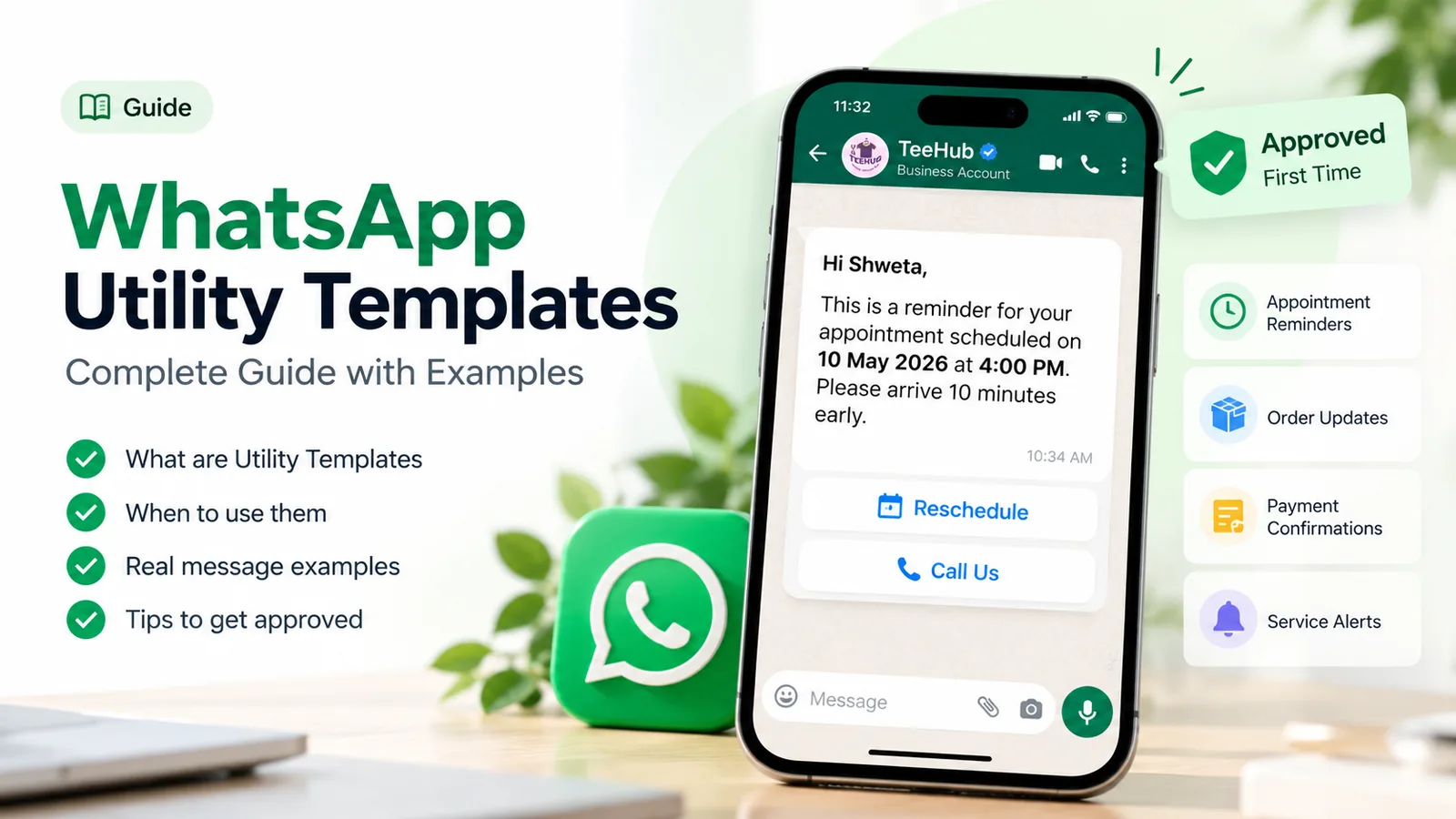
Submit a small set of utility templates, one for each job: warranty confirmation, installation slot, day-before reminder, case update, estimate approval, job closure and feedback. Use a document header for the warranty card or invoice, and quick-reply buttons where the customer has an obvious next step (“Keep this slot”, “Change time”). Submit AMC and upgrade messages separately as marketing. Our utility templates guide covers wording rules and approval in detail.
Step 4: Confirm the warranty
There are two ways to run warranty registration, and many businesses use both.
Seller-registered: when the invoice is raised, your billing or CRM system sends the warranty confirmation template with the warranty card as a PDF. The customer does nothing. This is the cleaner route for dealers and brands selling direct.
Customer-registered: the customer scans a QR code on the box, sends “Register”, and your bot or agent asks for the invoice date and a photo of the invoice. You check it and reply with the confirmation. This suits brands selling through retailers who don’t share sales data.
Either way, the confirmation should say what’s covered, until when, and how to raise a complaint, which is simply “reply in this chat”.
Step 5: Book installation and demos
Installation is the first service experience a customer has, and missed slots are the classic complaint. Send the slot confirmation as soon as it’s booked, with the time window, what the customer needs to arrange (a stand, a power point, water inlet) and quick-reply buttons to keep or change it. Send a reminder the evening before. If the technician is running late, a short message from the coordinator in the same chat stops most angry calls.
Step 6: Take complaints and share repair updates
When a customer reports a fault, your first reply sets the pace of the whole repair. Ask for everything at once rather than one detail per message:
“Sorry about the trouble with your machine. To book a technician, please send: 1) the model and serial number from the sticker, 2) a short photo or video of the problem, 3) your address with PIN code, and 4) a convenient day and time.”
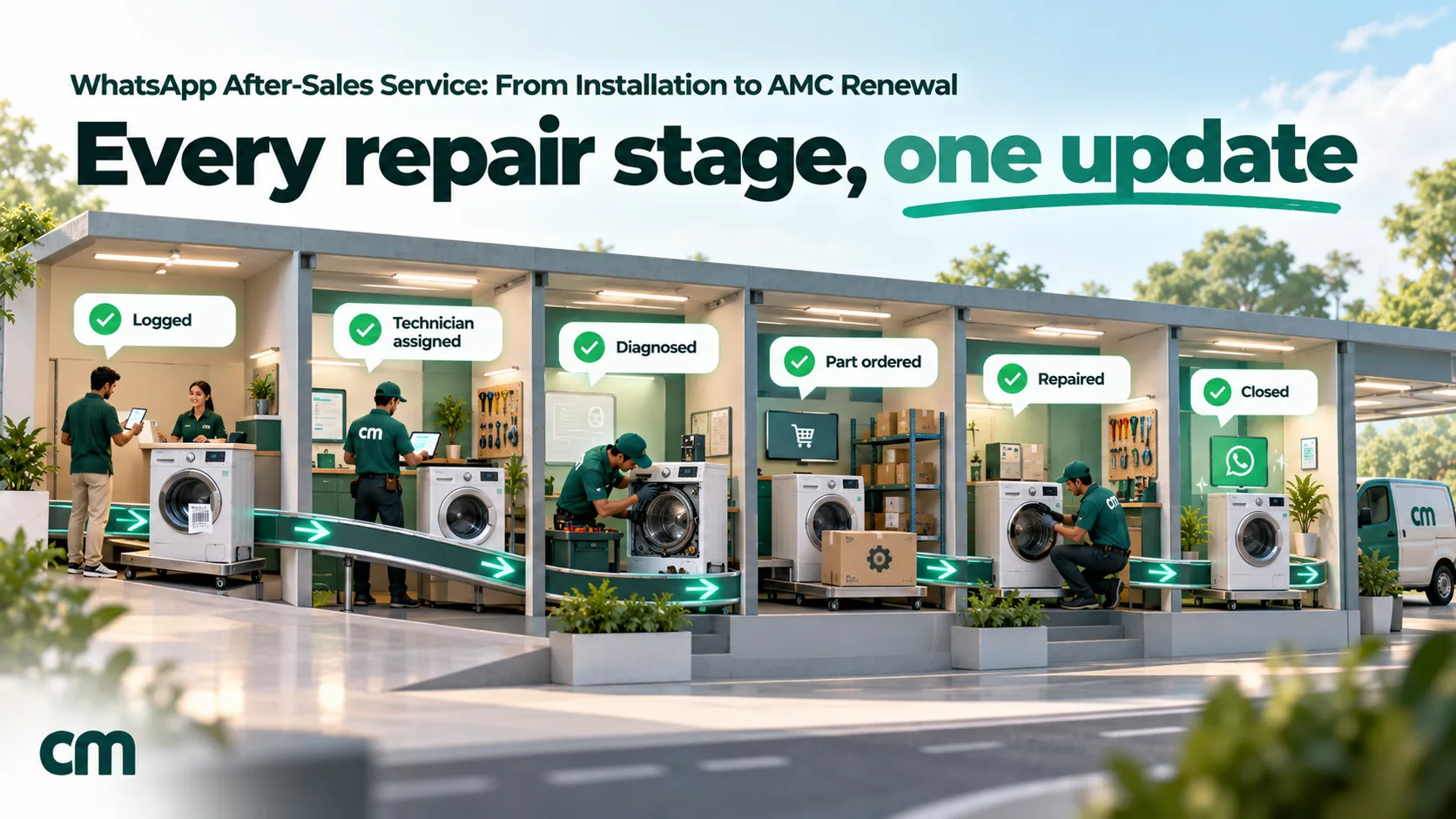
Give the customer a request number in your next message and use it in every update. Then send a short update at each stage that changes what the customer should expect:
- Request logged, with the number
- Technician assigned, with the visit slot
- Diagnosis done, with an estimate if it’s chargeable (buttons: “Approve” / “Call me first”)
- Part ordered, with an expected date
- Repair done, or ready for pickup
- Job closed, with the job sheet or invoice
If the customer replied within the last 24 hours, these can be normal chat messages. If not, each one is a utility template. If your service software can call an API when a job changes stage, these updates can go out without anyone typing them.
Step 7: Send service reminders before things break
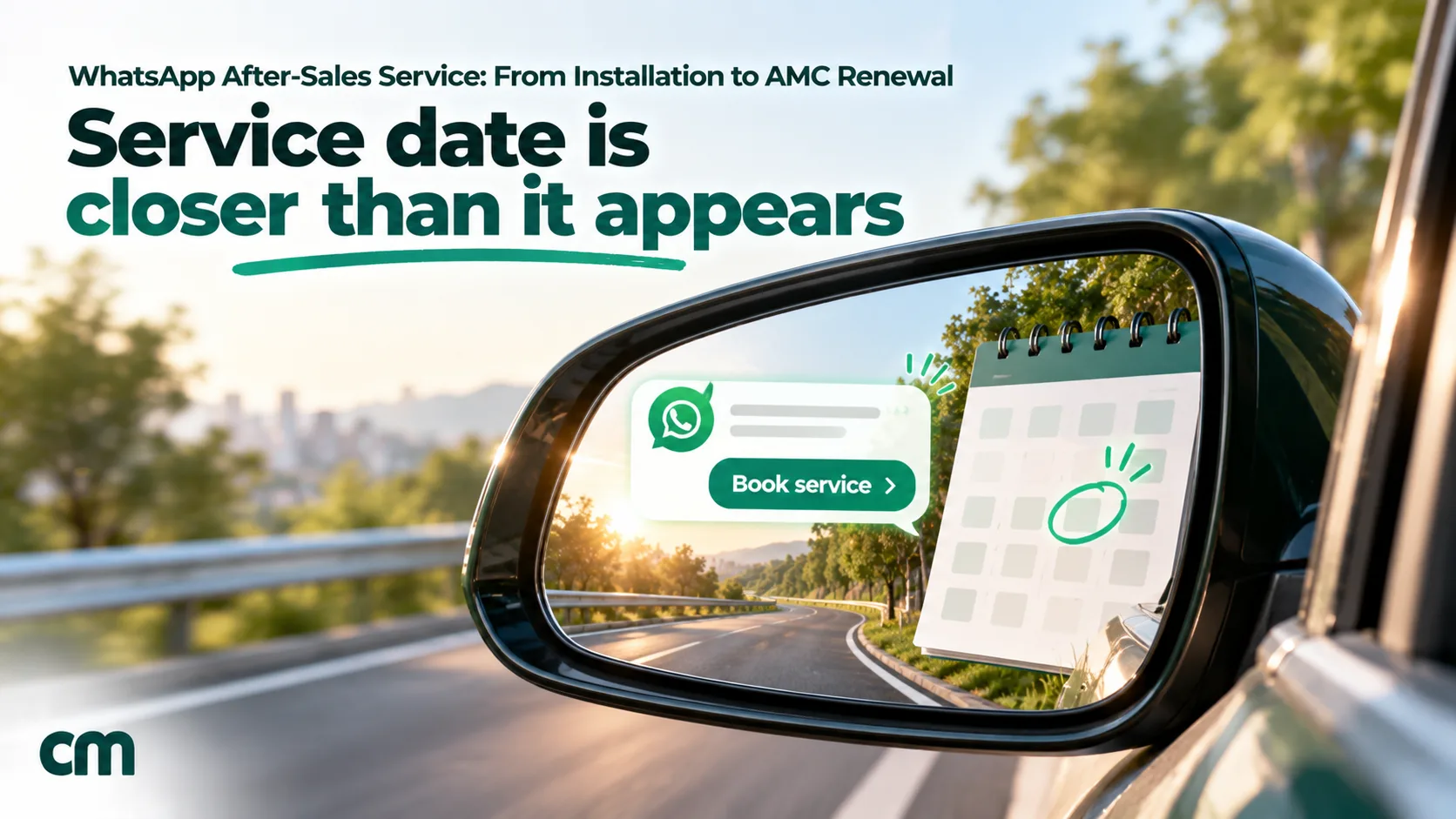
Preventive service is where after-sales pays for itself: a reminder that gets a filter changed on time prevents a breakdown complaint later. Base reminders on your data:
- Date-based: a set number of days before the next service date, such as 7 days before and again on the day.
- Usage-based: for vehicles, service falls due by date or kilometres, whichever comes first. Ask the customer for an odometer reading in the reminder, or send it by date and let them reply.
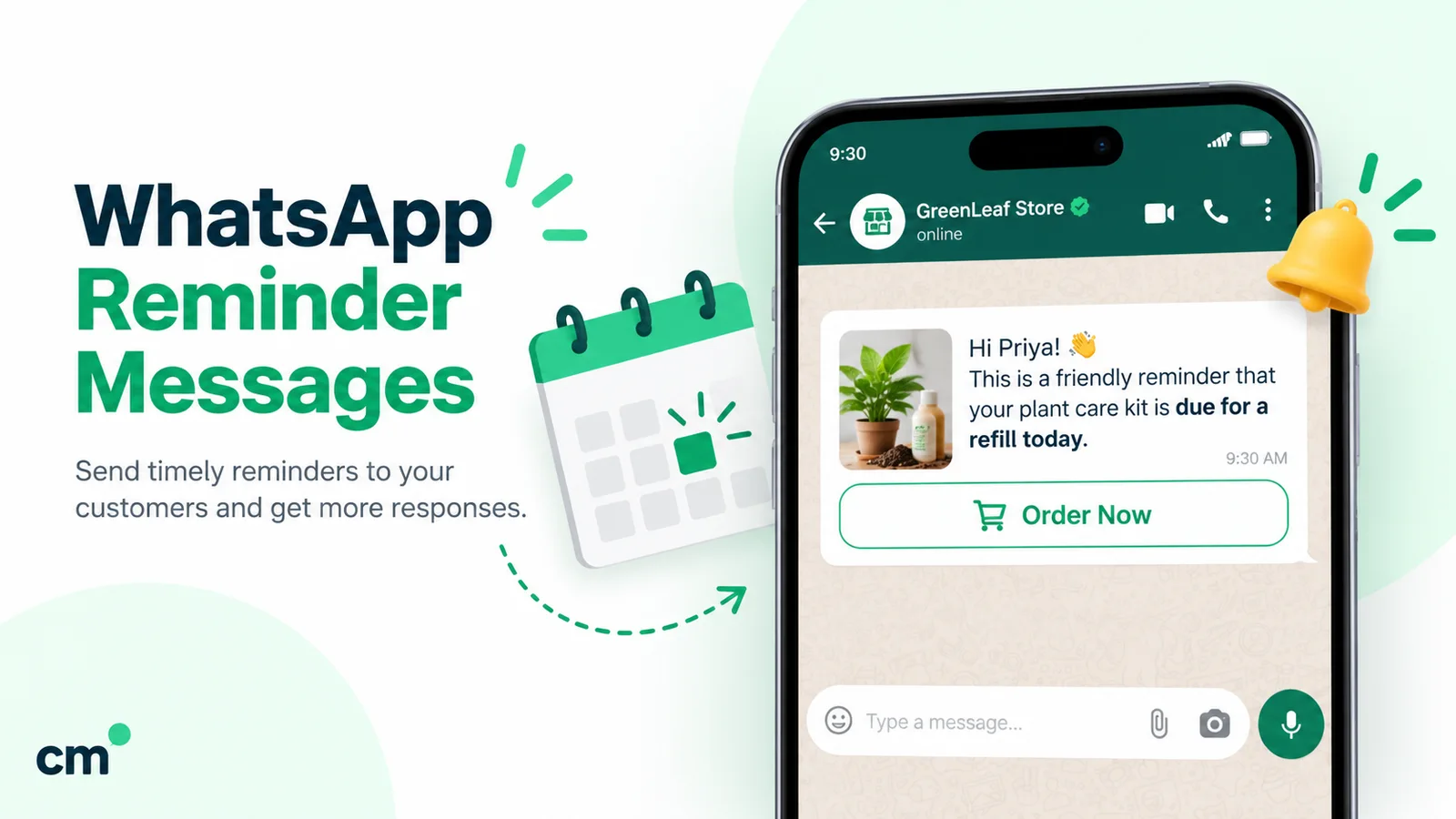
Follow the manufacturer’s schedule rather than inventing intervals, and say what the service includes. Keep the wording neutral if you want it treated as utility; reminders that sell paid services or carry discounts are marketing. Our guide to WhatsApp reminder messages covers timing and wording for reminders of every kind.
Step 8: Handle warranty expiry and AMC renewal
This is the one step that’s usually marketing, so plan it as two separate messages:
- A neutral expiry notice (optional), about 30 to 45 days before the end date: “The standard warranty on your water purifier ends on 2 May. Service after that date is chargeable.” No offer, no link to buy.
- An AMC offer, sent as a marketing template only to customers who agreed to offers, with the plan’s real inclusions: number of visits, which parts are covered and what isn’t. Follow up once, not every week.
Be precise about what the plan covers. India’s Consumer Protection Act, 2019 treats a misleading promise to repair, maintain or replace as an unfair trade practice, and a vague “full protection” line is exactly the kind of claim that turns into a dispute.
Step 9: Close the loop with feedback
Ask for feedback once the job is closed, tied to that job: “Was the fault on request 4417 fixed?” with “Yes, fixed” and “No, still a problem” buttons. A “No” reopens the request, which catches failed repairs before they become complaints elsewhere. Only after a “Yes” should you ask for a public review; our guide to asking for Google reviews covers how. Don’t add discounts to the feedback template: Meta treats a feedback survey with promotional content as marketing.
After-sales playbooks by product type
The steps are the same everywhere, but the weight shifts by what you sell.
Consumer durables (ACs, refrigerators, washing machines, water purifiers). Installation and demo are the big moments, and preventive service drives repeat business. Keep the model and installation date for every unit, schedule filter and service reminders from the installation date, and run AMC offers in the weeks before the warranty ends. Seasonal peaks, such as AC servicing before summer, need reminders spread over several weeks so your technicians aren’t swamped.
Electronics and mobiles. Most service is repair at a centre rather than a home visit. Confirm the drop-off with a job number, share the diagnosis and estimate for approval, and send “ready for pickup” with the centre’s hours. Data and passwords are a common worry, so say what the customer should back up or remove before handing over the device.
Cars and two-wheelers. Service is regular and predictable, so reminders do most of the work. Send the due reminder with a booking option, confirm the slot, share the job card and estimate when the vehicle is checked in, ask for approval before extra work, and send “ready for delivery” with the invoice. For depth on dealerships, see our WhatsApp for automotive page.
Installed systems (solar, inverters, CCTV, lifts). These are often under service contracts for businesses and housing societies. Scheduled maintenance visits, breakdown tickets and contract renewals matter most, and several people at the customer’s end may need updates, so confirm who should receive them.
After-sales templates you can adapt
These are starting points. Replace the bracketed fields with your own and keep each one to its single job. Meta decides the final category at approval.
1. Warranty confirmation (utility, PDF header)
Hi {{1}}, thank you for buying the {{2}} from {{3}}. Your warranty is registered and runs until {{4}}. Your warranty card is attached. For installation or service, just reply in this chat.
Buttons: “Book installation”, “Talk to support”
2. Installation slot (utility)
Hi {{1}}, your {{2}} installation is booked for {{3}} between {{4}}. Our technician will call before arriving. Please keep the power point and stand ready.
Buttons: “Keep this slot”, “Change time”
3. Repair update (utility)
Update on service request {{1}}: {{2}}. Next step: {{3}}. Reply here if you have any questions.
4. Estimate approval (utility)
Service request {{1}}: our technician found {{2}}. The estimate for parts and labour is ₹{{3}}. Please confirm so we can order the part.
Buttons: “Approve”, “Call me first”
5. Included service due (utility, if neutral)
Hi {{1}}, the free service included with your {{2}} is due by {{3}}. Reply with a convenient day and we will book a technician.
Buttons: “Book service”, “Remind me next week”
6. AMC offer (marketing)
Hi {{1}}, the warranty on your {{2}} ends on {{3}}. Our annual maintenance plan includes {{4}} service visits and the parts listed in the plan. See the plan details below.
Button: “View plan” (URL)
7. Job closure and feedback (utility)
Hi {{1}}, our technician closed service request {{2}} today. Was the problem fixed?
Buttons: “Yes, fixed”, “No, still a problem”
Indian rules that shape after-sales service
WhatsApp doesn’t change your legal duties, but it makes them easier to meet and easier to evidence, because the whole conversation is on record.
- Consumer Protection Act, 2019. A “deficiency” includes any fault or shortcoming in the performance of a service, and a manufacturer is liable when a product doesn’t conform to its express warranty (s.84). Clear warranty confirmations and repair records protect both sides.
- E-commerce grievance timelines. Under the Consumer Protection (E-Commerce) Rules, 2020, an e-commerce grievance officer must acknowledge a complaint within 48 hours and resolve it within one month. A 2026 amendment, in force from 1 January 2027, requires marketplaces to show key information including warranty details, and every e-commerce entity to join the National Consumer Helpline’s convergence programme.
- Right to Repair portal. Since 24 December 2022, the government’s Right to Repair portal lists brands’ warranty and service terms and service networks across farming equipment, mobiles and electronics, consumer durables and automobiles. If your brand is listed, keep the terms on WhatsApp consistent with what’s published there.
- National Consumer Helpline. Customers can complain to the government’s helpline on WhatsApp (8800001915) as well as on 1915. A fast, documented response in your own chat is the best way to keep complaints from going there.
- DPDP Act and Rules. Use purchase and service data only for the purposes you stated, keep it only as long as you need it, and give customers a way to ask for correction or erasure.
How to measure after-sales service on WhatsApp
Pick a few numbers you can actually collect, and review them every month.
| Metric | What it tells you | How to count it |
|---|---|---|
| First reply time on complaints | Whether customers feel heard | Time from the customer’s first message to your first human reply, sampled weekly |
| Requests closed within your promised time | Whether your service network keeps up | Request numbers logged against closure dates |
| Repeat visits per repair | Whether diagnosis from photos works | Requests reopened by a “No, still a problem” reply |
| Reminder-to-booking rate | Whether reminders are timed well | Bookings received within 7 days of a reminder |
| AMC renewal rate | Whether the offer and timing work | Renewals ÷ warranties that expired that month |
| Opt-outs per campaign | Whether you’re sending too often | Customers who reply STOP or block |
If repeat visits are high, ask for better photos and videos at intake. If reminders don’t convert, send them earlier and add a booking button.
Running after-sales service on ChatMitra
ChatMitra is a WhatsApp Business Platform inbox and automation tool. This is how the steps above map to it today:
- Intake: customers’ photos, videos, voice notes and documents show in the shared inbox, and your team replies with saved replies (typed with ”/”) on every plan.
- Customer data: contact custom fields hold the model, serial number, purchase date and warranty end date. You can fill them by CSV import, edit them on the contact page, or update them from an automation.
- Warranty and installation messages: templates support utility and marketing categories, document headers for warranty cards, and quick-reply and URL buttons. For a different PDF per customer, send from your billing system through the developer API on paid plans.
- Reminders: an automation can run a set number of days before or after a date stored on a contact, at a time you choose (IST), and send a template, add a tag or update a field. A Delay step spaces follow-ups.
- Shopify stores: order-fulfilled messages and a feedback message sent 2 to 40 days after fulfilment.
- Button replies: keyword auto-replies (Pro) can answer a “Book service” or “Change time” tap, and every tap reaches your own system through webhooks.
ChatMitra’s advantages for after-sales:
| Advantage | What it means |
|---|---|
| Meta’s rates at cost | Utility at ₹0.115 and marketing at ₹0.8631 in India, plus ₹0.20 per conversation, not per message (Enterprise waives it) |
| Unlimited team members | Coordinators, technicians’ supervisors and the service desk share one number and one inbox |
| Reminders from your own dates | Warranty and service dates on each contact drive reminders without a separate tool |
| Evidence in the chat | Fault photos, videos and invoices stay with the customer’s history |
| API and webhooks | Your service or billing software can send per-customer warranty cards and repair updates |
Good to know:
- There’s no ticket status or chat assignment. Use tags such as “Open repair” and “Awaiting part” as a manual status, and agree who owns each tag.
- Changing a contact field in ChatMitra doesn’t send a message by itself. Repair updates go out from the inbox or from your software through the API.
- Custom fields are plain text and aren’t shown in the chat panel; open the contact page to see them. Store dates as DD/MM/YYYY so date automations can read them.
- A single date-automation run reaches up to 2,000 contacts.
- Shopify gives a “fulfilled” event, not “delivered”, so time installation and feedback messages from fulfilment with a delay.
- There are no WhatsApp Flows forms, so slot booking happens through buttons and replies.
- Exclude contacts who opted out of offers, using a tag, before you send any AMC campaign.
Common after-sales mistakes on WhatsApp
- Putting an offer in a service template. One discount line turns a ₹0.115 utility message into a ₹0.8631 marketing one, or gets it rejected.
- Asking for details one message at a time. It slows the repair and adds messages.
- No request number. Without it, every update starts with “which complaint?”
- Sending templates inside the window. If the customer messaged today, reply in chat.
- Reminder blasts on one day. Spread seasonal reminders so your technicians can meet the bookings.
- Vague AMC promises. List the visits and parts covered, and what isn’t.
- Asking for ID or card numbers in chat. The policy forbids it, and you don’t need them.
- No way to reach a person. If you automate replies, WhatsApp’s policy requires a prompt, clear and direct escalation path.
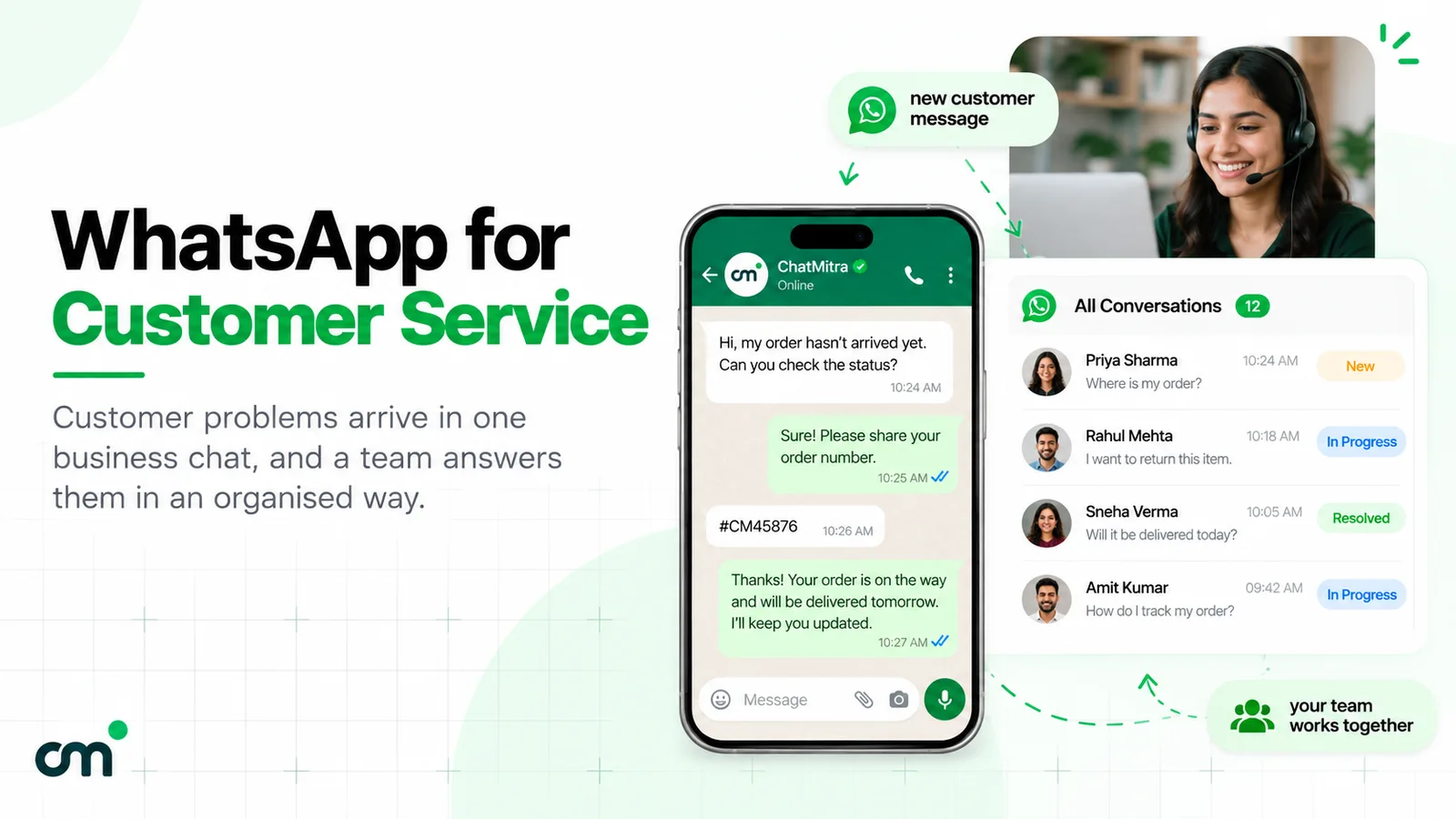
For the wider support setup, including hours, team roles and what to automate, see our WhatsApp customer service guide.
Sources
- Meta for Developers: Template categorization (updated 15 September 2026), Pricing (updated 30 September 2026), Getting opt-in (updated 16 June 2026).
- WhatsApp: Business Messaging Policy (updated 23 September 2026).
- Meta Newsroom: Business AI on WhatsApp for small businesses in India (14 May 2026, citing Kantar 2025).
- Consumer Protection Act, 2019 (Act 35 of 2019), sections 2(11), 2(47) and 84. PIB: E-commerce grievance redressal (20 July 2022), E-Commerce Rules amendment (10 September 2026), Right to Repair portal (4 November 2025), DPDP Rules notified (14 November 2025).
- Right to Repair portal; National Consumer Helpline.
- Brand service pages: Maruti Suzuki Arena service, Havells warranty registration, LG India contact, Daikin India contact (all checked 15 October 2026).