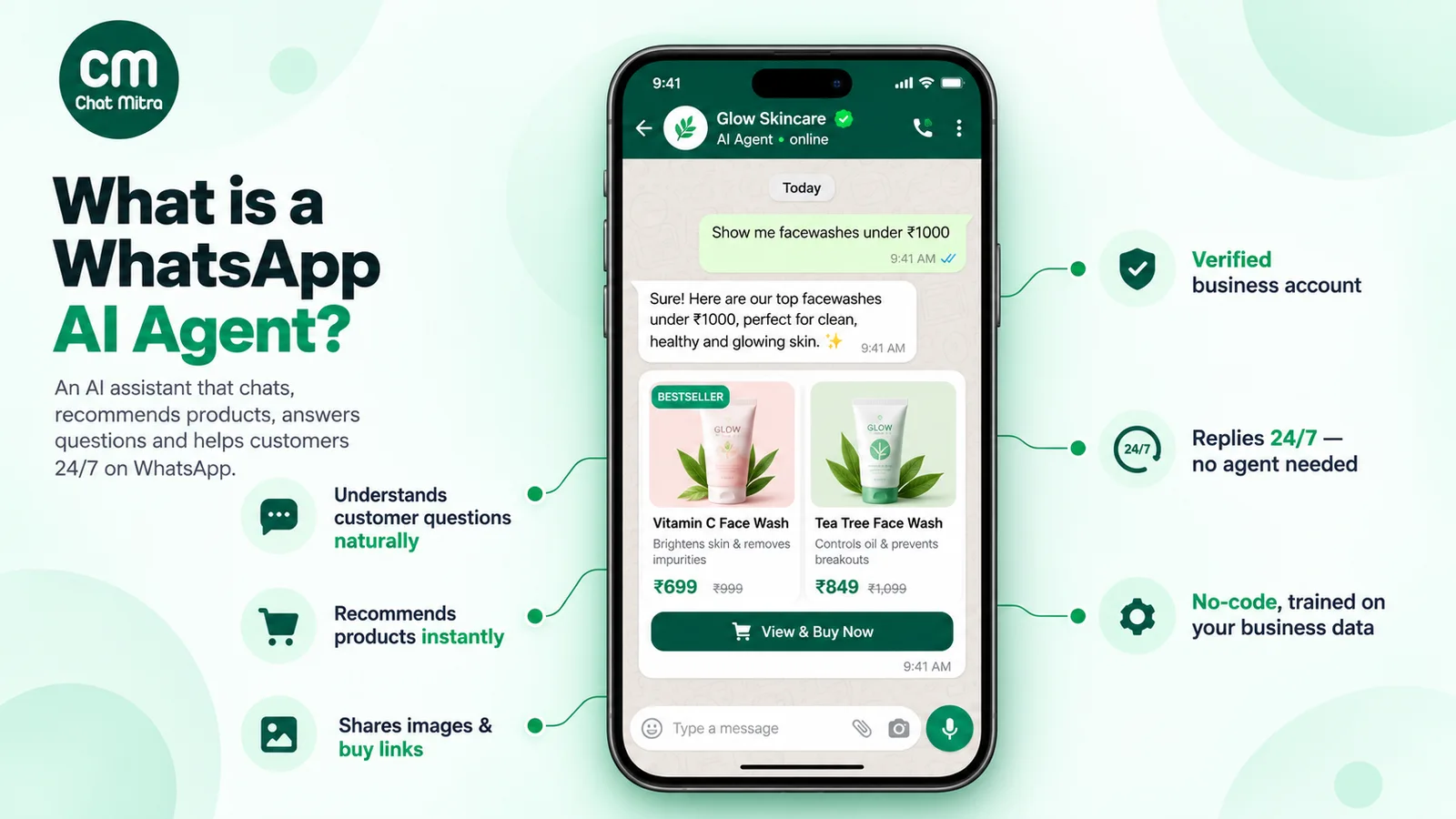
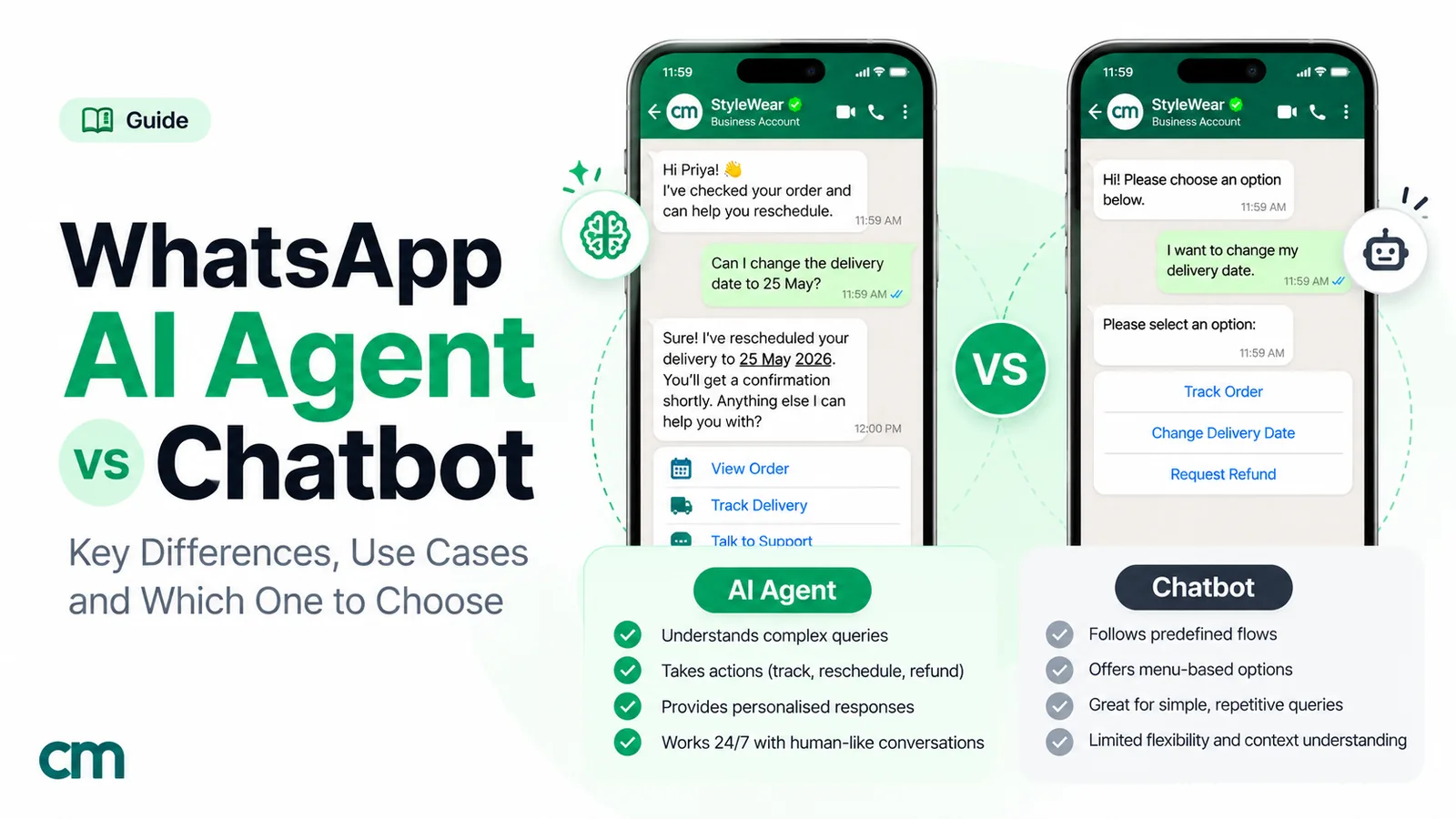
A rule-based chatbot follows the paths you design; an AI agent works out what the customer wants and gets it done. On WhatsApp, a chatbot uses keywords, reply buttons and lists to send answers you wrote in advance. An AI agent uses a language model to understand free-text messages, reply in its own words and, when connected, check or change things in your systems. Choose rules for predictable questions with exact answers, AI for varied questions and lookups, and in most cases combine them, with a person always one step away.
This guide compares the two for WhatsApp specifically: how each handles the same customer, what each costs now that Meta charges for service replies, when each one wins, how to combine them and how to check what a vendor is really selling. For a full build guide to AI agents alone, see our WhatsApp AI agent guide.
Key takeaways
- Chatbot = paths, agent = goals. A chatbot can only say what you wrote. An agent can handle questions you never planned for, and act on them.
- Same Meta bill per message. Since 1 October 2026 service replies beyond 1,000 a month per number are charged, so fewer, better replies save money.
- Rules for exactness, AI for variety. Prices, policies and opt-ins suit rules; product advice, mixed-language questions and lookups suit AI.
- Hybrid is normal. Buttons for the top paths, AI for the long tail, a human for exceptions.
- Beware "agent washing". Many "AI agents" are chatbots with a new label; ask what they can actually do.
Chatbot, AI chatbot and AI agent: three different things
Vendors blur these words, so it helps to think of three levels, each adding one ability to the last.
- Rule-based chatbot: it recognises. A customer taps a button, picks from a list or types a word you’ve listed, and the bot sends the reply that belongs to it. Nothing is generated, so nothing surprising is said. The flip side is that a message it doesn’t recognise gets a menu or an apology.
- AI chatbot: it understands. A language model reads the customer’s message in whatever words they chose, combines it with the instructions and facts you’ve given it, and composes a fresh answer. It can talk about anything your information covers, but talking is all it does.
- AI agent: it acts. On top of understanding, it has tools: small connections to your systems, such as “find this order” or “list free slots on Friday”. The model decides when a question needs one, uses it, and answers with the result. For changes, such as a booking, it should ask the customer to confirm first.
When comparing products, the label matters less than two behaviours: what happens with a message nobody planned for, and whether anything in your systems changes as a result.
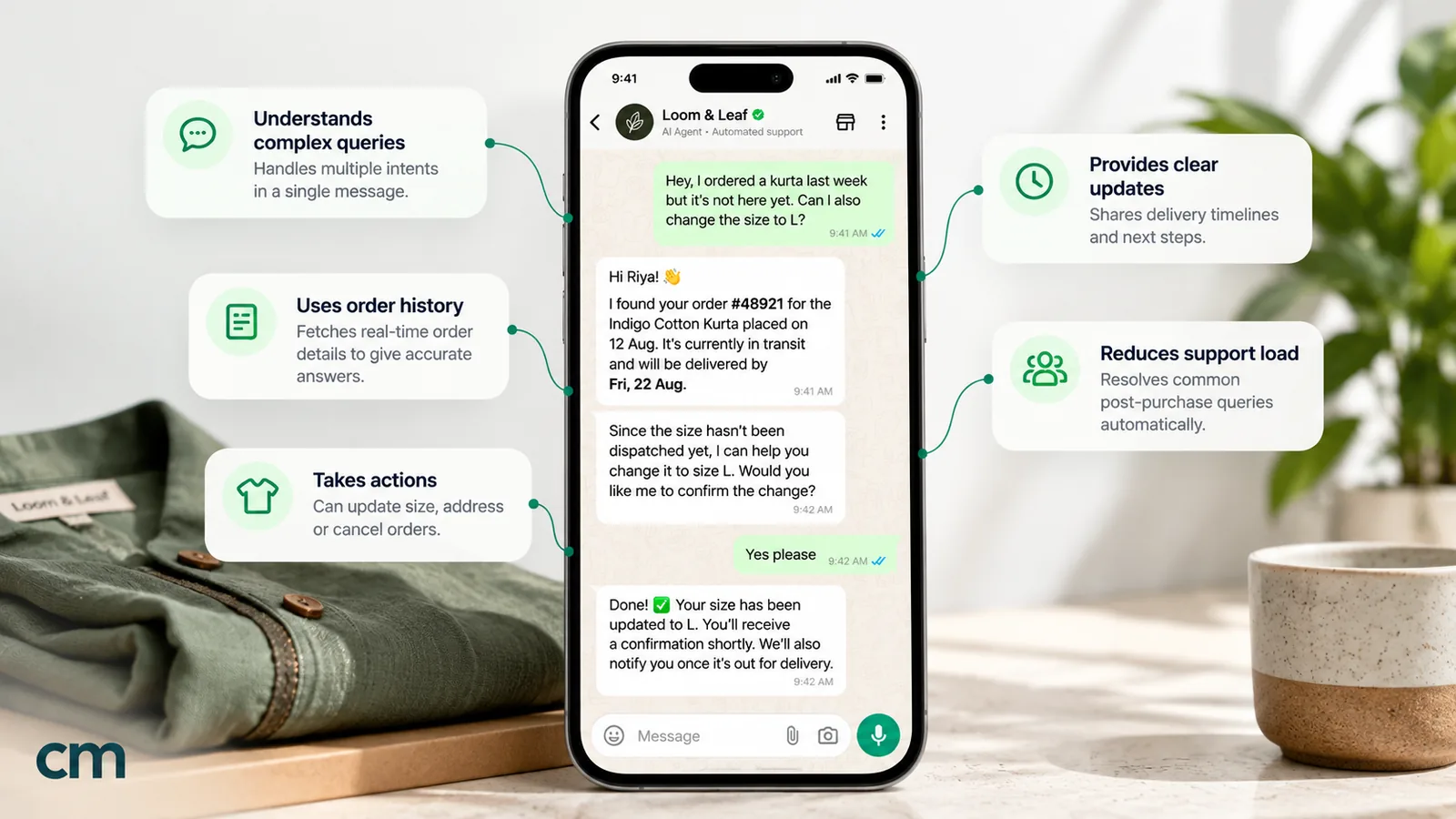
AI agent vs chatbot: side-by-side comparison
| Dimension | Rule-based chatbot | AI agent |
|---|---|---|
| How it decides what to send | Matches keywords, button taps or list choices to scripted replies | A language model interprets the message and writes a reply, calling tools when needed |
| Unexpected questions | Falls back to a menu or a "sorry, I didn't understand" | Answers if your information covers it; otherwise should hand over |
| Phrasing and language | Only the words and spellings you listed | Handles varied phrasing, typos and mixed languages, depending on the model |
| Live data (orders, stock, slots) | One hard-wired lookup per menu path, if someone builds it | Any connected lookup, chosen by the model when a question calls for it |
| Accuracy risk | Very low: every reply was written and approved in advance | Higher: a generated answer can sound right and be wrong, and a tool call can change the wrong record |
| Setup effort | Map every path and write every reply | Write instructions, prepare information, connect tools, test |
| Ongoing work | Add rules when new questions appear | Review conversations, fix gaps in information and prompts |
| Cost beyond Meta's charges | Platform only | Platform plus model tokens (or Meta's per-token price for its own agent) |
| Best at | Menus, opt-ins, exact prices and policies, routing | Product questions, troubleshooting, lookups, multilingual support |
| Typical failure | Customer stuck in a loop of menus | A plausible but wrong answer, or an action taken without clear consent |
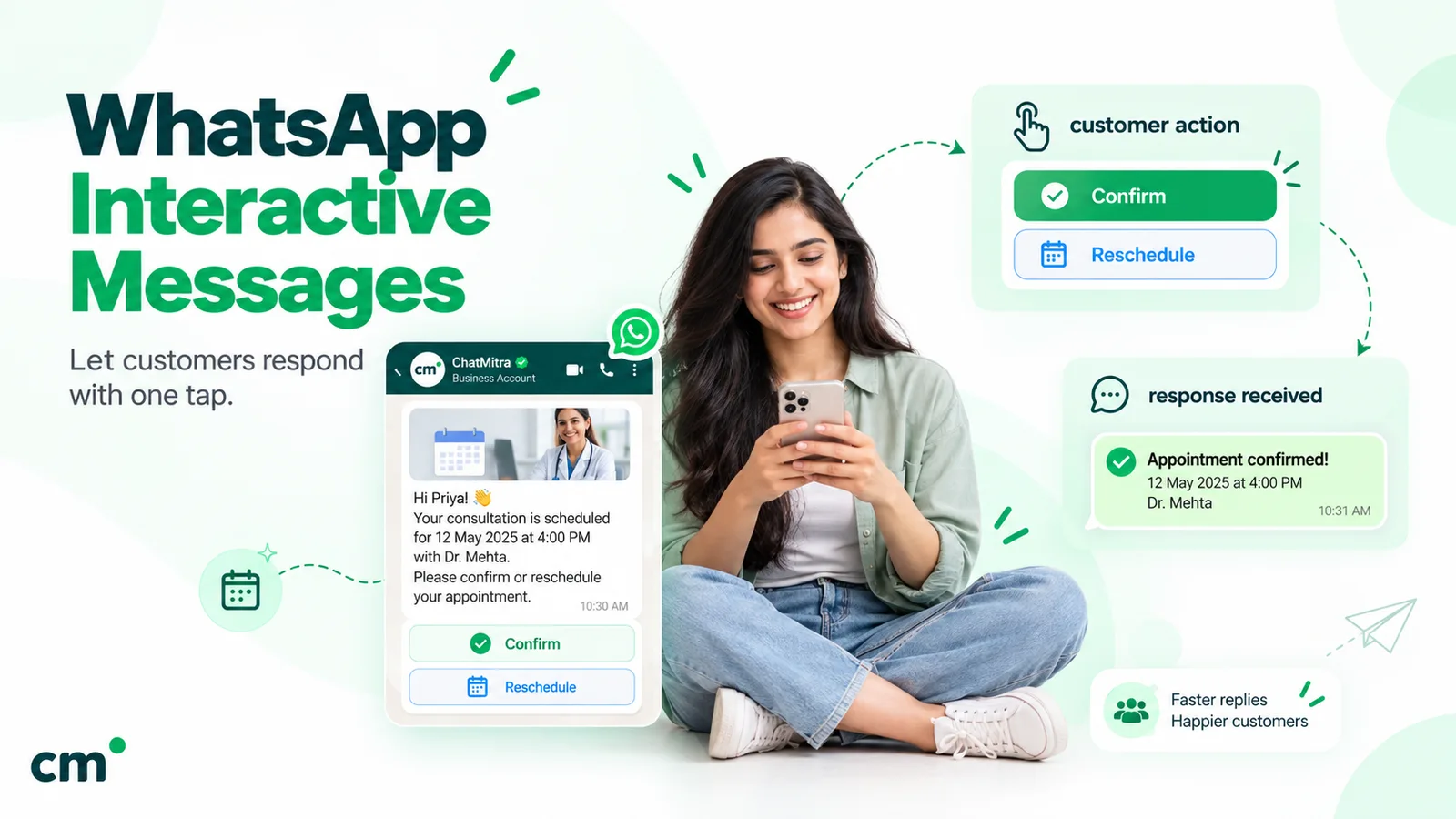
WhatsApp shapes both. A rule-based bot’s building blocks are Meta’s interactive messages: reply buttons (up to three, with labels of up to 20 characters) and list messages (up to 10 rows in total across up to 10 sections), plus WhatsApp Flows for structured forms. That’s generous for a menu, but it caps each step at a handful of choices. We cover the formats in our guide to WhatsApp interactive messages.
The same three customers, handled both ways
Definitions only go so far. Here is how each approach handles three typical messages to an online clothing store.
Customer 1: “where is my order”
- Rule-based chatbot. The welcome menu offers “Track order” as a button. The customer taps it, the bot asks for the order number, and a rule sends the tracking link. It works well, provided the customer taps the button. If they type “parcel not come yet??” instead, a keyword rule has to catch “parcel”, or they get the menu again.
- AI agent. It understands “parcel not come yet??” as an order-status question, asks for the order number (or looks it up from the phone number if your system allows), calls your order endpoint and replies: “Your order #4821 left our warehouse yesterday and is due Thursday.”
Verdict: both can do it. Rules are cheaper and exact once the customer is on the path; the agent is better at getting them there.
Customer 2: “do you have the blue kurta in XL, and can I pay cash on delivery to Surat?”
- Rule-based chatbot. Two questions in one message, with a product name, a size and a place. A keyword rule might catch “COD” and send the payment policy, but stock for a specific item and size needs a path per product, which nobody builds.
- AI agent. It checks stock through a product endpoint, confirms XL is available, checks your delivery rules for Surat’s pin code and answers both parts in one message.
Verdict: this is the kind of message AI is for. Messages that combine several questions and details are where rules break down.
Customer 3: “this is the third time you sent the wrong size, I want my money back NOW”
- Rule-based chatbot. A “refund” keyword sends the refund policy. Technically correct, and likely to make an angry customer angrier.
- AI agent. A good one recognises the frustration, apologises, doesn’t promise a refund it can’t authorise, and hands the chat to a person with a summary. A badly configured one might promise the refund.
Verdict: neither should resolve this alone. Both should get it to a person fast, and WhatsApp’s policy requires an escalation path to be available anyway.
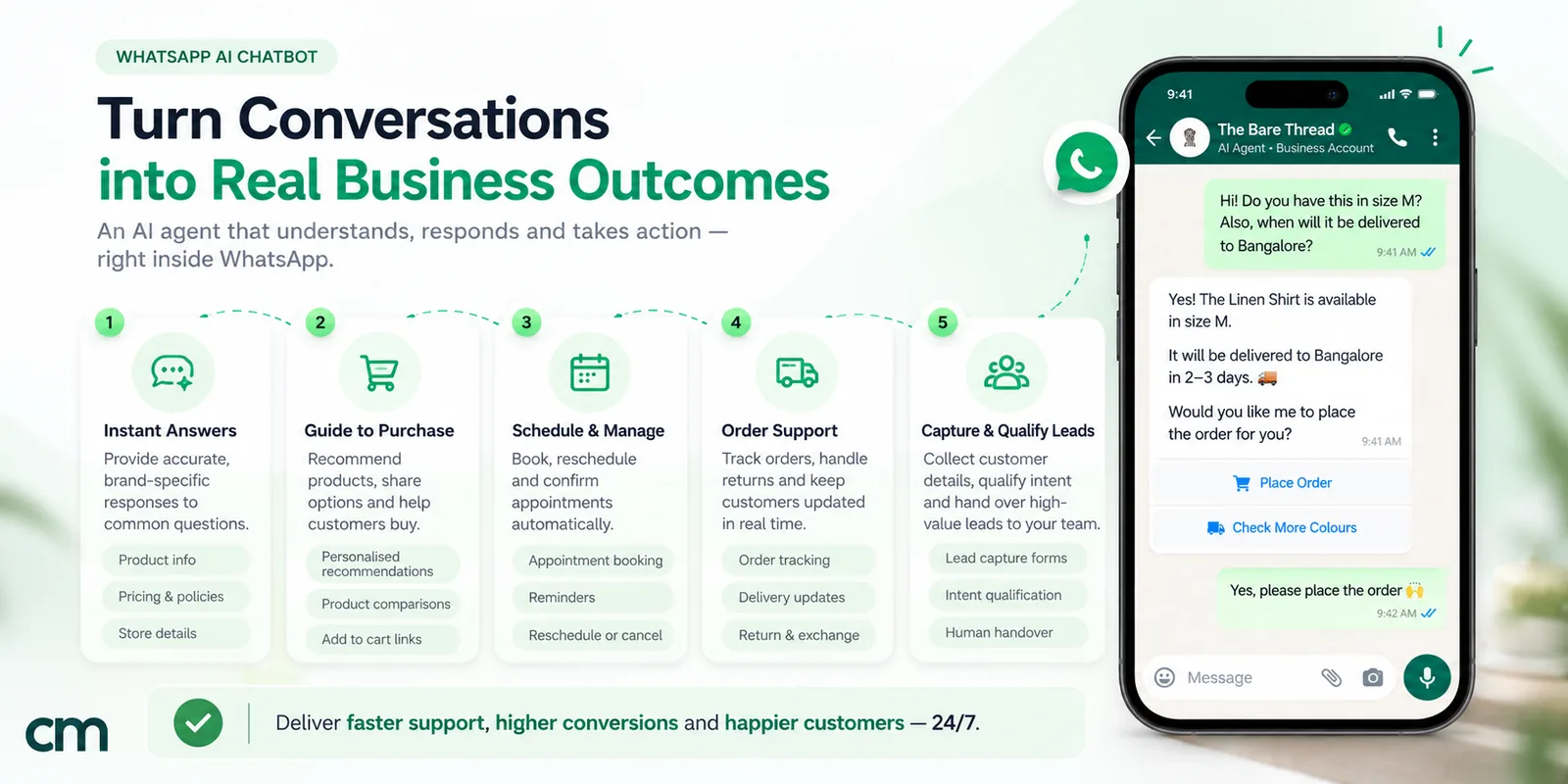
What each costs on WhatsApp in 2026
Three things add up to the bill: Meta’s messaging charges, your platform, and, for AI, the model.
1. Meta charges both the same, per message
Every non-template reply your bot or agent sends inside the 24-hour customer service window counts as a service message, and service messages stopped being free on 1 October 2026. Each business phone number now gets 1,000 of them free per month; after that, Meta bills each one at the market’s utility rate, which is ₹0.115 in India on Meta’s INR rate card, and the free allowance doesn’t carry over. Templates are billed by their category instead, including utility templates sent inside the window. The exception is a free entry point: when a customer arrives from a Click-to-WhatsApp ad, replies in the following 72-hour window cost nothing.
Who writes the reply makes no difference. Meta’s page on non-template pricing says a service message can be “powered by a person” or “by a 3rd-party AI solution”.
That creates a cost dynamic that didn’t matter before: every step in a menu is now a billable message. A three-level menu (main menu, sub-menu, answer) sends three messages to answer one question; an agent that gets it right first time sends one.
2. Model costs for an AI agent
If you connect your own model, the model provider charges per token, for both input (your instructions, conversation history and the customer’s message) and output (the reply, including any hidden “thinking” tokens on reasoning models). Prices on 28 September 2026 for two low-cost models:
| Model (standard tier) | Input, per 1M tokens | Output, per 1M tokens |
|---|---|---|
| OpenAI gpt-5-mini | $0.25 | $2.00 |
| Google gemini-2.5-flash-lite | $0.10 | $0.40 |
Sources: OpenAI API pricing and Google Gemini API pricing pages, checked 28 September 2026. Prices change often.
Meta Business Agent is different: on the WhatsApp Business API, Meta has charged its replies since 1 August 2026 at “One global rate of $2.00 USD per 1 million (M) tokens”, and says one message “typically consumes 20,000–25,000 tokens”, or about 4–5 US cents per message. Meta cautions that comparing this with service messages “is not an apples-to-apples comparison”, because service messages carry costs Meta doesn’t see, such as your staff or a third-party AI.
3. A worked example
Picture a coaching institute in India handling 1,500 enquiry chats a month on one WhatsApp number. The volumes are illustrative.
| Set-up | Replies per chat | Replies sent | Charged after 1,000 free | Meta cost | Model cost |
|---|---|---|---|---|---|
| Menu chatbot (menu → sub-menu → answer) | 3 | 4,500 | 3,500 | ₹402.50 | none |
| AI agent, own model key | 2 | 3,000 | 2,000 | ₹230 | ≈$2.22 (gpt-5-mini) or ≈$0.74 (gemini-2.5-flash-lite) |
| Meta Business Agent on the API | 2 | 3,000 | billed per token instead | — | ≈$120–150 at 4–5 cents a reply |
Model cost assumes about 2,000 input tokens (instructions, recent messages and the question) and 120 output tokens per reply. Tokens × price per million ÷ 1,000,000 gives the cost per reply: $0.00074 on gpt-5-mini and $0.000248 on gemini-2.5-flash-lite. Reasoning models may spend extra hidden output tokens, so measure your own. Platform fees come on top in every row.
The point isn’t that AI is always cheaper: a long system prompt, a big memory window and a chatty agent can multiply both tokens and messages. It’s that the number of messages per resolved question now matters, and a well-designed agent can use fewer. For all of Meta’s current rates, see WhatsApp Business cost per message.
When a rule-based chatbot is the better choice
Rules are the right tool more often than AI marketing suggests. Choose them when:
- The answer must be exact. Prices, fees, timings, return windows, legal wording. A rule sends precisely what you approved.
- The choices are few. “Track order / Returns / Talk to us” fits three buttons, and most customers are happy to tap.
- You’re collecting consent or structured data. Opt-ins, appointment details and lead forms are cleaner as buttons, lists or a WhatsApp Flow than as free-text chat.
- Volume is high and questions are repetitive. Where most messages are the same few questions, rules are cheap and never drift.
- Mistakes are expensive or regulated. Healthcare, finance and anything involving money are safer when every reply was reviewed in advance.
- You have no one to review AI conversations. An agent needs someone reading its chats every week. If nobody will, keep it to rules.
When an AI agent is worth it
Choose an agent when:
- Questions are varied. If last month’s chats show hundreds of different phrasings, you can’t write a rule for each.
- Customers write in several languages or mix them. Models handle mixed-language messages far better than keyword lists do. Test the specific model on your real messages first.
- Answers depend on live data. Order status, stock by size, slot availability and delivery by pin code are lookups, and agents can make them in the middle of a conversation.
- Customers ask multi-part questions. “Do you have X, and can you deliver to Y by Friday?” is one message for an agent and three menu trips for a chatbot.
- Your menus are getting deep. If a customer needs four taps to reach an answer, an agent that understands the question will usually be faster, and it sends fewer billable messages.
- You want to answer after hours with more than “we’ll reply tomorrow”. An agent can resolve common questions overnight and leave the rest queued for your team.
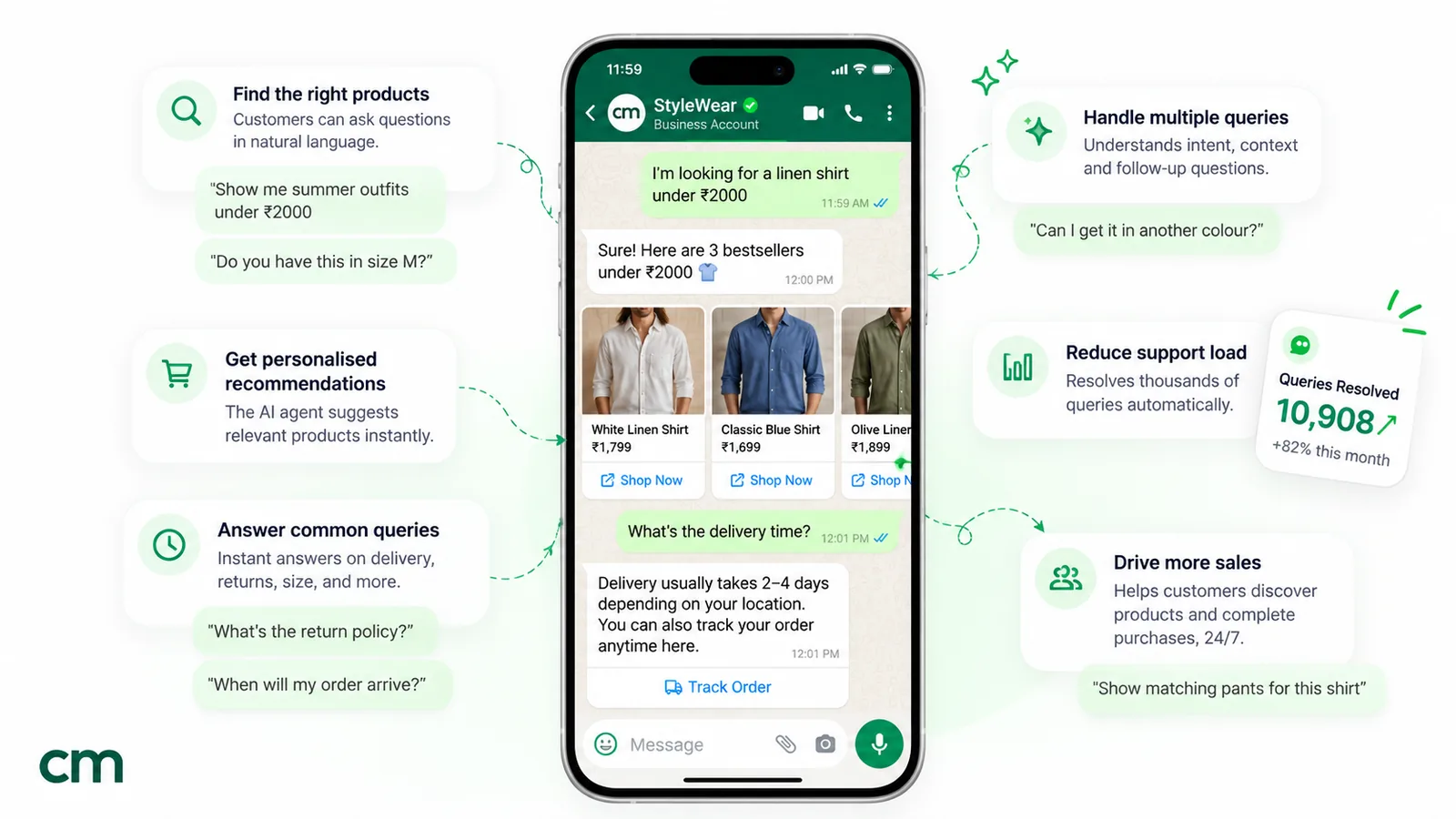
A five-question decision framework
Score your situation. If you land mostly in the left column, start with rules; mostly right, an agent; a mix, the hybrid below.
| Question | Points to a chatbot | Points to an AI agent |
|---|---|---|
| How varied are customer questions? | A handful of repeat questions | Many different questions and phrasings |
| Do answers need live data? | No, answers are static | Yes: orders, stock, bookings |
| What does a wrong answer cost? | High: money, health, legal | Low to moderate, and a person can correct it |
| Who will maintain it? | Someone can add rules occasionally | Someone can review AI chats weekly |
| How do customers write? | They tap buttons happily | They type long, mixed-language messages |
The hybrid most businesses end up with
In practice the question isn’t “agent or chatbot” but “which messages go where”. A layered setup works for most businesses:
- Entry menu with buttons. Greet new chats with two or three buttons for your top paths, such as “Track order”, “New order” and “Talk to us”. Many customers will tap, which is fast, exact and cheap.
- Rules for exact answers. Keyword rules for prices, timings, policies and opt-out words, so these always get the approved wording.
- AI for free text. Anything typed that no rule covers goes to the agent, which answers from your information and uses tools where connected.
- A person for exceptions. Complaints, refunds, anything emotional and anything the agent can’t answer go to your team, with the chat history visible.
Two design rules make this work:
- Only one system answers each message. If a typed message triggers both a keyword rule and the AI, the customer gets two replies, which is confusing and, since October 2026, costs two messages. Check how your platform decides between them, and design around it.
- The escalation route is always visible. WhatsApp’s Business Messaging Policy says you “may use automation when responding during the 24-hour window, but must also have available prompt, clear, and direct escalation paths”, such as a transfer to a human agent, a phone number or email. Put one in the menu and in the agent’s fallback message.
How each one fails, and the guardrails
Plan for these before you launch
- Chatbot: the menu loop. The customer types something unplanned and gets the same menu again. Guardrail: after one unrecognised message, offer a person, not the menu a second time.
- Chatbot: stale answers. A rule still quotes last season's price. Guardrail: keep changing figures in one place and review rules monthly.
- AI: invented facts. A model may fill a gap in your information with something plausible. Guardrails: tell it to admit when your facts don't cover a question, keep its creativity setting low, and rerun a fixed set of test questions whenever you edit its instructions.
- AI: promises it can't keep. Refunds, discounts and delivery dates. Guardrail: forbid them in the instructions and route those topics to a person.
- Agent: wrong actions. Cancelling or rebooking the wrong thing. Guardrails: confirm every change with the customer, and have your server check that the customer owns the order.
- Both: no way out. A missing escalation path breaks WhatsApp's policy and loses customers.
Wrong answers are the business’s problem, not the software’s. In Moffatt v. Air Canada (2024 BCCRT 149), a Canadian tribunal ordered the airline to compensate a customer after its website chatbot gave incorrect information about bereavement fares. The tribunal said the airline “is responsible for all the information on its website. It makes no difference whether the information comes from a static page or a chatbot.” The total award was CAD 812.02. The case was about a website bot, but the principle applies to any channel: whatever your WhatsApp bot says, you said.
”Agent washing”: how to check what a vendor is really selling
“AI agent” is now a label on almost everything. In June 2025 Gartner warned of “agent washing”, which it described as “the rebranding of existing products, such as AI assistants, robotic process automation (RPA) and chatbots, without substantial agentic capabilities”. It estimated that “only about 130 of the thousands of agentic AI vendors are real” and predicted that “over 40% of agentic AI projects will be canceled by the end of 2027”, citing costs, unclear business value and weak risk controls.
Before you pay extra for an “agent”, ask the vendor:
- Does it understand free text, or does it match keywords? Type a question in your own words during the demo, with a typo.
- Can it call my systems? Which endpoints, set up how, and can I restrict it to read-only?
- Does it confirm before changing anything? Ask to see a booking or cancellation in the demo.
- What does it do when it doesn’t know? It should say so and hand over, not guess.
- Which model does it use, and who pays for tokens? Bundled credits, your own key or per-token billing.
- Can I read every AI conversation? You’ll need to, especially in the first weeks.
How to measure whether it’s working
Whichever you choose, track the same five numbers each month, from a sample of conversations if your platform doesn’t report them:
| Metric | What it tells you | Warning sign |
|---|---|---|
| Resolved without a person | How much work automation really removes | Falling after a menu or prompt change |
| Handover rate | How often customers need your team | Very low can mean customers are stuck, not satisfied |
| Messages per resolved conversation | Menu depth or chattiness, and your Meta bill | Rising above 3–4 for simple questions |
| Wrong or unapproved answers | Accuracy, the AI’s main risk | Any promise of refunds, discounts or dates |
| Repeat contacts within 24 hours | Whether the first answer actually solved it | The same customer asking again |
Read at least 20 real conversations a month alongside the numbers. A rule-based bot tells you where customers leave its menus; an agent tells you which questions your information doesn’t cover. Both point to the next fix.
Moving from a chatbot to an AI agent: seven steps
If you already run a rule-based bot, you don’t need to start again.
- Export last month’s chats and sort the messages your rules didn’t catch. That’s the agent’s first job description.
- Keep the rules that work. Exact-answer rules and the entry menu stay.
- Write the agent’s scope: what it answers, what it must not answer, and what always goes to a person.
- Turn your rule replies into its information. The approved wording you already have is ideal source material.
- Connect one tool at a time, starting with read-only lookups such as order status, and add actions with confirmation later.
- Route only unmatched free text to the agent at first, and read those conversations daily for a week.
- Widen gradually, and retire menu levels that the agent now handles better.
Our WhatsApp AI agent guide covers the build itself, including a 20-question test script.
Which fits your industry?
| Business | Good fit | Why |
|---|---|---|
| Online store | Hybrid | Buttons for tracking and returns; AI for product and sizing questions |
| Clinic or diagnostic lab | Rules first | Exact timings and fees, bookings via a form; health questions to a person |
| Coaching or school | Hybrid | Fee and batch details by rule; course questions by AI |
| Real estate | AI agent | Varied questions about locations, budgets and projects; qualify, then hand over |
| Restaurant | Rules | Menu, timings and ordering links fit buttons |
| Travel agency | AI agent plus people | Many-part questions; bookings and payments confirmed by staff |
Where ChatMitra fits
ChatMitra supports both approaches on the WhatsApp Business API, so here is precisely what each side can and can’t do.
Rule-based side (Auto Reply, on the Pro plan).
- Keyword rules matching exactly, by “starts with” or by pattern (regex).
- Each rule can send several messages: text, an approved template, or an interactive message with reply buttons or a list, as well as media, location, contacts and product messages.
- Button and list taps are matched like typed keywords, so you can chain rules into a menu. A board view shows all your rules and how they connect.
- Welcome and away messages are also available.
- There’s no dedicated chatbot flow designer: menus are built by chaining rules.
AI side (AI Chatbot, on the Pro plan per our pricing page).
- Bring your own key from 18 model providers, with backup providers if the first fails.
- The bot works from your instructions and business details, which it can draft from your website, plus recent conversation memory. There’s no document upload for customers, so keep your key facts in the instructions.
- API actions call your own endpoints. For each action you choose “Run automatically” or “Ask the customer to confirm first”; use confirmation for anything that changes data.
Handover.
- A team member can take over a chat, and the bot stops replying.
- You can pause automation for one contact, from 30 minutes up to permanently.
- There’s no automatic “talk to a human” keyword, so put a phone number or email in your fallback message.
One thing to design around: when both are switched on, a typed message that matches a keyword rule is answered by the rule and the AI. Button and list taps go only to the rules. So build your menus with buttons and lists, keep typed keyword rules for words the AI shouldn’t handle, and test the combination before launch.
For more rule ideas, see our WhatsApp auto-reply examples. For the support workflow around them, see WhatsApp for customer service.
Summary
A chatbot follows the paths you design; an AI agent understands the question and can act on it. Rules are right for exact answers, short menus, consent and regulated topics. Agents are right for varied, multi-part and multilingual questions that need live data. Since Meta began charging for service replies beyond 1,000 a month per number on 1 October 2026, every menu step costs a message, which makes fewer, better replies worth more. For most businesses the answer is a hybrid: buttons and rules for the known paths, an agent for the rest, and a clear route to a person. Start with last month’s chats, not a vendor’s demo, and let them tell you which messages belong where.