Your customer messages at 9:40pm. You are asleep. What they see in the next ten seconds decides whether they wait for you tomorrow or message a competitor tonight.
That is the entire job of an away message, and most are written as though it were an apology instead.
What separates an away message that works
Three parts, in two lines:
- Confirm it arrived. One clause. “Thanks for messaging Kraft Interiors!”
- Say when you will reply — specifically. “Back tomorrow from 10am” beats “we will respond shortly” every time. A specific time is a promise a customer can plan around; a vague one teaches them to chase.
- Give one thing to do meanwhile. A phone number for genuine emergencies, a catalogue link, a booking page. One, not four.
What to leave out: long apologies, your full working hours as a table, and anything that reads as though a lawyer wrote it.
The single most common failure is not a badly written message. It is a message that never mentions a return time.
Our auto-reply examples guide covers the full automation set — greetings, keyword replies and order updates. This post goes deep on one of them: the message that fires when nobody is there.
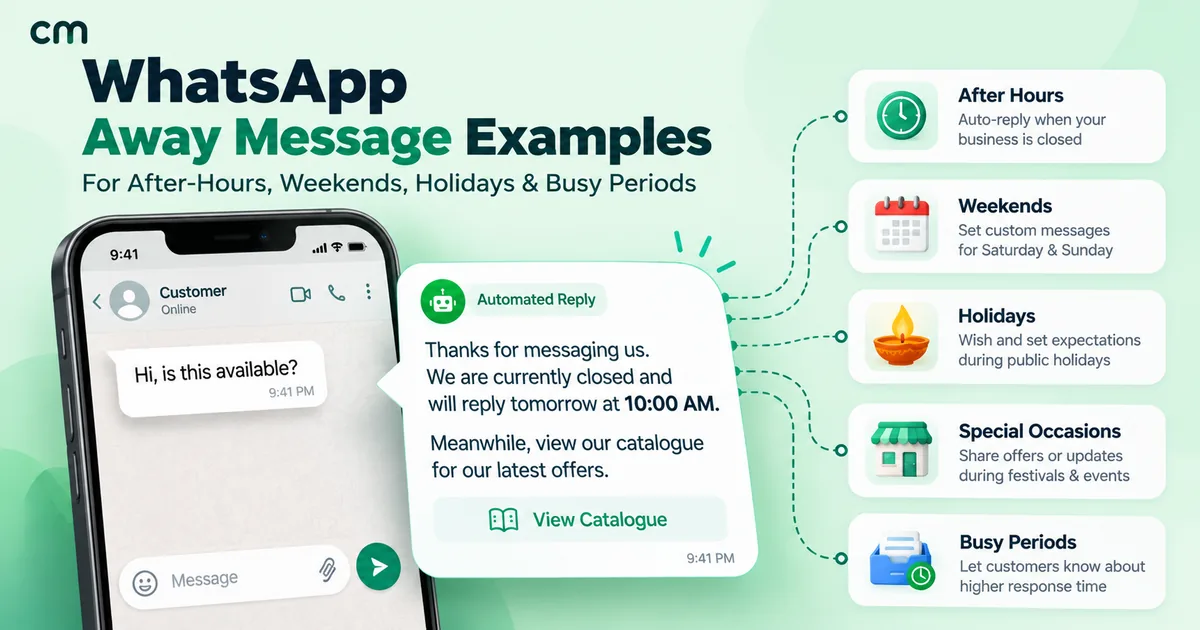
After-hours examples
The everyday case, and the one worth spending the most time on because it fires most often.
- Thanks for messaging Kraft Interiors! We are closed for the day and will reply tomorrow from 10am. For urgent site queries, call 98xxxxxx21.
- Hi! Southside Dental is closed now. We open at 9:30am and will confirm your appointment first thing. For emergencies, call 98xxxxxx04.
- Thanks for writing to Meera Textiles. Our team is offline until 10am tomorrow. Browse the new range meanwhile: meeratextiles.in
- Got your message! Anand Motors service desk reopens at 9am. Leave your vehicle number and we will call you back in the morning.
- GreenLeaf Organics is closed for the evening. Orders placed now are packed first thing tomorrow and dispatched the same day.
Weekend examples
Weekends need a different message from weeknights — the gap is longer, so the return time matters more.
- Thanks for messaging Vertex Consulting! We are closed for the weekend and will reply Monday from 9:30am.
- Hi from Bright Futures Coaching! Office is shut on Sunday. Reply BATCH and we will send the new batch timings on Monday morning.
- Sharma & Co is closed Saturday and Sunday. For ITR deadline queries, email [email protected] and we will pick it up first thing Monday.
- Weekend break at Pixel Print! Back Monday 10am. Uploaded files are safe in the queue and will be printed in order of arrival.
Festival and holiday examples
Set these a day before you close, not the morning you shut.
- Happy Diwali from SilverLeaf Jewels! We are closed until 14 November. Orders placed here are reserved and processed on priority when we reopen. 🪔
- Nandan Foods is closed for Pongal until 18 January. Existing deliveries are unaffected. New orders open when we are back.
- Eid Mubarak from Zaiqa Kitchen! We reopen on 3 April. Pre-orders for the weekend are open — reply PREORDER to reserve.
- TechServe is closed for Christmas, back on 27 December. Live support contracts are unaffected — use the 24x7 line on your agreement.
- Holi greetings from ColourCraft! Closed 25-26 March. Dispatches resume on the 27th in order of arrival. 🎨
Busy-period and overflow examples
The underused category. When volume spikes, an honest away message protects your reputation better than silence does.
- Thanks for your patience! Urban Threads is handling a high volume of sale queries. Replies are taking about 4 hours today — we are getting to everyone.
- CityCare Clinic is at capacity this afternoon. We will confirm all appointment requests by 6pm today.
- Sale day at Nova Electronics! Messages are answered in order — expect a reply within 2-3 hours. Order status: nova.in/track
Temporary and one-off examples
- Rao Dental is closed for equipment servicing until 12 March. Urgent cases: Dr Rao on 98xxxxxx88.
- Our Andheri store is shut for renovation until 20 June. The Bandra branch is open as usual, 10am-9pm.
- Lakeview Resort is fully booked for the wedding season through February. Reply DATES for the next available weekend.
When to schedule each one
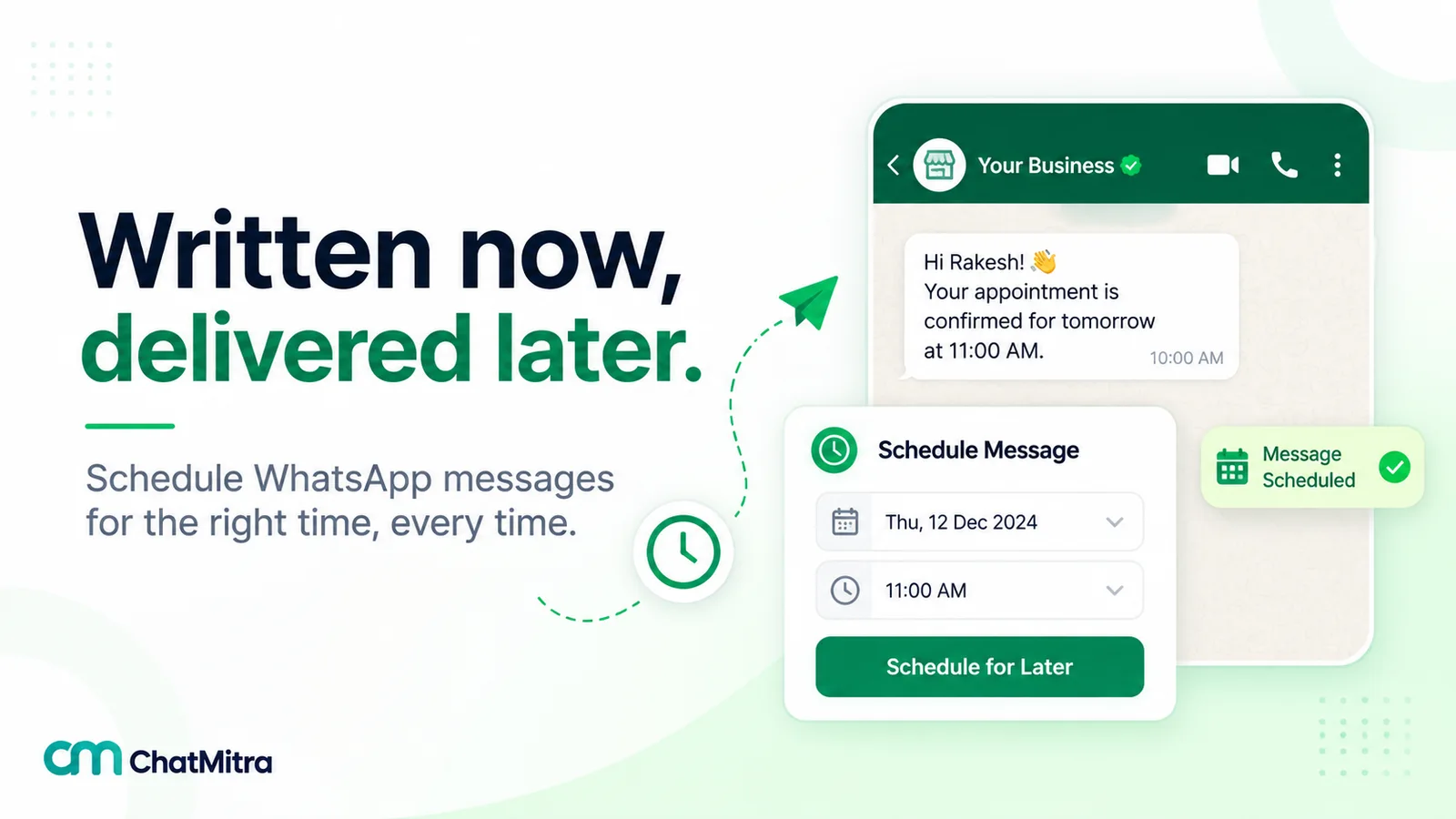
Writing the message is half the work. The other half is which window it fires in.
| Window | Message type | Why |
|---|---|---|
| Daily, after closing | After-hours | Fires most often — write this one first |
| Friday close → Monday open | Weekend | The gap is longer, so name the day |
| Set a day early | Festival / holiday | Customers plan around it if warned |
| Manual, during spikes | Busy period | Honesty beats silence on sale days |
| Manual, dated | Temporary closure | Always give an end date |
On the free WhatsApp Business app you get one away message and a simple schedule, so most businesses set the after-hours version and accept that festivals get the same text. On the API through ChatMitra you can run several on different schedules, which is what makes the festival and busy-period versions practical.
Mistakes that cost you the customer
- No return time. “We will get back to you soon” is the single most common and most damaging version. Name a time.
- Leaving it on after you reopen. A customer messaging at 11am and being told you are closed is worse than no away message at all. Check it after every holiday.
- Apologising at length. Being closed is normal. Two lines, not a paragraph.
- Four different escape routes. One alternative. More than one and people take none of them.
- The same text all year. A Diwali closure and a Tuesday night are not the same situation and should not read identically.
- Promising a time you will not hit. “Reply within 30 minutes” that takes four hours does more damage than “by tomorrow 10am” that you keep.
Set it up next
Pick the after-hours message first, get it live tonight, and add the weekend and festival versions when you next have ten minutes. Then pair it with a greeting message so first-time customers get a proper welcome rather than only ever meeting your away text — the auto-reply examples guide has greetings, keyword triggers and order updates, and ChatMitra’s auto-reply feature is where you schedule them.
If you are weighing up whether the free app is enough, the difference that matters here is simple: one away message on a single schedule, versus several on different ones. See pricing for what the API costs per conversation.