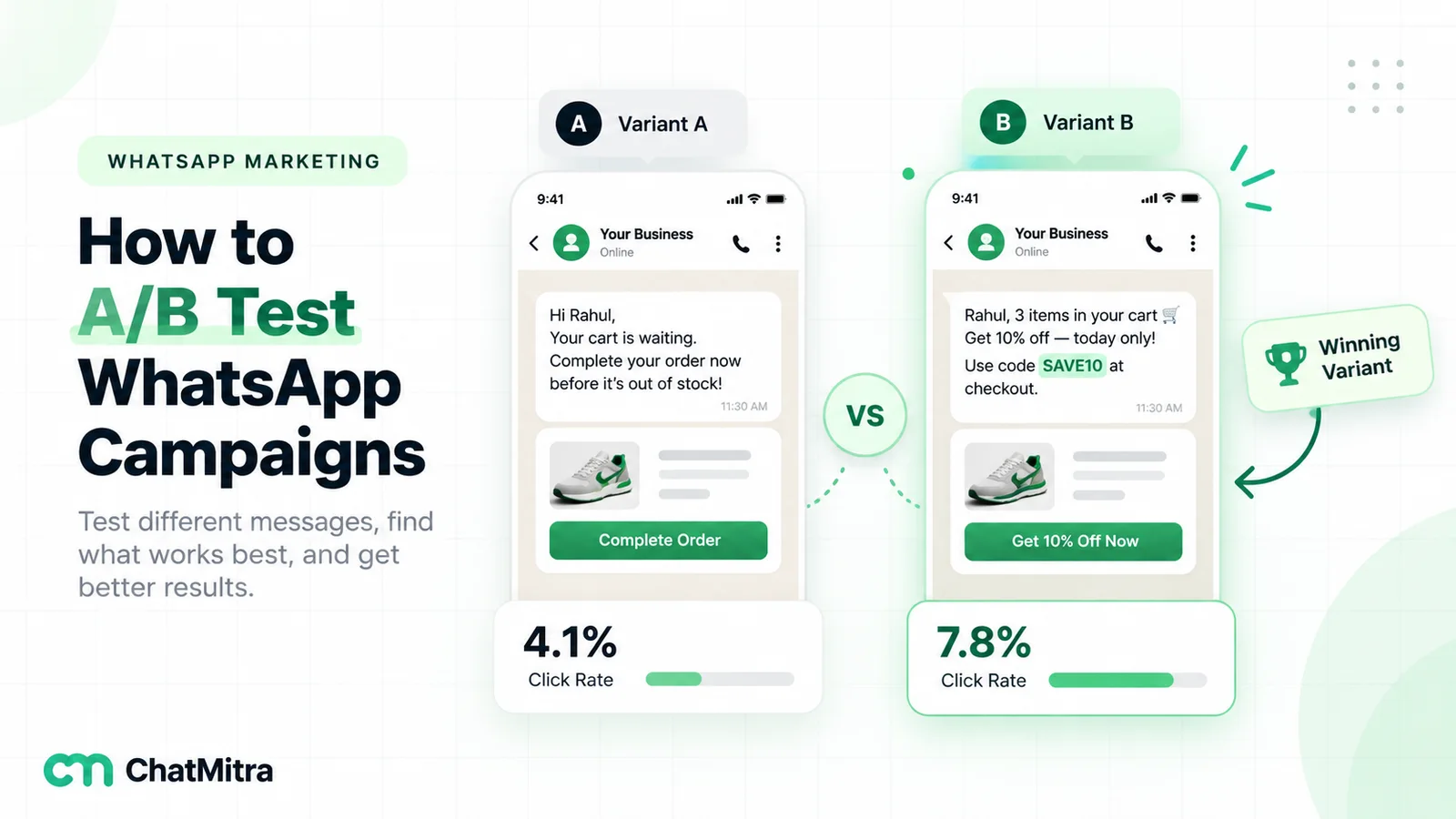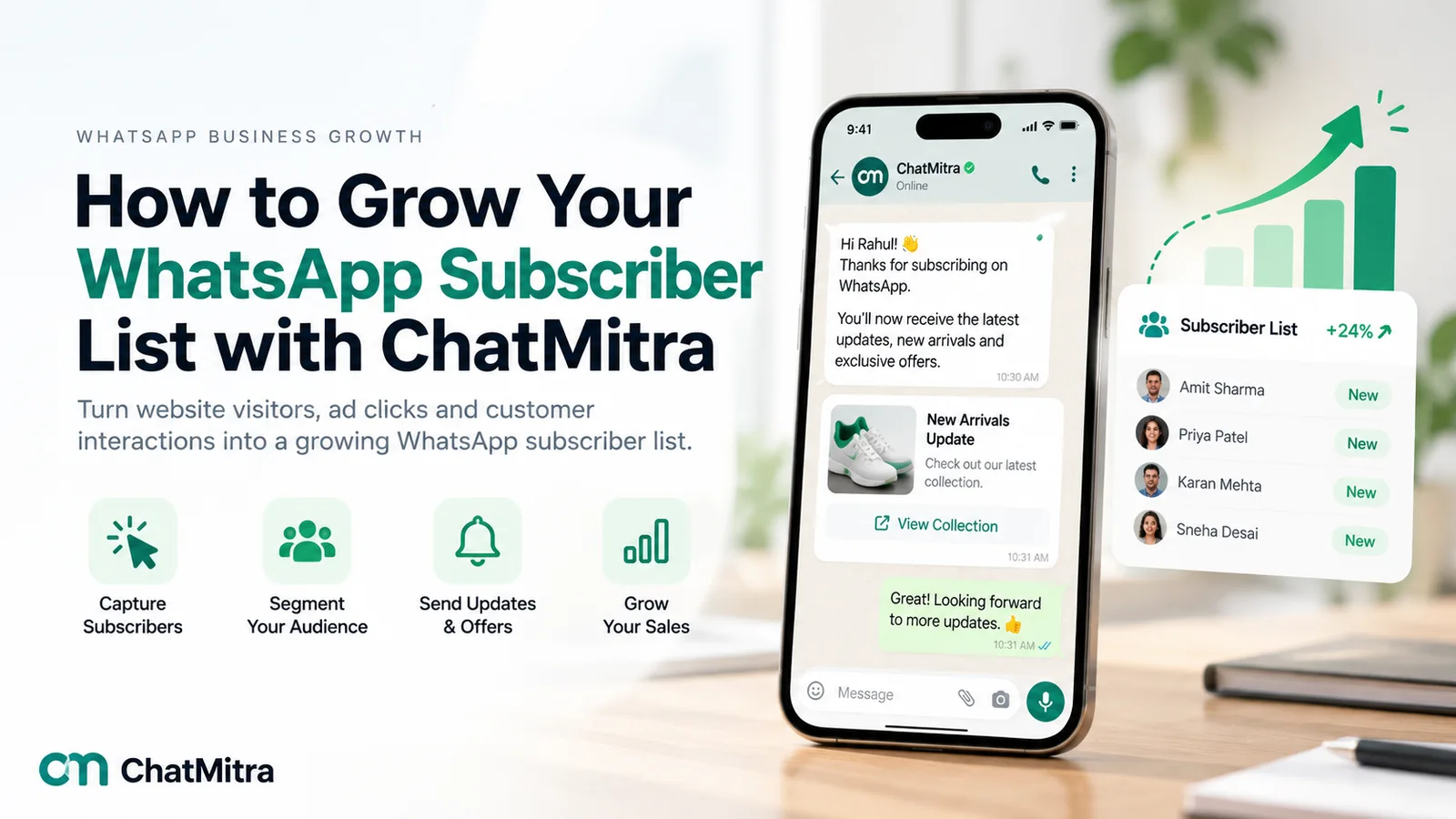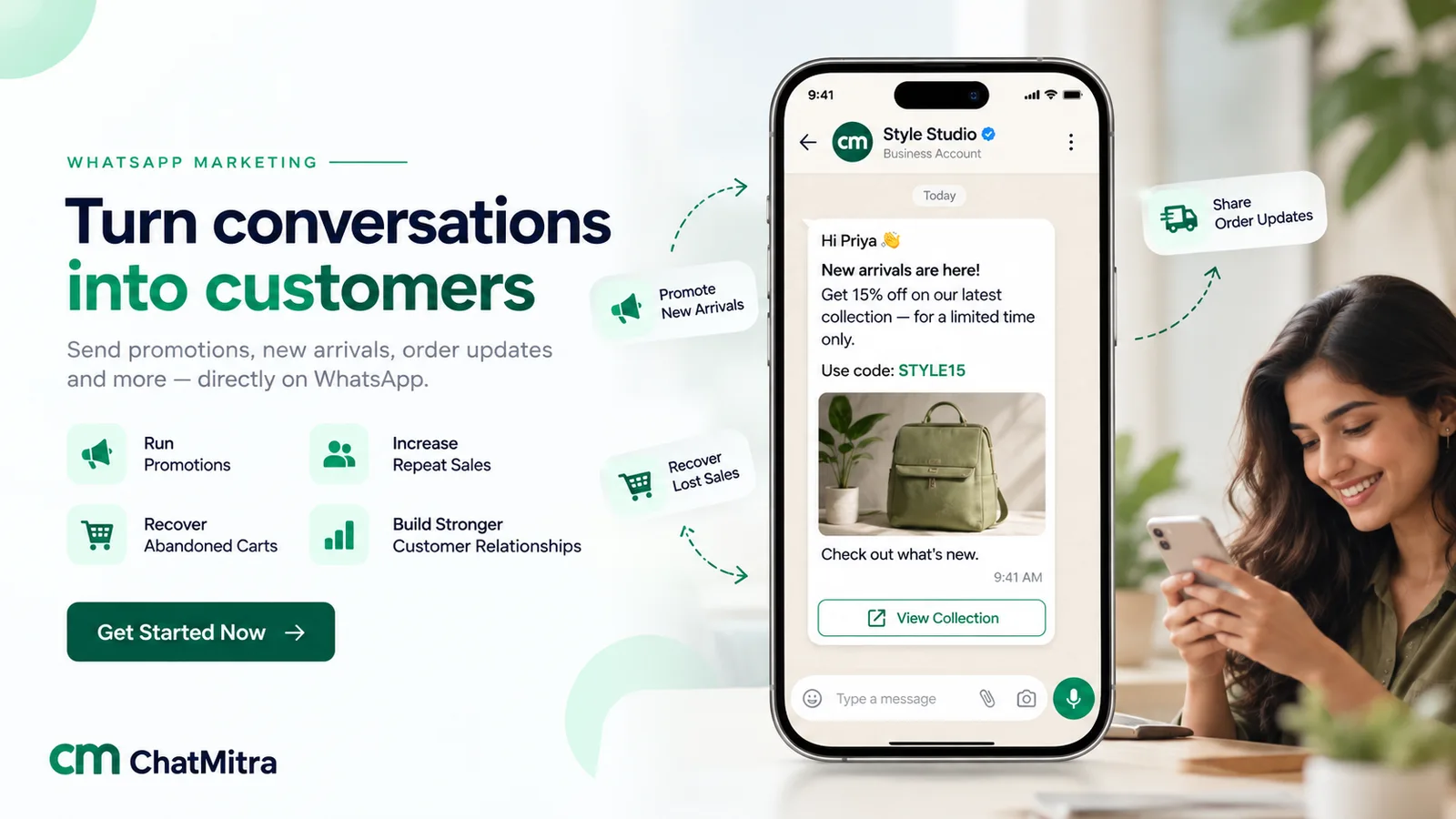
A WhatsApp broadcast lands where people actually look. Open rates on WhatsApp run far higher than email — often 98%+ versus around 15–20% — so a single well-crafted message can generate more revenue than a month of unread email newsletters.
The catch: send the wrong message to the wrong audience too frequently, and recipients will mute or report you as spam. This drops your Meta Quality Score and throttles your daily broadcast limit.
Key Takeaways for Safe, High-ROI Broadcasts
- Consent is Mandatory: Only broadcast to opt-in contacts who explicitly agreed to receive communications from your brand.
- Use Pre-Approved Marketing Templates: Outbound promotional campaigns must use Meta-reviewed templates featuring clean formatting and interactive quick-reply or CTA buttons.
- Action-Oriented CTAs: Limit each broadcast to a single clear action (e.g. "Shop Now" or "Book My Slot") instead of overwhelming readers with multiple links.
- Targeted Segmentation: Grouping customers by recent purchase history boosts conversion rates by 3–5x while reducing paid message wastage.
This guide gives you battle-tested broadcast message examples you can adapt — shown exactly as they appear on your customer’s phone, complete with interactive buttons and formatting.
First, the Rules That Keep You Out of Spam
Before copying any example, three core rules matter far more than the copy itself:
- Get Explicit Opt-In: Only broadcast to people who agreed to hear from you. Scraped lists or cold databases are the fastest way to get your WhatsApp Business API account banned.
- Use Approved Marketing Templates: Promotional broadcasts go out as Meta-approved message templates. ChatMitra lets you create, test, and submit these without writing code. Read how WhatsApp templates work.
- Respect Message Frequency: One highly relevant message a week is welcomed; daily blasts lead directly to mutes and blocks. Frequency and relevance decide whether you stay in your customer’s active chat list.
Keep Your Quality Rating Green
Meta automatically rates your sender reputation as Green (High), Yellow (Medium), or Red (Low). If too many recipients block your number within 24 hours of a broadcast, your daily limit will drop from 10,000 to 1,000 messages. Always include a clean opt-out option (e.g., "Reply STOP to unsubscribe").
1. Offer and Discount Broadcasts
Keep the promotion simple, time-sensitive, and pair it with a single bold call-to-action button:
Hi Rahul 👋 This weekend only — 20% off our entire summer collection at StyleHouse.
Use code WEEKEND20 at checkout. Offer ends Sunday at midnight.
For an appointment or service business:
Ananya, we've got 3 slots left this Saturday at Glow Salon Indiranagar.
Book your hair spa today and receive a complimentary manicure.
2. Festival and Seasonal Broadcasts
Indian festivals are a natural, high-engagement occasion to reach your customer base — just keep the message warm and authentic:
Happy Diwali from all of us at SweetDelights ✨
To celebrate the festival of lights, enjoy 15% off our curated festive gift hampers until 12 November.
For a seasonal weather prompt:
Monsoon is here! 🌧️ Stay dry with our waterproof gear collection. Enjoy free express delivery all week at ActiveGear India.
Ready to Launch Your Next Broadcast Campaign?
ChatMitra lets you schedule personalized WhatsApp broadcasts to thousands of contacts with transparent Pay-As-You-Go pricing (starting at ₹0/month subscription + flat ₹0.20/conv) and real-time delivery tracking.
Start Free on WhatsApp3. Reorder and Win-Back Broadcasts
Re-engaging existing buyers consistently produces the highest return on investment, because retaining an existing customer costs 5x less than acquiring a new one:
Hi Vikram, running low on your Daily Protein Blend? Reorder in two taps — same price, delivered to your doorstep by Thursday.
For lapsed buyers who haven’t ordered in 60 days:
We've missed you at UrbanCafe! Here is an exclusive ₹150 voucher for your next visit to welcome you back.
Valid on all dine-in and takeout orders until Sunday.
4. Operational Updates and Announcements
Not every broadcast needs to be a hard pitch. Informative, service-oriented announcements build lasting goodwill:
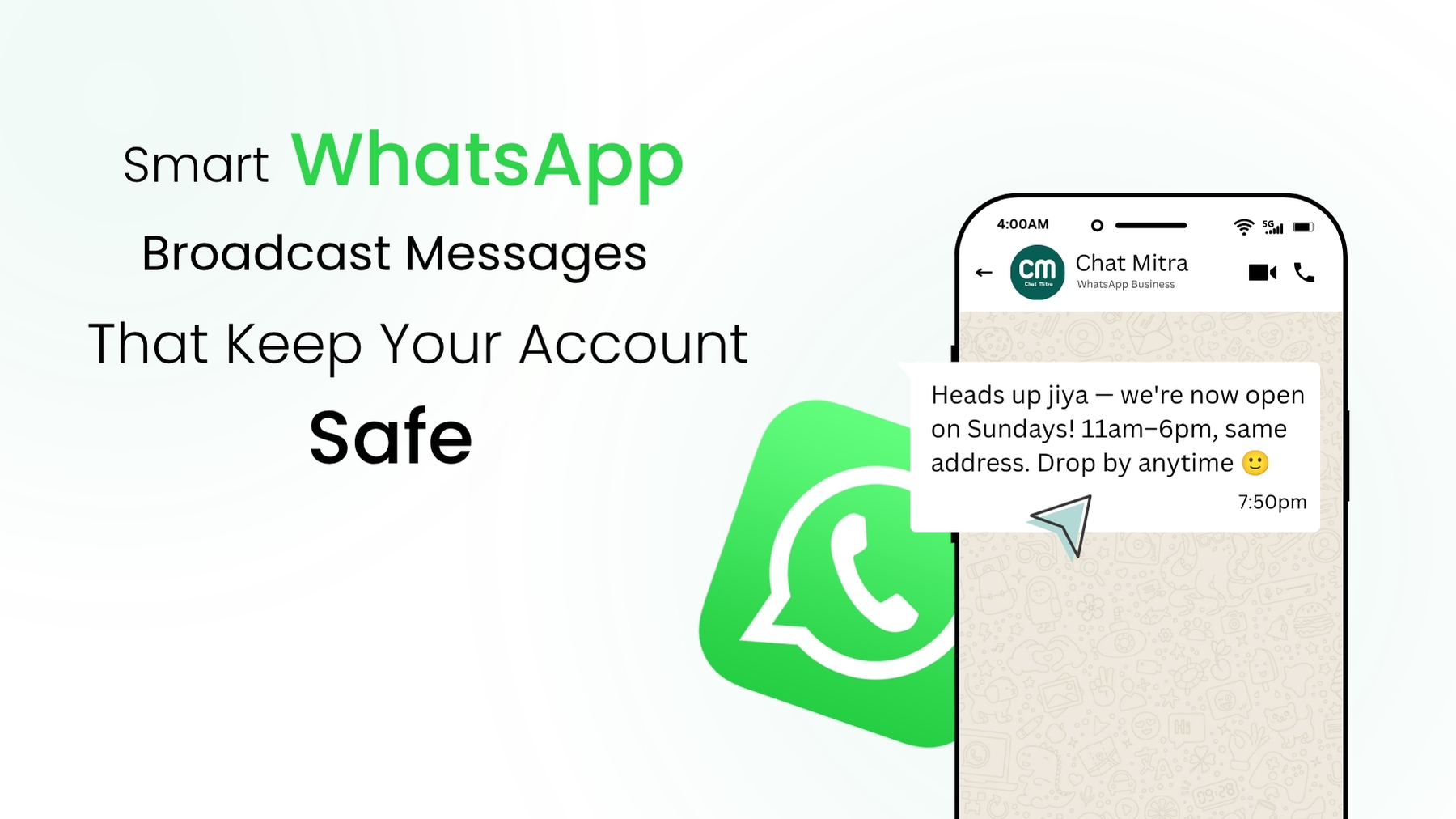
Heads up Sneha — our Koramangala store is now open on Sundays! 11:00 AM – 8:00 PM. Drop by anytime for coffee and book tastings ☕
For new product line arrivals:
New arrivals just dropped at Aura Living! Hand-crafted ceramic tableware inspired by Jaipur heritage. Check them out before stocks run out.
5 Rules for Broadcasts That Actually Convert
Across millions of messages sent through ChatMitra, high-performing campaigns follow these 5 principles:
1. One Message, One Clear Next Step
Never confuse your audience with multiple conflicting requests. Choose one primary action (e.g. "Shop Now", "Download PDF", or "Confirm RSVP") and place it on a prominent button.
2. Lead with the Customer Benefit
Start your copy with the tangible reward ("20% off", "Your slot is reserved", "Free delivery") rather than self-serving corporate pleasantries.
3. Personalize Dynamic Variables
Messages that include the customer's first name and reference past purchase preferences receive 3x more engagement than generic one-size-fits-all blasts.
4. Optimal Sending Window for India
In India, broadcasts sent between 11:30 AM – 1:30 PM and 6:30 PM – 8:30 PM achieve the highest open and click rates. Avoid blasting before 9:00 AM or after 9:30 PM.
5. Pair Outbound Campaigns with an Auto-Reply Bot
A broadcast is only the starting hook. Once recipients reply to your message, connect an automated chatbot flow to instantly answer questions, present catalogs, and collect payments without keeping prospects waiting.
Next Steps
WhatsApp broadcasting is the most effective outbound marketing tool available when paired with explicit consent and thoughtful segmentation.
Explore how broadcasting works on ChatMitra to schedule campaigns, import contact segments via CSV, and review real-time read and reply analytics. Compare plans on the pricing page, or use our WhatsApp Pricing Calculator to project your exact message costs.