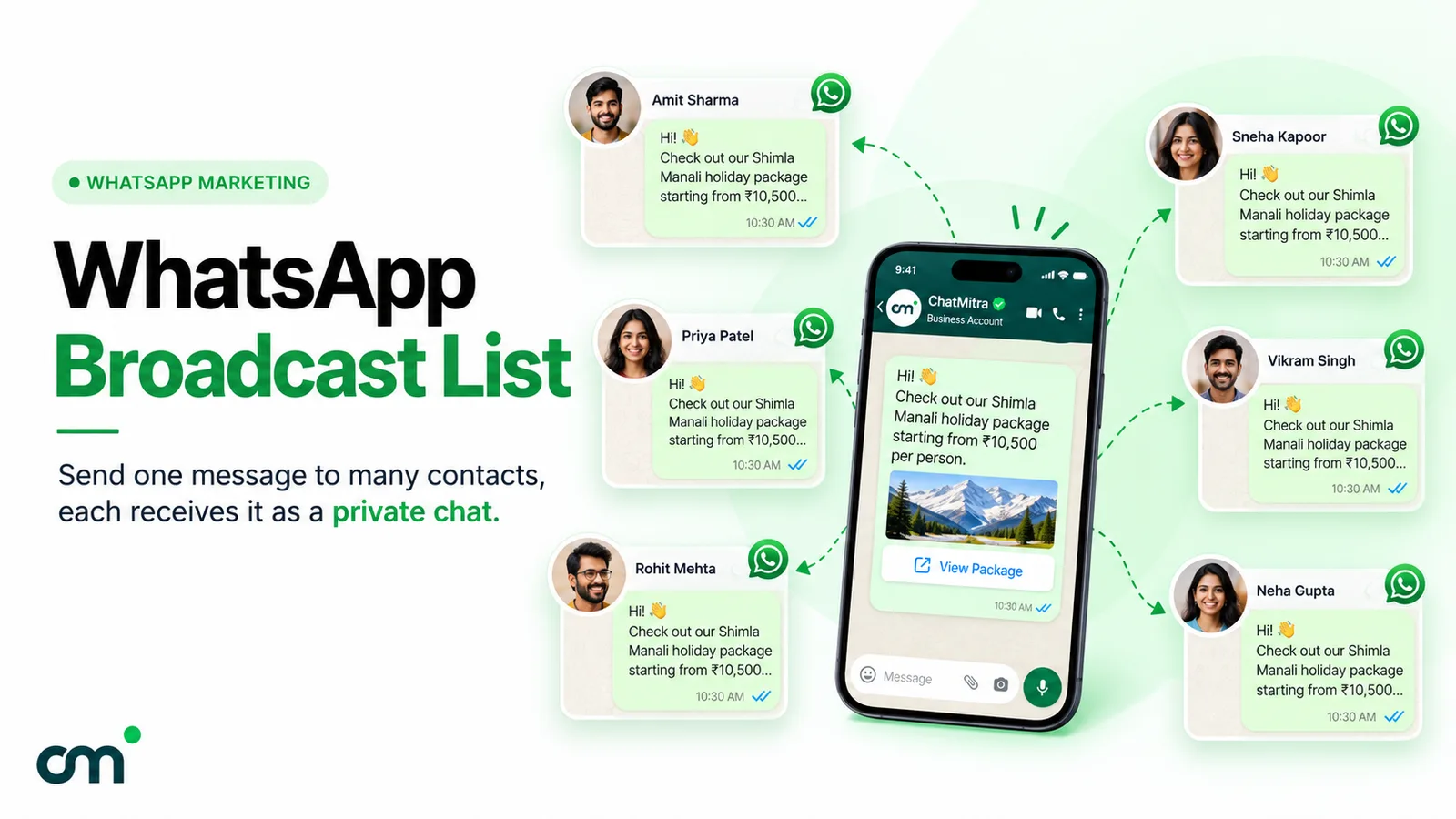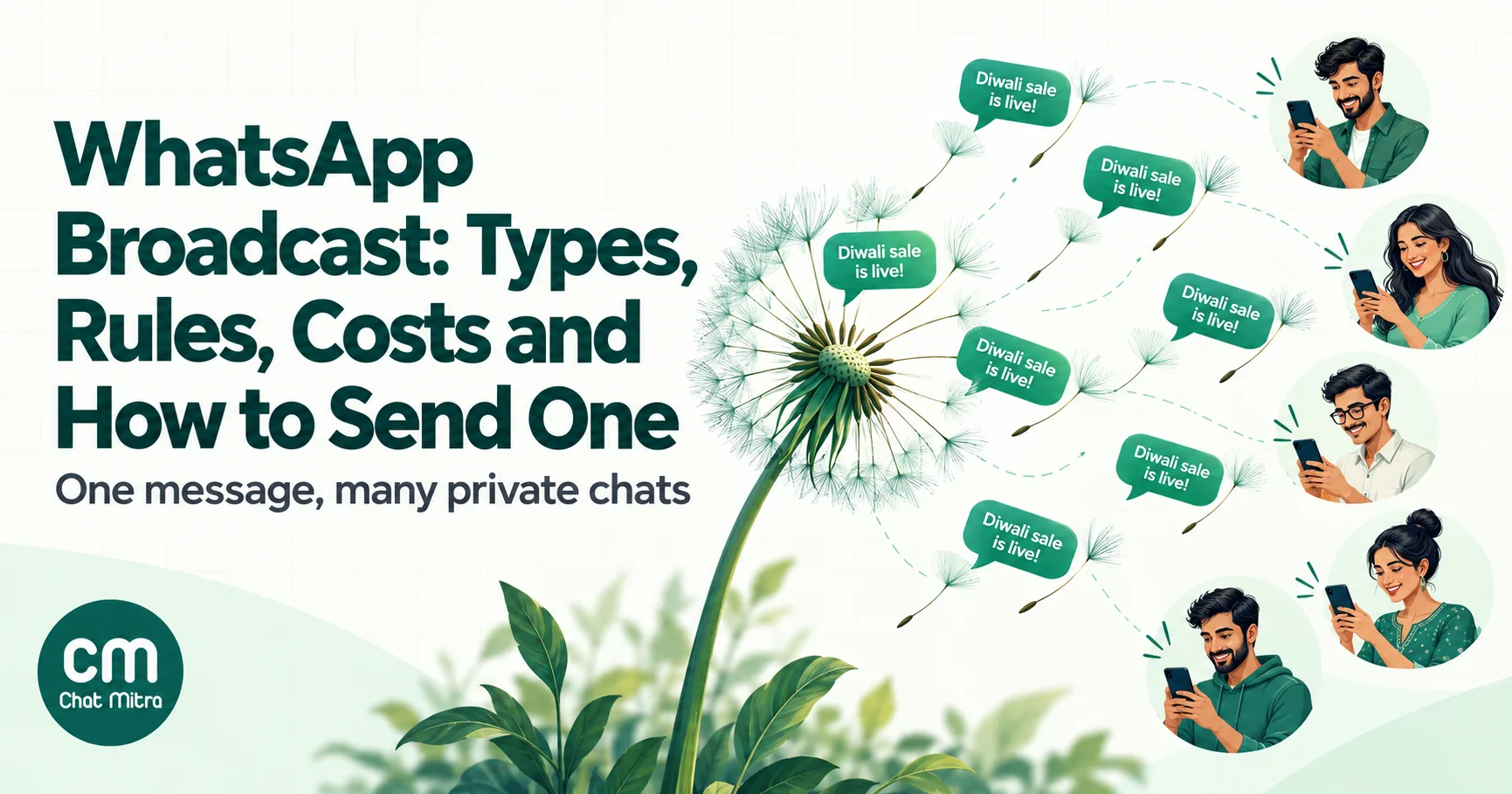
A WhatsApp broadcast is one message sent to many people at once. Each person receives it as a private chat with you, can’t see who else got it, and replies only to you. Businesses send broadcasts in two main ways: from a broadcast list in the WhatsApp Business app (free, up to 256 saved contacts per list), or as a template campaign through the WhatsApp Business API, which can reach thousands of opted-in customers and is charged per delivered message.
This guide is for business owners and marketing teams deciding how to send updates, offers and reminders to customers on WhatsApp. It explains the four ways to message many people, which one fits your business, the rules that decide whether your messages arrive, and what a send costs in India. Rules and prices were checked against WhatsApp’s Help Center and Meta’s developer documentation in October 2026.
Using ChatMitra? Send API broadcasts to your contacts with approved templates, personalise each message from contact fields, schedule them, and track delivered, read and failed numbers in one report. ChatMitra’s fee is ₹0.20 per conversation, never per message, and Enterprise removes it. Jump to Sending a WhatsApp broadcast with ChatMitra.
What a WhatsApp broadcast is, and what it isn’t
Picture a tailoring shop with 180 regular customers. The owner wants to tell them that festive orders close on Friday. She could post in a group, but then every customer would see every other customer’s number and reply, and half of them would mute it. She could message each person one by one, but that takes an afternoon. A broadcast does the second thing at the speed of the first: one message, written once, delivered into 180 separate private chats.
Three features define a broadcast:
- Private delivery. The message appears in the recipient’s one-to-one chat with your business. Nothing marks it as a mass message.
- Private replies. When a customer answers, the reply comes back to you alone, so a broadcast often starts dozens of individual conversations.
- No shared audience. Recipients never see each other, so you can send to customers who don’t know one another without exposing anyone’s number.
A broadcast is not a group (where everyone talks to everyone), not a Channel (a public feed with no private replies), and not a forwarded message (which carries a “Forwarded” label and needs one send per chat).
The word also means different things depending on where you send from. In the WhatsApp apps, “broadcast” means a broadcast list, a saved set of up to 256 contacts. On the WhatsApp Business API, it means a campaign: an approved template sent to an uploaded or segmented audience, with delivery reports. Most confusion in online guides comes from mixing the two, so the rest of this guide keeps them apart.
Four ways to reach many people on WhatsApp
| App broadcast list | Group or Community | Channel | API broadcast campaign | |
|---|---|---|---|---|
| How it works | You pick saved contacts; each gets a private copy | Shared chat; everyone sees messages and members | One-way feed people choose to follow | Approved template sent to a list of opted-in contacts |
| Size | 256 per list, unlimited lists | 1,024 per group; up to 2,000 members across a Community | No published follower cap | Messaging limit: 250 to unlimited people per 24 hours |
| Who receives it | Only people who saved your number | Members you add, or who join by link | Followers | Anyone who opted in, saved number or not |
| Privacy between recipients | Full | None (members see each other) | Followers can’t see each other | Full |
| Replies | Private, to you | In the group, visible to all | Reactions and poll votes only | Private, to you or your team inbox |
| Personalisation | None | None | None | Name, order and other fields per person |
| Scheduling and reports | No | No | No scheduling; follower and reaction counts | Yes, with delivered, read and failed counts |
| Cost | Free (monthly limit in some countries) | Free | Free | Per delivered template, plus platform fee |
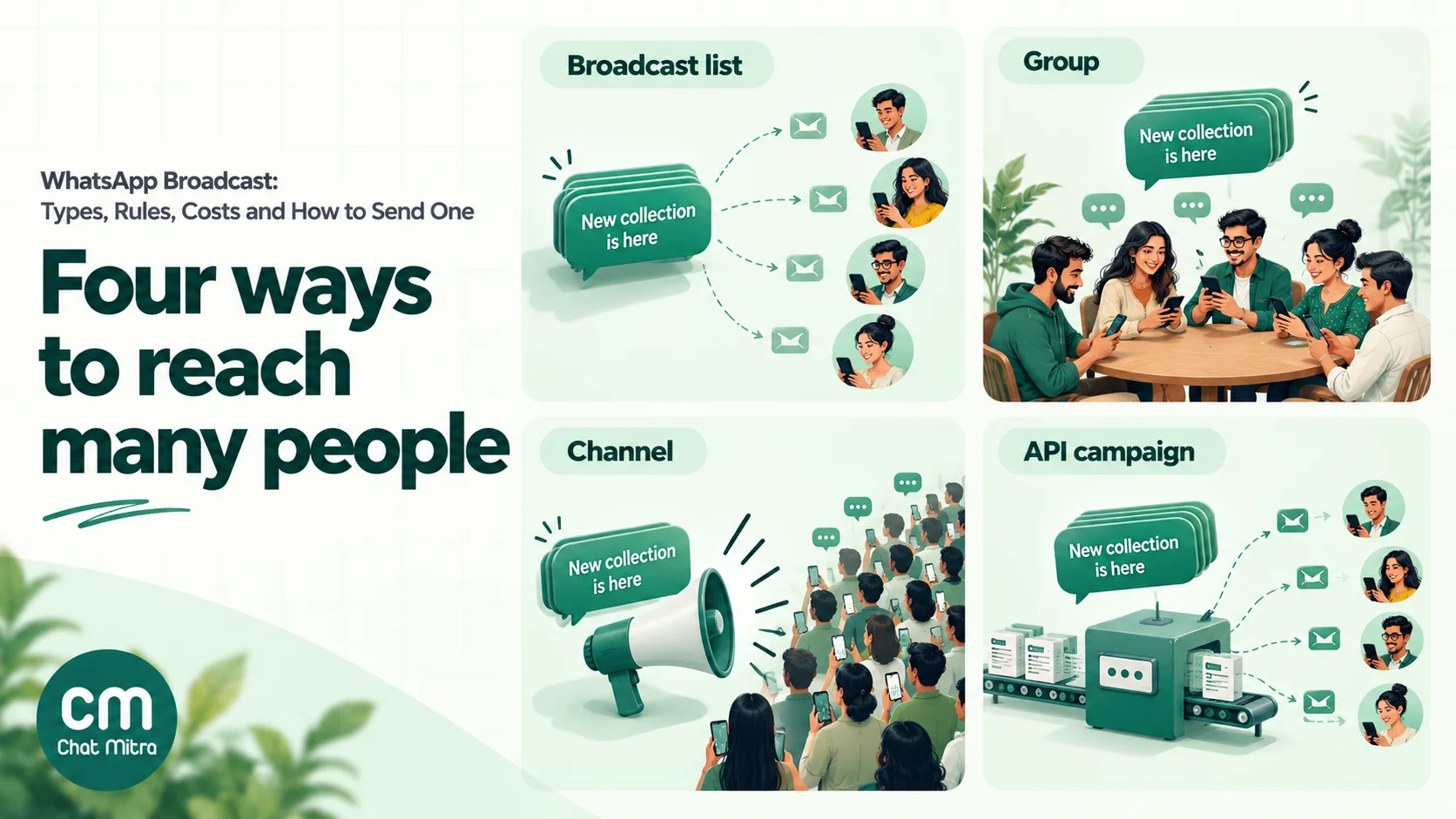
Two newer app features sit between the free list and the API. WhatsApp is gradually rolling out a monthly broadcast limit in some countries, described as “up to 35 free broadcast messages per month”. And in some countries the WhatsApp Business app now offers business broadcasts, a paid feature (formerly called marketing messages) that can reach customers who haven’t saved your number, goes through a review by Meta before sending, and charges only for messages delivered. Availability and prices vary by country, so check the Business app’s Tools menu before planning around it.
For the step-by-step app instructions, limits and fixes, see our full guide to the WhatsApp broadcast list. For the other two options, read WhatsApp Channels for business and WhatsApp groups for business.
Which one fits your business?
Most businesses don’t need to choose just one. Use this as a starting point:
- Fewer than 200 or so regular customers who all have your number saved, and only occasional updates? A broadcast list in the WhatsApp Business app is enough. It’s free, and the replies land in your phone.
- You want customers to talk to each other, such as a parents’ group, a running club or a buyer community? Use a group or a Community. Remember that every member sees every number.
- You publish news to a public audience that doesn’t need to reply, like a newspaper, creator or college notice board? Use a Channel. Followers find you; you don’t need their numbers.
- You need to reach hundreds or thousands of customers, many of whom never saved your number, with personalised offers, reminders or order updates, and you need to know who received them? Use an API broadcast through a WhatsApp Business API provider.
The signals that you’ve outgrown broadcast lists are easy to spot: customers say they “never got” your messages (they hadn’t saved your number), you are splitting your audience across several lists of 256, you need someone other than the phone’s owner to answer replies, or you can’t tell whether last week’s offer was even delivered.
Avoid one route completely: unofficial “bulk WhatsApp sender” tools, browser extensions and modified apps. WhatsApp’s Terms of Service forbid bulk messaging and auto-messaging, and WhatsApp says it bans accounts that use them. Our comparison of official vs unofficial bulk senders explains why a banned number costs far more than the API would have.
How an API broadcast works, start to finish
An API broadcast has more steps than tapping “New broadcast”, because Meta needs to know who you are, what you’re sending and that people agreed to receive it. Once set up, a campaign takes a few minutes to create.
- Get on the WhatsApp Business API. Sign up with a provider (a Business Solution Provider or tech provider), connect a phone number (a new one, or your existing WhatsApp Business app number if your provider supports using both together), and link your Meta business portfolio. Verifying the business raises your messaging limit, so start it early.
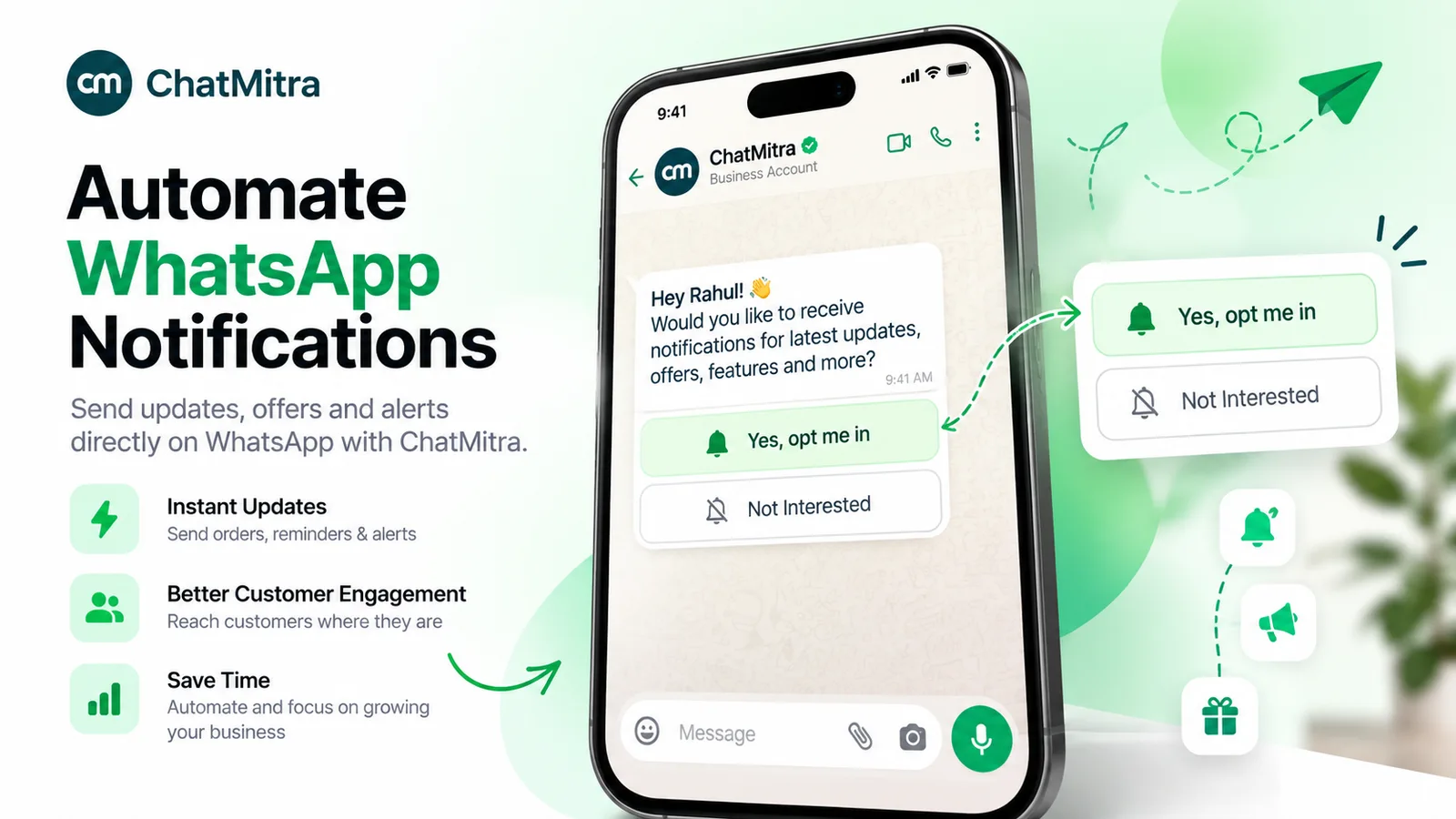
- Collect opt-ins. Every contact needs to have agreed to hear from you on WhatsApp. A checkbox at checkout, a click-to-WhatsApp ad, or a customer messaging you first are common sources. Record when and how each person opted in.
- Create a template and get it approved. Messages sent outside a 24-hour customer service window must be pre-approved templates. Pick the category honestly (marketing or utility, explained in the next section), add variables such as the customer’s name, and include buttons for the action you want. Meta usually reviews a template within minutes, though it can take up to 24 hours.
- Build the audience. Import your contacts (usually a CSV file) and segment them with tags such as city, last purchase or interest. Remove anyone who has opted out. Smaller, relevant segments get more replies and fewer blocks than “send to everyone”.
- Personalise and preview. Map each template variable to a contact field and set a fallback for empty fields, so nobody receives “Hi {{1}}”. Send a test to your own number first.
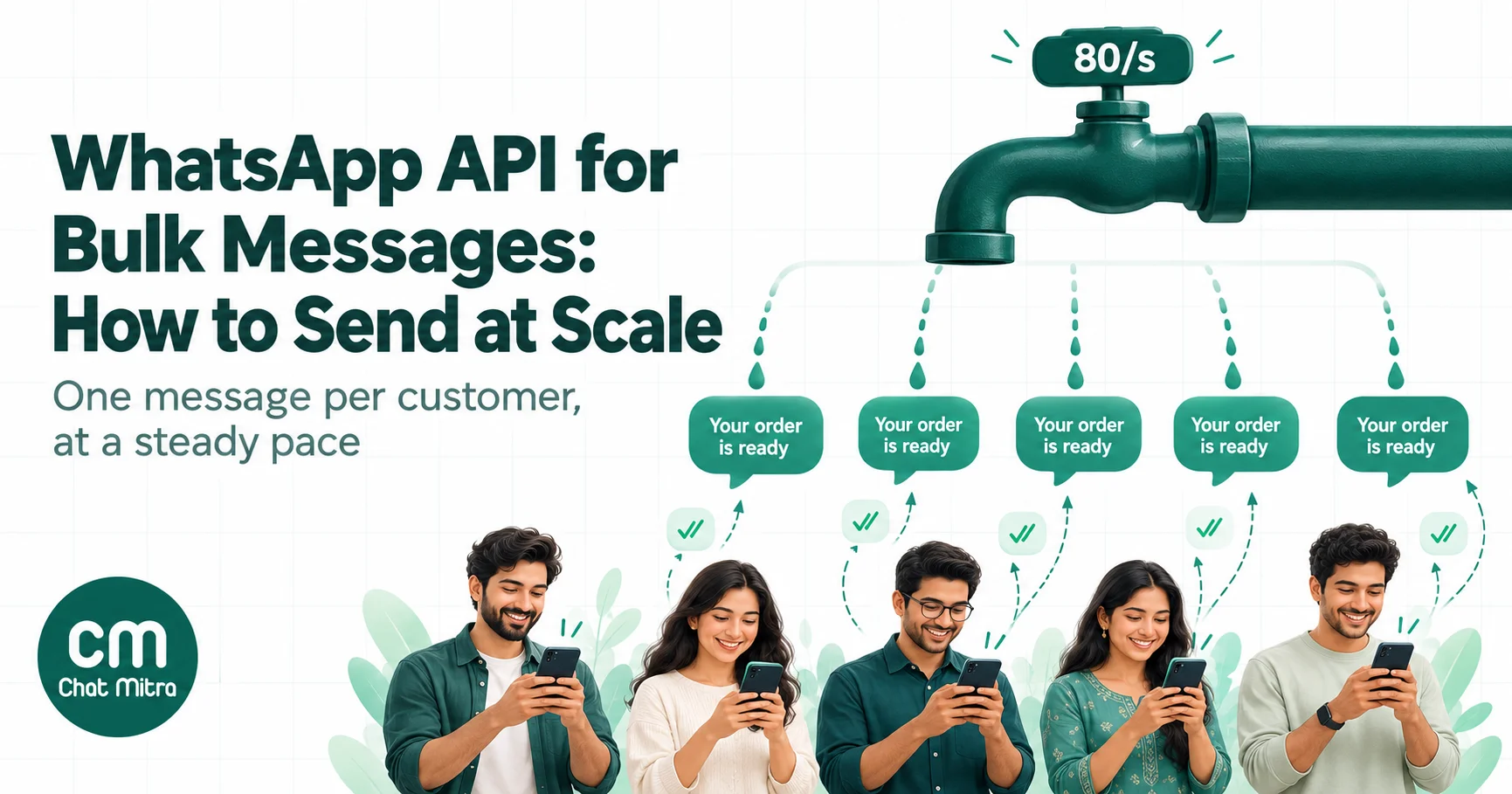
- Schedule and send. Send immediately or choose a time when your audience is likely to read it. Your provider releases messages in batches within Meta’s throughput and messaging limits; a send of a few thousand usually completes within minutes.
- Handle replies. Replies arrive as normal chats. Route them to a shared inbox, answer button taps with an auto-reply, and keep someone available for an hour or two after a big send. Each reply opens a 24-hour service window in which you can answer freely.
- Read the results. Look at delivered, read and failed counts, the reasons behind failures, replies and sales, and use them to plan the next send.
If your contacts live in a spreadsheet, our guide to sending bulk WhatsApp messages from Excel covers file preparation and import errors in detail. Developers sending through their own code should read WhatsApp API for bulk messages for throughput, retries and webhooks.
Marketing or utility: the category sets the price and the rules
Every API broadcast uses a template, and every template has a category. The category decides what Meta charges, whether the per-user marketing limit applies, and whether the customer’s Stop button blocks it. Many businesses assume every broadcast is “marketing”. It isn’t.
| Category | What it’s for | Broadcast examples | India rate (from 1 Oct 2026) |
|---|---|---|---|
| Marketing | Promotion, offers, invitations, re-engagement, anything that isn’t tied to a specific transaction | Festive sale, new arrivals, webinar invite, “we miss you” offer, cart reminder | ₹0.8631 per delivered message |
| Utility | A specific transaction or account the customer already has with you | Fee or payment reminder, appointment confirmation, order or delivery update, policy renewal due, service outage notice | ₹0.115 per delivered message |
| Authentication | One-time passcodes | Login or verification codes (rarely sent as a broadcast) | ₹0.115 per delivered message |
The test Meta applies is whether the message relates to something the customer started, such as an order, booking, bill or account, and contains no promotional content. “Your appointment is tomorrow at 11 am” is utility. “Your appointment is tomorrow, and here’s 20% off a facial” is marketing, and Meta can recategorise the template if you submit it as utility. Keep offers out of utility templates and send them as a separate marketing broadcast to people who opted in to offers.
Our guides to WhatsApp marketing templates and utility templates have approved wording for each category.
The rules that decide whether your broadcast arrives
A broadcast that breaks these rules either never arrives or gets your number restricted. They apply whichever provider you use.
Opt-in comes first
WhatsApp’s Business Messaging Policy says you may contact people only if they have given you their number and “you have received opt-in permission” to message them on WhatsApp. It also says you must respect every request to stop and must not spam or surprise people. In India, the Digital Personal Data Protection Act, 2023 adds its own test: consent must be “free, specific, informed, unconditional and unambiguous with a clear affirmative action”, and withdrawing it must be as easy as giving it. The DPDP Rules, 2025 bring the notice and consent obligations into force from May 2027.
In practice: ask clearly, say what you’ll send (“order updates and occasional offers on WhatsApp”), keep a record of each opt-in, and give people an easy way out. Our WhatsApp opt-in guide covers valid and invalid opt-ins, consent wording and record-keeping.
Customers can stop your marketing with one tap
When a customer taps Stop on a marketing message, WhatsApp stops delivering your offers and announcements to them; they still receive utility messages such as delivery updates and OTPs, and can tap Resume later. If you send them a marketing template anyway, it fails with error 131050. Remove those contacts from future marketing sends rather than retrying.
WhatsApp limits marketing messages per person
Even with opt-in, WhatsApp doesn’t deliver every marketing message. It limits how many marketing templates each person receives, based on how actively that person reads marketing messages and how many they’re already getting. Messages held back fail with error 131049. Meta advises waiting at least 24 hours before retrying, and since April 2026 repeated retries can block delivery to that person for up to a day. Marketing messages sent while a customer service window is open don’t count towards the limit. One more note for global senders: WhatsApp currently doesn’t deliver marketing templates to US (+1) numbers.
The practical lesson: a broadcast to people who never read your messages will reach fewer of them over time. Sending less often, to people who respond, keeps more of your messages deliverable.
Your messaging limit caps how many people you can reach per day
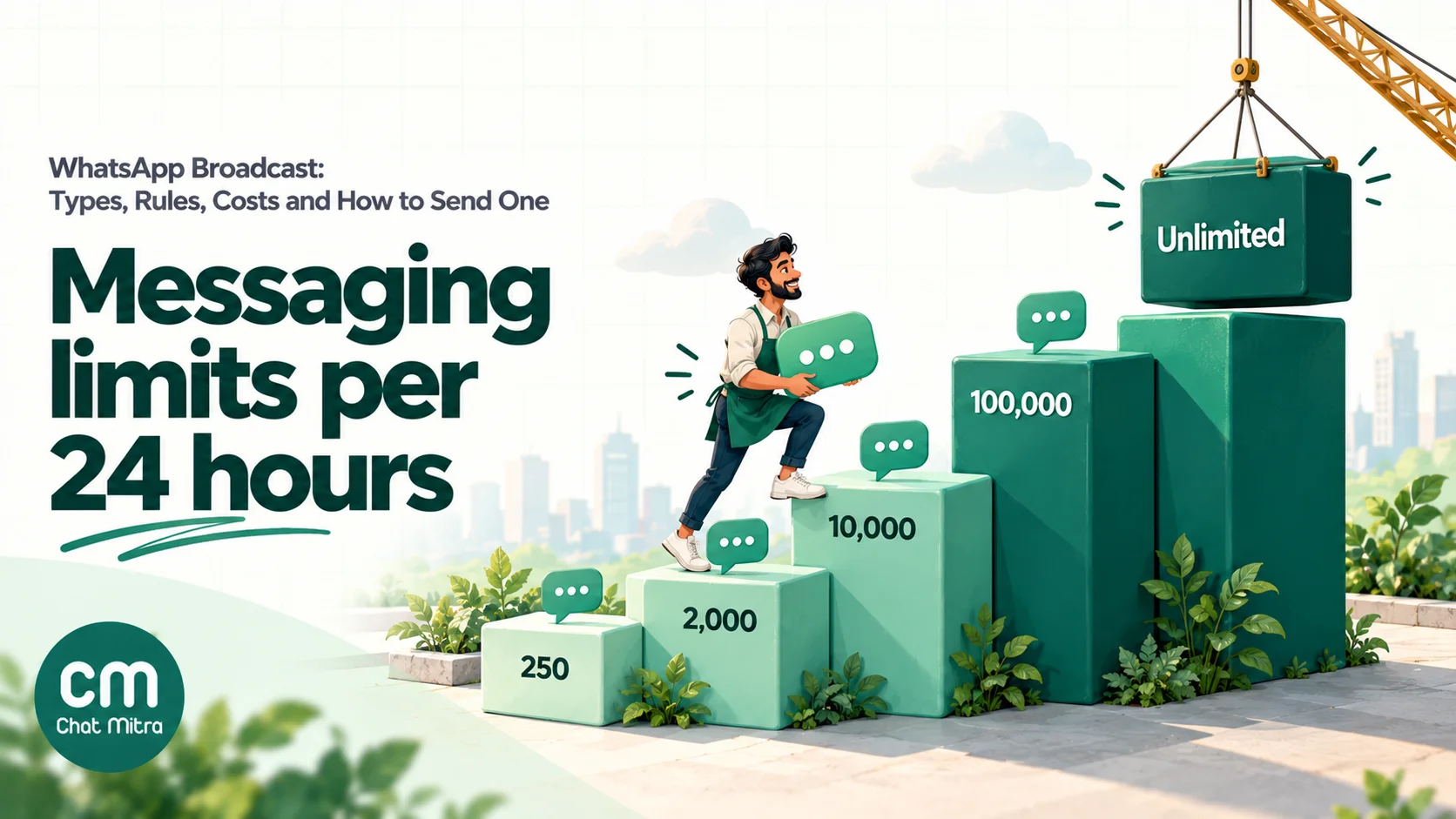
On the API, your messaging limit is the number of unique people you can send templates to outside a customer service window in a rolling 24 hours. Since October 2025 the limit is set for your whole business portfolio and shared by all its phone numbers.
- A new business portfolio starts at 250 people per 24 hours.
- It moves to 2,000 when you verify the business (or your provider verifies it), or after you deliver 2,000 messages outside the service window to unique people within 30 days with good-quality templates.
- From there it rises automatically to 10,000, 100,000 and unlimited, one step at a time, within six hours of qualifying, as long as your quality is high and you’ve used at least half of your current limit over the last seven days.
Plan large sends around this. If you have 8,000 opted-in contacts but a 2,000 limit, split the campaign over several days or send to your most engaged segment first. Our page on WhatsApp messaging limits explains the tiers in more detail.
Quality decides how long a template lives
Meta rates each template’s quality from customers’ reactions: blocks, reports and how many people read it. A template that collects negative feedback can be paused or disabled, which stops every campaign that uses it. Low-quality sending also slows your path up the messaging-limit ladder. See WABA health and quality rating for what the ratings mean and how to recover.
Marketing moves to the Marketing Messages API by October 2027
Meta has announced that the Cloud API will stop supporting marketing messages on 13 October 2027, and that new accounts created from 13 April 2027 can’t send marketing through the Cloud API at all. Marketing templates move to the Marketing Messages API, which became generally available in November 2025; utility, authentication and service messages stay on the Cloud API. If you use a provider, ask whether it already sends marketing through the new API. See Marketing Messages Lite API for what changes.
What a WhatsApp broadcast costs in India
Broadcast lists in the app are free. API broadcasts have two costs.
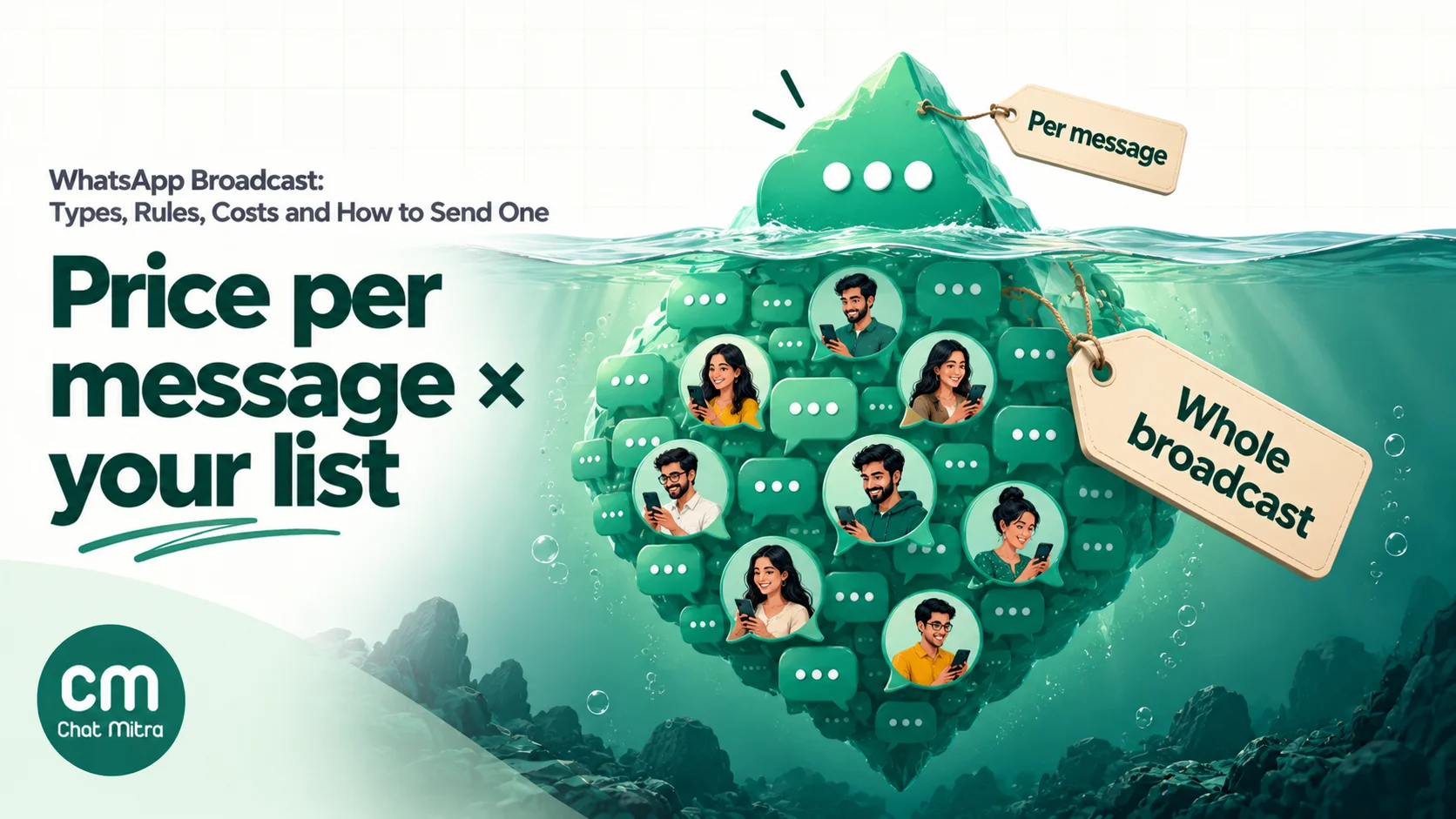
1. Meta’s charge per delivered template. Since July 2025 Meta charges per message, only when it’s delivered, at a rate set by the template category and the recipient’s country code. India’s rates from 1 October 2026:
- Marketing: ₹0.8631
- Utility: ₹0.115
- Authentication: ₹0.115
Your replies inside a customer service window are service messages. Since 1 October 2026 each business phone number gets 1,000 free service messages a month; after that they cost ₹0.115 each in India. While a free entry point window from a click-to-WhatsApp ad is open (up to 7 days on Android and iOS), all messages are free.
2. Your platform’s fee. Providers charge in different ways: per message, per conversation, a monthly plan, or a markup on Meta’s rate. Ask which one before comparing prices, because a low “per message” price can cost more than a per-conversation fee once replies are counted.
A worked example
A home-décor brand sends a Diwali offer, a marketing template, to 5,000 opted-in customers in India. Suppose 4,700 messages are delivered: some numbers aren’t on WhatsApp, and the per-user limit holds back others. The brand uses ChatMitra’s Starter plan.
| Item | Calculation | Cost |
|---|---|---|
| Meta charge | 4,700 delivered × ₹0.8631 | ₹4,056.57 |
| ChatMitra fee | 5,000 conversations × ₹0.20 | ₹1,000.00 |
| Total | ₹5,056.57 (about ₹1.08 per delivered message) |
Now the same brand sends a utility payment reminder to 2,000 customers with an unpaid invoice. If all are delivered, Meta charges 2,000 × ₹0.115 = ₹230, and ChatMitra’s fee is 2,000 × ₹0.20 = ₹400, for ₹630 in total.
When 600 customers reply to the Diwali offer, the brand’s answers are service messages, covered by the 1,000 free each month, and the replies don’t add a ChatMitra fee because they belong to the same 24-hour conversation. On ChatMitra’s Enterprise plan (₹2,499 a month) the platform fee disappears and only Meta’s charges remain.
To estimate your own sends, use the WhatsApp Business API pricing calculator. For other countries’ rates and how Meta’s pricing works, see WhatsApp Cloud API pricing.
Broadcasts businesses send, by goal
Most useful broadcasts fall into a handful of jobs. Choosing the job first tells you the template category, the audience and the button to add.
| Goal | Example broadcast | Category | Audience | Button |
|---|---|---|---|---|
| Sell during a season | Festive or end-of-season sale | Marketing | Opted-in buyers from the last 12 months | Shop now (URL) |
| Launch something new | New collection, menu or course batch | Marketing | Customers tagged with a matching interest | View (URL) or quick reply “Interested” |
| Bring back lapsed customers | ”It’s been a while” offer | Marketing | No purchase in 90+ days, still reading | Claim offer |
| Fill seats | Webinar, workshop or open-house invite | Marketing | Leads and past attendees | Register (URL) |
| Get paid on time | Fee or invoice reminder | Utility | Customers with an unpaid bill | Pay now (URL) |
| Reduce no-shows | Appointment or class reminder | Utility | Tomorrow’s bookings | Confirm / Reschedule |
| Keep customers informed | Delivery delay, holiday hours, outage notice | Utility | Affected customers only | Track or call |
| Learn and improve | Feedback request after a specific service | Utility, if about that transaction and without offers | Recent customers | Quick-reply rating |
Two patterns stand out. First, utility broadcasts are cheaper, aren’t subject to the per-user marketing limit and are the messages customers value most, so use them wherever the message really is about the customer’s transaction. Second, the smaller and better-targeted the marketing audience, the better: a “we miss you” offer sent to people who still read your messages does more than one sent to everyone who ever bought.
For ready-to-adapt wording, see our WhatsApp broadcast message examples and WhatsApp marketing campaign ideas.
Writing a broadcast people don’t block
Customers block a broadcast for one of three reasons: they don’t remember agreeing to it, it isn’t relevant, or it comes too often. Each is avoidable.
- Say who you are in the first line. “Hi Priya, it’s Asha from Kalpana Sarees” works better than a headline in capitals.
- One message, one purpose, one button. If you need two buttons, make the second “Not interested” or “Stop offers” so unhappy customers have a better option than Block.
- Front-load the useful part. The preview in the chat list shows only the start of your message.
- Use media when it carries the offer. A product photo or short video header earns attention a paragraph can’t.
- Personalise beyond the name. “Your size 8 in the running shoe you looked at is back” beats “Dear customer”.
- Send less, to fewer people. One or two marketing broadcasts a week is a sensible ceiling to start from; let replies, Stop taps and blocks tell you whether to send less.
Timing matters too, and differs by business and audience. Our guide to the best time to send a WhatsApp broadcast shows how to test send slots on your own list.
How to measure a broadcast
Counting messages sent tells you nothing. A useful report answers four questions:
- Did it arrive? Delivered divided by sent. A low rate points to old or wrong numbers, opted-out contacts or the per-user marketing limit. Check the failure reason for each number before the next send.
- Did people read it? Read divided by delivered. Read receipts only count people who have them turned on, so treat this as a trend, not an exact figure.
- Did people act? Replies, button taps, link clicks and sales. Add UTM parameters to your links so orders show up in your analytics, and give each campaign its own coupon code if your store can’t track links.
- What did it cost you in goodwill? Blocks, Stop taps and complaints. A campaign that sells well but drives up opt-outs shrinks your future audience.
Compare campaigns against each other rather than against “industry averages”, most of which are vendor claims without a published method. If you want to test wording or images, run a simple split test on two small segments before sending to everyone; our guide to A/B testing WhatsApp campaigns shows how.
Common mistakes
- Sending to everyone in the phonebook. Contacts who never opted in report and block you, which hurts quality for everyone else on your list.
- Calling a promotion “utility”. Meta recategorises it, and customers who see an offer from a “utility” sender lose trust.
- Ignoring opt-outs. Retrying contacts who tapped Stop fails with 131050 and signals poor practice.
- Retrying 131049 failures straight away. The per-user limit needs at least 24 hours; repeated retries can block delivery for longer.
- Planning a send bigger than your messaging limit. Messages beyond the limit don’t go out that day.
- No one watching the replies. A broadcast that invites replies and then ignores them does more harm than not sending.
- Unfilled variables. “Hi {{1}}” or a blank name tells the customer it was a mass message. Always set a fallback.
- Using unofficial bulk tools to save money. A banned number takes your chat history and customer trust with it.
Sending a WhatsApp broadcast with ChatMitra
ChatMitra runs on the official WhatsApp Business API. You send broadcasts to your contacts with approved templates, and pay ChatMitra per conversation, not per message.
| ChatMitra advantage | What it means for your broadcasts |
|---|---|
| ₹0.20 per conversation, never per message | A broadcast and the replies that follow within 24 hours count as one conversation. Contacts who are already in a conversation with you that day aren’t charged again. |
| Enterprise (₹2,499/month) removes the fee | You pay only Meta’s charges, which suits businesses that broadcast to large lists every week. Pro (₹999/month) includes 1,000 conversations a month. |
| Meta’s rates at cost | Meta’s template charges are billed by Meta at its published rates. ChatMitra adds nothing to them. |
| Personalised from your contact fields | Each template variable can read a contact field, with a fallback when the field is empty, in the header, body and button links. |
| Marketing already on the new API | Marketing templates are sent through Meta’s Marketing Messages API, ahead of the October 2027 Cloud API change. |
| Automatic retries for temporary failures | Optional retry rounds re-send to numbers that failed for temporary reasons, at no extra ChatMitra cost. Permanent failures, such as opted-out contacts, aren’t retried. |
| Follow-up by result | Retarget a past campaign’s delivered, read or failed recipients with a new broadcast. |
| Replies in a shared inbox | Replies and button taps arrive in the team inbox, and Auto Reply rules on Pro can answer button taps automatically. |
How to send a broadcast on ChatMitra:
- Import your contacts. Upload a CSV file (up to 10,000 rows and 5 MB per file) or add contacts one by one. Duplicate numbers merge into one contact. Then tag contacts by city, interest or whatever you segment by.
- Create and submit a template. Choose the category, add variables and buttons, and wait for Meta’s approval.
- Choose the audience. In Contacts, select people individually or select all with tag filters to include or exclude groups. Leave out contacts whose status shows they’ve opted out of marketing.
- Set up the campaign. Pick the template, map each variable to a contact field with a fallback, and add the media file for image, video or document headers.
- Schedule or send now. Choose a date and time (in your browser’s time zone) or send immediately, and turn on retry rounds if you want them.
- Review the credits. The review step shows how many credits the send needs and how many you have, with a Buy Credits button. Credits are deducted when you create the campaign.
- Track the results. Watch delivered, read and failed counts as the campaign runs, open each status to see numbers and failure reasons, and export the report as an Excel file by email.
Good to know:
- The audience comes from saved contacts, so import a spreadsheet first rather than pasting numbers into a campaign.
- ChatMitra records Meta’s marketing opt-out on each contact but doesn’t remove opted-out contacts from a campaign automatically. Filter them out, for example with a tag you exclude, before you send.
- A scheduled campaign can be stopped before its start time; once a campaign is sending, it runs to the end. Credits for failed sends, such as numbers not on WhatsApp, aren’t refunded, so clean your list first.
- Campaign reports show sent, delivered, read and failed. Replies appear in the inbox, and link clicks and sales should be tracked with UTM links in your analytics.
- There are no recurring campaigns; create a new one for each send, or retarget an earlier campaign’s recipients.
See the WhatsApp broadcasting feature and broadcast scheduling pages for more, or compare plans on the pricing page.
Your WhatsApp broadcast guides
This page is the overview. Each guide below goes deep on one part:
- Using the app: WhatsApp broadcast list: create, find, edit and fix lists on Android, iPhone and the Business app.
- What to write: WhatsApp broadcast message examples: wording for offers, festivals, win-backs and announcements.
- When to send: Best time to send a WhatsApp broadcast: starting windows by business type and a slot test.
- From a spreadsheet: Send bulk WhatsApp messages from Excel or CSV: file preparation, import and troubleshooting.
- For developers: WhatsApp API for bulk messages: throughput, retries, webhooks and monitoring.
- Choosing a tool: Official vs unofficial bulk WhatsApp senders: risks, costs and how to switch.
- Permission: WhatsApp opt-in: Meta’s rules, India’s DPDP Act and consent wording.
Summary
A WhatsApp broadcast sends one message into many private chats, and replies come back only to you. A broadcast list in the WhatsApp Business app is free and fine for a few hundred customers who saved your number. Groups and Channels suit communities and public news. Beyond that, an API broadcast reaches opted-in customers whether or not they saved your number, with personalisation, scheduling and delivery reports.
On the API, the rules matter as much as the message: get opt-in, pick the honest template category, respect Stop, plan around your messaging limit and the per-user marketing limit, and protect your quality rating. In India a delivered marketing template costs ₹0.8631 and a utility template ₹0.115, plus your platform’s fee. Measure each send by replies, sales and opt-outs, and send less to people who respond rather than more to people who don’t.