“Will WhatsApp Business API actually deliver a measurable return for my specific type of business?”
It is the most critical question founders and marketing directors ask before setting up an API integration. The honest answer: WhatsApp helps almost any business that communicates with customers — but how it pays off differs fundamentally across industries.
A local restaurant cares about table bookings, digital menus, and weekend rushes. A real estate consultancy cares about qualifying high-ticket buyers at 9:00 PM before leads turn cold. A dental clinic or salon cares about eliminating appointment no-shows.
Universal WhatsApp ROI Drivers Across All Sectors
- Automated Instant First Replies: Customers expect an immediate response. Automated greetings and FAQ chatbots handle routine inquiries 24/7, reducing customer support costs by 30–60%.
- Centralized Single-Thread Records: Every inquiry, quote, order update, and payment receipt stays inside one persistent conversation rather than getting lost across scattered emails and personal phones.
- The 24-Hour Service Window: When customers initiate contact, your first 1,000 replies each month inside 24 hours are free of Meta charges (then ₹0.115 each), making customer-first support extremely economical.
- Multi-Project Architecture for Agencies: Digital marketing agencies can manage multiple client brands, separate WhatsApp numbers, and isolated billing from a unified ChatMitra dashboard.
This guide maps out the highest-performing WhatsApp Business API use cases across 8 major Indian industries, highlighting real-world case studies and operational metrics.
Before You Pick Your Industry: App vs. API
Before exploring specific industry playbooks, it is essential to determine whether your business needs the free phone app or the cloud API:
When to Stay on the App
If only one person manages customer messages on a single mobile handset, your daily chat volume is under 50, and you don't require automated campaigns or CRM integrations, the free app works fine.
- • 256 broadcast recipient limit
- • Manual typing required
- • No shared team inbox
When to Upgrade to the API
Upgrade when you need multiple team members on the same number, broadcasts to 1,000+ contacts, automated lead qualification, Shopify syncing, or Razorpay payment collection.
- • Unlimited team agent logins
- • Unlimited contact broadcasting
- • 24/7 visual chatbot builders
Industry Playbook 1: Restaurants & Food Outlets
Direct Ordering & Table Reservations
Restaurants use WhatsApp to bypass 25–30% aggregator commission fees. Send digital PDF menus, take direct takeout orders, collect UPI payments in-chat, and send automated delivery updates to slash "Where is my food?" phone calls during peak dinner hours.
Industry Playbook 2: Real Estate & Property Consultants
In real estate, lead response speed directly determines closed commissions. A home buyer messaging at 9:30 PM will not wait until noon tomorrow:
Hi, I saw your billboard for the GreenValley 3BHK apartments.
Hello Mr. Verma! Welcome to GreenValley Estates 🏢
Our 3BHK luxury residences start at ₹1.2 Cr in Whitefield. Would you prefer a ready-to-move apartment or an under-construction project for higher appreciation?
Ready to move. Can I view the floor plan and brochure?
Certainly! Here is the complete PDF brochure: 📄 GreenValley-3BHK-Brochure.pdf
Our senior property advisor Rajesh is available for a site visit this Saturday. Would 11:00 AM or 3:00 PM suit you better?
See how Nandyal Real Estate uses ChatMitra to send personalized scheduled broadcasts to segmented investor lists and track site-visit confirmations. Read the full Real Estate WhatsApp Guide.
Industry Playbook 3: Travel, Tourism & Hospitality
Itinerary Management & Booking Alerts
A holiday trip is a multi-touchpoint journey. Travel agencies use WhatsApp to manage the entire lifecycle: sending day-by-day itineraries, collecting passport copies, delivering flight e-tickets, and dispatching driver contact details the morning of a tour.
Ready to Automate Your Customer Journey?
ChatMitra provides ready-made template libraries, visual chatbot flows, and transparent Pay-As-You-Go pricing starting at ₹0/month subscription (flat ₹0.20/conv).
Start Free 15-Day TrialIndustry Playbook 4: Retail Stores & D2C E-Commerce
Footfall Capture, Catalog Orders & Cart Recovery
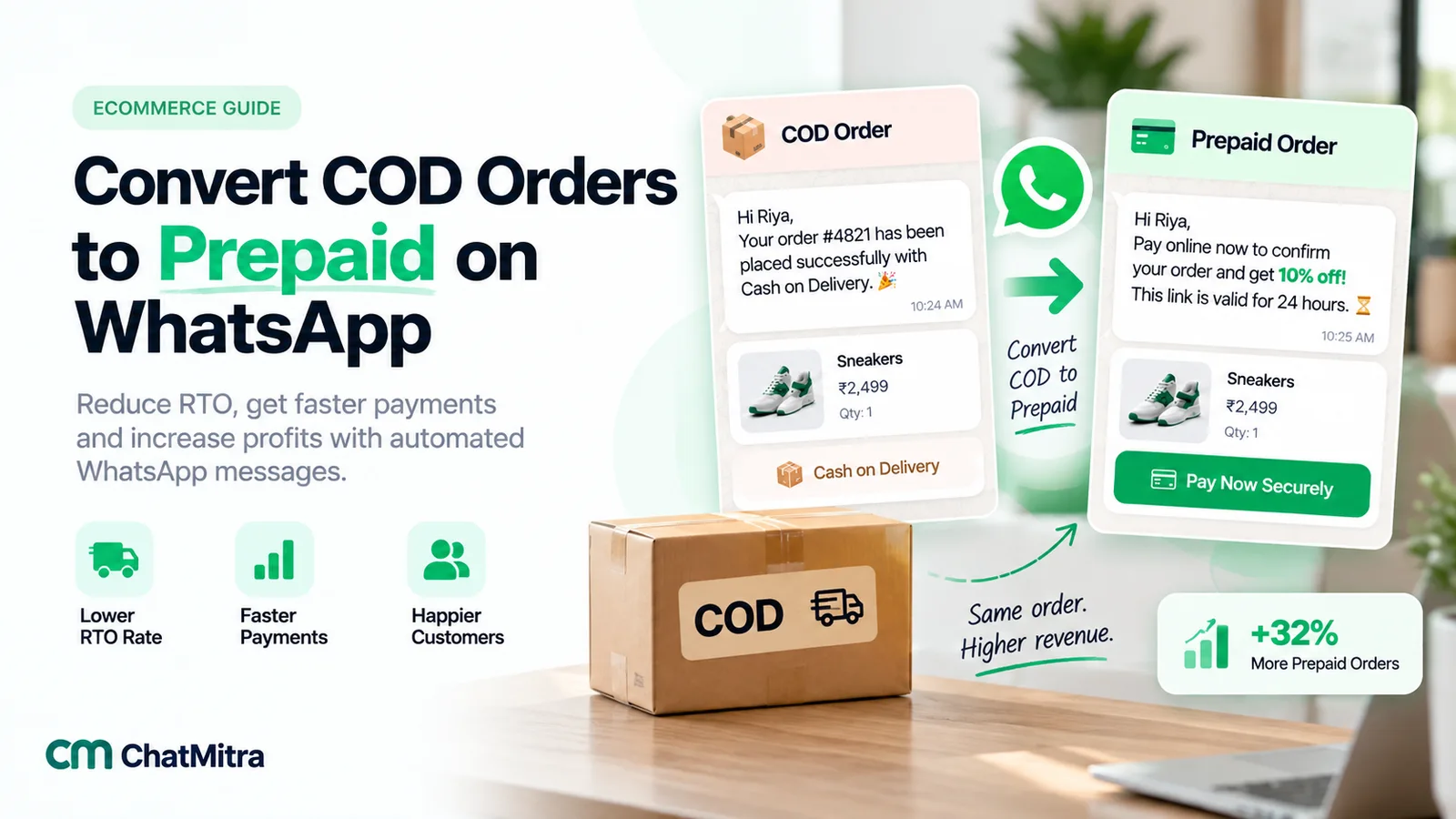
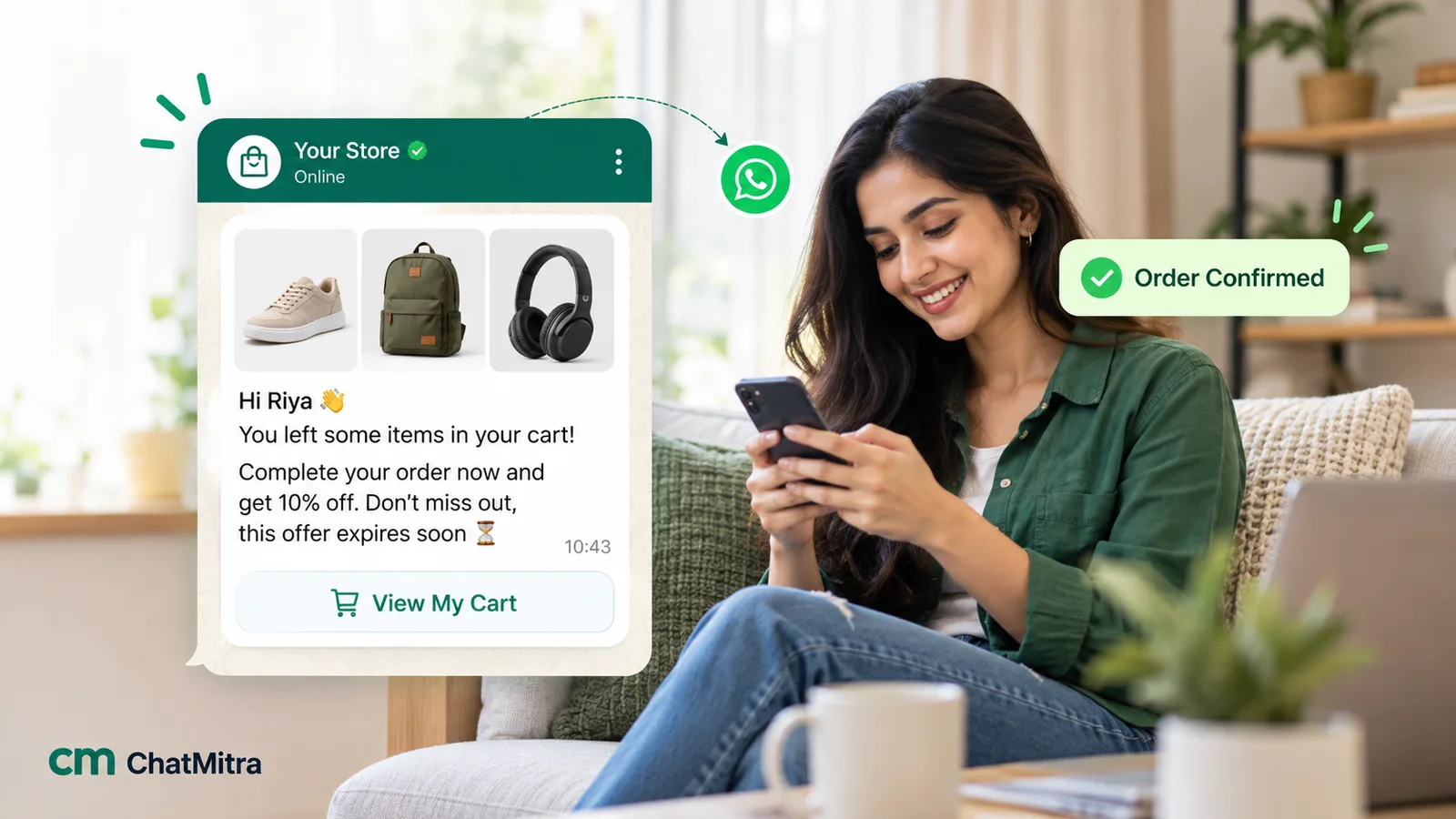
Retailers convert walk-in store visitors into repeat buyers using counter QR codes. D2C brands connect Shopify to automatically trigger abandoned cart reminders (yielding 20–35% recovery rates) and reorder reminders when consumable goods run low.
Industry Playbook 5: Healthcare, Wellness & Spas
Automated Appointment Scheduling & Reminders
Clinics and wellness centers lose substantial revenue when clients miss appointments. Automated WhatsApp confirmation messages sent 24 hours and 2 hours prior to consultations reduce missed appointments by up to 70%, with easy 1-click rescheduling.
Industry Playbook 6: Education & EdTech
Admissions Inquiries, Fee Alerts & Class Updates
Coaching institutes and universities receive thousands of repetitive inquiries regarding course syllabus, fee structures, and batch timings. A ChatMitra chatbot answers FAQs instantly and captures student phone numbers directly into CRM lead sheets.
Industry Playbook 7: Banking, Finance & FinTech
KYC Collection, Loan Alerts & EMI Notifications
Lending firms, NBFCs, and financial advisors send verified transactional utility alerts for EMI payment links, statement downloads, and document verification. Learn how GRS Capital manages compliant loan outreach via ChatMitra.
Industry Playbook 8: Marketing & Performance Agencies
Managing Multiple Client Accounts from One Dashboard
Digital marketing agencies run WhatsApp marketing on behalf of external brands. ChatMitra's multi-project architecture provides isolated workspaces for each client brand — including individual WhatsApp phone numbers, dedicated contact lists, and granular teammate permissions.
How to Determine Your First Use Case
If you are unsure where to begin, follow this 3-step decision framework:
1. Identify Your #1 Repetitive Question
Check your existing customer support threads. What is the single question customers ask 10+ times a day? Automate that first with a keyword auto-reply or welcome greeting.
2. Find Where Deals Drop Off
Are prospects bouncing after asking for a quote? Are clients missing appointments? Are shoppers leaving carts behind? Plug that leaky bucket with an automated WhatsApp trigger.
3. Measure and Expand
Start with a single workflow, track delivery and conversion metrics in the ChatMitra dashboard, and gradually expand your automation across sales, marketing, and support.
Conclusion
Regardless of your industry, the WhatsApp Business API transforms conversational messaging from an operational burden into a scalable revenue driver.
Explore our full collection of Industry Guides for detailed templates and strategies, see what each plan includes on the pricing page, or calculate your projected costs with ChatMitra’s transparent Pay-As-You-Go pricing model.