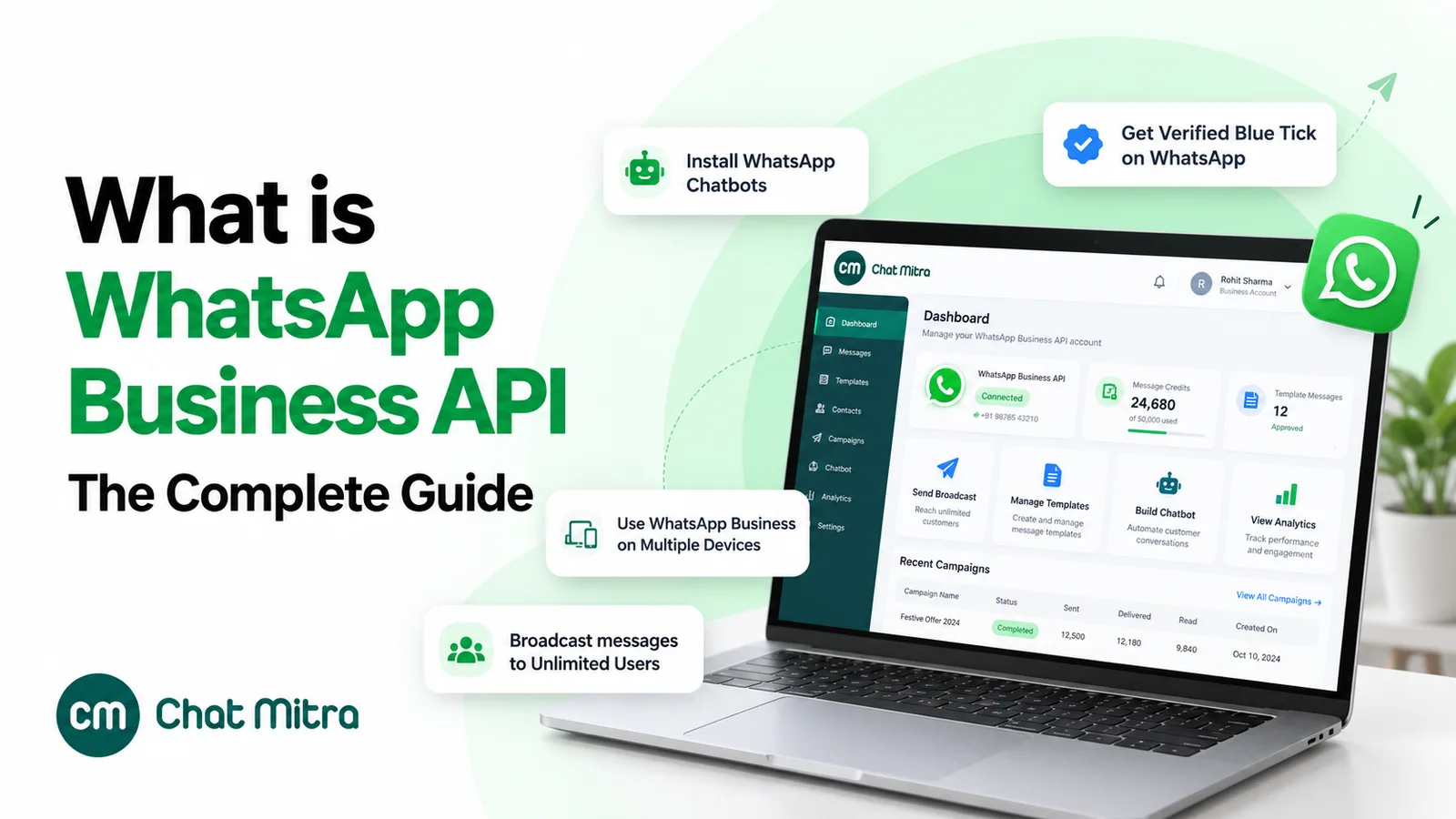
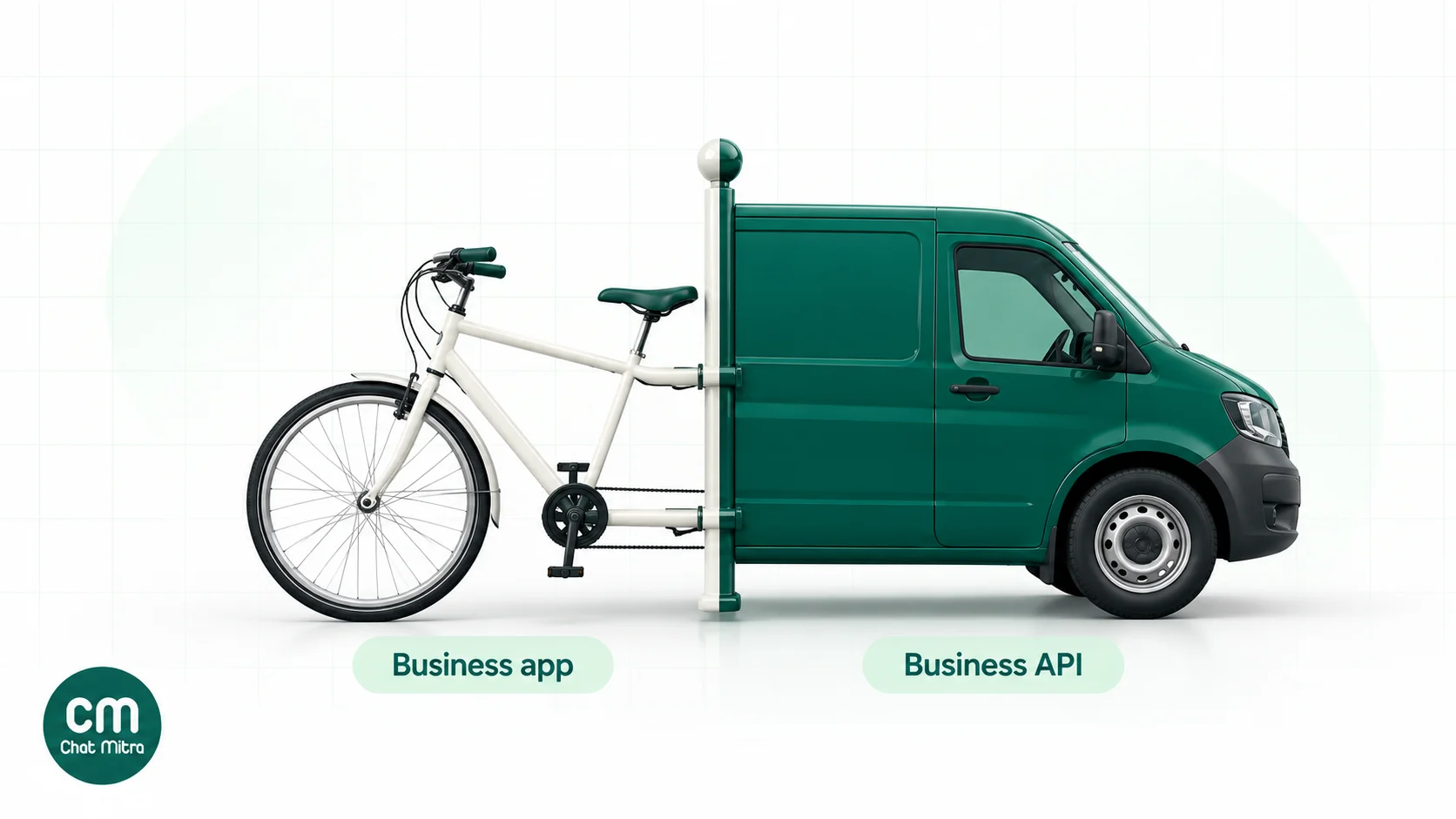
The WhatsApp Business app is a free phone app for a business that answers chats itself. The WhatsApp Business API is Meta’s paid messaging platform, used through software, for businesses that need a team inbox, automation, integrations or template messages to customers who haven’t saved their number. Use the app while one or two people can keep up from their phones. Move to the API when the team grows, when chats have to trigger from your store or CRM, or when broadcast lists stop reaching enough people. You no longer have to choose only one: Meta’s coexistence option runs both on the same number.
The two products share a name and a green icon, which is why the choice confuses so many businesses. They’re built for different jobs. The app is a messaging app with business tools added. The API is infrastructure: it has no screen of its own, and what you get depends on the software you connect to it. This guide compares them on what each can do, what each costs at Meta’s rates from 1 October 2026, and how to move from one to the other without losing your number.
Using ChatMitra?
ChatMitra is a WhatsApp Business API platform, so this post is written by a company that sells one side of the comparison. We've kept it honest: the sections below say plainly where the free app is the better choice. If you're already on ChatMitra, jump to coexistence to see how to keep your Business app running alongside it.
Key takeaways
- The app is free and runs on one primary phone with up to four linked devices, or ten on a paid Meta Verified or Meta One plan.
- The API is charged per message. In India, ₹0.8631 per marketing template and ₹0.115 per utility template, plus ₹0.115 per service message after the first 1,000 each month.
- Reach is the real dividing line. App broadcast lists reach only people who saved your number. API templates reach any customer who opted in.
- Teams and automation need the API: unlimited agents in a shared inbox, chatbots, webhooks and store or CRM triggers.
- Coexistence keeps the app running. Same number in both places, with a 20 messages-per-second cap and a few app features switched off.
The short answer: who each one is for
Most businesses can tell which side they’re on from four questions: how many people reply, who you need to reach, whether anything should send messages automatically, and how much you’re willing to spend each month.
| If this describes you | Choose |
|---|---|
| One owner or two staff reply from their phones, and most customers message you first | Business app |
| You promote offers to customers who have saved your number, a few hundred at a time | Business app |
| Three or more people answer chats, or you need to see who replied to whom | API |
| You need order, delivery, payment or appointment messages sent automatically | API |
| You want to message customers who opted in on your website or checkout but never saved your number | API |
| You want a chatbot or AI assistant answering outside working hours | API |
| You want to keep chatting from the app but add the API for broadcasts and automation | Both, through coexistence |
The rest of this guide explains the reasoning behind each row, so you can check it against your own business rather than take our word for it.
What each one actually is
The WhatsApp Business app
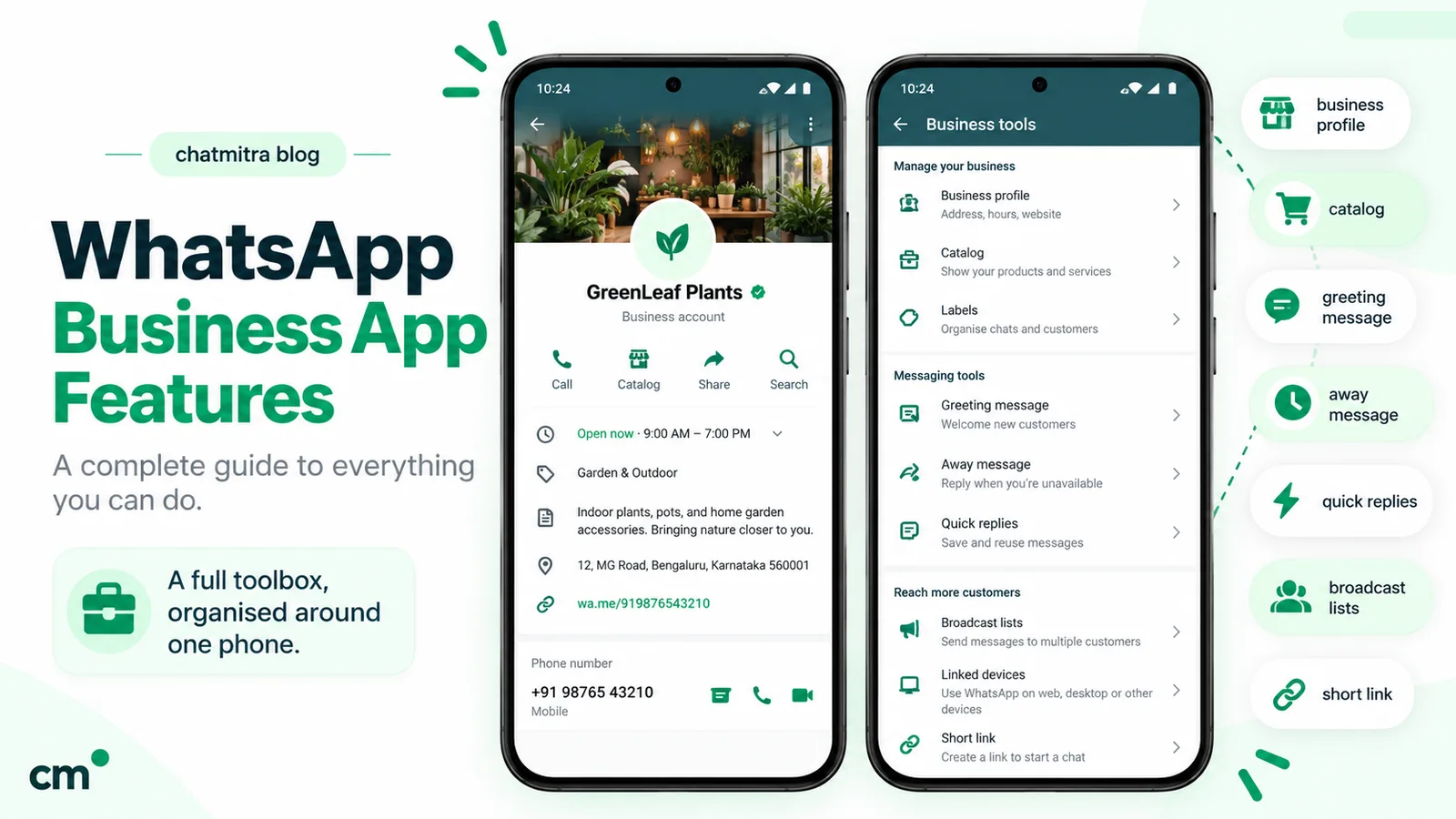
The WhatsApp Business app is a free download for Android and iPhone. It looks like ordinary WhatsApp, with tools added for a business: a business profile with address and hours, a product catalog, labels to sort chats, quick replies, greeting and away messages, and a short link that opens a chat with you. WhatsApp describes it as “free to use”, with “limited customization”.
Everything happens inside the app. One phone is the primary device, and you can link other phones, tablets and computers to the same account. Customers see your business name and profile, and you reply to them by hand.
The WhatsApp Business API (WhatsApp Business Platform)
The API is Meta’s WhatsApp Business Platform, and today that means the Cloud API, which Meta hosts. The older self-hosted On-Premises API stopped working on 23 October 2025, so any new setup is on the Cloud API.
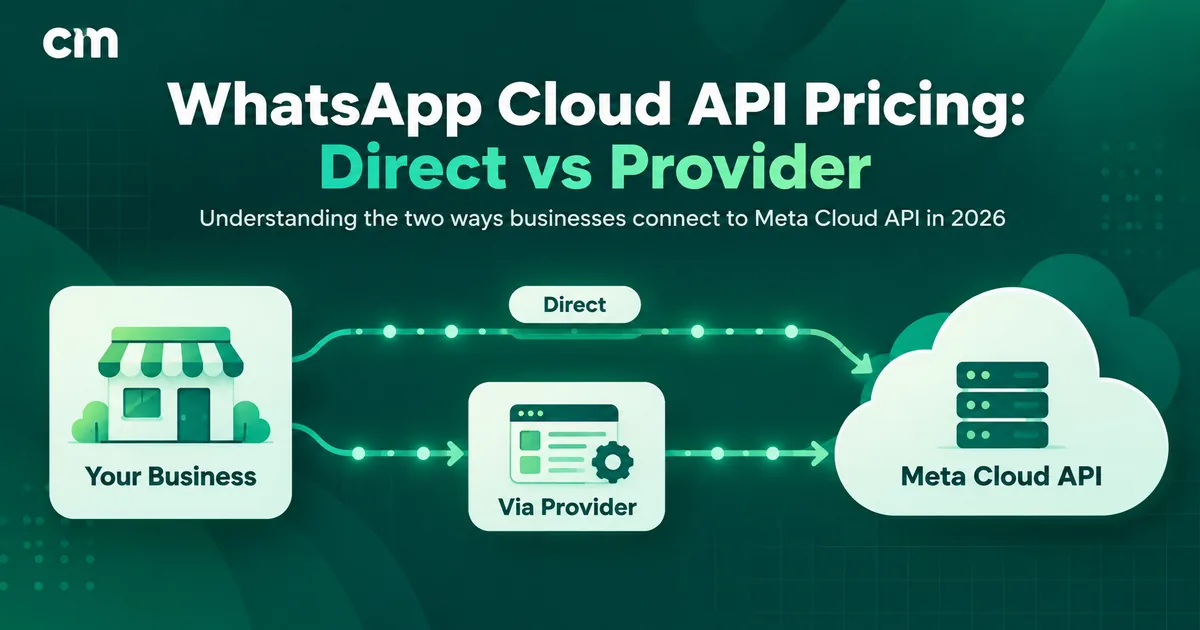
The API has no app or inbox of its own. A developer can call it directly, but most businesses use a provider, a company whose software connects to the API and gives you a dashboard: a shared inbox, broadcast tools, chatbots and integrations. ChatMitra is one of these providers. The number you connect is registered with Meta under a WhatsApp Business Account inside your business portfolio, and messages you start must use templates that Meta has approved.
If you want the full background first, our guide to what the WhatsApp Business API is covers the platform itself. This post stays on the decision.
WhatsApp Business app vs API: side-by-side comparison
| WhatsApp Business app | WhatsApp Business API | |
|---|---|---|
| Price | Free | Meta charges per delivered template message, plus service messages after 1,000 a month per number; providers add their own fee or plan |
| How you use it | The app on a phone, plus linked devices | A provider’s dashboard and mobile app, or your own software |
| People who can reply | Primary phone plus up to 4 linked devices (10 with Meta Verified or Meta One) | As many as your provider allows (unlimited on ChatMitra) |
| Messaging people who haven’t saved your number | Only through paid business broadcasts, where available | Yes, with approved templates to customers who opted in |
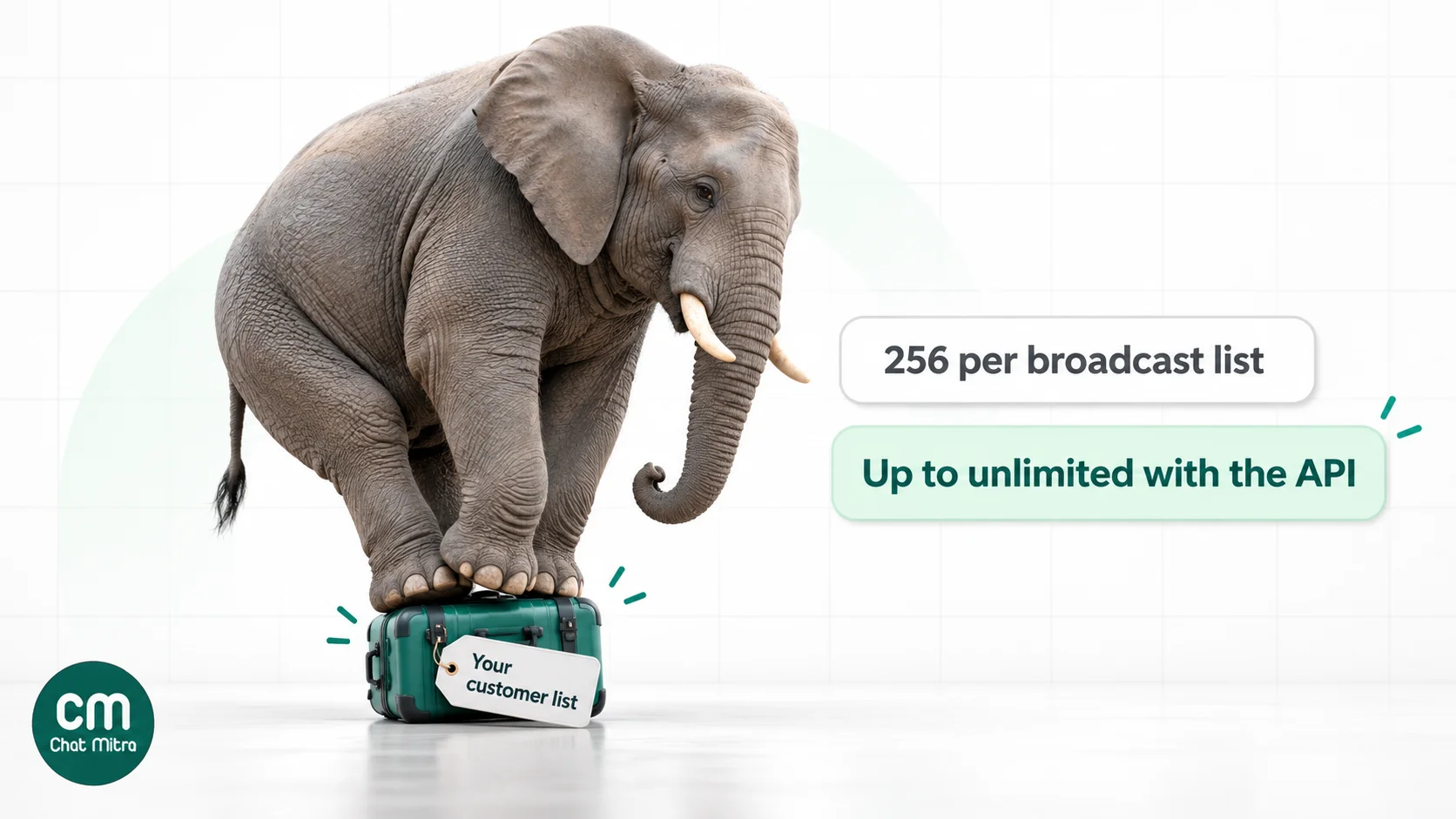
| Bulk messaging | Broadcast lists of up to 256 contacts who saved your number | Templates up to your messaging limit: 250, then 2,000, 10,000, 100,000 or unlimited customers per 24 hours |
| Message templates | Not needed | Required to start a conversation or message after 24 hours |
| Automation | Greeting message, away message, quick replies | Chatbots, AI agents, keyword rules, flows and scheduled campaigns, depending on the provider |
| Integrations | Catalog and short links | Webhooks and APIs for stores, CRMs, payment gateways, forms and sheets |
| Speed | As fast as you type | 80 messages per second by default, up to 1,000 by automatic upgrade (20 on a coexistence number) |
| Verification badge | Meta Verified, a paid subscription | Official Business Account blue checkmark, on application, or Meta Verified |
| Status, channels, catalog in chat | Yes | Status and channels stay in the app; the API offers its own calling and interactive message types |
| Reports | Basic message statistics | Delivery and read reports per campaign, depending on the provider |
The table is the short version. The sections below go through the six differences that actually decide the choice.
The differences that matter in practice
1. How many people can answer chats
On the Business app, one phone is the primary device. WhatsApp’s help centre says you can connect up to four other devices, or up to ten when multi-agent access is included in your Meta Verified or Meta One subscription. If you cancel, only the four most recently active devices stay linked. Linked devices also disconnect if the primary phone isn’t used for more than 14 days. That last rule catches out businesses that keep the “shop phone” in a drawer.
Linked devices share one account, not separate logins. Every agent sees every chat, and there’s no record of who sent which reply. For two people that rarely matters. For a team of six handling sales and support, it leads to double replies, missed chats and no way to measure who is doing what.
On the API, the limit is set by your provider’s software, not by WhatsApp. ChatMitra has no cap on team members on any plan, and each person logs in with their own account and a role that controls what they can see and do. Agents work from a shared team inbox in a browser or ChatMitra’s Android app, while the number itself stays registered with Meta and doesn’t depend on any one phone.
2. Who you can reach, and how many
This is the difference most guides understate.
On the app, broadcast lists hold up to 256 contacts each, and WhatsApp’s help centre is clear that “only people who’ve added you to their phone’s contacts will receive your broadcast message”. A customer who bought from your website but never saved your number won’t get the message, and you won’t know they missed it. For a shop whose regulars all have the number saved, that’s fine. For an online store, most of the list may never see the message.
Meta has started closing this gap. In some countries the app now offers paid business broadcasts, which reach people who haven’t saved your number. You pay for each message delivered within five days, and the app shows the total before checkout. It’s a useful middle step for a business that broadcasts occasionally, though it’s still one person sending from the app, without templates tied to your systems.
On the API, every business-initiated message uses an approved template, and you can send it to any customer who has agreed to hear from you, whether or not they saved your number. The ceiling is your messaging limit, which Meta sets per business portfolio and shares across its numbers:
- New portfolios start at 250 unique customers in a rolling 24 hours for template messages.
- Business verification, or enough sending volume of good quality, raises it to 2,000.
- After that, Meta raises the limit automatically, to 10,000, 100,000 and unlimited, once you use at least half your current limit over seven days without quality problems. The increase lands within about six hours.
Replies inside an open customer service window don’t count towards the limit. Meta also limits how many marketing templates each person receives, based on how they engage with them, so a message can fail with error 131049 even when you’re well under your limit. And Meta doesn’t currently deliver marketing templates to US phone numbers. Our messaging limits guide covers the tiers in detail.
3. Automation
The app automates three things: a greeting message for new chats, an away message outside hours, and quick replies you trigger with a shortcut. Everything else is a person typing.
The API automates whatever your software can do. Typical examples:
- Transactional messages sent by your store or billing system: order confirmations, shipping updates, payment reminders and appointment reminders, sent as utility templates the moment the event happens.
- Chatbots and AI agents that answer common questions, collect details and pass the chat to a person when needed. On ChatMitra’s Pro plan, the AI chatbot uses your own key from any of 18 AI providers, so you pay the AI provider directly with no markup.
- Keyword rules that reply when a message contains “price”, “track” or “menu”.
- Scheduled and retargeted campaigns, such as sending a follow-up only to people who didn’t read the first message.
Automation is also why the API needs templates. A system sending thousands of messages on its own is exactly what Meta wants to review in advance, so business-initiated messages go through approval, while replies inside a customer’s 24-hour window can be free-form.
4. Integrations with the rest of your business
The app connects to almost nothing. You can share catalog items and a link, but your store, CRM or accounting software can’t send a message through it, and nothing that happens in a chat flows back into those systems.
The API exists to be connected. Providers offer ready-made integrations, and webhooks cover the rest: a new Shopify order sends a confirmation, a form submission creates a contact and sends a welcome template, an incoming reply updates a lead in your CRM. ChatMitra has a native Shopify integration, and on Pro adds a developer API and webhooks for anything else. If your team already copies details from WhatsApp into a spreadsheet by hand, that’s the clearest sign the app has become a bottleneck. Our WhatsApp CRM software guide goes deeper on this.
5. Trust signals: Meta Verified and the blue checkmark
There are two kinds of verification badge, and they’re easy to confuse.
- Meta Verified (and the newer Meta One subscription, which includes it) is a paid subscription for the Business app. It adds a verified badge, impersonation protection and, depending on the plan, multi-agent access for up to ten devices. Meta’s product page doesn’t list a price for India, so check the current price in the app before you subscribe.
- Official Business Account (OBA) status is for numbers on the API. It shows a blue checkmark next to your name. You apply for it, and Meta requires, among other things, a verified business portfolio, two-step verification, an approved display name and at least 30 days on the platform. No provider can guarantee it. Our Official Business Account guide explains the application.
A badge helps customers trust that a message is really from you. It doesn’t change your messaging limits or what the platform can do.
6. Speed, reliability and records
The app sends as fast as a person types. On the API, Cloud API numbers send up to 80 messages per second by default, and Meta upgrades eligible high-volume numbers to 1,000. A number in coexistence is fixed at 20 per second, which still sends a 10,000-person campaign in under ten minutes.
The API also gives you records the app doesn’t: a delivery and read status for every message, campaign reports you can download, and a contact history that doesn’t depend on one person’s phone. If a staff member leaves, their chats don’t leave with them.
What each one costs: a worked month in India
The app costs nothing to use. The only optional costs are a Meta Verified or Meta One subscription and paid business broadcasts, both priced in the app.
On the API, Meta charges per message. Since 1 July 2025 it has priced each delivered template by category, and on 1 October 2026 it made two more changes: service messages are no longer free without limit, and utility templates sent inside an open customer service window are charged again. Meta’s INR card for India, effective 1 October 2026:
| Message type | Meta’s charge (India, INR card) | When it applies |
|---|---|---|
| Marketing template | ₹0.8631 | Offers, announcements, re-engagement |
| Utility template | ₹0.115 | Order, delivery, payment and account updates |
| Authentication template | ₹0.115 | One-time passwords |
| Service message | First 1,000 a month free per number, then ₹0.115 | Free-form replies inside the 24-hour window |
Conversations that start from a click-to-WhatsApp ad or a Facebook Page call-to-action open a free entry point window, which can stay open for up to seven days and makes every category free during that time. Meta also set 31 December 2026 as the deadline for businesses whose Sold-To country is India to move their WhatsApp billing to INR, and said messages from non-INR accounts would stop being delivered after that. Our WhatsApp Cloud API pricing guide has the full rate details.
Then there’s the provider. Here’s a month for a home-décor store with three people answering chats. It sends four offer broadcasts to 600 customers each, 500 order and delivery updates, and replies to 900 customers who message in, sending about 1,800 replies.
| Item | Volume | Cost |
|---|---|---|
| Marketing templates | 2,400 × ₹0.8631 | ₹2,071.44 |
| Utility templates | 500 × ₹0.115 | ₹57.50 |
| Service messages | 1,800 sent, first 1,000 free, 800 × ₹0.115 | ₹92.00 |
| Meta’s charges | ₹2,220.94 | |
| ChatMitra fee on Starter (free plan) | 3,800 conversations × ₹0.20 | ₹760.00 |
| Total on ChatMitra Starter | ₹2,980.94 |
We’ve assumed each broadcast, update and support chat lands in a separate 24-hour window, which is the most expensive case. ChatMitra charges its ₹0.20 once per customer per 24-hour conversation, whatever the message type, so a customer who gets an offer and a delivery update on the same day counts once. Meta’s charges pass through at cost.
On ChatMitra Pro (₹999 a month, which includes 1,000 conversations), the same month comes to ₹999 + 2,800 × ₹0.20 + ₹2,220.94 = ₹3,779.94. Pro adds the AI chatbot, auto replies and the developer API. Enterprise (₹2,499 a month) removes the per-conversation fee entirely and works out cheaper than Starter above roughly 12,500 conversations a month. You can model your own numbers with the pricing calculator.
So the API cost this store about ₹3,000 a month, where the app would have cost nothing. The question is what that buys. Here it bought:
- Reach. The 2,400 offer messages reached customers whether or not they had saved the number.
- Automation. 500 delivery updates went out without anyone typing them.
- Teamwork. Three people shared one inbox without stepping on each other’s replies.
If none of those matter to you yet, the app is the right answer.
Coexistence: use the app and the API on the same number
Until 2025, moving a number to the API meant deleting it from the Business app. Meta’s coexistence option, which reached Indian numbers in May 2025, removed that trade-off. You connect your existing Business app number to the Cloud API through a provider, and keep using the app on your phone at the same time.
What Meta’s documentation says happens:
- Both sides work. Chats you answer in the app continue as before. Your provider’s software can send templates, run campaigns and receive messages on the same number.
- App messages stay free. Meta says messages you send from the Business app “will continue to be free”. Messages sent through the API are charged at API rates.
- History can sync. Providers can sync messages from the 180 days before onboarding, excluding group chats, within 24 hours of connecting.
- Speed is capped. A coexistence number has a fixed throughput of 20 messages per second.
- Some app features switch off. Broadcast lists become read-only. Disappearing messages, view-once messages and live location stop working in one-to-one chats. Linked devices keep working, except WhatsApp for Windows and WearOS.
- The API side has gaps too. Group chats, voice and video calls, the catalog, Status and channels stay in the app; they aren’t available through the Cloud API on that number.
- Requirements: WhatsApp Business app version 2.24.17 or later, and an active primary phone. Leaving it unused for about 14 days can disconnect the number.
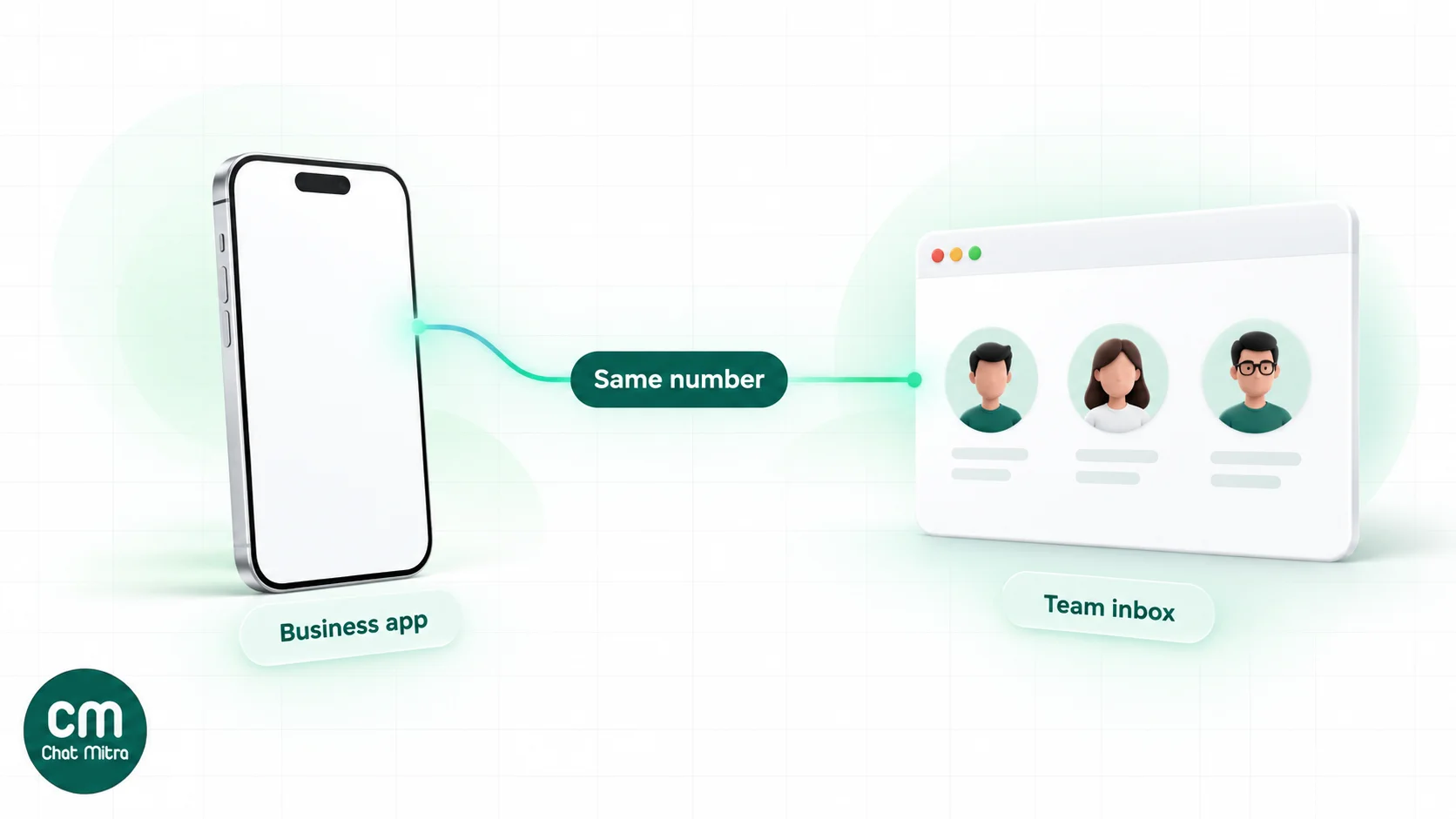
How ChatMitra handles it. ChatMitra’s onboarding includes a Connect WhatsApp Business App option, where you scan a QR code from the app to link the number. After that, messages you send from the phone (text, images, video, documents, audio, location, stickers, contacts and interactive messages) also appear in ChatMitra’s team inbox, so your team sees the whole conversation. Two limits to know: ChatMitra doesn’t currently import chats from before you connected, so keep the phone if you need that history, and broadcasts from a coexistence number go out at Meta’s 20-per-second rate. Our coexistence guide walks through the setup.
Coexistence suits a business that likes answering from the phone but wants the API for campaigns and automated updates. If the whole team works from the inbox anyway, a number registered only on the API avoids the app-side restrictions.
Signs you’ve outgrown the Business app
None of these on its own means you must switch. Three or more usually do.
- More than four people need to reply, or you’re paying for Meta Verified mainly to get more linked devices.
- Customers wait because the right person didn’t see the chat, or two people answer the same customer.
- A real share of your customers never saved your number, so broadcasts miss them.
- Someone copies order details from chats into a spreadsheet or CRM by hand.
- You send the same order, shipping or payment message dozens of times a day.
- Chats arrive after hours and go unanswered until morning.
- You can’t tell how a campaign performed beyond a rough sense of who replied.
- The shop phone is a single point of failure. If it’s lost or its owner leaves, the customer history goes too.
When to stay on the app. If one or two people handle all the chats, most customers message you first, and your promotions go to regulars who saved the number, the app does the job for free. Stay on it, and come back when the list above starts to describe you.
How to move from the app to the API
There are three routes. Pick one before you start, because the second and third change what happens to your existing chats.
Route 1: Coexistence (keep the app)
- Update the WhatsApp Business app on the primary phone to the latest version.
- Sign up with a provider that supports coexistence. On ChatMitra, choose Connect WhatsApp Business App during onboarding.
- Log in with Facebook, then choose or create a business portfolio.
- Scan the QR code shown in the setup with your Business app and approve the connection.
- Submit your first templates for approval. Review can take up to 24 hours.
Chat history in the phone stays where it is.
Route 2: Move the existing number to the API only
- Back up anything you need from the app. Meta’s documentation says deleting the account loses your message history.
- In the Business app, go to Settings → Account → Delete my account. The number becomes available within a few minutes.
- Register the number through your provider’s signup and verify it by SMS or voice call.
- Set your display name, which Meta reviews.
After this, the number can’t be used in the Business app again unless you deregister it from the API.
Route 3: Use a new number for the API
Keep the app on your current number for existing customers and put a new number on the API for campaigns, order updates and support. It’s the lowest-risk route, at the cost of customers seeing two numbers.
What you need for any route
- A Facebook account to sign in with.
- A Meta business portfolio. It’s free, and the signup can create one.
- A phone number that can receive an SMS or voice call.
- A display name that matches your business.
- A payment method for Meta’s charges, either directly with Meta or through the provider.
Business verification isn’t required to start, though it’s the main way to lift the messaging limit from 250 to 2,000. Our step-by-step guide to getting the WhatsApp API covers each screen.
Common mistakes when choosing
- Comparing the API to the app on price alone. The app is free and always will be cheaper. Compare the API’s monthly cost to the time your team spends typing repeat messages and chasing missed chats.
- Treating the API as a way to spam. Templates need approval, customers need to have opted in, and Meta lowers your quality rating and limits when people block or report you. Read our opt-in guide before your first campaign.
- Using unofficial bulk-sender tools to get API-like reach. They automate the app or WhatsApp Web against WhatsApp’s terms, and numbers get banned. We compare the two in official vs unofficial bulk senders.
- Deleting the app account without a backup. If you need your chat history, use coexistence or a new number instead.
- Assuming the API includes an inbox. It doesn’t. The inbox, chatbot and reports come from the provider, so compare providers, not just Meta’s rates.
- Waiting for verification before starting. You can launch at 250 and verify in parallel.
- Planning around old pricing. Many articles still describe free service conversations and conversation-based pricing. From 1 October 2026, service messages are free only up to 1,000 a month per number.
Where ChatMitra fits
If you’ve decided the API is the right next step, ChatMitra is built for small and growing Indian businesses making exactly this move:
| ChatMitra advantage | What it means for a business leaving the app |
|---|---|
| Free Starter plan | Broadcasts, retargeting, scheduling, CSV and Excel import and a shared team inbox with no monthly fee. You pay Meta’s rates and ₹0.20 per conversation from prepaid credits. |
| Meta’s rates at cost | No markup on Meta’s per-message charges. |
| Unlimited team members | Every agent gets a login and a role, on every plan. |
| Coexistence support | Keep answering from the Business app while the team and campaigns run in ChatMitra. |
| Pro at ₹999 a month | AI chatbot with your own key (18 AI providers), auto replies, developer API and webhooks, with a 15-day free trial. |
| Enterprise at ₹2,499 a month | No per-conversation fee, for high-volume senders. |
Good to know: greeting and away messages, which the free app includes, are part of ChatMitra’s Pro plan rather than Starter.
To compare plans, see ChatMitra pricing. To see what the app itself can do before you decide, our guide to WhatsApp Business features covers every tool in it.