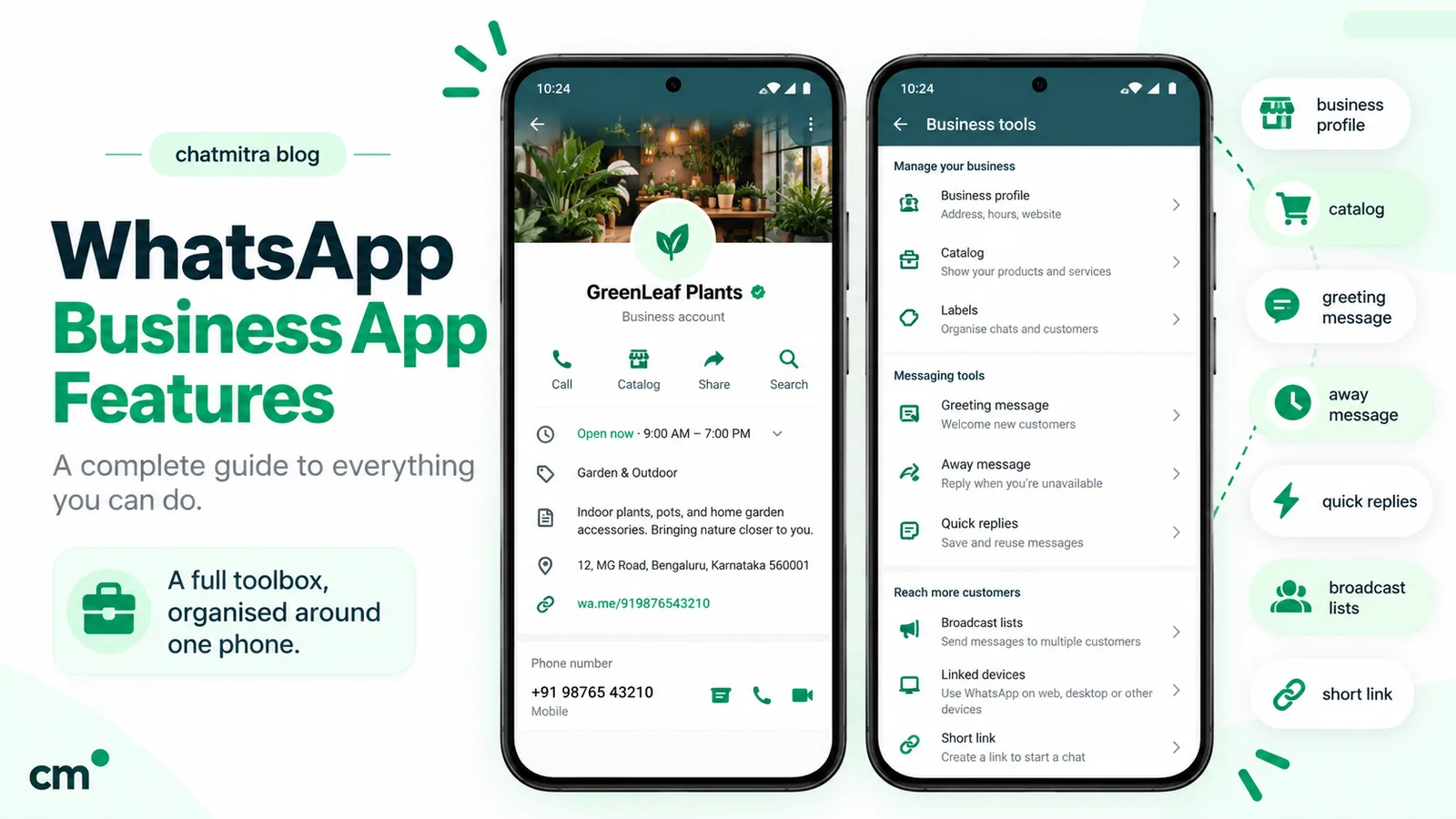
WhatsApp Business features are the tools in the free WhatsApp Business app: a business profile, short link and QR code, catalog and cart, quick replies, greeting and away messages, lists (formerly labels), broadcast lists, Status and Channels. In 2026 the app also offers paid business broadcasts, multi-agent devices and Meta Business Agent, where available.
For each feature below: what it does, the limit that matters, where to find it, and whether it costs money or is still rolling out.
Key takeaways
- Most of the app is free. Business broadcasts, ads, Meta Verified and Meta One are the paid parts.
- Check before you plan around a new feature. Lists, business broadcasts, usernames, ads in Status and Meta Business Agent are all "rolling out" or country-limited.
- The free device ceiling is one phone plus four linked devices, which is usually the first limit a growing team hits.
WhatsApp Business features at a glance
Here is the full inventory. “Where” is the path WhatsApp’s Help Center gives for the Android app; iPhone menus are similar.
| Feature | What it does | Limit or catch | Where | Cost |
|---|---|---|---|---|
| Business profile | Name, description, address, hours, up to three categories, email, website, linked Facebook/Instagram | No custom categories; the month and year you joined is shown | Settings, business profile | Free |
| Business username | An @name customers can type to start a chat | Rolling out; exact-match search only | Business profile | Free |
| Short link and QR code | A link and code that open a chat with you, with an optional pre-filled message | Pre-filled message: 140 characters | Tools, then Short link | Free |
| Catalog, collections, cart | Products or services on your profile; customers send a cart as a message | Items and collections are reviewed first; prices only in some countries | Tools, then Catalog | Free |
| Quick replies | Saved messages you insert by typing "/" | 50 stored; media not supported on Web or Desktop | Tools, then Quick replies | Free |
| Greeting message | Automatic reply to a first message, or after 14 days of silence | Phone must be online; switched off by Meta Business Agent | Tools, then Greeting message | Free |
| Away message | Automatic reply when you're unavailable | "Outside business hours" needs hours on your profile | Tools, then Away message | Free |
| Lists (formerly labels) | Colour-coded groups of chats and contacts | Up to 20; renaming still rolling out | Tools, then Lists | Free |
| Broadcast lists | One message to many contacts, delivered as individual chats | Only reaches people who saved your number; not on linked devices | Chats, then the menu | Free |
| Business broadcasts | Photo, text and a button to customers you pick, sent now or scheduled | Paid per delivered message; reviewed by Meta; limited countries | Tools, then Business broadcasts | Paid |
| Status | Updates that disappear after 24 hours | Can't be posted from linked devices | Updates tab | Free |
| Channels | One-way updates to followers of any number | Followers can't reply; creation not available to everyone | Updates tab | Free |
| Ads from the app | Facebook and Instagram ads that open a WhatsApp chat | Reviewed first, usually within 24 hours | Tools, then Advertise | Your ad budget |
| Linked devices | Use the account on Web, Desktop and other devices | One phone plus four devices; they log out if the phone is unused for 14 days | Menu, then Linked devices | Free |
| Multi-agent | Up to 10 devices, named agents, chat assignment | Needs a Meta Verified or Meta One plan | Tools, then Subscriptions | Paid |
| Meta Verified / Meta One | Verified badge, impersonation protection, support, verified channels, web page | Badge not guaranteed; availability varies | Tools, then Meta Verified | Paid, monthly |
| Meta Business Agent | AI that answers customers from your business information | Select businesses in limited countries; switches off greeting messages | Tools, then AI agent | Free to start where offered |
| Meta AI business assistant | AI helper for you: descriptions, catalog images, campaign set-up | Select languages and countries | Chats tab or search bar | No charge stated |
Is the WhatsApp Business app free?
Yes, for everything most small businesses use daily. WhatsApp’s Help Center calls it “a free-to-download app for small businesses” (WhatsApp Help Center, download) and says it “is free to use” (WhatsApp Business products). One-to-one chats, the catalog, quick replies and automatic messages carry no charge.
The paid parts are all optional:
- Business broadcasts. WhatsApp says “you pay for each message that is delivered to a recipient you chose within five days of being sent” (WhatsApp Help Center, business broadcasts). The price depends on the recipient’s country code, and the app shows the total before checkout (broadcast pricing).
- Ads you create from the app, at the budget you set.
- Meta Verified or Meta One, charged monthly.
- Meta Business Agent. Meta said in June 2026 that “getting started is free”, and that businesses will later reach the agent through paid subscriptions (Meta Newsroom, 3 June 2026). Its Meta One plans now bundle “more access” to it.
One rule surprises new users. WhatsApp Messenger and WhatsApp Business are separate apps, and “you can’t use the same phone number with each app simultaneously” (WhatsApp Help Center, about WhatsApp Business). You can move an existing Messenger account across, including chat history and media, and move it back later.
Profile and discovery features
Business profile
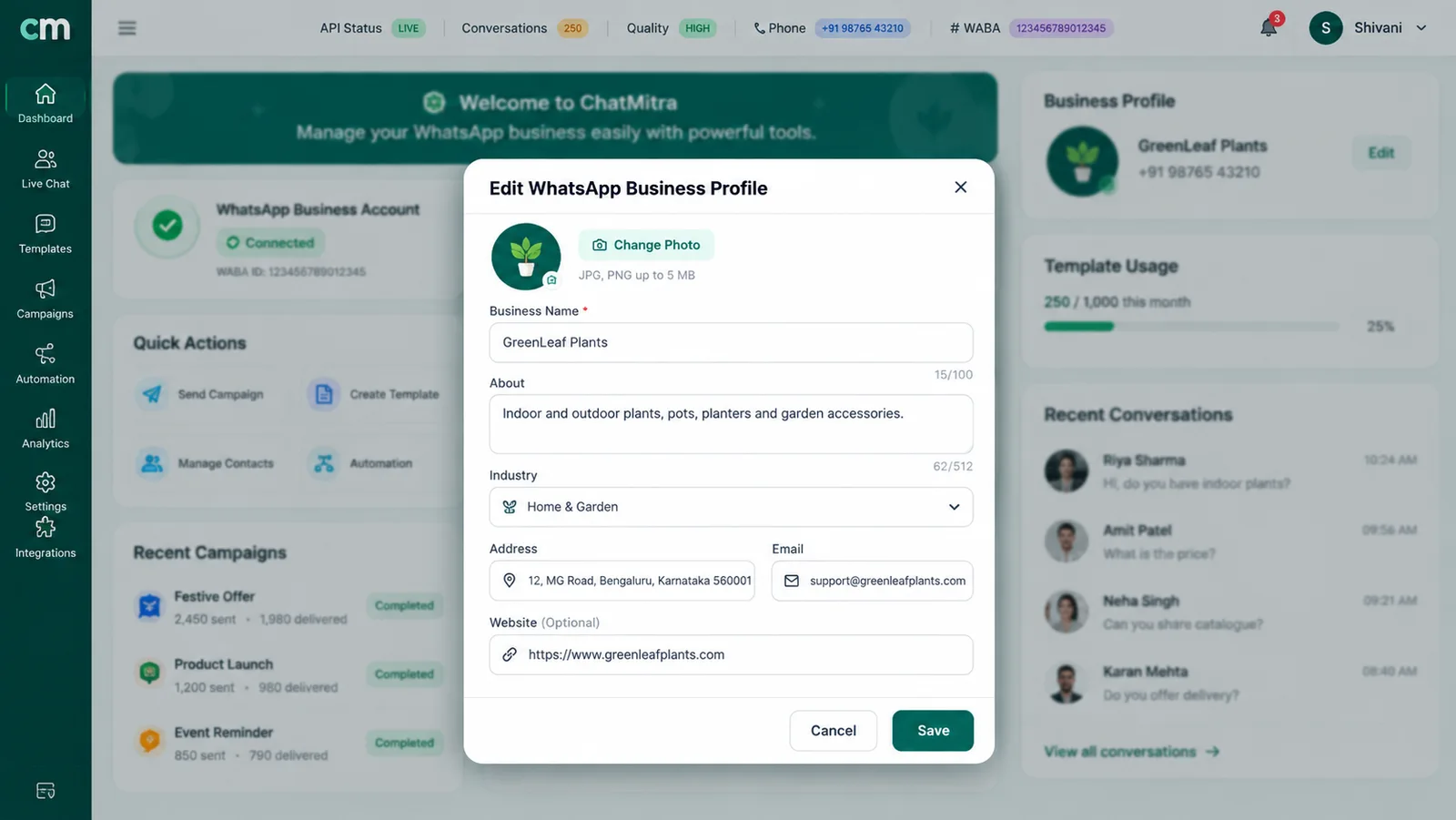
Customers see your business name, description, address, hours and category, and WhatsApp adds “the month and year you joined” (WhatsApp Help Center, business profile). You can add an email address and website and link a Facebook Page or Instagram business profile. You pick up to three categories from WhatsApp’s list. There’s no custom category, so choose a broader one or “Other Business” if yours is missing (editing your profile).
Fill in your hours: they unlock the “Outside of business hours” away schedule, and a complete profile gives you default quick replies for hours and address. Anyone who has your number saved can see the profile, even people you’ve blocked.
Short link and QR code
The app creates a short link for you when you register. Customers who open it on a phone go straight to a chat; in a browser they see a page with your business information and a Continue to chat button (WhatsApp Help Center, short links). The same screen gives you a QR code. WhatsApp says the code “won’t expire unless you reset it or delete your WhatsApp Business account” (WhatsApp Help Center, QR code).
Both can carry a default message, up to 140 characters, which the customer can edit before sending (default message). Write it so the first message tells you something useful: “Hi, I’d like to book a table for Saturday” beats “Hi”. If you need a separate link for each campaign, with a different pre-filled message, a free WhatsApp QR code generator can make wa.me codes for each one.
Usernames
WhatsApp is adding optional business usernames (@YourBusinessName), “rolling out gradually over the next few months” (WhatsApp Help Center, business usernames). There’s no directory: customers must type your exact username. An optional username key adds a second code that new customers need before they can message you. Your phone number still appears on your profile.
Customers can adopt usernames too, and then message you without sharing their number. If you need numbers for delivery, WhatsApp suggests a quick reply that asks for them.
Messaging tools that save time
Quick replies
Quick replies are saved messages, including images and videos, that you insert by typing ”/” in a chat. WhatsApp’s Help Center gives the limits: “The maximum number of stored quick replies allowed is 50”, media in quick replies isn’t supported on Web or Desktop, and a deleted quick reply can’t be recovered (WhatsApp Help Center, quick replies).
A quick-reply set that covers most chats
Start with seven: /price (price list or catalog link), /pay (payment details), /deliver (delivery areas and times), /hours, /location, /order (what to send to place an order) and /thanks. Keep a copy in a notes app, because deleted ones are gone for good.
Greeting and away messages
A greeting message goes out automatically when a customer first messages you, and again “when customers message you after 14 days of inactivity” (WhatsApp Help Center, greeting messages). You can send it to everyone, to people not in your address book, or to a chosen group. An away message has three schedules: always, a custom period, or outside the business hours on your profile (WhatsApp Help Center, away messages).
Both depend on the phone: “Your device must have an active internet connection” for either to send. Greeting messages switch off automatically when you connect Meta Business Agent, and WhatsApp says the agent may also affect away messages. Our guides to WhatsApp Business greeting messages and away message examples have wording you can copy.
Lists, formerly labels
Labels have been the app’s way to colour-code chats: new enquiry, awaiting payment, delivered. WhatsApp is now renaming them. The Help Center says “Labels are now lists. We’re rolling out lists gradually and labels might not be available to you”, and in either version “You can create up to 20” (WhatsApp Help Center, labels; lists). Lists can hold contacts and groups, and they double as audiences for business broadcasts.
Twenty goes fast, so plan lists as stages: New, Quoted, Awaiting payment, Paid, Shipped, Issue and VIP leaves room for seasonal ones.
Check before switching on auto-created lists
The app can create lists for orders and leads automatically. WhatsApp warns that this "may impact your ability to use certain features", including broadcast lists, disappearing messages, greeting and away messages, and message editing, and that it disconnects linked devices (WhatsApp Help Center, automatic events).
Chat filters
The search bar has fixed filters for photos, links, documents and more (WhatsApp Help Center, chatlist filters), handy for finding last week’s payment screenshot.
Selling tools: catalog, cart and payments
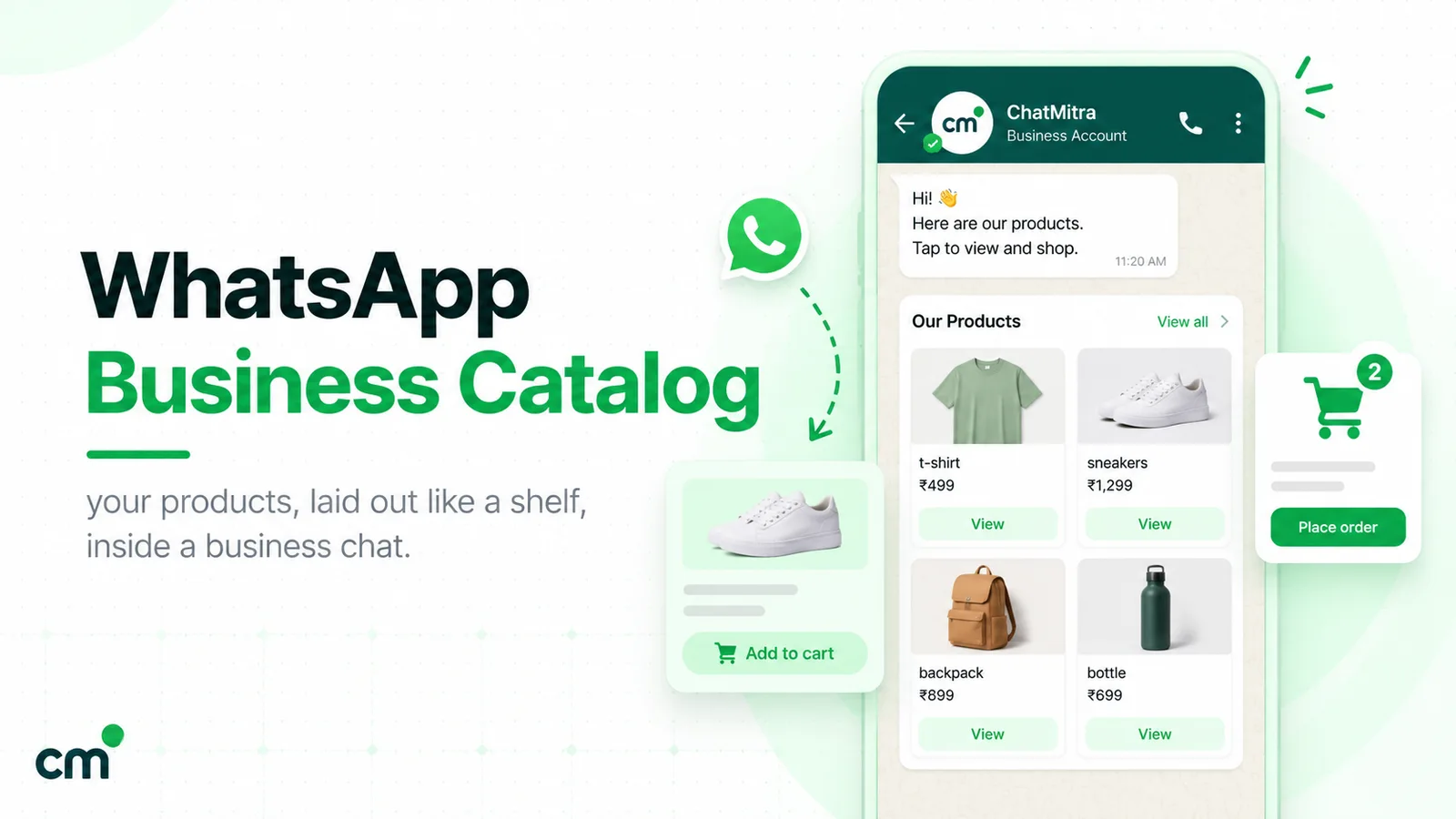
The catalog puts your products or services on your profile. Each item needs a unique title, at least one image and a country of origin, and “The ability to add prices to a catalog is only available in certain countries” (WhatsApp Help Center, catalog). Collections group items, and WhatsApp reviews each collection, which “should take no more than 24 hours” (WhatsApp Help Center, collections). With the cart, customers add items and “send the items in their cart to your business account as a WhatsApp message” (WhatsApp Help Center, cart). That message is an order request, not a payment.
Setup, sharing and image rules are covered step by step in our WhatsApp Business catalog guide.
Payments in India. Customers can pay a merchant’s payment request in the chat with Pay with UPI and their UPI PIN (WhatsApp Help Center, paying merchants). WhatsApp’s Meta Business Agent article says for select businesses in India “set up to accept payments on the WhatsApp Business app”, the agent can send a UPI QR code with the amount, and if the customer pays in another UPI app “there is no automatic payment confirmation” (WhatsApp Help Center, payments with Meta Business Agent). Check the Tools tab to see what your account offers.
Features for reaching many customers
The app has five ways to reach more than one person at a time, and they behave very differently.
Broadcast lists (free)
A broadcast list sends your message to each contact as a separate chat, and replies come back to you privately. The catch is that the message reaches customers only “as long as they have your number saved in their phones’ address book” (WhatsApp Help Center, broadcast lists on the Business app). WhatsApp’s general broadcast-list article caps each list at 256 contacts (WhatsApp Help Center, broadcast lists), and lists can’t be created or viewed on linked devices. The same article says people in some countries may see a monthly broadcast limit, which is rolling out gradually. Our broadcast list guide covers setup and why messages go missing.
Business broadcasts (paid)
Business broadcasts (still called “marketing messages” in some countries) are WhatsApp’s answer for reaching customers who haven’t saved your number (WhatsApp Help Center, turning broadcast lists into marketing messages). Each message has a photo, video or document, text, and an optional button: catalog, custom reply, phone call or website. You pick contacts or a list, then send or schedule. The rules to know (WhatsApp Help Center, create a business broadcast):
- Broadcasts “are subject to review by Meta before you send them”.
- The app reserves funds for every contact you select, and you’re charged only for deliveries. WhatsApp refunds “any business broadcasts that aren’t delivered in 5 days”.
- Processing can take “as long as 3 hours”.
- It is “currently available in limited countries”.
Spam complaints have a fixed penalty. If users keep reporting or blocking you after a warning, “business broadcasts will be suspended on the business account for three days”, and there is no appeal (WhatsApp Help Center, can’t send business broadcasts). Repeat suspensions can last longer. WhatsApp is also rolling out prepaid message packs, one credit per delivered message, “currently only available on iOS devices” (WhatsApp Help Center, message packs).
Status, ads in Status and Channels
Status posts “disappear after 24 hours” (WhatsApp Help Center, Status). By default they go to all your contacts (status privacy), and for someone to see yours, WhatsApp says each of you should have the other saved (WhatsApp Help Center, can’t see statuses). Ads in Status, bought through Meta Ads Manager, send people “directly to a chat with your business” (ads in Status on the Business app), but they “are rolling out gradually and might not be available to you yet” (WhatsApp Help Center, ads in Status). Our WhatsApp Status marketing guide covers what to post and how to read views.
Channels are one-way. Followers “can’t reply directly to updates”, and they don’t see your phone number or profile name, but you get 30 days of insights on reach and follows (WhatsApp Help Center, channels on the Business app). You can’t create a Community from the Business app, although you can take part in existing ones (communities).
Ads that open a chat
From the app you can create Facebook and Instagram ads that “lead to a WhatsApp chat with your business”. On Android you can build them from photos, videos, catalog items or statuses, with or without a Facebook account (WhatsApp Help Center, create ads). Reviews typically take 24 hours, and the app reports reach, clicks and “conversations started” (ad metrics).
Team and device features
Linked devices. “You can use up to four linked devices and one phone at a time” (WhatsApp Help Center, linked devices). Linked devices keep working with the phone offline, but they log out if the phone is unused for more than 14 days. They can’t share live location, create or view broadcast lists, or add Status.
Multi-agent (paid). With a Meta Verified or Meta One plan that includes it, you can “Connect up to 10 devices”, name each device after the agent using it, assign chats to agents, and see which device or agent sent a message (WhatsApp Help Center, multi-agent). Customers don’t see who sent a message. Two details are easy to miss. With more than four linked devices, calls ring only on the primary phone. And if the subscription lapses, “only your four most recently active devices will remain linked”. The page also warns that the premium version “may not be available to you yet”.
Even at 10 devices, the account depends on one registered phone. If you’re comparing the app with a shared inbox, our WhatsApp CRM software guide covers what team tools add.
Trust features: Meta Verified and Meta One
Meta Verified is a monthly subscription bought inside the app from Tools > Meta Verified, if it appears for your account. WhatsApp’s Help Center lists four business plans (WhatsApp Help Center, Meta Verified):
| Plan | Linked devices | Verified channels | Business broadcasts | Protected accounts |
|---|---|---|---|---|
| Business Standard | Up to 4 | 1 | Not listed | Not listed |
| Business Plus | Up to 6 | 3 | Included | Not listed |
| Business Premium | Up to 8 | 5 | Included | 10 |
| Business Max | Up to 10 | 10 | Included | 50 |
Every plan includes a verified badge (once verified), impersonation protection, in-app support and a business web page. Meta’s Meta Verified page listed Business Standard at USD 14.99 a month when we checked, with prices only in US dollars, and says “Plans, benefits and availability may vary by region, app and account” (Meta Verified for business). The app shows the price for your account. On WhatsApp, the subscription is billed monthly through Google Play or the App Store (Meta Verified payments).
Three points worth knowing before you pay:
- A badge isn’t guaranteed. “Subscribing to Meta Verified or Meta One doesn’t guarantee a verified badge” (WhatsApp Help Center, verified business accounts). Review can take up to three business days.
- Changing your number cancels it. You then subscribe again on the new number (subscribing to Meta Verified).
- Meta One builds on it. That’s how Meta’s Meta Verified page puts it. Meta announced Meta One on 15 September 2026, with business bundles “starting at $14.99/mo”. Across its plans they include Meta Verified-style benefits, more linked devices, business broadcast credits and more Meta Business Agent use (Meta Newsroom). WhatsApp’s Help Center says Meta One “is currently in limited testing and isn’t available everywhere yet” (WhatsApp Help Center, Meta One).
AI features in the WhatsApp Business app
There are two different AI features, and they are easy to confuse.
Meta Business Agent answers your customers. It uses your catalog, profile, website, description, address and hours to reply to questions on products, prices, discounts, payment and shipping (WhatsApp Help Center, Meta Business Agent). In India, Meta launched “Business AI” on WhatsApp for eligible small businesses in May 2026, saying it is “Available in all native languages in India” (Meta Newsroom, 14 May 2026). You choose where it replies: all new one-to-one chats, only non-contacts, only chats from ads, or paused while it learns (set-up guide). It can also book appointments into Google Calendar (Google Calendar guide).
Read the trade-offs before you connect it:
- It is “only available in limited countries to select businesses”.
- It “may impede your ability to use” broadcast lists, disappearing messages, and greeting and away messages.
- Turning it on disconnects linked devices; most can be re-linked, but not WhatsApp for Windows, Android tablets or Wear OS.
- Customers see a notice, and Meta says chat messages “will still be collected by Meta to improve AI at Meta, even when you mute Meta Business Agent”. Messages stop being shared only when you delete the agent.
- “AI-generated messages may not be accurate or appropriate.” Check its answers on prices and policies.
Meta AI business assistant helps you, not your customers. It can suggest product descriptions, generate catalog images, explain how to set up a campaign and suggest profile improvements (WhatsApp Help Center, Meta AI business assistant). It is available in select languages and countries, including Hindi and English (supported languages).
How to set up the features that matter most
- Complete the profile. Add hours, address, categories, description, email and website. This also creates default quick replies for hours and address.
- Set the short link’s default message so every new chat starts with context, then print the QR code for your counter, packaging or visiting cards.
- Save your first seven quick replies (see the list above) and keep a copy outside WhatsApp.
- Turn on a greeting message for everyone not in your address book, and an away message set to “Outside of business hours”.
- Create five to seven lists that match your sales stages, and tag every open chat once.
- Add your ten best-selling items to the catalog, each with a clear photo, price (where allowed) and description. Leave time for the review.
- Link WhatsApp Web on one work computer, so typing long replies doesn’t depend on the phone.
After a month, look at what still takes time. Repeated manual sending, labelling hundreds of chats or passing the phone around means you’ve reached the edge of the app.
Limits that push businesses to the WhatsApp Business Platform
WhatsApp itself draws the line: the app suits a small business talking to customers “from a single device”, while the WhatsApp Business Platform “enables you to manage high volumes of conversations” (WhatsApp Help Center, business products). These are the signs you’ve crossed it.
| Sign | What the app offers | What changes on the Platform |
|---|---|---|
| More than four or five people answer chats | Four linked devices free; up to 10 with a paid plan | Software inboxes with many logins, no phone tethering |
| You message hundreds of customers who never saved your number | Paid business broadcasts, reviewed by Meta, limited countries | Approved message templates sent from software, with opt-in rules |
| Order, booking or payment events should trigger messages | No API for your own software | Messages sent automatically from your store, CRM or sheet |
| You need automation beyond a greeting | Greeting, away and quick replies (or Meta Business Agent where offered) | Keyword replies, chatbots and your own AI provider |
| 20 lists aren't enough to segment customers | 20 lists | Tags and fields in a contact database |
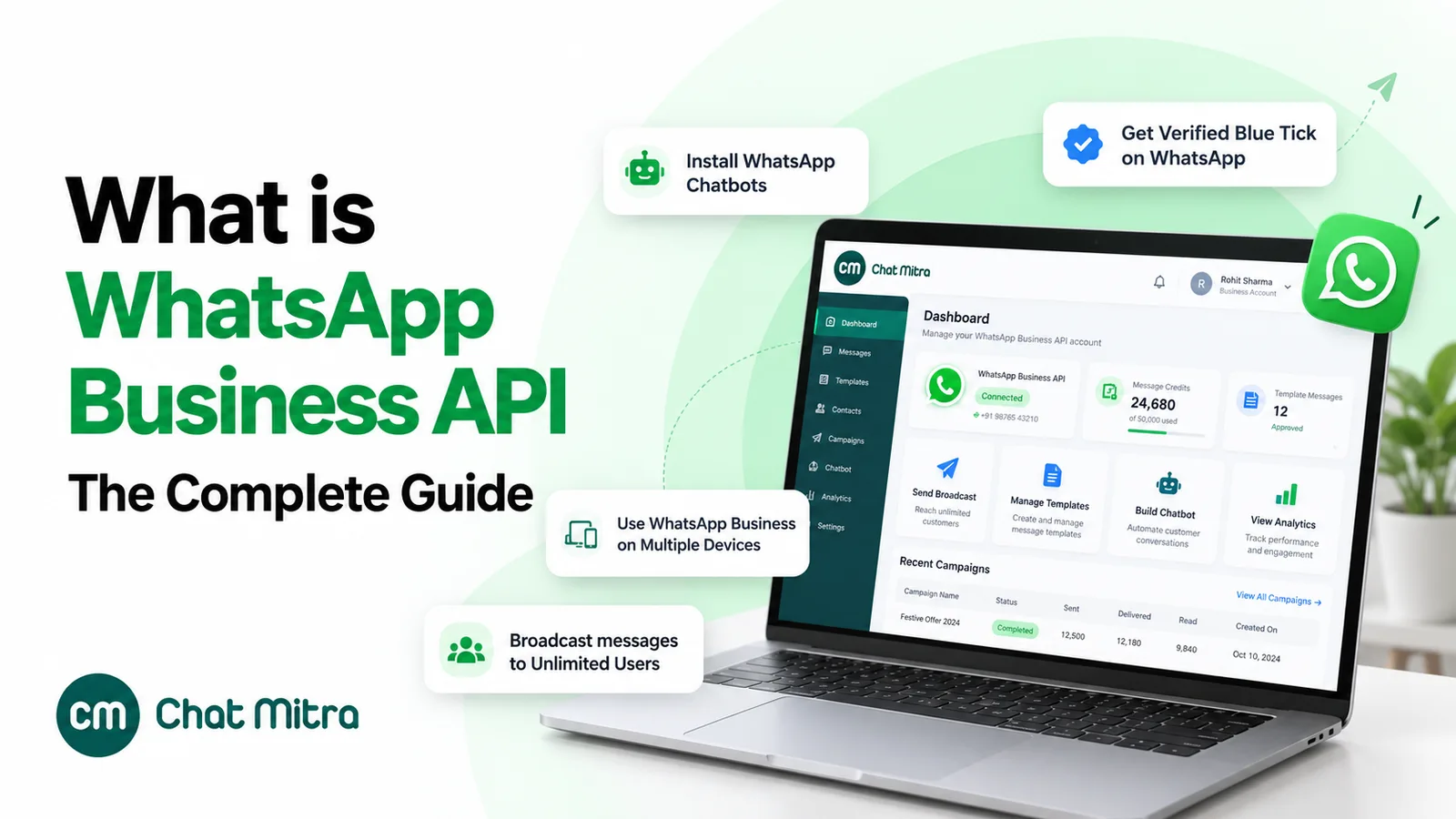
The full comparison of the app and the API is in what the WhatsApp Business API is, and the steps to get access are in how to get the WhatsApp API.
You don’t have to give up the app. Meta lets businesses onboard their existing Business app number to the Cloud API, a setup often called coexistence. According to Meta’s developer documentation (Meta for Developers, updated 26 June 2026):
- You “can still send messages on a one-to-one basis using the WhatsApp Business app”, and messages sent from the app “will continue to be free”. API messages are charged at Cloud API rates.
- Broadcast lists are disabled, and existing ones become read-only.
- Disappearing, view-once and live-location messages are switched off in one-to-one chats. Group chats aren’t synchronised.
- Linked devices are unlinked during onboarding. All except WhatsApp for Windows and Wear OS can be re-linked.
- The number’s API throughput is fixed at 20 messages per second.
Where ChatMitra fits, and where it doesn’t
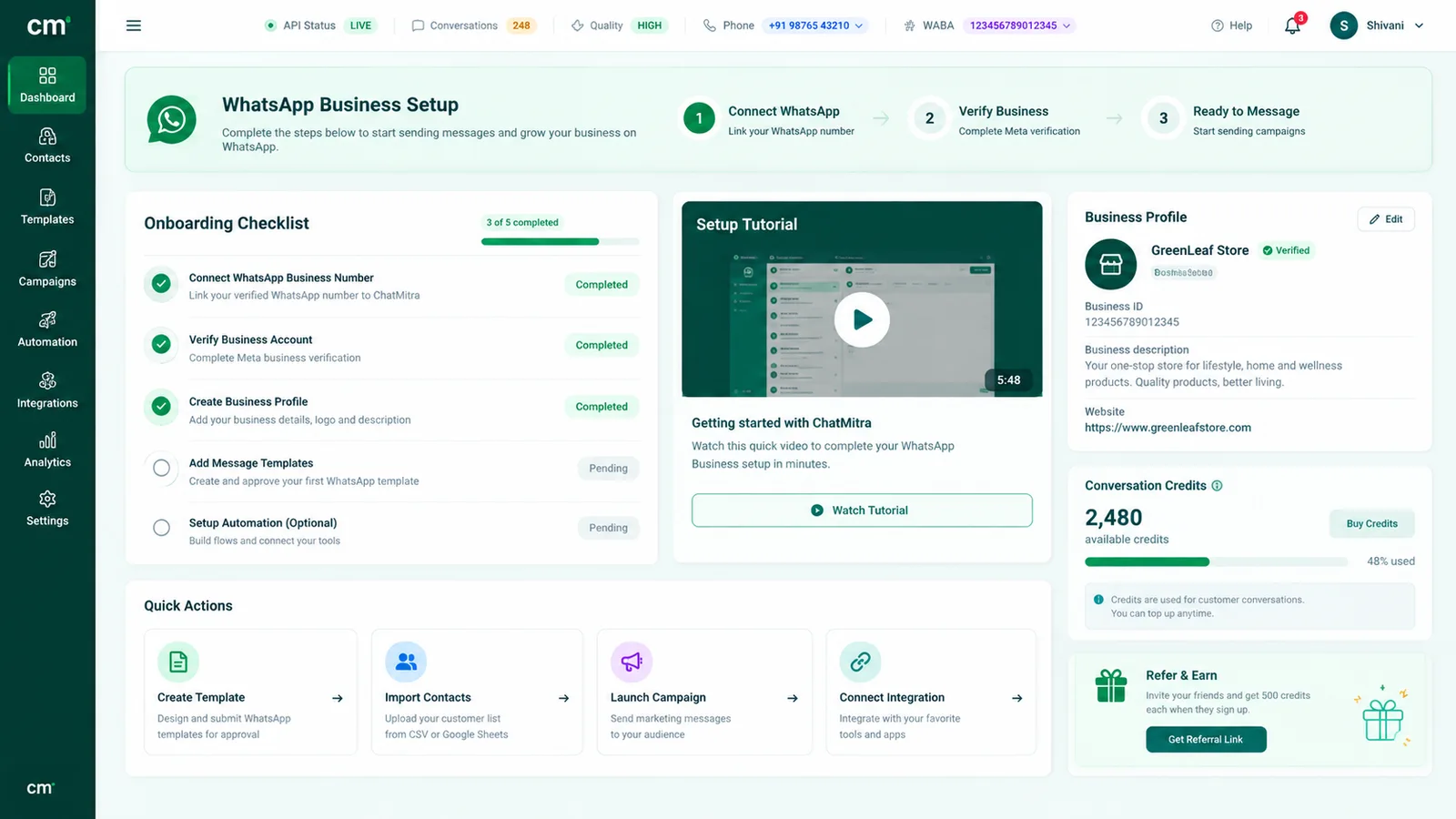
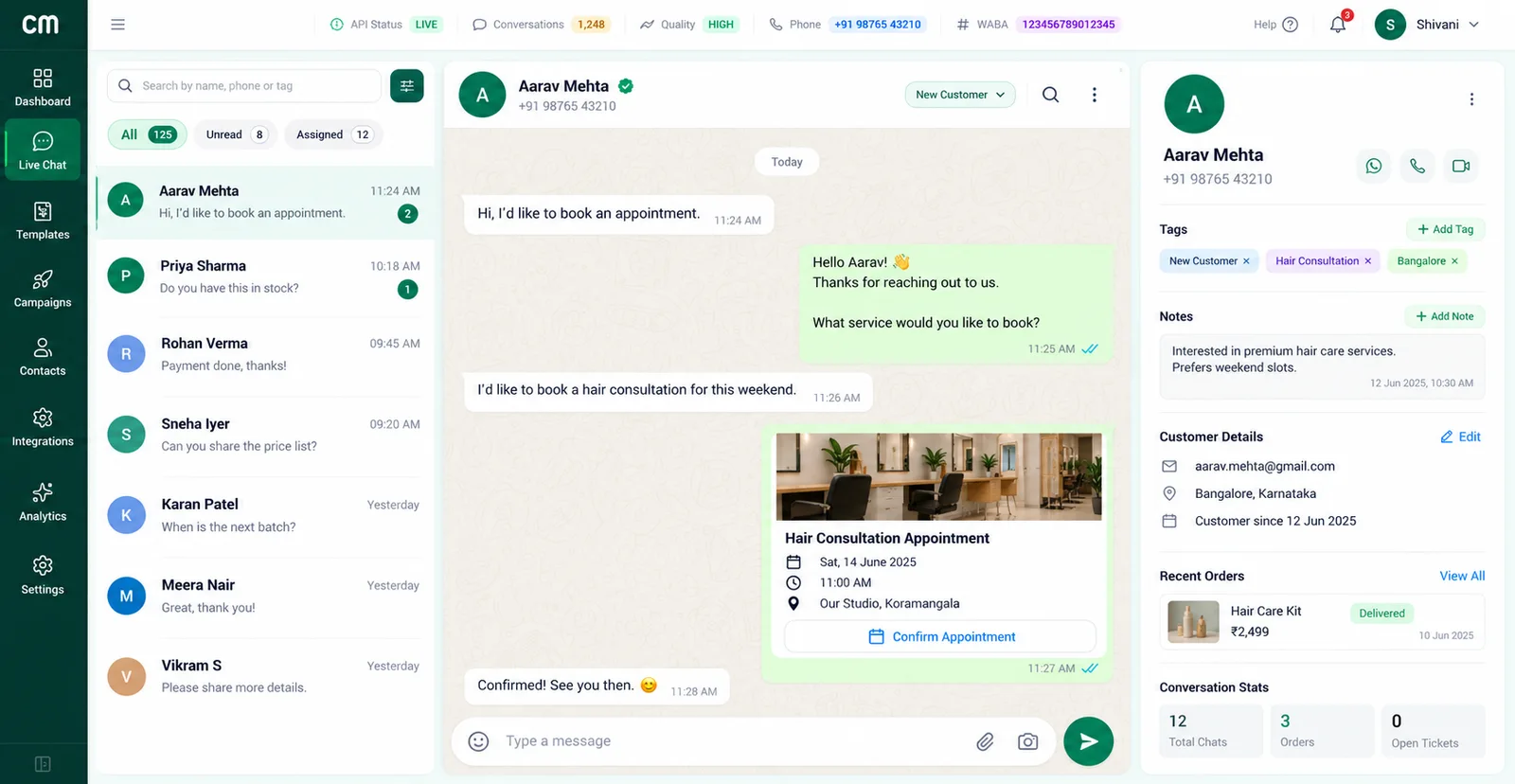
ChatMitra is software on the WhatsApp Business Platform. With coexistence, a team can keep the Business app on the owner’s phone while others work from ChatMitra’s shared inbox. Messages sent from the phone app appear in that inbox too.
It adds a team inbox for one number with no seat limit in the software, roles and permissions per section, team-shared saved replies inserted with ”/”, keyword auto-replies, welcome and away messages, contact tags for segmenting broadcasts, and an Android app. It has no chat assignment, so it doesn’t replace multi-agent’s “assign chat”. It can’t post Status, has no public iOS app, and doesn’t import your Business app catalog. If assigning chats to named agents is the main thing you need, the app’s paid multi-agent feature or a helpdesk-style tool fits better. ChatMitra has a free Starter plan. Meta’s message rates apply, and on Starter and Pro ChatMitra adds ₹0.20 once per contact per 24-hour conversation, including chats answered from the phone app once it’s connected. The details are on the pricing page.
Common mistakes with WhatsApp Business features
- Building a process on a feature you don’t have. Check the Tools tab before you plan around anything that is rolling out or country-limited.
- Treating broadcast lists as marketing reach. Anyone who hasn’t saved your number never sees the message, and heavy use leads to reports.
- Buying contact lists for business broadcasts. WhatsApp asks for opt-in and suspends the feature after repeated reports and blocks.
- Connecting Meta Business Agent without planning. Your greeting message stops, away messages may be affected, linked devices disconnect, and chats are used to improve Meta’s AI.
- Letting the main phone sit unused. After 14 days of inactivity, every linked device logs out.
- Registering a number you can’t keep. Changing numbers cancels a Meta Verified subscription, and your profile’s join date builds trust over time.
Sources: WhatsApp Help Center (the business-app articles linked above), Meta’s Meta Verified for business page, Meta Newsroom (14 May, 3 June and 15 September 2026) and Meta for Developers (onboarding WhatsApp Business app users). ChatMitra capabilities were checked in ChatMitra’s code on 25 September 2026.
Facts checked against Meta's and WhatsApp's documentation on 25 September 2026. WhatsApp changes the app often, so check the Help Center links for the current version.