WhatsApp chatbot analytics is the practice of measuring what a chatbot achieves in WhatsApp conversations: how many chats it resolves without a person, where customers drop off or ask for help, how many chats lead to an order or booking, and what each resolved chat costs. The KPIs that matter are outcomes, not activity. Track containment, handover rate, drop-off by step, bot-assisted conversion and cost per resolved chat first, and ignore totals such as messages sent.
Most chatbot reports are full of numbers that go up when the bot gets worse. A bot that asks three clarifying questions instead of one sends more messages. A confusing menu produces longer sessions. A customer who gives up and calls instead shows up as “conversation ended”.
The question a business owner actually wants answered is simpler: is the bot saving my team time and helping us sell, and is it worth what it costs? This guide sets out the KPIs that answer it, how to calculate each one on WhatsApp, a worked example in rupees, and how to collect the data when your platform doesn’t report it for you.
If you’re still building the bot, start with our WhatsApp FAQ chatbot guide. This article is about measuring one once it’s live.
Using ChatMitra?
ChatMitra shows AI chatbot runs in the AI Chatbot's Executions tab and recent runs of each keyword rule in its Logs view. For containment, handovers and sales, use auto-reply rules that add tags, discount codes or UTM links per bot path, and the Webhooks setting to send every message to your own sheet or BI tool. ChatMitra charges ₹0.20 per conversation, however many messages the bot sends. See How to measure chatbot KPIs in ChatMitra.
What chatbot analytics should tell you
Every useful chatbot metric answers one of three questions:
- Does the bot resolve conversations? Customers get what they came for without waiting for a person.
- Does the bot lead to revenue? Chats that start with the bot end in orders, bookings or qualified leads.
- Does it pay for itself? The cost of each resolved chat is lower with the bot than without it.
A fourth question sits underneath all three: do customers put up with it? A bot that resolves chats by wearing people down, or that triggers blocks, is borrowing against your future sales.
Metrics that don’t answer any of these questions, such as total messages, total conversations or average session length, describe activity. They’re useful for capacity planning, not for judging whether the bot works.
Why WhatsApp needs its own definitions
Most chatbot KPI guides are written for website chat widgets, where a session starts when someone opens the widget and ends when they close the tab. WhatsApp works differently, and the differences change how you should count.
- Conversations are spread out. A customer can ask about a kurta at lunch and reply to the bot’s answer that evening. Microsoft’s Copilot Studio analytics, for example, treats a conversation as timed out “after 30 minutes of inactivity”. On WhatsApp, that would split one purchase journey into several “abandoned” sessions. Pick a longer rule, such as no reply from the customer for 24 hours, and use it consistently.
- The customer service window shapes the chat. Meta’s documentation says that “when a WhatsApp user messages you or calls you, a 24-hour timer called a customer service window starts”, and resets when they message again. Inside it, your bot can send free-form replies; outside it, only approved templates. A bot that hands over at 9 pm to a team that starts at 10 am the next day can miss the window.
- Read status is a weak signal. Meta’s status webhook marks a message
readwhen it “was displayed in an open chat thread”. That says the customer saw the screen, not that they understood the answer, so treat read rate as a delivery check rather than a success measure. - Clicks aren’t reported. WhatsApp doesn’t tell the business when a customer taps a link in an ordinary message. If you don’t tag your links, a sale that started in the bot looks like direct traffic on your website.
- Every business message has a price. Since 1 October 2026, Meta charges for service messages after the first 1,000 per business phone number each month, and for utility templates sent inside the window. A bot that needs eight messages to answer a question costs more than one that needs three.
The 10 WhatsApp chatbot KPIs at a glance
| KPI | Formula | What you want to see |
|---|---|---|
| Containment rate | Chats resolved with no person ÷ chats the bot started | Rising, without a rise in repeat contacts |
| Handover rate, by reason | Chats handed to a person ÷ chats the bot started | Falling for topics the bot should handle; steady for topics it shouldn't |
| Unrecognised-message rate | Customer messages the bot couldn't answer ÷ customer messages to the bot | Falling as you add answers |
| Path completion and drop-off | Chats reaching the last step ÷ chats starting the path, and the share lost at each step | Rising completion; no single step losing most people |
| Repeat-contact rate | Customers back on the same topic within 7 days ÷ chats marked resolved | Low and falling |
| Wait after handover | Time from the handover message to the first reply from a person | Short, and well inside the 24-hour window |
| Bot-assisted conversion | Orders traced to a bot path ÷ chats that entered that path | Rising |
| Revenue per bot conversation | Revenue traced to bot paths ÷ chats the bot started | Rising |
| Cost per resolved chat | (Meta charges + platform fees + agent time) ÷ chats resolved | Falling |
| Customer reaction | Positive feedback taps ÷ feedback responses; blocks and opt-outs after bot chats | High satisfaction, no rise in blocks |
The sections below explain each one, the trap in each, and how to collect the data.
Is the bot resolving chats?
Containment rate
Containment is the share of chats the bot finishes without a person. It’s the number that decides whether a support bot pays, because agent time is usually the largest cost in customer service.
Microsoft’s Copilot Studio guidance uses two related definitions: deflection rate, the “percentage of requests completed through self-service”, and resolution rate, the “percentage of sessions ending with a resolved outcome”. The difference matters. A chat where the customer gave up isn’t resolved, even though no person was involved.
The trap: counting every chat that ended without a handover as contained. Some of those customers left confused and will call, email or come back tomorrow. Check containment against the repeat-contact rate below, and read a sample of “contained” chats each week.
How to collect it: decide what “resolved” looks like for each bot path, such as the customer received a tracking link, booked a slot or tapped “That helped”. Tag the chat at that point, and tag handovers separately. Then:
Containment = chats tagged resolved-by-bot ÷ (resolved-by-bot + handed-over + no outcome)
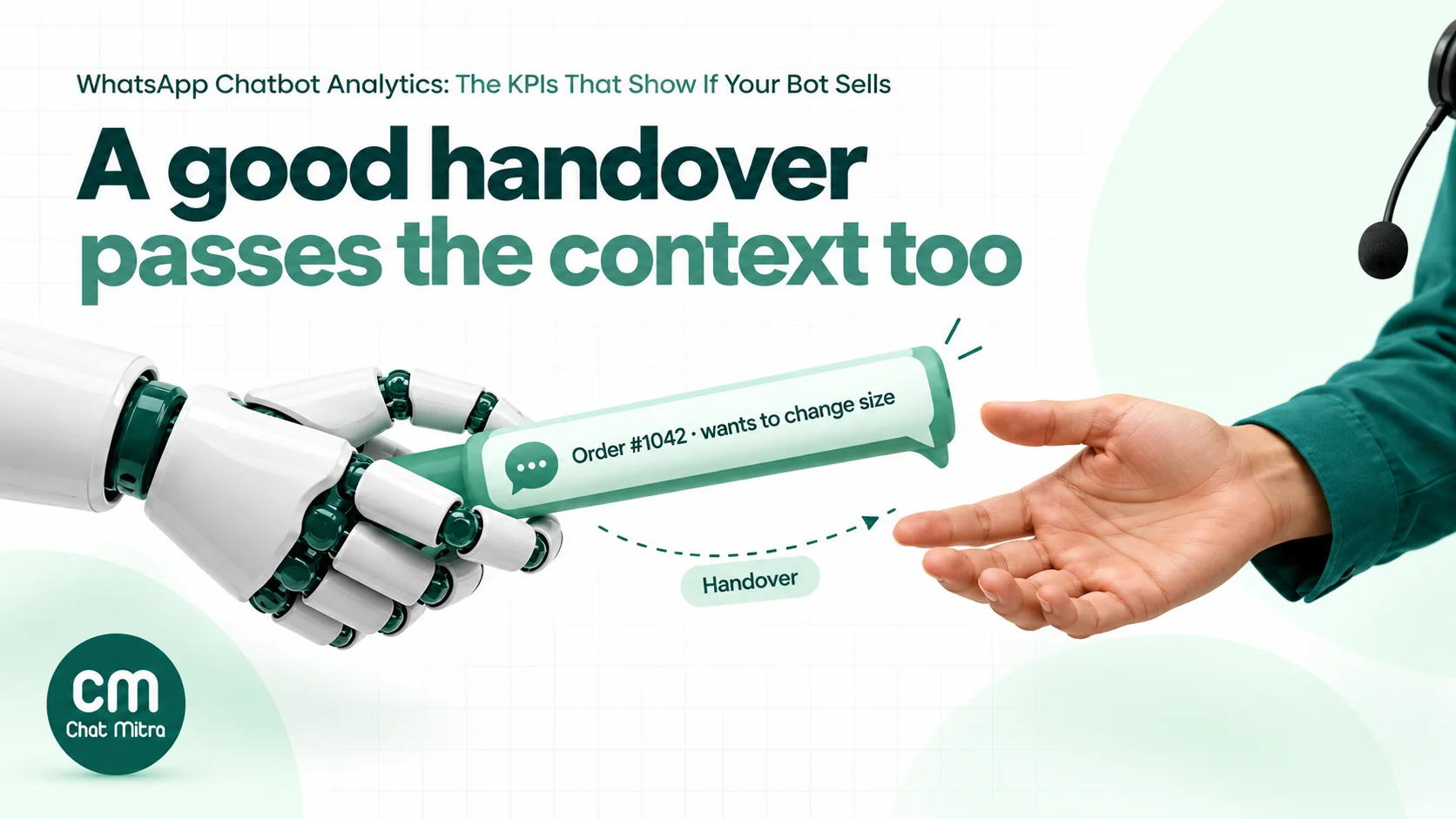
Handover rate, by reason
The handover rate is the share of bot chats that end up with a person. On its own it isn’t good or bad: a bot for complaints should hand most chats over. What matters is the reason.
Record why each handover happened: the customer asked for a person, the bot didn’t understand twice, the topic is one the bot shouldn’t handle (refunds, complaints, medical questions), or the customer sent a photo or voice note. Microsoft counts sessions as escalated when the bot reaches its escalation step or transfers the conversation, and abandoned when the session “ends without being resolved or escalated”. Those three outcomes, resolved, escalated and abandoned, give you a clean split for every chat.
When one reason dominates, the fix is usually obvious. Many “didn’t understand” handovers on one topic mean a missing answer. Many “asked for a person” handovers at the first message mean the welcome message doesn’t explain what the bot can do.
Unrecognised-message rate
This is the share of customer messages the bot couldn’t match to an answer. Microsoft calls them “unrecognized utterances”: phrases that didn’t trigger any topic.
On WhatsApp, these messages are easy to miss, because some bots don’t reply at all when nothing matches. The customer just sees silence. Read a weekly sample of chats where the customer’s last message got no bot reply, list the questions, and add answers for the ones that keep coming back. That list is the most valuable output of any chatbot report.
Path completion and drop-off by step
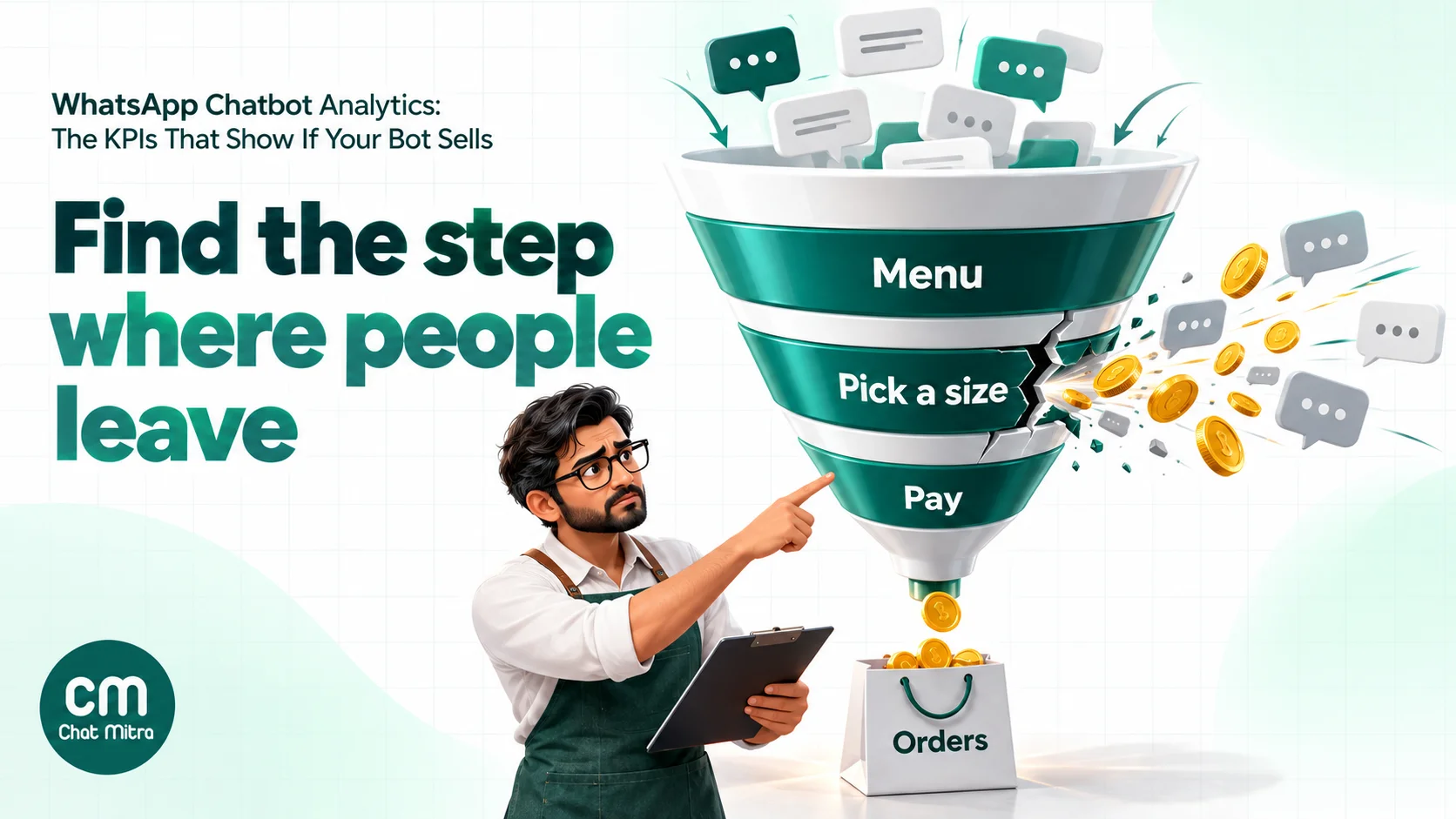
Most WhatsApp bots run on paths: a menu leads to a product category, then a size, then a payment link. Completion is the share of chats that reach the end of a path. Drop-off is the share lost at each step.
A step that loses far more people than the others needs attention. Common causes are a list with too many choices, a question the customer can’t answer (“Enter your order ID” when the ID isn’t in their SMS), or a step that asks for typed input where a button would do. Meta’s reply-button messages allow up to three buttons with labels of up to 20 characters, and list messages allow up to 10 rows in total, so long menus have to be split, and each split is a step where people can leave.
Repeat-contact rate
If the same customer comes back about the same thing within a few days, the first answer probably didn’t work. Track the share of resolved chats followed by another chat on the same topic within 7 days. It’s the honesty check on containment.
Wait after handover
A bot answers instantly, which raises expectations for what comes next. Measure the time from the handover message (“Connecting you to our team”) to the first reply from a person. Long waits here undo the bot’s speed and push customers towards other channels. If your team isn’t available round the clock, say so in the handover message and give a time.
Answer accuracy, for AI chatbots
Rule-based bots give the answer you wrote. AI chatbots write their own, which adds a risk the other KPIs miss: a confident, wrong answer that the customer accepts. The chat looks contained, nobody is handed over, and the problem only appears as a return, a complaint or a lost sale.
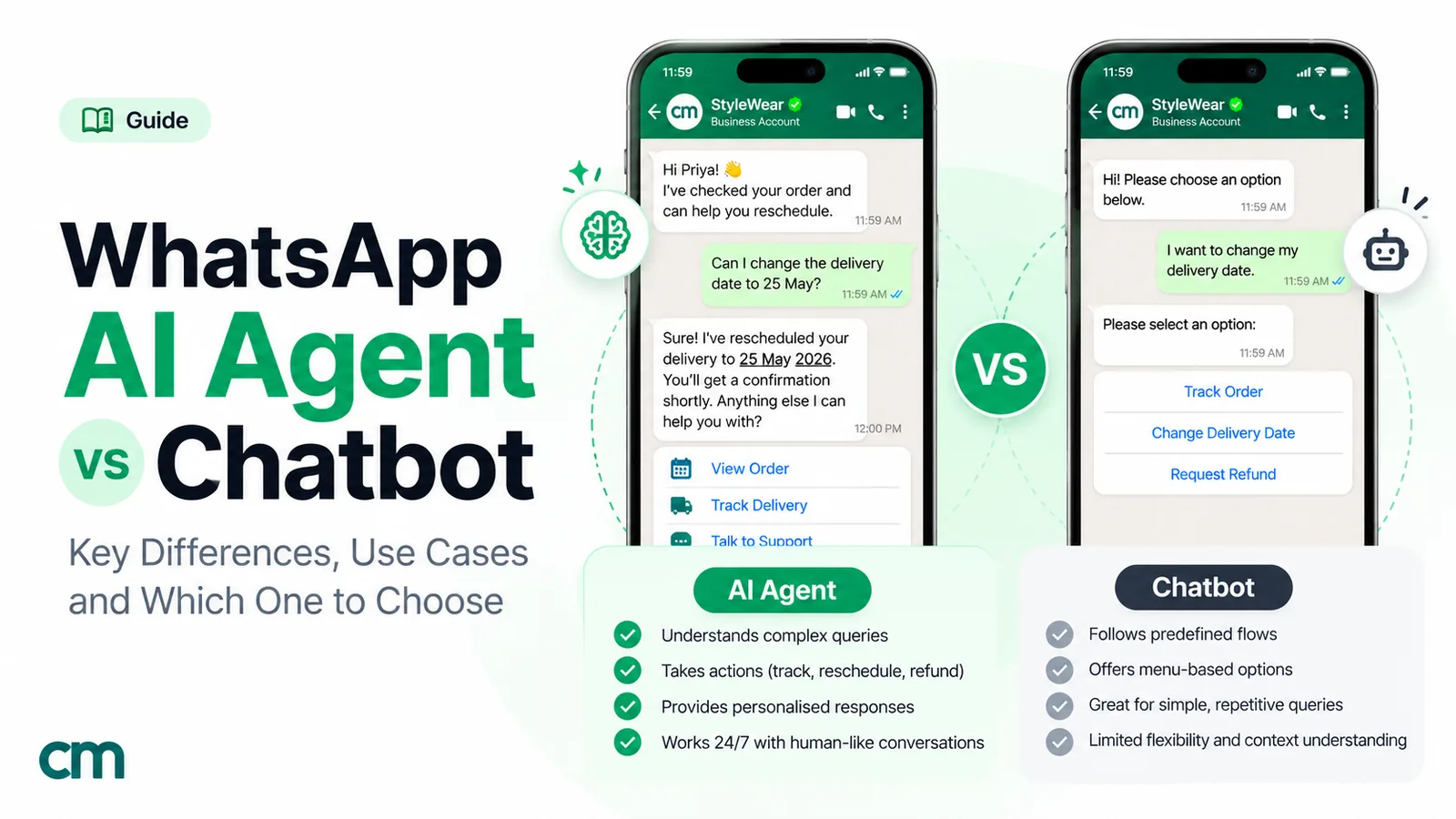
Check it with a small audit. Each week, take 20 to 30 AI-answered chats at random and mark each answer correct, partly correct or wrong against your own policies and product data. Track the share that’s fully correct, and look closely at the wrong ones: they usually point to a missing or outdated fact in the bot’s instructions, or a question the bot should have handed over. Treat delivery dates, prices, refund terms and anything medical or legal as topics where the bot hands over rather than guesses. Our comparison of WhatsApp AI agents and chatbots covers when each approach fits.
Is the bot leading to sales?
This is where most chatbot reports stop short, and it’s the part owners care about most.
Bot-assisted conversion
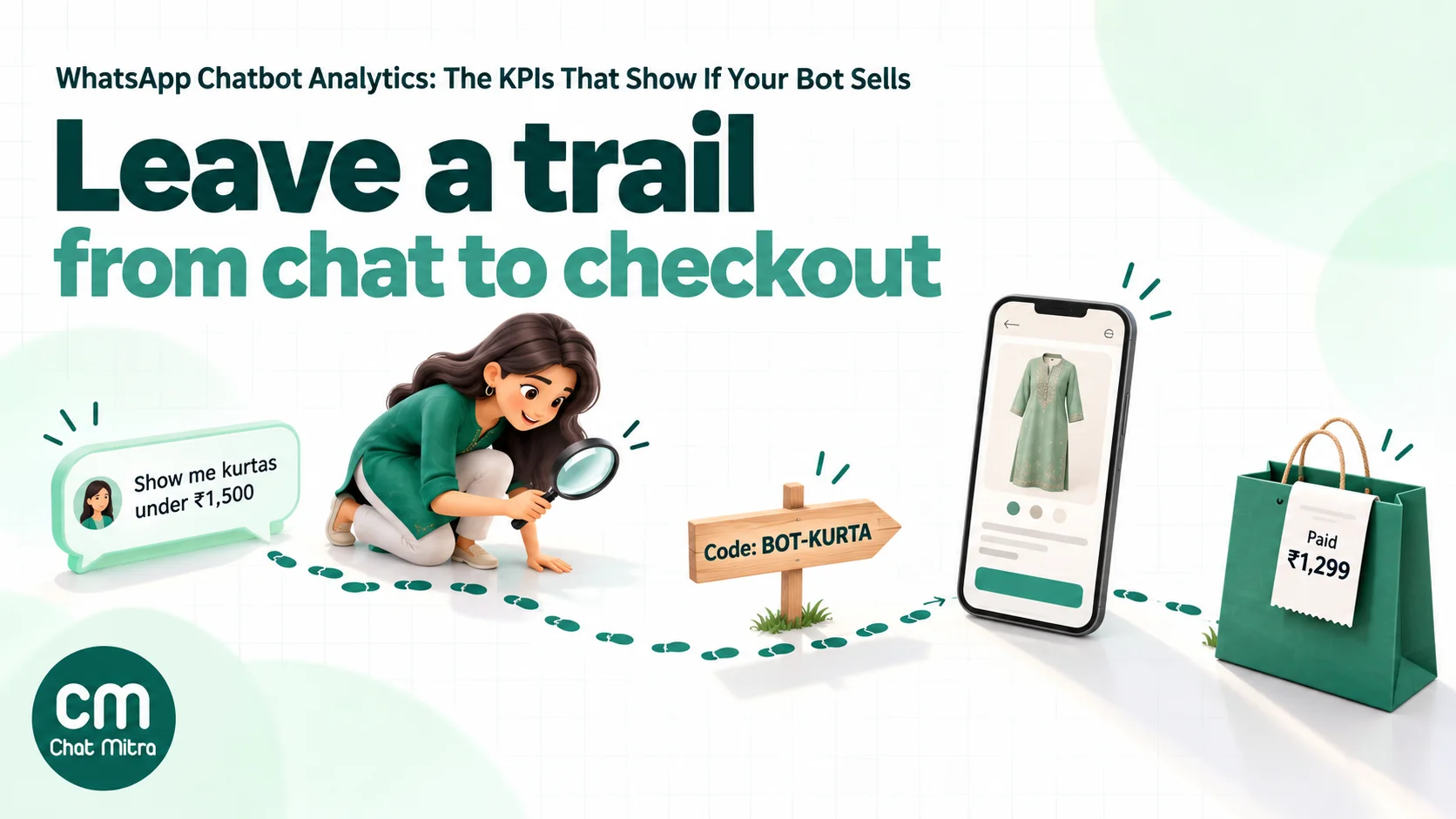
Bot-assisted conversion is the share of chats on a buying path that end in an order. To count it, each bot path needs a trace that survives the jump from WhatsApp to your store:
- A discount or reference code per path, such as BOT-KURTA for the kurta finder. Orders using the code are bot-assisted.
- UTM parameters on every link the bot sends, such as
utm_source=whatsapp&utm_medium=chatbot&utm_campaign=kurta-finder, so that your website analytics records the visit and the order. - An order or booking reference the bot captures, for services where the sale happens later, by phone or in person.
For leads rather than orders, use the same idea: count leads that came through a bot path and later became customers.
The trap: treating every bot-assisted order as revenue the bot created. Some of those customers would have bought anyway. If the number matters for a decision, compare against a group of similar customers who didn’t use the bot.
Revenue per bot conversation
Divide the revenue traced to bot paths by the number of chats the bot started. This puts support-heavy bots and sales-heavy bots on the same scale, and it tells you what a conversation is worth when you decide how much to spend on bringing people into WhatsApp.
Click-to-WhatsApp ads
When a chat starts from a click-to-WhatsApp ad, Meta provides more data. Meta’s Conversions API documentation describes the click ID (ctwa_clid) as “unique per click” and exposed to the business when the conversation came from an ad, and says it “needs to be sent back to Meta via the Conversions API call” to report purchases. Meta also offers automatic events reporting for purchases and leads it detects in ad-started chats, if you opt in. Messages inside the ad’s free entry point window, which Meta says “may remain open for up to 7 days”, aren’t charged, which also improves the cost side of your numbers.
Does the bot pay for itself?
Cost per resolved chat
Three costs add up:
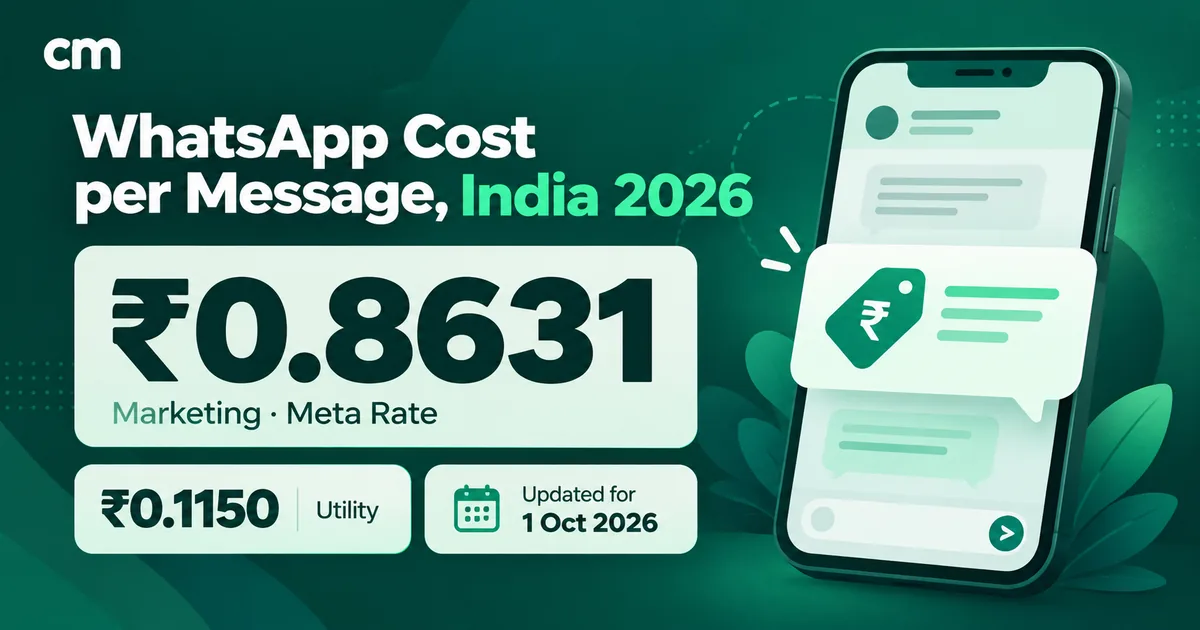
- Meta’s message charges. In India, service messages, the free-form replies your bot and agents send inside the customer service window, are free for the first 1,000 per business number each month and ₹0.115 each after that (rate card effective 1 October 2026). Utility templates sent inside the window are also charged, at ₹0.115.
- Your platform fee. ChatMitra charges ₹0.20 per conversation on Starter and Pro: once per customer per 24 hours, however many messages the bot and your agents send. Enterprise has no ChatMitra fee.
- Agent time for every chat a person has to handle.
Here’s a worked example for a D2C clothing brand with 4,000 customer-started chats a month on one number. The handling times, message counts and agent cost are assumptions for illustration; replace them with your own.
| Line | Containment 60% | Containment 45% |
|---|---|---|
| Resolved by the bot (5 business messages each) | 2,400 | 1,800 |
| Handed over (3 bot + 4 agent messages each) | 1,600 | 2,200 |
| Service messages | 12,000 + 11,200 = 23,200 | 9,000 + 15,400 = 24,400 |
| Meta charge (first 1,000 free, then ₹0.115) | 22,200 × ₹0.115 = ₹2,553 | 23,400 × ₹0.115 = ₹2,691 |
| ChatMitra fee (4,000 conversations × ₹0.20) | ₹800 | ₹800 |
| Agent time (6 minutes a chat at ₹2 a minute) | 1,600 × ₹12 = ₹19,200 | 2,200 × ₹12 = ₹26,400 |
| Total a month | ₹22,553 | ₹29,891 |
| Cost per chat (all 4,000 resolved eventually) | ₹5.64 | ₹7.47 |
The ₹2 a minute assumes an agent costing about ₹25,000 a month for roughly 208 working hours.
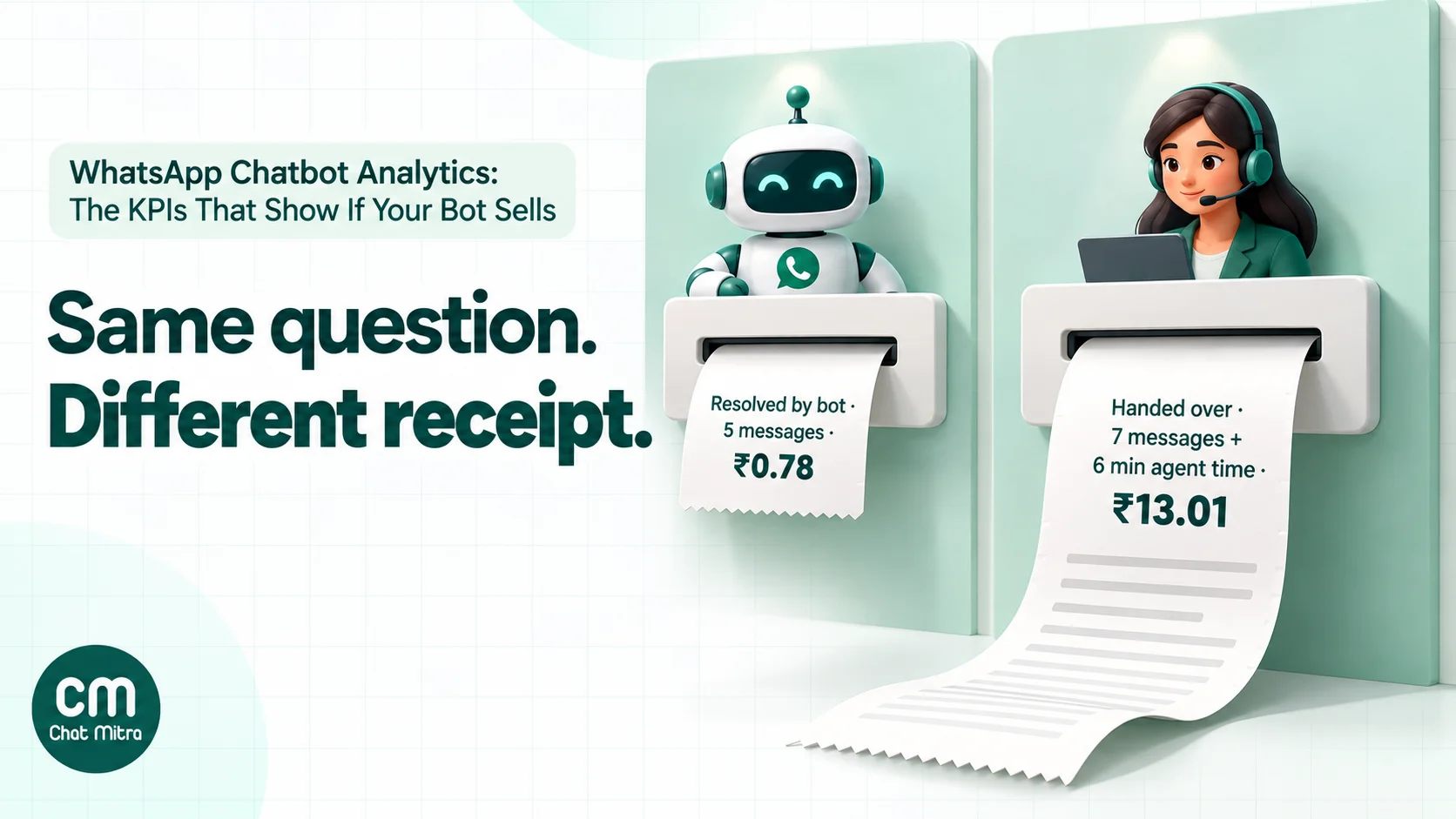
Two numbers stand out. A chat the bot resolves costs about ₹0.78 in Meta and ChatMitra charges (5 × ₹0.115 + ₹0.20, before the free tier), while a handed-over chat costs about ₹13.01 once agent time is included. And the 15-point drop in containment adds ₹7,338 a month, roughly ₹490 for every percentage point. That’s the business case for spending time on the handover reasons and unrecognised messages above.
Keep the message count in view too. Bots that answer in one message rather than three menus are cheaper on Meta’s side and quicker for the customer. For the full rate list by message type, see our guide to WhatsApp Business cost per message.
Do customers like it?
Customer reaction
Ask, briefly, at the end of a resolved chat: “Did this answer your question?” with “Yes” and “No” buttons. Keep it to one tap and to a sample of chats, not every one. Count the share of “Yes” taps, and read every “No”.
Also watch the signals customers give without being asked. A rise in opt-outs, blocks or a falling quality rating after you add or change automation is a sign that something in the bot feels wrong. Our guide to reducing WhatsApp opt-outs and blocks covers what to look for.
Which KPIs matter most for your type of bot
The ten KPIs don’t carry equal weight for every bot. Pick the two or three that match the bot’s job and put them at the top of your report.
| Bot type | Lead KPIs | Watch out for |
|---|---|---|
| Support and FAQ bot (order status, returns, store hours) | Containment, repeat contacts, cost per resolved chat | "Resolved" chats that come back the next day |
| Shopping bot (product finder, catalogue, reorders) | Path completion, bot-assisted conversion, revenue per conversation | Drop-off at size, variant or payment steps |
| Lead qualification bot (real estate, education, B2B) | Leads completed, wait after handover, leads that become customers | Qualified leads waiting hours for a call back |
| Booking bot (clinics, salons, test drives) | Bookings completed, no-show rate, handover rate for reschedules | Customers who start a booking and stop at the slot list |
| AI assistant (open questions) | Answer accuracy, containment, unrecognised or refused questions | Confident wrong answers that look contained |
Reading the numbers: three common patterns
Numbers only help if you know what to do when they move. These are the patterns that come up most often, and where each one usually leads.
Containment is high, but so are repeat contacts. The bot is closing chats it hasn’t really solved. Read the “resolved” chats for the topic with the most repeats. Often the answer is technically correct but incomplete, such as a tracking link with no explanation of what “In transit” means or what to do if the date has passed. Add the missing line, or hand that topic over.
Path completion is good, but conversion is low. Customers reach the product link and don’t buy. The problem is usually after WhatsApp: the link opens a generic category page instead of the product, the price differs from the one the bot showed, or the discount code doesn’t apply. Tap through the path yourself on a phone, the way a customer would.
Handover rate jumps after a change. Compare the handover reasons from before and after. If “didn’t understand” rose, the new menu wording or keywords don’t match how customers write. If “asked for a person” rose at the first message, the new welcome message probably hides what the bot can do. Roll back one change at a time rather than redesigning everything.
Whatever the pattern, the next step is the same: read 20 chats behind the number before you change anything.
Metrics to stop reporting
- Total messages sent. It rises when the bot gets wordier.
- Total conversations. It measures demand, not the bot.
- Average session length. On WhatsApp, long gaps between replies are normal, and a longer chat often means a worse experience.
- Button taps on their own. A tap only matters if the path ends in an outcome.
- “Engagement rate” without a definition. If you can’t write the formula, don’t put it in the report.
Setting up measurement in an afternoon
You don’t need a data team. You need consistent labels and a weekly routine.
- List your bot paths (track order, shop a category, book a slot, talk to a person) and write the “resolved” outcome for each.
- Choose your end tags:
bot-resolved,handed-overplus a reason tag such asho-refundorho-not-understood, andno-outcome. - Add a trace to every buying path: a discount code, a UTM-tagged link or a reference the bot captures.
- Write your conversation rule: for example, a conversation ends when the customer hasn’t replied for 24 hours.
- Set up the sheet: one row per week, one column per KPI, with the formulas from the table above.
- Book 30 minutes a week to fill in the numbers and read 30 to 50 transcripts: handed-over chats, chats with no outcome and a few “resolved” ones.
A weekly KPI sheet you can copy
| Week | Bot chats | Resolved by bot | Handed over | Containment | Top handover reason | Orders with bot codes | Revenue traced | Cost per resolved chat |
|---|---|---|---|---|---|---|---|---|
| 1–7 Nov | 1,000 | 600 | 400 | 60% | Size exchange | 31 | ₹40,269 | ₹5.64 |
| 8–14 Nov |
The first row uses illustrative figures (31 orders at ₹1,299). The point is the shape: a handful of outcome numbers per week, and one sentence on what to fix next.
How to measure chatbot KPIs in ChatMitra
ChatMitra doesn’t have a single chatbot analytics dashboard. Here’s what it shows, and how to collect the rest.
| What you need | Where in ChatMitra |
|---|---|
| AI chatbot activity | AI Chatbot, Executions tab: "Total executions", "Success", "Failure", "Avg duration" and "Avg steps / run" for the last 30 days, with each run's customer question, phone, steps and time taken |
| Keyword rule activity | Auto Reply: the "Logs" button on a saved rule opens its recent runs (the last 20, kept for 7 days) |
| Resolved and handover tags | Auto Reply: "Enable Add Tag" on a rule, for example tag bot-resolved when a customer taps "That helped" or handed-over when they type "agent". Button and list taps are matched like typed text. See auto-reply |
| Handover to a person | Live Chat: the "Automation ON / OFF" switch in the chat header pauses AI and auto-replies for that customer for 30 minutes to 24 hours, or until you turn it back on |
| Counting tags | Contacts: filter by tag, or "Export" (emailed) for a spreadsheet with a Tags column |
| Every message, for your own report | Settings, Webhooks: subscribe your sheet, CRM or BI tool to message.received, message.sent and message.status.updated |
| Click-to-WhatsApp ad data | The ad referral details, including the click ID, are forwarded to your webhook, so a developer can pass them to Meta's Conversions API |
| Customer feedback | Template library feedback templates with quick replies such as "Highly Satisfied", "Satisfied" and "Unsatisfied", plus a rule that tags each answer |
A simple setup:
- Create one auto-reply rule per bot path that adds a path tag, such as
path-track-order, when the customer taps the path’s button. - End each path with “Did that help?” and two buttons. Add rules that tag
bot-resolvedon “Yes, thanks” and send your handover message plushanded-overon “Talk to a person”. Add the same handover rule for “agent” and “human”. - Ask agents to add a reason tag when they pick up a handed-over chat and pause automation from the header.
- Put a discount code or UTM-tagged link in every buying path’s reply, so orders can be matched in your store.
- Each week, count tags from the Contacts filter or export, check the Executions tab for AI chatbot failures, and enter the numbers in your sheet.
Good to know:
- No ready-made bot KPI report. Containment, handover, drop-off and conversion come from your tags, exports, webhooks and store data, not from a dashboard.
- Executions covers the AI chatbot only, for the last 30 days, without an export. Keyword rule logs keep only recent runs, so they’re for checking a rule, not for monthly reporting.
- No reply when nothing matches. If no keyword rule matches and no AI chatbot, fixed reply or away message is set, the customer gets no automatic answer, and the miss isn’t logged. Read chats with no reply in your weekly sample.
- Pausing automation doesn’t tag the chat. Agents add the handover reason tag themselves.
- No agent reports, chat assignment or open/resolved status in the inbox. Inbox filters are “All”, “Unread”, “Replied” and tags.
- No click tracking or revenue report. Use UTM links and discount codes, and get orders from your store. The Shopify Checkouts page’s “Recovered” count shows checkouts that were completed; it doesn’t prove a WhatsApp message caused them.
- The ₹0.20 fee is per conversation. One credit when a new 24-hour window opens for a customer, whether the customer or your business starts it; bot and agent replies inside that window cost nothing extra. Plans without credits have no fee.
Common mistakes in chatbot analytics
- Reporting activity as success. More messages and longer sessions usually mean a worse bot.
- Counting abandoned chats as resolved. Pair containment with repeat contacts and read the transcripts.
- Using web-chat timeouts on WhatsApp. A 30-minute cut-off turns one evening purchase into several “abandoned” sessions.
- Leaving links untagged. Without UTM parameters or codes, bot-driven sales show up as direct traffic.
- Changing several things at once. Change one path, then compare the next two weeks with the two before.
- Forgetting the cost side. A bot that hands over most chats after several messages can cost more than no bot.
- Never reading chats. Numbers tell you where to look; transcripts tell you what to fix.
A monthly chatbot review checklist
- Containment, handover rate and repeat contacts compared with last month
- Top three handover reasons listed, each with one fix
- Unrecognised questions reviewed and the most common ones answered
- Drop-off checked for every buying path
- Orders and revenue traced to bot codes or UTM links
- Cost per resolved chat recalculated with current Meta rates
- Feedback “No” answers read, and opt-outs or blocks checked after any bot change
- One change chosen for next month, with the KPI it should move
Sources
- Meta: WhatsApp pricing (free service tier, utility in the window, free entry point; India rate card effective 1 October 2026)
- Meta: Send messages (customer service window)
- Meta: Interactive reply buttons and list messages
- Meta: Message status webhooks
- Meta: Conversions API for Business Messaging
- Meta: Webhooks overview (automatic events)
- Microsoft Copilot Studio: Analytics guidance and analytics overview