The WhatsApp commerce policy is the set of rules that decides what a business may sell through WhatsApp. WhatsApp’s Business Messaging Policy bans 15 kinds of goods and services, including alcohol, tobacco, medicines, weapons and real-money gambling, and anything you put in a WhatsApp catalog must also pass Meta’s Commerce Policy. Break either one and your listings get rejected; keep breaking them and you can lose the number.
Most sellers meet the policy the hard way: a product disappears from their catalog with a red icon, or a message stops going out. This guide sets out the current rules in plain English, checked against Meta’s own pages in October 2026. It covers the full prohibited and restricted lists, what Indian sellers can and can’t do, why items get rejected, and how to appeal both a listing and an account restriction.
Using ChatMitra? Product messages you send from ChatMitra come from your Meta catalog, so every product in them has already gone through Meta’s review. Rejections and appeals are handled in Meta’s Commerce Manager. Jump to commerce on ChatMitra.
Key takeaways
- There's no standalone WhatsApp Commerce Policy any more. The rules sit in WhatsApp's Business Messaging Policy (updated 23 September 2026), which points catalog sellers to Meta's Commerce Policy.
- A licence doesn't change the answer. WhatsApp says its prohibitions apply "irrespective of the global or local licenses" you hold.
- Regulated categories, such as over-the-counter medicines in India, may be messaged about only on the WhatsApp Business Platform. They can never go in a catalog or cart.
- Rejected items can be appealed in the Business app or in Commerce Manager. Account restrictions can be appealed within 90 days.
- Indian catalog sellers must add business details, a grievance officer and a country of origin for each item.
What the WhatsApp commerce policy actually is
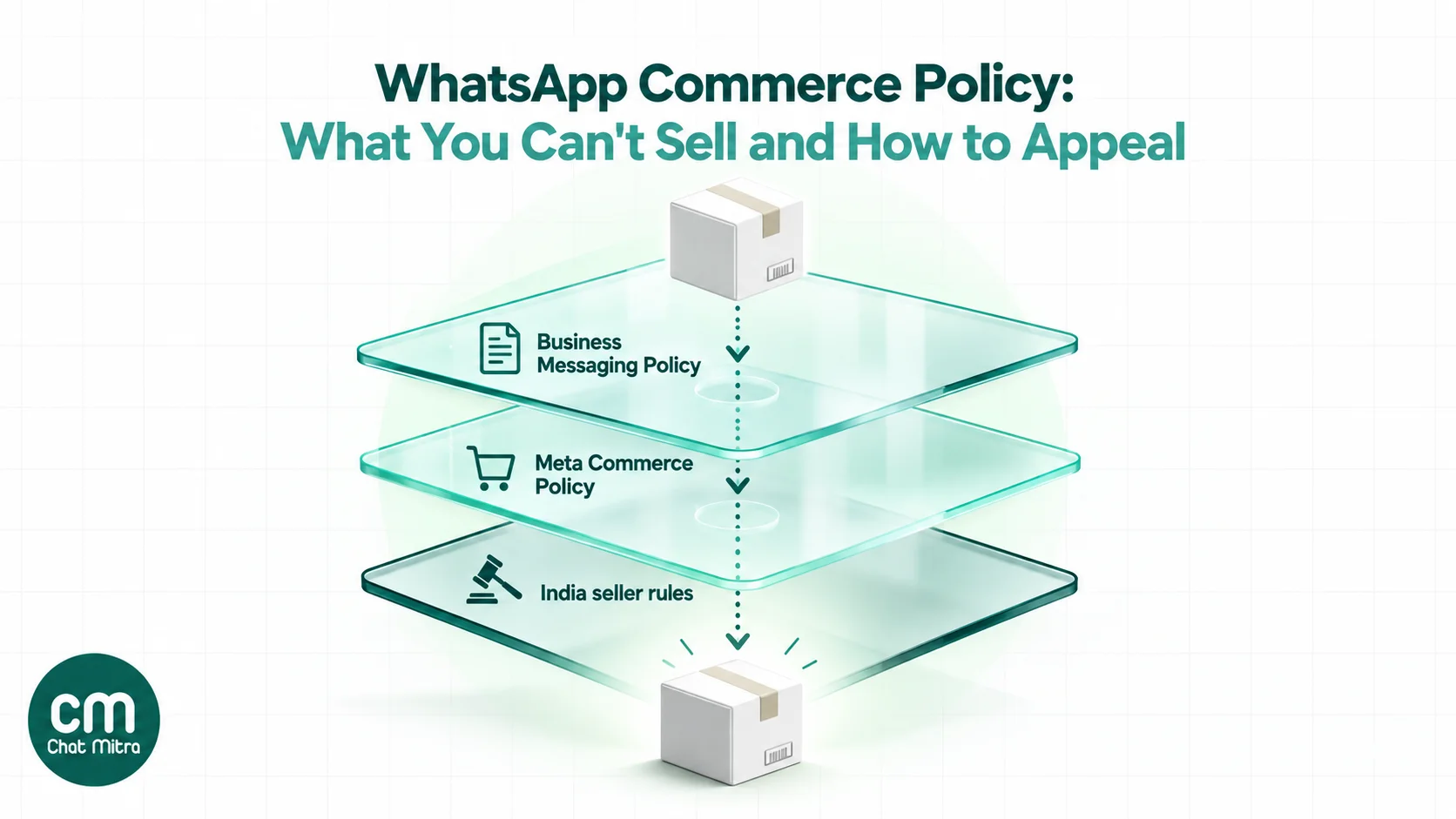
Search for “WhatsApp commerce policy” and you’ll find pages quoting a document that no longer exists on its own. WhatsApp’s old Commerce Policy address now redirects to the WhatsApp Business Messaging Policy. Its “Policy for WhatsApp Commerce Features” section says the Commerce Policy “is used to govern whether businesses can sell their products and services using WhatsApp for Business, such as WhatsApp commerce product features like catalog and payments”, and that catalog sellers “must comply with the policies and prohibitions listed in the Meta Commerce Policy”.
So in practice there are four layers, and each answers a different question:
| Layer | Question it answers | Applies to |
|---|---|---|
| WhatsApp Business Messaging Policy | What may a business promote or sell on WhatsApp at all, and how may it message people? | The Business app, the Business Platform (API) and future WhatsApp business features |
| Meta Commerce Policy | What may appear as a product in a catalog or shop? | Commerce features on Facebook, Instagram, Messenger and WhatsApp, "including… WhatsApp Business Catalogue" |
| Policy enforcement | What happens when a business breaks the rules? | Accounts on the Business Platform; the Business app has its own bans and reviews |
| Local law (India: Consumer Protection (E-Commerce) Rules, 2020) | What must a seller disclose, and how must it handle complaints? | Businesses selling online in India, including through WhatsApp |
Mixing these up causes most of the bad advice online. A 30-day messaging block, for example, comes from the enforcement rules, not from the Commerce Policy. And a product can be fine to talk about in a chat but still be banned from your catalog.
Goods and services WhatsApp prohibits
Section 4 of the Business Messaging Policy says WhatsApp prohibits “buying, selling, promoting, or otherwise facilitating the exchange of certain regulated or restricted goods and services”. This applies whether you use the free Business app or the API. The list, as of the 23 September 2026 version:
- Firearms.
- Alcohol and tobacco.
- Drugs, “whether prescription, recreational, or otherwise”.
- Medical and healthcare products.
- Endangered species, both wildlife and plants.
- Live non-endangered animals, excluding livestock.
- Hazardous goods and materials.
- Real, virtual or fake currency, including ICOs and binary options.
- Body parts or fluids.
- Business models, goods or services WhatsApp considers fraudulent, misleading, offensive, deceptive or exploitative, or that put undue pressure on targeted groups.
- Real-money gambling and gaming.
- Adult products and services.
- Dating services.
- Multi-level marketing.
- Payday loans, paycheck advances, peer-to-peer lending, debt collection and bail bonds.
Two lines under the list matter more than the list itself:
- Licences don’t help. “These prohibitions apply irrespective of the global or local licenses, registrations, or other approvals your business may hold.” A licensed liquor shop or a registered pharmacy is still covered.
- Commerce features can be withdrawn. If you use catalogs to sell anything the Meta Commerce Policy prohibits, WhatsApp “may prohibit you from using some or all of WhatsApp for Business”. That can mean losing the catalog, or losing the whole account.
Item 10 is the catch-all. WhatsApp decides what counts as misleading or exploitative, so “guaranteed returns”, miracle cures and fake scarcity are risky even when the product itself is allowed.
What Meta’s Commerce Policy adds for catalogs
The Meta Commerce Policy is stricter than WhatsApp’s own list because it was written for shops and marketplaces. Meta says commerce content means “any attempt to buy, sell or trade products – even for free”, so a free sample in your catalog still counts.
Most of its 24 prohibited headings overlap with WhatsApp’s list. These are the ones sellers usually don’t expect:
| Meta Commerce Policy category | What it covers | Who it catches out |
|---|---|---|
| Medical and healthcare products | "Including medical devices or ingestible supplements" | Protein powders, herbal capsules, Ayurvedic tablets, BP monitors |
| Subscriptions and digital products | "Downloadable digital content, digital subscriptions or digital accounts" | Course creators, template sellers, OTT account resellers |
| Jobs | "Job opportunities" | Recruiters and placement agencies listing vacancies as products |
| Used cosmetics | Cosmetics "that have been used, or that are not sold in their original packaging" | Resellers who decant perfume or split beauty products |
| Vehicle parts and accessories | "Certain vehicle parts and accessories" | Auto-parts dealers; check the specific part |
| Land, animals and animal products | Animals or animal parts, and land in ecological conservation areas | Pet breeders and livestock sellers, even though WhatsApp's own list exempts livestock |
| Recalled products and stolen goods | Recalled or banned products; goods acquired unlawfully | Clearance and surplus sellers |
| Third-party infringement | Counterfeits and unauthorised copies | "First-copy" and replica sellers |
| Digital media and electronic devices | Devices for unauthorised streaming or that interfere with electronics | Sellers of "fully loaded" streaming boxes and jammers |
| No item for sale | News, humour or other content that offers no product | Businesses using the catalog as a brochure or meme wall |
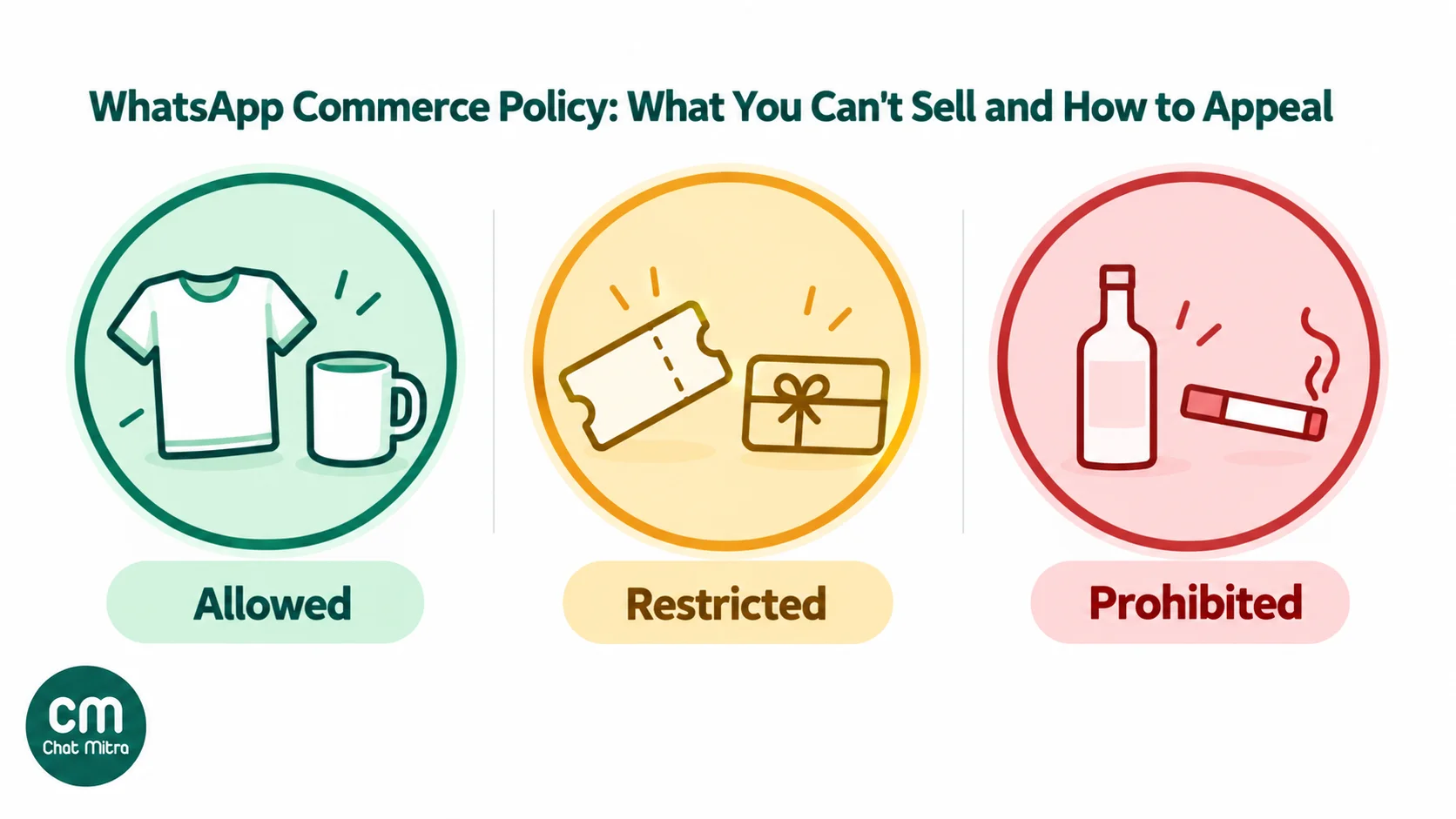
Four categories are restricted rather than banned:
- Event tickets, gift cards and vouchers, and pet adoption matching services are allowed only “by approved sellers”.
- Services may not be bought or sold through commerce content, “except on the WhatsApp Business app or through Appointments in Facebook or Instagram”. A salon or tutor can list services in a Business app catalog.
When the two lists disagree, follow the stricter one for anything in a catalog. Livestock is the clearest case: WhatsApp’s messaging policy excludes livestock from its animal ban, but Meta’s Commerce Policy bans “animals or animal parts”. A dairy farmer can chat with buyers about cattle, but shouldn’t list them as catalog items.
Regulated verticals: you can message, but you can’t sell
Section 5 of the Business Messaging Policy allows three “Regulated Verticals” on the WhatsApp Business Platform in named countries: online gambling and gaming, over-the-counter (OTC) drugs, and alcohol. Every one comes with the same conditions:
- “You are prohibited from messaging about any Regulated Verticals on the WhatsApp Business App.” Only the API can be used.
- “You are prohibited from providing any commerce experiences to buy or sell goods or services that are Regulated Verticals.” No catalog, no cart, no in-chat checkout.
- Messages “may not be sent to people under 18 years of age”, must be gated by age and location, and need every licence local law requires. If a licence lapses, messaging must stop immediately.
Here’s how that plays out for India, from the country lists in the policy:
| Regulated vertical | Is India an allowed country? | What that means for an Indian business |
|---|---|---|
| Over-the-counter drugs | Yes | A licensed business can send messages about OTC medicines to adults on the API, but can't sell them through a catalog or cart. Prescription drugs stay banned. |
| Alcohol | No | No alcohol promotion or sales on WhatsApp at all. |
| Online gambling and gaming | No (only Australia, Japan, Colombia, Mexico and Peru) | No real-money gaming, betting or fantasy-sports promotion. Even in allowed countries, Meta's written permission is needed first. |
A pharmacy that wants to use WhatsApp in India therefore has a narrow lane: reminders, availability questions and customer service on the API, with the order and payment completed on its own website or app. Meta’s developer documentation adds that manufacturers and healthcare services that don’t sell directly are allowed. If that’s you, our WhatsApp for healthcare guide covers the messaging side.
Online sale of medicines is also regulated under India’s Drugs and Cosmetics Act, 1940, so get legal advice before you build anything around it.
Can I sell it on WhatsApp? A lookup for Indian sellers
This table applies the rules above to products Indian sellers ask about most often. “Chat” means talking with a customer who messaged you; “catalog” means listing the item as a product in a WhatsApp catalog or sending it in a product message.
| What you sell | Chat on the Business app | Chat on the API | Catalog / product messages | The rule behind it |
|---|---|---|---|---|
| Clothing, home goods, electronics, food (non-supplement) | Yes | Yes | Yes | Not on either prohibited list |
| New cosmetics in original packaging | Yes | Yes | Yes, without medical claims | Used or repackaged cosmetics are banned from catalogs |
| Supplements, protein powders, herbal capsules | Risky | Risky | No | Meta: "ingestible supplements"; "unsafe supplements" is a high-risk enforcement category |
| OTC medicines | No | Yes, licensed and adults only | No | Regulated vertical; India is an allowed OTC country |
| Prescription medicines, medical devices | No | No | No | Drugs and medical products are prohibited |
| Alcohol, tobacco, vapes | No | No | No | Prohibited; India isn't an allowed alcohol country |
| Services (salon, tutoring, repairs) | Yes | Yes | Yes in the Business app; check Commerce Manager for API catalogs | Meta restricts services except on the Business app |
| Online courses, e-books, digital templates | Yes | Yes | No | "Downloadable digital content, digital subscriptions" |
| Event tickets, gift cards, vouchers | Yes | Yes | Approved sellers only | Restricted content |
| Livestock | Yes | Yes | No | WhatsApp exempts livestock; Meta's Commerce Policy bans animals |
| Pets | No | No | No | Live non-livestock animals are prohibited |
| Jobs and vacancies | Yes | Yes | No | Meta bans job opportunities as commerce content |
| Bank loans and insurance | Yes | Yes | No | Payday and P2P lending are banned; financial instruments can't be catalog items |
| Crypto, fantasy sports, betting | No | No | No | Currency and real-money gambling are prohibited |
| "First copy" branded goods | No | No | No | Counterfeits and misleading offers |
“Risky” means the product isn’t named on WhatsApp’s messaging list, but Meta treats it as a high-risk area. Expect closer scrutiny, keep claims modest, and never promise health results. Banks and insurers can usually message their customers, but they have their own regulators’ rules too. Our guide to WhatsApp for insurance agents covers that side.
How catalog review works
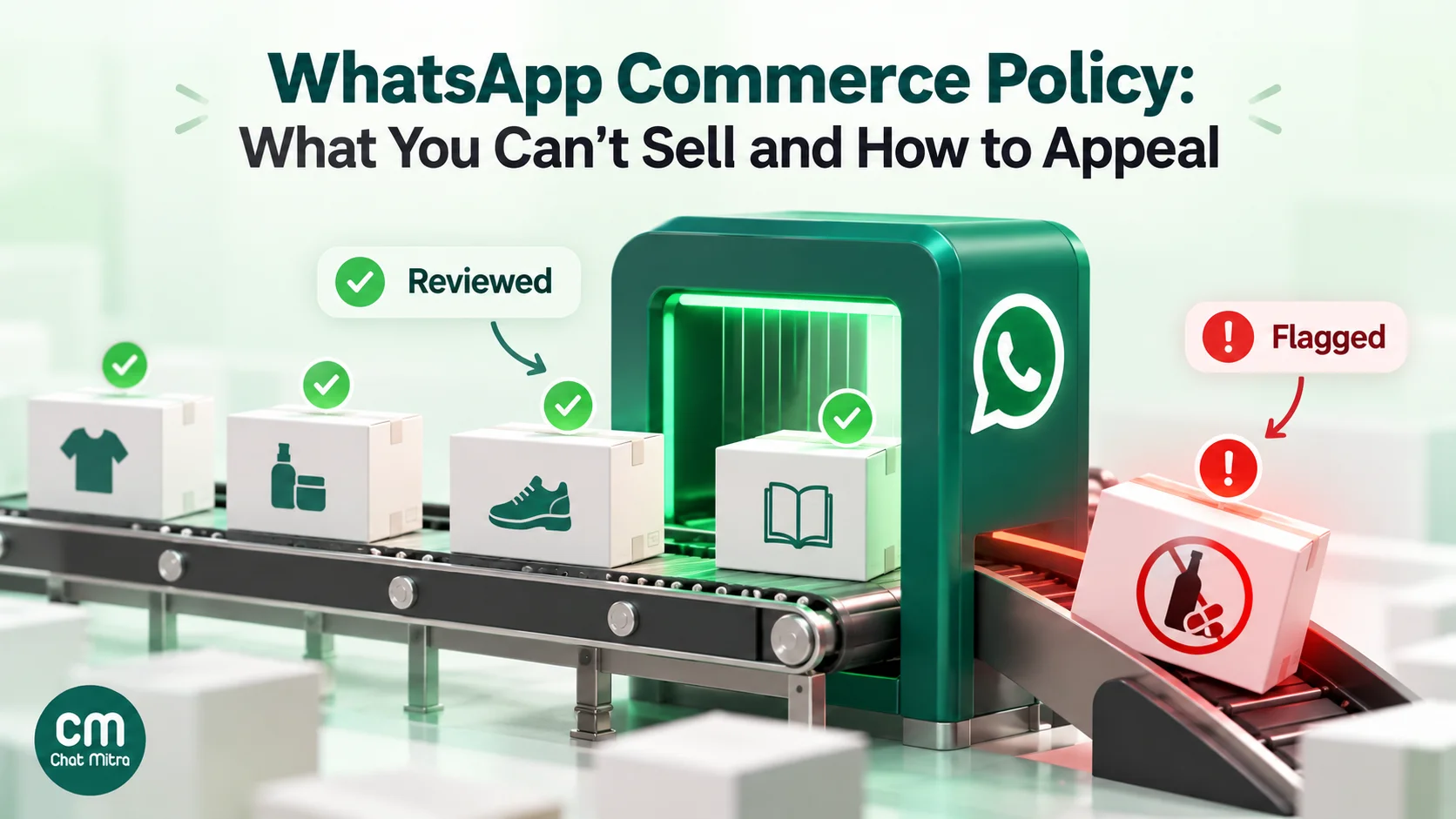
WhatsApp doesn’t wait for complaints. It checks listings before customers see them.
On the WhatsApp Business app, WhatsApp says “every image uploaded to the catalog is subject to a review, which confirms that the image, product, or service meets the WhatsApp Business Messaging Policy” (WhatsApp Help Center). An item that’s still pending or has been rejected isn’t visible to customers. A rejected item shows a red exclamation icon.
On the WhatsApp Business Platform, your catalog lives in Meta Commerce Manager and is connected to your WhatsApp Business account. Meta’s catalogs documentation says “WhatsApp automatically reviews items added to a catalog connected to a WhatsApp account hierarchy. If a policy-violating item is added, the product is flagged.” Customers can also report a product they receive in a message.
The review covers the whole listing, not just the product type. The title, description, images and price all count. A permitted product can still be rejected for a sexually suggestive photo, a misleading claim or a brand logo you don’t have the right to use.
Meta enforces both automatically and through people. The Business Messaging Policy says WhatsApp uses “automated processing techniques and human review teams”. Automated review is fast, but it sometimes rejects items that are allowed, which is why the appeal routes below exist.
Why WhatsApp catalog items get rejected
Meta doesn’t publish a checklist of rejection reasons for catalogs. But its policies and the violation categories in its enforcement documentation (ADULT, ALCOHOL, ANIMALS, DIGITAL_SERVICES_PRODUCTS, HEALTHCARE, MISLEADING, SUPPLEMENTS, THIRD_PARTY_INFRINGEMENTS and others) point to the usual causes:
| Likely cause | Example | What to change |
|---|---|---|
| Prohibited category | A herbal "immunity booster" capsule | Remove it. No wording fixes a banned category. |
| Health or medical claims on an allowed product | A face cream that "cures acne" | Describe what it is and contains, not what it treats |
| Sexually suggestive images | Lingerie or swimwear shown on a posed model | Use flat-lay or mannequin photos |
| Brand names you can't use | "Nike-style" or "Apple-type" in the title | Remove other brands' names and logos unless you're an authorised seller |
| Misleading offers | "Original price ₹9,999, today ₹99" | Use real prices and real discounts |
| No product for sale | A festival greeting or a poster uploaded as an item | Put announcements in Status or a message, not the catalog |
| Digital product | A downloadable planner or course | Sell it on your website and share a link in chat |
There’s one India-specific cause that isn’t about the product. On the API, Meta says that “if the required business information isn’t provided, you can’t send single product messages or multi-product messages”, and products missing required details such as the country of origin are dropped from those messages. More on that below.
How to fix and appeal a rejected catalog item
Start by deciding whether the rejection is right. If the product is genuinely banned, an appeal wastes time and adds to your account’s record. Delete it and move on. If the product is allowed and the listing caused the problem, edit the listing. If you’re sure the listing complies, appeal.
On the WhatsApp Business app (WhatsApp Help Center):
- Open your catalog and tap the item with the red exclamation icon.
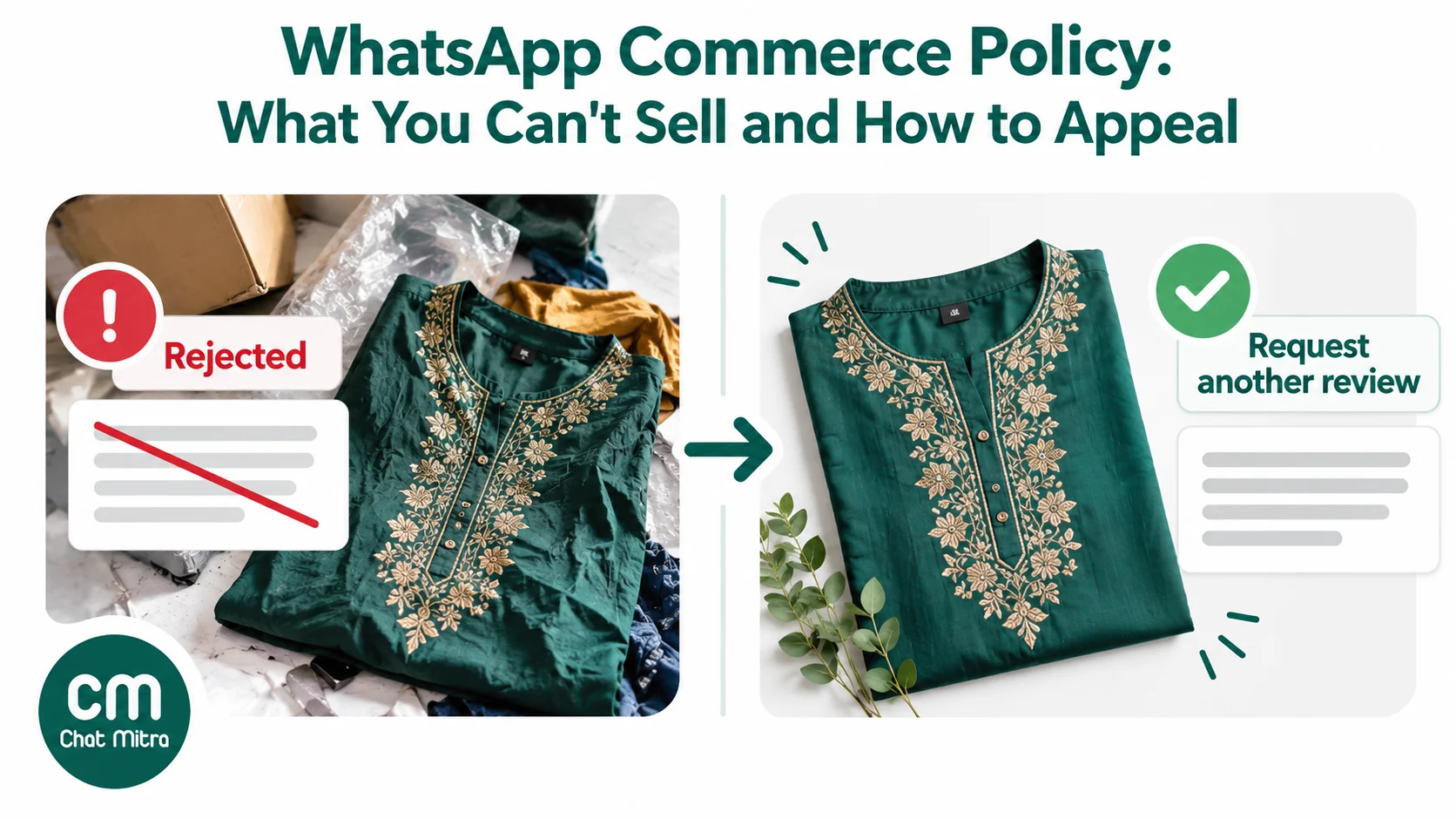
- Tap Request another review.
- Explain briefly why the item meets the Business Messaging Policy, then tap Continue.
- If that review is rejected and you still believe the item complies, WhatsApp says you can reply to its decision to ask for a third review.
In Meta Commerce Manager, for catalogs used with the API (Meta Business Help Center):
- Open the catalog and filter its items to the rejected ones.
- Select up to 100 rejected products and request a review. You can submit up to 5,000 products for review every seven days.
- Wait. Meta says reviews “typically take up to a few days”.
- If the review fails, you can’t request another review of the same products until you edit them. Editing a product also cancels any review still pending, so don’t tweak a listing while it’s being reviewed.
A good appeal is short and factual: what the product is, what it isn’t, and which word or image you changed. “This is a cotton kurta in original packaging; we removed the model photo and the word ‘slimming’” gets further than a complaint about the algorithm.
When the whole account is restricted
A rejected item is a warning. Repeated or serious violations go further, and the consequences differ between the app and the API.
On the WhatsApp Business Platform, Meta’s policy enforcement documentation describes a ladder. “Initially, WhatsApp accounts will get a warning.” Businesses that keep breaking the rules, including in “high-risk policy categories such as adult content, sale of alcohol and tobacco, drugs, gambling and unsafe supplements”, then face:
- A 1- or 3-day block on sending marketing, utility and authentication templates.
- A 5-, 7- or 30-day block on sending any messages.
- An account lock, an indefinite block that “can only be removed via an appeal”.
- Permanent disabling from the Platform.
Some violations skip the ladder. For “child exploitation, scams, terrorism, or the sale of illegal drugs, WhatsApp will immediately offboard these Business accounts”. And the Business Messaging Policy adds that when WhatsApp terminates an account, it may bar “you and your organization from all future use of WhatsApp products and services”. A new number won’t get you round that.
To appeal on the Platform (Meta Business Help Center):
- Open Business Support Home and choose the business portfolio that shows “Assets restricted”.
- Find the violation under Available for review and request a review.
- Explain what happened and what you’ve changed.
Meta says “all policy violations can be appealed within 90 days of being received” and that “reviews typically take 24 hours”; the developer documentation says 24 to 48 hours. Our guide to account locks and restrictions walks through the screens.
On the WhatsApp Business app, enforcement usually means a banned number. WhatsApp says most reviews of a ban “are completed within 24 hours”, and “if you don’t see an option to request a review, it means the ban is final and can’t be appealed” (WhatsApp Help Center). For the full recovery process, read how to unban a WhatsApp number.
India’s extra rules for WhatsApp sellers
Selling through a WhatsApp catalog in India adds disclosure duties that don’t exist in most countries. They come from Indian consumer law, and WhatsApp builds them into the product.
On the WhatsApp Business app, WhatsApp’s India seller page applies to “all businesses conducting commerce on the WhatsApp Business app in India” and asks for:
- The legal name of the business, its business type (sole proprietorship, partnership, LLP, private or public company, or other) and any applicable licence or registration.
- The business address.
- Customer-care contact: “an email address and at least one landline or mobile phone number”.
- A grievance officer’s name and at least one contact method.
- A country of origin for every item. For imported goods, the importer’s name and address too. Services are marked “Not applicable”.
WhatsApp also says “the business must acknowledge any WhatsApp user complaint within 48 hours and resolve such complaints within 1 month from the date of receipt” (WhatsApp Help Center), and that the information and images in your listings must be accurate.
On the WhatsApp Business Platform, the same details go in through Meta’s Business Compliance Information API (entity name, grievance officer and customer-care details), and product feeds carry origin_country, importer_name and importer_address fields. Without the business information, single-product and multi-product messages won’t send (Meta Business Help Center). The details go in through that API, so your WhatsApp provider or developer has to submit them.
These requirements mirror India’s Consumer Protection (E-Commerce) Rules, 2020. Rule 4 requires a grievance officer whose name and contact details are displayed, and complaint acknowledgement within 48 hours with redress within one month. Rule 6(5) requires sellers to disclose the total price, the country of origin, importer details and return and refund terms. The Rules exclude someone selling “in a personal capacity” who isn’t trading regularly or systematically, but a business with a catalog is plainly trading.
Remember the money side too. The Business Messaging Policy says you are “solely responsible” for your transactions and for “remitting all applicable taxes, duties, fees and additional charges”, and that WhatsApp is “not responsible for processing, paying for, or fulfilling any sales”.
Messaging rules still apply when you sell
The commerce rules sit on top of WhatsApp’s ordinary messaging rules, and those are what get most sellers restricted:
- Opt-in first. You can message people only after they’ve given you their number and agreed to hear from you on WhatsApp. Our WhatsApp opt-in guide shows compliant wording.
- Templates to start conversations. On the API, “you may only initiate conversations using an approved Message Template”. A product launch or sale is a marketing template.
- Respect stop requests. You “must respect all requests (either on or off WhatsApp) by a person to block, discontinue, or otherwise opt out”.
- Watch feedback. Meta says it may limit or offboard a business whose account “receives excessive negative feedback from users”. A run of blocks after a sale broadcast can do more damage than a rejected item.
If a customer asks for something you can’t sell on WhatsApp, say plainly that you don’t sell it over WhatsApp. Don’t send prices, photos or a payment request for it in the chat.
Grey areas sellers ask about
“I sell allowed and banned items. Can I use a catalog?” Yes, as long as the catalog lists only the allowed items, because the rules apply to what you sell and promote on WhatsApp. A wine-glass shop that also sells wine can list the glasses. But don’t use the catalog, your profile or broadcasts to point people to the wine.
“We only sell business-to-business.” The Business Messaging Policy’s list covers “buying, selling, promoting, or otherwise facilitating the exchange” of those goods and has no business-to-business exception. A distributor of tobacco or industrial chemicals is covered just like a retail shop.
“It’s free, so it isn’t commerce.” Meta defines commerce content as any attempt to buy, sell or trade products “even for free”. Free samples of supplements are still supplements.
“My product is Ayurvedic, not medicine.” Policy reviewers judge what a product is and claims to do. Anything you swallow for a health benefit is likely to be treated as a supplement or healthcare product, whatever the packaging says.
“Can I just send the product as a photo instead of using the catalog?” The prohibitions in the Business Messaging Policy cover promoting and facilitating the sale, not only catalog listings. Moving a banned product from the catalog into chat photos doesn’t make it allowed.
A compliance checklist before you list
- The product isn’t on WhatsApp’s 15-item list or Meta’s Commerce Policy prohibited list.
- If it’s restricted (tickets, gift cards, vouchers, pet adoption), you’re an approved seller.
- If it’s a regulated vertical, you’re on the API, in an allowed country, with licences, and messaging adults only, with no catalog.
- The title and description say what the product is, without cure, guarantee or “first copy” claims.
- Photos are your own, show the product clearly, and aren’t sexually suggestive.
- No other brand’s name or logo appears unless you’re authorised to sell that brand.
- Prices and discounts are real.
- Indian sellers: business details, customer care, grievance officer and country of origin are filled in.
- Every customer you’ll message has opted in, and you have a way to honour stop requests.
- Someone knows where to check for warnings (the Business app notifications, or Business Support Home for the API).
Selling on WhatsApp with ChatMitra
ChatMitra is a WhatsApp Business API platform, so it works with your Meta catalog rather than replacing it. Here’s what that means for commerce, checked against the product in October 2026:
| Need | ChatMitra feature |
|---|---|
| Show products in chat | Single-product, multi-product and catalog messages in Auto Reply rules and chatbot flows (Catalog and Product nodes), and saved product lists your agents can send from the inbox |
| Receive orders | When a customer sends a cart from your catalog, the order appears in the shared inbox with each item's SKU, quantity and price, and is included in ChatMitra's message webhook for your own systems |
| Take payment | Razorpay payment links in chatbot flows, using your own Razorpay account |
| Watch account health | The top bar shows the number's status, quality rating and messaging limit, and campaign reports show Meta's reason for each failed message, including policy blocks such as error 368 |
Good to know
- Catalog items are managed in Meta Commerce Manager. ChatMitra doesn’t create, edit or review Meta catalog items, so policy rejections and appeals happen in Commerce Manager, as described above. The catalog’s ID is saved on your ChatMitra project so product messages know which catalog to use.
- Policy warnings arrive from Meta, not in ChatMitra. ChatMitra receives Meta’s account-violation notices but doesn’t show them in the app yet. Check Business Support Home and your Meta notification emails.
- No catalog templates. ChatMitra’s template builder doesn’t support catalog or multi-product templates, so product messages go out inside an open 24-hour conversation, for example as an auto-reply when someone writes “menu” or “shop”.
- India business details aren’t in ChatMitra yet. ChatMitra has no screen for Meta’s Business Compliance Information API, so make sure your business and grievance-officer details are on file with Meta before you rely on product messages in India. If product messages fail to send, contact ChatMitra support.
Why sellers run WhatsApp commerce on ChatMitra
| ChatMitra advantage | What it means for selling | How it compares |
|---|---|---|
| Meta’s rates with no markup, plus ₹0.20 per 24-hour conversation | Product messages inside a conversation the customer started are service messages, and Meta’s first 1,000 a month per number are free | Check whether a provider adds a margin to every message |
| Product and catalog messages in auto-replies and bots | Customers browse products the moment they ask, without waiting for an agent | Some tools put chatbots and product messages on higher plans |
| Orders land in the shared inbox | The whole team sees the cart and can confirm it in the same chat | Check whether orders reach the inbox or only a webhook |
| Quality rating and messaging limit in the top bar | You notice falling quality before Meta restricts the number | Some tools show this only in Meta’s WhatsApp Manager |
| Free Starter plan; Pro at ₹999 a month with a 15-day free trial; Enterprise at ₹2,499 removes the ₹0.20 fee | Try product messages on real customers before you commit | Compare the total monthly cost, not just the plan price |
For setting up the catalog itself, see our WhatsApp Business catalog guide, and for the whole selling process, how to sell on WhatsApp.
Common WhatsApp commerce policy mistakes
- Assuming a licence makes it allowed. WhatsApp’s list applies whatever approvals you hold.
- Treating the app and the API as the same. Regulated verticals are allowed only on the API, and never in a catalog.
- Reading only WhatsApp’s list. Catalogs must also pass Meta’s Commerce Policy, which bans supplements, digital downloads, jobs and used cosmetics.
- Appealing banned products. Appeals are for mistakes. Repeated appeals for prohibited items only add to your record.
- Editing a listing during review. It cancels the pending review in Commerce Manager.
- Moving banned products into chat. Promotion through photos and messages is covered too.
- Skipping India’s seller details. On the API, product messages simply stop working without them.
- Ignoring the first warning. The enforcement ladder starts with a warning. The next step can be a 30-day block on all messages.
- Making health or income claims. “Cures”, “guaranteed” and “earn from home” turn an allowed product into a misleading one.
Where to start
Check your product range against both lists today, before your next catalog upload. Remove anything banned, rewrite listings that make claims, and if you sell in India, fill in your business, customer-care and grievance-officer details. Then bookmark the Business Messaging Policy: WhatsApp revises it from time to time, and the version that counts is the one on that page, not a blog post from 2022.