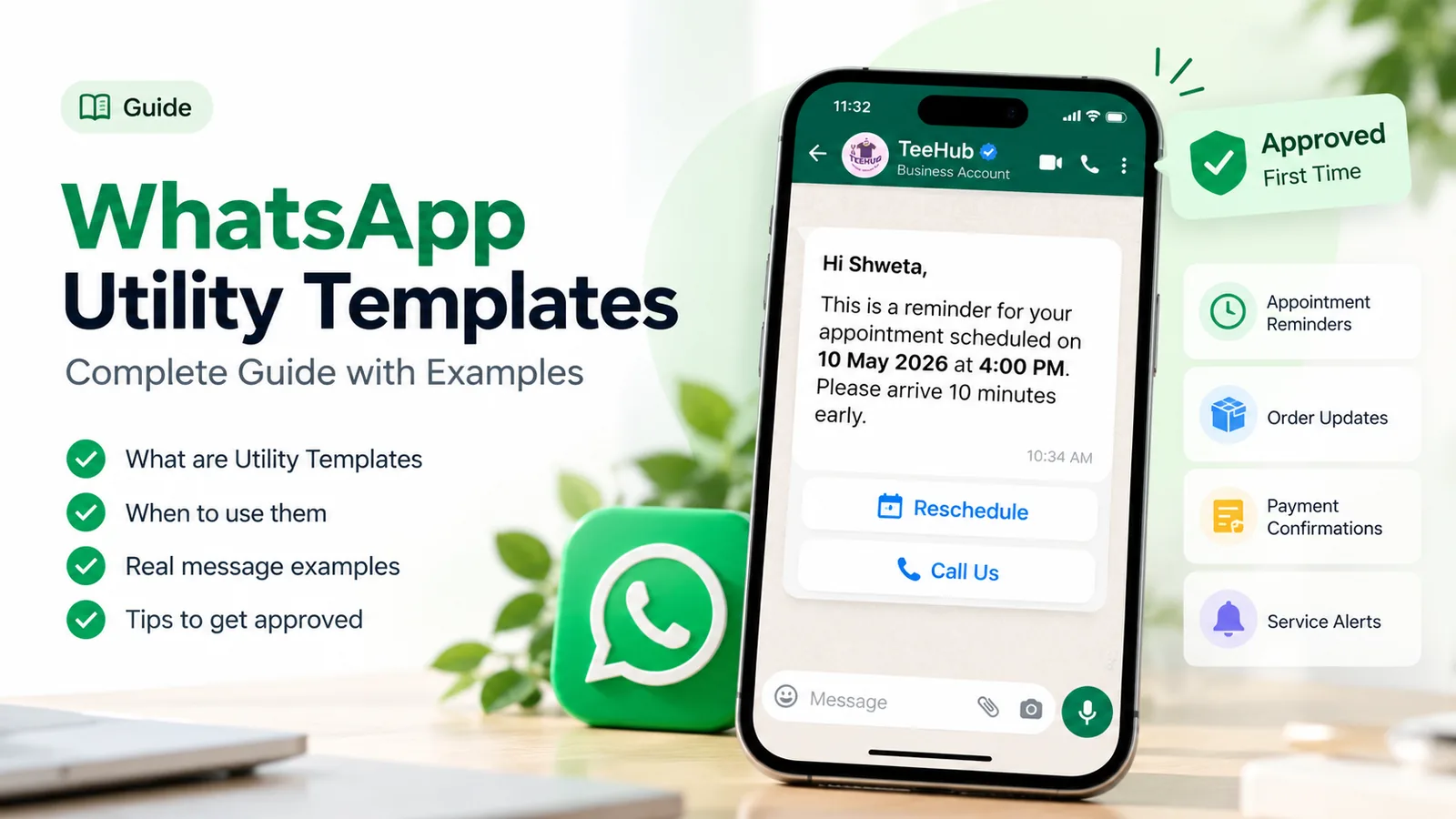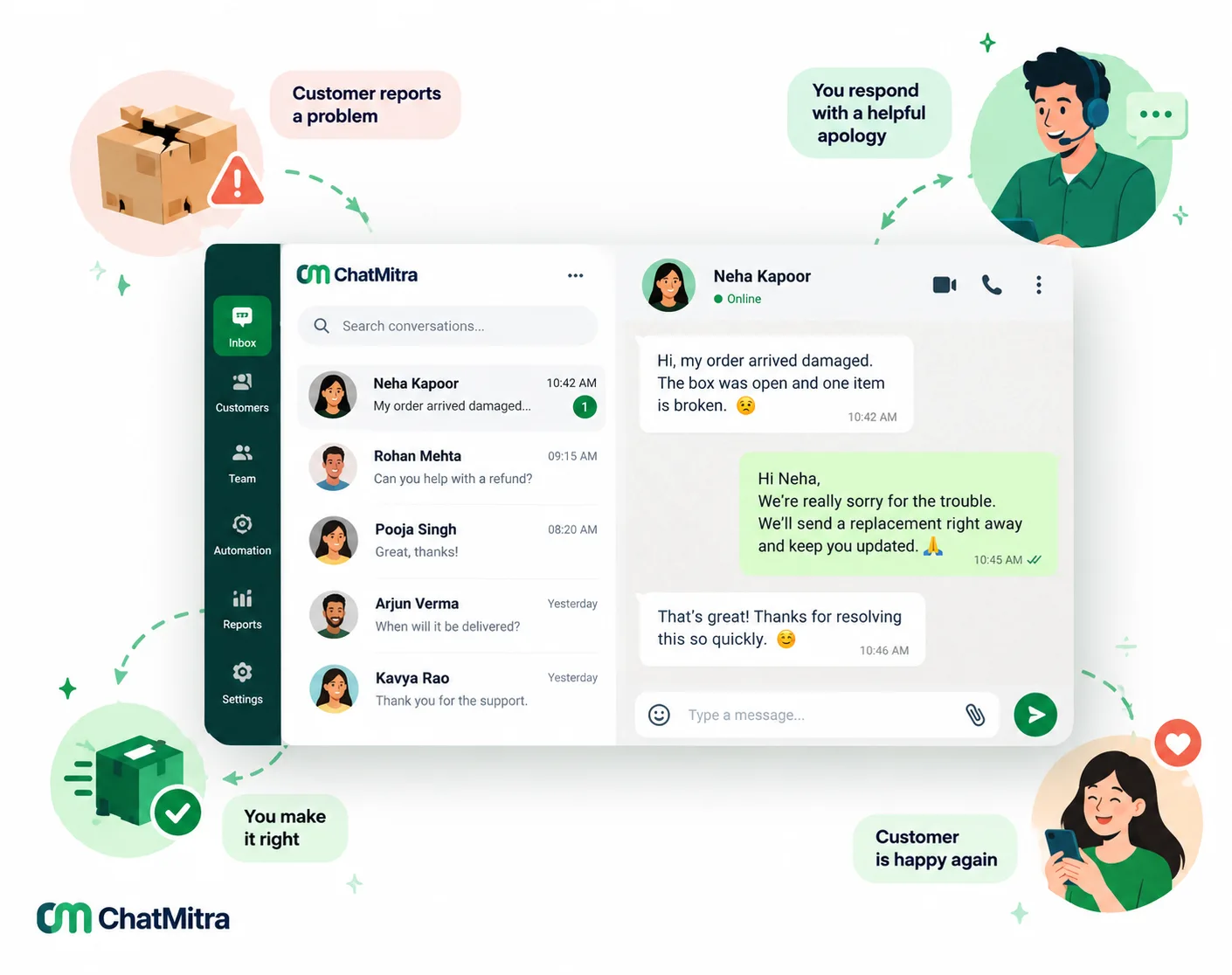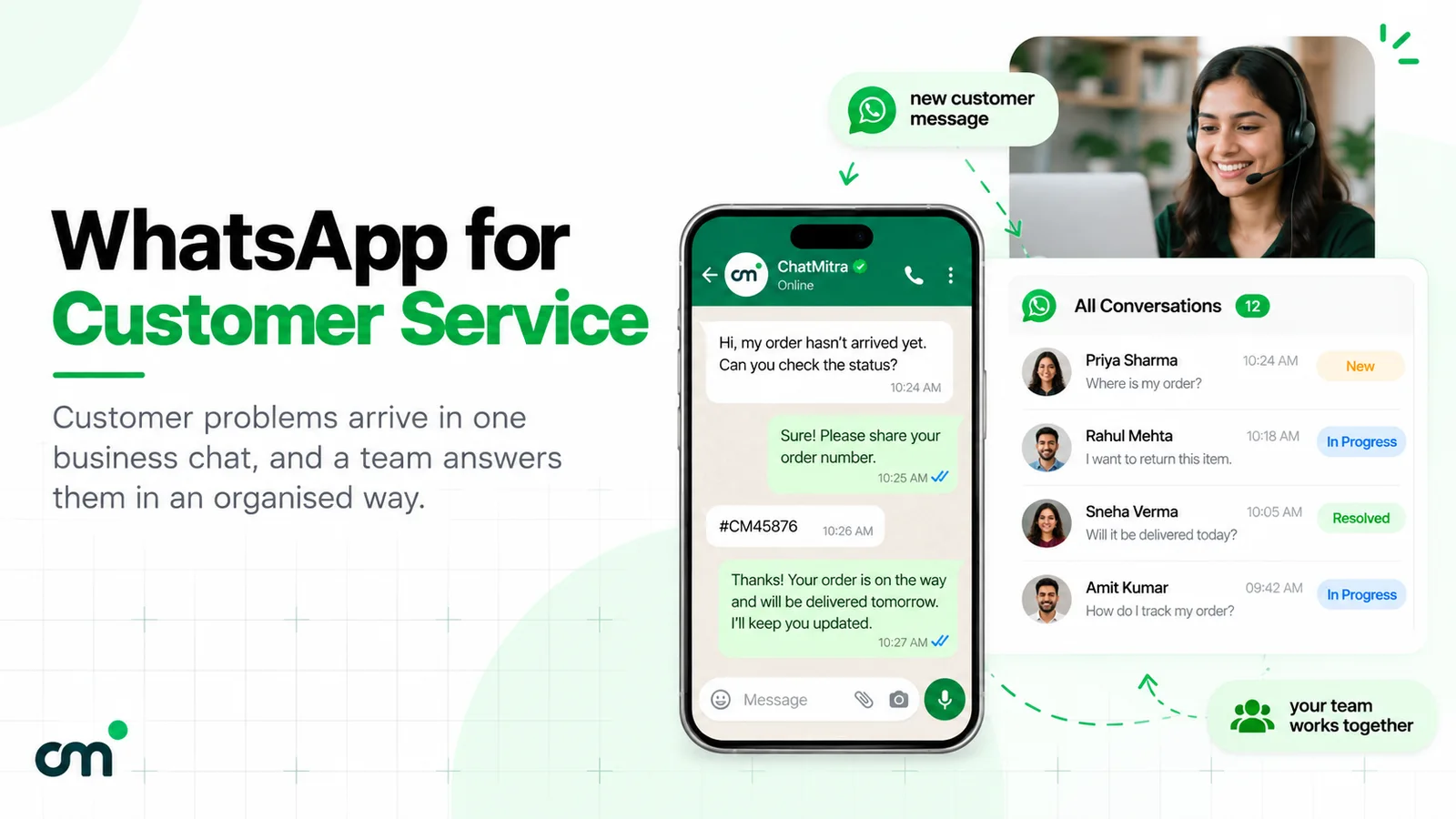
WhatsApp crisis communication means using WhatsApp to tell your own customers, quickly and honestly, when something has gone wrong: your service is down, deliveries are delayed, a branch has closed, a product is being recalled or data may have been exposed. It works because customers read WhatsApp and can reply in the same chat. It only works if you prepared before the crisis: approved templates, a messaging limit high enough to reach everyone, tagged contacts and a plan for the replies.
This guide is for businesses, not emergency services. It covers what WhatsApp is good for in a crisis and what it isn’t, how to prepare, which Meta template category your alerts fall into and what they cost, the four messages every incident needs, 12 templates you can adapt, the legal timelines in India for recalls and data breaches, and how to run it all in ChatMitra.
Using ChatMitra? Keep crisis templates approved in Templates, tag contacts by city, branch or service, and send a campaign to just the affected tags. Delivery, read and failure counts show who got it, and the shared inbox handles the replies. Jump to running crisis communication in ChatMitra.
What counts as a crisis, and where WhatsApp fits
For most businesses a “crisis” isn’t a disaster film. It’s an ordinary operational failure that suddenly affects many customers at once:
| Situation | Who needs to hear | What they need first |
|---|---|---|
| Service or app outage | Active users, or those in the affected region | That you know, what doesn't work, when the next update comes |
| Delivery or travel disruption (floods, strikes, weather) | Customers with orders or bookings in the area | Whether their order or booking is affected and what changes |
| Store, clinic or branch closure | Customers with appointments, plus regulars nearby | Dates, the nearest alternative, how to rebook |
| Product recall | Everyone who bought the affected batch | Stop using it, how to return or replace it |
| Payment or checkout failure | Customers mid-purchase | Whether they were charged, another way to pay |
| Security or data incident | Affected customers | What happened, what to do, who to contact |
| Scam using your name | Your whole customer base | How to recognise genuine messages from you |
WhatsApp is the right tool for telling your own customers how an event affects their order, booking, account or safety. It isn’t the right tool for public warnings, which in India come from government systems such as NDMA’s SACHET integrated alert system. A government press release from April 2026 says SACHET has sent “over 134 billion SMS alerts” in more than 19 languages and that cell broadcast alerts are being tested nationwide (PIB). Link to official sources; don’t imitate them. For an industry example, our guide to WhatsApp for telecom shows how internet providers send area-by-area outage alerts.
Why WhatsApp works in a crisis, and where it doesn’t
The strengths are the obvious ones. It’s on the phone your customers check most, the message stays in the chat for them to come back to, and they can answer in the same thread. Buttons such as “Get updates” or “Talk to us” turn a broadcast into a conversation, and tags let you message only the people affected.
The limits are less obvious, and most crisis guides skip them:
- Opt-in only. WhatsApp’s Business Messaging Policy lets you contact people only if they gave you their number and “you have received opt-in permission”. There’s no emergency exception. Customers who never opted in need another channel; our WhatsApp opt-in guide shows how to collect it before you need it.
- Templates first. Outside a 24-hour conversation the customer opened, you can send only Meta-approved templates, and “it can take up to 24 hours for an approval decision” (Meta: template review).
- A daily reach limit. Your messaging limit is the number of unique customers you can message outside open conversations in a moving 24-hour period. New business portfolios start at 250 (Meta: messaging limits). If 5,000 customers are affected and your limit is 2,000, most of them won’t hear from you today.
- New templates and accounts can be slowed. Meta may hold messages from new templates, or bursts from smaller business portfolios, while it checks how people react (template pacing, portfolio pacing). Meta aims to deliver paced template messages within an hour.
- It needs the internet. Floods and power cuts can take out mobile data before they take out SMS.
- WhatsApp can be down too. Meta publishes a status page for the WhatsApp Business API and tells developers to check it first.

Prepare before anything goes wrong
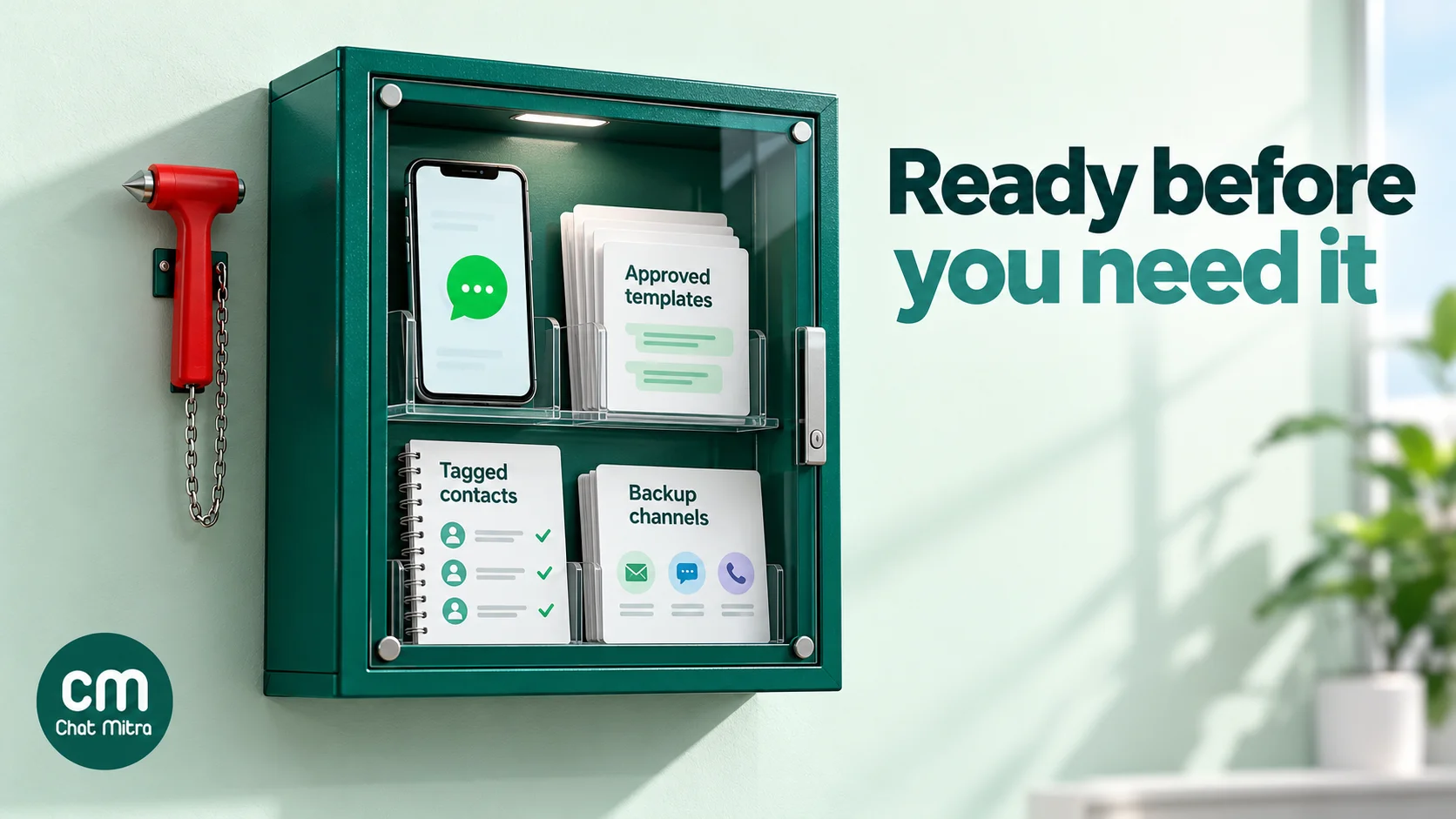
A crisis is the worst time to discover that your template is pending review or that you can reach only 250 people today. Build a small crisis kit now.
- Get crisis templates approved in advance. Write one template per situation you can foresee (outage, delay, closure, recall, payment failure, security notice, scam warning), with variables for the details that change. After approval, Meta allows an edit only once in 24 hours and up to 10 times in 30 days (Meta: template management), so get the wording right while things are calm.
- Raise your messaging limit. A portfolio moves from 250 to 2,000 when the business is verified or after it sends 2,000 delivered messages outside open conversations to unique customers within 30 days with high-quality templates. After that, Meta raises it automatically to 10,000, 100,000 and unlimited when quality is high and you’ve used at least half your current limit in the last 7 days (Meta: messaging limits). Compare your limit with your largest likely audience.
- Tag contacts by what a crisis affects. City, pincode, branch, service, plan or delivery route. You can’t message “everyone in Chennai” unless you know who they are.
- Decide who can press send. Name one owner for customer messages, a deputy, and who approves the wording. Two people sending different versions is a crisis of its own.
- Write your auto-reply now. The text customers get when they message during the incident: what you know, where updates appear, and how to reach a person.
- Pick your backup channels. SMS for customers without data or opt-in, email for detail, a status page or website banner for everyone. Write down who switches them on.
- Rehearse once a year. Send each template to your own team, time how long the whole sequence takes, and fix what was slow.
Which template category crisis messages fall into
Meta sorts every template into marketing, utility or authentication, and the category sets the price. Utility templates must be “non-promotional” and either specific to the customer’s own order, account or transaction “OR essential or critical to the user (for example, to ensure user safety)” (Meta: template categorization).
That second route is written for crises. Meta’s own examples of essential utility templates include:
- System outages: “We have detected a system outage that impacts zip code {{code}}. We expect to restore service by {{time_and_date}}.”
- Product recalls: “The {{product}} you ordered on {{date}} has been recalled.”
- Severe weather and crisis response: alerts and notices that support services have been activated in an area.
- Operational disruption: services halted at a location, with advice to avoid the area.
- Fraud awareness: warnings about a rise in a type of fraud.
The trap is promotion. Meta treats “mixed content” as marketing, and one of its marketing examples is a delivery-delay apology that comes with a credit: “We apologize for the delay in your {{package}} delivery. We have deposited a {{credit}} to your account”. A crisis alert that ends with “Use code SORRY10 on your next order” is a marketing message. Since April 2025, a template submitted as utility that Meta judges to be marketing is approved as marketing.
Keep the alert and the goodwill gesture apart. Send the alert as utility now; send any credit or discount later, as its own marketing message, to the people it applies to.

What crisis messages cost
In India, Meta’s rate card effective 1 October 2026 charges ₹0.115 for each delivered utility template and ₹0.8631 for marketing (Meta pricing, INR rate card). Replies you send inside a customer’s 24-hour window are service messages: Meta gives each business number 1,000 free a month, then charges the utility rate. On ChatMitra’s Starter and Pro plans, add ₹0.20 once per customer per 24-hour conversation. The full rate breakdown is in our guide to WhatsApp Business cost per message.
A worked example for an outage affecting 5,000 customers:
| Message | Meta | ChatMitra fee | Total |
|---|---|---|---|
| First alert at 10:00 (utility) | 5,000 × ₹0.115 = ₹575 | 5,000 × ₹0.20 = ₹1,000 | ₹1,575 |
| Update at 14:00, same day (utility) | ₹575 | Already paid for these 24 hours | ₹575 |
| "Resolved" at 11:00 next day (utility) | ₹575 | ₹1,000 (a new 24-hour period) | ₹1,575 |
| Total for the incident | ₹3,725 | ||
Replies to customers who write back cost nothing extra from Meta until the month’s 1,000 free service messages are used, and no extra ChatMitra fee within the same 24 hours. The same three messages as marketing would cost ₹0.8631 each from Meta. On the Enterprise plan (₹2,499 a month), the ₹0.20 fee doesn’t apply.
The four messages every incident needs
Crisis communication specialists have given the same advice for decades. The US CDC’s crisis and emergency risk communication principles are a good summary: be first, be right, be credible, express empathy, promote action and show respect. It describes being right as saying “what is known, what is not known, and what is being done to fill in the gaps” (CDC CERC). On WhatsApp, that becomes four messages.
- The first alert, early. Send it as soon as you’ve confirmed the problem and who it affects, before the inbox fills up. It says what’s happening, who is affected, what to do now, what you don’t know yet, and when the next update will come. The CDC notes that “the first source of information often becomes the preferred source”.
- Updates at the times you promised. Even “no change yet, next update at 6 pm” keeps trust. Missing your own deadline does more damage than slow progress.
- The resolution. What’s fixed, anything customers need to do (retry a payment, rebook), and where to get help.
- The follow-up, separately. An apology, an explanation of what you’re changing, and any compensation, sent once things are stable. If it includes a credit or offer, it’s marketing, so send it as a marketing template.
Three rules apply to all four:
- Don’t speculate. Say “we’re investigating the cause”, not a guess you’ll have to retract.
- Give one action. “Don’t use the product”, “rebook here”, “reply HELP”. Meta’s policy also requires a “prompt, clear, and direct” path to a person when you automate.
- Keep it short. A crisis message is read on a lock screen by a worried person. Put the essential fact in the first line.
12 crisis message templates
Adapt these to your business, submit them as templates and get them approved before you need them. Variables are in double braces; a template can’t start or end with one, so each ends on a full sentence. The category shown is what Meta’s guidelines suggest; Meta makes the final decision.
Service outages
1. First alert (utility)
We’re aware that {{1}} is not working for some customers since {{2}}. Our team is working on it. Your data is safe. We’ll update you here by {{3}} at the latest.
Buttons: [Get updates] [Talk to us]
2. Update (utility)
Update on the {{1}} issue: {{2}}. We now expect it to be fixed by {{3}}. We’ll message you again then, or sooner if anything changes.
3. Resolved (utility)
Good news: {{1}} is working again as of {{2}}. If something still looks wrong, reply to this message and our team will check your account.
Delays, closures and cancellations
4. Delivery delay due to weather or disruption (utility)
Hi {{1}}, because of {{2}} in your area, your order {{3}} will be delayed. The new expected delivery date is {{4}}. You don’t need to do anything.
Buttons: [Track order] [Cancel order]
5. Store or branch closure (utility)
Hi {{1}}, our {{2}} branch will stay closed on {{3}} because of {{4}}. Your appointment is safe, and you can move it to another day or branch.
Buttons: [Reschedule] [Keep for later]
6. Appointment or class cancelled (utility)
Hi {{1}}, we’ve had to cancel your {{2}} on {{3}} because of {{4}}. Choose a new slot, or reply and we’ll call you to arrange it.
Buttons: [Choose a new slot] [Call me]
Products and payments
7. Product recall (utility)
Important safety notice: the {{1}} you bought on {{2}} (batch {{3}}) is being recalled because {{4}}. Please stop using it. Tap below to arrange a free return or replacement.
Buttons: [Arrange return]
8. Payment system down (utility)
Hi {{1}}, our payment system is having problems since {{2}}. If you were charged but didn’t get a confirmation, you won’t be charged twice. Reply with your order number and we’ll check it.
Security and trust
9. Scam or impersonation warning (utility)
Hi {{1}}, people are sending fake messages that claim to be from {{2}}. We will never ask for your OTP, PIN or card details on WhatsApp. If you’re unsure about a message, forward it to us here.
10. Security incident notice (utility)
Hi {{1}}, on {{2}} we found that {{3}}. The information involved may include {{4}}. We have {{5}}. To protect yourself, please {{6}}. For questions, reply here or write to our team.
11. Service back to normal after a long incident (utility)
Hi {{1}}, all our services are back to normal as of {{2}}. Thank you for your patience. A full explanation of what happened is on our website.
The follow-up
12. Apology with a credit (marketing)
Hi {{1}}, we’re sorry for the disruption on {{2}}. As a thank you for your patience, we’ve added {{3}} to your account, valid until {{4}}. It’s used automatically on your next order.
Template 12 is marketing because it offers a credit; Meta’s own guidelines use almost this message as a marketing example. For more apology wording, by situation, see our apology messages to customers, and for the general rules of utility templates, our utility templates guide.
Handling the flood of replies
A good first alert reduces questions, but it never stops them. Plan for three things:
- An automatic first answer. An auto-reply that says what you know, when the next update comes and how to reach a person. Change it each time you post an update, and switch it off when the incident ends.
- Saved replies for the common questions. “Will I be charged twice?”, “When will my order arrive?”, “Is my data safe?”. Agents answer in seconds and say the same thing.
- A path to a person. Customers with unusual cases (a medical need, a large order, a vulnerable customer) need a human. WhatsApp’s policy requires a clear escalation path whenever you use automation.
Each reply also opens a 24-hour window for that customer, in which you can send ordinary messages rather than templates. Use it: an update sent to someone who replied in the last 24 hours doesn’t need a template. Our WhatsApp customer service guide covers running a team on one number.
Recalls, data breaches and legal timelines in India
Some crises come with legal duties to tell people. WhatsApp can help you meet them, but it’s rarely the only channel you need. This is a summary, not legal advice.
- Food recalls. FSSAI’s food recall guidelines say that where a product may have reached consumers, the business “shall effectively and accurately inform the consumers of the reason for its recall”, at the earliest possible moment (FSSAI guidelines, 2017). Buyers’ WhatsApp numbers make that far easier, but a recall also needs public notices for customers you can’t reach directly.
- Cyber incidents. CERT-In’s April 2022 directions require service providers, intermediaries, data centres and body corporates to “report cyber incidents … to CERT-In within 6 hours of noticing such incidents”, including data breaches and leaks (CERT-In directions). That’s a report to the government, not to customers.
- Personal data breaches. Under the DPDP Rules 2025, a business must tell each affected person “without delay” and “in a concise, clear and plain manner”, through their user account or “any mode of communication registered by her”, covering what happened, the likely consequences, what you’re doing, what they can do to stay safe and who they can contact. A detailed report goes to the Data Protection Board within 72 hours. Rule 7 applies eighteen months after the Rules were published in November 2025, so from May 2027 (DPDP Rules, MeitY). Template 10 above follows that structure.
When WhatsApp isn’t the right channel
- Life-safety warnings for the public. Leave these to the authorities and link to them.
- People who haven’t opted in. Use SMS, email, your website or a public notice.
- When WhatsApp is down. Check Meta’s status page and switch to your backup channels.
- When the details are too sensitive for a chat. Send a short notice that points to a secure page or a phone line, rather than putting personal details in the message.
- When you don’t know enough yet. Confirm the problem and who it affects first. A wrong first alert is worse than one sent ten minutes later.
Running crisis communication in ChatMitra
Here’s what ChatMitra offers for crisis messages, checked against the product in October 2026.
| Need | ChatMitra feature | Plan |
|---|---|---|
| Approved crisis templates ready in advance | Templates: create utility, marketing or authentication templates in 71 languages; the example library includes a "Server maintenance" utility template to start from | All plans |
| Reach only the people affected | Campaigns to include and exclude tags (city, branch, route), sent now or scheduled; contacts imported by CSV, up to 10,000 rows per file | All plans |
| Know your reach before you send | Your messaging limit tier and phone number quality rating, shown in the top bar | All plans |
| See who got the alert | Sent, delivered, read and failed counts per campaign, with the Meta error code and reason for each failed contact; export by email | All plans |
| Follow up an earlier alert | A follow-up campaign to the people on an earlier campaign's sent, delivered, read or failed list | All plans |
| Answer the replies | Shared team inbox with saved replies (type "/"), tags, notes and unread/replied filters; Android app with notifications | All plans |
| Automatic first answer | Fixed reply to every incoming message, or an away message for set hours | Pro |
| Send alerts from your own systems | Developer API to send a template, and webhooks for incoming messages and delivery statuses | Pro |
| Several brands or numbers | One project per WhatsApp number | Per project |
Good to know:
- A campaign that has started sending can’t be stopped. You can stop or reschedule a scheduled campaign before its time. Check the template, variables and tags before you press send.
- No SMS or email fallback. ChatMitra sends WhatsApp only, so plan other channels separately.
- Target with tags, not attributes. Campaigns can’t filter by custom attributes such as pincode. Tag contacts by area when you import them.
- Approved templates can’t be edited in ChatMitra. Create a new template instead, which needs Meta’s approval again, another reason to prepare in advance. Use Sync to refresh template statuses from Meta.
- The fixed reply has no end date. Switch it off yourself when the incident is over.
- No chat assignment. Agents share one inbox; agree who takes which chats.
- Business app numbers send more slowly. A number shared with the WhatsApp Business app sends campaigns at 15 messages a second in ChatMitra, under Meta’s fixed 20 per second for those numbers (Meta: throughput). For other numbers, Meta’s default is 80 messages a second per number.
Why businesses use ChatMitra for crisis updates
| ChatMitra advantage | What it means in a crisis | How it compares |
|---|---|---|
| Meta’s rates with no markup, plus ₹0.20 per 24-hour conversation | Same-day updates to the same customers pay the ₹0.20 once; utility alerts cost ₹0.115 from Meta | Check whether a provider adds a margin to every template |
| Messaging limit and quality rating on screen | You know before sending whether you can reach everyone today | Otherwise you find out from failed messages |
| Failure reasons per contact, with Meta’s error code | You can see exactly who didn’t get the alert and why, then use another channel for them | Some tools show only a failed count |
| Shared inbox and saved replies on every plan, including the free Starter plan | The whole team answers the flood with one consistent message | Check per-seat pricing elsewhere |
| Pro at ₹999 a month with a 15-day free trial; Enterprise at ₹2,499 removes the ₹0.20 fee | Auto-replies and API alerts when you need them | Compare the total monthly cost, not the plan price |
Plans are on the pricing page. For error codes you may see in failed rows, see our WhatsApp Business API errors guide.
Common crisis-communication mistakes
- Waiting for full information. Customers hear about it elsewhere first, and your silence becomes part of the story.
- Writing templates during the crisis. Approval can take up to 24 hours.
- Messaging everyone. Customers who aren’t affected get worried, and you use up your messaging limit and budget.
- Selling in the alert. It turns a utility message into marketing and makes customers question your motives.
- Promising a fix time you can’t keep. Give a time for the next update instead.
- Forgetting the replies. An alert without people to answer questions makes things worse.
- No plan for when WhatsApp is down. Every channel fails eventually.
A crisis-readiness checklist
- Are your crisis templates approved, with variables for the details that change?
- Is your messaging limit higher than the number of customers a single incident could affect?
- Are contacts tagged by city, branch, service or route?
- Is there a named owner for customer messages, and a deputy?
- Is your auto-reply text written?
- Are saved replies ready for the five most likely questions?
- Do you know your SMS, email and website fallbacks, and who switches them on?
- Have you sent every template to your own team in the last year?
- Do you know your legal duties for recalls and data breaches?
Where to start
Pick the one incident you’re most likely to face (for most businesses an outage, a delivery delay or a closure), write its first alert, update and resolution templates, and submit them for approval this week. Tag your contacts by the dimension that incident would affect, check that your messaging limit covers them, and send all three templates to your own team. When the day comes, you’ll be sending in minutes rather than writing under pressure.
If you’re setting this up on WhatsApp’s official platform, you can compare ChatMitra’s plans.