WhatsApp CRM software connects one official WhatsApp Business number to a shared inbox and a contact database. Several people can then answer customers, tag and segment them, and send approved follow-ups and broadcasts from the same number. WhatsApp-first inbox tools suit chat-heavy small teams. Pipeline CRMs with a WhatsApp connector suit sales that move through several stages.
The label covers very different products, from a team inbox with a contact list to a full sales CRM that treats WhatsApp as one channel among many. Choosing well means knowing which of the two you need, which features actually separate tools, and what the monthly bill looks like once Meta’s per-message charges are added.
Key takeaways
- The free WhatsApp Business app caps you at one phone plus four linked devices. That is fine for a founder, but tight for a team.
- The features that decide a purchase are chat assignment, conversation status, pipelines, opt-out handling and API access, not the length of the feature list.
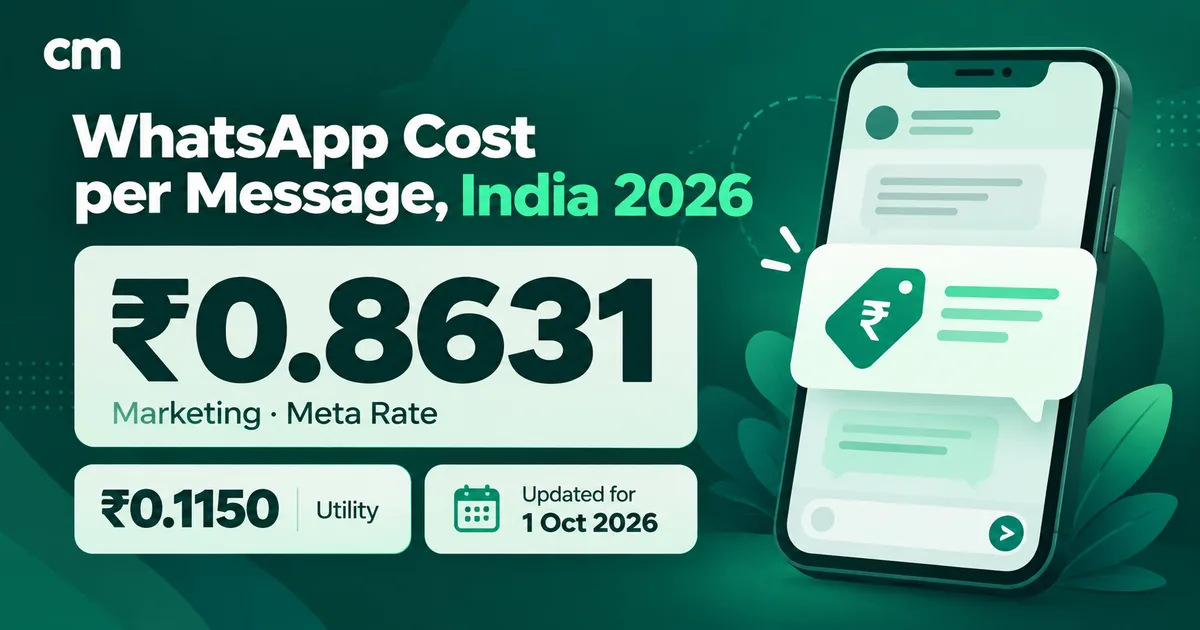
- In India, a marketing message costs ₹0.8631 in Meta charges whichever CRM sends it. Software fees are added on top.
Facts checked against the WhatsApp Help Center and Meta's developer documentation on 25 September 2026. Rupee figures exclude tax.
What is WhatsApp CRM software?
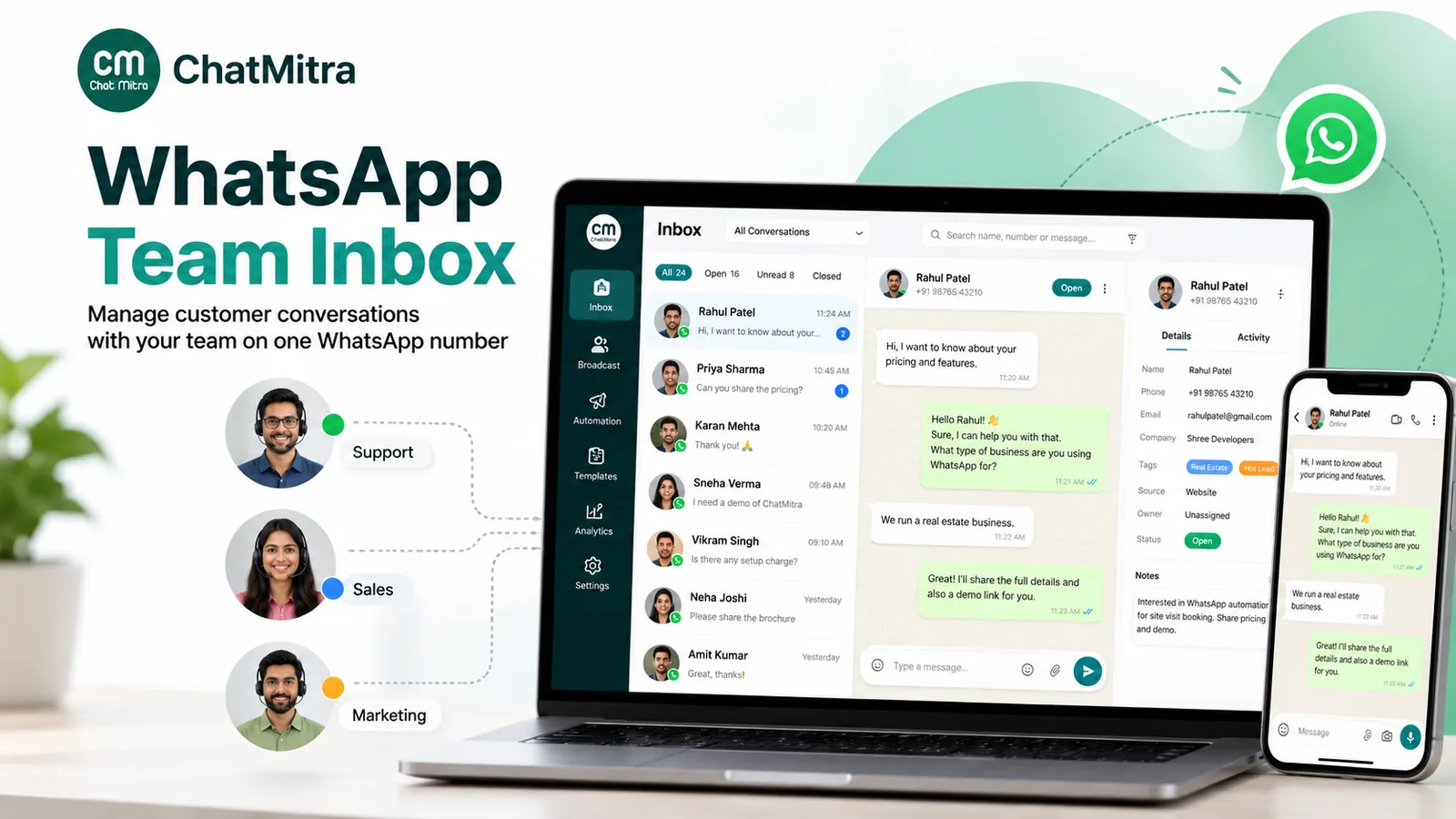
WhatsApp CRM software turns a WhatsApp Business number into a shared workspace. It helps to separate three layers, because vendors mix them freely:
- The inbox layer. One number, many logins, one conversation history. This replaces the office phone that gets passed around.
- The record layer. Contacts with tags, custom fields and notes, plus filters and segments built from them. This is the “CRM” most small teams actually need.
- The process layer. Chat assignment, conversation status, deal stages, tasks and reporting on team performance. This is where full CRMs differ most from WhatsApp-first tools.
A product that only covers the first layer is a WhatsApp team inbox (also called a shared inbox). One that covers the first two is what most WhatsApp CRM tools for small businesses really are. Only some products cover all three.
Does WhatsApp have its own CRM?
Partly. The free WhatsApp Business app has a few CRM-style tools, and they’re worth knowing before you pay for anything:
- Labels. You can create up to 20 labels to organise chats and send a marketing message to everyone in a label, according to WhatsApp’s help page on labels. The same page notes that labels are being renamed to lists as the change rolls out.
- Quick replies. Saved shortcuts for common answers, with a maximum of 50 stored, per the quick replies help page.
- Linked devices. “You can use up to four linked devices and one phone at a time,” says WhatsApp’s linked-devices page. Linked devices log out if the main phone goes unused for more than 14 days, and they can’t create or view broadcast lists.
- Multi-agent (paid, where offered). With a Meta Verified or Meta One subscription, WhatsApp’s multi-agent page lists up to 10 connected devices, assigning chats to agents and seeing which agent sent a message. The page also warns that the premium version “may not be available to you yet.”
WhatsApp itself positions the app for a small business communicating “from a single device”, and the Business Platform for businesses that need to “manage high volumes of conversations” (About WhatsApp Business products). The app has no custom fields, role permissions or API. Once more than a handful of people answer chats, or you need WhatsApp data inside another system, you have outgrown it.
Why a WhatsApp CRM needs the official WhatsApp Business Platform
Every serious WhatsApp CRM connects to Meta’s WhatsApp Business Platform, usually through the Cloud API that Meta hosts. Three practical reasons explain why.
It is the route Meta provides for software to read and send your messages. The API delivers every incoming message to your software as a webhook event and lets it send replies, templates and media. By default, a business phone number on the Cloud API can send up to 80 messages per second (Meta, Cloud API overview). Tools that drive WhatsApp Web or the phone app through automation work differently. WhatsApp’s Terms of Service bar using the service for “bulk messaging, auto-messaging, auto-dialing, and the like”, so those tools put the number itself at risk. Our comparison of official and unofficial bulk WhatsApp senders covers that risk in detail.
It is built around the 24-hour rule. Meta’s documentation explains that when a customer messages or calls you, “a 24-hour timer called a customer service window starts”, and that “when the window closes, you can only send pre-approved template messages” (Meta, sending messages). A CRM that doesn’t show whether the window is open, or doesn’t make approved templates easy to send, will cause failed follow-ups.
It keeps history with the business, not the employee. On a shared phone, the history sits on the phone. On the Platform, it sits in your software, and staff join or leave without taking customer chats with them.
Keeping the Business app on the same number
Meta supports "coexistence": a number can stay on the WhatsApp Business app while it is also connected to the Cloud API. Meta's coexistence documentation notes a fixed throughput of 20 messages per second for such numbers and that broadcast lists in the app are disabled. Support varies by provider. Our coexistence guide explains the trade-offs.
Business app vs WhatsApp-first CRM vs full CRM with a connector
Many buying mistakes come from comparing products across architectures: a WhatsApp-first tool judged on a sales CRM’s pipeline, or a sales CRM judged on broadcast analytics. Decide the architecture first.
| Question | WhatsApp Business app | WhatsApp-first CRM (inbox + contacts) | Full CRM + WhatsApp connector |
|---|---|---|---|
| Built around | One phone | The WhatsApp conversation | The deal or customer account |
| Who answers | One phone plus up to 4 linked devices (10 with paid multi-agent) | Many logins on one number | CRM users, often one seat each |
| Customer data | Labels and chat history | Tags, custom fields, notes, segments | Full records, companies, deals, activities |
| Broadcasts | Label or broadcast-list messages | Usually strong: templates, segments, delivery and read stats | Varies. Sometimes limited or an add-on |
| Sales process | None | Light (tags, filters). Pipelines in some tools | Strong: stages, tasks, forecasting |
| Setup effort | Minutes | Days: connect the number, get templates approved | Weeks: CRM set-up plus connector plus field mapping |
| Best fit | Solo owner, low volume | Chat-heavy SMBs in retail, D2C, services and education | B2B, real estate, high-ticket sales with long cycles |
A simple rule of thumb: if most of your selling happens inside the chat, start WhatsApp-first. If the chat is one step in a longer sales process, start with the CRM. Some businesses end up running both, with the WhatsApp tool for conversations and broadcasts, and the CRM as the system of record, connected through webhooks.
Which features should WhatsApp CRM software have?
Use the checklist below in demos, and read the “when it matters” column first. A feature you don’t need is not a reason to pay more. A missing feature you do need is a reason to walk away.
| Capability | Priority | When it matters | Question to ask the vendor |
|---|---|---|---|
| Official WhatsApp Business Platform connection | Must-have | Always | Is the WhatsApp Business Account in my Meta business portfolio, or yours? |
| Shared inbox, individual logins | Must-have | Two or more people reply | Is there a limit on team members, and does each cost extra? |
| Roles and permissions | Must-have | Any staff beyond the owner | Can I hide billing, exports and settings from agents? |
| Tags and custom fields | Must-have | Segmenting follow-ups and broadcasts | Can I filter the inbox and campaigns by tag, including and excluding tags? |
| Internal notes | Must-have | Handovers between staff | Are notes threaded, with author and time, or a single text field? |
| Saved replies | Must-have | Repeated questions such as price, hours and location | Are saved replies shared across the team and available on mobile? |
| Chat assignment (manual, automatic or round-robin) | Must-have at about 5+ agents or with response-time targets | When "who owns this chat?" causes double replies or missed ones | Can chats be assigned automatically, and can I see each agent's queue? |
| Conversation status (open, pending, resolved) | Must-have for support queues | When you report on resolution or backlog | Can I filter by status and reopen resolved chats? |
| Deal pipeline and stages | Must-have only for multi-stage sales | Admissions, property, B2B quotes | Can a chat create or update a deal automatically? |
| Template management | Must-have | Any message sent after the 24-hour window | Can agents send approved templates from the chat, and see the category? |
| Segmented broadcasts with analytics | Must-have for marketing | Offers, reminders, re-engagement | Which metrics are reported: sent, delivered, read, failed, replied? |
| Opt-out handling | Must-have | Every marketing send | How are opt-outs recorded, and are they excluded from broadcasts automatically or by filter? |
| Search | Nice-to-have | Finding an old conversation | Does search cover message text, or only names and numbers? |
| Import and export | Must-have | Moving in, and moving out later | Which formats (CSV, Excel)? Can I export all contacts and tags myself? |
| API and webhooks | Must-have if you have another system | Syncing with a CRM, ERP or your own app | Which events do webhooks send? Can the API send templates and free-form messages? |
| Native integrations | Depends on your stack | E-commerce, spreadsheets, CRMs, automation platforms | Is the integration built and maintained by you, or a third-party plugin? |
| Automation and AI | Nice-to-have | After-hours enquiries, repeated FAQs | How does a person take over from the bot, and how is it paused? |
| Mobile app | Must-have for field teams | Staff who work away from a desk | Is it Android, iOS or both, with push notifications? |
| Pricing model | Always | Growing teams and volumes | Per seat or flat? Are Meta's rates passed through at cost or marked up? |
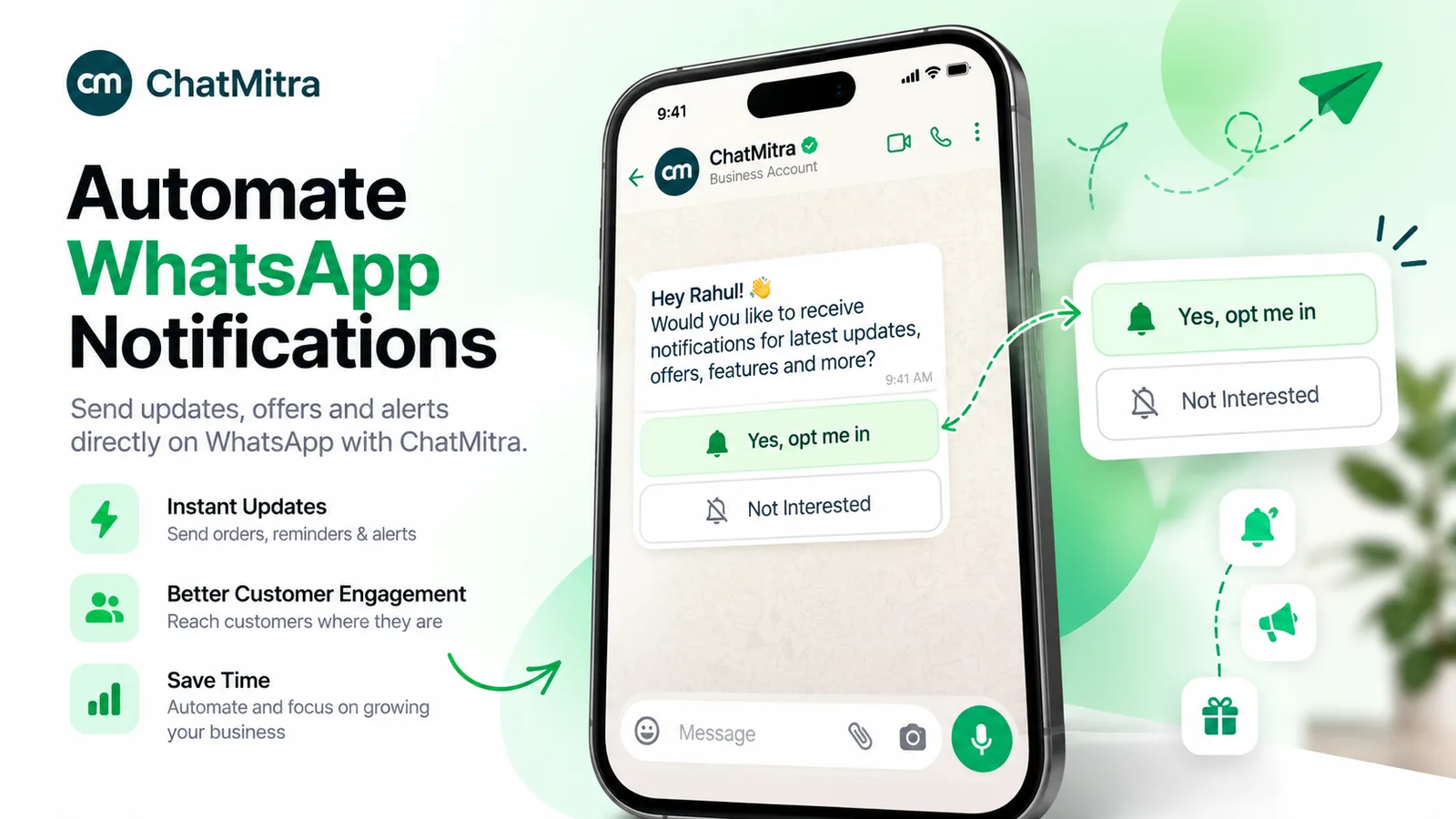
Opt-out handling is a compliance question as well as a feature. WhatsApp’s Business Messaging Policy says: “You must respect all requests (either on or off WhatsApp) by a person to block, discontinue, or otherwise opt out of communications from you via WhatsApp.” Ask exactly what happens when someone replies “STOP”. Some tools exclude that contact from every future broadcast. Others record the preference and leave the exclusion to you. Our guide to WhatsApp opt-in covers what counts as valid consent and how to keep proof of it.
How to choose the right WhatsApp CRM for your team
Work through these five questions in order.
- Where does the sale happen? If customers ask, get a price and buy inside the chat, choose WhatsApp-first. If the chat leads to a site visit, a proposal or a demo, you need pipeline stages. That means either a full CRM or a WhatsApp tool that genuinely has pipelines.
- Do you already have a CRM your team uses daily? If yes, don’t replace it for WhatsApp. Look for that CRM’s own WhatsApp integration, or a WhatsApp platform with an API and webhooks your developer can connect. If no, a WhatsApp-first tool is the lighter start.
- How many people will reply, and do you need assignment? Count agents at peak, not on average. With two or three people, a spoken rule (“Priya handles orders, Rahul handles returns”) works. At five or more, or once you promise a response time, treat assignment and conversation status as must-haves.
- How much will you broadcast? Marketing-heavy teams should weigh segmentation, template tools and delivery analytics above pipeline features. Remember that new business portfolios start with a limit on how many unique customers they can message outside open windows in any 24-hour period. Meta’s tiers run from 250 up to unlimited, and the limit rises with verification and good-quality sending (Meta, messaging limits).
- What will it cost at your volume in 12 months? Price the plan you’ll need a year from now, not today’s plan. Per-seat pricing and per-message markups are the two lines that grow fastest.
Run a two-week pilot on real chats
Before committing, run one live number through the shortlisted tool for two weeks with your actual team. Track three things: chats nobody answered, chats two people answered, and follow-ups that failed because the 24-hour window had closed. Those numbers tell you more than any feature grid.
How does WhatsApp CRM integration work?
“WhatsApp CRM integration” usually means one of three set-ups.
- Native integration inside the CRM. The CRM vendor connects to the WhatsApp Business Platform itself, and chats appear on the contact or deal record. It’s the simplest option if your CRM offers it. Check the vendor’s own documentation for which plans include it and whether messaging goes through the vendor or a partner.
- WhatsApp platform + API and webhooks. The WhatsApp tool sends events, such as a message received, a message sent or a status change, to a URL you control. Your developer, or an automation service, writes them into the CRM, and the CRM calls the WhatsApp tool’s API to send templates. This takes more effort, but it works with almost any CRM, including a spreadsheet or an in-house system.
- Marketplace connectors and automation platforms. Third-party connectors sit between the two systems. They’re quick to set up, but check who maintains them, what they cost per task, and what happens when either side changes its API.
Whichever route you choose, agree on field mapping before go-live. Decide which system owns the phone number, name, tags and consent status, and which way each field syncs.
Where ChatMitra fits, and where it doesn’t
ChatMitra is a WhatsApp-first CRM: a shared inbox and contacts layer on the official WhatsApp Business Platform, built for small and mid-sized teams, with Indian pricing. Here is how it maps against the checklist, gaps included.
| Capability | ChatMitra | Detail |
|---|---|---|
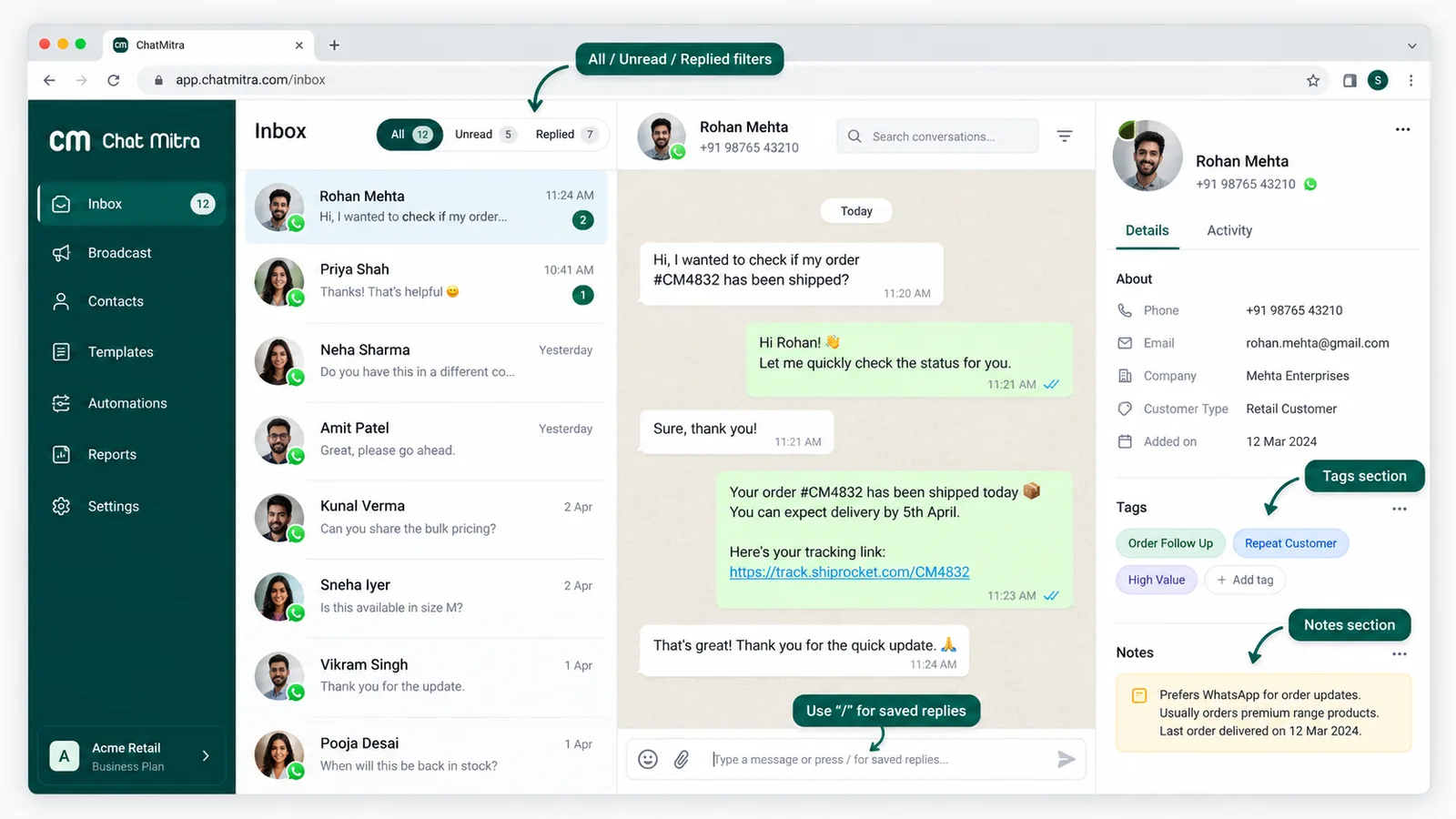
| Shared inbox on one number | Yes | Many team members on one WhatsApp number. Unread state updates live for everyone. The pricing page lists team members as unlimited. |
| Roles and permissions | Yes | Per project and per section (chat, contacts, templates, campaigns and more), each with view, edit, create and delete actions. Agents never get billing. See role management. |
| Tags and custom fields | Yes | Include and exclude tag filters in contacts and in the chat list. |
| Internal notes | Partial | One free-text note per contact, editable from the chat. No threads, author or timestamp. |
| Saved replies | Yes | Shared across the team. Type "/" in the chat on web or mobile. |
| Inbox filters | Yes | Unread, replied and pinned, plus mark-as-unread. |
| Search | Partial | By contact name and phone number, not message text. |
| Import and export | Partial | CSV import (not Excel). CSV export, delivered by email. |
| Segmented broadcasts | Yes | Include or exclude tags. Reports show recipients, sent, delivered, read and failed, with retargeting. "Replied" is not a campaign metric. See WhatsApp broadcasting. |
| Opt-out handling | Partial | Records opt-outs that customers make through WhatsApp's own marketing-message control. There is no automatic "STOP" unsubscribe, and broadcasts don't skip opted-out contacts on their own: tag them and exclude the tag. |
| Chat assignment | No | No manual, automatic or round-robin assignment. |
| Conversation status | No | No open, pending or resolved states. |
| Deal pipeline | No | No stages or kanban board. |
| Mobile app | Android | Inbox, contacts, tags, notes, saved replies and push notifications. |
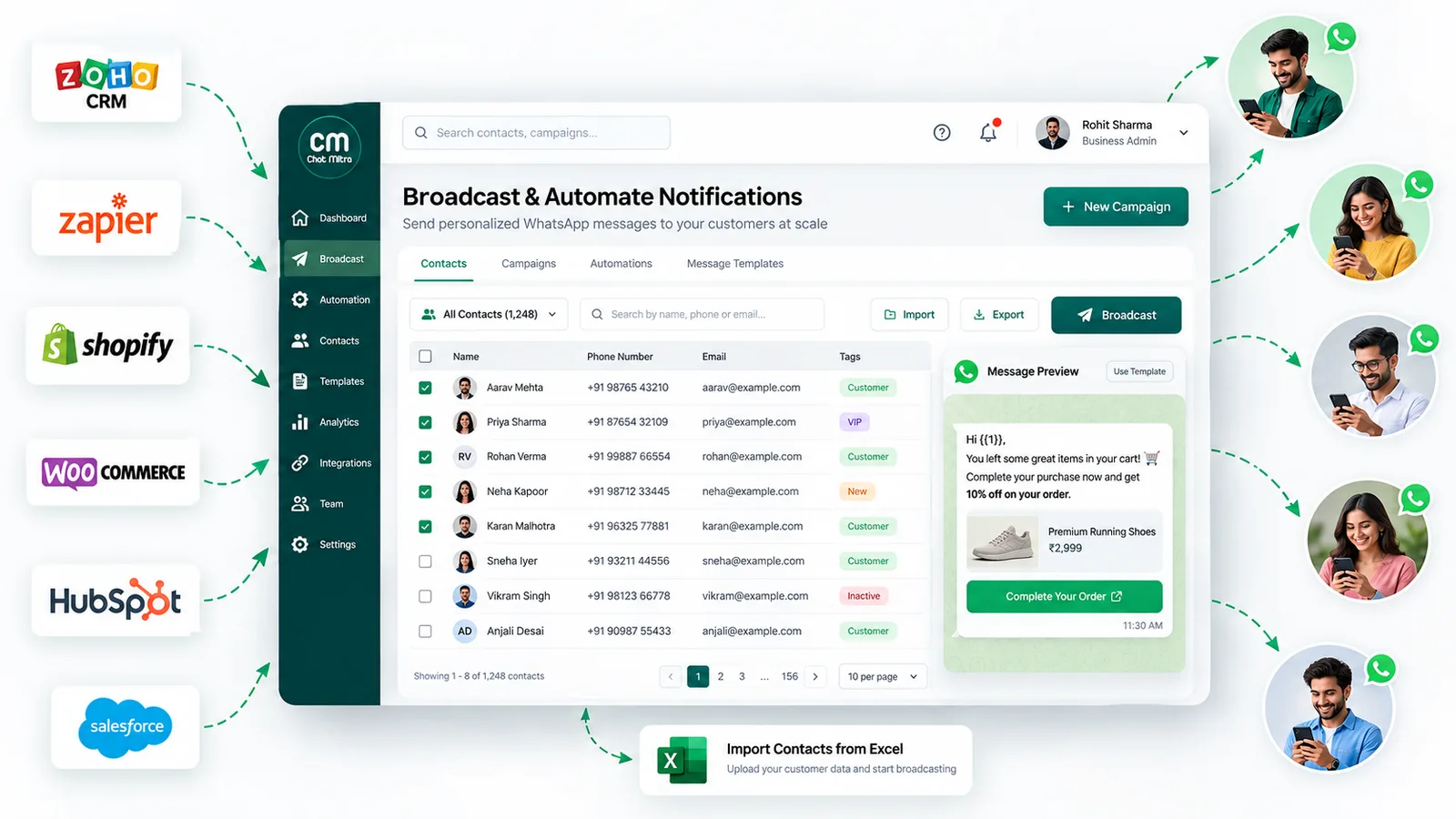
| Integrations | Shopify, Google Sheets | Shopify store messaging, including abandoned-cart flows, and Google Sheets automation (row, date, schedule and webhook triggers that send templates or add tags). |
| API and webhooks | Yes (Pro and Enterprise) | A REST API for template sends, plus webhooks for message received, message sent and status updates. See webhook and API integration. |
| HubSpot, Zoho, Salesforce, Zapier connectors | No | Connect through the API and webhooks instead. |
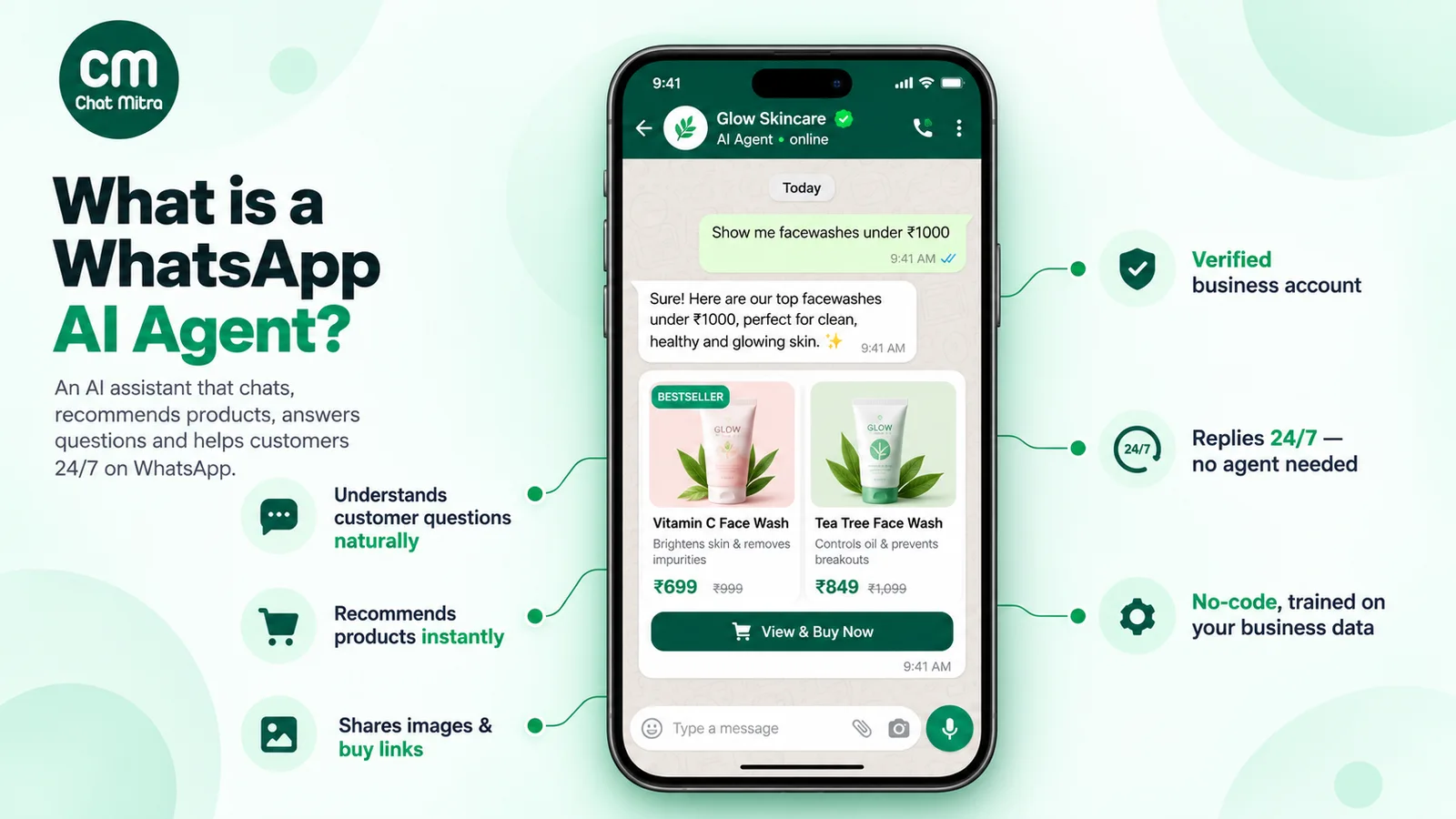
In plain terms, ChatMitra suits a team that sells and supports inside WhatsApp and wants tags, segments and broadcasts without per-seat pricing. It doesn’t suit a team whose process depends on assigning chats, tracking open and resolved tickets, or moving deals through stages. The Pro plan also adds an AI chatbot that uses your own AI provider key. Our guide to WhatsApp AI agents covers when a bot helps and when it gets in the way.
A lead-to-broadcast workflow for an Indian small business
Here is a realistic flow for a coaching institute that takes admissions enquiries on WhatsApp. It uses only features from the ChatMitra table above, and the same shape works in most WhatsApp-first tools.
- Capture the lead. Staff add the lead as a row in a connected Google Sheet, or the website sends it to the automation’s incoming webhook (that URL expects a secret header, so the form needs a small server-side step or a form tool that can set headers). The automation sends an approved welcome template and adds the tag
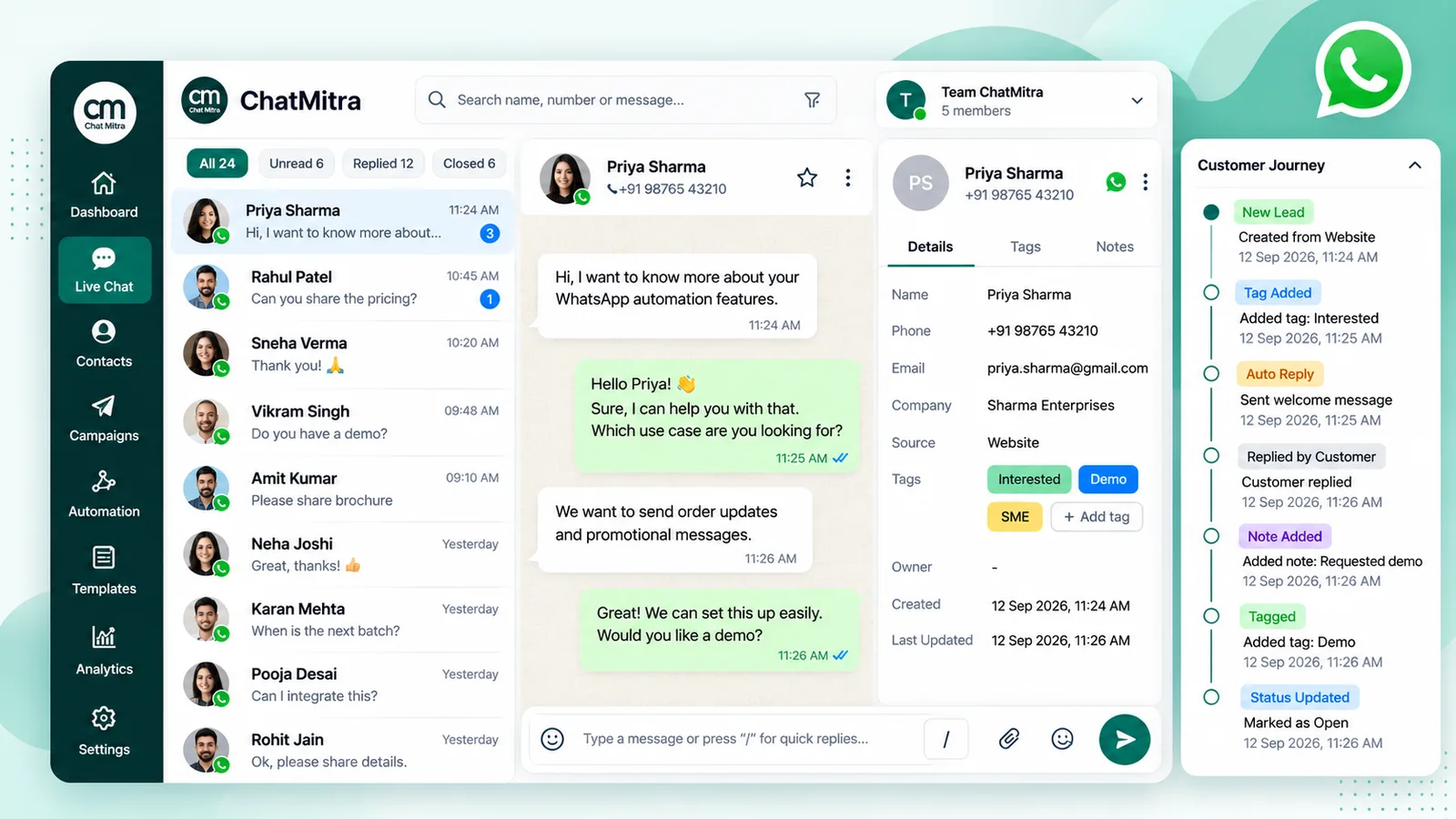
lead-website. Only message people who gave you their number and agreed to hear from you: the WhatsApp Business Messaging Policy requires both. - Answer in the shared inbox. When the student replies, the chat appears in the shared inbox with an unread badge for everyone who has chat permission. The 24-hour customer service window is now open, so any free-form reply is allowed.
- Qualify and record. The counsellor adds tags (
course-neet,batch-morning,hot), fills custom fields such as city and preferred start date, and writes the key facts in the contact note so a colleague can pick up tomorrow. - Decide who owns it. ChatMitra has no chat assignment, so agree on a rule. For example, the counsellor adds an owner tag such as
owner-meera, and the team filters the chat list by their own tag each morning. - Follow up after the window closes. If the student goes quiet for 24 hours, send an approved template instead of a free-form message, by hand from the chat or through a date-based Google Sheets trigger (“three days after enquiry”).
- Broadcast to the segment. Before the next batch starts, send one broadcast to contacts tagged
hotandcourse-neet, excludingopted-outandenrolled. Then check sent, delivered, read and failed in the campaign report. You can then retarget a follow-up to recipients filtered by one of those statuses.
How much does WhatsApp CRM software cost in India?
Plan for two bills that add up:
- Software. Either a flat monthly fee or a price per agent seat. Seat prices vary by vendor and plan, so get a written quote for your peak agent count.
- Meta’s per-message charges. These apply whichever tool you use. For India, Meta’s rate card lists ₹0.8631 per delivered marketing message and ₹0.1150 per utility or authentication message. Since 1 October 2026, service messages (your free-form replies inside the 24-hour window) are also charged at ₹0.1150 after a free tier of 1,000 per business phone number per month, and utility templates sent inside an open window are charged too (Meta, WhatsApp pricing). Our explainer on WhatsApp Business cost per message walks through each category.
A worked monthly example
A six-person team at a home-furnishing store handles 1,500 customer conversations a month with about four replies each, sends 1,000 order and delivery updates, and sends two broadcasts of 2,000 contacts each to a tagged, opted-in segment.
| Line | Volume | Meta rate (India) | Meta charge |
|---|---|---|---|
| Marketing broadcasts | 4,000 messages | ₹0.8631 | ₹3,452.40 |
| Utility updates | 1,000 messages | ₹0.1150 | ₹115.00 |
| Service replies | 6,000 messages (first 1,000 free) | ₹0.1150 × 5,000 | ₹575.00 |
| Meta total | ₹4,142.40 |
Now add the software. On ChatMitra, Starter and Pro add a ₹0.20 platform fee once per contact per 24-hour conversation, not per message. Enterprise has no platform fee. In the worst case, where every broadcast, update and support chat opens its own window, that is 6,500 conversations, or ₹1,300 in platform fees. Pro includes 1,000 ChatMitra messaging credits a month, and each credit covers one of those ₹0.20 fees, so Pro pays for 5,500.
| ChatMitra plan | Subscription | Platform fee | Meta charges | Monthly total |
|---|---|---|---|---|
| Starter | ₹0 | ₹1,300.00 | ₹4,142.40 | ₹5,442.40 |
| Pro (adds auto-reply, AI chatbot, API and webhooks) | ₹999 | ₹1,100.00 | ₹4,142.40 | ₹6,241.40 |
| Enterprise | ₹2,499 | ₹0 | ₹4,142.40 | ₹6,641.40 |
Meta rates from Meta’s INR rate card, checked on 25 September 2026. ChatMitra plan prices and Pro’s included credits from ChatMitra’s pricing page. Figures exclude tax.
Two things stand out. First, Meta’s charges are the larger line, so a cheaper subscription doesn’t change much if the tool marks up Meta’s rates. Ask every vendor to show Meta’s charge and its own fee as separate lines. Second, the break-even point between plans is easy to calculate. Pro plus platform fees equals Enterprise at 8,500 conversations a month (₹999 + (8,500 − 1,000 included) × ₹0.20 = ₹2,499). Above that, Enterprise costs less. Model your own mix in the WhatsApp pricing calculator.
For a per-seat tool, replace the subscription line with seats × the vendor’s seat price. The Meta line stays the same.
Common mistakes when adopting a WhatsApp CRM
- Leaving the WhatsApp Business Account in the vendor’s name. Make sure the account sits in your own Meta business portfolio, so you can change providers later.
- No tag plan. Twenty people inventing tags produces “Hot”, “hot lead” and “HOT!!”. Write a short tag list before go-live, and decide who can create new tags.
- Broadcasting to everyone. Unsegmented sends invite blocks and reports. WhatsApp’s Business Messaging Policy says its systems “may limit the amount of messages a business can send” based on that user feedback.
- Treating opt-outs as someone else’s job. Decide who adds the opted-out tag and check the exclusion on every broadcast.
A 30-day rollout plan
| Days | Goal | What to do |
|---|---|---|
| 1–3 | Foundations | Confirm your Meta business portfolio and the number you'll use (new number, or coexistence with the Business app). Connect the number to the WhatsApp Business Platform through your provider. Submit your first templates: welcome, follow-up and order update. |
| 4–7 | Team and data | Create roles before inviting staff. Write the tag list and custom fields. Import existing contacts with their opt-in source, and leave out anyone who hasn't agreed to hear from you. |
| 8–14 | Live pilot | Move all inbound chats to the shared inbox. Load 15–20 saved replies. Agree an ownership rule, and hold a 10-minute review each day of unanswered and double-answered chats. |
| 15–21 | Automate the obvious | Add a welcome message and after-hours reply. Connect your lead source (form, sheet or store). Set up the first date-based template follow-up. |
| 22–30 | First campaign and review | Send one small, tagged broadcast and check delivered, read and failed. Compare spend with your estimate. Decide whether you need assignment, pipelines or an integration you haven't set up yet. |
Keep your first broadcast small on purpose. A new portfolio’s messaging limit and early quality signals both reward a careful start over a big one.
WhatsApp CRM in India: two things to check
- Consent under Indian law. Beyond Meta’s opt-in rule, the Digital Personal Data Protection Act, 2023 governs how you collect and use customers’ personal data. Record where each contact came from and what they agreed to, and take legal advice for your specific case. Our opt-in guide covers the WhatsApp side in detail.
- Rupee billing. Meta introduced INR billing for eligible businesses in India in January 2026, and its pricing documentation asks eligible customers to migrate their messaging accounts to INR by 31 December 2026. Confirm your provider passes Meta’s INR rates through as they appear on the rate card.
Choosing your WhatsApp CRM
Start with the architecture, test the features that separate tools, and price the whole bill, not only the subscription. If your team sells and supports inside WhatsApp and wants a shared inbox, tags and segmented broadcasts at Indian prices, compare ChatMitra’s plans and run a pilot on the free Starter plan. If you need chat assignment, ticket status or deal pipelines, choose a CRM that has them and connect WhatsApp to it.
Sources: WhatsApp Help Center pages on linked devices, multi-agent, labels, quick replies and WhatsApp Business products. Meta for Developers: Cloud API overview, sending messages, pricing, messaging limits and coexistence onboarding. WhatsApp Business Messaging Policy and WhatsApp Terms of Service. All accessed 24–25 September 2026.