WhatsApp drip marketing is a short series of messages that goes out automatically over days or weeks after one trigger, such as a sign-up, an unanswered enquiry or an abandoned checkout, and stops as soon as the customer acts. Done well, it keeps a warm lead warm without anyone on your team remembering to follow up. Done badly, it’s a string of paid messages to someone who stopped reading after the first one.
This guide covers how drips work on WhatsApp specifically, which is quite different from email: six sequence blueprints you can adapt, how far apart to space the messages, what each step costs in India, the Meta rules that quietly cut drips short, and the exit rules that keep a sequence from embarrassing you. The last section shows how to build one in ChatMitra, including what it can’t do yet.
Using ChatMitra? Build timed sequences with Automation: a trigger, approved template steps and Delay steps from 1 minute to 7 days. Shopify stores also get up to three built-in abandoned-cart reminders that stop when the order is placed. Jump to building a WhatsApp drip in ChatMitra.
What is WhatsApp drip marketing?
Drip marketing means sending a set of pre-written messages over time, each on a planned delay, in response to something a person did or a stage they reached. The term borrows from drip irrigation: a little water at regular intervals rather than one flood (Wikipedia). Email marketers have used it for two decades. On WhatsApp the idea is the same, but the channel’s rules change how you design it.
Three things make a sequence a drip rather than a series of broadcasts:
- A trigger, not a date. The sequence starts when a customer does something: fills in a form, messages a keyword, starts a trial, abandons a cart, reaches a birthday.
- Each person’s own clock. Someone who signs up on Monday gets step two on Wednesday; someone who signs up on Friday gets it on Sunday.
- An end. The drip has a goal, and it stops when the goal is met or when continuing would be unwelcome.
Here is how a drip compares with the other ways businesses message customers on WhatsApp:
| Method | Who gets it | When | Best for |
|---|---|---|---|
| Broadcast | A list or segment | Everyone at once, now or at a scheduled time | Sales, launches, announcements |
| Drip sequence | Each person who meets the trigger | Step by step on their own timeline | Onboarding, nurturing, recovery, win-back |
| One-off follow-up | One customer | Once, often typed by a person | Quotes, meetings, individual enquiries |
| Auto-reply | Whoever messages you | Instantly, in reply | Answering common questions, after-hours replies |
If you’re looking for the wording of a single follow-up, our follow-up message guide has 30 to copy. This guide is about the sequence around those messages.
Why WhatsApp drips work differently from email drips
An email drip of eight messages over three weeks is ordinary. The same sequence on WhatsApp would be expensive and would probably stop being delivered halfway. Five differences explain why.
| Email drip | WhatsApp drip | |
|---|---|---|
| Message approval | None | Every message sent outside a 24-hour conversation must be a template approved by Meta |
| Cost per message | Close to zero | Paid per delivered template, by category (₹0.8631 marketing, ₹0.115 utility in India) |
| Delivery limits | Spam filters | WhatsApp can cap how many marketing templates each person receives |
| Opting out | Unsubscribe link | One tap in WhatsApp stops all your marketing messages |
| Where it lands | An inbox full of other companies | Between family chats and friends, read on a phone |
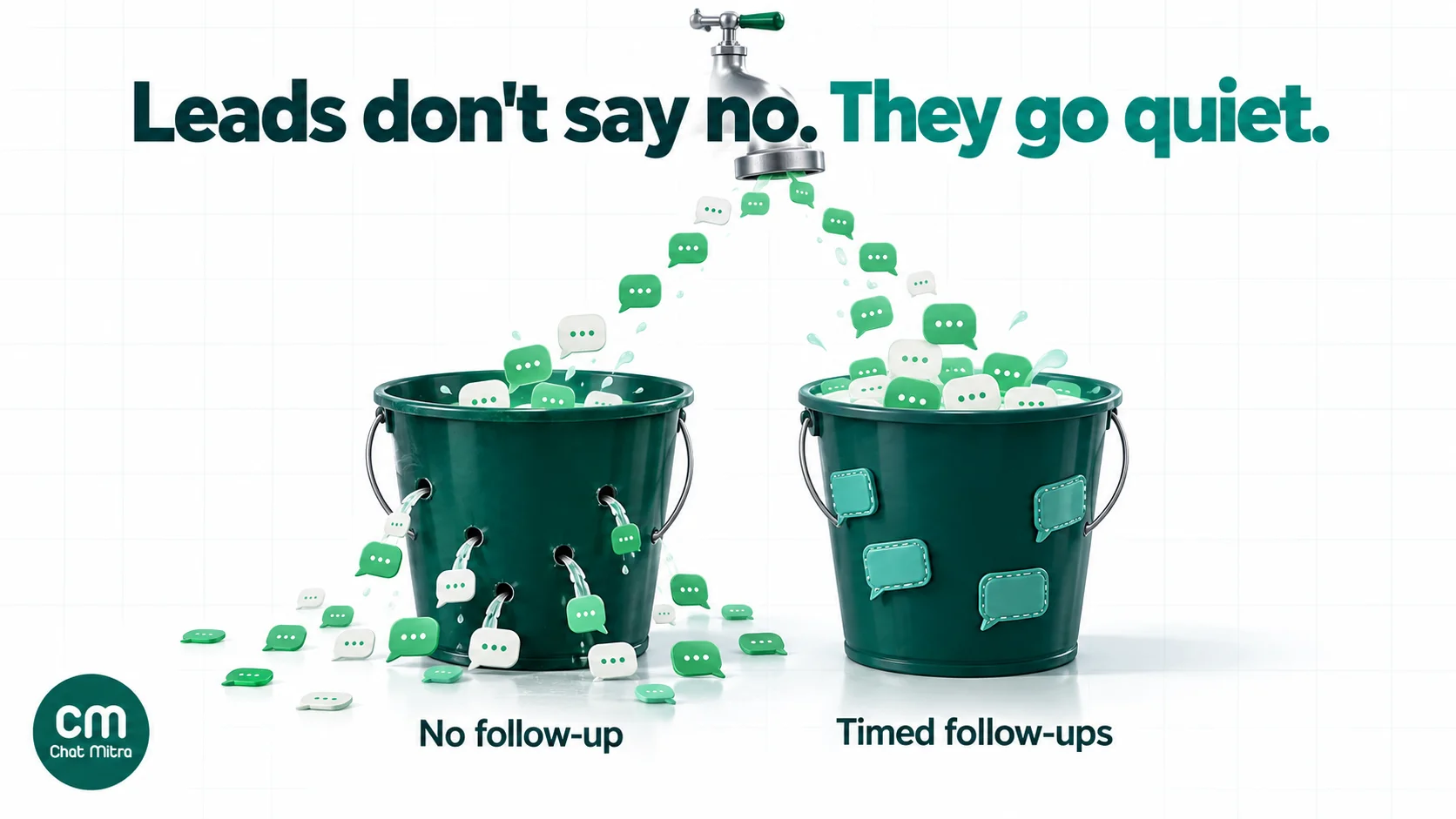
The practical effect is that every step has to earn its place. The upside is that the steps that do get through are far more likely to be seen than an email, and a reply turns the drip into a real conversation within seconds.
A reply changes the rules
The single most useful thing a drip step can do is get a reply. When a customer messages you, a 24-hour customer service window opens and restarts with each new message (Meta: sending messages). Inside it you can send normal messages, not just templates. Since 1 October 2026, Meta gives each business phone number 1,000 free service messages a month and then charges for them at the market’s utility rate (Meta pricing). And Meta’s per-user limits page says marketing messages sent inside a window that the customer opened by replying “do not count towards the limit” (Meta: per-user limits).
So design every step to invite a one-tap answer, usually a quick-reply button. A drip that gets replies is cheaper, more likely to be delivered and far more likely to sell.
The six parts of a WhatsApp drip
Every drip, from a welcome series to a win-back, is built from the same six parts. Write them down before you write any message.
- Trigger. The event that starts it. Make it something your system can see: a form submission, a new row in a sheet, a keyword message, a checkout event, a date field.
- Entry rule. Who qualifies. At minimum, people who opted in to hear from you on WhatsApp. Often narrower: “enquired about home loans and hasn’t been called yet”.
- Steps. Three to five messages, each with one job: confirm, help, prove, offer, close.
- Spacing. The delay before each step, measured from the previous step, and the hours you’re willing to send in.
- Exit rules. What stops it: the goal reached, a reply, an opt-out, a failed delivery, or entry into another sequence.
- Goal and metric. One outcome per drip (first order, booked demo, paid invoice) and the number you’ll judge it by.
Six WhatsApp drip sequences you can adapt
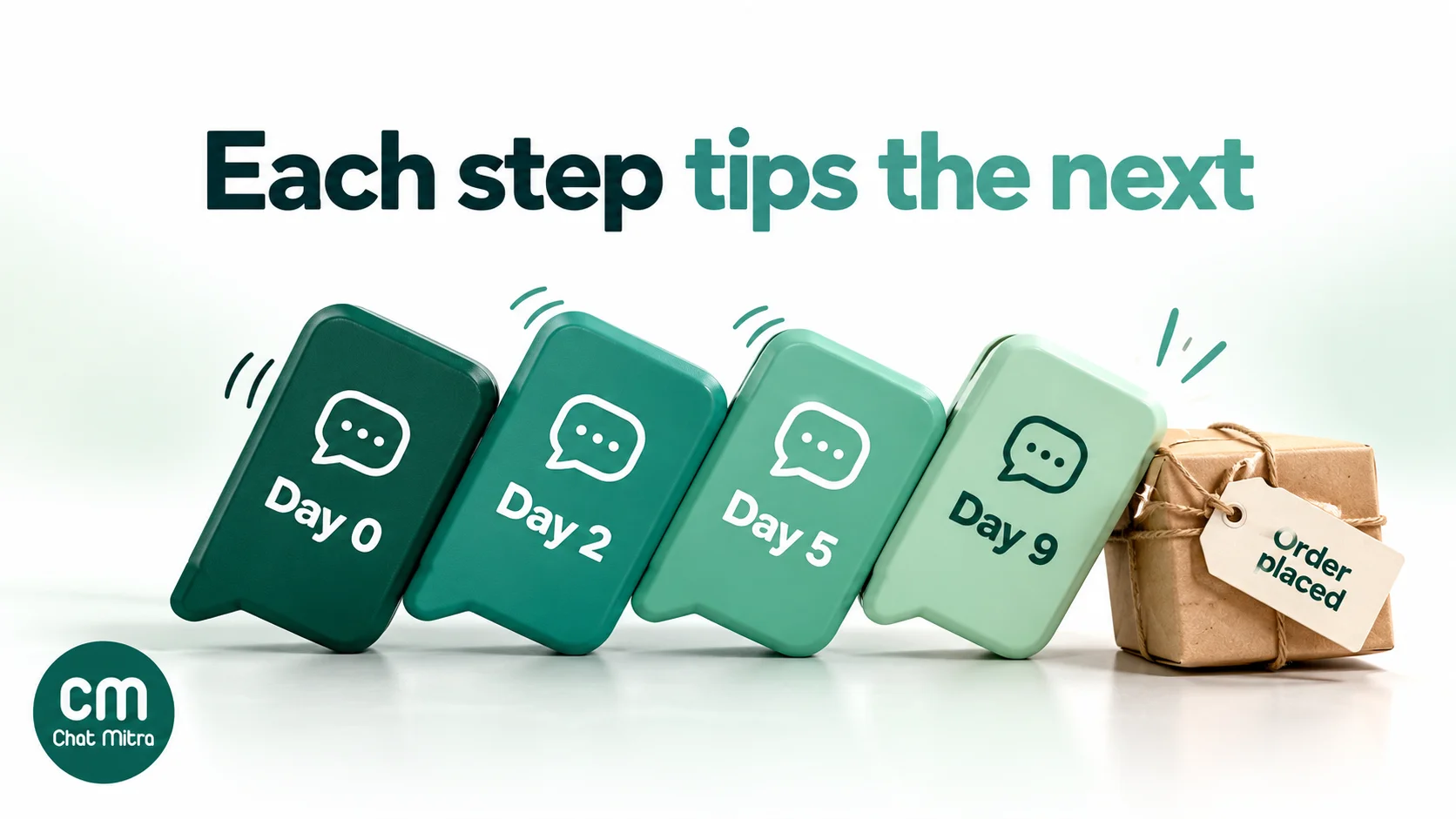
The blueprints below are starting points, not proven schedules. The delays are reasonable defaults to test against your own buying cycle. The “likely category” column is what Meta’s categorisation guidelines suggest, but Meta makes the final call when it reviews each template.
1. New subscriber welcome
Trigger: someone opts in through your website, a QR code at the counter or a click-to-WhatsApp ad. Goal: a first purchase.
| When | Step | Likely category |
|---|---|---|
| Immediately | Confirm the opt-in and say what they'll receive and how often | Utility (Meta lists "confirm opt-in" as a utility example) |
| Day 1 | Your most useful thing: a size guide, a menu, a how-to, a bestseller list | Marketing |
| Day 3 | Proof: a customer photo, a review, how you deliver | Marketing |
| Day 6 | A first-order offer with a real end date | Marketing |
Exit when: they order, reply or tap a “Stop offers” button. Keep the confirmation purely informational; add a discount to it and it becomes marketing. For the first message’s wording, see welcome messages for customers.
2. The enquiry that went quiet
Trigger: a lead asked about a product or service but didn’t buy or book within a day. Goal: a reply, call or booking.
- Day 1: answer the question they’re most likely to have next (price range, availability, timeline), with buttons such as “Get a quote” and “Not now”.
- Day 3: one short case or example relevant to what they asked about.
- Day 7: a direct, polite close: “Shall we keep this open or close it for now?”
All three are persuasive, so expect marketing. Meta’s guidelines say messages to people who “visited your website, used your app or engaged with you” that push offers or calls to action are marketing “even if requested by users”. Exit when they reply, or when your team marks the lead as contacted. Nothing annoys a customer faster than an automated nudge an hour after they spoke to your salesperson.
3. Trial or onboarding
Trigger: a trial starts, a membership is bought or an account is created. Goal: the customer reaches the moment the product proves itself (first class attended, first invoice sent, first order tracked).
Onboarding drips mix categories more than any other kind. A message that delivers setup details the customer needs (“Your login is ready; here’s how to add your first item”) can be utility. A nudge to use a feature they haven’t tried is, in Meta’s own example templates, promotion, which is marketing. Keep the two in separate templates so the useful steps aren’t billed at marketing rates. Space steps around actions, not days: send the second step two days after sign-up only if the first action hasn’t happened. For SaaS-specific sequences, see our guide to WhatsApp for SaaS.
4. Abandoned cart
Trigger: a checkout started but no order followed. Goal: the order.
Cart recovery is the most common drip in ecommerce and the most time-sensitive: a first reminder within the hour, a second later that day or the next, a final one around day two or three. Meta’s guidelines give “You left items in your cart” as a retargeting example, so every step is marketing, whether or not it carries a discount. The essential exit rule is that an order cancels everything still waiting. The full playbook, with wording, is in our abandoned cart recovery guide.
5. After the purchase
Trigger: an order is delivered or a service is completed. Goal: a second purchase, a review or a referral.
- On delivery: confirmation and care or usage instructions. Utility, if it’s about their order and has no offer.
- Day 3 to 7: a feedback question with two or three buttons. Feedback about their purchase can be utility; Meta treats “a feedback survey with promotional content” as marketing.
- When they’d normally run out: a reorder reminder timed to the product (30 days for a monthly supply, for example). Marketing.
- After a happy reply: a review request. See how to ask for Google reviews, and ask everyone, not only the customers who replied happily, because Google’s review policies don’t allow selectively asking for positive reviews.
6. Win-back for lapsed customers
Trigger: a date field: no order in 60, 90 or 120 days, depending on how often your customers normally buy. Goal: one more order, or a clean goodbye.
- Day 0: “We haven’t seen you in a while” with something new since their last visit.
- Day 7: a genuine reason to return, such as a restock of what they bought before or a returning-customer offer.
- Day 14: a last message that offers to stop: “Should we keep sending you offers?” with “Yes” and “No thanks” buttons.
The third step matters. Customers who aren’t interested will stop reading, and Meta’s per-user limit reacts to low read rates. Asking lets them leave politely, and keeps your future messages reaching the people who still care. More win-back angles are in our campaign ideas.
Timing: how far apart should drip messages be?
There’s no universal right interval, and any article that gives you one without knowing your product is guessing. These principles hold up better than any fixed number:
- Match the buying cycle. A cart recovers in hours; a home loan or a school admission takes weeks. Space steps to how long people actually take to decide.
- Front-load. Interest is highest right after the trigger. Put the first steps close together and stretch the later ones.
- Send at hours you’d call a customer. For Indian customers, avoid late nights and early mornings; for international customers, use their local time, not yours. Our guide to scheduling WhatsApp messages covers time zones in detail.
- Leave at least a day between marketing steps. Two marketing templates on the same day rarely add anything, and if the first one wasn’t read, the second makes the per-user limit more likely to kick in.
- Stop sooner than feels natural. If three well-spaced messages haven’t drawn a reply, a fourth usually won’t either.
Then test. Run two versions of one gap (say, two days against four) on randomly split groups and compare the goal metric, not the read rate. Our A/B testing guide shows how to set that up.
What a WhatsApp drip costs
Meta charges per delivered template message, by category and by the recipient’s country. On the India rate card effective 1 October 2026, a marketing template costs ₹0.8631 and a utility template ₹0.115 (Meta pricing, INR rate card). Meta says it charges only when a message is delivered, not when it’s sent. Your provider’s fee is added on top. On ChatMitra’s Starter and Pro plans that’s ₹0.20 once per customer per 24-hour conversation, whatever the category, so two messages to the same person within 24 hours pay it once.
Here’s a worked example for the welcome drip above (one utility step, three marketing steps), sent to 1,000 new subscribers in a month:
| Step | People who still get it | Meta + ₹0.20 per person | Cost |
|---|---|---|---|
| 1. Opt-in confirmation (utility) | 1,000 | ₹0.115 + ₹0.20 = ₹0.315 | ₹315.00 |
| 2. Useful content (marketing) | 1,000 | ₹0.8631 + ₹0.20 = ₹1.0631 | ₹1,063.10 |
| 3. Proof (marketing) | 700 | ₹1.0631 | ₹744.17 |
| 4. First-order offer (marketing) | 600 | ₹1.0631 | ₹637.86 |
| Total | ₹2,760.13 | ||
The drop from 1,000 to 700 and then 600 is an illustration of people leaving the drip because they ordered, replied or opted out. It isn’t a benchmark. Without exit rules, every one of the 1,000 would get all four steps, costing ₹3,504.30, and you’d be paying to send offers to people who already bought. On ChatMitra’s Enterprise plan (₹2,499 a month) the ₹0.20 fee doesn’t apply, so you pay Meta’s rates only.
Two cost details are easy to miss:
- Click-to-WhatsApp leads can be cheaper to nurture. If a customer messages you from a click-to-WhatsApp ad on WhatsApp’s Android or iOS app and you reply within the 24-hour customer service window, Meta opens a free entry point window that “may remain open for up to 7 days”, during which it doesn’t charge for marketing, utility, authentication or service messages (Meta pricing). A drip for ad leads that runs inside that week costs far less in Meta fees. Our WhatsApp ads guide covers the setup.
- Category drift costs money. If Meta decides a template is marketing, it’s billed as marketing. Meta’s pricing page says the business accepts the charges for the category applied when the template is used.
For other countries and your own volumes, use the WhatsApp pricing calculator or our breakdown of WhatsApp Business cost per message.
Meta’s rules every drip has to follow
Opt-in comes first
WhatsApp’s Business Messaging Policy lets you message people only if they’ve given you their number and “you have received opt-in permission” to message them. It also says “you must respect all requests (either on or off WhatsApp) by a person to block, discontinue, or otherwise opt out” of your messages. Opt-in doesn’t have to be collected on WhatsApp: a website form, an in-store sign-up or an SMS can work, provided it names your business and makes clear what the person is agreeing to (Meta: getting opt-in). Our WhatsApp opt-in guide has examples.
In India, the DPDP Act 2023 adds that a person can withdraw consent at any time, “with the ease of doing so being comparable to the ease with which such consent was given” (section 6(4), Act text). A “Stop offers” button in your templates meets that test far better than “email us to unsubscribe”.
Categories decide the price, and Meta decides the category
Utility templates must be non-promotional and relate to the customer’s own order, account, service or transaction, or be essential to them. Meta’s categorisation guidelines treat as marketing any template with mixed content (“an order update with a promo or a feedback survey with promotional content”) and any retargeting message, “even if requested by users”. In a drip, that means most nurture steps are marketing, and the honest approach is to price them that way.
Per-user marketing limits (error 131049)
WhatsApp “may limit the number of marketing template messages a WhatsApp user receives from any business in a given period of time when they are less likely to be receptive”. It decides partly on “an individual’s recent marketing message read rate” and on how busy their inbox is (Meta: per-user limits). An undelivered message comes back as failed with error 131049.
For drips, three rules follow from Meta’s own guidance:
- Wait at least 24 hours before resending to someone who hit the limit. Meta warns that repeated resends within 24 hours can make further delivery attempts to that person unavailable for up to 24 hours.
- Don’t count on a step arriving. If step two fails with 131049, step three still goes out on schedule unless your system checks. Decide whether a failed step should pause the drip.
- Low read rates hurt you. A drip that keeps messaging people who never open it lowers their read rate, which makes WhatsApp more likely to limit marketing to them.
The same page notes that WhatsApp currently doesn’t deliver marketing templates to users with US phone numbers, and that the limit doesn’t apply to businesses or users in the EEA, UK, Japan or South Korea.
”Offers and announcements” opt-outs (error 131050)
WhatsApp users can stop marketing messages from a business with one tap, and resume them later. A marketing template sent after that fails with error 131050, which Meta describes as the recipient having “chosen to stop receiving marketing messages on WhatsApp from your business” (Meta: marketing templates). Meta’s advice for this error is not to retry. Remove the person from every marketing drip.
Quality, pacing and messaging limits
Meta rates each template’s quality on “usage, customer feedback, and engagement” (Meta: template quality), and it can slow down (“pace”) or pause a template that’s getting a poor response (Meta: template pacing). New business portfolios can also message only 250 unique customers outside the service window in a rolling 24 hours, a limit that rises as you send good-quality messages (Meta: messaging limits). If you’re importing a big list into a new drip, start it in batches.
A change coming in 2027
Meta has announced that its Cloud API “will stop supporting marketing messages on October 13, 2027”, and that all API marketing delivery moves to the Marketing Messages API for WhatsApp (Meta: Marketing Messages API). Your drips don’t need redesigning, but ask your provider how and when they’ll move marketing templates across.
Exit rules: when a WhatsApp drip must stop
The fastest way to turn a drip into a complaint is to let it outlive its reason. Decide each of these before you launch:
| Event | What the drip should do | Why |
|---|---|---|
| Goal reached (order, booking, payment) | Stop | Offers after a purchase look careless and waste money |
| Customer replies | Stop or pause, and hand to a person | They want a conversation, not the next scheduled step |
| "Stop offers" button or 131050 error | Stop all marketing drips | Required by WhatsApp policy and, in India, by the DPDP Act |
| 131049 error | Pause; don't retry within 24 hours | Retries can block delivery to that person for up to a day |
| Complaint or block | Stop and remove from all drips | Complaints count as negative feedback, which lowers template quality |
| Enters another drip | Let only one run at a time | Two sequences at once double the messages |
| Data changed during the wait | Re-check before each send | The lead may have been called, served or closed since the last step |
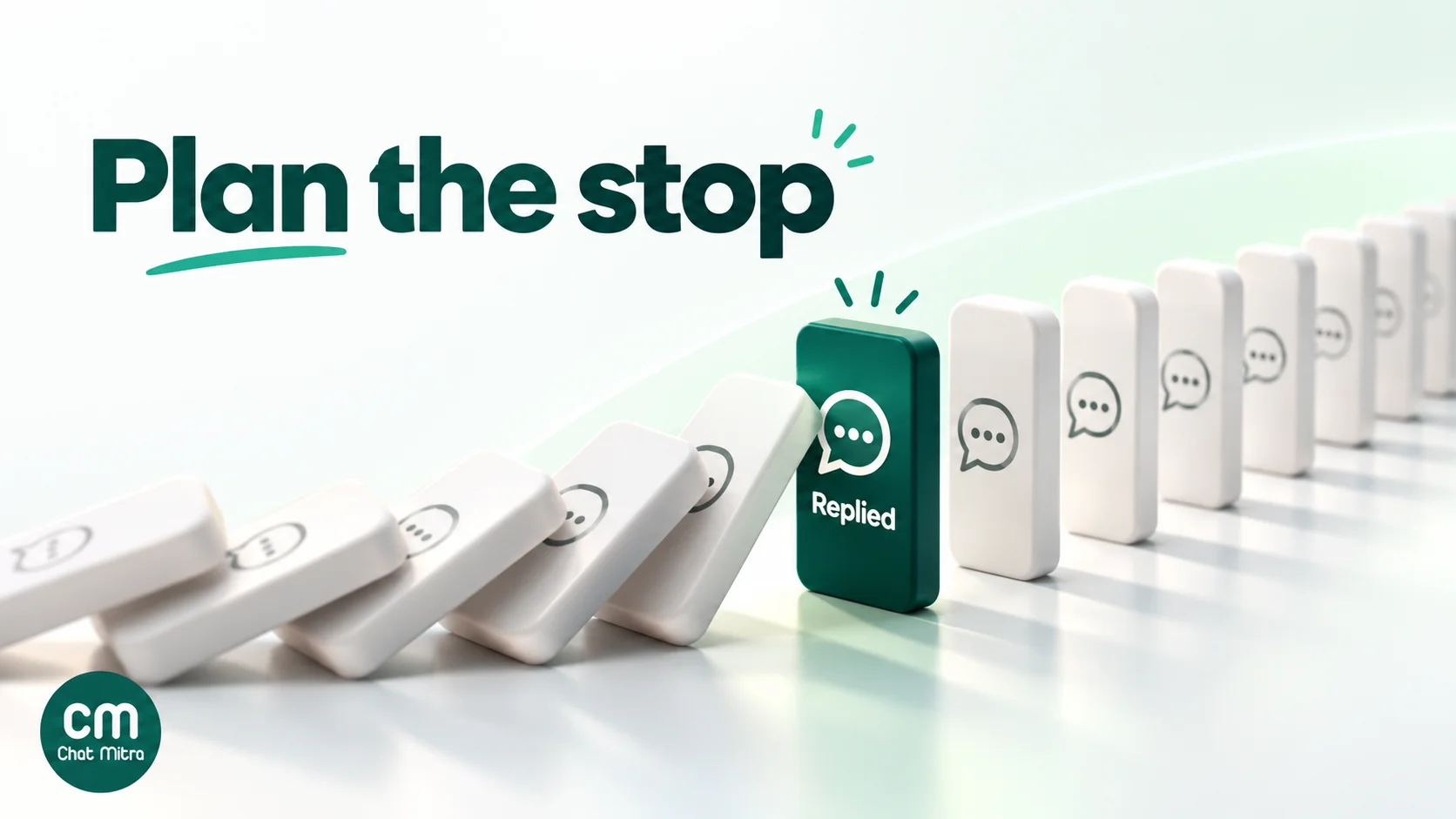
The rule that does most of the work is simple: check the customer’s current status immediately before every send, not just when the drip starts. Customers buy, call and opt out while the sequence is waiting.
Building a WhatsApp drip in ChatMitra
Here’s what ChatMitra offers for drips, checked against the product in October 2026.
| Need | ChatMitra feature |
|---|---|
| Start a drip from an event | Automation triggers: a row added or updated in a Google Sheet, a specific column changing, a daily, hourly or custom schedule, birthdays, anniversaries, N days before or after a date, an incoming webhook, or a WhatsApp message matching your keywords (exact, starts with, contains or regex) |
| Wait between steps | Delay / Wait step: 1, 5, 10, 15 or 30 minutes; 1, 2, 4, 6 or 12 hours; or 1, 2, 3 or 7 days. Add several in a row for longer sequences (three 7-day delays make a three-week drip) |
| Send each step | Approved templates with variables, header media and dynamic URL buttons; free-form text and media for customers inside the 24-hour window |
| Re-check before sending | Get Row from Google Sheet to reload the latest row, then Check Conditions (stop if not met) |
| Record what happened | Update Sheet Row, Add Tag, Update Contact Field and Update Lead Stage steps |
| Cart reminders for Shopify | Up to three abandoned-cart reminders, each with its own template and delay (up to 40 days), cancelled automatically when the order is placed |
| Manual drips by segment | Scheduled campaigns with include and exclude tags, and follow-up campaigns to the people who were sent, delivered, read or failed an earlier one |
A reliable pattern: run the drip from a sheet. Keep one row per lead with columns such as Name, Mobile, Stage and Status. Trigger the workflow when a row is added. Then, for each step: Delay, Get Row from Google Sheet, Check Conditions (for example, Status is empty), send the template, and Update Sheet Row to note which step went out. Your team can stop a drip for one customer by typing “Called” or “Bought” in the Status column, and the next step won’t send. A second workflow, triggered by a WhatsApp message containing a keyword you choose (for example the text of a “Stop offers” or “Talk to us” button), can write to that row too; test that your button replies match the keyword before you rely on it.
Good to know:
- Drips don’t stop on their own when a customer replies or opts out. Use the Status-column check above. Check Conditions can only see the workflow’s data, and after a Delay, contact details come from the moment the run started. Only Get Row from Google Sheet fetches fresh data.
- Opted-out contacts aren’t skipped automatically by automations or campaigns. Tag customers who tap “Stop offers”, exclude that tag from campaigns, and mark them in your sheet so automations skip them.
- No per-contact limit on runs. If the same customer triggers a workflow twice, two runs can go in parallel. Add a check for a “drip started” column if that matters.
- Pausing a workflow doesn’t cancel runs already waiting in a Delay step.
- Reporting is per run (succeeded, failed, skipped), with step-by-step logs. Read and reply rates per automation aren’t shown, so measure the goal itself: orders, bookings or payments from the people in the sheet.
- Sheet date triggers repeat every year, because they match the day and month. That suits birthdays; for one-off dates, use a contact date field or a row trigger.
- Plan availability: Automation is switched on per plan, and the welcome message (up to 20 messages sent together on a customer’s first contact) isn’t a timed drip. Check what your plan includes on the pricing page.
Why businesses build their WhatsApp drips in ChatMitra
| ChatMitra advantage | What it means for a drip | How it compares |
|---|---|---|
| Meta’s rates with no markup, plus ₹0.20 per 24-hour conversation | Steps sent within 24 hours of each other pay the fee once; utility steps cost ₹0.115 from Meta | Check whether a provider adds a margin to every template |
| A Google Sheet as the drip’s control panel | Anyone on the team can stop a sequence for one customer by editing a cell | Many tools need a CRM change or a developer for this |
| Shopify cart reminders that cancel on order | No offer reaches a customer who already paid | Check whether cart flows stop automatically elsewhere |
| Delays from 1 minute to 7 days, chained | Same-hour cart nudges and three-week nurtures in one builder | Check the shortest and longest wait a tool allows |
| Free Starter plan; Pro at ₹999 a month with a 15-day free trial; Enterprise at ₹2,499 removes the ₹0.20 fee | Test a drip on real customers before committing | Compare the total monthly cost, not just the plan price |
For the bigger picture of what to automate first, see our WhatsApp automation guide and the Google Sheets automation page.
Common WhatsApp drip mistakes
- Copying an email sequence. Eight steps over three weeks is normal for email. On WhatsApp it means paying for messages that WhatsApp may stop delivering.
- Every step asks for the sale. Give the customer something useful in at least one step before the offer.
- Ignoring replies. A customer who answers step two and then gets step three as if nothing happened learns that nobody is reading.
- Judging by read rate alone. A drip exists to produce an outcome. Measure orders, bookings or payments from the people who entered it, ideally against a small group who didn’t (our WhatsApp marketing ROI guide explains holdout groups).
A checklist before you switch a drip on
- Did everyone who’ll enter it opt in to WhatsApp messages from you?
- Is the trigger an event your system can actually see?
- Does each step have one job and something new to say?
- Is every template’s category honest, with utility steps free of offers?
- Are the gaps based on how long your customers take to decide?
- Will a purchase, a reply, an opt-out and a 131050 error all stop it?
- Is there a status check immediately before every send?
- Does at least one step offer an easy way to stop offers?
- Do you know the cost per person if they receive every step?
- Have you sent the whole sequence to your own number first?
Where to start
Pick the moment where you lose the most customers today. For most shops that’s the abandoned cart. For service businesses it’s the enquiry that goes quiet after the first reply. Build one three-step drip for that moment, with a status check before every send and a clear goal, and run it for a month. Compare the outcome with the month before, then adjust the gaps or the wording. Add a second drip only when the first is earning its cost.
If you want to build it on WhatsApp’s official platform, you can compare ChatMitra’s plans, and draft your templates with our guide to WhatsApp marketing templates.