A WhatsApp FAQ chatbot answers the questions your team answers every day, such as timings, prices, delivery areas and return rules, the moment a customer asks, and hands everything else to a person. To build one that helps: count the questions customers really send, keep a few topics human, write short answers that fit WhatsApp’s buttons and lists, choose between a menu and AI, and give every customer an easy way to reach your team.
This guide is for businesses whose staff type the same answers dozens of times a day: shops, clinics, coaching institutes, restaurants, salons, travel agents and service companies. It focuses on the FAQ job specifically. Limits, prices and policies are checked against Meta’s documentation as of October 2026.
Using ChatMitra? Welcome messages work on every plan. Keyword rules with buttons, lists and documents, and an AI chatbot that answers from the FAQs you give it, are on Pro, alongside a shared inbox where your team takes over. Jump to building it in ChatMitra.
What an FAQ chatbot does, and what it shouldn’t
An FAQ chatbot has one job: give a correct, approved answer to a common question faster than a person could. It’s not a salesperson, a complaints desk or a general assistant. Keeping it narrow is what makes it reliable.
| A good FAQ bot | A bad FAQ bot |
|---|---|
| Answers your top questions in one or two messages | Tries to answer everything, including what it doesn’t know |
| Uses answers your team has approved and dated | Improvises prices, dates or policies |
| Offers “Talk to our team” in every menu | Traps people in loops |
| Knows when it’s out of its depth and hands over | Repeats “I didn’t understand” three times |
| Is reviewed weekly against real chats | Is built once and forgotten |
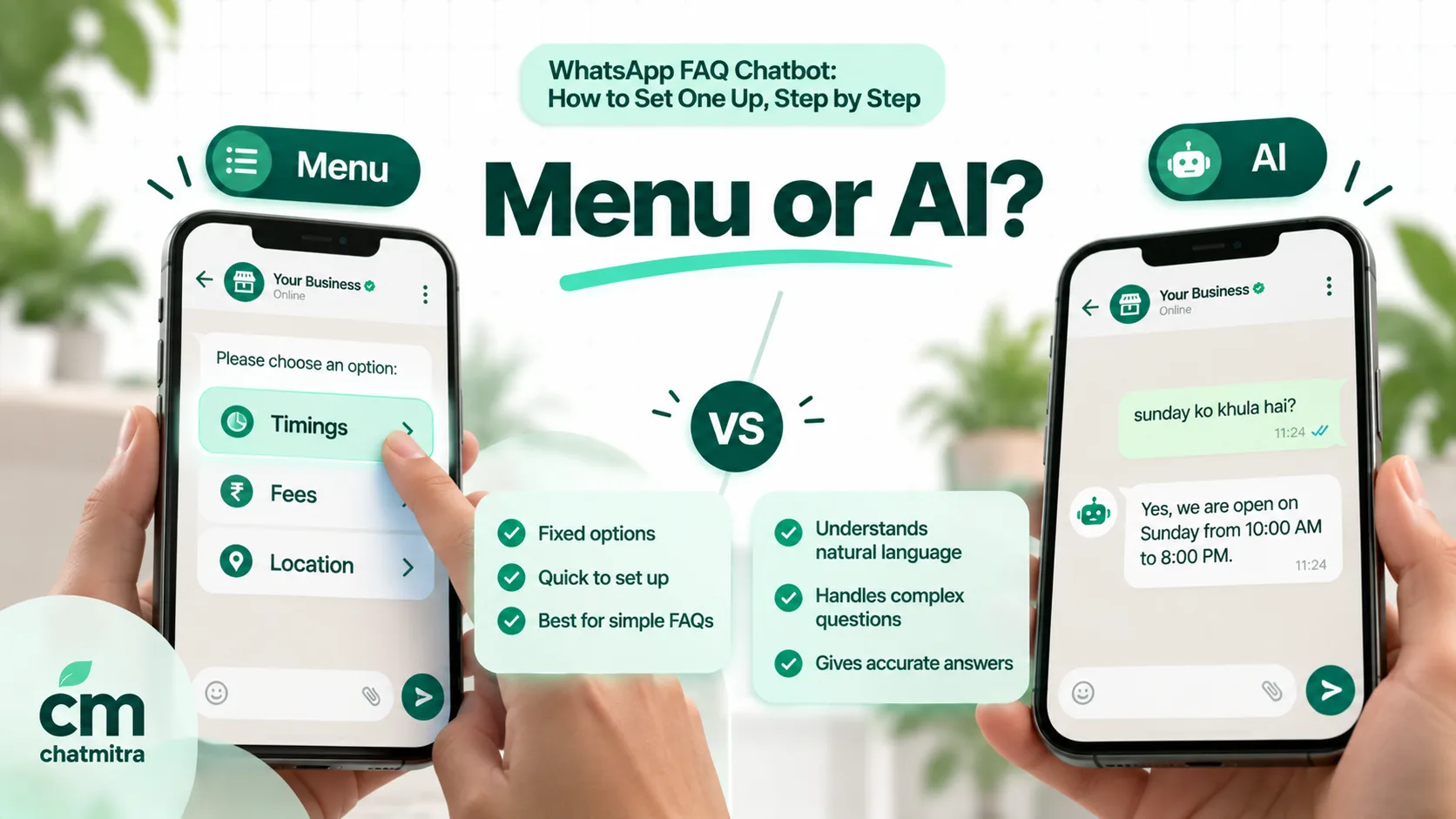
There are three ways to build one:
- Menu and keyword bot. Customers tap buttons or a list, or type a keyword, and get a fixed answer. Predictable and cheap, but it can’t understand a question it wasn’t set up for.
- AI bot answering from your FAQ document. A language model reads the customer’s message and answers using the information you give it. It copes with rephrasing, spelling mistakes and mixed languages, but it needs grounding rules and testing so it doesn’t make things up.
- Hybrid. A menu for the most common questions, AI for typed questions, and a person behind both. This is where most businesses end up.
Step 1: Find the questions customers really ask
Don’t start from a brainstorm. Teams consistently guess wrong about which questions matter most. Count them instead.
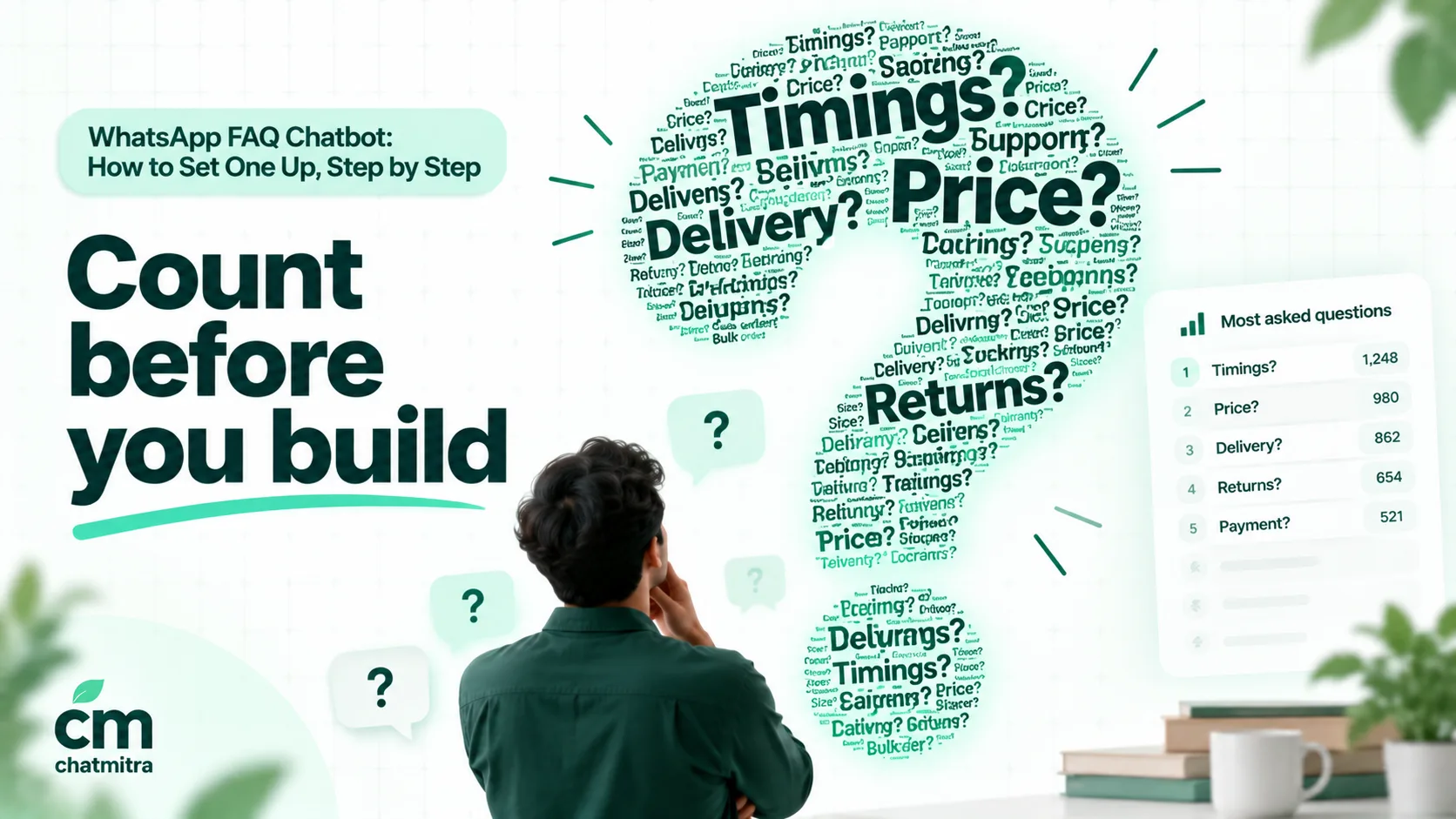
Where to look:
- Your last 30 days of WhatsApp chats. Read the first message of each conversation. That’s where the question usually is.
- The quick replies your team already uses. If someone saved an answer, it’s a frequent question.
- Phone calls. Ask whoever answers the phone to tally questions for a week.
- Google reviews and your Business Profile’s questions, especially complaints about not getting an answer.
- Your website’s contact form and search box.
How to count: make a sheet with one row per conversation and two columns, the question in the customer’s words and a short topic label (“delivery area”, “fees”, “timings”). After 200 to 300 conversations, sort by topic. You’ll usually find that a small number of topics covers most of the volume. For a dental clinic, a month’s tally might look like this (illustrative):
| Topic | Example wording customers used | Count | Bot or person? |
|---|---|---|---|
| Timings and Sunday opening | ”open sunday?”, “kal kitne baje tak?“ | 61 | Bot |
| Consultation fee | ”checkup ka charge?”, “how much for consultation” | 48 | Bot |
| Location and parking | ”where exactly”, “parking hai?“ | 37 | Bot |
| Booking an appointment | ”can I come at 5”, “book for tomorrow” | 55 | Bot starts, person confirms |
| Treatment cost (root canal, braces) | “RCT price?”, “braces cost” | 29 | Bot gives a range, person quotes |
| Insurance and cashless | ”do you take Star Health” | 14 | Bot (list of insurers) |
| Pain or emergency | ”tooth pain since night” | 18 | Person, immediately |
| Reports and prescriptions | ”send my xray” | 11 | Person |
Keep the “example wording” column. Those phrases become your keywords, your test cases and the variations you’ll give an AI bot.
Step 2: Decide what stays with people
A bot that answers the wrong question confidently does more damage than no bot. Before you write a single answer, list the topics the bot should hand over straight away.
| Keep with people | Why | What the bot can still do |
|---|---|---|
| Complaints and angry messages | A fixed answer makes them angrier | Acknowledge and hand over at once |
| Refund or cancellation decisions | Each case is different, and money is involved | Explain the process and the time it takes |
| Anything about one customer’s account, order or report | Needs identity checks and live data | Ask for the order number, then hand over or look it up through your system |
| Medical, legal or financial advice | Risky and, in some fields, regulated | Share general information and booking options |
| Negotiation and custom quotes | Needs judgement | Collect the requirements first |
| Emergencies | Time-critical | Give the emergency number and alert staff |
Meta also requires this. Its Business Messaging Policy says: “You may use automation when responding during the 24-hour window, but must also have available prompt, clear, and direct escalation paths.” It lists an in-chat transfer to a human, a phone number, email, web support, a store visit or a support form (WhatsApp Business Messaging Policy). The easiest way to comply is a “Talk to our team” option in every menu, and a reply that says how and when someone will respond.
Step 3: Choose how to build it
Your choice depends on how many questions you have, how differently customers phrase them, and how much testing time you can give.
| Option | Where it runs | Handles rephrasing? | Setup effort | Main risk | Best for |
|---|---|---|---|---|---|
| Quick replies in the Business app | WhatsApp Business app | A person picks the answer | Minutes | Still needs a person to send | Small teams with low volume |
| Business AI in the Business app | WhatsApp Business app, where Meta offers it | Yes | Low | Limited availability; learns from your profile, catalog and past chats | Eligible small businesses in supported countries |
| Menu and keyword rules | WhatsApp Business Platform | Only the keywords you list | Medium | Unmatched questions get no answer | Up to about 20 fixed-answer questions |
| AI answering from your FAQ document | WhatsApp Business Platform | Yes | Medium to high | Confident wrong answers if not grounded | Many phrasings, mixed languages |
| Hybrid | WhatsApp Business Platform | Yes | High | Two systems answering the same message | Busy businesses with a team behind the bot |
About the free app. Quick replies hold up to 50 saved answers, which your team sends by typing ”/” (WhatsApp Help Center). Greeting and away messages cover first contact and closed hours. Meta’s Business AI in the app, launched in India in May 2026, answers “based on what the business has already added to their profile and catalog” (Meta Newsroom), but WhatsApp says it’s “only available in limited countries to select businesses” (WhatsApp Help Center), and greeting messages are switched off when it’s connected.
About Meta’s own agent on the API. Meta Business Agent is billed at $2 per million tokens, which Meta estimates at “approximately 4–5 cents (USD) per message,” with no free messages (Meta pricing). Meta excludes finance, government, health, alcohol, gambling, over-the-counter drugs and matrimony services (Meta Business Agent overview). For a plain FAQ job, a menu or your own AI model answering from your FAQ document usually costs far less.
About AI rules. Since 15 January 2026, Meta bars general-purpose AI assistants from the WhatsApp Business Platform, except where it’s legally required to permit them. An AI bot that answers questions about your own business is “incidental or ancillary” use and is allowed (Meta Terms for WhatsApp Business Platform, §4.7). Keep your bot on your business’s topics.
Step 4: Write answers that work in a chat
A website FAQ answer pasted into WhatsApp reads like a wall. Rewrite every answer for a phone screen:
- Answer in the first line. “Yes, we’re open on Sundays, 10 am to 2 pm.” Then add one line of detail if it’s needed.
- Use numbers, not adjectives. “Delivery in 2–3 days in Pune, 4–6 days elsewhere” beats “fast delivery across India.”
- One action per answer. A single button or link: “Book a slot”, “See the price list”, “Track my order”.
- Date anything that changes. “Fees for the 2027–28 batch” tells the reader, and your team, when it goes stale.
- Write the way customers write. If they ask in Hinglish, a short Hinglish answer often lands better than formal English.
- End with a way out. “Anything else? Tap Main menu or type AGENT.”
Before and after:
Before: “Thank you for reaching out! We are pleased to inform you that our store is operational on all days of the week including Sundays, subject to public holidays, during which timings may vary. Please feel free to contact us for further assistance.”
After: “Yes, we’re open every day, 10 am–9 pm. On public holidays we close at 6 pm. 📍 Tap below for directions.” [Get directions]
Meta’s limits for menus and answers
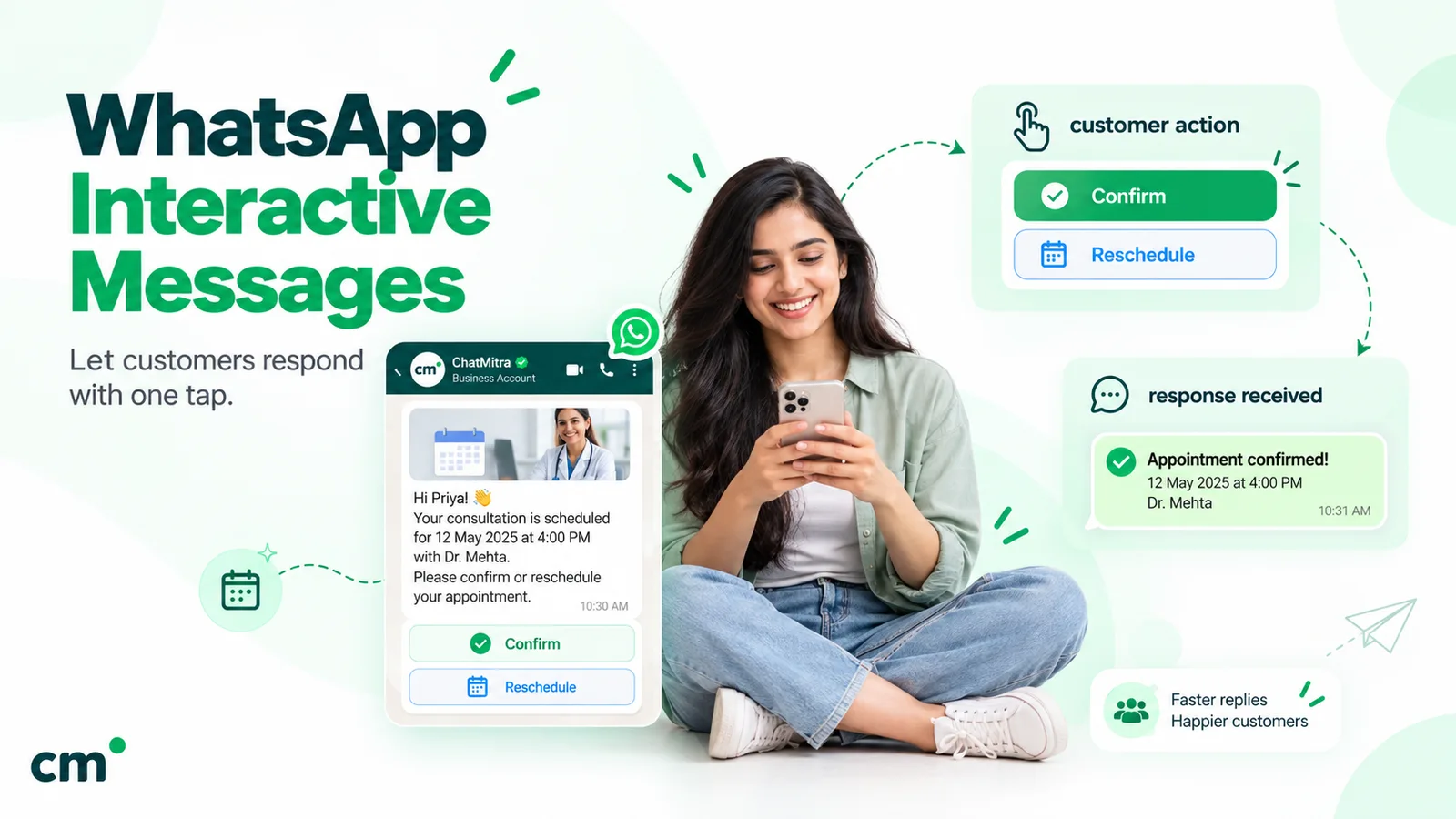
Buttons, lists and link buttons are interactive messages, and Meta caps them:
| Element | Limit |
|---|---|
| Reply buttons | Up to 3 per message; each label up to 20 characters, and labels must be unique |
| Button message text | Up to 1,024 characters |
| List message | Up to 10 sections and 10 rows in total; row titles up to 24 characters, row descriptions up to 72 |
| List body text | Up to 4,096 characters |
| List and link-button labels | Up to 20 characters |
| Header and footer | Up to 60 characters each |
Sources: Meta’s pages on reply buttons, list messages and link buttons.
These are free-form “service” messages, so you can send them only during an open customer service window: the 24 hours after a customer messages or calls you, reset each time they do (Meta, service messages). That suits an FAQ bot, which only ever replies. To reach someone after the window closes, for example to follow up on an unanswered question the next day, you need an approved template.
The 24-character row title is the limit that bites most often. “Consultation fee and payment options” won’t fit; “Consultation fee” will, with “Cash, UPI, cards accepted” in the 72-character description. The interactive messages guide shows each format.
Step 5: Design the menu
A menu should get anyone to their answer in two taps or fewer.
- Top level: a list, not buttons, if you have more than three topics. A list holds up to 10 rows, so put your top 8 or 9 questions there and keep the last row for “Talk to our team”.
- Second level: the answer itself, with one button for the next likely step (“Book a slot”) and one back to the main menu.
- Order rows by how often they’re asked, using your count from Step 1, not by your org chart.
- Name rows the way customers ask: “Fees” rather than “Pricing structure”, “Open Sunday?” rather than “Operating hours”.
Two Meta features help customers start. On the WhatsApp Business Platform, you can set up to 4 ice breakers, tappable starter questions of up to 80 characters shown when someone opens a chat with you for the first time, and up to 30 commands that customers see by typing ”/” (Meta, conversational components). Ice breakers are a natural fit for your four most common questions; the conversational components explainer shows how they look. They aren’t shown when a customer arrives through a link with a pre-filled message.
A sample menu for a coaching institute:
Hi! I’m the Vidya Classes assistant. What would you like to know? [View topics]
- Courses and batches
- Fees and instalments
- Batch timings
- Demo class
- Admission documents
- Online or offline?
- Scholarship test
- Centre address
- Talk to our team
Each row leads to a two- or three-line answer with one next step. “Fees and instalments”, for instance, gives the fee for each course and the instalment rule, with a button for “Book a demo class”.
Step 6: If you use AI, write an FAQ source document
An AI bot is only as good as the information it’s given and the rules it follows. Give it a single FAQ source document: short, factual and dated.
Format each entry the same way:
Q: Do you open on Sundays?
A: Yes. Sundays 10 am to 2 pm. Closed on Diwali and Holi.
Also asked as: open sunday, sunday timing, ravivar ko khula hai
Last checked: 1 Oct 2027
Then add grounding rules at the top of the bot’s instructions:
You are the WhatsApp assistant for Sharma Dental Clinic, Pune.
Answer only from the FAQ below. If the answer is not in the FAQ, say:
"I'm not sure about that. Type AGENT and our team will reply between 9 am and 8 pm."
Never guess prices, dates or medical advice.
For pain, swelling or bleeding, give the clinic number +91-XXXXX-XXXXX and say a person will call back.
Reply in the customer's language. Keep replies under 60 words.
Rules that matter most:
- “Answer only from the FAQ” is the single most important line. Without it, models fill gaps with plausible-sounding invention.
- Give an exact out-of-scope reply, so the bot hands over the same way every time.
- Keep the document short. Every message the AI processes includes your instructions, so a bloated document costs more tokens per reply and makes answers vaguer. A few hundred words per topic is plenty.
- Include the “also asked as” phrasings from your Step 1 count, including Hinglish and common misspellings.
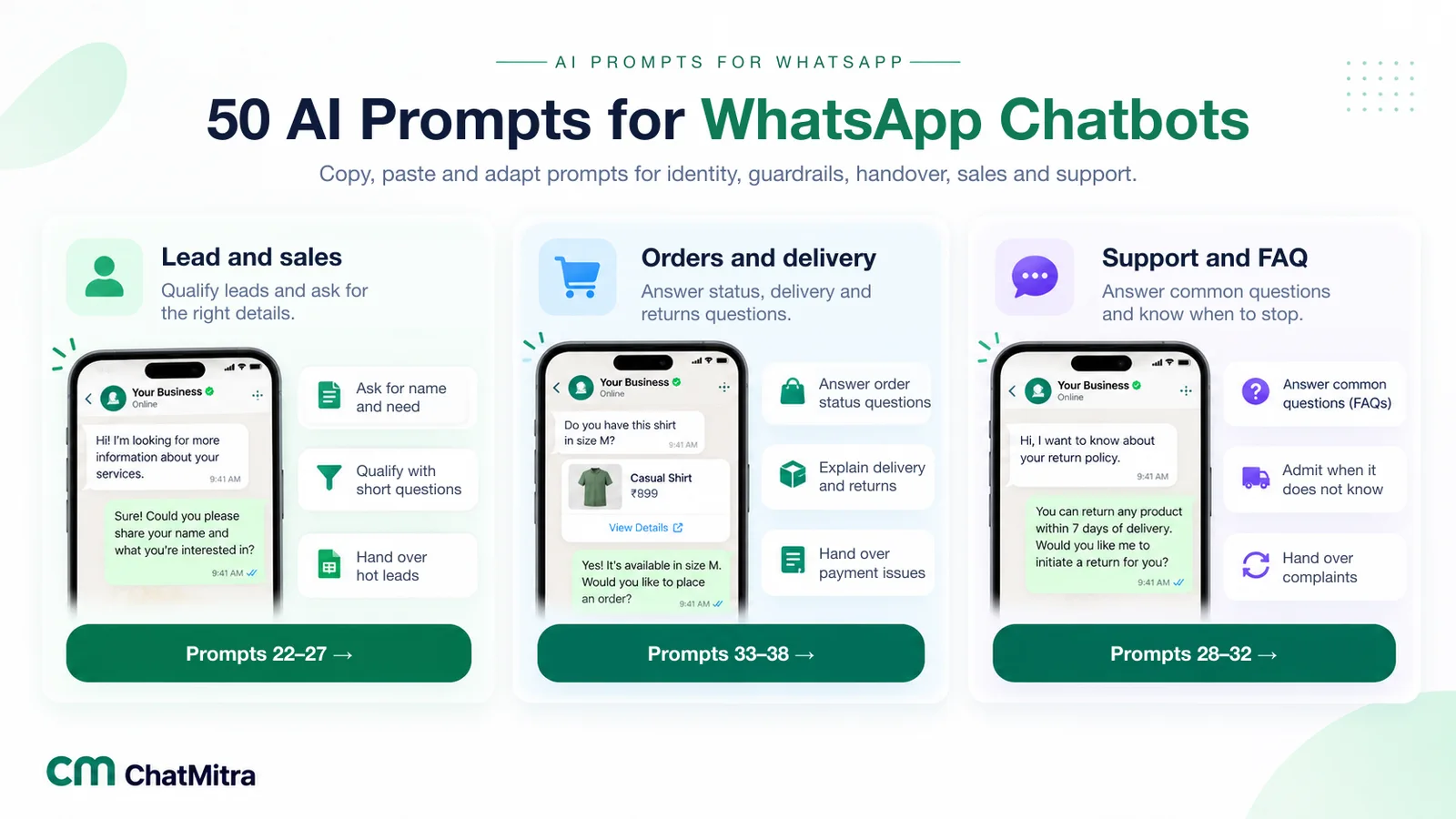
Test before launch with at least 30 real messages from your chat history: the top questions in several phrasings, a few in Hindi or Hinglish, and some deliberately out of scope (“can you write my essay?”, “what’s the weather?”). The bot should answer the first group correctly and hand over or decline on the rest. Our AI prompts for WhatsApp chatbots include support and FAQ prompts you can adapt.
Step 7: Plan the fallback and the handover
Every FAQ bot meets questions it can’t answer. What happens next decides whether customers trust it.
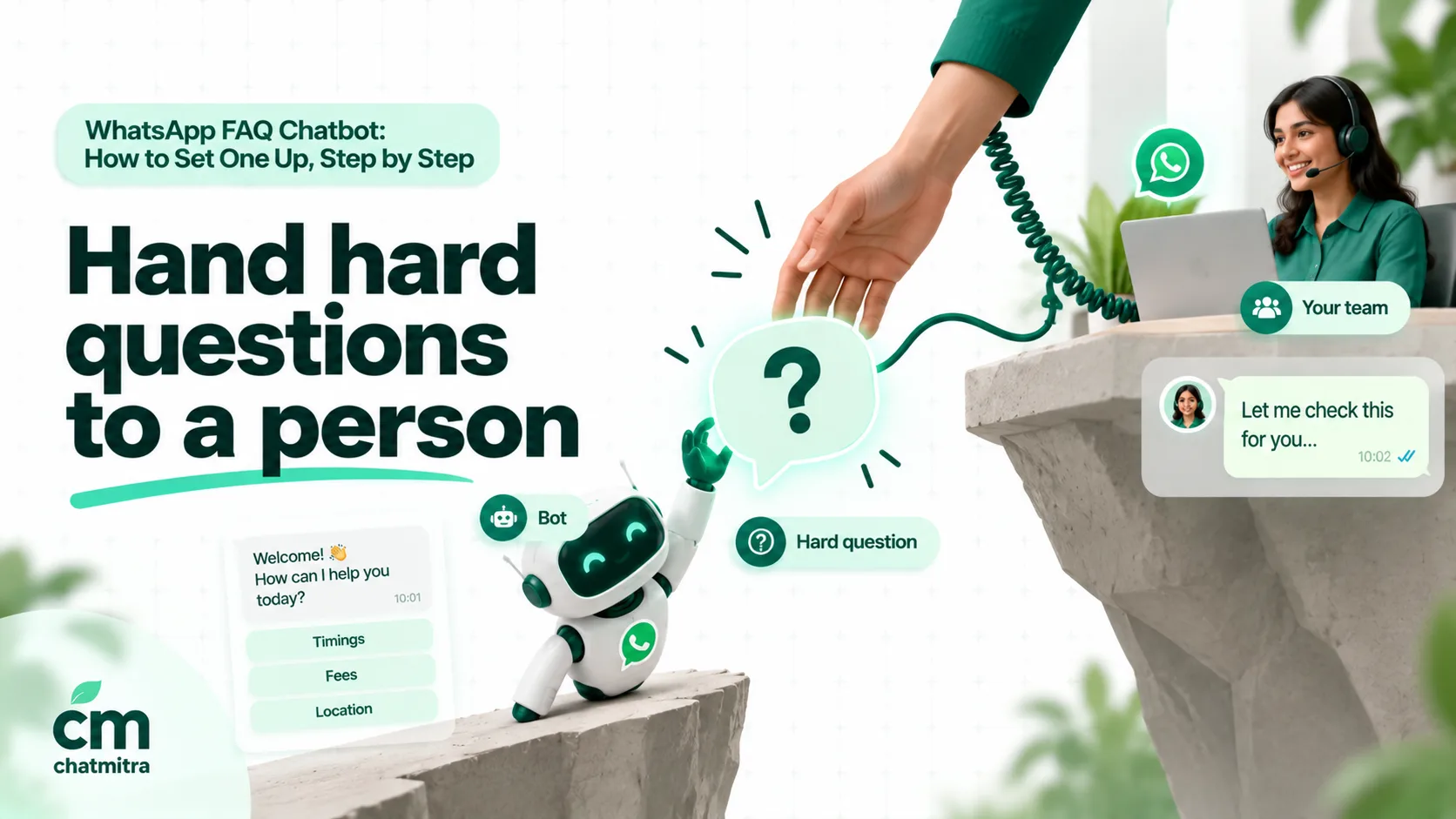
A good fallback reply:
- admits the bot doesn’t know;
- says what happens next, and when (“Our team replies between 9 am and 8 pm, usually within an hour”);
- keeps the customer’s question so they don’t have to type it again.
Two misses, then a person. If a customer hits the fallback twice, or types “agent”, “human” or “talk to someone”, stop the bot for that chat and alert your team.
Out of hours, say so plainly: “We’re closed now. We’ll reply at 9 am. Meanwhile, here’s our menu for common questions.” Don’t pretend a person is coming at 2 am.
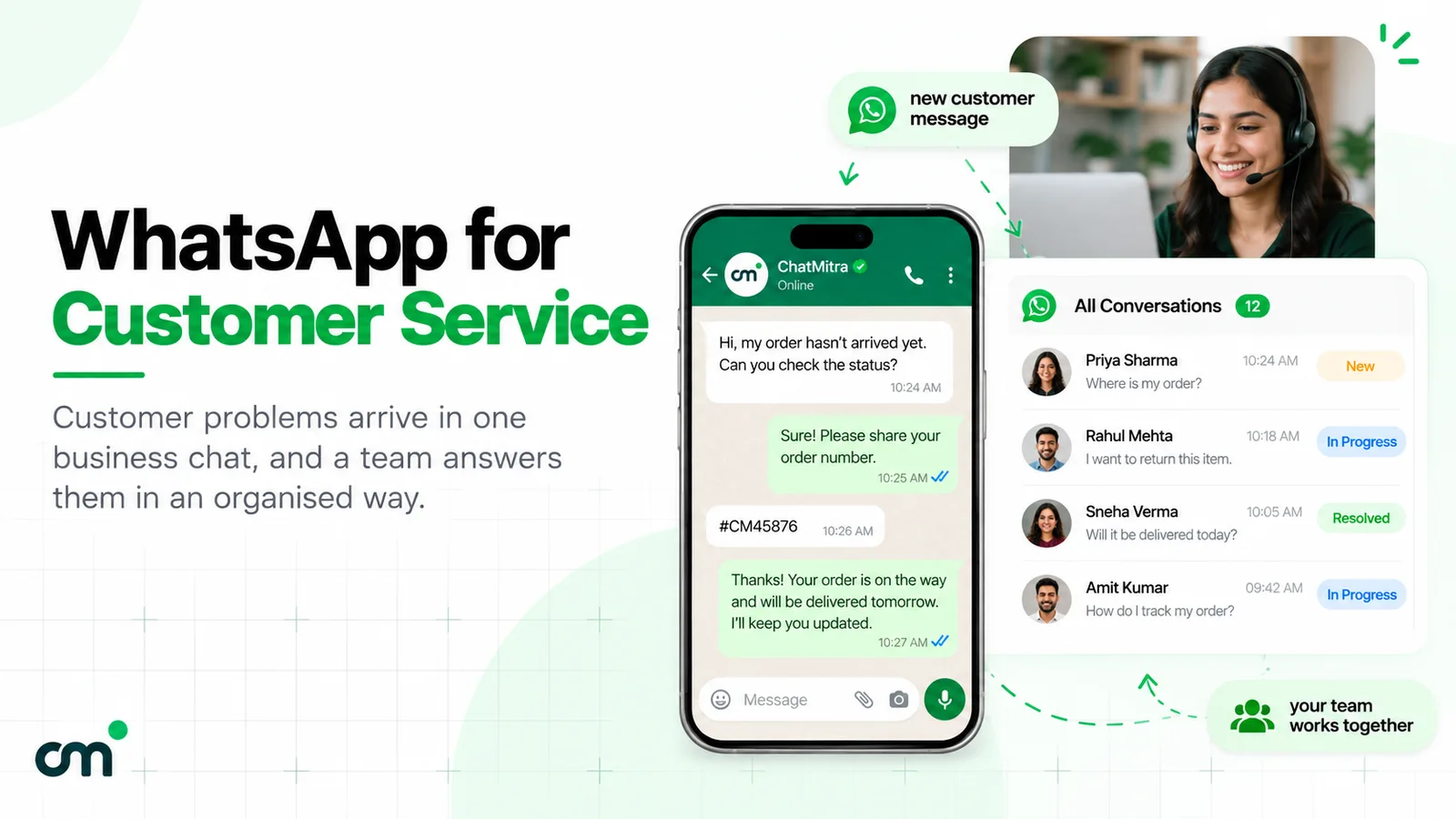
When the person takes over, they should see the whole conversation, including the menu taps. The customer should never have to repeat their question. The WhatsApp customer service guide covers what good human follow-up looks like.
Step 8: Test before you switch it on
Run through this checklist with someone who didn’t build the bot:
- Every menu row opens the right answer, and every answer has a way back.
- Every button and row label fits Meta’s character limits and reads well on a small phone.
- Each of your top 20 questions, typed in three different ways, gets the right answer or a clean handover.
- “Agent”, “human”, “talk to someone” and the local-language equivalents reach a person.
- Out-of-scope questions get the fallback, not an invented answer.
- Prices, timings and dates match your website and your shop’s signboard.
- Links open, and any documents, such as a price list or brochure, are the current versions.
- Out-of-hours messages get the closed-hours reply.
- No message arrives twice. If you run keyword rules and an AI bot together, test the overlap carefully.
- A team member can see the conversation and take over in the inbox.
Step 9: Measure, then improve every week
Track a few numbers you can actually collect:
| Measure | How to get it | What it tells you |
|---|---|---|
| Chats resolved without a person | Conversations with no team reply after the bot answered, from your inbox or a weekly sample | Whether the bot is doing its job |
| Handover rate | Chats where the bot handed over, or the customer typed “agent” | Gaps in your FAQ, or a confusing menu |
| Repeat questions | The same customer asking the same thing again within a day | Answers that are unclear or incomplete |
| Unanswered questions | Fallback replies, read weekly | The next questions to add |
| Customer reaction | A one-tap “Did this help? Yes / No” after the answer, on a sample of chats | Answer quality |
Spend 20 minutes a week reading the chats where the bot fell back or handed over. Add an answer only when the same new question keeps coming back. Rewrite answers that cause repeat questions.
Keep your answers current
The fastest way to lose trust is an outdated answer: last year’s fees, a holiday schedule that’s passed, a delivery promise you’ve stopped making.
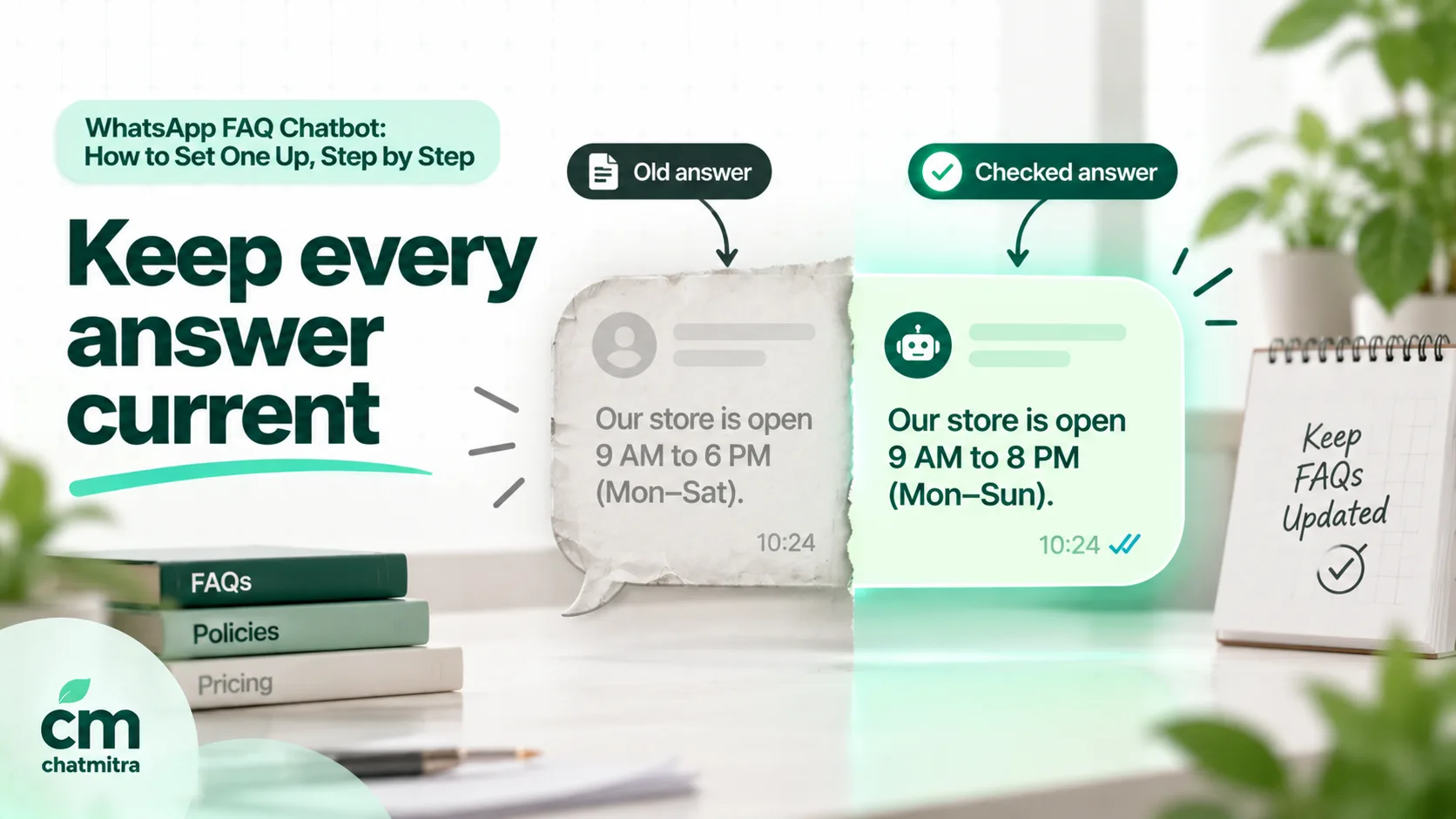
- Give each answer an owner, the person who knows when it changes: the accountant for fees, the store manager for timings.
- Add a “last checked” date to each entry, and review anything older than three months.
- Set calendar reminders for known changes: new academic year, festival hours, price revisions, monsoon delivery delays.
- Change the bot the same day you change your website or signboard. Make it one step in the same checklist.
- Keep seasonal answers separate, such as Diwali hours or a sale’s terms, and remove them when the season ends.
Ready-made FAQ sets by business type
Use these as a starting point, then replace them with your own counts from Step 1.
| Business | Top questions for the bot | Hand to a person |
|---|---|---|
| Online store | Delivery time and charges, COD available?, return and exchange rules, size guide, order tracking link, payment options | Damaged items, refund disputes, bulk orders |
| Clinic | Timings, consultation fee, location and parking, doctors’ days, insurance accepted, how to book | Symptoms and pain, reports, prescriptions |
| Coaching institute | Courses, fees and instalments, batch timings, demo class, admission documents, online or offline | Fee concessions, results queries, complaints |
| Restaurant | Menu and prices, timings, table booking, delivery areas, Jain or vegan options, party orders | Allergies in detail, large event quotes, complaints |
| Salon | Services and prices, timings, appointment booking, products used, bridal packages | Reactions or complaints, custom bridal quotes |
| Real-estate developer | Project location, configurations and sizes, price range, RERA number, site-visit booking, possession date | Negotiation, loan specifics, booking changes |
What a WhatsApp FAQ chatbot costs
Since 1 October 2026, Meta has charged for service messages, which are free-form replies inside the 24-hour window, whether sent by a person or a bot. Every business number gets 1,000 free service messages a month, and Meta charges from the 1,001st (Meta pricing). In India, each one after that costs ₹0.115 on Meta’s rate card effective 1 October 2026. Your platform and, for an AI bot, your AI provider charge separately.
A worked month. A coaching institute’s FAQ bot handles 3,000 conversations a month in India. Each conversation averages four bot messages: the menu, an answer, a follow-up answer and a closing message.
| Item | Calculation | Cost |
|---|---|---|
| Service messages | 3,000 × 4 = 12,000 messages | — |
| Meta: free tier | First 1,000 | ₹0.00 |
| Meta: the rest | 11,000 × ₹0.115 | ₹1,265.00 |
| ChatMitra Pro plan | Includes 1,000 conversation credits | ₹999.00 |
| ChatMitra: extra conversations | 2,000 × ₹0.20 | ₹400.00 |
| Total | ₹2,664.00 |
If the bot uses AI, add the token cost from your own AI provider’s account, which depends on the model and the length of your instructions. Two ways to bring the Meta line down:
- Send fewer, better messages. If each conversation drops from four messages to three, the Meta line falls to (9,000 − 1,000) × ₹0.115 = ₹920. That’s another reason to put the answer in the first message and skip the “Thanks for your question!” filler.
- Answer in one message instead of a chain. One message with the answer and a button beats three short bubbles.
ChatMitra’s fee is ₹0.20 per conversation, meaning once per customer per 24 hours however many messages are exchanged, not per message. Enterprise, at ₹2,499 a month, has no per-conversation fee (ChatMitra pricing).
Building an FAQ chatbot in ChatMitra
ChatMitra connects your number to the WhatsApp Business Platform and gives you three building blocks for an FAQ bot.
1. Welcome message (every plan). A welcome message can send up to 20 messages in reply to a customer’s first message, such as a greeting and your FAQ list, and re-welcome returning customers after a number of days you choose (0–365). It can also tag new contacts.
2. Auto Reply rules (Pro). These are the menu and keyword bot.
- Each rule matches up to 10 keywords as an exact match, starts with, or a regex pattern. Regex is case-insensitive, so an unanchored pattern such as
refund|return|exchangecatches those words anywhere in a message. - A rule can reply with text, images, documents, video, location, contacts, buttons (up to 3) or a list (up to 10 rows), products or your catalog, within Meta’s limits above.
- Button and list taps are matched by their title, so make each rule’s keyword the exact row or button title. That’s how you chain a menu: the main list’s “Fees” row triggers the “Fees” rule, which replies with the answer and a button.
- A rule can add a tag to the contact. Tag each FAQ rule, and you can count which questions are asked most, which ChatMitra doesn’t otherwise report.
- An Away message covers one daily closed-hours window with your time zone; see these away message examples.
3. AI chatbot (Pro). It answers typed questions using the AI provider and API key you choose, from 18 supported providers. Paste your FAQ source document and grounding rules into the bot’s instructions (or its company description). You can set how many recent messages it remembers (1 to 100, 20 by default) and for how long a conversation stays in memory (30 minutes to 24 hours). It reads typed text only, not button taps or images.
Then add your team. Everyone answers from one shared inbox on the web or Android app. To take over a chat, pause automation for that customer from the inbox, for 30 minutes to 24 hours or until you turn it back on. A pause stops both the rules and the AI for that customer.
A setup that works:
- Welcome message: one greeting line plus your FAQ list of up to 10 rows.
- One Auto Reply rule per row, keyed to the exact row title, each answer ending with a button to the main menu or “Talk to our team”.
- Either AI for typed questions, or keyword rules for the most common typed words, but think carefully before running both (see below).
- A “Talk to our team” rule that adds a “Needs agent” tag and tells the customer when someone will reply. Your team filters the inbox by that tag and pauses automation when they step in.
ChatMitra’s advantages for FAQ bots:
| Advantage | What it means |
|---|---|
| Meta’s rates at cost | Service replies at Meta’s price after the free 1,000, plus ₹0.20 per conversation, not per message |
| Unlimited team members | Everyone who handles handovers works from the same number and inbox |
| Menus, documents and catalog in one rule builder | Price lists, brochures and product cards as FAQ answers |
| Your choice of AI provider | Use the model and key you already pay for, with your own instructions |
| Tags on every rule | A simple way to count which questions customers ask |
Good to know:
- Auto Reply rules have no “didn’t understand” reply. A typed message that matches no rule gets no automatic answer unless the AI chatbot is on, so make sure your team watches unanswered chats.
- If keyword rules and the AI chatbot are both on, a typed message that matches a keyword gets two replies. Key rules to exact menu titles when AI handles typed questions.
- A Fixed Reply answers every message and switches off the rules, so it isn’t an FAQ tool.
- Handover is manual: there’s no automatic pause after repeated misses and no chat assignment, so agree who watches the “Needs agent” tag.
- Bot analytics, such as top questions or unanswered questions, aren’t shown in the app; use rule tags and a weekly read of the chats.
Common mistakes
- Building from a brainstorm instead of a count. You’ll automate the questions you think matter, not the ones customers send.
- Answering everything. Complaints, refunds and anything personal belong with people.
- Website-length answers. If an answer needs scrolling on a phone, rewrite it.
- Menus three levels deep. Two taps to any answer, or customers give up and type.
- No way out. Every menu needs “Talk to our team”, and Meta’s policy requires a clear escalation path.
- An ungrounded AI bot. Without “answer only from the FAQ”, it will invent prices and policies.
- Two systems answering the same message. Decide which one owns typed questions.
- Stale answers. Old fees and holiday hours do more harm than no answer.
- Never reading the fallbacks. The questions your bot can’t answer are your to-do list.
Sources
- Meta for Developers: Pricing (updated 30 September 2026), Service messages and the customer service window, Reply buttons, List messages, Link buttons, Conversational components, Meta Business Agent overview.
- Meta: Meta Terms for WhatsApp Business Platform (§4.7), WhatsApp Business Messaging Policy (updated 23 September 2026), Business AI on WhatsApp for small businesses in India (May 2026).
- WhatsApp Help Center: Quick replies, Setting up Business AI.