A good follow-up WhatsApp message reminds the person of your last conversation in one line, adds one new or useful thing, and ends with one easy question. Send the first follow-up one to three days after silence, send no more than two, and close the loop politely. On the WhatsApp Business Platform, anything sent 24 hours after the customer’s last message must be an approved template.
Most deals, bookings and repeat orders aren’t lost to a competitor. They drift, because the customer got busy and nobody followed up well. Below are 30 follow-up messages for the situations businesses meet most often, from a fresh enquiry to a client who went quiet months ago. After them: how long to wait, how to sound helpful instead of pushy, and what WhatsApp’s rules mean for follow-ups sent at scale.
Key takeaways
- Every follow-up needs a reason to exist beyond "checking in".
- Two unanswered follow-ups is the limit. The third message should close the loop.
- On the API, the 24-hour window decides whether you can type freely or need a template.
What makes a follow-up message work
A follow-up competes with dozens of other chats. The ones that get answered share four parts, usually in this order:
| Part | What it does | Example line |
|---|---|---|
| Context | Reminds them who you are and what this is about, without making them scroll up | "Following up on Tuesday's quote for the 20 office chairs." |
| Something new | Gives a reason to reply now rather than later | "The fabric samples arrived today; photos attached." |
| One question | Turns reading into replying | "Shall I reserve 20 units for delivery on the 18th?" |
| An easy exit | Lowers the pressure so people answer honestly | "If the timing's changed, a quick 'later' is fine." |
The “something new” is what separates a follow-up from a nag. It can be small: a delivery date, a revised figure, a relevant photo, an answer to a question they asked last week. If you genuinely have nothing to add, make the question smaller instead (“Would a 10-minute call on Thursday be easier than reading the proposal?”).
How long to wait before following up
There’s no single right delay. What matters is how much time the other person needs to act on your last message. A quote needs to be read and approved; a delivered parcel needs to be opened and used.
| Situation | First follow-up | Final follow-up (if still silent) |
|---|---|---|
| New enquiry you answered | Next day | 3–4 days later |
| Quote or proposal sent | 2–3 working days | About a week later |
| After a meeting, call or demo | Same day (the recap) | 3–5 days later |
| Documents or approval you're waiting on | On the agreed date, or 2 days before a deadline | The day before the deadline |
| After a purchase or delivery | 2–5 days after delivery | Usually none |
| After a service or appointment | Same day or next day | Usually none |
| Missed appointment | Within a few hours | 2–3 days later |
| Customer who went quiet | When you have a genuine reason (new stock, their renewal date) | None: wait for the next real reason |
Two habits make any cadence work better. First, send during the other person’s working hours, in their time zone. A 9 pm follow-up to a buyer feels like an intrusion, even if it’s midday for you. Second, keep a note of when each follow-up is due. A follow-up you forget is worse than one that’s a day late.
30 follow-up WhatsApp messages you can copy
Replace the bracketed parts. Keep the ones you use short. If a message runs past four lines on a phone screen, cut it.
After an enquiry
1. The next day, after answering their question
Hi [Name], thanks for asking about [product/service] yesterday. Did the price list answer everything, or would it help if I suggested the best option for [their use]?
2. When they asked for something you now have
Hi [Name], the [size/colour/model] you asked about is back in stock. Should I keep one aside for you until [day]?
3. When they went quiet after the first reply
Hi [Name], I didn’t want your question about [topic] to get lost. The short answer is [one-line answer]. Happy to explain the details on a quick call if that’s easier.
After sending a quote or proposal
4. First follow-up on a quote
Hi [Name], following up on the quote for [item] I sent on [day]. Is there anything in it you’d like me to adjust before you decide?
5. With something new to add
Hi [Name], a quick update on your quote: we can now deliver by [date] instead of [date]. The rest stays the same. Shall I go ahead?
6. When the quote has a genuine expiry
Hi [Name], a heads-up that the prices in quote #[number] hold until [date], after which the supplier’s new rates apply. Let me know if you’d like to lock them in.
7. Offering a smaller step
Hi [Name], if the full proposal feels like a big decision, we could start with [smaller scope] for [period] and review together. Would that work better?
After a meeting, call or demo
8. Same-day recap
Thanks for your time today, [Name]. As agreed: [point 1], [point 2]. I’ll send [item] by [day]. Anything I missed?
9. When you owe them something
Hi [Name], as promised, here’s the [document/sample/link] we discussed on [day]. Page 3 covers the question you raised about [topic].
10. When they owe you a decision
Hi [Name], hope the discussion with your team went well. Do you have what you need from us to decide, or should I set up a short call with [colleague]?
When there’s no response
11. First nudge, adding value
Hi [Name], one thing I forgot to mention about [topic]: [useful detail]. Does that change anything on your side?
12. Offering an easy answer
Hi [Name], just need a one-word answer on [topic] when you get a moment: “yes”, “no” or “later”. Any of them helps me plan.
13. Asking if someone else should be involved
Hi [Name], is [topic] still with you, or is there a colleague I should speak to instead?
14. Changing the format
Hi [Name], I know long messages are easy to put off. Would a 10-minute call on [day] be simpler? I can call at [time] if that suits.
15. The closing message
Hi [Name], I haven’t heard back, so I’ll assume the timing isn’t right and stop following up. If you’d like to pick this up later, just reply “restart” and I’ll send the latest details.
After a purchase or delivery
16. Checking the order arrived well
Hi [Name], your order [#number] shows as delivered. Did everything arrive in good condition? If anything’s wrong, reply here and we’ll sort it out.
17. A setup or care tip
Hi [Name], now that your [product] has arrived, one tip: [practical tip]. Questions? Just reply to this message.
18. Asking how it’s going after first use
Hi [Name], you’ve had your [product] for a few days now. How is it working for you? We read every reply.
If you want structured feedback or a public review at this stage, our guides on asking customers for feedback and asking for Google reviews cover the wording and the rules. A delivery check also sits naturally after your order confirmation messages.
After a service or appointment
19. After a completed job
Hi [Name], thanks for having us over for the [job] today. If anything isn’t working as it should over the next few days, message us here and we’ll come back.
20. After a clinic, salon or consultation visit
Thank you for visiting [Business] today, [Name]. Your next suggested visit is around [date]. Would you like us to book it now?
21. When they asked for something during the visit
Hi [Name], you asked about [product/option] during your visit. Here are the details: [link or summary]. Let me know if you’d like it set aside.
After a missed appointment
22. A few hours after a no-show
Hi [Name], we missed you at [time] today. No problem at all. Would you like to rebook? Reply with a day that suits and we’ll confirm a slot.
23. Final rebooking message
Hi [Name], we haven’t been able to reschedule your [appointment type]. When you’re ready, just message us here and we’ll find a time.
For B2B clients and ongoing projects
24. Waiting on documents
Hi [Name], to keep [project] on track for [date], we still need [document]. Could you share it by [day], or let me know if someone else has it?
25. Waiting on approval
Hi [Name], the [design/draft/plan] is ready for your approval. If I don’t hear by [day], we’ll hold the next step so nothing goes ahead without your sign-off.
26. After delivering a milestone
Hi [Name], [milestone] went live on [date]. Is everything as you expected? This is a good point to raise any changes before we start [next phase].
Re-engaging a customer who went quiet
27. When you have a real reason
Hi [Name], you bought [product] from us around this time last year. [Relevant reason: refill due / new version / service interval]. Would you like me to send details?
28. A light check-in from a service business
Hi [Name], it’s been a while since your last [service] with us. If you need anything, we’re a message away.
Payment follow-ups
29. A polite first reminder
Hi [Name], a quick reminder that invoice [#number] for [amount] was due on [date]. You can pay here: [link]. If it’s already sent, please ignore this.
30. When a payment is overdue
Hi [Name], invoice [#number] for [amount] is now [number] days overdue. Could you let me know when we can expect payment, or if there’s a problem with the invoice?
For fuller payment and appointment sequences, see our WhatsApp reminder messages guide.
How to follow up without sounding pushy
Pushy follow-ups share a few habits, and they’re easy to fix.
- “Just checking in” with nothing else. It asks the reader to remember everything and do all the work. Add the context and one question.
- Guilt and urgency you invented. “I’ve messaged three times now” or a fake deadline damages trust. If a deadline is real, say where it comes from.
- A bare ”?” or “Hello??”. It reads as impatience. Write a full sentence.
- Stacking messages. Four short messages in a row become four notifications. Send one complete message.
- Switching channels at the same time. A WhatsApp, an email and a call on the same afternoon feels like pressure. Pick one channel per follow-up.
- Following up on a follow-up the same day. Give each message time to be read.
Tone should match your relationship. A salon can be warm and casual; a CA firm writing to a new client should be friendly but more formal. Use the customer’s language if they wrote to you in it.
How many follow-ups is too many?
After two unanswered follow-ups, stop. That’s the original message, a first follow-up that adds something, and a closing message that leaves the door open (message 15). Beyond that, you’re more likely to be muted, blocked or reported than answered.
On WhatsApp, this isn’t only about manners. The WhatsApp Business Messaging Policy notes that “Users can block or report businesses”, and that WhatsApp’s systems “may limit the amount of messages a business can send” based on that feedback. A follow-up routine that annoys people can end up restricting every message you send.
The policy also requires opt-in before a business messages someone, and it requires you to respect requests to stop “either on or off WhatsApp”. If a customer says “no thanks” or “stop”, mark it and don’t follow up again. See our WhatsApp opt-in guide for how to record consent.
Following up on the WhatsApp Business Platform: the rules
If you follow up from the WhatsApp Business app on your phone, you type and send as usual. If you use the WhatsApp Business Platform (the API, through a provider), three rules shape every follow-up.
Rule 1: the 24-hour window
Meta’s sending guide explains that when a customer messages you, a 24-hour customer service window opens, and it restarts each time they message again. Inside it you can send any normal message. “When the window closes, you can only send pre-approved template messages.”
In practice, the best time to follow up is often before the window closes. If a customer asked a question this morning and you’re waiting on a detail, send what you have before tomorrow morning and end with a question. Their reply keeps the conversation open.
Since 1 October 2026, Meta charges the normal (non-template) messages you send inside the window as service messages, after a free tier of 1,000 per business phone number each month, at the same rate as utility messages in each market. Utility templates sent inside the window are charged too (Meta pricing).
Rule 2: the template’s category decides the price
After the window closes, your follow-up must be an approved template, and Meta puts each template in a category. Its categorisation guide describes utility templates as ones that “follow up on user actions or requests”. A utility template must contain no “promotional or persuasive intent” and must relate to the user’s own order, account, service or transaction, or be essential to them.
Applied to follow-ups:
| Follow-up | Likely category | Why |
|---|---|---|
| The revised quote the customer asked for | Utility, if Meta agrees | Specific to their request, nothing promotional |
| Documents needed to complete their application | Utility, if Meta agrees | Tied to their own transaction |
| Delivery check on a specific order | Utility, if Meta agrees | Relates to their order |
| "Are you still interested in our proposal?" | Marketing | Persuasive: it tries to restart a sale |
| "Pick up where you left off" | Marketing | Meta lists this style under retargeting, which is marketing "even if requested by users" |
| A follow-up with a discount or a new product | Marketing | Promotional content |
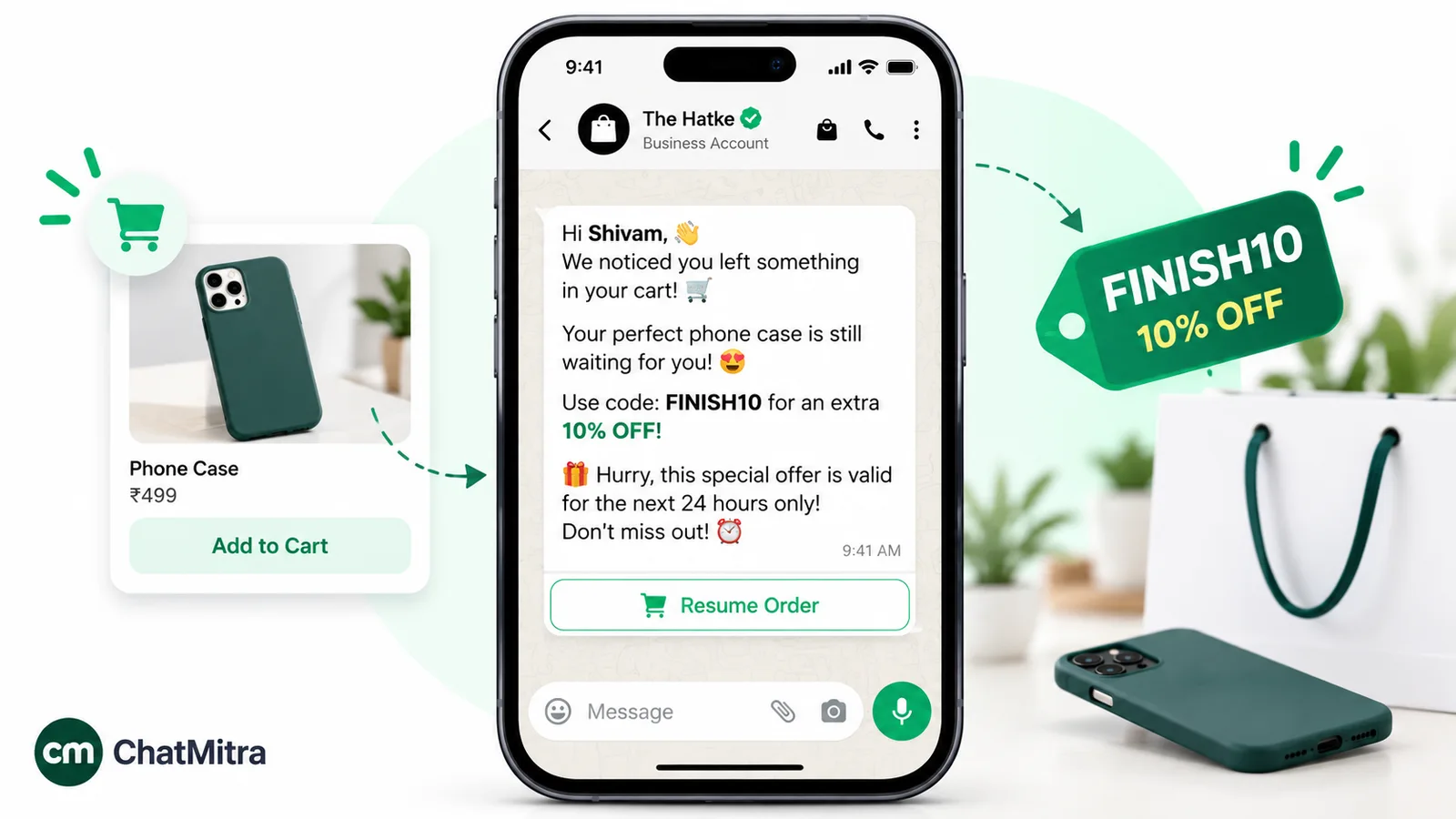
Meta makes the final call. Since 9 April 2025, a template submitted as utility that Meta decides is marketing is approved as marketing. In India, Meta’s rate card (effective 1 October 2026) lists ₹0.1150 for a delivered utility template and ₹0.8631 for a marketing template. On 200 follow-ups a month, that’s ₹23.00 as utility against ₹172.62 as marketing, before any provider fee. The full maths is in our cost-per-message guide.
Rule 3: marketing follow-ups have a per-user cap
Meta’s per-user marketing limits mean WhatsApp may cap how many marketing templates one person receives from any business. It judges partly by that person’s “recent marketing message read rate”. A blocked send fails with error 131049, and Meta asks businesses to “wait at least 24 hours” before retrying.
Two details matter for follow-ups. When a customer replies to a marketing message, a 24-hour customer service window opens, and marketing messages sent within it “do not count towards the limit”. So once someone has replied, further marketing messages in that window don’t use up their cap. And WhatsApp “does not currently deliver marketing template messages” to US phone numbers at all, so a marketing-category follow-up to an American client simply fails. For US contacts, keep follow-ups genuinely transactional, or continue the conversation by email.
For the sales-specific version of these rules, with quote nudges and reorder prompts, see WhatsApp for sales.
Turning a follow-up message into an approved template
The messages above are written for normal chats. To send them as templates outside the 24-hour window, a few adjustments help them pass review.
- Replace personal details with variables: {{1}} for the name, {{2}} for the order or quote number, and so on. Add a realistic sample value for each. (Here’s how templates are created and approved in ChatMitra.)
- Don’t start or end with a variable. Meta’s template review rules say a template “cannot start or end with a parameter”. “Hi {{1}}, …” is fine; ending on “…quote {{2}}” isn’t. Finish with a full sentence.
- Keep one purpose per template. A delivery check and a discount in one template makes the whole thing marketing.
- Use quick-reply buttons for the answer. Meta’s template components reference describes quick-reply buttons as ones that “immediately message you with the specified text string when tapped”, and allows up to 10 per template. Buttons like “Yes, go ahead”, “Need changes” and “Not now” turn a follow-up into a one-tap decision. Each tap also opens a new customer service window.
- Pick the honest category. Submitting a nudge as utility doesn’t make it utility. It just gets recategorised.
Here’s message 4 as a template:
Hi {{1}}, following up on the quote for {{2}} we sent on {{3}}. Is there anything you’d like us to adjust before you decide?
Buttons: [Looks good] [Need changes] [Not now]
This one tries to move a sale forward, so expect marketing. A version that only delivers the revised quote the customer asked for (“As requested, here is your revised quote for {{2}}…”) has a better case for utility.
Automating follow-ups without losing the human tone
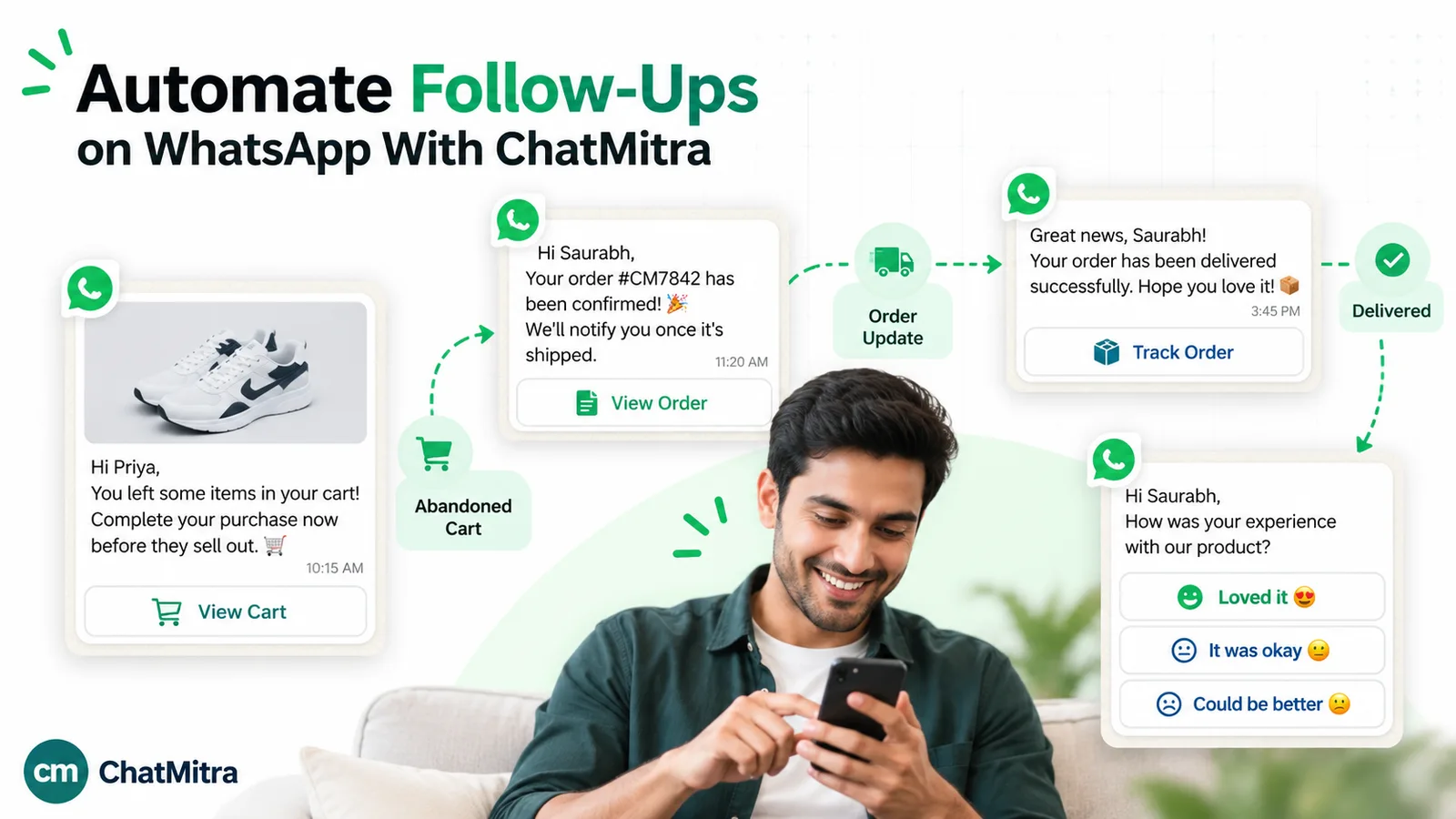
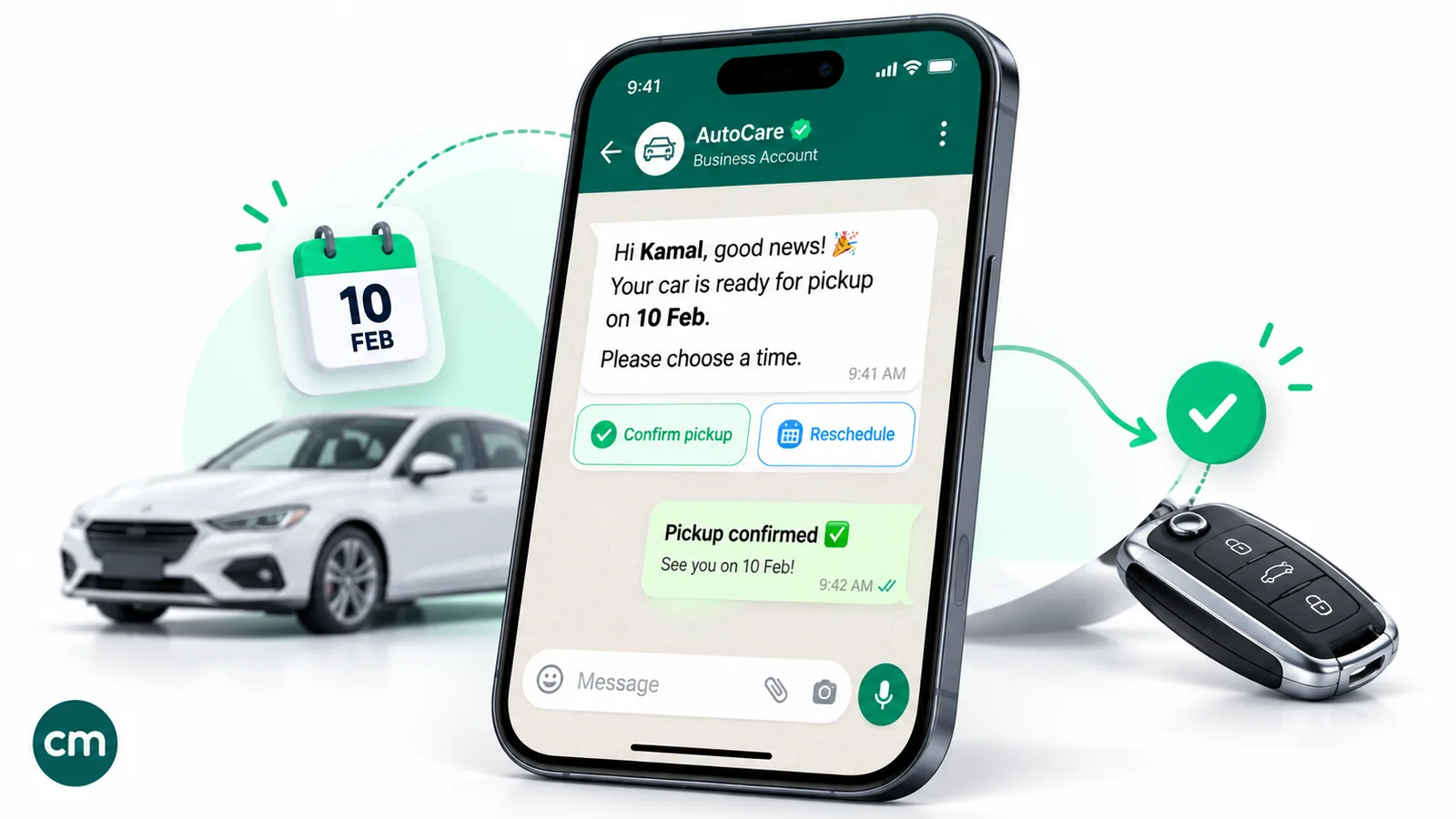
Automation works well for follow-ups that happen the same way every time: the day-after check on a delivery, the recap after a booked demo, the rebooking message after a no-show. It works badly for negotiations, complaints and anything that depends on what the customer said last.
Three rules keep automated follow-ups from feeling robotic:
- Trigger on an event, not a calendar. “Two days after the order is delivered” beats “every Tuesday”.
- Stop when the customer replies. An automated nudge after the customer has already answered is the fastest way to look careless. Build in a check, or keep the sequence to one message.
- Hand over to a person for anything open-ended. Once the customer asks a question, a human should answer.
Where ChatMitra fits
For the WhatsApp Business Platform, ChatMitra covers the parts of follow-up that repeat:
- Automations with waits: Google Sheets and date-based workflows can send an approved template, wait with a delay step (from 1 minute up to 7 days), check conditions before continuing, and tag the contact.
- Keyword starts: a workflow can start when a customer’s WhatsApp message matches keywords you choose, such as “restart” from message 15.
- Retargeting campaigns: after a broadcast, you can send a follow-up campaign to the people on its sent, delivered, read or failed lists.
- The inbox: after 24 hours, the shared inbox blocks free-form typing and offers a template instead. Saved replies (typed with ”/”) keep manual follow-ups consistent across the team, and tags mark who is waiting on what.
- Templates: the template builder supports up to 10 quick-reply buttons per template.
What it doesn’t do: campaign reports don’t track replies, so you can retarget people who read a message but not specifically those who didn’t answer. Automations don’t stop on their own when a customer replies: Check Conditions tests the workflow’s own data, such as sheet columns, not the chat. There’s no chat assignment or follow-up reminder for agents either. For a manual follow-up, check the inbox’s “replied” filter first, so you don’t chase someone who has already answered.
If WhatsApp is where your customers reply, you can compare plans and build your first follow-up template. For a wider view of what to automate, see our WhatsApp automation guide.
Common follow-up mistakes
- Following up with nothing new. “Any update?” gives the reader no reason to reply now.
- Waiting too long after a meeting. A recap sent three days later has lost most of its value. Send it the same day.
- Chasing past two unanswered messages. The closing message gets more replies than a fourth nudge.
- Sending a template that should have been a reply. If the customer wrote to you today, answer inside the window, where normal replies draw on the 1,000 free service messages, instead of waiting and paying for a template.
- Calling a sales nudge “utility”. It will be recategorised, and Meta’s categorisation guide says businesses that consistently misclassify marketing templates as utility may face “escalating restrictions”.
- Automating the follow-ups that need judgement. Negotiations and complaints need a person.
- Ignoring “no”. A clear “not interested” or “stop” ends the follow-up for good.
When follow-ups don’t get through
The template was rejected. Check that it doesn’t start or end with a variable, that every variable has a sample, and that the text has enough words around its variables. Meta also rejects templates with too many variables for their length.
It failed with error 131049. The person has reached their marketing template limit for now. Wait at least 24 hours before retrying, or better, wait for a genuine reason to write again.
It was approved as marketing instead of utility. Remove any persuasive or promotional line and tie the message to the customer’s specific order or request. If you believe the category is wrong, request a review of the template’s category.
US contacts aren’t receiving it. Marketing templates aren’t delivered to US numbers. Use a transactional follow-up, or move the conversation to email.
Replies dropped after a busy campaign. Look at how often the same people are being followed up. Too many messages lead to mutes and blocks, and blocks and reports can lead WhatsApp to limit how many messages you can send.
Sources: the WhatsApp Business Messaging Policy; Meta's WhatsApp sending guide, template categorisation guide, template review rules, template components reference, per-user marketing limits, pricing page and India INR rate card. All are linked above. Facts checked against Meta's and WhatsApp's documentation on 27 September 2026.