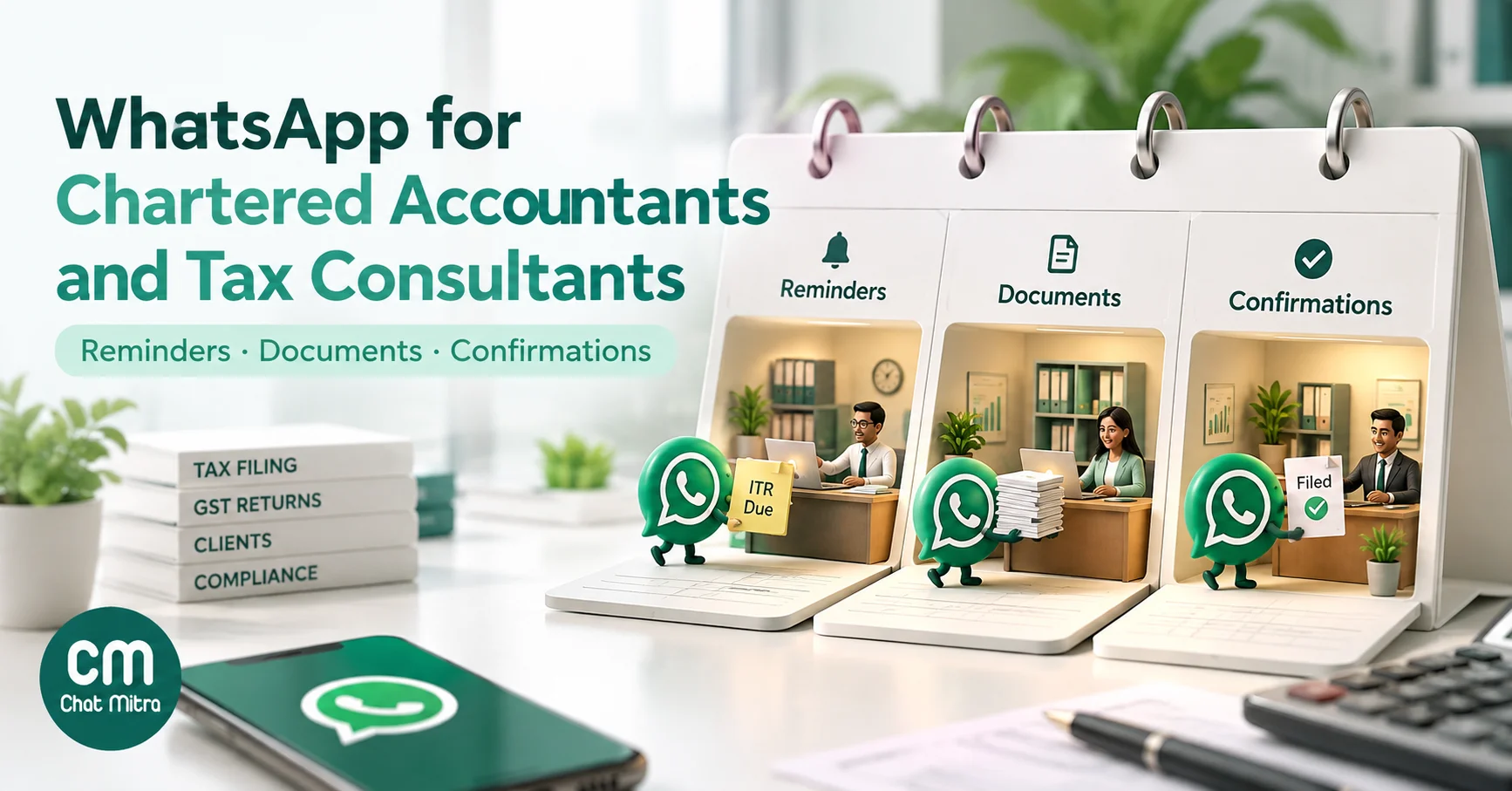
WhatsApp for chartered accountants means using one official business number to remind clients about their own filings, collect their documents, confirm what’s been filed, chase fees and answer their questions. Most Indian practices already do this on staff phones. Doing it properly means three things most guides skip: staying inside ICAI’s rules on soliciting work, sending each message in the right Meta category so costs stay at paise, and protecting clients in a channel that criminals now use to target accountants.
This guide covers the ICAI rules that apply to WhatsApp, the compliance calendar as a set of reminders, what each message costs in India, consent and client data under the DPDP Act, document collection, and scam-proofing. It ends with ready-to-submit templates and a setup plan, and it says plainly where ChatMitra can help and where it can’t.
Key takeaways
- Message your own clients about their own work freely; don't push services to people who didn't ask, and never push services reserved for CAs, such as audits.
- GST data requests, tax payable intimations, filing confirmations and fee reminders fit Meta's utility test: ₹0.115 per delivered message in India. General tax-news updates are closer to marketing at ₹0.8631.
- A practice sending 370 utility messages in a month pays about ₹42.55 in Meta charges.
- Ask for documents early and specifically; save them to your own system the same day, because the chat isn't your record.
- Chartered accountants were named as prime targets of a 2026 WhatsApp malware campaign. Publish one firm number and a "no .zip files, no passwords, ever" rule.
Why CA practices end up running on WhatsApp
Clients send photos of invoices at 11 pm, forward bank SMSs, ask “is my return filed?” and reply to a message far faster than to an email. So the practice follows them onto WhatsApp, usually through the partner’s personal number and two or three articles’ phones.
That works until it doesn’t:
- History walks out of the door. When an article finishes articleship, the client conversations on their phone go with them.
- Nobody sees the whole picture. The partner can’t tell which clients have sent September’s purchase data without asking every staff member.
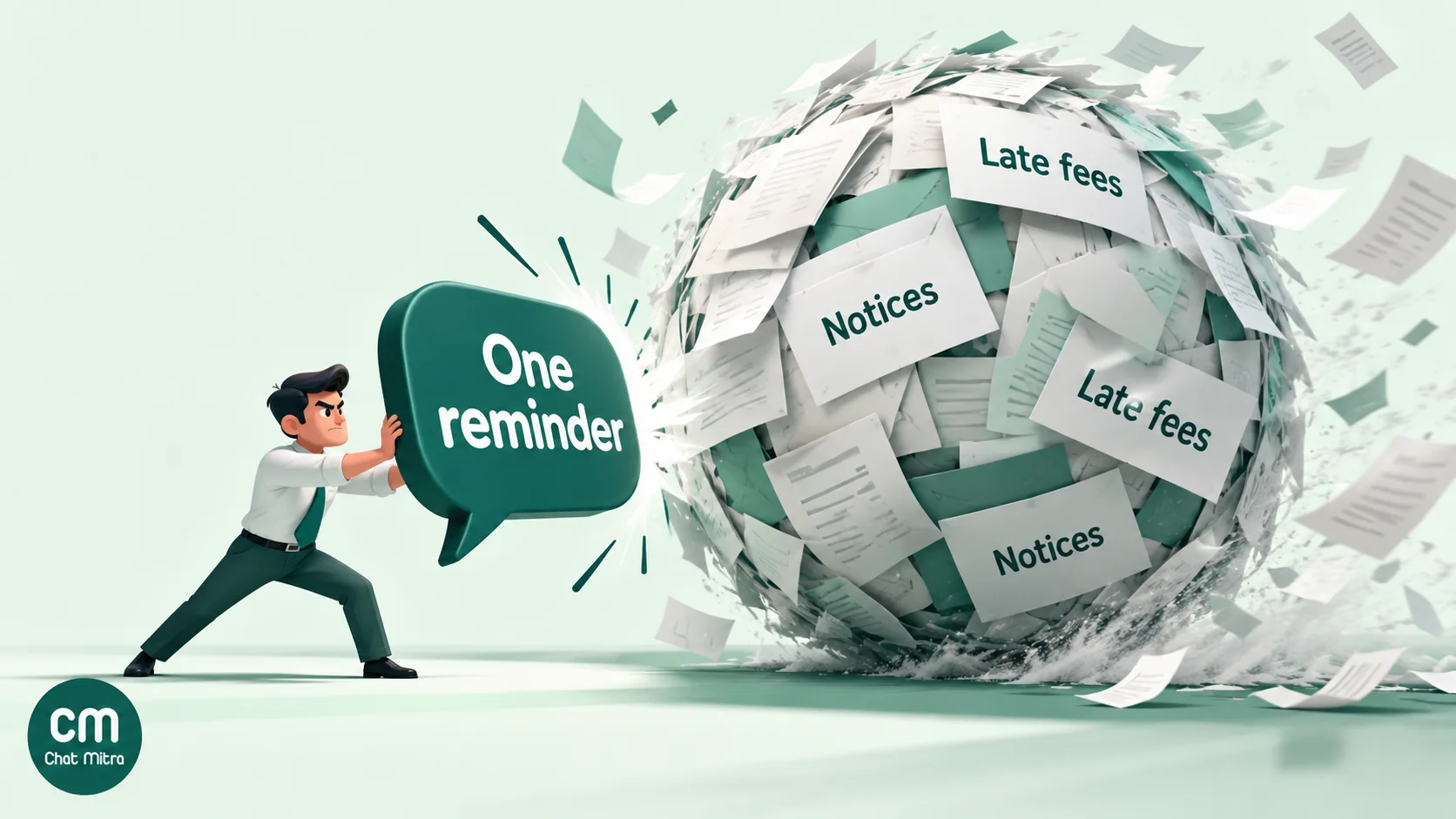
- Reminders are copy-paste. Someone types the same GSTR-3B reminder 80 times on the 15th, and still misses a few.
- Peak season breaks it. In July and September, the same number gets hundreds of “what documents do you need?” questions.
- Clients can’t tell you from a scammer. If messages arrive from five different numbers, a fake “tax notice” from a sixth doesn’t look unusual.

The fix isn’t to leave WhatsApp. Clients won’t follow you to a portal for routine questions. The fix is to run client messaging from one firm number, with templates for the routine messages and a shared inbox for the replies.
What ICAI’s rules mean for WhatsApp
This is the section most WhatsApp guides for CAs leave out, and it matters more than any feature.
Clause 6 of Part I of the First Schedule to the Chartered Accountants Act, 1949 treats it as professional misconduct if a member in practice “solicits clients or professional work either directly or indirectly by circular, advertisement, personal communication or interview or by any other means”. A WhatsApp broadcast to people who aren’t your clients is a circular by another name.
Clause 7 restricts advertising, with a proviso that members may advertise through a write-up “subject to such guidelines as may be issued by the Council”. ICAI’s Council Guidelines for Advertisement, 2008 (updated up to December 2025) apply those rules to electronic media, including social networking sites “in Push as well as in Pull mode”. Three provisions matter for messaging:
- For services exclusively reserved for chartered accountants, “only ‘pull’ model will be permitted”. Information about those services must not be “circulated on their own or through E-mail or by any other mode or technique except on a specific ‘pull’ request”.
- Members “can provide on line advice to their clients who specifically request for the advice whether free of charge or on payment”.
- Members must not solicit people to visit their website or to like their social media pages.
ICAI’s revised 13th edition of the Code of Ethics, applicable from 1 April 2026, relaxed part of this. ICAI’s press release says it allows “members and firms to use push technology for services that are not exclusive to the CA profession”, such as consultancy or accounting. Services reserved for CAs, like statutory audits and tax audits, remain pull-only.
We couldn’t find ICAI guidance written specifically about WhatsApp. Reading the rules above, here’s how a practice can sort its messages. Treat this as our interpretation, not ICAI’s, and check the current text with ICAI’s Ethical Standards Board or your own advisor before you send anything promotional.
| Message | Reading of the rules |
|---|---|
| Reminders, document requests and filing confirmations to existing clients about their own work | Client service, not solicitation. Fine with the client's opt-in. |
| Answers to a client's question in chat | Covered by the "clients who specifically request" provision. |
| Fee invoices and payment reminders to clients | Client service. Fine. |
| An informational update to opted-in clients, such as "the GSTR-9 due date is 31 December" | Generally safer if factual and not selling. Avoid wording that markets a service, especially one reserved for CAs. |
| Offering bookkeeping or consultancy to existing clients who haven't asked | Possible under the 13th edition's push allowance for non-exclusive services. Check the current guidelines first. |
| Promoting audits, certification or other services reserved for CAs to anyone who didn't ask | Not allowed: pull-only. |
| Bulk messages to bought lists, local business directories or "contacts of contacts" | Solicitation under Clause 6, and a breach of WhatsApp's opt-in policy too. |
| Client testimonials or "we saved ₹X for our clients" claims | ICAI's guidelines say a firm's website and write-ups should not contain testimonials or endorsements. |
The practical effect is simple. Use WhatsApp to serve the clients you already have, and let new clients find you through the channels ICAI permits.
WhatsApp Business app or the WhatsApp API?
The WhatsApp Business app is free and runs on a phone. It suits a sole practitioner with a manageable client list. It has labels, quick replies and a greeting message, and you can link a few devices to the same account. It has no approved templates, no scheduling by client group and no way to drive messages from a deadline sheet.
The WhatsApp Business Platform (the API) is what a provider like ChatMitra gives you. It adds:
- Templates that Meta approves once and you send to any opted-in client, with their name, period and amount filled in.
- A shared inbox, so partners, managers and articles reply from one number with one history.
- Scheduling and automation: send a GSTR-3B reminder to every monthly filer at 10 am on the 15th, or a reminder seven days before each client’s due date.
- Documents in templates: a filing acknowledgement can arrive as a PDF attached to the message.
Most practices with more than a few dozen active clients, or more than one person replying, are better off on the API. If you’re starting from zero, see how to get the WhatsApp API.
The compliance calendar as WhatsApp reminders
A practice’s year is a calendar of due dates. Here are the recurring ones that drive client messages, as published on the GST and income tax portals in October 2026.
| Due | Filing or payment | Who it applies to | What to send, and when |
|---|---|---|---|
| 7th of each month (30 April for March) | TDS/TCS deposit | Deductors and collectors | Ask for the month's deduction details around the 2nd |
| 11th of each month | GSTR-1 | Monthly GST filers | Ask for sales data by the 5th; confirm when filed |
| 13th of the month after each of the first two months of a quarter | IFF (optional) | QRMP filers who want their buyers to get credit monthly | Ask for B2B invoices by the 8th |
| 13th of the month after the quarter | GSTR-1 | QRMP filers | Ask for the quarter's sales data |
| 18th of the month after the quarter | CMP-08 | Composition taxpayers | Send the payable amount a few days ahead |
| 20th of each month | GSTR-3B | Monthly GST filers | Ask for purchase data; send the tax payable before the 20th; confirm when filed |
| 22nd or 24th of the month after the quarter, by state | GSTR-3B | QRMP filers | As above, quarterly |
| 25th, for the first two months of a quarter | PMT-06 payment | QRMP filers | Send the payable amount |
| 15 June, 15 September, 15 December, 15 March | Advance tax (at least 15%, 45%, 75% and 100% cumulatively) | Assessees liable to advance tax | Ask for income estimates two weeks ahead; send the challan amount |
| 31 July, 31 October, 31 January, 31 May | Quarterly TDS statements | Deductors | Ask for challan and deductee details |
| 30 June | GSTR-4 (annual) | Composition taxpayers | Ask for the year's figures in May |
| 31 July (most taxpayers), 31 October (audit cases) | Income tax return | Individuals, firms, companies | Send a document checklist in April and May |
| 31 December | GSTR-9 and GSTR-9C | Annual return filers; 9C above ₹5 crore turnover | Start reconciliation requests in October |
Three changes make early, specific reminders more valuable than they used to be:
- The new Income-tax Act. The Income-tax Act, 2025 replaced the 1961 Act from 1 April 2026 and introduced the “tax year” in place of the previous year and assessment year. Income for 2025-26 is still filed under the old Act (assessment year 2026-27), while 2026-27 is “tax year 2026-27”. Form names and section numbers change too: advance tax interest now sits in section 425, which corresponds to the old section 234C, and Form 168 replaces Form 26AS from tax year 2026-27. Keep your reminder wording neutral (“your income tax return”) rather than quoting section numbers clients won’t recognise.
- Locked GSTR-3B values. From the July 2025 tax period, the GSTN made auto-populated liability in GSTR-3B non-editable; corrections go through GSTR-1A before 3B is filed. Getting sales data right early matters more.
- The three-year bar. From the November 2025 tax period, GST returns can’t be filed once three years have passed since their due date. A client who keeps ignoring an old return will eventually be unable to file it.
Due dates also move. CBDT Circular 07/2026 (28 September 2026), for example, extended the return due date for audit cases for assessment year 2026-27 from 31 October to 21 November 2026. Keep your due dates in one place, and update that one place when a notification changes a date, rather than editing scheduled messages one by one.
Which Meta category each message falls into
Every message a business starts on the WhatsApp Business Platform is a template, and Meta places each template in a category that sets its price. Meta’s utility category covers templates that are non-promotional and either specific to or requested by the user, “clearly related to their order, account, services, or transactions”, or essential to them. Marketing covers promotion and awareness, and a template that mixes the two is treated as marketing.
| Message | Likely category | India cost per delivered message |
|---|---|---|
| Document request for the client's own filing | Utility | ₹0.115 |
| Tax payable intimation with the amount and due date | Utility | ₹0.115 |
| Filing confirmation, with the acknowledgement as a PDF | Utility | ₹0.115 |
| Fee invoice and payment reminder | Utility | ₹0.115 |
| Notice received on the client's account, asking them to call | Utility | ₹0.115 |
| Your reply to a client who messaged you in the last 24 hours | Service | Free for the first 1,000 a month per number, then ₹0.115 |
| Budget highlights or a tax-news update to all clients | Marketing | ₹0.8631 |
| Festival greetings | Marketing | ₹0.8631 |
Rates are from Meta’s India rate card effective 1 October 2026. Since that date, Meta also charges for utility templates sent inside an open 24-hour customer service window. Meta’s categorisation is a judgement it makes at review, so treat the “likely” column as a guide, and keep utility templates strictly factual. A reminder that ends with “also ask us about our new bookkeeping package” is marketing. For more on writing them, see WhatsApp utility templates.
What a month of client messages costs
Take a practice with 150 active clients: 100 monthly GST filers and 40 TDS deductors, with 30 fee reminders due in the month.
| Messages in the month | Count | Category | Meta charge |
|---|---|---|---|
| GST data requests (one per monthly filer) | 100 | Utility | ₹11.50 |
| GSTR-3B tax payable intimations | 100 | Utility | ₹11.50 |
| Filing confirmations (GSTR-1 and 3B in one message) | 100 | Utility | ₹11.50 |
| TDS deposit reminders | 40 | Utility | ₹4.60 |
| Fee reminders | 30 | Utility | ₹3.45 |
| Total | 370 | ₹42.55 |
Client replies and your answers inside the 24-hour window are service messages, and the first 1,000 a month per number are free. One budget-update message to all 150 clients would add 150 × ₹0.8631 = ₹129.47, three times the cost of the whole month’s client service.
On ChatMitra, the Starter and Pro plans add a ₹0.20 ChatMitra fee per conversation (once per client per 24 hours, however many messages you exchange). Pro, at ₹999 a month on 15 October 2026, includes 1,000 credits a month, which covers that fee for up to 1,000 conversations, so this practice’s 370 would be covered. Enterprise has no per-conversation fee. You can model your own numbers in the WhatsApp pricing calculator.
Consent and client data
WhatsApp’s rules. WhatsApp’s Business Messaging Policy only lets businesses message people who have given their number and agreed to receive messages from that business. For a practice, the cleanest place to collect that is the engagement letter or client onboarding form: “We’ll send reminders, document requests and updates about your work to this WhatsApp number.” Keep a record. See the WhatsApp opt-in guide for wording.
The DPDP Act. A CA firm decides why and how it processes clients’ personal data, which fits the Act’s definition of a data fiduciary. Under the Digital Personal Data Protection Act, 2023, consent must be “free, specific, informed, unconditional and unambiguous with a clear affirmative action” (section 6(1)), every consent request must come with a notice (section 5(1)), and fiduciaries must take reasonable security safeguards (section 8(5)) and report breaches (section 8(6)). The DPDP Rules, 2025 were notified on 13 November 2025. Most obligations, including notice, security safeguards and breach reporting (to the Board within 72 hours), apply 18 months after notification, that is, from 13 May 2027. Design your WhatsApp setup around them from day one.
What that means in a chat:
- Ask for the minimum. A masked Aadhaar is usually enough where Aadhaar is needed at all.
- Never ask for passwords or OTPs in chat. If a client must share access to a portal, do it on a call or in person, and make sure the client knows your firm never asks by message.
- The chat isn’t your record. Save documents to your practice’s own system, and delete copies from staff phones.
- Set a retention period. Keep what tax law requires you to keep, and delete the rest when the engagement ends.
Collecting documents on WhatsApp
Document chasing is where WhatsApp saves the most time, because clients can send a photo or PDF in seconds from wherever the paper is.
What makes it work:
- Ask specifically. “Please send your September purchase invoices” gets fewer replies than “Please send: 1) September purchase invoices, 2) bank statement for September, 3) any credit notes”. Clients reply to a list.
- Ask early. Send the request with time to spare: by the 5th for GSTR-1, not the 10th.
- Use one message per filing. Clients answer the most recent message, so don’t bundle GST and TDS requests together.
- Follow up once, then call. One reminder two days later is helpful. Three in a day feels like pressure.
- Confirm receipt. “Received, thank you. We’ll file by the 20th” stops the “did you get it?” messages.
For returns, a checklist sent in April or May saves most of the back-and-forth. Depending on the client, ask for:
- Form 16 from each employer;
- bank interest certificates and statements;
- capital gains statements from brokers and mutual funds;
- rent receipts and home loan interest certificates;
- investment proofs for the deductions the client claims.
Then ask them to check the Annual Information Statement (AIS) on the e-filing portal, and to tell you about anything it shows that isn’t on the list.
In ChatMitra:
- Receiving files. Clients’ files arrive in the shared inbox, where your team can open and download them. ChatMitra doesn’t keep its own copy of files that clients send: it fetches them from Meta when you open them. So save each one to your own folders the same day rather than treating the chat as storage.
- Sending files. Your team can send documents back from the inbox (up to 100 MB each) and photos (up to 5 MB, JPEG or PNG).
- No automatic collection. ChatMitra’s chatbot can’t ask for or collect a document upload. The request goes out as a template, and the client replies in the chat.
Sending documents and confirmations
The most-liked message a practice sends is “Your return is filed”, with the acknowledgement attached. Meta allows a template header to be a document such as a PDF, and ChatMitra’s template builder supports document headers, so the acknowledgement or challan can arrive with the message rather than as a separate file.
Good practice:
- Name the file clearly, for example “ITR-V acknowledgement – tax year 2026-27.pdf”, so it’s easy to find later.
- Protect sensitive documents. Password-protect computation sheets or financial statements, and send the password a different way, such as a call.
- Confirm specific facts only: what was filed, for which period, and the acknowledgement number. Save advice for a call or a properly documented email.
Fee reminders and payments
Fee follow-up is awkward to do by phone and easy to do by message. A fee reminder is about the client’s own account, so it fits the utility category.
ChatMitra doesn’t generate invoices or payment links for professional fees. Its Razorpay payment links are built for catalogue orders. The practical route is to put your own payment link, from your bank, Razorpay or your accounting software, in the template’s URL button, with the invoice number in the message. The WhatsApp payment link guide covers the options.
Keep the tone professional: “Invoice INV-142 for ₹12,000 is due on 30 October. Pay using the button below, or reply if you’ve already paid.” Don’t add late-fee threats you wouldn’t actually apply.
Protect your clients, and your firm, from WhatsApp scams
On 7 August 2026, the Indian Cyber Crime Coordination Centre (I4C) of the Ministry of Home Affairs warned about malware “disguised as account statements and RBI communications spreading over WhatsApp, SMS and e-mail”. It named “Chartered Accountants, Company Directors, CFOs and corporate finance teams” as the prime targets.
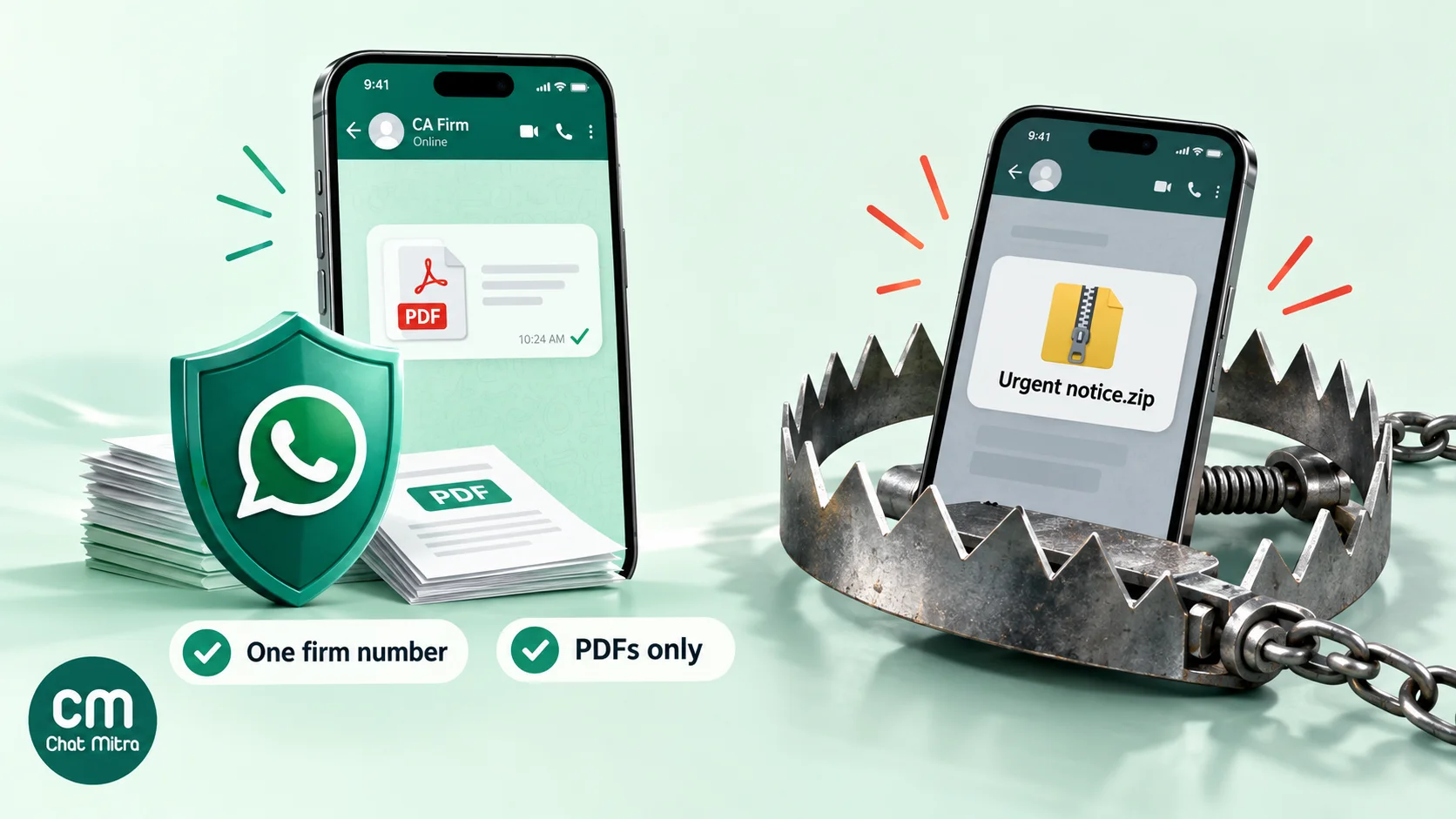
- The bait. Victims receive compressed files with names like “Statement of Account.zip”, “RBI.zip” or “MCA.zip”, with an urgent message.
- The infection. Opening the file on a Windows computer installs a Trojan that hijacks the victim’s WhatsApp Web session.
- The spread. The hijacked account sends the same file to every contact and group, and is then used for “Boss Scam” payment instructions to finance staff.
- The disguise. In many cases, I4C said, accompanying emails impersonate the Income Tax Department.
Other official warnings point the same way:
- The Income Tax Department says it doesn’t send emails asking for PINs, passwords or similar access information.
- CBIC has warned about fake GST summons. A genuine CBIC communication carries a Document Identification Number (DIN) that anyone can verify on CBIC’s DIN search.
Your practice is both a target and the person clients ask, “Is this message real?” Five rules help:
- One firm number, published everywhere. Use it on your letterhead, website, email signature and engagement letter, so a message from any other number stands out.
- A standing promise. State it in your welcome message and your first template: “We never send .zip or .exe files, and we never ask for passwords or OTPs on WhatsApp.”
- PDFs only. Send documents as PDFs. Don’t send archives.
- “Forward it to us first.” Ask clients to forward any official-looking “tax”, “GST” or “MCA” message to your firm number before they act on it.
- Protect the firm’s own WhatsApp. Turn on two-step verification, and keep WhatsApp Web away from shared office PCs. Remember the warning was about professionals’ sessions being hijacked.
Templates for a CA practice
These templates are written to pass Meta’s utility test: factual, about the client’s own work, with no promotion. Placeholders like {{1}} are filled in for each client when you send. Submit them in ChatMitra’s template builder or WhatsApp Manager. The builder won’t accept a body that starts or ends with a placeholder, which is why each one opens and closes with plain words.
1. GST data request
Hi {{1}}, to file your GSTR-1 for {{2}}, please send your sales invoices and any credit notes by {{3}}. Reply here with photos or PDFs. Thank you.
2. GSTR-3B tax payable
Hi {{1}}, your GSTR-3B for {{2}} shows tax payable of ₹{{3}}. Please pay by {{4}} so we can file on time, and reply here once paid.
3. Filing confirmation (document header: acknowledgement PDF)
Hi {{1}}, your {{2}} for {{3}} has been filed. The acknowledgement is attached for your records.
4. TDS deposit reminder
Hi {{1}}, TDS deducted in {{2}} must be deposited by {{3}}. Please send the month’s payment and deduction details so we can prepare the challan.
5. Advance tax instalment
Hi {{1}}, your next advance tax instalment is due on {{2}}. Please share your expected income for the year by {{3}} so we can work out the amount.
6. Income tax return checklist (button: Got it)
Hi {{1}}, it’s time to prepare your income tax return for {{2}}. Please send: Form 16, bank interest certificates, capital gains statements and proofs for deductions you claim. Check your AIS on the e-filing portal and tell us about anything unusual.
7. Fee reminder (URL button: Pay now)
Hi {{1}}, invoice {{2}} for ₹{{3}} is due on {{4}}. You can pay using the button below, or reply if you’ve already paid. Thank you.
8. Notice received
Hi {{1}}, a notice has been issued on your {{2}} account for {{3}}. Please call us on {{4}} so we can discuss the next steps. We never ask for passwords or OTPs on WhatsApp.
9. Welcome to the firm’s number (send once, after opt-in)
Hi {{1}}, this is the official WhatsApp number of {{2}}. We’ll use it for reminders and updates about your work. We never send .zip files and never ask for passwords or OTPs here. Save this number.
For more wording ideas, see WhatsApp reminder messages and the finance templates in our template library.
Setting it up in ChatMitra
A plan that works for most practices:
- Connect one firm number to the WhatsApp Business Platform, in the firm’s registered name.
- Import clients from a CSV with a tag for each filing profile, such as GST-monthly, QRMP, Composition, TDS, Advance-tax and Audit. Tags decide who gets which reminder.
- Add a “Do not message” tag for clients who opt out, and exclude it from every campaign. ChatMitra’s broadcasts don’t automatically skip contacts who stopped marketing messages in WhatsApp.
- Submit your templates (above) and wait for approval.
- Schedule each cycle’s reminders. ChatMitra campaigns can be scheduled for a future date and time, for example “GSTR-3B reminder to GST-monthly, 10 am on the 15th”. Campaigns don’t repeat on their own, so schedule each month’s set at the start of the month. See how to schedule WhatsApp messages.
- Or drive reminders from a deadline sheet. With Google Sheets Automation, a workflow can send a template a set number of days before a date in a sheet column. The sheet’s date match uses day and month, so a row fires again on the same day next year. That suits annual dates, but archive or update rows each year. A date stored on the client’s contact record matches the full date, year included.
- Add staff with their own logins and permissions per section. ChatMitra has no chat assignment, so divide clients by tag or by partner group and agree who replies to whom.
- Set a welcome message and a few keyword auto-replies, for example “documents” for the return checklist and “fees” for your bank details, so peak-season questions get an instant answer.
If your practice wants a fuller automation layer, such as a deadline tracker that also emails, logs documents and sends a weekly workload digest, WorkflowMitra’s playbook for accounting firms shows how to build it around one client deadline sheet, with WhatsApp as one of the channels.
What to measure
Check whether this is working with numbers you can actually collect:
- Documents received by the request date, as a share of clients asked. This is the number that moves first.
- Filings completed in the last two days before a due date. A falling share means less last-minute rush.
- “What do you need from me?” calls in peak season. Count them for a week before and a week after.
- Days from invoice to payment for fees.
- Opt-outs and blocks after each campaign. A rise usually means you sent something that felt like marketing.
Measure a month before you change anything, so you can tell what the reminders actually did.
Common mistakes
- Messaging people who aren’t clients, such as a local business directory, under the banner of “tax updates”. It’s solicitation under ICAI’s rules and spam under WhatsApp’s.
- Hiding promotion inside a reminder. It changes the Meta category and, for audit or certification services, may breach the pull-only rule.
- Using articles’ personal numbers. History leaves with them, and clients can’t spot impersonators.
- Collecting passwords, OTPs or full Aadhaar copies in chat.
- Treating the chat as the file. Save documents to the practice’s system.
- Hard-coding due dates months ahead. Extensions happen. Keep dates in one sheet and update them there.
- Sending archives or unexplained links. They train clients to open exactly what scammers send.
Summary
WhatsApp is already where your clients are. Use one firm number, get opt-in in the engagement letter, and send factual utility templates for document requests, tax payable intimations, filing confirmations and fee reminders. At India’s rates, a busy month costs well under ₹100 in Meta charges. Stay inside ICAI’s rules: serve your clients, answer when asked, and never push services reserved for CAs. Design for the DPDP Act’s obligations now, keep sensitive data out of chat, and make your firm’s number the one clients trust when a fake “tax notice” arrives.
To set up a firm number, see how to get the WhatsApp API, or start free with ChatMitra. Solo consultants can also see WhatsApp for freelancers and consultants.
Sources: Chartered Accountants Act, 1949, First Schedule (Income Tax Department); ICAI, Council Guidelines for Advertisement, 2008 (updated up to December 2025) and press release on the 13th edition Code of Ethics (December 2025); GSTN user guides for GSTR-1, GSTR-3B and IFF; CBIC, CGST Rules 62 and 80; GSTN advisories on non-editable GSTR-3B liability and the three-year time bar; Income Tax Department, Income-tax Act, 2025 in force from 1 April 2026, section 425, rule 218, rule 219, Circular 07/2026, Form 26AS and Form 168 and report phishing; PIB, I4C advisory on WhatsApp account takeover (7 August 2026) and CBIC warning on fake summons (January 2025); Digital Personal Data Protection Act, 2023 and DPDP Rules, 2025 (G.S.R. 846(E)); Meta, template category guidelines, template components and pricing and INR rate card (effective 1 October 2026); WhatsApp Business Messaging Policy. ChatMitra product behaviour as verified in ChatMitra's code (October 2026).