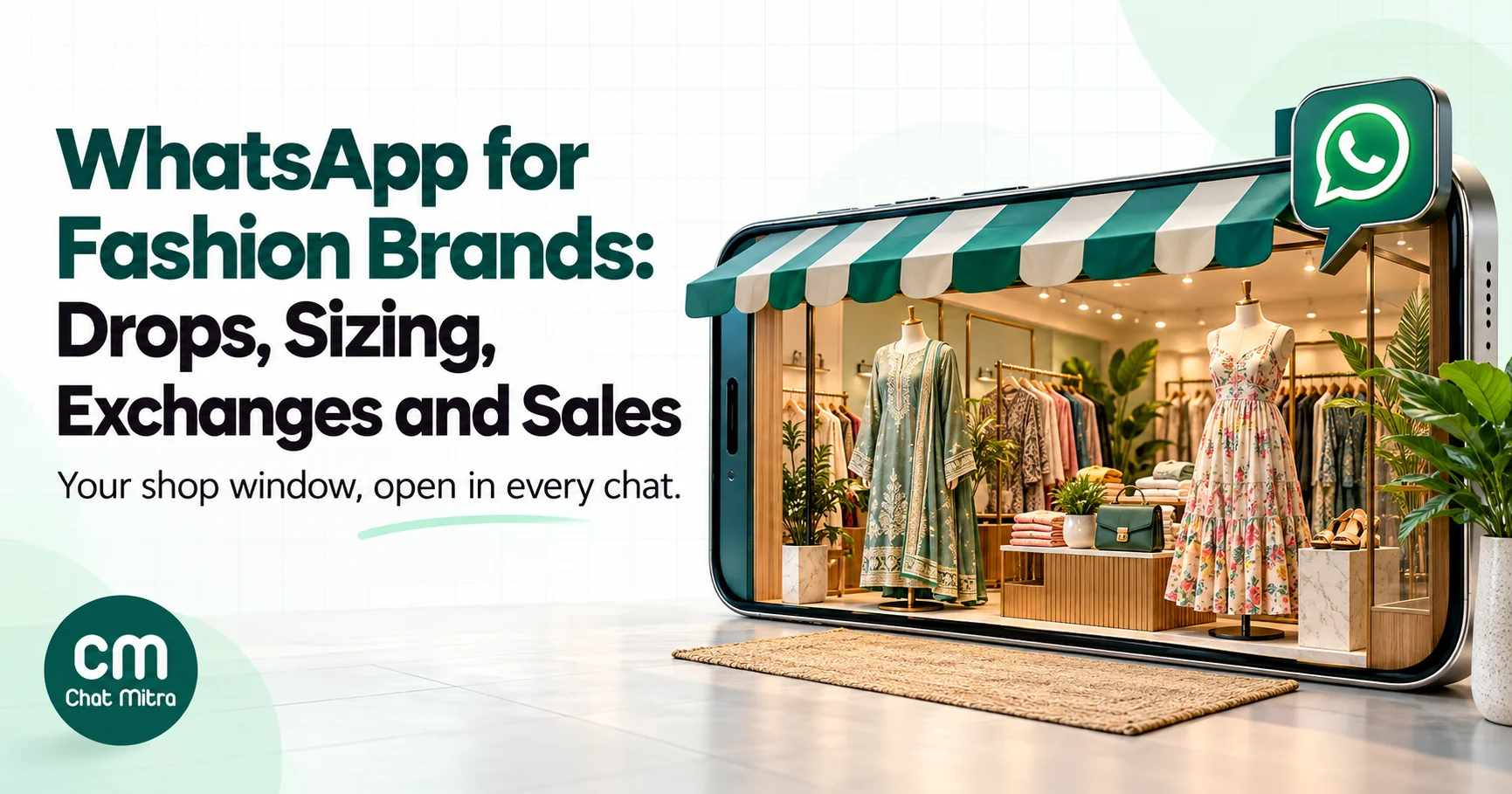
Fashion brands get the most out of WhatsApp when they use it to remove the one thing online shoppers can’t do: try the clothes on. That means size help before the order, early access to drops for customers who asked for it, a quick check on cash-on-delivery orders, and exchanges handled in chat instead of by email. Broadcasting every new arrival to everyone is the least useful thing you can do with it.
This guide is for clothing brands, boutiques and fashion retailers, written from India but useful wherever WhatsApp is the main way customers talk to shops. It covers which messages to send at each stage of a fashion purchase, how to run size and exchange conversations, how to plan festive drops, what each message costs and which rules apply.
Using ChatMitra? You can send new-collection templates with an image or video header to tagged customer segments, schedule them ahead of a drop, send order, COD and shipping updates from Shopify automatically, and answer size questions from one shared inbox on the web or the Android app.
Why fashion needs WhatsApp more than most categories
Most products can be judged from a photo and a spec sheet. Clothes can’t. A shopper looking at a kurta set online is asking questions the product page rarely answers: will a medium fit if I’m usually between sizes, is the fabric see-through, how long is the dupatta, will it arrive before the wedding? If nobody answers, they either leave or order two sizes and send one back.
That’s why fashion is unusually exposed to returns, and why a conversation channel changes the economics more than it does for, say, phone chargers. Every question answered before an order is a parcel that doesn’t come back.
There are three more reasons WhatsApp suits fashion:
- It’s visual. Images, short videos and voice notes are native to the app. A 15-second video of a saree’s drape answers more than a paragraph about fabric weight.
- It’s seasonal. Fashion sales cluster around festivals, weddings and end-of-season sales. WhatsApp lets you give your best customers a head start instead of competing for attention on launch day.
- Indian shoppers already buy this way. Many boutiques and Instagram-first labels take orders in WhatsApp chats. The question for most brands isn’t whether to use WhatsApp, but how to stop it running on the owner’s personal phone.
Which kind of fashion business are you?
The right setup depends on how you sell. A designer boutique taking made-to-order work has different needs from a D2C label shipping 2,000 parcels a month.
| Business | What WhatsApp mostly does | Where to start |
|---|---|---|
| Boutique or designer studio (made-to-order, alterations) | Enquiries, measurements, trial appointments, “ready for pickup” notices | WhatsApp Business app, then the Platform when staff share the number |
| Ethnic-wear or saree store with walk-ins | New stock photos to regulars, festive and wedding-season offers, store-visit bookings | Business app catalog; Platform once the customer list grows |
| D2C label on Shopify or another store | Abandoned carts, COD confirmation, order and shipping updates, exchanges, drops | WhatsApp Business Platform through a provider, connected to the store |
| Multi-brand retailer or chain | Store-level offers, loyalty, order updates, a central support number | Platform, with tags by store or city |
If you’re a small boutique, don’t overbuild. The free app with a tidy catalog, quick replies and a labelled customer list covers a lot. The case for the WhatsApp Business Platform starts when several people need to answer from one number, when order updates should go out without anyone typing them, or when your customer list outgrows broadcast lists, which reach only contacts who have saved your number.
The fashion purchase on WhatsApp, stage by stage
A useful way to plan is to walk through one purchase and note which message belongs at each step, and which category Meta will put it in. The category decides the price.
| Stage | Message | Meta category | Who sends it |
|---|---|---|---|
| Discovery | Early access to a new collection for opted-in customers | Marketing | Campaign, scheduled |
| Consideration | Answer to “will M fit me?” with the size chart and a recommendation | Service (customer wrote first) | Your team, from the inbox |
| Cart | Reminder about an abandoned checkout | Marketing | Automated from the store |
| Order | Order confirmation with the exchange policy link | Utility | Automated from the store |
| COD check | ”Please confirm your cash-on-delivery order” | Utility | Automated from the store |
| Shipping | Shipped, with tracking link | Utility | Automated from the store |
| After delivery | Fit check and review request | Utility if it’s about the order and carries no offer | Automated, a few days after delivery |
| Exchange | Request received, pickup booked, replacement shipped | Utility for updates; service for the chat | Your team, plus templates |
| Repeat | Back in your size, festive sale, loyalty offer | Marketing | Campaign to a segment |
Two things stand out. First, most of the messages that make or save money are utility or service messages, which are cheap. Second, the expensive messages, marketing, are the ones most likely to annoy people if you send too many. Plan the marketing calendar carefully and let the utility flow run itself.
Collection drops and new arrivals
A drop is where WhatsApp feels most like a fashion channel. Done well, it gives your best customers something worth opting in for: first look, first pick of sizes, sometimes a private window before the website goes live.
Build an early-access list, not a blast list
The strongest drop lists are built on an explicit promise. “Join our WhatsApp early-access list: new collections 24 hours before the website, about twice a month” tells people exactly what they’re signing up for and how often you’ll message. Collect that consent at checkout, on product pages, in-store at billing and through click-to-WhatsApp ads. Our guide to growing a WhatsApp subscriber list covers the capture points in detail.
Keep the frequency you promised. Meta limits how many marketing messages each person receives from businesses, based on how they engage, and messages that exceed that limit fail with error 131049 (Meta: per-user marketing limits). A list that ignores your messages will receive fewer of them.
Send the drop like a lookbook, not a flyer
The format matters. A single strong image or a short video of the hero piece, a two-line description, and one button to the collection page will outperform a collage of twelve products with “UPTO 50% OFF” across it. A few practical rules:
- Lead with one piece. Choose the outfit that defines the collection and let the link carry the rest.
- Use video for drape and movement. Sarees, lehengas and flowy dresses sell on movement. Template video headers take MP4 up to 16 MB (Meta: supported media).
- Say what’s limited, honestly. If a print is genuinely made in a small batch, say how many. If it isn’t, don’t imply it.
- Make the button specific. “See the Diwali edit” beats “Shop now”. If your provider supports a dynamic URL, add a tracking parameter so you can see sales from the drop in your store analytics.
Catalogs, carousels and what your provider can send
Meta offers richer commerce formats on the WhatsApp Business Platform. One catalog per business account can power single-product messages and multi-product messages of up to 30 items in up to 10 sections (Meta: multi-product messages). Media card carousels show 2 to 10 swipeable cards, each with an image or video and up to two buttons, in marketing templates (Meta: carousel templates).
Whether you can use them depends on your provider. ChatMitra’s template builder supports image, video, document and text headers with quick-reply, URL, phone and copy-code buttons. It doesn’t support carousel templates or connect to Meta catalogs today, so a drop goes out as one strong image or video with a link to your collection page. For many labels that’s the better creative anyway; for a 40-piece festive edit, a carousel would be a reason to look at other tools.
In the free Business app, the catalog holds up to 500 items, each with a name and country of origin as required fields and up to 10 images or videos (WhatsApp Help: add a product). You can group items into collections, but a collection can’t be shared as a single link (WhatsApp Help: collections). Our WhatsApp Business catalog guide walks through the setup.
Size and fit: the conversation that saves the sale
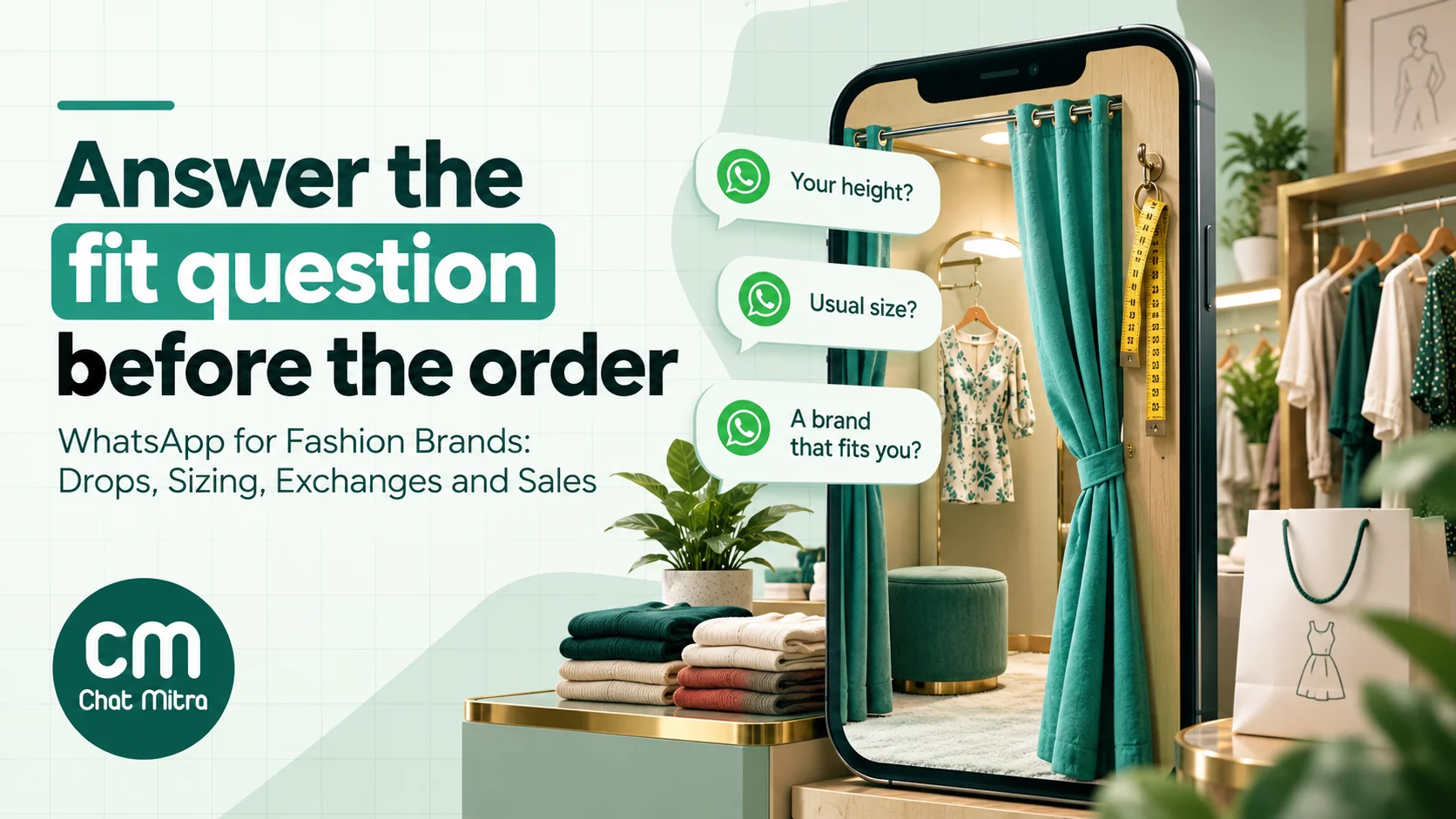
If you take one idea from this guide, take this one: the size question is your most valuable conversation. A shopper who asks “will M fit me?” has already chosen the product. All that stands between you and an order that stays delivered is a confident, correct answer.
A fit script your team can follow
Give everyone who answers the same short script, so the advice is consistent:
- Ask for three things: height, the size they usually buy, and one brand whose fit they know. “I’m 5’4”, usually an M, and an M in [brand] fits me well” tells you far more than “is M ok?”
- Send the measured chart, not the generic one. Share a size chart image with garment measurements (chest, waist, length) for that specific style, not a brand-wide S/M/L table.
- Say how the piece is cut. “This kurta is a relaxed fit; if you like it closer, go one size down” is the sentence that prevents an exchange.
- Answer the fabric question before it’s asked. Lining, stretch, transparency and care. A quick phone video in daylight is often better than a studio photo.
- Close with a clear next step. A link to the exact product and size, or “reply with your pin code and I’ll check delivery before Friday.”
Keep the chart images and the standard answers as saved replies, so anyone on the team can send them in seconds. In ChatMitra, saved replies come up when you type ”/”, and you can tag the customer “size-help” so you can see later which conversations turned into orders.
Made-to-order and alterations
Boutiques have a version of this that runs over days rather than minutes: collecting measurements for a blouse or a stitched suit, confirming fabric choices, booking a trial and telling the customer when the outfit is ready. WhatsApp handles all of it well if you keep it structured:
- Measurements: send a checklist message with a labelled diagram, and ask the customer to reply with each number. Save the final measurements in your order book or as contact fields, not only in the chat.
- Fabric and design approvals: photos of the swatch or the embroidery placement, with a clear “reply YES to approve” so the approval is on record.
- Trial reminders: a utility template the day before the appointment, with the address and the time.
- “Ready for pickup”: a utility template with the balance amount, if any, and your store hours.
COD orders and the return-to-origin problem
Cash on delivery is still a large share of Indian fashion orders, and fashion is especially prone to refused deliveries: the customer saw a cheaper option, changed their mind about the colour or ordered two sizes and refused one. A short WhatsApp check after a COD order catches some of these before you pay to ship them.
The basic flow is simple. Within minutes of a COD order, send a utility template that restates the order (item, size, amount, delivery address) and asks the customer to confirm. Customers who confirm get shipped. Customers who don’t reply get one follow-up, then a call or a hold, depending on your policy. Some brands also offer an incentive to switch to prepaid, which turns a COD confirmation into a marketing message if it carries the offer.
With ChatMitra’s Shopify integration, the COD confirmation goes out automatically when an order’s payment method is cash on delivery. The customer’s reply arrives in your inbox, but ChatMitra doesn’t read the button reply or update the order in Shopify, so someone on your team has to act on it. We’ve covered the full playbook in how to convert COD orders to prepaid and the cost side in our guide to RTO in ecommerce, so we won’t repeat them here.
Exchanges and returns without the email chain
In fashion, most returns are really exchanges: the customer liked the piece and got the size wrong. That makes the exchange flow a retention flow. Handle it quickly and you keep both the sale and the customer.
An exchange-first flow
- Make the entry point obvious. Put “Need a different size? Message us on WhatsApp” with your number in the order confirmation and on the packing slip.
- Ask two questions: the order number and the size or colour they want instead. Avoid asking for the reason as a free-text essay; a quick-reply choice of “too small”, “too big”, “not as expected” or “damaged” is enough and gives you clean data.
- Check stock before you promise. If the size is gone, offer the alternatives or a refund straight away. Don’t book a pickup for an exchange you can’t fulfil.
- Book the pickup with your logistics partner and send the pickup date as a utility template.
- Ship the replacement and send the tracking link.
- Feed the reasons back. If one style keeps coming back as “too small”, fix the size chart or the product description. That’s the real return reduction.
ChatMitra doesn’t receive return or exchange events from Shopify, so the exchange runs in the inbox: your team answers the chat, tags it “exchange”, and sends the pickup and shipping updates as templates. If your returns tool can send a webhook, an automation with an Incoming Webhook trigger can send those updates for you.
Your policy has to be visible, not just friendly
India’s Consumer Protection (E-Commerce) Rules, 2020 require sellers to disclose return, refund, exchange, warranty, delivery and shipment terms, including who bears the cost of return shipping, and to show the country of origin of goods (E-Commerce Rules 2020, Gazette text). The same rules require a grievance officer who acknowledges complaints within 48 hours and resolves them within a month. A WhatsApp chat doesn’t replace that policy. Link it in your order messages and quote it accurately in chats, so what your team promises matches what’s written.
Planning the festive and sale calendar
Fashion’s year is a sequence of peaks, and your WhatsApp list is most valuable in the weeks before each one. The mistake brands make is treating every peak the same way: a “SALE” message to everyone on the day. A better approach is to decide, for each moment, who should hear first and what they get.
| Moment (dates vary year to year) | Who to message first | What works |
|---|---|---|
| Winter end-of-season sale (January) | Past buyers of the categories on sale | Early access a day ahead, in their sizes |
| Wedding season (roughly November to February) | Customers who bought occasion wear or asked about it | Edits by occasion: mehendi, sangeet, reception; trial bookings |
| Holi, Eid, Ugadi and regional festivals | Customers in the regions that celebrate | Region-specific edits; don’t send Onam picks to Delhi |
| Summer end-of-season sale (June–July) | Past buyers, plus customers whose saved sizes are in stock | ”Your size is still here” segments rather than one blast |
| Raksha Bandhan and Independence Day weekend | Gift buyers from last year | Gift edits with delivery cut-off dates |
| Navratri, Durga Puja and Diwali | Your whole opted-in list, in stages | Lookbook drop, then early access, then the sale; festive greetings without offers |
| Black Friday, Christmas and New Year | Premium and international customers | Gifting and party wear; the US doesn’t receive marketing templates |
Space the messages. A festive season with a lookbook, an early-access window and a sale announcement is three marketing messages per customer, which most opted-in fans will welcome. Ten in ten days is how a list stops reading you, and per-user limits will start dropping your messages anyway.
Segment, don’t blast
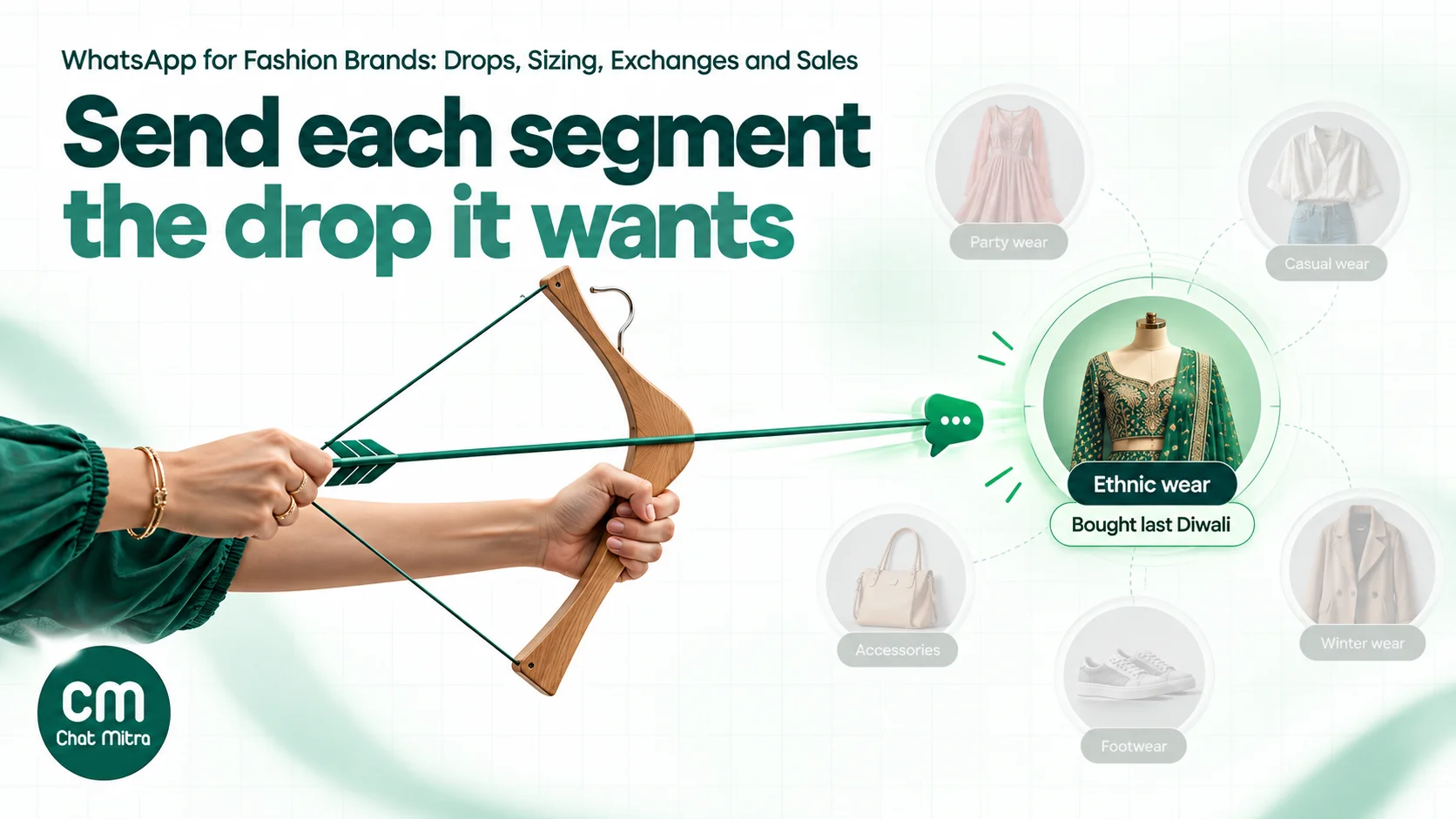
You already know more about your customers than a festive blast uses. Tag by what people bought (ethnic, western, kids, menswear), by size where you know it, by city or region, and by whether they bought in the last festive season. Then send each segment the message it’s most likely to want.
In ChatMitra, campaigns can include or exclude tags and fill template variables from contact fields, and you can schedule a campaign up to about two months ahead. That’s enough to set up the whole festive sequence in one sitting. Our guide to WhatsApp retargeting goes deeper on building segments from order history.
Sale messages and India’s rules
Fashion sale copy is where Indian consumer rules bite. The Central Consumer Protection Authority’s 2023 guidelines on dark patterns ban, among others (CCPA dark patterns guidelines, 2023):
- False urgency: “falsely stating or implying the sense of urgency or scarcity”. A countdown must end when it says; “only 2 left” must be true.
- Drip pricing: price elements not revealed upfront. If shipping or COD fees apply, say so in the message or on the landing page.
- Basket sneaking: adding items, such as gift wrap or insurance, without the customer’s consent.
- Confirm shaming: using guilt or ridicule to push a purchase (“No thanks, I don’t like looking good”).
The CCPA advised e-commerce platforms in June 2025 to audit themselves for dark patterns within three months (CCPA advisory, 5 June 2025). A further change matters for every ”% off” message you write. Amendments to the E-Commerce Rules, notified in September 2026 and in force from 1 January 2027, require an announced price reduction to be shown against a “prior price”, defined as the lowest price offered in the preceding 30 days, and add an annual dark-pattern self-audit (PIB, 10 September 2026; Bar & Bench analysis). In practice: if your “40% off” is calculated from a price you only charged for two days, your WhatsApp message is advertising a discount the rules won’t recognise.
Templates for fashion brands
These are starting points. Rewrite them in your brand’s voice, keep the variables, and submit each one under the category shown. Meta reviews the category itself and approves a utility submission as marketing if the content is promotional.
1. Early access to a drop (marketing, image or video header)
Hi {{1}}, our {{2}} collection goes live on the website tomorrow at 11 am. As a member of our early-access list, you can shop it now, while every size is in stock. [Button: See the collection]
2. Back in your size (marketing)
Hi {{1}}, the {{2}} you asked about is back in size {{3}}. We’ve restocked a small quantity. [Button: View the product]
3. Order confirmation (utility)
Hi {{1}}, thanks for your order {{2}}. Total: ₹{{3}}. We’ll message you when it ships. Need a different size later? Exchanges are free within {{4}} days: {{5}}
4. COD confirmation (utility)
Hi {{1}}, please confirm your cash-on-delivery order {{2}} for ₹{{3}}, to be delivered to {{4}}. [Quick reply: Confirm] [Quick reply: Change details]
5. Shipped (utility)
Hi {{1}}, your order {{2}} has shipped. Track it here: {{3}}
6. Exchange pickup booked (utility)
Hi {{1}}, your exchange for order {{2}} is confirmed. Our courier partner will collect the item on {{3}}. Please keep it unworn with tags attached. Your replacement in size {{4}} ships once it’s collected.
7. Fit check after delivery (utility, no offer)
Hi {{1}}, your order {{2}} was delivered on {{3}}. How’s the fit? If anything isn’t right, reply here and we’ll sort out an exchange.
8. Trial reminder for a boutique (utility)
Hi {{1}}, a reminder of your trial for order {{2}} tomorrow at {{3}}, at our {{4}} studio. Reply here if you need to change the time.
9. Ready for pickup (utility)
Hi {{1}}, your outfit for order {{2}} is ready. Balance due: ₹{{3}}. You can collect it between {{4}}.
10. Festive sale (marketing)
Hi {{1}}, our Diwali sale starts today: {{2}}% off our festive edit, on prices from {{3}}. Shipping is free on orders over ₹{{4}}. The sale ends on {{5}}. [Button: Shop the sale]
Template 10 states the reference price and the shipping condition up front, which is what the dark-pattern rules and the 2027 prior-price rule expect. For more patterns, see our WhatsApp marketing templates and the ecommerce template library.
What WhatsApp costs a fashion brand
On the WhatsApp Business Platform, Meta charges per delivered message, by category and by the recipient’s country. For Indian numbers, marketing costs ₹0.8631 and utility ₹0.115. Replies inside the 24-hour customer service window are service messages: each business number gets 1,000 free a month, then ₹0.115 each (Meta: pricing; WhatsApp Business: pricing calculator). A conversation that starts from a click-to-WhatsApp ad opens a free entry point window of up to 7 days in which Meta charges nothing.
A worked month for a D2C label
A label with 5,000 opted-in subscribers and 1,500 orders in a festive month:
| Line | Volume | Rate | Meta charge |
|---|---|---|---|
| Marketing: lookbook, early access, sale launch, last-day reminder | 20,000 delivered | ₹0.8631 | ₹17,262 |
| Utility: order confirmations and shipped updates | 3,000 | ₹0.115 | ₹345 |
| Utility: COD confirmations and exchange pickups | 750 | ₹0.115 | ₹86.25 |
| Service: replies to size, delivery and exchange questions | 9,000 (first 1,000 free) | ₹0.115 | ₹920 |
| Total Meta charges | ₹18,613.25 |
Marketing is 93% of the bill. That’s the lever: one fewer campaign to the full list saves about ₹4,300, while the order updates and all the size help together cost about ₹1,350.
Your provider’s fee comes on top. ChatMitra charges ₹0.20 per conversation on Starter and Pro, counted once per customer per 24 hours, whatever the message category. This month works out at about 25,000 conversations, or roughly ₹5,000. At that volume, Enterprise at ₹2,499 a month with no per-conversation fee costs less than Pro; the break-even is about 8,500 conversations a month. See pricing for the plan details.
A boutique’s month
A boutique with 400 opted-in clients sends two new-arrival messages (800 × ₹0.8631 = ₹690.48) and 150 trial and pickup reminders (₹17.25), and answers about 700 chat replies, which fall within the 1,000 free service messages. Meta charges come to about ₹708. On ChatMitra’s free Starter plan, around 1,100 conversations add about ₹220.
Marketing templates aren’t delivered to numbers in the United States at the moment, which matters if you sell to the diaspora. Utility messages still go through.
How to measure WhatsApp for a fashion brand
Track the numbers that tie WhatsApp to fashion’s real costs, not just messages sent:
| Metric | Why it matters for fashion | Where to read it |
|---|---|---|
| Revenue per 1,000 marketing messages | Tells you whether a campaign earned more than its ₹863 in Meta charges | Store analytics, using a tracking parameter on the button link |
| Orders from size-help chats | The value of your most important conversation | Tag the chat, then match tags to orders |
| COD confirmation rate and RTO rate | Whether the COD check is reducing refused parcels | Shipping dashboard, before and after |
| Exchange-to-refund ratio | An exchange keeps the revenue; a refund doesn’t | Returns data |
| Top exchange reasons by style | Points to size charts and descriptions that need fixing | Quick-reply answers in the exchange flow |
| Blocks and opt-outs per campaign | Early warning that you’re sending too often | Your phone number’s quality rating in WhatsApp Manager |
ChatMitra’s campaign reports show sends and delivery but not link clicks, so add a tracking parameter to every campaign button and read the sales in your store or GA4.
Setting it up in ChatMitra
- Connect your brand number to the WhatsApp Business Platform, with your brand as the display name and your store hours, website and return policy link in the profile.
- Connect Shopify to send abandoned-cart reminders, COD confirmations, order confirmations, shipped updates and a feedback message 2 to 40 days after fulfilment, each as an approved template. ChatMitra’s Shopify flows fill the customer’s name, order total and checkout link; product images aren’t available as a variable.
- On another store platform, use an automation with an Incoming Webhook trigger to send templates when your store or returns tool posts an event. On Pro, the developer API does the same.
- Import your customer list from a CSV of up to 10,000 rows, with tags for category, size and region, and only for customers who opted in to WhatsApp.
- Build your templates: a drop template with a video header, the order, COD and exchange utility templates, and a festive sale template with the prior price in the copy.
- Save your size charts and fit answers as saved replies. On Pro, add a keyword auto-reply so a message starting with “size” or “exchange” gets an instant first response.
- Add your team with permissions by section, so store staff can answer chats without access to exports or billing.
- Schedule the festive sequence as campaigns to tagged segments, and exclude an “opted-out” tag on every one.
ChatMitra’s advantages for fashion brands:
| Advantage | What it means |
|---|---|
| Starter is free | A boutique can run drops and order updates from an official number with no subscription |
| Meta’s rates at cost | A shipped update costs Meta’s ₹0.115, plus ₹0.20 per conversation on Starter and Pro |
| Unlimited team members on one number | Store staff, stylists and the support team answer from one inbox, so customer chats don’t live on someone’s personal phone |
| Shopify flows built in | Cart reminders, COD confirmation, order and shipping updates and feedback without writing code |
| Video headers and scheduled campaigns | A drop goes out as a video lookbook to the right segment at the time you set |
| Saved replies with size charts | Anyone on the team can send the right chart and fit advice in seconds |
Good to know: ChatMitra doesn’t connect to Meta catalogs or support carousel templates, so drops go out as a single image or video with a link. It has no chat assignment, so agree who handles which customers using tags, and no Instagram inbox. Opted-out contacts aren’t removed from campaigns automatically: tag anyone who replies STOP (by hand, or with a keyword automation) and exclude that tag. The Shopify COD flow sends the confirmation but doesn’t read the reply or update the order.
Mistakes fashion brands make on WhatsApp
- Broadcasting every new arrival to everyone. It trains customers to ignore you, and Meta’s per-user limits start dropping your messages. Send fewer, better drops to segments.
- Answering size questions with “true to size”. It’s the answer that creates exchanges. Use garment measurements and say how the piece is cut.
- Running the business on the owner’s phone. When the owner is at a supplier or on leave, customers wait. A shared inbox fixes it.
- Discounts from inflated prices. Under the dark-pattern guidelines now, and the prior-price rule from January 2027, a “70% off” calculated from a price you never really charged is a compliance problem, not just a credibility one.
- Hiding offers inside order updates. Add a coupon to a shipping update and Meta treats the whole message as marketing, at about 7.5 times the price.
- Asking for opt-in after the fact. Customers who bought once didn’t agree to festive campaigns. Ask at checkout, clearly, and keep the record.
- Treating exchange chats as cost. Each one tells you which size chart is wrong. Log the reasons and fix the product pages.
Summary
WhatsApp works for fashion because it puts a fitting-room conversation back into online shopping. Start with the messages that protect revenue: size help before the order, a COD check after it, and a fast exchange flow when the fit is wrong. They’re mostly utility and service messages, so they’re cheap. Then use the expensive messages, marketing, sparingly and well: early access for customers who asked for it, festive edits for the right segments, and sale copy that states real prices.
If you’re also planning the rest of the store journey, our guides to WhatsApp for ecommerce, WhatsApp for D2C brands and abandoned cart recovery pick up where this one stops.