FMCG brands use WhatsApp to reach the three groups that decide whether a product sells: the distributor who stocks it, the retailer who puts it on the shelf, and the shopper who picks it up. With the WhatsApp Business API, one brand can send scheme alerts and take reorders from thousands of kirana stores, keep distributors updated on orders and dispatches, and answer shoppers who scan a QR code on the pack. The trade side is where most of the value is, because it sits right next to the order.
This guide is a working playbook for that. It covers which conversations to run with each group, how a retailer reorder works inside a chat, which messages Meta treats as marketing and which as utility, what a realistic month costs in rupees, and the consent and limit rules that trip up large senders. Dealer communication for manufacturers of durable and industrial goods has a different rhythm, so it isn’t repeated here.
Using ChatMitra? Put retailers and distributors on one number and shoppers on another; each is a separate project. Send scheme PDFs as document-header campaigns to tagged retailer groups, reply to an
ORDERkeyword with a product list from your Meta catalog (Pro), and see each retailer’s cart in the shared inbox. ChatMitra’s fee is ₹0.20 per conversation, not per message. Jump to Running it on ChatMitra.
Where WhatsApp fits in FMCG
FMCG in India is still sold mostly through small shops. NielsenIQ’s quarterly snapshot for April–June 2026 put traditional trade at 82% of FMCG value sales over the previous 12 months, modern trade at 11% and e-commerce at 6%. Rural India accounted for 36%. The same report showed e-commerce growing fastest (57.7%) while traditional trade value fell 4.2%, and noted that traditional trade “dragged rural FMCG into decline”.
WhatsApp sits in the middle of both trends. Kirana owners already run their businesses on it, and shoppers who’ve moved to quick commerce expect to be able to message a brand. (For the shop’s own side of this, see WhatsApp for retail stores.) The channel a brand needs for its retailers and the one it needs for its consumers happen to be the same app.
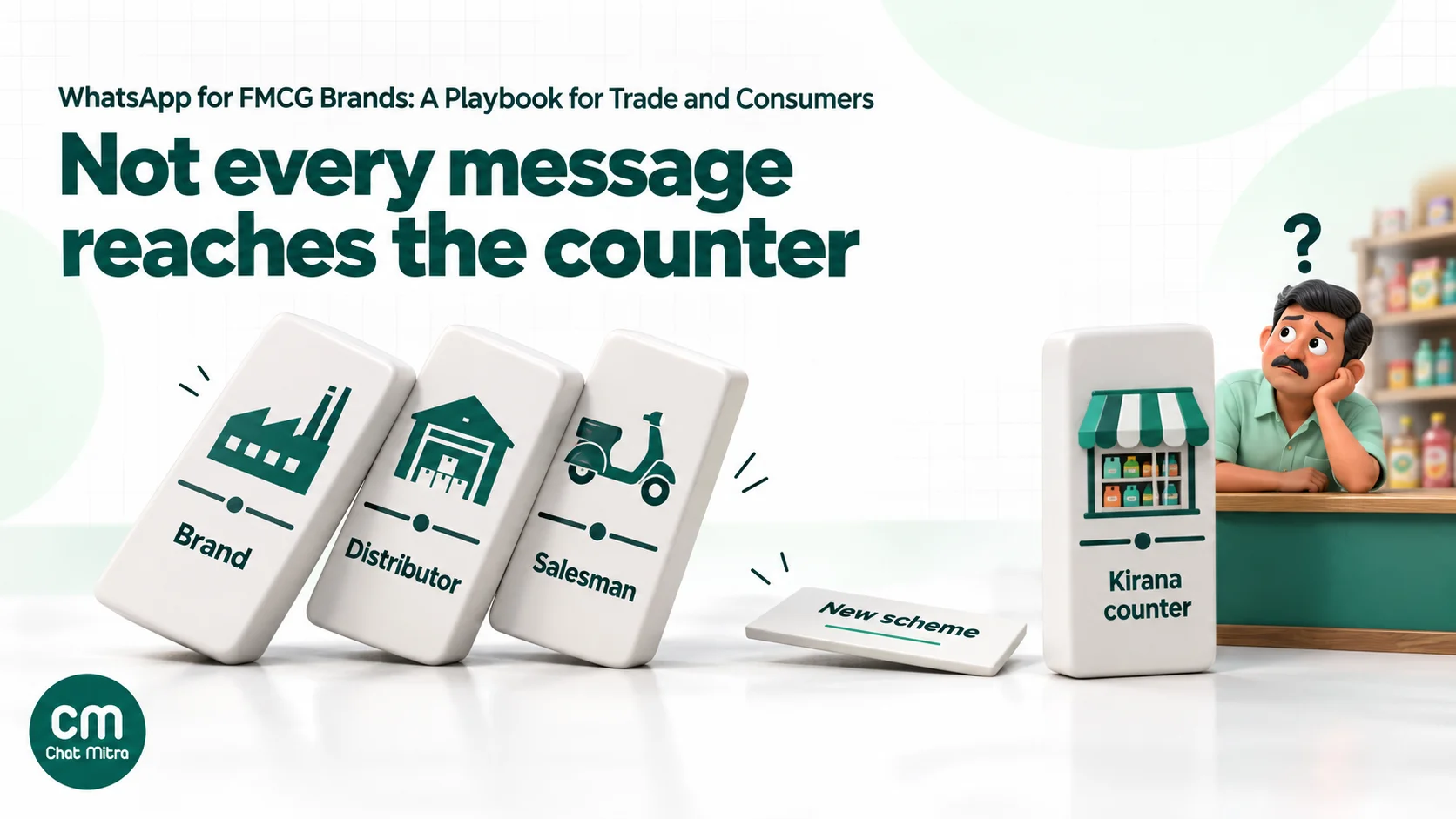
The problem WhatsApp solves on the trade side is distance. A typical brand doesn’t talk to the shop. It talks to a distributor, whose salesman visits each outlet on a fixed beat, often once a week. Everything the brand wants the retailer to know (a new scheme, a price change, a launch, a display contest) travels down that chain by word of mouth, and some of it never arrives. Between visits, a retailer who runs out of a fast seller either waits, calls someone, or buys a competitor’s product from the wholesaler down the road.
There’s documented evidence that a direct line to retailers works. For Ramadan 2026, Sprite in Indonesia (a Coca-Cola brand) moved a general-trade campaign from a web app into WhatsApp. Store owners registered with only their store name and received a personalised video invitation to share with local shoppers. Meta’s case study reports a 232% year-on-year increase in store owner registrations and a 96% adoption rate among participating stores, results the brand self-reported. In the UK, four FMCG brands (Carlsberg, Mars Wrigley, PepsiCo and Red Bull), working as the eWholesale Collective, went as far as publishing a step-by-step WhatsApp guide for the wholesalers they sell through.
The three conversations an FMCG brand runs
Each audience wants something different from you, and the message types follow from that.
| Audience | What they want from you | Main WhatsApp messages | Usual Meta category |
|---|---|---|---|
| Distributors and super-stockists | Clear orders, fast claim settlement, early warning on schemes and price changes | Primary order confirmations, dispatch and invoice alerts, claim status, scheme circulars, stock-norm reminders | Utility for order and account updates; marketing for scheme circulars |
| Retailers (kirana, chemists, paan shops, small supermarkets) | Easy reordering, knowing which schemes apply, quick answers, not being pestered | Reorder product lists, order and delivery confirmations, scheme and launch alerts, display contests, payment reminders from the distributor | Utility for confirmations and account-specific reminders; marketing for schemes, launches and reorder nudges |
| Consumers | Product help, recipes and usage tips, offers they asked for, fast complaint handling | Replies to on-pack QR chats, launch and offer alerts, contest entries, D2C order updates, complaint follow-ups | Service for replies inside the 24-hour window; marketing for offers; utility for order updates |
Two things stand out. First, the retailer is the centre of gravity: it’s the audience you reach least well today and the one closest to the sale. Second, most of what you’ll send to retailers is marketing in Meta’s eyes, even though it feels like trade information. That affects cost and delivery, and it’s covered in detail below.
One number for trade, another for consumers
Use separate WhatsApp numbers for trade and for consumers. A retailer’s chat is a working tool: short, transactional, often in a regional language, and active during shop hours. A shopper’s chat is a brand experience that has to handle complaints, recipes and contest questions at any hour. Mixing them confuses both sides and makes your templates harder to manage.
Each number also has its own quality rating, which falls when people block or report your messages. A consumer contest that annoys shoppers shouldn’t put at risk the number your retailers order on. Larger brands sometimes add numbers per region or per brand.
Two Meta constraints shape this decision:
- Messaging limits are set at the business portfolio level. Meta starts newly created portfolios at 250 unique contacts per 24 hours outside an open conversation, then raises the limit to 2,000, 10,000, 100,000 and unlimited as you send good-quality messages. Extra numbers in the same portfolio don’t multiply that limit. A brand planning a first scheme alert to 8,000 retailers needs to grow its limit first, which is covered in our messaging limits guide.
- Only one catalog can be linked per WhatsApp account hierarchy. If your trade and consumer numbers sit in the same WhatsApp Business Account, they share a catalog. Trade pack sizes (cases, outers) and consumer packs often need different listings, which is another reason to keep trade on its own account.
Retailer reorders between beat visits
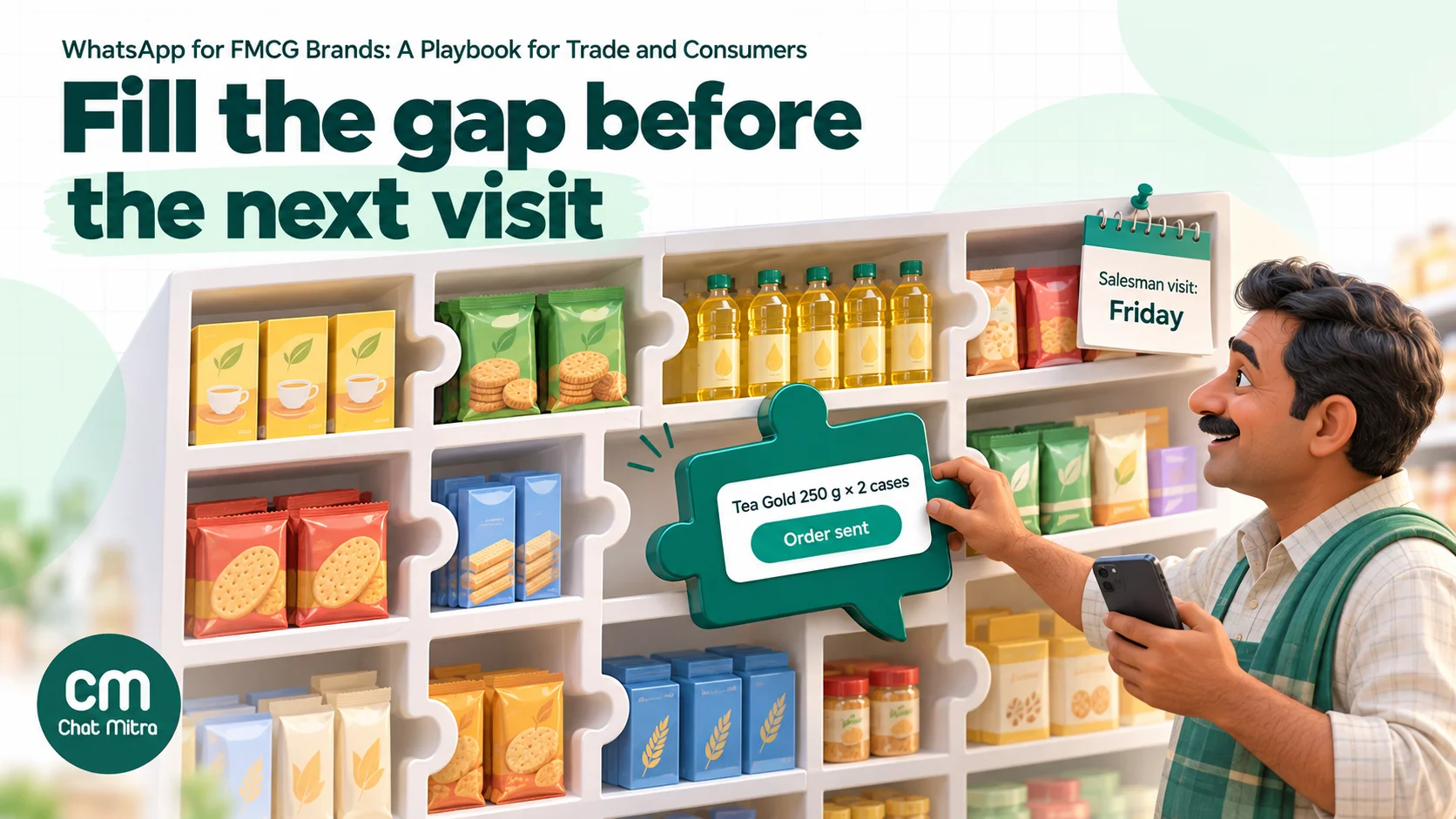
This is where WhatsApp earns its place in FMCG. The retailer runs out of something on a Tuesday; the salesman comes on Friday. In between, a chat lets them order in under a minute.
How a chat reorder works
- The retailer starts it. They send a keyword such as
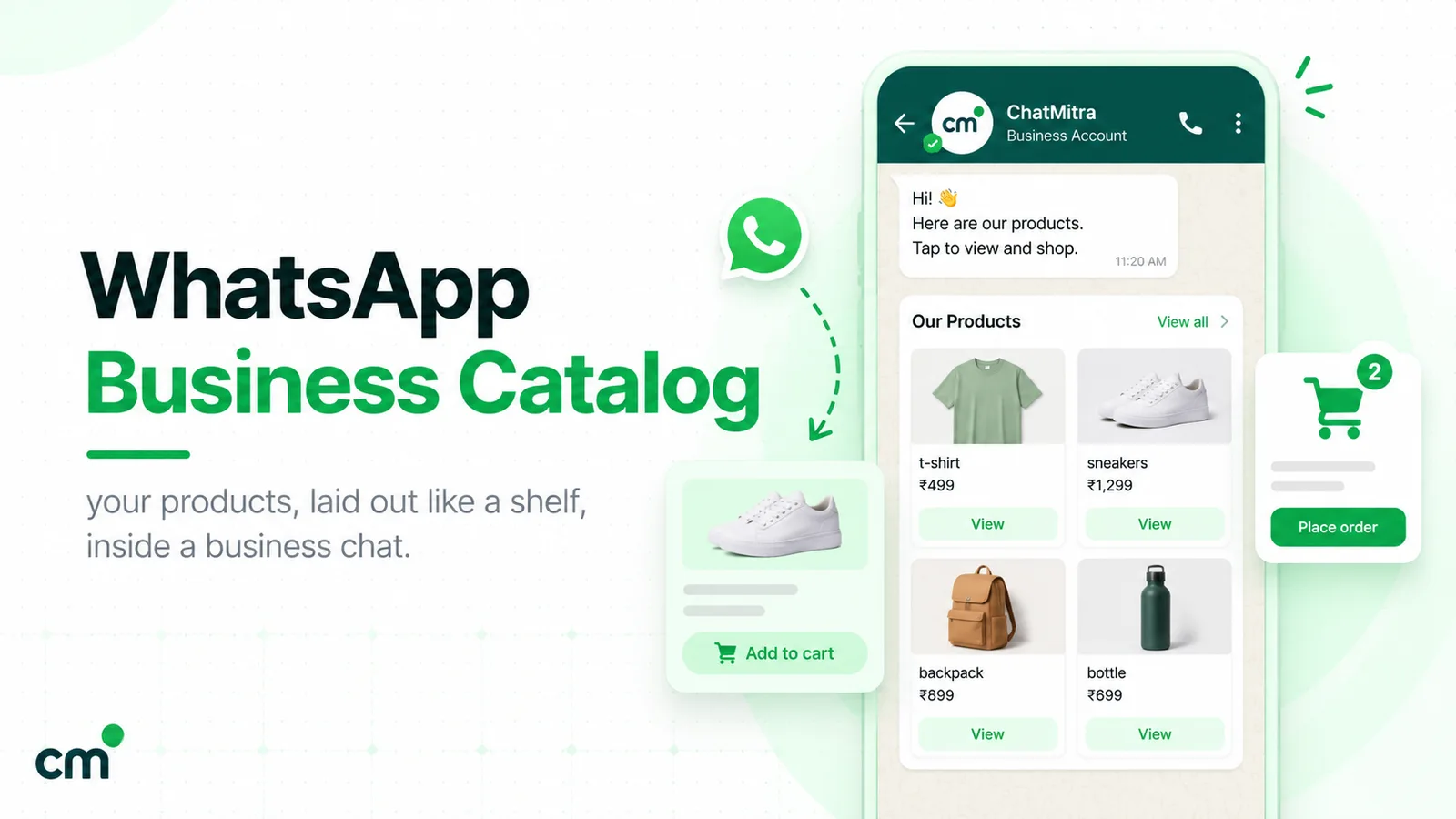
ORDER, tap a “Reorder” button in your last message, or scan the QR code on the counter stand the salesman left. - You send a product list. A WhatsApp multi-product message shows up to 30 products from your catalog, grouped into sections. For FMCG that’s rarely the whole range, so curate it: this week’s fast sellers, the SKUs on scheme, and the retailer’s usual items. A catalog message can open the full range for browsing. Our guides to the WhatsApp Business catalog and multi-product templates cover the set-up.
- The retailer builds a cart. They add quantities (Meta allows up to 99 units of each item, with no limit on the number of different items) and send it. The cart arrives as an order message with each product’s ID, quantity and price.
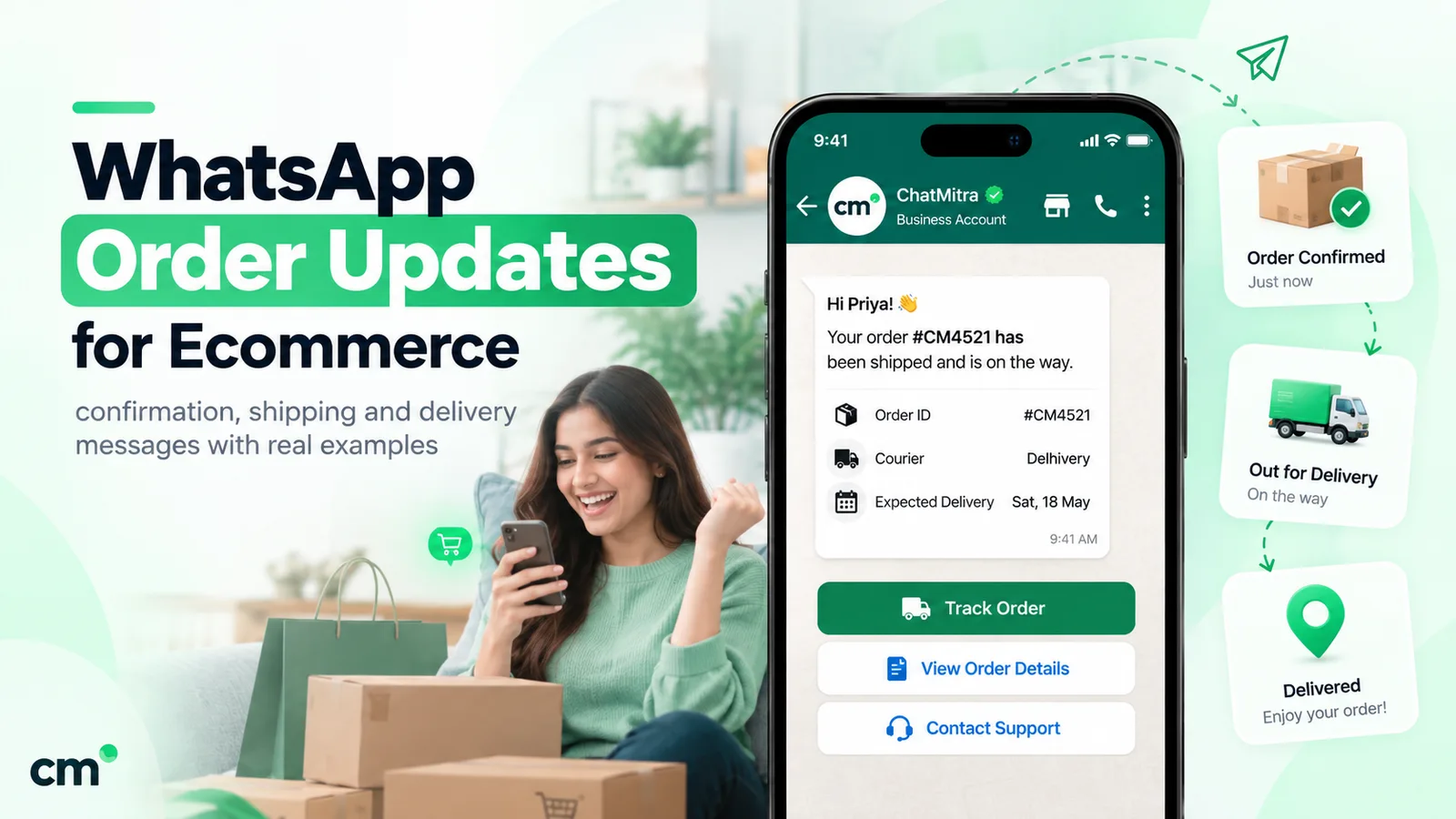
- The right distributor confirms it. Your team, or your distributor management system (DMS) through the API, maps the outlet to the distributor that serves it and replies with an order confirmation template: order number, items, expected delivery day. See these order confirmation message examples for wording.
- Dispatch and delivery updates follow. A utility message when the van is loaded, and another on delivery with the invoice amount.
The first message can also come from you: a reorder nudge 10–14 days after the last order, timed to the outlet’s usual cycle. That nudge is a marketing message, because it’s prompting a purchase rather than reporting on one, so it should be worth sending. “Your usual Tea Gold 250 g order is due; 2 cases ordered before Thursday get the festive scheme” is useful. A weekly “Order now!” to everyone isn’t.
Retailers who don’t use carts
Plenty of shop owners will never tap through a product list. They’ll type “Glucose biscuit 5 ctn, noodles 2” or send a voice note. Don’t force them into a flow. Treat free-text and voice orders as first-class: someone on the distributor’s team reads the chat, enters the order and confirms it with the same template. The order still gets recorded, and the retailer learns that WhatsApp works. Over time, many switch to the product list on their own because it’s faster.
Keep the salesman in the loop
The fastest way to kill a WhatsApp ordering programme is to make the field team feel bypassed. If a retailer’s WhatsApp orders don’t count toward the salesman’s targets, he’ll tell retailers to wait for his visit. Credit chat orders to the beat they belong to, share the day’s chat orders with each salesman, and position WhatsApp as his tool for covering the gaps between visits. The visit then becomes about merchandising, new products and relationships, not writing down the same order every week.
Scheme alerts that reach the counter
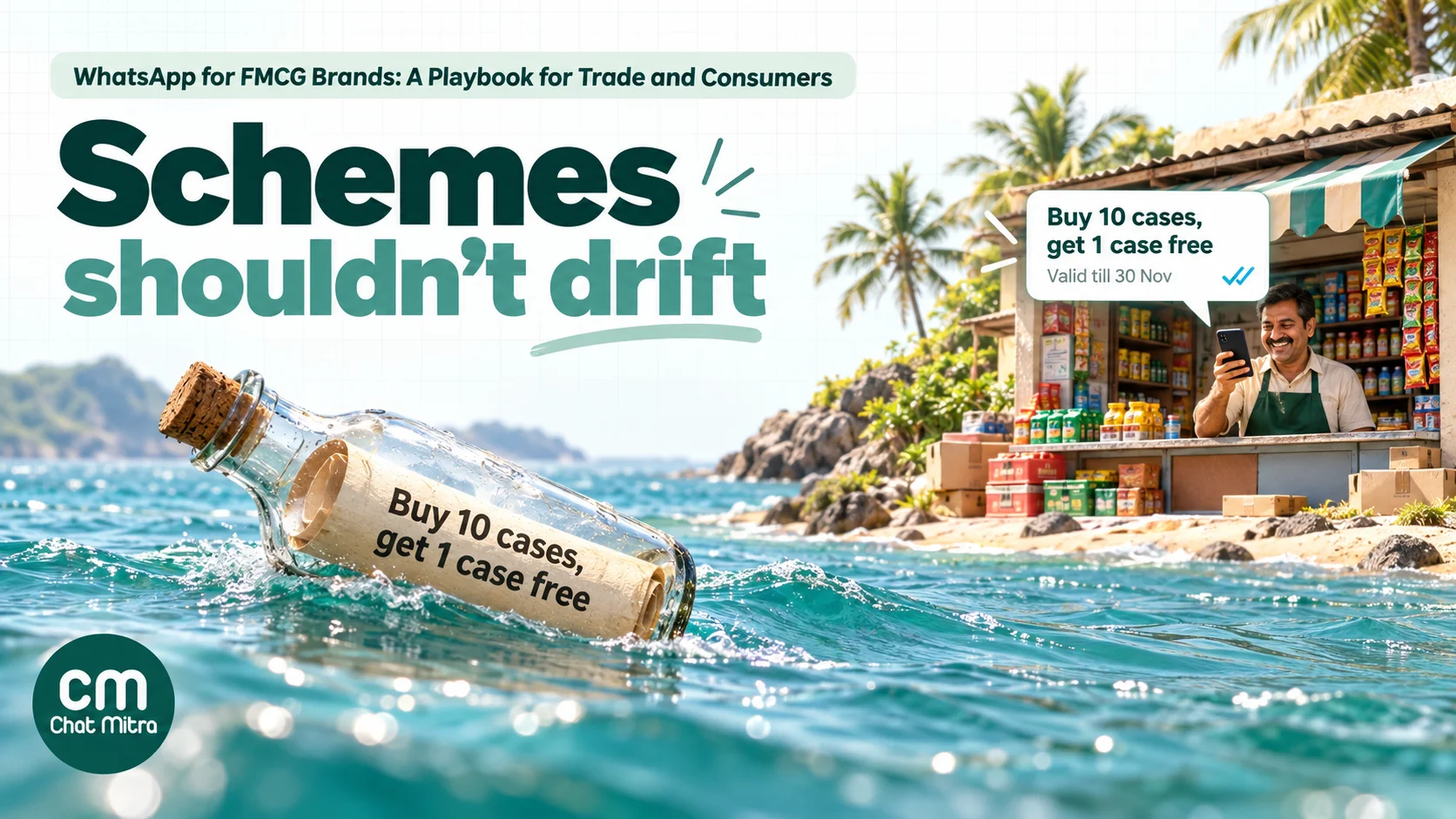
Trade schemes (slab discounts, buy-X-get-Y, display incentives, launch offers) are some of the biggest spends in FMCG, and they only work if retailers know about them. When the information goes through a distributor’s salesman, retailers may hear about a scheme late, partly or not at all. A direct WhatsApp message puts the scheme in front of every retailer on the same day.
What a good scheme message contains:
- The scheme in one line, in the retailer’s language: “Buy 10 cases of Fresh 1 L, get 1 case free”.
- The slab table, if there is one, as a few short lines in the body or a PDF circular as the document header.
- Validity dates and the eligible SKUs, so there are no arguments at billing.
- How to claim, and whether the distributor applies it automatically.
- One action, such as a “Reorder” quick-reply button or a link to the product list.
Scheme alerts are marketing messages. That has three consequences. They cost ₹0.8631 each in India (Meta’s October 2026 rate). They need opt-in. And they’re subject to Meta’s per-user marketing limits, which take into account how recently and how often each person reads marketing messages. Retailers who stop reading your schemes will receive fewer of them, and Meta returns error 131049 for the ones it holds back. Messages sent inside an open 24-hour conversation don’t count toward that limit, so a retailer who has just placed an order is more reachable than one who hasn’t messaged in months.
The practical rule: one scheme digest a week beats a separate message for every scheme. Group the week’s schemes into one template, keep it short, and save single-scheme messages for launches.
Display and visibility contests
WhatsApp suits merchandising programmes well because retailers can reply with photos. Announce a display contest, ask retailers to send a photo of their shelf or counter display by a deadline, and have your team check and tag the entries. It’s cheaper than sending an auditor to every outlet and gives you a photo record. Be clear about the rules, the judging and when rewards are paid, because a contest that pays out late does more harm than not running one.
Distributors: orders, stock and claims
Distributors are fewer but matter more per conversation, and what they need is operational: primary order and invoice alerts, dispatch details with vehicle and arrival time, claim status for scheme reimbursements and damages (a frequent source of friction), stock-norm reminders when a key SKU drops below plan, and payment reminders that name the invoice and amount.
Where these are specific to the distributor’s own orders, account or transactions and contain no promotion, they can qualify as utility messages at ₹0.115 each. Adding a promotion to an order update turns it into marketing, so keep scheme news in separate messages.
For anything more than a few dozen distributors, these alerts should come from your DMS or ERP rather than be typed by hand. The usual set-up: your system calls the WhatsApp platform’s API when an order is billed or dispatched, and the platform sends the matching approved template with that distributor’s details filled in. Replies from distributors land in a shared inbox, where your sales operations team picks them up.
Field sales and merchandising support
WhatsApp doesn’t replace a sales force automation (SFA) app. Beat plans, geotagging, credit limits and targets belong there. Alongside it, WhatsApp handles retailer onboarding at the counter (the salesman shows a QR code, the retailer scans it and messages first, and you have a record of the opt-in), photo evidence for display schemes and damage claims, quick questions that would otherwise wait a week, and a short post-visit summary of what was ordered.
Consumers: from pack to chat
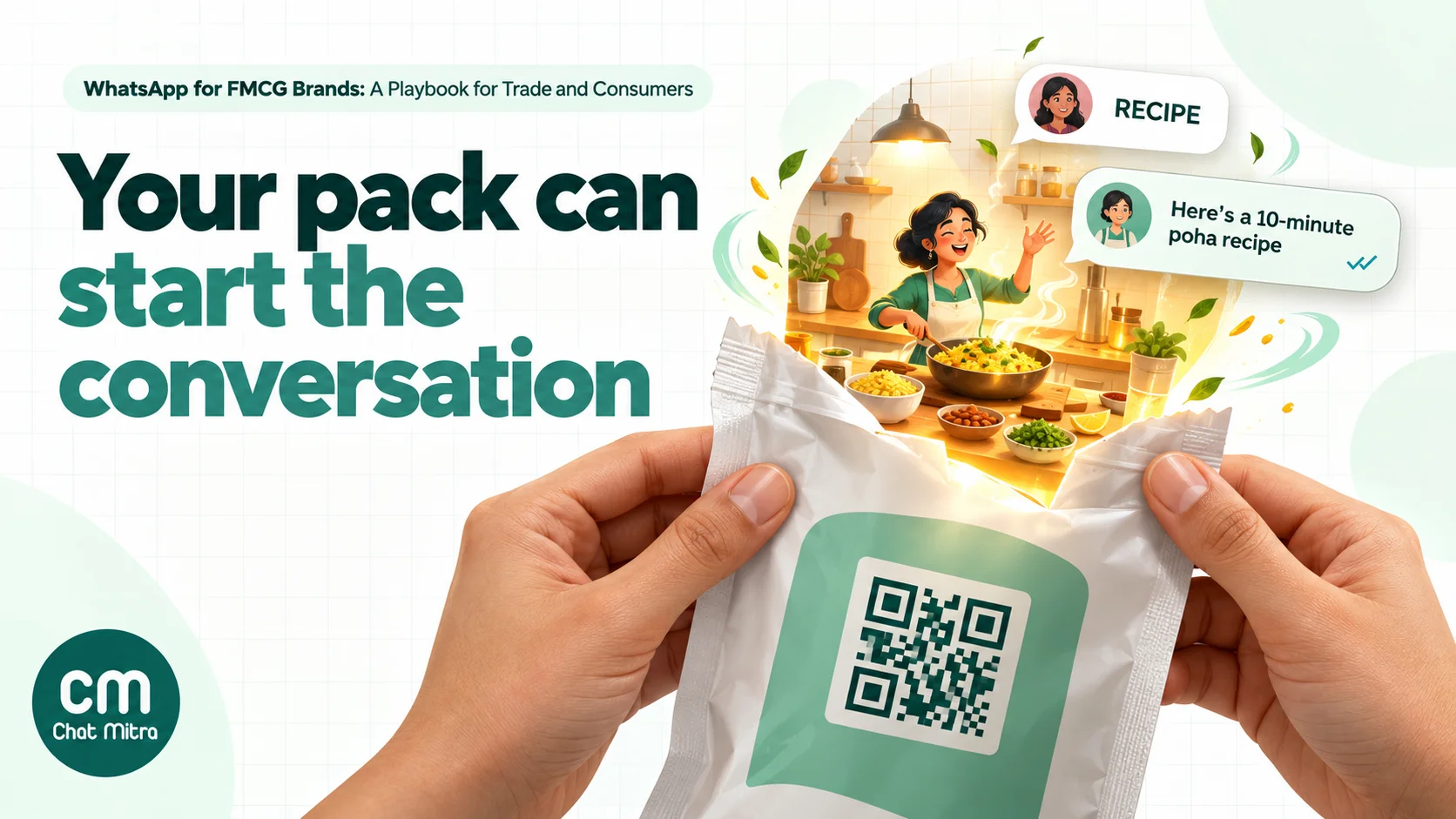
The consumer side of FMCG on WhatsApp starts where the product is: on the pack, the shelf and the ad. Your goal is to get shoppers to message you first. That opens a 24-hour window in which you can reply freely (Meta’s service rate applies only after 1,000 service messages a month per number), tells you what they’re interested in, and gives you the moment to ask whether they’d like offers and launch news later.
On-pack QR codes and links. Print a QR code or a wa.me link with a pre-filled message, such as RECIPE, HELP or WIN, on the pack, shelf strips or point-of-sale material. Scanning opens a chat with your consumer number and the shopper sends the keyword. You can make the code with our free WhatsApp QR code generator. An automatic reply then shares the recipe, usage tips or contest details, and a person takes over for complaints.
What consumers message FMCG brands about:
- Usage and recipes: food brands answer “how do I use this?” with recipes, personal care brands with routines.
- Complaints, with photos of the batch code. These need a person, a fast acknowledgement and a clear resolution path.
- Where to buy, especially for launches with patchy distribution.
- Contests and sampling. Entries by code or purchase photo; sample requests give you an opted-in contact. Check the legal rules for promotional contests in each state or country before launch.
Click-to-WhatsApp ads. Ads that open a chat with your number work well for launches and sampling. When someone messages you from such an ad in the WhatsApp mobile app, Meta opens a free entry point window of up to 7 days in which your messages to that person aren’t charged. Meta’s case studies include Knorr in Mexico, a Unilever brand, which reported a 33.6-point lift in brand awareness from its WhatsApp campaign (self-reported).
Direct-to-consumer stores. If you sell online, the order confirmation, shipping and feedback messages for your D2C store are the same as for any ecommerce brand, as are cash-on-delivery confirmations, which cut returns in India. Our WhatsApp for ecommerce guide and COD-to-prepaid guide cover both.
Launch alerts to opted-in shoppers. Shoppers who’ve chatted with you and agreed to hear about new products are the best audience for a launch. Keep it occasional: a consumer number that sends weekly promotions loses readers fast.
What it costs: a worked month
Here’s a realistic month for a brand with 2,000 retailers on its trade number, in India at Meta’s October 2026 rates. Each retailer gets four marketing messages (two scheme digests, one launch alert and one reorder nudge). Half the retailers order twice a month through WhatsApp, which makes 2,000 orders, each with a confirmation and a dispatch update. Each order chat also has about three free-form replies from your team.
| Item | Working | Cost (₹) |
|---|---|---|
| Marketing templates | 2,000 retailers × 4 = 8,000 × ₹0.8631 | 6,904.80 |
| Utility templates (confirmation + dispatch) | 2,000 orders × 2 = 4,000 × ₹0.115 | 460.00 |
| Service replies in order chats | 6,000 − 1,000 free per number = 5,000 × ₹0.115 | 575.00 |
| Meta total | 7,939.80 | |
| ChatMitra Pro | Plan fee, includes 1,000 conversation credits | 999.00 |
| ChatMitra conversation fee (Pro) | Up to 12,000 conversation-days − 1,000 included = 11,000 × ₹0.20 | 2,200.00 |
| Total on Pro | 11,138.80 | |
| ChatMitra Enterprise instead | Flat ₹2,499, no ₹0.20 fee | 2,499.00 |
| Total on Enterprise | 10,438.80 |
That’s about ₹5.20–₹5.60 per retailer per month, or the same per WhatsApp order, including all the scheme and launch messages. Set that against your average drop size and the cost of a stock-out.
A few notes on the maths. ChatMitra’s ₹0.20 is charged per conversation, once per contact per 24 hours, however many messages are exchanged in that time, so the table counts conversation-days: four broadcast days plus up to two order days per order. When a broadcast and an order fall on the same day, the real count is lower. Enterprise works out cheaper above about 8,500 conversation-days a month. Meta charges only for delivered messages, so retailers held back by per-user limits cost nothing that month. Rates are per message and differ by country; check Meta’s rate card for your markets, or use our pricing calculator.
Consent, categories and limits
Large FMCG senders run into the same handful of rules. Getting these right from the start is much cheaper than recovering a throttled number.
Opt-in comes first. Meta requires opt-in before you send template messages, and the person must be told your business name. Opt-in can be collected in person or on paper, so a salesman’s sign-up sheet or a counter QR code both work, as long as you record it. In India, the Digital Personal Data Protection Act requires consent to be “free, specific, informed, unconditional and unambiguous with a clear affirmative action”, and the DPDP Rules 2025 are being phased in over 18 months with standalone consent notices. Don’t load a distributor’s whole retailer list into a broadcast because they gave it to you. See our opt-in guide for wording that works.
Know your categories. Meta’s categorisation rules decide what you pay:
| Message | Category | Why |
|---|---|---|
| ”Your order 4471 is confirmed: 5 cases Fresh 1 L, delivery Thursday” | Utility | Specific to the retailer’s own order |
| ”Your order 4471 is out for delivery” | Utility | Transaction update |
| ”Invoice 8821 for ₹14,200 is due on 30 Nov” | Utility | Specific to their account, no promotion |
| ”Your order 4471 is confirmed. Add 2 cases of the new 500 ml and get 5% off” | Marketing | An order update with a promotion becomes marketing |
| ”This week’s schemes: …” | Marketing | Promotes offers |
| ”Time to reorder your usual Tea Gold” | Marketing | Prompts a purchase that hasn’t happened |
If you’re unsure, assume marketing and budget for it. Meta moves a utility template it judges to be promotional to marketing, normally after a day’s notice. Repeated misuse gets stricter: after a warning, category changes become instant; Meta can then cap your utility volume for at least 7 days, and finally move every utility template on the account to marketing for 7 days (30 for repeat violations). For a brand that relies on cheap order confirmations, that’s an expensive mistake. Our guides to utility messages and marketing messages go deeper.
Grow your messaging limit before big sends. A new portfolio can reach 250 unique contacts per 24 hours outside open conversations. To move to 2,000, Meta offers two paths: verify your business, or deliver 2,000 template messages with a high quality rating to unique contacts outside open conversations within 30 days. Higher limits then come automatically. Plan the first weeks: start with retailers who’ve already messaged you, get business verification done early, and let the limit rise before a brand-wide scheme blast.
Watch read rates. Per-user marketing limits mean that a list full of retailers who never read your messages delivers less every month. Remove inactive numbers and keep the weekly digest worth opening.
Catalog and selling rules. Meta notes that businesses based in India selling through WhatsApp catalogs must comply with all online selling laws. Your legal team should confirm that product listings show what those laws require.
Exporting brands, note this: WhatsApp doesn’t currently deliver marketing templates to WhatsApp users with United States phone numbers.
Languages and regional reach
WhatsApp templates are approved per language, so create each scheme template in Hindi, Marathi, Tamil, Bengali or whichever languages your trade uses, and keep a language tag on every retailer so each campaign goes out in the right one. Keep pack names and SKU descriptions as they appear on the invoice, even inside a regional-language template, so there’s no confusion at billing. And expect voice notes: many shop owners would rather speak an order than type it, and the note doubles as a record of what was asked for.
How to measure it
Judge the programme on trade outcomes, joining WhatsApp data with your DMS or secondary-sales data each month: the share of active outlets ordering through WhatsApp, orders per outlet and days between orders (compared with similar outlets not on WhatsApp), lines per order, scheme uptake, and time to confirm a chat order. Watch the read rate on scheme digests as an early warning that you’re sending too often.
Run a holdout. Leave a few comparable beats off the scheme alerts for a month and compare uptake. It’s the only reliable way to tell whether the messages caused the orders.
Common mistakes
- Broadcasting without listening. Retailers reply. If nobody answers within shop hours, the programme stalls.
- Cutting out the salesman. Credit chat orders to his beat, or he’ll quietly undermine the channel.
- Mixing promotions into order updates. It turns cheap utility messages into marketing.
- Loading distributor lists without consent. It’s a policy risk and a fast route to blocks.
- No owner for free-text and voice orders. Someone has to process them every day.
Running it on ChatMitra
ChatMitra runs on the official WhatsApp Business API. Here’s how the playbook maps to it.
| ChatMitra advantage | What it means for an FMCG brand | How it compares |
|---|---|---|
| ₹0.20 per conversation, never per message | A retailer who orders, asks three questions and gets a confirmation in one day counts once | Per-message platform fees grow with every reply in an order chat |
| Enterprise (₹2,499/month) removes the fee | High-volume trade numbers pay a flat platform fee | Starter is free; Pro is ₹999/month with 1,000 credits |
| One project per number | Separate trade and consumer numbers, or one per region, each with its own templates and team | Each project has its own subscription |
| Product messages from Auto Reply (Pro) | Reply to ORDER with a multi-product list, a single product or the full catalog | Retailers build a cart without leaving the chat |
| Cart orders in the shared inbox | Each order shows product IDs, quantities and prices for your team to confirm | No separate app for retailers to install |
| Document-header templates | Send the scheme circular as a PDF with the alert | One PDF per campaign, the same for every recipient |
| Tags to include or exclude | Target by territory, distributor, outlet type or language | Build tag groups at import time |
| Google Sheets automations | Reorder nudges N days after a last-order date, tags on keywords, order logging to a sheet | Available on all plans |
| Developer API and webhooks (paid plans) | Your DMS or ERP sends confirmations, dispatch and invoice alerts automatically | Incoming messages can be pushed to your systems |
| QR code and wa.me link generator | Counter stands, shelf strips and on-pack codes with a pre-filled keyword | Built into the dashboard |
How to set it up:
- Create two projects, one for trade and one for consumers, each with its own number and display name.
- Import retailers by CSV with columns for outlet code, distributor, territory and language, and add tags for the groups you’ll target (for example
dist-pune-04,lang-marathi,outlet-kirana). - Get your templates approved: order confirmation, dispatch and invoice reminder (utility); weekly scheme digest with a document header, launch alert and reorder nudge (marketing), in each language you need.
- Set up the product list. Your catalog lives in Meta Commerce Manager; the ChatMitra team links it to your project, and an Auto Reply rule answers
ORDERwith a multi-product message of your top 30 SKUs. - Automate reorder nudges. Keep a Google Sheet of outlets with their last-order date, and set a Google Sheets automation to send the nudge template a set number of days after that date. Update the date whenever an order comes in.
- Connect your DMS through the developer API if you want confirmations and dispatch alerts sent automatically, or have the distributor’s team confirm orders from the inbox while the retailer’s chat is still open.
- Print the QR codes from the dashboard generator for counter stands (trade number) and packs (consumer number).
Good to know:
- Product, multi-product and catalog messages are sent from Auto Reply rules. Campaigns and the inbox can’t send them, and templates don’t support catalog or carousel formats in ChatMitra yet.
- Cart orders show product IDs (your catalog’s content IDs), not product names, so keep a SKU list handy for the team.
- Campaigns target contacts by tag, not by custom field, so create tags for every group you’ll send to.
- Opted-out contacts aren’t excluded automatically. Keep an
opted-outtag (a Google Sheets automation can add it when someone sends STOP) and exclude it from every campaign. - There’s no automatic chat assignment. Team members get role-based access to each project, so split work by territory using tags.
- ChatMitra doesn’t send WhatsApp payment requests. Share your existing payment link in a message if you collect payments that way; see our payment link guide.
- Campaigns report sent, delivered, read and failed counts. For sell-through and scheme uptake, join this with your DMS data.
- Check the pricing page for what your plan includes.
Where to start
Pick one distributor and the 200–300 outlets it serves. Have the salesman opt retailers in at the counter over two beat cycles, then run three things for a month: a weekly scheme digest, chat reorders with a 30-SKU product list, and order confirmations from the distributor. Compare those outlets’ order frequency and scheme uptake with a similar territory, fix what didn’t work, and only then roll out region by region. Add the consumer number once the trade side is stable.
Sources
- NielsenIQ: India FMCG Quarterly Snapshot, Apr–Jun 2026 (channel shares MAT June 2026, urban/rural split, channel growth).
- Meta for Developers: Pricing (and the INR rate card linked from it, effective 1 October 2026), Catalogs overview, Upload inventory, Receive order responses, Template categorization, Get opt-in for WhatsApp, Per-user marketing template message limits, Messaging limits. All read on 22 October 2026.
- WhatsApp Business success stories: Sprite Indonesia, Knorr Mexico (results self-reported by the brands).
- Wholesale News: eWholesale Collective: Winning with WhatsApp (9 May 2025).
- Ministry of Electronics and IT: Digital Personal Data Protection Act, 2023, section 6(1); PIB: DPDP Rules, 2025 (14 November 2025).