WhatsApp for food delivery means taking orders directly from customers in a WhatsApp chat and sending them updates there, instead of routing every order through an aggregator app. The customer messages your restaurant, sees the menu, orders, pays by UPI, a payment link or cash, and gets “out for delivery” and “delivered” messages in the same chat. You keep the margin an aggregator would take as commission, but you arrange delivery yourself.
This guide is for restaurants, cloud kitchens, home chefs and multi-outlet brands in India. It covers how a direct order works from first message to doorstep, who delivers it, what each message costs, how to handle the dinner rush, and how to turn one-off customers into regulars who order direct. Every rupee figure is sourced, and every assumption is labelled.
Using ChatMitra? Customers who message you land in a shared inbox. A welcome message (all plans) or a keyword auto-reply (Pro) sends your menu, and orders from a WhatsApp catalog arrive as an order card. Order updates can go out from a Google Sheet automatically. Jump to running WhatsApp food delivery on ChatMitra.
What “WhatsApp for food delivery” looks like in practice
There are three common setups. They differ in how many orders they can handle and how much of the work is automatic.
| Setup | Best for | How orders arrive | What it costs |
|---|---|---|---|
| WhatsApp Business app on one phone | Home chefs, single small outlets, a few dozen orders a day | Customers message or send a cart from your catalog. You reply by hand. | The app is free. Delivery and payment costs are yours. |
| WhatsApp Business Platform (API) with a team inbox, such as ChatMitra | Restaurants and cloud kitchens where two or more people answer, or where you want auto-replies, campaigns and automatic order updates | Same chat, but several staff answer from one number, and replies, updates and promotions can be automated | Meta’s per-message rates plus the provider’s fee |
| Ordering website or link tool, with WhatsApp for notifications | Brands that want a full menu with add-ons, online checkout and POS sync | The customer orders on a web page, and WhatsApp carries the confirmation and status updates | The tool’s subscription or commission, plus WhatsApp messages |
Many restaurants start with the app and move to the API when one phone can’t keep up. Our comparison of the WhatsApp Business app and the API explains where the limits are.
Aggregators vs direct WhatsApp orders: the money
Aggregators charge restaurants a commission on each order. The Bruhat Bengaluru Hotels Association put the range at 8% to 28% when it threatened to boycott Swiggy and Zomato in July 2026. The Week, reporting the dispute, cited a pricing tool’s breakdown: a 24–25% commission plus taxes, TDS and a payment-gateway fee of about 2%. On a hypothetical ₹400 dish, the restaurant received about ₹220 (The Week, 30 July 2026). Customers pay a platform fee on top: ₹17.58 an order on both Zomato and Swiggy since March 2026 (Storyboard18, 24 March 2026).
Here’s the same ₹400 order taken directly on WhatsApp. The delivery and gateway figures are assumptions for illustration. Check your own courier quotes and gateway plan.
| Cost on a ₹400 direct WhatsApp order | Amount | Basis |
|---|---|---|
| Delivery by an on-demand two-wheeler courier | ₹60 | Assumption. Porter’s two-wheeler fares start from ₹48 for the first kilometre and 25 minutes; a 2–3 km trip costs more. |
| Payment gateway fee | ₹8 | Assumption: 2% of ₹400. UPI and card rates differ by gateway and plan. |
| Meta charges for 4 typed replies (menu, summary, confirmation, out for delivery) | ₹0 to ₹0.46 | Service messages: free for the first 1,000 a month per number, then ₹0.115 each |
| ChatMitra fee | ₹0.20 | One conversation, charged once per customer per 24 hours (Starter and Pro) |
| Left from ₹400, before food and packaging costs | about ₹331 | Compared with about ₹220 in The Week’s aggregator example |
The gap is large, but it isn’t free money. The aggregator’s commission pays for things you now have to do yourself:
- Discovery. New customers find you on the app. Few people search WhatsApp for a restaurant they’ve never tried.
- Riders. The app’s fleet covers your delivery radius at dinner time. You need your own riders or a courier.
- Support. The app handles “where is my order?” and refunds. On WhatsApp, that’s your staff.
- Trust and payments. Customers know the app’s refund process. On a direct order, they’re trusting you.
That’s why most restaurants run both channels. The aggregator brings first orders, and WhatsApp keeps the regulars, who already know your food and would happily order direct to save the platform fee or get a small direct-order perk.
New zero-commission platforms change the comparison too. Rapido’s Ownly charges restaurants no commission and customers a flat ₹30 delivery fee, and it went citywide in Bengaluru in March 2026 with about 20,000 restaurants (MediaNama, 5 March 2026). ONDC says its network offers “20% lower commission structures” (ONDC), though its food volumes have stayed flat since their 2024 peak (Inc42, April 2025). Neither gives you the customer’s WhatsApp chat. A direct WhatsApp relationship is the one channel you fully own.
The direct order, step by step
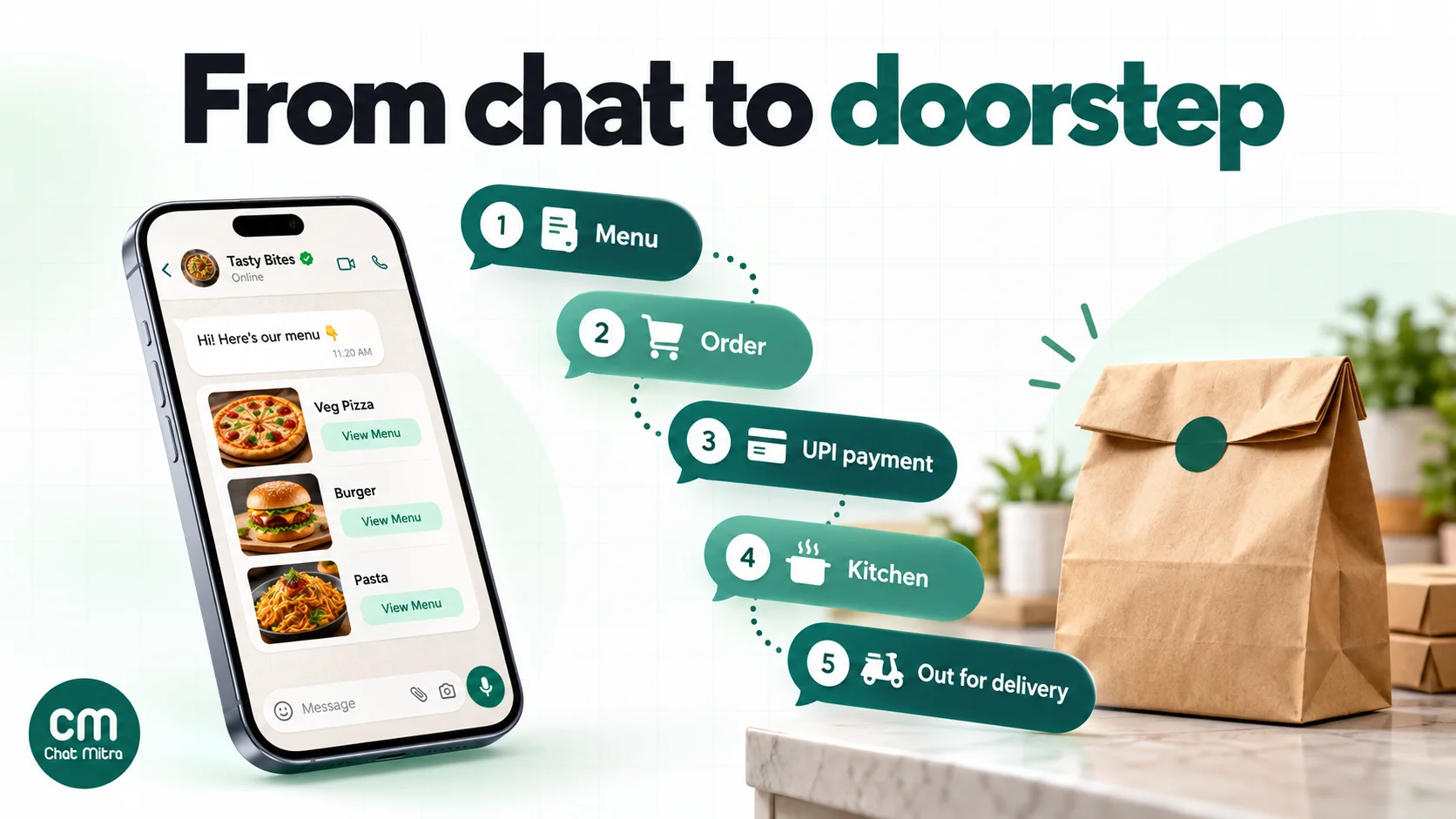
1. Get the first message
Everything is cheaper when the customer messages you first, because their message opens a 24-hour window for your replies. Give them easy ways to start:
- A QR code on every bag and box. “Order direct next time. Scan to chat with us on WhatsApp.” This is the single best way to reach people who found you on an aggregator. Make the code with the free WhatsApp QR code generator, with a pre-filled message like “Menu”.
- A WhatsApp link on your Google Business Profile, Instagram bio and website, made with the WhatsApp chat link generator.
- Click-to-WhatsApp ads. When someone taps one of these ads on WhatsApp’s phone app and you reply in time, Meta opens a free entry point window of up to 7 days, in which all your messages are free. Our WhatsApp ads guide covers the set-up.
2. Show the menu
You have three options, from simplest to richest:
- A PDF or image menu. Quick to make, and customers can zoom. The downside: they have to type their order, and you have to read it carefully.
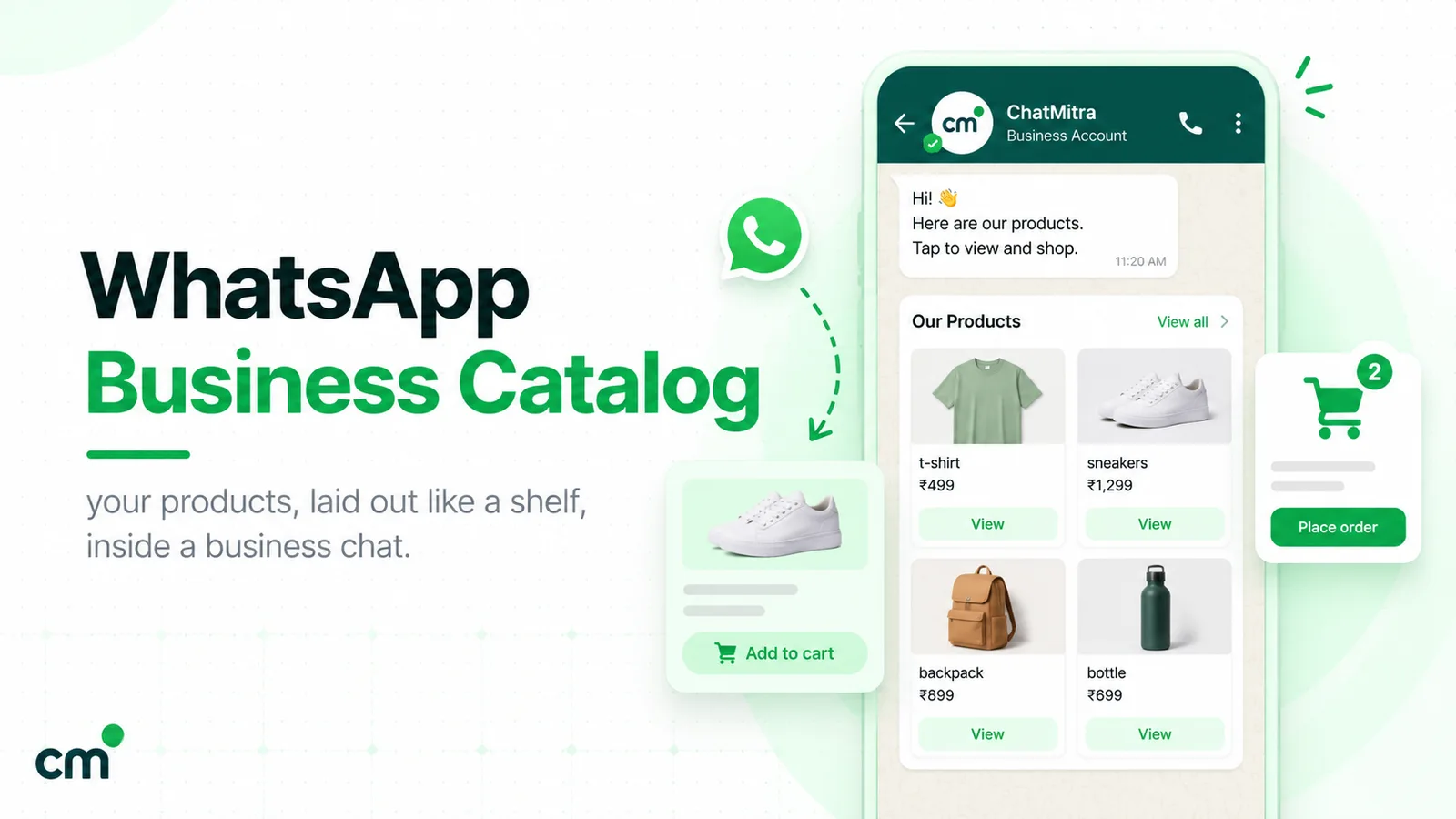
- A WhatsApp catalog. Each dish becomes an item with a photo, price and description, built in Meta Commerce Manager or the Business app. Customers add items to a cart, up to 99 units of each, and send the cart to you as an order. A multi-product message can show up to 30 dishes, grouped into up to 10 sections such as “Biryani” and “Starters” (Meta). Our WhatsApp catalog guide walks through building one.
- An ordering link. A web menu handles add-ons (“extra cheese”, “less spicy”) better than a catalog, which has no modifiers. The customer orders on the page and you confirm on WhatsApp.
Keep one rule in mind: product and catalog messages can only be sent inside an open chat, as a reply. Meta doesn’t allow them as cold notifications. Catalog and multi-product templates exist, but Meta treats them as marketing.
3. Confirm the order in writing
Whether the order came as a cart, a typed list or a web order, send one summary message before you cook:
Order #142 · 2 × Paneer Tikka Roll, 1 × Veg Biryani (half), 1 × Masala Chaas · Total ₹468 incl. ₹30 delivery · Delivering to: Flat 304, Shanti Residency, Baner · Payment: UPI link below · Ready in about 35 minutes. Reply “Yes” to confirm.
That one message catches most mistakes: a wrong item, a missing address detail, a total the customer didn’t expect. Ask for an explicit “Yes” for large orders or cash on delivery. For more confirmation formats, see our order confirmation message examples.
4. Get the address right
Wrong addresses cost a rider’s trip. Ask for two things: the written address with a landmark, and a location pin. WhatsApp’s own share-location button gives the rider an exact point on the map.
Meta also has an India-only address message, a structured form with PIN code, flat number, building, landmark and city fields. Your provider has to support it, and ChatMitra doesn’t send it today. On ChatMitra, customers’ shared locations show up in the inbox as a map pin.
5. Take payment
Prepaid orders get cancelled far less. Your options:
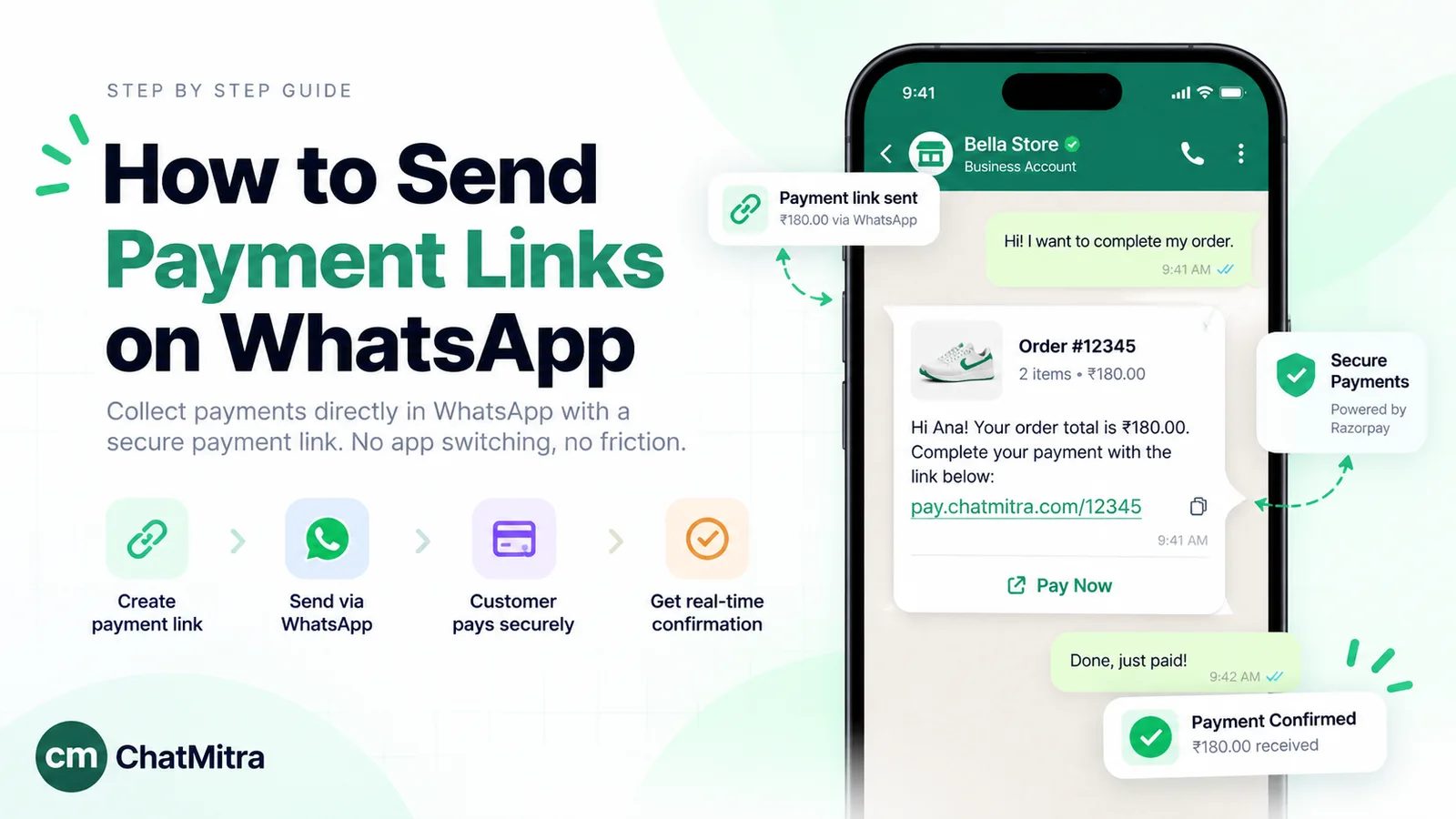
- UPI or a payment link. Create a link in your payment gateway for the order total and send it in the chat. Our guide to sending payment links on WhatsApp covers how to set one up so it’s easy to tap.
- In-chat payments. Meta supports payments inside WhatsApp in India through order-details messages. They work with UPI apps, and Razorpay, PayU, BillDesk and Zaakpay have deeper integrations that add cards and netbanking. Your messaging provider has to support them.
- Cash on delivery. Fine for regulars. For first-time customers on large orders, a confirmation step or a small prepaid incentive helps. We cover this in converting COD orders to prepaid.
6. Pass it to the kitchen
The order now needs to reach the people cooking it. Small kitchens read it off the screen. Busier ones need a single place where every order lives with its status, so nothing is cooked twice or forgotten. That place can be a POS (most Indian POS systems import aggregator orders, but direct WhatsApp orders usually have to be entered by hand) or a shared Google Sheet with columns for order number, items, address, payment and status.
The sheet has one big advantage: the status column can send the customer’s updates for you. Changing “Preparing” to “Out for delivery” can trigger a WhatsApp message automatically, as described in the ChatMitra section below.
7. Deliver and keep the customer posted
The question every restaurant gets is “where is my order?” Most of those calls stop if the customer gets three short messages:
- Order confirmed, with a ready time. “Your order #142 is confirmed. We’ll have it at your door in about 35 minutes.”
- Out for delivery, with the rider’s name and number. “Ravi is on his way with order #142. You can reach him on 98XXXXXX10.”
- Delivered. “Order #142 delivered. Enjoy your meal!”
If the order is running late, say so before the customer asks. Keep the apology plain: Meta’s template guidelines list a delay apology that adds a credit as a marketing message, so put any compensation in a separate message.
8. Ask for feedback and the next order
An hour after delivery, ask one question about that order: “How was your biryani today? Reply 1 to 5.” Feedback tied to a specific order can be a utility template. A general survey, or one with an offer in it, is marketing. Our guide to asking customers for feedback has wording that gets replies.
For the exact wording of all of these messages, with each one’s category and India cost, use our 20 WhatsApp templates for restaurants.
Who delivers a WhatsApp order?
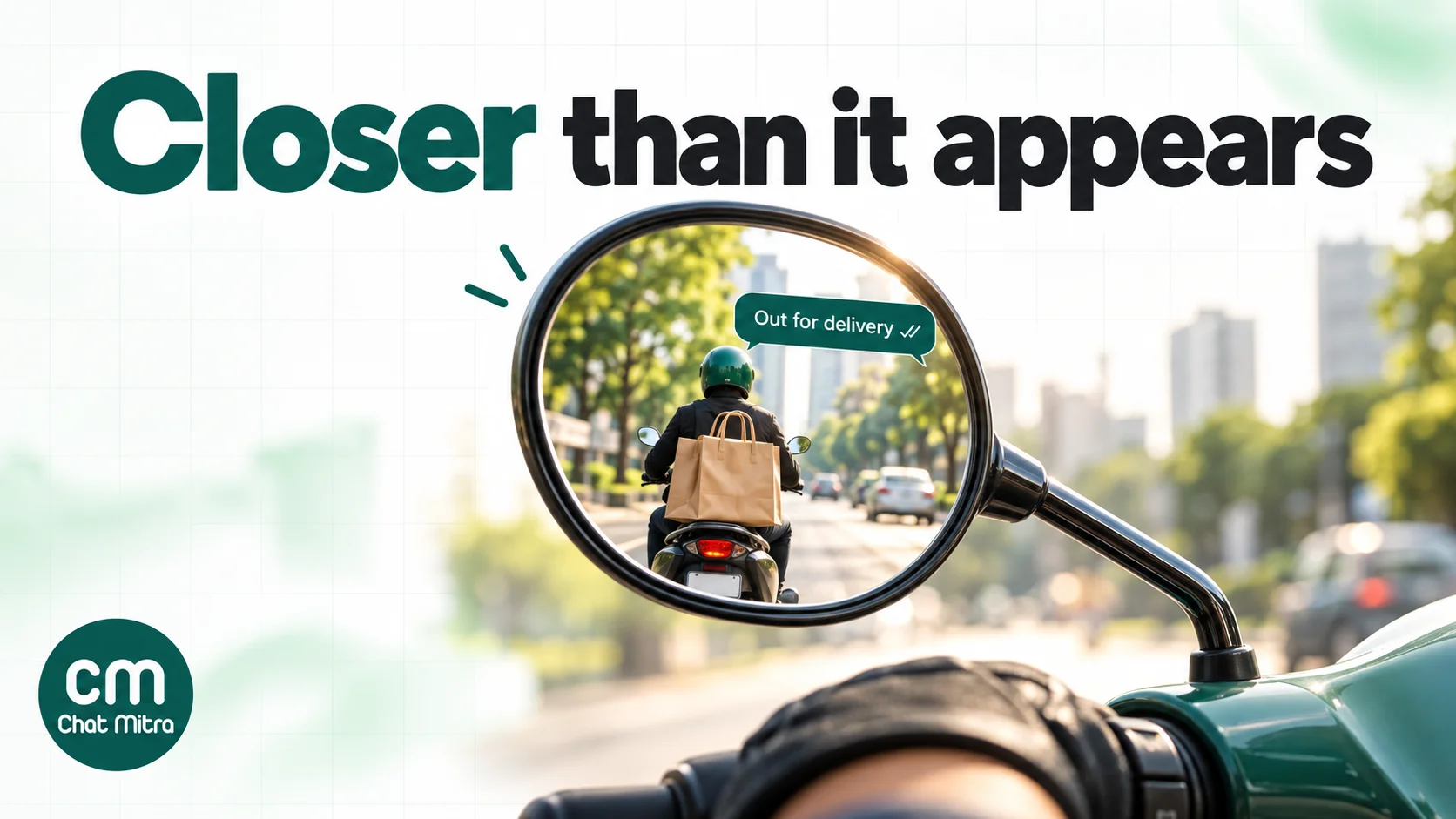
This is the part aggregators make invisible and direct ordering makes your job. You have three options, and many restaurants combine them.
| Option | How it works | Watch out for |
|---|---|---|
| Your own riders | Staff on salary or per-trip pay, on their own two-wheelers | Idle time between rushes, fuel, and covering rider absences on a busy Friday |
| On-demand couriers | Book a rider per order. Porter’s two-wheeler fares start from ₹48, including 1 km and 25 minutes (Porter). Borzo lists hyperlocal food delivery from ₹48 in Mumbai, in 10 cities (Borzo). | Fares rise with distance and vary by locality; riders aren’t trained for food handling by default |
| Hyperlocal delivery partners with an API | Shadowfax offers restaurant delivery where orders arrive through API integration or an order-management platform (Shadowfax) | Usually set up through an ordering system, not booked by hand from a chat |
Three practical rules keep direct delivery profitable:
- Set a delivery radius, and say it in your menu message: “We deliver within 4 km of Baner.”
- Charge a delivery fee or set a minimum order. Customers already pay a platform fee on aggregators, so a clear, flat delivery fee on a direct order doesn’t surprise them.
- Pack for the trip. Food Safety and Standards Authority of India (FSSAI) advice for e-commerce food businesses asks for last-mile delivery staff trained in hygiene and for food to be carried separately from non-food items (FSSAI advisory, 3 December 2024). It’s addressed to platforms, but it’s good practice for your own riders too.
Which messages cost what
Meta charges per message in India, and the price depends on the message’s category and whether the customer messaged you in the last 24 hours. Rates are from Meta’s India rate card, effective 1 October 2026.
| Message | Category | Cost in India |
|---|---|---|
| Your typed replies while the customer’s chat is open: menu, order summary, address questions, “out for delivery” | Service | First 1,000 a month per number free, then ₹0.115 each |
| A pre-approved order update sent by template, like “out for delivery” or “delivered” | Utility | ₹0.115 each, in or outside the 24-hour window |
| A feedback request about a specific order | Utility | ₹0.115 |
| Weekend specials, festival menus, “we miss you” messages, catalog and multi-product templates | Marketing | ₹0.8631 each |
| Anything you send within 7 days after a customer arrives from a click-to-WhatsApp ad and you reply in time | Free entry point | Free |
Two changes from 1 October 2026 matter here:
- Service messages are charged again beyond 1,000 a month. A busy kitchen sending 4 replies per order uses the free tier after about 250 orders, then pays ₹0.115 per reply.
- Utility templates sent inside the open chat are now charged too. They used to be free. Inside the window, a typed message does the same job.
If you use ChatMitra, add ₹0.20 per conversation on the Starter and Pro plans, charged once per customer per 24 hours, however many messages you exchange. An order chat with ten messages costs one ₹0.20. To try your own numbers, use the WhatsApp pricing calculator.
Handling the dinner rush on WhatsApp
Phone orders stop when the line is busy. WhatsApp orders keep coming, which is good until 8:30 pm on a Saturday. Plan for it:
- Answer the repeat questions automatically. “Menu”, “timings”, “do you deliver to Kothrud?” and “is the kitchen open?” make up a large share of messages. Keyword auto-replies answer them instantly. See our auto-reply examples for small businesses.
- Use saved replies for the rest. The order summary, the payment link message and the “out for delivery” message should be one tap each, not typed from scratch. Our guide to WhatsApp quick replies shows how to set them up.
- Put more than one person on the inbox. On the WhatsApp Business Platform, several staff can reply from the same number at once. Agree who takes new orders and who handles “where is my order?”, because the order of arrival is all that’s visible. Our WhatsApp team inbox guide covers the routines.
- Say when you’re closed. An away message that tells people when the kitchen opens, and that you’ll pick up their order then, beats silence. Here are some away message examples.
- Be honest about wait times. If the kitchen is backed up, say “about 50 minutes tonight” in the confirmation. Customers forgive a long wait they were told about.
- Say what’s sold out. Tell customers before they order. If an item runs out after an order comes in, offer a swap straight away: our out of stock message guide has wording.
Turning one-time customers into regulars
A customer who’s ordered from you twice is worth far more on WhatsApp than a stranger, because you can reach them again for a few paise. Build the list carefully:
- Opt-in must name you. WhatsApp’s rules say the person must clearly agree to receive messages from your business, and the opt-in must state your business’s name (Meta, getting opt-in). An order chat is consent to updates about that order, not to a weekly menu. Ask: “Would you like our weekend specials on WhatsApp? Reply Yes.” Record the yes. Our WhatsApp opt-in guide has wording that works.
- Aggregator customers aren’t your list yet. Food apps have long masked customer numbers. In November 2025, Zomato began piloting an in-app prompt that shares a customer’s phone number with the restaurant only if the customer agrees (Outlook Business, 20 November 2025). Even then, a shared number isn’t an opt-in to your WhatsApp offers. The packaging QR code is the cleaner route.
- Tag as you go. Mark customers by area, veg or non-veg, and favourite dish. A biryani special sent only to biryani buyers gets more orders and fewer blocks than a blast to everyone.
- Give them a reason to order direct. A free dessert on the third direct order, a direct-only combo, or simply “no platform fee when you order here”. Keep the perk in the promotion, not in the order updates.
- Send less than you want to. One useful message a week, like the weekend special or a new dish, works better than daily offers. Meta also limits how many marketing templates one person receives from businesses, based on how they engage, and blocks lower your number’s quality rating.
Rules to get right before you start
- FSSAI number on bills. FSSAI requires the 14-digit licence or registration number on receipts, invoices and bills, enforced since 1 January 2022 (FSSAI order). The order doesn’t mention WhatsApp, but if you send a bill or invoice in the chat, put the number on it. Home and cloud kitchens need at least an FSSAI registration. Under FSSAI’s revised thresholds from 1 April 2026, basic registration covers annual turnover up to ₹1.5 crore, according to law-firm summaries of the 13 March 2026 order (Mondaq).
- Keep order updates free of offers. “Your order is out for delivery. Use FOOD10 next time!” turns a ₹0.115 utility template into a ₹0.8631 marketing one. Meta’s guidelines say order updates must not promote, upsell or include offers.
- Respect opt-outs. When someone asks you to stop, stop sending them promotions, and tag them so every future campaign excludes them.
- One script per message. If you write in Hindi, Marathi or Tamil, keep each message in one script, and submit each template language separately.
A month of direct orders: worked costs
These volumes are assumptions to show the arithmetic, not benchmarks. Take a cloud kitchen in Pune that moves 300 orders a month to WhatsApp, on ChatMitra’s Pro plan (₹999 a month, which includes 1,000 conversation credits), because it uses keyword auto-replies for the menu.
| Item | Volume | Meta (India) | ChatMitra conversations |
|---|---|---|---|
| Typed replies while taking 300 orders (4 per order; first 1,000 free) | 1,200 | ₹23.00 | 300 |
| Weekly special to 800 opted-in regulars, four times a month (marketing) | 3,200 | ₹2,761.92 | up to 3,200 |
| Total | ₹2,784.92 | up to 3,500 |
ChatMitra’s side is the ₹999 plan plus ₹0.20 for each conversation beyond the 1,000 included: at most 2,500 × ₹0.20 = ₹500. A regular who gets the special and orders that same day counts as one conversation, not two. The month costs at most ₹4,283.92 in messaging, or about ₹14.28 per direct order.
Set against the earlier example, where a ₹400 order kept about ₹331 direct instead of ₹220 on an aggregator, the messaging cost is small next to the margin. Three things to notice:
- Promotions are 99% of Meta’s bill here. Order chats cost almost nothing. If messaging feels expensive, send the special to fewer, more engaged regulars before you cut an order update.
- The 1,000 free service messages are per number, per month. They’re shared with every other chat on that number, including support and complaints.
- Starter may be enough at first. If you answer by hand and send campaigns, Starter has no monthly fee: you pay ₹0.20 per conversation and Meta’s rates. Pro adds keyword auto-replies, the away message and the API.
Running WhatsApp food delivery on ChatMitra
Here’s what ChatMitra does for a food business today, checked against the product in October 2026, and where you’ll need something else.
| Need | ChatMitra feature | Plan |
|---|---|---|
| Customers message one number, and several staff reply | Shared inbox with agents and per-section permissions, contact tags and notes, saved replies typed with ”/“ | All plans |
| Send the menu to first-time customers | Welcome message, sent once to a new customer: text, image, PDF, buttons, a list, or a catalog or product message | All plans |
| Answer “menu”, “timings”, “delivery areas” instantly | Auto Reply keyword rules (exact, starts-with or regex), which can send a PDF menu, a list message, or a catalog, single-product or multi-product message | Pro |
| Closed-hours message | Away message for one daily window, such as 11 pm to 11 am | Pro |
| Receive orders from a WhatsApp catalog | Catalog carts arrive in the inbox as an order card with each item’s code, quantity, price, the total and the customer’s note | All plans |
| Customer location pins and PDF bills | Shared locations show as a map pin; send documents up to 100 MB from the inbox | All plans |
| Automatic order updates from a sheet | Google Sheets automation: “Specific Column Changed” on a status column sends a template or a text message; “Row Added” confirms a new order | All plans |
| Weekly specials to regulars | Campaigns with include and exclude tags, scheduling, and retargeting by delivered, read or failed | All plans |
| Your own ordering system sends updates | Developer API and webhooks; incoming catalog orders reach your webhook as message.received with type order | Pro |
Good to know:
- No in-chat payments yet. Send a UPI or payment-gateway link in the chat, or use a template with a URL button that ends in a variable.
- No address form. ChatMitra doesn’t send Meta’s India address message. Ask for the address in text plus a location pin.
- No order management or POS integration. ChatMitra isn’t a restaurant POS. Keep orders in a sheet or your POS, and connect your own system through the API if you have one.
- Catalog set-up happens in Meta. Build the catalog in Commerce Manager and connect it to your WhatsApp account. In auto-replies you type the catalog ID and product codes yourself; there’s no product picker. Order cards show product codes, not dish names, because that’s what Meta sends.
- No chat assignment. Agents see the same inbox, so agree who handles which chats.
- No menu chatbot with add-ons. Auto-replies and the AI chatbot answer questions; they don’t build a cart with customisations or collect an address.
- Exclude opted-out customers yourself. Tag anyone who asks to stop and exclude that tag from every campaign. Campaigns don’t remove marketing opt-outs automatically.
Why restaurants choose ChatMitra
| ChatMitra advantage | What it means for a food business | How it compares |
|---|---|---|
| Free Starter plan with the inbox, welcome message, campaigns and Sheets automation | Take direct orders and send updates without a subscription | Meta’s rates are the same on every provider; the provider’s fee is what differs |
| Meta’s rates at cost, no markup | An order update costs ₹0.115 from Meta, nothing added | Check whether a provider adds a margin on Meta’s rates |
| ₹0.20 per conversation, not per message | A ten-message order chat costs one conversation | Per-message fees add up on busy evenings |
| Pro at ₹999 includes 1,000 conversation credits | Menu auto-replies, the closed-hours message and the API for your ordering system | Compare what others charge for automation and API access |
| Enterprise (₹2,499 a month) removes the ₹0.20 fee | One fixed fee for high-volume kitchens | Cheaper than Pro above about 8,500 conversations a month |
Plans are on the pricing page. For the wider business case, see WhatsApp for restaurants.
Mistakes that cost restaurants orders on WhatsApp
- Leaving messages unanswered at peak time. A customer who waits ten minutes for a menu orders from the app instead. Auto-reply the menu, and staff the inbox at meal times.
- Cooking before the order is confirmed. One summary message with a “Yes” saves remakes and wasted food.
- Guessing the address. Always ask for a landmark and a location pin.
- Promising delivery you can’t staff. A direct order delivered late does more damage than one you politely declined. Set a radius and a cut-off time.
- Messaging aggregator customers who never opted in. It breaks WhatsApp’s policy, and blocks lower your number’s quality.
- Sending daily offers. Regulars mute or block a kitchen that messages every day.
- Putting a coupon in an order update. It changes the template’s category and price.
Where to start
Start small and measure. In week one, put a QR code on every bag, set up a welcome message with your menu, and write three saved replies: the order summary, the payment link and “out for delivery”. In week two, track how many orders came in on WhatsApp and how many were delivered on time. Once regulars are ordering, ask them to opt in to a weekly special, and only then think about catalogs, auto-replies and automatic updates from a sheet.
ChatMitra’s Starter plan is free and includes the inbox, welcome message, campaigns and Sheets automation. Pro adds keyword auto-replies, the away message and the API, with a 15-day free trial.
Sources: Meta for Developers: pricing (updated 30 September 2026; India INR rate card effective 1 October 2026), non-template message pricing, sharing products, catalogs overview, payments in India, address messages, template categorisation, per-user marketing limits, getting opt-in. The Week (30 July 2026). Storyboard18 (24 March 2026). MediaNama on Ownly (5 March 2026). ONDC food and beverages. Inc42 on ONDC volumes. Outlook Business on Zomato's data-sharing pilot (20 November 2025). Porter two-wheelers, Borzo food delivery, Shadowfax hyperlocal. FSSAI: e-commerce advisory (3 December 2024), licence number on bills. Mondaq on FSSAI's 2026 thresholds. ChatMitra product behaviour as checked in ChatMitra's code and pricing page (October 2026).