WhatsApp for healthcare means using WhatsApp, usually through the WhatsApp Business Platform, to handle the conversations around care: enquiries, appointment booking, confirmations, reminders, report-ready alerts, teleconsultation logistics, follow-ups and payments. It works because patients already read WhatsApp. It needs care because Meta’s terms say the Platform is not HIPAA compliant and its policy limits health information where local rules demand stricter systems. Keep clinical details out of chat and send patients to secure systems for results.
That last part is what most guides skip. A reminder that saves a no-show and a lab result sent to the wrong phone use the same channel. This guide covers both sides: ten practical use cases with the template category each one needs, what Meta’s policy actually says about health, the privacy rules in the US, Europe and India, twelve free templates you can adapt, what it costs, and how to set it up without building a compliance problem.
Key takeaways
- WhatsApp is strongest for healthcare admin: booking, reminders, directions, payments and "your report is ready". It is weakest as a place to store clinical information.
- Meta's terms state the WhatsApp Business Platform is not HIPAA compliant. Its policy bars health information where your regulations require systems with heightened protections.
- Prescription drugs and medical products are regulated verticals. Over-the-counter promotion is allowed only in listed countries, India included, under conditions.
- Reminders work. A Cochrane review found text-message reminders raised appointment attendance compared with no reminder.
- Start with two flows: confirmations plus reminders, and report-ready alerts that link to a secure portal.
What WhatsApp for healthcare covers
There are two versions of WhatsApp a healthcare business can use, and the choice shapes everything else.
The WhatsApp Business app is free and runs on one phone. It suits a solo doctor, a small physiotherapy practice or a dental clinic with one receptionist. You get a business profile, quick replies, greeting and away messages, and labels for patients. You can’t trigger reminders from your appointment list, and several staff answering from one number quickly gets messy.
The WhatsApp Business Platform (often called the WhatsApp Business API) is what hospitals, diagnostic chains, multi-doctor clinics and telehealth services use. You reach it through a provider such as ChatMitra. It adds approved message templates, automation, a shared team inbox, and connections to your own software. If you’re unsure which route you need, our guide on how to get the WhatsApp API explains the setup.
The businesses that get the most from it share one trait: a high volume of repeat, predictable conversations. That includes hospitals and multi-specialty clinics, single-doctor and dental clinics, diagnostic labs and imaging centres, pharmacies, telehealth platforms, and physiotherapy, fertility, eye-care and home-care services. Wellness studios and fitness clinics have their own playbook in our page on WhatsApp for health and wellness brands.
Why patients and providers use WhatsApp
Three things make WhatsApp useful in healthcare, and none of them are about technology.
Patients already read it. A clinic’s SMS competes with bank alerts and delivery codes. An email from a hospital may land in a promotions tab. A WhatsApp message arrives in the app most patients open many times a day, from a named business profile with your logo.
Reminders reduce missed appointments. This is the best-evidenced use. A Cochrane systematic review of mobile phone messaging reminders found moderate-quality evidence that text reminders improved attendance compared with no reminder (risk ratio 1.14). Attendance in the pooled studies was 78.6% with message reminders against 67.8% with none, and message reminders performed about as well as phone-call reminders at lower cost. The studies tested SMS, not WhatsApp, but the mechanism is the same: a timely, specific nudge.
It takes load off the front desk. Most calls to a clinic are the same ten questions: timings, which doctor is in, fees, fasting rules, where to park, whether a report is ready. Answer those in chat, let patients book and reschedule there, and your receptionists spend their time on the people standing in front of them.
The value doesn’t come from sending more messages. It comes from sending the right message at the right moment and letting the patient act on it in one tap.
What WhatsApp allows in healthcare, and what it doesn’t
Before you build anything, read the three rules that decide what you may send. They come from Meta’s own documents, and they apply whichever provider you use.
1. Meta says the Platform is not HIPAA compliant. Section 4.2 of the Meta Terms for WhatsApp Business Platform (last modified 23 September 2026) says the business acknowledges “that Meta is not a Business Associate or Subcontractor” under HIPAA “and that the WhatsApp Business Platform is not HIPAA compliant”. The same section bars sending Meta data whose distribution is restricted by law, and says Meta makes no promise that the Platform meets the needs of businesses with heightened confidentiality rules, naming healthcare.
2. Health information is limited where regulations demand stricter systems. The WhatsApp Business Messaging Policy (updated 23 September 2026) says: “Don’t use WhatsApp for telemedicine or to send or request any health related information, if applicable regulations prohibit distribution of such information to systems that do not meet heightened requirements to handle health related information.” The rule is conditional. It depends on your local law, so the same message can be fine in one country and prohibited in another.
3. Medicines and medical products are regulated verticals. The policy lists “Drugs, whether prescription, recreational, or otherwise” and “Medical and healthcare products” among goods and services you can’t promote, except in limited cases. Over-the-counter drugs may be promoted in an allowed-country list that includes India, Brazil, Indonesia and Mexico, among others, but only on the WhatsApp Business Platform, never on the Business app. The messages must not reach anyone under 18, and they can’t use catalogs or other commerce features to sell the products.
Here’s how those rules translate into everyday messages:
| Message | Verdict | Why |
|---|---|---|
| Clinic timings, directions, fees, doctor schedules | Generally fine | No personal health information |
| Appointment confirmation and reminder | Generally fine, keep it minimal | A department name can itself reveal a condition; use "your appointment" where you can |
| "Your report is ready" with a link to a login-protected portal | Preferred pattern | The result stays in your secure system |
| Report PDF sent in chat | Check your law first | The result is now on the patient's phone, in backups and possibly with your provider |
| Teleconsultation by chat | Depends on country | India's guidelines allow chat platforms; HIPAA-covered US providers should not |
| Diagnosis, test values or treatment advice in a template | Avoid | Sensitive health data in a channel Meta says isn't built for it |
| Promoting prescription medicines or medical devices | Not allowed | Regulated verticals under WhatsApp policy |
| Emergency triage | Never | Delivery isn't guaranteed; direct patients to emergency services |
10 ways to use WhatsApp in healthcare
Each use case below lists the message category Meta will expect. That matters for both approval and cost. Utility templates relate to something the patient already started, such as a booking, an order or a report. Marketing templates promote anything. Authentication templates carry one-time codes. Our explainer on marketing, utility and authentication messages covers the rules in detail.
1. Answer enquiries and FAQs automatically
Category: service replies (inside the 24-hour window the patient opens)
Most first messages are questions: “Is Dr Rao available on Saturday?”, “What’s the fee?”, “Do I need to fast for a lipid test?” Set up a welcome message with a short menu (Book, Timings and location, Doctors, Reports, Talk to us), then keyword replies for each option. Keep a human one tap away.
Privacy note: don’t ask about symptoms in the welcome menu. If someone volunteers them, reply with booking options, not advice.
2. Take appointment bookings in chat
Category: service replies, then a utility confirmation
WhatsApp appointment booking is the most requested healthcare flow, and the one most often oversold. WhatsApp has no calendar of its own. Slots have to come from your practice-management system, a booking page or a receptionist. The three common patterns are:
- Link out: the chat sends a link to your online booking page, and your booking system sends the confirmation back through WhatsApp.
- Staffed: a menu collects department and preferred day, and a receptionist offers slots in the shared inbox.
- Connected: a chatbot calls your scheduling system’s API to fetch and hold slots. This is the most work, and it suits hospitals with in-house developers.
Start with the first or second pattern. Most clinics never need the third.
3. Confirm bookings and send pre-visit instructions
Category: utility
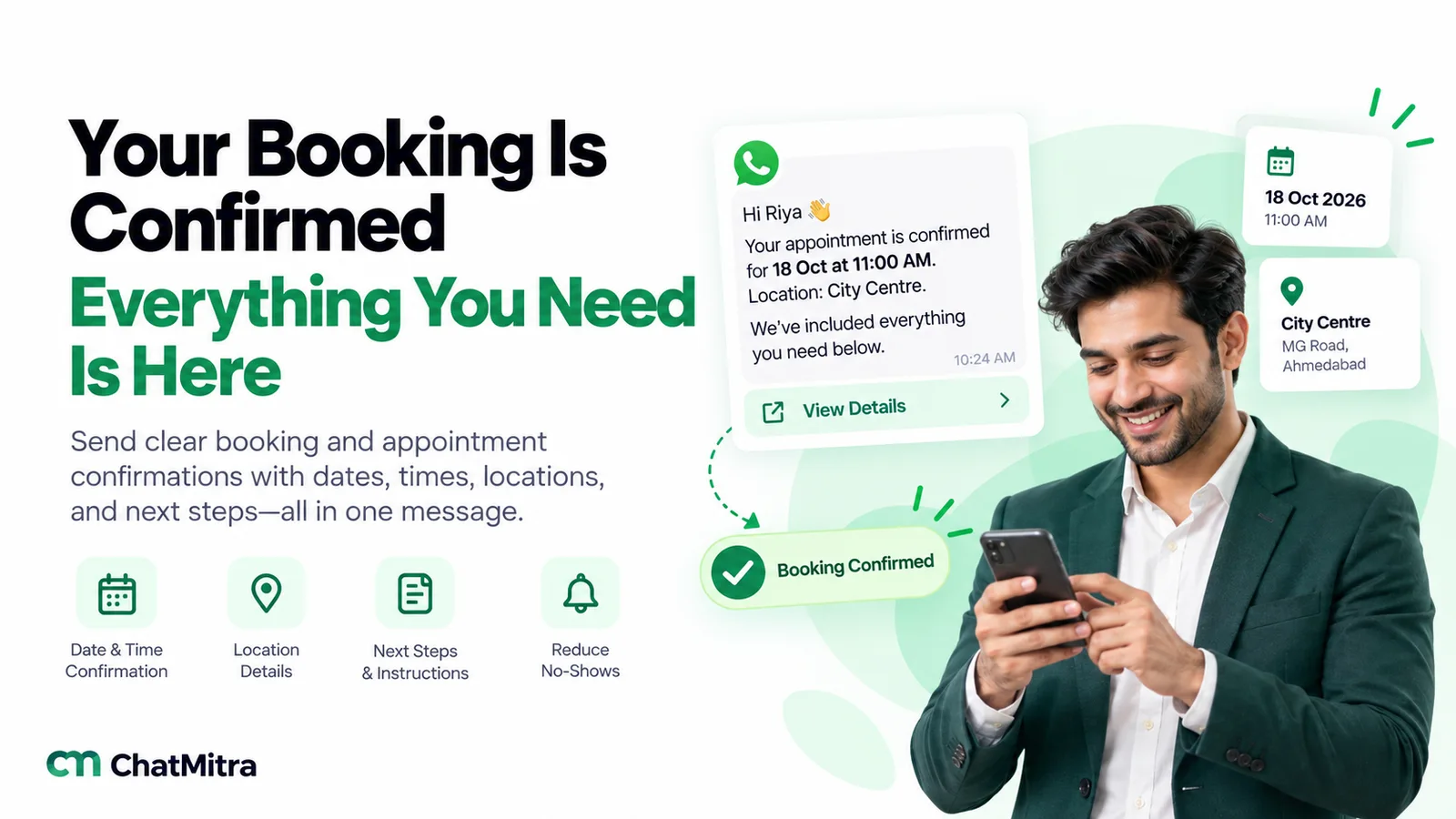
The confirmation is where you prevent the “I didn’t know I had to fast” problem. Include the date, time, doctor or department, address with a map link, what to bring (previous reports, ID, insurance card), any preparation the procedure needs, and how to reschedule. A quick-reply button for “Reschedule” saves a phone call. Our collection of booking confirmation messages has more wording you can adapt.
4. Send reminders and handle rescheduling
Category: utility
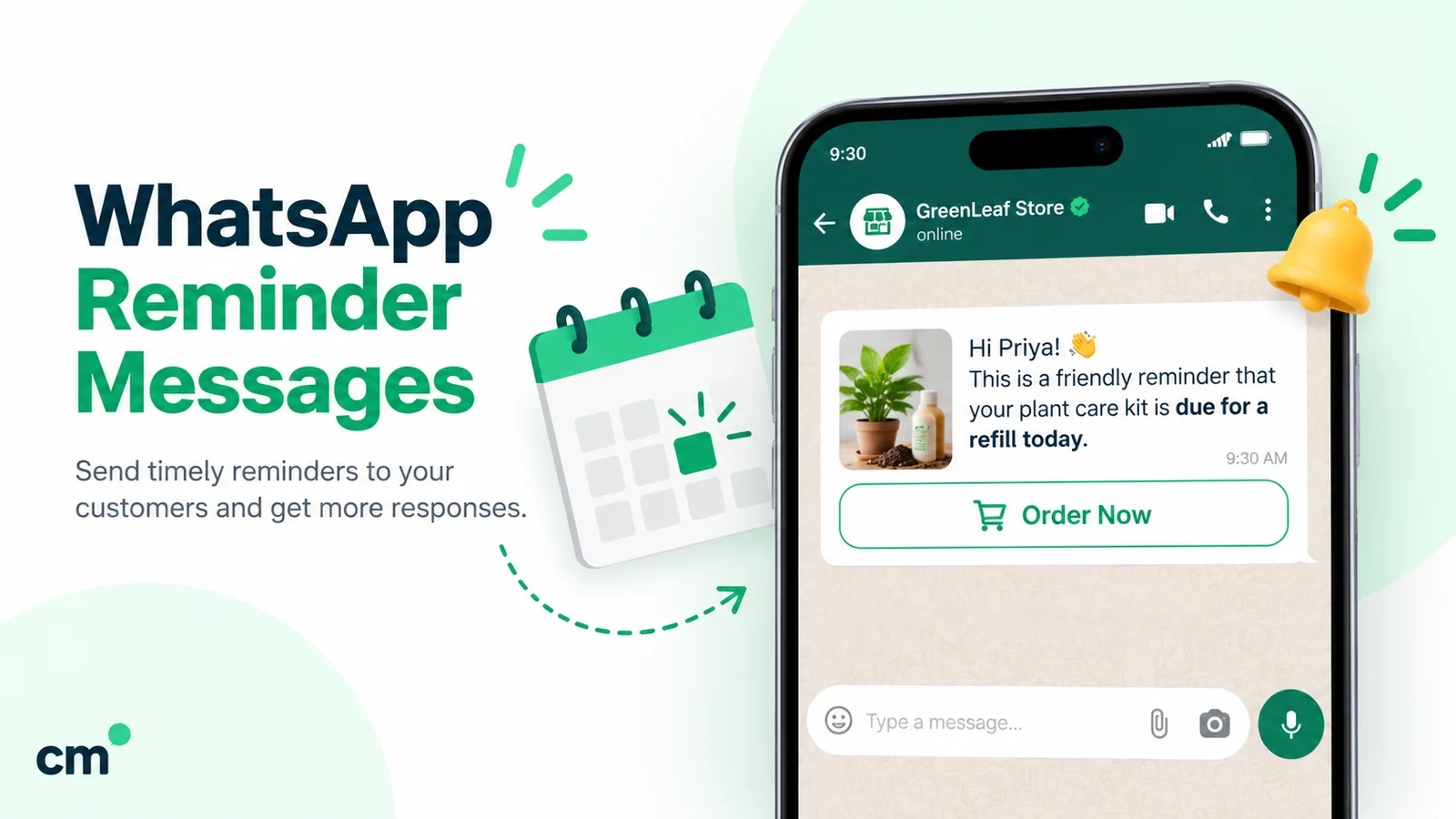
A reminder the day before plus one on the morning of the appointment is a sensible default for clinics. For procedures with preparation, add one when preparation starts, such as fasting from midnight or stopping a medicine as your doctor instructed. Give every reminder “Confirm” and “Reschedule” buttons and act on the answers: a cancellation two days out is a slot you can offer to the waiting list. The WhatsApp reminder guide covers schedules and sending from a sheet.
5. Tell patients their report is ready
Category: utility
This is where the privacy rules bite. The safest version says only that the report is ready and links to your secure patient portal, where the patient logs in. Sending the PDF directly is convenient and common, especially in India, but the result then lives on the patient’s phone and in chat backups. If you do send documents, decide case by case. Many labs exclude sensitive tests (HIV, genetic and pregnancy-related tests, for example) and send those only through the portal or in person.
6. Prescription refill and medication reminders
Category: utility when tied to an existing prescription or order
A pharmacy or chronic-care clinic can remind a patient that a repeat prescription is due for collection, or that a home delivery is on its way. Keep the drug name out of the template where you can (“your repeat order is ready”), never promote prescription medicines, and don’t let a refill reminder drift into “also try our new supplement”. That turns it into a marketing message about a regulated product.
7. Run teleconsultation logistics
Category: utility for links and payment requests; consultation content depends on your country
Even where full consultations happen on video, WhatsApp is the natural place for the logistics: the booking confirmation, the payment link, the video link ten minutes before, and the e-prescription or follow-up instructions afterwards, where the law allows. In India, the Telemedicine Practice Guidelines (2020) list chat platforms like WhatsApp among the allowed consultation modes. In the US, a HIPAA-covered provider should keep consultations on a HIPAA-compliant platform and use WhatsApp only for logistics that carry no health details, if at all.
8. Follow up after a visit and ask for feedback
Category: utility for care follow-ups linked to the visit; marketing if it promotes anything
A message two days after a procedure asking “How are you feeling? Reply 1 if all is well, 2 if you’d like a call from the nurse” catches problems early and shows patients you care. A separate feedback request a week later can include a review link. Send it to everyone, not only happy patients: Google’s policies prohibit selectively asking satisfied customers for reviews. Our guide to asking customers for feedback has the full method.
9. Collect payments, insurance documents and pre-admission forms
Category: utility
Payment reminders with a link to your billing page, requests for an insurance card photo before admission, or a link to a pre-admission form all fit naturally in WhatsApp. Ask for documents only through a secure upload link where you can. Patients will happily send a photo of an Aadhaar card or insurance policy in chat, and then it sits in your inbox for every staff member to see. WhatsApp’s policy also tells businesses not to ask for full payment card numbers, financial account numbers or ID card numbers in chat.
10. Health campaigns to opted-in patients
Category: marketing
Vaccination drives, health-camp invitations, a new specialist joining, or seasonal advice such as dengue prevention or a winter flu shot are legitimate messages if the patient opted in to hear from you. They’re marketing templates: they cost more, Meta applies per-user frequency limits, and marketing templates aren’t delivered to US phone numbers. Keep them occasional and genuinely useful, and never promote prescription drugs or medical devices. Our WhatsApp opt-in guide covers how to collect and record consent.
One more: if you run a patient app or portal, its login codes can go by WhatsApp as authentication templates, with copy-code or one-tap buttons. They’re priced at the utility rate in India and keep login codes away from SMS fraud.
How different healthcare businesses use WhatsApp
The ten use cases apply unevenly. Here’s where each type of provider usually starts, and what it adds once the basics run smoothly.
| Business | Start with | Add next | Watch out for |
|---|---|---|---|
| Hospital or multi-specialty clinic | Department menu, appointment confirmations and reminders | Report-ready alerts, pre-admission documents, discharge follow-ups | Many staff in one inbox; restrict who sees what |
| Single-doctor or dental clinic | FAQs, booking by chat, day-before reminders | Recall reminders for check-ups and cleanings | Doctor answering clinical questions from a personal phone |
| Diagnostic lab or imaging centre | Home-collection booking, fasting instructions, report-ready alerts | Package reminders for annual check-ups (marketing) | Sending sensitive results as PDFs |
| Pharmacy | Order and delivery updates, repeat-order reminders | OTC promotions where allowed, adults only | Prescription drug promotion is not allowed |
| Telehealth platform | Booking, payment link, consultation link reminders | Post-consult follow-ups, e-prescription delivery where lawful | Consultations by chat in countries that require compliant systems |
| Physiotherapy, fertility, eye care, home care | Session reminders, exercise or care instructions as documents | Package renewals, progress check-ins | Before-and-after images of patients |
For a wider view across sectors, see our roundup of WhatsApp Business API use cases by industry.
12 free WhatsApp templates for healthcare
These were written for this guide. Variables are in double braces, and you replace them with your own fields when you submit the template. Each one carries the minimum health detail needed. Template components follow Meta’s limits: up to 10 buttons, button labels of up to 25 characters, and URL buttons whose variable sits at the end of the URL.
1. Appointment confirmation (utility)
Hi {{1}}, your appointment at {{2}} is confirmed for {{3}} at {{4}} with {{5}}. Please arrive 15 minutes early and bring any previous reports. Location: {{6}} Buttons: Quick reply “Reschedule” · Quick reply “Cancel”
2. Day-before reminder (utility)
Hello {{1}}, a reminder that your appointment at {{2}} is tomorrow, {{3}}, at {{4}}. Tap Confirm if you’re coming, or Reschedule and we’ll find another time. Buttons: Quick reply “Confirm” · Quick reply “Reschedule”
3. Preparation instructions (utility)
Hi {{1}}, for your test on {{2}} at {{3}}, please follow the preparation instructions your doctor gave you. The full checklist is at the link below. Questions? Reply here and our team will help. Buttons: URL “View instructions” (…/prep/{{1}})
4. Home sample collection (utility)
Hello {{1}}, our technician {{2}} will reach your address between {{3}} and {{4}} on {{5}} for sample collection. Please keep your booking ID {{6}} handy. Buttons: Phone “Call technician”
5. Report ready (utility)
Hi {{1}}, your report for booking {{2}} is ready. For your privacy, it’s available only in your secure patient account. Buttons: URL “View report” (…/reports/{{1}})
6. Teleconsultation link (utility)
Hello {{1}}, your online consultation with {{2}} starts at {{3}} today. Join with the button below a few minutes early, from a quiet place with good network. Buttons: URL “Join consultation” (…/visit/{{1}})
7. Repeat order ready (utility)
Hi {{1}}, your repeat order {{2}} is ready for collection at {{3}} from {{4}}. Prefer home delivery? Tap below. Buttons: Quick reply “Deliver it” · Quick reply “I’ll collect”
8. Post-procedure check-in (utility)
Hello {{1}}, we hope you’re recovering well after your visit on {{2}}. Reply 1 if everything is fine, or 2 and a member of our care team will call you. For an emergency, call your local emergency number. Buttons: Quick reply “1 – All good” · Quick reply “2 – Please call me”
9. Payment due (utility)
Hi {{1}}, a balance of {{2}} is due for invoice {{3}} dated {{4}}. You can view and pay it securely using the button below. If you’ve already paid, please ignore this message. Buttons: URL “View invoice” (…/invoice/{{1}})
10. Feedback request (utility or marketing, depending on wording)
Hi {{1}}, thank you for visiting {{2}}. Could you take one minute to tell us how we did? Your answers help us improve care for everyone. Buttons: URL “Share feedback” (…/feedback/{{1}})
11. Health camp invitation (marketing)
Hello {{1}}, {{2}} is holding a free {{3}} screening camp on {{4}} from {{5}}. Reply YES to reserve a slot. Reply STOP to stop receiving updates from us. Buttons: Quick reply “YES” · Quick reply “STOP”
12. Patient portal login code (authentication)
{{1}} is your verification code. For your security, do not share this code. Button: Copy code
A note on template 8: the “2 – Please call me” reply needs a person watching for it during working hours, and the message should say what happens out of hours. Automation that promises a call nobody makes is worse than no message.
How to set up WhatsApp for your clinic or hospital
The order below avoids the two most common failures: automating before the policy questions are settled, and launching campaigns before reminders work.
- Decide what you will and won’t send. Write a one-page messaging policy: which use cases, what health detail is allowed (ideally none beyond time and place), who can see the inbox, and how long chats are kept. Get your compliance or legal adviser to sign it off.
- Choose the number and the route. Use a dedicated business number, not a doctor’s personal phone. Pick the Business app for a single practitioner, or the WhatsApp Business Platform through a provider for anything larger.
- Verify your business and complete the profile. Add your legal name, address, hours, website and a clear description. If you register as a healthcare business, make sure the name matches your registration documents.
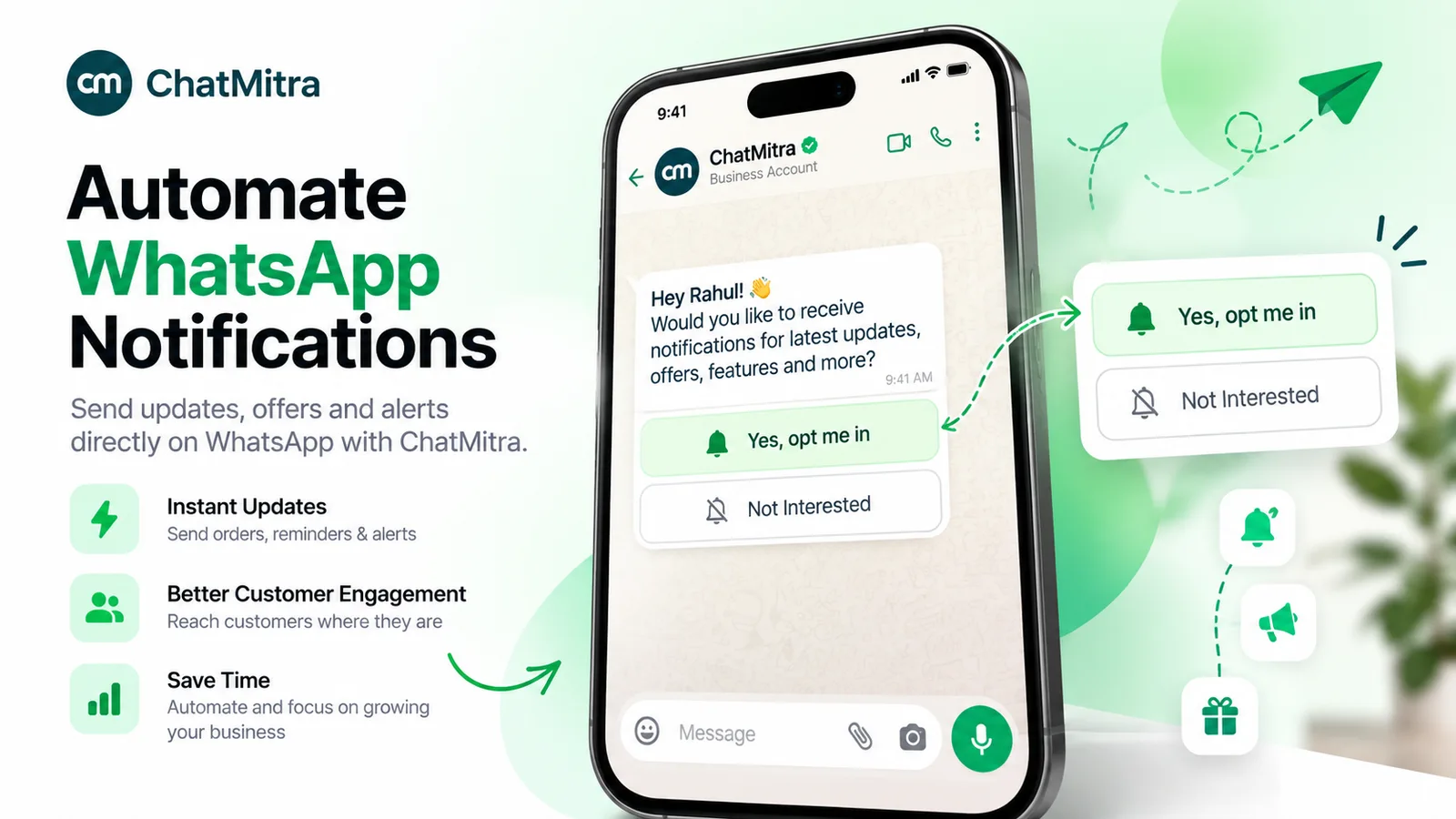
- Collect consent where patients already interact. Add a WhatsApp opt-in to your booking form, registration desk and patient app, with a line saying what you’ll send. Record when and how each patient agreed.
- Get your first utility templates approved. Start with confirmation, reminder and report-ready alerts. Keep them factual, so they’re approved as utility and not re-categorised as marketing.
- Connect your schedule. Feed appointments in from a Google Sheet, your practice-management system’s webhook, or your developer’s API calls, so reminders go out without anyone copying numbers.
- Set up the welcome menu and FAQs. Cover timings, location, doctors and booking. Put “Talk to us” on every menu and make sure someone is responsible for the inbox in working hours.
- Add an emergency line to every automated reply. Something like “For emergencies, call 112 or go to your nearest emergency department” (use your own country’s number). WhatsApp is not an emergency service.
- Train staff on what not to send. No results typed into chat, no photos of patients, no clinical advice from the front desk. Clinical questions go to a clinician or to a consultation.
- Review monthly. Check delivery and read rates, confirmations versus no-shows, blocks and reports, and any message that drew a complaint.
Patient privacy: the rules by region
WhatsApp’s policy points you to your local law, so here’s the short version for three common markets. It’s a starting point for your adviser, not legal advice.
| Region | Main rule | What it means for WhatsApp |
|---|---|---|
| United States | HIPAA protects health information held by covered entities and their business associates | Meta says it isn't a business associate and the Platform isn't HIPAA compliant. Keep protected health information out of WhatsApp; use it only for messages with no health details, or not at all |
| European Union and UK | GDPR Article 9 treats health data as a special category that needs an explicit legal basis | Process health data only with a valid Article 9 condition, minimise what you send, and document it in your data protection impact assessment |
| India | Digital Personal Data Protection Act, 2023 and DPDP Rules, 2025; Telemedicine Practice Guidelines, 2020 | Consent and purpose limits for personal data, with most duties under the Rules applying 18 months after their publication on 13 November 2025. Chat teleconsultation is permitted with consent and record-keeping |
India’s telemedicine guidelines add three practical points for clinics using WhatsApp. Consent is implied when the patient starts the consultation, and must be explicit when the doctor or a health worker starts it. The doctor’s State Medical Council registration number must appear on electronic communication such as WhatsApp messages and prescriptions. The doctor must keep a log of the teleconsultation, including chat records. If a clinic plans to consult over WhatsApp, its business account and record-keeping should be set up with those requirements in mind.
Whatever the region, the same habits protect you:
- Minimum necessary. Time, place, a booking ID and a secure link are usually enough.
- Role-based access. Not every staff member needs every chat. Use separate numbers or restrict inbox access by team where your tools allow it.
- Retention. Decide how long chats are kept and delete what you don’t need.
- No personal phones. Clinical staff using personal WhatsApp for patient chats is the most common compliance gap in small practices.
What WhatsApp costs a healthcare provider
On the WhatsApp Business Platform, Meta charges per delivered template, and the rate depends on the category and the patient’s country. For India, Meta’s rate card effective 1 October 2026 is:
| Message type | Healthcare examples | Meta rate in India |
|---|---|---|
| Utility template | Confirmations, reminders, report-ready, refills, payment due | ₹0.1150 per delivered message |
| Authentication template | Patient-portal login codes | ₹0.1150 per delivered message |
| Marketing template | Health camps, awareness campaigns, check-up packages | ₹0.8631 per delivered message |
| Service messages | Your replies to patient questions | 1,000 free per number each month, then ₹0.1150 |
A worked example for a clinic with 1,200 appointments a month: a confirmation and a day-before reminder for each is 2,400 utility templates, or about ₹276. Add 300 report-ready alerts (₹34.50) and one awareness campaign to 1,500 opted-in patients (about ₹1,295), and Meta’s bill is roughly ₹1,605 a month before your provider’s fees. Utility templates are charged even when the patient has an open conversation with you, so don’t assume reminders inside the window are free. Our page on WhatsApp Business cost per message has the full rate card and other countries.
How to measure whether it’s working
Pick a baseline month before launch, then compare.
| Metric | How to read it |
|---|---|
| No-show rate | The headline number. Compare like with like: same departments, same season |
| Confirm and reschedule replies | A high reschedule rate is good news: those slots can be refilled |
| Calls to the front desk | Should fall as FAQs and booking move to chat |
| First response time in chat | Patients expect minutes in working hours, not hours |
| Report-portal logins after alerts | Tells you whether patients can actually reach their results |
| Blocks, reports and quality rating | A rise after a campaign means you sent too much or to the wrong people |
Common mistakes healthcare teams make on WhatsApp
- Typing results into chat. “Your HbA1c is 8.2, please see the doctor” is precisely the kind of message the policy and privacy laws worry about. Send a report-ready alert and let the doctor explain.
- Doctors using their personal numbers. It feels personal and responsive, but it blurs records, consent and working hours, and the chats leave with the doctor.
- Mixing promotions into reminders. A reminder that ends with “Book our full-body check-up at 30% off” becomes a marketing message. It can be re-categorised, and it trains patients to ignore your reminders.
- Promising instant replies. If the inbox isn’t staffed at night, say so in the away message and give the emergency number.
- Collecting ID and insurance photos in the open inbox. Use a secure upload link instead.
- Messaging without consent. A patient who gave a number for an appointment hasn’t agreed to monthly health campaigns. Ask separately.
- Forgetting language. In India especially, offer templates in the languages your patients read. Meta supports approved templates in many languages, and a Hindi or Gujarati reminder can outperform an English one.
Where ChatMitra fits, and where it doesn’t
ChatMitra is a WhatsApp Business Platform provider. It can run the admin side of healthcare messaging well, but it isn’t a clinical system, and nothing in a provider’s software changes Meta’s position on HIPAA.
| Need | In ChatMitra? | Detail |
|---|---|---|
| Confirmations and reminders from a schedule | Yes | Google Sheet triggers (row added, N days before a date) or the Incoming Webhook trigger from your own system; REST API on Pro and Enterprise |
| FAQ menus and keyword replies | Yes | Welcome Message plus Auto Reply rules, which also match template quick-reply button text (Pro plan) |
| Shared inbox for the front desk | Yes | One inbox per number, tags, saved replies, Android app |
| Hand-over from automation to staff | Yes, manual | An agent pauses automation for a chat, from 30 minutes to permanently |
| Answers to typed questions | Yes, with care | The AI chatbot uses your own model provider and key; restrict it to admin topics, never clinical advice |
| Appointment calendar or slot booking | No | Link to your booking page, or call your scheduling system's API |
| EMR, HIS or lab-system connector | No ready-made connector | Use a webhook or the API from your system |
| HIPAA compliance or a business associate agreement | No | Meta's terms rule this out for the WhatsApp Business Platform as a whole |
If you need clinical messaging with results and images, use a patient portal or a HIPAA- or locally-compliant messaging tool for that part, and let WhatsApp carry the notifications that point patients to it. Plans and fees are on our pricing page.
Summary
- WhatsApp is a strong channel for healthcare admin: enquiries, bookings, confirmations, reminders, report-ready alerts, teleconsult logistics, payments and follow-ups.
- Meta’s terms say the WhatsApp Business Platform is not HIPAA compliant, and its policy bars health information wherever your regulations require stricter systems.
- Prescription drugs and medical products are regulated verticals. OTC promotion is allowed only in listed countries, including India, on the Platform and to adults.
- Use utility templates for anything tied to a booking, order or report, marketing for campaigns, and authentication for login codes.
- Keep results and diagnoses out of chat, link to secure systems, staff the inbox, and put an emergency number in every automated reply.
Sources: Meta Terms for WhatsApp Business Platform (section 4.2, last modified 23 September 2026). WhatsApp Business Messaging Policy (updated 23 September 2026). Meta for Developers: WhatsApp Business Platform pricing, template components, per-user marketing limits. Car J. et al., Mobile phone messaging reminders for attendance at healthcare appointments, Cochrane Database of Systematic Reviews (2012). Board of Governors in supersession of the Medical Council of India, Telemedicine Practice Guidelines (25 March 2020). EU General Data Protection Regulation, Article 9. India's Digital Personal Data Protection Act, 2023 and DPDP Rules, 2025. ChatMitra product behaviour as verified in ChatMitra's code for our reminder, booking-confirmation and chatbot guides (September 2026), and ChatMitra's pricing page.
Facts checked against Meta's and WhatsApp's documentation on 1 October 2026. This article is general information, not legal or medical advice.