Hotels use WhatsApp for the messages that make or break a stay: the room enquiry that becomes a direct booking, the confirmation, directions and early check-in the day before, the “can I get extra towels?” at 10 pm, the bill at checkout and the review request after. Guests already have WhatsApp open, and one front-desk team can answer many chats at once. The trick is to treat it as a guest-journey system rather than a busy personal phone: the right template at each stage, requests routed to the team that can act, and clear rules on ID documents, offers and consent. This guide covers each stage, the WhatsApp and Indian rules that apply, sample messages and what it costs per stay.
Using ChatMitra?
Connect your hotel's number, create utility templates for confirmation, pre-arrival and checkout, and let the whole front desk answer from one shared inbox with saved replies. Put a WhatsApp QR code in every room, and on Pro use the chatbot builder to route requests by button (housekeeping, food, maintenance). The step-by-step setup is further down.
Key takeaways
- Think in stages. Enquiry, confirmation, pre-arrival, in-stay, checkout and review each need different messages and owners.
- Keep stay messages utility. One upgrade offer inside a confirmation turns it into a marketing template.
- No IDs in chat. Send a secure check-in link instead of asking for passport or Aadhaar numbers on WhatsApp.
- OTA guests aren't a marketing list. Message them about their stay, and ask for offer consent separately.
- Speed is the product. A request answered in five minutes beats a perfect template answered in an hour.
Why hotels move guest messages to WhatsApp
Most of a guest’s questions are small and urgent. Is early check-in possible? Is there parking? Can the airport pickup wait 30 minutes because the flight is late? A phone call to a busy front desk often goes unanswered, and email is too slow for anything happening today. WhatsApp sits in between: the guest sends a message whenever it suits them, and the hotel answers when a staff member is free, usually within minutes.
It also suits the way Indian hotels and homestays already work. Many guests find a property on Google Maps or Instagram and tap a WhatsApp button before they ever visit a booking site. Groups, wedding parties and corporate bookers coordinate on WhatsApp anyway. The difference between doing this from a manager’s personal phone and doing it properly is what this guide is about: a business number, approved templates for the messages you send first, a shared inbox, and records that don’t leave when a staff member does.
Before the first message: consent, OTAs and your number
Three decisions come before any template.
Get opt-in at the right moments. WhatsApp’s Business Messaging Policy lets you contact people only if they gave you their number and opted in to messages from you. For direct bookings, add a WhatsApp consent checkbox to your booking engine and enquiry forms. A guest who messages you first has started the conversation, but if you plan to send them templates later, ask. Our WhatsApp opt-in guide has wording that works.
Treat OTA guests differently. A booking from Booking.com, Agoda, MakeMyTrip or Airbnb gives you the guest’s details to deliver their stay, under your agreement with that platform. OTAs commonly restrict using those details for marketing, and some pass on masked or relay contact details only. So send OTA guests stay-related messages if your OTA agreement and the guest allow it, and ask at check-in whether they’d like offers from you on WhatsApp. That one question is how a hotel builds a marketing list it actually owns.
Decide on numbers. A single property needs one number for the front desk. A group with several properties can run one number per property, so guests always reach the team on site, or one central reservations number with property teams answering behind it. In ChatMitra, each number is its own project with its own plan.
The guest journey on WhatsApp
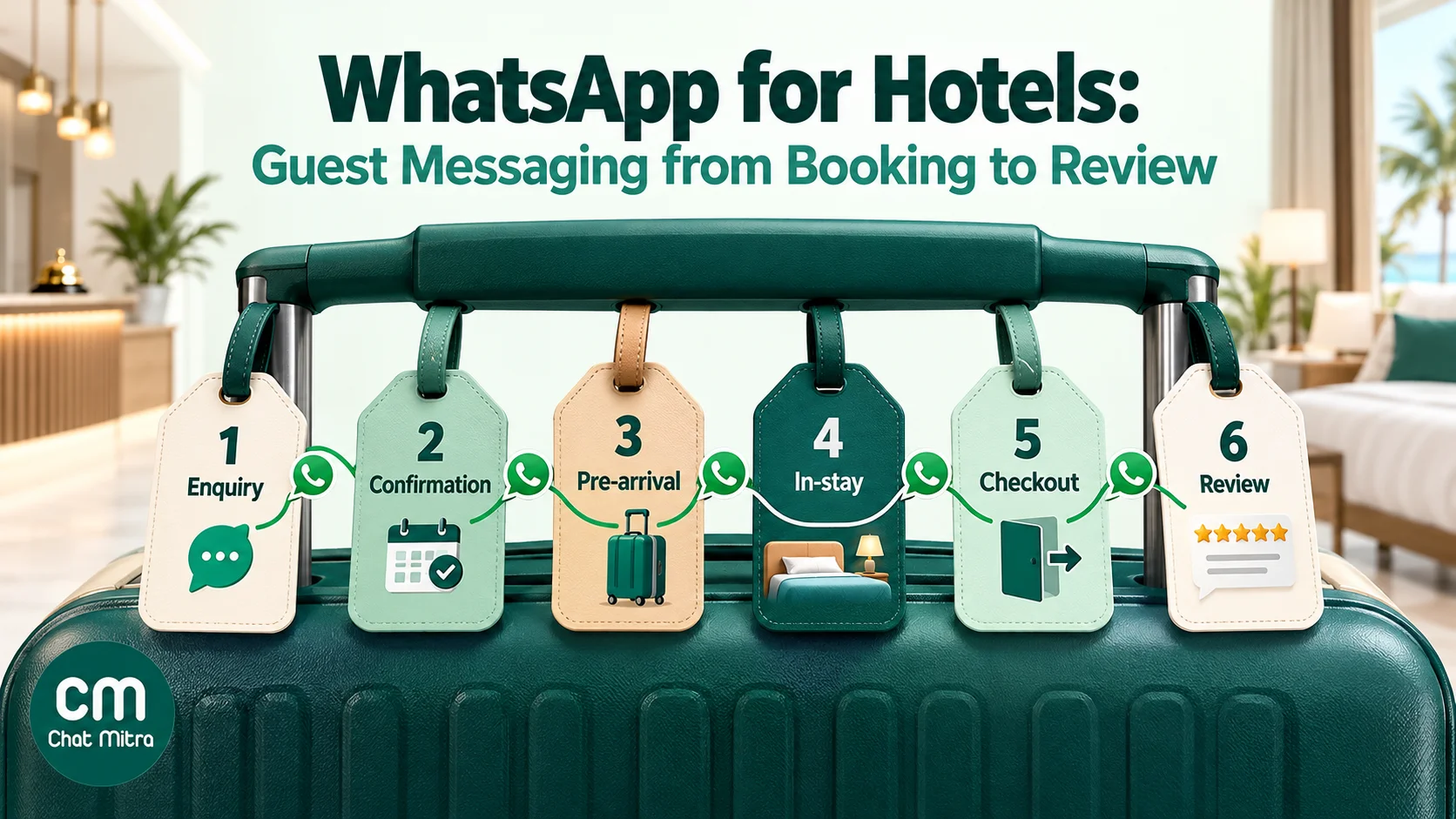
| Stage | Who starts it | Typical messages | Category |
|---|---|---|---|
| 1. Enquiry and direct booking | Guest | Rates, availability, photos, payment link | Service replies (free-form) |
| 2. Confirmation | Hotel | Booking details, policies, contact | Utility template |
| 3. Pre-arrival | Hotel | Directions, check-in time, web check-in link | Utility template |
| 4. In-stay | Guest, mostly | Housekeeping, food, maintenance, local tips | Service replies |
| 5. Checkout | Hotel or guest | Bill, late checkout, transport | Utility template or service reply |
| 6. Review and return | Hotel | Review request, later offers to opted-in guests | Utility (review tied to the stay); marketing (offers) |
The pattern matters for cost. Messages the guest starts open a 24-hour customer service window in which you reply with free-form messages. Messages you start, such as confirmations and pre-arrival details, need an approved template, and they’re billed by category.
Stage 1: Enquiries and direct bookings
Most enquiries arrive as a guest’s first message, from a “Chat on WhatsApp” button on your website or Google Business Profile, a QR code on a brochure, or a Click-to-WhatsApp ad. Your reply time decides whether the guest books with you or goes back to the OTA tab still open on their phone.
Make the first reply useful:
- Answer the question asked. Dates, guests and room type are usually in the first message. Reply with availability and the price for those dates, not a brochure.
- Send photos of the actual room. One or two real photos of the room type beat a long description.
- Share the location pin. A map pin answers “how far is it from the station?” faster than any paragraph.
- Close with one next step. “Shall I hold the room for 2 hours while you decide?” or a link to book.
For payment, send a link from your booking engine or payment gateway, or your UPI details for an advance, and never ask guests to type card numbers, CVVs or UPI PINs in chat. Our guide to WhatsApp payment links covers formats and safety habits.
If enquiries peak late at night, set an after-hours auto reply that tells guests when the team will be back and what they can do meanwhile, such as checking availability on your booking page. Don’t promise a room in an automatic message.
Stage 2: The booking confirmation
The confirmation is the first template you send, and it’s where the guest decides whether to trust your WhatsApp messages. Send it within minutes of the booking, from your booking engine or by the front desk.
Include the booking reference, dates, room type, number of guests, amount paid and due, check-in and checkout times, and the number guests should message with questions. Keep cancellation terms short and link to the full policy. We’ve collected ready-to-adapt wording for hotels, homestays and resorts in our booking confirmation message examples, so this guide doesn’t repeat them.
One rule decides the cost: no promotion. A confirmation that adds “Upgrade to a sea-view room for ₹1,500” stops being a utility template and is billed as marketing. Send the upgrade offer separately, to guests who’ve agreed to offers.
Stage 3: Pre-arrival
Pre-arrival messages prevent most of the calls a front desk gets on arrival day. Send one about three days before check-in for bookings made well in advance, and a short one on the morning of arrival.
The three-day message:
Hello {{1}}, we look forward to welcoming you to {{2}} on {{3}}. Check-in is from {{4}}. To save time at the desk, please complete your check-in details here: {{5}}. Reply to this message if you need an airport pickup or have any request before you arrive.
The arrival-day message carries the practical details: directions or the location, parking, who will meet them, and the front-desk number for late arrivals.
Keep identity documents out of the chat
Hotels in India routinely check guests’ identity documents at check-in, and for foreign guests the keeper of the accommodation must report the stay online (Form C, now called Form-III under the Immigration and Foreigners Act, 2025) within 24 hours of arrival. It’s tempting to ask guests to send passport and visa photos on WhatsApp. Don’t. WhatsApp’s Business Messaging Policy says businesses must not ask people to share personal ID card numbers or other sensitive identifiers, and a shared front-desk phone full of passport photos is a data risk under India’s Digital Personal Data Protection Act, 2023.
Send a link to a secure web check-in form instead, from your PMS or a form tool that stores the documents properly, and check the originals at the desk. If a guest sends a document photo anyway, move it into your records and delete it from the device according to your retention policy.
Upsells belong in a separate message
Pre-arrival is the best moment for an upsell: an airport transfer, an early check-in, a dinner reservation, a room upgrade. Send it as its own marketing template, only to guests who agreed to offers, a day after the practical pre-arrival message. Combining them changes the practical message’s category and buries the check-in link under a sales pitch.
Stage 4: In-stay requests
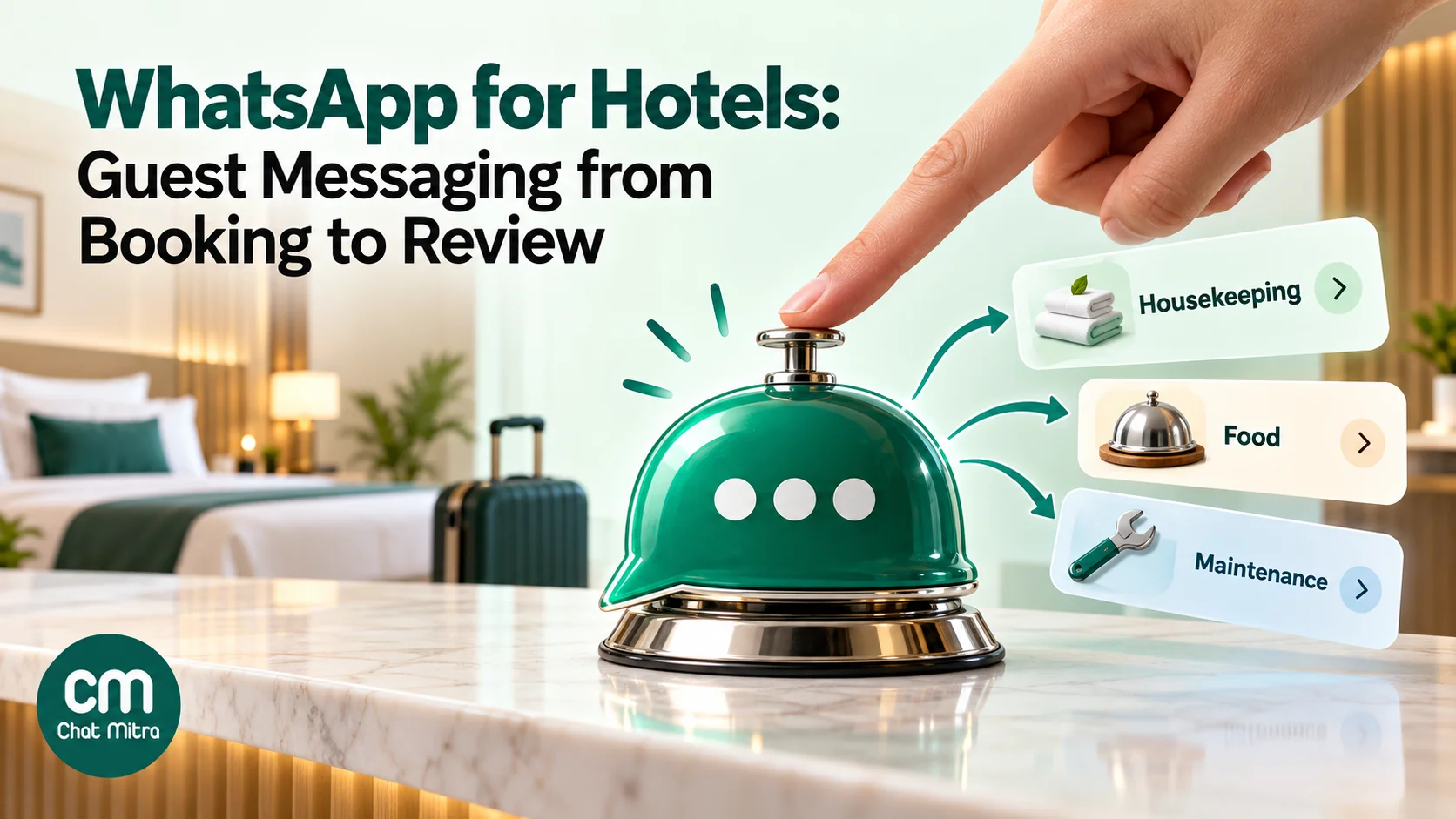
During the stay, the guest messages you, so these are free-form replies inside the 24-hour customer service window. The challenge is speed and routing, not wording.
Make it easy to start. Put a QR code on the room card, the TV screen or the bedside table that opens a chat with a pre-filled message such as “Hello from room 204”. You can build the link with our WhatsApp chat link generator and turn it into a code with the free WhatsApp QR code generator. The room number in the first message saves a round of questions.
Route by request type. A simple menu of buttons (housekeeping, food and beverage, maintenance, front desk) lets the guest pick, and the right team picks it up. For hotels without a 24-hour desk, an after-hours reply should say what happens next and give a phone number for emergencies.
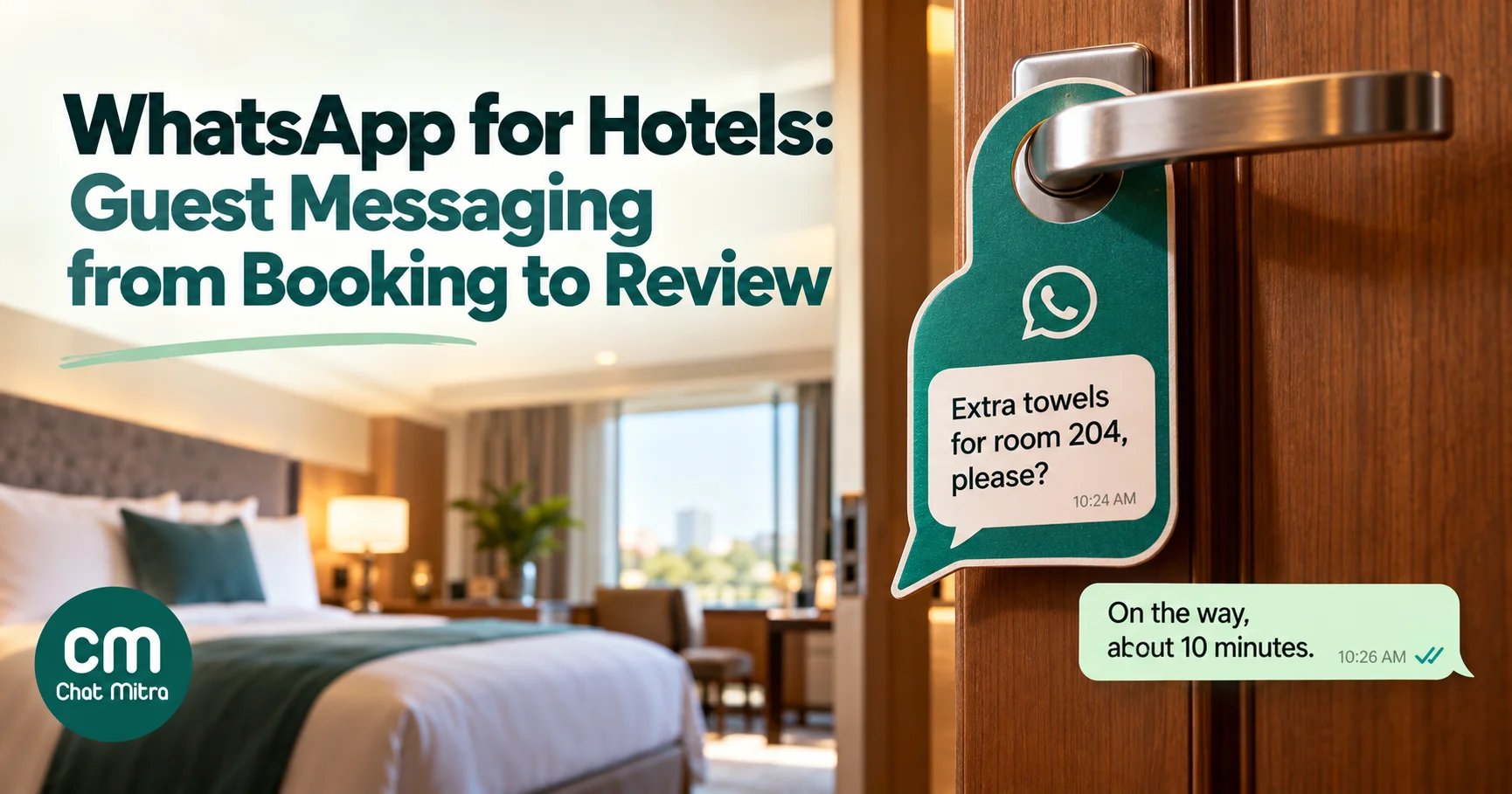
Set response targets and keep them. For example: acknowledge every request within five minutes, give a time estimate, and confirm when it’s done. “Your towels are on the way, about 10 minutes” is better than silence followed by a knock.
Write saved replies for the regulars. Wi-Fi details, breakfast timings, pool hours, laundry rates, checkout time, nearby pharmacies and ATMs. Every staff member then gives the same accurate answer.
Escalate complaints quickly. A noisy room or a broken AC raised on WhatsApp should reach the duty manager, not wait in a queue. A complaint solved during the stay rarely becomes a one-star review.
Stage 5: Checkout
Send a short message the evening before checkout, or on the morning of it: checkout time, an offer to arrange transport, and a note that late checkout requests are welcome subject to availability. If your billing system can produce a PDF, send the bill on WhatsApp so the guest can check it before reaching the desk. Corporate guests appreciate getting the invoice in the same thread they used all stay.
Disputes over the bill are easier on WhatsApp too: the guest can point to an item, and the desk can correct it before the guest leaves.
Stage 6: The review and the return visit
Ask for a review once, a few hours after checkout or the next morning, while the stay is fresh. A request tied to this guest’s stay (“How was your stay in room 204 from 12 to 14 March?”) can qualify as utility. A generic “Review us!” sent to your whole list won’t, and any discount for a review is marketing and may breach review-platform rules. Our guide on how to ask for Google reviews covers wording and timing.
A guest who reports a problem in reply to the review request should get a personal response from a manager before anything else. Don’t send the review link to someone who has just told you the AC didn’t work.
For the return visit, use marketing templates only for guests who opted in to offers: direct guests who ticked the box and OTA guests who said yes at check-in. Seasonal offers, festival packages and long-weekend rates work, sent a few weeks ahead rather than the day before.
Homestays, wedding blocks and corporate guests
The six stages fit every property, but three kinds of business use them differently.
Homestays and small guesthouses
A homestay run by a family or one manager often starts on the free WhatsApp Business app, and that’s reasonable while one person answers every message. The limits arrive with growth: replies come from one account on one phone and a few linked devices, nothing shows who is handling which guest, and nothing sends confirmations automatically. The signs it’s time to move to the API through a provider are a second person answering, more than a handful of bookings a day, or a booking engine that could trigger messages for you.
Homestays also lean harder on pre-arrival messages, because there’s often no reception. The arrival-day message should carry everything a guest needs to get in: the exact location pin, a landmark, how keys are handed over, and the number to call if they’re late. A guest standing at a locked gate at 11 pm remembers the message that didn’t arrive.
Wedding and group blocks
Indian weddings, family functions and corporate offsites book blocks of rooms, and the coordination usually happens in a WhatsApp group the family already runs. Don’t try to replace it. Give the event coordinator one contact at the hotel, and use your own number for the things a group chat handles badly: individual room assignments, each guest’s arrival time and pickup, and individual bills for guests who pay their own extras.
A rooming list from the coordinator (name, mobile, arrival time, room preference) imported as contacts with a tag for the event lets you send each guest their own arrival message instead of one long post that everyone has to scroll. Ask the coordinator to confirm that the guests on the list have agreed to hear from the hotel.
Corporate guests and travel desks
Business travellers care about speed, invoices and changes. A booking made by a company travel desk has two audiences: the traveller who needs directions and Wi-Fi details, and the travel desk that needs the invoice in the company’s name. Agree up front who gets which message. Send the stay messages to the traveller, and the invoice and any changes to the travel desk, by WhatsApp or email as they prefer.
Late arrivals and early departures are routine for this segment, so a quick reply to “my flight is delayed, please hold the room” matters more than any template.
Utility or marketing? A quick sorter for hotel messages
Meta classes a template as utility when it is non-promotional and specific to the guest’s own booking or account, or essential to them. Anything with a promotional or persuasive purpose is marketing, and a template that mixes both is treated as marketing. Our guide to WhatsApp utility templates explains approval and recategorisation in detail.
| Message | Likely category | Why |
|---|---|---|
| Booking confirmation with dates and amount | Utility | About the guest’s own booking |
| Pre-arrival details and web check-in link | Utility | Essential information for the stay |
| Flight-delay pickup change | Utility | Update to a booked service |
| Checkout reminder and bill | Utility | Transaction-specific |
| Review request about this stay | Utility (if specific) | Feedback on one transaction |
| Room-upgrade offer | Marketing | Persuasive, sells something new |
| Spa or restaurant promotion | Marketing | Promotional |
| ”Book your next stay, 15% off” | Marketing | Promotional |
| Confirmation plus “upgrade now” line | Marketing | Mixed content counts as marketing |
What it costs per stay
Here’s a worked example for a two-night direct booking in India, at Meta’s rates from its October 2026 India card:
| Item | Count | Cost |
|---|---|---|
| Utility templates: confirmation, 3-day pre-arrival, arrival-day, checkout, review request | 5 × ₹0.1150 | ₹0.58 |
| Guest-started chats (enquiry, in-stay requests) answered with service messages | Within the free 1,000 a month per number | ₹0.00 |
| ChatMitra fee on Starter or Pro: about 6 conversations (₹0.20 each, once per guest per 24 hours) | 6 × ₹0.20 | ₹1.20 |
| Total per stay | ₹1.78 |
Since 1 October 2026, Meta charges for service messages, but the first 1,000 a month on each business phone number are free, then ₹0.115 each. A 40-room hotel with busy in-stay chats can pass 1,000 service messages in a month, so watch the count. Add one marketing template for an upsell to opted-in guests and it costs ₹0.8631 more.
ChatMitra’s Pro plan (₹999 a month) includes 12,000 messaging credits a year, which covers the ₹0.20 fees for most single properties. Enterprise (₹2,499 a month) removes the ₹0.20 fee altogether and suits groups with very high volumes. Current figures are on the pricing page.
Set it up in ChatMitra
- Connect your number. Use the front-desk number guests already know if you can. For several properties, connect one number per property; each runs as its own project with its own plan.
- Create your stay templates. Confirmation, pre-arrival (three days and arrival day), checkout and review request as utility templates, with image or document headers where useful, such as a property photo or the bill. Keep upsells as separate marketing templates.
- Import guest details. Upload a CSV of upcoming bookings. Name, mobile and email map to the contact, and any other column (booking reference, room type, arrival date) becomes a custom attribute that template variables can use. Tag guests by property, source (direct or OTA) and offer consent.
- Answer from one shared inbox. Every front-desk staff member logs in and replies from the same number. Agents can send text, photos, documents and a location pin, and use saved replies with a
/shortcutfor the common questions. - Route in-stay requests (Pro). Use the chatbot builder to offer buttons or a list for housekeeping, food and maintenance, and set an after-hours away message and keyword replies such as “wifi”.
- Connect your booking system (Pro). If your PMS or booking engine can call an API or send webhooks, use ChatMitra’s developer API to send the confirmation and pre-arrival templates automatically. Webhooks send message events back to your systems, including the Click-to-WhatsApp ad details of an enquiry.
- Put QR codes in rooms and at reception, with a pre-filled message carrying the room number.
Good to know: ChatMitra has no ready-made integration with hotel PMSs, channel managers or OTAs, so automation runs through the API or an automation tool. It doesn’t build Meta WhatsApp Flows forms, so pre-arrival details are collected through a web form link or the chatbot’s buttons and lists. Ad-click details from Click-to-WhatsApp ads arrive through webhooks rather than being shown in the inbox.
Common mistakes
- Running the hotel from a manager’s personal phone. Chats leave with the person, and nobody else can answer at night.
- Asking for passport or ID photos in chat. It breaks WhatsApp policy and creates a data risk. Use a secure check-in link.
- Adding offers to confirmations. It changes the category and the cost, and hides the details the guest needs.
- Messaging OTA guests with promotions. Get their own consent first.
- Silence after “on the way”. Confirm when the request is done.
- Sending the review link to an unhappy guest. Fix the problem first, and ask later if at all.
- A bot with no way to reach a person. Every menu needs a “talk to the front desk” option.
Where to start
Start with three things: a room QR code that opens a chat with the room number, saved replies for your ten most common questions, and an approved confirmation template. Run them for a month, count how many calls the desk no longer gets, then add pre-arrival and checkout messages. When you’re ready, compare ChatMitra’s plans, or browse the hotel templates in our travel and tourism template library. Travel agents and tour operators have different needs, which our WhatsApp for travel agencies page covers.