WhatsApp for insurance agents means using one business number to stay in touch with policyholders: reminding them about premiums and renewals, sending policy documents, helping with claims and answering questions. Customers already expect it, and many agents already do it from a personal phone. Doing it well in India means respecting three rulebooks at once: IRDAI’s rules for agents and advertisements, the Insurance Act’s ban on rebates, and Meta’s rules on which messages count as marketing.
This guide covers each of those, then walks through renewals, claims, documents, consent, cost in rupees and scam-proofing, with ready-to-submit templates and a setup plan. It also says plainly what ChatMitra can and can’t do at each step.
Key takeaways
- IRDAI's agent regulations expect you to remind policyholders about premiums in writing. WhatsApp is the written channel they read.
- A factual premium-due notice on a running policy reads like Meta's utility example (₹0.115). A "renew your expiring policy" nudge is likely marketing (₹0.8631).
- Product promotions are advertisements and need your insurer's written approval first. Cashback or premium discounts from your commission are illegal rebates.
- Help with claims by collecting documents and sending updates, but never ask for full ID, bank or card numbers in chat.
- An agent with 400 policyholders can run a month of reminders, renewals, claim updates and birthday wishes for about ₹131 in Meta charges, or about ₹53 if renewal notices pass as utility.
Why agents move their book onto WhatsApp
Agents still sell most retail insurance in India. IRDAI’s annual report for 2024-25 counts 31.23 lakh individual life insurance agents at 31 March 2025. Agents brought in 49.44% of life insurers’ individual new-business premium and 72% of individual health insurance premium that year.
Most of an agent’s working life is follow-up: premium dates, renewals, documents for a claim, a nominee change, a question about coverage at 9 pm. Customers answer WhatsApp faster than calls or email, so the conversation moves there whether you plan it or not. Insurers have used it for years too; Bharti AXA Life announced WhatsApp delivery of policies and renewal premium receipts in January 2019.
The trouble starts when that follow-up lives on a personal phone:
- Dates slip. Renewal dates sit in a diary or the insurer’s portal, and a busy month means some reminders don’t go out.
- The same message, typed 100 times. Premium reminders are copy-paste work.
- No help. An assistant or family member who helps you can’t see the conversations.
- Trust is fragile. Customers get fake “policy bonus” and “KYC update” messages. If you message from a different number each time, yours look no different.
The rules that apply to agents on WhatsApp
IRDAI’s code of conduct
Agents are appointed under the IRDAI (Appointment of Insurance Agents) Regulations, 2016. Regulation 8 sets a code of conduct, and several parts of it translate directly into how you message customers:
- Say who you are. An agent must “identify himself and the insurer of whom he is an insurance agent”. Put both in your WhatsApp profile and your first message.
- Quote the insurer’s terms, nothing else. An agent must not “offer different rates, advantages, terms and conditions other than those offered by his insurer”. A chat summary is still a representation; keep it to what the brochure and policy say.
- Disclose commission if asked. The rules require you to “disclose the scales of commission … if asked by the prospect”.
- Don’t push people to hide facts. An agent must not “induce the prospect to omit any material information” in the proposal form, for example a medical history.
- Remind them about premiums. Regulation 8(3) asks agents to “make every attempt to ensure remittance of the premiums … by giving notice to the policyholder orally and in writing”.
That last point is the reason WhatsApp reminders aren’t just good service: they’re part of the job as IRDAI describes it. Insurers also have their own duty: IRDAI’s citizens’ charters list a premium due intimation sent automatically by the insurer one month before the due date. Your reminders sit alongside the insurer’s, so make them personal and specific.
Advertisements need your insurer’s approval
The IRDAI (Protection of Policyholders’ Interests, Operations and Allied Matters of Insurers) Regulations, 2024 repealed the older 2021 advertisement regulations and now set the rules. Regulation 28 says every advertisement “must be approved by the insurer in writing prior to its issue” if it’s issued by a distribution channel representing the insurer, and agents are distribution channels. Regulation 27 brings social media content under the same rules and bars channels from giving the impression that they offer products directly.
In practice:
- Promotional broadcasts are advertisements. “New term plan launched, ₹1 crore cover from ₹X a month” sent to your contact list needs insurer approval before it goes out. Many insurers supply pre-approved creatives; use those.
- Service messages aren’t advertisements. A premium-due notice, a claim update or a reply to a customer’s question is about their own policy.
- Name the insurer in product messages, and don’t make it look as if the policy is yours.
No rebates, no matter how small
Section 41 of the Insurance Act, 1938 says no person shall offer “any rebate of the whole or part of the commission payable or any rebate of the premium shown on the policy” as an inducement to take out, renew or continue a policy, except rebates allowed in the insurer’s published prospectus or tables. The penalty “may extend to ten lakh rupees”. “Renew through me and get ₹500 back” is a rebate. So is a gift voucher funded from your commission.
The Sabka Bima Sabki Raksha (Amendment of Insurance Laws) Act, 2025 widened the exception for an agent’s own policies to cover policies of any class on the agent’s own life, health or property, but that changes nothing for customers.
Distance marketing and consent
IRDAI’s 2011 Guidelines on Distance Marketing cover solicitation by phone, SMS and electronic modes. They’re addressed to insurers, brokers and corporate agents rather than individual agents. Their principles still make a sensible standard:
- Name the insurer clearly.
- Proceed with solicitation “only on receiving the consent in explicit terms”.
- Follow TRAI rules on calling hours.
- Cause “no inconvenience, nuisance or harm”.
IRDAI’s 2024 master circular on policyholders’ interests also requires insurers and intermediaries sending commercial communications to meet TRAI’s requirements.
WhatsApp adds its own layer. Its Business Messaging Policy requires opt-in before you message anyone, and insurance isn’t on its list of prohibited or regulated verticals. The same policy says businesses must not ask people to share “full length individual payment card numbers, financial account numbers, personal ID card numbers”. That matters for KYC and claims, as we’ll see.
WhatsApp Business app or the WhatsApp API?
The WhatsApp Business app is free and fine for an agent starting out. It has labels, quick replies, a catalogue of services and a greeting message. It can’t send pre-approved templates to many customers at once, schedule by renewal date or let several people work from one inbox with their own logins.
The WhatsApp Business Platform (API), through a provider such as ChatMitra, adds:
- Templates approved by Meta, with each customer’s name, policy number, amount and due date filled in.
- Date-based automation, for example a reminder 30 days before each policy’s expiry date.
- Scheduling, for sending to a group at a set time.
- A shared inbox, so an assistant can handle routine replies.
- Document headers, so a policy schedule or premium receipt arrives as a PDF attached to the message.
For a profile name, use your own name or agency and describe yourself as an insurance advisor. Meta checks that a display name matches your business, and insurers have brand rules of their own, so ask your insurer before using its name in yours. For setup steps, see how to get the WhatsApp API.
Premium reminders and renewals
There are two kinds of “renewal” message, and Meta treats them differently.
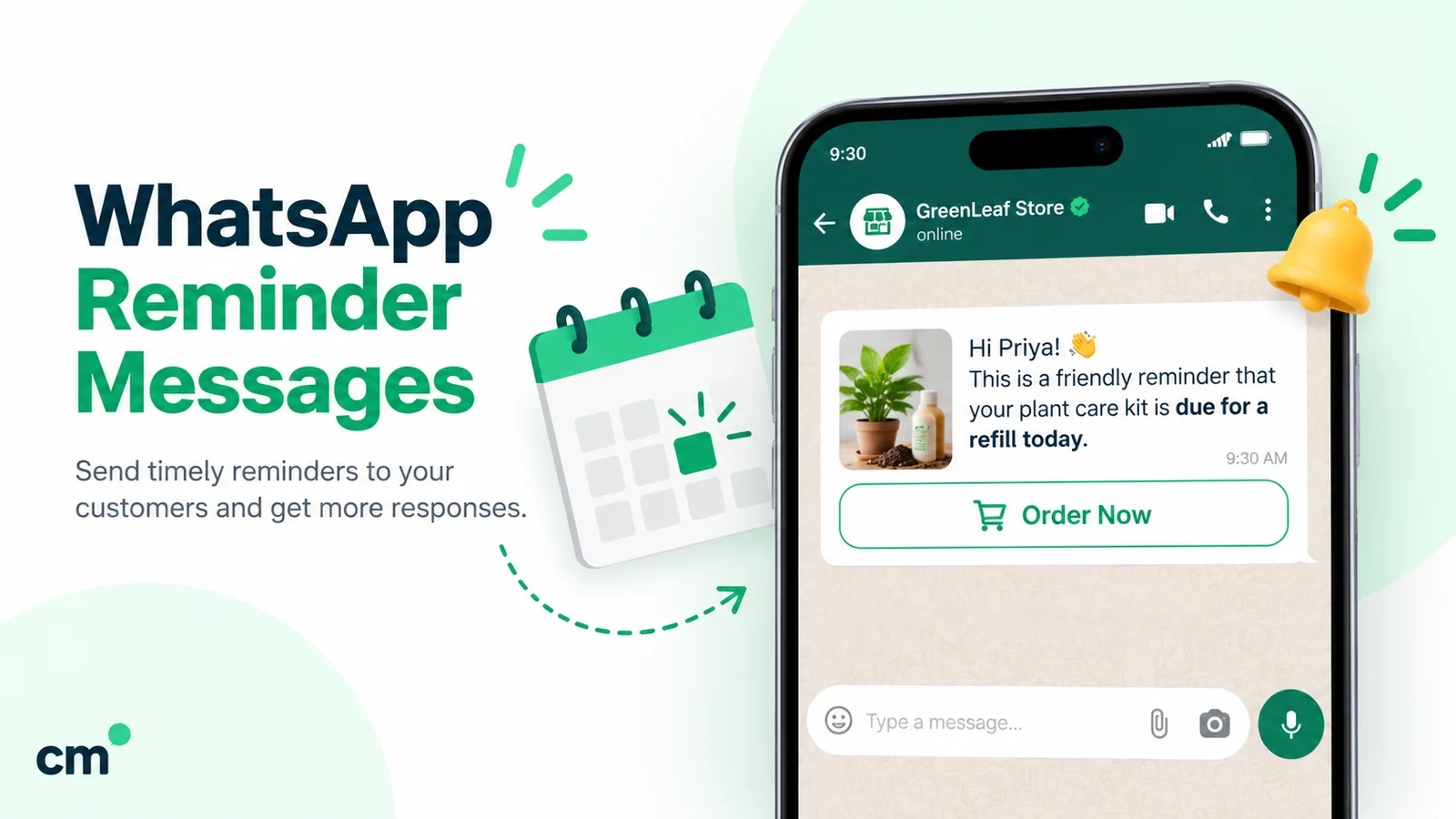
1. Premium due on a running policy. A life policy with quarterly premiums, or a health policy on monthly instalments, has a payment due on a date the customer already agreed to. A factual notice of the amount and date closely resembles Meta’s own utility example: “Reminder: Your monthly payment for {{service}} will be billed on {{date}}…”. Keep it free of offers and it should be categorised as utility: ₹0.115 per delivered message in India.
2. Renewal of an expiring policy. An annual motor or health policy ends, and the customer has to choose to renew. Meta’s utility guidelines say utility messages should not “attempt to secure renewals”, and its marketing guidelines list messages that “attempt to renew subscriptions” as marketing, even if requested by users. Expect renewal nudges to be categorised as marketing: ₹0.8631 per delivered message. A strictly factual expiry notice (“Your policy 1234 expires on 12 November”) may pass as an account alert, but Meta decides at review, so budget for marketing.

Grace periods your messages should get right
Under IRDAI’s 2024 master circulars on life and health insurance products:
- Life: a grace period of 15 days for monthly premiums and 30 days for quarterly, half-yearly or annual premiums. The policy is treated as in force during the grace period.
- Health: the same 15 and 30 days. If the policy is renewed within the grace period, its credits are protected: sum insured, no claim bonus, waiting periods already served and the moratorium period. An insurer can’t refuse renewal because the customer made a claim.
- Health portability: a customer who wants to move insurer must apply at least 30 days before renewal, but not earlier than 60 days.
- Motor: treat a lapsed motor policy as a different case. Third-party cover is compulsory, and insurers set their own terms for renewing after expiry, so check your insurer’s rules before you write the reminder.
Don’t tell customers they have a grace period they don’t have, and never suggest that a lapsed health policy keeps its waiting-period credit.
A reminder sequence that works
For premiums on a running policy (utility):
- Seven days before the due date: amount, due date and how to pay through the insurer’s official channels.
- On the due date: a short “due today” note.
- In the grace period: one reminder with the grace period’s end date. Then call.
For annual renewals (likely marketing):
- About 30 days before expiry: the expiry date and an offer to review cover. For health, this is also the window for portability questions.
- About 7 days before: a short reminder with the renewal quote, if the insurer has issued one.
- The day before: a final note. After that, call rather than message.
Send the insurer’s payment link or name the insurer’s official payment channels. Never ask customers to pay into your personal account.
Claims: where WhatsApp helps most
A customer making a claim is anxious and usually busy, often at a hospital or a garage. A clear WhatsApp thread with one checklist and regular updates is what they remember when the next renewal comes round.
What agents can do:
- Send the right document checklist for the claim type, taken from the insurer’s own list.
- Collect bills, reports and photos the insurer needs, and forward them into the insurer’s claim process promptly.
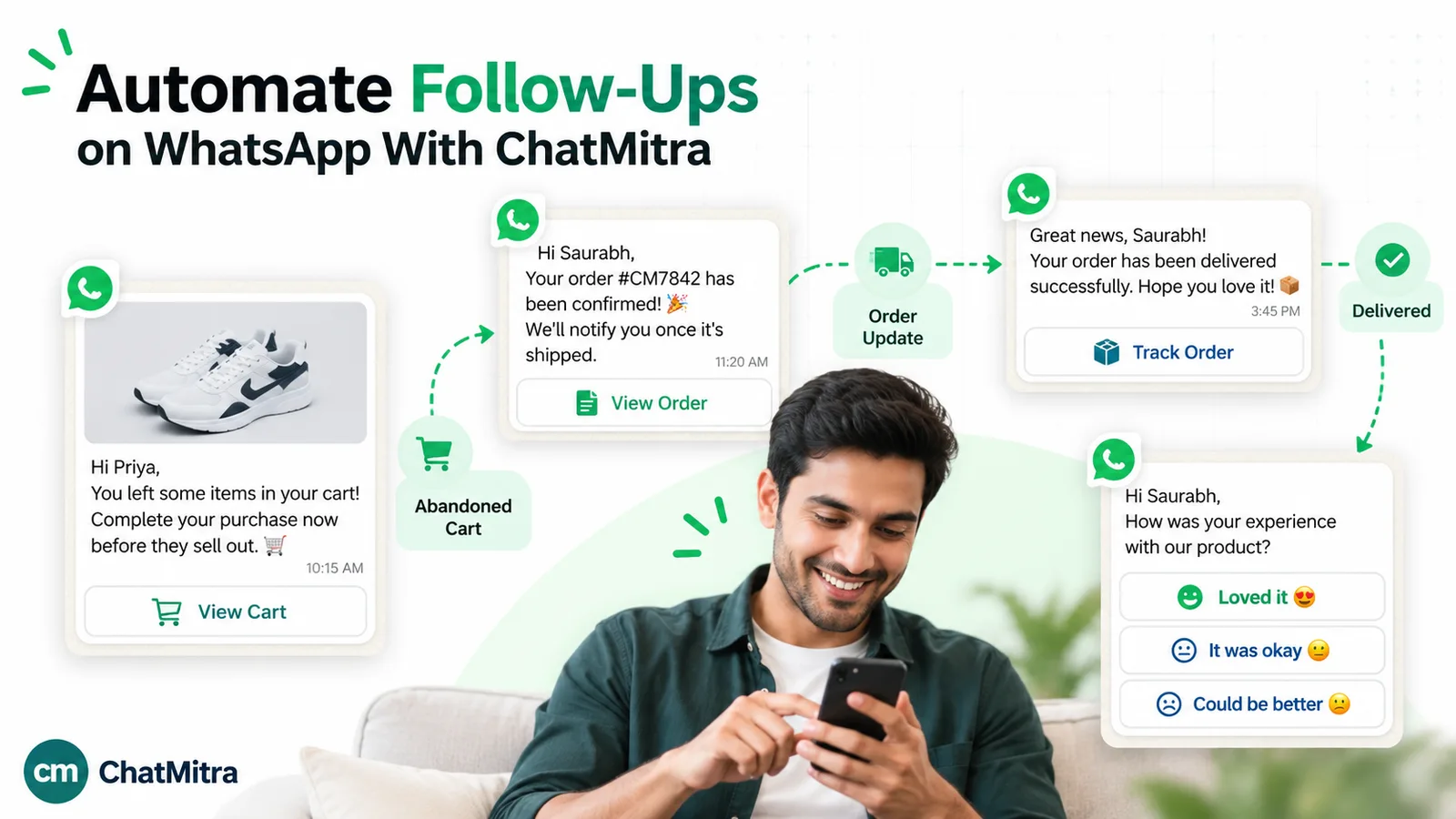
- Send status updates as the claim moves. These are about the customer’s own policy, so they fit utility.
- Set expectations with IRDAI’s timelines.
- Health, cashless: insurers must decide on a cashless request “immediately but not more than one hour”, and on final discharge “within three hours”.
- Health, reimbursement: claims (other than cashless) must be settled within 15 days of submission.
- Life, death claims: due within 15 days of intimation, or 45 days where investigation is needed.
- Life, surrender: within 7 days.
- Point to escalation routes if something goes wrong: the insurer’s grievance officer, then IRDAI’s Bima Bharosa portal, then the Insurance Ombudsman, which handles complaints up to ₹50 lakh free of charge.
What not to do:
- Don’t ask the customer to type full Aadhaar, PAN, bank account or card numbers in chat. WhatsApp’s policy prohibits asking for them; the insurer’s KYC and claim forms are the place for those.
- Don’t send health details to anyone except the insurer or TPA handling the claim.
- Don’t promise an outcome. “We’ll get this approved” is a representation you can’t control.
In ChatMitra:
- Receiving files. Customers’ photos and PDFs arrive in the shared inbox, where you can open and download them. ChatMitra doesn’t keep its own copy; it fetches files from Meta when you open them, so save what you need the same day.
- Sending files. You can send documents up to 100 MB and photos up to 5 MB (JPEG or PNG) from the inbox.
- No automatic collection. ChatMitra’s chatbot can’t collect document uploads, so the request goes out as a template and the customer replies in the chat.
Consent and customer data
Get opt-in at the proposal stage. Add a line to your proposal or onboarding checklist: “I agree to receive policy reminders, documents and updates from [agent name], agent of [insurer], on WhatsApp at this number.” Keep a record. See the WhatsApp opt-in guide.
IRDAI’s confidentiality rule. Regulation 15 of the 2024 policyholder-protection regulations requires insurers and distribution channels to keep policyholder information “with utmost confidentiality”. Information in the proposal form “shall not be parted or shared with any third party without the explicit consent of the policyholder”, apart from limited exceptions such as statutory authorities, underwriting and claims.
The DPDP Act. Under the Digital Personal Data Protection Act, 2023, consent must be “free, specific, informed, unconditional and unambiguous with a clear affirmative action” and come with a notice. The DPDP Rules, 2025 were notified on 13 November 2025, and most obligations, including notice, security safeguards and breach reporting, apply from 13 May 2027.
What that means in a chat:
- Collect only what the purpose needs. A renewal reminder needs a name, a policy number and a date, not a health history.
- Keep health data out of broadcasts and groups. Never add customers to a WhatsApp group.
- Save documents to your own records and delete chat copies once they’re with the insurer.
- Keep a “do not message” list and honour it.
What it costs
Take an agent with 400 policyholders. In a typical month:
- 60 premium-due notices go out on running policies;
- 35 annual policies come up for renewal, each with 3 reminders;
- 10 customers have claims open, each getting 3 updates;
- 35 customers have birthdays.
| Messages in the month | Count | Likely category | Meta charge |
|---|---|---|---|
| Premium-due notices on running policies | 60 | Utility (₹0.115) | ₹6.90 |
| Renewal reminders (35 policies × 3) | 105 | Marketing (₹0.8631) | ₹90.63 |
| Claim updates (10 claims × 3) | 30 | Utility (₹0.115) | ₹3.45 |
| Birthday wishes | 35 | Marketing (₹0.8631) | ₹30.21 |
| Total | 230 | ₹131.19 |
If Meta approves your renewal notices as utility, the 105 renewal messages cost ₹12.08 instead of ₹90.63, and the month totals ₹52.64. Either way, renewals are most of the bill, so write them carefully and send three, not six.
Replies to customers who message you, inside the 24-hour customer service window, are service messages. The first 1,000 a month per number are free, then ₹0.115 each. Rates are from Meta’s India rate card effective 1 October 2026; since then Meta also charges for utility templates sent inside an open service window.
On ChatMitra’s Starter and Pro plans, ChatMitra adds ₹0.20 per conversation: once per customer per 24 hours, however many messages you exchange. For this agent’s 230 sends, that’s at most ₹46 a month. Pro, at ₹999 a month on 15 October 2026, includes 1,000 credits a month, which covers that fee for up to 1,000 conversations. Enterprise has no per-conversation fee. Use the WhatsApp pricing calculator for your own numbers.
Protect your customers from scams
Insurance is a favourite disguise for fraud. IRDAI’s own warnings:
- No bonuses, no sales. IRDAI’s 2024 master circular says IRDAI and its officials don’t sell policies or announce bonuses, and that people should lodge a police complaint about such calls.
- Fake grievance sites. On 4 September 2026, IRDAI named fake grievance websites and warned the public to “exercise caution against websites, emails, messages, telephone calls”. The only official grievance portal is Bima Bharosa.
- WhatsApp account takeovers. On 7 August 2026, the Indian Cyber Crime Coordination Centre warned that fake “Statement of Account.zip”, “RBI.zip” and “MCA.zip” files sent over WhatsApp were hijacking the WhatsApp Web sessions of professionals and businesspeople.
You’re the person your customers will ask, “Is this real?” Make it easy to tell:
- One number, in your name and your insurer’s. Put it on your visiting card and agency ID, and in every policy welcome message.
- A standing promise. Make it your first template: “I’ll never ask for OTPs or passwords, never send .zip or .apk files, and never ask you to pay anyone except [insurer].”
- Payments go to the insurer only. Send the insurer’s link or official payment options. Never send your own UPI ID for a premium.
- “Forward it to me first.” Ask customers to forward any message about bonuses, refunds, KYC or policy suspension before acting on it.
- Secure your own account. Turn on two-step verification and don’t leave WhatsApp Web open on shared computers.
Templates for insurance agents
These are written to fit Meta’s utility test where possible: factual, about the customer’s own policy, with no offers. The renewal and birthday templates are marked as likely marketing. Placeholders like {{1}} are filled in for each customer. ChatMitra’s template builder won’t accept a body that starts or ends with a placeholder, so each one opens and closes with plain words.
1. Welcome after a new policy (utility; document header: policy schedule PDF)
Hi {{1}}, thank you for choosing {{2}}. Your policy {{3}} is now active and the schedule is attached. I’m {{4}}, your agent. I’ll never ask for OTPs or passwords on WhatsApp.
2. Premium due on a running policy (utility)
Hi {{1}}, the {{2}} premium of ₹{{3}} for policy {{4}} is due on {{5}}. You can pay through {{6}}‘s official app or website. Reply here if you need help.
3. Premium due today (utility)
Hi {{1}}, your premium of ₹{{2}} for policy {{3}} is due today. If you’ve already paid, please ignore this message.
4. Grace period reminder (utility)
Hi {{1}}, the premium for policy {{2}} is still unpaid. The grace period ends on {{3}}. Please pay through {{4}}‘s official channels before then.
5. Annual renewal, 30 days before (likely marketing; button: Review my cover)
Hi {{1}}, your {{2}} policy {{3}} expires on {{4}}. Tap below if you’d like to review your cover before renewal, or reply with any questions.
6. Claim document checklist (utility)
Hi {{1}}, for your claim under policy {{2}}, please send: {{3}}. Photos or PDFs are fine. Please don’t type your Aadhaar, PAN or bank numbers here.
7. Claim status update (utility)
Hi {{1}}, an update on your claim {{2}} under policy {{3}}: {{4}}. I’ll message you again when there’s news.
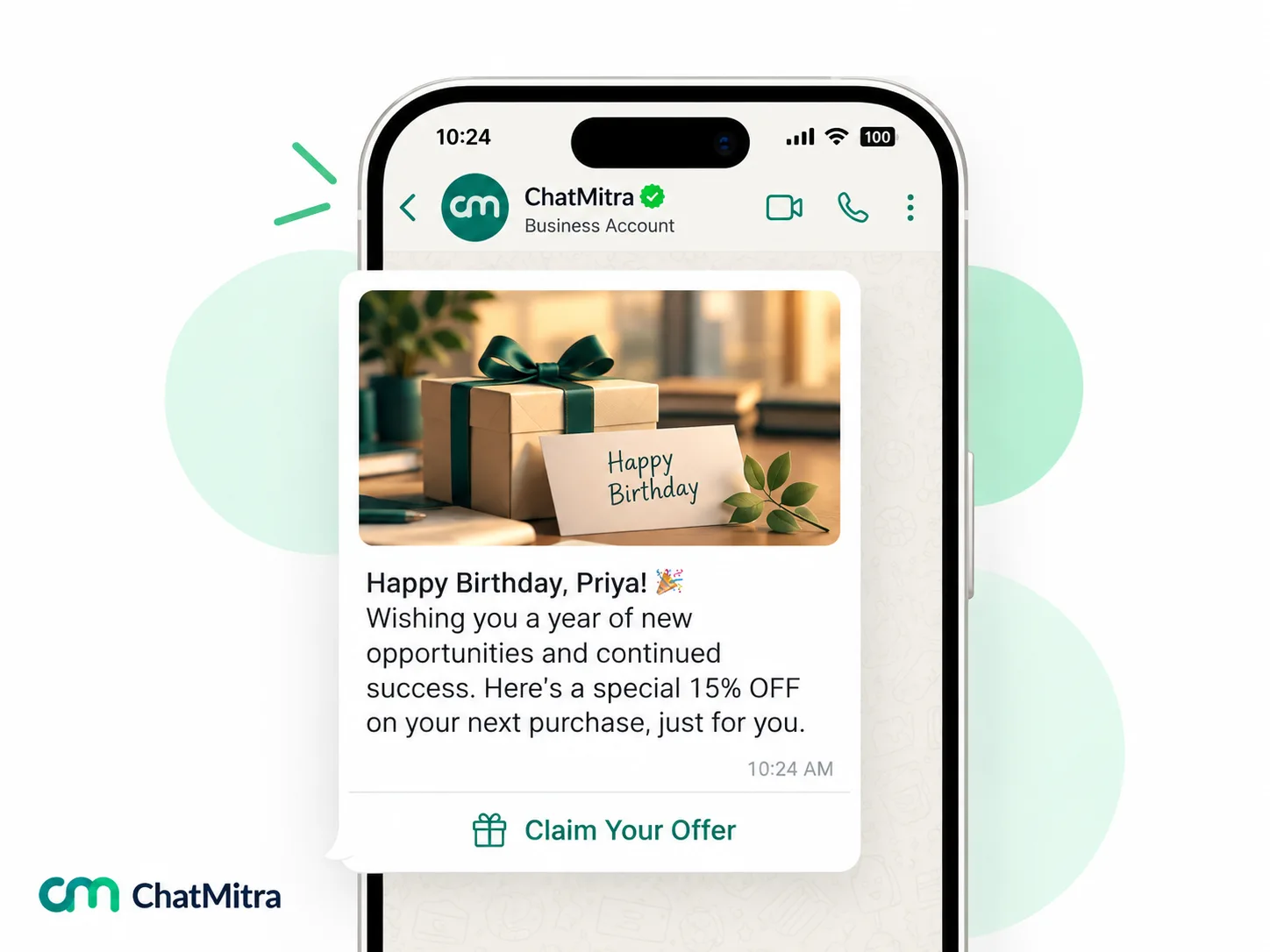
8. Birthday wishes (marketing)
Hi {{1}}, wishing you a very happy birthday and a healthy year ahead. Warm regards, {{2}}, your insurance advisor.
For more wording, see WhatsApp reminder messages, birthday wishes for clients and the finance templates in our library.
Setting it up in ChatMitra
- Connect one number to the WhatsApp Business Platform, with a display name that’s your own or your agency’s.
- Import your policyholders from a CSV with tags for line of business (Life, Health, Motor), premium mode (Monthly, Quarterly, Annual) and insurer.
- Store policy dates on each contact as custom date fields, such as Premium due and Policy expiry. ChatMitra’s automation can send a template a set number of days before a date in a contact field, and it matches the full date, year included. That makes it a better fit for expiries than a spreadsheet date column.
- Or keep a Google Sheet. With Google Sheets Automation, a workflow can send a template a set number of days before a date in a sheet column. Note that the sheet trigger matches day and month only, so a row fires again on the same day next year. That suits annual policies, but update rows when a policy lapses or moves.
- Use the birthday trigger for birthday wishes. It repeats every year on the day and month.
- Add a “Do not message” tag and exclude it from every campaign. ChatMitra’s broadcasts don’t automatically skip contacts who stopped marketing messages in WhatsApp.
- Submit your templates, including the insurer-approved creative for any product promotion.
- Add an assistant as an agent, with permissions per section. ChatMitra has no chat assignment, so agree who replies to which customers.
- Set a welcome message and keyword replies, such as “claim” for the checklist and “pay” for the insurer’s payment options.
For scheduled sends to a group, see how to schedule WhatsApp messages. For follow-ups after a quote, see WhatsApp follow-up messages.
What to measure
- Premiums paid by the due date, and within the grace period, as a share of reminders sent.
- Renewal retention: policies renewed ÷ policies due, by line of business.
- Lapses, month by month. This is the number reminders should move.
- Claim turnaround on your side: days from the customer’s first message to complete documents with the insurer.
- Blocks and opt-outs after each send. A rise means a message felt like spam.
Compare a month before you start with the months after, so you know what the reminders actually changed.
Common mistakes
- Broadcasting product offers without the insurer’s approval. It’s an unapproved advertisement.
- Offering cashback or “my commission back” to win a renewal. It’s a rebate under section 41.
- Mixing an offer into a premium reminder. It changes the Meta category and the price.
- Promising a claim outcome. Share the timelines and status, not guarantees.
- Collecting ID or account numbers in chat. WhatsApp’s policy prohibits asking for them.
- Adding customers to groups. It exposes their numbers to each other.
- Asking customers to pay you directly. Payments go to the insurer.
Summary
WhatsApp is where your policyholders will actually read a reminder. Use one number that names you and your insurer, get opt-in at the proposal stage, and send factual utility templates for premium dues, documents and claim updates. Treat renewal nudges and birthday wishes as marketing and budget for them. Get the insurer’s written approval for anything promotional, never offer rebates, and keep ID and health data out of chat. A month of well-run messaging for a 400-policy book costs about ₹131 in Meta charges, most of it on renewals.
To set up a number, see how to get the WhatsApp API, or start free with ChatMitra. For finance businesses beyond insurance, see WhatsApp for banking and finance.
Sources: IRDAI, regulations (Appointment of Insurance Agents Regulations, 2016, regulation 8; Protection of Policyholders' Interests, Operations and Allied Matters of Insurers Regulations, 2024, regulations 15, 27, 28 and 58), master circulars (Life Insurance Products, 12 June 2024; Health Insurance Business, 29 May 2024; Protection of Policyholders' Interests, 5 September 2024), Insurance Act, 1938 and Sabka Bima Sabki Raksha (Amendment of Insurance Laws) Act, 2025, Annual Report 2024-25 and public notice on fake grievance websites (4 September 2026); IRDAI, Guidelines on Distance Marketing (2011); Bima Bharosa; Insurance Ombudsman; PIB, I4C advisory on WhatsApp account takeover (7 August 2026); Business Standard, Bharti AXA Life uses WhatsApp to deliver policy and renewal premium receipts (January 2019); Digital Personal Data Protection Act, 2023 and DPDP Rules, 2025; Meta, template categorization and pricing and INR rate card (effective 1 October 2026); WhatsApp Business Messaging Policy (updated 23 September 2026). ChatMitra product behaviour as verified in ChatMitra's code (October 2026).