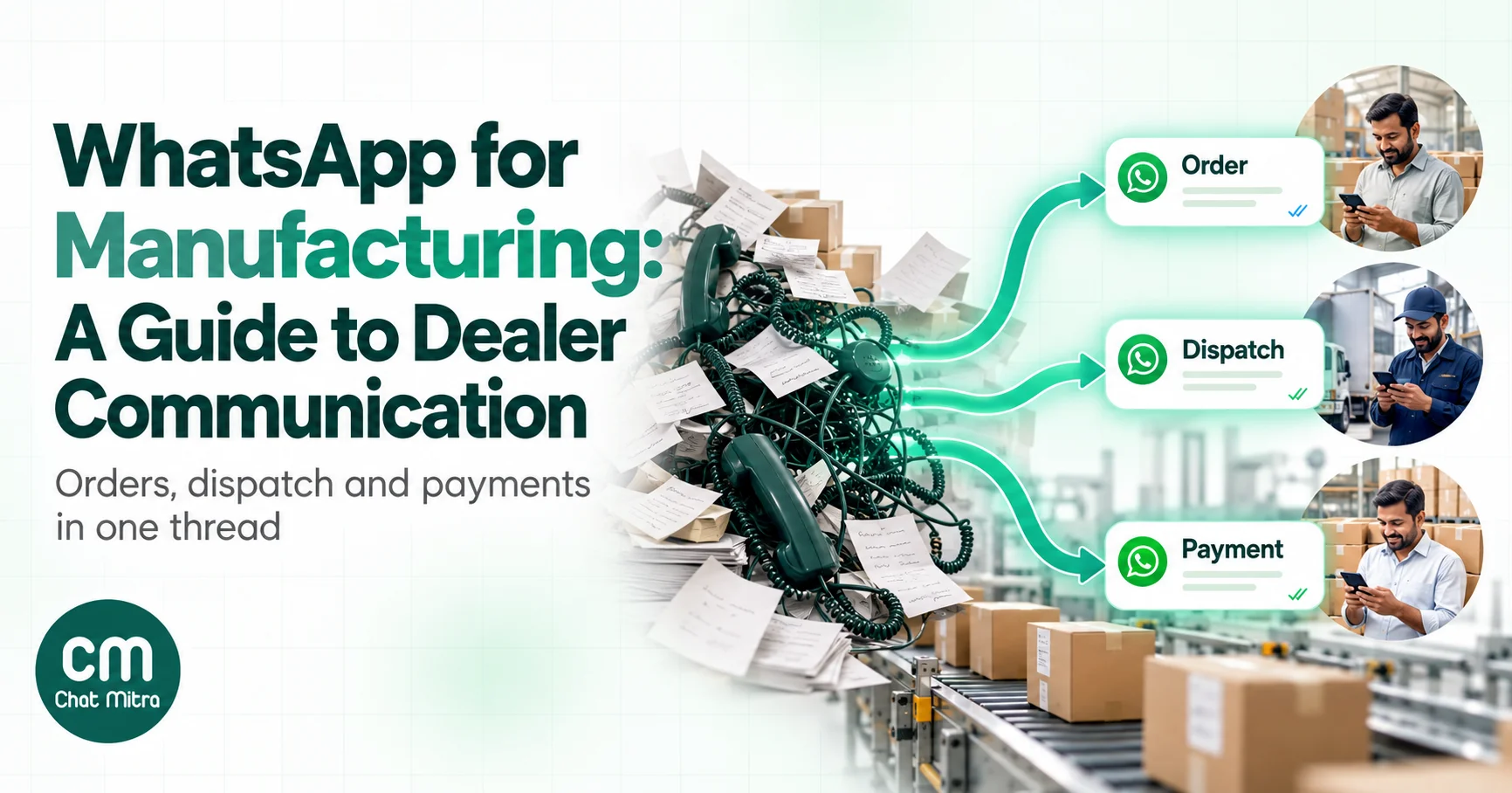
WhatsApp for manufacturing means using WhatsApp to run the conversations around your products: with dealers, distributors and B2B buyers, and with the end customers who need installation or service. For most Indian manufacturers, the dealer relationship is where it matters most. Price lists, orders, dispatch details and payment reminders already travel by WhatsApp, usually on a sales rep’s personal phone. Done properly, the same conversations run from one company number, with the routine messages automated and every dealer’s history kept in one place.
This guide covers that dealer journey stage by stage, with Meta’s rules for each message type, sample templates, the cost for a real network in rupees, and an honest look at connecting WhatsApp to Tally or an ERP. It’s written for manufacturers and brands that sell through a channel. Shop-floor messaging between your own employees is a different problem and isn’t covered here.
Key takeaways
- Move dealer chats from reps' personal phones to one company number, so the relationship stays with the business.
- Order, dispatch, invoice and payment-due messages are utility. Schemes and launches are marketing. Never mix the two in one template.
- A dispatch update with the LR number, transporter and expected date answers the dealer's most common question before they ask it.
- In India, a utility template costs ₹0.115 and a marketing template ₹0.8631. A 300-dealer network costs hundreds of rupees a month in Meta fees, not thousands.
- New business portfolios can message only 250 people a day outside open chats. Verify your business before your first dealer-wide send.
Where WhatsApp fits in a manufacturing business
A manufacturer talks to more groups than a retailer does, and each group needs different messages.
| Who | What they need from you | Who usually starts the chat |
|---|---|---|
| Dealers and distributors | Price lists, schemes, stock availability, order confirmation, dispatch details, invoices, statements, payment reminders | Both: dealers ask, you notify |
| Direct B2B buyers | Quotes, samples, order status, documents, delivery schedules | Usually the buyer |
| End customers | Warranty registration, installation booking, service visits, spare parts | Usually the customer |
| Field sales team | Leads, dealer queries routed to the right person | Internal; handled through your inbox, not broadcasts |
The “who starts” column matters because of WhatsApp’s 24-hour rule. When a dealer messages you, a customer service window opens for 24 hours, and you can reply with ordinary messages: text, photos, PDFs. Outside that window, you can only send pre-approved templates. A dispatch update sent two days after the order, or a payment reminder before the due date, will almost always be a template.
Business app, API, or both?
Most manufacturers start on the WhatsApp Business app, often several copies of it on several phones. That works until the business depends on it. The usual problems:
- The relationship lives on someone’s phone. When a sales rep leaves, their dealer chats, price-list history and payment conversations leave too.
- Limited sharing. The Business app runs on one phone plus up to four linked devices, or ten with multi-agent on Meta Verified. A dispatch desk, an accounts team and three sales reps can outgrow that.
- Broadcast lists only reach contacts who saved your number, and each list holds 256 people.
- Nothing is automated. Every dispatch detail is typed by hand from the ERP screen.
The WhatsApp Business Platform (the API) puts one company number behind a shared inbox, lets you send approved templates to opted-in dealers whether or not they saved your number, and lets your systems send messages automatically.
| WhatsApp Business app | WhatsApp Business Platform (API) | |
|---|---|---|
| Best for | A small business with a few dealers and one or two people on WhatsApp | A dealer network, several teams on one number, automated updates |
| Who can use it | One phone plus linked devices | Any number of staff through a shared inbox |
| Messages to many dealers | Broadcast lists (256, saved contacts only) | Approved templates to opted-in contacts |
| Automation | Greeting, away message, quick replies | Keyword replies, chatbots, messages triggered by your sheets or systems |
| Cost | Free app | Meta's per-message charges plus a platform fee |
A common pattern is to keep sales reps on WhatsApp for relationship conversations while all order, dispatch and payment messages come from the company number. Dealers quickly learn that the company number is where the paperwork arrives.
The dealer journey on WhatsApp, stage by stage
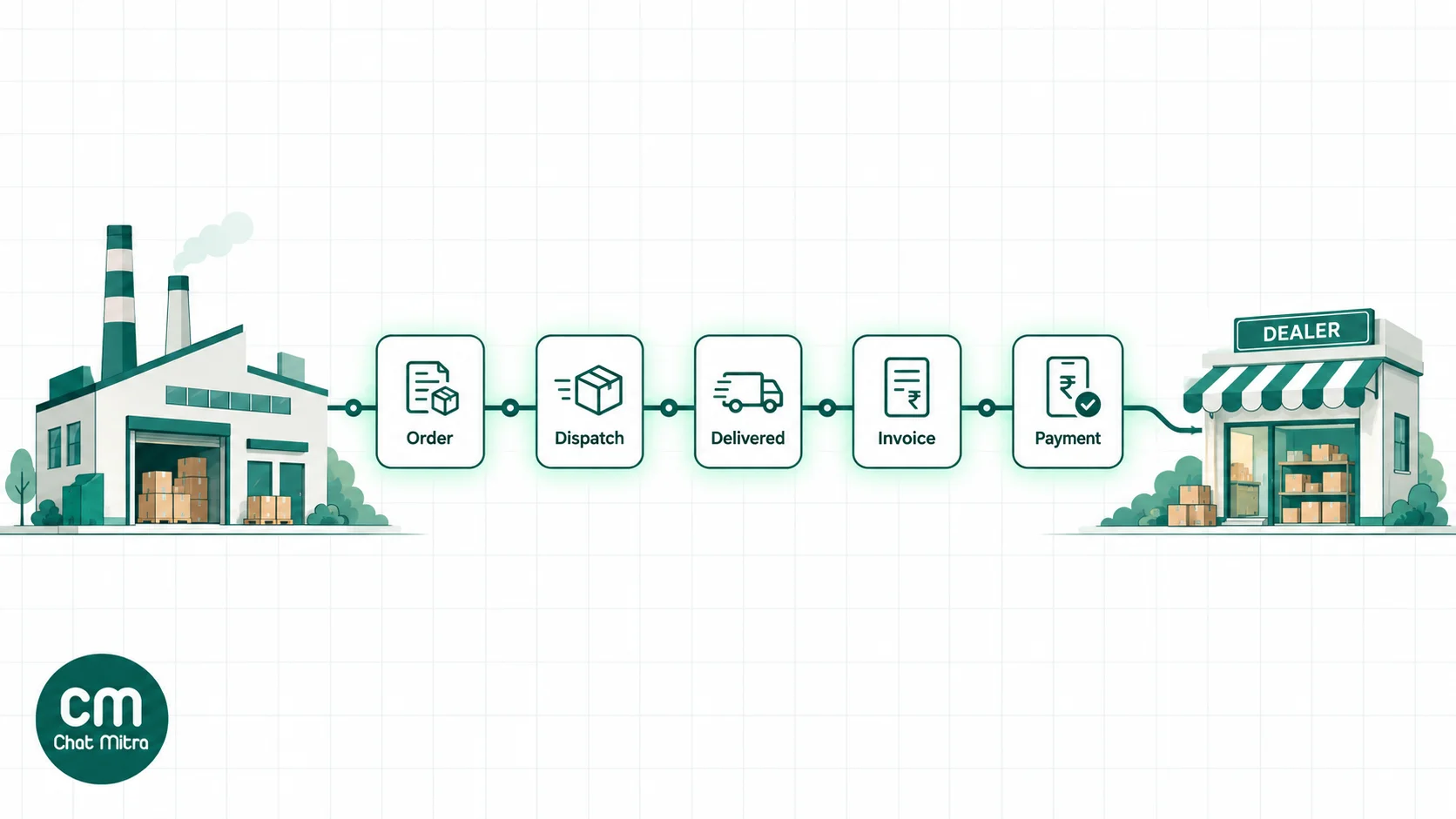
1. Onboarding and opt-in
Ask for WhatsApp consent when a dealer joins, not when you’re ready to broadcast. Add a line to the dealer onboarding form or agreement: which number you’ll message, what you’ll send (order, dispatch and account updates; schemes and launches), and how to stop. Record the date and the person who agreed.
Dealer contacts are usually individuals: the owner, the purchase manager, the accountant. India’s Digital Personal Data Protection Act applies to personal data of individuals, and its Rules, notified in November 2025, are being phased in over 18 months. A clear, recorded consent at onboarding keeps you on the right side of both Meta’s opt-in rule and the DPDP regime. Our guide to WhatsApp opt-in has wording you can adapt.
Collect more than a phone number. Save each dealer’s code, city, credit days, language and the role of each contact. Those fields are what let you send the right message to the right person later.
2. Price lists, catalogues and schemes
Price lists are the most-requested document in most dealer networks, and the one most often out of date. Three rules help:
- Date every version. Put the effective date in the file name and the message: “Price list w.e.f. 1 November 2026”. When a dealer quotes an old rate, you can point to the date.
- Answer requests in the chat. If a dealer asks for the price list, send the PDF as a reply. Inside the 24-hour window it’s an ordinary service message, not a template.
- Treat blanket sends as marketing. Meta’s utility category is for messages “specific to or requested by the user” or essential to them. A new price list, scheme or product launch pushed to every dealer reads as promotion, so expect it to be classified as marketing. For the wording of a rate change, see our price increase letter templates.
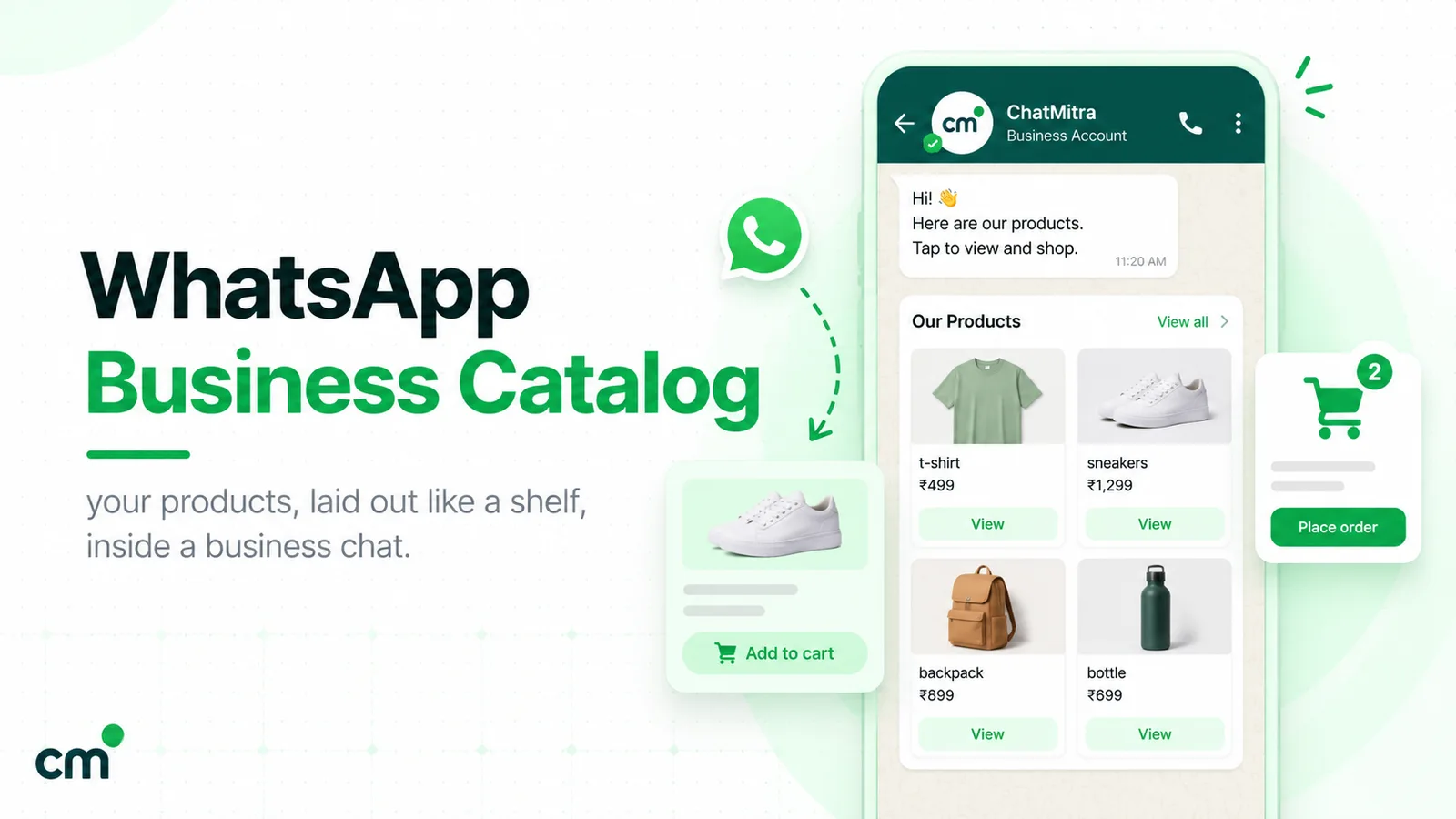
WhatsApp documents can be up to 100 MB, and PDF, Excel, Word and PowerPoint files are all supported, so a full catalogue PDF is fine. For standard products, a WhatsApp catalogue lets dealers browse items with photos inside the chat. Our WhatsApp Business catalog guide covers setup. Check your products against WhatsApp’s Business Messaging Policy first: it restricts categories such as hazardous goods and materials, which matters for chemical and industrial manufacturers.
Dealer tiers and price confidentiality
Many manufacturers run different price lists for distributors, large dealers and small retailers. On WhatsApp, the risk is the wrong list reaching the wrong tier, or a dealer forwarding a distributor price to a competitor.
- Tag every contact by tier and send each tier’s list as a separate send to that tag only. Never use one “all dealers” list for prices.
- Put the tier and effective date on the document itself, not just in the message, so a forwarded PDF still says who it was for and when it applied.
- Send dealer-specific rates one to one. If a dealer has a negotiated price, send it in their own chat or behind a personal link, not in a broadcast.
- Accept that anything sent can be forwarded. A recipient can always share a file. If a number must stay private, keep it in your ordering portal and send the link.
3. Order booking
Dealers already order on WhatsApp in whatever way is easiest for them: a typed list, a photo of a handwritten order, a voice note from the counter. Don’t fight that; make it reliable.
- Free-form orders (text, photo, voice) need a person or a well-tested AI agent to read them and enter them into your system. Reply with a confirmation that lists each item and quantity, so mistakes surface while the dealer is still in the chat.
- Catalogue orders come in as a structured cart. Meta allows up to 99 units of each item in a cart, and the order arrives with each product and quantity, ready to be entered. Product messages can show a single item or up to 30 items in sections.
- ERP orders stay in your system when dealers have negotiated prices, schemes and credit limits that a catalogue can’t represent. WhatsApp then carries the confirmation and dispatch messages, not the order itself.
4. Order confirmation and dispatch
The dispatch update is the message dealers value most, because it replaces the phone call asking “has my material left?”. Send it as a utility template with the details a dealer needs to plan:
Dispatch update for order {{1}}: your material left our {{2}} plant today. Transporter: {{3}}. LR number: {{4}}. Vehicle: {{5}}. Expected delivery: {{6}}. Reply here if anything looks wrong.
Meta’s own utility example is an order shipping notice with a tracking number, so dispatch details fit the category well. Keep them clean: no “also check our new range” line. Meta’s categorisation guidelines say that mixed utility-and-marketing content is marketing.
If your transporter or ERP generates an e-way bill or invoice number at dispatch, add it as a variable. Dealers’ accountants will thank you.
5. Delivery and proof of delivery
Ask the dealer to confirm receipt with two buttons, “Received in full” and “Shortage or damage”. A tap on “Received in full” closes the loop. A tap on “Shortage or damage” should go straight to a person, with a request for photos while the vehicle is still at the gate. Problems reported the same day are far cheaper to settle than ones found at month-end reconciliation.
6. Invoices, statements and payment follow-up
Accounts teams spend a surprising share of their time chasing payments by phone. WhatsApp turns that into a predictable sequence:
- Invoice sent with the dispatch or on the invoice date: a utility template with the invoice number, amount and due date, and a link or PDF.
- Friendly reminder a few days before the due date.
- Due-date message on the day.
- Overdue message around a week later, offering a statement of account.
- A phone call from your accounts team after that. Escalation is a human job.
Meta lists payment reminders among its utility examples (“Reminder: Your monthly payment for {{service}} will be billed on {{date}}”), as account alerts or updates. Keep every step factual and polite. Mention the invoice, the amount and the date, never threats or interest calculations.
If you’re a micro or small enterprise, the law is on your side. Section 15 of the MSMED Act requires buyers to pay within the agreed period, which can’t be more than 45 days, or within 15 days if there’s no written agreement. Section 16 makes late payers liable for compound interest at three times the bank rate notified by the RBI. The government’s MSME Samadhaan portal handles delayed-payment complaints from enterprises with Udyam registration. From assessment year 2024-25 (the 2023-24 financial year), buyers have also had a tax reason to pay on time: under Section 43B(h) of the Income-tax Act, 1961, a payment to a micro or small enterprise made later than the MSMED Act allows is deductible only when it’s actually paid. The Income-tax Act, 2025 replaced the 1961 Act from 1 April 2026, so ask your chartered accountant which provision applies to current years. None of this belongs in a WhatsApp message. It’s the reason a polite, on-time reminder gets paid.
Our WhatsApp payment link guide covers adding a payment link to these messages.
7. Service, warranty and spare parts
If you sell equipment, appliances or anything that’s installed, the end customer becomes part of the journey.
- Warranty registration by WhatsApp: the customer sends the serial number and invoice photo; you confirm with a utility template.
- Installation booking: the customer picks a slot by message; your service partner confirms.
- Service reminders for products that need periodic maintenance.
- Spare parts: the customer sends a photo of the part or label; a person identifies it.
Be careful with renewals. A reminder that a customer’s existing service contract ends on a date is an account update. A message pushing them to renew or upgrade is likely to be treated as marketing. Meta decides the category when it reviews the template, so write the utility version plainly.
A worked week: a pump manufacturer and its dealers
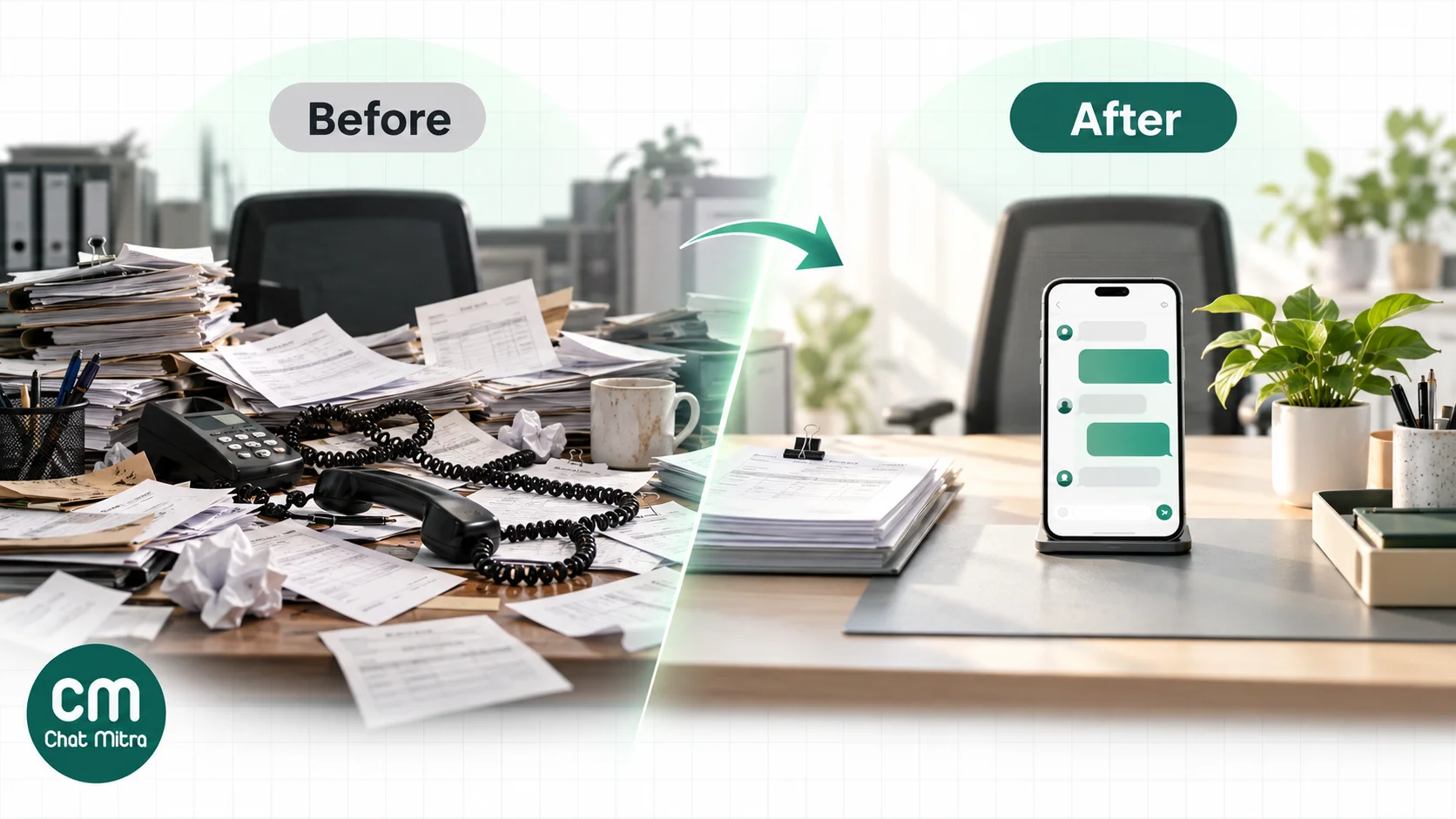
Picture a hypothetical mid-sized pump maker in Coimbatore with 300 dealers across Tamil Nadu, Kerala and Karnataka. Before WhatsApp became official, its dispatch desk took around 40 “has my material left?” calls a day, and its two accounts staff spent most mornings phoning overdue dealers. This is how a typical week runs after the switch.
- Monday: the ERP exports the weekend’s confirmed orders to a sheet. Each new row triggers an “Order confirmed” template, in English or Tamil: one automation per language, each checking the dealer’s language column. Two dealers reply to correct a quantity, and the sales coordinator fixes both before dispatch.
- Tuesday: forty consignments leave the plant. The dispatch sheet fills in the transporter, LR number and vehicle, and each dealer gets the dispatch template the same day. The dispatch desk’s phone is quieter.
- Wednesday: a dealer in Kochi taps “Shortage or damage” and sends two photos of a cracked casing. The claim reaches a person the same morning and the transporter is informed while the delivery note is still fresh.
- Thursday: the invoice sheet triggers “Payment due soon” for every invoice due on Sunday, and “Overdue” for invoices a week past due. Accounts staff spend their time on the dealers who reply with a question, not on dialling everyone.
- Friday: marketing sends the new monsoon scheme to dealers tagged “Tier 1”, as a separate marketing template, with the scheme PDF attached.
Nothing here needs a chatbot. It’s six templates, two sheets and one shared inbox. The bot, if any, comes later: answering “send me the price list” or “what’s my outstanding?” automatically once the basics run smoothly.
Templates you can adapt
Each of these is a starting point. Replace the variables with fields from your system and keep the wording plain.
| Template | Category | Sample body |
|---|---|---|
| Order confirmed | Utility | We've received order {{1}} for {{2}} items. Expected dispatch: {{3}}. Reply here to change anything before dispatch. |
| Dispatched | Utility | Order {{1}} left our plant today. Transporter {{2}}, LR {{3}}, vehicle {{4}}. Expected delivery {{5}}. |
| Delivery check | Utility | Order {{1}} should have reached you. Please confirm using the buttons below. [Received in full] [Shortage or damage] |
| Invoice | Utility | Invoice {{1}} for ₹{{2}} is attached, due on {{3}}. |
| Payment due soon | Utility | Reminder: invoice {{1}} for ₹{{2}} is due on {{3}}. Ignore this if you've already paid. |
| Overdue | Utility | Invoice {{1}} for ₹{{2}} was due on {{3}}. Reply STATEMENT for your account statement, or let us know if there's an issue. |
| New scheme | Marketing | New for {{1}}: scheme details for dealers in {{2}} are attached. Valid till {{3}}. |
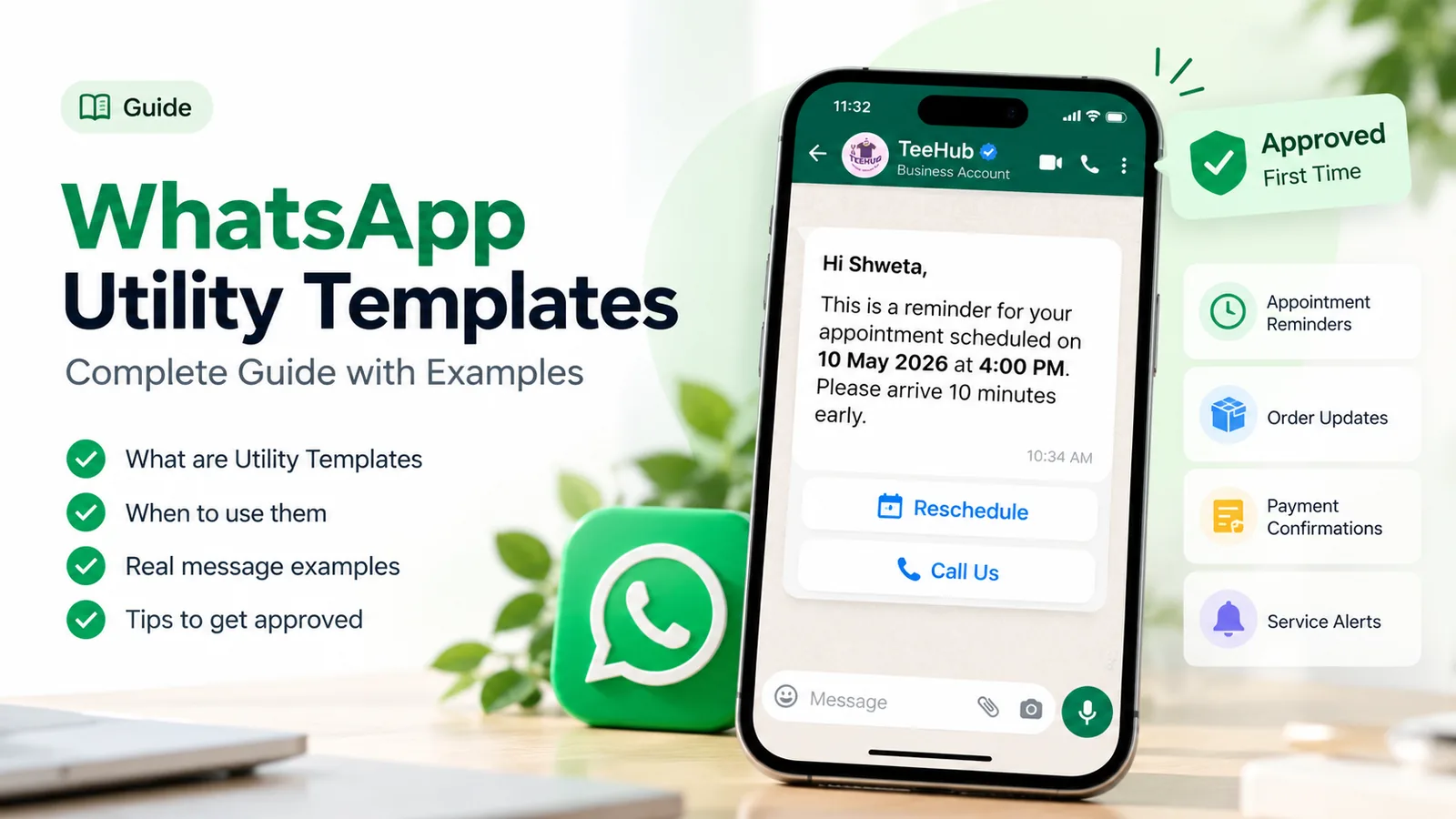
For more on what Meta approves as utility, see our guide to WhatsApp utility templates. If your dealers read Hindi, Gujarati or Tamil more comfortably than English, create each template in those languages too. Our multilingual WhatsApp chatbot guide explains how language versions work.
What it costs: a worked month for 300 dealers
Meta charges per delivered message, by category and by the recipient’s country. India’s rates, effective 1 October 2026: marketing ₹0.8631, utility ₹0.115, service ₹0.115. Every business phone number gets 1,000 free service messages a month, and since 1 October 2026, utility templates sent inside an open chat are charged too.
Assume a manufacturer with 300 dealers. Each month, each dealer gets four dispatch updates and two payment messages (utility) and one scheme announcement (marketing). Dealers also send their own questions, and the team’s replies add up to 3,000 service messages. The business is on ChatMitra Pro.
| Item | Calculation | Monthly cost |
|---|---|---|
| Meta: utility templates | 300 × 6 = 1,800 × ₹0.115 | ₹207.00 |
| Meta: marketing templates | 300 × 1 × ₹0.8631 | ₹258.93 |
| Meta: service replies | 3,000 − 1,000 free = 2,000 × ₹0.115 | ₹230.00 |
| ChatMitra Pro plan | Monthly fee, includes 1,000 credits | ₹999.00 |
| ChatMitra conversation fee | 300 dealers × about 8 conversation-days = 2,400 − 1,000 included = 1,400 × ₹0.20 | ₹280.00 |
| Total | ₹1,974.93 |
ChatMitra’s ₹0.20 is charged per conversation, once per customer per 24 hours, however many messages are exchanged in that time. That’s why the table counts conversation-days, not messages. On Enterprise (₹2,499 a month), the ₹0.20 fee doesn’t apply.
Two limits matter more than the price:
- Messaging limits. Meta caps how many unique people your business can message outside an open chat in a moving 24 hours, across your whole business portfolio. New portfolios start at 250. Verifying your business, or sending 2,000 high-quality template messages in 30 days, makes you eligible for 2,000, and Meta raises the limit further automatically while your quality stays high and you use at least half of it. With 300 dealers, verify before your first dealer-wide send.
- Marketing caps per person. Meta limits how many marketing messages each person receives, based on how often they read them. A dealer who ignores scheme announcements may stop receiving them. Make every marketing message worth reading.
To try your own numbers, use the WhatsApp pricing calculator or see WhatsApp Business cost per message.
Connecting WhatsApp to Tally or your ERP
This is where expectations most often outrun reality. Most WhatsApp platforms, ChatMitra included, don’t have a native Tally or SAP connector. There are three practical routes:
- A Google Sheet in the middle. Export pending dispatches or due invoices from your ERP into a sheet every day. An automation reads the sheet and sends a template for each new row, or N days before a due date. It’s the quickest route and needs no developer.
- Your ERP calls a WhatsApp API. A developer adds a step to your ERP or middleware that sends a template when an order is dispatched or an invoice is raised, including a per-dealer PDF link. This is the cleanest route for high volumes.
- Webhooks back into your systems. Incoming messages, including catalogue orders, can be pushed to your systems as they arrive, so orders don’t have to be retyped.
Many manufacturers also get leads from IndiaMART and similar portals. Those can feed a WhatsApp follow-up through an automation tool such as WorkflowMitra, which can receive a portal’s lead push and send the first message.
Rolling it out to your dealers
- Pick one company number for orders, dispatch and accounts. Tell dealers it’s the official number for paperwork.
- Collect consent from existing dealers with a one-time message or call, and add it to onboarding for new ones.
- Load dealer data: code, city, credit days, language, contact role.
- Get your templates approved, utility first: order confirmed, dispatched, delivery check, invoice, payment due, overdue.
- Verify your business in Meta Business Manager so your messaging limit can grow past 250.
- Pilot with 20 dealers for a month. Ask them what’s useful and what’s noise.
- Expand by region, adding language versions where dealers need them.
- Train the team on which messages go from the company number and which stay with the rep.
How to tell it’s working
Track a few numbers before and after:
- Days to collect payment (debtor days). Timely reminders usually move this first.
- “Where is my material?” calls to the dispatch desk.
- Order errors caught at confirmation rather than at delivery.
- Shortage and damage claims reported the same day versus at month-end.
- Read rates by template, to see which messages dealers actually open.
Building it in ChatMitra
ChatMitra runs the dealer journey on the WhatsApp Business Platform. Here’s what it does today, and where you’ll need a workaround.
What works:
- One number per project. Run separate projects for sales and service numbers under one account, and give staff project-level permissions by section.
- Team inbox. Everyone works the same dealer chats, with filters for unread and replied chats and for contact tags. Saved replies open by typing ”/”.
- Templates with document headers. Invoices, price lists and scheme PDFs can go out as templates.
- Dealer data. Import contacts by CSV with your own custom fields (dealer code, credit days, due date), and tag them by region, language or tier.
- Personalised campaigns. Template text and URL buttons can pull each dealer’s fields, so a single campaign can include each dealer’s invoice number, amount and a link to their own invoice.
- Google Sheets automation. Send a template when a row is added to your dispatch sheet, or N days before a due date in your invoice sheet.
- Catalogue in chat. Auto Reply (Pro) can answer with a catalogue, a single product or a multi-product message. Cart orders from dealers appear in the inbox as orders.
- Developer API and webhooks (paid plans), for sending from your ERP and receiving incoming messages, including orders.
What it doesn’t do:
- A campaign sends one shared file to everyone. For a different PDF per dealer, use a per-dealer link button, the API or a Sheets automation.
- No native Tally, SAP or other ERP connector, and contact import is CSV only.
- No WhatsApp Groups.
- Chats aren’t assigned to individual agents; the team shares the inbox.
- No in-chat payment requests through WhatsApp’s India Payments API.
Pro is ₹999 a month; see pricing for current plans.
Common mistakes
- Leaving dealer chats on reps’ phones. The relationship and its history walk out of the door with the rep.
- Adding a promo line to a dispatch or payment template. It turns a utility template into marketing, at a higher price and under marketing limits.
- Broadcasting one price list to every tier. Tag by tier and send separately.
- Skipping the delivery check. Shortages reported at month-end are disputes; reported the same day, they’re claims.
- Threatening in reminders. Interest and legal notices belong in formal letters from accounts, not in a WhatsApp template.
- Sending your first dealer-wide message on a new, unverified portfolio. The 250-person daily limit stops it partway.
- Promising ERP integration you haven’t built. Start with a sheet; automate further once the messages prove useful.
Summary
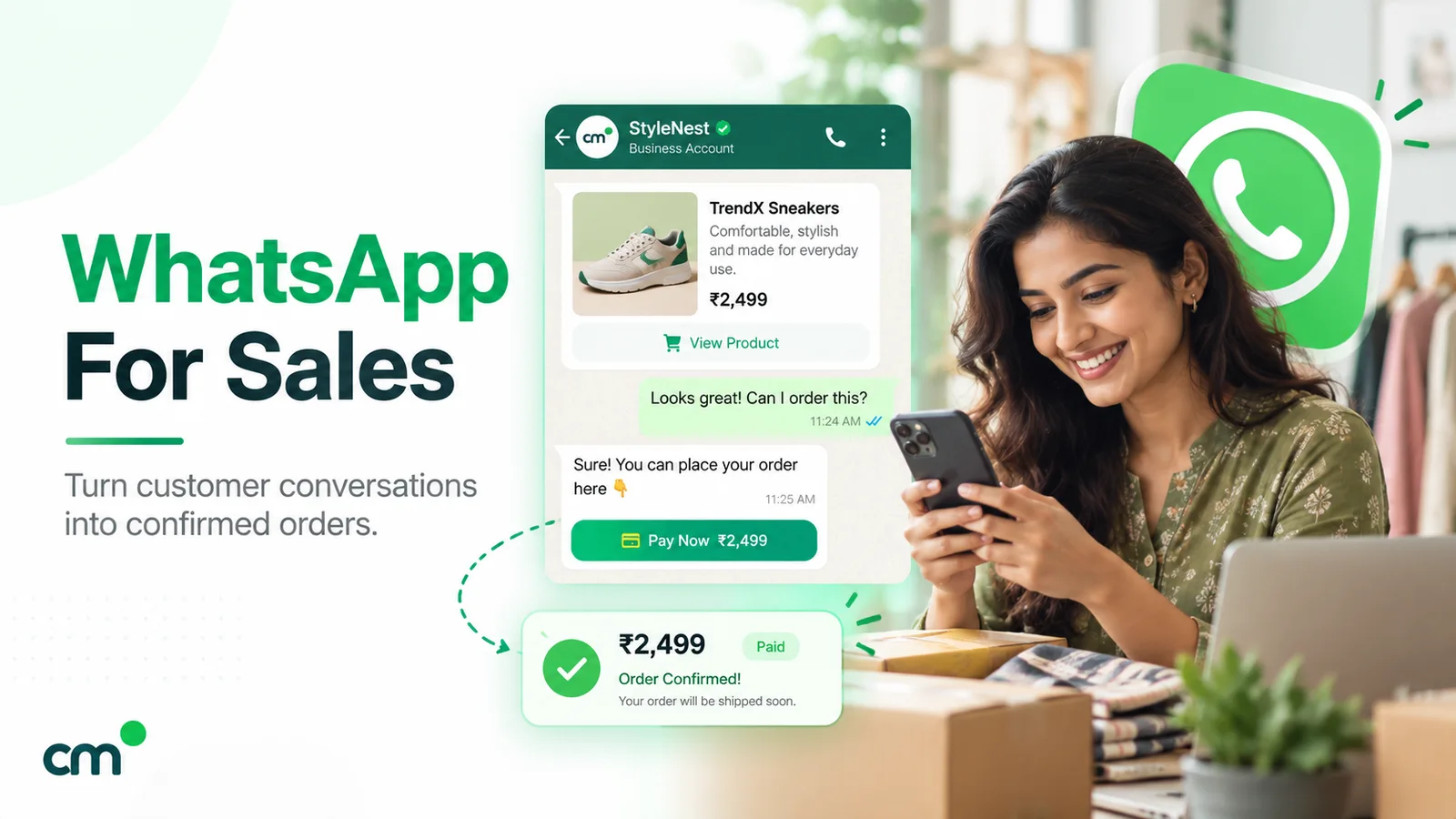
For a manufacturer, WhatsApp is the channel dealers already use. The work is making it official: one company number instead of reps’ personal phones, recorded consent, and a set of plain utility templates for order confirmation, dispatch, delivery, invoices and payments. Schemes and launches go as separate marketing messages. Costs are small (a 300-dealer network runs for under ₹2,000 a month on ChatMitra, Meta’s fees included), so the return comes from fewer calls, faster payments and fewer disputes. Verify your business before your first big send, start with a pilot group, and connect your ERP through a sheet or the API when you’re ready. For the sales side of the relationship, see WhatsApp for sales.
Sources: Meta for Developers: Template categorization, Template components, Media, Catalogs overview, Multi-product messages, Groups API, Messaging limits, Per-user marketing limits, Pricing. WhatsApp: Business Messaging Policy. Government of India: Finance Bill 2023 memorandum (MSMED Act s.15 and Income-tax s.43B(h)), MSME Samadhaan, PIB: DPDP Rules, 2025.