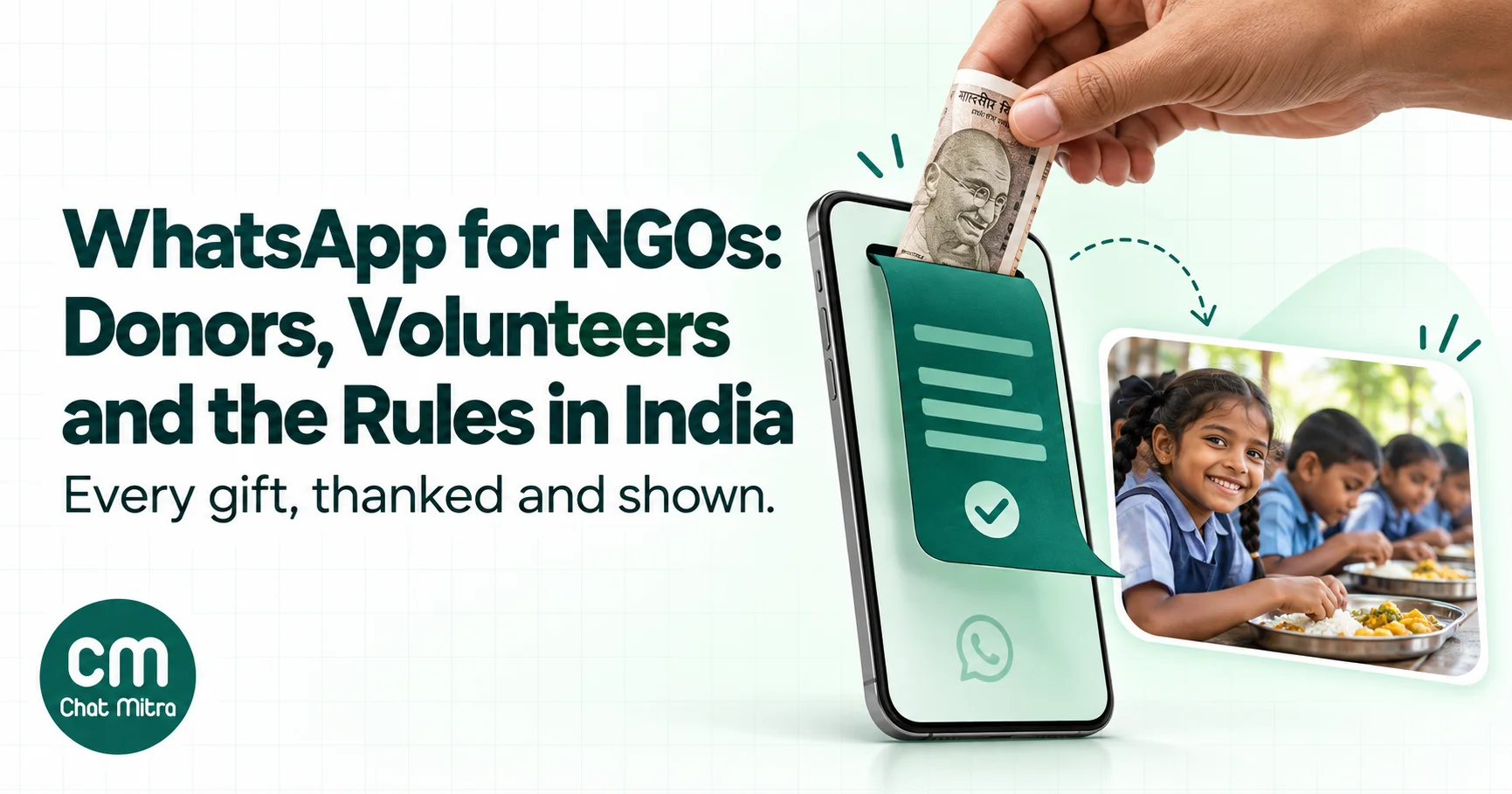
WhatsApp works for NGOs in India when each audience gets the right tool: an instant receipt and a short impact update for donors, confirmations and reminders for volunteers, a helpline in their own language for beneficiaries, and a Channel for public news. It goes wrong when everything runs through big groups, which expose everyone’s phone number, and when appeals go to people who never asked to hear from you.
This guide is for trusts, societies and Section 8 companies of any size, from a 10-person education NGO to a disaster-relief network with thousands of donors. It covers which WhatsApp tool fits which job, what Meta charges, and the Indian rules that touch WhatsApp work: tax certificates under the new Income-tax Act, FCRA for overseas donors, and the DPDP Act.
Using ChatMitra? You can send each donor a receipt the moment a payment lands, remind volunteers before every shift, run a beneficiary helpline from a shared inbox with unlimited team members, and broadcast impact updates to opted-in supporters. Starter is free; you pay Meta’s rates at cost plus ₹0.20 per conversation. Jump to setting it up in ChatMitra.
What WhatsApp is good for in an NGO, and what it isn’t
Most NGOs already use WhatsApp, usually through a founder’s phone and a dozen groups. The question isn’t whether to use it, but which jobs to give it.
| Audience | Jobs that fit WhatsApp | Keep off WhatsApp |
|---|---|---|
| Donors | Thank-you and receipt on the day, what their gift did, monthly-gift notices, the year-end tax certificate | Appeals to people who never opted in; anything sent through a group |
| Volunteers | Sign-up, shift confirmations, reminders, last-minute changes, roll call | Rosters that show everyone’s numbers; long policy documents |
| Beneficiaries | Helpline questions, camp and appointment reminders, scheme deadlines, all in their language | Case details in group chats; full Aadhaar copies; anything a safeguarding officer should handle in person |
| CSR partners and funders | Site-visit logistics and quick check-ins | Utilisation certificates and impact reports, which belong in documents and email |
| Field staff | Photos and short updates from the field | Records you’re legally required to keep, if they only live on one phone |
WhatsApp is a channel, not a records system. Donations, receipts, consent and case notes need a home outside the app: your donor database, accounting software, a Google Sheet at the very least. WhatsApp carries messages to and from those systems.
Pick the right WhatsApp tool for each job
WhatsApp gives an NGO six different tools, and they behave very differently on privacy, which matters more for NGOs than for most businesses.
| Tool | Reach | Who sees phone numbers | Best NGO use |
|---|---|---|---|
| WhatsApp Business app | One phone, plus up to 4 linked devices (up to 10 with a Meta Verified or Meta One subscription) | You see the person’s number | A small NGO with a few hundred contacts and one or two people answering |
| Broadcast list (Business app) | 256 contacts per list, and only people who saved your number receive it | Recipients don’t see each other | Small volunteer teams who have saved your number |
| Channel | Any number of followers; one-way, with reactions and polls | Followers can’t see your number or each other’s | Public news: campaign launches, event photos, annual report |
| Group | Up to WhatsApp’s group size; everyone can post | Every member sees every member’s number, and you can’t hide it | A small core team that already knows each other |
| Community | Several groups under one announcement group | Your number is visible only to admins, people who saved you and people who have it from other chats | Volunteer chapters by city; can’t be created from the Business app |
| WhatsApp Business Platform (API) | As many people as your messaging limit allows, through approved templates | Only your team, in the inbox | Donor receipts, reminders, helplines, anything automated or at scale |
The numbers in the table come from WhatsApp’s help pages on broadcast lists, Channels, group privacy, communities and linked devices.
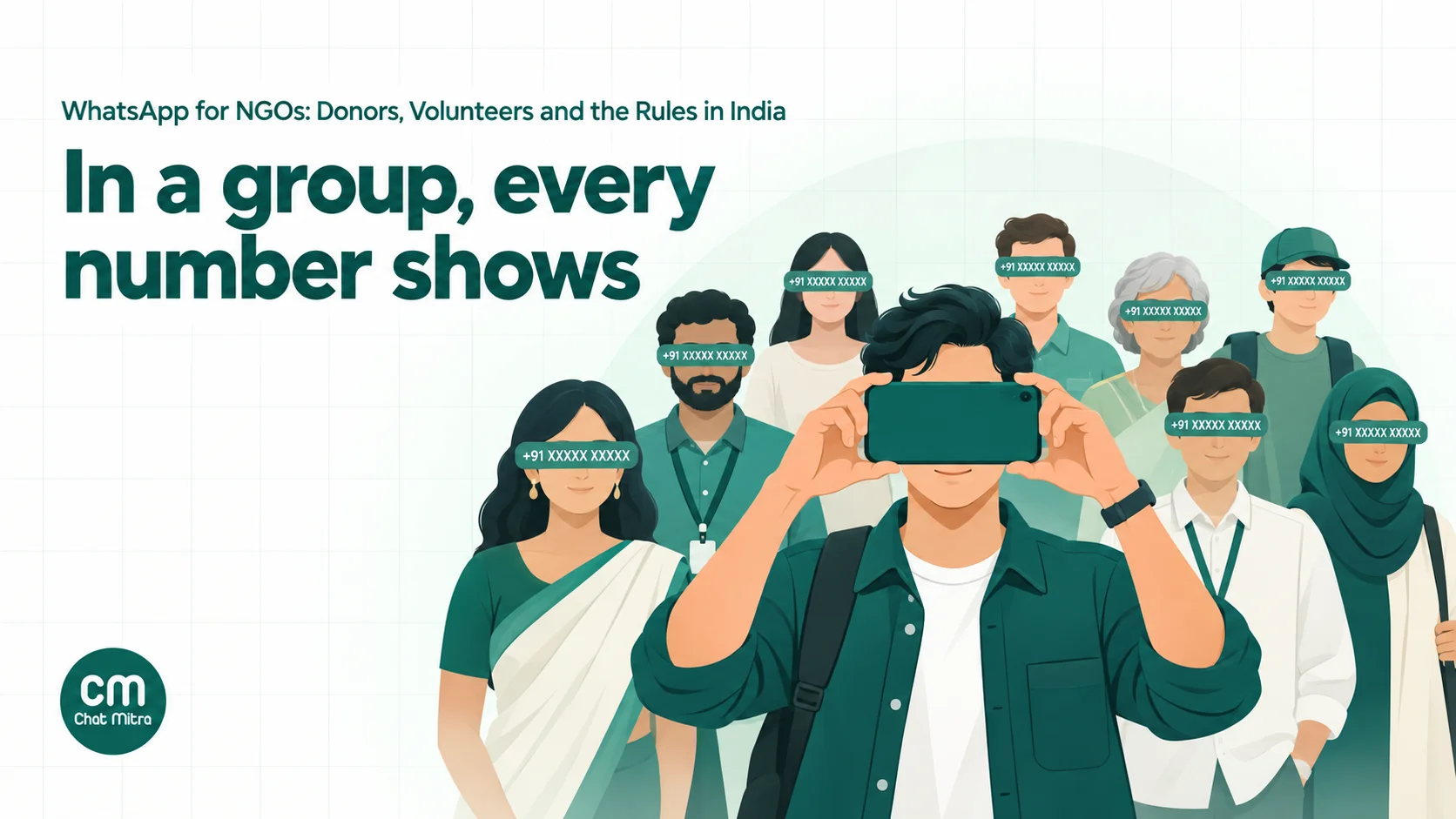
The group row is the one to remember. WhatsApp’s help centre is blunt: “You can’t hide group members’ phone numbers in a group.” A 400-member “Donors 2026” group hands every donor’s number to 399 strangers, including anyone who joined to collect numbers. WhatsApp is rolling out usernames, which will show a username instead of a number to people who haven’t saved you, but it’s gradual and you can’t rely on it for donors or beneficiaries yet.
A typical mid-size NGO ends up with three things: a Channel for public news, the WhatsApp Business Platform on one official number for anything personal (receipts, reminders, helpline), and a Community or a small group only for its core volunteers. For the full comparison of groups, communities and broadcasts, see our guide to WhatsApp groups for business and the broadcast list guide.
Donor journeys that belong on WhatsApp
Donors rarely leave because of one bad appeal. They drift away because nothing happens after they give. WhatsApp is good at the small, timely messages that fill that gap, as long as each one has a clear purpose and the right category.
Meta sorts every template message into a category, and the category decides the price. Its rules for NGOs come down to one line: a utility message “must be non-promotional, not containing any promotional or persuasive intent” and must be “specific to or requested by the user” or “essential or critical to the user” (Meta: template categorization). Meta’s own list of marketing examples includes this one: “We are actively seeking {{donations}} to meet our fundraising goal of {{amount}}. Support our cause and contribute now!” So an appeal is marketing, every time.
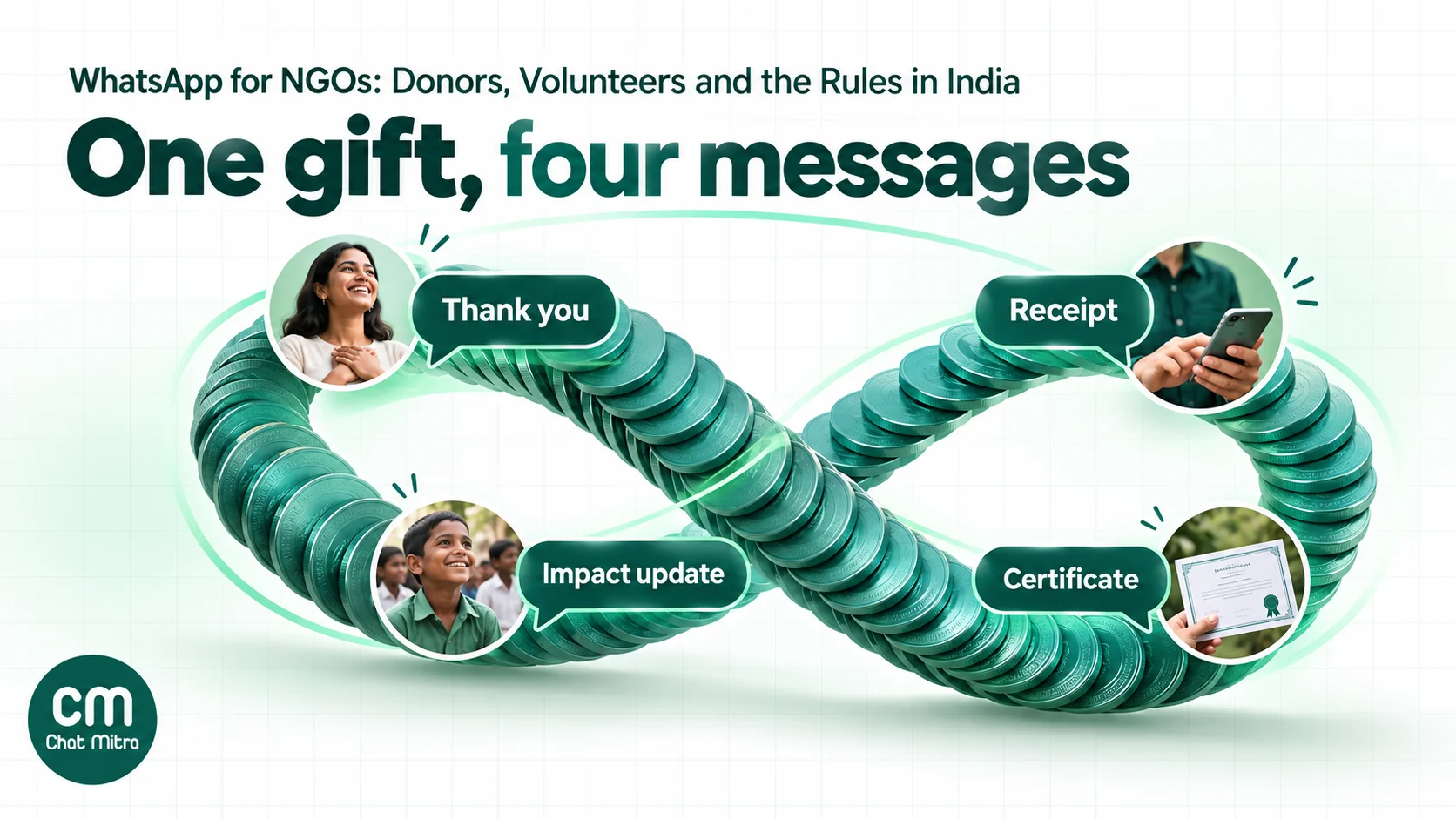
The thank-you and receipt, within minutes
The first message after a donation does most of the work. It confirms the money arrived, gives the donor a receipt they can find later, and tells them what comes next. Sent within minutes, it also reassures a first-time donor that they didn’t pay a fake page.
Keep it to the transaction: name, amount, date, receipt number and the receipt as a PDF document. That’s a utility message at ₹0.115 in India. Add “share this with a friend” or “give again” and Meta can classify it as marketing at ₹0.8631, nearly eight times the price. Meta lists “mixed content (for example, both utility and marketing…)” as marketing.
To send it automatically, the donation has to trigger the message. Your payment gateway or donation platform notifies your systems when a payment succeeds, and your WhatsApp provider sends a template to the donor’s number with their receipt attached. For how payment links fit in, see our WhatsApp payment link guide.
What the gift did: impact updates
An impact update closes the loop: “Your gift in August paid for 40 school lunches at our Hadapsar centre.” It’s the message donors remember, and the one most NGOs never send.
The category depends on how you write it. A factual note about what the donor’s own gift paid for, with no request, meets Meta’s utility test on paper because it’s specific to that donor’s transaction. A general newsletter, a story with a “give again” button, or anything sent to people who haven’t given is marketing. Meta decides when it approves the template, so budget for marketing and treat a utility approval as a bonus. Our utility templates guide shows how Meta reads the difference.
Two habits keep impact updates welcome and affordable:
- Send them less often than you think. A quarterly update with one photo and two sentences beats a monthly newsletter that nobody opens.
- Put general news on your Channel. Posting to a Channel isn’t a template message, so it isn’t billed per recipient, and followers choose to be there.
Monthly donors
Monthly giving is where WhatsApp saves the most money, because a donor who lapses quietly is expensive to win back. Three messages matter:
- Sign-up confirmation, with the amount, date and how to change or stop the gift. Utility.
- Failed-payment notice when a debit doesn’t go through, with a way to fix it. Utility, as long as it only reports the failure.
- A thank-you on the gift’s anniversary. Warm, but it promotes nothing, so it can be short.
Asking a lapsed monthly donor to restart is a different matter. Meta’s categorization page lists “attempt to renew subscriptions” as marketing “even if requested by users”. Our guide to WhatsApp subscription management covers the wording that keeps routine notices in the utility category.
Year-end and festival appeals
Appeals still have their moments: Daan Utsav, India’s festival of giving from 2 to 8 October each year (DaanUtsav), the end of the financial year in March, and emergencies. Plan these weeks ahead, for three reasons:
- Every appeal is a marketing message. At ₹0.8631 each, 8,000 donors cost ₹6,904.80 for one send.
- Your messaging limit caps how many people you can reach. Meta limits how many unique people a business portfolio can message outside a 24-hour service window in a rolling 24 hours. New portfolios start at 250. Verifying your business, or sending 2,000 high-quality template messages in 30 days, raises it to 2,000; after that it rises automatically to 10,000, 100,000 and unlimited when you use at least half your limit in seven days with good quality (Meta: messaging limits). A new account can’t reach 8,000 donors in one day. Our messaging limits explainer walks through the tiers.
- Only people who opted in should get it. An appeal to people who never agreed to hear from you invites blocks and reports, which lower your quality rating and can stop the next send.
If you run a raffle or lucky draw to raise funds, keep it off WhatsApp. Meta’s Business Messaging Policy treats online raffles and lotteries as gambling, which needs Meta’s permission, and India isn’t on the list of countries where it’s allowed (WhatsApp Business Messaging Policy).
80G receipts and certificates under the new Income-tax Act
This is where WhatsApp helps most with tax, and where many NGO guides are out of date. The Income-tax Act, 2025 replaced the 1961 Act from 1 April 2026 (Gazette of India). The donor’s deduction that people still call “80G” is now section 133, and the charity’s duties sit in section 354.
| Before 1 April 2026 (Income-tax Act, 1961) | From tax year 2026-27 (Income-tax Act, 2025) | |
|---|---|---|
| Donor’s deduction | Section 80G | Section 133 |
| Statement of donations the charity files | Form 10BD | Form 113 |
| Certificate the donor receives | Form 10BE | Form 114 |
| Due date for both | 31 May after the financial year | 31 May after the tax year |
| Cash donations | Above ₹2,000 not deductible | Above ₹2,000 not deductible |
Sources: the income tax department’s form mapping guide and its Form 113 and 114 FAQs. Donations received in 2025-26 were reported on Forms 10BD and 10BE, due by 31 May 2026. Your CA has the final word on which forms apply to which donations.
What this means for your WhatsApp messages:
- The receipt is not the certificate. The department’s FAQ says Form 114 “is a certificate of donation generated through system after filing of Form 113”. Your day-of-donation WhatsApp receipt is a receipt. Say so in the message, so donors don’t file their return with it.
- Use Pre-ARNs if you issue receipts on the spot. The same FAQ allows charities to generate Pre-ARNs in advance, up to 1,000 at a time, and “issue manual donation receipts to donors at the time of receiving contributions, mentioning the Pre-ARN on such receipts”. Put the Pre-ARN in your WhatsApp receipt.
- Send each donor their Form 114 in May. Once Form 113 is filed and the certificates are generated, send each donor their own PDF as a WhatsApp document, with a one-line note on what it is. It’s a utility message, and it’s the one donors thank you for.
- Steer donors away from cash. The deduction isn’t allowed for cash donations above ₹2,000, so payment links, UPI and bank transfers serve donors better.
- Collect tax details through a form, not in chat. Ask for the identity details your CA says the statement needs on your donation form. Don’t invite donors to type them into a WhatsApp chat.
Overseas donors: check FCRA before you share a link
A single donation link broadcast to every supporter can create an FCRA problem. Your list probably includes +1, +44 and +971 numbers, and the Foreign Contribution (Regulation) Act cares who the donor is, not where their phone is.
The Ministry of Home Affairs’ FCRA FAQs draw the line:
- NRIs who are Indian citizens: a donation “made by a citizen of India living in another country (i.e., Non-Resident Indian), from his personal savings, through the normal banking channels, is not treated as foreign contribution”. The FAQ advises keeping the donor’s passport details.
- Foreign citizens, including people of Indian origin: “Donation from an Indian origin person who has acquired foreign citizenship is treated as foreign contribution. This will also apply to PIO / OCI cardholders. They are foreigners.”
Foreign contributions can only be accepted by an NGO with FCRA registration or prior permission, and only into its “FCRA Account” at the State Bank of India’s New Delhi Main Branch (MHA: FCRA legal framework). An NGO without FCRA registration that sends its regular UPI link to an OCI cardholder in Dubai is inviting money it can’t legally accept.
On WhatsApp, that means:
- Tag contacts by country code when you import them, and keep a separate list for numbers outside India.
- Ask about citizenship on the donation form, not just the country of residence.
- Send a separate appeal to overseas numbers. If you’re FCRA-registered, it links to the page that receives into your FCRA account. If you aren’t, it should say you can only accept donations from Indian citizens and why.
- Never paste your domestic bank details into a chat with a foreign donor.
Volunteers: from twenty groups to one system
Most NGOs coordinate volunteers through WhatsApp groups that grow until nobody reads them: a group per event, a group per city, a “core” group, an “urgent” group. The messages that matter, such as “Shift moved to 9 am” or “We need two more people tomorrow”, get buried under good-morning images and thank-yous.
A better pattern separates the three things a volunteer system does:
- Recruitment. A keyword such as VOLUNTEER on your official number returns a short menu (events, skills, city) and a link to a sign-up form. The form records consent and the volunteer’s preferences.
- Scheduling. Each confirmed volunteer gets a one-to-one confirmation, a reminder the day before and, if needed, a change notice. A reminder about a shift the volunteer signed up for is specific to them, so it fits the utility category by Meta’s test; a general “Join us at our Diwali drive” invitation is marketing, as Meta’s own Diwali example shows.
- Community. A WhatsApp Community with an announcement group per city, for the people who want to stay connected. Numbers are visible only to admins and to people who already have them.
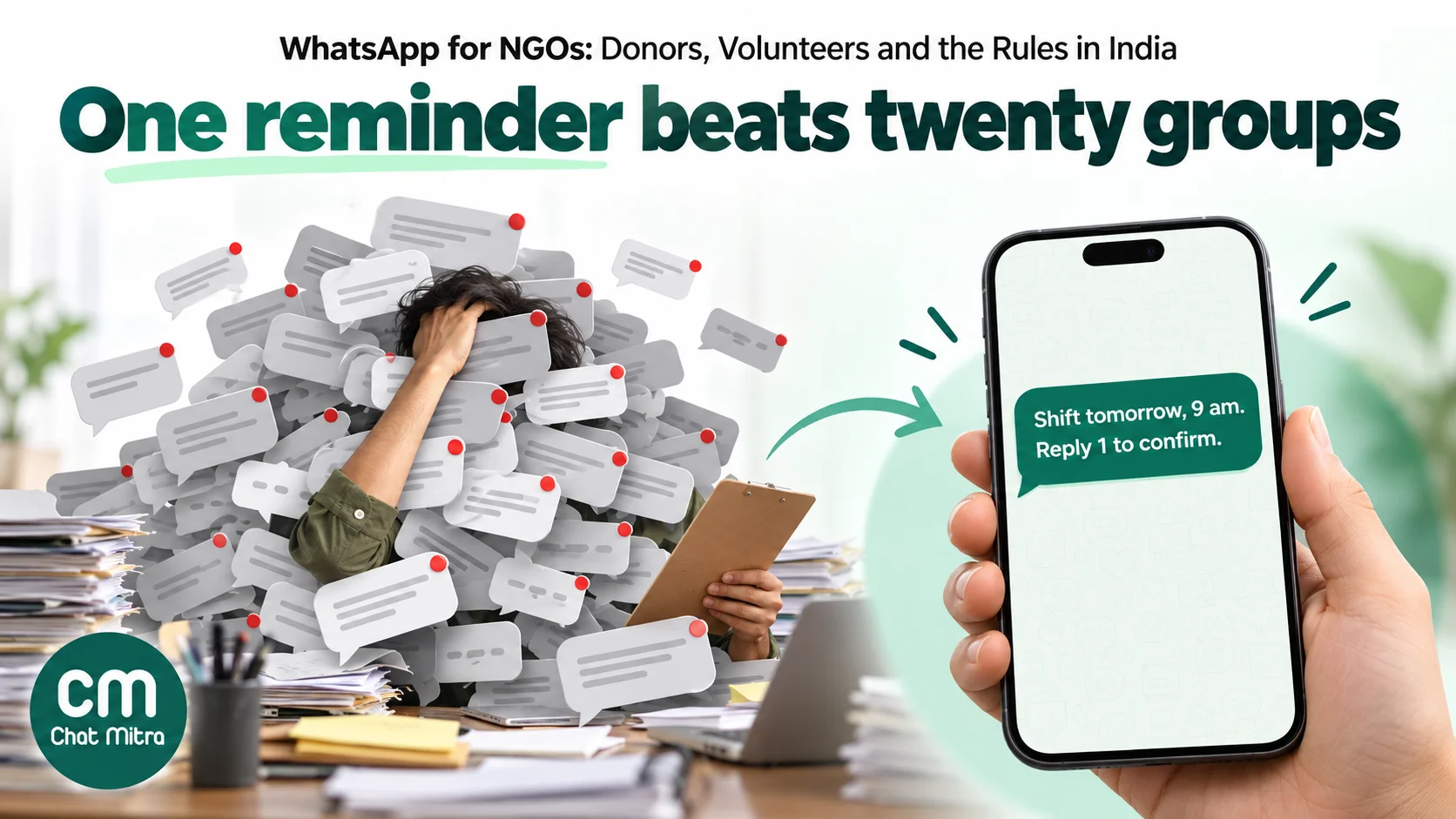
Keep the replies simple: “Reply 1 to confirm or 2 if you can’t make it.” Count the 2s the evening before and you know where the gaps are while there’s still time to fill them. For reminder wording, see our WhatsApp reminder messages guide.
One caution for drives with hundreds of new volunteers: a volunteer who gave you their number on a paper sheet at a college fest hasn’t opted in to WhatsApp messages yet. Send the first message only after they’ve confirmed, for example by messaging your number with the event keyword.
Beneficiaries and helplines
For many NGOs the biggest WhatsApp opportunity isn’t fundraising at all. It’s a helpline: a number people can message about a health camp, a scholarship, a scheme deadline or a ration distribution, and get an answer in their own language.
Helplines are cheap to run because the beneficiary writes first. Your replies within 24 hours of their message are service messages. Meta gives each business number 1,000 free service messages a month, then charges ₹0.115 each in India (Meta: pricing).
Some NGOs pay nothing for those replies. Since 1 October 2026, Meta’s pricing page says: “Service messages remain free beyond the monthly free tier only for eligible government and non-profit organizations using the WhatsApp Business Platform. This pricing policy will be in effect through December 31, 2027.” Eligible organisations include “Community non-profit organizations, including those in public health, crisis response, disaster relief and non-partisan civic engagement”. It applies automatically to organisations Meta has already identified; Meta plans a way to check eligibility and is building a way to request a review. The exemption covers service messages only. Templates, such as receipts and reminders, are still charged.
Designing a helpline that beneficiaries actually use:
- Ask the language first, then remember it. A first message with Hindi, Marathi and English buttons works better than guessing. Templates need a separate approved version for each language, and some scheduled languages, such as Odia, aren’t on Meta’s template list at all. Our multilingual WhatsApp chatbot guide covers the details.
- Accept voice notes. Many beneficiaries find speaking easier than typing. Make sure someone on your team can listen and respond.
- Publish your hours. An automatic reply outside office hours that says when a person will answer is better than silence.
- Hand over to a person quickly. A menu can answer “When is the next camp?”. It shouldn’t try to answer “My husband hit me” or “My child has a fever”. Agree in advance which words or topics go straight to a trained staff member, and how they escalate offline.
- Don’t collect sensitive documents in chat. Ask for a masked Aadhaar or the last four digits if you need to identify someone, and move any document out of the chat and into your records quickly.
In a flood or a heatwave, the same number becomes your crisis line. Meta treats some crisis messages as essential utility, with this example: “We activated support services for the {{crisis}} in the {{zip code}} area.” Our WhatsApp crisis communication guide covers preparing templates before you need them.
Consent, privacy and the rules that apply
No Indian regulator has a WhatsApp rulebook for NGOs, but three sets of rules reach your WhatsApp work.
Meta’s Business Messaging Policy. It says you may contact people only if “they have given you their mobile phone number or username” and “you have received opt-in permission from the recipient confirming that they wish to receive subsequent messages or calls from you”. It recommends “obtaining separate opt-in by specific message category”. It also bans political parties, politicians, candidates and campaigns from the platform; non-partisan civic work is fine. Our WhatsApp opt-in guide has wording you can reuse on donation and volunteer forms.
The Digital Personal Data Protection Act, 2023. NGOs get no exemption: the Act applies to any “person”, including trusts, societies and companies, that decides how personal data is used (DPDP Act). Its notice and consent duties apply from 13 May 2027, 18 months after the Rules were published (DPDP Rules, 2025). In practice:
- Give a notice when you collect numbers. Say what you’ll send on WhatsApp and why, and how to stop.
- Make withdrawing as easy as joining. The Rules require the ease of withdrawing consent to be “comparable to that with which such consent was given”. If people joined by sending a keyword, let them leave by sending one.
- Children’s data needs a parent’s verifiable consent. The Act defines a child as anyone under 18. The exemptions are narrow: they cover, among others, health services, educational institutions and benefits provided “under law or policy or using public funds, in the interests of a child”. A WhatsApp appeal or newsletter to teenage beneficiaries isn’t covered. Message the parent or guardian instead.
- The penalties are large. They go up to ₹250 crore for failing to protect data, and up to ₹200 crore for breaching the duties on children’s data.
Your own funders’ rules. CSR rules require implementing NGOs to be registered with the Ministry of Corporate Affairs (Form CSR-1), and large CSR projects need independent impact assessments (CSR Amendment Rules, 2021). WhatsApp is useful for site-visit logistics and quick photos, but utilisation reports should go as documents.
Protect your donors from fake appeals in your name
Donation scams travel on WhatsApp because appeals do. In April 2025 the Ministry of Defence warned about “a misleading message doing the rounds on WhatsApp pertaining to donation to a particular bank account” for the Indian Army’s modernisation, and told people not to “fall prey to such fraudulent messages” (PIB). Well-known NGOs see the same pattern: a cloned logo, an emotional photo and a personal UPI ID.
You can’t stop scammers, but you can make the real you easy to recognise:
- Use one official number and publish it on your website, your receipts and your social profiles.
- Verify your business with Meta. Our guide to Meta business verification explains the process. Meta accepts documents such as a certificate of incorporation, a business registration document or a government-issued tax document, and doesn’t publish an India-specific list, so use the registration certificate for your legal form.
- Never ask for donations to a personal UPI ID or account. Tell donors that, in your welcome message and on your website.
- Quote your registration details where donors can check them: your registration number, your 80G approval and your NGO Darpan unique ID. NITI Aayog says the Darpan ID is “mandatory for all NPOs who are seeking grants from the Ministries/Departments of Government of India” (NGO Darpan).
- Tell donors where to report fraud: the national cybercrime helpline 1930 or cybercrime.gov.in.
What it costs
Take a mid-size NGO with 1,800 donors, 120 active volunteers and a beneficiary helpline. Meta charges per delivered template, by category, at its India rates from 1 October 2026: marketing ₹0.8631, utility ₹0.115.
| Messages in the month | Count | Category | Meta charge |
|---|---|---|---|
| Thank-you and receipt after each donation | 260 | Utility (₹0.115) | ₹29.90 |
| Monthly-gift confirmations | 180 | Utility (₹0.115) | ₹20.70 |
| Failed-payment notices | 15 | Utility (₹0.115) | ₹1.73 |
| Volunteer confirmations and reminders | 480 | Utility (₹0.115) | ₹55.20 |
| Monthly impact update to opted-in donors | 1,500 | Marketing (₹0.8631), assumed | ₹1,294.65 |
| Helpline replies within 24 hours | 2,400 | Service: 1,000 free, then ₹0.115 | ₹161.00 |
| Total | ₹1,563.18 |
Three things stand out:
- The impact update is 83% of the bill. Sent quarterly instead of monthly, it averages ₹431.55 a month, and the month’s total falls to about ₹700. If Meta approves a donor-specific update as utility, it costs ₹172.50.
- The helpline can be free. If Meta lists you as an eligible non-profit, the ₹161 for helpline replies disappears.
- Utility messages are cheap. All 935 receipts, notices and reminders together cost ₹107.53.
On ChatMitra’s Starter and Pro plans, ChatMitra adds ₹0.20 per conversation: once per person per 24 hours, however many messages you exchange. In this example, with the 2,400 helpline replies spread over about 800 conversations, that’s at most about 3,235 conversations, or ₹647 a month, on the free Starter plan. Pro, at ₹999 a month, includes 1,000 credits a month toward that fee and adds keyword replies, webhooks and the API. Enterprise, at ₹2,499 a month, has no per-conversation fee. Use the WhatsApp pricing calculator with your own numbers.
Templates for NGOs
These are starting points. Replace the bracketed parts with template variables, write a version for each language you use, and submit each one to Meta for approval.
| Purpose | Template text | Likely category |
|---|---|---|
| Donation receipt (PDF attached) | “Thank you, {{1}}. We’ve received your donation of ₹{{2}} on {{3}}. Receipt no. {{4}} is attached. Your tax certificate will follow after we file our annual statement.” | Utility |
| Monthly gift set up | ”Hello {{1}}, your monthly gift of ₹{{2}} to {{3}} starts on {{4}}. To change or stop it, reply here or visit {{5}}.” | Utility |
| Failed payment | ”Hello {{1}}, your monthly gift of ₹{{2}} due on {{3}} didn’t go through. You can update your payment details here: {{4}}.” | Utility |
| Tax certificate (PDF attached) | “Hello {{1}}, your Form 114 donation certificate for the tax year {{2}} is attached. Please keep it for your income tax return.” | Utility |
| Volunteer shift reminder | ”Hi {{1}}, a reminder of your volunteer shift at {{2}} on {{3}}, {{4}} to {{5}}. Reply 1 to confirm or 2 if you can’t make it.” | Utility |
| Camp reminder for a registered beneficiary | ”Namaste {{1}}, your appointment at the {{2}} health camp is on {{3}} at {{4}}. Please bring {{5}}.” | Utility |
| Impact update | ”Hello {{1}}, thank you for your gift in {{2}}. Here’s what it helped do: {{3}}.” | Utility or marketing |
| Festival appeal | ”Hello {{1}}, this Daan Utsav, ₹{{2}} gives {{3}}. If you’d like to help, you can give here: {{4}}.” | Marketing |
| Opt-in confirmation | ”Hi {{1}}, you’re now subscribed to updates from {{2}} on WhatsApp. Reply STOP at any time to stop them.” | Utility |
The first four are the ones worth automating, because they’re tied to a moment: a donation, a debit, a filing deadline. For more on writing templates that pass approval, see our guide to WhatsApp marketing templates.
Setting it up in ChatMitra
- Connect one official number to the WhatsApp Business Platform, with your organisation’s registered name as the display name. If your team already uses the WhatsApp Business app on that number, you can keep using it alongside ChatMitra; past chats aren’t imported.
- Import contacts from a CSV, with tags for audience (Donor, Monthly, Volunteer, Beneficiary), city, language and India or overseas. Each import takes up to 10,000 rows, and extra columns become custom fields.
- Send receipts automatically. Create an automation with an Incoming Webhook trigger and point your donation platform or payment gateway’s webhook at it. The automation sends your receipt template with the receipt link from the webhook as the document, so each donor gets their own PDF. On Pro, the developer API can do the same from your own system.
- Keep supporter dates in a Google Sheet and use Google Sheets Automation to send a template a set number of days before a date. Sheet date triggers match day and month, so a donation anniversary fires every year.
- Send impact updates and appeals as campaigns to tagged, opted-in contacts, and schedule them. Campaign variables come from contact fields, and a campaign sends one shared header file to everyone, so use the automation from step 3 for per-donor documents such as certificates.
- Handle STOP yourself. Create an automation with a WhatsApp keyword trigger for “STOP” that adds a “Do not message” tag and confirms in a reply, then exclude that tag from every campaign.
- Add a VOLUNTEER keyword reply with buttons or a list for events and cities, using Auto Reply on Pro.
- Add your team. Everyone works from one shared inbox on the web or the Android app, with tags and notes on each contact.
ChatMitra’s template library has a Non Profit section with ready-made volunteer, opt-in and appeal templates. Its “donation_thanks” template is categorised as marketing, so write your own receipt template, as above, if you want the utility price.
ChatMitra’s advantages for NGOs:
| Advantage | What it means |
|---|---|
| Starter is free | Receipts, reminders and a helpline from an official number without a subscription |
| Meta’s rates at cost | A receipt costs Meta’s ₹0.115 utility rate, plus ₹0.20 per conversation on Starter and Pro; if Meta exempts your service messages, you aren’t charged Meta’s rate for them |
| Unlimited team members on one number | Fundraising, volunteer and helpline staff answer from the same inbox |
| Per-donor documents through automation | Receipts and Form 114 certificates go to each donor without manual sending |
| Templates in Indian languages | Hindi, Marathi, Tamil, Telugu, Bengali, Gujarati, Kannada, Malayalam, Punjabi and Urdu are all in the template picker |
Good to know: ChatMitra has no chat assignment, so agree which team answers which tags. It doesn’t create payment links; your gateway or donation platform does. Campaigns don’t automatically skip people who turned off marketing messages in WhatsApp, which is why step 6 matters. There’s no NGO discount on ChatMitra’s plans, but Starter has no subscription fee. The AI chatbot, on Pro, uses your own AI provider key, so keep sensitive helpline topics with people.
What to measure
| Metric | Why it matters |
|---|---|
| Time from donation to receipt | Minutes builds trust; days invites “did my payment go through?” calls |
| Second-gift rate within 12 months | The clearest sign that receipts and updates are working |
| Monthly donors lost to failed payments | Fixable with a timely notice |
| Volunteer no-show rate | Falls when reminders ask for a reply |
| Helpline median first-response time | Beneficiaries judge your service by it |
| Blocks and STOP replies after each appeal | Tells you when you’re sending too much |
Common mistakes
- Running everything from a founder’s personal number. When that person leaves, your donor relationships leave with them.
- Big groups for donors or beneficiaries. Every member’s number is exposed, and you can’t hide it.
- Adding “give again” to a receipt. It turns a ₹0.115 utility message into a ₹0.8631 marketing one.
- Calling a receipt a tax certificate. Donors need Form 114 from the portal, after you file Form 113 by 31 May.
- One donation link for every country. Foreign citizens and OCI cardholders are foreign sources under FCRA.
- Messaging people from a paper sign-up sheet. Get their opt-in on WhatsApp first.
- Letting a bot handle distress. Safeguarding questions go to trained people.
- Launching a Daan Utsav appeal from a new account. Your messaging limit starts at 250 people a day; verify early.