Using WhatsApp for sales means running the part of the deal that happens after someone enquires inside the chat itself: replying fast, asking the questions that shape the offer, sending the quote or product, collecting payment and following up at the right time with the right message type. Done well, the same thread brings the reorder.
This guide starts with a qualified enquiry in your inbox and ends at the second order: what to send at each step, which follow-ups Meta bills as utility or marketing, and how a team shares one number.
Key takeaways
- The 24-hour customer service window is your free-form selling time. Plan quotes, answers and the first follow-up inside it.
- After the window closes, the wording of your template decides its category and its price.
- Reorders are the cheapest sales you will make on WhatsApp. Put them on a schedule.
Facts checked against Meta's and WhatsApp's documentation on 25 September 2026 and updated on 30 September 2026. Rupee figures are Meta's India rates and exclude tax.
What does WhatsApp for sales actually cover?
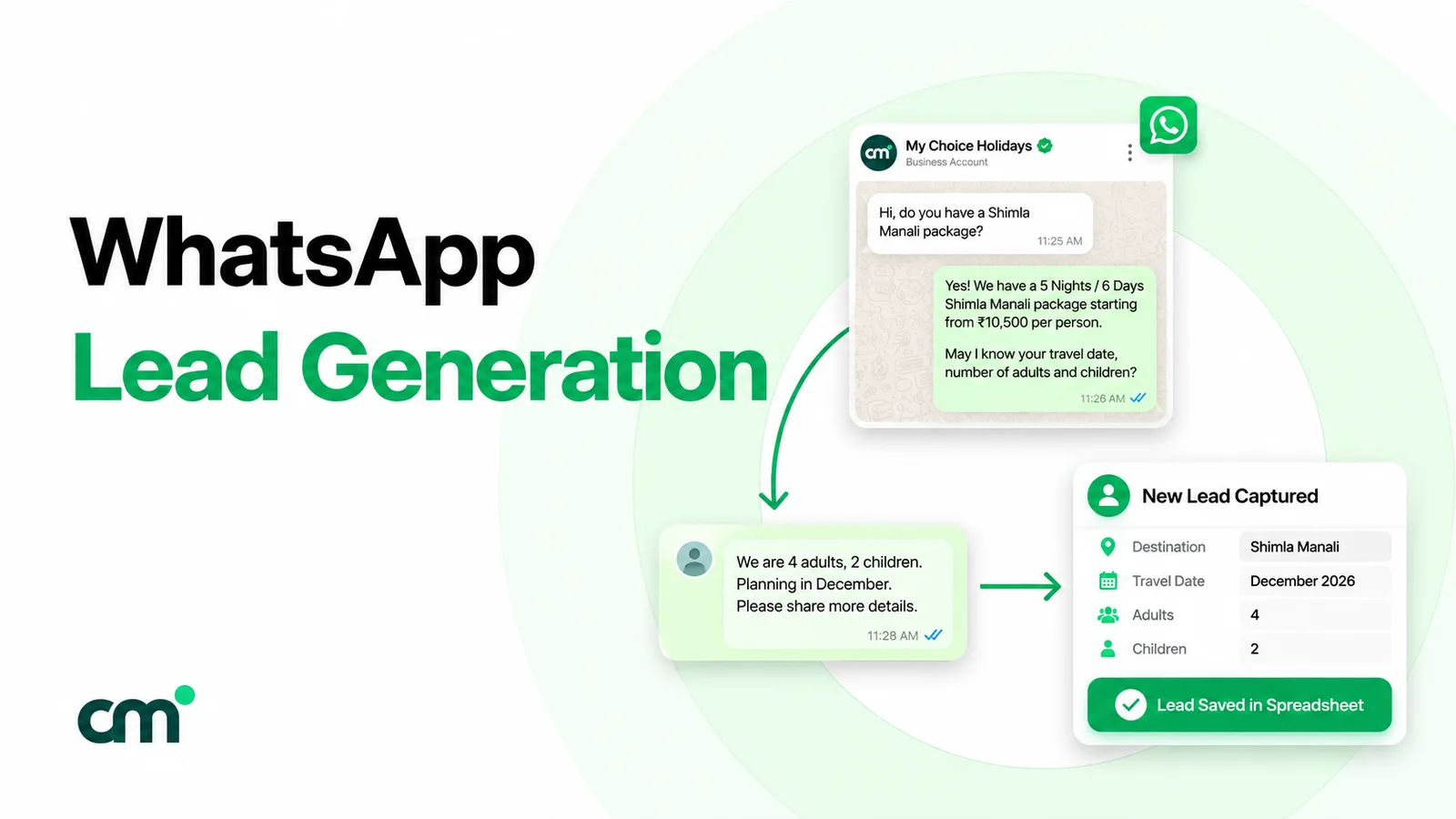
Getting the enquiry is lead generation, which our WhatsApp lead generation guide covers. Selling is what happens next. A buyer who has said “I need 40 cartons by the 20th” needs a clear answer, a price, a way to pay and someone who remembers to come back.
On WhatsApp, that stretch happens in one thread, in six steps:
- First reply. Acknowledge, show you read the question, and say what happens next.
- Discovery. A few questions that change the offer: quantity, deadline, budget, who decides.
- Offer. The quote, price list, product photos or catalog items, in a format the buyer can forward.
- Objections. Price, timing, trust. Answered in writing, so there is a record.
- Payment. A way to pay, a confirmation, and a receipt or invoice.
- Follow-up and reorder. Reminders, delivery updates and the next order.
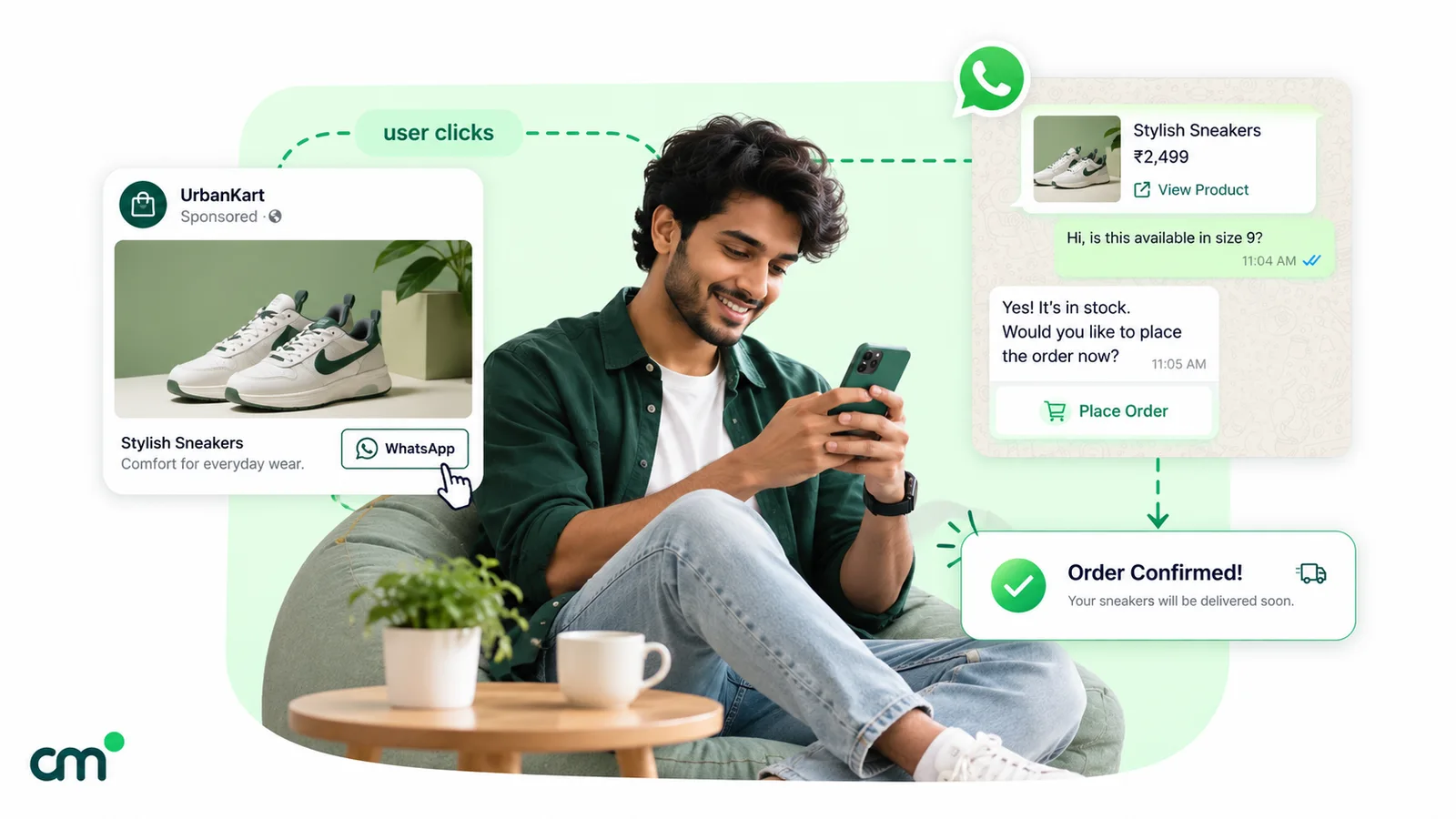
What you can send at each step depends on one timer. When a customer messages you, a 24-hour customer service window opens, and “if the user messages or calls you again before the timer expires, the timer resets to 24 hours” (Meta, send messages). While it’s open, you can send free-form text, files, voice notes and buttons. “When the window closes, you can only send pre-approved template messages.”
Business app or Business Platform for selling?
The free WhatsApp Business app is enough for a founder who sells alone. It has a catalog, a cart, labels and up to 50 stored quick replies (WhatsApp Help Center, quick replies). It allows “up to four linked devices and one phone at a time” (WhatsApp Help Center, linked devices).
A team outgrows it when more people need the number than the app’s devices allow, or when follow-ups must go out automatically as templates triggered from a sheet or another system. That needs the WhatsApp Business Platform, reached through a provider. You don’t have to give up the number buyers already know: Meta’s coexistence onboarding lets a business keep using the app on the same number while a provider adds the Platform, though broadcast lists are then disabled and the number’s API throughput is fixed at 20 messages per second. Our WhatsApp CRM software guide compares the app, WhatsApp-first inboxes and full CRMs with a WhatsApp connector.
WhatsApp sales best practices for 2026
If you only remember one table from this guide, make it this one. Each practice links to the section that explains it.
| Practice | Why it matters now | Details |
|---|---|---|
| Sell from one business number, not personal phones | The buyer relationship and quote history stay with the company when people leave | Sharing one number |
| Acknowledge every enquiry within minutes | Meta's own small-business guidance ties fast responses to conversion; a bot can acknowledge, a person should negotiate | Reply speed |
| Ask only questions that change the offer | Fewer messages before the price; a list or Flow can collect structured answers | Discovery |
| Send the offer as one forwardable document | In B2B, the person chatting often isn't the one who approves | Quotes |
| Settle open questions inside the 24-hour window | Free-form replies are allowed; since 1 October 2026 the first 1,000 a month per number are free, then charged | Follow-ups |
| Write templates for their honest category | A nudge is marketing at ₹0.8631 in India; a requested quote or payment reminder can be utility at ₹0.1150 | Categories |
| One useful follow-up, then stop | Per-user marketing limits and blocks punish chasing | Follow-up rhythm |
| Confirm payment in the bank or gateway | Forwarded screenshots are easy to fake | Payments |
| Count quotes and orders, not reads | Read receipts can be switched off, and a read is not a sale | Measurement |
| Check where your buyers' numbers are registered | Marketing templates aren't delivered to US (+1) numbers, so export sales teams need another channel for promotions | Limits |
Three things changed for WhatsApp selling in 2026, and they explain most of the “why now” column:
- Replies are no longer entirely free. From 1 October 2026, Meta gives each business phone number 1,000 free service messages a month; after that, replies inside the window are charged at the utility rate. For most small sales teams that’s still free, but a busy team should know its monthly reply volume.
- Ad-started chats get a longer free period. Meta’s pricing page now says the free entry point window for chats started from a click-to-WhatsApp ad “may extend up to 7 days”, up from the 72 hours many older guides still quote.
- More first replies come from AI. Meta said in July 2026 that more than 1 million businesses a week were using its Business Agents on WhatsApp and Messenger to talk to customers or complete sales. That makes the handover from bot to person a sales skill in its own right.
How fast should you reply to a sales enquiry?
Fast enough that the buyer is still holding the phone. Meta’s own guide for small businesses says “Leads that receive a response within minutes are significantly more likely to convert than those left waiting” and recommends quick replies and greeting messages to acknowledge every new chat (WhatsApp Business). Meta gives no minute count, so measure your own median reply time and shorten it.
Three habits help:
- Separate the acknowledgement from the answer. An automatic first reply can say “Thanks, Meena. We’ve got your question about the 5 kg packs. Arjun will reply with prices by 11:30.”
- Keep answers ready. Delivery areas, minimum quantities and payment terms belong in saved replies.
- Say when you’re closed. An away message with your hours beats silence.
The first human reply should answer the question, ask one or two questions that move the deal, and propose a next step. “Yes, we deliver to Vapi. For 40 cartons the rate is ₹1,250 per carton. Do you need all 40 on one date, or split?” beats “Please share your requirement.”
Letting a bot or AI agent answer first
A chatbot or AI agent is good at the first two minutes of a sale: acknowledging the enquiry at 11 pm, answering fixed questions (delivery areas, hours, minimum order, standard prices) and collecting the details your team needs. It is bad at the parts that decide the deal: custom prices, discounts, credit terms and anything the buyer is anxious about.
Draw the line in advance:
- Let the bot: greet, answer from an approved price list or FAQ, ask the discovery questions and tag the chat.
- Hand to a person when: the buyer asks for one, questions a price, mentions a large or repeat order, or the bot is unsure. Tell the buyer who is taking over and when.
- Never let it: invent prices or stock, promise delivery dates it can’t check, or keep replying after a salesperson has joined the chat.
Say clearly at the start that the first replies are automated. Buyers forgive a bot that admits it’s a bot far more readily than one that pretends to be Ravi from sales.
Which discovery questions should you ask in the chat?
Ask only what changes your offer. Put the questions in one numbered message so the buyer can answer in one reply (“1. 40 cartons 2. before the 20th 3. me”). On the Platform, a list message or a WhatsApp Flow (a short form inside the chat) can collect the same answers as taps, while the service window is open; our guide to WhatsApp interactive messages shows each format.
| Business | Questions that change the offer | What you send next |
|---|---|---|
| Distributor or wholesaler (B2B) | Which items and pack sizes? Quantity per order? Delivery city and date? Who approves the order? | A quote PDF with line items, validity date and payment terms |
| Caterer or event supplier | Event date and venue? Number of guests? Menu type (veg, Jain, mixed)? Budget per plate? | A menu with a per-plate price, the advance needed and a tasting or booking slot |
| Interior or furniture studio | Which rooms? Rough size? Material or finish preference? Target move-in date? | Two design options with an estimate and a site-measurement slot |
| Home services (repairs, cleaning, AMC) | What needs doing? Address or area? Preferred day and time? | A fixed price or a visit charge, and a booking slot |
| D2C brand | Which product or variant? Size or quantity? Delivery pincode? | Product photos or catalog items, total with delivery, and a payment option |
In B2B sales, “who approves the order?” matters as much as quantity: if the person chatting isn’t the one who pays, your quote must be easy to forward. Record the answers where the team can see them, usually as a stage tag (quote-sent) and custom fields or a note for quantity, city and deadline.
How to send quotes, price lists and product details on WhatsApp
Send the offer as something the buyer can keep and forward. On the Platform, a PDF, Word, Excel or PowerPoint file travels as a document message. Meta’s supported-media table allows documents up to 100 MB (Meta, supported media types), and a document caption can hold up to 1,024 characters (Meta, document messages).
A good WhatsApp quote has:
- A file name the buyer will recognise later:
Quote-Patel-Traders-40-cartons-Oct.pdf, notscan0042.pdf. - Line items, quantities, unit prices and a total in rupees.
- A validity date and your payment and delivery terms.
- A two-line caption that repeats the total and the next step.
Here is how the numbers might look for a snack distributor quoting a retailer:
| Line | Quantity | Rate | Amount |
|---|---|---|---|
| Namkeen, 5 kg pack | 40 cartons | ₹1,250 | ₹50,000 |
| Roasted chana, 2 kg pack | 25 cartons | ₹980 | ₹24,500 |
| Freight to Vapi | 1 | ₹1,800 | ₹1,800 |
| Total | ₹76,300 |
The caption: “Quote for 65 cartons, total ₹76,300, valid till 25 October. Reply OK to confirm and we’ll dispatch within two working days.”
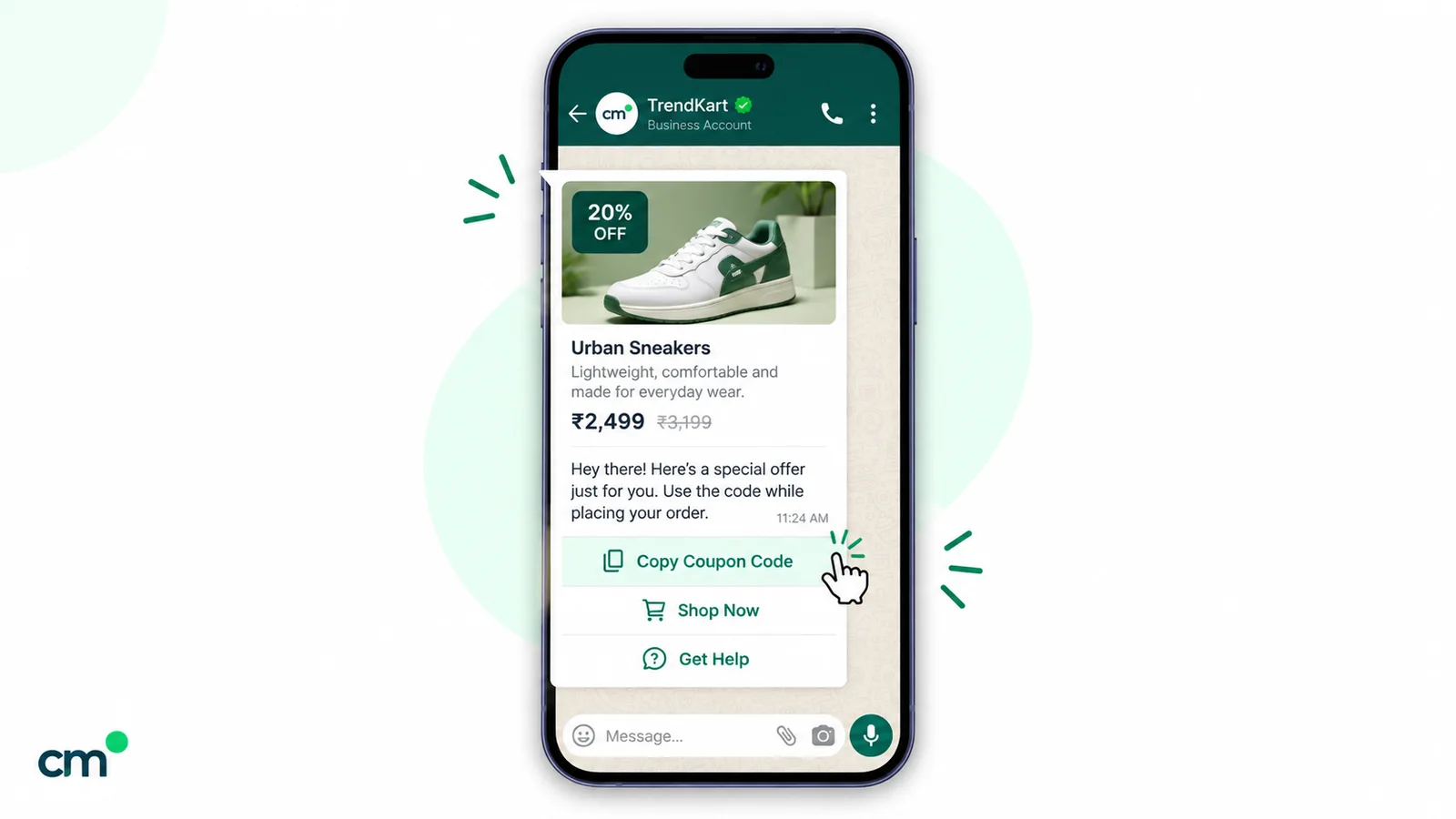
Price lists work the same way: one dated PDF, replaced when prices change. If you sell from a WhatsApp catalog, share the item itself so the buyer sees name, price and photos together; our WhatsApp Business catalog guide explains how catalogs, carts and product messages work. For when to use images, documents, audio or video, see ChatMitra’s guide to WhatsApp media messages.
Voice notes: when a recording helps
Some buyers prefer to listen, especially when the choice is complicated or they’re more comfortable in Hindi or Gujarati than written English. On the Platform, Meta distinguishes voice messages from basic audio files: “Voice messages require .ogg files encoded with the OPUS codec”, and they can show a transcript if the buyer has turned transcripts on (Meta, audio messages). Voice messages also report when the buyer first plays them.
Keep recordings under a minute and follow each one with a written summary of prices and dates. A voice note is easy to hear but hard to search or forward to an accounts team.
How to handle objections in a WhatsApp chat
Writing helps with objections: you have time to answer properly, and the buyer can reread the answer. Keep each reply to one point and end with a question.
| What the buyer says | What it usually means | A useful reply |
|---|---|---|
| "Too expensive" | The total is above budget, or the value isn't clear | Break the total into its lines, then offer a smaller pack, fewer items or an instalment plan. Ask which line matters most. |
| "Someone else quoted less" | They're comparing totals, not terms | List what your price includes: delivery, credit period, replacements. Ask to see the other quote's terms, not its price. |
| "Let me think" | Something is unclear, or someone else decides | Ask what they still need to decide, and offer to send a one-page summary for the decision-maker. |
| "Send details, I'll check later" | Low urgency | Send the details and ask when to follow up. That answer is your date. |
| "Is this genuine?" | Trust, often with a new supplier | Share your address and verifiable references, and offer a small first order. |
Don’t invent urgency. WhatsApp’s Business Messaging Policy says: “Do not confuse, deceive, defraud, mislead, spam, or surprise people with your communications.” A fake “only two left” can earn a block, and blocks can limit how many people you can message.
How to collect payment on WhatsApp in India
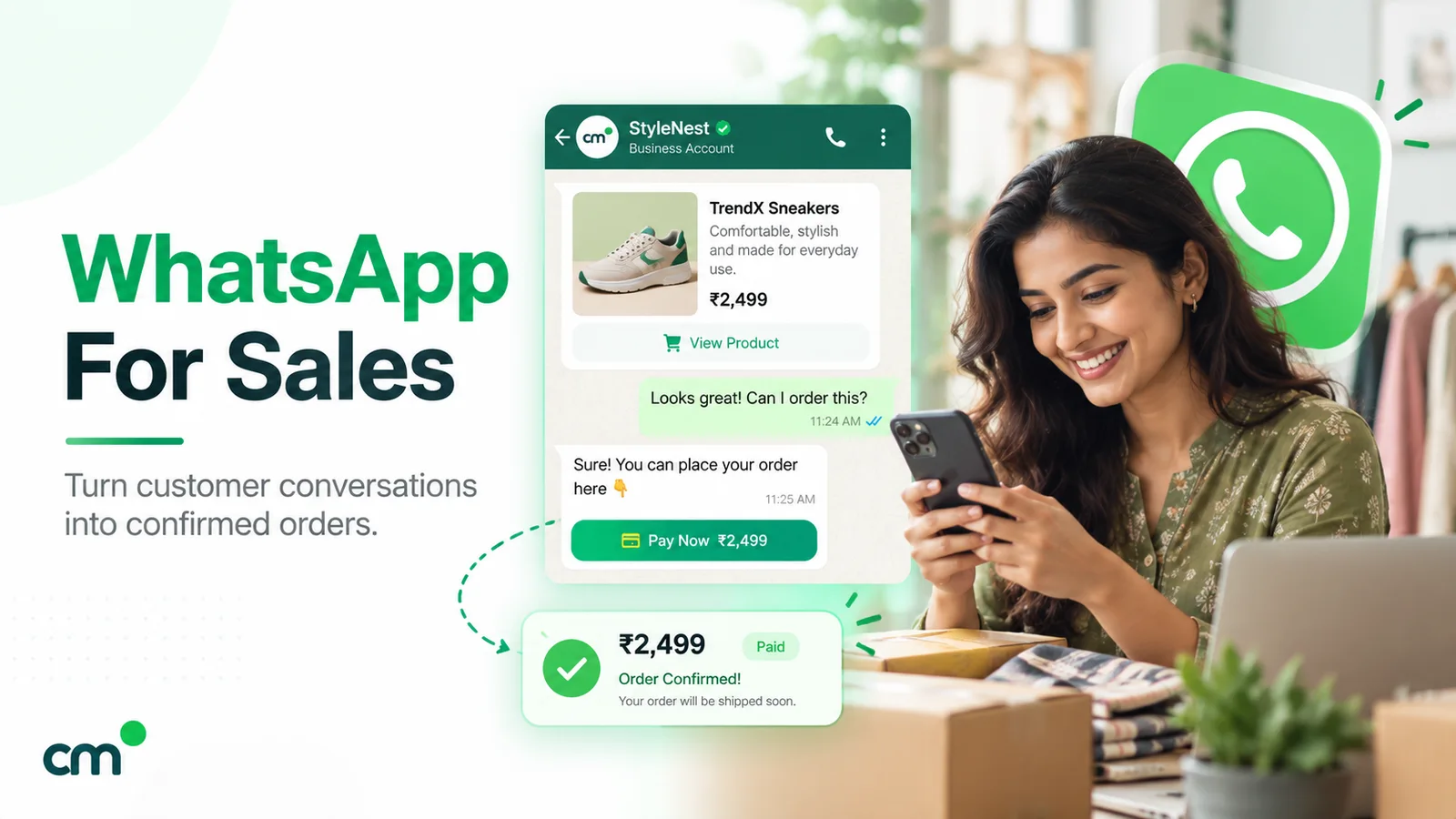
Once the buyer says yes, make paying the easiest step. There are three common routes:
| Method | How it works | Good for | Watch out for |
|---|---|---|---|
| UPI ID or QR code | Share your business UPI ID or QR image in the chat; the buyer pays from any UPI app and sends the reference | Small and one-off orders, local services | Match payments to orders by amount and reference, by hand |
| Payment link from your gateway | Create a link for the exact amount in your payment gateway's dashboard and paste it into the chat | Card, net banking and UPI in one link; B2B advances | Links can expire; confirm payment in the gateway, not from a screenshot |
| Meta's Payments API (India) | Your provider sends an order-details (invoice) message that the buyer pays from the chat | High volumes and fixed-price orders | Needs a provider and payment gateway that support it |
Meta’s India Payments API lets businesses “accept payments from your customers through all UPI apps installed on their devices and other payment methods such as cards, NetBanking, and wallets via WhatsApp”, using order-details messages. It has two models: UPI Intent mode, for “any payment gateway that supports UPI Intent generation”, and a deeper integration “currently supported for Razorpay, PayU, Billdesk, and Zaakpay only” (Meta, Payments API India). Ask your provider whether it supports this.
Whatever the route:
- Confirm the amount and what it covers in writing first.
- Check the payment in your bank or gateway, not from a forwarded screenshot.
- Send a receipt or invoice. On the WhatsApp Business app, WhatsApp says its order summary “is not a substitute for invoices, cash memo, bill, receipt, etc.” (WhatsApp Help Center, order details).
- Never ask for card numbers, CVVs or OTPs in a chat.
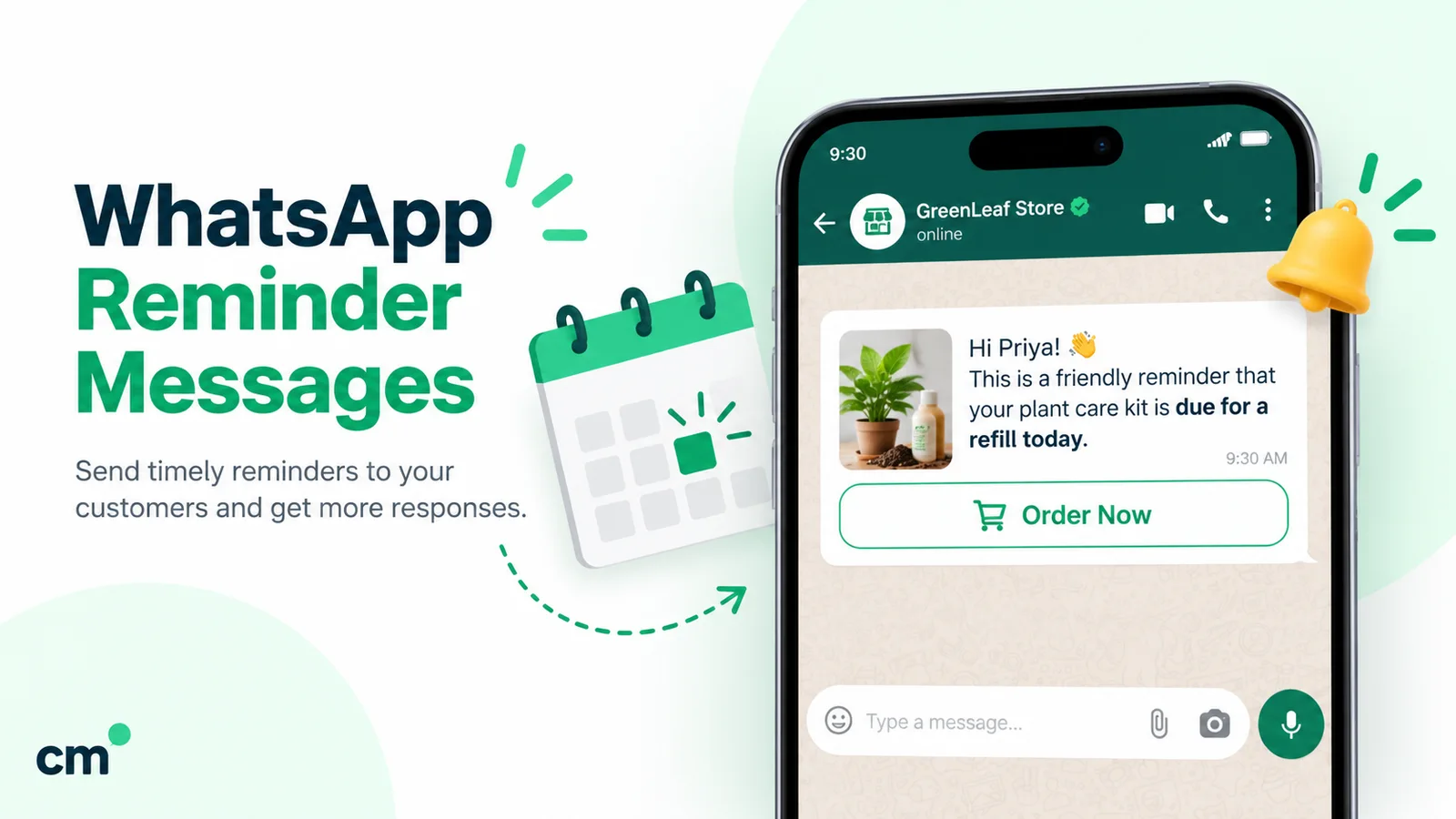
If an invoice is due later, a factual, non-promotional payment reminder usually qualifies as a utility message. Our guide to WhatsApp reminder messages covers the wording and timing.
How to follow up: inside the 24-hour window and after it
Follow-ups fail in two ways: nobody sends them, or they go out after the window has closed as a template that costs more and reads like an advert.
Inside the window: follow up freely
While the buyer’s last message is less than 24 hours old, you can send anything: a revised quote, a photo, a voice note, a question. Since 1 October 2026 these free-form replies are billable service messages, but “each business phone number has one shared free tier of 1,000 delivered service messages per month”, and after that India’s rate is ₹0.1150 each (Meta pricing).
So end your offer with a question that’s easy to answer: “Shall I block 40 cartons for the 18th?” A reply resets the 24-hour timer.
After the window: only templates, and wording decides the category
After the window closes you need an approved template, and Meta sorts templates into marketing, utility and authentication. The template categorisation guidelines (updated 15 September 2026) set two tests for utility. A utility template “must be non-promotional, not containing any promotional or persuasive intent” and must be “specific to or requested by the user (clearly related to their order, account, services, or transactions)” or essential to them.
That splits sales follow-ups like this:
| Follow-up | Example wording | Likely category |
|---|---|---|
| Revised quote the buyer asked for | "As requested, here is the revised quote for order {{1}}: {{2}} cartons, total ₹{{3}}, valid till {{4}}." | Utility, if Meta agrees it is specific, requested and non-promotional |
| Order confirmation | "Your order {{1}} for {{2}} is confirmed. Dispatch date: {{3}}." | Utility (Meta's order-management examples) |
| Payment due | "Invoice {{1}} for ₹{{2}} is due on {{3}}. Pay here: {{4}}." | Utility (Meta lists a payment reminder as an account alert) |
| Nudge on a pending quote | "Did you get a chance to review our quote? Shall we go ahead?" | Marketing (persuasive) |
| Order update with an offer | "Order {{1}} has shipped. Use code EXTRA5 on your next order." | Marketing (mixed content) |
| Restock or reorder prompt | "Time to restock? Reply YES and we'll repeat your last order." | Marketing (promotes a new purchase) |
Meta lists “Templates with mixed content (for example, both utility and marketing, such as an order update with a promo or a feedback survey with promotional content)” as marketing, and says retargeting messages “are marketing even if requested by users”. Meta makes the final call: since April 2025 a template submitted as utility that Meta judges to be marketing is approved as marketing, and a business that keeps mislabelling can face escalating restrictions on its utility templates.
In India since 1 October 2026, a delivered marketing template costs ₹0.8631 and a utility template ₹0.1150 in Meta charges, per Meta’s INR rate card. For the full rate table and worked examples, see our guide to WhatsApp Business cost per message, and for plain-language category examples, ChatMitra’s marketing, utility and authentication guide.
One exception helps ad-driven sales: if the buyer first messaged you from a click-to-WhatsApp ad, using WhatsApp on Android or iOS, and you reply within the 24-hour customer service window, a free entry point window opens. Meta’s pricing page (updated 28 September 2026) says: “All messages are free within the free entry point window that may extend up to 7 days.” Many older guides still say 72 hours; follow Meta’s current page. Our click-to-WhatsApp ads guide covers the setup.
Per-user marketing limits: why chasing harder can backfire
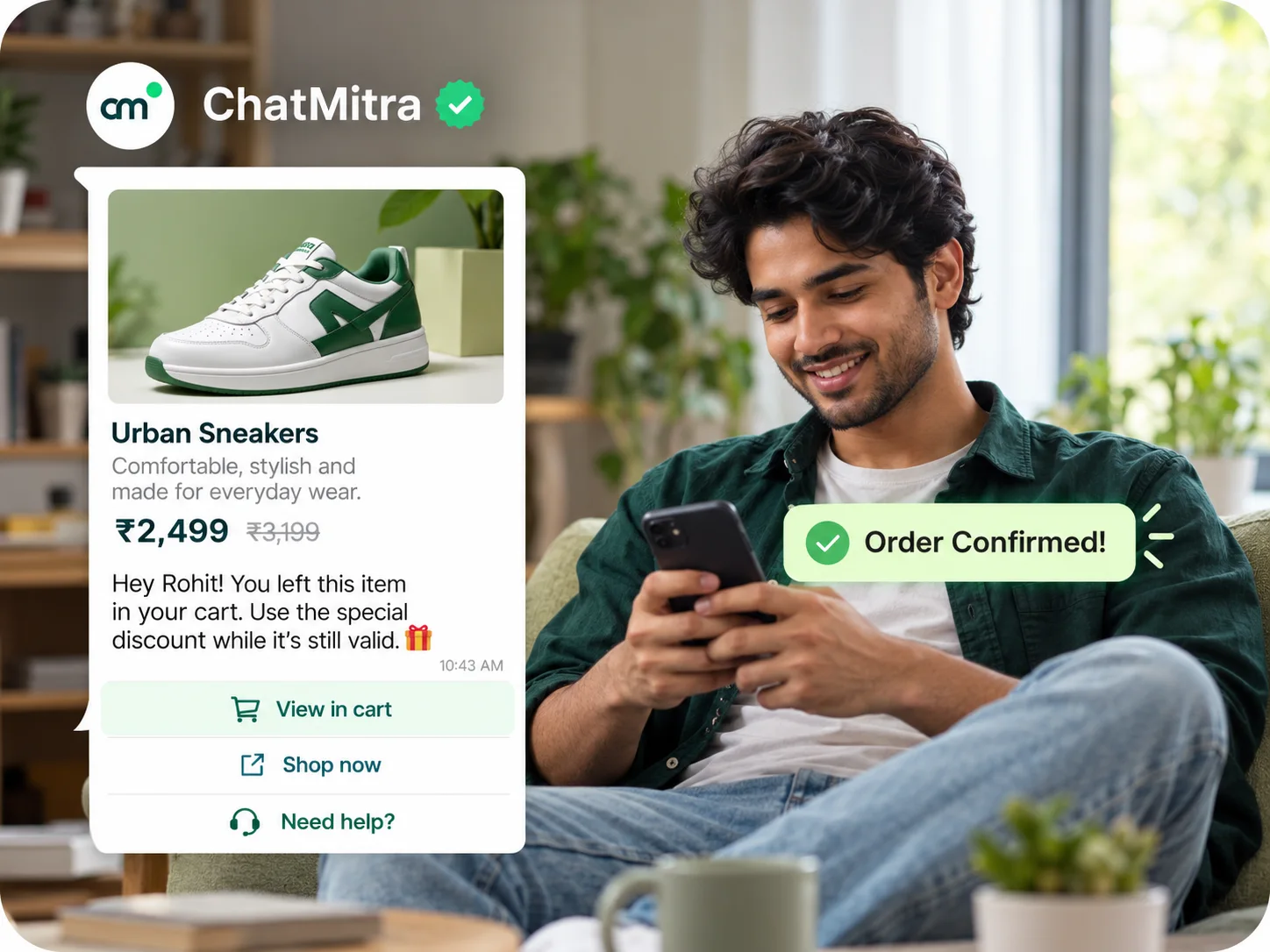
Meta also caps how many marketing templates each person receives. In its words, WhatsApp “may limit the number of marketing template messages a WhatsApp user receives from any business in a given period of time when they are less likely to be receptive”, judged partly by “an individual’s recent marketing message read rate” (Meta, per-user marketing limits). Blocked sends fail with error 131049, and Meta asks you to “wait at least 24 hours before resending”. Separately, Meta doesn’t currently deliver marketing templates to US (+1) numbers at all.
The practical rule: once the buyer replies, a new 24-hour window opens, and “Marketing messages sent within this window do not count towards the limit.” Every marketing template delivered outside a window counts, so five unanswered nudges can use up the cap, while a conversation the buyer keeps alive costs nothing against it.
A follow-up rhythm that sells without nagging
- Day 0, inside the window: send the quote, then one clear question.
- Same day or next morning, still inside the window: answer anything open, add one useful item (a delivery date, a sample photo), and ask again.
- After the window closes: one template. Utility if it delivers something the buyer asked for, marketing if it is a nudge.
- Three to five days later: at most one more marketing template, ideally with new information such as a price change or stock arrival.
- Then stop. Tag the chat
quote-lostornurture, and include it in broadcasts only if the buyer opted in to updates. Our WhatsApp opt-in guide covers what counts as opt-in and how to honour opt-outs.
Reorders, upsells and repeat sales
Repeat buyers already trust you, and the chat history shows what they bought, how much and when.
B2B reorders. Retailers tend to reorder on a rhythm. Keep each one’s last order date in a spreadsheet or billing system and send a reorder prompt a few days before they usually run out. It asks for a new purchase, so budget it as marketing. If the buyer replies “same as last time”, the rest of the order happens in free-form messages.
Price-list updates. When rates change, send the new PDF to the retailers it applies to, using a template with a document header, and exclude anyone who has opted out.
B2C repeat sales. The same pattern works for a D2C brand’s 30-day refill, a coaching institute’s advanced batch or a home-services company’s annual maintenance visit.
Upsells. Keep them out of utility messages: an order confirmation with “you may also like” becomes a marketing template. Send the suggestion separately.
Here is what a month might cost for a distributor with 300 active retailers in India, using Meta’s rates since 1 October 2026:
| Item | Assumption | Meta charge |
|---|---|---|
| Reorder prompts | 300 retailers × 2 marketing templates = 600 × ₹0.8631 | ₹517.86 |
| Price-list update | 300 marketing templates × ₹0.8631 | ₹258.93 |
| Order confirmations and payment reminders | 250 orders × 2 utility templates = 500 × ₹0.1150 | ₹57.50 |
| Replies inside the window | 3,000 service messages: first 1,000 free, 2,000 × ₹0.1150 | ₹230.00 |
| Meta total | ₹1,064.29 |
Provider fees come on top and vary by model. As one example, ChatMitra’s Starter and Pro plans add ₹0.20 per contact per 24-hour conversation, so 1,500 contact-conversations in the month would add ₹300 on Starter. According to ChatMitra’s pricing page, Pro costs ₹999 a month, adds Auto Reply, the AI chatbot, API access and webhooks, and includes 1,000 free messaging credits a month (one credit is ₹0.20), which would cover 1,000 of those fees.
How can a sales team share one WhatsApp number?
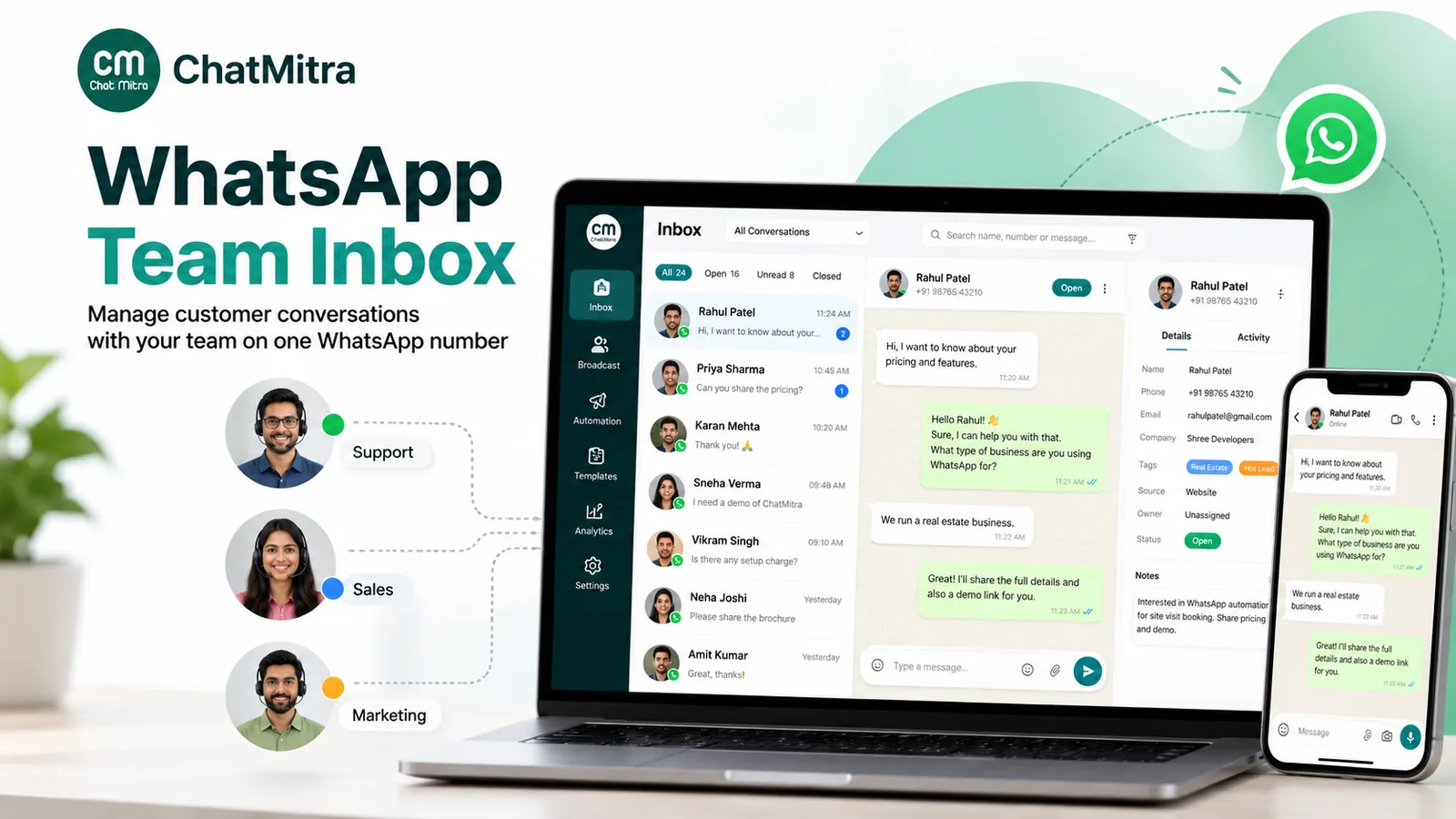
Many sales teams sell from personal numbers, and when a salesperson leaves, the buyers and quote history leave on their phone. One business number keeps the relationship with the company.
On the WhatsApp Business app, one phone plus up to four linked devices can use the number. Linked devices have gaps: WhatsApp’s help page lists “creating and viewing broadcast lists on linked devices” among features not currently supported, and linked devices log out “if your phone is unused for over 14 days”. WhatsApp’s paid multi-agent feature allows up to 10 devices and lets you assign chats to sales agents, but the device count depends on your Meta Verified or Meta One subscription, and WhatsApp says the premium version “may not be available to you yet”.
On the WhatsApp Business Platform, a shared inbox lets many people work the same chats. Then ownership and handover matter:
- Who owns this buyer? Some tools assign chats to salespeople automatically. If yours doesn’t, use a tag per owner (
owner-ravi,owner-sana) and filter the chat list by it. - What was promised? Keep quantities, prices and dates in a note or custom field.
- What does everyone say? Shared saved replies keep terms, bank details and delivery areas consistent. If yours stores text only, as ChatMitra’s does, attach files separately.
- Who sees what? Give salespeople the inbox and contacts; keep billing, exports and settings with an admin.
Review open chats daily: a quote-sent chat with no reply for two days needs a decision.
How to measure sales from WhatsApp honestly
Read and delivery counts tell you a message arrived, not that it sold anything. Sales measurement needs three counts you create yourself:
- Enquiries: new sales chats in the period (tag them
enquiry-octon first reply). - Quotes: chats where you sent a price (
quote-sent). - Orders: chats that paid (
won-oct), with the order value in a custom field or your billing sheet.
A worked example with illustrative numbers: 180 enquiries in October, 64 quotes and 22 orders worth ₹8,40,000 give a quote rate of 35.6% (64 ÷ 180), a close rate of 34.4% (22 ÷ 64) and an average order of ₹38,182. Track the same counts monthly and by source to see where deals stall.
Be careful with broadcast reports: a read is not a reply, and a reply is not an order. Some tools report replies or clicks per campaign; others, ChatMitra included, show sent, delivered, read and failed counts while replies arrive in the inbox. Tag the replies and orders a campaign produces, and compare those.
Selling on WhatsApp without the API
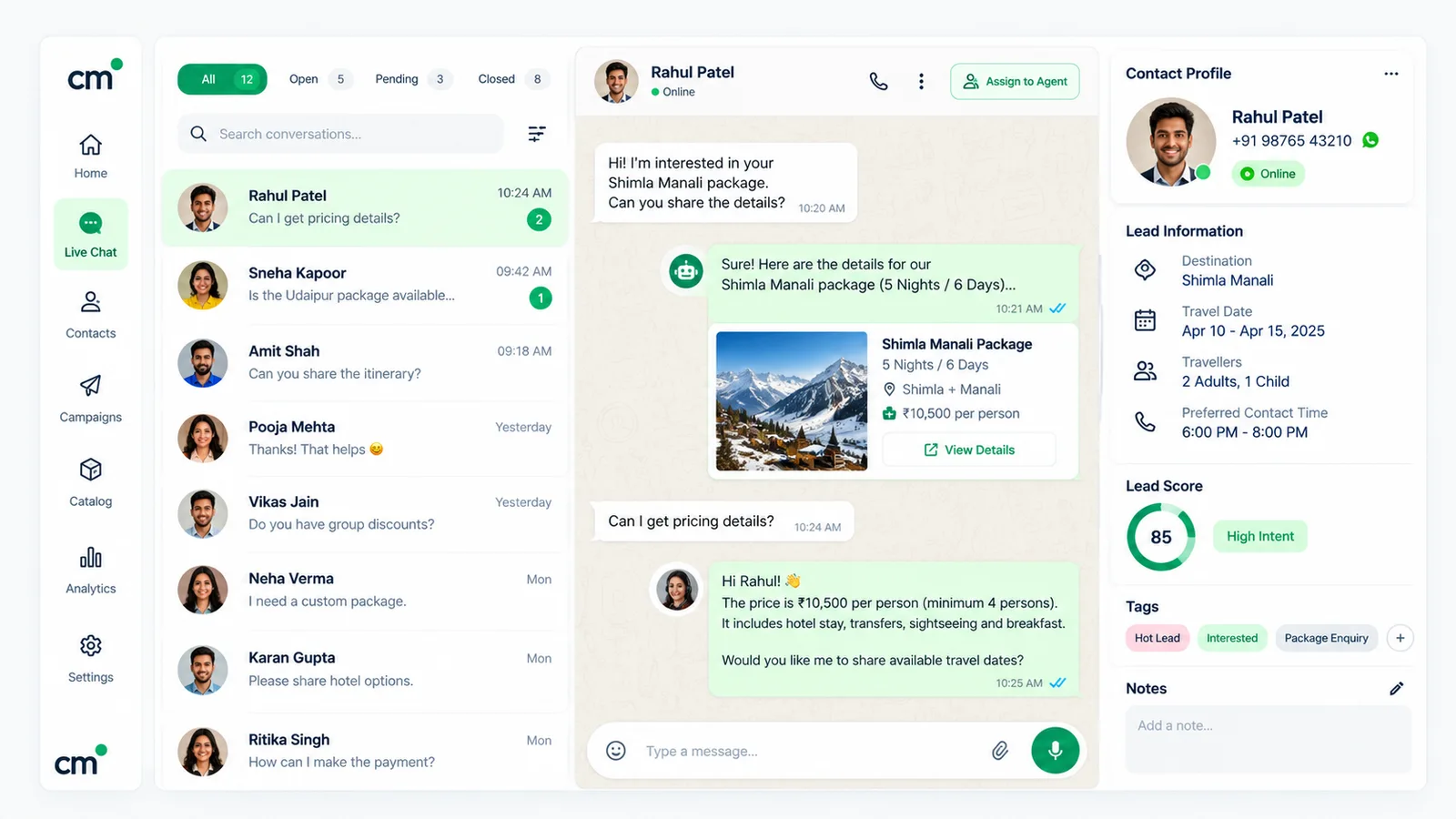
Many people searching for “WhatsApp selling” are small sellers and home businesses using the Business app alone. At low volume that works:
- Catalog and cart. List products with photos and prices. Customers can add items to a cart and “send the items in their cart to your business account as a WhatsApp message” (WhatsApp Help Center, cart), so the order arrives as a message you can confirm.
- Quick replies. Save prices, delivery charges and payment details as shortcuts you pull up with ”/”.
- Labels or lists. Mark chats as new order, awaiting payment, paid and delivered.
- Status. Share new arrivals as Status updates; our WhatsApp Status marketing guide covers who sees them and what to post.
Don’t add people to groups without permission or message bought lists: WhatsApp’s policy allows contact only when people “have given you their mobile phone number” and opted in.
Where ChatMitra fits for sales, and where it doesn’t
ChatMitra is a WhatsApp Business Platform tool for one shared number. Here is how it maps to the steps above:
| Sales need | ChatMitra |
|---|---|
| Shared inbox for a sales team on one number | Yes, on the web and the Android app, with roles and permissions |
| Send quotes, price lists, photos, video, audio files and locations from a chat | Yes, from the web inbox |
| Template after the window closes, from the same chat | Yes, including templates with a document header |
| Stage and owner tracking | Tags, custom fields and one internal note per contact |
| Saved replies for terms and delivery details | Yes, text only, inserted with "/" |
| Reorder prompts on a schedule | Yes, a Google Sheets automation can send a template a set number of days after a date in your sheet. It sends once, on that day, not repeatedly, and it compares only the day and month of a sheet date, so update the last-order date after every order |
| Price-list broadcasts to a segment, and follow-up to those who read | Yes, broadcasts include or exclude tags and can retarget by sent, delivered, read or failed |
| A bot for first replies outside working hours | Yes, on the Pro plan (per the pricing page): keyword auto-replies, an away message and an AI chatbot that uses your own AI provider's key. An agent can take over a chat and the bot stops replying; there is no automatic "talk to a human" trigger, so tell buyers how to reach a person |
| Deal stages, pipeline board or forecasting | No |
| Automatic chat assignment or round-robin | No |
| Payment links or WhatsApp payment requests | No. Paste a link or UPI details from your gateway or bank |
| HubSpot, Zoho or Salesforce connector | No. Webhooks and an API (Pro plan, per the pricing page) can feed your own systems through a developer |
If your sales process runs on stages, forecasts and automatic routing, a pipeline CRM with a WhatsApp connector fits better. ChatMitra suits teams that sell mainly in the chat and want a shared number, templates, tags and scheduled messages. The Google Sheets automation page shows the date and schedule triggers, and the saved replies feature page shows how shortcuts work.
Common WhatsApp sales mistakes
- Selling from personal numbers. The history leaves when the salesperson does.
- Sending the quote as ten messages. Buyers can’t forward it to whoever approves it.
- Letting the window close on an open question. Answer and follow up while free-form replies are still allowed.
- Labelling nudges as utility. Meta recategorises them, and repeated misuse can bring restrictions.
- Chasing with five marketing templates. Per-user limits and blocks work against you. One useful follow-up, then stop.
- Upselling inside order updates. It turns a ₹0.1150 message into a ₹0.8631 one.
- Trusting payment screenshots. Confirm in the bank or gateway.
- Counting reads as results. Count quotes and orders by tag instead.
Where to start
Move sales chats to one business number, write five saved replies (prices, terms, delivery, payment details, hours), create three tags (quote-sent, won, lost) and review open quotes daily. After a month, automate the step where deals stall. If you want a shared inbox, templates, tags and scheduled reorder messages on one official number, compare ChatMitra’s plans. For where sales fits alongside broadcasts, Status and other channels, read our WhatsApp marketing strategy guide.
Sources: Meta for Developers (send messages, pricing (updated 28 September 2026, including the free entry point window and service-message free tier) and the India rate card effective 1 October 2026, onboarding WhatsApp Business app users (coexistence), interactive messages and Flows, template categorisation, per-user marketing limits, supported media types, document and audio messages, Payments API India), WhatsApp Business (lead generation strategies), WhatsApp Help Center (quick replies, linked devices, multi-agent, cart, order details), the WhatsApp Business Messaging Policy and Meta's Q2 2026 earnings call (Business Agents). Facts checked against Meta's and WhatsApp's documentation on 25 September 2026; updated 30 September 2026.