Telecom operators use WhatsApp for the conversations that fill their support queues: “my plan expires tomorrow, how do I pay?”, “is the internet down in my area?”, “when is the technician coming?” and “please send my bill”. For an internet service provider, broadband reseller or cable operator, those questions repeat every month for every subscriber. That makes them easy to plan for: approved templates for renewals, outages and visits, a chatbot that answers the routine questions, and a shared inbox where the support team handles the rest. This guide walks through each use case, the WhatsApp and Indian rules that apply, sample messages, and what it costs for a 2,000-subscriber ISP.
Using ChatMitra?
Connect your support number, create utility templates for renewal, payment, outage and visit messages, and import subscribers with their area and expiry date as attributes. Send outage alerts to one area's tag, run renewal reminders from a Google Sheet, and on Pro let the chatbot check a subscriber's status through your billing system's API. The step-by-step setup is further down.
Key takeaways
- Plan by subscriber lifecycle. Connection, installation, billing, faults, outages and renewal each need their own messages.
- Most telecom messages are utility. Reminders, receipts, outage notices and visit updates stay cheap if they contain no offers.
- Warn before they call. An outage alert to the affected area prevents a wave of identical complaints.
- No ID numbers in chat. Collect KYC through a secure form link.
- Always offer a person. Bots should answer the routine questions and hand over everything else.
Why telecom support fits WhatsApp
Telecom support has an unusual shape. A handful of questions make up most of the volume, they arrive in predictable waves (around renewal dates and during outages), and most of them can be answered with information you already hold: the plan, the expiry date, the last payment, the open fault. Answering those by phone means an IVR menu, a queue and an agent reading the same screen for every caller.
WhatsApp changes three things:
- The subscriber can ask without waiting. A message sits in the queue while the customer gets on with their day, and one agent can work several chats at once.
- You can reach subscribers first. A reminder before expiry or an alert during an outage answers the question before it’s asked.
- Answers can carry what a call can’t: a payment link, a PDF invoice, a photo of the router’s lights, the technician’s name.
This isn’t only for large carriers. Jio launched a WhatsApp number in 2021 for recharges, Jio Fiber support and roaming queries (Business Today), and ISP billing platforms such as Splynx now offer WhatsApp for billing reminders, outage notices and tickets (Splynx). The playbook below is written for the operators in between: regional ISPs, fibre resellers, local cable and broadband operators (LCOs), DTH and recharge dealers, and the support teams of telecom retailers.
Where WhatsApp doesn’t fit
Be honest about the limits before you move your support. WhatsApp needs a working data connection, and the subscriber reporting “no internet” may have no mobile data either. Keep a phone number for urgent faults and print it in every outage message. Some subscribers, often older ones, prefer to call, and WhatsApp should be an option rather than the only door. And WhatsApp is not a billing system: invoices, payments and reconciliation stay in your billing software, which sends the messages through WhatsApp.
Before you start: your number, consent and the rules
Choose the number subscribers already know
If your support number is printed on bills, routers and the van, connect that one to the WhatsApp Business Platform (the API) so subscribers don’t have to learn a new number. It can’t stay active as a normal WhatsApp account on a phone at the same time unless you use Meta’s coexistence option with the WhatsApp Business app. A regional operator with separate teams for each city can connect one number per city.
Consent
WhatsApp’s Business Messaging Policy says you may message people only if they gave you their number and “opt-in permission from the recipient confirming that they wish to receive subsequent messages or calls from you” (WhatsApp Business Messaging Policy). The cleanest place to collect it is the connection form: a tick box that says the subscriber agrees to receive service updates (bills, renewals, outages, visits) on WhatsApp, and a separate one for offers. For existing subscribers, ask in the next bill or the next support chat. Our WhatsApp opt-in guide has wording you can adapt.
Under India’s Digital Personal Data Protection Act 2023, consent should also be specific and easy to withdraw, so honour “stop” requests promptly. WhatsApp’s policy requires the same: you “must respect all requests (either on or off WhatsApp) by a person to block, discontinue, or otherwise opt out.”
TRAI’s DLT rules don’t cover WhatsApp
Telecom teams know TRAI’s commercial-communication rules well, because their own SMS runs through DLT registration. Those regulations (TCCCPR 2018 and its amendments) cover calls and SMS over telecom networks. The 2025 amendment left out OTT apps such as WhatsApp and Telegram, which telecom operators objected to (Inc42). WhatsApp templates aren’t DLT-registered. Instead, Meta reviews each template, assigns its category and enforces its own policy, so spam complaints on WhatsApp hit your number’s quality rating rather than a DLT header.
Keep KYC out of the chat
New connections need subscriber verification, and it’s tempting to say “send your Aadhaar photo on WhatsApp”. Don’t. WhatsApp’s policy says: “Don’t share or ask people to share full length individual payment card numbers, financial account numbers, personal ID card numbers, or other sensitive identifiers.” Send a link to your own secure verification form, or collect documents at installation, following the process your licence or partner operator requires. The chat can confirm that the form was received.
Give people a way to a human
If a bot answers first, WhatsApp requires “prompt, clear, and direct escalation paths”, such as handing over to an agent or giving a phone number. In telecom this matters doubly: a subscriber with a dead line who gets stuck in a menu will call anyway, angrier.
The subscriber lifecycle on WhatsApp
Map your messages to the stages a subscriber goes through. Each row below is a template or a conversation, with the system that triggers it.
| Stage | Message | Who starts it | Category |
|---|---|---|---|
| Enquiry | Plans, coverage at an address, installation charge | Prospect (ad, QR code, website button) | Service replies |
| New connection | Order confirmation, KYC form link, visit slot | Your system | Utility |
| Installation | Technician assigned, on the way, installation done | Field team or system | Utility |
| Billing | Invoice, payment receipt | Billing system | Utility |
| Renewal | Expiry reminders, grace-period notice, suspension notice | Billing system or sheet | Utility |
| Faults | Complaint, ticket number, resolution | Subscriber, then your team | Service, then utility |
| Outages | Outage alert, update, restored | Network operations | Utility |
| Growth | Speed upgrade, OTT add-on, referral, win-back | Marketing | Marketing |
“Service replies” means your free-form answers inside the 24-hour window that opens when the subscriber messages you. Outside that window, you can only start a conversation with an approved template.
Use case 1: Renewal and recharge reminders
For a prepaid broadband or cable subscriber, a missed renewal means a disconnection, a reconnection call and sometimes a lost customer. Renewal reminders are the highest-value WhatsApp message most ISPs can send.
A schedule that works
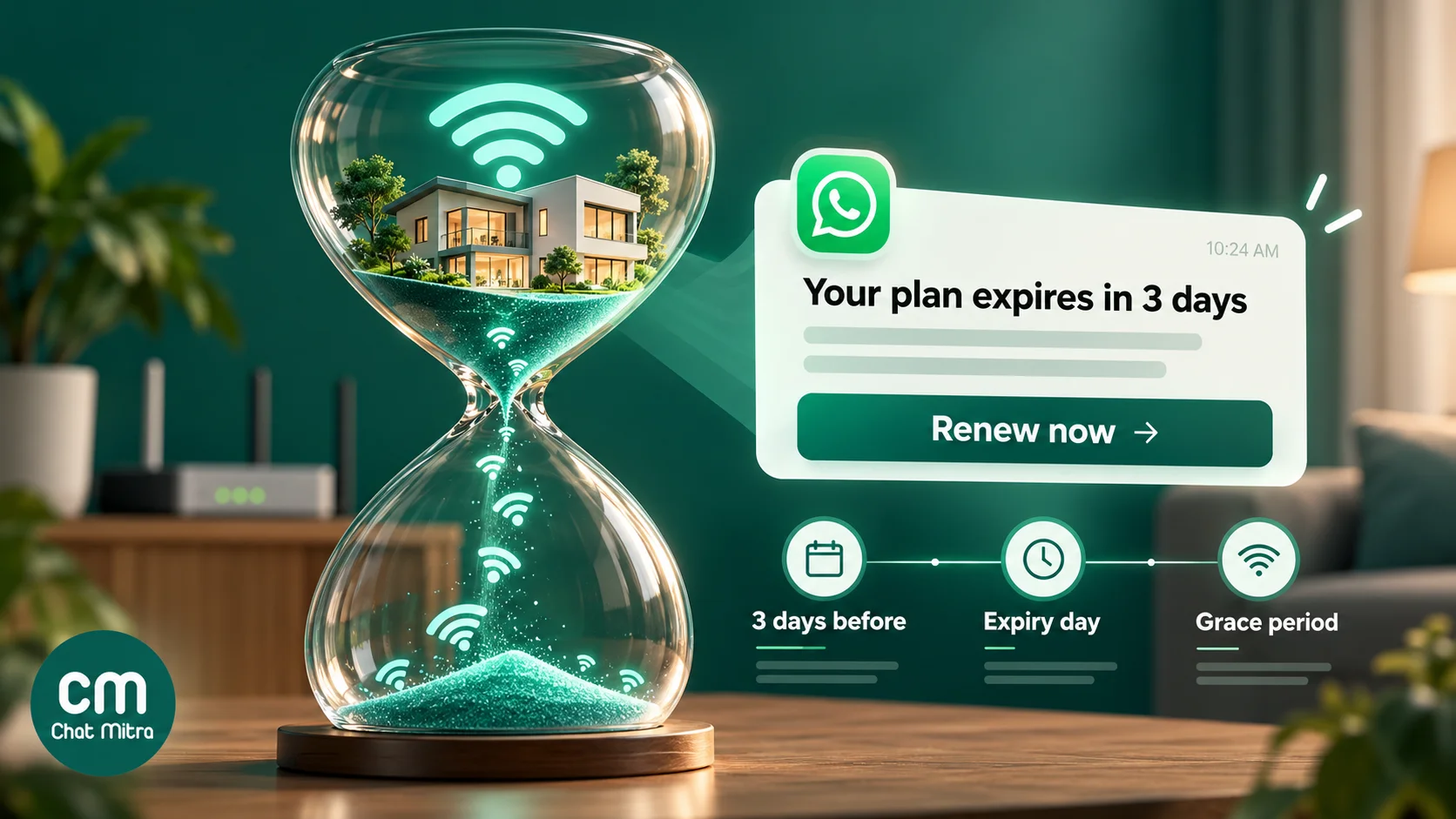
A simple, polite sequence:
- Three days before expiry: plan name, expiry date, amount and a pay button.
- On the expiry day, to those who haven’t paid: a shorter reminder that the plan ends today.
- During the grace period, if you offer one: the date service will be suspended.
- After payment: a receipt with the new expiry date.
Stop the sequence for anyone who has paid. The usual mistake is sending the expiry-day reminder to everyone because the sheet wasn’t updated, so a subscriber who paid yesterday gets “your plan expires today” and calls to complain. If you export renewal dates to a sheet, export the payment status too and check it before each send.
Sample renewal template
Hi {{1}}, your {{2}} broadband plan expires on {{3}}. Renew for ₹{{4}} to stay connected without interruption. Account ID: {{5}}.
[Pay now] (URL button with the subscriber’s payment link) [Talk to support] (quick reply)
This is a utility template: it’s about the subscriber’s own account, it’s non-promotional, and Meta lists “account balance updates and payment reminders” among its utility examples (Meta template guidelines). Don’t add “upgrade to 200 Mbps for just ₹100 more” to it. Meta classifies templates with mixed content as marketing, so the reminder would cost about seven times as much and fall under marketing limits.
The payment link comes from your billing system or payment gateway. Put the variable part of the link in the URL button so each subscriber gets their own. Our guide to WhatsApp payment links covers the options, and the WhatsApp reminder guide goes deeper on reminder schedules and wording.
Postpaid bills
Postpaid works the same way with different triggers: the bill is ready (with the PDF as a document header), the due date is near, and the payment is received. Send the bill as its own utility message rather than squeezing it into a reminder.
Use case 2: Outage and maintenance alerts
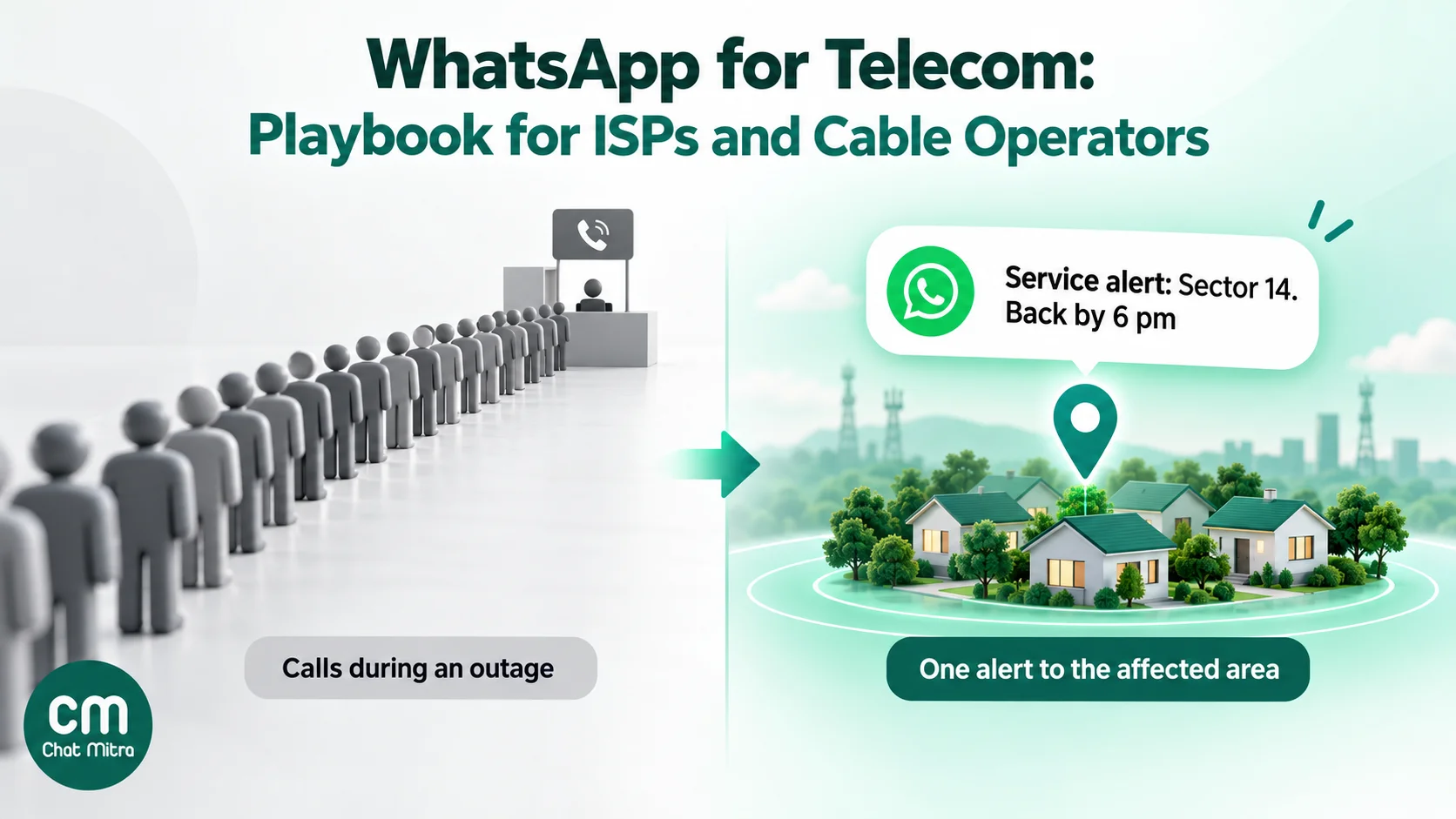
When a fibre cut takes down a neighbourhood, every affected subscriber reaches for the phone at the same moment. Most of them want the same three facts: do you know, what’s affected, and when it’ll be back. A WhatsApp alert sent to the affected area in the first few minutes answers all three before the calls start.
Target the area, not the whole base
An alert sent to all subscribers when only one area is down creates confusion and complaints from people whose service was fine. Tag each subscriber with the smallest unit your network team works with (an area, a building, a street cabinet or an OLT port) when you import them. Then send the outage template as a campaign to that tag only.
Three messages per incident
- Alert: what’s affected, that the team is working on it, an estimated restoration time if you have a realistic one, and a phone number for urgent issues.
- Update, only if the estimate changes significantly.
- Restored: service is back, what to do if it isn’t (restart the router), and how to reach support.
Sample alert:
Service alert for {{1}}: internet service in your area is interrupted because of {{2}}. Our team is working on it, and we expect service to be back by {{3}}. You don’t need to raise a complaint. For urgent help, call {{4}}.
Meta names “system outage alerts” as a utility example, so this is a utility template as long as it carries no offer. Don’t promise a time you can’t meet; it’s better to say “within 4 hours” and send an early “restored” than to miss a precise time. For planned maintenance, send the notice a day ahead with the window.
If an outage lasts long enough that subscribers lose real value, a follow-up apology with any credit you’re giving is worth sending. Our apology message examples include outage wording.
Use case 3: Fault tickets and “my internet is slow”
Most fault chats start with the same few complaints: no internet, slow speed, Wi-Fi dropping, TV channels missing. A first-line chatbot can sort them before a person gets involved:
- Check for a known outage. If the subscriber is in an area with an open incident, say so and stop there.
- Offer the simple fixes: restart the router, check the cable, move closer to the router for Wi-Fi.
- Ask for evidence: a photo of the router’s lights or a speed-test screenshot, which saves the technician a diagnostic call.
- Create a ticket and hand over to a person, with the ticket number in the reply.
Keep the bot short. Three steps before a human is enough; a subscriber with a dead line has no patience for a ten-level menu. Always include a “talk to support” button at every step.
After the ticket is resolved, close the loop with a utility message (“Your complaint {{1}} has been resolved. Reply here if the problem continues.”). If you ask for a rating, keep it to a single question and don’t attach an offer, which would make the message marketing.
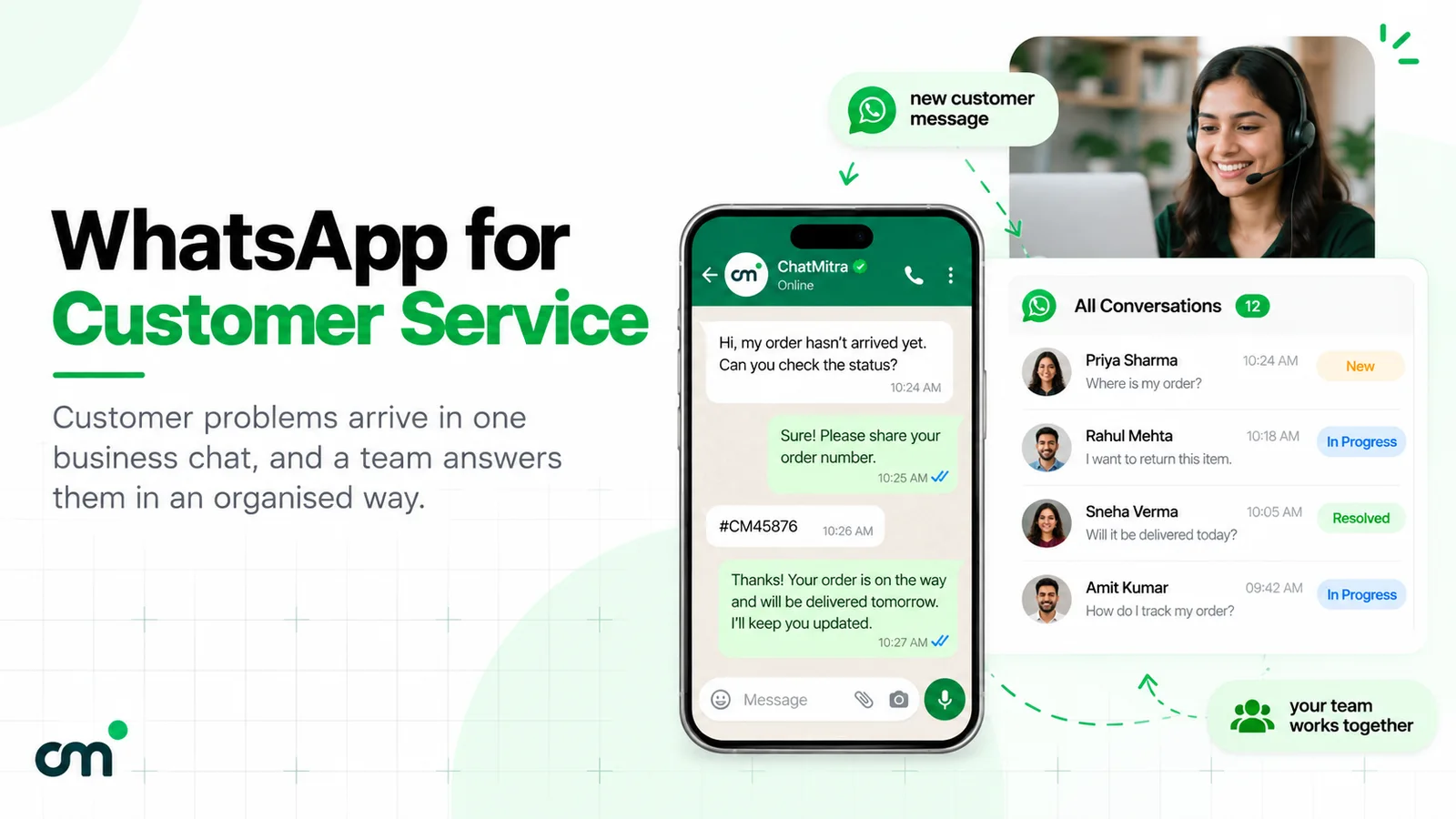
For a broader look at running support on WhatsApp, including measurement and staffing, see our WhatsApp customer service guide.
Use case 4: New connections and technician visits
From enquiry to booked installation
New-connection enquiries usually come from a QR code on a flyer or van, a website button, or a Click-to-WhatsApp ad. The first questions are always coverage, plans and installation charges. A good flow:
- Ask for the address or the area to check coverage.
- Share the two or three plans that suit the address, with prices.
- Send a link to your connection form, which handles KYC and consent.
- Confirm the installation slot.
Our free WhatsApp QR code generator and chat link generator can pre-fill a message such as “I want a new connection”, so you know where the lead came from.
Visit updates subscribers actually want
Missed technician visits are expensive for both sides. Three utility messages reduce them:
- The day before: the visit date and slot, with a quick reply to reschedule.
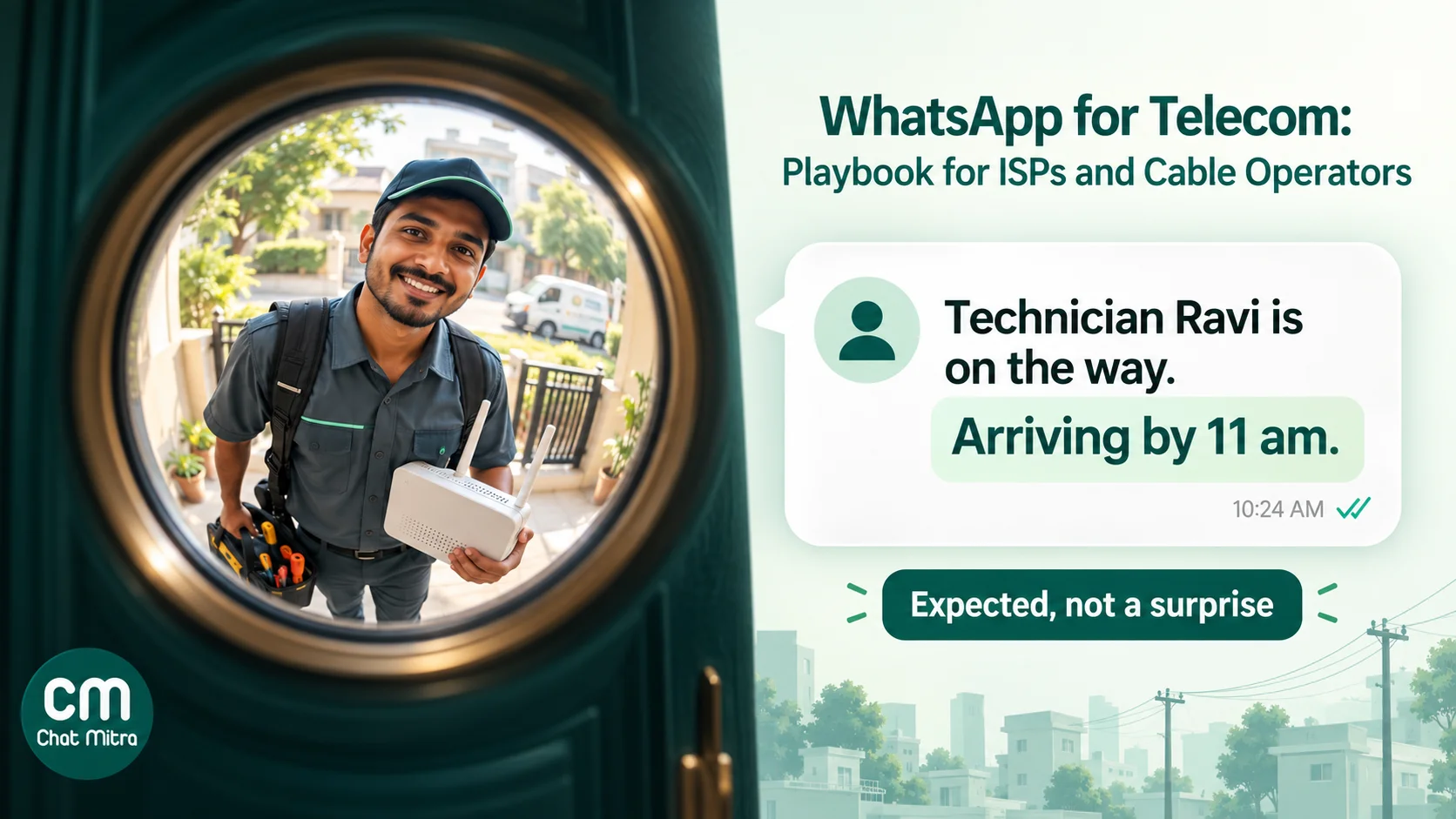
- On the way: the technician’s name and an approximate arrival time.
- Done: installation complete, your account ID and plan, and how to reach support.
Sample “on the way” template:
Hi {{1}}, our technician {{2}} is on the way for your {{3}} visit and should reach you by {{4}}. Please keep the router area accessible. Reply here if you need to reschedule.
A shared inbox lets the field coordinator answer “where is the technician?” without anyone forwarding messages from a personal phone.
Use case 5: Upgrades, add-ons and win-back
Growth messages have a place, as long as they are separate, consented and not too frequent:
- Speed upgrades for subscribers who often hit their data limit or complain of slow speeds on a basic plan.
- Add-ons such as OTT bundles, static IPs or extra TV packs.
- Referral offers after a successful installation.
- Win-back for subscribers who didn’t renew, a few weeks after suspension.
These are marketing templates, at ₹0.8631 each in India, and need the subscriber’s consent to receive offers. Meta also limits how many marketing messages one person receives from businesses, so not every send is delivered. A good rule: never more than one or two offers a month, and none to a subscriber with an open complaint.
Utility or marketing? A sorter for telecom messages
Meta decides the category when it reviews a template, so write each one to fit the category you need. The test: is it about the subscriber’s own account or service, with no promotion?
| Message | Category | Why |
|---|---|---|
| Your plan expires on 12 Nov, renew for ₹499 | Utility | Account-specific payment reminder |
| Payment received, new expiry 12 Dec | Utility | Transaction confirmation |
| Your November bill is attached | Utility | Account update |
| Service interrupted in Sector 14, back by 6 pm | Utility | Meta lists outage alerts as utility |
| Technician Ravi arrives by 11 am | Utility | Update on the subscriber's request |
| Complaint 4417 resolved | Utility | Update on the subscriber's ticket |
| Plan expires soon, upgrade to 200 Mbps for ₹100 more | Marketing | Mixed content counts as marketing |
| Get 3 months of an OTT app free | Marketing | Promotion |
| We miss you, reconnect at 50% off | Marketing | Promotion |
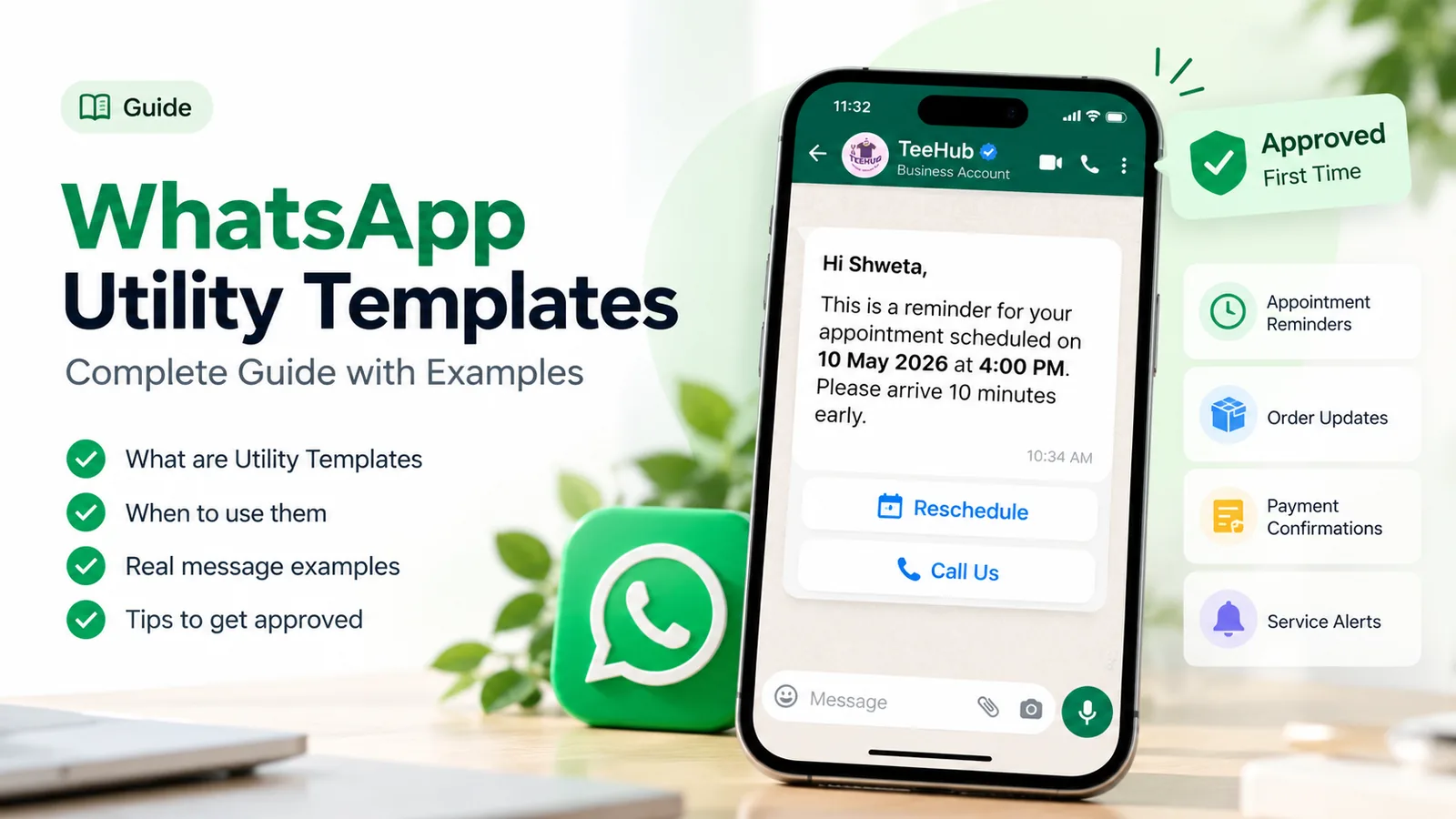
Our guide to WhatsApp utility templates explains the category rules in more detail.
What it costs: a worked month for a 2,000-subscriber ISP
Meta charges per delivered template, at India’s rates effective 1 October 2026: ₹0.1150 for a utility template and ₹0.8631 for marketing. Since 1 October 2026 Meta also charges for utility templates sent inside an open customer service window, and for service messages, but “each business phone number has one free tier of 1,000 delivered service messages per month” (Meta pricing). After that, service messages cost ₹0.1150 each.
On ChatMitra’s Starter and Pro plans, a ₹0.20 platform fee applies once per contact per 24-hour conversation, not per message. Enterprise removes that fee.
Assumptions, for the arithmetic only (they aren’t benchmarks): 2,000 prepaid subscribers with renewal dates spread across the month, 40% still unpaid on the expiry day and 10% in the grace period; 1,900 renewals; two outages affecting 250 subscribers each; 500 subscriber-started support chats with about four replies each. We assume each reminder and receipt starts its own conversation, which is the expensive case; a receipt sent within 24 hours of a reminder adds no ChatMitra fee.
| Message | Count | Meta charge | ChatMitra fee (₹0.20 per conversation) |
|---|---|---|---|
| Renewal reminders (3 days before, expiry day, grace) | 2,000 + 800 + 200 = 3,000 utility | ₹345.00 | ₹600.00 |
| Payment receipts | 1,900 utility | ₹218.50 | ₹380.00 |
| Outage alerts and restored notices | 2 × 250 × 2 = 1,000 utility | ₹115.00 | ₹100.00 (one conversation per subscriber per incident) |
| Support replies | 2,000 service, 1,000 free | ₹115.00 | ₹100.00 (500 chats) |
| Total | ₹793.50 | ₹1,180.00 |
- On Starter: ₹1,973.50 for the month, just under ₹1 per subscriber.
- On Pro (₹999 a month): the same charges, less the 1,000 included credits (worth ₹200), plus the subscription, about ₹2,773. You’d choose Pro for the chatbot, auto-replies, API and webhooks rather than to save money.
- On Enterprise (₹2,499 a month): ₹793.50 in Meta charges plus the subscription, with no platform fee. It starts to pay off as volumes grow.
- If the reminders carried an upgrade offer, they would become marketing: 3,000 × ₹0.8631 = ₹2,589.30 in Meta charges instead of ₹345.
Current plan prices are on the pricing page, and the WhatsApp pricing calculator works out your own mix.
Connecting your billing system
The reminders and receipts above are only as good as the data behind them. There are two ways to connect them:
- Through a sheet. Export subscriber name, number, plan, amount, expiry date and payment status from your billing software to a Google Sheet every day. ChatMitra’s Google Sheets automation can send a template a set number of days before the date in a column, and a condition step can skip anyone already marked paid. No developer is needed, but the sheet must be refreshed daily. Remove disconnected subscribers too: the sheet trigger matches the day and month, so a stale row would fire again a year later.
- Through the API. If your billing or RADIUS software can call an API or send webhooks, have it send the template through ChatMitra’s developer API (Pro) at the moment the bill is generated or the payment lands. This is more reliable for receipts, which should arrive within seconds of payment.
For lookups (“what’s my expiry date?”, “is there an outage in my area?”), the ChatMitra chatbot on Pro can call your system’s API with the subscriber’s phone number and branch on the answer, so routine questions are answered without an agent.
Set it up in ChatMitra
- Connect your support number to the WhatsApp Business Platform. For several cities or brands, connect one number each; each runs as its own project with its own plan.
- Create your templates: renewal reminders, receipt, bill (with a document header), outage alert, restored notice, visit updates and ticket resolution, all as utility. Keep upgrade and win-back messages as separate marketing templates.
- Import subscribers from a CSV. Name and mobile map to the contact, and any other column (account ID, plan, expiry date, area, node) becomes a custom attribute that template variables can use. Tag subscribers by area or node for outage targeting and by offer consent for marketing.
- Answer from one shared inbox. The whole support team replies from the same number, with saved replies for the common answers and tags such as “fault”, “billing” and “new connection”. Contact notes record past issues.
- Send outage alerts as campaigns to the affected area’s tag. Campaigns can include and exclude tags, so leave out subscribers already reported as fixed.
- Automate renewals with the Google Sheets automation or the developer API, as described above.
- Set up the chatbot (Pro) with buttons for the common requests (bill copy, outage check, speed problem, new connection, talk to support) and an after-hours away message.
- Put the number everywhere: bills, router stickers, vans and your website, with a QR code that pre-fills the request.
Good to know:
- ChatMitra has no ready-made connector for ISP billing, RADIUS or ticketing software. Automation runs through a sheet, the API or webhooks.
- Chats can’t be assigned to a named agent, so agree on how the team splits work: by tag, by shift or by type of request.
- Campaign reports show sent, delivered, read and failed counts, but not button clicks. Track payment-link clicks in your payment or billing system.
- There’s no automatic STOP handling. Set up a keyword reply that confirms the opt-out, tag the contact, and exclude that tag from every campaign.
- ChatMitra doesn’t build Meta WhatsApp Flows forms, so KYC and connection details are collected through your own web form link.
What to measure
- Calls per outage before and after you start sending alerts. This is the clearest return on the setup.
- On-time renewals: the share of subscribers who renew before expiry, and reconnection requests after suspension.
- First response time and resolution time for fault chats.
- Bot containment: the share of chats solved without an agent. Low containment usually means the bot’s options don’t match what subscribers actually ask.
- Template read rates and block or report signals. A falling quality rating on your number means messages feel like spam to subscribers.
Common mistakes
- Running support from a personal phone. Chats leave with the person, and nobody else can see the subscriber’s history.
- Reminding subscribers who have already paid. Refresh payment status before every send.
- Alerting the whole base for a local outage. Tag by area and target the tag.
- Promising exact restoration times. Give a realistic window and update it.
- Asking for Aadhaar or ID photos in chat. Use a secure form link.
- Slipping offers into reminders. It changes the category and the cost.
- A bot with no way out. Every step needs a “talk to support” option and a phone number for urgent faults.
Where to start
Start with the two messages that save the most calls: a renewal reminder three days before expiry and an outage alert template you can send to one area within minutes. Put the WhatsApp number on your next bill and on every router you install. Run it for a month, compare calls per outage and late renewals, then add visit updates and the chatbot. When you’re ready, compare ChatMitra’s plans, or read how other sectors set up WhatsApp in our WhatsApp Business API use cases by industry.