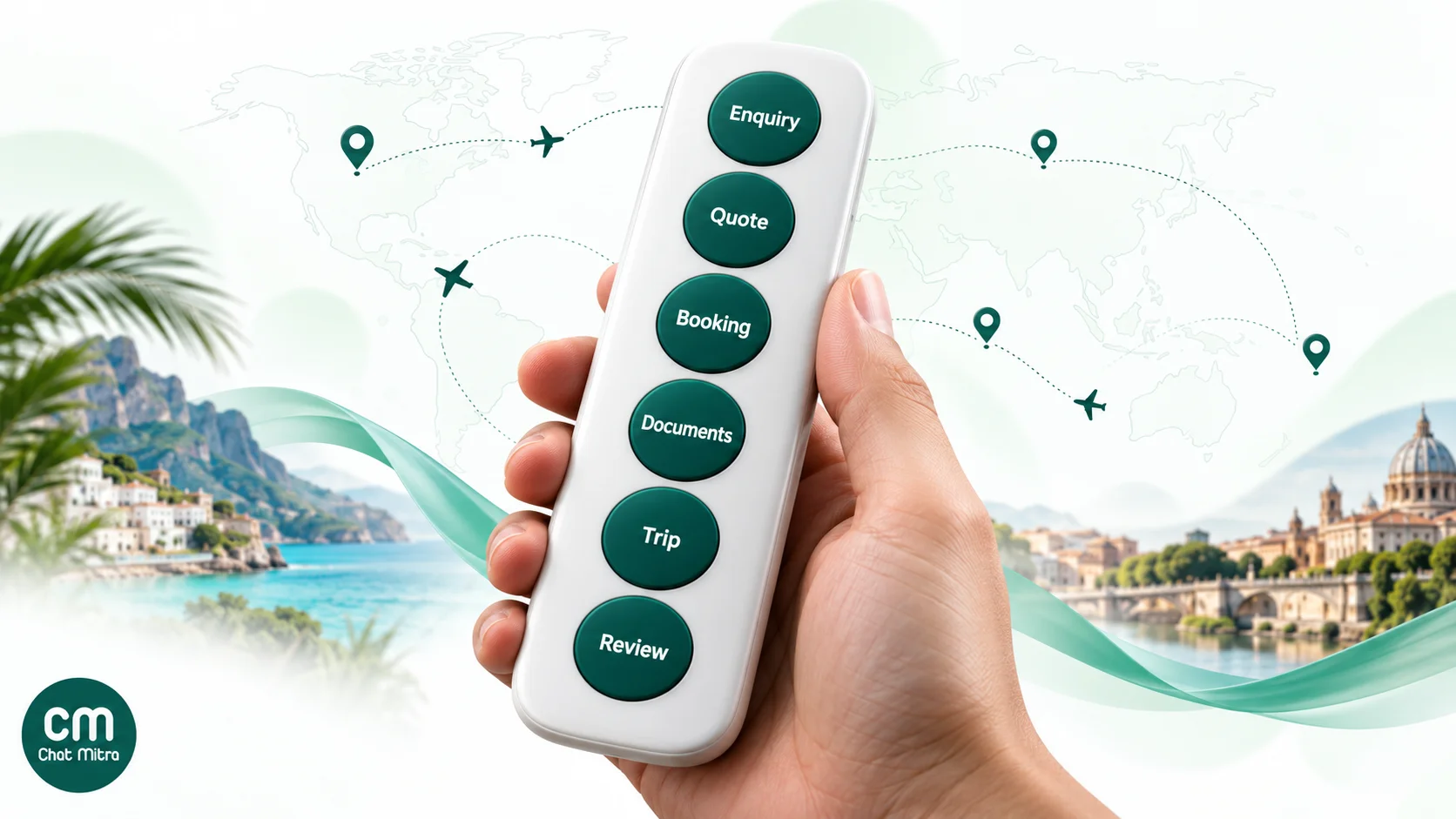
A travel business uses WhatsApp to run the whole trip in one chat: answering the first enquiry, sending the quote and itinerary, confirming the booking, delivering tickets and vouchers, helping travellers while they’re away and asking for a review when they’re back. The free WhatsApp Business app handles this for a one- or two-person agency. Larger agencies, tour operators and hotels use the WhatsApp Business API, which adds a shared inbox, automated reminders and approved templates. The detail that decides your costs is message category: confirmations and reminders are cheap utility messages, while anything that sells is marketing, priced about 7.5 times higher in India.
Travel suits WhatsApp better than most industries. Your customer is often abroad, on roaming data, in a different time zone, and carrying every document on their phone. Email gets buried and SMS can’t carry a PDF. This guide follows a trip from start to finish, shows which WhatsApp message to send at each stage and what Meta charges for it, and covers the traps that are specific to travel: foreign numbers, upsells inside booking messages and tour groups.
Using ChatMitra?
Everything below works on ChatMitra's free Starter plan except automated replies and the AI chatbot, which are on Pro. Jump to automating the trip for the exact setup: scheduled broadcasts, PDF templates and a "days before departure" reminder from a Google Sheet.
Key takeaways
- Map messages to trip stages. Enquiry, quote, booking, documents, in-trip help and review each need a different message and template.
- Utility is cheap, marketing isn't. ₹0.115 vs ₹0.8631 per message to Indian numbers. One upsell line turns a utility template into marketing.
- Foreign numbers cost more. Meta charges the traveller's country rate: ₹4.6496 per marketing message to the UK, ₹4.2114 to the UAE.
- Ads open a free window. Replies to people who message you from a click-to-WhatsApp ad are free for up to seven days.
- Tour groups need a different plan. API groups need an Official Business Account and cap at eight people.
Why WhatsApp works for travel
Three things set travel apart from a typical online purchase.
The customer relationship lasts weeks, not minutes. A holiday can involve an enquiry in March, a booking in April, a balance payment in May and a trip in June. Every stage needs a message, and every message has to reach a person who may have changed phones, roaming plans or countries in between.
The trip produces documents. Tickets, hotel vouchers, transfer details, visa letters, insurance certificates and day-by-day itineraries. On WhatsApp they arrive as PDFs in the same chat the customer already uses. Meta’s platform accepts documents up to 100 MB, so even a long itinerary with photos fits.
Problems happen far from your office. A delayed flight in Bali or a missing transfer in Dubai happens at 2 a.m. your time. A traveller can message from anywhere with data, and your team can answer from a laptop or a phone.
Meta publishes results from travel companies that moved these messages to WhatsApp. Its success stories are self-reported by the companies, so treat them as examples, not benchmarks:
- Despegar, a Latin American travel agency, reported a 2.2 times higher open rate and twice the click-through rate for utility messages on WhatsApp compared with email.
- LATAM Airlines reported a 32% higher open rate on utility messages than email, and 53% more revenue from seat-upgrade offers sent as WhatsApp marketing messages.
- Air France reported a 4.5 times higher click-through rate on offers than email.
These are airlines and large agencies, but the mechanics are the same for a ten-person tour operator: a message that arrives where the traveller is looking.
App or API for a travel business?
The free WhatsApp Business app is enough when one or two people handle every enquiry, most clients message you first, and you send offers to past clients who have saved your number. It has labels for sorting leads, quick replies for common answers, and a catalog for packages.
The WhatsApp Business API is the right choice when several agents share enquiries, when bookings should trigger messages automatically, or when you run ads that bring in hundreds of chats a month. It’s also the only way to send approved templates to travellers who never saved your number, such as people who booked through your website. Our full comparison of the WhatsApp Business app vs API covers the trade-offs, including how to keep using the app on the same number.
The rest of this guide assumes the API, because that’s where categories, costs and automation come in.
The trip, message by message
Here’s the whole journey at a glance. Costs are Meta’s charges for an Indian number on the INR card effective 1 October 2026; foreign numbers are covered further down.
| Stage | Typical message | Message type | Meta’s charge (India) |
|---|---|---|---|
| 1. Enquiry | Reply to “Do you have Kerala packages in December?” | Service reply, or free entry point after an ad | First 1,000 service messages a month free, then ₹0.115; free for up to 7 days after an ad |
| 2. Quote | Itinerary PDF and price | Service reply inside the 24-hour window | Same as above |
| 3. Booking | Booking confirmation, balance-payment reminder | Utility template | ₹0.115 |
| 4. Documents | Vouchers, tickets, pre-departure checklist | Utility template | ₹0.115 |
| 5. On the trip | Flight change, pickup update, answers to questions | Utility template or service reply | ₹0.115, or service pricing |
| 6. After the trip | Feedback request; next-trip offer | Utility (plain feedback) or marketing (anything with an offer) | ₹0.115 or ₹0.8631 |
1. Enquiry: answer fast, and capture the trip
Enquiries arrive from your website, Instagram, Google Business Profile, travel fairs (a QR code on the stand) and click-to-WhatsApp ads. Speed matters more than polish here. A traveller comparing three agencies books with the one that answers clearly first.
What to set up:
- An instant first reply that thanks them and asks the three questions you always need: destination, dates and number of travellers. Offer quick-reply buttons for your most common destinations so the traveller can tap instead of type.
- An away message for nights and weekends, set to your time zone, that tells them when an agent will reply and links to your packages.
- An AI assistant for repeat questions about visas, inclusions and cancellation policy, while a person handles anything that needs a quote.
If the enquiry comes from a click-to-WhatsApp ad, Meta’s pricing rules give you a bonus. When the traveller messages you from the ad on their phone and you reply within the customer service window, your reply opens a free entry point window of up to seven days. During that window every message you send is free, templates included. That’s long enough to send a quote, answer questions and confirm the booking without a Meta charge. Our click-to-WhatsApp ads guide for Black Friday walks through setting one up, and the steps are the same for a holiday campaign.
2. Quote: send the itinerary while the window is open
When a traveller messages you, a 24-hour customer service window opens, and it resets every time they message again. Inside it, you can send anything: text, a PDF itinerary, photos of the hotel, a location pin or a voice note. Outside it, you can only send approved templates.
So send the quote while the conversation is live. A good travel quote on WhatsApp is short: a one-line summary (dates, hotel category, inclusions, total price), the full itinerary as a PDF, and one clear next step (“Reply BOOK to hold these dates”). Long quotes typed into the chat are hard to read on a phone and impossible to forward to a spouse.
If the traveller goes quiet and the window closes, a follow-up like “Are you still interested in the Kerala trip?” is a marketing message, because it’s trying to win a sale. Budget for that, and don’t send more than one.
3. Booking: confirm, and collect the balance
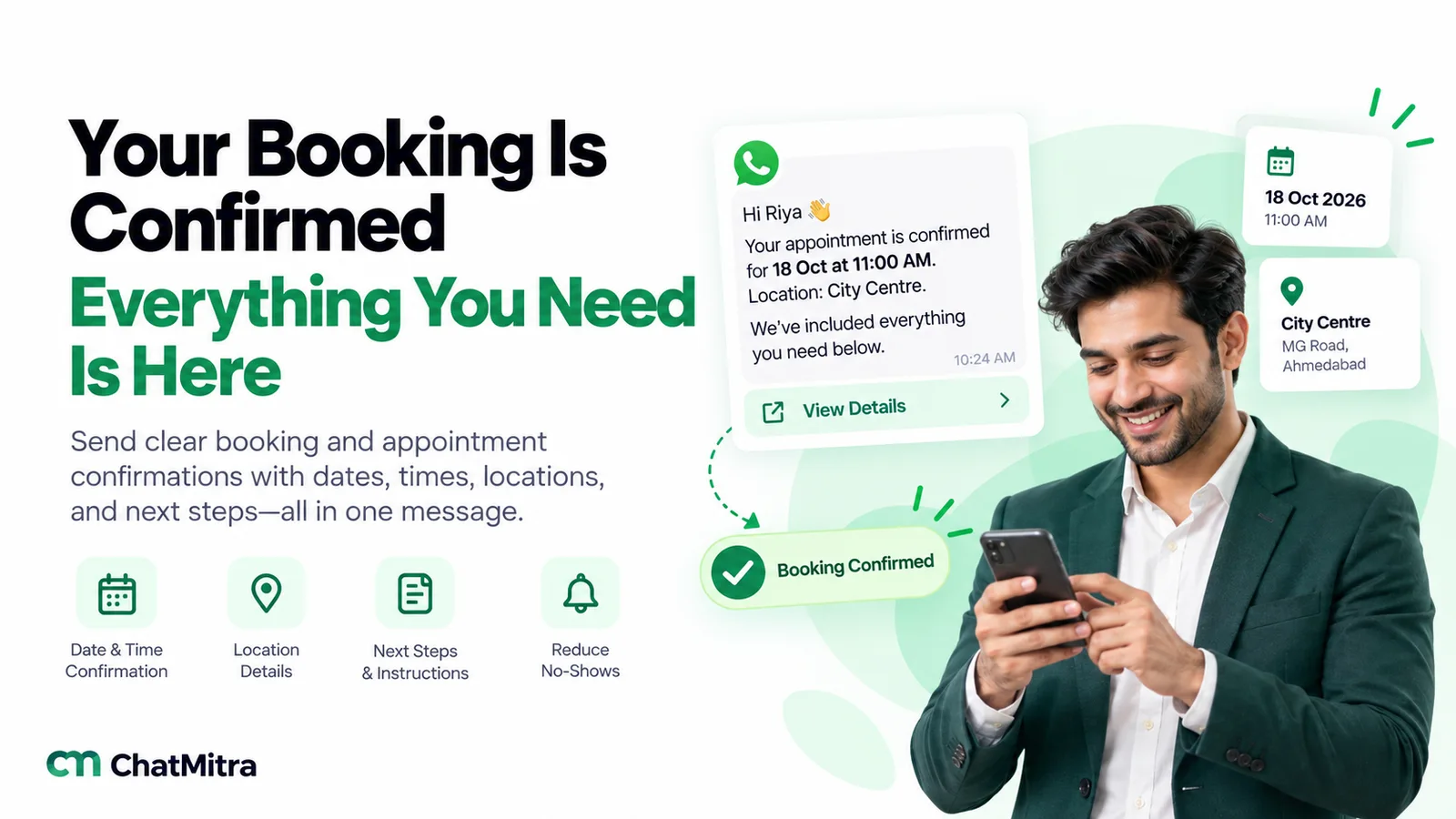
The booking confirmation is the most important message in the journey. It’s the one the traveller screenshots, forwards to family and searches for later. Send it as a utility template with:
- the booking reference, travel dates and destination;
- the PDF voucher or invoice as the template’s document header;
- what happens next, such as when documents arrive and when the balance is due;
- one button to contact you.
Keep it clean. Meta’s rules say utility messages “should not promote, recommend, upsell, or cross-sell”. The moment you add “Add travel insurance for ₹499” to the confirmation, the whole template is marketing. Send the upsell as a separate message if you want it.
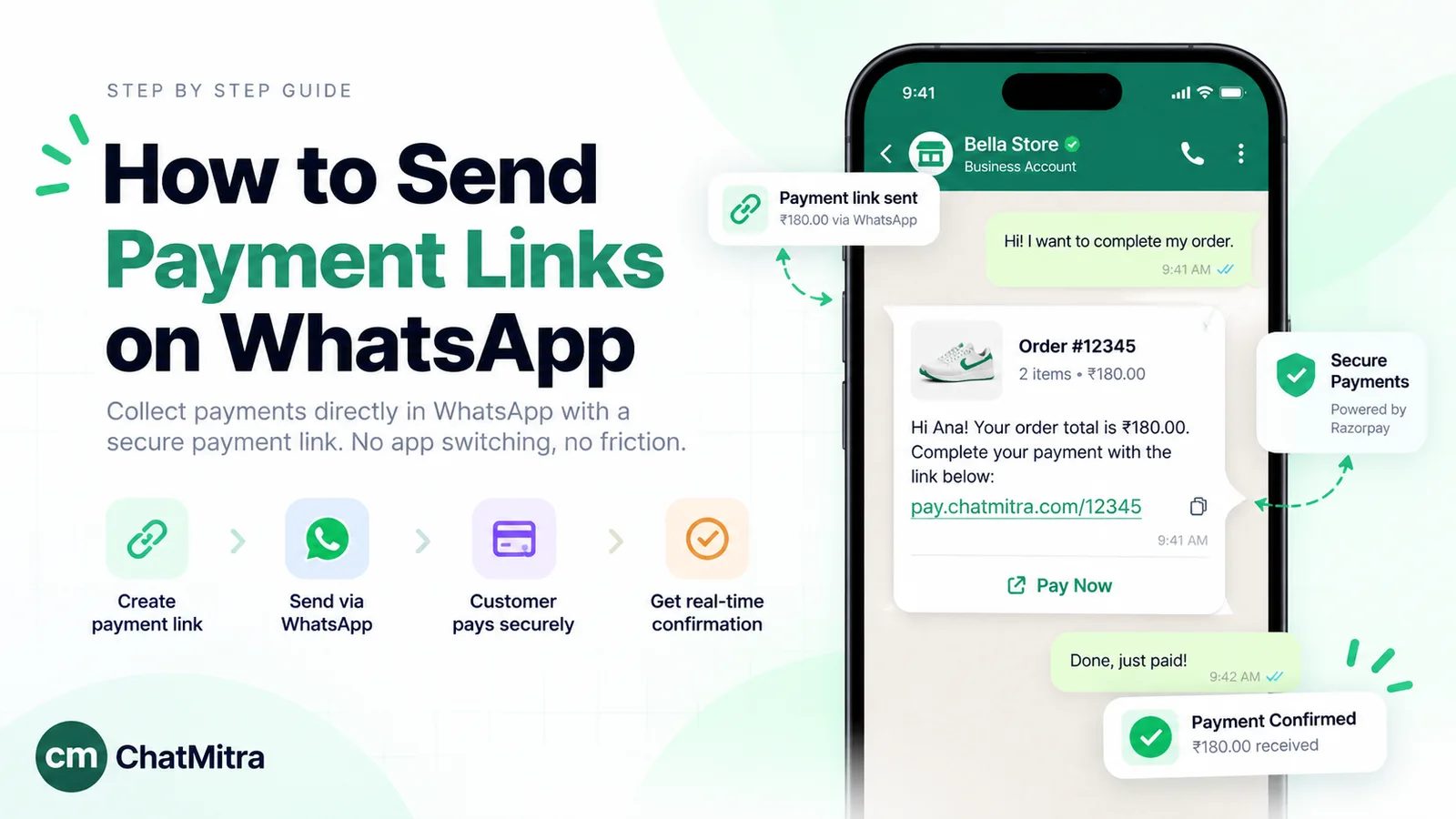
For balance payments, a utility reminder with a payment link is the usual approach: the amount, the due date and a button that opens your payment page. Use a URL button with a dynamic ending so each traveller gets their own payment link. India also has payments inside WhatsApp itself, where a traveller pays an invoice in the chat by UPI, card or net banking. Meta supports deep integration with Razorpay, PayU, BillDesk and Zaakpay, and caps UPI payments at ₹5,00,000 per transaction, so large group bookings need the card or web option. Our WhatsApp payment link guide covers both methods.
For ready-made wording, see our booking confirmation message examples.
4. Documents and pre-departure: the “everything in one place” moment
In the week before departure, travellers want reassurance. Three messages cover it:
- Documents (about 7 days before): e-tickets, hotel vouchers, transfer details and insurance, as PDFs, with a line telling them where to find each one.
- Checklist (about 3 days before): passport validity, visa printout, local currency, adapter, emergency contact number.
- Pickup (the day before): time, place, driver name and number.
All three are utility messages when they’re about this booking and contain no offers. Meta’s own travel guidance lists booking confirmations, pre-trip reminders, flight alerts and boarding passes as utility use cases.
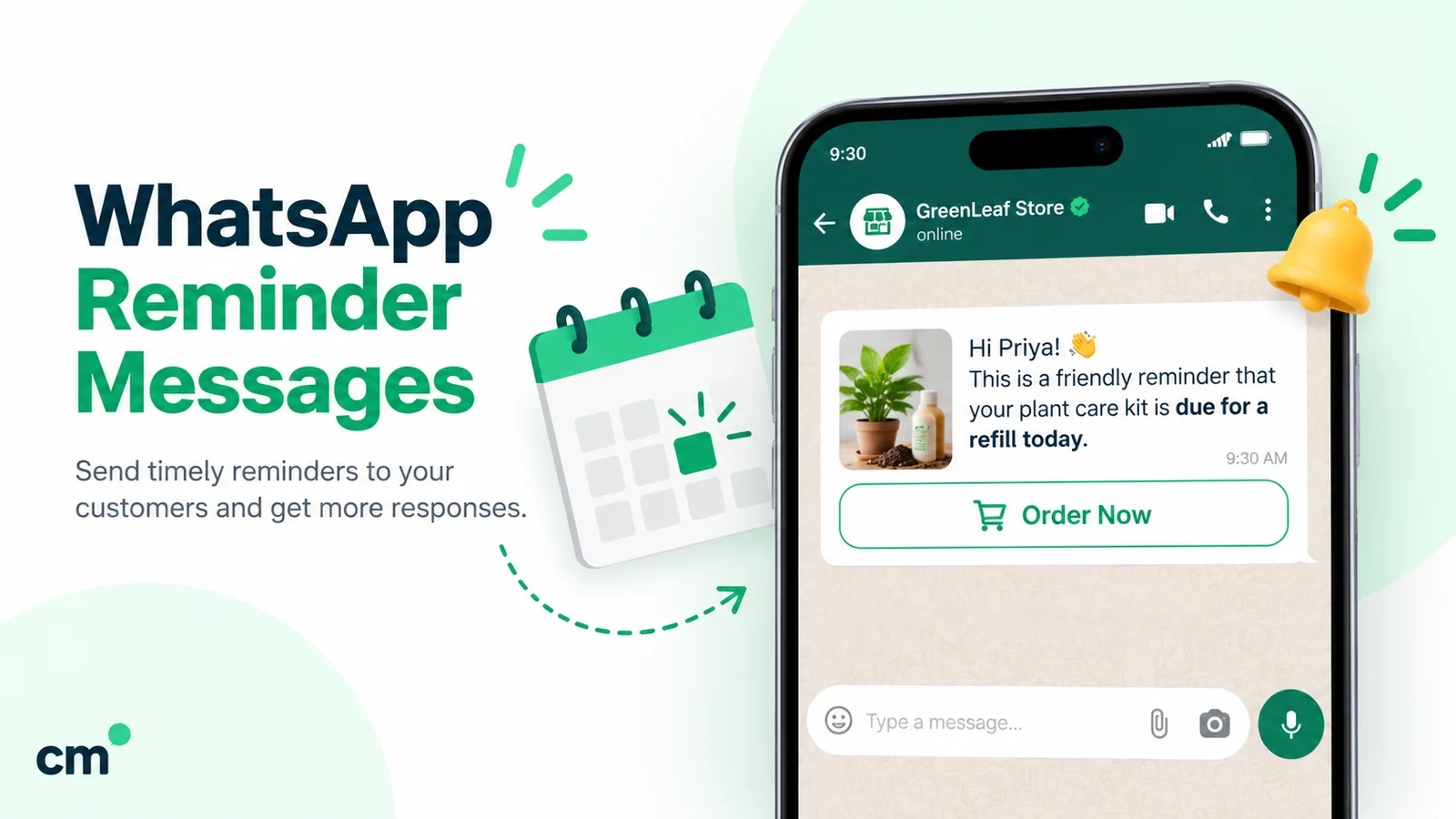
Timing is where automation pays off. A reminder that goes out “3 days before departure” for every booking, without anyone remembering to send it, is the single biggest time-saver for a busy agency. See WhatsApp reminder messages for more wording.
5. On the trip: support across time zones
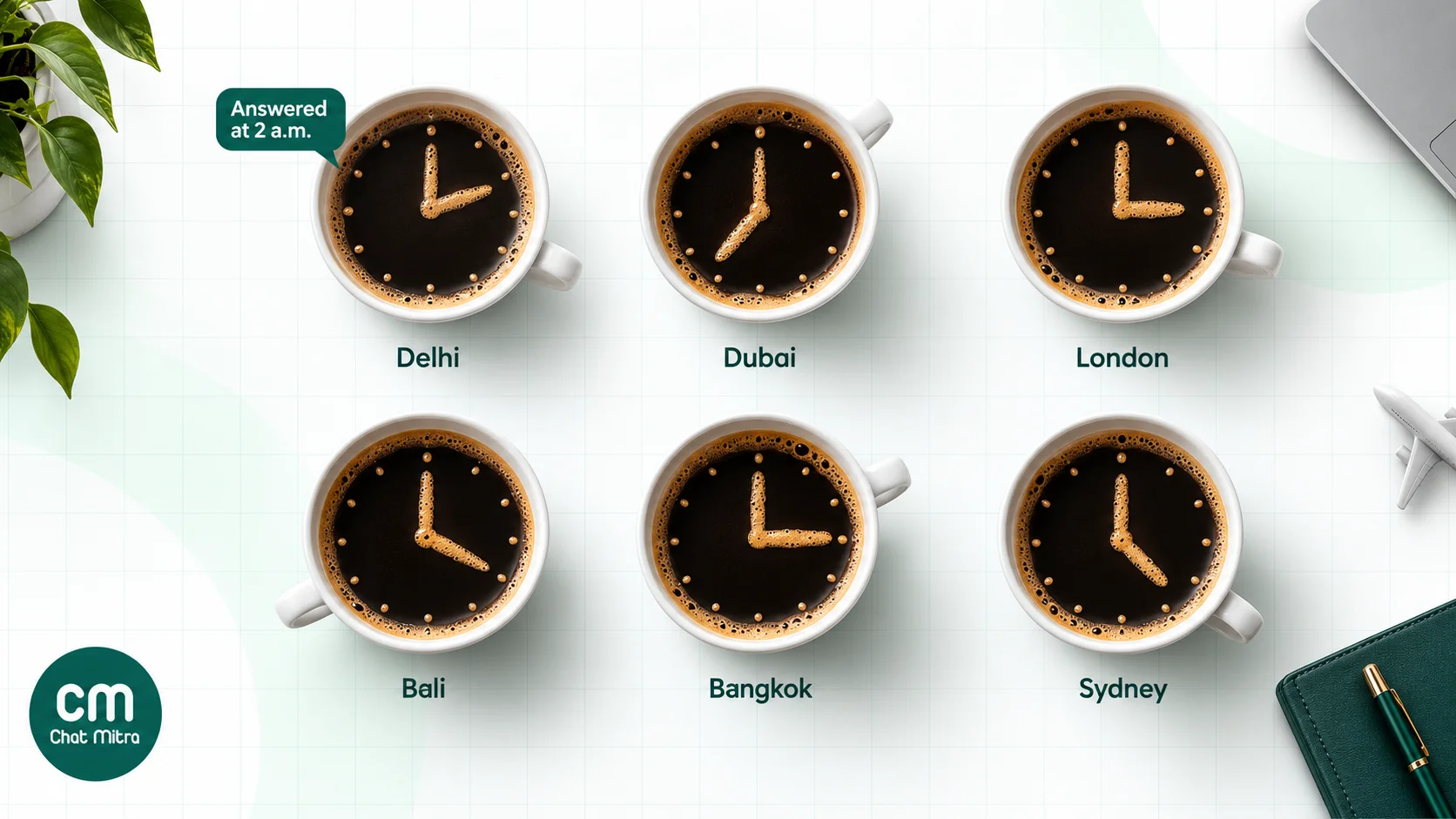
During the trip, most messages come from the traveller, so you’re inside the customer service window and can reply freely. Three things to plan:
- Coverage. Decide who answers outside office hours while you have travellers abroad. A rota of two agents with the inbox on their phones works for most small operators. Set the away message to say when someone will reply, and give an emergency phone number for genuine emergencies.
- Disruption messages. A flight change, a closed attraction or a weather warning is a utility message when it’s about the traveller’s booking. Meta’s own example of an “operational disruption” utility template is a notice that trains at a station are halted. Send these fast, with the new plan, not just the problem.
- Location. Travellers get lost. Inside the window you can send a location pin for a meeting point, or ask the traveller to share theirs.
A note on tour groups. WhatsApp groups feel like the obvious tool for a group tour, but on the API they’re limited. Meta’s Groups feature is open only to numbers with an Official Business Account, and a group can hold a maximum of eight participants. Interactive messages and calling don’t work in groups, and every group message is charged per delivered recipient. For a 30-person tour, send updates to each traveller individually, which also keeps their questions private. If you want a chatty group for a small private tour, a tour leader can run an ordinary group from the Business app.
6. After the trip: feedback, reviews and the next booking
A day or two after they’re home, ask how it went. A plain feedback request about the completed trip, with one-tap buttons (“Loved it”, “It was OK”, “Not great”), is the kind of message that can qualify as utility. Meta’s rules say a “feedback survey with promotional content” is marketing, so keep any offer out of it.
Then route the answers:
- “Loved it” → thank them and send your review link. See how to ask for Google reviews.
- “Not great” → a person calls them the same day.
The next-trip offer comes later and is honestly marketing: “Early-bird prices for past travellers on our monsoon departures.” Send it to people who have opted in to hear from you, segmented by where they’ve been and when.
Utility or marketing: get the category right
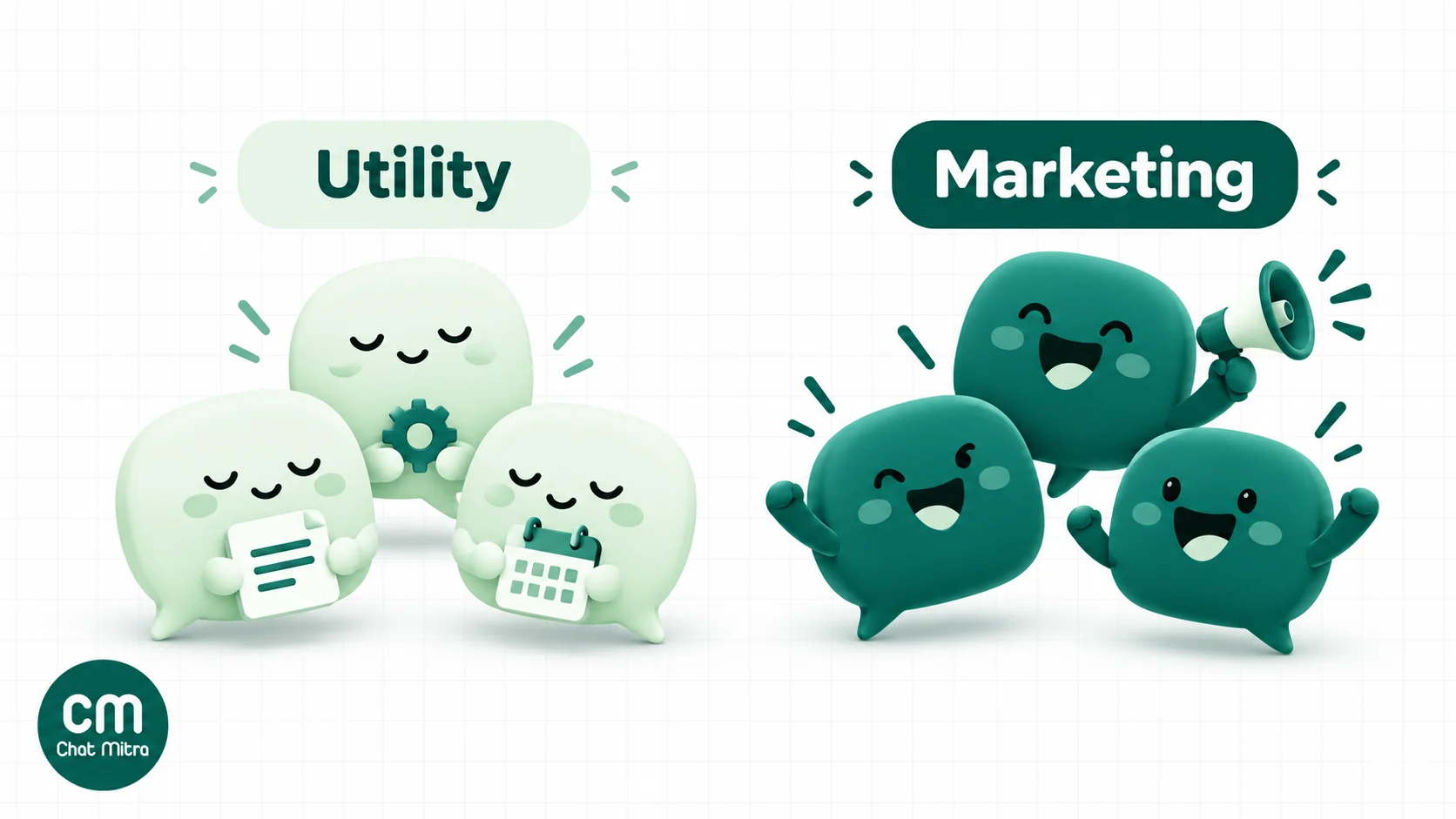
Category is the biggest cost lever in travel, because so many travel messages sit on the line between service and sales. Meta’s test has two parts. A utility template must be non-promotional, and it must also be specific to or requested by the user (about their booking, account or transaction) or essential to them.
| Travel message | Category | Why |
|---|---|---|
| Booking confirmed, voucher attached | Utility | About the traveller’s transaction, no promotion |
| Balance of ₹18,000 due on 10 May | Utility | Account and transaction alert |
| Your flight time has changed | Utility | Operational update about their trip |
| Pre-departure checklist for your booking | Utility | Essential and specific to the trip |
| Booking confirmed + “add insurance for ₹499” | Marketing | Mixed content counts as marketing |
| Upgrade to a sea-view room | Marketing | Upsell |
| New Bali packages are live | Marketing | Promotion |
| How was your trip? (no offer) | Utility, usually | Feedback on their transaction; becomes marketing if it promotes |
| ”Still interested in Kerala?” after the quote | Marketing | Trying to win a sale |
Two Meta rules make this more than a labelling exercise:
- Meta assigns the category at approval. Since April 2025, if you submit a template as utility and Meta judges it to be marketing, it’s approved as marketing. You can request a review within 60 days.
- Meta re-checks approved templates. If it decides a utility template is really marketing, it changes the category with one day’s notice by email, webhook and WhatsApp Manager. Businesses that have already been warned get no notice. Watch for these changes, because your costs rise without any change on your side.
Our guide to utility templates has more examples of what Meta accepts.
What it costs: Indian and foreign numbers
Meta charges each message at the rate for the recipient’s country calling code. For a travel business that’s a real factor: NRI clients, foreign tourists visiting India, and Indian travellers who switch to a local SIM all show up on your list with foreign numbers.
Meta’s rates effective 1 October 2026, from its INR card:
| Recipient’s number | Marketing | Utility |
|---|---|---|
| India (+91) | ₹0.8631 | ₹0.115 |
| United Arab Emirates (+971) | ₹4.2114 | ₹1.1509 |
| United Kingdom (+44) | ₹4.6496 | ₹1.6122 |
| North America (incl. US and Canada) | ₹1.8313 | ₹0.2491 |
| Rest of Middle East | ₹2.8742 | ₹0.6665 |
| Rest of Asia Pacific (incl. Australia, Thailand, Japan) | ₹6.1714 | ₹0.8282 |
Service messages are priced at the same rate as utility in each market, after the 1,000 free messages a month per number. One more trap: Meta doesn’t currently deliver marketing templates to US phone numbers, so a US-based client won’t receive your offers by template at all.
A worked month for a tour operator
A Delhi tour operator has a month like this:
- 300 enquiries from click-to-WhatsApp ads, all answered within the free entry point window.
- 80 bookings, each with four utility messages: confirmation, balance reminder, documents and pre-departure.
- 80 post-trip feedback requests. We’ve priced them as marketing to be safe.
- 1,200 service replies during trips. The first 1,000 are free.
- One offer broadcast to 2,250 past clients: 2,000 Indian numbers, 150 in the UAE and 100 in the UK.
| Item | Calculation | Meta’s charge |
|---|---|---|
| Ad enquiries | 300 conversations in the free entry point window | ₹0.00 |
| Booking messages | 320 × ₹0.115 | ₹36.80 |
| Feedback requests | 80 × ₹0.8631 | ₹69.05 |
| In-trip service replies | (1,200 − 1,000 free) × ₹0.115 | ₹23.00 |
| Offer to Indian numbers | 2,000 × ₹0.8631 | ₹1,726.20 |
| Offer to UAE numbers | 150 × ₹4.2114 | ₹631.71 |
| Offer to UK numbers | 100 × ₹4.6496 | ₹464.96 |
| Meta’s total | ₹2,951.72 |
Two things stand out:
- Overseas numbers dominate. The 250 overseas clients were 11% of the broadcast but ₹1,096.67, or 37% of Meta’s bill. At Indian rates they’d have cost ₹215.78. If your offer only suits Indian residents, exclude foreign numbers; if it suits NRIs, write a version just for them.
- Operations are cheap. All the booking messages together cost less than ₹40, so the service side of WhatsApp is close to free. The marketing is where the money goes.
On ChatMitra’s free Starter plan, add ₹0.20 per 24-hour conversation. This month has about 3,150 conversations, so the fee comes to ₹630.00 and the total to ₹3,581.72. Meta’s charges pass through at cost. Enterprise (₹2,499 a month) removes the per-conversation fee. You can model your own mix with the pricing calculator.
Templates you can adapt
Here are six starting points. Variables in double braces are filled from your booking data. Meta reviews every template, and the final category is Meta’s decision.
Booking confirmation (utility, PDF header):
Hi {{1}}, your booking {{2}} is confirmed. {{3}}, {{4}} to {{5}}. Your vouchers are attached. We’ll send travel documents a week before you leave. Reply here with any questions.
Balance reminder (utility, URL button):
Hi {{1}}, a reminder that the balance of ₹{{2}} for booking {{3}} is due on {{4}}. Tap below to pay securely.
Pre-departure (utility):
Hi {{1}}, your {{2}} trip starts on {{3}}. Pickup: {{4}} at {{5}}. Please carry your passport and the vouchers we sent. We’re on WhatsApp throughout your trip.
Schedule change (utility):
Hi {{1}}, your flight {{2}} on {{3}} now departs at {{4}}. We’ve moved your airport transfer to match. Reply here if you need anything changed.
Feedback (utility if it stays promotion-free; quick-reply buttons “Loved it”, “It was OK”, “Not great”):
Welcome back, {{1}}! How was your trip to {{2}}?
Next-trip offer (marketing):
Hi {{1}}, our {{2}} departures for {{3}} are now open, with early-bird prices for past travellers until {{4}}. Want the details?
Our travel and tourism template library has more, including flight-status and hotel-alert templates.
Automate the trip without a developer
The point of the API isn’t to send more messages. It’s to make the right message go out on time without someone remembering. Here’s how a travel business typically sets it up on ChatMitra.
- Import past clients from a CSV or Excel file (up to 10,000 rows per file). Extra columns such as destination, travel month or city become contact fields you can use in templates, and a Tags column lets you segment by trip type.
- Schedule seasonal campaigns up to two months ahead, personalised with each client’s name and last destination, and exclude tags you don’t want to reach, such as clients with foreign numbers or anyone currently travelling.
- Send departure reminders from a Google Sheet. ChatMitra’s Google Sheets automation can trigger a template a set number of days before or after a date column. Point it at your bookings sheet’s departure date, and every traveller gets the documents message seven days out and the checklist three days out. Check your plan for Sheets automation access.
- Connect your booking system through ChatMitra’s developer API and webhooks (Pro). When a booking is created in your system, it calls the API to send the confirmation template with the PDF voucher.
- Answer common questions automatically with keyword auto replies (“visa”, “cancel”, “payment”) and an away message set to your time zone (Pro).
- Add an AI assistant (Pro) whose personality is built from your website, running on your own AI provider key, for the repeat questions about visas, inclusions and policies. Keep quotes and bookings with your agents.
Templates are available in about 70 languages, including Hindi, Gujarati, Tamil, Arabic, French and German, which matters for inbound tourism. You can message international numbers from the same account at each country’s Meta rate.
Mistakes travel businesses make on WhatsApp
- Upselling inside the confirmation. It turns a ₹0.115 utility message into a ₹0.8631 marketing one, and can lead Meta to reclassify the template for everyone.
- Broadcasting Indian offers to foreign numbers. You pay the overseas rate for a message the recipient can’t use. Segment by country code.
- Relying on WhatsApp groups for tours on the API. The eight-person limit and the Official Business Account requirement rule them out for most groups.
- Sending the quote after the window closes. You’ll need a template, and a sales follow-up is marketing. Quote while the traveller is still chatting.
- No night cover while travellers are abroad. An unanswered message from a stranded traveller does more damage than any campaign can repair.
- Messaging people who haven’t opted in. Collect consent on your enquiry form and booking form. Meta lowers your quality rating when people block or report you. See our opt-in guide.
- Quoting made-up open rates to your team. Measure your own read and reply rates per template, and test one change at a time.
Where ChatMitra fits
ChatMitra is built for Indian businesses that want the WhatsApp Business API without an enterprise price tag:
| ChatMitra advantage | What it means for a travel business |
|---|---|
| Free Starter plan | Shared team inbox, broadcasts, scheduling up to two months ahead, CSV import and retargeting with no monthly fee. |
| Meta’s rates at cost | Domestic and foreign-number charges pass through without markup. |
| Unlimited team members | Every agent and tour leader gets a login and a role. |
| PDF templates | Vouchers, tickets and itineraries as template document headers. |
| Pro at ₹999 a month | Auto replies, away messages with your time zone, AI assistant with your own key, developer API and webhooks. |
| Enterprise at ₹2,499 a month | No per-conversation fee, for agencies with large client lists. |
Good to know: ChatMitra doesn’t currently send WhatsApp Flows, carousel templates or in-chat payment messages, so use a payment link from your own gateway. It also doesn’t assign chats to agents automatically.
For a quick landing-page overview, see WhatsApp Business API for travel agencies. For plans, see ChatMitra pricing.