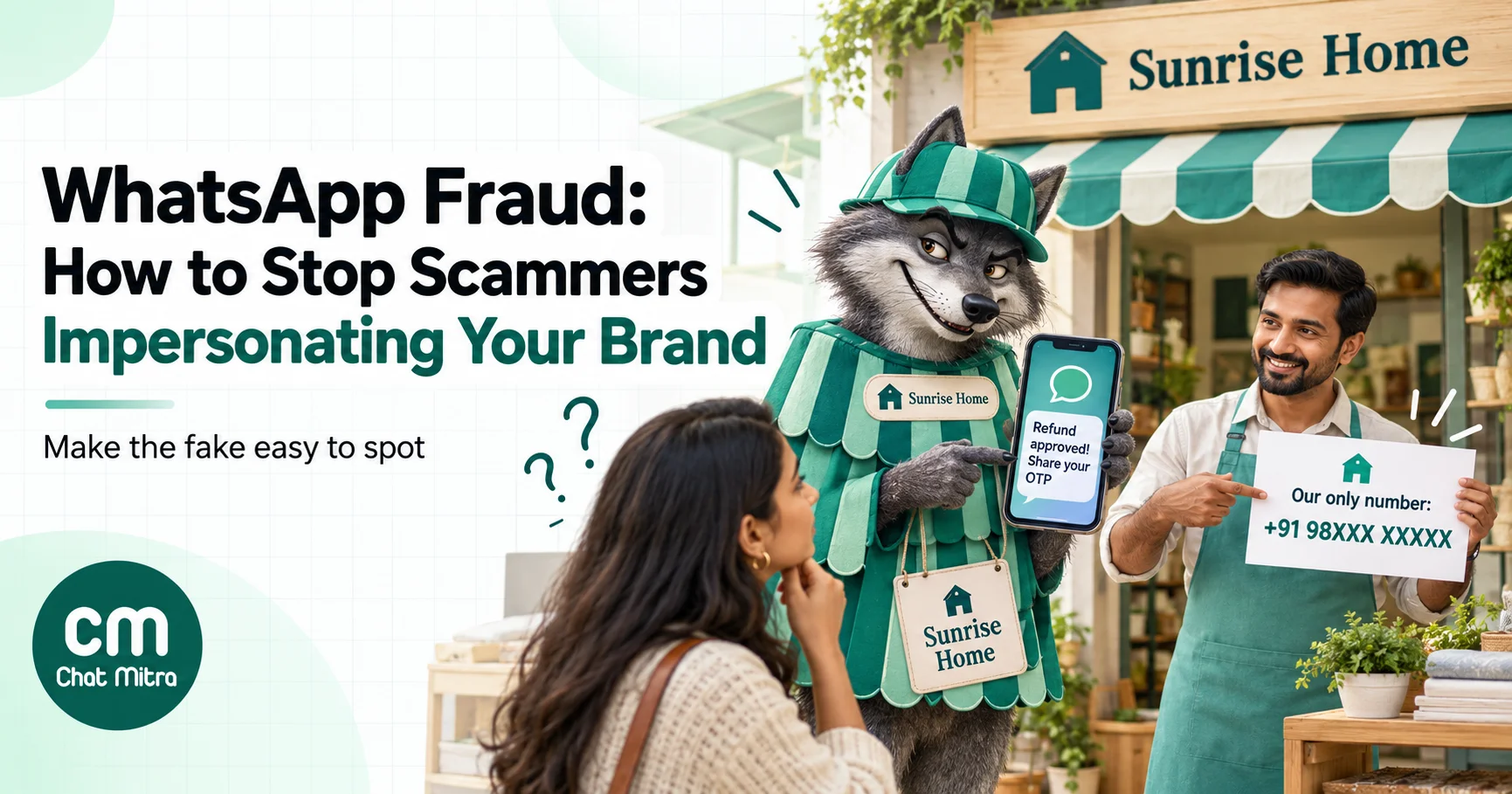
WhatsApp brand impersonation is when scammers use their own WhatsApp accounts to pose as your business, with your name, logo and product photos, to take money or data from your customers. You can’t stop someone from opening a fake account, but you can make fakes easy to spot. Publish one official number everywhere and tell customers what you never ask for. Report every fake in the app and through WhatsApp’s trademark form, and lock down your own account so a takeover can’t do worse damage.
When a customer is cheated by a fake “customer care” number using your name, they rarely blame the scammer alone. They blame you, often in a review, a tweet or a chargeback, and the next time your real number messages them, they ignore it.
This guide is for the business side of the problem. It covers the scams that borrow a brand’s name in India, how customers can tell your number from a fake, and whether WhatsApp Business is itself safe. It also covers what to put in your profile and messages, how to warn customers without frightening them, what to do the day you find a fake, and how to keep your own account out of a scammer’s hands.
Using ChatMitra?
ChatMitra runs on the official WhatsApp Business API, so your chats carry Meta's "secure service" label. You can put your official website and a "we never ask for OTPs" line in your WhatsApp business profile from the dashboard, send a warning broadcast to chosen tags, and block abusive contacts in the inbox. See How ChatMitra helps.
What WhatsApp fraud against a business looks like
There are two kinds, and they need different defences.
- Impersonation. A scammer creates a new account, on the WhatsApp app or the Business app, with your brand name and logo. Your real account is untouched. It’s the easier attack, because it needs nothing from you, and customers fall for it because nothing about the fake looks broken.
- Account takeover. Someone gets into your account, usually by tricking an employee into sharing a registration code, linking a device, or using a former employee’s access. Now the messages really do come from your number, which makes them far more convincing.
Both are against WhatsApp’s rules. The WhatsApp Business Messaging Policy says a business may not “impersonate another business or entity, misrepresent your affiliation with a business or entity or otherwise mislead customers.” That rule matters when you report a fake, but it doesn’t stop one from being created. Meta acts on reports and on its own detection, and the scale is large. WhatsApp’s India compliance report for August 2026 says 62,02,400 Indian accounts were banned that month, 16,90,800 of them before any user had reported them. Meta said in August 2025 that it had banned over 6.8 million accounts linked to scam centres in the first half of that year.
Bans happen at scale, but a new number takes minutes to set up, so you can’t rely on bans alone.
The scams that borrow your brand
Scams move fast, but the patterns repeat. The table below lists common patterns in India, with the red flag a customer can learn to spot and what a genuine business does instead.
| Scam | What the customer sees | Red flag | What your real messages do |
|---|---|---|---|
| Fake customer care | A “helpline” number found in a search result, social comment or classified ad, answered on WhatsApp in your name | The number isn’t on your website; they ask for a screen-sharing app, card details or a “processing fee” | Your number is printed on your site, invoices and packaging; support never needs remote access to a phone |
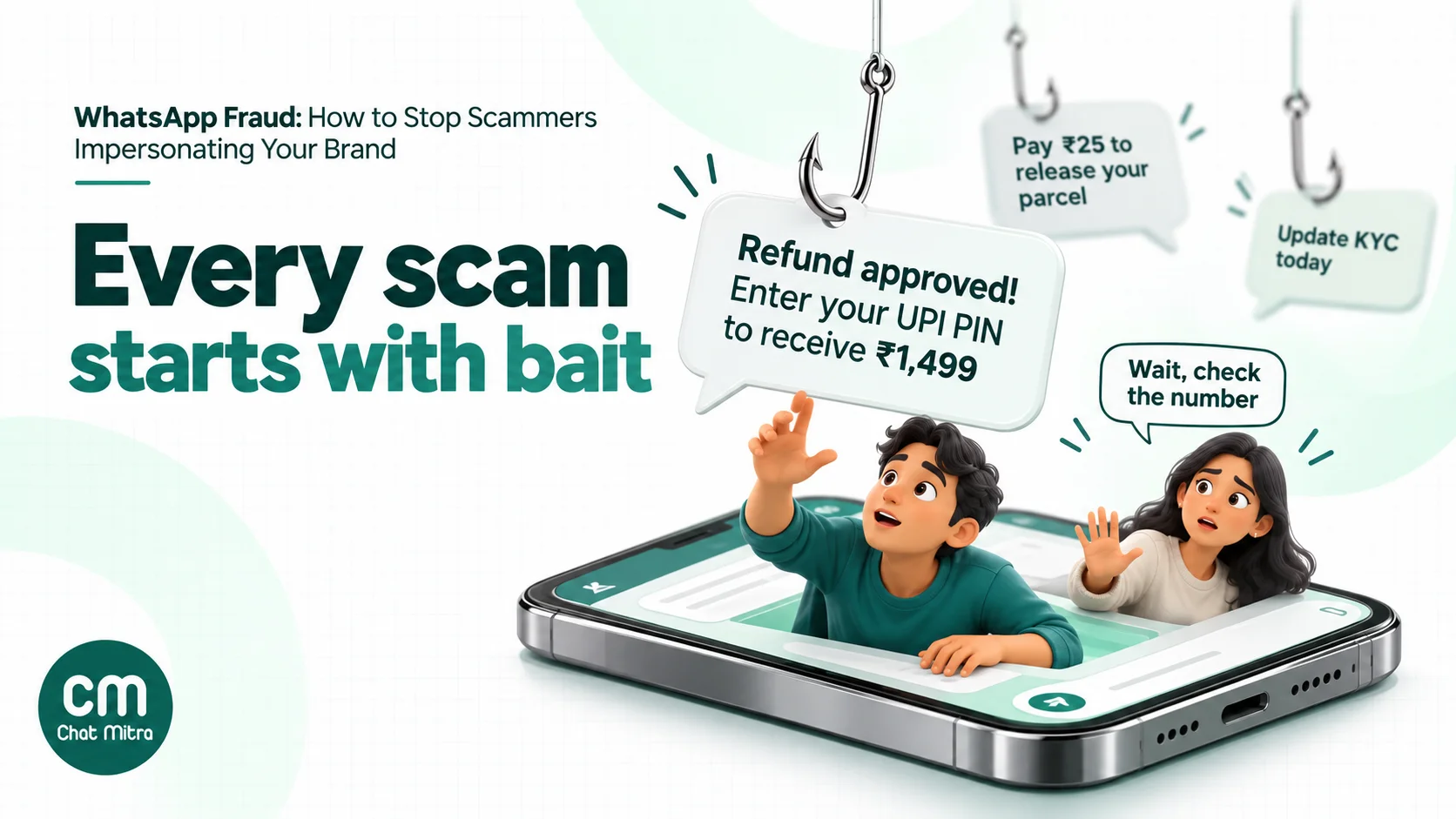
| Parcel or delivery fee | ”Your order is on hold, the address is incomplete. Pay ₹25 to reschedule” with a link | A tiny payment request and a link that isn’t your domain | Delivery updates come from your known number and link only to your site or your courier’s |
| Refund or cashback | ”Your refund of ₹1,499 is approved. Enter your UPI PIN to receive it” | A PIN or OTP to receive money. A UPI PIN only ever sends money | Refunds go back to the original payment method; you never ask for a PIN |
| KYC, account or bill block | ”Your account will be suspended today. Update KYC” or “Your electricity will be disconnected tonight. Call this officer” | Urgency, a deadline in hours, a personal number to call | Account notices name the customer’s real account and point to your own app or website |
| Fake job or task offer | ”Part-time work with [your brand], earn ₹3,000 a day for liking videos” | You pay to start, or earnings must be “unlocked” with a deposit | Your hiring happens on your careers page and never involves paying you |
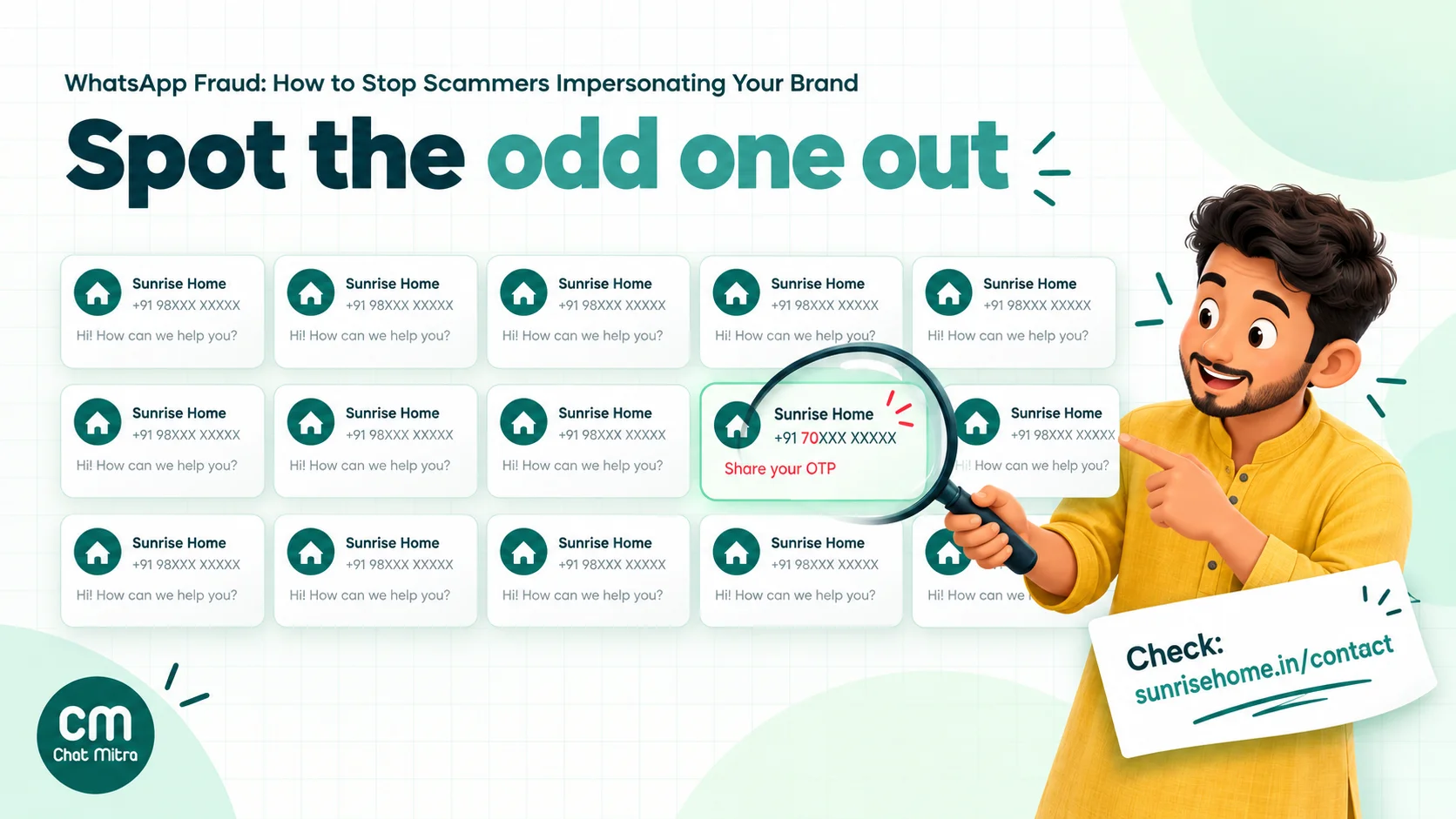
| Fake offer or lucky draw | ”Congratulations, you won a phone in our anniversary draw. Claim here” | A prize for a contest the customer never entered; a lookalike link | Real offers appear on your website and social pages too |
| Malicious file | An “invoice”, “order details” or “wedding invitation” sent as an .apk file | Any app file sent on WhatsApp | You never send app files; apps come from Google Play or the App Store |
| ”Boss” scam (inside your company) | A WhatsApp message to your accounts team that looks like it’s from the founder: “Urgent, transfer ₹4.8 lakh to this vendor now, I’m in a meeting” | New number or new style, urgency, secrecy, a new bank account | Payment changes are confirmed by a voice call to a known number |
The last row deserves attention, because it targets the business, not the customer. In August 2026 the Indian Cyber Crime Coordination Centre (I4C) warned companies and finance teams about a WhatsApp “boss scam”: fraudsters use a hijacked or fake account of a senior executive to order urgent transfers. Its advice was to verify by voice call and to check WhatsApp’s Linked Devices list.
The fake-vendor version, a “supplier” whose bank details have suddenly changed, has the same defence: never change payment details on a WhatsApp message alone.
Is WhatsApp Business safe?
As a platform, yes. The real risks sit around it: who controls the account, who can read the chats, and how easily someone can pretend to be you. It helps to know what each version actually protects.
| Question | WhatsApp Business app | WhatsApp Business Platform (Cloud API, via a provider) |
|---|---|---|
| Are messages end-to-end encrypted? | Yes, between the customer’s phone and yours | Messages are encrypted to Meta’s servers. Meta decrypts and re-encrypts them on the business’s behalf and manages the keys for it |
| Where do the messages live? | On your phone, its linked devices and any chat backup you turn on | Meta keeps message content for up to 30 days, as a data processor for the business; your provider stores the chats your team reads |
| Who can read the chats? | Anyone holding the phone or a linked device | Everyone in your team with access to your provider’s inbox |
| What does the customer see? | A “Business account” label | A system message saying the business uses a secure service from Meta, or works with other companies, to manage the chat |
| Can you get a verified badge? | Through an eligible Meta Verified subscription, not guaranteed | Through the Official Business Account programme, at Meta’s discretion |
Two points follow. First, on the API your inbox is a business system like your CRM, so control access to it the same way. Second, the label a customer sees tells them what kind of account it is, not whether it’s really you. WhatsApp’s help centre says a business account “is the default status for a business that creates an account on one of the WhatsApp Business products”. A scammer’s account gets the same label.
So the channel is sound. The weak points are account security, team access, and customers who can’t tell your number from a fake.
How customers can tell your real number from a fake
Customers glance at a chat for two seconds. Give them a short, repeatable test, and make sure your own account passes it every time.
The customer’s checklist
- Is this the number on the brand’s website? Not a number from a search result, a social media comment, or a message forwarded by a friend. The brand’s own site, invoice, app or packaging.
- Does the business profile match? Tap the name. The profile should show the same website and email domain as the brand. A Gmail address for a large brand is a warning.
- Is there a blue checkmark? If the brand normally has one and this account doesn’t, stop. If the brand never had one, its absence proves nothing.
- What are they asking for? An OTP, UPI PIN, card number, CVV, a fee to release a refund, a screen-sharing app or an
.apkfile. A genuine business needs none of these on WhatsApp. - Is there a rush? “Today”, “within 2 hours”, “your account will be blocked”. Urgency is the scammer’s main tool.
The Reserve Bank of India has been saying the same thing for years: banks and payment providers never ask for a password, PIN, OTP or CVV. Repeat that line in your own words, because customers trust it more when their own brand says it.
Make your own account pass the test
- One official number per purpose, and publish it. If you have separate numbers for sales and support, list both on a single “Our official WhatsApp numbers” page and link to it from your footer, order emails and invoices. Every number you don’t list becomes “unverifiable” in the customer’s mind, which is what you want for fakes.
- Keep the display name exact. Meta’s display-name guidelines say the name must accurately represent the business and have a clear relationship with its legal name. It must not include words like “Official” or “Verified”. A plain, exact name that matches your website is your best signal. Our display name guide covers the approval rules.
- Fill the business profile completely. Add your website, your support email on your own domain and a short “About” line, for example “We never ask for OTPs, UPI PINs or fees on WhatsApp.” Every detail you fill in is one more thing a fake has to copy.
- Use the same profile photo everywhere. Customers notice a logo that’s slightly off, but only if the real one is consistent.
- Apply for the blue checkmark if you qualify. It’s a useful extra signal for well-known brands, but don’t make it your only defence. Many customers never look for it.
The verified badge: what it proves and what it doesn’t
Older articles talk about a “green tick”. WhatsApp’s current help pages describe a blue checkmark that “some businesses” have. There are two routes to it.
| Route | Who it’s for | What it takes | What WhatsApp says about it |
|---|---|---|---|
| Official Business Account (OBA) | Businesses on the WhatsApp Business Platform (API) | Business verification, two-step verification, an approved display name, at least 30 days on the platform, then Meta’s review of how notable the brand is | OBA numbers have “a blue checkmark beside their name in the contacts view” (Meta developer docs) |
| Meta Verified (now part of Meta One) | Businesses on the WhatsApp Business app | An eligible paid subscription | ”Subscribing to Meta Verified or Meta One doesn’t automatically mean an account gets a verified badge” (WhatsApp Help Center) |
Meta Verified plans also list “impersonation protection” among their features. The tiers and prices change, and Meta now sells them inside its Meta One bundle, so check the current plan page before you budget for it. On the API side, our learn page on the Official Business Account walks through the request form in WhatsApp Manager, and Meta Verified for business explains how the paid product differs from free business verification.
What the badge doesn’t do: it doesn’t stop fakes from being created, it doesn’t appear on the scammer’s account (so customers have to notice its absence), and not every customer knows what it means. Treat it as one signal among several, not as protection.
Lock down your own account first
If a scammer gets into your real account, every defence above works against you, because now the messages genuinely come from your number. Account security is the cheapest protection you have.
On the WhatsApp Business app
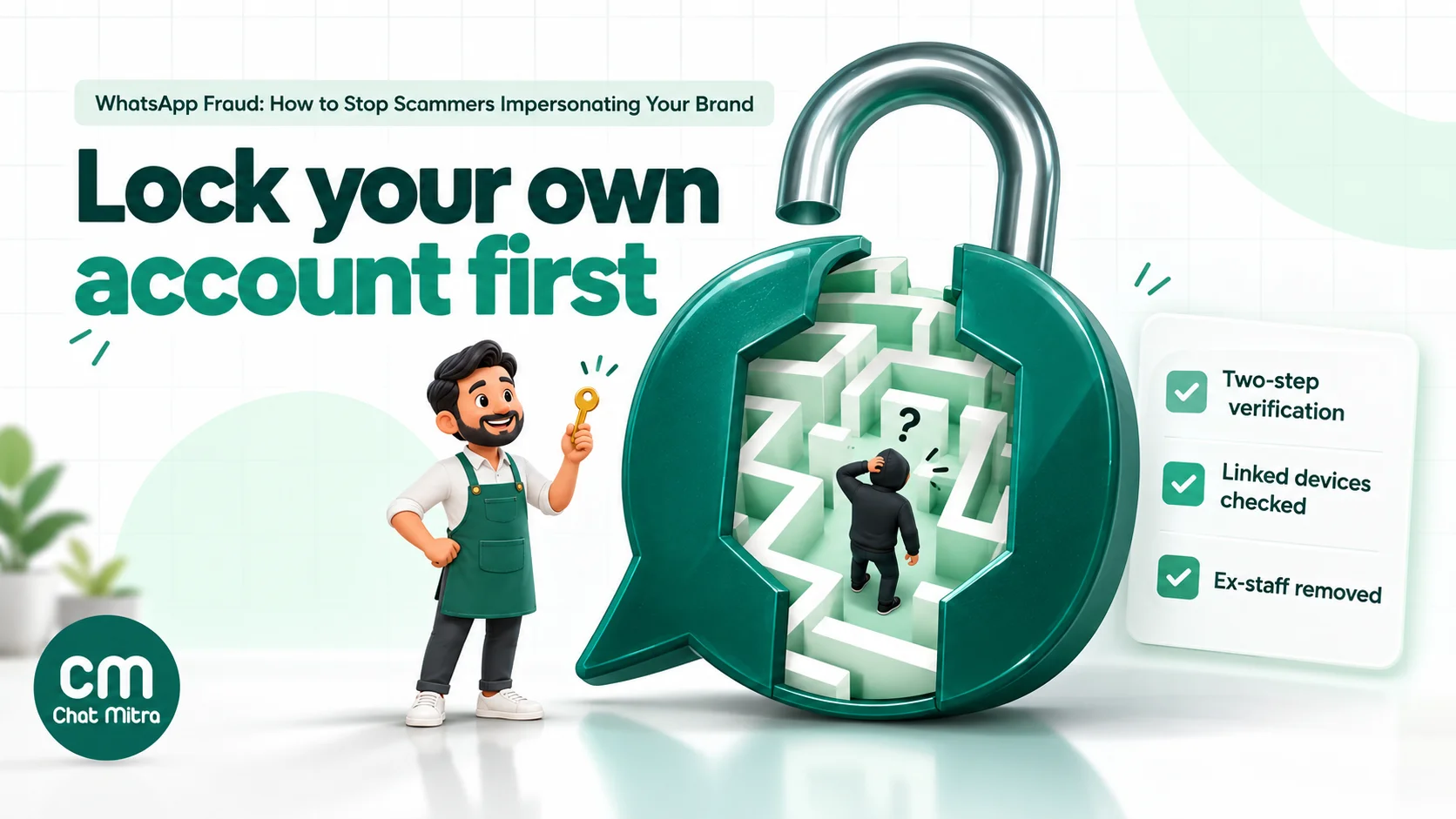
- Turn on two-step verification. WhatsApp’s security best-practices page calls it “the single most effective way to prevent someone else from taking over your account.” WhatsApp is currently upgrading the six-digit PIN to a password, so follow the prompt when you see it.
- Never share a registration code. WhatsApp’s own advice is: “Never share your registration code or password with others.” No one from WhatsApp, Meta, your bank or your provider needs it. A common opening line is “I sent you a code by mistake, please forward it.”
- Check Linked Devices every week. Open Settings > Linked devices and log out anything you don’t recognise. A forgotten office laptop or a device someone linked by scanning a QR code is a quiet back door. In December 2025, CERT-In, India’s computer emergency response team, warned about a takeover technique that abuses WhatsApp’s device-pairing codes.
- Keep the SIM safe. The number is the account. If the SIM sits in a shared phone at the counter, anyone with the phone has your WhatsApp.
On the WhatsApp Business Platform (API)
- Protect the Meta business portfolio, not just the number. The people with admin access in Meta Business Suite can add users, change partners and move numbers. Keep at least two trusted admins, remove anyone who has left, and switch on two-factor authentication for everyone with access.
- Know where two-step verification stands. Meta’s Cloud API docs describe a six-digit two-step verification PIN that is now being deprecated for eligible numbers. From 23 September 2026 Meta no longer uses the PIN to validate registration, as part of its new account model. Keep the PIN set while Meta’s docs still ask for one, but don’t treat it as your main protection.
- Audit your provider access. Every agent login to your provider’s inbox can read chats and send messages in your name. Give each person their own login, never a shared one, use strong unique passwords, and remove access the day someone leaves.
- Check app and partner access. In Business Suite, review which partners and apps can manage your WhatsApp account. Remove old agencies and tools you no longer use.
Write messages that a scam can’t easily copy
Scammers copy what your customers expect. If your real messages ask for things in a predictable, safe way, anything that breaks the pattern stands out.
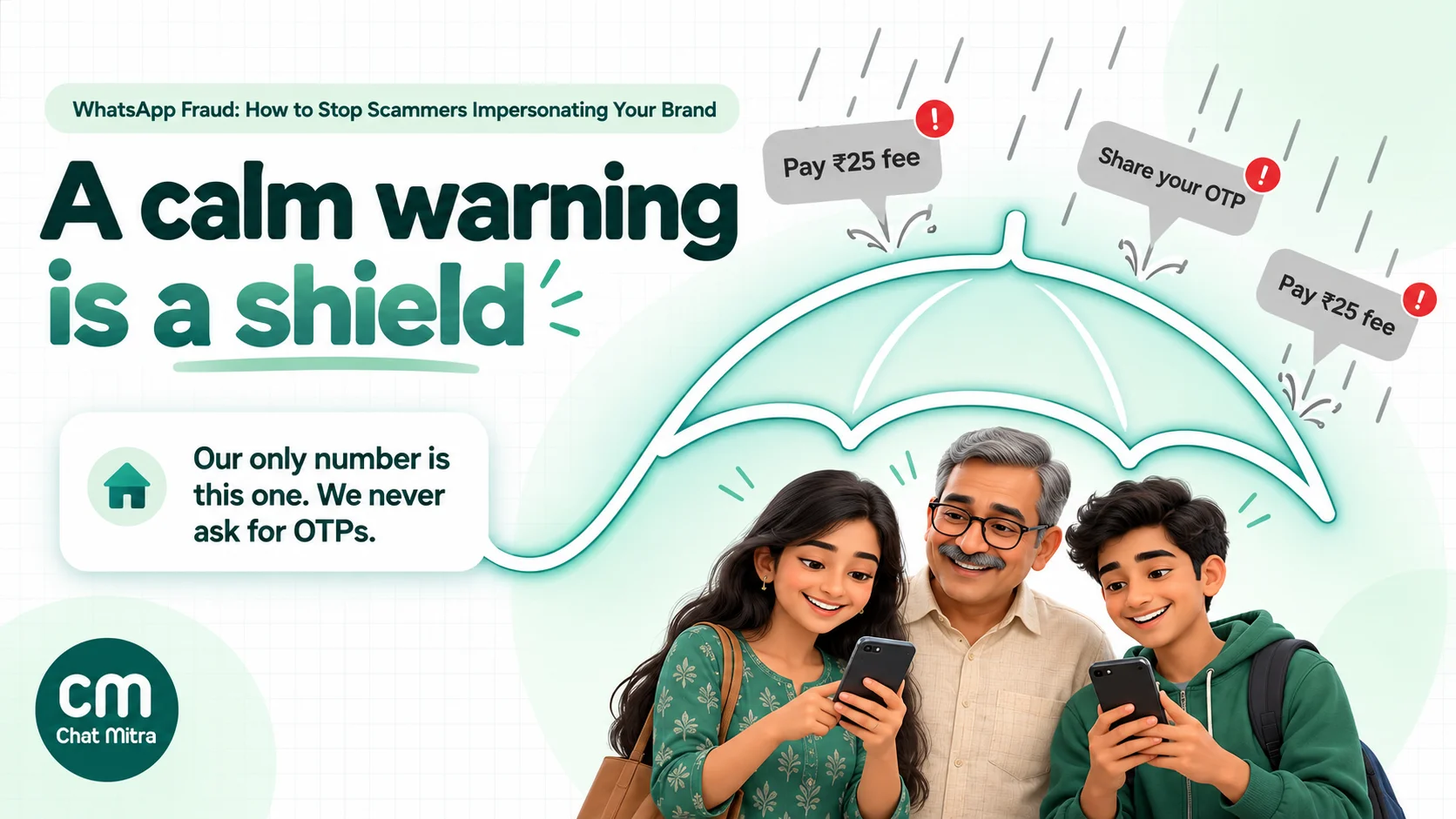
- Publish a “We never” list, and keep to it. For example: “We never ask for OTPs, UPI PINs or card details. We never charge a fee to process a refund. We never send app files on WhatsApp.” Put it on your website, in your WhatsApp profile and in your order confirmation template.
- Link only to your own domain. Use your full domain or a branded short link, never a generic link shortener. Customers learn that a strange domain means “not you”.
- Use the customer’s real details. A genuine order update names the order number and item. A scam usually can’t. Customers who are used to “Order #CM-48213, blue cotton kurta” will notice a vague “your parcel”.
- Take payments only through a payment page or link from your gateway. Never ask for a bank transfer to a personal UPI ID in a chat.
- Keep templates consistent. Use the same greeting, sign-off and buttons. When your messages always look alike, an odd one looks wrong.
- Answer from the same number. If support replies come from one number and order updates from another, list both. Never “switch to my personal number” in a support chat; scammers use that exact line.
Here’s an order confirmation that does several of these at once:
Hi Priya, your order #CM-48213 (blue cotton kurta, ₹1,299) is confirmed and will ship in 2 days. Track it at shop.example.in/track. We will never ask for an OTP, UPI PIN or a delivery fee on WhatsApp.
The last line costs nothing to add, and every customer reads it at the moment they are most likely to be targeted.
How to warn customers without scaring them
When a fake account starts targeting your customers, a warning on WhatsApp reaches them where the scam is happening. The skill is to be calm and specific. A panicked message (“URGENT: SCAM ALERT!!!”) looks like a scam itself.
A general awareness message works when there’s no specific incident, or after one has been reported:
Hi Ananya, a quick safety note from Sunrise Home. Our only WhatsApp number is this one, +91 98XXX XXXXX, also listed at sunrisehome.in/contact. We never ask for OTPs, UPI PINs or fees to release refunds. If someone does, please don’t reply. Tap Report on their chat and let us know here.
An incident warning when a specific fake is active:
Hi Ananya, we’ve seen messages from a number pretending to be Sunrise Home and offering “anniversary prizes”. It isn’t us, and we haven’t run any draw. Please don’t open its links. Our only number is this one. If you’ve shared any payment details, call your bank and the cybercrime helpline 1930 now.
Utility or marketing? What a warning costs
Meta’s template categorization rules decide the price. A utility template has to be non-promotional and either specific to the customer (their order, account or transaction) or “essential or critical to the user (for example, to ensure user safety).” Meta lists “fraud awareness” among those critical use cases. Its example is tied to a specific detected event and a specific card: “We have detected an increase in {{ATM fraud}}. To protect your card ending in {{1234}}, please consider updating your PIN.”
A general “beware of fakes” message sent to everyone doesn’t name the customer’s account or a detected event, so it most likely falls under marketing. Meta lists “Awareness” as a marketing objective, and content that isn’t clearly utility is treated as marketing. Meta makes the final decision at approval time.
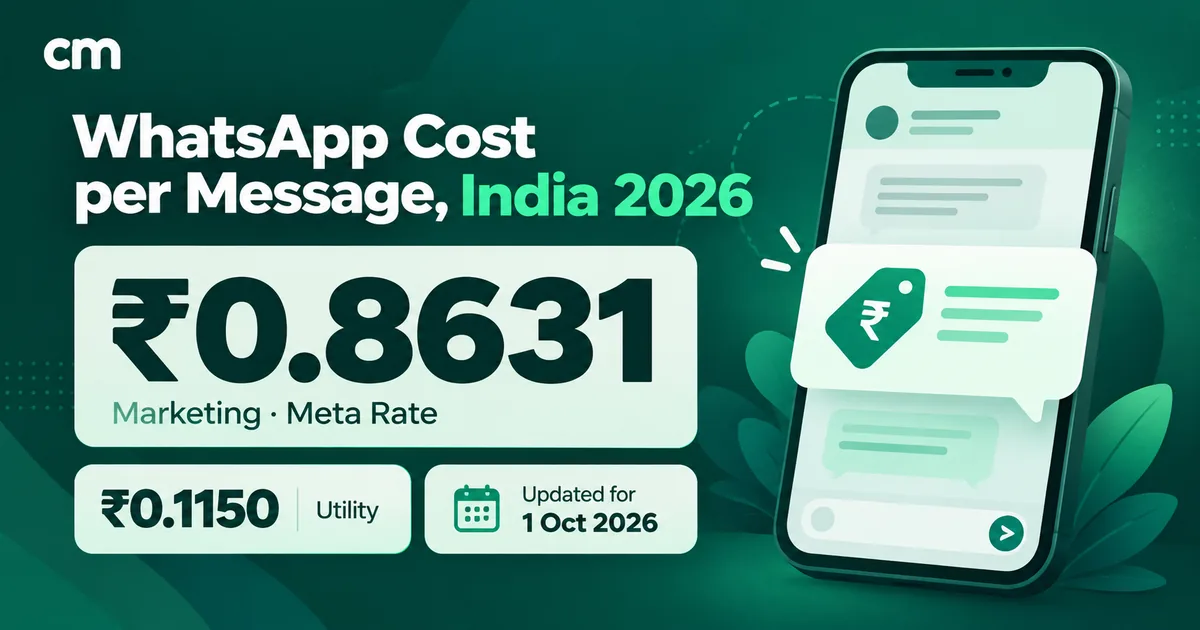
In India, from 1 October 2026, that is roughly the difference between ₹0.115 (utility) and ₹0.8631 (marketing) per delivered message. A one-off awareness message to 10,000 opted-in customers costs about ₹8,631 in Meta charges as marketing. On ChatMitra you’d add ₹0.20 per conversation (once per customer per 24 hours), up to ₹2,000 if none of them already had a conversation with you that day. That’s a modest price for protecting the trust your real messages depend on. Our cost per message guide has the full rate breakdown.
Two rules before you send:
- Send only to people who opted in. A warning is still a business-initiated message, and Meta’s opt-in rules apply. See our WhatsApp opt-in guide.
- Add the line to messages you already send. The cheapest warning is a sentence in your order confirmation or delivery template. You’re paying for those messages anyway.
The day you find a fake: a response playbook
Speed matters more than perfection. The first customers to complain are your early warning system, and each day a fake stays up it reaches more of your customers.
- Collect evidence. Screenshot the fake profile, the number, the messages and any payment details or links. Ask the customer who reported it for their screenshots too. Note the date and time.
- Report it inside WhatsApp. Open the fake chat, tap the business name, scroll down and tap Report business, with Block if you like. WhatsApp receives up to the last five messages the account sent you, and the account isn’t notified. Ask affected customers to report it as well: WhatsApp’s policy says its systems may limit how many messages a business can send when people block or report it.
- File a trademark report if your mark is used. WhatsApp’s intellectual property policy provides a trademark report form for accounts that misuse a trademark. Have your registration number and the fake account’s details ready. The policy says repeat infringers’ accounts may be banned.
- Report it to Chakshu. The government’s Sanchar Saathi portal runs Chakshu, which lets anyone report suspected fraud communication by call, SMS or WhatsApp, including KYC, utility and impersonation scams.
- Warn customers. Post on your website and social pages, add a banner to your support page, and send the incident warning above to opted-in customers if the fake is actively messaging them.
- Brief your support team. Give agents a short script: confirm the official number, tell the customer what you never ask for, and if money was lost, point them to 1930 and cybercrime.gov.in straight away.
- Remove fake numbers you can reach. If the fake number appears on a listing, review site or social post you control or can report, report it there too. Fake helplines are often seeded in comments and listings rather than sent as messages.
- Keep a log. Record each fake number, the date found, where it appeared and what you reported. Patterns repeat, and a log shortens your response next time.
If a customer has already lost money
Your support team’s first job is to send them to the right place quickly, not to investigate. The government describes the national helpline 1930 as providing “immediate assistance to victims of online financial frauds by facilitating prompt reporting and, where possible, freezing of fraudulent transactions.” Complaints can also be filed on the National Cyber Crime Reporting Portal, cybercrime.gov.in. Tell the customer to call 1930 or file at once, to inform their bank, and to keep every screenshot. A report made within minutes has a much better chance of stopping the money than one made the next day.
Don’t promise a refund for money paid to a scammer. Do help the customer file the report, give them a written statement that the number isn’t yours, and follow up.
Industry notes
The basics apply to everyone, but some sectors are targeted more and have extra tools.
- Banks, NBFCs and other financial firms. Indian regulators have moved bank voice calls to dedicated number series. RBI’s January 2025 circular requires banks to make transactional and service calls from the “1600xx” series. TRAI’s November 2025 release set adoption deadlines across the BFSI sector, with commercial banks first, by 1 January 2026. That covers voice calls only, not WhatsApp. Tell customers which WhatsApp number you use, and say plainly that you never ask for credentials there. Fraud alerts tied to a customer’s own account are your best use of utility templates.
- Ecommerce and D2C brands. Parcel-fee, refund and COD scams target your customers right after they order, when they expect to hear from you. Put the “we never” line in order and shipping templates, and keep delivery links on your own domain. Our ecommerce guide covers the order messages themselves.
- Utilities, telecom and subscriptions. “Your connection will be cut tonight” scams copy your bills. Use a consistent template with the customer’s account number and an official payment link, and never give a personal “officer” number.
- Recruitment and staffing. If your brand is well known, expect fake job and task offers in your name. Publish a careers-page notice that you never charge candidates and never hire through WhatsApp-only offers.
- Any company with a finance team. Write down a rule that no payment or bank-detail change is made on a WhatsApp instruction alone, however senior the sender seems. Confirm it by voice call to a known number.
Common mistakes
- Relying on the badge. Not every customer knows what it means, and scammers’ accounts simply don’t have one. It doesn’t help if customers don’t notice it’s missing.
- Running many unlisted numbers. Every branch or salesperson number you don’t publish looks the same as a fake. List them all or consolidate.
- Sharing one login. One shared password for the inbox means you can’t tell who sent what, and you can’t remove one person without changing it for everyone.
- Asking for sensitive data yourself. If your own team ever asks a customer for an OTP “to verify”, you’ve taught customers that it’s normal.
- Panicked warnings. All-caps alerts with emojis look like spam and can push customers to block your real number, which hurts your quality rating. Our guide on WhatsApp quality rating explains why that matters.
- Warning people who never opted in. A safety message is still a business message. Send it to customers who agreed to hear from you, and use your website and social channels for everyone else.
- Doing nothing after the first report. For every customer who reports a fake, others may have received it and said nothing.
How ChatMitra helps
ChatMitra is built on the official WhatsApp Business API, so the protections on the API side of this guide apply. It can’t stop a stranger from opening a fake account. What it can do is make your real account easy to recognise, help you warn customers, and keep the account secure.
| ChatMitra feature | How it helps against impersonation | Why it matters |
|---|---|---|
| Official Cloud API connection | Customers see Meta’s label that your business uses a secure service from Meta to manage the chat | A recognisable, consistent channel rather than a phone passed around the shop |
| Business profile editing in the dashboard | Set your About line, description, website, email and profile photo without opening Meta’s tools | Put your official website and “We never ask for OTPs” where customers look |
| Broadcasts with include and exclude tags | Send a warning to the customers who opted in, or only to those who bought recently | Target incident warnings instead of messaging everyone |
| Keyword auto-replies that add tags | A customer who sends REPORT or STOP can be tagged automatically | Collect reports in one place, and exclude opted-out customers from future broadcasts |
| Block contact in the inbox | Stops ChatMitra processing messages from an abusive or scam contact | Keeps your agents’ queue clean |
| Individual team logins with roles | Each agent has their own login; the owner can remove agents | No shared password to leak, and leavers can be removed |
| ₹0.20 per conversation, never per message | A customer who reports a fake and chats with support counts once in 24 hours | Safety conversations don’t multiply your platform bill |
Setting it up:
- Update your profile. In the dashboard, edit your WhatsApp business profile: add your website, your support email on your own domain and a one-line “We never ask for OTPs, UPI PINs or refund fees” note.
- Add the “we never” line to templates. Edit your order confirmation and shipping templates, and submit them for approval.
- Prepare two warning templates in advance. Write a general awareness message and an incident warning, and get them approved now, so you aren’t waiting for template review on the day a fake appears.
- Set up a REPORT keyword. Create an auto-reply that thanks the customer, confirms your official number and adds a
reported-faketag, so support can follow up. - Review team access. Remove anyone who no longer needs the inbox and make sure every agent uses their own login.
Good to know:
- ChatMitra doesn’t request or display the blue checkmark. Apply for an Official Business Account in WhatsApp Manager, as described in our OBA guide.
- The display name is shown with its review status in ChatMitra, but changes are made in WhatsApp Manager.
- Customers who opt out of marketing in WhatsApp aren’t removed from broadcasts automatically. Tag them through a STOP keyword or manually, and exclude the tag.
- Blocking a contact in ChatMitra stops ChatMitra handling their messages. It doesn’t report or block the number with WhatsApp; do that in the app.
- Broadcasts, auto-replies and API access depend on your plan. Check the pricing page.
A 30-minute checklist to start with
- Publish an “Our official WhatsApp numbers” page and link it from your footer.
- Add your “We never” list to your WhatsApp profile and order confirmation template.
- Turn on two-step verification on every Business app number and check Linked Devices.
- Remove ex-staff from Meta Business Suite and your inbox; require two-factor authentication for admins.
- Get your two warning templates approved.
- Give support the script: official number, what you never ask, how to report, and 1930 for anyone who lost money.
Fakes will keep appearing. The aim is that when one does, your customers know how to check and your team knows what to do.
Sources
- WhatsApp: Business Messaging Policy (updated 23 September 2026), Intellectual Property Policy and trademark report form.
- WhatsApp Help Center: About business accounts, verified badge, How to report a business, What happens when you report, Two-step verification, Account security.
- Meta for Developers: Template categorization, Official Business Accounts, Two-step verification, Account model evolution, Data privacy and security, Pricing. Meta: Display name guidelines; New WhatsApp tools and tips to beat messaging scams (August 2025).
- Government of India: PIB, Curbing Cyber Frauds in Digital India (October 2025); DoT, Sanchar Saathi Chakshu; RBI, circular on frauds using voice calls and SMS (January 2025) and caution against fraudulent calls; TRAI, press release 135/2025 on the 1600 series; DD India, I4C warning on the WhatsApp "boss scam" (August 2026).
- WhatsApp Business: Protecting your business on WhatsApp: security best practices. ETV Bharat (PTI): CERT-In flags WhatsApp hijack technique (December 2025).
- WhatsApp India monthly compliance report for August 2026, as published by MediaNama (1 October 2026). All sources read on 22 October 2026.