Disclosure
ChatMitra is a WhatsApp Business API platform. It doesn't connect to Instagram, LinkedIn or YouTube, so everything below works with any WhatsApp number, and the ChatMitra parts are limited to what happens after the chat arrives. Platform steps and limits were checked against Instagram's, LinkedIn's, YouTube's and WhatsApp's own help pages on 15 October 2026.
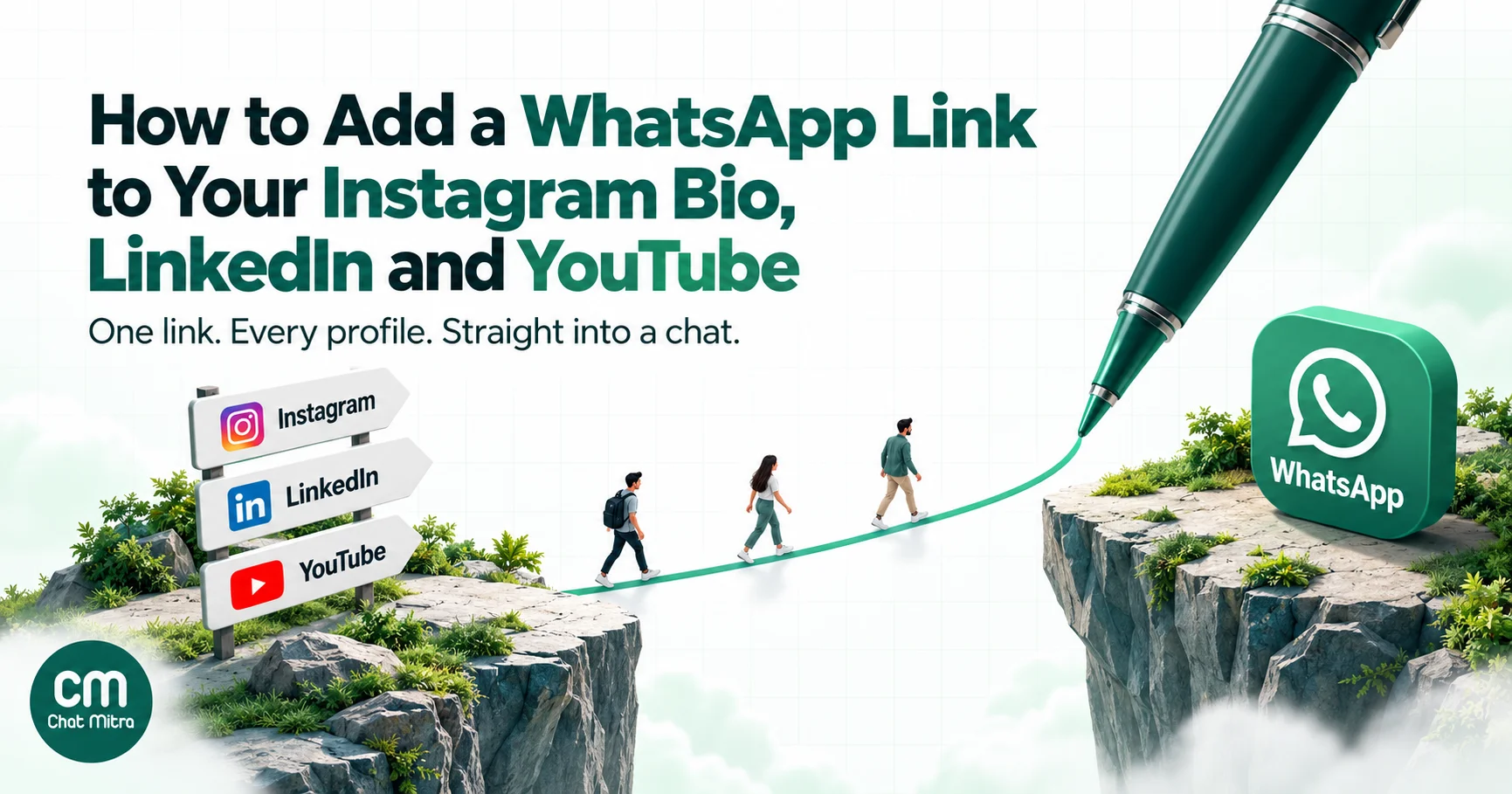
To add a WhatsApp link to your Instagram bio, create a click-to-chat link in the form https://wa.me/91XXXXXXXXXX (country code and number, with no plus sign, spaces or leading zero), add ?text= with a short pre-filled message if you want one, then open the Instagram app and go to Edit profile → Links → Add external link. Instagram allows up to five links and shows the first one on your profile, so put WhatsApp first. The same link works on LinkedIn (Contact info and your Company Page button) and YouTube (channel links, video descriptions and pinned comments). Give each platform its own pre-filled message so every chat tells you where it came from.
Key takeaways
- One wa.me link works everywhere. What changes per platform is the pre-filled message, and that's your only built-in way to know whether a chat came from Instagram, LinkedIn or YouTube.
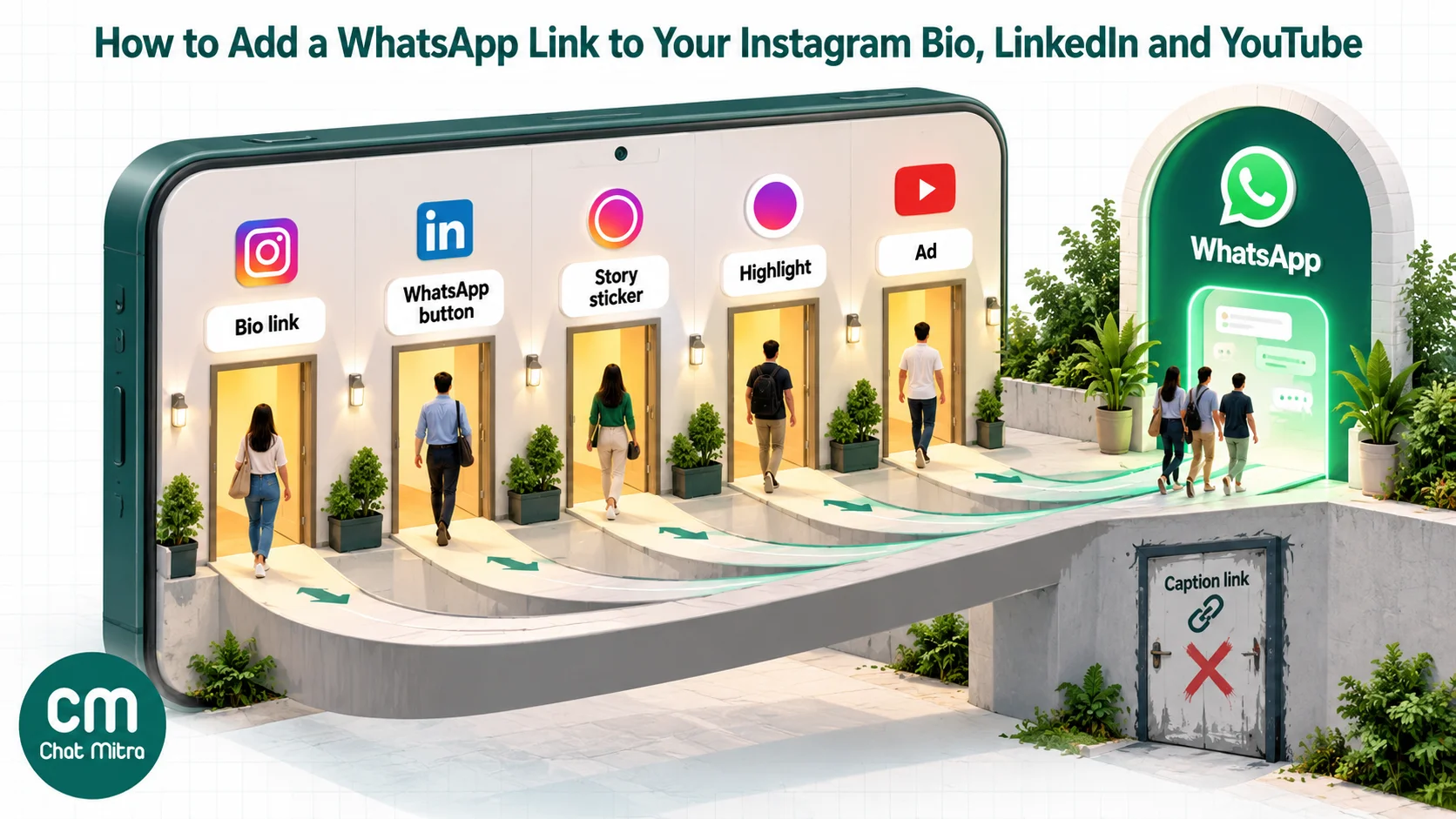
- On Instagram, the clickable places are the bio links (up to five), the WhatsApp contact button on professional accounts, the Stories link sticker, ads and DMs. Ordinary captions aren't clickable.
- LinkedIn gives everyone up to three Contact info links. Company Pages get a custom button that accepts any URL. The old creator-mode profile link is gone.
- YouTube shows the first of up to 14 channel links near the Subscribe button. Links in Shorts descriptions and comments aren't clickable, and clickable description links need advanced features turned on.
- A link only starts the chat. Reply fast, tag the source, and ask before adding anyone to promotional broadcasts.
Step 1: Build the WhatsApp link once
Every method in this guide uses the same thing: WhatsApp’s click-to-chat link. When someone taps it on a phone, WhatsApp opens a chat with your number, even if they haven’t saved it. On a computer it opens WhatsApp Web or the desktop app.
WhatsApp’s own rule for the format is short: “Use https://wa.me/<number> where the <number> is a full phone number in international format. Omit any zeroes, brackets, or dashes” (WhatsApp Help Center, click to chat). For an Indian number, that means 91 followed by the ten-digit mobile number.
| What you have | What goes in the link | Why |
|---|---|---|
| +91 98XXX XXXXX | https://wa.me/9198XXXXXXXX | Drop the plus sign and the spaces |
| 098XXX XXXXX | https://wa.me/9198XXXXXXXX | Replace the trunk zero with the country code |
| +971 50 XXX XXXX (UAE) | https://wa.me/97150XXXXXXX | Same rule in every country |
| (91) 98XXX-XXXXX | https://wa.me/9198XXXXXXXX | No brackets or dashes |
Adding a pre-filled message. Put ?text= after the number, followed by the message with spaces and special characters URL-encoded. WhatsApp’s example is https://wa.me/1XXXXXXXXXX?text=I'm%20interested%20in%20your%20car%20for%20sale. The customer sees the text already typed in the chat box and only has to tap send. They can also edit or delete it first, which matters later when you use it to track sources.
You don’t need to encode anything by hand. ChatMitra’s free WhatsApp link generator takes a number and a message and returns the finished link, and the WhatsApp QR code generator builds the same link and lets you download it as a PNG or SVG. If you’re on ChatMitra, the dashboard has the same link-and-QR card.
Short links from the WhatsApp Business app. The Business app can also make a short link of the form wa.me/message/… with a default message, plus a matching QR code, from its business tools. Meta’s documentation for the API version of these links says the pre-filled message can be up to 140 characters and can be changed or deleted later (Meta, QR codes and short links). The trade-off is that one short link carries one default message. If you want a different message per platform, the plain wa.me format is easier.
Write a different pre-filled message for each platform
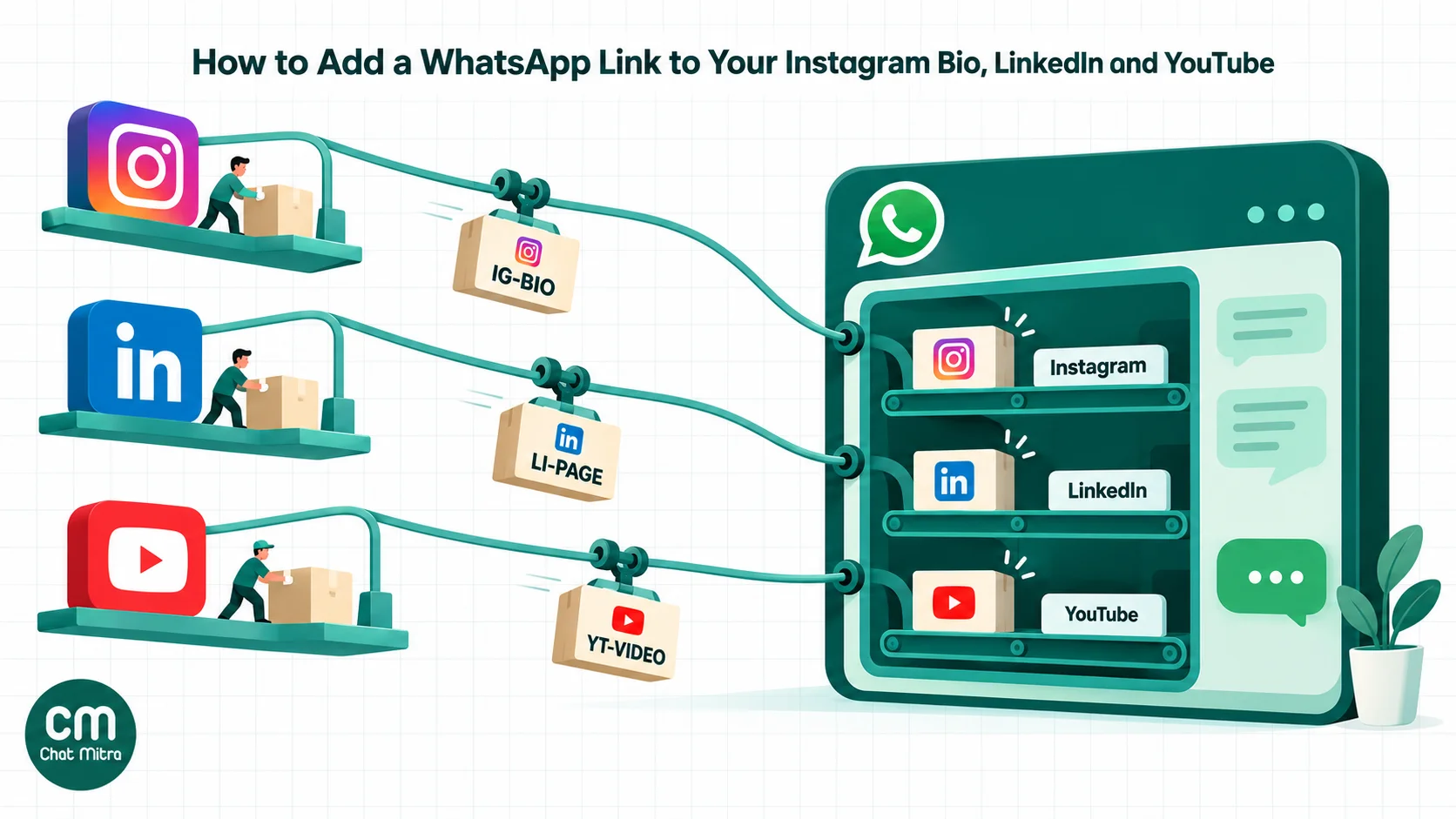
This is the step most guides skip, and it’s the one that makes the link useful. A wa.me link passes nothing to WhatsApp except the number and the text: no referrer, no UTM parameters, no “came from Instagram” flag. If every profile uses the same link, every chat looks identical in your inbox.
So write one message per placement and end it with a short code:
| Placement | Pre-filled message | Code |
|---|---|---|
| Instagram bio link | Hi! I found you on Instagram and have a question (IG-BIO) | IG-BIO |
| Instagram Story sticker | Hi! I saw your Story about the new collection (IG-STORY) | IG-STORY |
| Instagram contact button | Not editable per placement; chats arrive with no text | none |
| LinkedIn profile | Hello, I came across your LinkedIn profile and would like to talk (LI-PROFILE) | LI-PROFILE |
| LinkedIn Company Page | Hello, I'd like to know more about your services (LI-PAGE) | LI-PAGE |
| YouTube channel link | Hi! I watch your channel and want to ask something (YT-CHANNEL) | YT-CHANNEL |
| YouTube video description | Hi! I just watched your video on GST invoicing (YT-VIDEO) | YT-VIDEO |
Three rules keep this clean. Write the message the way a customer would, because a code alone (“IG-BIO”) looks strange and people delete it. Keep it short enough to read at a glance. And keep the codes consistent, because you’ll filter and tag by them later.
Test the link before you post it
Open the link on a phone that doesn’t have your number saved. It should open a chat with your business name or number, and the pre-filled message should read correctly, with no %20 showing. Then test it on a computer. If WhatsApp says the number isn’t on WhatsApp, the number in the link is wrong; the usual culprits are a leading zero, a missing country code or a stray plus sign.
Instagram: five places a WhatsApp link can go
Instagram is where most people start, and it offers more clickable spots than its reputation suggests.
1. The bio links (everyone)
Instagram’s Help Center says you “can add up to five websites to your Instagram profile, which are visible to everyone”, and that links can’t be added from a computer (Instagram Help Center, links). In the app:
- Open your profile and tap Edit profile.
- Tap Links, then Add external link.
- Paste your wa.me link and add a title such as “Chat on WhatsApp” or “Order on WhatsApp”.
- Save, then drag the WhatsApp link to the top of the list.
The order matters because your profile shows the first link in full and folds the rest behind “and 4 others”. If the WhatsApp link sits fourth, most visitors never see it.
You don’t need a business account for this. Personal, creator and business accounts can all add bio links, despite older guides that say otherwise. You also don’t need a link-in-bio page (Linktree and similar) for WhatsApp alone. Those tools add a second tap between the visitor and the chat, so use them only if you genuinely need more than five destinations.
If Instagram refuses to save a link, its help pages say profiles can be rejected for links that look like spam or ask people to add you on another service. Try again with the plain https://wa.me/ form rather than a shortened URL, and remove any long tracking parameters from the text.
2. The WhatsApp contact button (professional accounts)
Business and creator accounts can link a WhatsApp number in their contact options, which adds a WhatsApp button to the profile next to Message. Instagram says you can link “a WhatsApp Business or API phone number to a professional Instagram account” (Instagram Help Center, WhatsApp on professional accounts). The usual path is Edit profile → Contact options → WhatsApp business phone number, and Instagram sends a confirmation code to that number.
Two caveats. First, the feature isn’t available in every country; Instagram’s own article shows “not currently available in your country” in some regions, and it publishes no list. If you can’t find the option, use the bio link. Second, the button opens a blank chat, so it can’t carry your IG-BIO code. Chats that arrive with no text and no other context very likely came from the button or from someone who already had your number.
3. The link sticker in Stories (most accounts)
Instagram opened the link sticker to all accounts in 2021, with exceptions: “New accounts and accounts that repeatedly share things like hate speech and misinformation” don’t get it (Instagram announcement). Add a Story, tap the sticker icon, choose Link, paste your IG-STORY link and change the sticker text to something specific, such as “Ask us on WhatsApp”.
Stories disappear after 24 hours, so save the best one to a Highlight called “Order” or “Ask us”. The sticker keeps working there, which turns a temporary Story into a permanent second WhatsApp button on your profile.
4. Captions, Reels and comments
Links typed into ordinary post and Reel captions don’t become clickable, so “WhatsApp us at wa.me/…” in a caption mostly gets ignored. Write “Tap the WhatsApp link in our bio” instead, or point to the Story Highlight. The exception is paid: Meta announced in September 2026 that its Meta One Advanced subscription includes “links in organic posts and reels” (Meta newsroom). If you’re on that plan, a caption link can carry its own code (IG-REEL).
In direct messages, a pasted wa.me link is clickable. That’s useful when an Instagram conversation needs to move somewhere you can send invoices, payment links or order updates. Ask first (“Shall I continue this on WhatsApp?”) rather than redirecting everyone automatically.
5. Click-to-WhatsApp ads on Instagram
If you pay for reach, a click-to-WhatsApp ad does the same job with better data. WhatsApp’s business site says these ads can run “across Facebook and Instagram (News Feed, Stories, and Marketplace)” (WhatsApp Business). Unlike a wa.me link, the first message from an ad carries referral data identifying the ad, and Meta waives message charges for a period after you reply to an ad-started chat. Our click-to-WhatsApp ads guide covers setup and the current free window.
LinkedIn: profile, Company Page and posts
LinkedIn is the network where a WhatsApp link feels least natural, and that’s exactly why it works for consultants, agencies and B2B sellers: a buyer who’d rather not book a formal call can ask a quick question instead. The thin search results for this topic also mean most guides still describe options LinkedIn has removed.
Your personal profile
LinkedIn lets you “display up to three website links” on your profile, shown under Contact info in the introduction section (LinkedIn Help). To add one, open your profile, tap the edit icon in the introduction, go to Contact info, add a website, paste your LI-PROFILE link and choose a type (Other lets you name it, for example “WhatsApp”).
A custom profile button is also available, but only “to a select group of LinkedIn Premium Business, Sales Navigator, and Recruiter Lite subscribers” (LinkedIn Help, custom button). Its labels are fixed (for example “Book an appointment” or “View my services”), but the destination can be your WhatsApp link, and LinkedIn shows the button on your profile, in search results, in messages and in the feed.
What’s gone: “We have removed the option to add a hyperlink to your profile, which was previously supported through Creator Mode” (LinkedIn Help). Guides that tell you to turn on creator mode for a profile link are out of date.
Your Company Page
A Company Page has a custom button with options including Contact us, Visit website, Learn more and Request demo (LinkedIn Help, Page buttons), and LinkedIn says “any URL can be used for the call-to-action button you choose” (LinkedIn Help). “Contact us” pointing to a wa.me link with the LI-PAGE code is the simplest setup. “Request demo” needs a published product page and “Request services” needs services listed, so check those before choosing them.
Posts, comments and messages
You can paste a wa.me link into a post, a comment or a LinkedIn message, and it will be clickable. Many marketers believe posts with external links reach fewer people and put the link in the first comment instead. LinkedIn hasn’t confirmed this, and published studies disagree on the size of any effect, so test it on your own account rather than taking it as a rule.
Two habits keep this professional. Offer WhatsApp as an option (“Happy to continue on WhatsApp if that’s easier”), not as the only way to reach you. And don’t paste the same link into strangers’ messages; LinkedIn’s community policies don’t allow “untargeted, irrelevant, obviously unwanted” commercial content (LinkedIn Professional Community Policies), and that’s how accounts get restricted.
YouTube: channel links, descriptions and the Shorts problem
YouTube viewers are often the warmest leads of the three: they’ve just spent ten minutes watching you explain something. The trick is putting the link where YouTube actually lets people click it.
Channel links
YouTube says you “can showcase up to 14 links on your channel Home tab” and that “your first link will be prominently displayed in the profile section near the subscribe button” (YouTube Help). In YouTube Studio go to Customization → Profile → Links, click Add link, enter a title (“WhatsApp us”) and your YT-CHANNEL link, move it to the first position and click Publish. Older guides send you to “Basic info”, which YouTube has renamed.
Video descriptions and pinned comments
On long videos, a link in the description or a pinned comment is the highest-intent placement you have, because the viewer is looking at the exact topic they want to ask about. Use a video-specific message (“I just watched your video on GST invoicing”) so you can answer in context without asking which video they mean.
There’s a condition: “To add clickable external links, you must enable your channel’s access to advanced features” (YouTube Help, external links). Phone verification alone only unlocks intermediate features (YouTube Help, feature eligibility). If your description links show as plain text, that’s why; check the feature status in YouTube Studio under Settings → Channel → Feature eligibility.
Shorts: links don’t click
This is where most guides are wrong. YouTube’s rule is direct: “URLs placed in YouTube Shorts comments and Shorts descriptions are non-clickable” (YouTube Help). It has been the case since August 2023, as an anti-spam measure. A wa.me link in a Short’s description is dead text.
What works instead:
- Related video. A Short can show a clickable link to one of your own long videos or Shorts below your channel handle (YouTube Help). Link the Short to a long video whose description holds the WhatsApp link.
- Channel link. Say “WhatsApp link on my channel” in the Short itself. The first channel link sits next to the Subscribe button, one tap from your handle.
- On-screen QR code. For viewers watching on a TV or laptop, a QR code on screen lets them open the chat on their phone. Keep it on screen for several seconds and make it large enough to scan from across a room.
End screens and cards
End screens and cards can point to an external website only “if you’re in the YouTube Partner Program” (YouTube Help, end screens). If you’re not, use them to send viewers to the video that carries the WhatsApp link in its description.
YouTube’s external links policy bans links to things like malware, phishing and “misleading or deceptive content” (YouTube Help, external links policy). A wa.me link to your own business number is fine; promising something in the video that the chat doesn’t deliver is not.
Every placement at a glance
| Platform and placement | Clickable? | Who can use it | Can carry its own message? |
|---|---|---|---|
| Instagram bio links | Yes | All accounts, up to 5 links, added in the app | Yes |
| Instagram WhatsApp contact button | Yes | Professional accounts, in supported countries | No |
| Instagram Story link sticker and Highlights | Yes | Most accounts (not new or repeatedly violating ones) | Yes |
| Instagram captions | No, except Meta One Advanced | — | — |
| Instagram DMs | Yes | All accounts | Yes |
| LinkedIn Contact info | Yes | All members, up to 3 links | Yes |
| LinkedIn custom profile button | Yes | Select Premium subscribers | Yes |
| LinkedIn Company Page button | Yes | Page admins | Yes |
| YouTube channel links | Yes | All channels, up to 14 links | Yes |
| YouTube video description or pinned comment | Yes, with advanced features | Channels with advanced features | Yes |
| YouTube Shorts description or comments | No | — | — |
| YouTube end screens and cards (external) | Yes | YouTube Partner Program only | Yes |
Know which platform sent each chat
Once the links are live, chats start arriving with your codes in them. Turning those codes into something you can act on takes a little setup.
On the WhatsApp Business app, you can’t automate it, but you can be consistent: when a chat arrives with “(IG-STORY)”, apply a label such as “Instagram” before replying. Over a month, the label counts tell you which platform is worth your time.
On a WhatsApp Business API platform, you can automate the tagging. In ChatMitra, an auto-reply rule can match an incoming message and add a tag to the contact at the same time. Rules match by exact text, by “starts with”, or by a regular expression; a regular expression such as ig-story matches the code anywhere in the message, so one rule per code is enough. Keyword auto-reply rules are part of the Pro plan; on Starter, apply tags by hand from the inbox. Once contacts are tagged, campaigns can include or exclude tags, so you can later send a template only to people who came from YouTube, for example, provided they’ve opted in.
What this method can’t tell you. Codes count chats, not clicks. Someone who taps your link and then doesn’t send the message leaves no trace in WhatsApp. If you want click counts, point your bio at a page on your own website that records the visit and then redirects to the wa.me link, or use a link shortener with statistics. Be aware that each extra hop can make Instagram or LinkedIn more suspicious of the link and adds a moment of delay for the visitor. And people sometimes delete the pre-filled text, so a few chats will always arrive without a code.
Ads are the exception. A click-to-WhatsApp ad’s first message carries referral data about the ad, including a click ID. ChatMitra stores it with the chat and forwards it to your webhook, so a CRM or analytics tool can attribute the chat to the ad. It isn’t shown in the inbox itself, so the pre-filled message is still the easiest signal for whoever replies.
What happens after the tap
A link that leads to a slow or generic reply wastes the hardest part of the work. Plan the first five minutes of the conversation as carefully as the link.
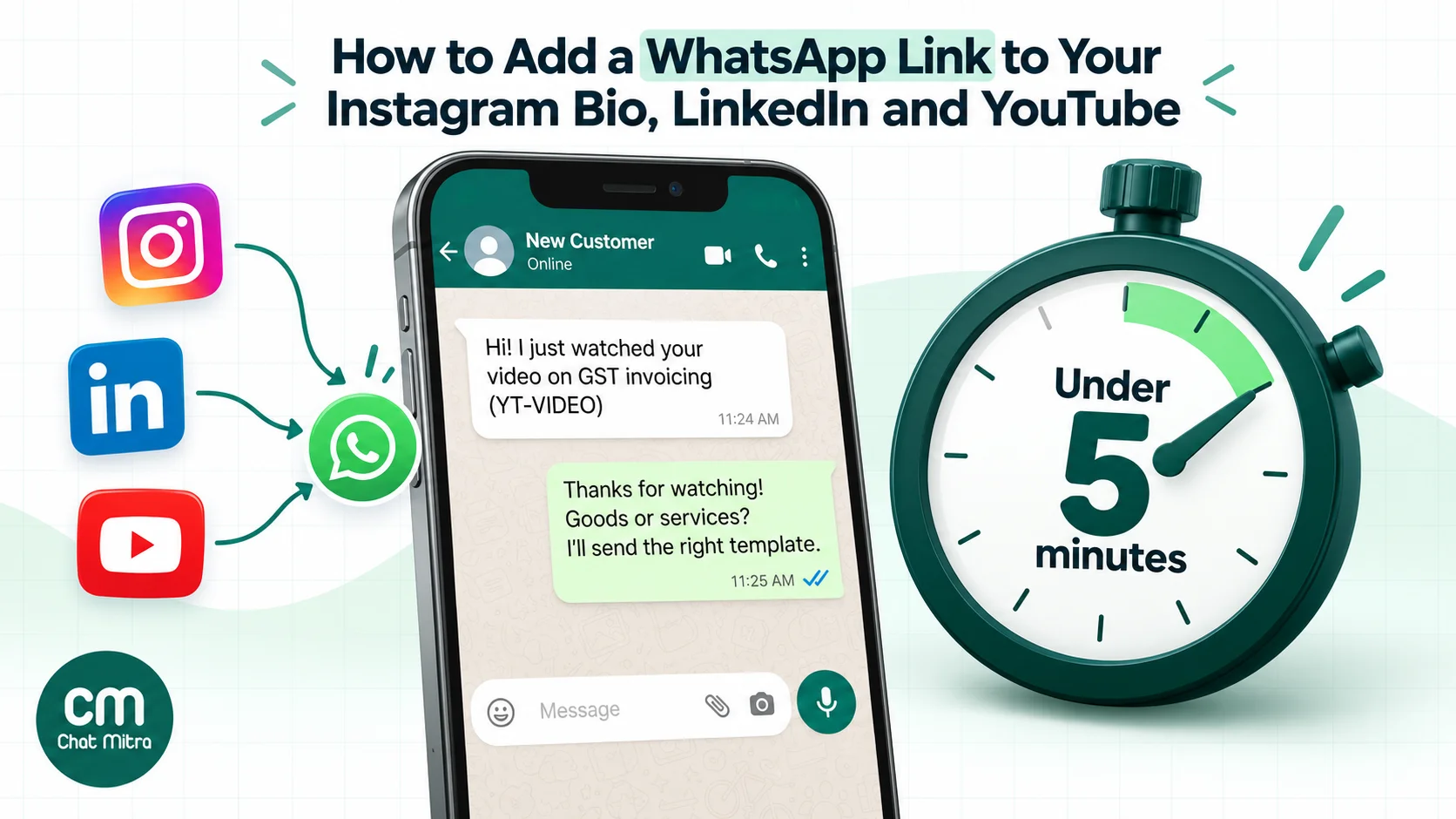
Reply to the context. If the message says “I just watched your video on GST invoicing (YT-VIDEO)”, don’t open with “Hello, how can I help you?” Answer as if you know what they watched: “Thanks for watching! Are you invoicing for goods or services? I’ll send you the right template.” That one line shows the code is doing its job.
Set expectations when you’re away. Social traffic arrives at night and on weekends, when your Reel or video is being watched. An away message that names your reply hours and offers one useful next step keeps the lead warm. Our auto-reply examples have copy you can adapt, and ChatMitra’s auto-reply feature can answer by keyword or outside business hours on the Pro plan.
Know the cost. The link itself is free. On the WhatsApp Business app, so are your replies. On the API, replies inside the 24-hour customer service window are service messages: Meta lets each business number send the first 1,000 a month free in India, then charges ₹0.115 each (Meta, pricing). Your platform’s fee comes on top; ChatMitra’s Starter plan has no monthly fee and charges ₹0.20 per conversation, meaning once per customer per 24 hours (ChatMitra pricing). If the customer stops replying and the 24-hour window closes, you can only reach them with an approved template.
Ask before you market. A customer who messages you from Instagram has asked a question; they haven’t agreed to receive your offers. Meta’s business messaging policy requires opt-in before a business starts conversations, and India’s DPDP Act expects consent to be specific and informed. Near the end of a helpful chat, ask: “Would you like us to send you new arrivals and offers on WhatsApp? Reply YES.” Record the answer with the contact. Our opt-in best practices page covers the wording.
Four setups you can copy
A clothing boutique on Instagram. First bio link: “Order on WhatsApp” with IG-BIO. Every new-arrivals Story has a link sticker with IG-STORY, and the best one lives in an “Order” Highlight. Captions end with “Tap Order on WhatsApp in our bio”. When a chat arrives, the reply asks for size and colour and sends the catalogue link.
A chartered accountant on LinkedIn and YouTube. Contact info carries “WhatsApp” with LI-PROFILE, and the firm’s Company Page button is “Contact us” with LI-PAGE. Each tax-explainer video has a pinned comment with a video-specific message. Shorts end with “WhatsApp link on my channel” and link to the matching long video. The first reply asks one qualifying question: individual or business filing.
A home-tuition centre on Instagram and YouTube. The bio link opens with “Hi! I’d like details of classes for my child (IG-BIO)”. Parents who come from a YouTube study-tips video get a reply with the batch timetable for that subject. Admission follow-ups go out only to parents who said yes to updates.
A real-estate agent across all three. The Instagram contact button and the bio link both go to the sales number. Property-tour Reels point to a Highlight per project, each with its own sticker code (IG-PROJ-A, IG-PROJ-B), so the agent knows which listing the buyer means before replying.
Common mistakes
- A plus sign, space or leading zero in the number. The link opens WhatsApp but can’t find the account. Use the international format with digits only.
- The WhatsApp link buried fourth in the bio. Only the first bio link is visible without a tap. Put WhatsApp first if it’s your main call to action.
- Links in captions and Shorts descriptions. Neither is clickable for most accounts. Point to the bio, a Highlight or the channel link instead.
- One link everywhere. Without a different pre-filled message per platform, you can’t tell which one is working.
- A personal number. Customers will message it at all hours, and you can’t hand the chat to a colleague. Use a WhatsApp Business number, ideally one your team can share.
- No reply plan. A link that leads to a two-day silence does more harm than no link at all.
- Treating a chat as marketing consent. Ask for opt-in before adding anyone to broadcasts.
Troubleshooting
“The link opens WhatsApp but says the number isn’t on WhatsApp.” The number in the link is wrong. Check the country code, remove any zero after it, and make sure the number is registered on WhatsApp or the WhatsApp Business app (or connected to the API).
“Instagram won’t save my link.” Remove link shorteners and very long pre-filled text, and try the plain https://wa.me/ form. If it still fails, Instagram may be treating the link as spam; wait a day before trying again rather than retrying repeatedly.
“I can’t find the WhatsApp option in Instagram’s contact options.” The account must be a professional account, and the feature isn’t offered in every country. Use the bio link instead.
“My YouTube description link isn’t clickable.” Either the video is a Short (links never click there) or your channel doesn’t have advanced features turned on yet.
“The pre-filled message shows %20 or strange characters.” The text was encoded twice or not at all. Generate the link again with a link generator instead of editing it by hand.
“Chats arrive with no code.” The visitor deleted the text, or the chat came from the Instagram contact button, a saved contact or word of mouth. Ask how they found you in your first reply, and keep the question light.
Where to start
Build one wa.me link today, then make three versions of it: one for your Instagram bio, one for LinkedIn Contact info and one for your YouTube channel links. Put each one first in its list, add a Story Highlight with a link sticker, and set up a reply that responds to each code. After a month, compare how many chats each code brought in, and spend more effort on the platform that’s actually starting conversations. For the wider picture of turning those chats into customers, read our WhatsApp lead generation guide.