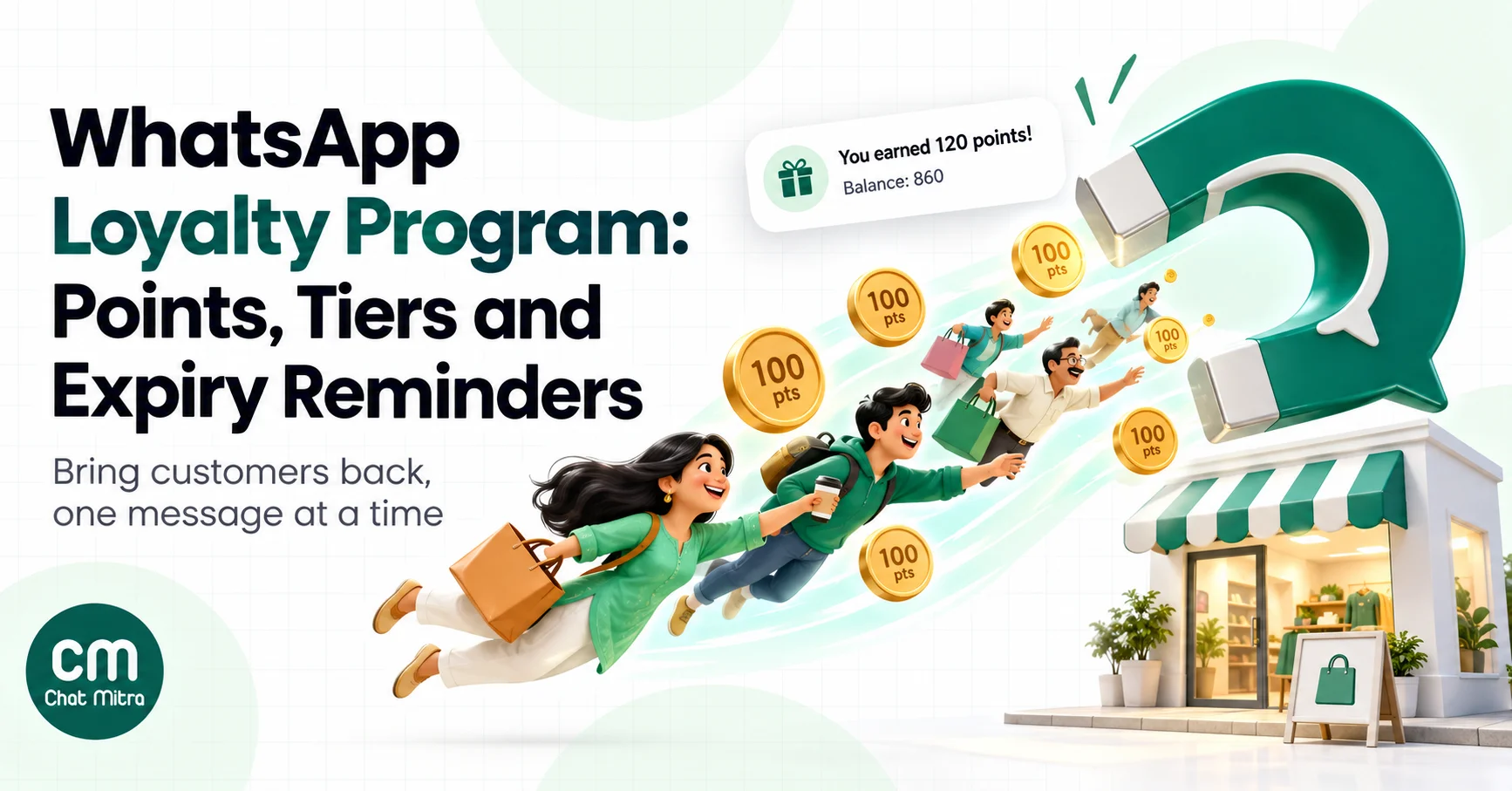
A WhatsApp loyalty program is a points, stamps or tier program whose members join, check their balance and hear about rewards on WhatsApp. It doesn’t replace your loyalty system. The ledger still lives in your billing software, store platform or loyalty app. What changes is that members see their points where they already read messages, and they can reply.
That last part is why WhatsApp suits loyalty. Most loyalty emails are never opened, and SMS is one-way. A member who gets “You earned 120 points on today’s order” on WhatsApp can tap a button to see what the points buy, ask a question, or redeem. This guide covers how to set that up properly: what to send and when, which messages Meta treats as cheaper utility messages and which as marketing, expiry reminders, tiers, enrolment, getting your points data into WhatsApp, costs in rupees and what to measure.
Using ChatMitra? Import members with their points, tier and expiry date as contact fields, then use them as variables in templates. Automation can send expiry reminders a set number of days before a contact’s date field, and a keyword can return a member’s balance. ChatMitra’s fee is ₹0.20 per conversation, not per message. Jump to A loyalty program on ChatMitra.
What a WhatsApp loyalty program is, and what it isn’t
Every loyalty program has three parts:
- Rules: how members earn (₹100 spent = 10 points, one stamp per visit), what they can redeem, tiers and expiry.
- A ledger: the system that records each member’s points and history. For a café it might be a spreadsheet; for a D2C brand, a Shopify loyalty app; for a retail chain, the POS.
- Communication: how members find out they’ve earned, what they can claim and what’s about to expire.
WhatsApp handles the third part, and it can help with enrolment. It doesn’t calculate points. Keep that separation clear when you plan, because the most common failure is a WhatsApp message showing a balance that doesn’t match what the cashier sees at the counter.
Design rules that fit in one WhatsApp message
If you can’t explain your program in the welcome message, members won’t use it. Before writing any templates, check the rules against these questions:
- Can a member say what a point is worth? “100 points = ₹50 off” is clear. “Earn Tulsi Coins at tier-based multipliers” isn’t. Show the rupee value in messages wherever you show points.
- Is the first reward close? A first reward reachable within two or three normal purchases gives new members a reason to come back. A first reward that needs a year of spending is forgotten.
- Is expiry stated up front? If points expire, say so in the welcome message and the terms, with the period (“points expire 12 months after you earn them”). Expiry that surprises members turns a reminder into a complaint.
- Can points be used everywhere the member shops? If online and in-store balances are separate, say so, or members will argue at the counter.
- Is redeeming one step? A coupon code at checkout, a phone number at the till, or a “Redeem” link. Every extra step lowers redemption.
- Are tiers few and visible? Two or three tiers with one clear benefit each (free delivery, early access, a birthday gift) are easier to communicate than five tiers with a table of perks.
Write the rules down in one short paragraph and keep the full terms on a page you can link to. That paragraph becomes your welcome message, your FAQ answer and the script your staff use at the counter, so everyone tells members the same thing.
Why run loyalty messages on WhatsApp
- Members actually see them. A balance in a WhatsApp chat is easier to find than one buried in an email or a loyalty app the member downloaded once.
- It’s two-way. Members can reply “POINTS” for their balance, ask how to redeem or tell you about a problem. Their message opens a 24-hour customer service window, so your replies don’t need templates.
- It works offline-to-online. A QR code at the billing counter can enrol walk-in customers who’d never download an app.
- It’s personal. Templates can carry each member’s name, points, tier and expiry date.
The limits are real too. Meta requires opt-in before you message members, every message you start is a paid template, and WhatsApp limits how many marketing templates a person receives from all businesses when they’re unlikely to read them. A loyalty program that sends a promotion every few days will reach fewer members over time, not more.
The loyalty message map: utility or marketing?
This is the decision that most affects your WhatsApp loyalty budget. In India, Meta charges ₹0.115 for a utility template and ₹0.8631 for a marketing template, so the same reminder sent as marketing costs about 7.5 times as much.
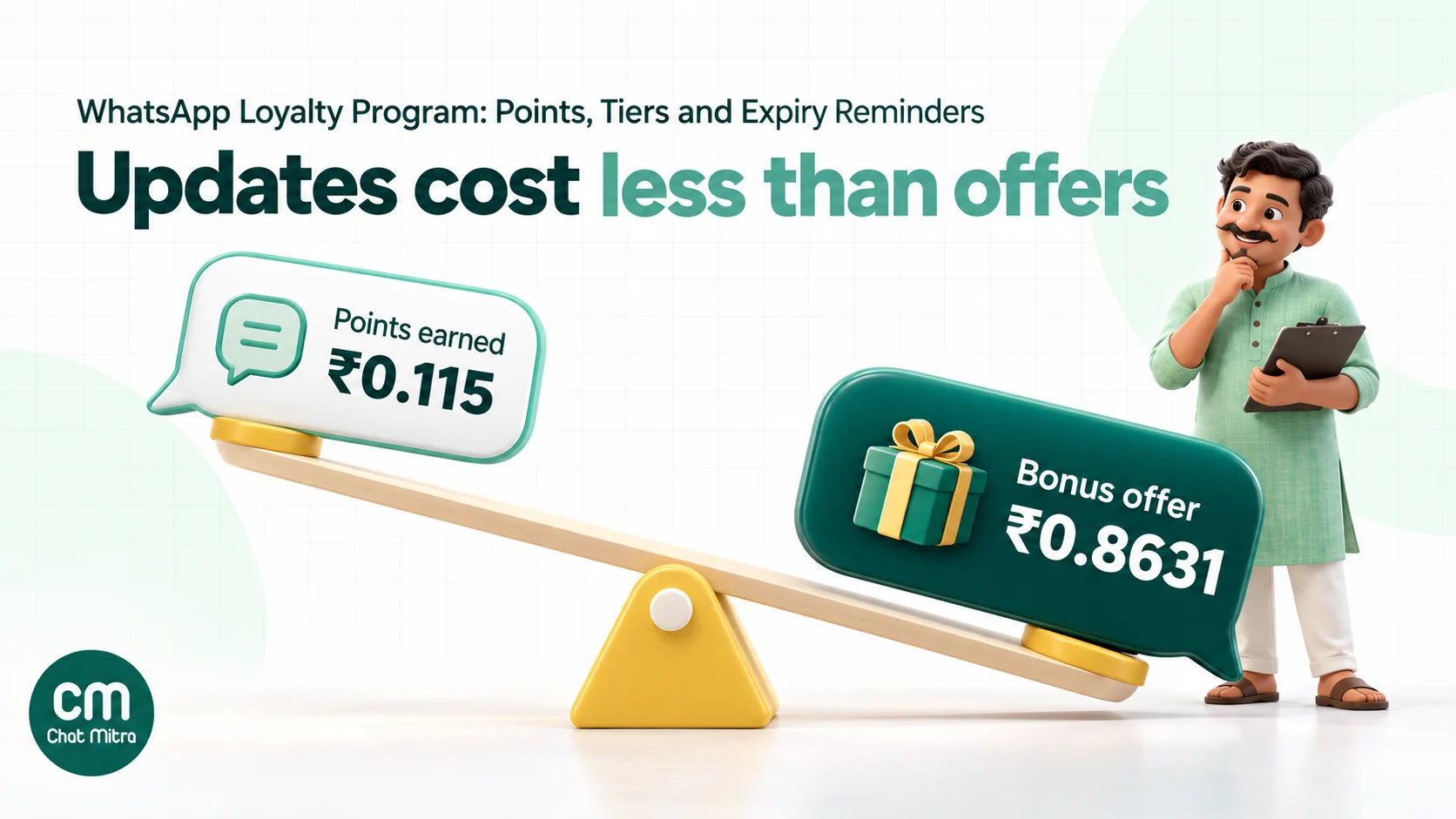
Meta doesn’t mention loyalty programs by name in its template categorisation rules. The rules say utility templates must be non-promotional and either specific to or requested by the user, and one of the listed utility objectives is “Account Alerts or Updates”. The marketing examples include a thank-you discount on the next order, a birthday greeting and a “renew today to save” subscription message. Applied to loyalty, that gives this map:
| Message | Trigger | Likely category | Why |
|---|---|---|---|
| Enrolment confirmation | Member joined | Utility, if it only confirms the account and explains how points work | Confirms an action the member took |
| Points earned | Purchase or visit | Utility, if it states points and balance with no offer | Account update tied to a transaction |
| Balance statement | Monthly, or on request | Utility if plain; free-form service reply if the member asked | Account update |
| Tier change | Member crossed a threshold | Utility if it states the new tier; marketing if it sells perks | Account update vs promotion |
| Points expiry notice | Points expire soon | Utility only if purely informational; marketing once it says “shop now” or adds a bonus | Meta treats “renew to save” style nudges as marketing |
| Redemption confirmation | Member redeemed | Utility | Confirms a transaction |
| Birthday reward | Member’s birthday | Marketing | Meta lists birthday greetings as marketing |
| Double-points days, member-only sales | Campaign | Marketing | Promotional |
| Win-back with points | Member inactive | Marketing | Retargeting |
Three practical rules follow:
- Write account updates like account updates. “You earned 120 points on order #4521. Balance: 860 points.” is an update. Adding “Shop now and earn double!” turns it into marketing.
- Put the selling into separate messages, sent to members who agreed to receive offers.
- Meta decides, and can change its mind. If Meta moves an approved utility template to marketing, it gives one day’s notice and the template stays approved, but each send then costs the marketing rate. Check your template categories in WhatsApp Manager now and then.
Our WhatsApp utility templates guide has more examples of wording that stays utility.
Eight loyalty messages you can adapt
The templates below use numbered variables. Replace the brand and amounts with your own, and keep offers out of the ones meant for utility.
1. Welcome to the program (utility)
Hi {{1}}, welcome to Tulsi Rewards at Tulsi Organics. You earn 5 points for every ₹100 you spend, and 100 points = ₹50 off. Your balance today: {{2}} points. Reply POINTS any time to check it.
2. Points earned (utility)
Hi {{1}}, you earned {{2}} points on order {{3}}. Your balance is now {{4}} points. [View rewards]
3. Balance statement (utility)
Hi {{1}}, your Tulsi Rewards statement for {{2}}: {{3}} points earned, {{4}} redeemed, balance {{5}} points.
4. Tier upgrade (utility version)
Hi {{1}}, your Tulsi Rewards tier is now {{2}}, after ₹{{3}} spent in the last 12 months. Your new benefits are listed here: {{4}}
5. Points expiring (write as an update; Meta may still class it as marketing)
Hi {{1}}, {{2}} of your Tulsi Rewards points will expire on {{3}}. Your current balance is {{4}} points. [How to redeem]
6. Redemption confirmation (utility)
Hi {{1}}, you redeemed {{2}} points for {{3}} on order {{4}}. Remaining balance: {{5}} points.
7. Birthday reward (marketing)
Happy birthday, {{1}}! 🎂 We’ve added {{2}} bonus points to your Tulsi Rewards account. Use them on anything before {{3}}. [Shop now]
8. We miss you (marketing)
Hi {{1}}, it’s been a while! You still have {{2}} Tulsi Rewards points, worth ₹{{3}}. They’re waiting for you until {{4}}. [See what’s new]
For the member’s own questions (“How do I redeem?”, “Why is my balance lower?”), reply in the chat with free-form text, or connect your loyalty system so an automated reply can look the balance up. For thank-you and birthday wording ideas, see our thank-you messages for customers and birthday wishes for clients.
Points expiry reminders: timing, targeting and stop rules
Expiry reminders are often the highest-value loyalty message: members who forget their points are customers you’ve already earned. They’re also the easiest to get wrong.
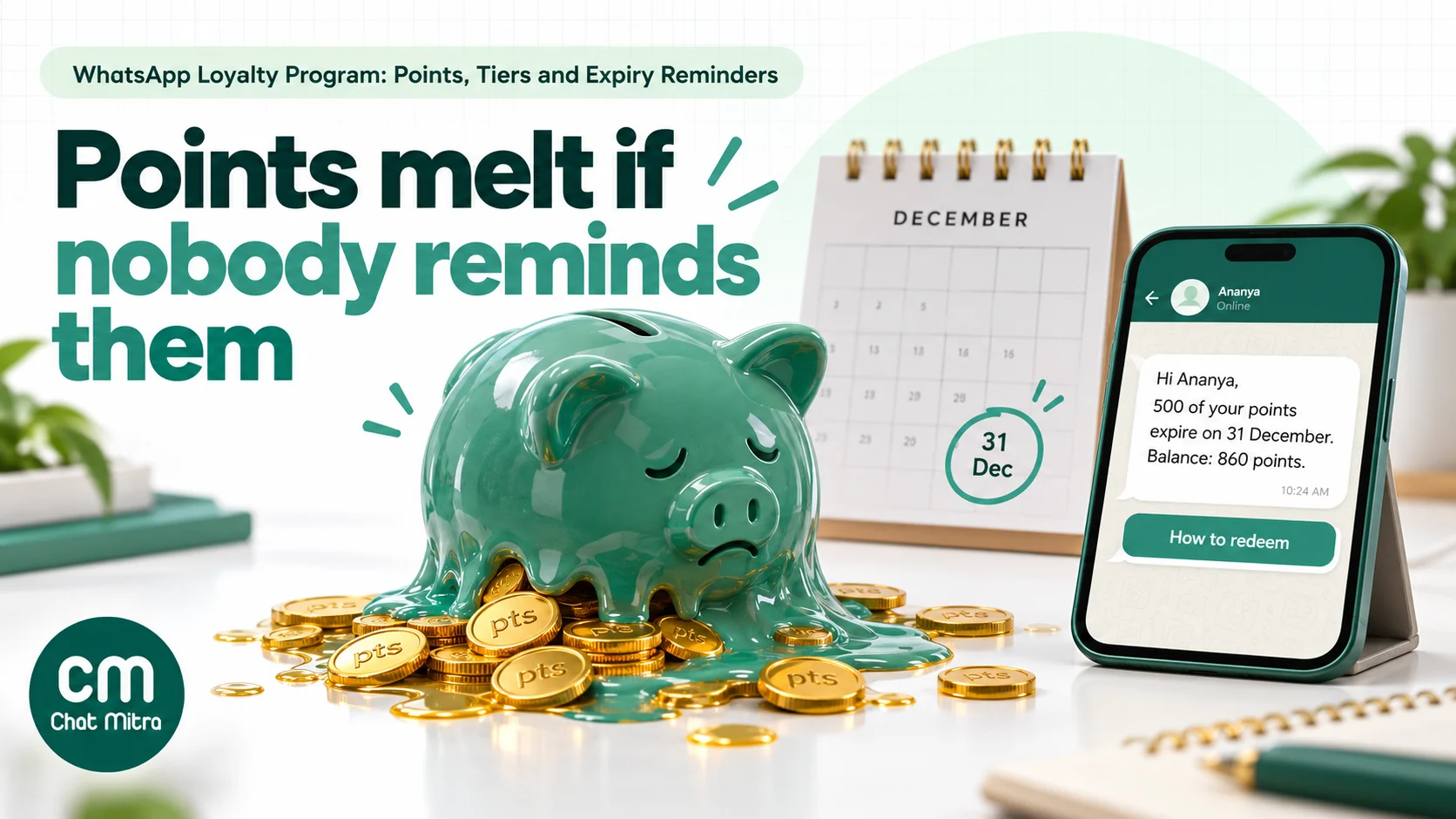
Timing. There’s no official rule. Loyalty platforms commonly default to a first reminder about two weeks before expiry and a final one a day to a few days before; Stamped’s “points expiring soon” flow, for example, starts two weeks out (Stamped). Two WhatsApp reminders are usually enough: one around 14 days before, one 2 to 3 days before. A third reminder on the last day is worth testing only for large balances.
Targeting.
- Send only to members whose points are actually expiring in that window, with the exact number and date.
- Skip members who’ve redeemed or bought since you exported the list.
- Leave out tiny balances. Telling someone 12 points are expiring costs you more than the points are worth to them.
- Send at a sensible local time, for example late morning, not at the moment your nightly export runs.
Stop rules. A purchase, a redemption or a “Don’t remind me” reply ends the reminders. If your WhatsApp tool can’t see purchases in real time, re-export the list on the morning of each send.
Make redeeming easy. Explain in one line how to use points online and in store, and link to the rewards page. A reminder that makes people hunt for the redemption step creates complaints, not visits.
Tiers on WhatsApp
Tiers (for example Silver, Gold, Platinum) give regular customers something to work towards. WhatsApp helps in three moments:
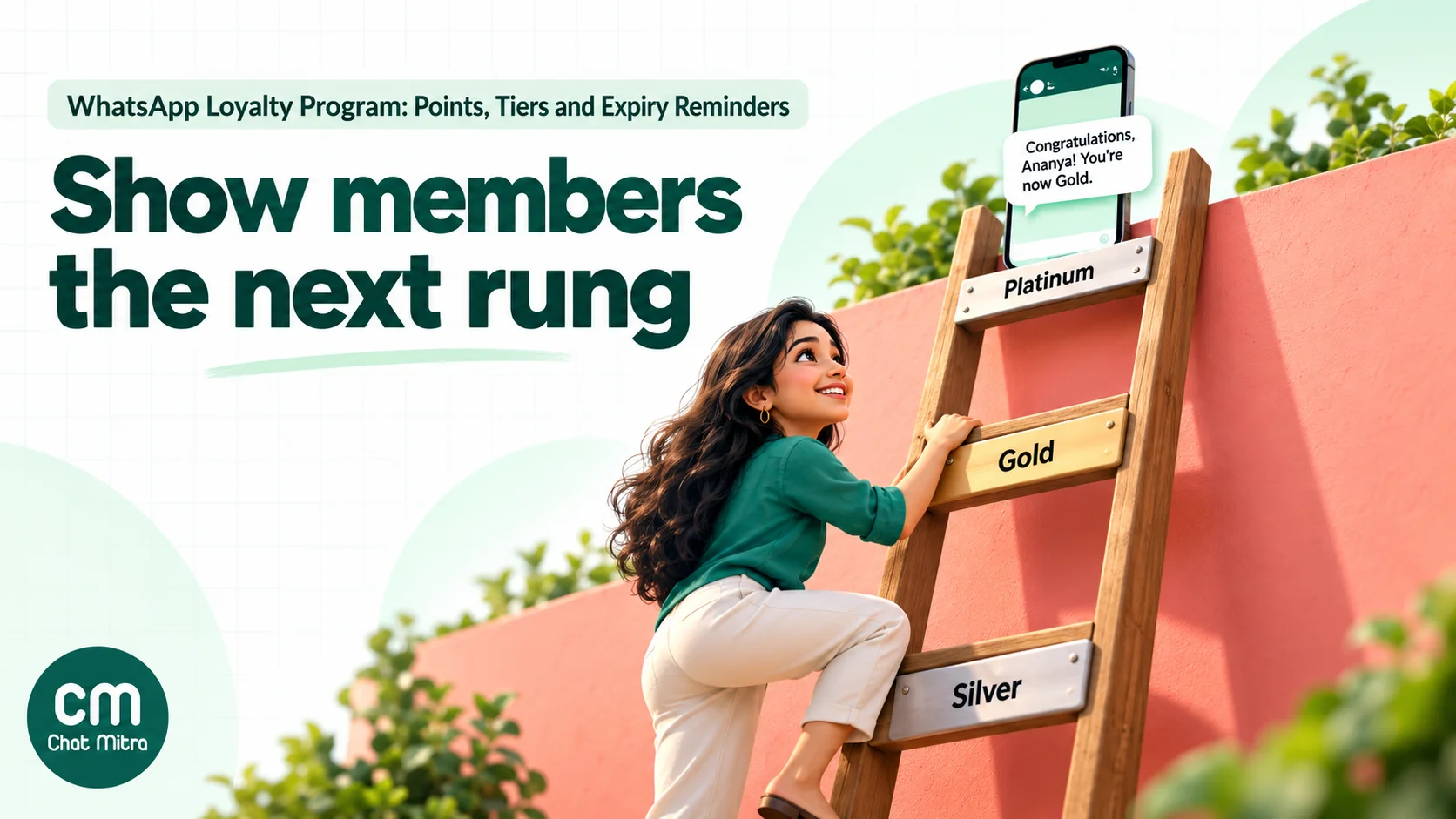
- Upgrade: a short, plain “Your tier is now Gold” update (utility), followed later by a separate benefits message to members who opted in to offers.
- Close to the next tier: “You’re ₹1,200 away from Gold” is a nudge to spend, so it’s marketing. Send it sparingly, to people within reach.
- Downgrade risk: if tiers reset yearly, one notice before the review date gives members a fair chance. Keep the tone factual; members resent being threatened with a downgrade.
Use tags for tiers (Silver, Gold, Platinum) so you can include or exclude whole tiers from broadcasts, and keep tier perks consistent with what staff tell members in the store.
How to enrol members on WhatsApp
Enrolment is where you collect the opt-in you’ll rely on for every later message. Meta’s opt-in rules require you to state that the person is agreeing to receive messages from your business and to name the business. Meta also recommends separate opt-ins by message category and clear opt-out instructions.
Practical enrolment routes:
- QR code at the billing counter or on the packaging. Scanning opens WhatsApp with a ready message such as “JOIN Tulsi Rewards”. The member sends it, you reply with the welcome inside the free customer service window, and you add them to the program.
- Checkout tick-box online. “Send my rewards and order updates on WhatsApp” next to the phone field, with a second, optional box for offers.
- Existing customers. Your ledger may already have phone numbers, but a loyalty membership isn’t automatically an opt-in to WhatsApp messages. Ask once, plainly, and record the answer.
Collect the birthday only if you’ll use it, and say why: “for a birthday reward”. India’s data protection framework expects consent to be specific, so don’t gather data for a vague future purpose. Our WhatsApp opt-in guide covers consent wording in more detail.
Getting your points data into WhatsApp
The messages above are only as good as the numbers in them. Pick a route that keeps balances fresh:
| Your setup | How data reaches WhatsApp | Freshness | Best for |
|---|---|---|---|
| Spreadsheet or simple POS | Export members with points, tier and expiry, import into your WhatsApp tool as contact fields, then broadcast | As fresh as your last import | Cafés, salons, single stores |
| Loyalty app with its own WhatsApp notifications | The app sends messages through its WhatsApp integration | Real time | Stores happy to let the app own loyalty messages |
| Loyalty app with webhooks or an API | Each points event calls your WhatsApp tool’s webhook or API with the member’s numbers | Real time | D2C brands that want all messages in one inbox |
| Connector (Zapier, Make, Pabbly) | The connector watches the loyalty app and passes events on | Usually minutes | When the loyalty app has a connector app but no direct link |
| Large POS or CRM | The POS or CRM sends events or nightly files to the WhatsApp API | Real time or daily | Multi-outlet retail and restaurant chains |
Before you choose a loyalty app, check four things: whether it exposes points events (earned, redeemed, expiring, tier change) as webhooks or through a connector; whether it can send the member’s phone number with the country code; whether you can store your own templates; and whether it can sync online and in-store points to one balance.
What a WhatsApp loyalty program costs in India
Meta charges per delivered template in India: ₹0.115 for utility and ₹0.8631 for marketing. Replies inside a 24-hour customer service window are service messages; Meta gives each number 1,000 free service messages a month, then charges ₹0.115 each (Meta pricing).
Worked example: a D2C brand with 5,000 opted-in members (illustrative assumptions, not benchmarks). In one month:
| Message | Volume | Category | Meta cost |
|---|---|---|---|
| Points earned after purchase | 1,500 | Utility, ₹0.115 | ₹172.50 |
| Monthly statement (members with a balance) | 3,000 | Utility, ₹0.115 | ₹345.00 |
| Expiry reminders (600 members × 2) | 1,200 | Assume marketing, ₹0.8631 | ₹1,035.72 |
| Tier upgrades | 150 | Utility, ₹0.115 | ₹17.25 |
| Birthday rewards | 400 | Marketing, ₹0.8631 | ₹345.24 |
| Balance requests answered (“POINTS”) | 800 replies | Service, inside the free 1,000 | ₹0 |
| Meta total | ₹1,915.71 |
ChatMitra’s ₹0.20 is charged once per customer per 24 hours, including chats the member starts. Assuming none of these messages land on the same day for the same member, that’s 7,050 conversations. On Pro (₹999 a month, 1,000 conversations included), the platform cost is ₹999 + 6,050 × ₹0.20 = ₹2,209. The month comes to ₹4,124.71, about ₹0.82 per member. Enterprise (₹2,499 a month, no ₹0.20 fee) costs less than Pro once you pass about 8,500 conversations a month.
Two things move this bill most. Expiry reminders are the biggest line, because the example assumes Meta classes them as marketing, so target them tightly. And the monthly statement can be replaced with balance-on-request for members who rarely buy. For more on Meta’s per-message pricing, read our WhatsApp cost per message guide.
How to measure a WhatsApp loyalty program
Loyalty programs are easy to over-credit, because your best customers would have come back anyway. Measure what the program changes.
| Metric | How to calculate | What it tells you |
|---|---|---|
| Repeat-purchase rate | Members with 2+ orders in the period ÷ active members | Whether members come back |
| Time between orders | Average days between a member’s orders | Whether reminders shorten the gap |
| Redemption rate | Points redeemed ÷ points issued | Whether rewards feel worth using |
| Breakage | Points expired ÷ points issued | High breakage means rewards are too hard to reach or reminders aren’t working |
| Reminder conversion | Members who bought or redeemed within 7 days of a reminder ÷ members reminded | The value of expiry reminders |
| Opt-out and block rate | Opt-outs ÷ members messaged | Whether you’re sending too much |
| Incremental revenue | Revenue of messaged members minus a holdout group’s, per member | The honest answer to “is it working?” |
Use a holdout group. Leave a random 5–10% of eligible members out of a message type, such as expiry reminders, for a month, and compare their purchases with those who received it. Without a holdout, a loyalty program always looks better than it is.
Examples by business type
- D2C beauty or wellness brand. Points on every order, a utility “points earned” message after fulfilment, two expiry reminders, and a replenishment-timed reminder for products that run out (marketing, opted-in members only).
- Supermarket or kirana store. QR enrolment at the counter, points recorded in the billing software, a monthly balance statement, and a festival double-points broadcast to opted-in members.
- Café or restaurant. A digital stamp card: each visit adds a stamp recorded by staff, and the 9th visit triggers “your next coffee is on us”. Members reply STAMPS to see their count.
- Salon or spa. Points per service plus a birthday reward, with tier perks such as priority booking. Expiry reminders double as rebooking prompts.
- Fashion retailer with stores and a website. One balance for online and in-store purchases, tier upgrades by annual spend, and member-only preview sales for Gold and above.
Common mistakes
- Sending balances that don’t match the till. Re-export before every broadcast, or connect the systems.
- Making every message a promotion. It costs 7.5 times more per send in India and wears out members’ attention.
- Reminding everyone about expiry. Target only members whose points are expiring, with the exact amount.
- Treating loyalty membership as WhatsApp consent. Ask for WhatsApp opt-in explicitly and record it.
- No way to redeem from the chat. Every message about points should say how to use them.
- Ignoring replies. Members will ask about missing points; a reminder that gets no answer is worse than none.
- No holdout group. You’ll never know whether the program earns its cost.
A loyalty program on ChatMitra
ChatMitra runs on the official WhatsApp Business API. It doesn’t calculate points or connect to loyalty apps directly, so the ledger stays in your POS, store platform, loyalty app or sheet. ChatMitra carries the messages, holds each member’s latest numbers as contact fields, and sends the right message at the right time.
| ChatMitra advantage | What it means for your program | How it compares |
|---|---|---|
| ₹0.20 per conversation, never per message | A member who checks their balance and chats about redeeming counts once for 24 hours | Per-message platform fees grow with every reply |
| Contact fields as template variables | Import points, tier and expiry date with a CSV; use them in broadcasts as $points_balance style variables, with a fallback if a field is empty | No developer needed for monthly statements |
| Tags for tiers and opt-outs | Include or exclude Silver, Gold or “no offers” members from any broadcast | Keep promotional sends to members who agreed |
| Date-based Automation | ”N days before a date” on a contact’s expiry-date field sends reminders on schedule, at a set time in IST | Two reminders = two workflows, no daily manual work |
| Incoming Webhook and API | A loyalty app, connector or your own code can trigger points-earned messages in real time | Works with any loyalty app that sends webhooks |
| Meta’s rates passed through at cost | You pay the India rates above, nothing added | Check whether a provider marks up Meta’s price |
| Enterprise (₹2,499/month) removes the fee | High-volume programs pay a flat platform fee | Starter is free; Pro is ₹999 with a 15-day trial, no card |
How to set it up:
- Import members. Upload a CSV with name, mobile number (with country code), tags (for tiers) and columns such as
points_balance,tierandpoints_expiry. Extra columns become contact fields, and tags are created if they don’t exist. - Get templates approved. Submit points-earned, statement and tier-change messages as utility (no offers), and birthday and win-back messages as marketing.
- Send statements. Create a broadcast with your statement template and map its variables to the contact fields; include the tags that should receive it.
- Automate expiry reminders. Build an Automation with the “N days before a date” trigger on the
points_expiryfield (for example 14 days and 2 days before), add Check Conditions so only members with a balance above your minimum get it, and send the reminder template. - Answer “POINTS”. An Automation triggered by the keyword can reply inside the customer’s own 24-hour window with their stored balance. On Pro, an Auto Reply rule can instead call your loyalty system’s API and put the live balance into the reply.
- Send points in real time, if your loyalty app supports it. Point its webhook, or a Zapier, Make or Pabbly step, at an Automation’s Incoming Webhook to send the points-earned template after each purchase.
Good to know:
- Balances in contact fields are only as fresh as your last import or update; re-import before each statement or reminder run, or update fields through the webhook route.
- There’s no loyalty-app integration, coupon generator or points ledger in ChatMitra; send codes or reward links generated by your store.
- Shopify flows send order, COD, shipping and feedback messages but don’t sync points, order counts or total spend.
- Opted-out members aren’t skipped automatically; tag them and exclude the tag.
- Automation, Auto Reply and API access depend on your plan; check the pricing page.
For retail stores using QR codes and loyalty together, see our page on WhatsApp for retail stores.
Where to start
Start small. Pick your two most valuable messages, usually “points earned” and the expiry reminder, write them as plain account updates and get them approved. Import your members with their balances and expiry dates, send the first reminders to a test group with a holdout, and compare purchases after a month. Add statements, tiers and birthday rewards only once the first two are paying for themselves.
Sources
- Meta for Developers: Template categorization, Get opt-in for WhatsApp, Pricing on the WhatsApp Business Platform, Per-user marketing template message limits. All read on 22 October 2026.
- Stamped: Points expiring soon (reminder timing defaults).