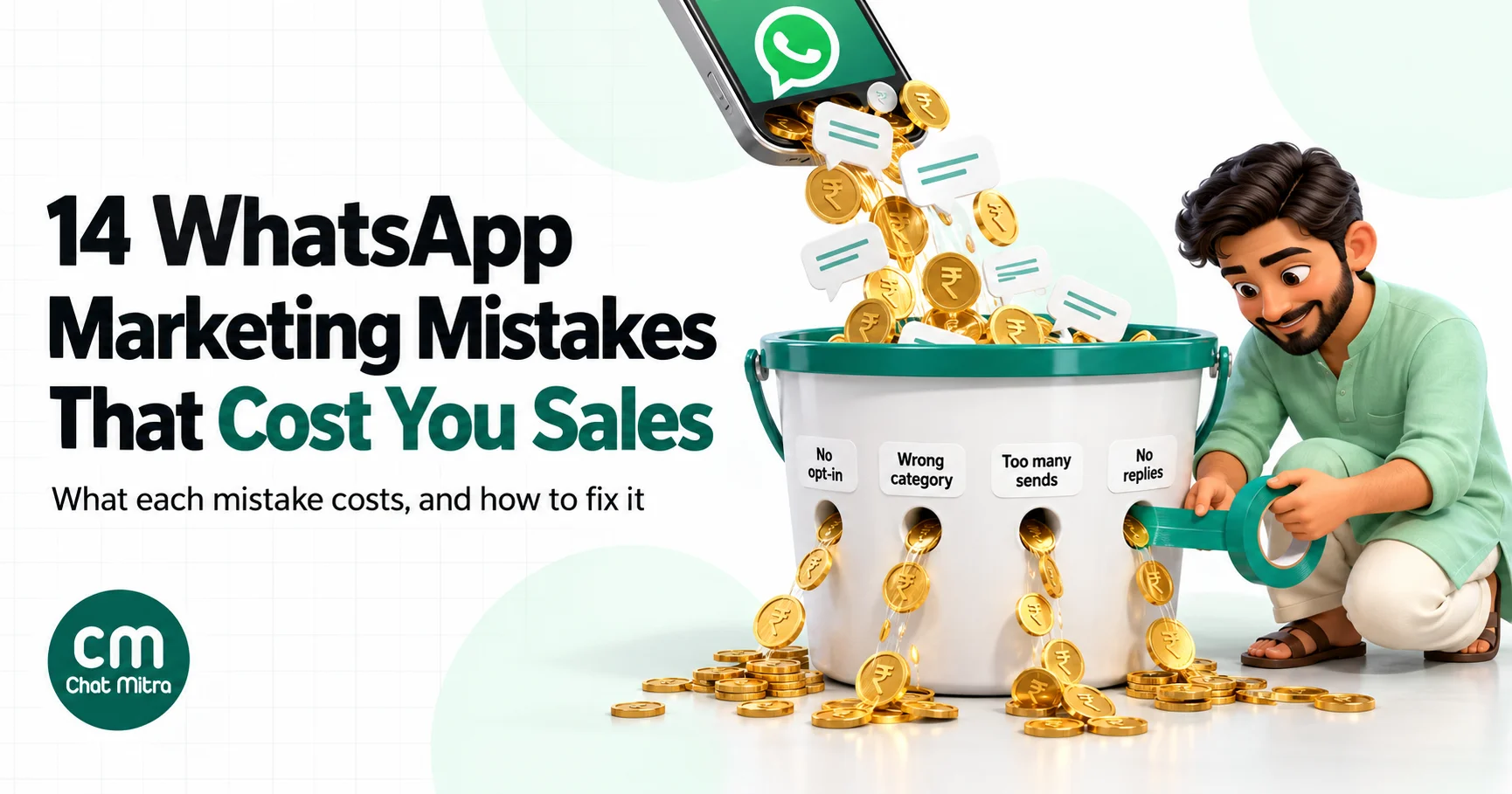
Most WhatsApp campaigns that fail don’t fail because the copy was weak. They fail because the business messaged the wrong people, too often, with the wrong kind of template, and then wasn’t there when customers replied. On the WhatsApp Business Platform those mistakes cost more than a few lost sales. They lower your quality rating, they trigger Meta’s per-user limits so fewer of your next messages arrive, they can multiply what you pay per message, and in the worst cases they get the account restricted.
This guide covers 14 mistakes we see most often, grouped by what they put at risk: your account, your budget and your sales. Each one comes with what it actually costs and how to fix it. Prices are Meta’s India rates effective 1 October 2026.
Using ChatMitra? Campaigns can include or exclude tags, the Contacts list shows who has stopped marketing messages through WhatsApp’s own setting, and every campaign report lists failed numbers with Meta’s error code and reason. ChatMitra’s fee is ₹0.20 per conversation, not per message. Jump to Avoiding these mistakes in ChatMitra.
The 14 mistakes at a glance
| # | Mistake | What it costs you | The fix |
|---|---|---|---|
| 1 | Messaging people who never opted in | Blocks and reports, lower quality, policy enforcement | Collect opt-in that names your business, and record where it came from |
| 2 | Ignoring opt-outs | Failed sends (131050), complaints, policy breach | Exclude opted-out contacts from every campaign |
| 3 | Using unofficial bulk-sending tools | Banned number, lost chat history | Send through the official API |
| 4 | Pushing a new number to full volume | Most of the campaign doesn’t go out | Verify the business and ramp up |
| 5 | Sending one offer to the whole list | Money spent on people who won’t buy, falling read rates | Segment by behaviour and send smaller campaigns |
| 6 | Sending too often | 131049 failures, fatigue, blocks | Set your own frequency cap |
| 7 | Hiding a promotion in a utility template | Billed as marketing, category restrictions | One purpose per template |
| 8 | Getting the 24-hour window wrong | Failed messages (131047), surprise charges | Know what’s free and what isn’t since October 2026 |
| 9 | Skipping the cost maths | Campaigns that lose money | Price the campaign before you send it |
| 10 | Sending generic, sloppy templates | Low reads, “Hi ,” messages, failed sends | Personalise and test every variable |
| 11 | Ignoring quality signals | Paused or disabled templates | Check quality after every send |
| 12 | Nobody answering the replies | Lost buyers, a one-way channel | Staff the inbox and set auto-replies |
| 13 | Treating WhatsApp like email | Long messages people skim and ignore | Short messages with one action |
| 14 | Measuring the wrong numbers | Repeating what doesn’t work | Track read rate, failures and orders |
Mistakes that put your account at risk
These three can get your number restricted. Fix them before anything else.
1. Messaging people who never opted in
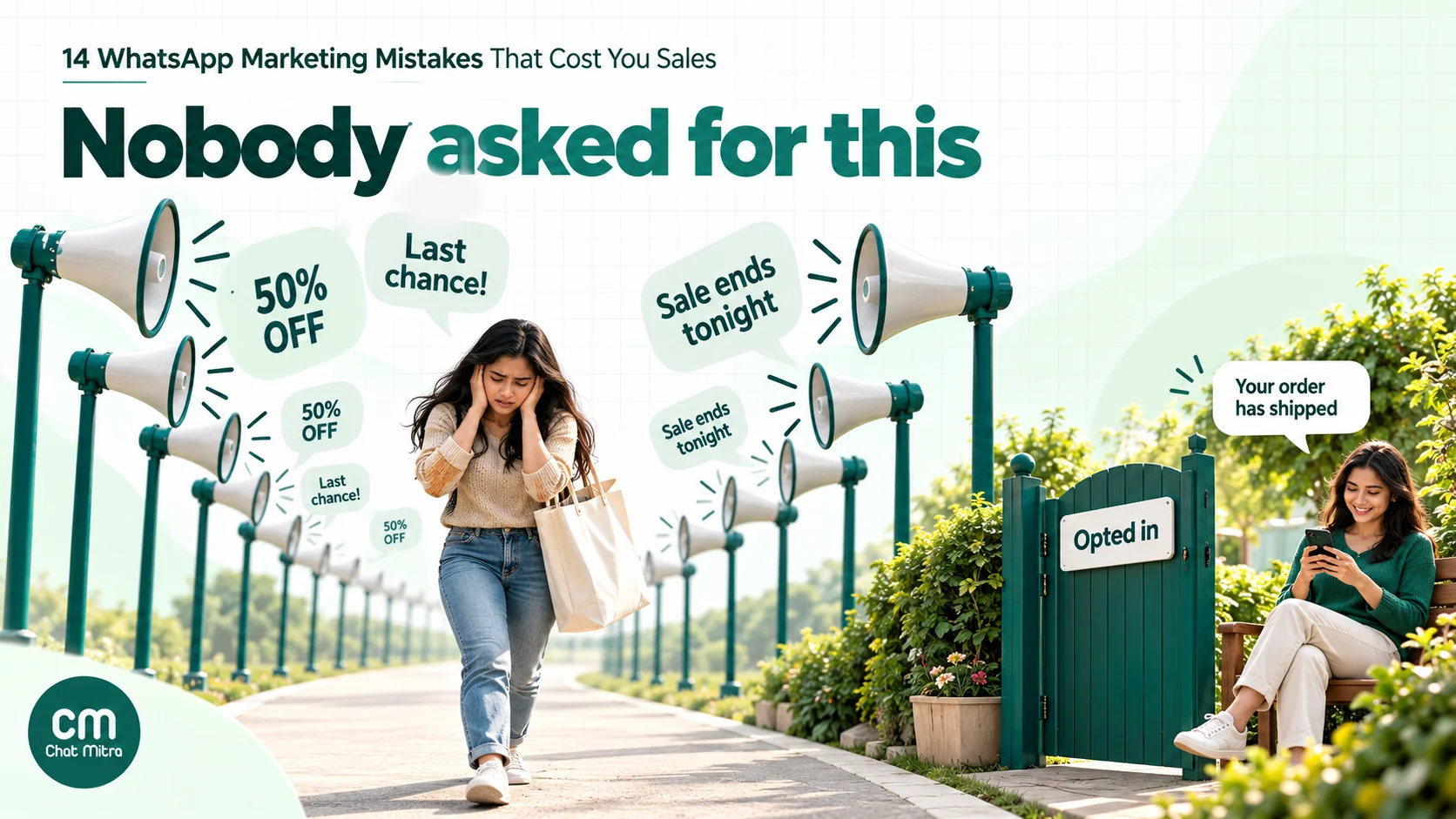
Buying a list, importing your phone’s contacts or messaging everyone who once bought from you, without asking, is the costliest mistake on this page. People who don’t expect your message block it or report it, and Meta reads blocks and reports as the strongest sign of low quality. It measures this feedback over the past seven days and gives more weight to recent signals.
What it costs: a falling phone number and template quality rating, templates that get paused, and, if it continues, the enforcement steps described in How Meta enforces these rules. WhatsApp’s Business Messaging Policy says plainly that you must not “spam, or surprise people”.
What Meta actually requires: Meta’s opt-in guidance says the opt-in must clearly say the person is agreeing to receive messages from your business, must name your business, and must comply with local law. It doesn’t have to be WhatsApp-specific, and it can be collected on a website form, by SMS, on a call or on paper.
In India, consent is also a legal question. The Digital Personal Data Protection Rules, notified in November 2025, call for standalone, clear consent notices that explain the specific purpose, and give people the right to withdraw consent. Most obligations phase in over 18 months.
The fix:
- Ask for opt-in at the moments customers already give you their number: checkout, sign-up forms, a Click-to-WhatsApp ad, a QR code at the counter.
- Name your business and say what you’ll send (“order updates and offers from Anand Sweets on WhatsApp”).
- Record where and when each person opted in, for example as a tag such as
optin-checkout-oct26. - Treat old lists with care. If you can’t show how a group of numbers opted in, leave them out of WhatsApp campaigns and ask for permission through a channel you already use with them, such as email, your website or the shop counter.
Our WhatsApp opt-in guide walks through opt-in wording and collection points in detail.
2. Ignoring opt-outs
People can stop marketing messages from your business in two ways. They can use WhatsApp’s own “Offers and announcements” setting, or they can simply ask you to stop: a “STOP” reply, a tap on an “Unsubscribe from promos” button, or a phone call to your store.
What it costs: if someone has stopped marketing messages through WhatsApp’s setting and you send them a marketing template anyway, it fails with error 131050, and Meta’s advice is not to retry. If they asked you some other way and you keep messaging them, you’re breaking the policy, which says you must respect opt-out requests made “on or off WhatsApp”, including removing the person from your contact list. Those people are also the ones most likely to block or report you.
The fix:
- Exclude everyone who has stopped marketing messages from every marketing campaign, not just some.
- Add an “Unsubscribe from promos” quick-reply button to promotional templates so stopping is one tap, not a block.
- Watch for “stop”, “unsubscribe” and “no more messages” replies in your inbox, tag those contacts, and exclude the tag.
- Keep your own record of opt-outs, so a contact re-imported from a spreadsheet doesn’t come back as if nothing happened.
3. Using unofficial bulk-sending tools
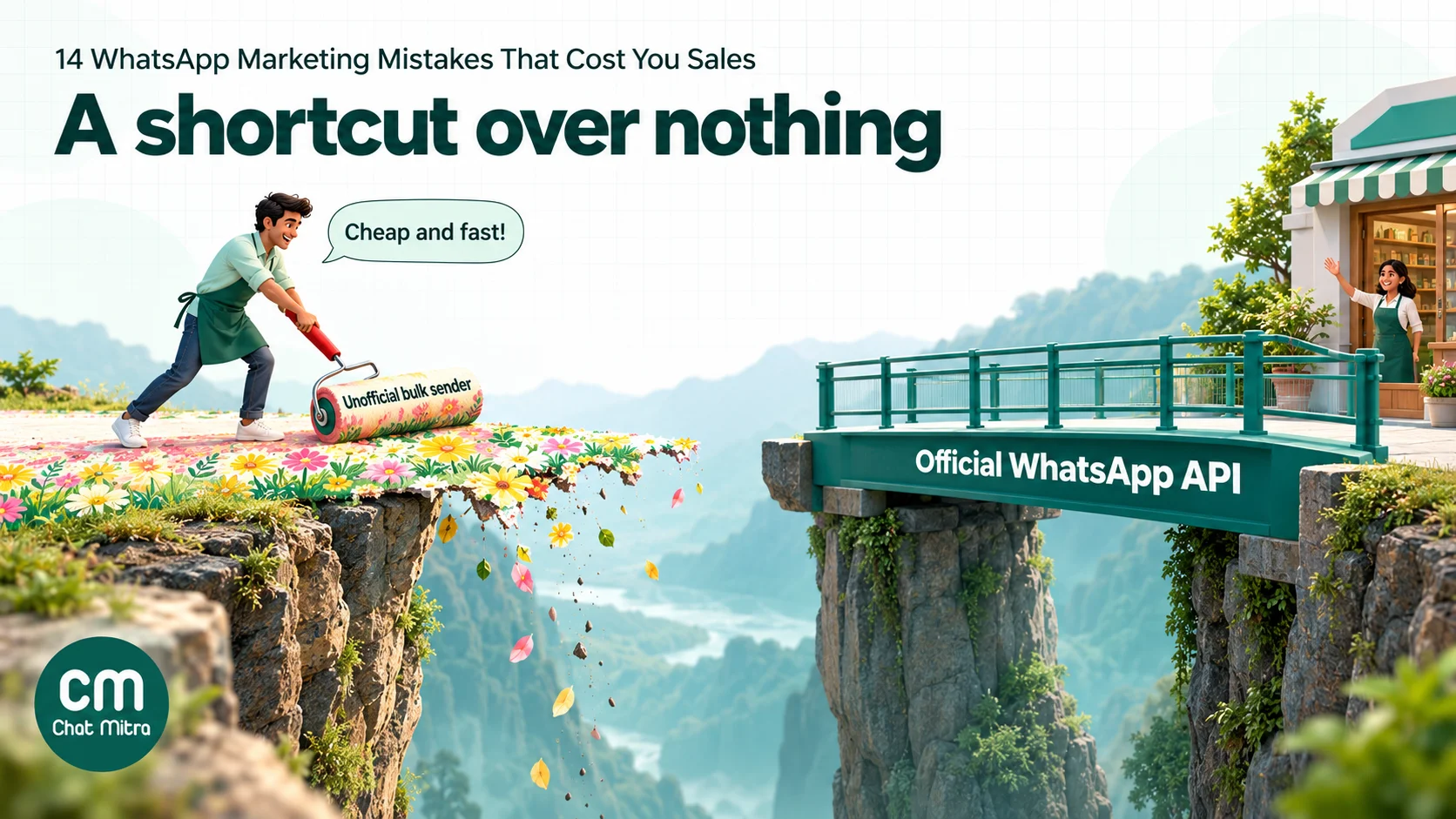
Browser extensions, “WhatsApp marketing software” that drives WhatsApp Web, and modified apps such as GB WhatsApp promise cheap mass sending without template approval. WhatsApp’s help centre says its products “are not intended for bulk or automated messaging”, and that both have always broken its Terms of Service. Using unofficial apps can get an account temporarily or permanently banned.
What it costs: the number your customers know, often with its chat history. A banned app number can’t be moved to the official API until the ban is sorted out, and some never are. Our guide on how to unban a WhatsApp number covers what can and can’t be recovered.
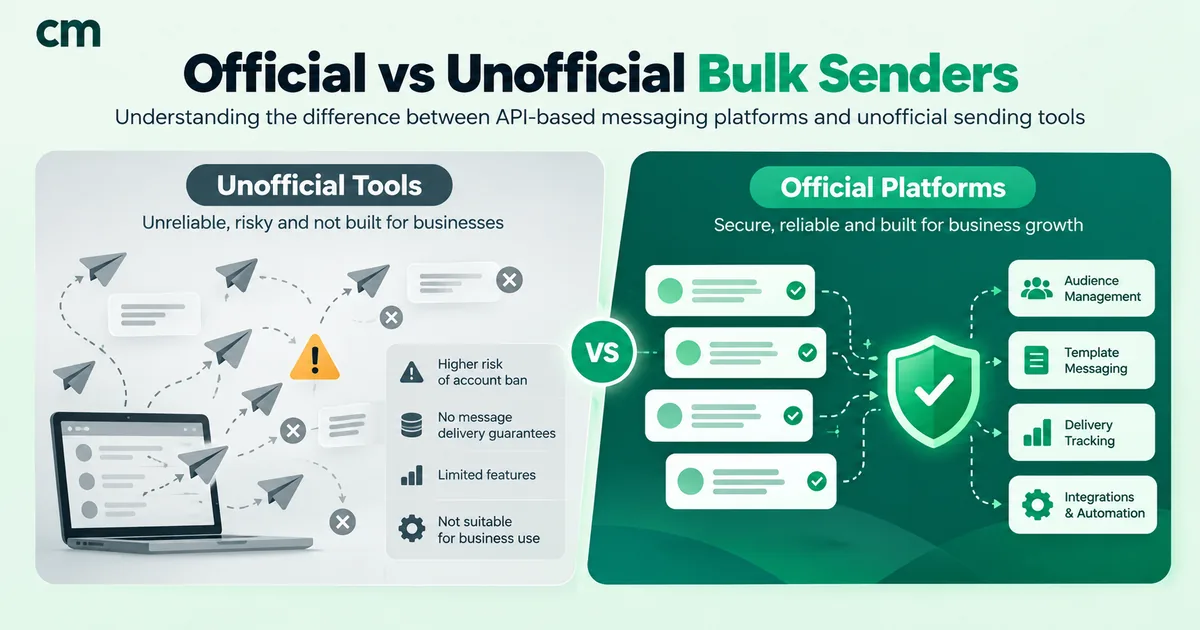
The fix: send marketing only through the WhatsApp Business Platform, with approved templates. You pay per delivered message, but you get delivery reports, error codes, buttons and a number that won’t be banned for doing what the platform is built for. Our comparison of official vs unofficial bulk WhatsApp senders sets out the real difference in cost and risk.
4. Pushing a new number to full volume
A new number can’t message 20,000 people on day one. Meta’s messaging limits cap how many unique people you can reach outside an open customer service window in a moving 24 hours. The limit is shared by every number in your business portfolio.
| Tier | Unique people per 24 hours | How you move up |
|---|---|---|
| Starting tier | 250 | Business verification, or 2,000 delivered messages in 30 days using high-quality templates |
| Tier 2 | 2,000 | Automatically, when messages are high quality and you use at least half your limit in 7 days |
| Tier 3 | 10,000 | Same rule |
| Tier 4 | 100,000 | Same rule |
| Unlimited | No cap | Top tier |
Meta says an increase normally arrives within 6 hours. Since 7 October 2025, a drop in phone quality no longer lowers your limit, but Meta still rate-limits businesses whose quality stays low for a long time.
What it costs: if you schedule a 5,000-person launch on a number still at 250, most of the campaign can’t go out that day, and the people who do get it are a random slice rather than your best customers.
The fix: complete business verification before your first big campaign. Grow volume steadily with your most engaged customers first, and check your current tier before scheduling anything large.
Mistakes that waste your budget
On the WhatsApp Business Platform you pay Meta for each delivered message. These mistakes make you pay for messages that were never going to work.
5. Sending one offer to the whole list
The same Diwali offer sent to someone who bought last week, someone who hasn’t opened anything in a year and someone who only ever buys one product line will work for one of them at best.
What it costs: say you have 20,000 contacts and 6,000 of them bought in the last 90 days. A marketing template to everyone costs 20,000 × ₹0.8631 = ₹17,262 in Meta charges if all are delivered. Sending only to the 6,000 recent buyers costs ₹5,178.60. The second campaign usually brings in most of the same orders. There’s a delivery cost too: Meta’s per-user marketing limits take each person’s recent marketing read rate into account, so people who keep ignoring you get fewer of your messages over time.
The fix:
- Build a few segments that matter for your business: recent buyers, lapsed buyers, product-line interest, city or language, and people who read your last campaign.
- Write a version of the offer for each segment instead of one message for everyone.
- Rest people who haven’t read anything in your last several campaigns, and try a different kind of message on them later instead of more of the same.
6. Sending too often
More sends feel like more sales until the read rate falls and the failures start. When WhatsApp decides a person has had enough marketing messages, yours fails with error 131049: “This message was not delivered to maintain healthy ecosystem engagement.” Meta advises waiting at least 24 hours before trying that person again, and says repeated retries can stop delivery to them for up to 24 hours.
What it costs: failed messages aren’t billed, because Meta charges only on delivery, but they’re customers you didn’t reach. The ones who do receive five offers in a week are the ones most likely to block you, which feeds back into your quality rating.
The fix: set your own frequency cap per person, such as no more than two promotional messages a week, and keep a record of who received what. Track 131049 failures by segment: a rising count tells you that group is tired before blocks tell you the same thing. If your tool retries failed messages automatically, set the gap to at least 24 hours.
7. Hiding a promotion in a utility template
Utility templates are much cheaper than marketing templates, so it’s tempting to add “Use code SAVE10 on your next order” to an order update. Meta’s template categorisation rules are clear: utility templates must be non-promotional, and templates with mixed content, such as an order update with a promotion, count as marketing.
What it costs:
- Price. In India a marketing message costs ₹0.8631 and a utility message ₹0.115. If you budget 10,000 order updates at the utility rate (₹1,150) and Meta approves the template as marketing, the same sends cost ₹8,631.
- Category changes. Since 9 April 2025, a template submitted as utility that should be marketing is approved as marketing. Meta also re-checks approved templates regularly and can change their category, normally with a day’s notice, and immediately for businesses it has already warned.
- Restrictions. Meta lists template misclassification among repeated policy violations. Its documentation describes escalating steps: a warning, then a cap on utility volume for at least 7 days, then all your utility templates treated as marketing for 7 days (30 for repeats), then a restriction across your business portfolio.
The fix: one purpose per template. Keep order, payment and delivery updates purely factual, and send offers as separate marketing templates to people who opted in to offers. Our guide to WhatsApp utility templates shows what stays in the utility category.

8. Getting the 24-hour window wrong
When a customer messages you, a 24-hour customer service window opens, and each new message from them resets it. Inside the window you can send any message. Once it closes, you can only send approved templates. A free-form message sent after that fails with error 131047: “More than 24 hours have passed since the recipient last replied to the sender number.”
The other half of this mistake is newer. Many businesses still plan on “replies are free”. Meta’s pricing page changed that on 1 October 2026:
| Message | What Meta charges in India (from 1 October 2026) |
|---|---|
| Service message (free-form reply in the window) | First 1,000 per business phone number each month free, then ₹0.115 each |
| Utility template inside an open window | Charged at the utility rate, ₹0.115 (it used to be free) |
| Any message inside a Click-to-WhatsApp ad’s free entry point | Free; the window can stay open for up to 7 days |
| Marketing template | ₹0.8631, inside or outside the window |
The fix: reply to customers while their window is open; it’s the cheapest moment to talk. When it has closed, use a template that fits the reason you’re writing. Budget for service messages beyond the free 1,000 if you run a busy inbox, and treat a Click-to-WhatsApp ad conversation as your one fully free stretch.
9. Skipping the cost maths
Many campaigns are judged by how many messages went out, not by whether they made money. On a per-message model that’s how a “successful” campaign loses money.
Here’s a worked example for an opted-in list of 5,000 people on ChatMitra’s Starter or Pro plan:
| Line | Amount |
|---|---|
| Meta marketing charge: 5,000 × ₹0.8631 | ₹4,315.50 |
| ChatMitra fee: 5,000 conversations × ₹0.20 | ₹1,000 |
| Total if every message is delivered | ₹5,315.50 |
| Orders needed to cover it at ₹500 margin per order | 11 |
ChatMitra’s ₹0.20 is charged once per customer per 24-hour conversation, whatever the message category. The Enterprise plan (₹2,499 a month) has no ChatMitra fee, so only Meta’s charge applies. If the campaign is unlikely to bring in at least those 11 extra orders, send it to a smaller, warmer segment instead. Our guide to WhatsApp Business cost per message covers rates by category and country.
The fix: before each campaign, write down the audience size, the category, the expected cost and the number of orders it needs to break even. After the campaign, compare.
Mistakes that cost you sales
These won’t get you banned, but they’re the difference between a campaign people act on and one they scroll past.
10. Sending generic, sloppy templates
“Dear Customer, big sale now on!” competes with messages from friends and family. So does a message that starts “Hi ,” because the name field was empty.
What it costs: low read rates, which lower future delivery, and outright failures. If the number of values you send doesn’t match the template’s variables, the message fails with error 132000. Meta also rejects templates that start or end with a variable (error 2388299) and templates with too many variables for their length.
The fix:
- Use the customer’s name and something specific to them: the product they bought, their city or their last order.
- Give every variable a fallback (“there” instead of an empty name).
- Put the reason to read in the first line, because that’s what shows in the chat list.
- Send a test to your own phone and check every variable, link and button before the campaign goes out.
11. Ignoring quality signals
Meta rates every template GREEN, YELLOW or RED based on negative feedback and low read rates, and new templates start as UNKNOWN. When a template reaches RED, Meta’s template pausing rules apply: it’s paused for 3 hours the first time, 6 hours the second time, and disabled the third time. Sends to a paused template fail with error 132015, and a disabled template returns 132016.
What it costs: a campaign that stops partway through, and eventually a template you have to rebuild and resubmit.
The fix: check your phone number’s quality and each template’s rating after every campaign, not only when something breaks. If a template turns YELLOW, change the audience or the wording before it goes RED. Our WABA health and quality rating guide explains each signal.
12. Nobody answering the replies
A campaign isn’t finished when it’s sent. Customers reply with questions about sizes, delivery dates and COD, and on WhatsApp they expect an answer in minutes. Every reply also opens a 24-hour window in which you can talk to that customer freely.
What it costs: the buyers who were closest to ordering. A customer who asks “Is this available in XL?” and hears nothing for a day has usually bought elsewhere.
The fix: schedule campaigns for when your team is around to answer, not at midnight. Set an away message with your business hours, and keyword auto-replies for the questions every campaign brings in (price, delivery time, store location). Hand anything more complex to a person.
13. Treating WhatsApp like email
Long newsletters, several offers in one message and five links don’t work in a chat. People read WhatsApp on a phone, between conversations with friends.
What it costs: messages that are delivered and read but not acted on.
The fix: one message, one offer, one action. Keep the body short, use an image or video only when it shows the product, and use buttons instead of pasted links. A template body can be up to 1,024 characters, but most good marketing messages use a fraction of that. Our WhatsApp broadcast message examples show short formats that work.
14. Measuring the wrong numbers
“Sent: 20,000” says nothing about whether a campaign worked, and the widely quoted “98% open rate” isn’t a benchmark you can plan around.
What it costs: you repeat campaigns that lost money and drop ones that worked for a smaller audience.
The fix: for every campaign, track:
- Delivery rate: delivered ÷ sent. A low figure points to your list or to per-user limits.
- Read rate: read ÷ delivered, by segment.
- Failures by error code: 131049 (too many marketing messages), 131050 (stopped marketing), 131026 (number can’t receive the message).
- Orders, bookings or replies attributed to the campaign, and the cost per order.
Change one thing at a time and compare. Our guide to A/B testing WhatsApp campaigns shows how.
How Meta enforces these rules
Several of these mistakes end in the same place, so it’s worth knowing the steps. Meta’s policy enforcement documentation describes an escalating path for repeated violations such as spam and template misclassification:
- A warning.
- A 1- or 3-day block on sending marketing, utility and authentication templates.
- A 5-, 7- or 30-day block on sending any messages.
- An account lock that can only be removed through an appeal.
- Permanent disabling of the account.
Severe harms, such as scams, can lead to immediate removal, and Meta says it may also limit or remove businesses whose accounts receive excessive negative feedback. If your API calls start failing with error 368, the account has been restricted or disabled for a policy violation.
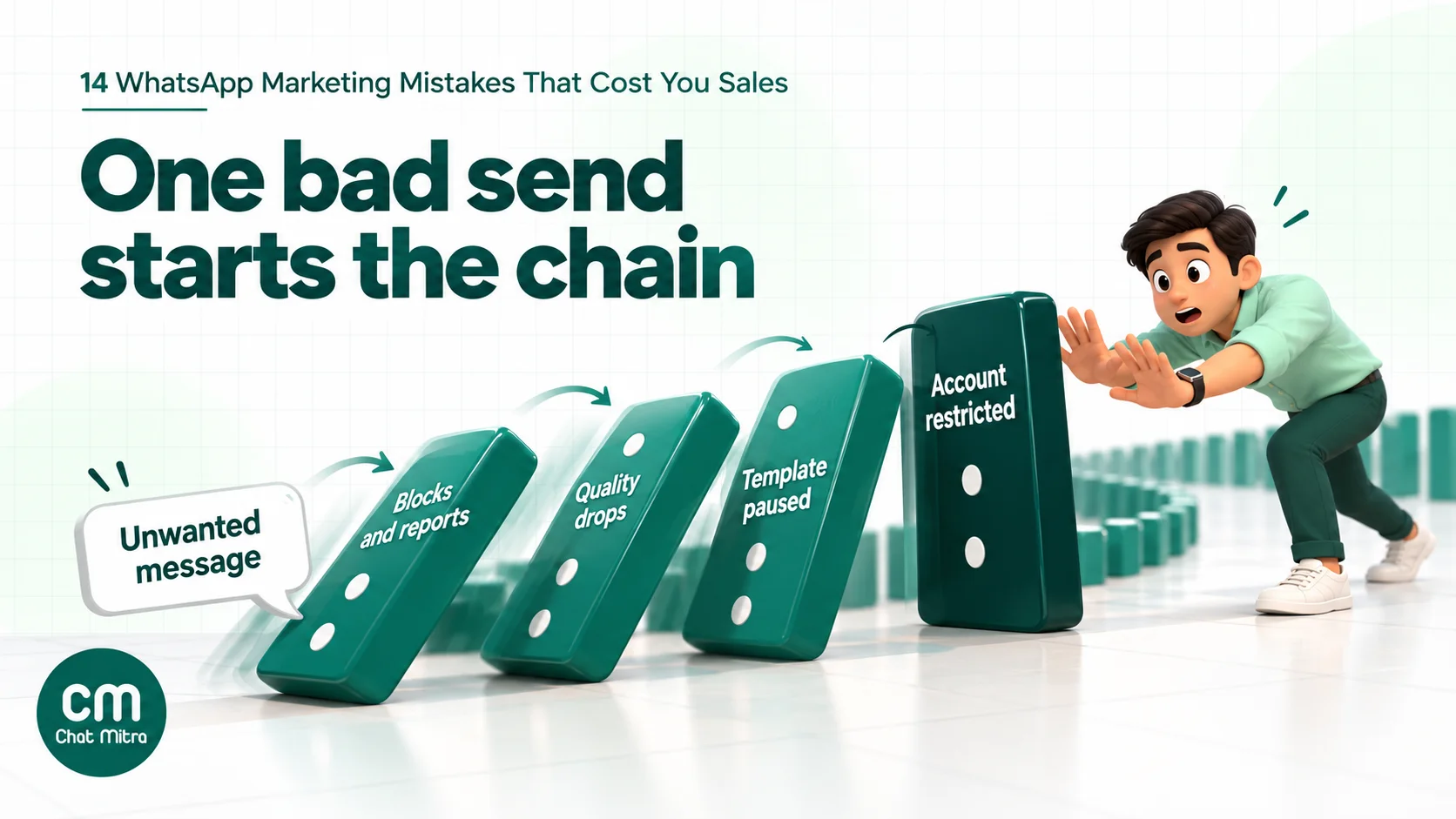
The pattern is consistent. Each step is triggered by what recipients do (block, report, ignore) and by how you categorise your messages. Consent, relevance and honest categories keep you off the ladder.
A pre-send checklist
Run through this before every campaign:
- Consent: everyone on the list opted in to messages from your business, and you know where.
- Opt-outs: contacts who stopped marketing messages, or asked you to stop, are excluded.
- Segment: the audience matches the offer; people who haven’t read your recent campaigns are rested.
- Frequency: nobody on the list has had a promotional message from you in the last few days.
- Category: the template is marketing if it contains any offer or promotion.
- Variables: every variable has a value and a fallback; the first line gives a reason to read.
- Test: you’ve sent it to your own number and checked links, buttons and media.
- Limit: your messaging tier covers the audience size.
- Cost: you know the expected Meta and platform cost and the orders needed to break even.
- Inbox: someone will answer replies, and an away message is set for out-of-hours replies.
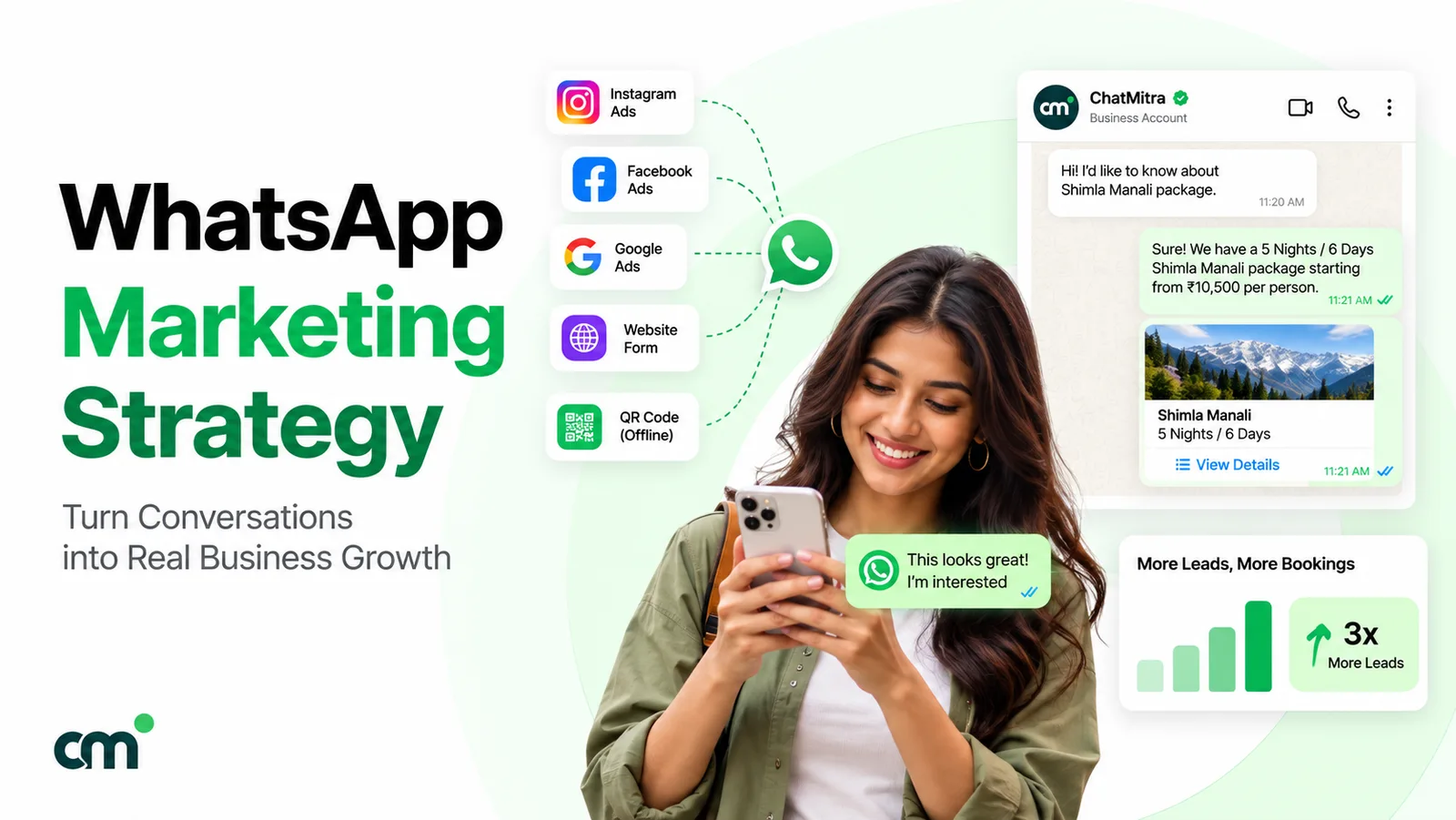
For the bigger picture of how these steps fit together, see our WhatsApp marketing strategy guide.
Avoiding these mistakes in ChatMitra
ChatMitra sends through the official WhatsApp Business Platform, and marketing templates go through Meta’s Marketing Messages API, so mistake 3 is off the table from the start. Here’s how the rest map to features:
| ChatMitra feature | What it does | Mistakes it helps avoid |
|---|---|---|
| Include and exclude tags | Send a campaign to tagged segments and leave others out | 1, 2, 5, 6 |
| Opted-out status on contacts | When a customer stops marketing messages through WhatsApp’s setting, the Contacts list shows them as opted out and lets you filter by it | 2 |
| Template variables from contact fields | Map each variable to a contact field or custom field, with fallback text | 10 |
| Test send with cost estimate | Send the campaign to your own number and see the estimated cost first | 9, 10 |
| Failed list with error codes | See each failed number with Meta’s code and a plain-language reason | 2, 6, 14 |
| Retarget or tag any status group | Re-send to the Delivered, Read or Failed group, or tag them | 5, 6, 14 |
| Automatic retries | Retry failed messages up to 3 times, 1 to 168 hours apart, skipping permanent errors | 6 |
| Quality and tier in the top bar | Phone number quality (High, Medium, Low) and current messaging tier | 4, 11 |
| 24-hour window guard in the inbox | Blocks free-form messages once the window has closed and offers a template instead | 8 |
| Keyword auto-replies and away messages (Pro) | Answer common campaign questions and set business hours | 12 |
| Unlimited team members on a shared inbox | Several people can answer campaign replies | 12 |
| ₹0.20 per conversation, not per message | A conversation with a customer costs the same however many messages you exchange in 24 hours | 9 |
How to set up a safer campaign in ChatMitra:
- Tag your consent sources when you import or collect contacts, such as
optin-checkoutoroptin-ctwa. - Filter out opted-out contacts. In Contacts, set the Unsubscribe filter to OPTED IN, or exclude an
opted-outtag you keep for people who asked by text or phone. - Pick your segment with include and exclude tags, for example include
bought-90dand excludepromo-this-week. - Create the campaign from the selected contacts, choose the template and map each variable to a contact field with fallback text.
- Send a test to your own number and check the cost estimate.
- Set retries at least 24 hours apart, so per-user limits have time to reset.
- After sending, check the Failed tab for error codes, tag the Read group for a follow-up, and tag everyone who received it as
promo-this-weekfor your frequency cap.
Good to know:
- Campaigns don’t skip opted-out contacts automatically. Set the Unsubscribe filter or an exclude tag before every marketing send.
- “STOP” or “unsubscribe” typed as a message isn’t processed automatically. Watch the inbox for these replies, or set a keyword auto-reply that confirms the request, then tag the contact.
- There’s no built-in frequency cap; use a tag such as
promo-this-weekand exclude it. - Template quality ratings and rejection reasons aren’t shown in ChatMitra. Check them in WhatsApp Manager.
- New templates default to the Marketing category. Pick Utility only for purely factual updates.
- There are no click or reply counts in the campaign report; see button clicks in WhatsApp Manager and replies in the inbox.
- Check the pricing page for what each plan includes.
Where to start
Pick your last three campaigns and look at three things: who they went to, which template category they used and how many failed with which error code. That usually shows which of these mistakes is costing you most. Fix consent and opt-outs first, because they protect the account. Then fix categories and segments, because they protect the budget. The copy comes last, and by then it has an audience that wants to read it.
Sources
- WhatsApp: WhatsApp Business Messaging Policy (updated 23 September 2026), Help Center: unauthorized automated or bulk messaging and unofficial apps.
- Meta for Developers: Get opt-in for WhatsApp, Marketing templates, Per-user marketing template message limits, Template categorization, Template quality rating, Template pausing, Template review, Messaging limits, Pricing (updated 30 September 2026; India rates from Meta's INR rate card effective 1 October 2026), Send messages, Policy enforcement and Error codes. All read on 22 October 2026.
- Press Information Bureau: Digital Personal Data Protection Rules, 2025 notified (14 November 2025).