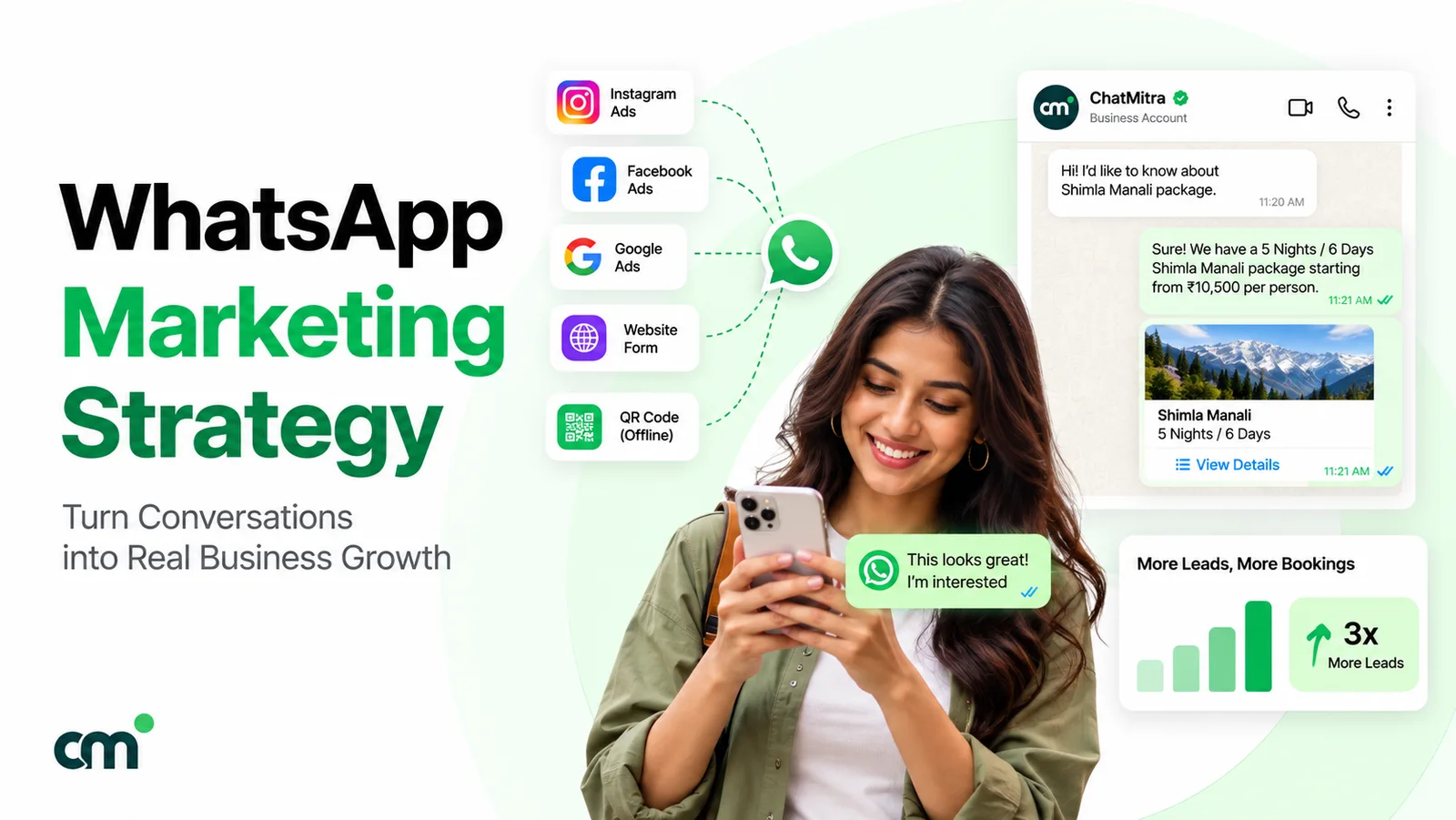
A WhatsApp marketing strategy is a plan for which customers you message on WhatsApp, through which WhatsApp surface, with which paid message types, how often, and how you judge the result. It starts with opt-in, picks the right channel for each job, prices every campaign before it goes out, and protects the quality rating that keeps your messages flowing.
WhatsApp is really several channels with different rules. A Status update, a Channel post, a broadcast from the free app and a template sent through the WhatsApp Business Platform reach different people, cost different amounts and fail in different ways. Meta has also tightened the rules: it limits how many promotional messages each person receives, pauses templates that people ignore or report, and now charges for service replies. This guide works through the decisions in order, with a worked budget at the end.
Key takeaways
- Decide the job first (acquire, convert, retain or win back), then choose the WhatsApp surface that can actually do that job.
- Only template messages can reach a customer outside the 24-hour window, and marketing templates are the most expensive and most restricted kind.
- Plan frequency around WhatsApp's per-user marketing limit and your template quality ratings, not around how often you'd like to send.
Facts checked against Meta's developer documentation and the WhatsApp Help Center on 25 September 2026. Rupee figures exclude tax.
What is a WhatsApp marketing strategy?
WhatsApp marketing is using WhatsApp to attract, convert and keep customers: offers, launches, reminders, recommendations and the conversations that follow them. The strategy is the set of choices that make it repeatable rather than a burst of broadcasts before each sale. It answers nine questions:
- Goal. What should WhatsApp change, and which number proves it?
- Permission. Who has agreed to hear from you?
- Channel. Which WhatsApp surface fits each job?
- Message mix. Which Meta message categories will you pay for?
- Segments and frequency. Who gets what, and how often?
- Calendar. What goes out when?
- Measurement. Which metrics show it’s working?
- Quality. What keeps your templates and limits healthy?
- Budget. What will a month cost?
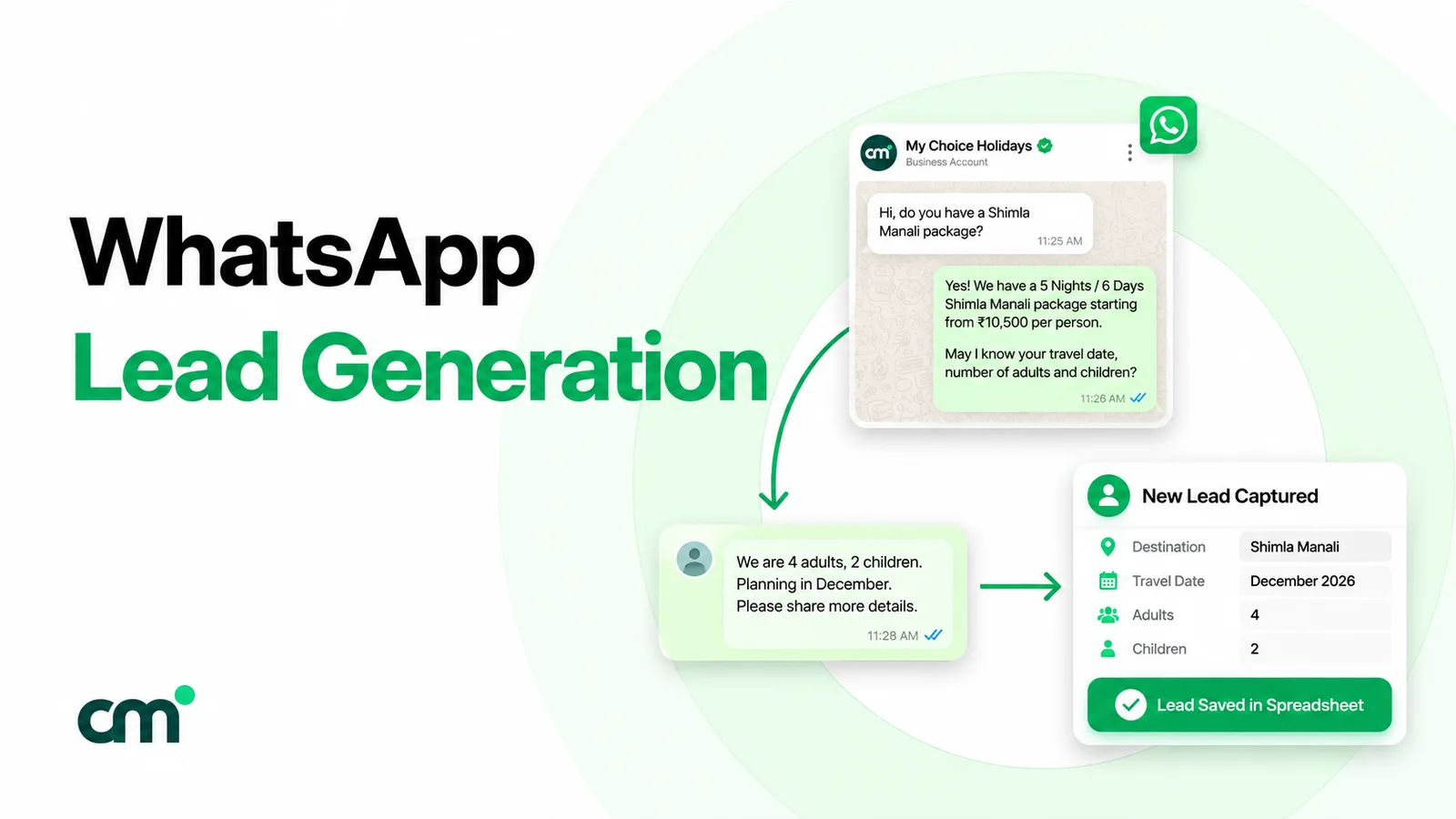
The steps below follow that order. If you’re still collecting your first WhatsApp contacts, start with WhatsApp lead generation and come back here when you have a list to market to.
Step 1: Decide what WhatsApp should do for the business
WhatsApp is strongest where a customer benefits from a quick, personal exchange: a product question, an order update, a rebooking, an offer they wanted. It’s weakest as a megaphone for strangers. Tie each goal to a message job and one number you can measure.
| Goal | What WhatsApp does | Typical message | Measure it by |
|---|---|---|---|
| Acquire | Turns an ad, QR code or website visit into a chat | Customer-started chat, then a welcome reply | New chats and opt-ins per week |
| Convert | Answers the last question before purchase and follows up | Reply inside the 24-hour window; one follow-up template | Chats that become orders or bookings |
| Retain | Keeps buyers informed and brings them back | Order and delivery updates; relevant offers | Repeat purchase rate of WhatsApp-reachable customers |
| Win back | Reminds lapsed customers of a reason to return | One well-targeted offer template | Reactivated customers per campaign, and stop requests |
| Support-led selling | Uses service chats to suggest the next purchase | Free-form replies during the conversation | Orders that start in support chats |
Pick one or two goals for the first quarter. A small team that chases all five tends to send more broadcasts and answer fewer chats, which is the wrong way round on WhatsApp.
Step 2: Work out who you’re allowed to message (opt-in and the 24-hour rule)
WhatsApp’s Business Messaging Policy says you may only contact people who have given you their number and “you have received opt-in permission from the recipient confirming that they wish to receive subsequent messages or calls from you.” It also requires you to honour every request to stop, whether it’s made on or off WhatsApp.
Meta’s opt-in guide sets out what the request must do: state clearly that the person is opting in to receive messages, name your business, and comply with local law. The opt-in can be collected on a website, by SMS, over the phone or in person. For wording, proof and India’s DPDP Act, see our WhatsApp opt-in guide.
What is the 24-hour rule on WhatsApp?
On the WhatsApp Business Platform, a customer’s message opens a customer service window. Meta’s send-messages documentation describes it as a 24-hour timer that starts when a user messages or calls you and resets if they message again. Inside it you can send free-form replies. Once it closes, you can only reach that person with a pre-approved template message.
In practice:
- Campaigns are templates. Anything you send to someone who hasn’t written to you in the last 24 hours must be an approved template, and you pay for it when it’s delivered.
- Replies are the cheap part. A customer who writes back opens a free-form conversation. Since 1 October 2026 service replies are charged, but only after 1,000 free per business phone number per month, per Meta’s pricing page.
- Ads can buy you a longer free window. If a customer messages you from a Click-to-WhatsApp ad or a Facebook Page call-to-action button, using WhatsApp’s Android or iOS app (desktop and web don’t qualify), and you reply within 24 hours, Meta opens a free entry point window that runs for 72 hours from your reply. While it’s open, “you can send any type of message to the user at no charge.” Free-form messages still need an open customer service window.
Customers can also say stop
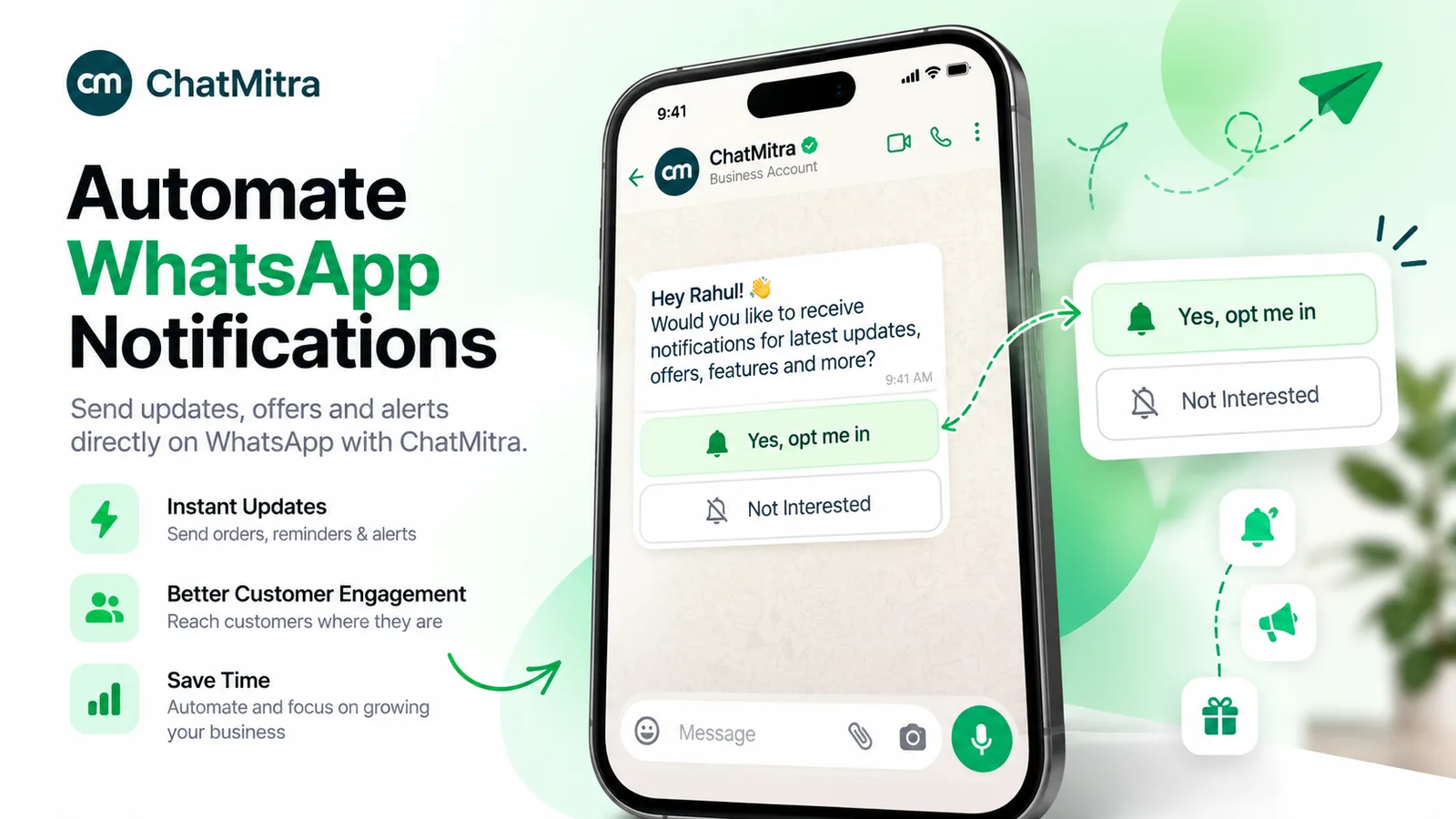
People can stop offers and announcements from a business inside WhatsApp itself. When they do, further marketing templates fail with error 131050, which Meta’s error-code reference describes as: “This recipient has chosen to stop receiving marketing messages on WhatsApp from your business.” Keep a suppression list, and read a rising 131050 count as feedback on your targeting.
Step 3: Choose the right WhatsApp channel for each job
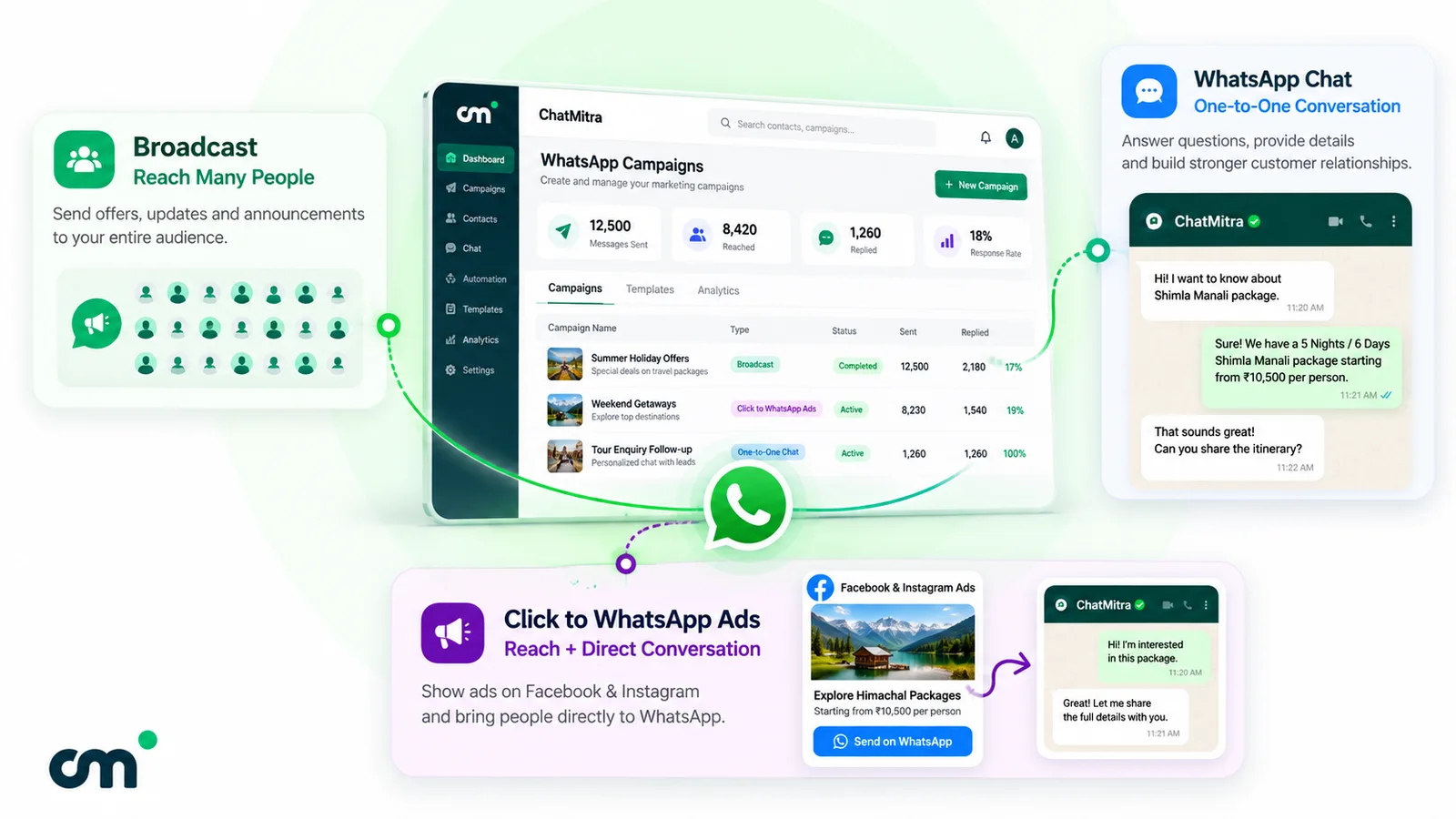
“WhatsApp marketing” can mean eight different surfaces, each with its own audience and limits.
| Surface | Who it reaches | Can they reply? | Cost | Watch out for |
|---|---|---|---|---|
| Status (Business app) | Your contacts (all of them by default) | Yes, privately | Free | Disappears after 24 hours |
| Channel | Followers, who find it through a link, sharing or the directory | No: emoji reactions and polls only | Free | One-way; channel creation isn't available to everyone yet |
| Group | Up to 1,024 members | Yes, to everyone in the group | Free | Many-to-many; hard to moderate as a sales tool |
| Community | Communities your business is already part of | Not applicable: you join one, you can't run one | Free | You can't create one from the WhatsApp Business app |
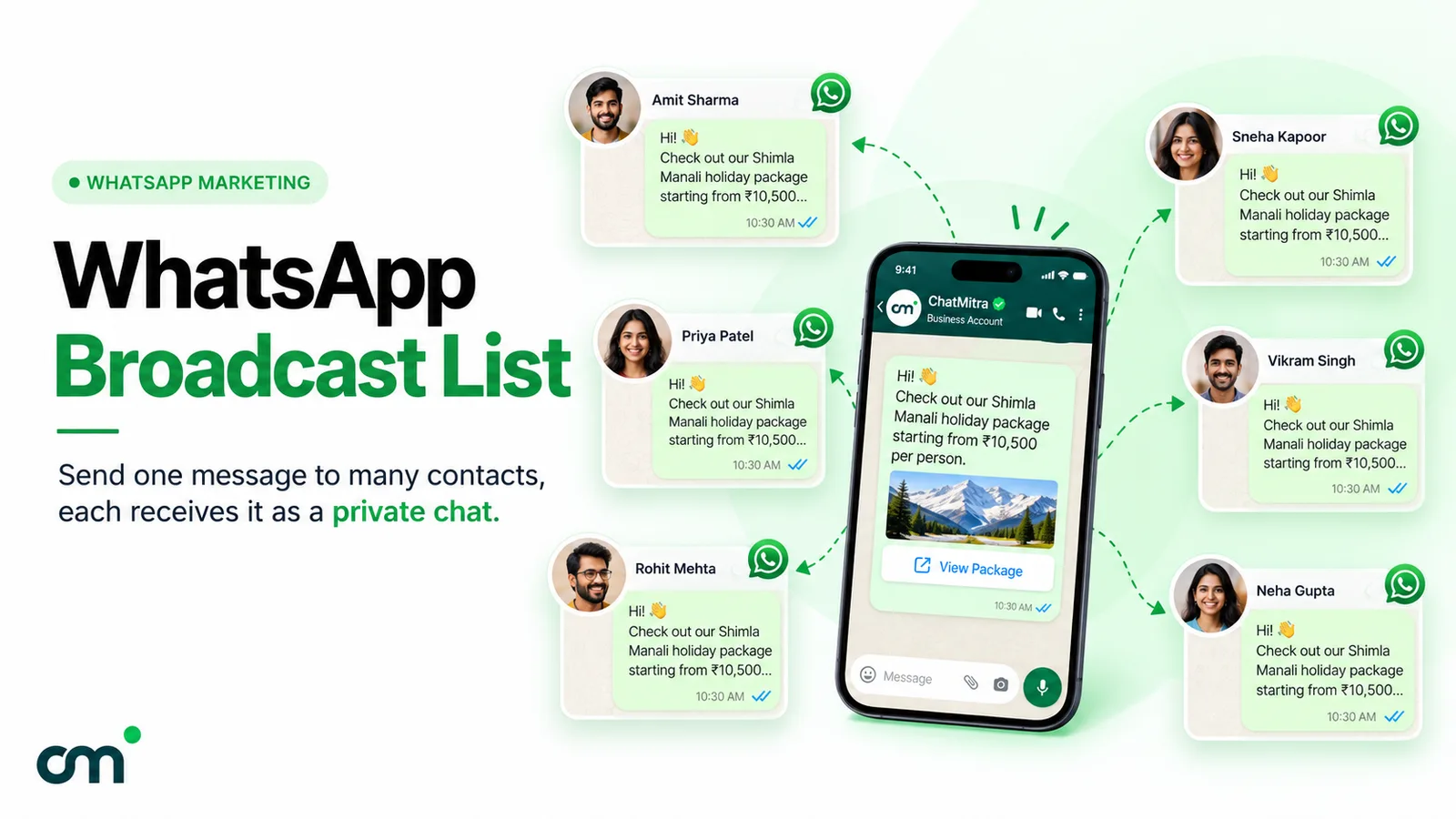
| Broadcast list (WhatsApp or Business app) | Chosen contacts who have saved your number | Yes, privately | No per-message fee | Contacts who haven't saved your number don't receive it; up to 256 contacts per list on the WhatsApp app |
| Business broadcasts (Business app, some countries) | Chosen contacts, including ones who haven't saved your number | Yes | Paid per delivered message, after any free messages | Reviewed by Meta; not available in every country |
| Template broadcasts (Business Platform) | Any opted-in customer, within your messaging limit | Yes | Paid per delivered template, by category and country | Templates need approval; quality and per-user limits apply |
| Click-to-WhatsApp ads, ads in Status | New people, through Meta's ad placements | They start the chat | Ad spend; if the chat starts from a Click-to-WhatsApp ad (or Page call-to-action button) on WhatsApp's Android or iOS app and you reply within 24 hours, messages are free for 72 hours from that reply | Ads in Status are rolling out gradually |
Sources: WhatsApp Help Center pages on creating a status and status privacy, channels for businesses, groups, communities on the Business app, broadcast lists on the WhatsApp app and the Business app, business broadcasts and ads in Status.
How to use each surface well
- Status marketing suits daily, low-stakes updates such as today’s arrivals or a sold-out notice. It’s free, but it only reaches your contacts and is gone in a day. Treat it as a reminder layer, not a campaign channel.
- Channels suit news that doesn’t need a reply. Followers don’t see your phone number, and channel insights show reach, follows and unfollows for the last 30 days. Add a chat link to posts so interested followers can move into a private conversation.
- Groups work for a defined community, such as a class batch or a buyers’ club. As a broadcast tool they’re a poor fit: every member sees every reply.
- App broadcast lists suit a small, loyal customer base, as long as customers have saved your number. The Business app’s help page states no list size, unlike the WhatsApp app’s 256, and some countries are gradually getting a monthly limit of up to 35 free broadcast messages. Our WhatsApp broadcast list guide covers setup and troubleshooting.
- Template broadcasts on the Business Platform are the core of a scaled strategy: they reach any opted-in customer, carry buttons and media, and can be segmented, automated and measured. The rest of this guide focuses on them.
- Click-to-WhatsApp ads fill the top of the funnel. Our learn entry on Click-to-WhatsApp ads covers setup.
On a website, a click-to-chat link or QR code turns visits into chats the customer starts, which is the cheapest entry point you have. See WhatsApp integration with your website.
Avoid unofficial bulk senders
Tools that automate the free app or WhatsApp Web to blast messages sit outside WhatsApp's terms and put the number at risk. If you need volume, use the Business Platform. Our comparison of official and unofficial bulk WhatsApp senders explains the difference.
Step 4: Build your message mix by Meta category
On the Business Platform, a template’s category sets both its price and its rules. Meta’s template categorisation guidelines describe marketing templates as covering goals “from generating awareness to driving sales and retargeting customers”, while utility templates follow up on a user’s action or request and must be non-promotional.
| Category | Use it for | When it can be sent | India rate per delivered message |
|---|---|---|---|
| Marketing | Offers, launches, recommendations, win-backs, greetings | Any time, as a template, to opted-in customers | ₹0.8631 |
| Utility | Order confirmations, delivery updates, appointment reminders the customer asked for | Any time, as a template; charged inside the 24-hour window too since 1 October 2026 | ₹0.1150 |
| Authentication | One-time passwords | Any time, as a template | ₹0.1150 |
| Service | Free-form replies in a conversation | Only inside an open 24-hour window | First 1,000 per number per month free, then ₹0.1150 |
Rates are from Meta’s INR rate card effective 1 July 2026, unchanged in the 1 October 2026 card, on the WhatsApp Business Platform pricing page. Meta charges only when a template is delivered, and the rate depends on the recipient’s country calling code. Meta may change rates only on the first day of a quarter. For a line-by-line breakdown, read WhatsApp Business cost per message.
Two rules keep the mix honest:
- Mixed content is marketing. Meta treats templates with mixed content, “such as an order update with a promo”, as marketing. Put the coupon in a separate, clearly marketing message, or accept the marketing rate.
- Don’t disguise promotions as utility. Meta can recategorise templates, and businesses that keep misclassifying marketing as utility face escalating restrictions.
If you sell to the United States
Meta's page on per-user marketing template limits states: "WhatsApp does not currently deliver marketing template messages to WhatsApp users with United States phone numbers." For US customers, build the strategy on chats they start, utility messages and your Channel, not on promotional templates.
Step 5: Segment your list and set a sending frequency
Segmentation matters on WhatsApp because the platform itself reacts to low engagement. Meta’s per-user limits page says that WhatsApp “may limit the number of marketing template messages a WhatsApp user receives from any business in a given period of time when they are less likely to be receptive”. The factors include each person’s recent marketing read rate and how many messages are already in their inbox, and the limit adapts automatically to their recent engagement.
What that means for your plan:
- Blasting everyone lowers delivery. People who rarely read marketing messages from any business may simply not receive yours. Messages blocked by this limit fail with error 131049, and Meta asks you to wait at least 24 hours before trying again.
- Replies change the maths. “Marketing messages sent within this window do not count towards the limit,” says the same page. A customer who replies opens a 24-hour window in which your follow-up offer isn’t capped.
- Some regions are exempt for now. The limits aren’t currently active for messages to or from the European Economic Area, the United Kingdom, Japan or South Korea.
A starter segmentation
Tag contacts as they arrive, so segments exist before you need them:
| Segment | How to build it | What they get |
|---|---|---|
| New opt-ins (last 30 days) | Tag at opt-in, with the source (ad, QR, website) | Welcome, then one useful message about what you sell |
| Recent buyers (last 90 days) | Tag from your store or order sheet | Utility updates, cross-sell relevant to the last purchase |
| Engaged, not bought | Replied or asked a question, no order | Answers, then a single offer with a reason to act |
| Lapsed | No order for your normal repeat cycle | An occasional win-back offer, sent to a test slice first |
| Stopped marketing | Customers who used WhatsApp's stop control or asked you to stop | Nothing promotional. Exclude from every campaign |
How often should you send?
Meta doesn’t publish a safe number, and any fixed rule you read online is a guess. Set frequency by segment and let the evidence move it:
- Start each segment on a cadence you can fill with genuinely useful messages.
- After every campaign, compare read rate, replies, stop requests and template quality with the previous one.
- If reads fall or stops rise two campaigns in a row, send that segment less often or change the offer.
- Give your most engaged buyers more, and your lapsed contacts less.
For copy that people read rather than mute, see our WhatsApp broadcast message examples.
Step 6: Plan a campaign calendar
A calendar stops WhatsApp becoming a panic channel before every sale. It has two layers.
Always-on flows run without a campaign: the welcome reply, order and delivery updates, appointment reminders and a follow-up after a quote. They’re the backbone of retention, and most can be automated; our guide to WhatsApp automation covers how.
Planned campaigns go on a monthly grid. A four-week example for a retailer with the segments above:
| Week | Recent buyers | Everyone else opted in | Free surfaces |
|---|---|---|---|
| 1 | New arrivals related to their last purchase | Monthly newsletter template with one offer | Status: arrivals; Channel: collection post |
| 2 | Offer for buyers only | (nothing) | Status: behind the scenes |
| 3 | Care tips or how-to, no offer | (nothing) | Channel: poll on what to stock next |
| 4 | Last chance on week 2's offer, only to those who didn't order | (nothing) | Status: sold-out and restock notes |
Then mark the seasonal peaks for your market a quarter ahead, and draft templates early so approval isn’t a bottleneck. In India, the Government of India’s 2026 holiday list puts Dussehra on 20 October and Diwali on 8 November, so Navratri campaigns land in the days before Dussehra. Our collection of Diwali and Navratri wishes for customers has ready-to-adapt copy. Greetings usually count as marketing: Meta’s own categorisation examples list a birthday message as a marketing template.
Step 7: Measure what matters
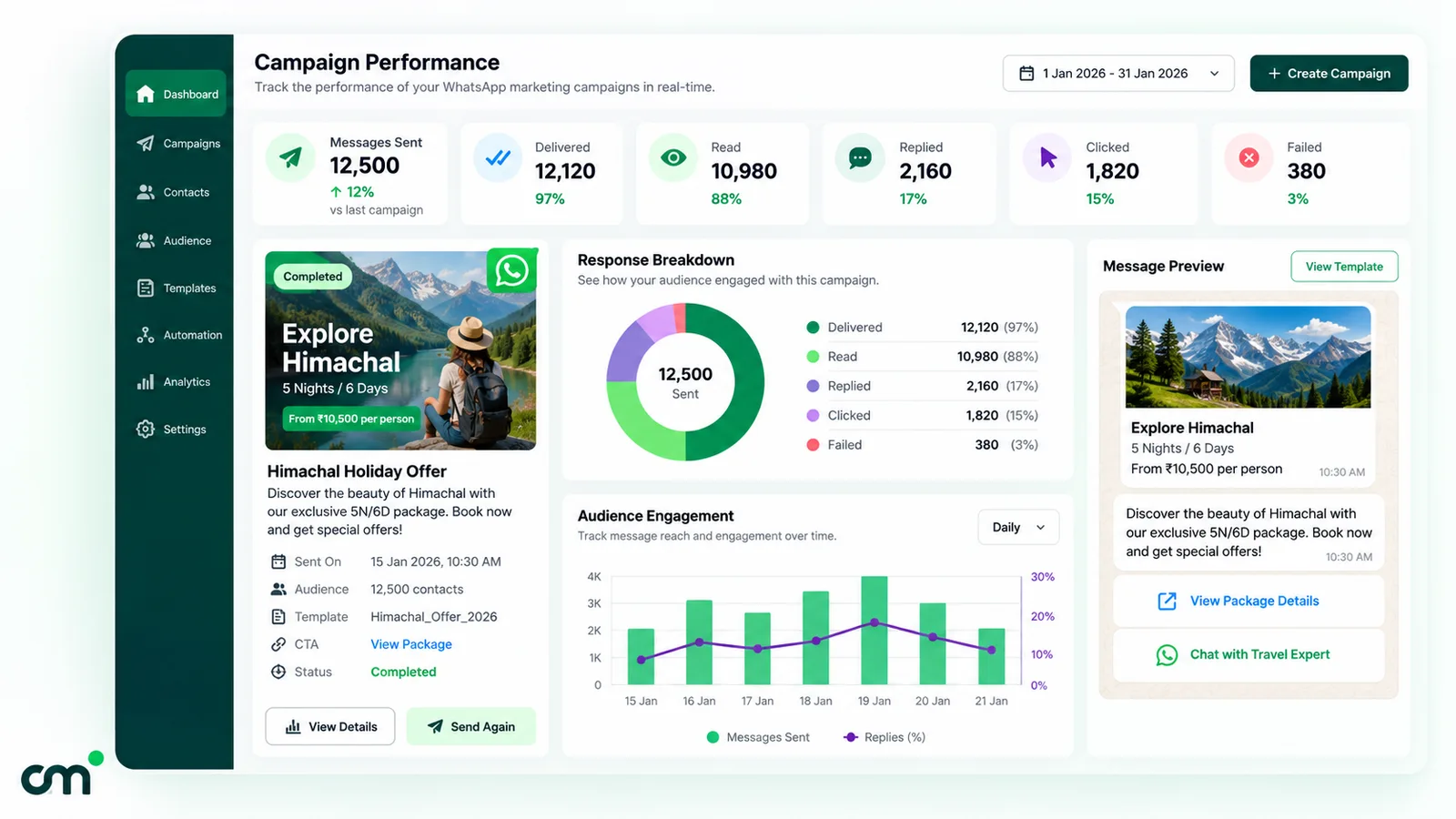
On the Business Platform, Meta’s basic metrics for marketing templates cover sent, delivered, read and clicked messages, plus errors, according to its Marketing Messages API comparison. Read them as a funnel, and add the business outcome at the end.
| Metric | What it tells you | Caveat |
|---|---|---|
| Delivered ÷ sent | List health and delivery limits | Failures include per-user limits (131049) and stopped customers (131050); check error codes before blaming the list |
| Read ÷ delivered | Whether the segment wants this content | Undercounted: WhatsApp notes that read counts don't reflect people who have turned off read receipts |
| Replies | Real interest, and a 24-hour reply window (first 1,000 replies a month free) | Count them in your inbox; not every tool reports replies per campaign |
| Clicks and orders | Revenue from the campaign | Use tracked links (for example UTM tags) so your website analytics can attribute orders |
| Stop requests and template quality | Early warning of fatigue | Check them after every send, not monthly |
| Cost per result | Whether the campaign paid for itself | Campaign cost ÷ attributed orders (or bookings) |
A worked illustration, not a benchmark: a template sent to 1,500 recent buyers in India costs 1,500 × ₹0.8631 = ₹1,294.65 in Meta charges if every message is delivered. If tracked links attribute 30 orders to it, the cost per order is about ₹43. Compare that with your margin and your ad cost per order.
Step 8: Protect your quality rating and messaging limits
Every Business Platform campaign runs inside three safety systems. They explain why a campaign suddenly slows or stops.
Template quality and pausing. Each template carries a quality rating based on “usage, customer feedback, and engagement”, per Meta’s template quality page. A template that reaches low quality is paused automatically: for 3 hours the first time, 6 hours the second time, and disabled the third time. Repeated low-quality templates can eventually affect the phone number itself.
Pacing. New or recently unpaused marketing templates, and older ones without a high (green) quality rating, may be paced: Meta sends an initial batch, holds the rest until early feedback arrives, then releases or drops them. Utility templates are paced only for 7 days after one of your utility templates has been paused. Separately, business portfolios that have sent fewer than 500,000 templates in the past 365 days may see large campaigns released in batches under portfolio pacing, which is rolling out gradually. Meta says it has guardrails to keep pacing from derailing time-sensitive campaigns, but held messages still arrive later than the rest, so don’t launch a big send minutes before an offer ends.
Messaging limits. Meta caps how many unique customers your business portfolio can message outside a customer service window in a rolling 24 hours. New portfolios start at 250. To move to 2,000 you complete a scaling path: verify your business (or have the partner that onboarded you verify it), or deliver messages to 2,000 unique customers outside the customer service window within 30 days using high-quality templates. Meta then reviews your message quality before approving the increase. After that, limits rise automatically to 10,000, 100,000 and unlimited. Meta’s messaging limits page says automatic scaling requires high-quality messages and using at least half your current limit in the last 7 days.
The learn entry on WhatsApp quality rating and account health shows where to find these signals in WhatsApp Manager.
A pre-send checklist
- Everyone in the audience has opted in, and stopped or opted-out contacts are excluded.
- The template has been tested on a small slice of the segment first.
- The offer is specific to the segment, and the template has one clear action.
- The send time leaves room for pacing before any deadline in the message.
What about the Marketing Messages API?
Meta also offers the Marketing Messages API for WhatsApp, formerly the Marketing Messages Lite API, generally available since 19 November 2025. Meta’s overview says it has the same billing model as the Cloud API. Its feature comparison lists what it adds: delivery that factors in how engaging a message is, a time-to-live of 12 hours to 30 days, GIF headers, benchmarks and conversion metrics. Pricing on it is starting to diverge: a max price feature, where you set the most you’ll pay per marketing delivery and Meta charges that or less, entered open beta on 1 October 2026. Meta says that from Q2 2027 max price becomes required in eligible countries, and fixed published marketing rates will apply only on the Cloud API. Ask your provider whether your templates go through it.
Step 9: Do the budget maths
A WhatsApp marketing budget has two parts: Meta’s per-message charges, which are the same whichever tool you use, and your platform’s fees.
A worked example in India
A retailer has 6,000 opted-in contacts. Each month it sends:
- a weekly offer to 1,500 recent buyers (4 × 1,500 = 6,000 marketing messages);
- one newsletter to the other 4,500 contacts (4,500 marketing messages);
- two order updates for each of 800 orders (1,600 utility messages);
- about 2,000 free-form replies to customers who write back.
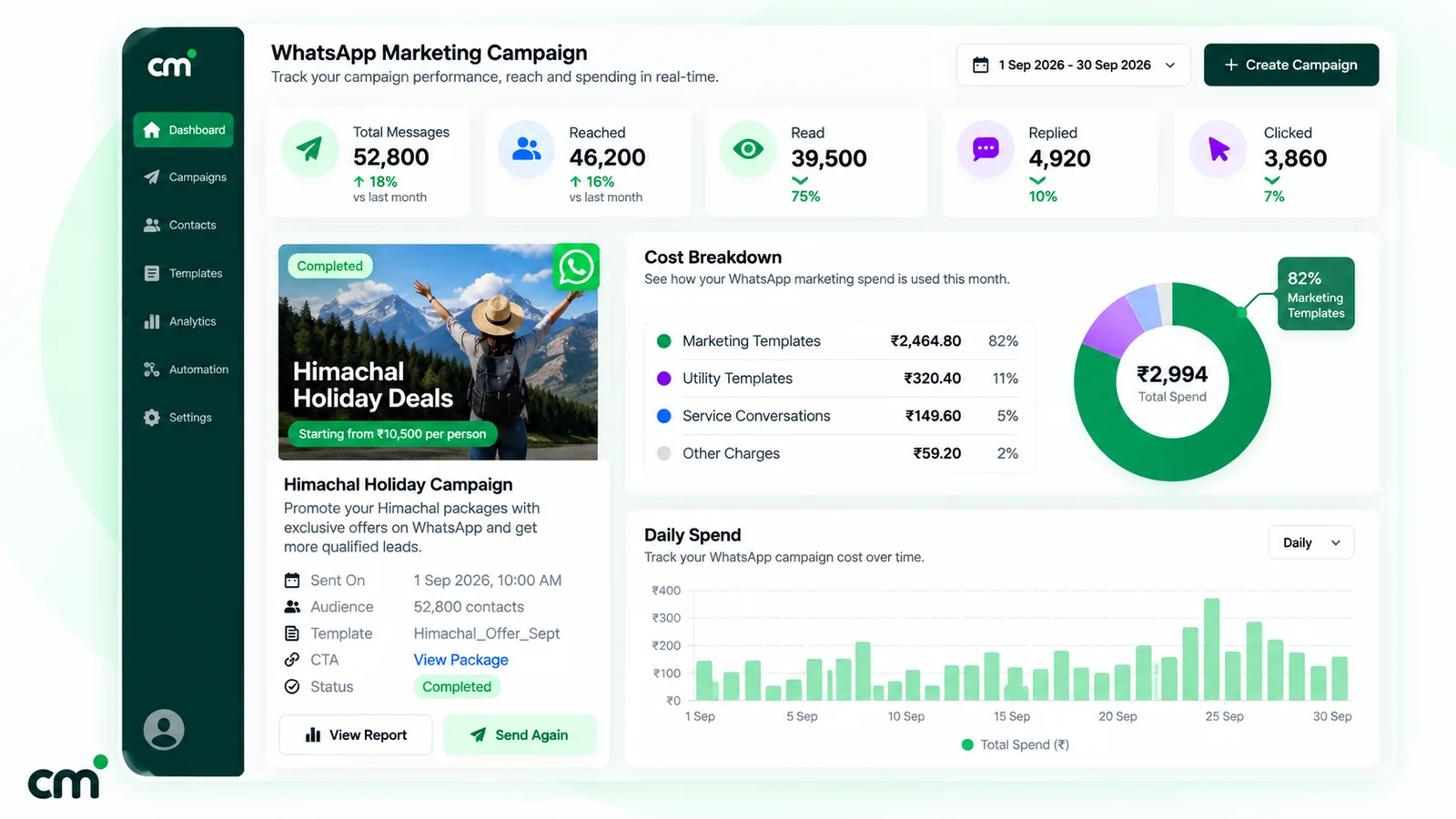
| Line | Volume | Meta rate | Meta charge |
|---|---|---|---|
| Marketing templates | 10,500 | ₹0.8631 | ₹9,062.55 |
| Utility templates | 1,600 | ₹0.1150 | ₹184.00 |
| Service replies | 2,000 (1,000 free) | ₹0.1150 after the free tier | ₹115.00 |
| Total Meta charges | ₹9,361.55 |
This assumes every message is delivered. In practice you pay less, because Meta charges only for delivered templates, and per-user limits or stopped customers will reduce deliveries. The marketing line is about 97% of the bill, so that’s where segmentation saves money. Cutting the newsletter to the 2,000 contacts who read last month’s would save 2,500 × ₹0.8631 = ₹2,157.75.
Adding a platform. On ChatMitra, for example, Meta’s rates pass through at cost and the Starter and Pro plans add a ₹0.20 platform fee once per contact per 24-hour conversation. If each template in this example opens its own conversation and the replies happen inside them, that’s 12,100 conversations, or ₹2,420, per ChatMitra’s pricing page:
- Starter (free plan): ₹9,361.55 + ₹2,420 = ₹11,781.55
- Pro (₹999/month; the pricing page lists 1,000 free ChatMitra messaging credits a month, which this example applies to 1,000 of the ₹0.20 fees): ₹999 + ₹9,361.55 + ₹2,220 = ₹12,580.55
- Enterprise (₹2,499/month, no platform fee): ₹2,499 + ₹9,361.55 = ₹11,860.55
At this volume Starter is cheapest. Pro makes sense when you need its automation features, and Enterprise becomes cheaper than Starter above 12,495 conversations a month. You can estimate your own template charges with the WhatsApp pricing calculator, then add service replies beyond the free 1,000 at your market’s service rate.
That’s also where ChatMitra fits the plan: it runs WhatsApp broadcasts to tag-based segments, including or excluding tags, with scheduled sends, retargeting to the recipients of an earlier campaign filtered by delivery status, and campaign stats for sent, delivered, read and failed. Two honest limits: opted-out contacts aren’t excluded from broadcasts automatically, so filter your contacts by opt-out status, tag them and exclude that tag; and campaign stats don’t include replies.
Adapting the budget for other countries
The structure is the same everywhere; only the rates change. Take each market’s marketing, utility and authentication rates from the rate cards on Meta’s pricing page, remembering that you pay by the recipient’s country code, not your own. Then apply the two regional rules above: no per-user marketing limits yet in the EEA, the UK, Japan or South Korea, and no marketing templates to US numbers.
Which is the best WhatsApp marketing tool?
There isn’t one best tool; the right one is the tool that can run your plan. Judge candidates on eight points:
- Official access through the WhatsApp Business Platform, not app automation.
- Segments built from tags, custom fields or order data, with exclusions.
- Opt-out handling that makes stopped contacts easy to filter out, ideally automatically.
- Scheduling and retargeting based on what people did.
- Reporting on delivery states and failure reasons, ideally clicks and replies too.
- Automation for welcome replies, order updates and keyword replies.
- Integrations with your store or spreadsheet.
- Transparent pricing that shows Meta’s rates apart from the platform’s fees.
Ask every vendor, ChatMitra included, to demonstrate points 3 and 5 live. They’re easy to promise and harder to show.
Common WhatsApp marketing strategy mistakes
- Treating WhatsApp as a bigger SMS channel. The value is in the replies, so someone has to watch the inbox.
- Sending one campaign to everyone. Per-user limits and quality ratings punish low engagement, so untargeted blasts cost more per result and can pause your templates.
- Ignoring stop requests. Honouring them is a policy requirement, and they’re your clearest signal that a segment is tired.
Your first 30 days
- Week 1: set one goal and its metric, write your opt-in wording, add click-to-chat links and QR codes to your website and packaging.
- Week 2: define five tags (source, recent buyer, engaged, lapsed, stopped), submit your first templates, and turn on welcome replies and order updates.
- Week 3: send your first marketing template to a small slice of your most engaged segment, then to the rest if quality holds.
- Week 4: review delivered, read, stops and orders per segment, compare cost per order with your other channels, and set next month’s calendar.
If you want to run this plan on the official WhatsApp Business Platform with tag-based segments, scheduling, retargeting and campaign reports, you can compare ChatMitra’s plans and start on the free Starter plan.
Sources: WhatsApp Business Messaging Policy, Meta for Developers (pricing, templates, per-user limits, pacing, messaging limits, error codes, Marketing Messages API) and the WhatsApp Help Center, all linked above; festival dates from the Government of India's 2026 holiday list. Facts checked against Meta's and WhatsApp's documentation on 25 September 2026.